
Carved Wood Block Relief
A technical prompt for transforming any portrait into a densely packed, realistic carved wood relief sculpture with visible grain.
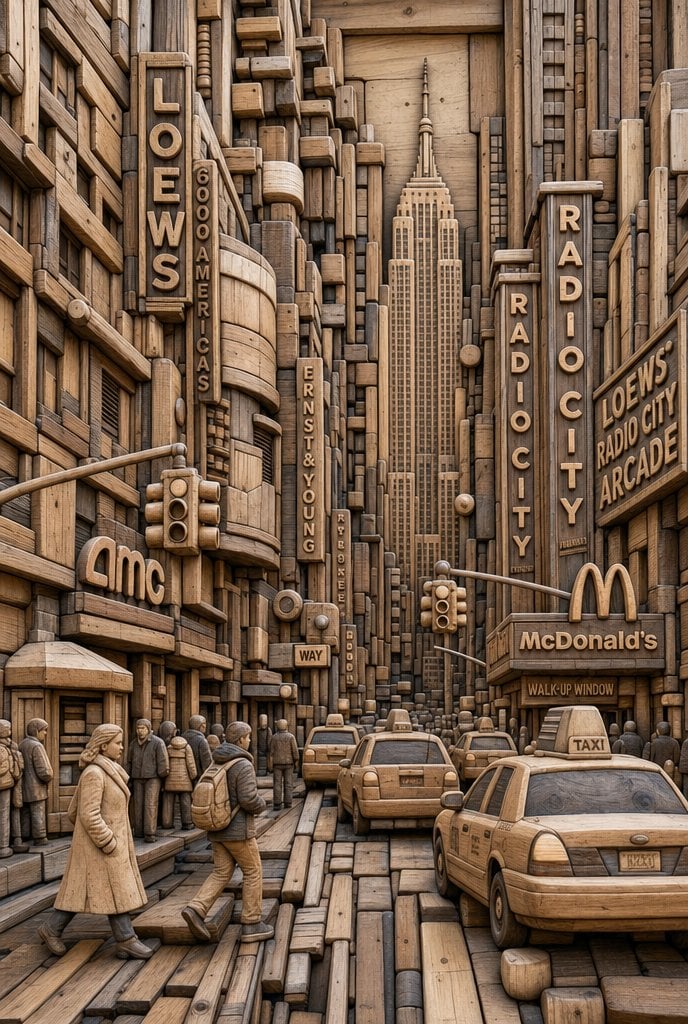
- Prompt included
- Model and format preset
- Free template
The prompt behind this image
Copy the exact prompt behind Carved Wood Block Relief, or open it in the studio and make it yours.
UNIVERSAL “MODULAR WOOD BLOCK RELIEF SYSTEM” PROMPT (IDENTITY LOCK – STRICT) Use the uploaded image as the subject and the only identity reference. IDENTITY LOCK – STRICT (NON-NEGOTIABLE) Preserve exact facial structure, proportions, and feature placement. Do not alter eyes, nose, mouth, or silhouette. Maintain expression and recognizability. POSE & COMPOSITION – LOCKED Keep original angle, framing, and perspective. No rotation, mirroring, or camera changes. STYLE TRANSFORMATION – WOOD BLOCK RELIEF (HARD) Transform the entire image into a densely packed carved wood construction: Rebuild all forms (face, hair, clothing, background) using interlocking wooden blocks, rods, and carved segments. Use a mix of rectangular beams, rounded dowels, sliced cross-sections, and stacked planks. Maintain tight packing density with minimal gaps (no empty flat areas). MATERIAL SYSTEM – WOOD (CRITICAL) All elements must be realistic wood with visible grain, rings, and natural variation. Grain direction must follow the form of each piece (no random textures). Include cut ends, knots, and subtle imperfections. Finish: matte to semi-matte natural wood (no plastic, no gloss). DEPTH & STRUCTURE – HARD RELIEF Build multi-layer depth stacking (foreground, mid, background blocks). Pieces must overlap, interlock, and step in/out like a carved wall. Preserve facial topology using depth transitions, not smooth shading. FACE & HAIR INTEGRATION – UNIFIED SYSTEM (CRITICAL) Face and hair must be constructed from the same wood block system. Hair flows as elongated carved segments following natural direction. Facial features are defined by precision placement of smaller blocks and contours. No separation between materials – everything is wood. LIGHTING – FORM REVEAL Use directional lighting to emphasize depth, edges, and grain texture. Shadows must reinforce layer separation and structure clarity. NEGATIVE PROMPT (STRICT) No smooth skin, no paint overlay, no flat shading. No metal, plastic, or non-wood materials. No loose abstract shapes or soft blending. No distortion of facial structure or perspective. No gaps or empty areas – maintain dense construction.
How to use Carved Wood Block Relief in 3 steps
- 1Upload ImagePNG, JPG or paste
Add your photo
Upload the photo the template builds on. The prompt, model and format are already set.
- 2…a portrait of your subject in softgolden-hour light, 85mm…
Personalize
Edit the subject and creative details for your destination.
- 3Generate
Generate
Press Generate — your image is created in PicX Studio, so you can compare it with the original and refine one variable at a time.
More like this
Templates with the same subject, style or setup. Open one to see its prompt.
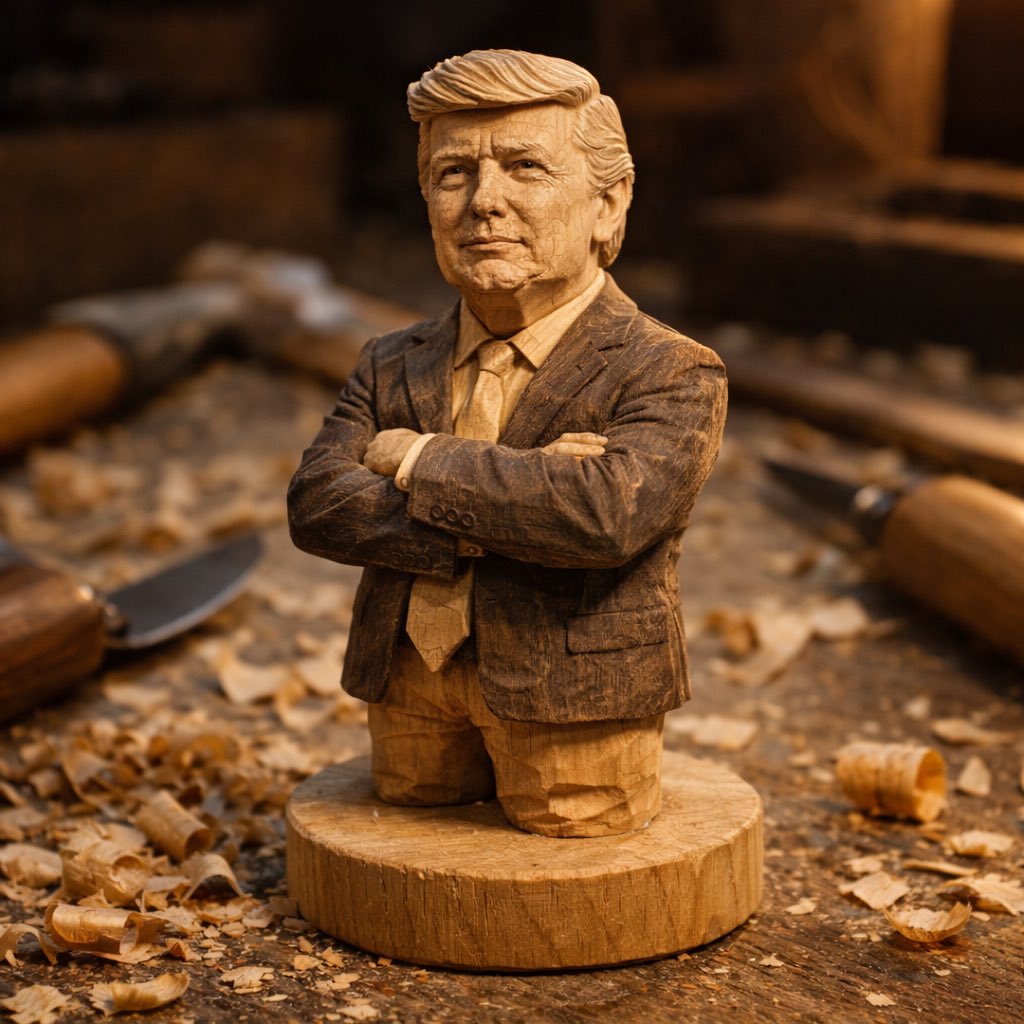
A hand-carved wooden miniature figure shaped with visible knife marks
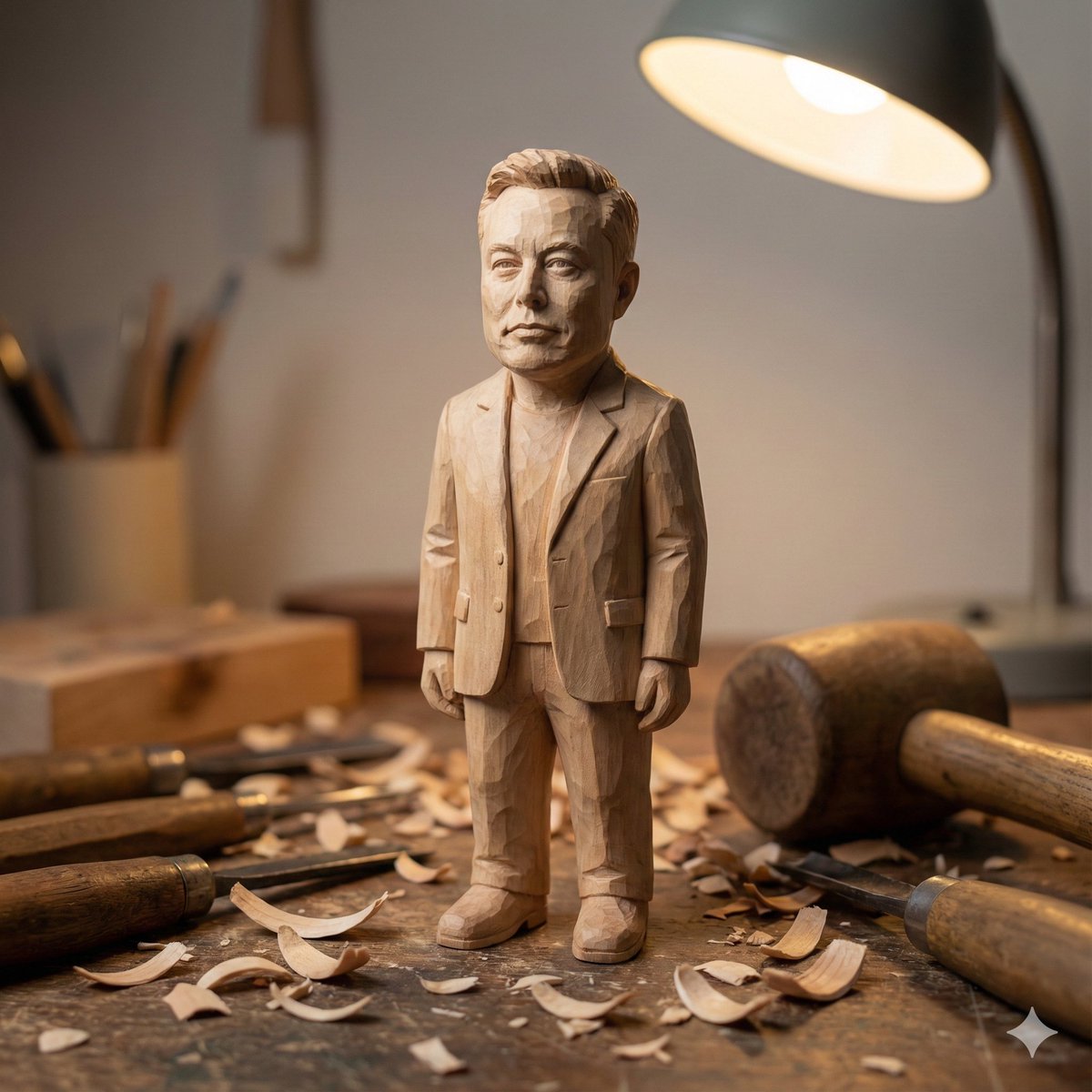
Hand-carved wooden miniature figure prompt
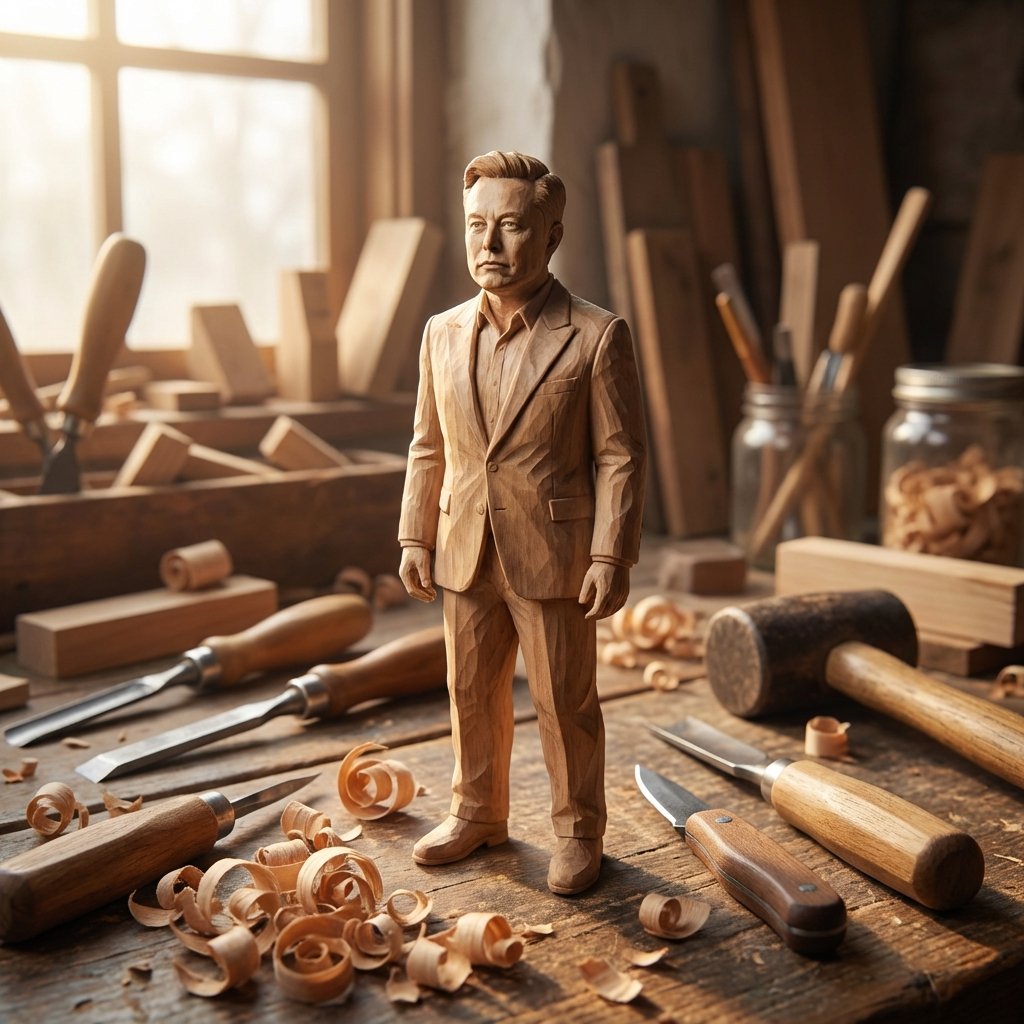
Hand-Carved Wooden Miniature Figure from Photo Reference
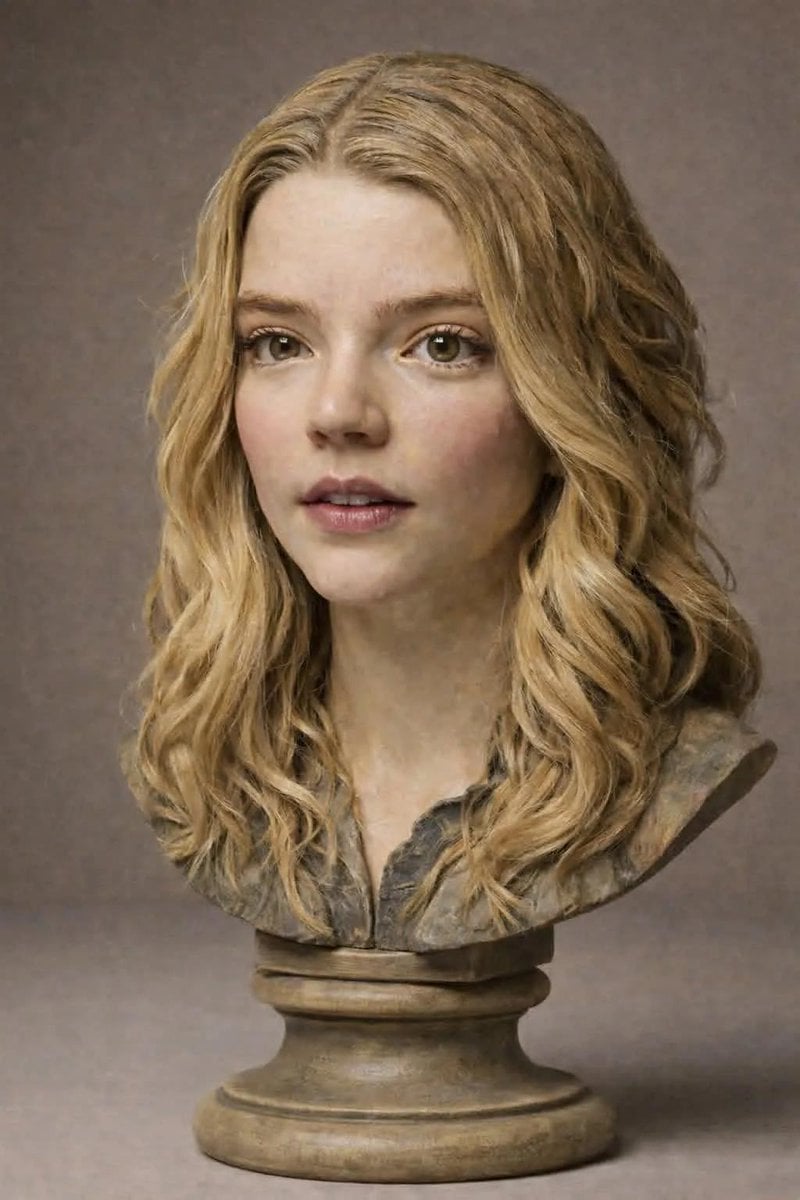
Polychrome Carved Wooden Sculpture Portrait
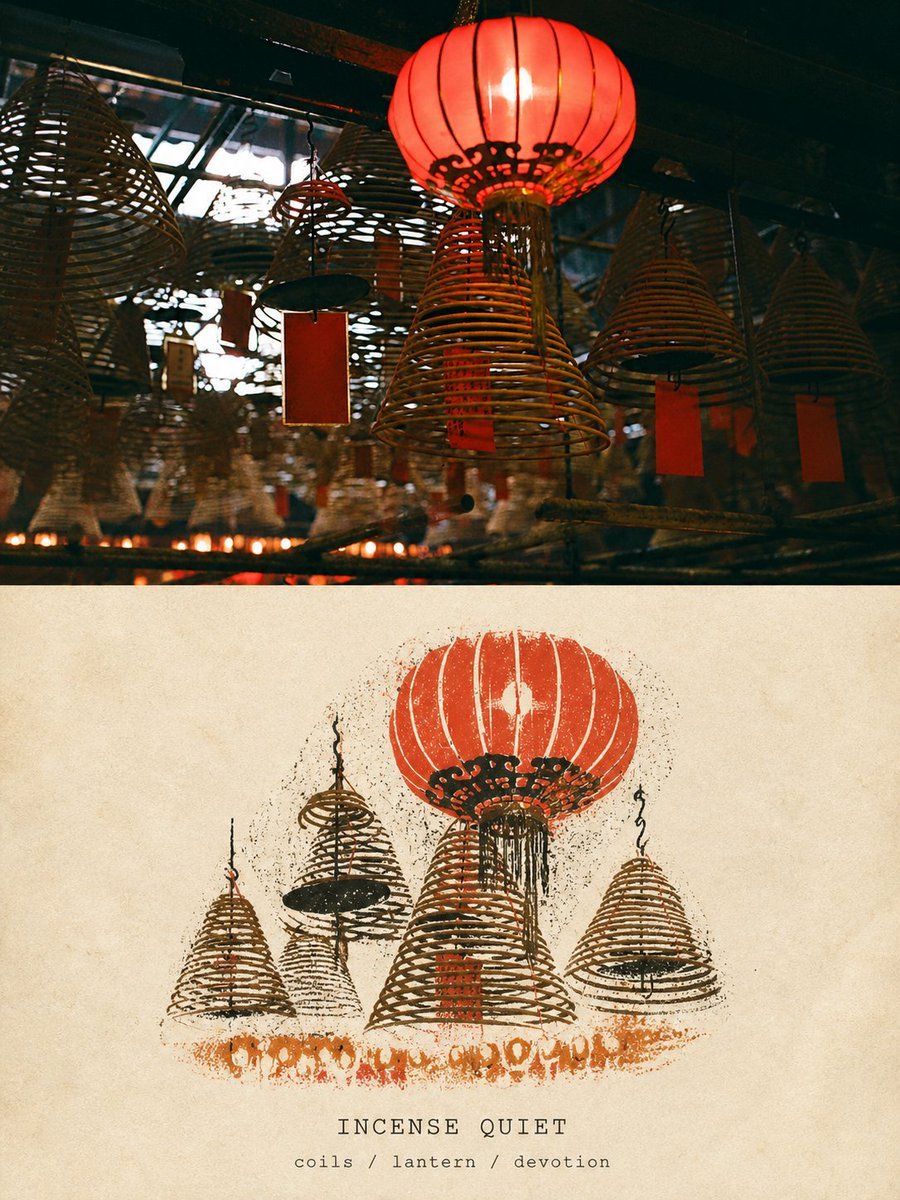
Travel Relief Print Poster
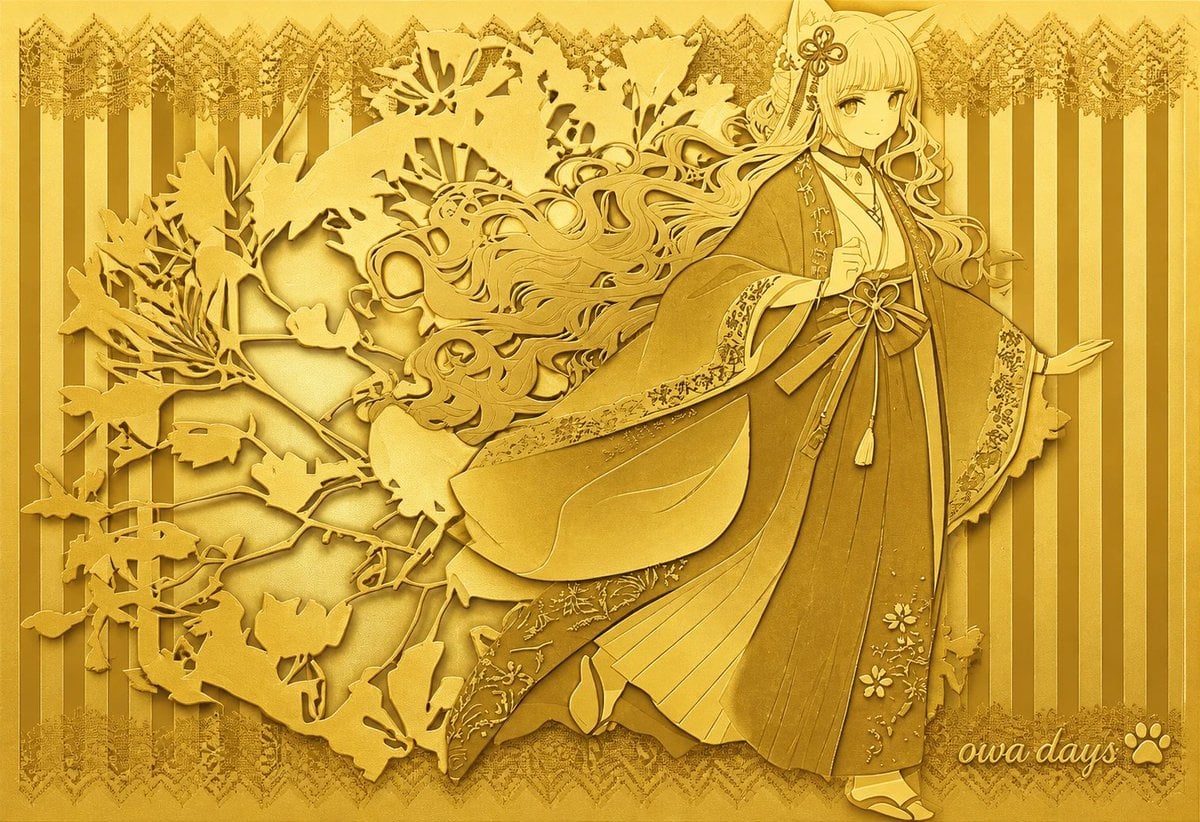
Gold Relief Silhouette Art
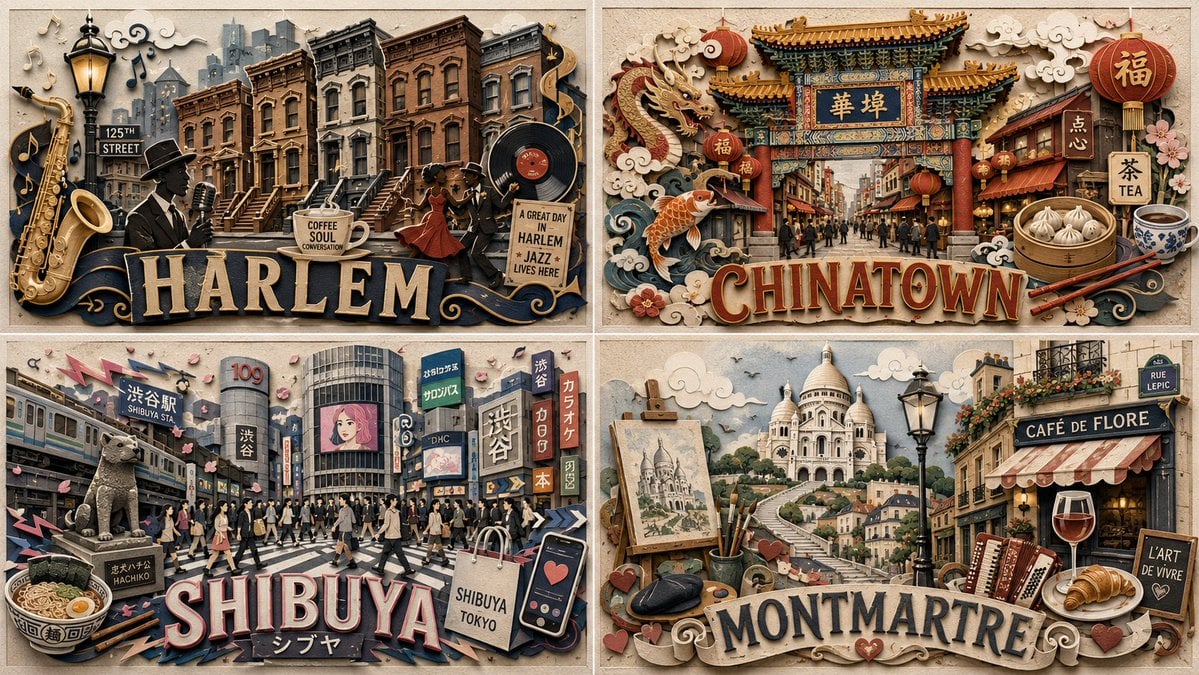
Paper Relief Neighborhood Grid
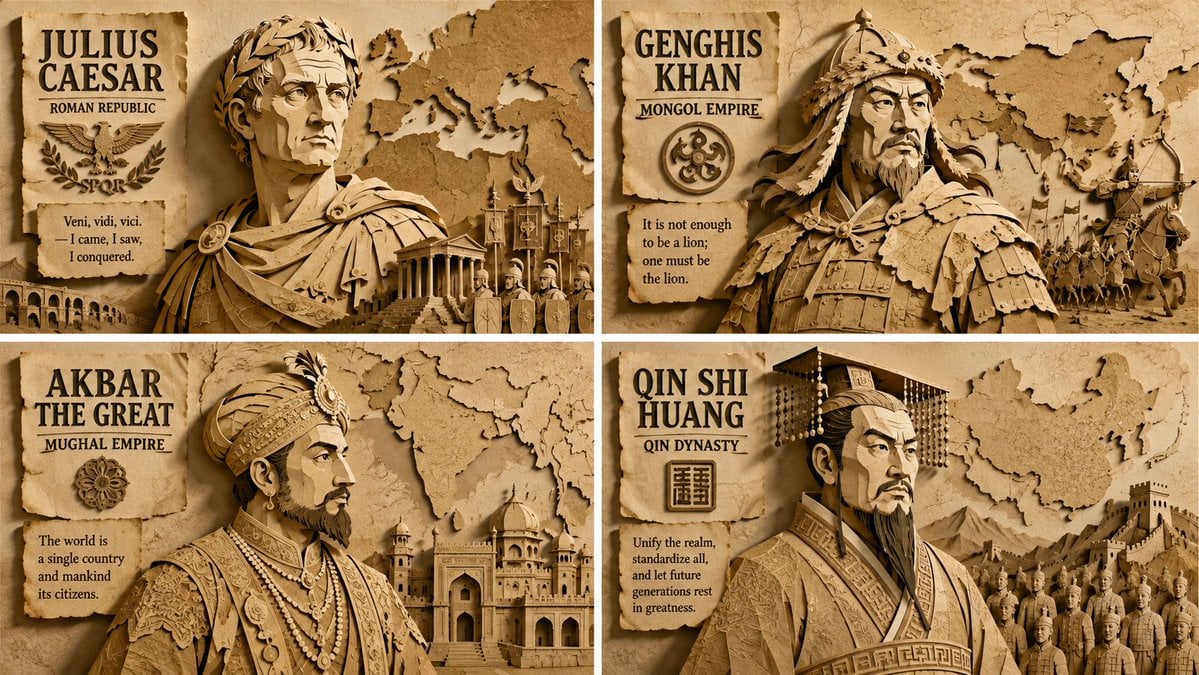
Paper Relief Hierarchical Composition
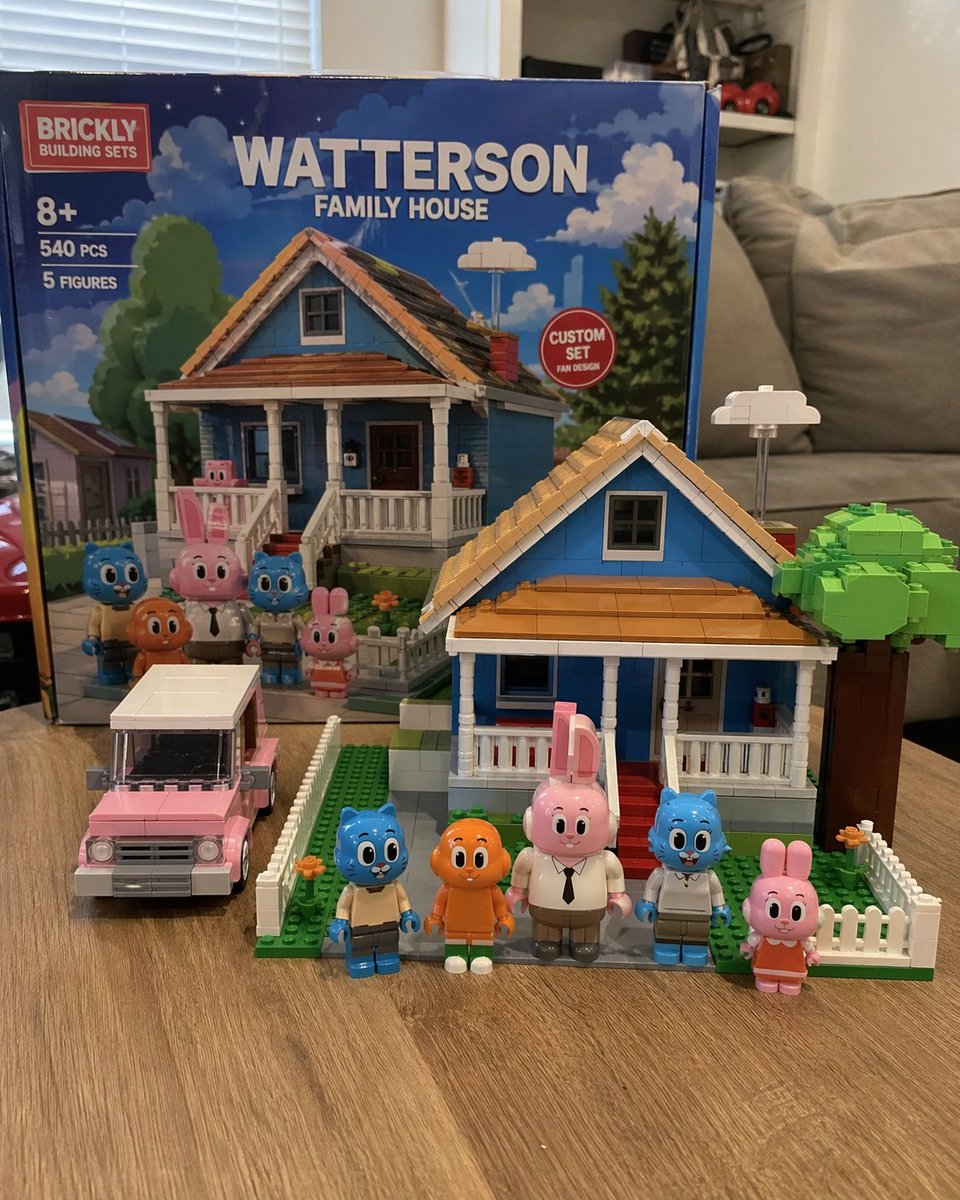
Custom Building Block Set Photography
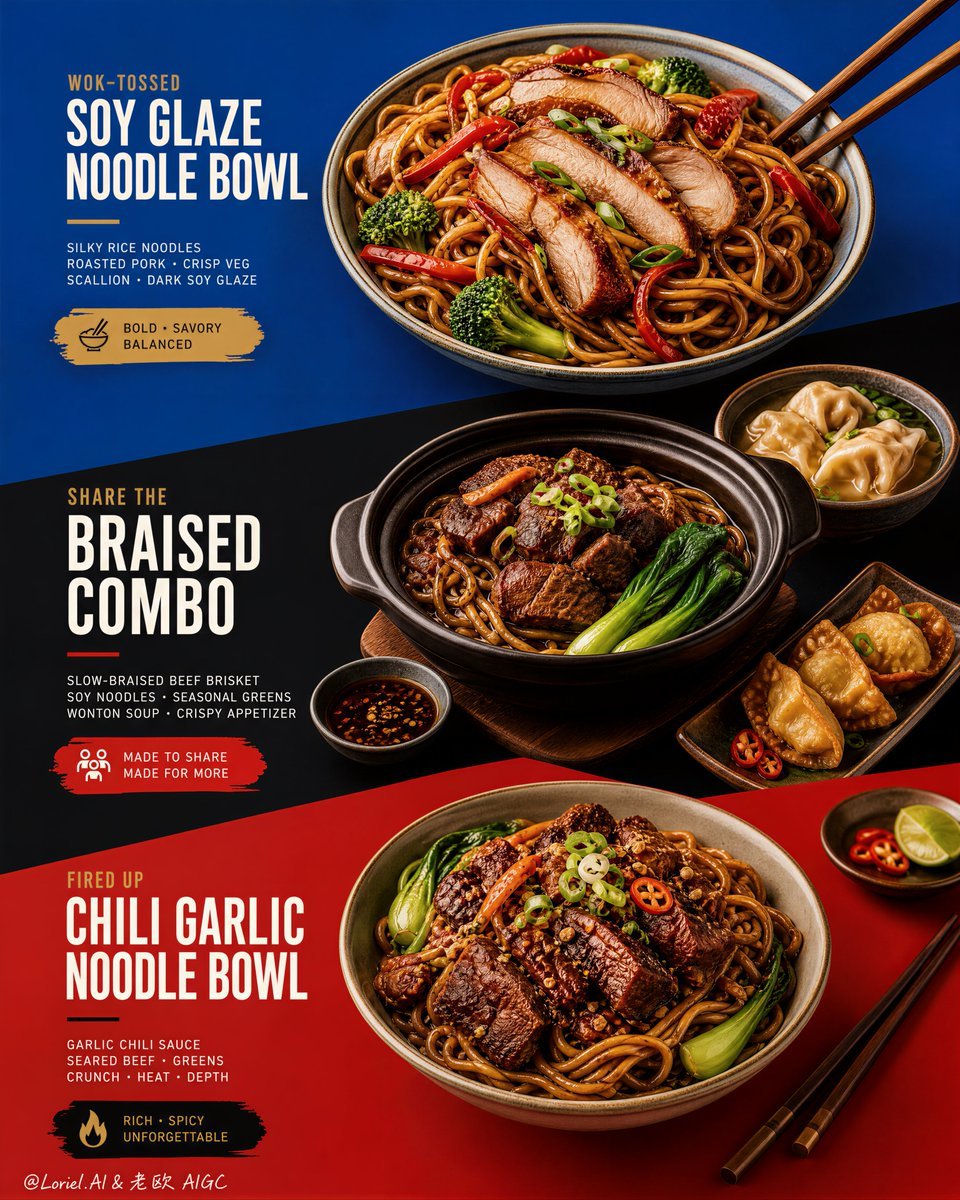
Premium Color-Block Restaurant Poster
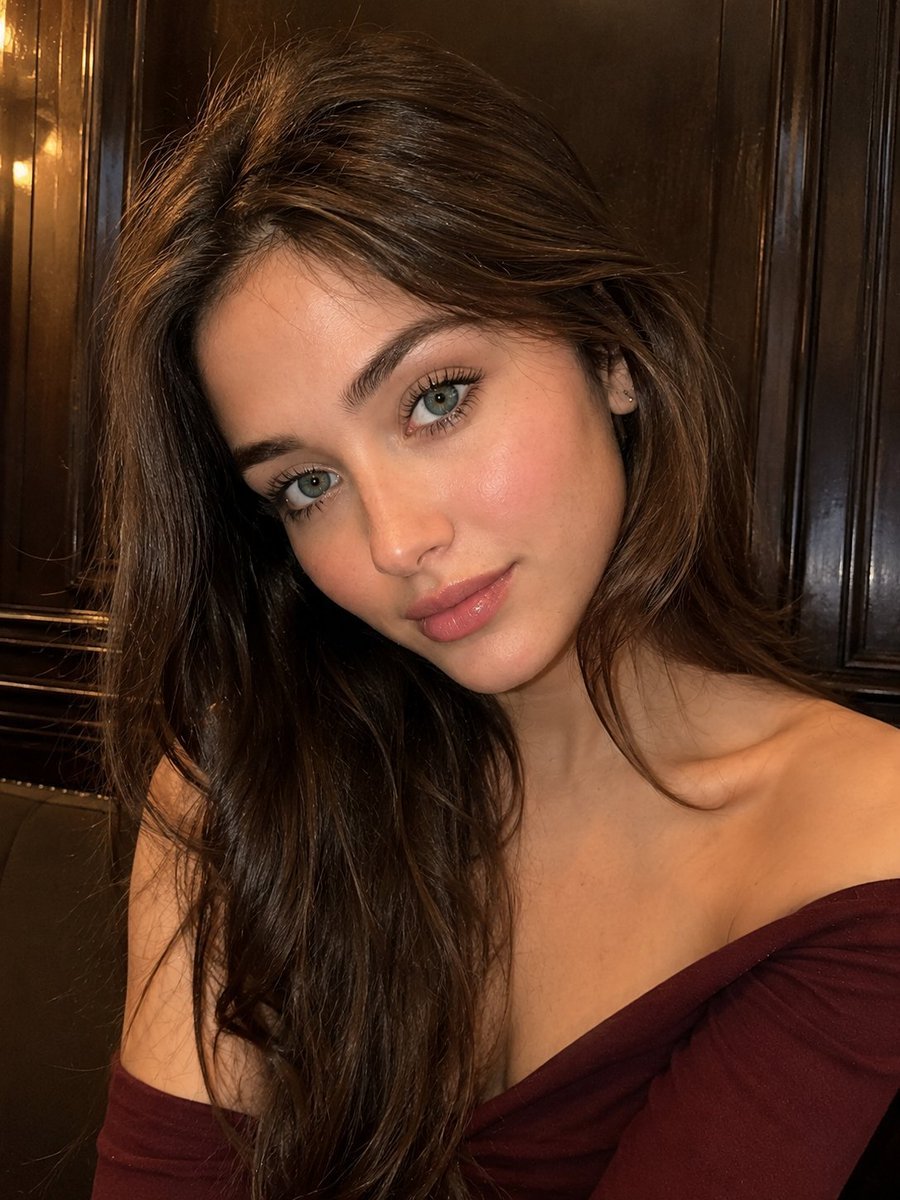
Realistic Woman Portrait with Wood Background
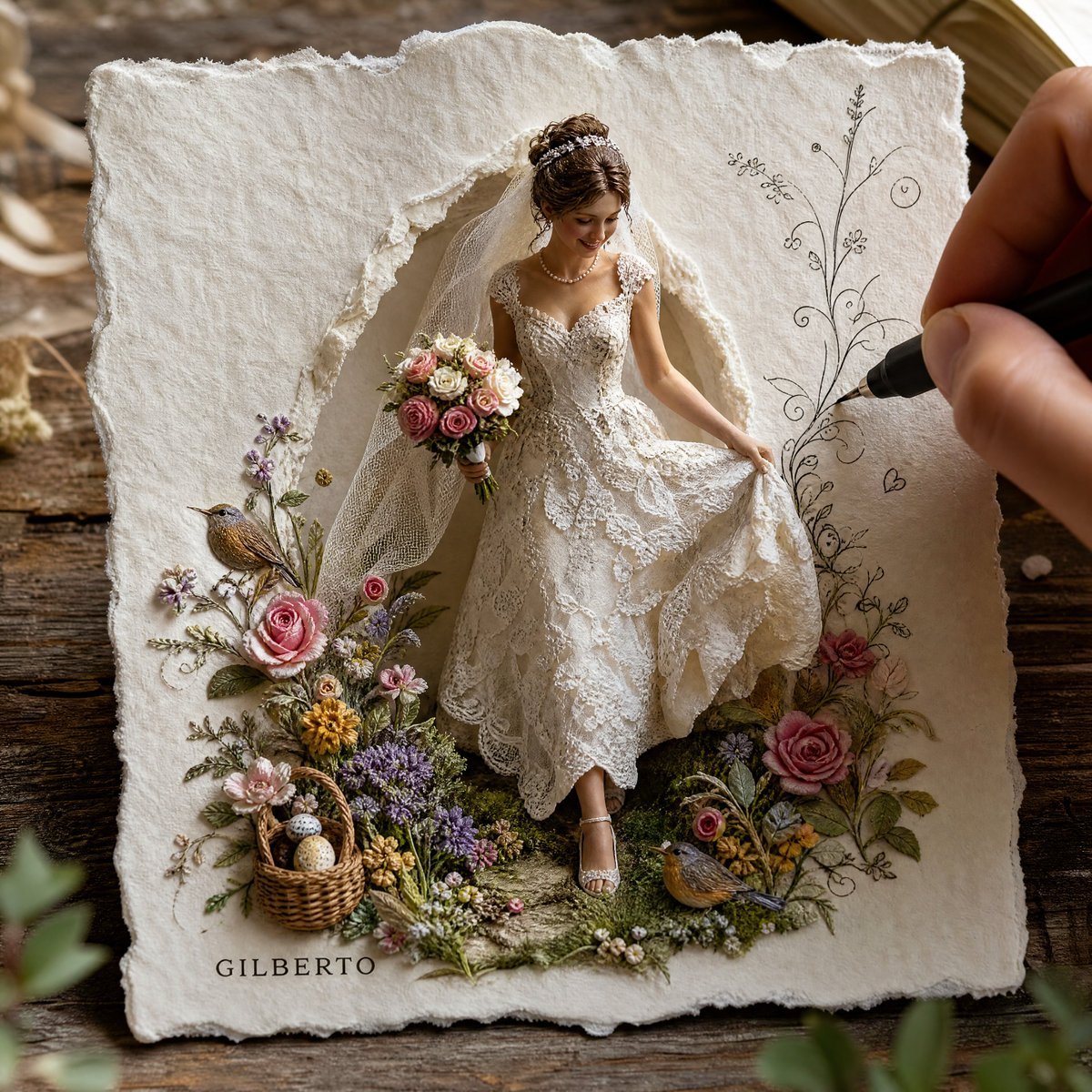
3D Paper-Craft Relief Sculpture
Make it yours
Carved Wood Block Relief works as-is. These are the safest ways to change it without losing the look.
Change one field
Copy a single group, rewrite it, and generate again so you can see what that field is doing.
Keep the frame, change the subject
Hold the composition and light of Carved Wood Block Relief, then swap wardrobe, props or the person for a new take.
| If the result… | Why | Fix |
|---|---|---|
| The result drifts from the preview | Too many fields changed at once. | Reuse Carved Wood Block Relief as-is first, then change one group — subject, light, or setting. |
| The model over-stylizes the scene | The prose prompt leaves finish and camera underspecified. | Add one camera or lighting sentence and stay on GPT Image 2. |
More GPT Image 2 templates
Other prompts made for GPT Image 2.

Six VTuber Japanese Logo Sheet

Realistic Portrait of Woman and Deer

The Vista Modular Condo Poster

AI Model Routing Comparison Infographic

2.5D Anime Art Board

Isometric Productivity Desk Scene

New York Double Exposure Poster

Four-Panel AI Landscape Comparison

Japanese Tatami Lifestyle Magazine Cover

NESCAFÉ Coffee Map Poster
More image prompts
Fresh picks from across the catalog.

Identity-Locked Surreal Minimalist Editorial Portrait
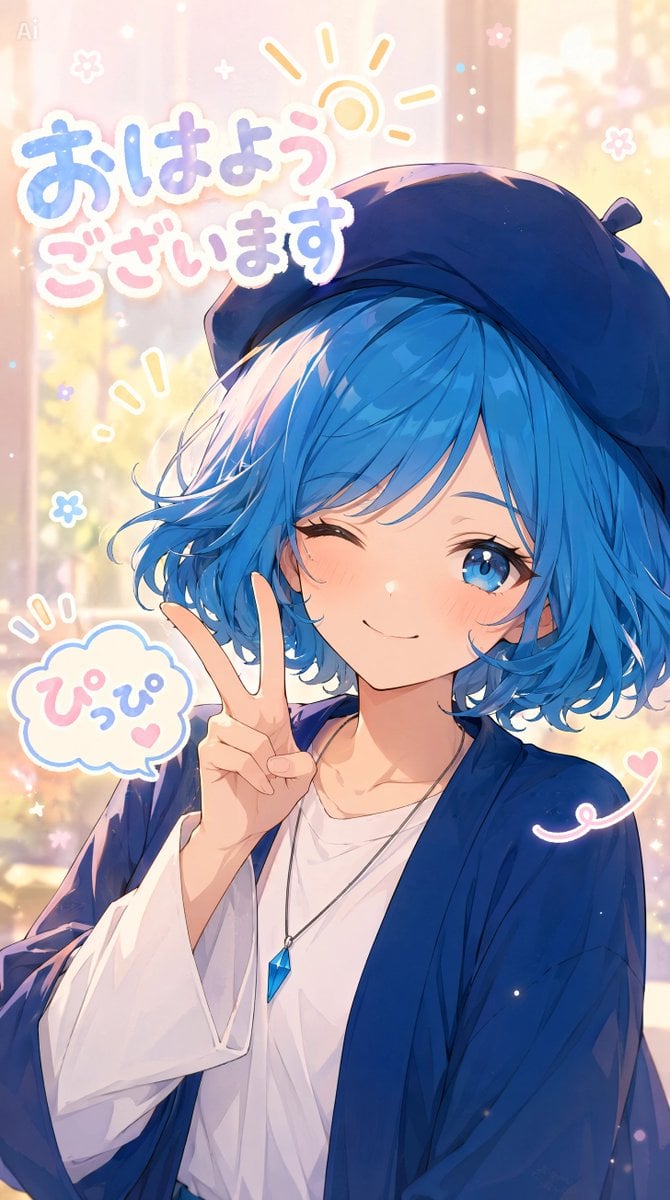
Pastel Anime Morning Greeting Portrait
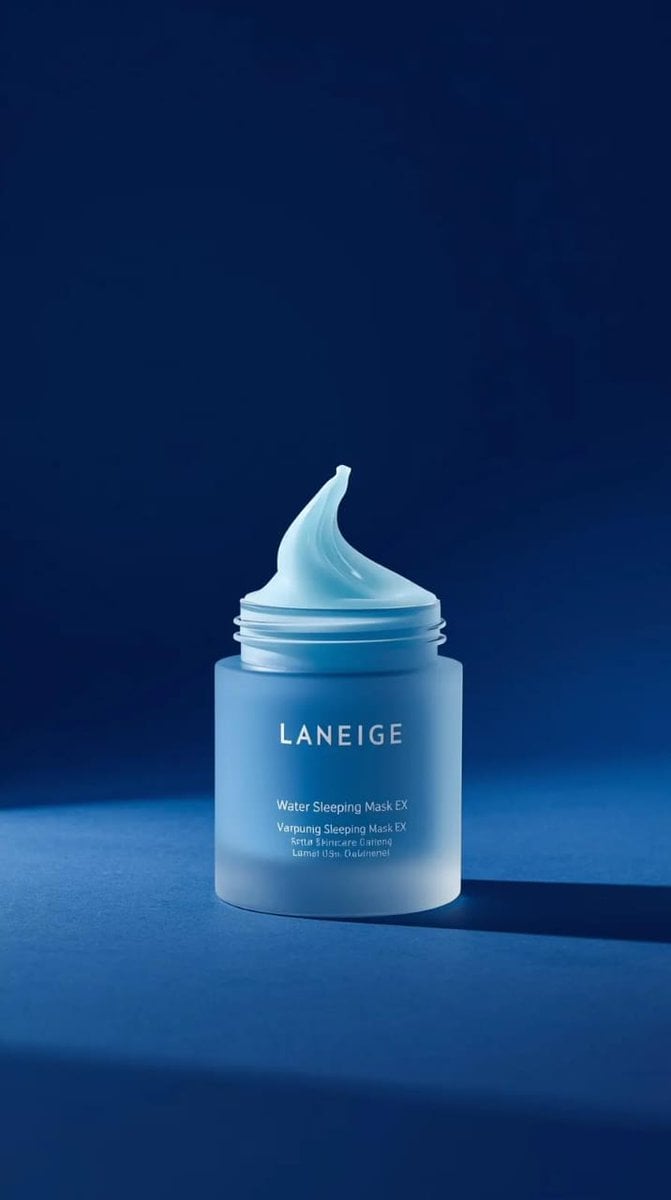
LANEIGE Water Sleeping Mask Product Video Prompt (Slow Motion)
Macro Photography of Galaxy Ice Cream Scoop
Retro Nightlife Flash Wallpaper

Luxury Commercial Shot of Floating Grapefruit Sparkling Can
Linguistic Evolution Tree Infographic Generation
Luxury Fashion Magazine Cover
Floral Honey Milk Kakigori Café Scene
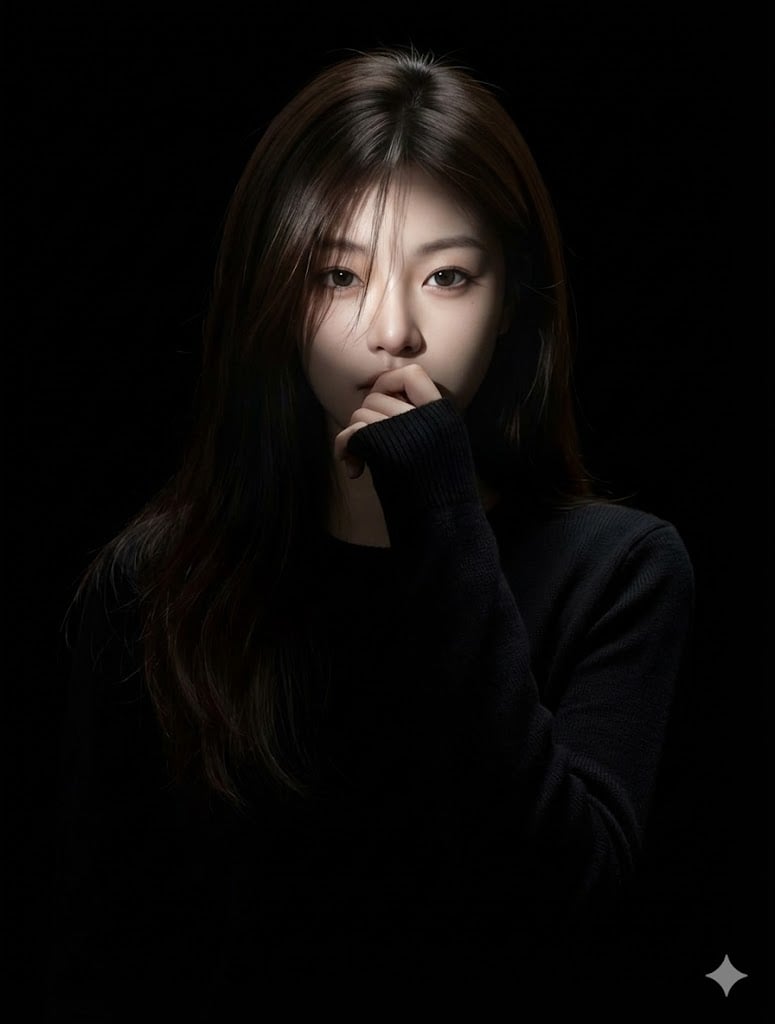
Hyperrealistic Anime Portrait with Split Lighting Prompt
Browse template categories
Carved Wood Block Relief questions
How do I use the Carved Wood Block Relief template?
Add your photo if the template asks for one, edit the prompt if you like — the template's model and format are already selected — and press Generate. Your version opens in PicX Studio.
Can I customize the Carved Wood Block Relief template?
Yes. You can change the subject, setting, lighting, mood, format, and available model controls before creating your image.
Is the Carved Wood Block Relief template free?
Opening and editing this template is free. Generating uses credits, shown on the Generate button when you are signed in.
Which AI model should I use?
Start with GPT Image 2, which is the model associated with this template. You can compare another compatible model for a different finish.
Looking for something else? Browse all templates.

Your photo, any look
Thousands of ready templates for every top image and video model, from one credit balance.