
Travel Relief Print Poster
A design-centric prompt that splits a poster into a high-fidelity photo and a matching limited-color relief print version of the same travel scene.
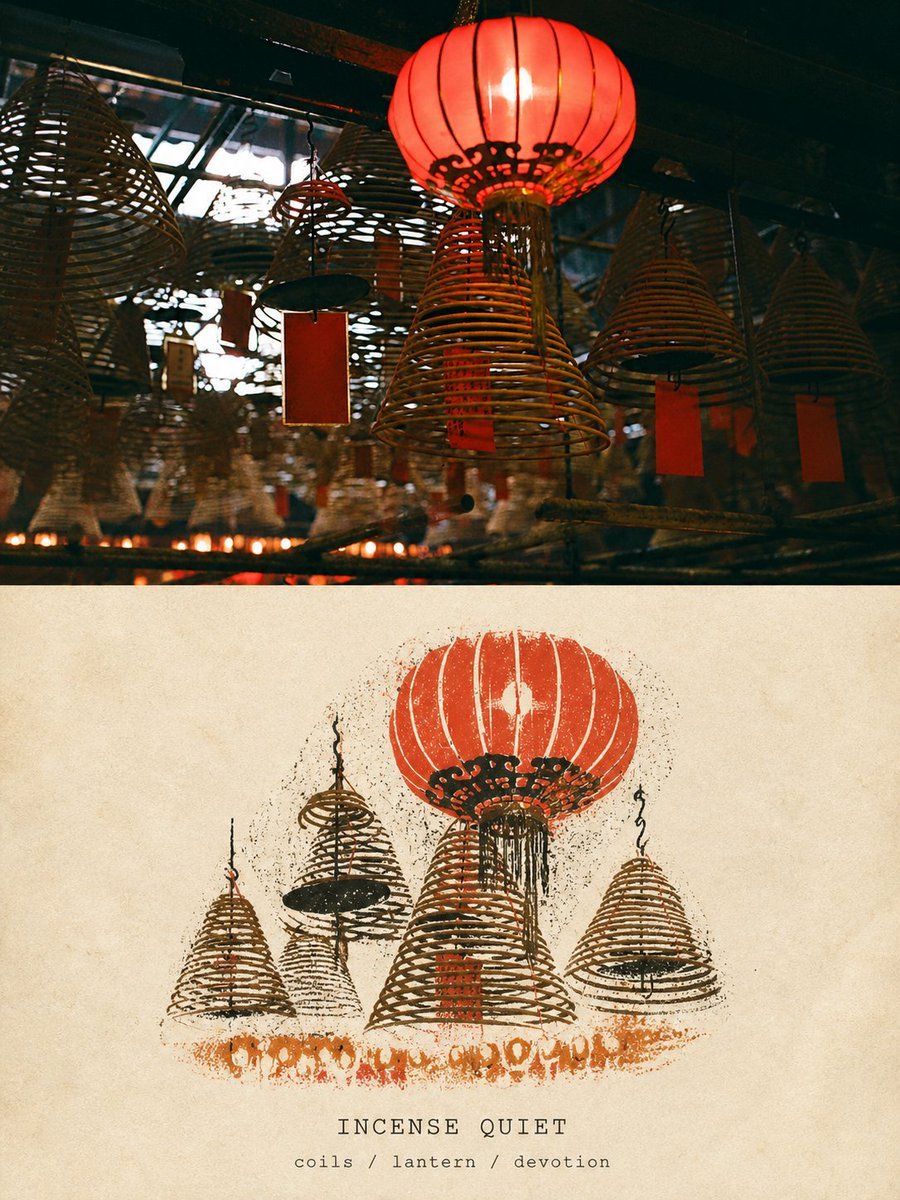
- Prompt included
- Model and format preset
- Free template
The prompt behind this image
Copy the exact prompt behind Travel Relief Print Poster, or open it in the studio and make it yours.
请以当前上传的一张照片为唯一参考,在一次图像编辑生成中,将其制作成一张完整、独立的高级旅行设计海报。不要添加其他参考照片,不要多图拼接、九宫格或生成海报展示样机。只输出海报正面本身。一、整体版式 采用精确3:4竖版构图。画面上下分成两个高度接近1:1的水平区域,各占整体约50%。分界清晰、水平、克制,不要让上下内容相互侵占。上半部分为高保真真实摄影区。下半部分为同一照片的“TRAVEL RELIEF PRINT”限色旅行浮雕版画区。上下必须表现同一个地点、同一主体和同一段旅行记忆。二、上半部分:高保真保留原照片 上半部分必须忠实保留当前上传的原始照片。准确保持:- 主体身份和数量 - 人物或动物的姿态、动作与方向 - 建筑结构、地形和街道方向 - 交通工具及核心物体 - 原始观察角度和空间透视 - 重要物体的相对位置 - 真实材质 - 自然光影 - 原有色彩氛围 上半必须明确看起来仍是一张真实摄影作品,不能变成版画、插画、绘画或AI重建照片。只允许进行非常轻微、克制的高级摄影调色、动态范围整理和极薄胶片颗粒,使照片具有独立旅行杂志、建筑摄影、艺术出版物和摄影展览的质感。为适配上半区域,可以自然延展天空、地面或周边环境,但延展内容必须符合原照片的透视、纹理、光线和空间方向。不得拉伸、挤压、扭曲、镜像、复制主体、改变人物、移动物体、重塑建筑、替换天空或使用模糊照片副本填充边缘。如果自然延展不合理,宁可使用与整张海报一致的干净象牙色纸张边距,也不要破坏原照片。三、下半部分:TRAVEL RELIEF PRINT 下半部分使用温暖的奶油色或象牙色天然版画纸背景。纸张应具有:visible paper grain, subtle paper fibers, slightly rough matte surface, warm archival paper, natural pigment absorption. 从上半照片中选择一个最具识别度的主体,或者一个能够代表照片含义的场景整体,将其重新制作成一枚独立悬浮在纸面上的“旅行版画印记”。保留决定原照片识别度的:- 主体外轮廓 - 姿态或行进方向 - 主要明暗分区 - 透视方向 - 关键结构 - 材质纹理节奏 - 标志性色彩 - 最重要的空间关系 主动删除:- 复杂背景 - 重复建筑结构 - 大量窗户 - 密集人群 - 无关车辆 - 微小招牌 - 杂物 - 细碎纹理 - 次要物体 - 无法准确生成的文字 下半部分必须呈现出:Relief print texture, woodcut style, linocut aesthetics, ink stamp texture, hand-pressed feel, slightly irregular edges, high-contrast, bold blocks of color, artisanal craftsmanship, screen print overlap. 整个画面底色统一,不要有强烈的塑料反光。禁止出现:任何现代 UI、文字、排版设计元素(如标题、日期、坐标、价格、Logo等)。保持海报的绝对纯净,仅保留视觉图像本身。
How to use Travel Relief Print Poster in 3 steps
- 1Upload ImagePNG, JPG or paste
Add your photo
Upload the photo the template builds on. The prompt, model and format are already set.
- 2…a portrait of your subject in softgolden-hour light, 85mm…
Personalize
Edit the subject and creative details for your destination.
- 3Generate
Generate
Press Generate — your image is created in PicX Studio, so you can compare it with the original and refine one variable at a time.
More like this
Templates with the same subject, style or setup. Open one to see its prompt.

Japan Travel Brochure Poster

Clay Miniature Landmark Travel Diorama
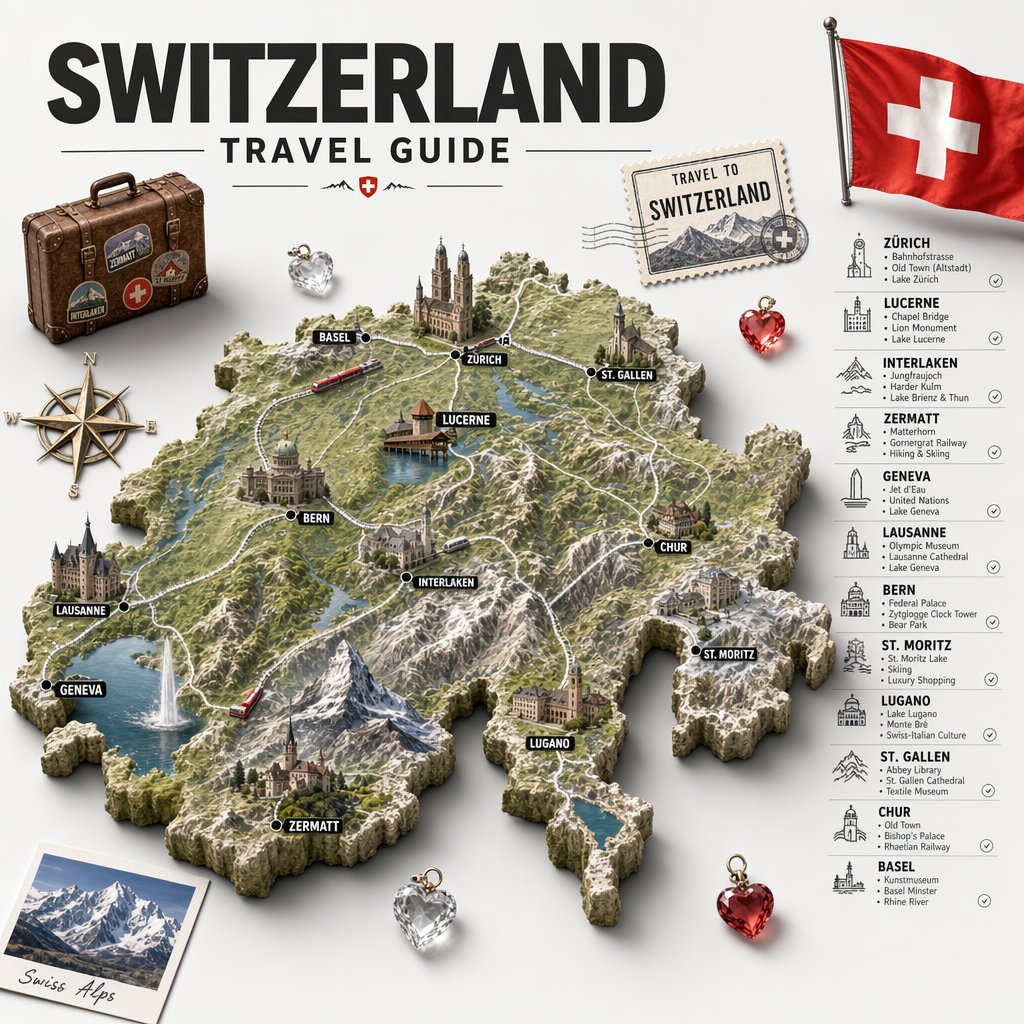
Swiss Travel Guide Relief Map Poster

City Posters by Nano Banana Pro

Cartoon TV Show Poster Pack

Trendy Cafe Drink Promo Poster

Urban Fashion Editorial Collage Streetwear Poster

Premium Fashion Editorial Cover Layout System

Polo Ralph Lauren Luxury American Heritage Fashion Campaign

Monochrome Halftone Editorial Fashion Poster

Retro Mirror Luxury Fashion Campaign Poster

Luxury Fashion Campaign Typography Poster System
Make it yours
Travel Relief Print Poster works as-is. These are the safest ways to change it without losing the look.
Change one field
Copy a single group, rewrite it, and generate again so you can see what that field is doing.
Keep the frame, change the subject
Hold the composition and light of Travel Relief Print Poster, then swap wardrobe, props or the person for a new take.
| If the result… | Why | Fix |
|---|---|---|
| The result drifts from the preview | Too many fields changed at once. | Reuse Travel Relief Print Poster as-is first, then change one group — subject, light, or setting. |
| The model over-stylizes the scene | The prose prompt leaves finish and camera underspecified. | Add one camera or lighting sentence and stay on GPT Image 2. |
More GPT Image 2 templates
Other prompts made for GPT Image 2.

Six VTuber Japanese Logo Sheet

Realistic Portrait of Woman and Deer

The Vista Modular Condo Poster

AI Model Routing Comparison Infographic

2.5D Anime Art Board

Isometric Productivity Desk Scene

New York Double Exposure Poster

Four-Panel AI Landscape Comparison

Japanese Tatami Lifestyle Magazine Cover

NESCAFÉ Coffee Map Poster
More image prompts
Fresh picks from across the catalog.
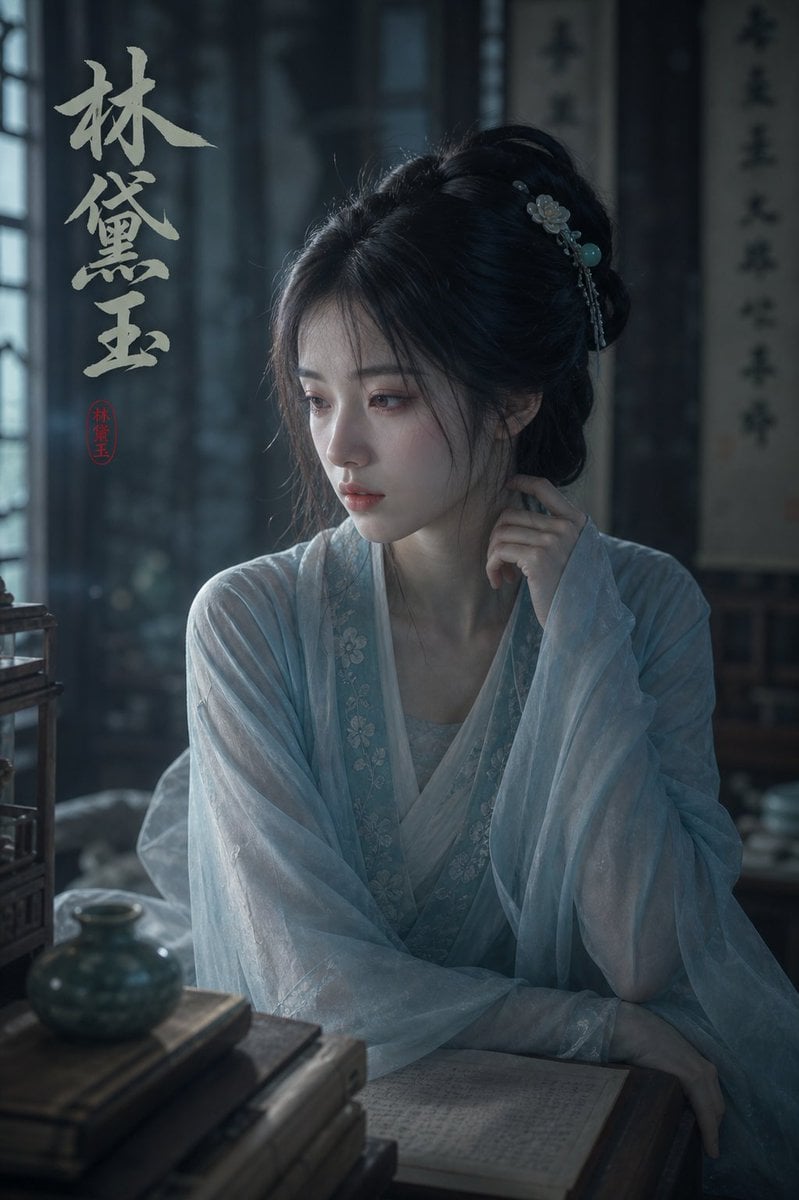
Melancholic Lin Daiyu Portrait
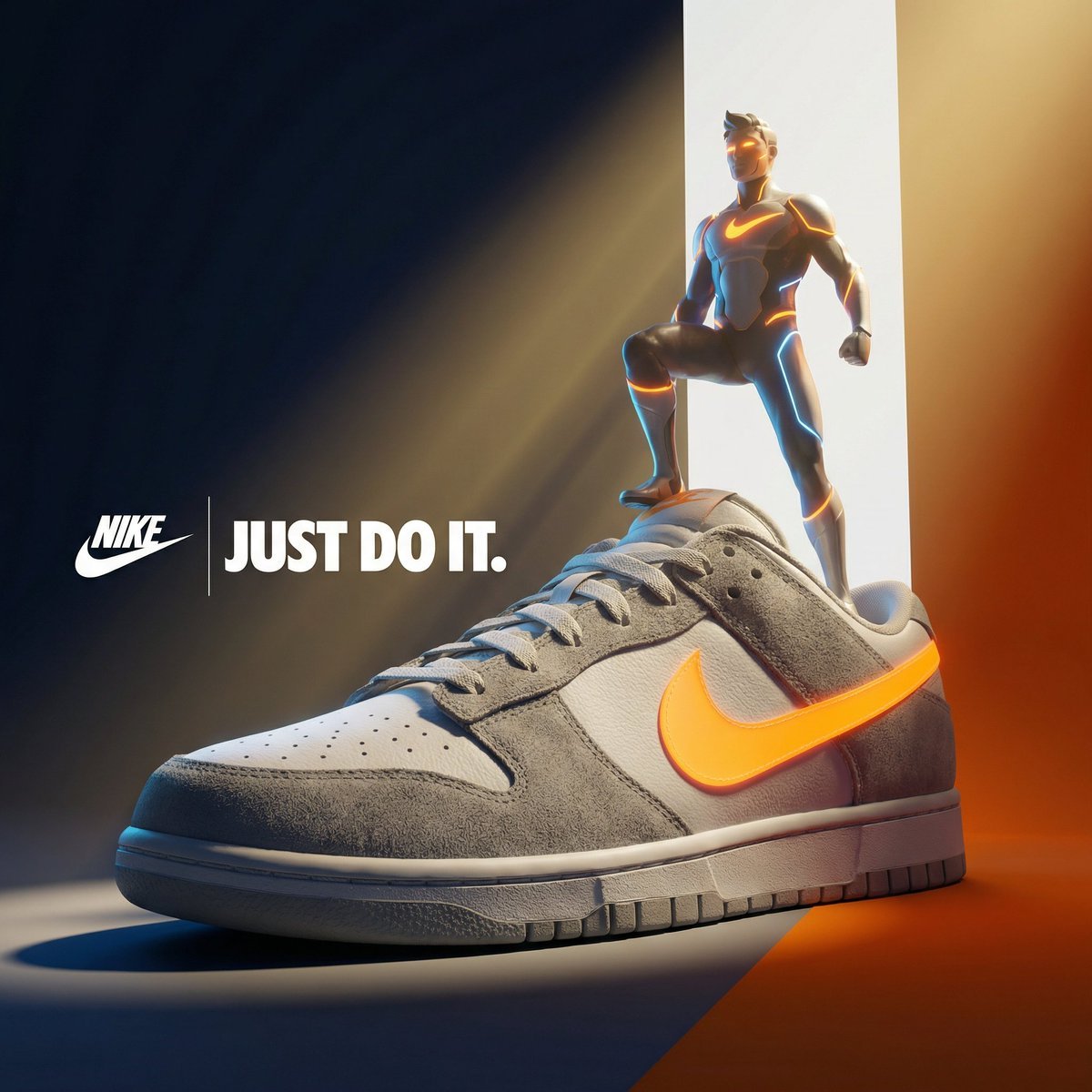
Ultra-Premium Cinematic 3D Brand Advertisement Prompt for Nano Banana Pro
2D Floor Plan to 3D Real Estate Render
Symmetrical Playing Card Mirror Portrait
Van Gogh Style Transfer (JSON Template)
Conceptual Portrait of Man Zipping Reality Open to Cosmic Void
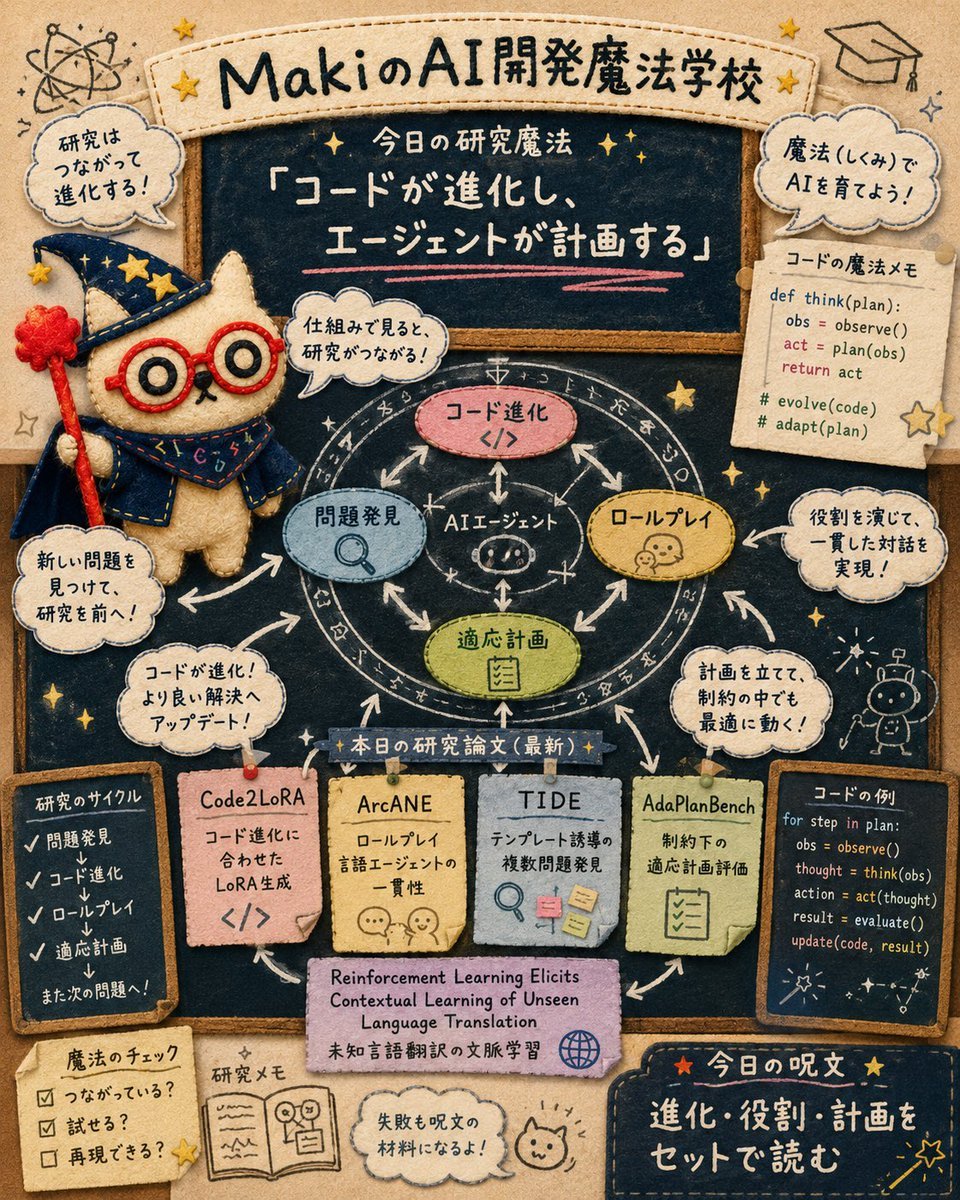
Felt AI Magic School Infographic
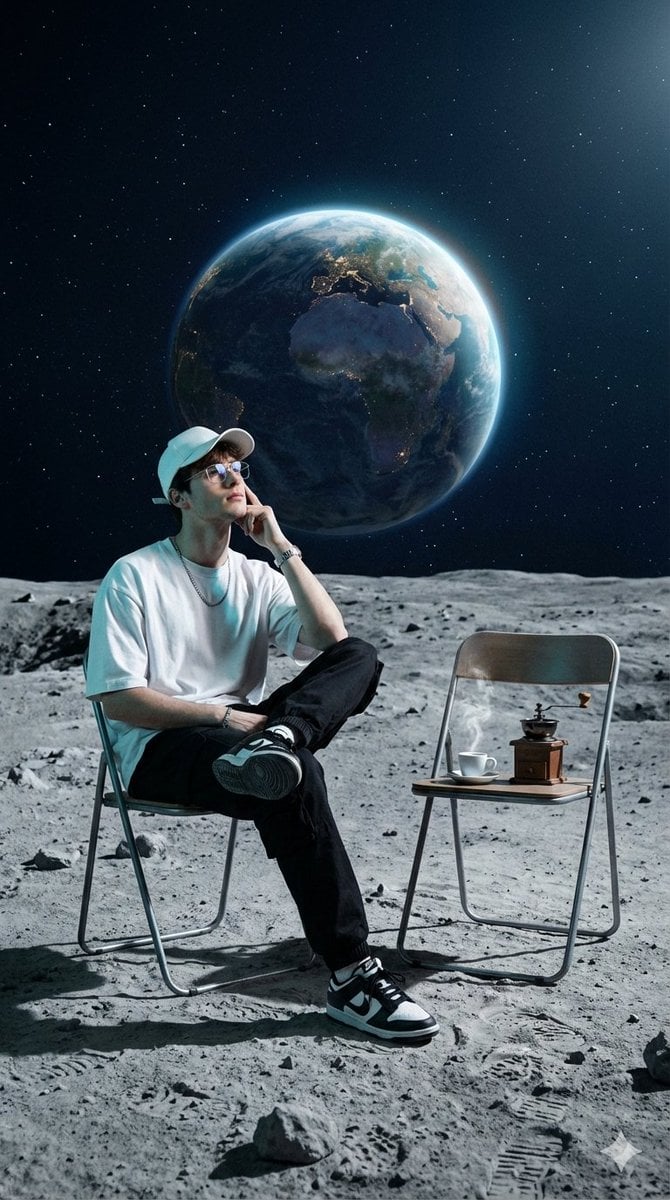
Surreal Cinematic Fashion Editorial on a Lunar Plain
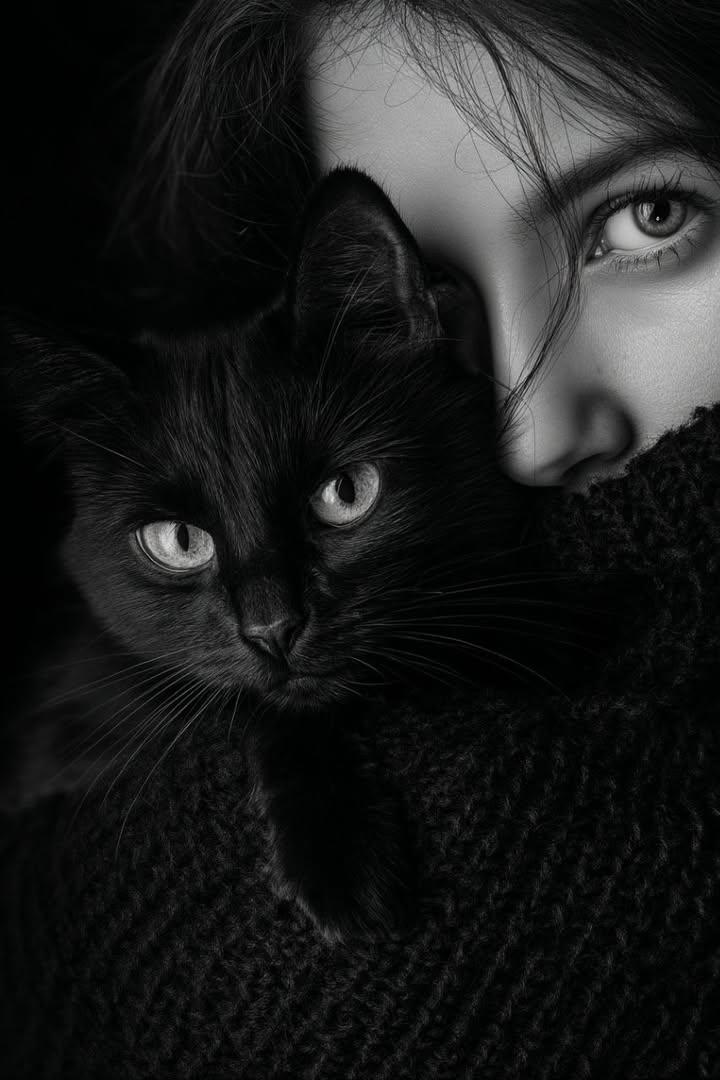
Moody Black and White Portrait with Cat
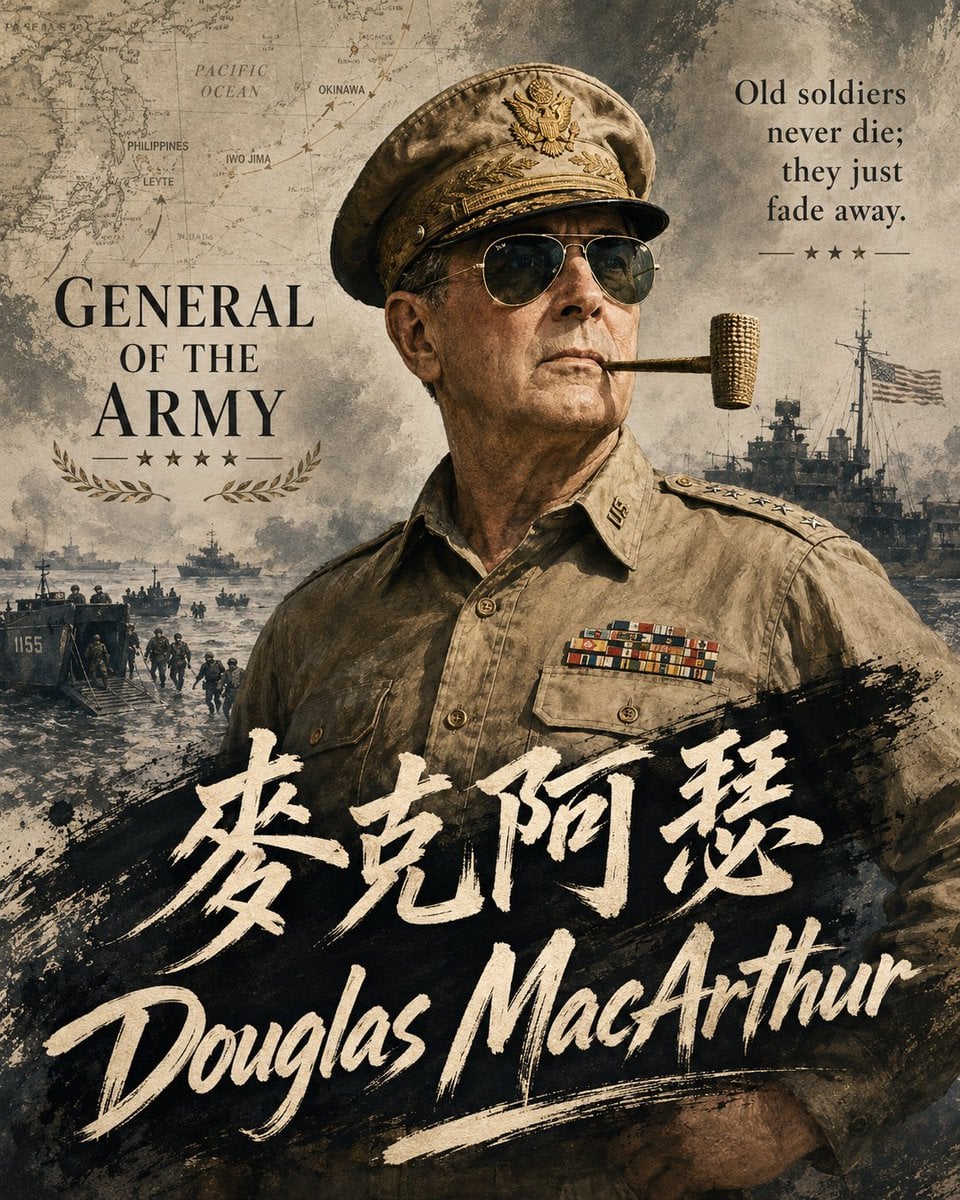
Historical Vibe Portrait
Browse template categories
Travel Relief Print Poster questions
How do I use the Travel Relief Print Poster template?
Add your photo if the template asks for one, edit the prompt if you like — the template's model and format are already selected — and press Generate. Your version opens in PicX Studio.
Can I customize the Travel Relief Print Poster template?
Yes. You can change the subject, setting, lighting, mood, format, and available model controls before creating your image.
Is the Travel Relief Print Poster template free?
Opening and editing this template is free. Generating uses credits, shown on the Generate button when you are signed in.
Which AI model should I use?
Start with GPT Image 2, which is the model associated with this template. You can compare another compatible model for a different finish.
Looking for something else? Browse all templates.

Your photo, any look
Thousands of ready templates for every top image and video model, from one credit balance.