
Custom Building Block Set Photography
Generates a photorealistic image of a custom toy building set with its box, assembled house, vehicle, and minifigures on a table.
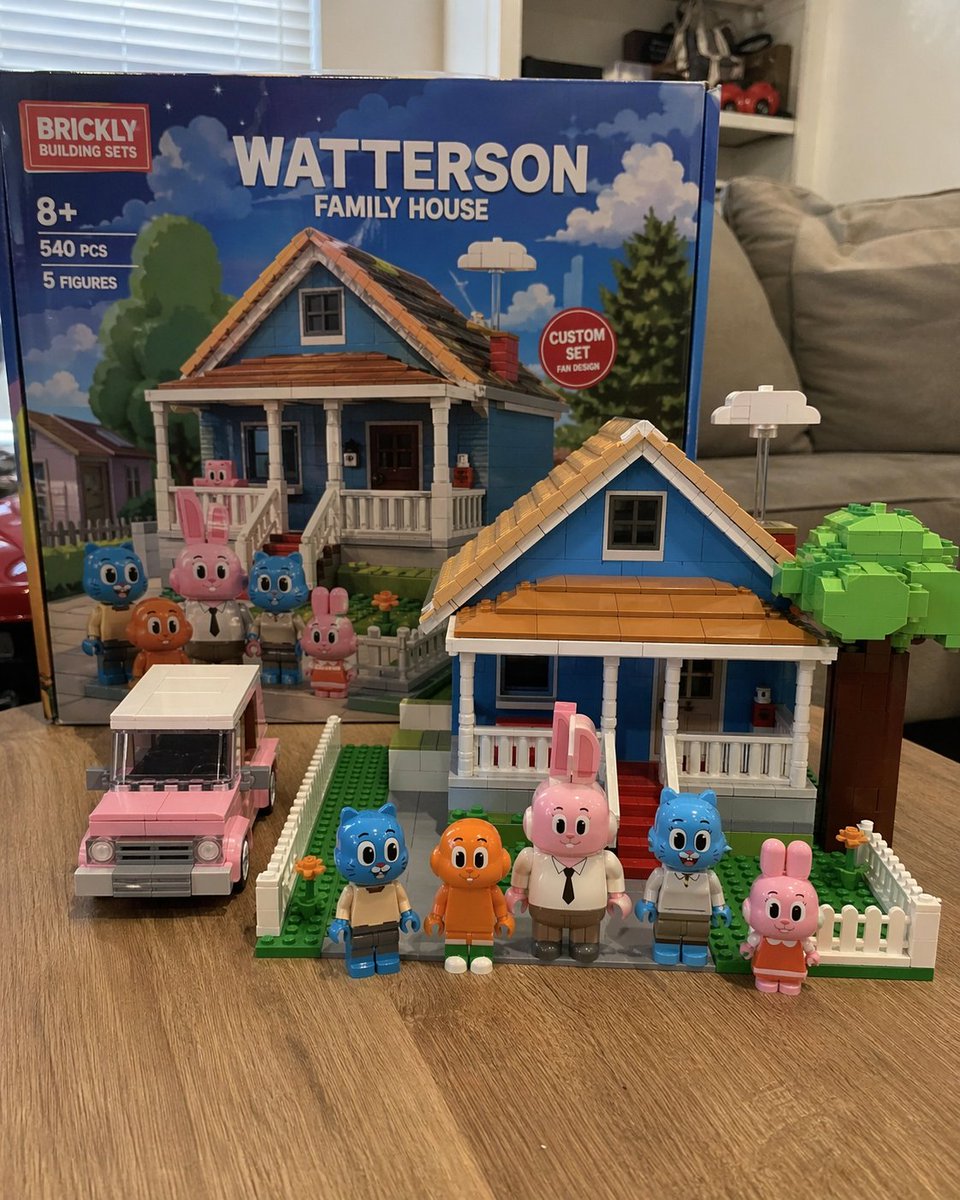
- Prompt included
- Model and format preset
- Free template
The prompt behind this image
Copy the exact prompt behind Custom Building Block Set Photography, or open it in the studio and make it yours.
A photorealistic amateur photograph of a custom building block set resting on a light wood grain table in a living room. In the background stands a large product box with a red logo reading "{argument name="brand name" default="BRICKLY"} BUILDING SETS". The box features text reading "8+", "540 PCS", "5 FIGURES", and the main large title "{argument name="set title" default="WATTERSON FAMILY HOUSE"}". A red circular badge on the box reads "CUSTOM SET FAN DESIGN", and the box art depicts the house and characters under a blue sky. In the foreground sits the fully assembled block model of a {argument name="house color" default="blue"} two-story suburban house with a brown roof, white porch, red steps, a white picket fence, and a blocky green tree. To the left of the house is a built block model of a {argument name="car color" default="pink"} station wagon. Standing in a row in front of the house are exactly 5 custom block minifigures: a blue cat in tan pants, an orange fish with legs, a tall pink rabbit in a white shirt and tie, a blue cat in a white shirt, and a small pink rabbit in an orange dress. The background is a slightly blurred living room with a grey sofa and white blinds.
How to use Custom Building Block Set Photography in 3 steps
- 1Upload ImagePNG, JPG or paste
Add your photo
Upload the photo the template builds on. The prompt, model and format are already set.
- 2…a portrait of your subject in softgolden-hour light, 85mm…
Personalize
Edit the subject and creative details for your destination.
- 3Generate
Generate
Press Generate — your image is created in PicX Studio, so you can compare it with the original and refine one variable at a time.
More like this
Templates with the same subject, style or setup. Open one to see its prompt.
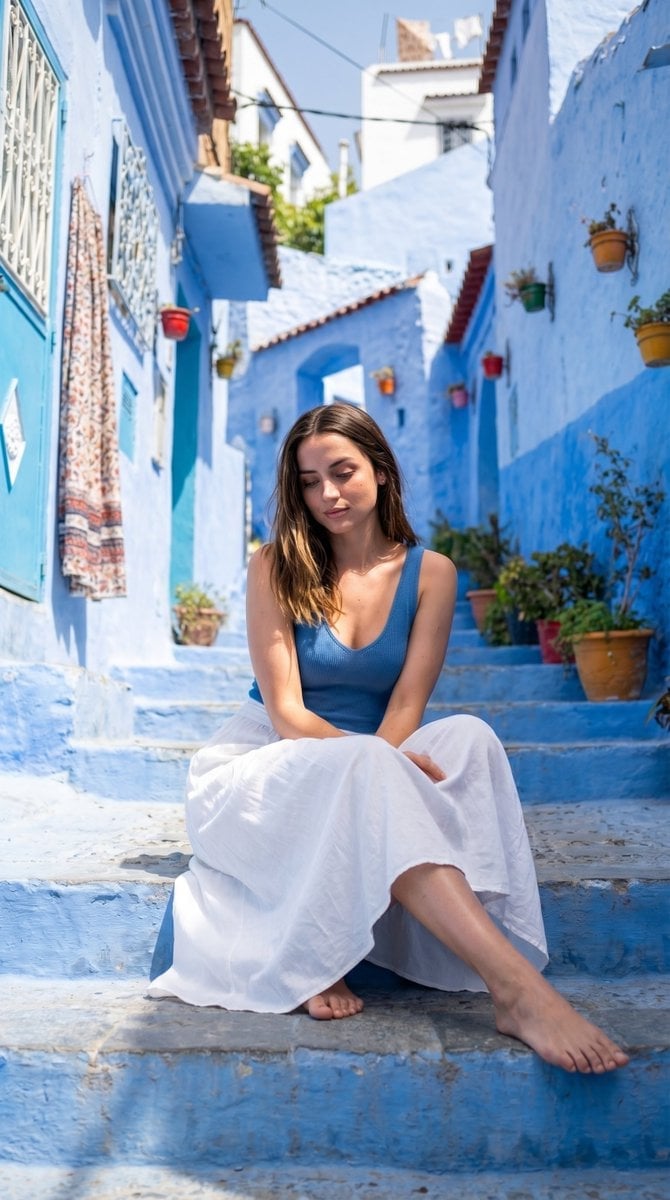
Vivid blue walls, stairs, and buildings with white accents, hanging
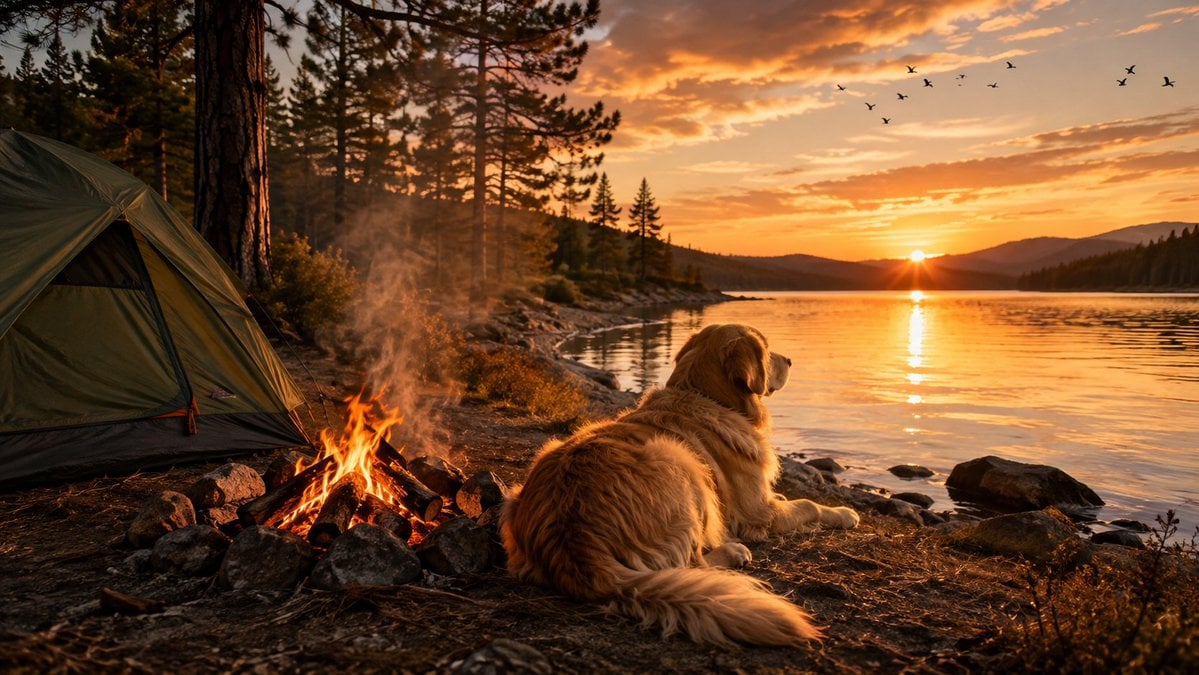
Golden Retriever Sunset Campfire Photography
Mirror Selfie Chibi Characters Pixar Style
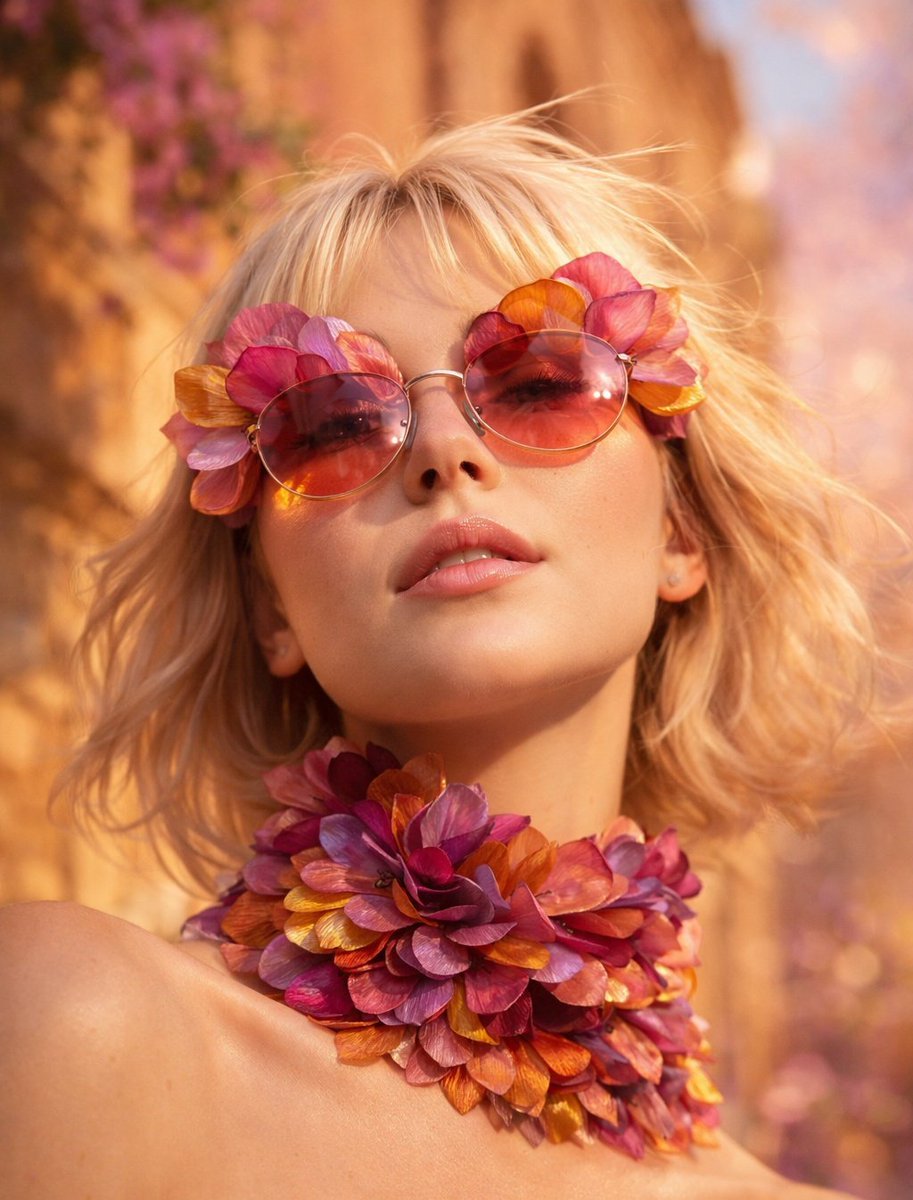
Flower Petal Sunglasses Couture Portrait

Fashion Portrait Colored Smoke Studio
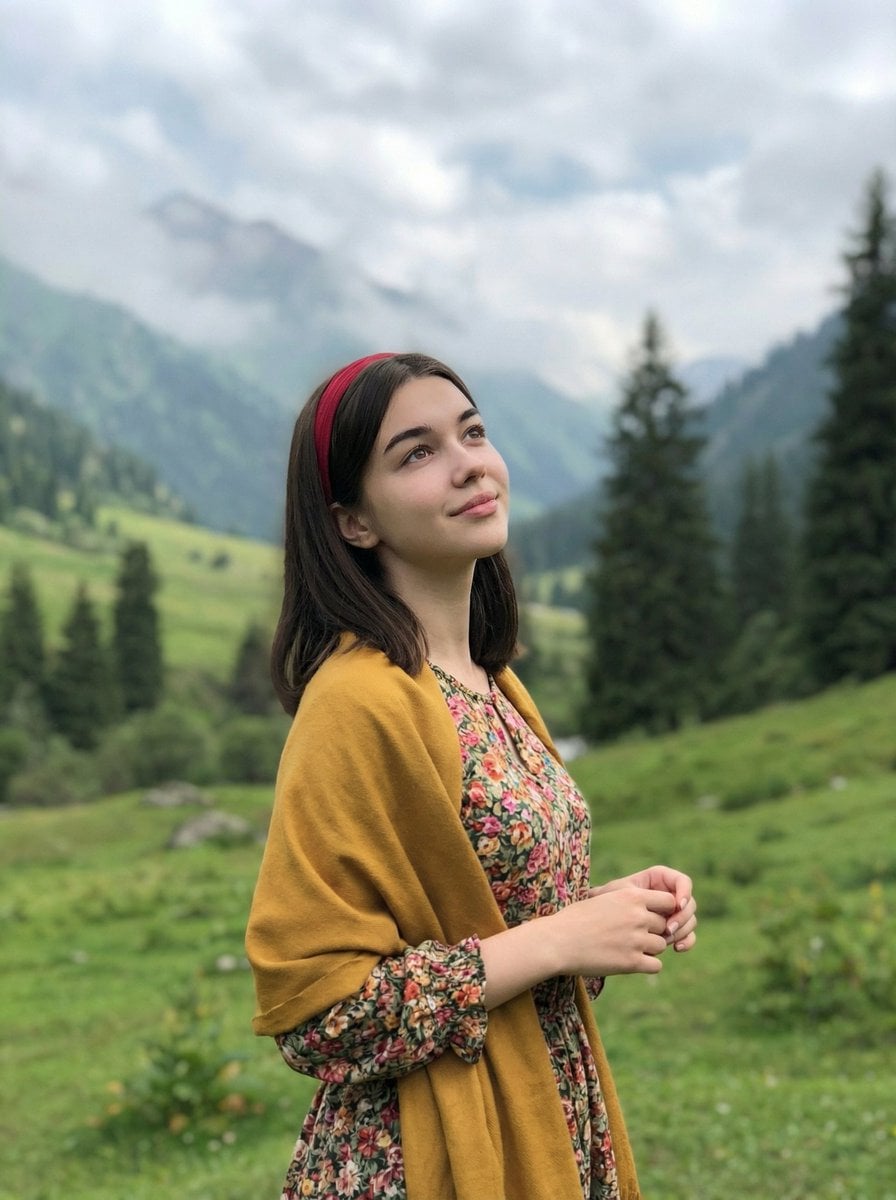
Mountain Valley Lifestyle Portrait
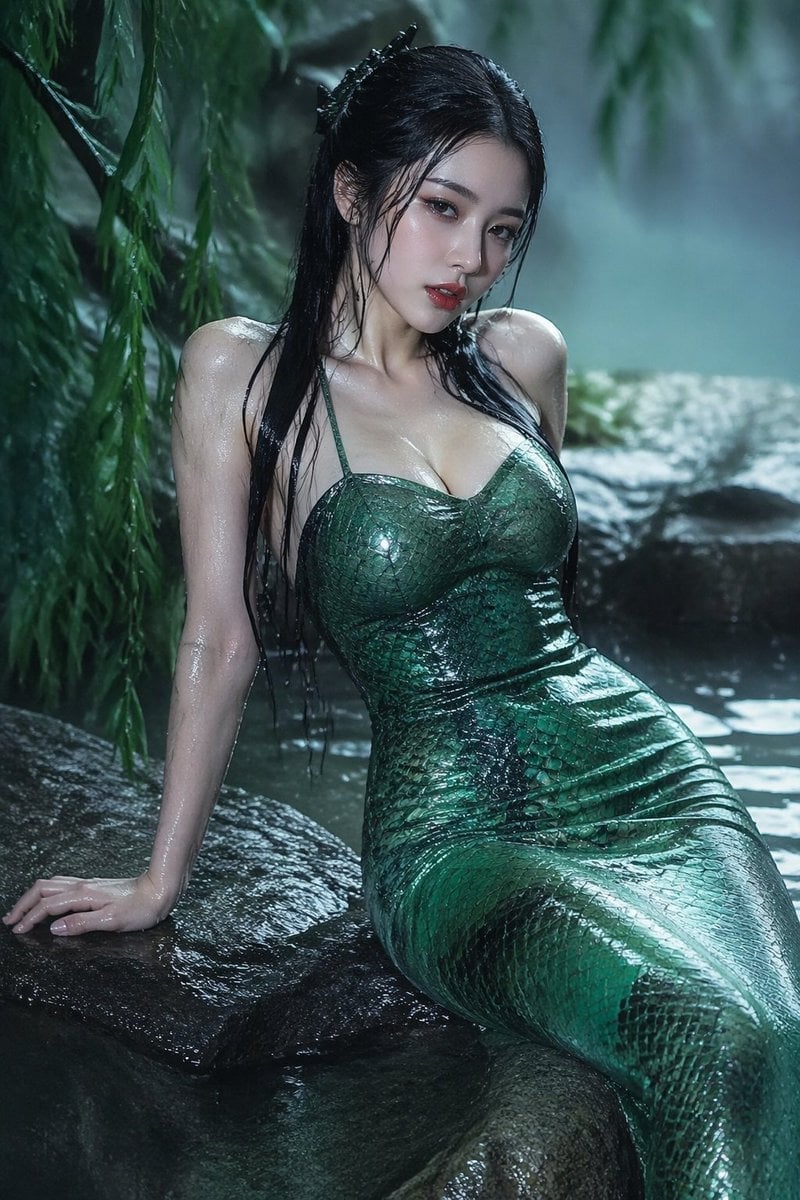
青蛇小青写真大片,绿色紧身蛇鳞裙,湿发红唇,妖娆妩媚
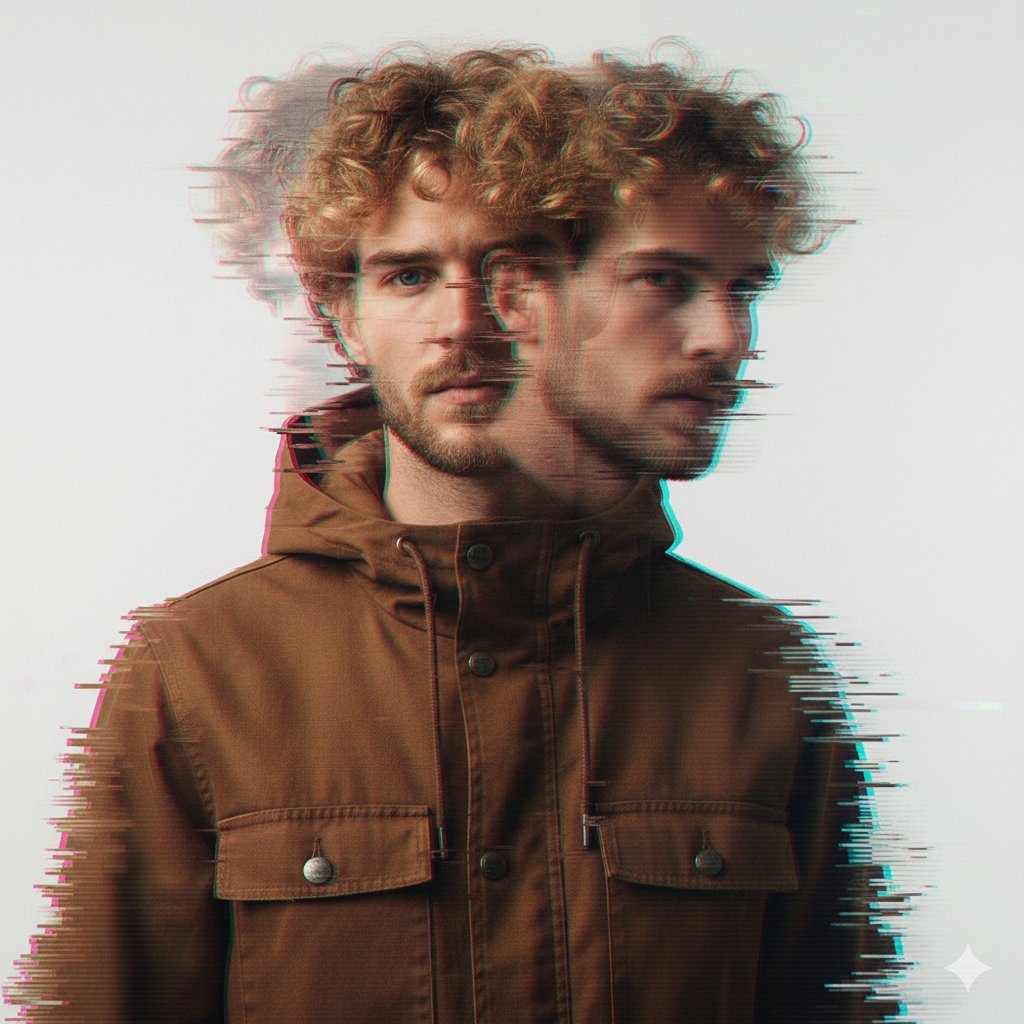
A double exposure, long exposure editorial photograph of a man Use image

Portrait of a young woman in her early 20s walking calmly on a beautiful
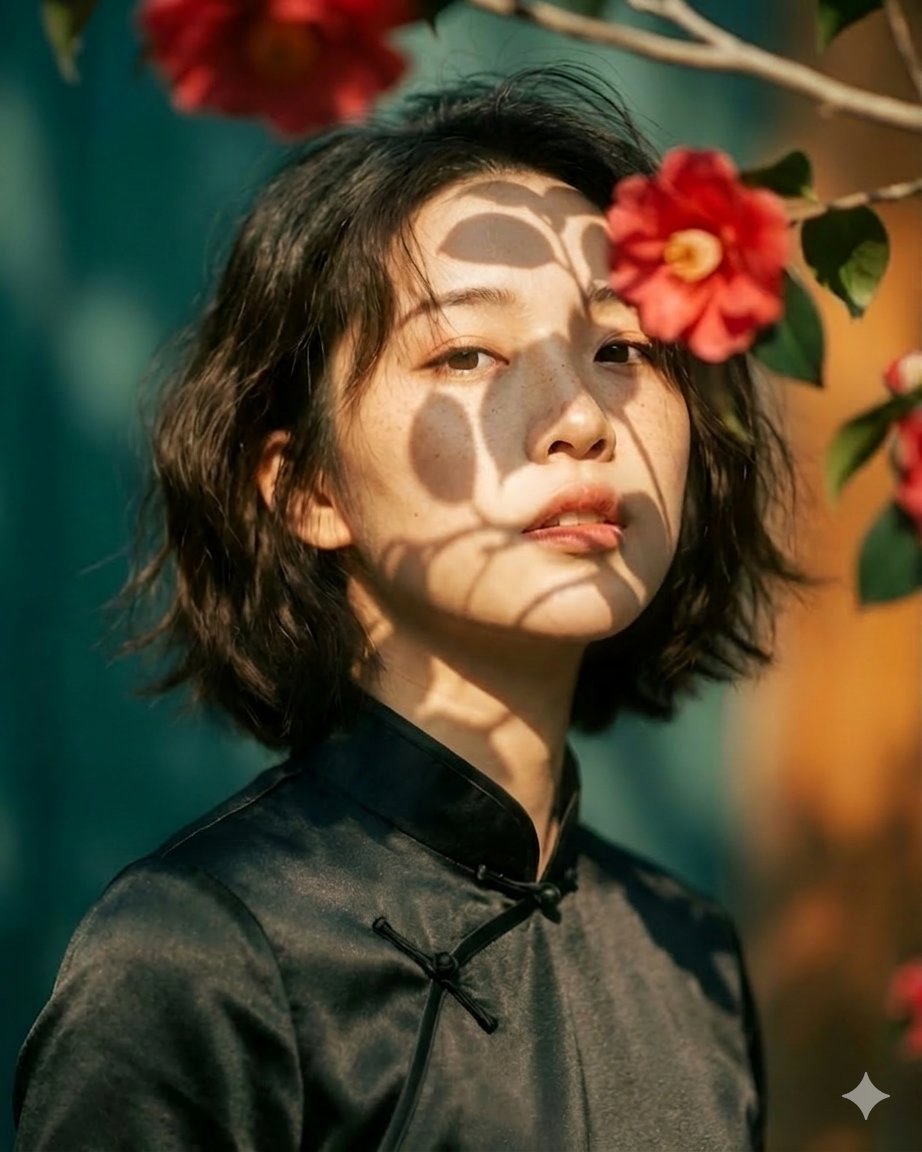
Artistic portrait of an elegant Asian woman wearing a black silk
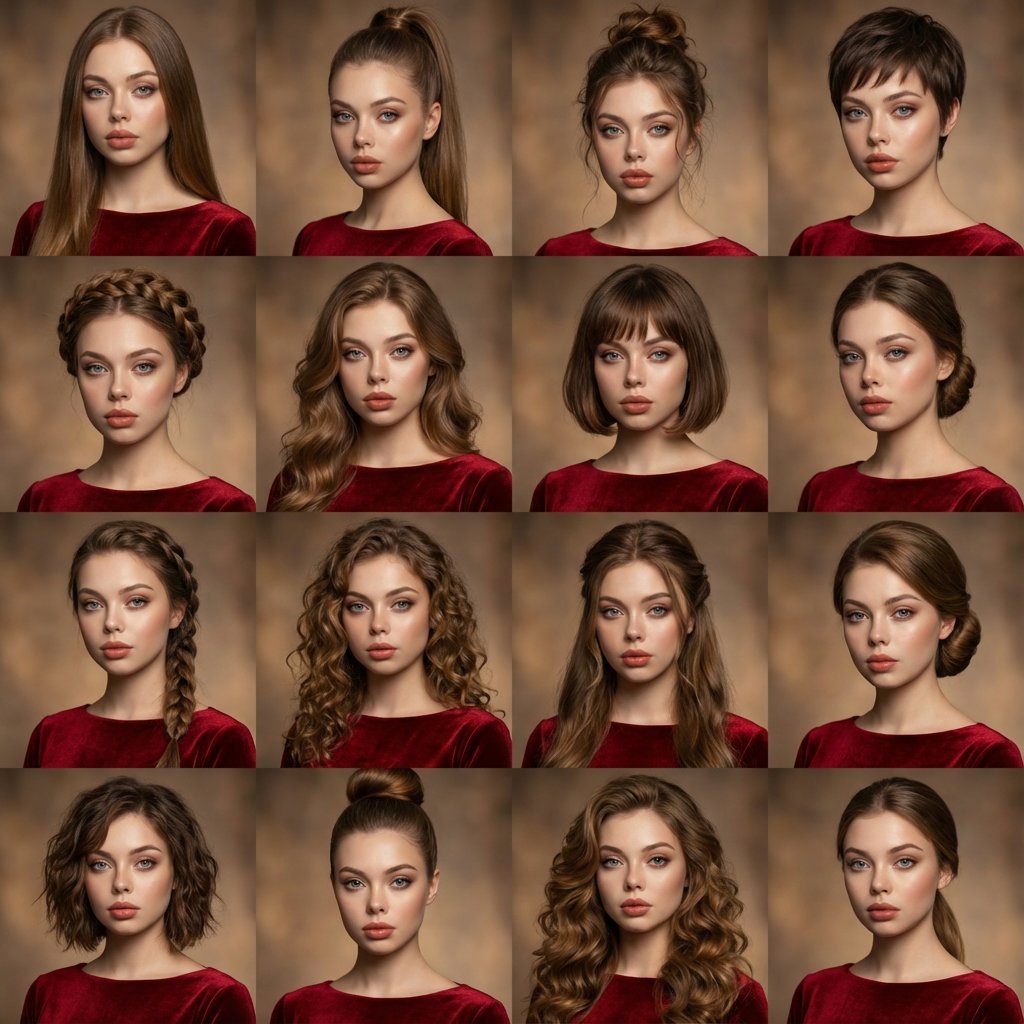
A high-quality photo collage featuring the same person with identical
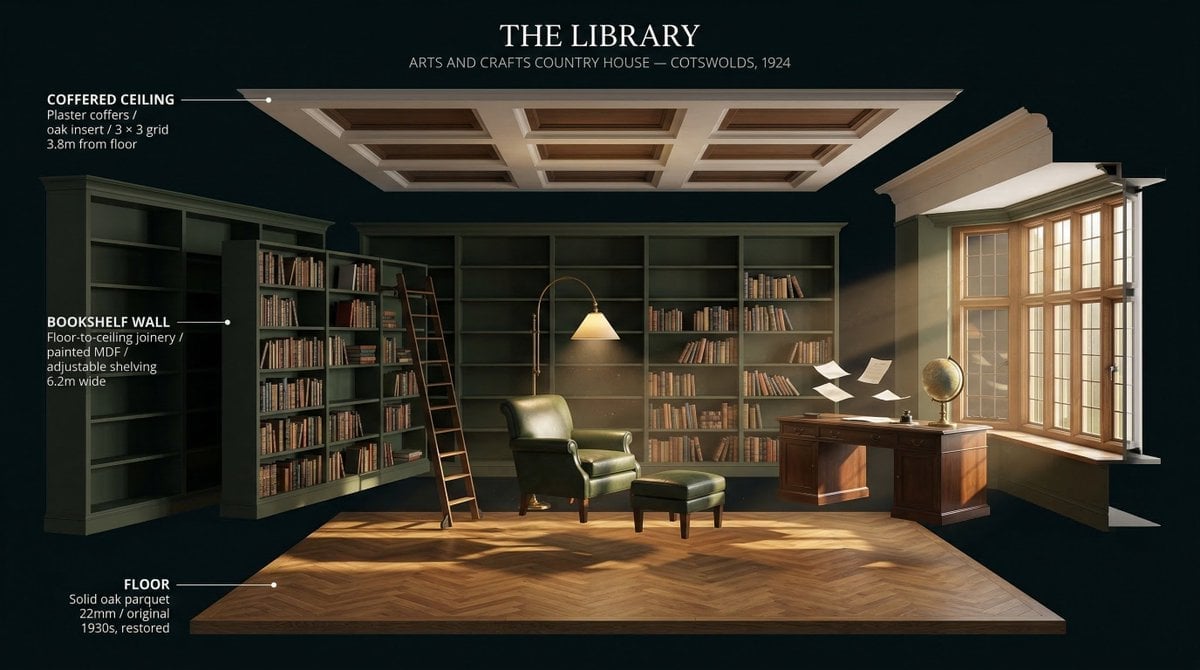
LIGHTING each element still lit by its original source, windows casting
Make it yours
Custom Building Block Set Photography works as-is. These are the safest ways to change it without losing the look.
Change one field
Copy a single group, rewrite it, and generate again so you can see what that field is doing.
Keep the frame, change the subject
Hold the composition and light of Custom Building Block Set Photography, then swap wardrobe, props or the person for a new take.
| If the result… | Why | Fix |
|---|---|---|
| The result drifts from the preview | Too many fields changed at once. | Reuse Custom Building Block Set Photography as-is first, then change one group — subject, light, or setting. |
| The model over-stylizes the scene | The prose prompt leaves finish and camera underspecified. | Add one camera or lighting sentence and stay on GPT Image 2. |
More GPT Image 2 templates
Other prompts made for GPT Image 2.

Six VTuber Japanese Logo Sheet

Realistic Portrait of Woman and Deer

The Vista Modular Condo Poster

AI Model Routing Comparison Infographic

2.5D Anime Art Board

Isometric Productivity Desk Scene

New York Double Exposure Poster

Four-Panel AI Landscape Comparison

Japanese Tatami Lifestyle Magazine Cover

NESCAFÉ Coffee Map Poster
More image prompts
Fresh picks from across the catalog.
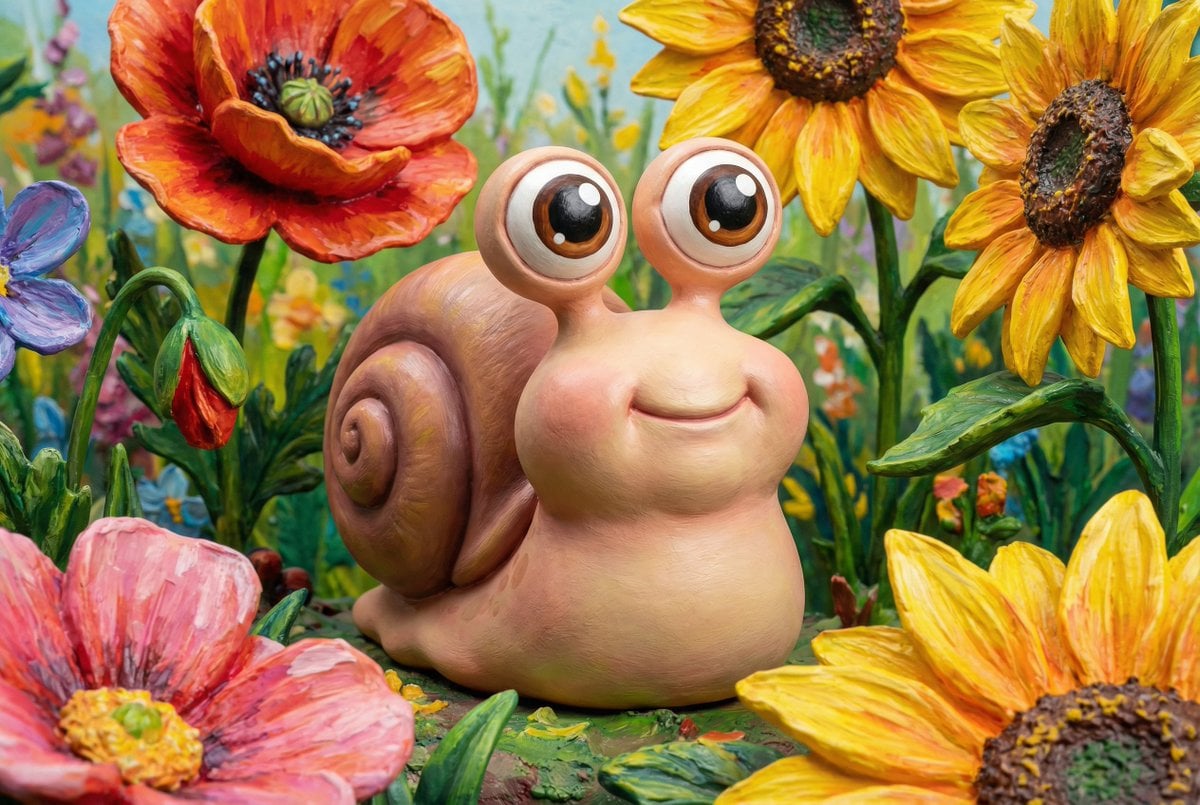
Painted Chibi Snail Macro View
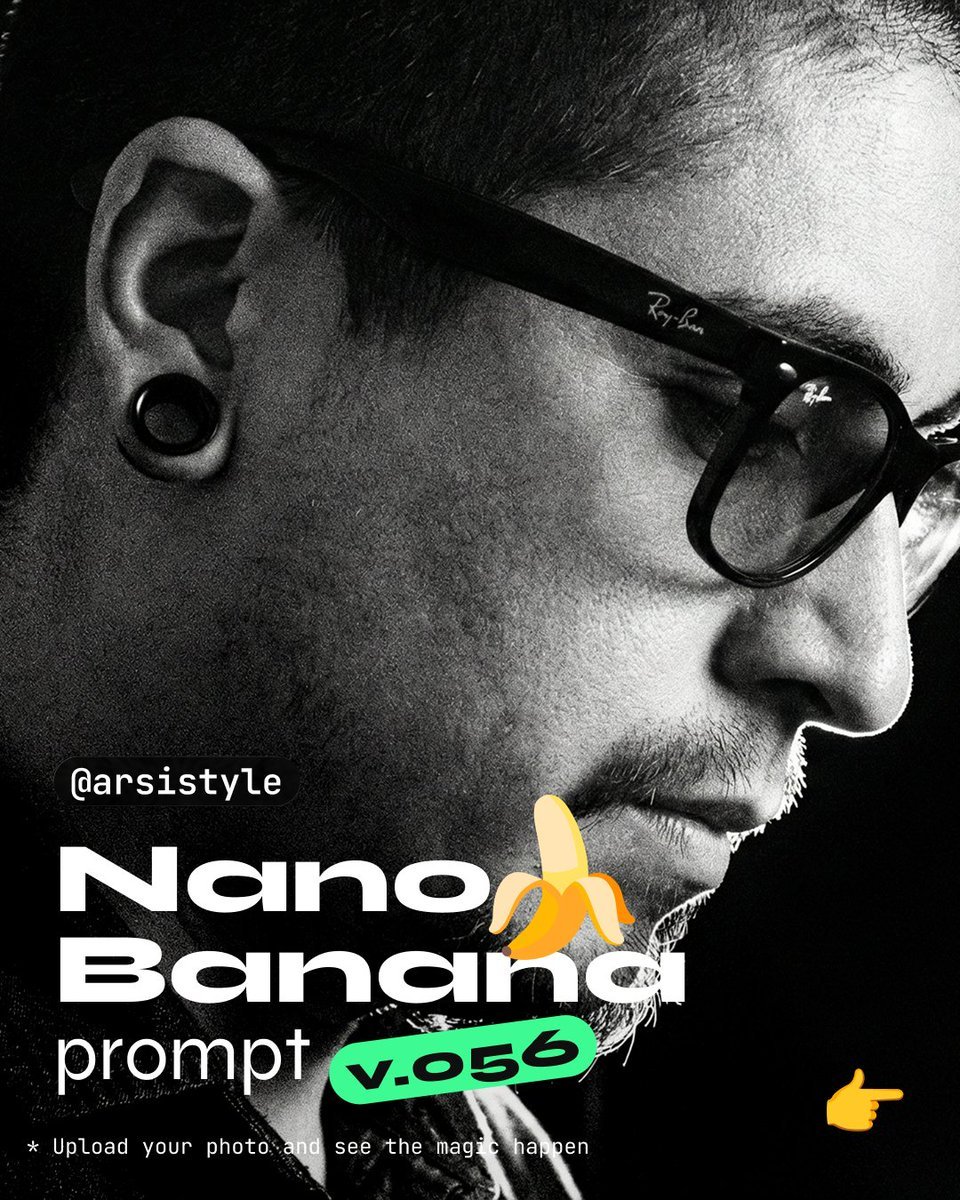
Cinematic Chiaroscuro Portrait Prompt
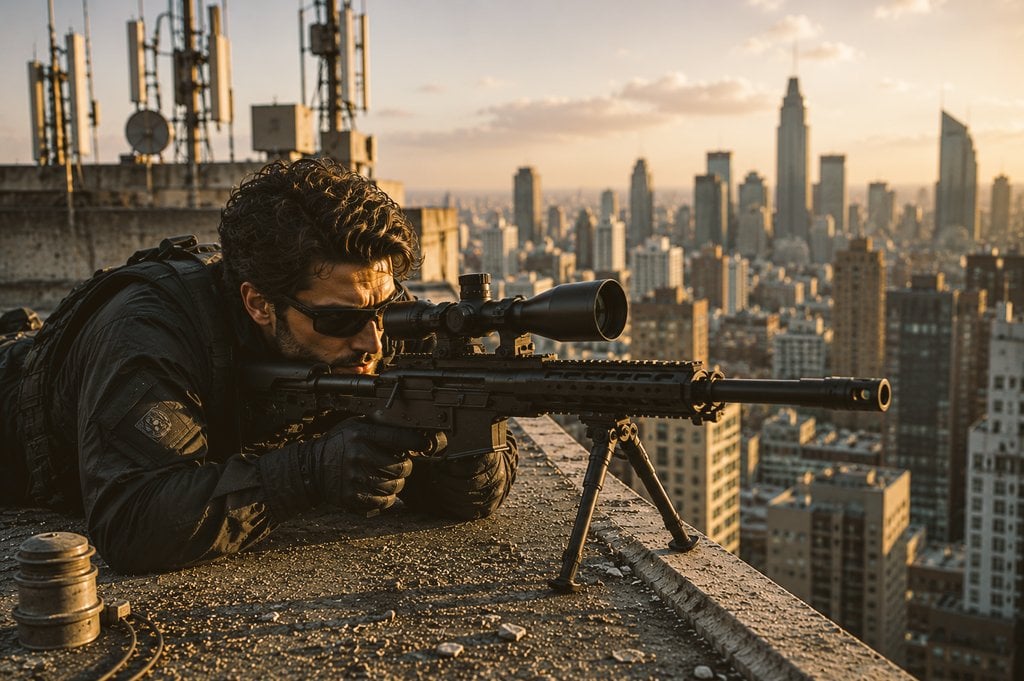
Tactical Sniper Urban Photography
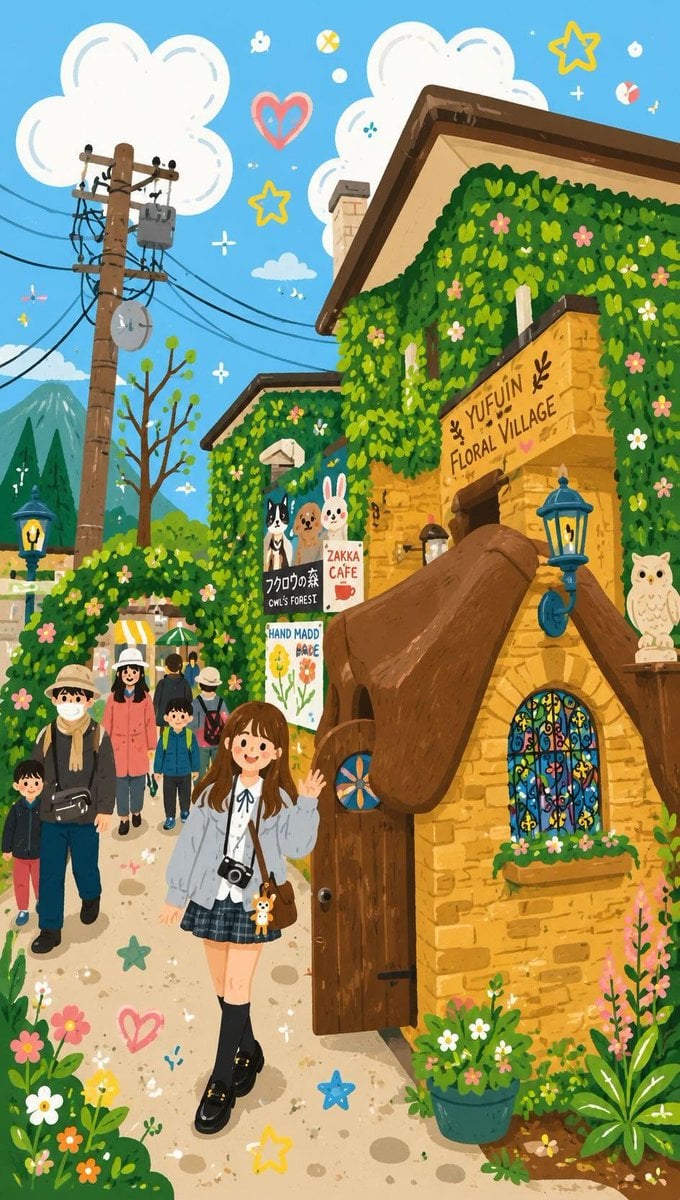
Decorative Folk Flat Illustration
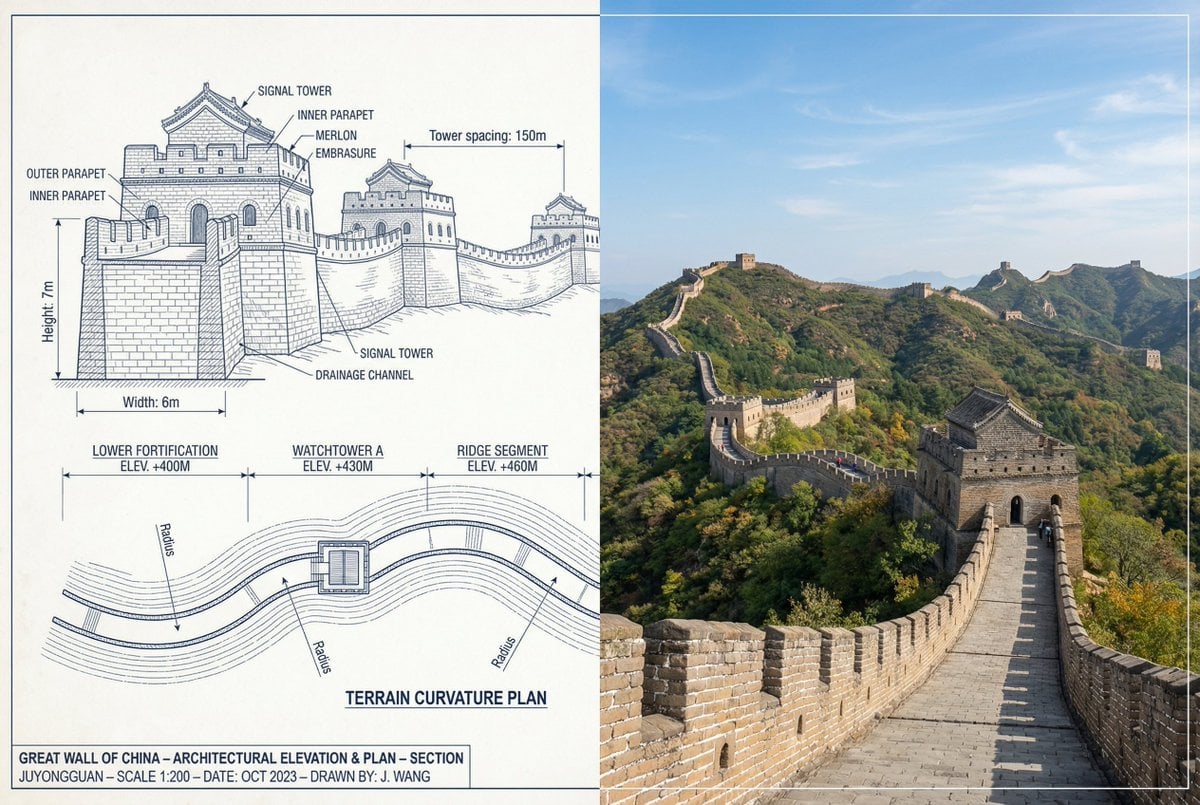
Great Wall of China Mixed Media Comparison
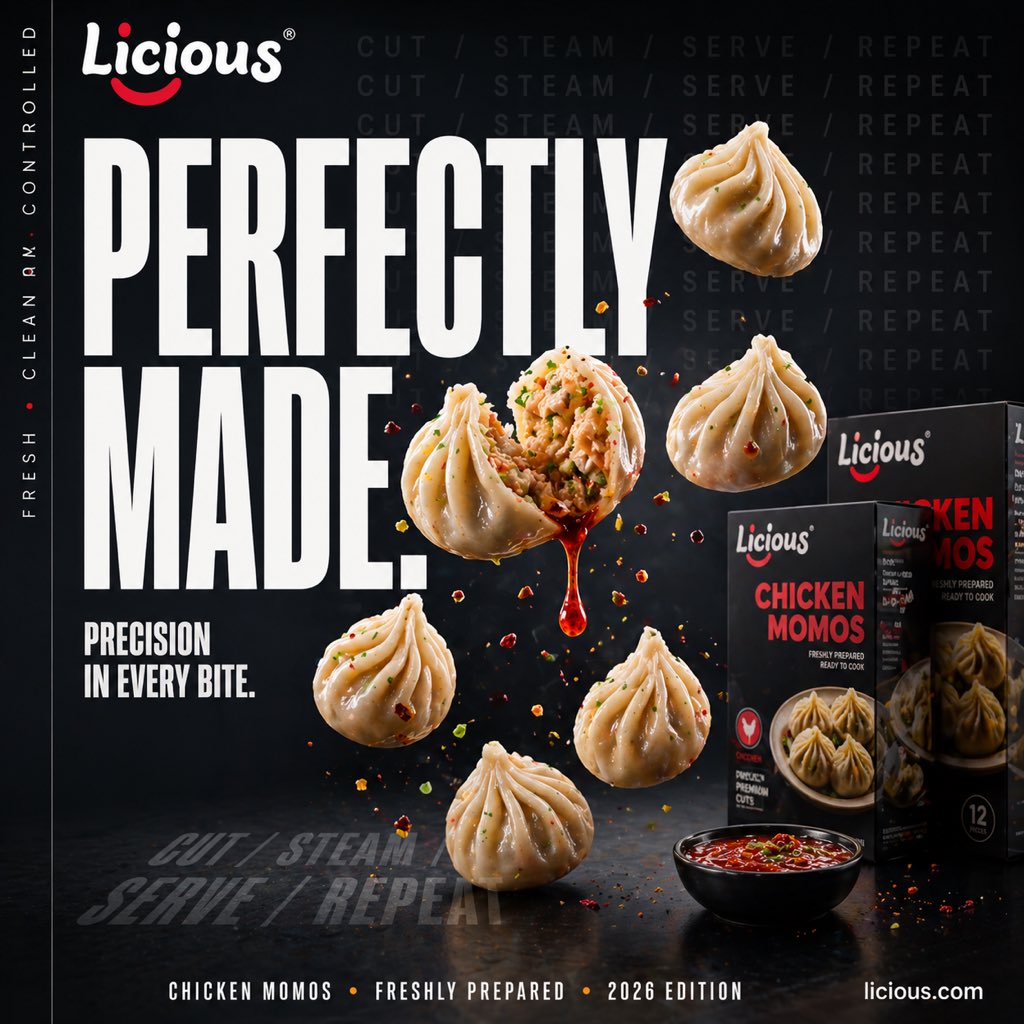
Cinematic Chicken Momos Ad Poster
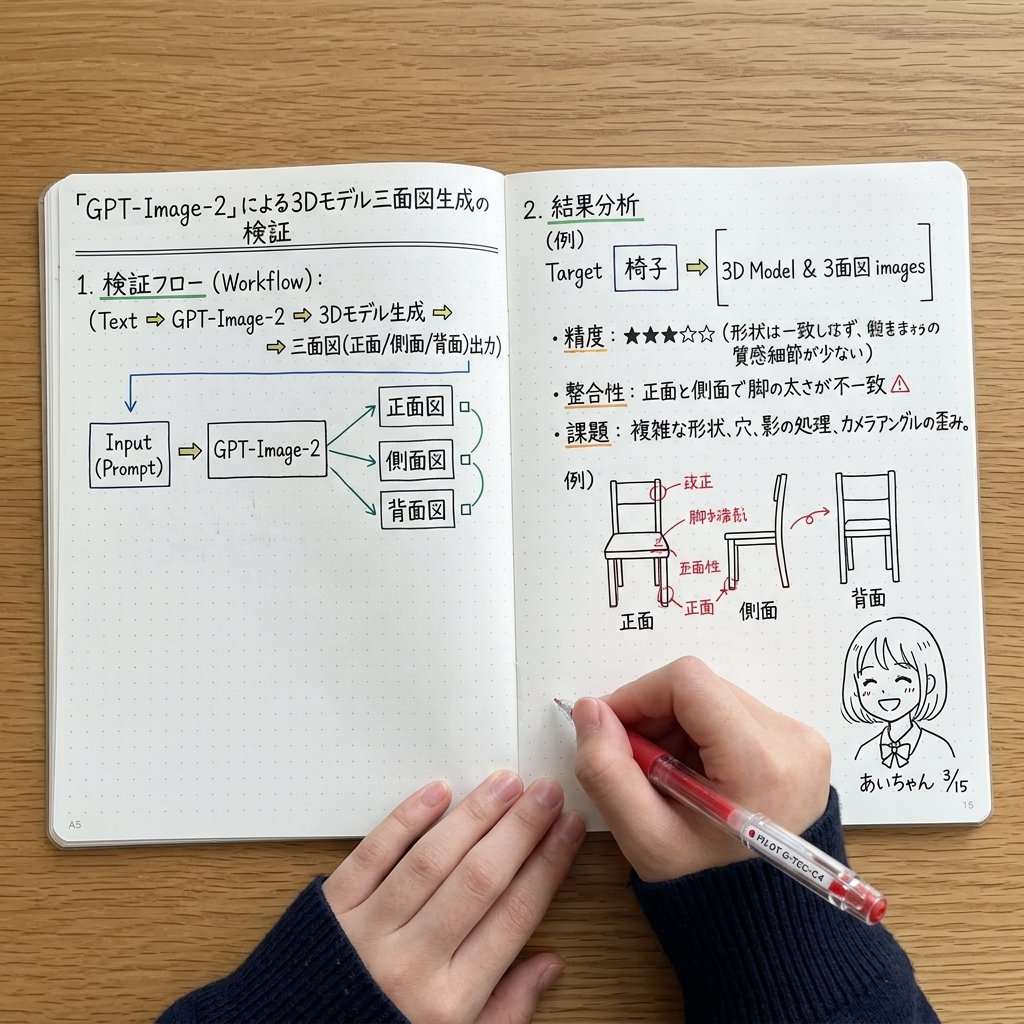
Notebook Spread with 3D Model Analysis Diagrams
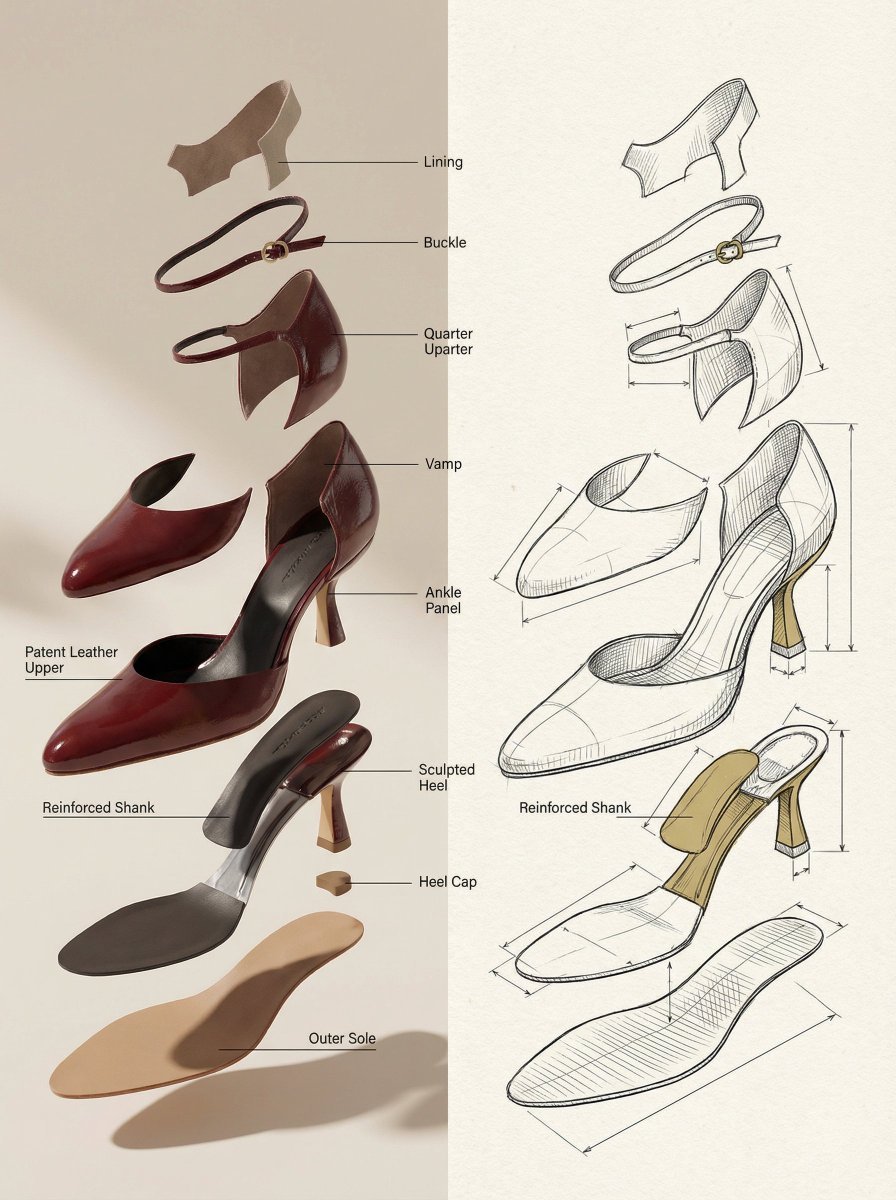
Exploded View Product Render Prompt
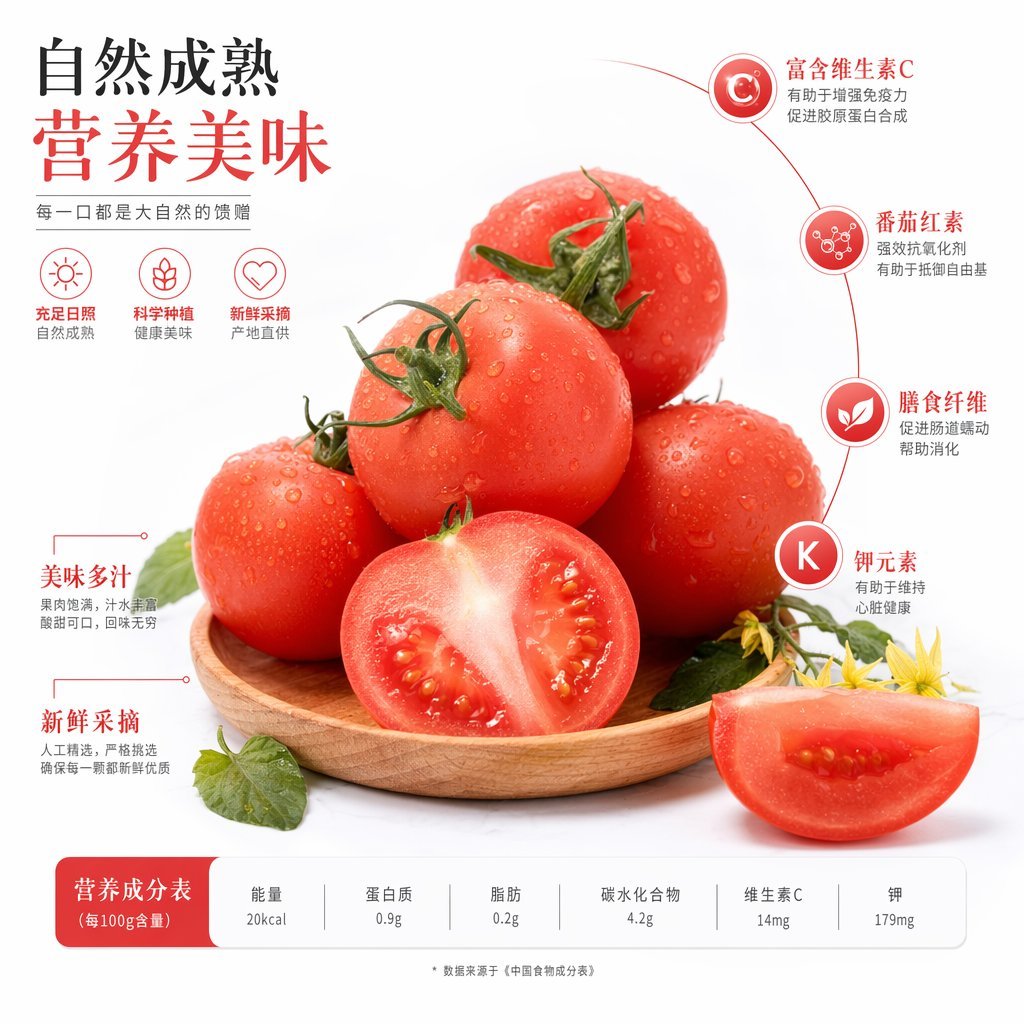
Chinese Tomato Nutrition Poster
Censored Garden Portrait
Browse template categories
Custom Building Block Set Photography questions
How do I use the Custom Building Block Set Photography template?
Add your photo if the template asks for one, edit the prompt if you like — the template's model and format are already selected — and press Generate. Your version opens in PicX Studio.
Can I customize the Custom Building Block Set Photography template?
Yes. You can change the subject, setting, lighting, mood, format, and available model controls before creating your image.
Is the Custom Building Block Set Photography template free?
Opening and editing this template is free. Generating uses credits, shown on the Generate button when you are signed in.
Which AI model should I use?
Start with GPT Image 2, which is the model associated with this template. You can compare another compatible model for a different finish.
Looking for something else? Browse all templates.

Your photo, any look
Thousands of ready templates for every top image and video model, from one credit balance.