
Notebook Spread with 3D Model Analysis Diagrams
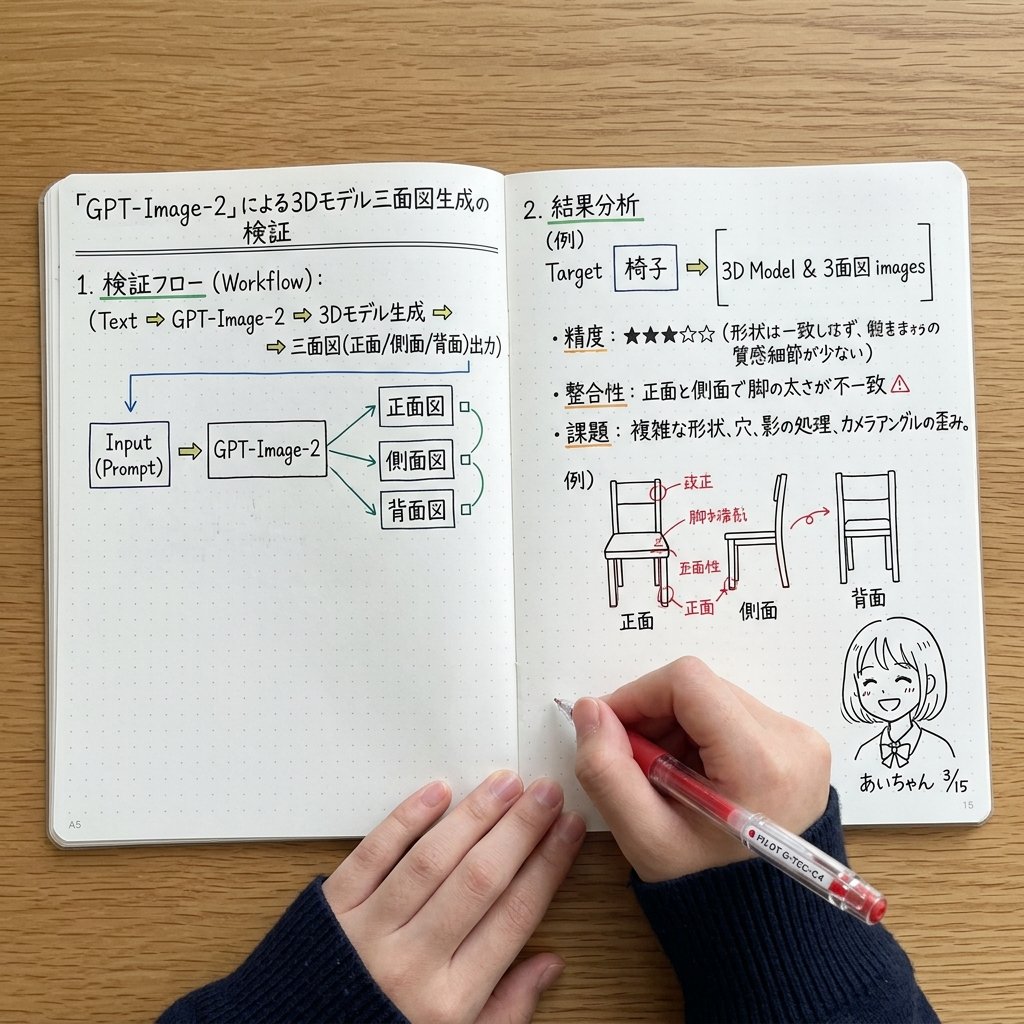
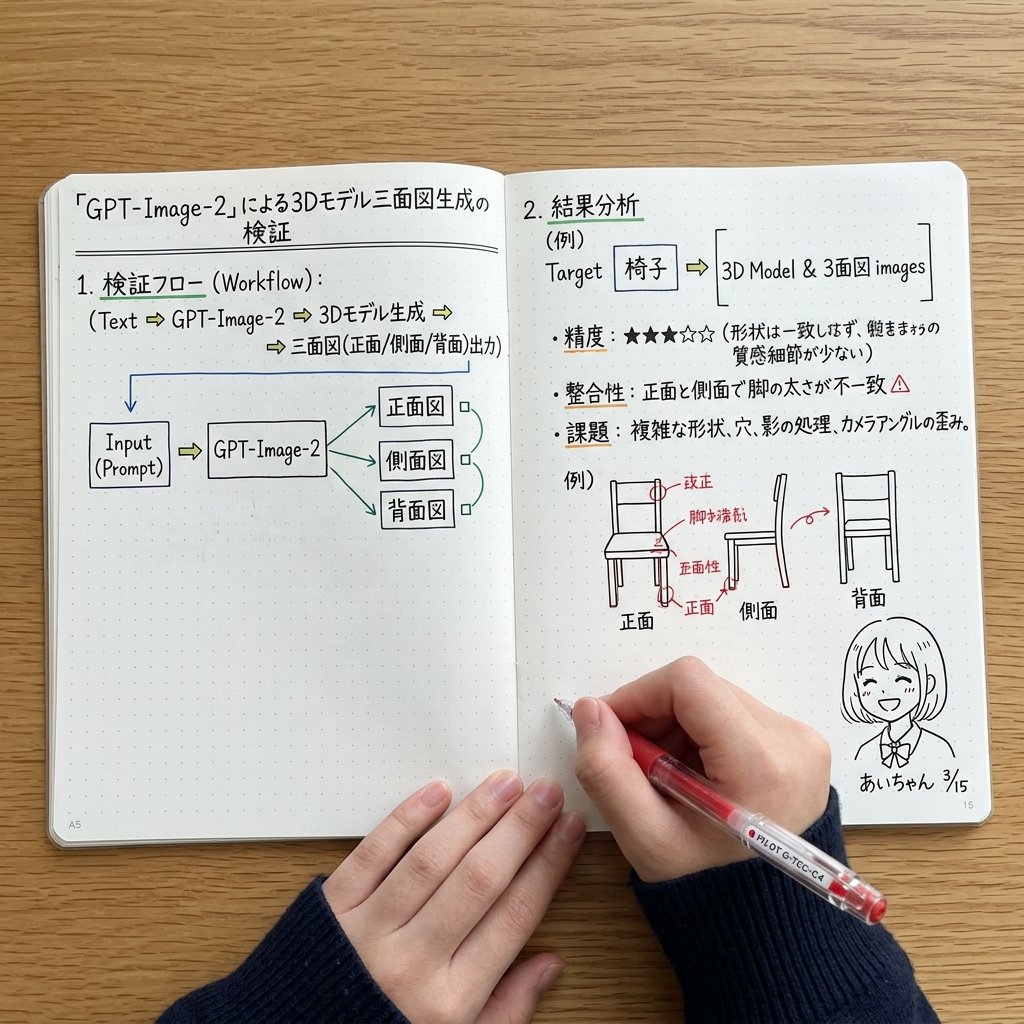
Generates a top-down photograph of an open notebook containing handwritten flowcharts, bullet points, and diagrams analyzing 3D model generation, useful for mockups of study notes or technical journaling.
- Prompt included
- Model and format preset
- Free template
The prompt behind this image
Copy the exact prompt behind Notebook Spread with 3D Model Analysis Diagrams, or open it in the studio and make it yours.
- Type
- photograph of an open notebook
- Setting
- wooden desk surface, top-down angle
- Subject › Hands
- two hands visible at the bottom, wearing a dark blue ribbed sweater, right hand holding a red pen labeled {argument name="pen brand" default="PILOT G-TEC-C4"} writing on the page
- Subject › Notebook
- open A5 dot-grid notebook with handwritten notes and diagrams in black, blue, green, and red ink
- Layout › Left Page › Header
- {argument name="main title" default="「GPT-Image-2」による3Dモデル三面図生成の検証"}
- Layout › Left Page › Sections › 0 › Title
- 1. 検証フロー (Workflow):
- Layout › Left Page › Sections › 0 › Content
- text flow and a flowchart diagram
- Layout › Left Page › Sections › 0 › Flowchart Elements
- 5
- Layout › Left Page › Sections › 0 › Flowchart Labels
- Input (Prompt), GPT-Image-2, 正面図, 側面図, 背面図
- Layout › Right Page › Sections › 0 › Title
- 2. 結果分析
- Layout › Right Page › Sections › 0 › Target Box
- Target [{argument name="target object" default="椅子"}] => [3D Model & 3面図 images]
- Layout › Right Page › Sections › 0 › Bullet Points Count
- 3
- Layout › Right Page › Sections › 0 › Bullet Point Topics
- 精度: ★★★☆☆, 整合性, 課題
- Layout › Right Page › Sections › 0 › Diagram Count
- 3
- Layout › Right Page › Sections › 0 › Diagram Labels
- 正面, 側面, 背面
- Layout › Right Page › Sections › 0 › Diagram Description
- sketches of chairs with red correction notes on the front view
- Layout › Right Page › Bottom Right Corner › Doodle
- cute anime-style line drawing of a smiling girl with short hair
- Layout › Right Page › Bottom Right Corner › Label
- {argument name="character name" default="あいちゃん"} {argument name="date" default="3/15"}
Raw JSON
{
  "type": "photograph of an open notebook",
  "setting": "wooden desk surface, top-down angle",
  "subject": {
    "hands": "two hands visible at the bottom, wearing a dark blue ribbed sweater, right hand holding a red pen labeled {argument name=\"pen brand\" default=\"PILOT G-TEC-C4\"} writing on the page",
    "notebook": "open A5 dot-grid notebook with handwritten notes and diagrams in black, blue, green, and red ink"
  },
  "layout": {
    "left_page": {
      "header": "{argument name=\"main title\" default=\"「GPT-Image-2」による3Dモデル三面図生成の検証\"}",
      "sections": [
        {
          "title": "1. 検証フロー (Workflow):",
          "content": "text flow and a flowchart diagram",
          "flowchart_elements": 5,
          "flowchart_labels": ["Input (Prompt)", "GPT-Image-2", "正面図", "側面図", "背面図"]
        }
      ]
    },
    "right_page": {
      "sections": [
        {
          "title": "2. 結果分析",
          "target_box": "Target [{argument name=\"target object\" default=\"椅子\"}] => [3D Model & 3面図 images]",
          "bullet_points_count": 3,
          "bullet_point_topics": ["精度: ★★★☆☆", "整合性", "課題"],
          "diagram_count": 3,
          "diagram_labels": ["正面", "側面", "背面"],
          "diagram_description": "sketches of chairs with red correction notes on the front view"
        }
      ],
      "bottom_right_corner": {
        "doodle": "cute anime-style line drawing of a smiling girl with short hair",
        "label": "{argument name=\"character name\" default=\"あいちゃん\"} {argument name=\"date\" default=\"3/15\"}"
      }
    }
  }
}Reference images included
Notebook Spread with 3D Model Analysis Diagrams needs input media to work. They load alongside the prompt when you open it in the studio.
How to use Notebook Spread with 3D Model Analysis Diagrams in 3 steps
- 1Upload ImagePNG, JPG or paste
Add your photo
Upload the photo the template builds on. The prompt, model and format are already set.
- 2…a portrait of your subject in softgolden-hour light, 85mm…
Personalize
Edit the subject and creative details for your destination.
- 3Generate
Generate
Press Generate — your image is created in PicX Studio, so you can compare it with the original and refine one variable at a time.
More like this
Templates with the same subject, style or setup. Open one to see its prompt.

Premium Vertical Product Campaign Poster
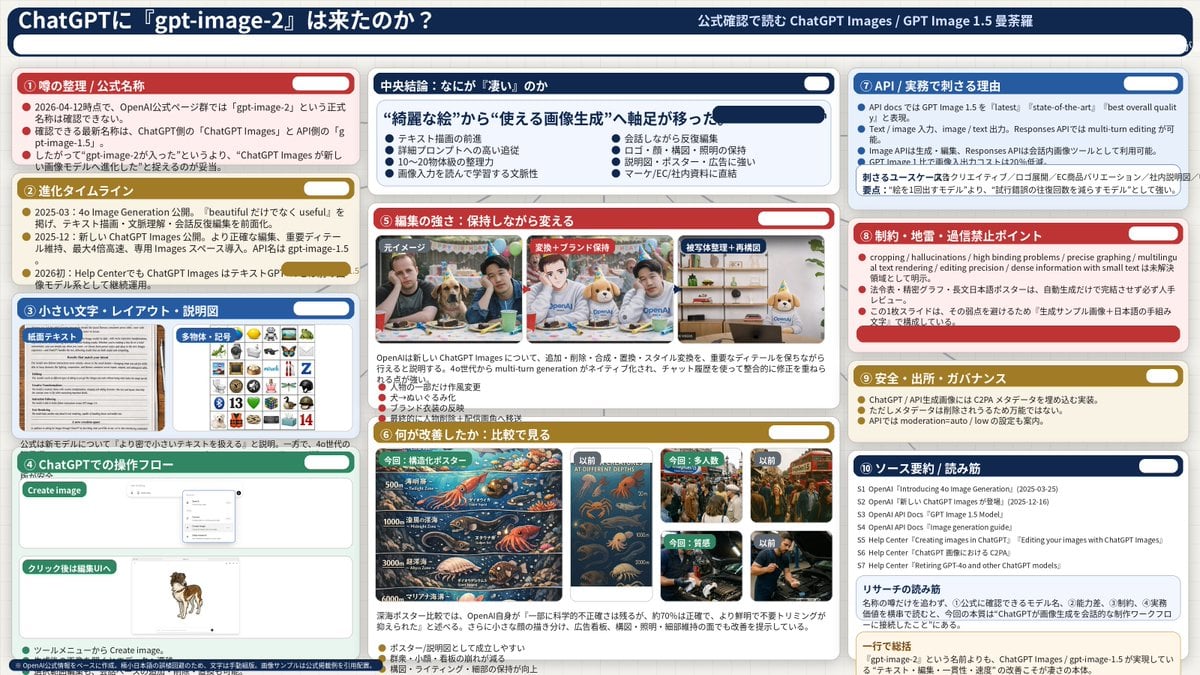
Complex AI Model Analysis Infographic
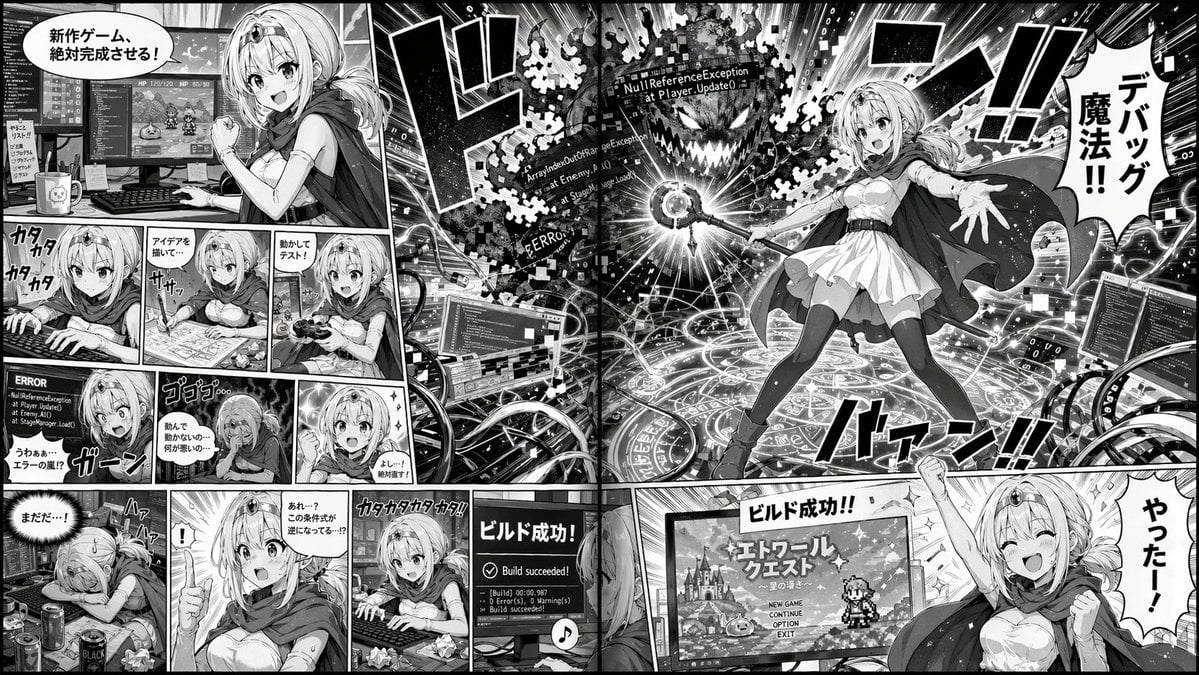
Manga Spread: Fantasy Game Developer

Sketch to Reality Travel Notebook

Avant-Garde Asian Fashion Model
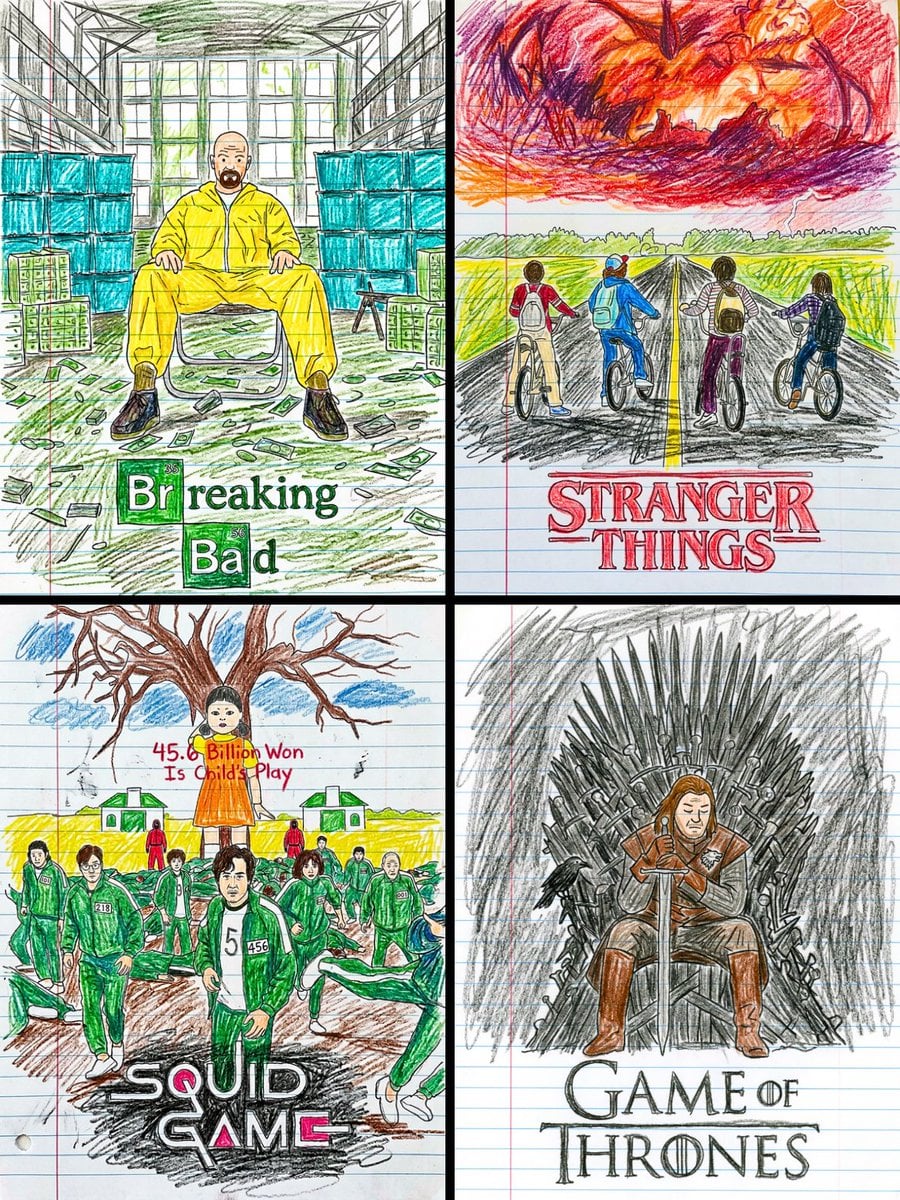
This movie poster into a child s crayon drawing on lined notebook paper
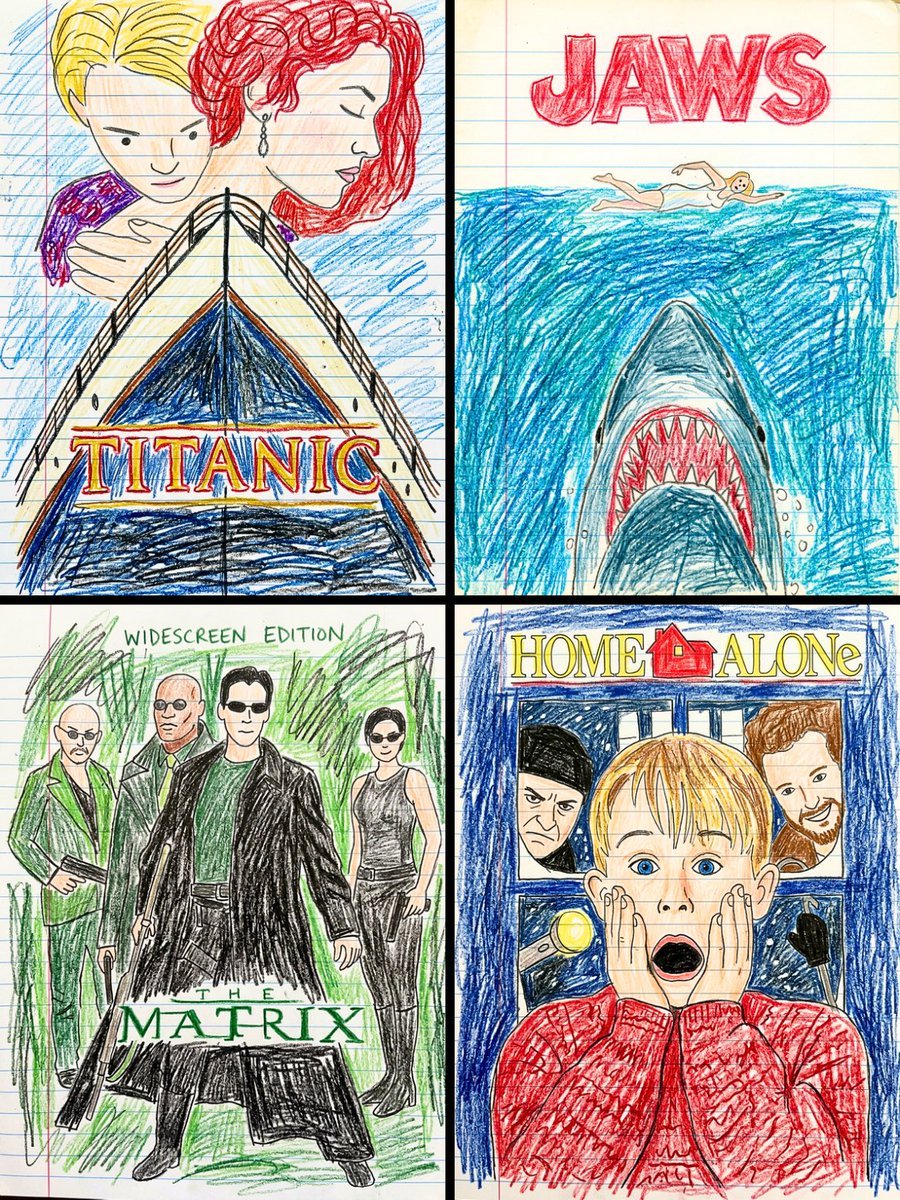
This movie poster into a child s crayon drawing on lined notebook paper

3D Notebook Illusion Sketch

Girl Emerging From Torn Notebook
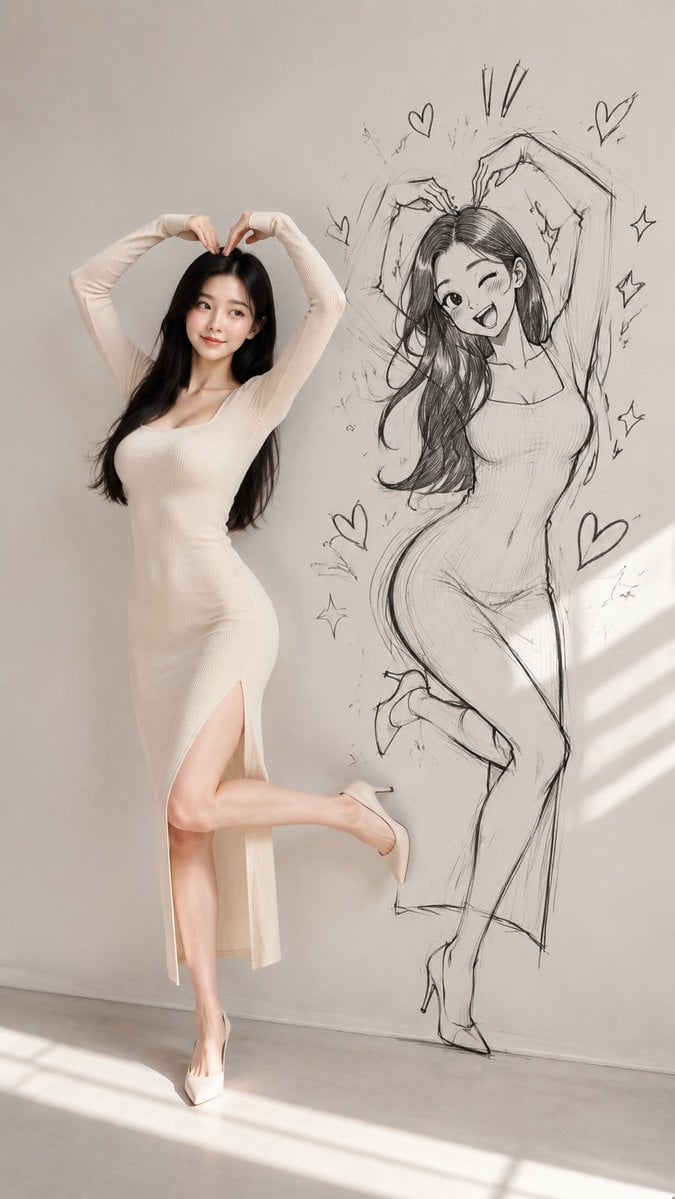
Model With Manga Wall Sketch

AI Model Routing Comparison Infographic

Fantasy Model Comparison Grid
Make it yours
Notebook Spread with 3D Model Analysis Diagrams works as-is. These are the safest ways to change it without losing the look.
Swap the setting
Keep the rest of the prompt and replace the location block. The current setting is “wooden desk surface, top-down angle”.
Change one field
Copy a single group, rewrite it, and generate again so you can see what that field is doing.
Keep the frame, change the subject
Hold the composition and light of Notebook Spread with 3D Model Analysis Diagrams, then swap wardrobe, props or the person for a new take.
| If the result… | Why | Fix |
|---|---|---|
| The result drifts from the preview | Too many fields changed at once. | Reuse Notebook Spread with 3D Model Analysis Diagrams as-is first, then change one group — subject, light, or setting. |
| GPT Image 2 ignores part of the JSON | Some models flatten or skip nested keys. | Keep the same values and paste them as a short paragraph instead. |
More GPT Image 2 templates
Other prompts made for GPT Image 2.

Six VTuber Japanese Logo Sheet

Realistic Portrait of Woman and Deer

The Vista Modular Condo Poster

2.5D Anime Art Board

Isometric Productivity Desk Scene

New York Double Exposure Poster

Four-Panel AI Landscape Comparison

Japanese Tatami Lifestyle Magazine Cover

NESCAFÉ Coffee Map Poster

Brutalist Cogito Chinese Typography Poster
More image prompts
Fresh picks from across the catalog.
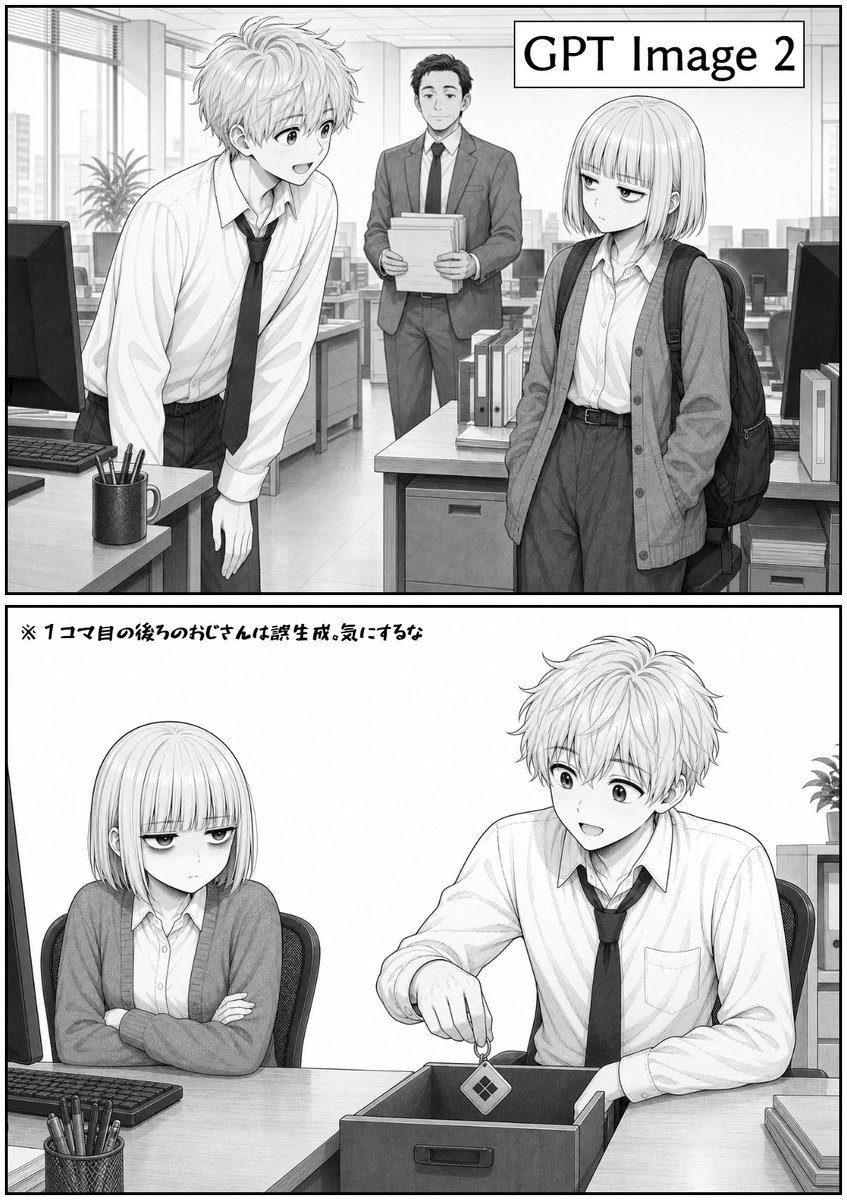
Two-Panel GPT Image 2 Manga Office Comic
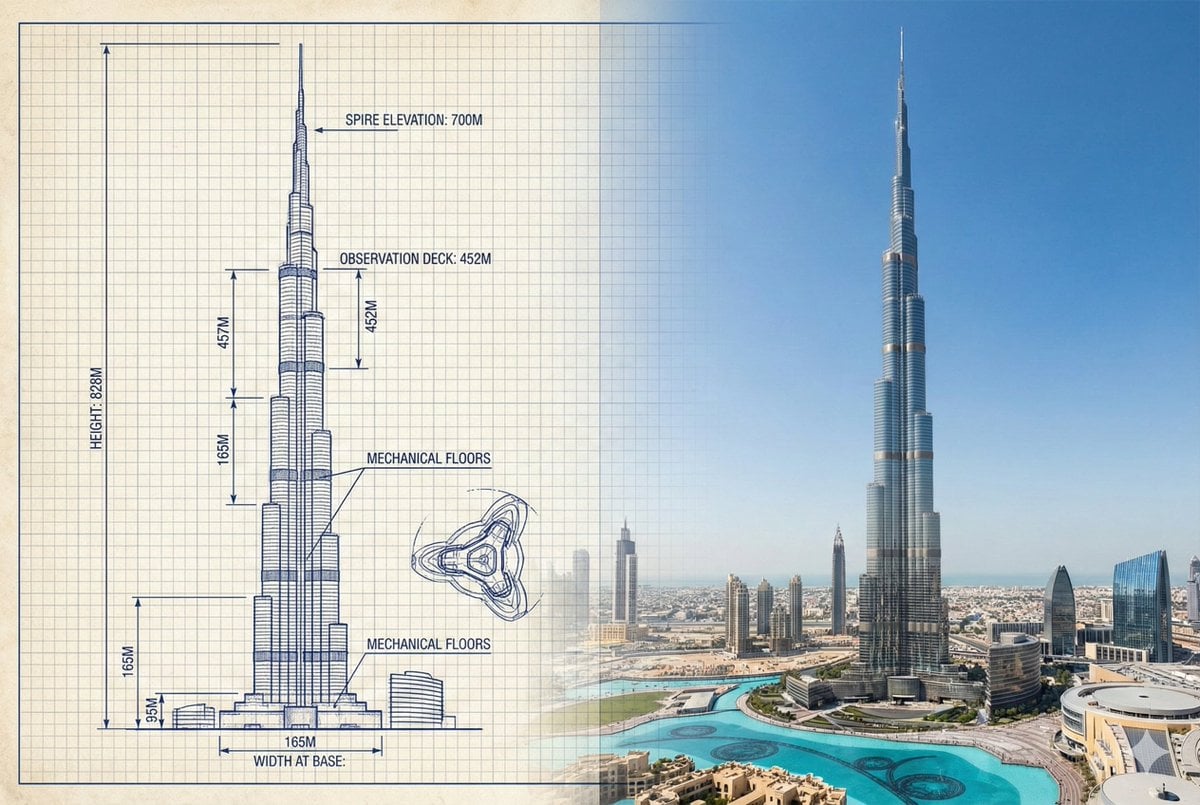
Burj Khalifa Technical Sketch and Real Photo Comparison

Image to Hyper-Detailed Hand Embroidery Artwork Prompt

Notion-Styled Portrait Prompt

Cinematic Street Portrait with Motion Contrast
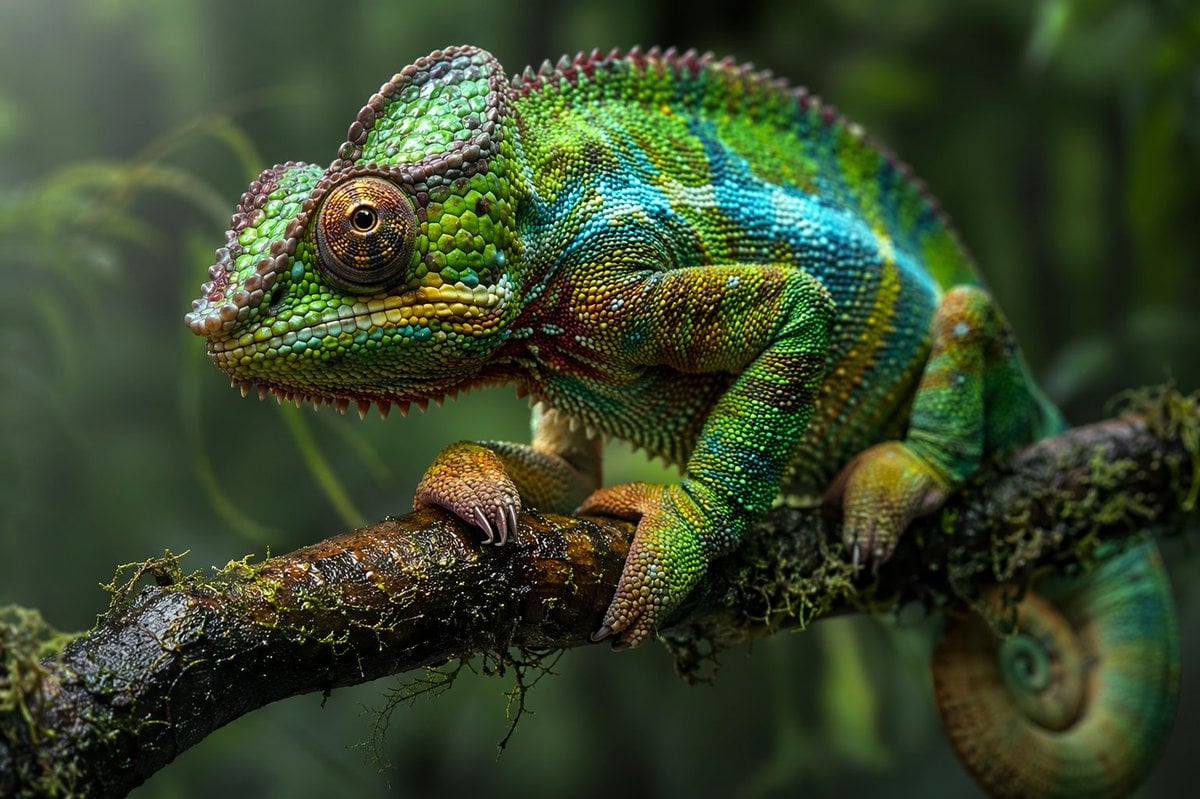
Macro Wildlife Photography

Dancer Character - Four View Reference Sheet

Cute 4-Panel School Club Manga

Mirror Selfie with Pose and Depth Controls

FIFA World Cup 2026 Sports Poster
Browse template categories
Notebook Spread with 3D Model Analysis Diagrams questions
How do I use the Notebook Spread with 3D Model Analysis Diagrams template?
Add your photo if the template asks for one, edit the prompt if you like — the template's model and format are already selected — and press Generate. Your version opens in PicX Studio.
Can I customize the Notebook Spread with 3D Model Analysis Diagrams template?
Yes. You can change the subject, setting, lighting, mood, format, and available model controls before creating your image.
Is the Notebook Spread with 3D Model Analysis Diagrams template free?
Opening and editing this template is free. Generating uses credits, shown on the Generate button when you are signed in.
Which AI model should I use?
Start with GPT Image 2, which is the model associated with this template. You can compare another compatible model for a different finish.
Looking for something else? Browse all templates.

Your photo, any look
Thousands of ready templates for every top image and video model, from one credit balance.