
Two-Panel GPT Image 2 Manga Office Comic
A structured prompt for generating a grayscale manga comic page with two office panels, blurred character faces, Japanese annotation text, and a GPT Image 2 label.
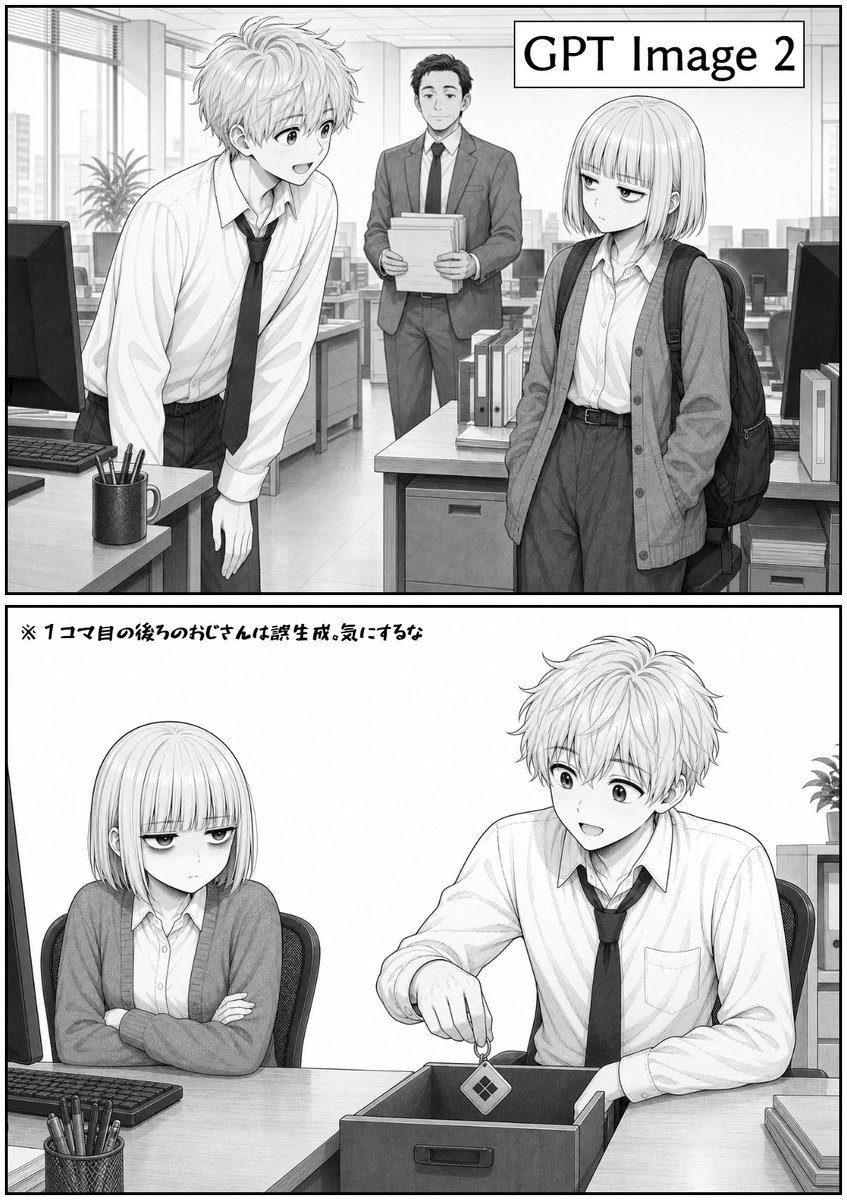
- Prompt included
- Model and format preset
- Free template
The prompt behind this image
Copy the exact prompt behind Two-Panel GPT Image 2 Manga Office Comic, or open it in the studio and make it yours.
Goal: Create a black-and-white manga-style two-panel comic page set in a modern office, comparing an image generation engine. Canvas: Vertical page, roughly 2:3 aspect ratio, with a thick black outer border and two stacked rectangular panels separated by a thick horizontal gutter. Use detailed pencil/ink line art, grayscale screentone shading, clean manga draftsmanship, realistic office perspective, and no color. Layout: Panel 1 occupies the top half. Panel 2 occupies the bottom half. Both panels have crisp black borders and a light, high-key office background with desks, computers, binders, windows, ceiling panels, and city buildings visible through large windows. Panel 1: Show exactly 3 characters in an open-plan office: 1 tall messy-haired young man on the left leaning forward over a desk, wearing a white dress shirt with rolled sleeves, loosened black necktie, and dark trousers; 1 middle-aged office man in the center background wearing a suit and tie while holding a stack of papers; 1 young woman on the right with a short bob haircut, wearing a white blouse, oversized cardigan, high-waisted trousers, and a backpack over one shoulder. Add a rectangular sign in the upper-right corner reading {argument name="engine label" default="GPT Image 2"} in bold black sans-serif text inside a thin black outline box. The three character faces should be intentionally obscured by soft gray rectangular blur blocks, while hair, clothing, and body language remain visible. Panel 2: Show exactly 2 characters seated at a meeting desk: the bob-haired young woman on the left, arms crossed, looking stern or unimpressed; the messy-haired young man on the right, seated and holding a small square tag or card above an open storage box on the tabletop, as if dropping it in. The desk includes exactly 5 visible prop groups: 1 keyboard on the left, 1 mesh pen cup filled with pens in the front-left, 1 open rectangular storage box in the center, 1 stack of papers or folders on the right, and 1 small office shelf or cabinet with binders in the rear-right background. Their faces should again be covered by soft gray rectangular blur blocks. Text content: At the top-left of Panel 2, include a handwritten Japanese note: {argument name="note text" default="※ 1コマ目の後ろのおじさんは誤生成。気にするな"}. Keep it small, casual, and manga-like. Character details: The young man has {argument name="male hairstyle" default="messy light-colored wavy hair"}, a slim build, slightly slouched posture, and a loose tie. The young woman has {argument name="female hairstyle" default="straight chin-length bob with blunt bangs"}, a reserved expression implied by posture, and a school-office hybrid outfit. The background office should feel believable and detailed, with monitors, binders, desk drawers, and window blinds. Constraints: Use exactly 2 panels, exactly 3 characters in the first panel, exactly 2 characters in the second panel, exactly 2 visible text elements, grayscale only, manga line art only, no speech bubbles, no extra captions, no watermark, no photorealistic rendering.
How to use Two-Panel GPT Image 2 Manga Office Comic in 3 steps
- 1Upload ImagePNG, JPG or paste
Add your photo
Upload the photo the template builds on. The prompt, model and format are already set.
- 2…a portrait of your subject in softgolden-hour light, 85mm…
Personalize
Edit the subject and creative details for your destination.
- 3Generate
Generate
Press Generate — your image is created in PicX Studio, so you can compare it with the original and refine one variable at a time.
More like this
Templates with the same subject, style or setup. Open one to see its prompt.

Gpt2 E Commerce Main Image 9 Panel Product Tvc Storyboard

Hero Portrait Comic Multi-Panel Poster
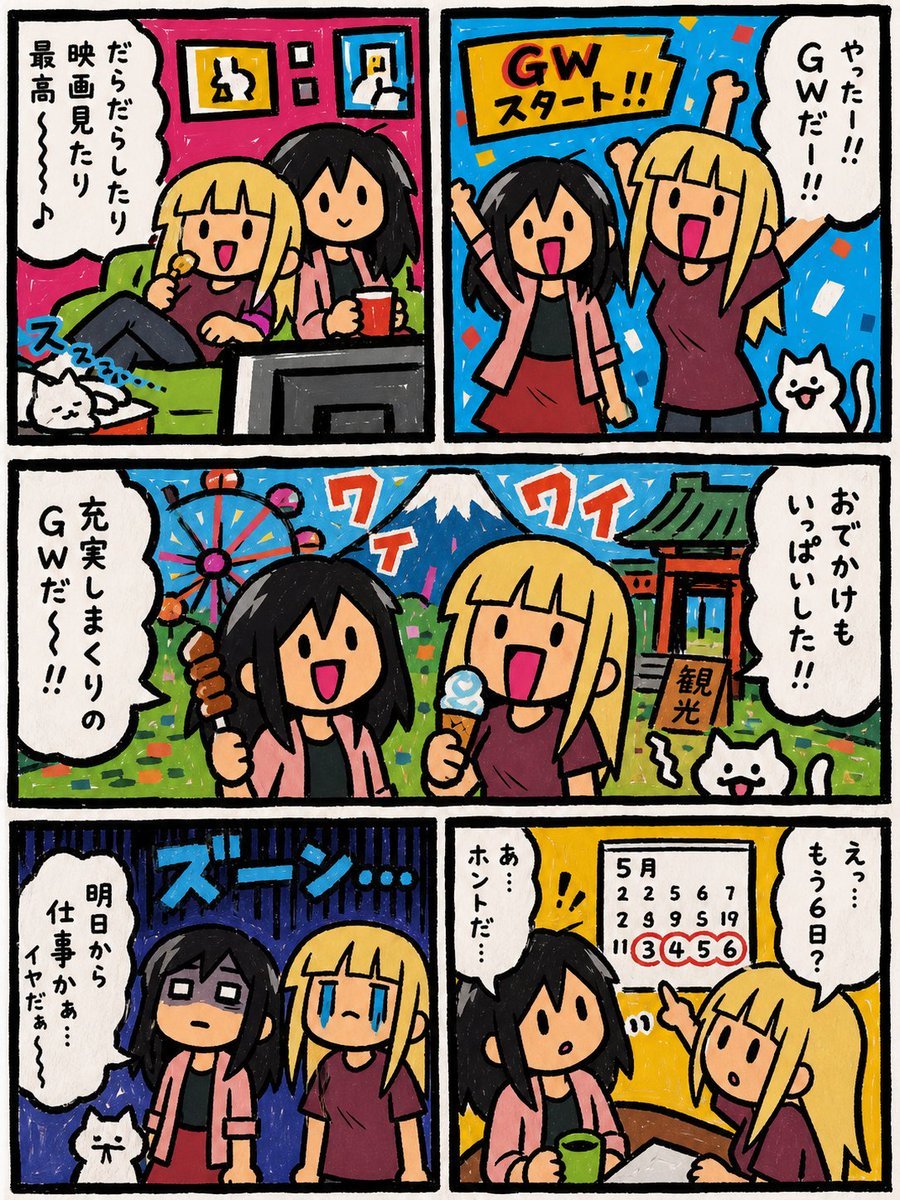
Six-Panel Golden Week Manga Comic
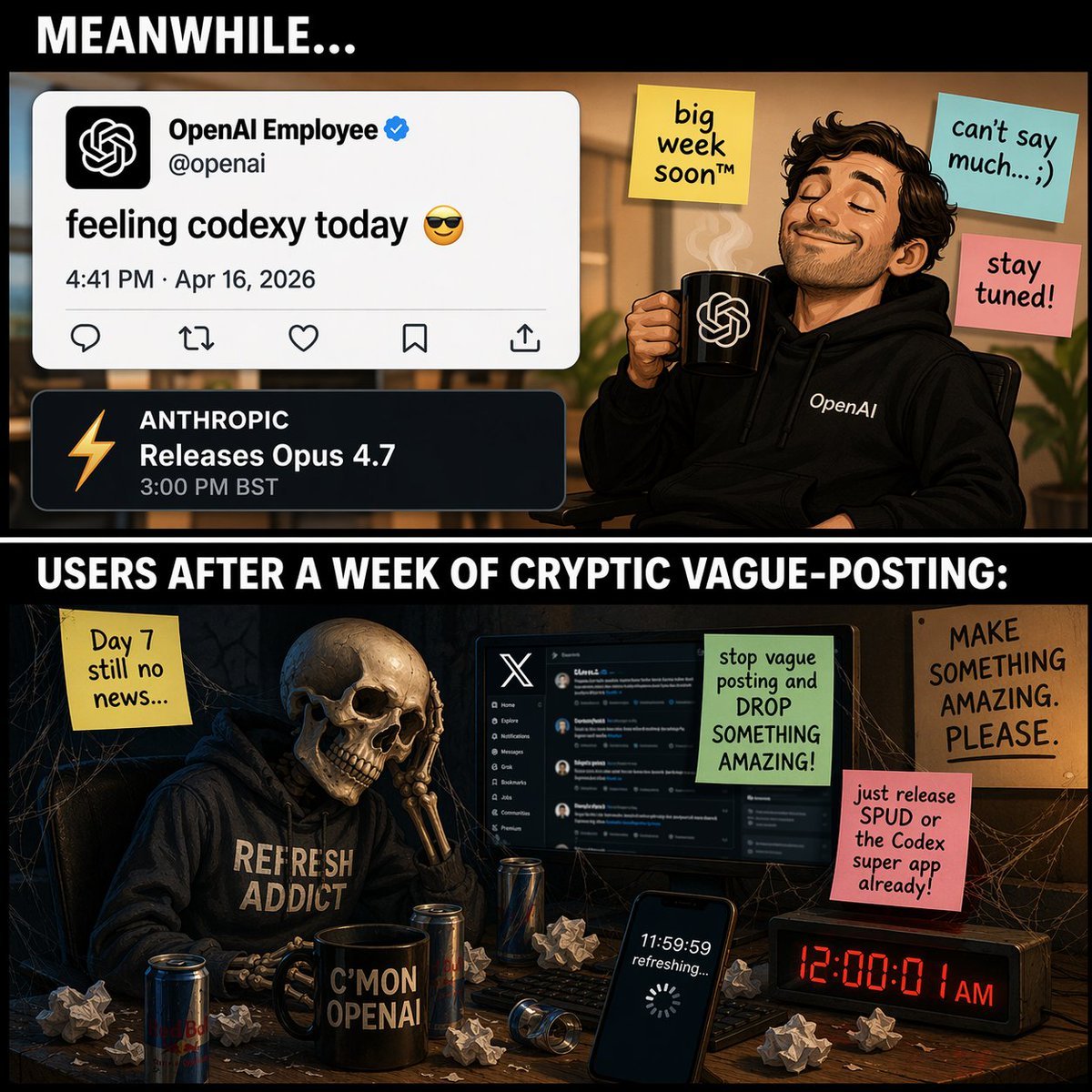
Two-Panel Tech Meme Comic
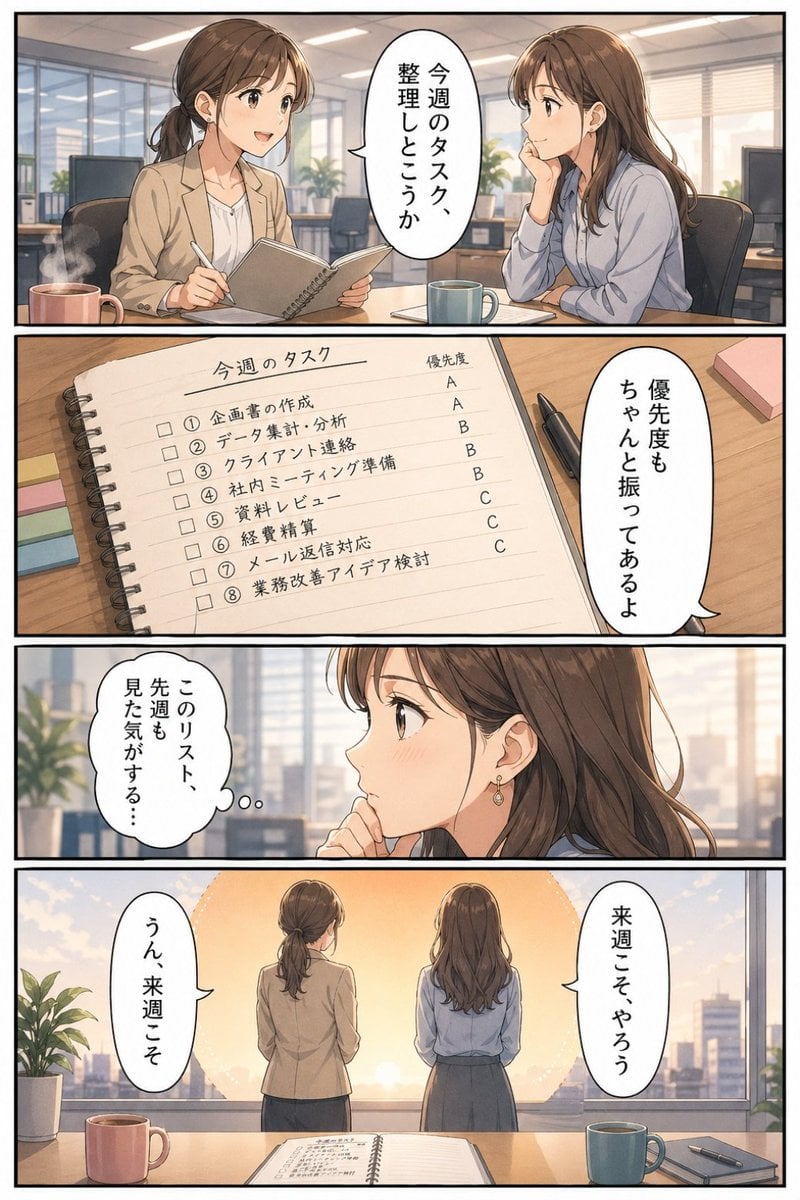
Business Office Manga Task Comic
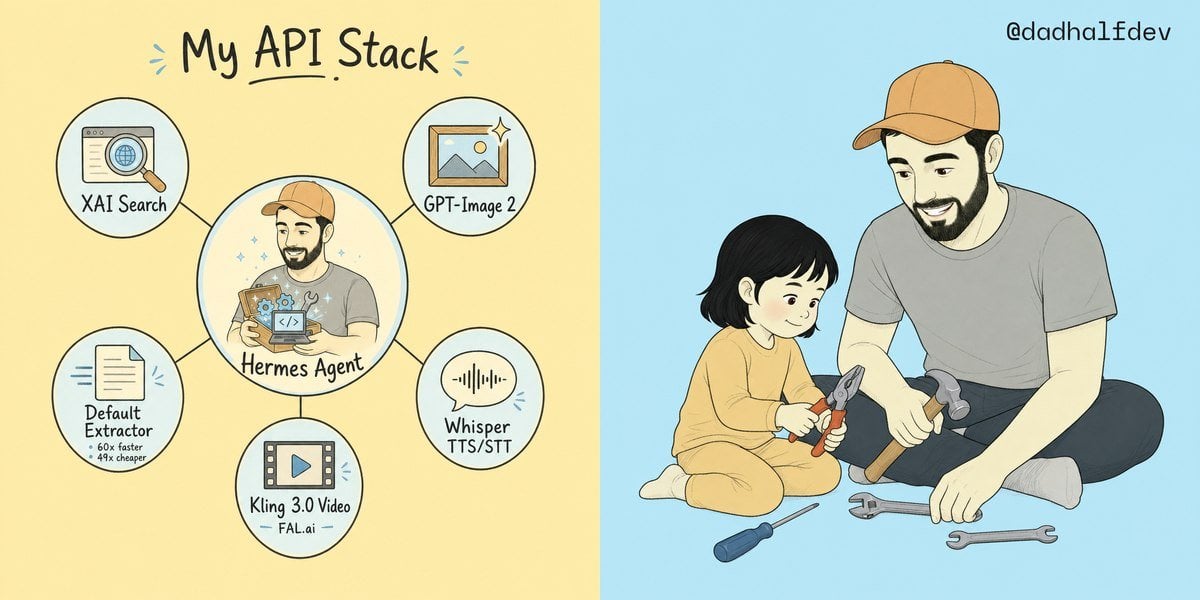
My API Stack Two-Panel Illustration
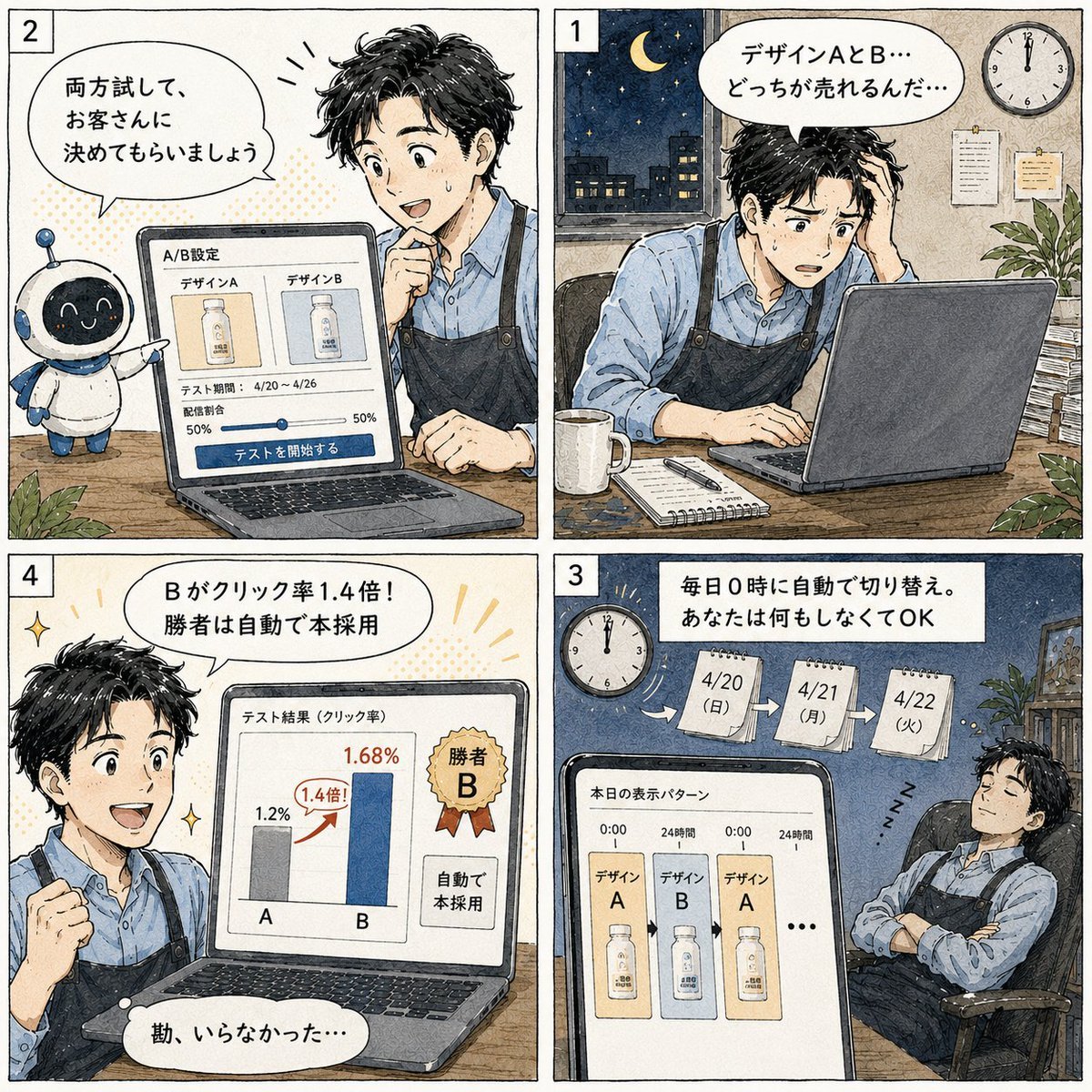
Japanese Manga A/B Testing Comic

Cute AI Manga Lesson Comic Page
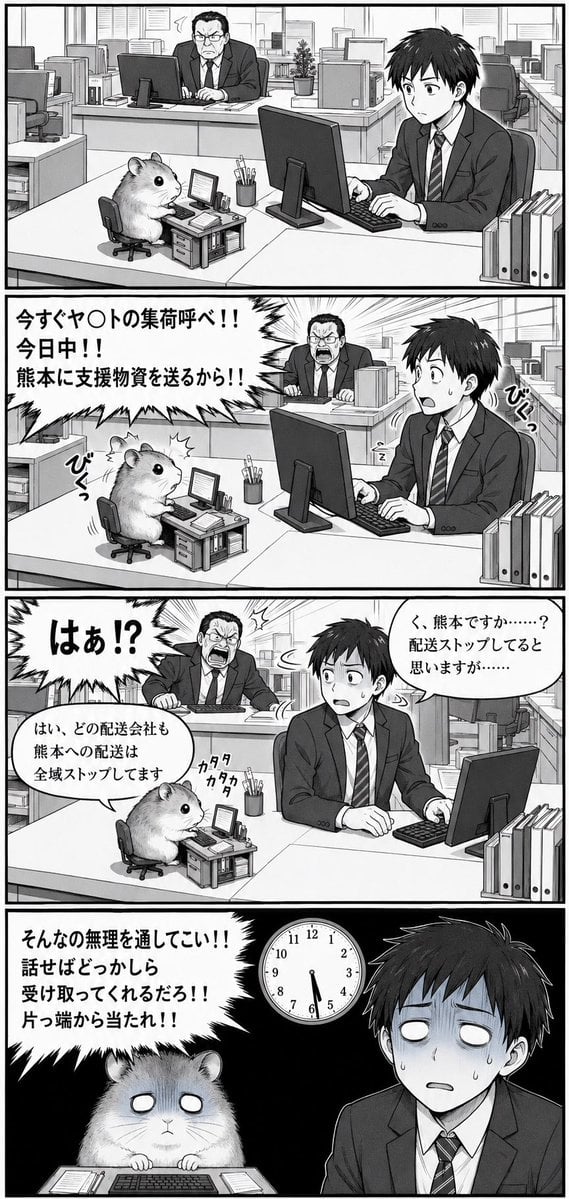
Hamster Office Manga Emergency

Seven-Panel Cyberpunk Manga Alley
Multi-Panel Comic Illustration

Pixar 6-Panel Streethero Expression Grid
Make it yours
Two-Panel GPT Image 2 Manga Office Comic works as-is. These are the safest ways to change it without losing the look.
Change one field
Copy a single group, rewrite it, and generate again so you can see what that field is doing.
Keep the frame, change the subject
Hold the composition and light of Two-Panel GPT Image 2 Manga Office Comic, then swap wardrobe, props or the person for a new take.
| If the result… | Why | Fix |
|---|---|---|
| The result drifts from the preview | Too many fields changed at once. | Reuse Two-Panel GPT Image 2 Manga Office Comic as-is first, then change one group — subject, light, or setting. |
| The model over-stylizes the scene | The prose prompt leaves finish and camera underspecified. | Add one camera or lighting sentence and stay on GPT Image 2. |
More GPT Image 2 templates
Other prompts made for GPT Image 2.

Six VTuber Japanese Logo Sheet

Realistic Portrait of Woman and Deer

The Vista Modular Condo Poster

AI Model Routing Comparison Infographic

2.5D Anime Art Board

Isometric Productivity Desk Scene

New York Double Exposure Poster

Four-Panel AI Landscape Comparison

Japanese Tatami Lifestyle Magazine Cover

NESCAFÉ Coffee Map Poster
More image prompts
Fresh picks from across the catalog.
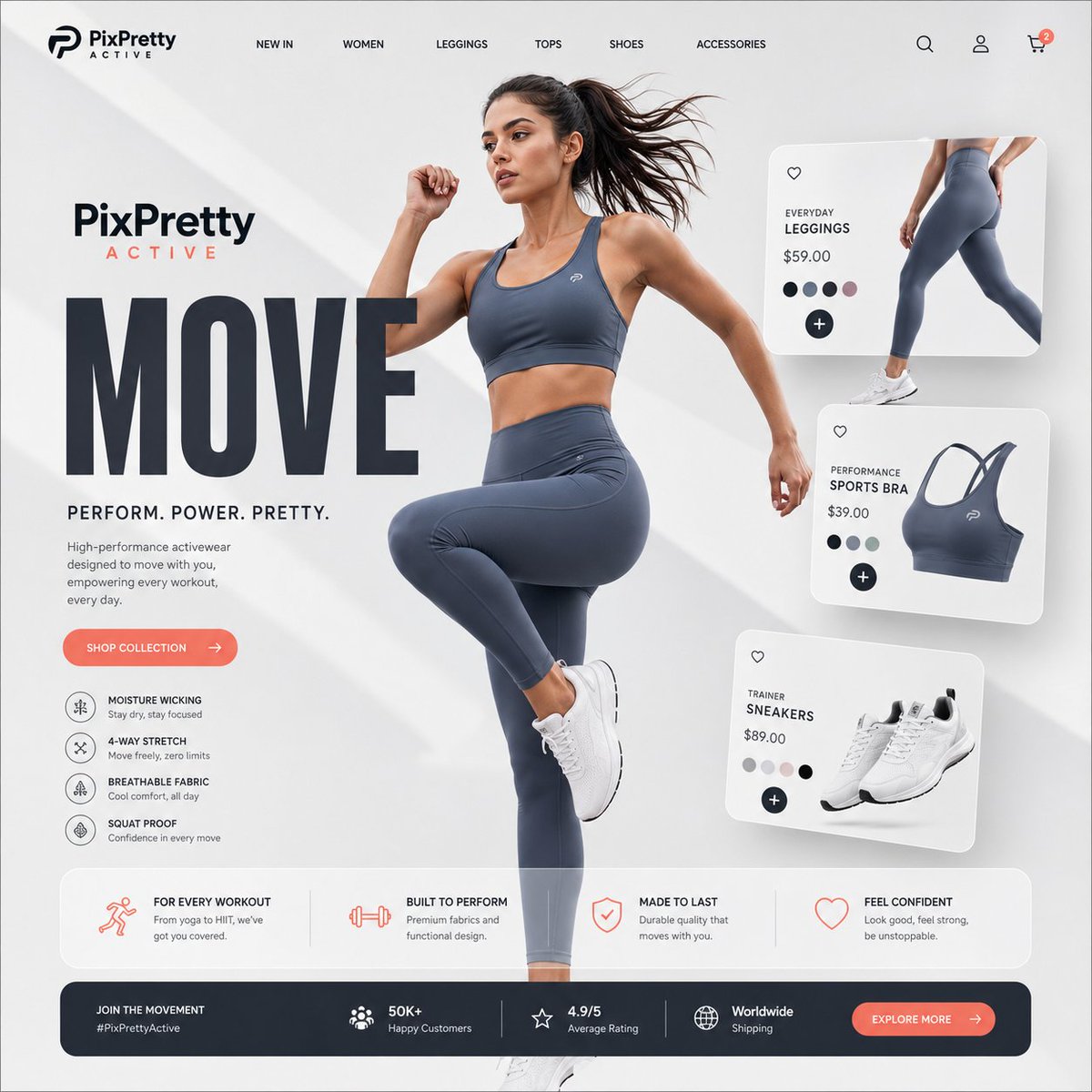
Premium Activewear Landing Page
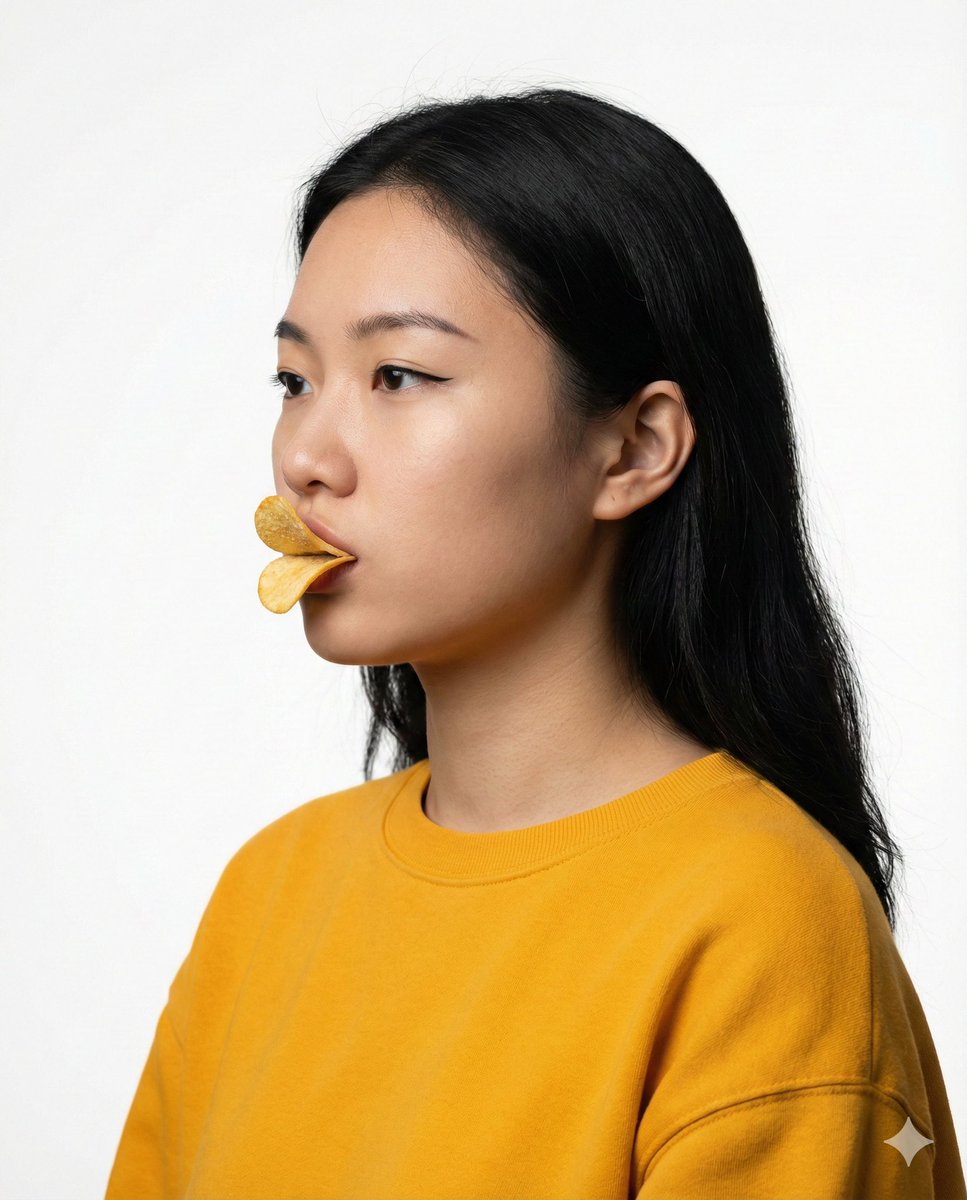
Conceptual Beauty Portrait: Pringles Duck Lips
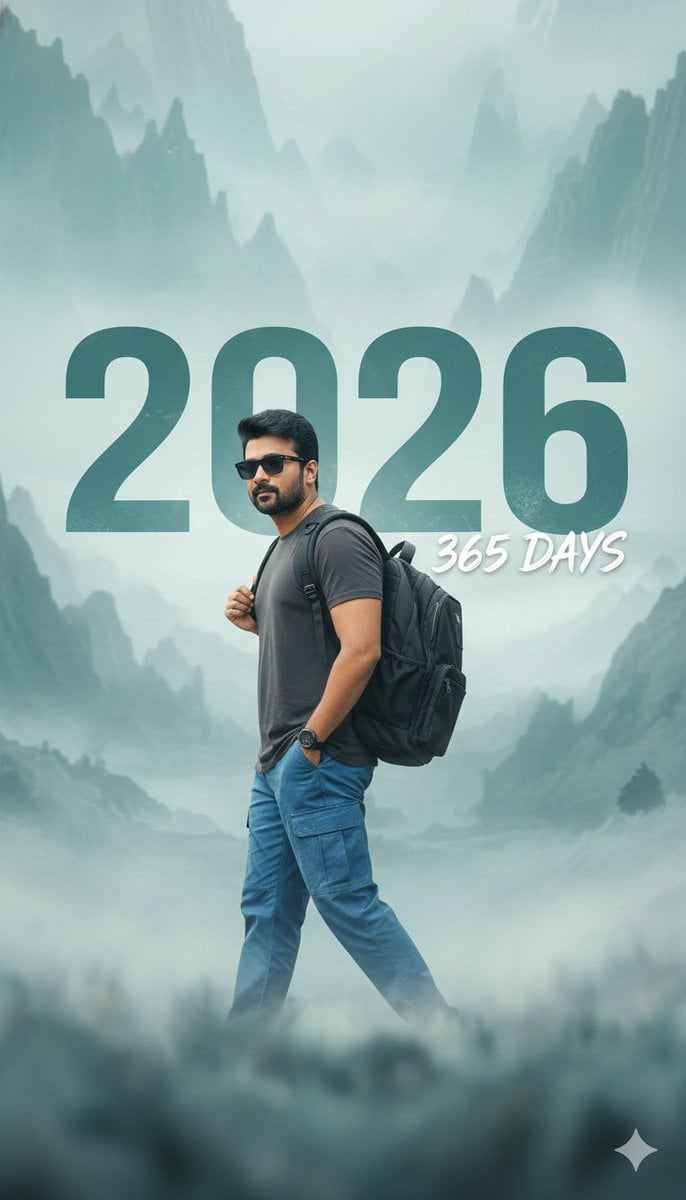
New Year 2026 Cinematic Photo with Text Overlay
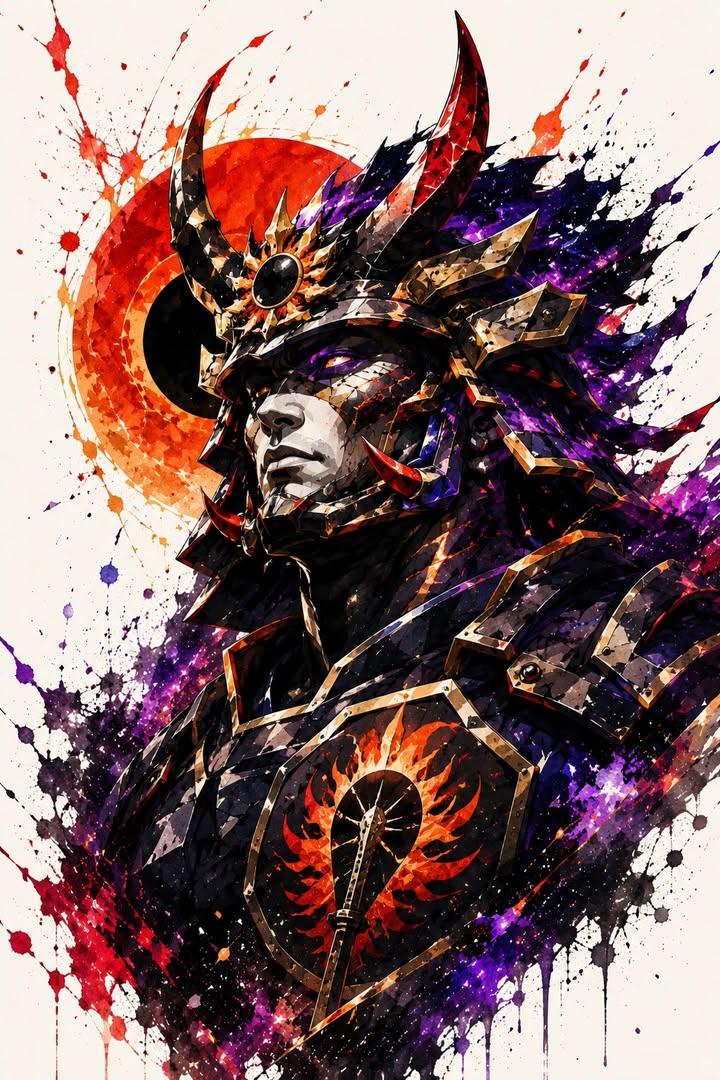
Samurai Warrior Watercolor Portrait
Fashion Arrangement Prompt for High School Characters
Smartphone Ad Poster
Editorial Fashion Magazine Cover
Outfit Style Edit: Santa-Inspired Dress
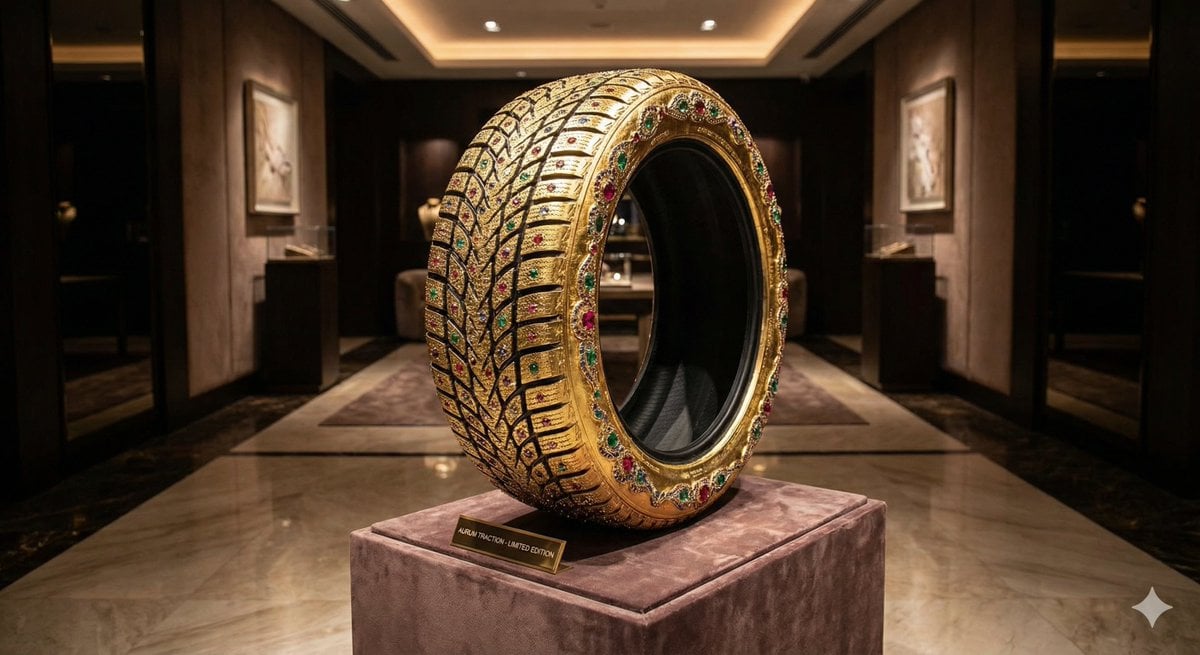
Luxury Snow Tire Image Generation
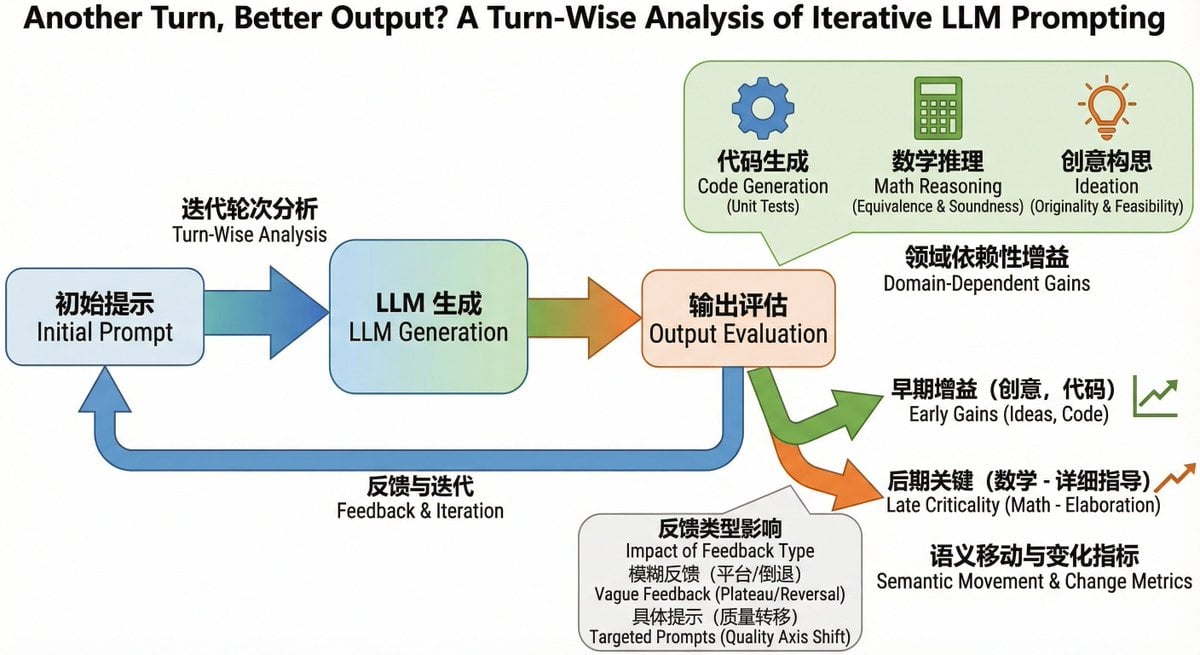
Bilingual diagram from a research paper
Browse template categories
Two-Panel GPT Image 2 Manga Office Comic questions
How do I use the Two-Panel GPT Image 2 Manga Office Comic template?
Add your photo if the template asks for one, edit the prompt if you like — the template's model and format are already selected — and press Generate. Your version opens in PicX Studio.
Can I customize the Two-Panel GPT Image 2 Manga Office Comic template?
Yes. You can change the subject, setting, lighting, mood, format, and available model controls before creating your image.
Is the Two-Panel GPT Image 2 Manga Office Comic template free?
Opening and editing this template is free. Generating uses credits, shown on the Generate button when you are signed in.
Which AI model should I use?
Start with GPT Image 2, which is the model associated with this template. You can compare another compatible model for a different finish.
Looking for something else? Browse all templates.

Your photo, any look
Thousands of ready templates for every top image and video model, from one credit balance.