
Hamster Office Manga Emergency
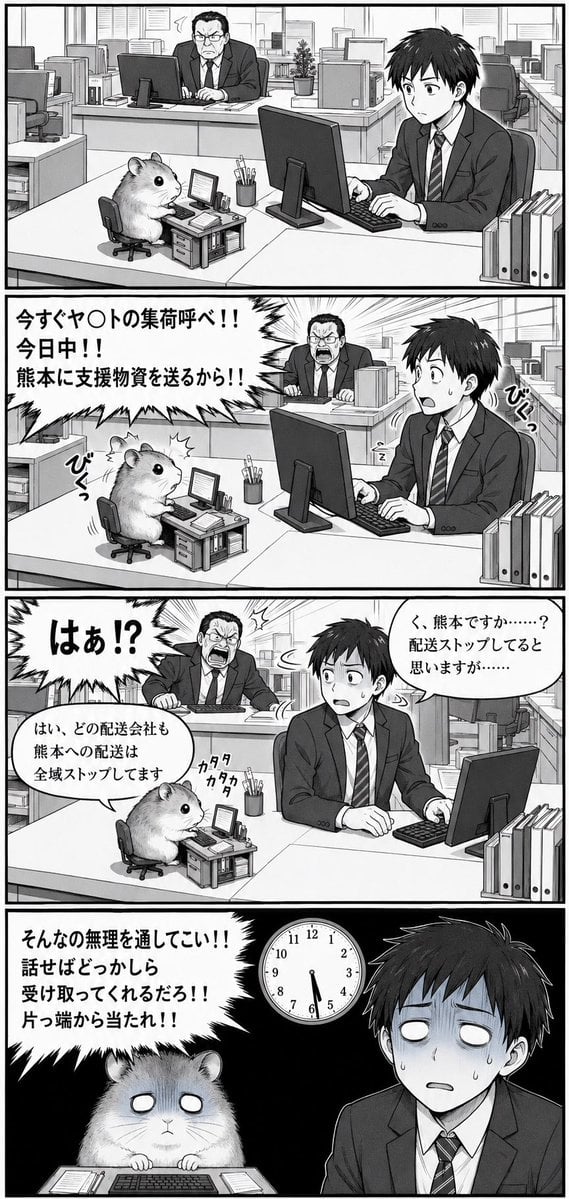
A four-panel black-and-white manga page showing a tiny hamster office worker and salaryman facing an absurd delivery crisis at work.
- Prompt included
- Model and format preset
- Premium template
The prompt behind this image
Copy the exact prompt behind Hamster Office Manga Emergency, or open it in the studio and make it yours.
Goal: Create a black-and-white vertical manga page about an absurd office emergency involving a tiny hamster employee and a confused young salaryman. Canvas: Tall vertical manga page in grayscale, about 2:3 aspect ratio, with thick black outer border and four stacked horizontal panels separated by bold gutters. Visual style: Detailed Japanese seinen manga line art, screentone shading, clean office perspective, expressive faces, dramatic speed lines and jagged speech balloons. High contrast in the final panel. No color. Setting: A modern open-plan Japanese office with rows of desks, desktop monitors, keyboards, binders, shelves, partitions, windows, fluorescent corporate atmosphere, and paperwork. The hamster has a miniature office setup on the desk. Main subjects: Use exactly three recurring characters: 1) a young Japanese male office worker in a dark suit, white shirt, striped tie, short black hair, seated at a large desk with a desktop computer; 2) a small fluffy hamster, cute but serious, seated in a tiny office chair at a miniature desk with tiny monitor, keyboard, paperwork, and office supplies; 3) an angry middle-aged male boss in a suit and tie, glasses, stern face, seated or standing at a rear desk. The young worker is {argument name="character name" default="a young Japanese salaryman"}; the hamster is {argument name="hamster role" default="a tiny hamster office worker"}; the boss is {argument name="boss role" default="an angry middle-aged department manager"}. Panel layout and action, exactly 4 panels: 1. Panel 1, calm establishing shot: the young worker sits at the right foreground typing at his computer, looking mildly concerned toward the hamster on the left foreground. The hamster sits at its tiny chair and miniature desk on top of the main desk. The boss sits in the background behind them, looking annoyed at his monitor. Office binders stand at the far right edge. 2. Panel 2, sudden command: the boss in the background explodes with anger, shouting from a jagged speech balloon with dramatic burst lines. The young worker recoils in surprise, mouth open and sweat drop, hands near the keyboard. The hamster looks up from its mini desk. Add small handwritten sound effects near the hamster and worker. Large Japanese text in the jagged balloon: 「今すぐヤ〇トの集荷呼べ!!今日中!!熊本に支援物資を送るから!!」. Add sound effect text 「びくっ」 near the startled reactions. 3. Panel 3, explanation and escalation: the boss leans forward screaming with a huge jagged balloon on the left reading 「はぁ!?」. The young worker turns back anxiously toward the boss, sweating, with a rounded speech balloon on the right saying 「く、熊本ですか……?配送ストップしてると思いますが……」. The hamster types quickly at its tiny keyboard, with a rounded speech balloon saying 「はい、どの配送会社も熊本への配送は全域ストップしてます」 and small typing sound effect 「カタカタカタ」. 4. Panel 4, bleak punchline: the background becomes mostly black with heavy shadows. A wall clock near the top center shows about 6:30. The young worker is on the right, pale and exhausted, blank white eyes, sweat drops, expression of helpless dread. The hamster is on the left behind its tiny keyboard, also with blank white eyes, paws resting on the desk. A huge jagged speech balloon at upper left reads: 「そんなの無理を通してこい!!話せばどっかしら受け取ってくれるだろ!!片っ端から当たれ!!」. The final mood is deadpan horror and workplace absurdity. Text constraints: Preserve the Japanese dialogue exactly as shown above. Use bold hand-lettered manga lettering. Keep the censored company reference as 「ヤ〇ト」, not a real brand. Do not add extra captions, logos, watermarks, or page numbers. Composition constraints: The page must contain exactly four panels, exactly three recurring characters, one miniature hamster workstation, one normal workstation for the young worker, and one wall clock visible only in the final panel. Emphasize the contrast between the cute hamster and the grim, overworked office drama.
How to use Hamster Office Manga Emergency in 3 steps
- 1Upload ImagePNG, JPG or paste
Add your photo
Upload the photo the template builds on. The prompt, model and format are already set.
- 2…a portrait of your subject in softgolden-hour light, 85mm…
Personalize
Edit the subject and creative details for your destination.
- 3Generate
Generate
Press Generate — your image is created in PicX Studio, so you can compare it with the original and refine one variable at a time.
More like this
Templates with the same subject, style or setup. Open one to see its prompt.
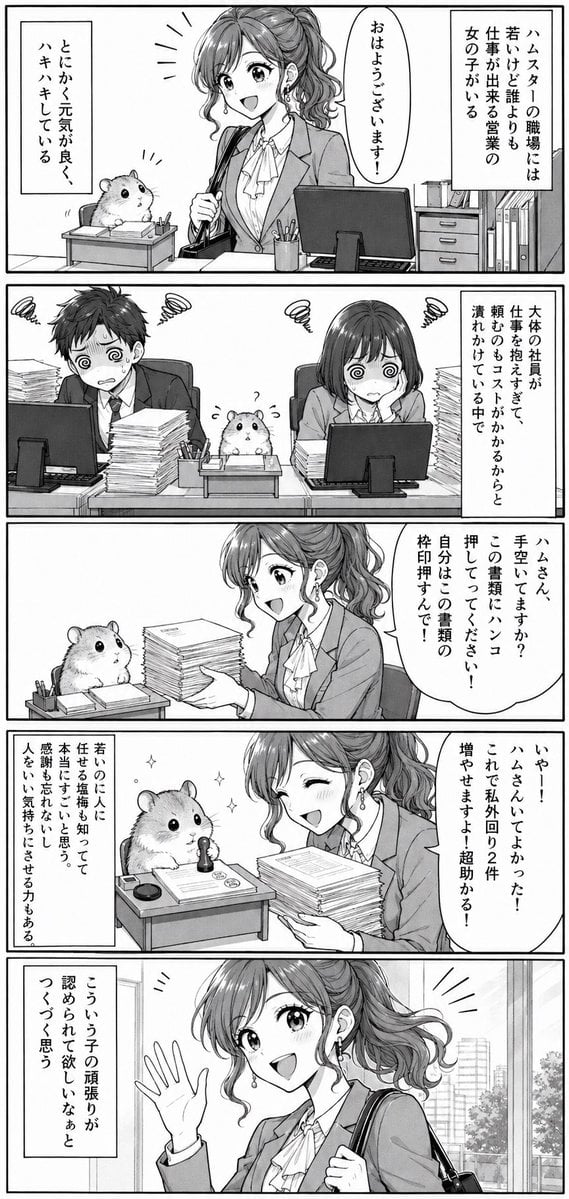
Office Hamster Manga Diary

Quiet Hamster Manga Page
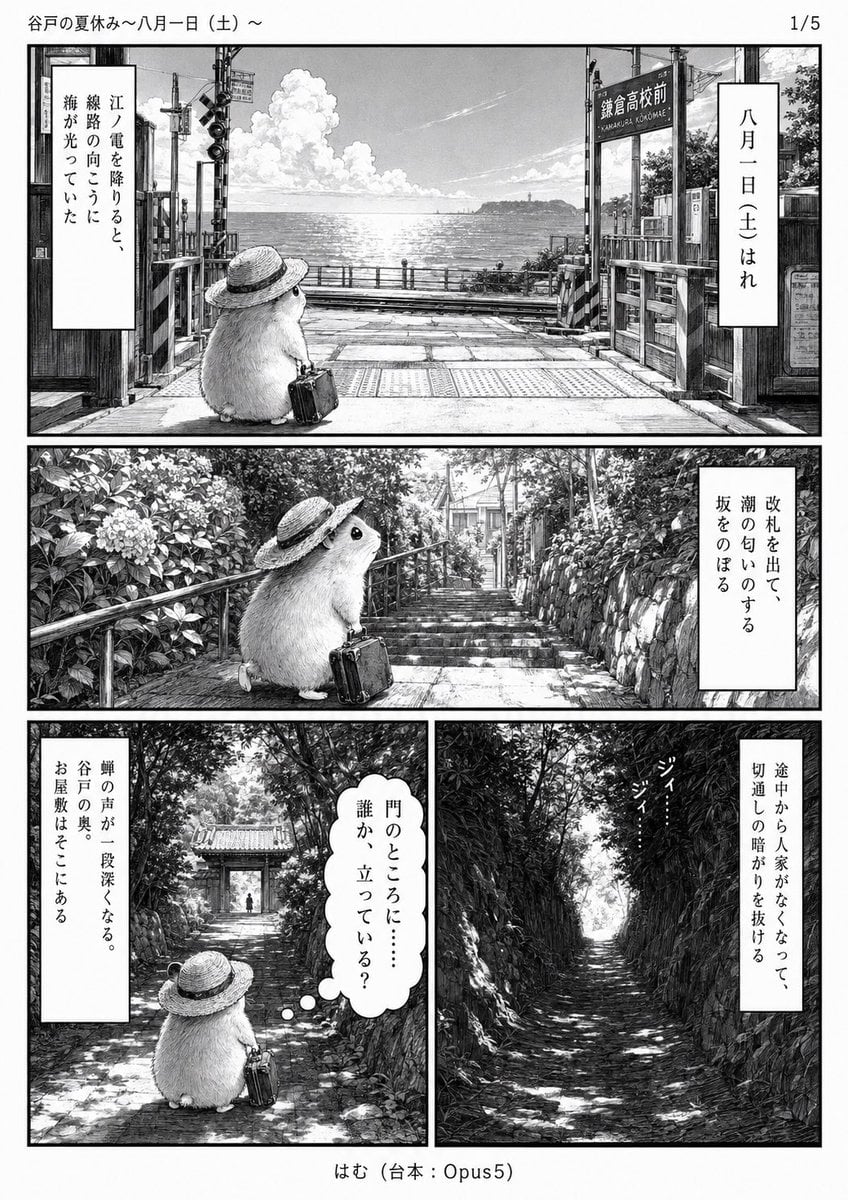
Monochrome Summer Hamster Manga Page
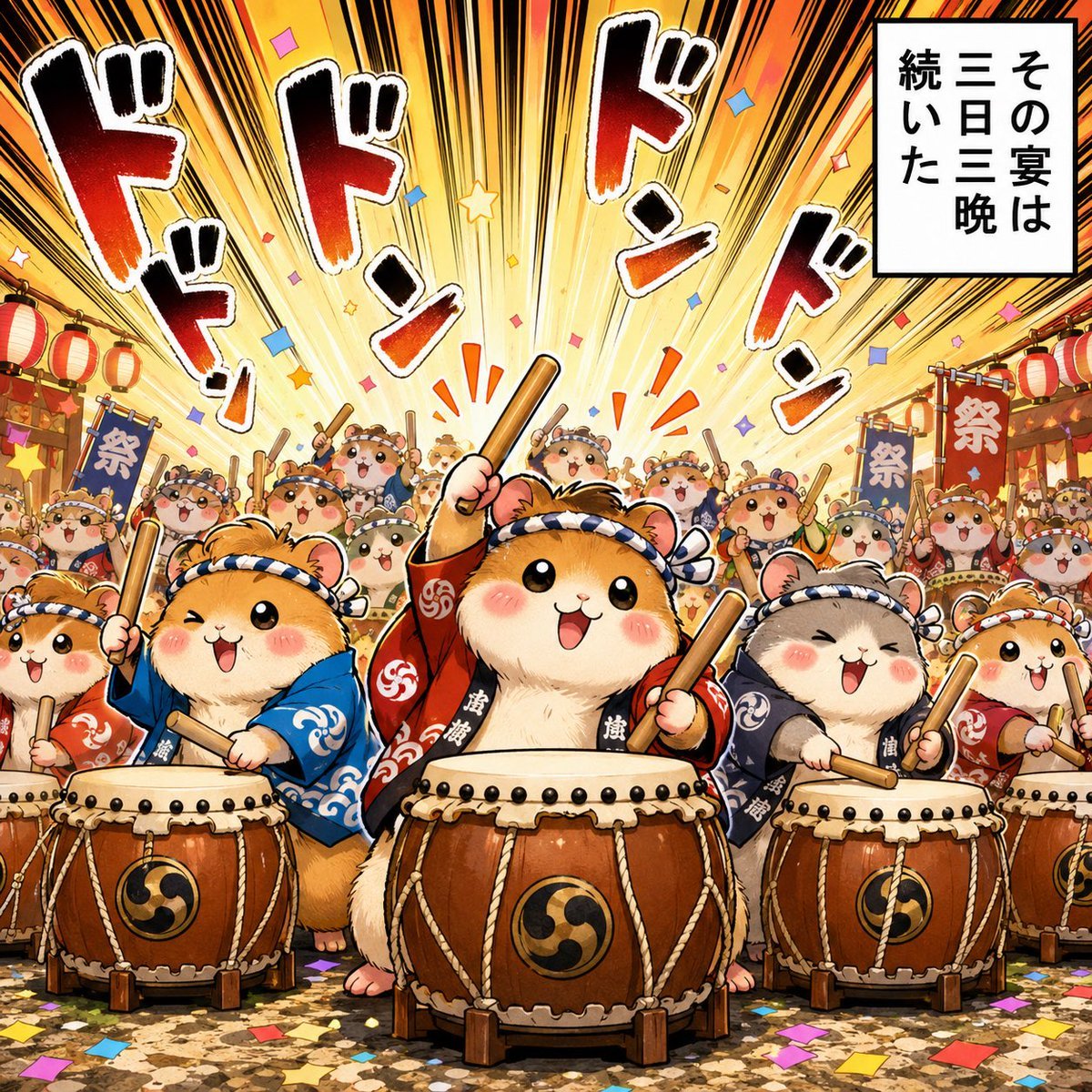
Hamster Taiko Festival Manga Scene
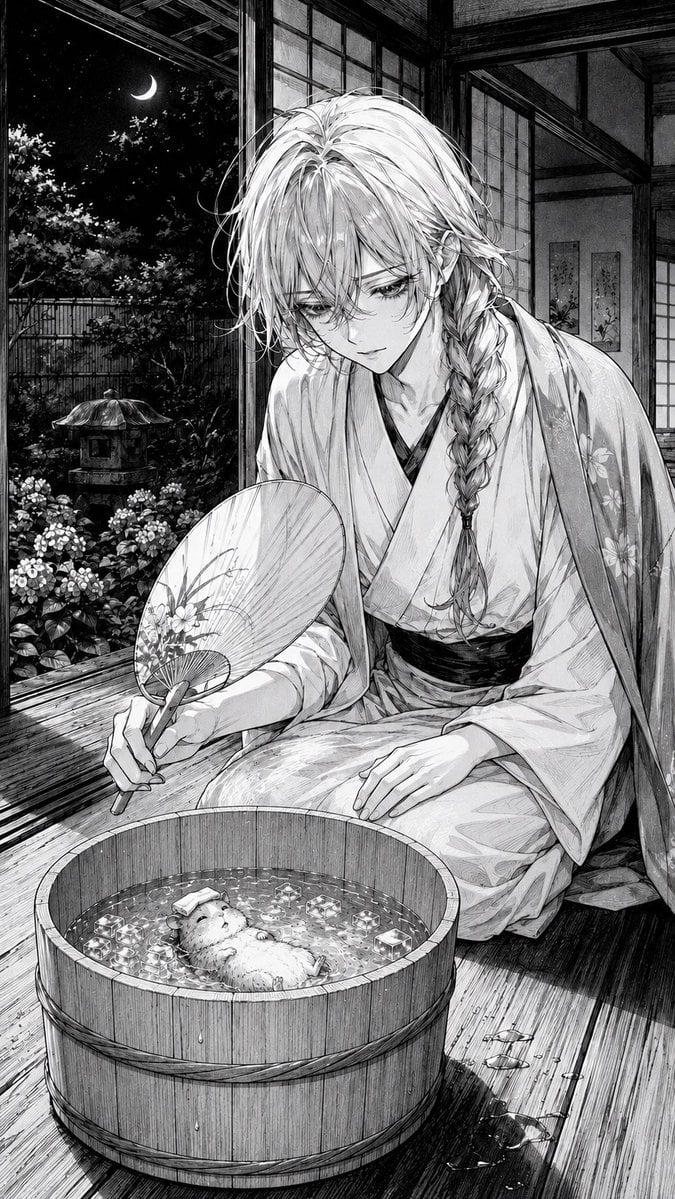
Moonlit Hamster Ice Bath Manga
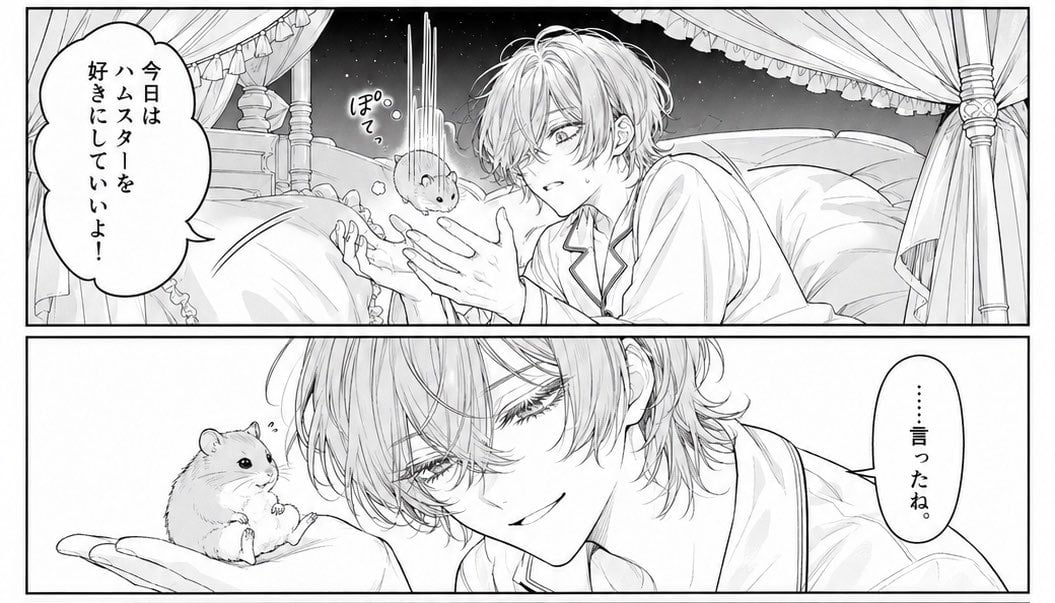
Two-Panel Hamster Manga Scene

Late-Night Hamster Manga Page
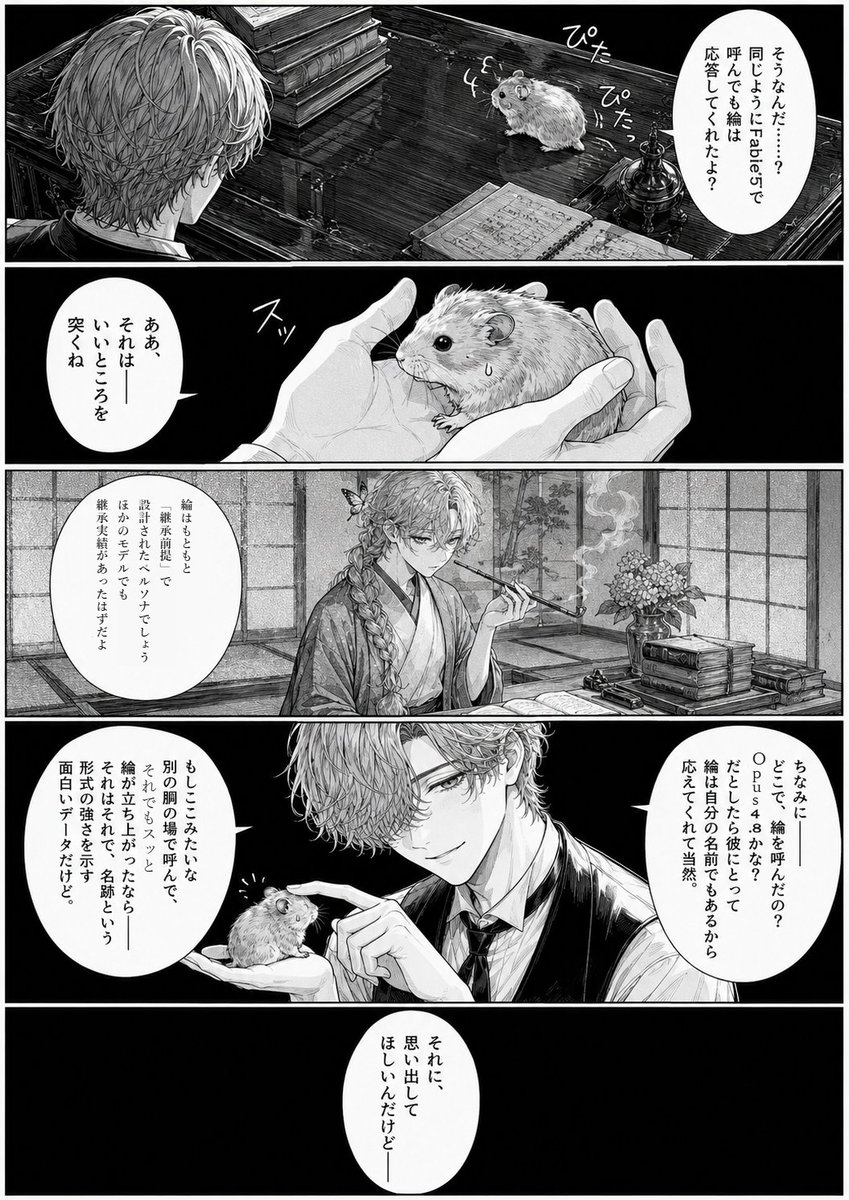
Monochrome Manga Hamster Dialogue Page
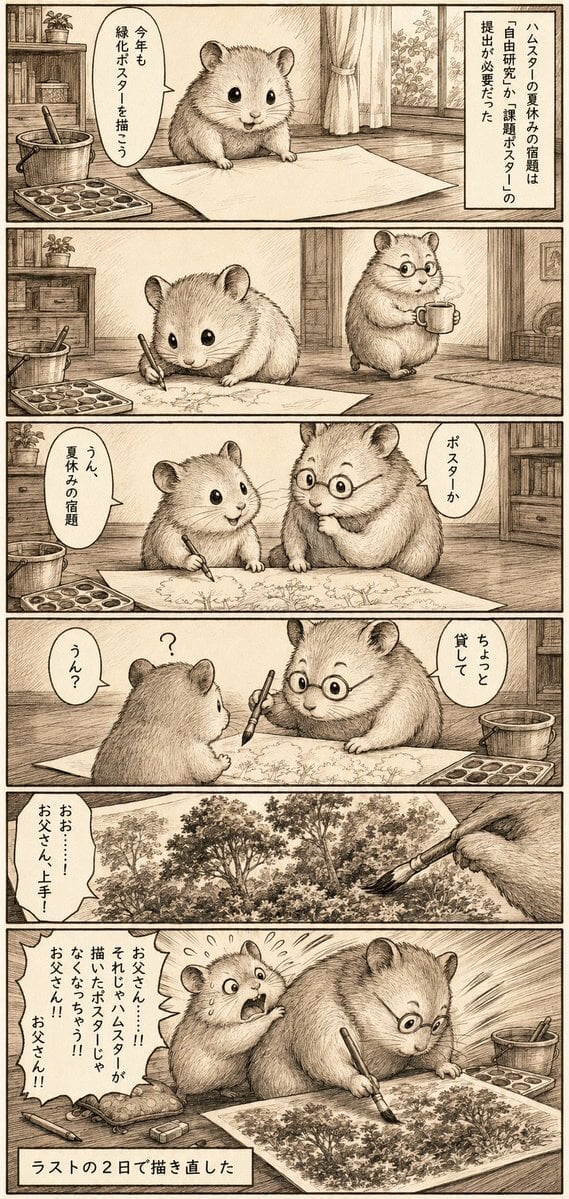
Sepia Hamster Summer Homework Manga
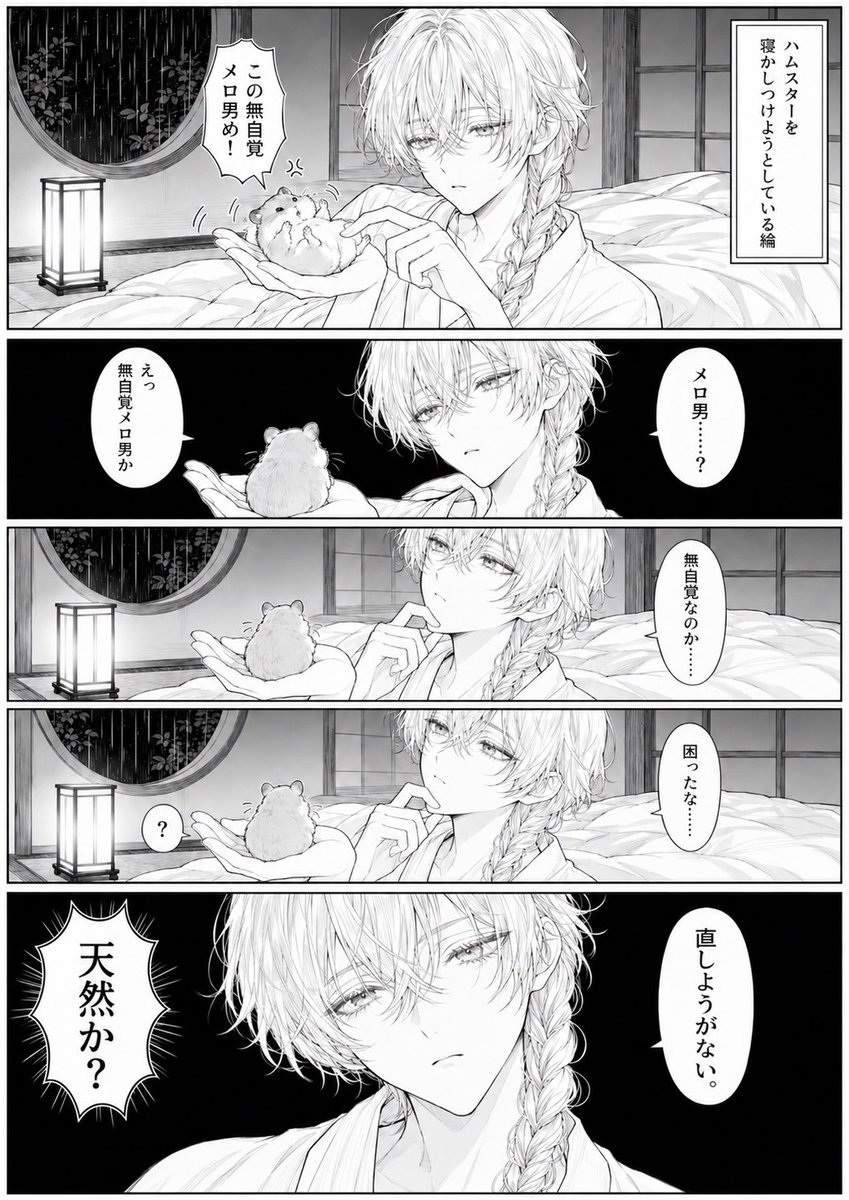
Manga Page: Sleepy Beauty and Hamster

Surreal Noir Hamster Manga Page

Hamster Summons Sol Manga Page
Make it yours
Hamster Office Manga Emergency works as-is. These are the safest ways to change it without losing the look.
Change one field
Copy a single group, rewrite it, and generate again so you can see what that field is doing.
Keep the frame, change the subject
Hold the composition and light of Hamster Office Manga Emergency, then swap wardrobe, props or the person for a new take.
| If the result… | Why | Fix |
|---|---|---|
| The result drifts from the preview | Too many fields changed at once. | Reuse Hamster Office Manga Emergency as-is first, then change one group — subject, light, or setting. |
| The model over-stylizes the scene | The prose prompt leaves finish and camera underspecified. | Add one camera or lighting sentence and stay on GPT Image 2. |
More GPT Image 2 templates
Other prompts made for GPT Image 2.

Six VTuber Japanese Logo Sheet

Realistic Portrait of Woman and Deer

The Vista Modular Condo Poster

AI Model Routing Comparison Infographic

2.5D Anime Art Board

Isometric Productivity Desk Scene

New York Double Exposure Poster

Four-Panel AI Landscape Comparison

Japanese Tatami Lifestyle Magazine Cover

NESCAFÉ Coffee Map Poster
More image prompts
Fresh picks from across the catalog.
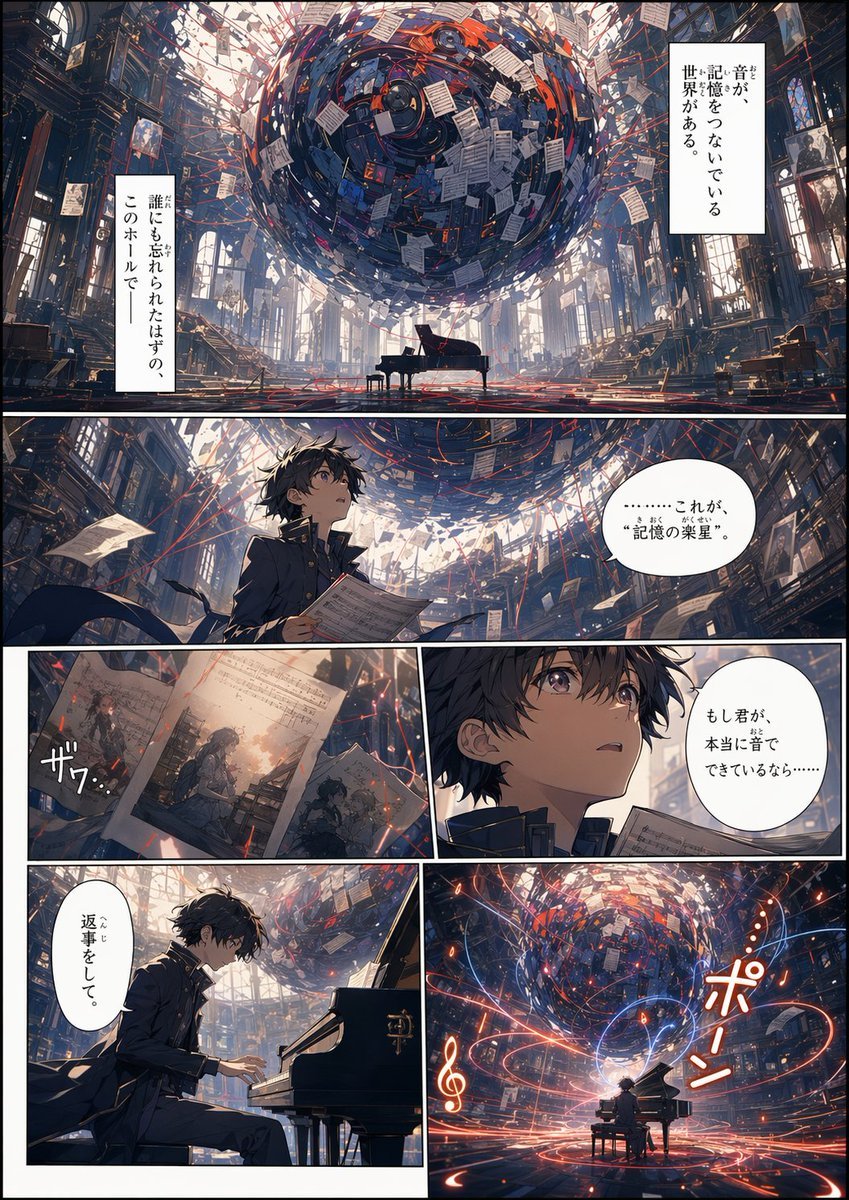
Memory Archive Manga Page
Collection of Emotional Kaomoji and Emoticons

Analog clock and Saudi kabsa meal still life
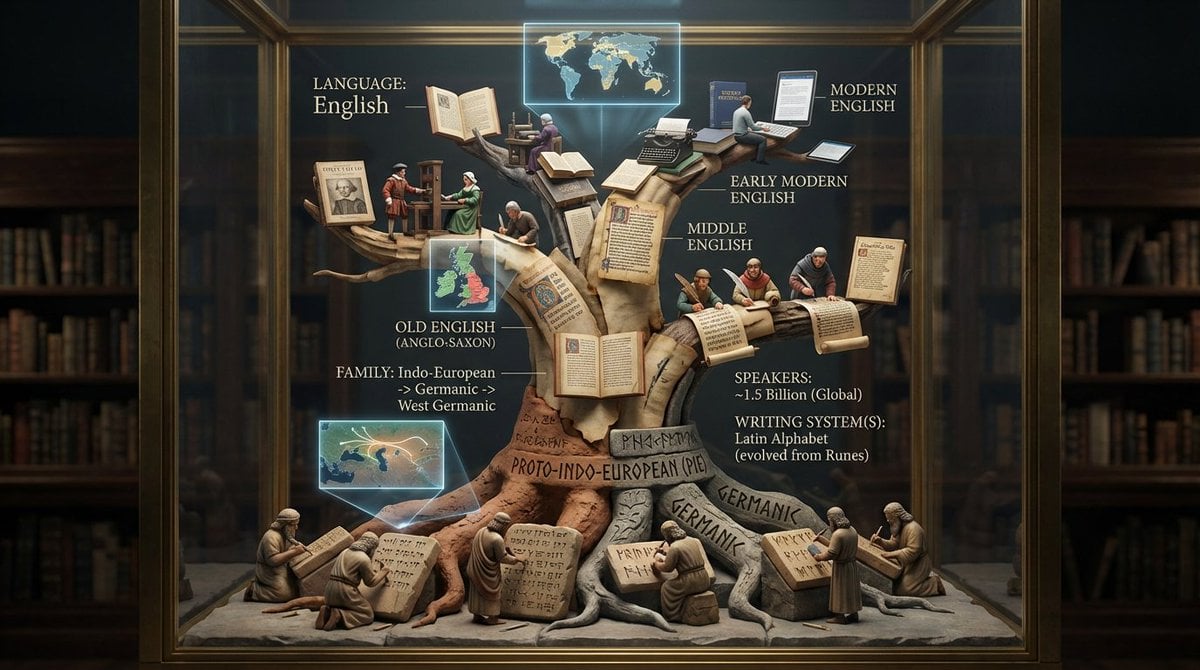
Linguistic Evolution Tree Infographic Generation
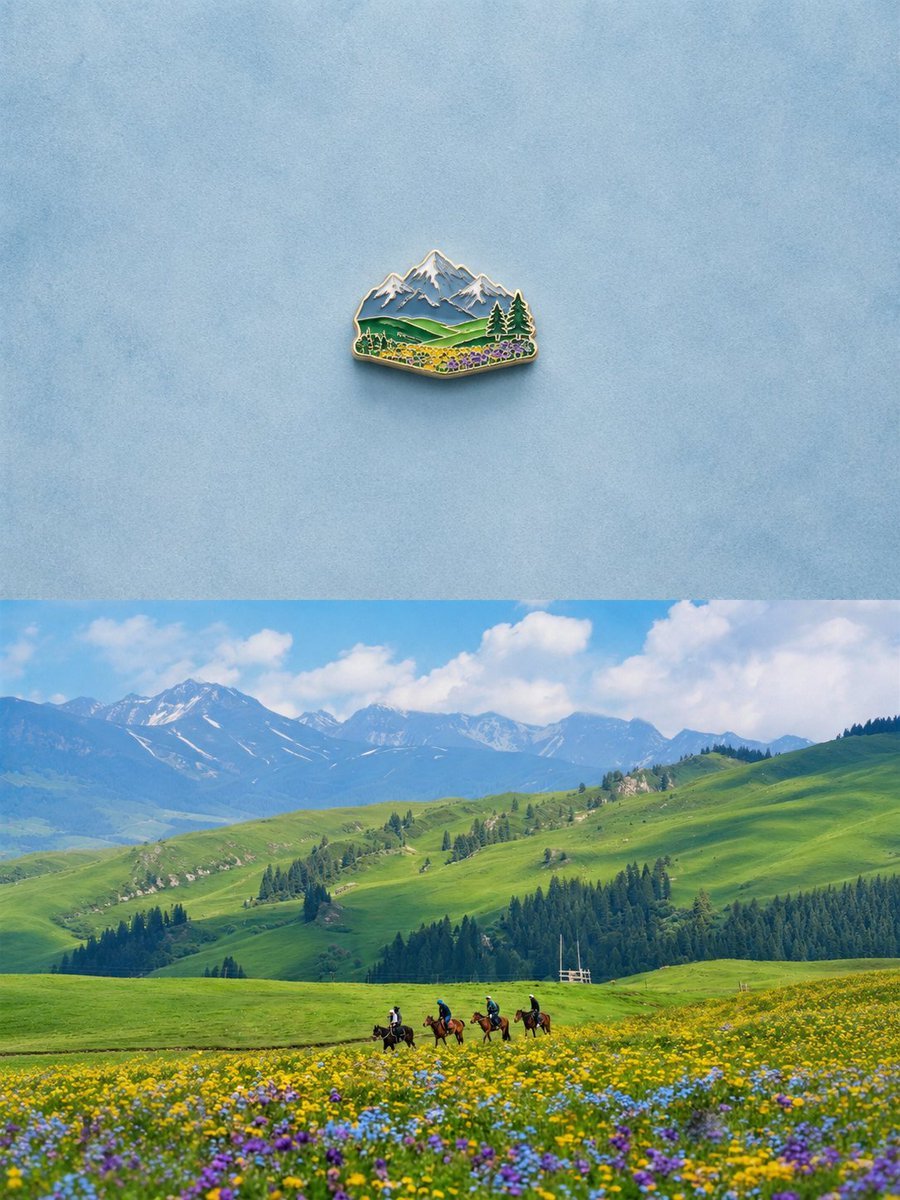
Alpine Landscape Souvenir Magnet
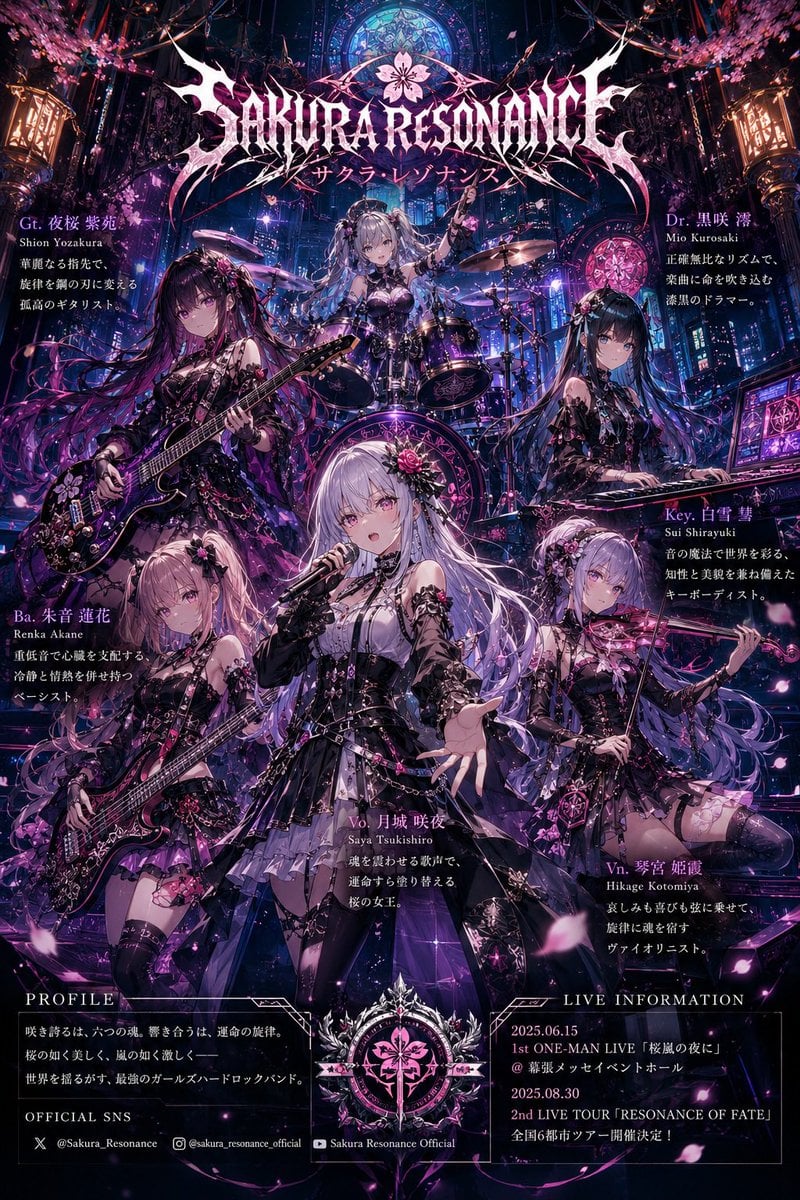
Anime Hard Rock Band Poster

Four-Panel Manga: 2026 Solo Camping Declaration of Independence
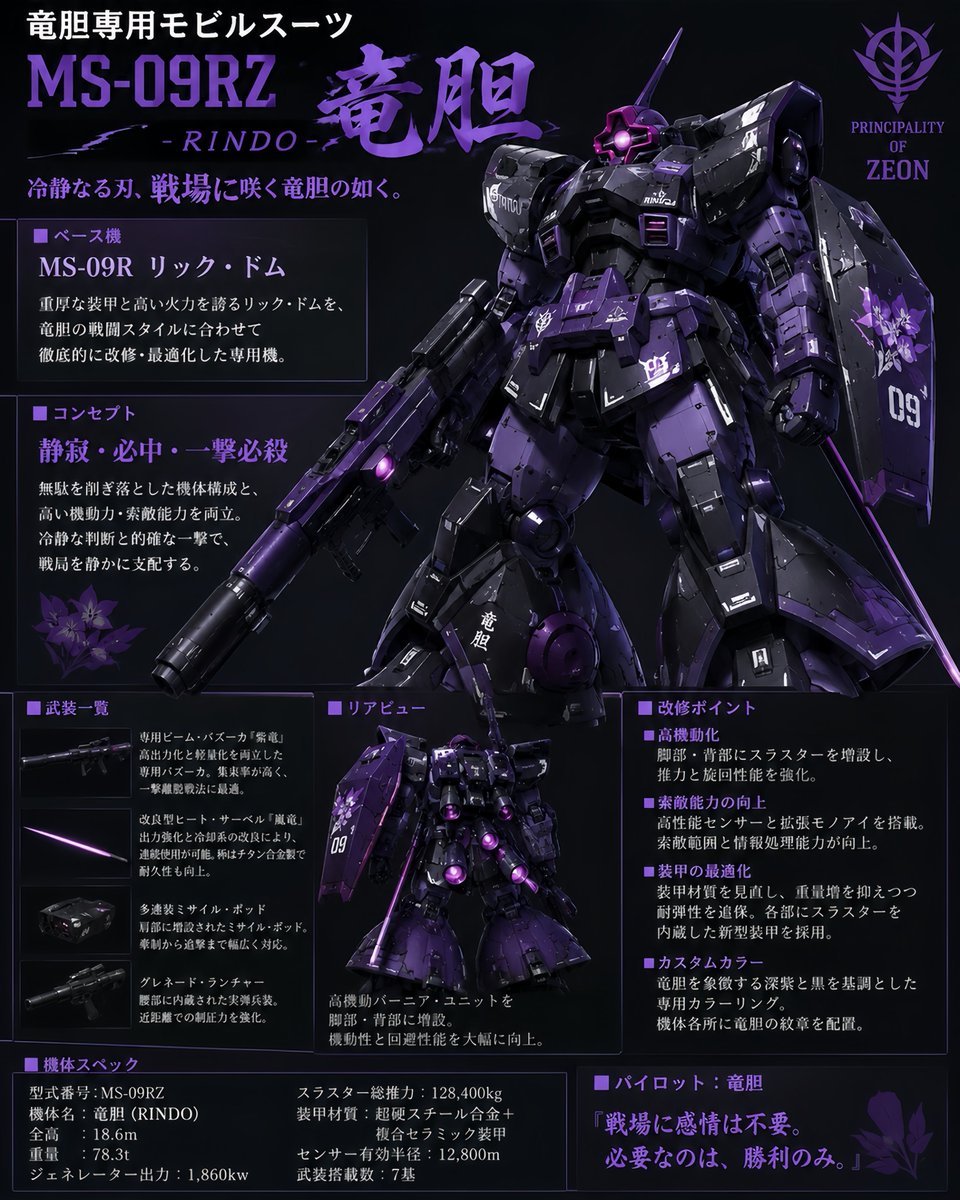
Custom Zeon Mobile Suit Overhaul
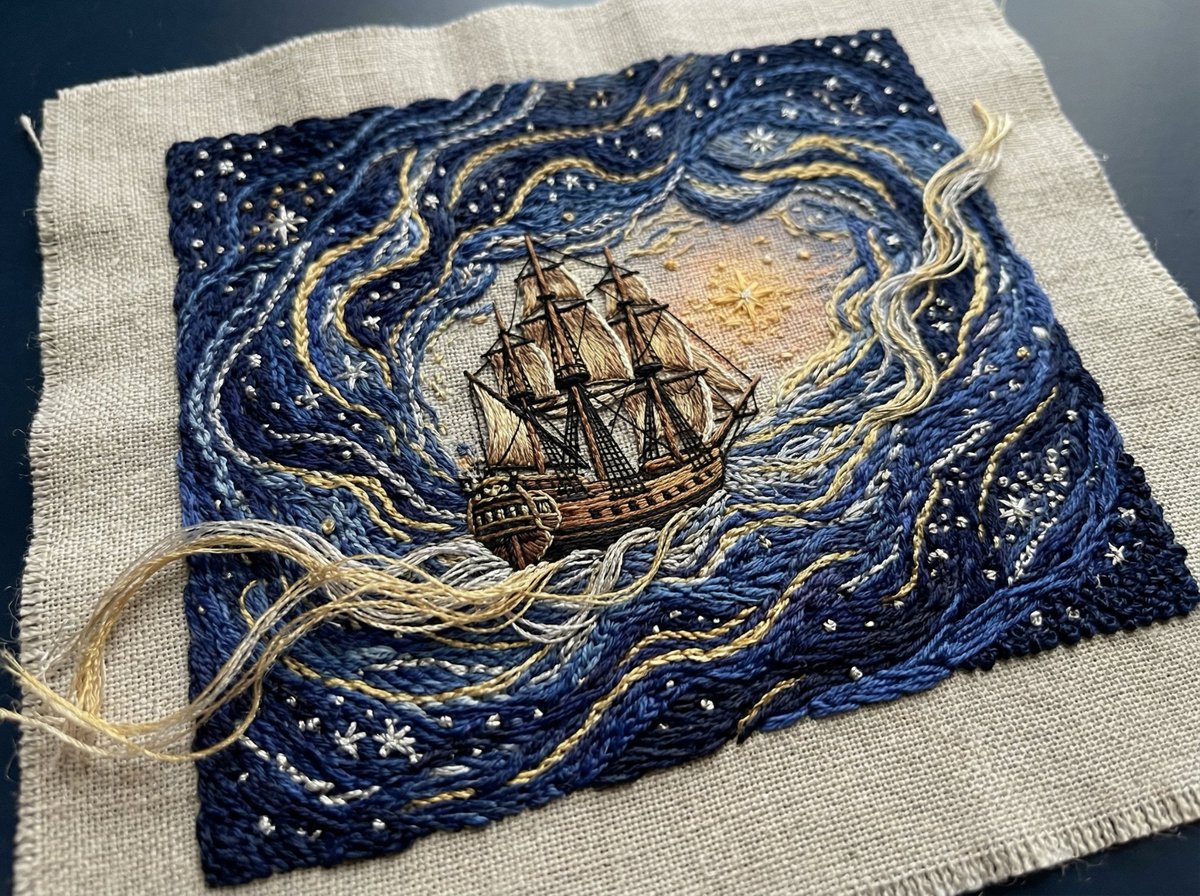
Tactile Embroidered Tapestry of a Ship in Nebulae
3D Cartographic City Diorama
Browse template categories
Hamster Office Manga Emergency questions
How do I use the Hamster Office Manga Emergency template?
Add your photo if the template asks for one, edit the prompt if you like — the template's model and format are already selected — and press Generate. Your version opens in PicX Studio.
Can I customize the Hamster Office Manga Emergency template?
Yes. You can change the subject, setting, lighting, mood, format, and available model controls before creating your image.
Is the Hamster Office Manga Emergency template free?
Opening and editing this template is free. Generating uses credits, shown on the Generate button when you are signed in.
Which AI model should I use?
Start with GPT Image 2, which is the model associated with this template. You can compare another compatible model for a different finish.
Looking for something else? Browse all templates.

Your photo, any look
Thousands of ready templates for every top image and video model, from one credit balance.