
Alpine Landscape Souvenir Magnet
Generates a two-part image showing a realistic alpine scene transformed into a small enamel refrigerator magnet souvenir.
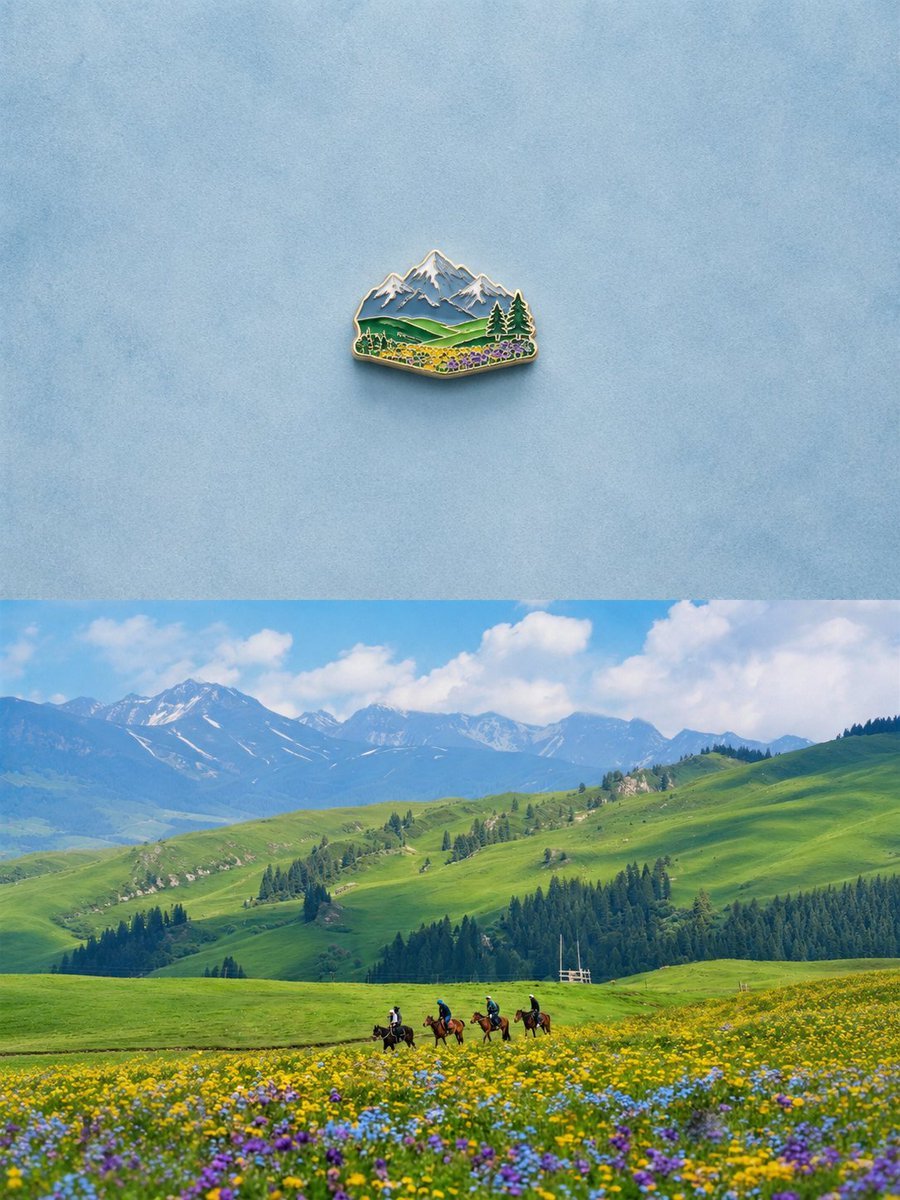
- Prompt included
- Model and format preset
- Free template
The prompt behind this image
Copy the exact prompt behind Alpine Landscape Souvenir Magnet, or open it in the studio and make it yours.
Create a vertically stacked comparison image with exactly 2 horizontal sections: the top section is a minimalist studio product shot of 1 small enamel refrigerator magnet, centered on a pale textured blue background with lots of negative space; the magnet is shaped like a miniature mountain landscape souvenir, with a shiny gold-metal outline, raised enamel details, snow-capped blue-gray peaks, green rolling hills, dark evergreen trees, and a foreground band of tiny yellow, purple, and blue wildflowers, casting a soft realistic shadow. The bottom section is a bright realistic landscape photo of {argument name="location" default="an alpine grassland valley"} under a blue sky with fluffy white clouds: wide green rolling hills, distant snow-streaked mountains, dark pine forests, and a colorful wildflower meadow in the foreground with yellow, purple, and blue blooms. Include exactly 4 horseback riders crossing the meadow near the lower center, small in scale against the vast scenery. Make the magnet in the top section feel like a distilled souvenir version of the landscape below, preserving the same key visual elements: mountains, green hills, conifer trees, wildflowers, and open sky. Use clean editorial composition, realistic lighting, crisp detail, soft shadows, and a calm travel-memory aesthetic. No visible text, no labels, no watermark.
How to use Alpine Landscape Souvenir Magnet in 3 steps
- 1Upload ImagePNG, JPG or paste
Add your photo
Upload the photo the template builds on. The prompt, model and format are already set.
- 2…a portrait of your subject in softgolden-hour light, 85mm…
Personalize
Edit the subject and creative details for your destination.
- 3Generate
Generate
Press Generate — your image is created in PicX Studio, so you can compare it with the original and refine one variable at a time.
More like this
Templates with the same subject, style or setup. Open one to see its prompt.

Teen Girl Alpine Lake Mountain View
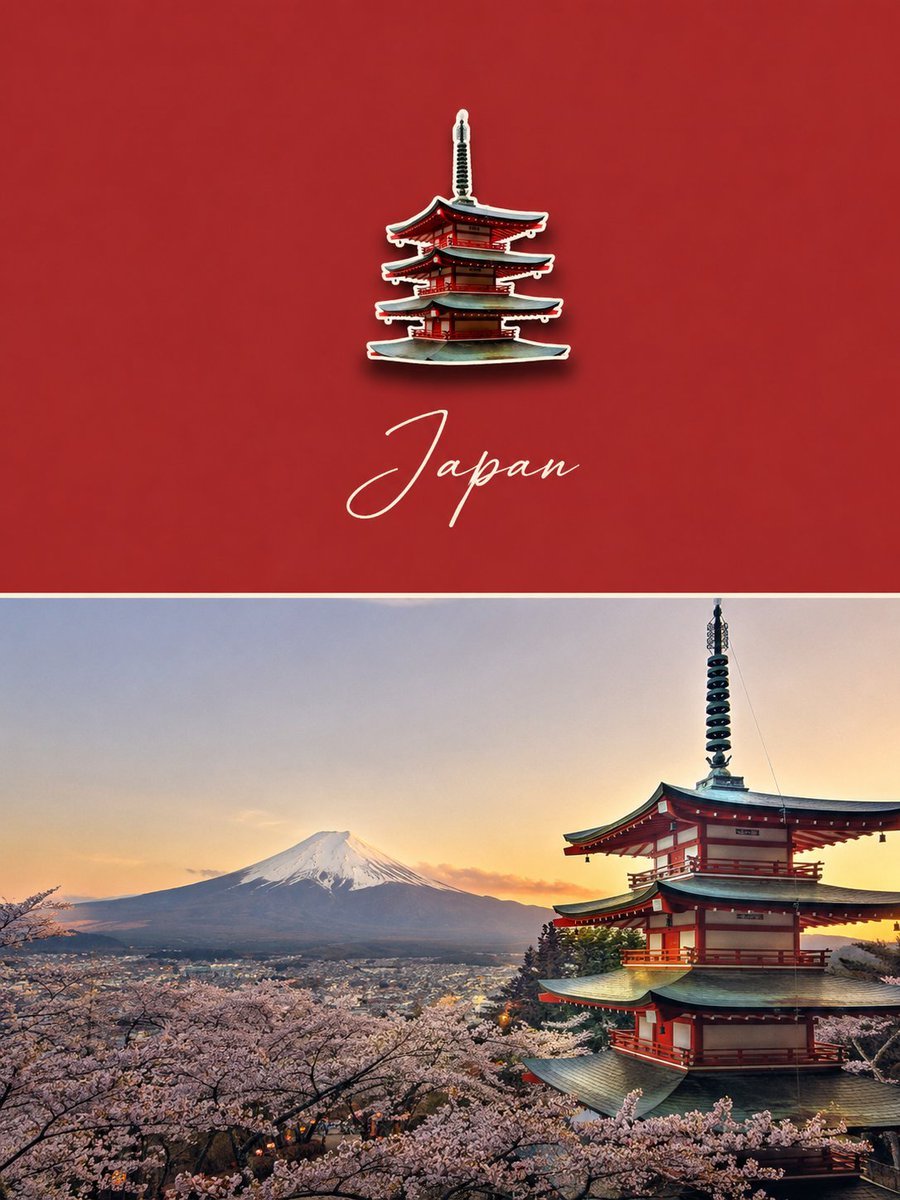
Luxury Travel Poster with Souvenir Magnet

Mountain Lake Sunset Landscape

Ghibli Final Takeoff Field

Ghibli Rainy Tram Interior

Ghibli Star Observatory

Ghibli Tiny House On Back

Ghibli Lantern River Festival

Ghibli Whale Bone Beach

Ghibli Abandoned Amusement

Ghibli Shadow Puppet Theater

Ghibli Bakery Morning Rush
Make it yours
Alpine Landscape Souvenir Magnet works as-is. These are the safest ways to change it without losing the look.
Change one field
Copy a single group, rewrite it, and generate again so you can see what that field is doing.
Keep the frame, change the subject
Hold the composition and light of Alpine Landscape Souvenir Magnet, then swap wardrobe, props or the person for a new take.
| If the result… | Why | Fix |
|---|---|---|
| The result drifts from the preview | Too many fields changed at once. | Reuse Alpine Landscape Souvenir Magnet as-is first, then change one group — subject, light, or setting. |
| The model over-stylizes the scene | The prose prompt leaves finish and camera underspecified. | Add one camera or lighting sentence and stay on GPT Image 2. |
More GPT Image 2 templates
Other prompts made for GPT Image 2.

Six VTuber Japanese Logo Sheet

Realistic Portrait of Woman and Deer

The Vista Modular Condo Poster

AI Model Routing Comparison Infographic

2.5D Anime Art Board

Isometric Productivity Desk Scene

New York Double Exposure Poster

Four-Panel AI Landscape Comparison

Japanese Tatami Lifestyle Magazine Cover

NESCAFÉ Coffee Map Poster
More image prompts
Fresh picks from across the catalog.

Vintage Flash Portrait with Identity Lock Prompt
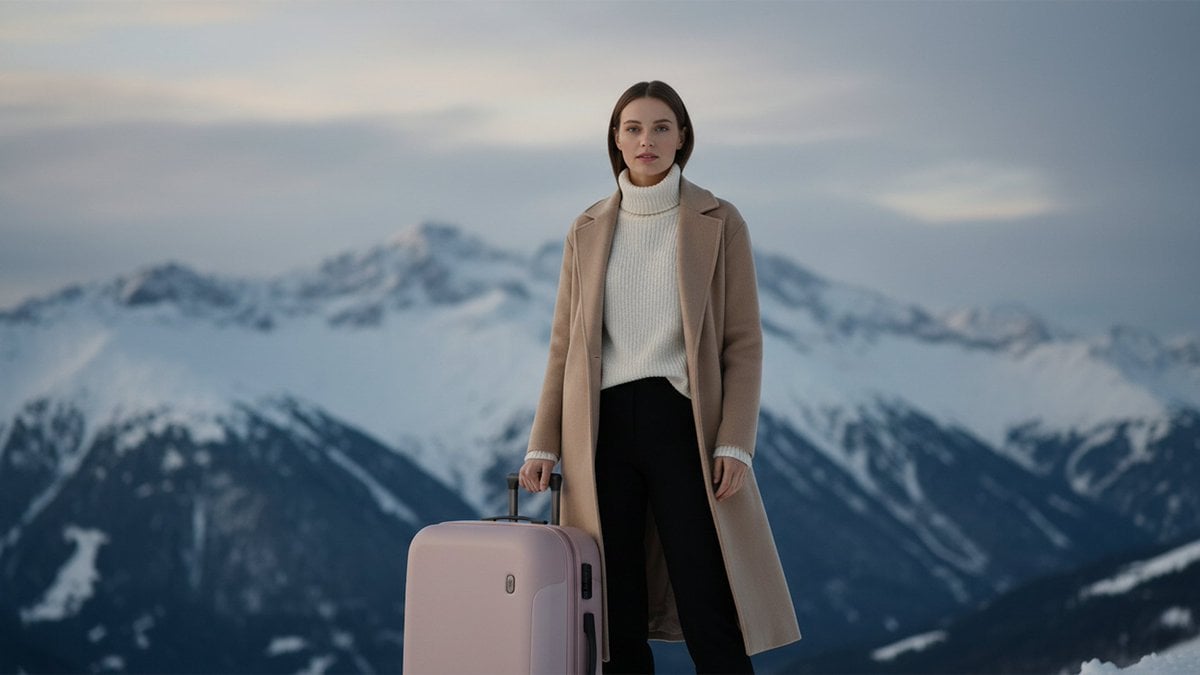
Cinematic Editorial in Snowy Mountains
Censored Rain Portrait
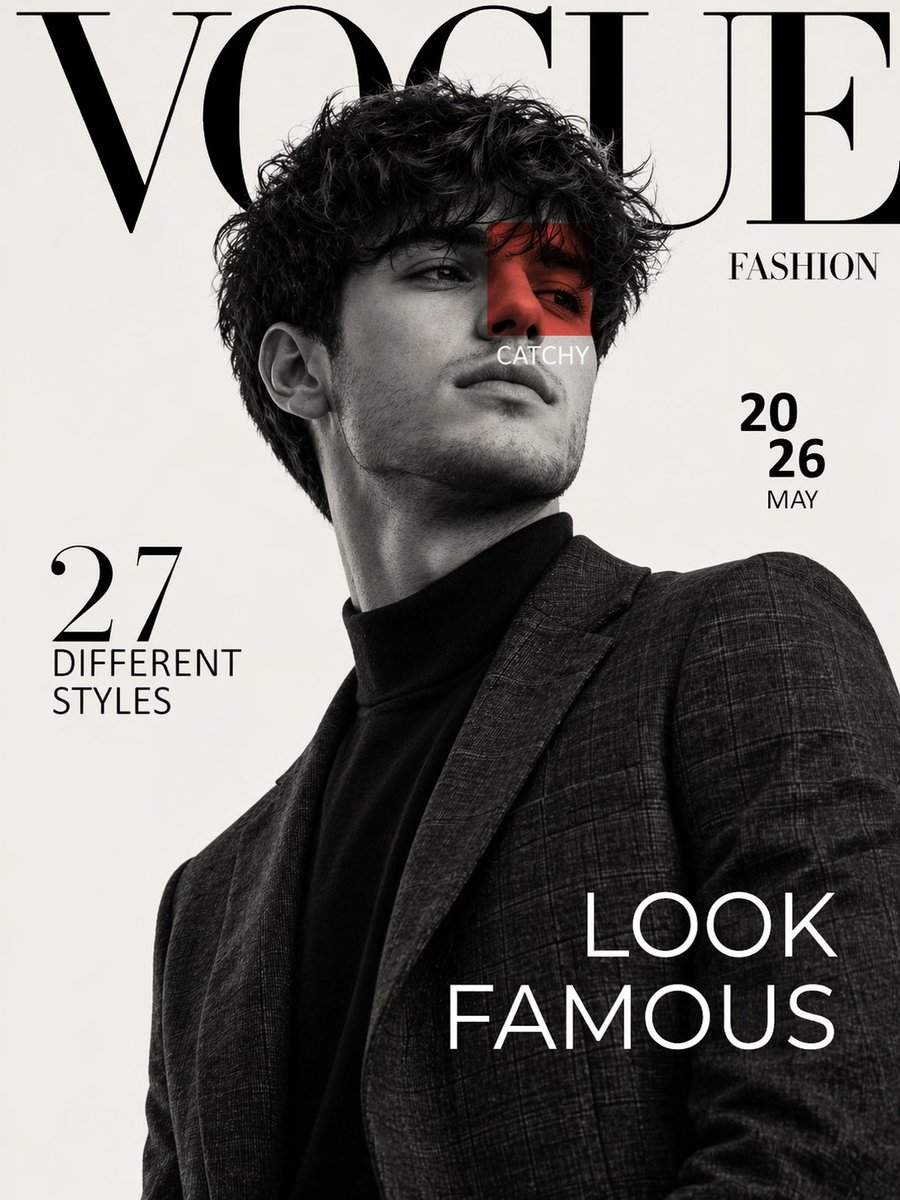
Luxury Fashion Magazine Cover Prompt

Black Spider Girl Symbiote Cosplay
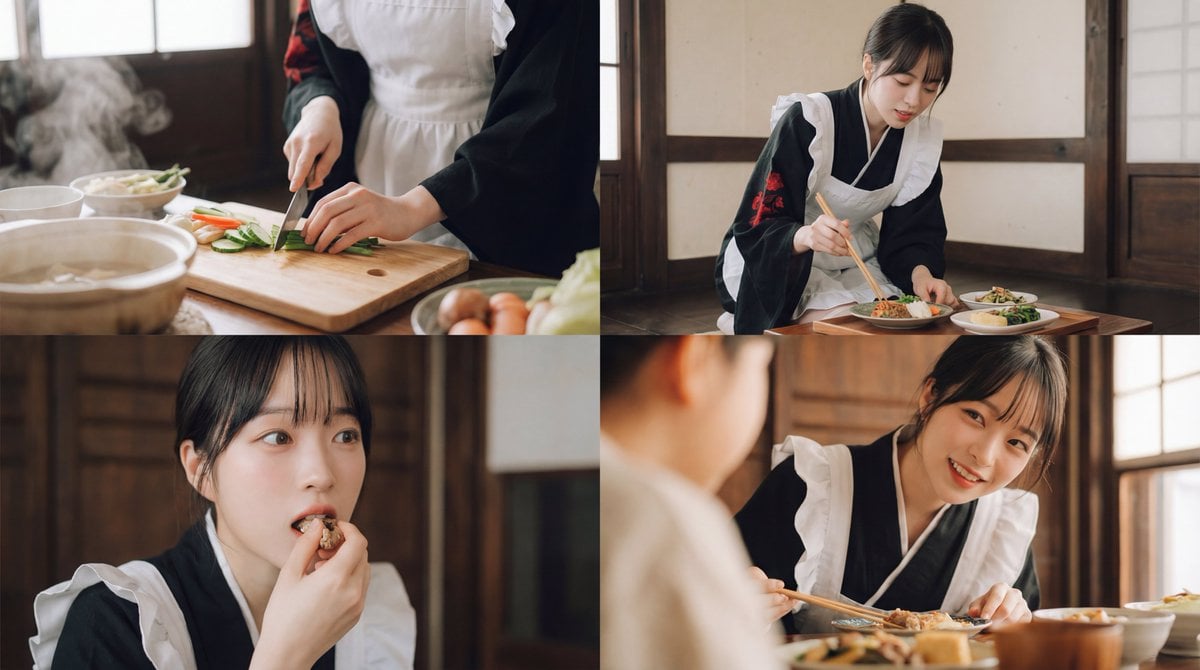
Seamless Cinematic Japanese Food Video Prompt
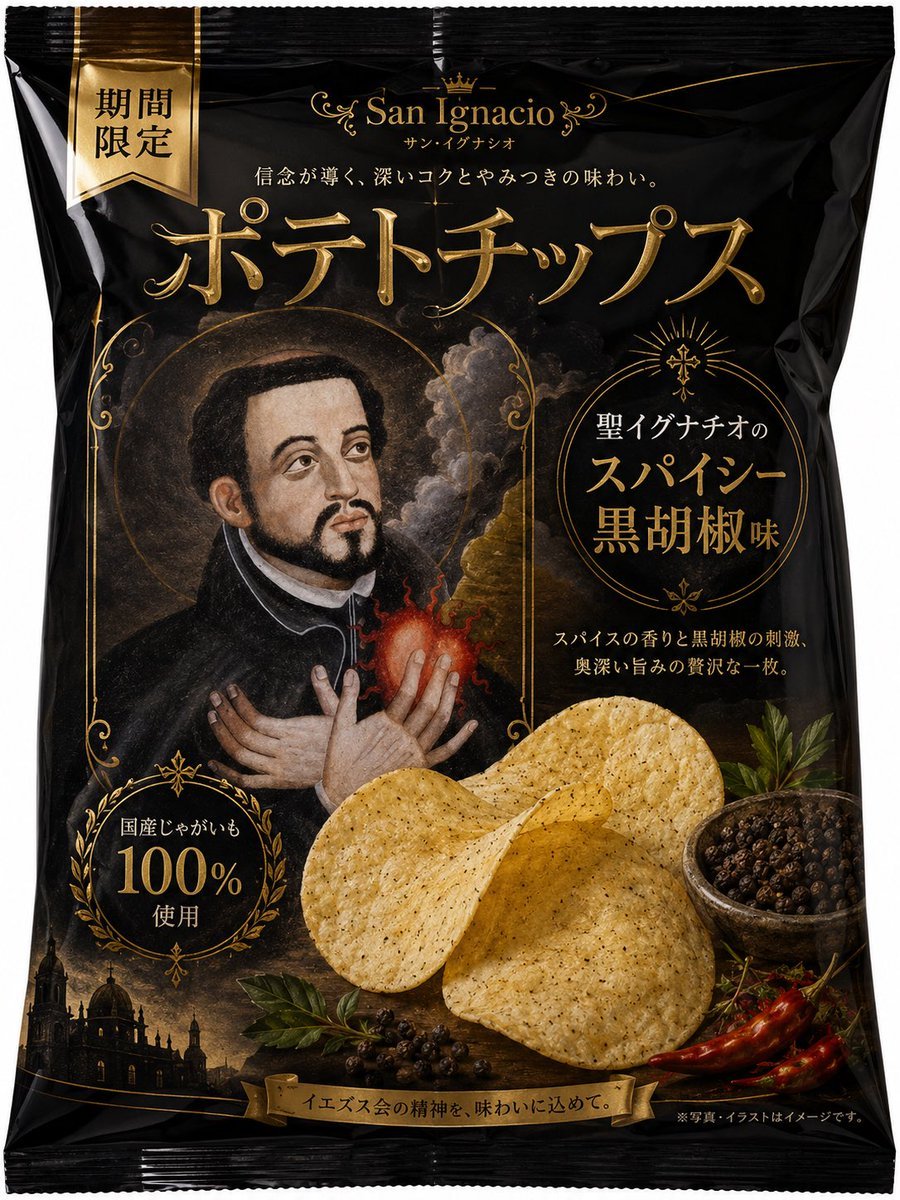
Luxury Saint Potato Chips Package
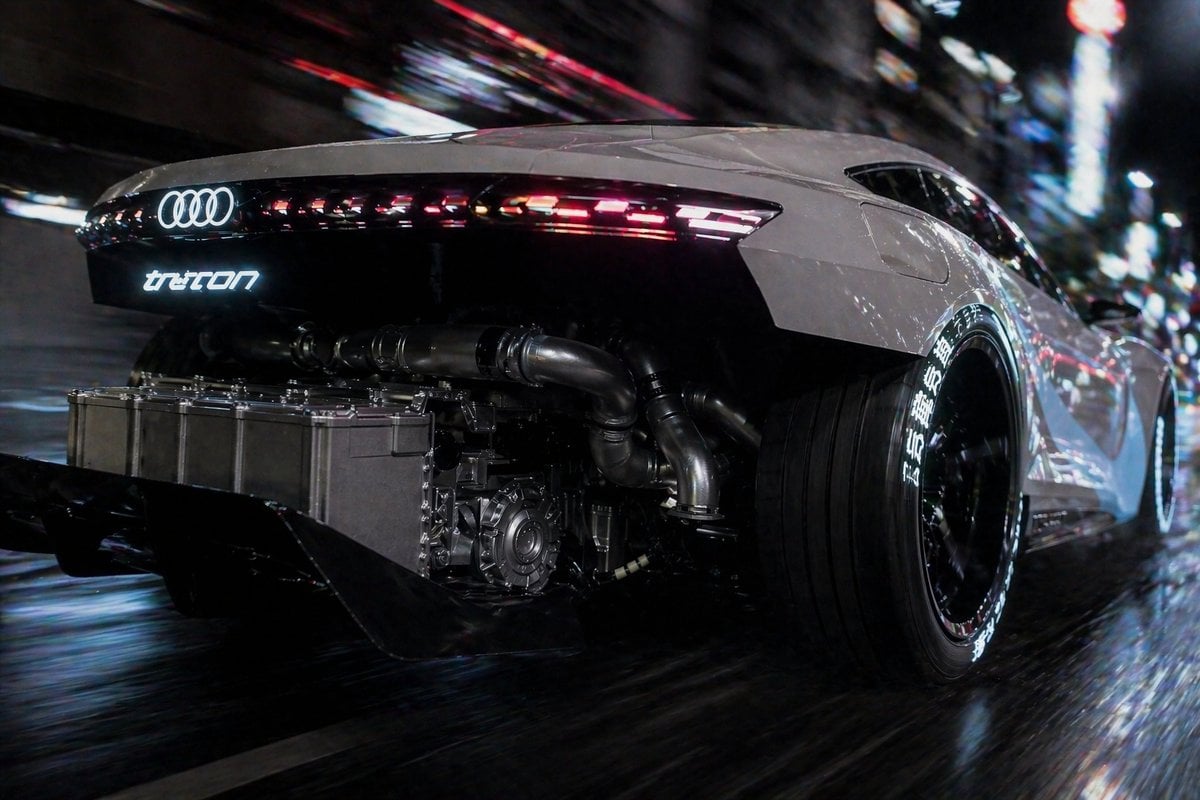
Cyberpunk Audi Rear Chase Shot

Hyper-Realistic Portrait of a Woman in a Studio (from ALT text)
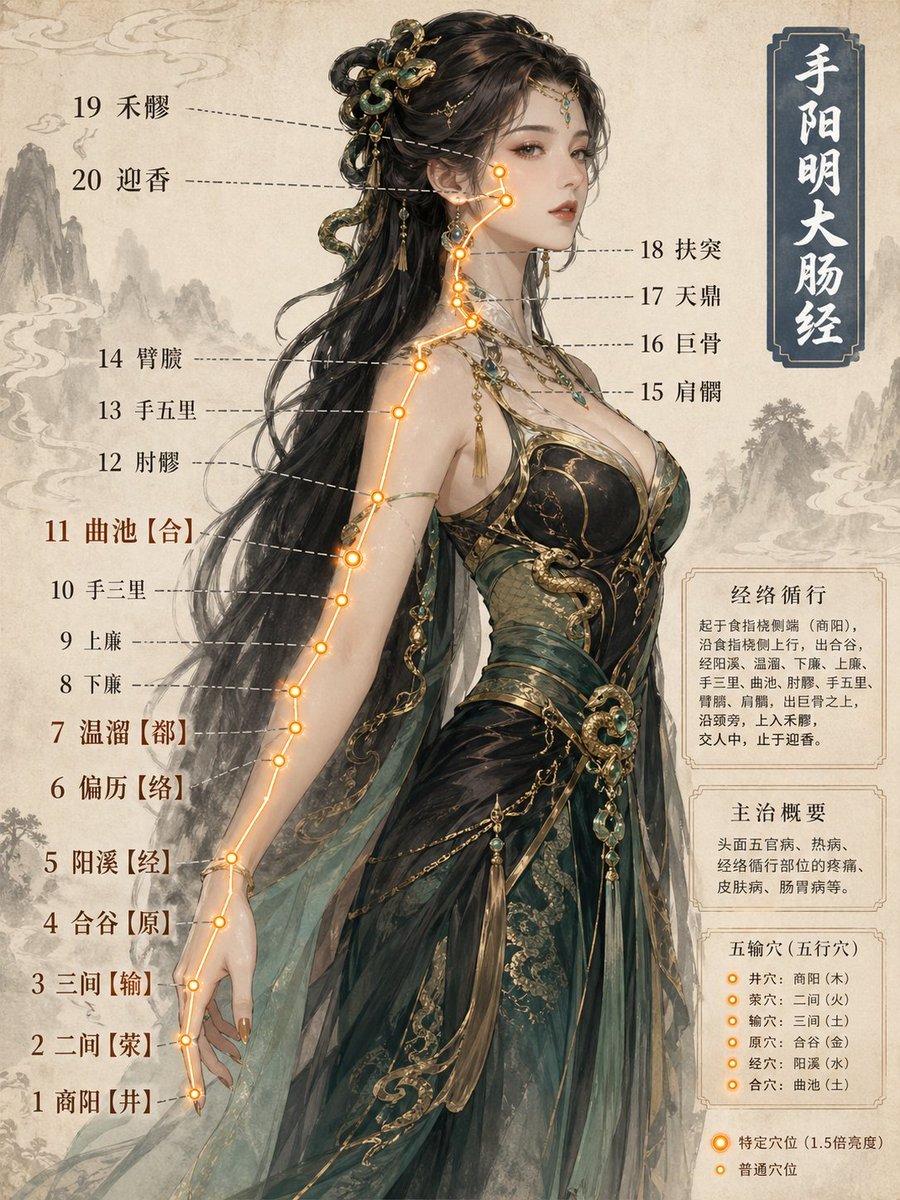
Chinese Medicine Meridian Infographic
Browse template categories
Alpine Landscape Souvenir Magnet questions
How do I use the Alpine Landscape Souvenir Magnet template?
Add your photo if the template asks for one, edit the prompt if you like — the template's model and format are already selected — and press Generate. Your version opens in PicX Studio.
Can I customize the Alpine Landscape Souvenir Magnet template?
Yes. You can change the subject, setting, lighting, mood, format, and available model controls before creating your image.
Is the Alpine Landscape Souvenir Magnet template free?
Opening and editing this template is free. Generating uses credits, shown on the Generate button when you are signed in.
Which AI model should I use?
Start with GPT Image 2, which is the model associated with this template. You can compare another compatible model for a different finish.
Looking for something else? Browse all templates.

Your photo, any look
Thousands of ready templates for every top image and video model, from one credit balance.