
Seamless Cinematic Japanese Food Video Prompt
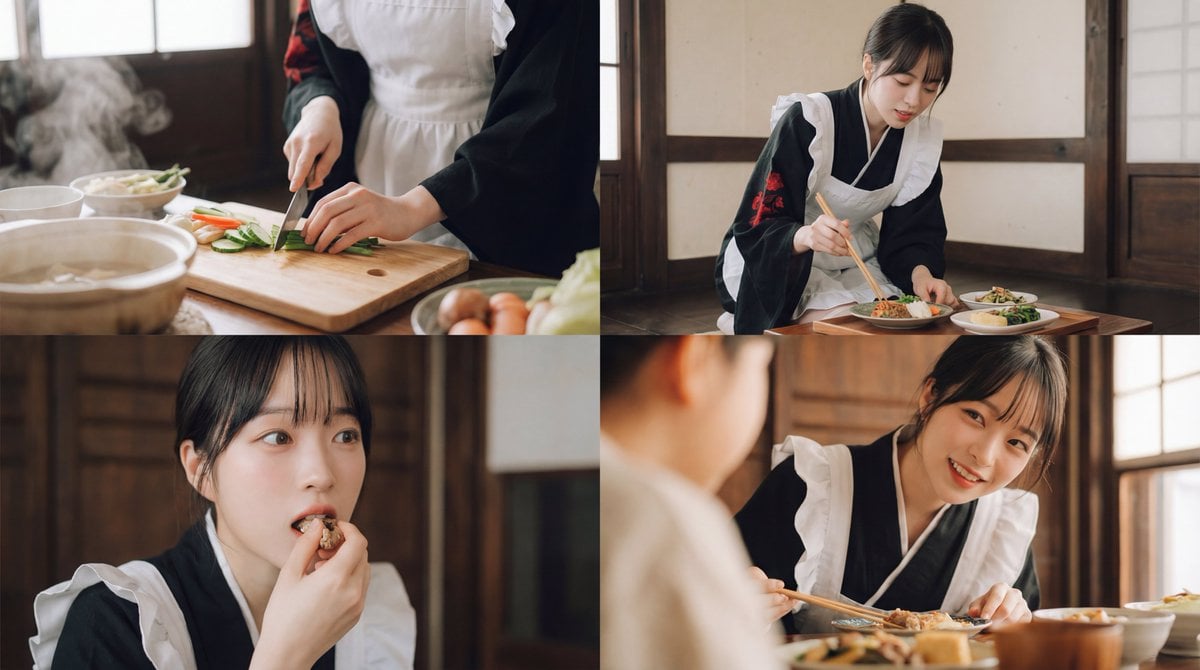
A comprehensive, cinematic prompt used to generate a 4-cut video focused on Japanese cuisine, emphasizing ASMR elements, smooth transitions (match cuts/pans), warm lighting, and a minimalist piano soundtrack with…
- Prompt included
- Model and format preset
- Free template
The prompt behind this image
Copy the exact prompt behind Seamless Cinematic Japanese Food Video Prompt, or open it in the studio and make it yours.
Please generate a cinematic video themed around Japanese cuisine, with 4 shots connected seamlessly. The first shot begins with a close-up, carefully capturing the sounds of cooking, the rhythm of the knife, and the movement of hands touching the ingredients, with ASMR-style sound design that emphasizes the steam and the texture of the ingredients. The camera combines shallow depth of field and slow motion to naturally lead from the hands to the woman's gestures, showing cuteness through small movements such as a faint look of surprise or a cheerful reaction. From here, it transitions smoothly with match cuts or pans. The second shot is a medium shot of the plating, beautifully capturing the movement of the chopsticks and the moment ingredients are placed in the dish, emphasizing the delicate sound of the dish and ingredients resonating with each other, highlighting her charm through care and affection. The following shot uses an overhead composition to show the finished dish in its entirety while the camera slowly moves in, then closes up on the moment the woman takes a bite, delicately capturing her breathing and subtle reactions, inviting the viewer's empathy. Finally, connect to a warm exchange across the table, with a composition that leaves a lingering afterglow through a soft pan and cross-fade, and express intimacy by sparingly mixing in laughter or fragments of conversation. The color tone should be filmic and warm-leaning, based on natural lighting with gently restrained highlights; the music should be minimal piano with accents of Japanese instruments, and the sound effects should carefully mix cooking sounds and eating sounds to heighten the sense of realism. The overall pace should be unhurried, and priority should be given to naturally connecting the end of each shot to the beginning of the next through sound and movement.
How to use Seamless Cinematic Japanese Food Video Prompt in 3 steps
- 1
Open
The prompt is already in the box next to the preview, with the template's model and format selected.
- 2…a portrait of your subject in softgolden-hour light, 85mm…
Personalize
Edit the subject and creative details for your destination.
- 3Generate
Generate
Press Generate — your image is created in PicX Studio, so you can compare it with the original and refine one variable at a time.
More like this
Templates with the same subject, style or setup. Open one to see its prompt.

Minecraft Japanese Research Lab Exploration
Premium food advertising, white seamless background, high key studio

Japanese Architectural Concrete Studio Fashion Campaign

Japanese Minimalist Concrete Studio Fashion Editorial

Blue Backdrop Luxury Fashion Portrait Campaign

Cozy Food Flat Lay Doodle Labels
Japanese Mecha Fast Food Storyboard

Japanese Film Reflection Idol
Seamless Gold Roses on Navy
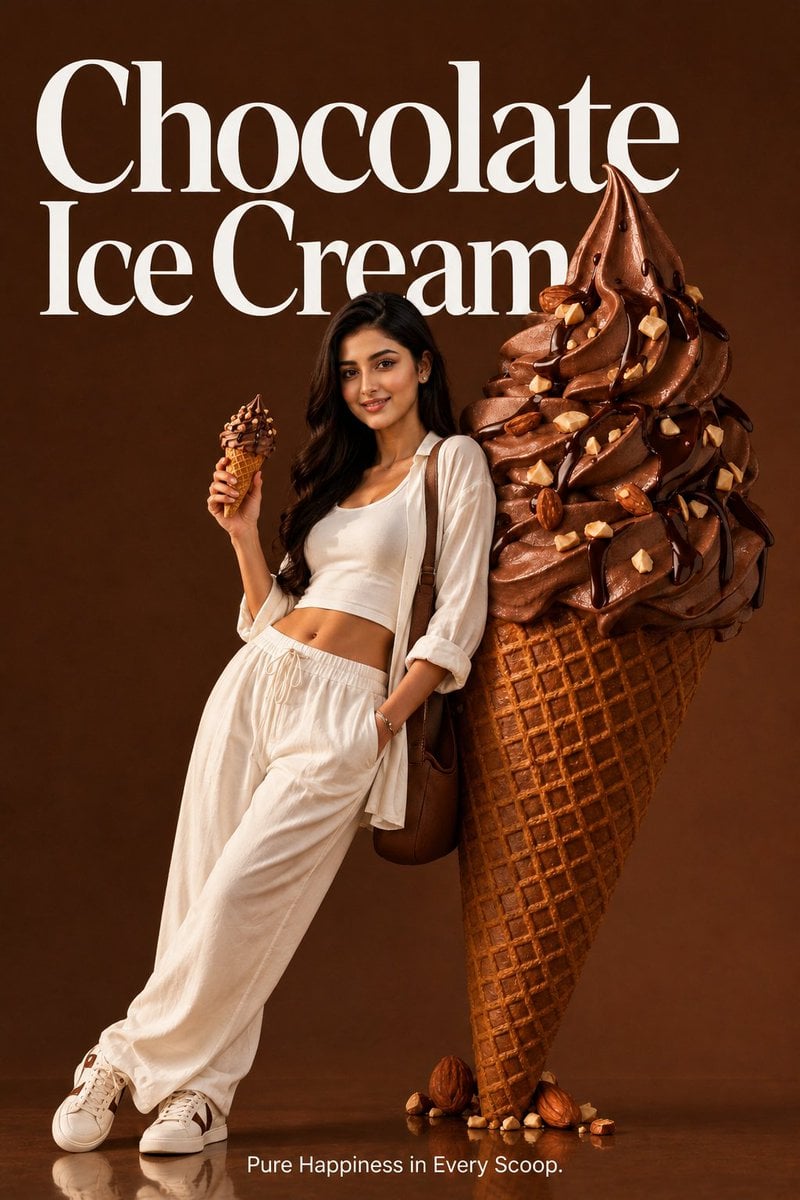
Premium Food Advertising Campaign Scenes

Six VTuber Japanese Logo Sheet
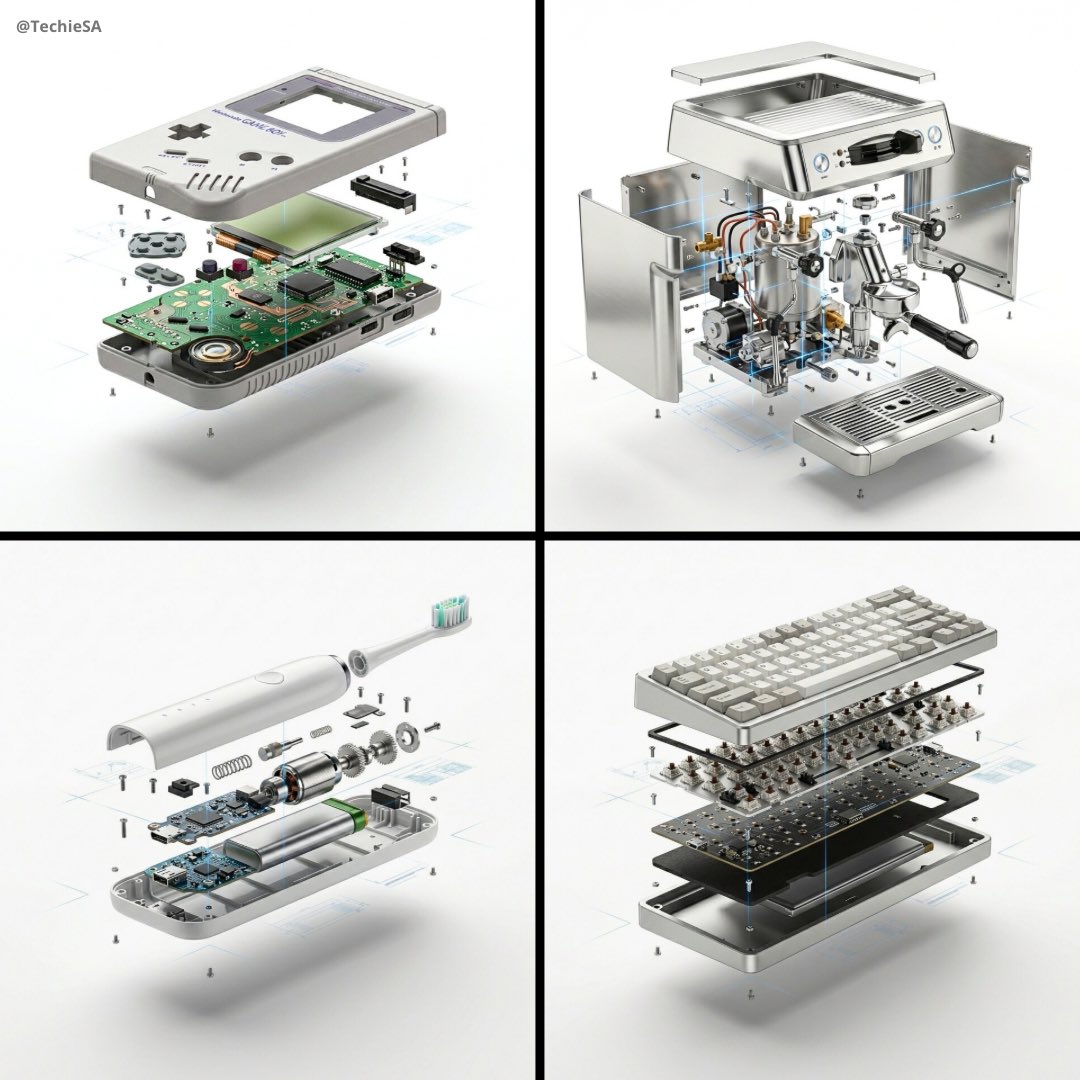
High-end product advertising, white seamless background, exploded view
Make it yours
Seamless Cinematic Japanese Food Video Prompt works as-is. These are the safest ways to change it without losing the look.
Change one field
Copy a single group, rewrite it, and generate again so you can see what that field is doing.
Keep the frame, change the subject
Hold the composition and light of Seamless Cinematic Japanese Food Video Prompt, then swap wardrobe, props or the person for a new take.
| If the result… | Why | Fix |
|---|---|---|
| The result drifts from the preview | Too many fields changed at once. | Reuse Seamless Cinematic Japanese Food Video Prompt as-is first, then change one group — subject, light, or setting. |
| The model over-stylizes the scene | The prose prompt leaves finish and camera underspecified. | Add one camera or lighting sentence and stay on Nano Banana 2. |
More Nano Banana 2 templates
Other prompts made for Nano Banana 2.

Photorealistic Leaf Shaped Like a Dragon

K-Pop Idol Portrait Grid for Rapid Selection

Poetic Rain Forest Portrait During Golden Hour

Urban Street Portrait with Cartoon Inner Self Duo

Candid Nighttime Photo with Cat Prompt

High-Concept 3D Diorama Generation Prompt

Cinematic Futuristic Studio Portrait Template

Skincare Editorial Photography Collage Prompt

Hyper-Realistic Commercial Product Photography (Splash Effect)

Hyper-Realistic Nightclub Portrait Prompt
More image prompts
Fresh picks from across the catalog.
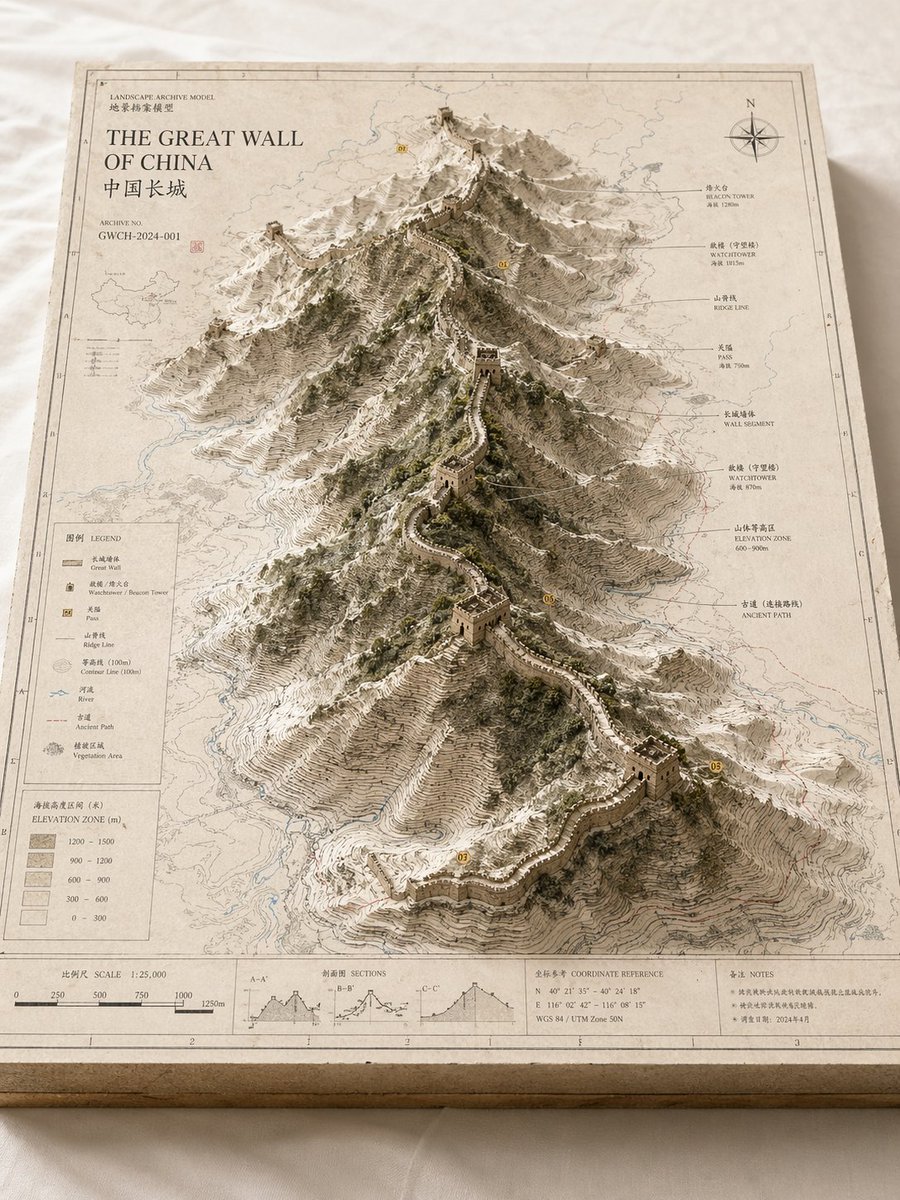
Landscape Archive Model Map
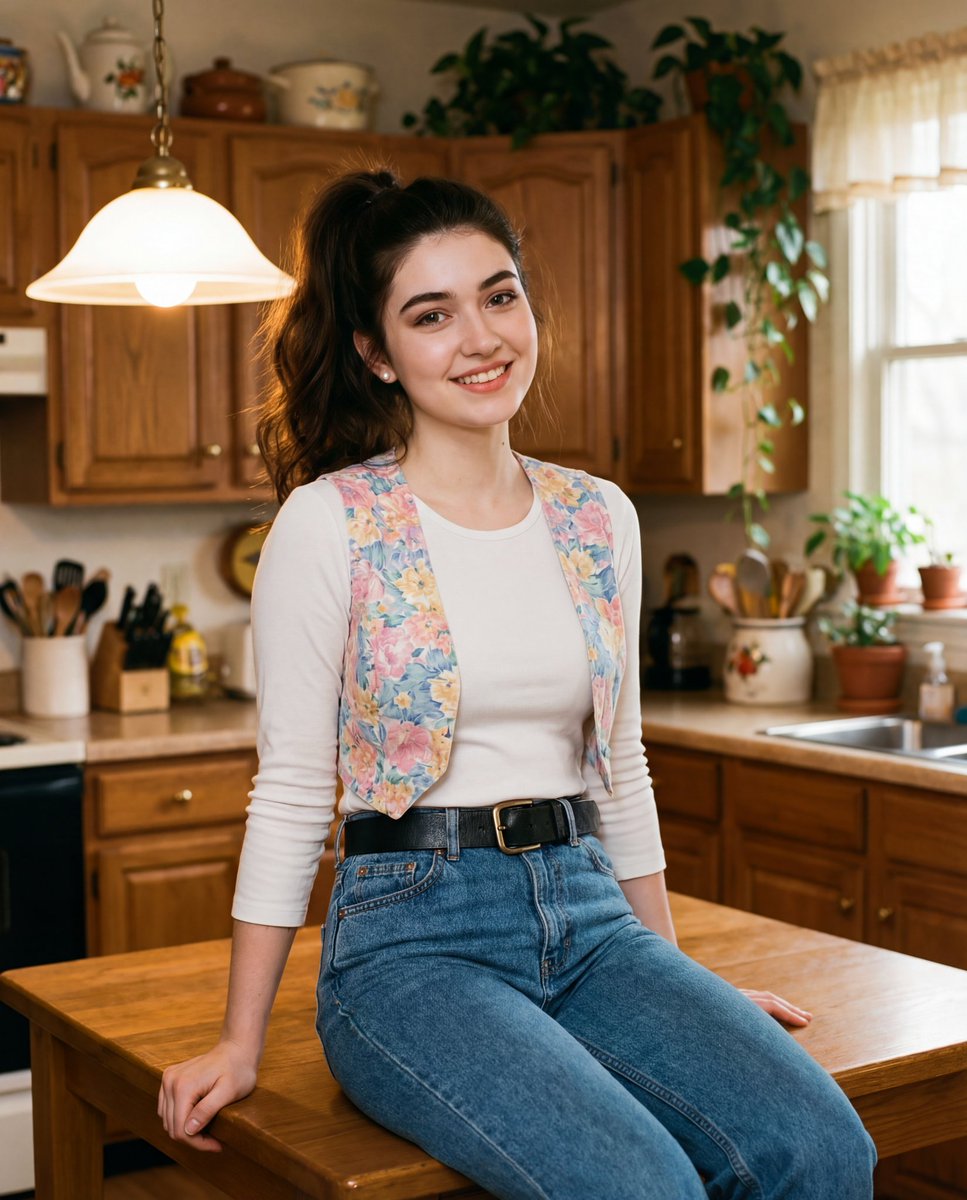
Ultra-realistic cinematic early-1990s indoor film still generation prompt
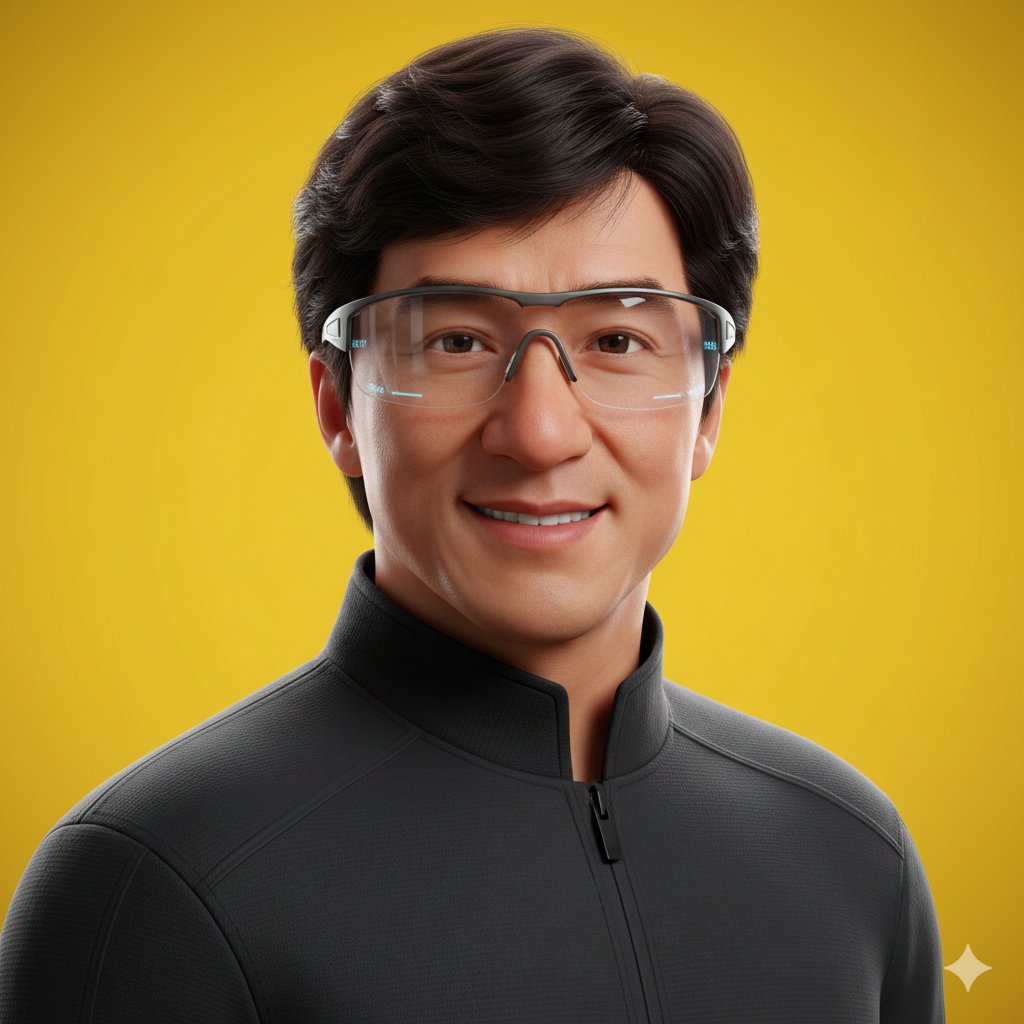
Pixar Style Headshot Prompt (Fixing Glasses Glare)
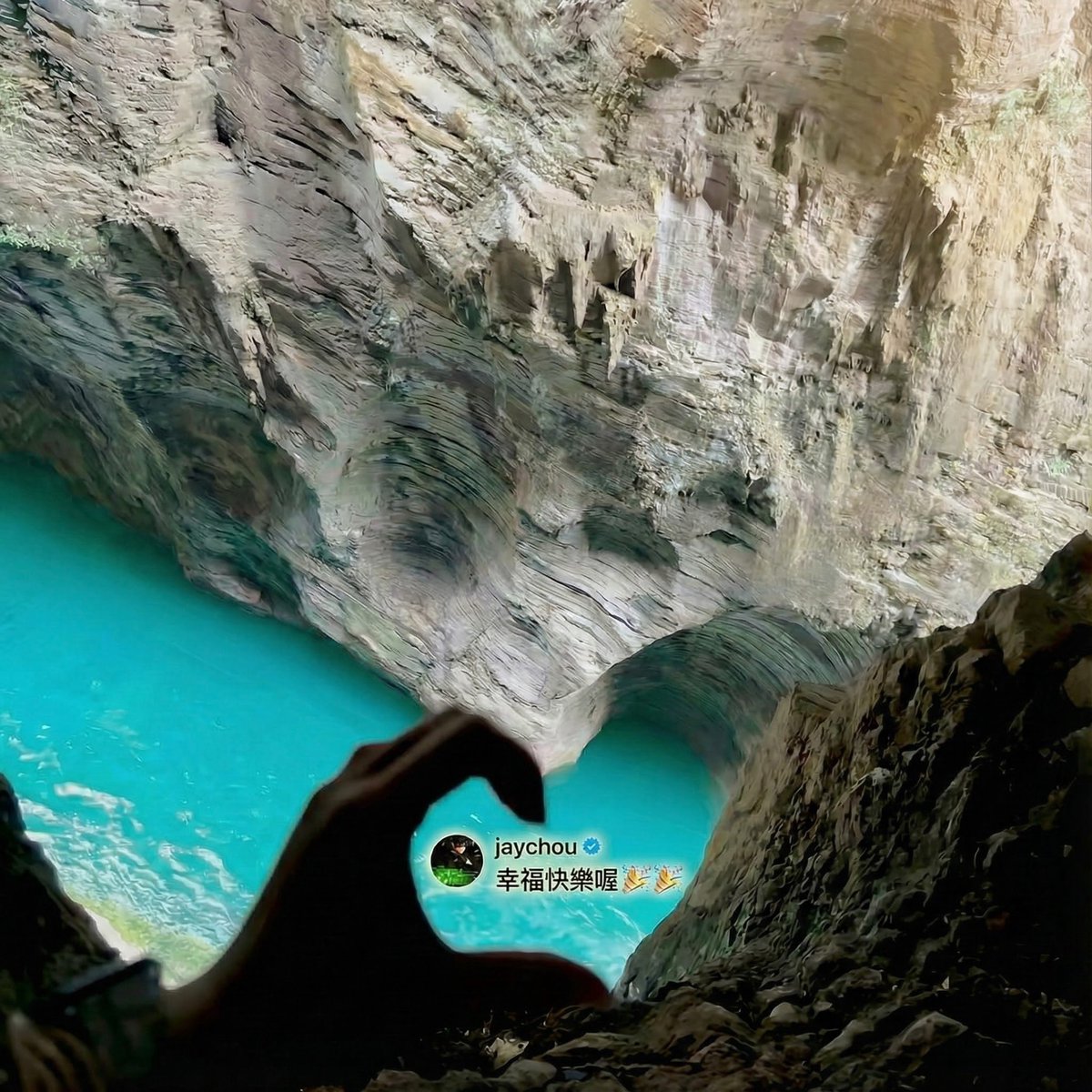
Jay Chou Blessing Image Integration Prompt
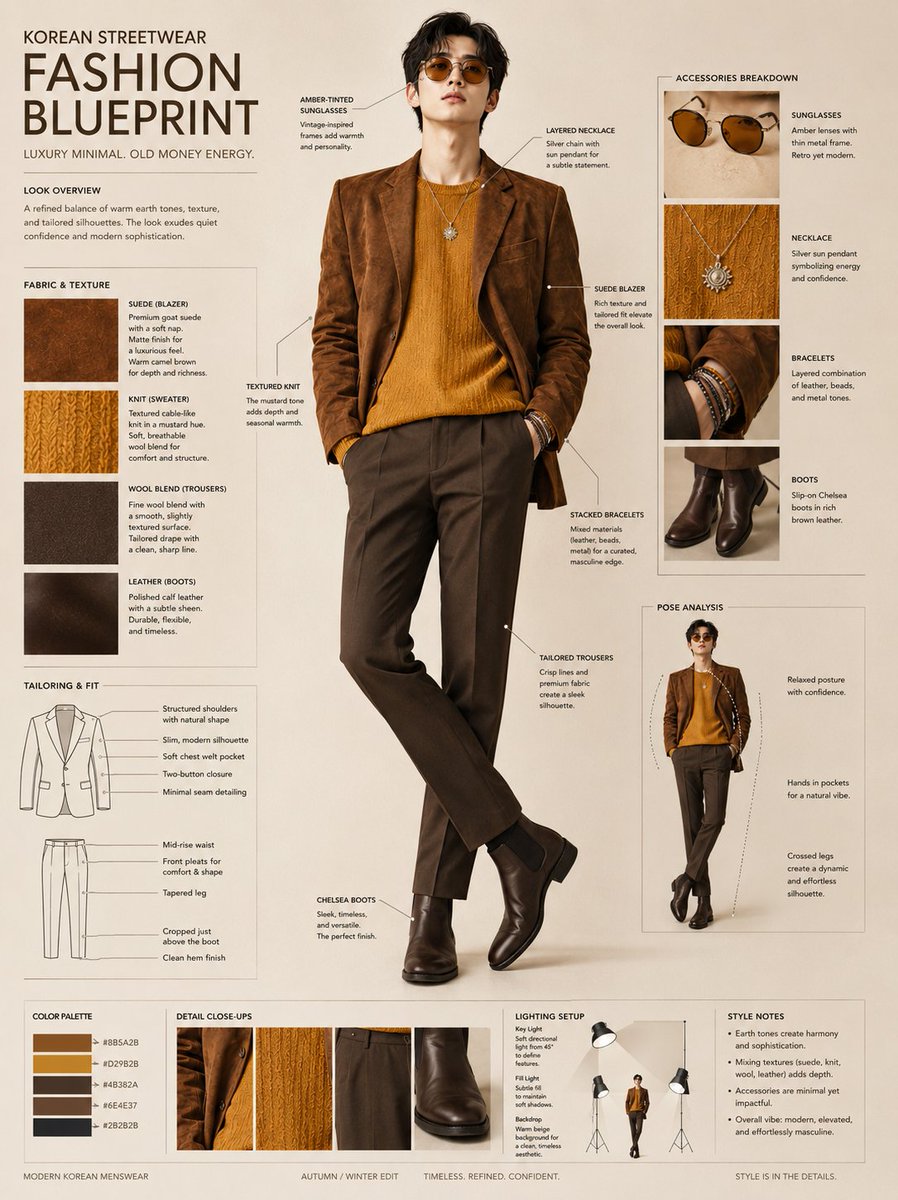
Korean Streetwear Fashion Blueprint

A4 manga about how amazing Nano Banana Pro is
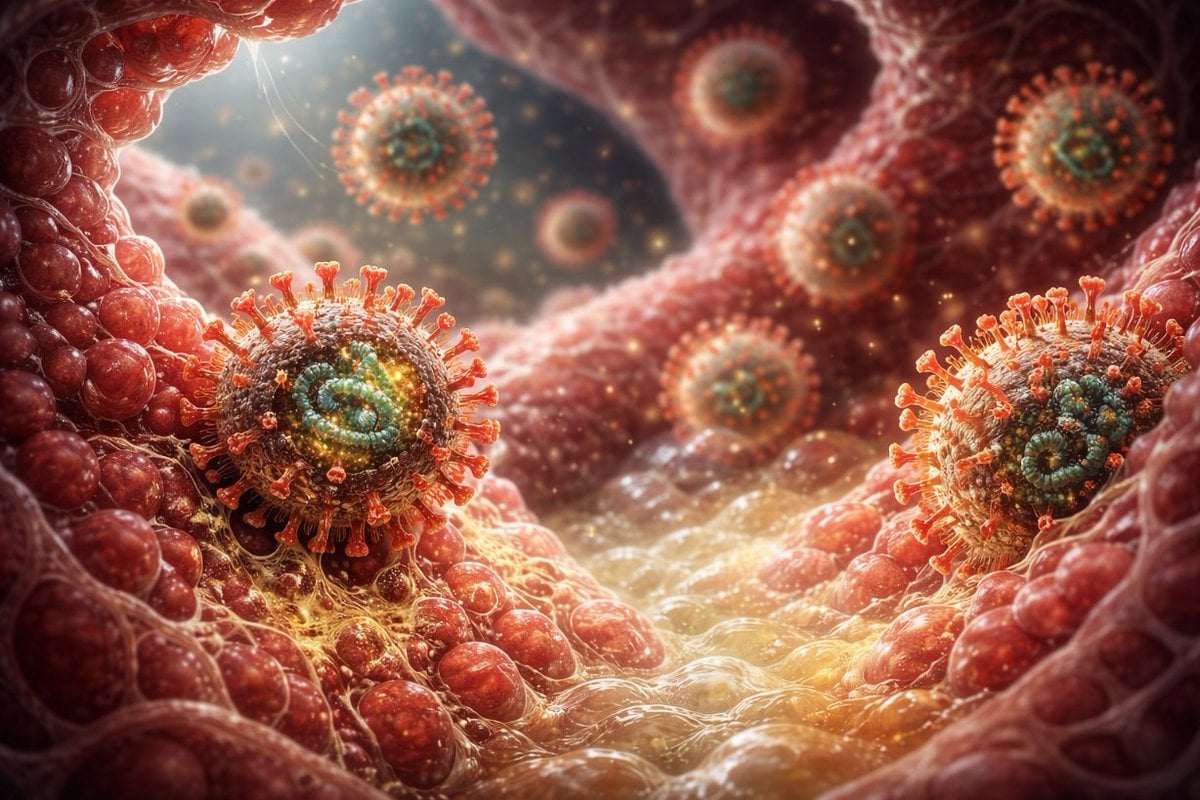
Scary Hantavirus Microscopic Scene
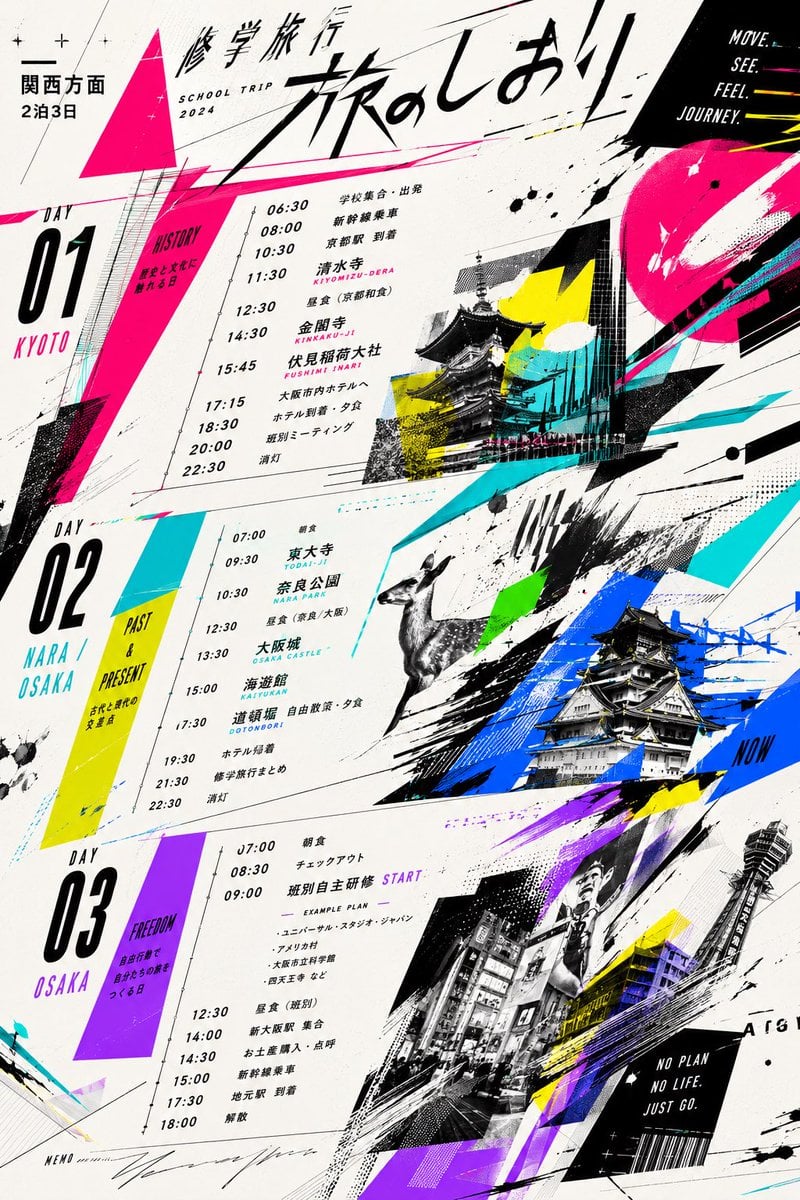
Graphic School Trip Schedule Poster
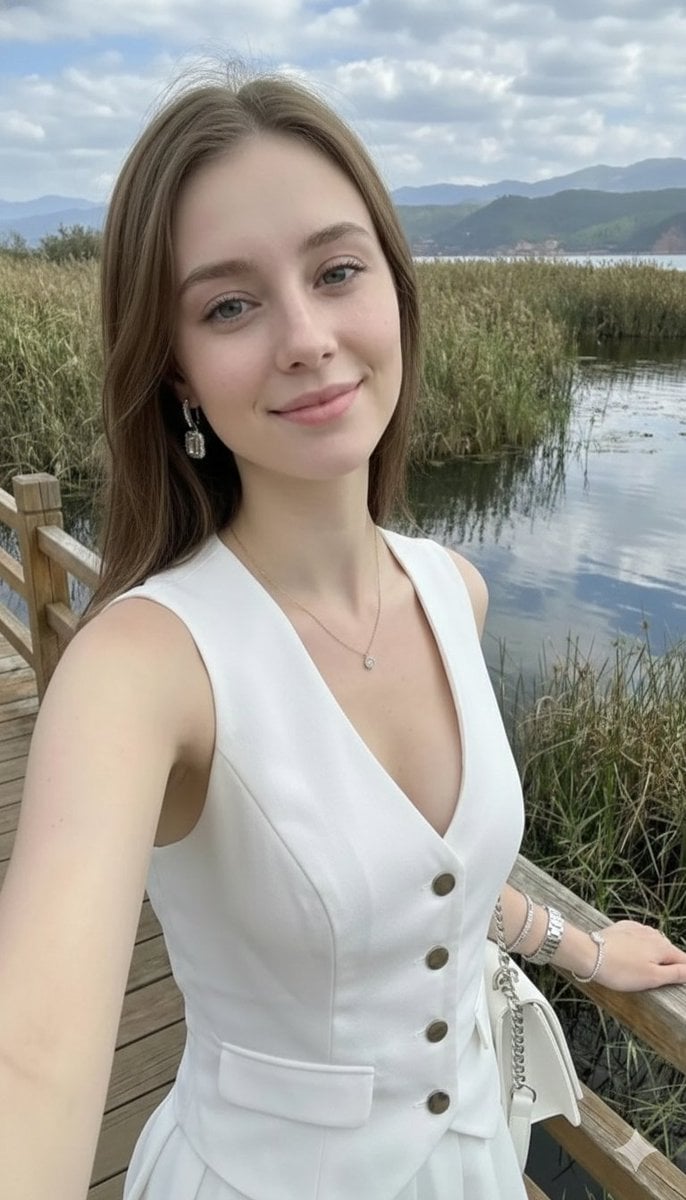
Photorealistic Highland Lake Selfie
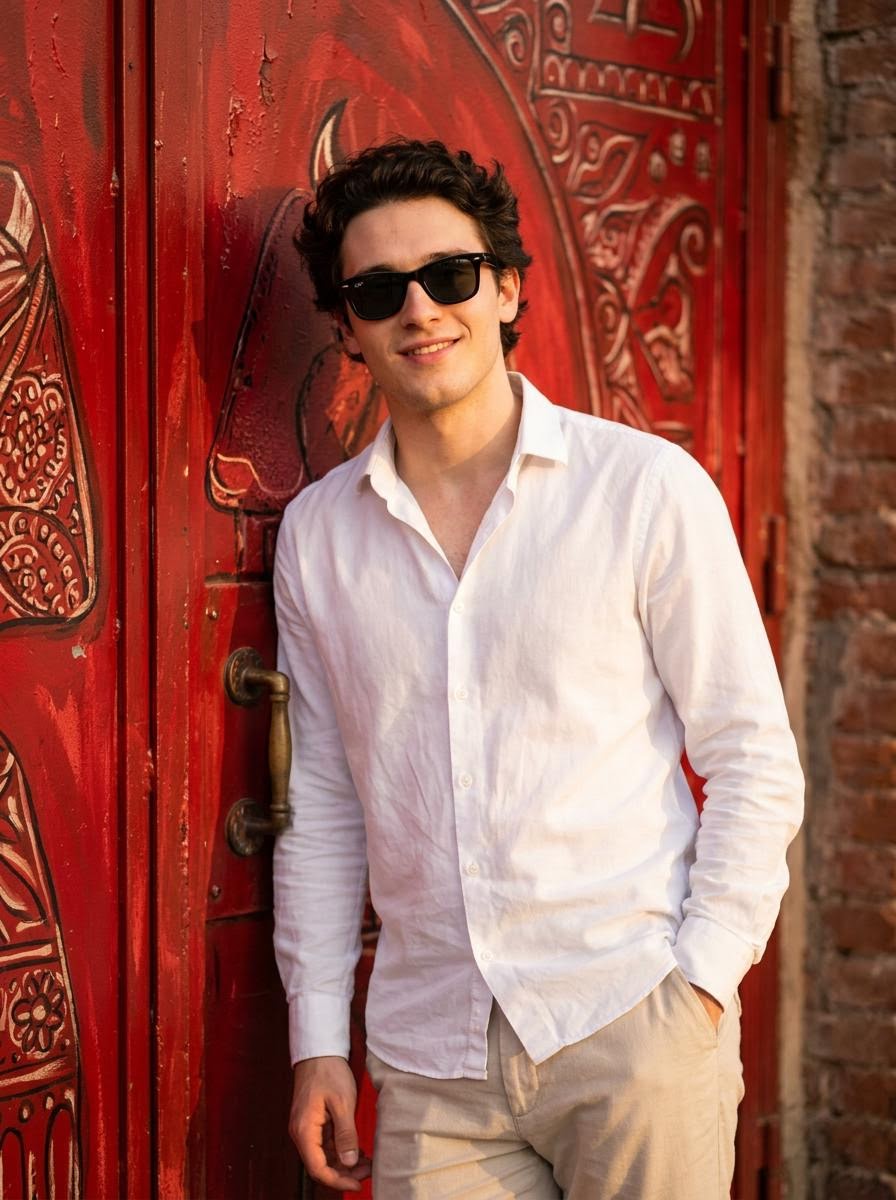
Realistic Photo with Face Swap and Cinematic Lighting
Browse template categories
Seamless Cinematic Japanese Food Video Prompt questions
How do I use the Seamless Cinematic Japanese Food Video Prompt template?
Add your photo if the template asks for one, edit the prompt if you like — the template's model and format are already selected — and press Generate. Your version opens in PicX Studio.
Can I customize the Seamless Cinematic Japanese Food Video Prompt template?
Yes. You can change the subject, setting, lighting, mood, format, and available model controls before creating your image.
Is the Seamless Cinematic Japanese Food Video Prompt template free?
Opening and editing this template is free. Generating uses credits, shown on the Generate button when you are signed in.
Which AI model should I use?
Start with Nano Banana 2, which is the model associated with this template. You can compare another compatible model for a different finish.
Looking for something else? Browse all templates.

Your photo, any look
Thousands of ready templates for every top image and video model, from one credit balance.