
Graphic School Trip Schedule Poster
Transforms a plain Japanese school-trip timetable into a vivid modern travel-poster layout with three day sections and collage-style destination imagery.
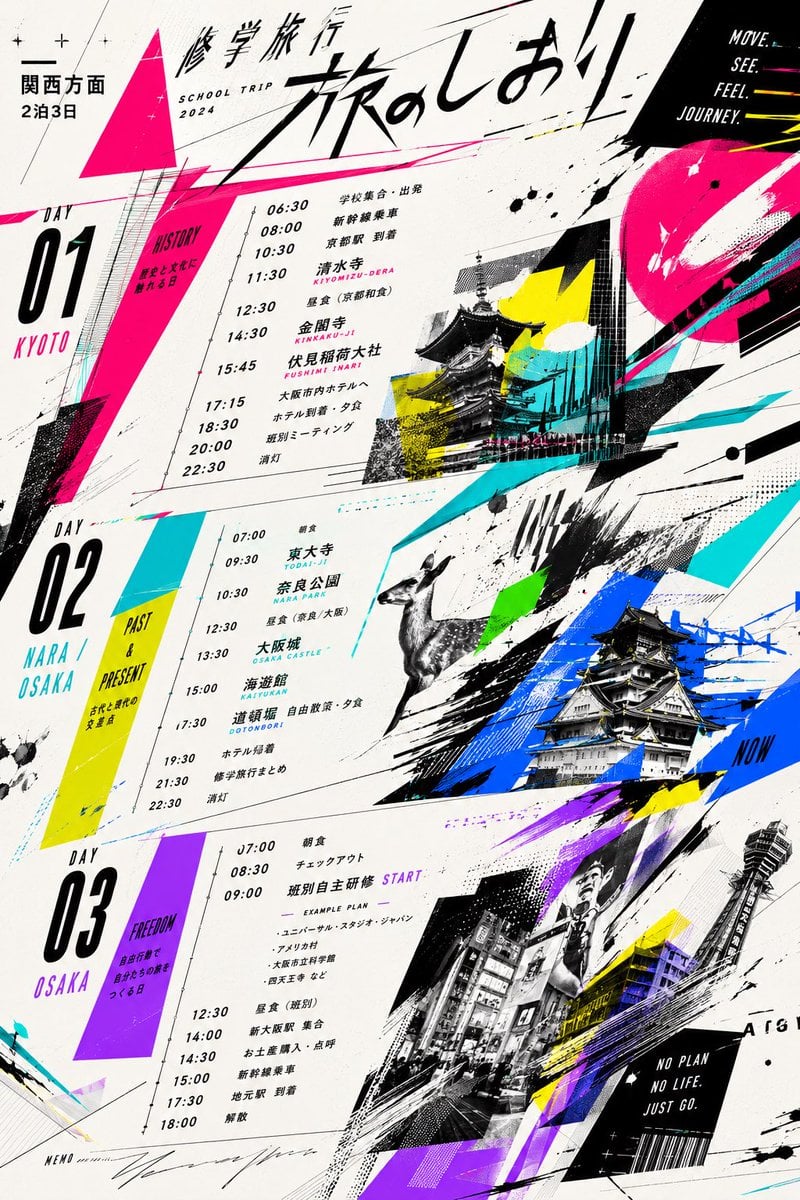
- Prompt included
- Model and format preset
- Free template
The prompt behind this image
Copy the exact prompt behind Graphic School Trip Schedule Poster, or open it in the studio and make it yours.
Using the provided reference timetable sheet, transform it into a bold contemporary graphic travel poster / magazine-spread design while preserving the overall school-trip schedule structure and key itinerary information. Replace the plain document layout with a dynamic diagonal composition, oversized brush-calligraphy Japanese headline {argument name="headline text" default="旅のしおり"}, and smaller title text for a {argument name="trip duration" default="2泊3日"} trip toward {argument name="destination area" default="関西方面"}. Organize the schedule into exactly 3 large vertical day sections: Day 01 Kyoto, Day 02 Nara / Osaka, and Day 03 Osaka, keeping the times and main activities from the reference but typesetting them as clean poster text with a thin timeline line. Add high-contrast neon accent graphics in hot pink, cyan, yellow, blue, green, and purple, with angular triangles, paint splashes, speed lines, halftone textures, arrows, scribbles, and collage-like overlays. Add photographic/illustrated travel imagery not present in the reference: temples and shrine architecture for Kyoto, a deer for Nara, Osaka Castle, a busy Osaka street scene, and Tsutenkaku/tower imagery, integrated as tilted monochrome or duotone cutout panels. Include small English slogan text such as "SCHOOL TRIP 2024", "MOVE. SEE. FEEL. JOURNEY.", "NO PLAN NO LIFE JUST GO.", and day-theme labels like HISTORY, PAST & PRESENT, and FREEDOM. Keep a mostly off-white paper background, black typography, energetic editorial street-design styling, and make the final result look like a polished youth travel booklet cover/schedule poster rather than a formal handout.
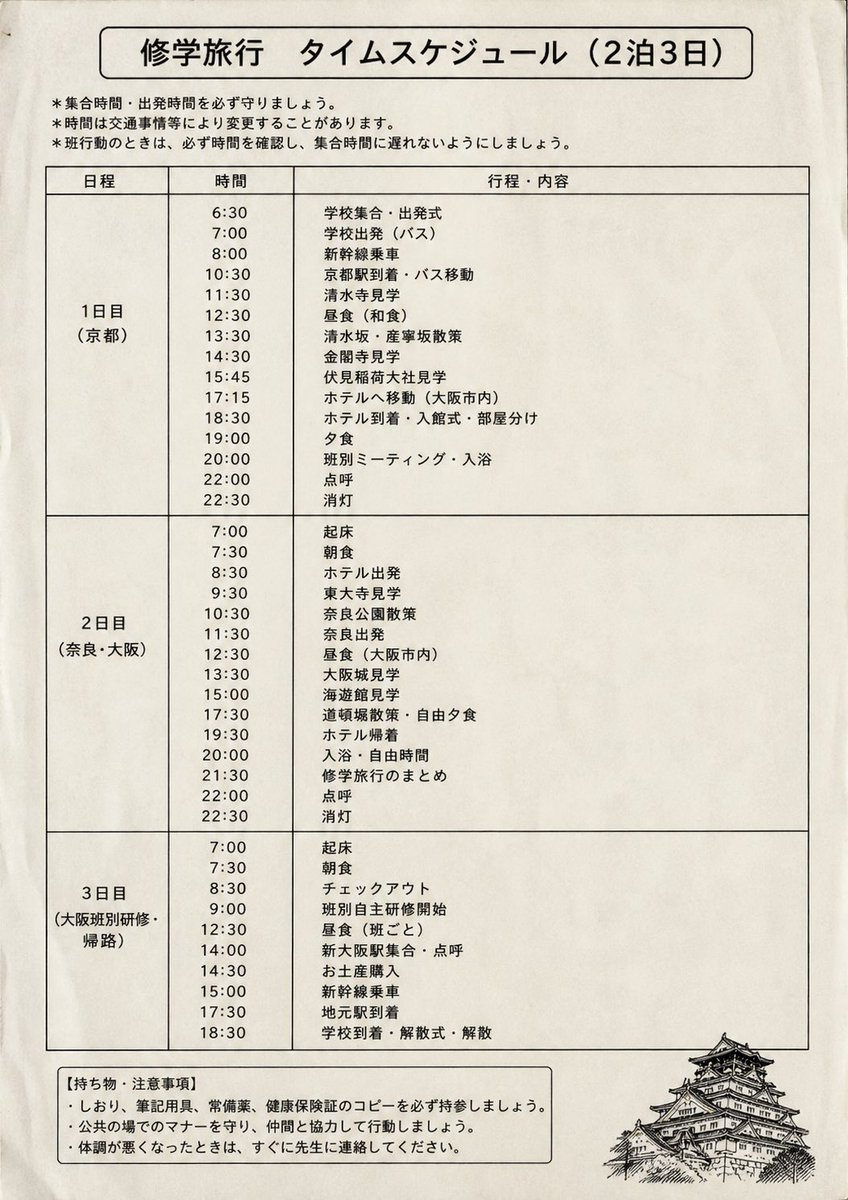
Reference images included
Graphic School Trip Schedule Poster needs input media to work. They load alongside the prompt when you open it in the studio.
How to use Graphic School Trip Schedule Poster in 3 steps
- 1Upload ImagePNG, JPG or paste
Add your photo
Upload the photo the template builds on. The prompt, model and format are already set.
- 2…a portrait of your subject in softgolden-hour light, 85mm…
Personalize
Edit the subject and creative details for your destination.
- 3Generate
Generate
Press Generate — your image is created in PicX Studio, so you can compare it with the original and refine one variable at a time.
More like this
Templates with the same subject, style or setup. Open one to see its prompt.
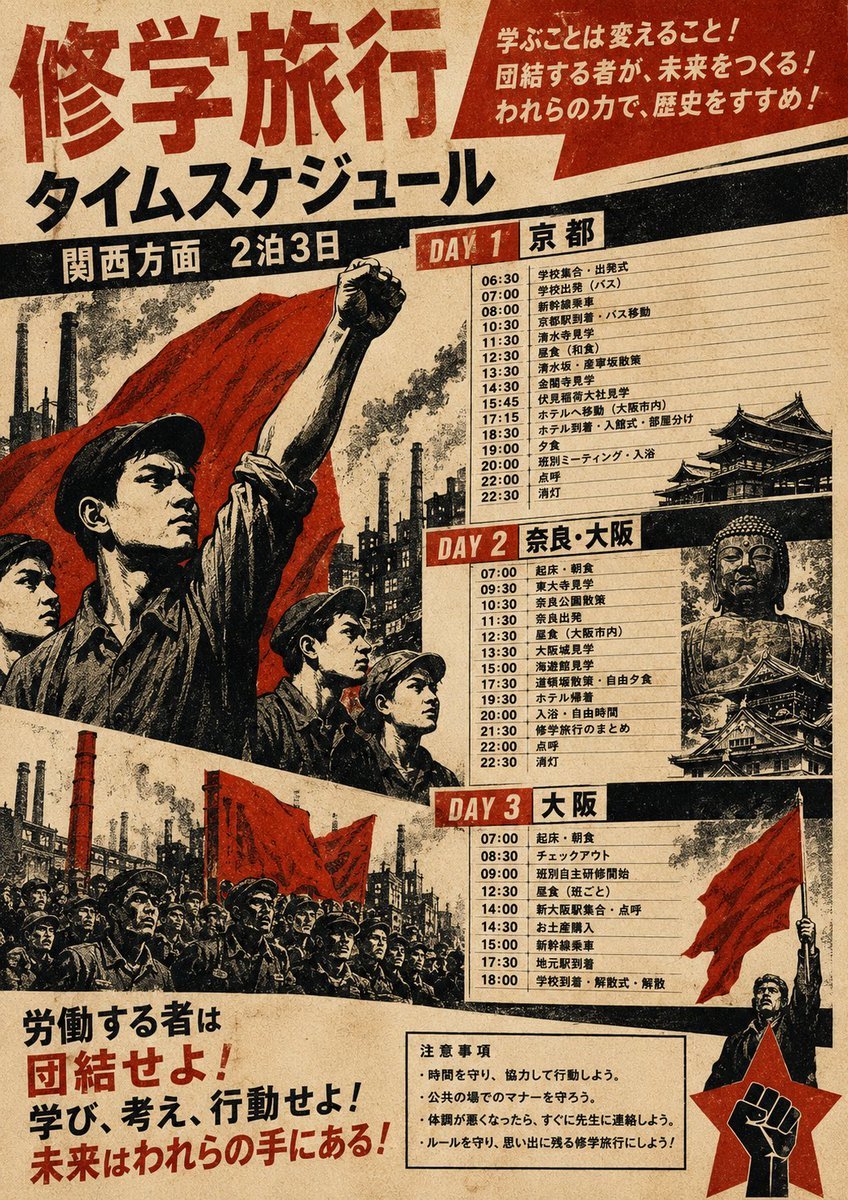
Propaganda School Trip Schedule Poster

Gpt2 Infographic Edu Visual Ink Wash Tribute Poster for Chen Uen

Gpt2 Infographic Edu Visual Biomimetic Skyray Aircraft Poster

Japan Travel Brochure Poster

Cartoon TV Show Poster Pack

Trendy Cafe Drink Promo Poster

Urban Fashion Editorial Collage Streetwear Poster

Premium Fashion Editorial Cover Layout System

Polo Ralph Lauren Luxury American Heritage Fashion Campaign

Monochrome Halftone Editorial Fashion Poster

Retro Mirror Luxury Fashion Campaign Poster

Luxury Fashion Campaign Typography Poster System
Make it yours
Graphic School Trip Schedule Poster works as-is. These are the safest ways to change it without losing the look.
Change one field
Copy a single group, rewrite it, and generate again so you can see what that field is doing.
Keep the frame, change the subject
Hold the composition and light of Graphic School Trip Schedule Poster, then swap wardrobe, props or the person for a new take.
| If the result… | Why | Fix |
|---|---|---|
| The result drifts from the preview | Too many fields changed at once. | Reuse Graphic School Trip Schedule Poster as-is first, then change one group — subject, light, or setting. |
| The model over-stylizes the scene | The prose prompt leaves finish and camera underspecified. | Add one camera or lighting sentence and stay on GPT Image 2. |
More GPT Image 2 templates
Other prompts made for GPT Image 2.

Six VTuber Japanese Logo Sheet

Realistic Portrait of Woman and Deer

The Vista Modular Condo Poster

AI Model Routing Comparison Infographic

2.5D Anime Art Board

Isometric Productivity Desk Scene

New York Double Exposure Poster

Four-Panel AI Landscape Comparison

Japanese Tatami Lifestyle Magazine Cover

NESCAFÉ Coffee Map Poster
More image prompts
Fresh picks from across the catalog.
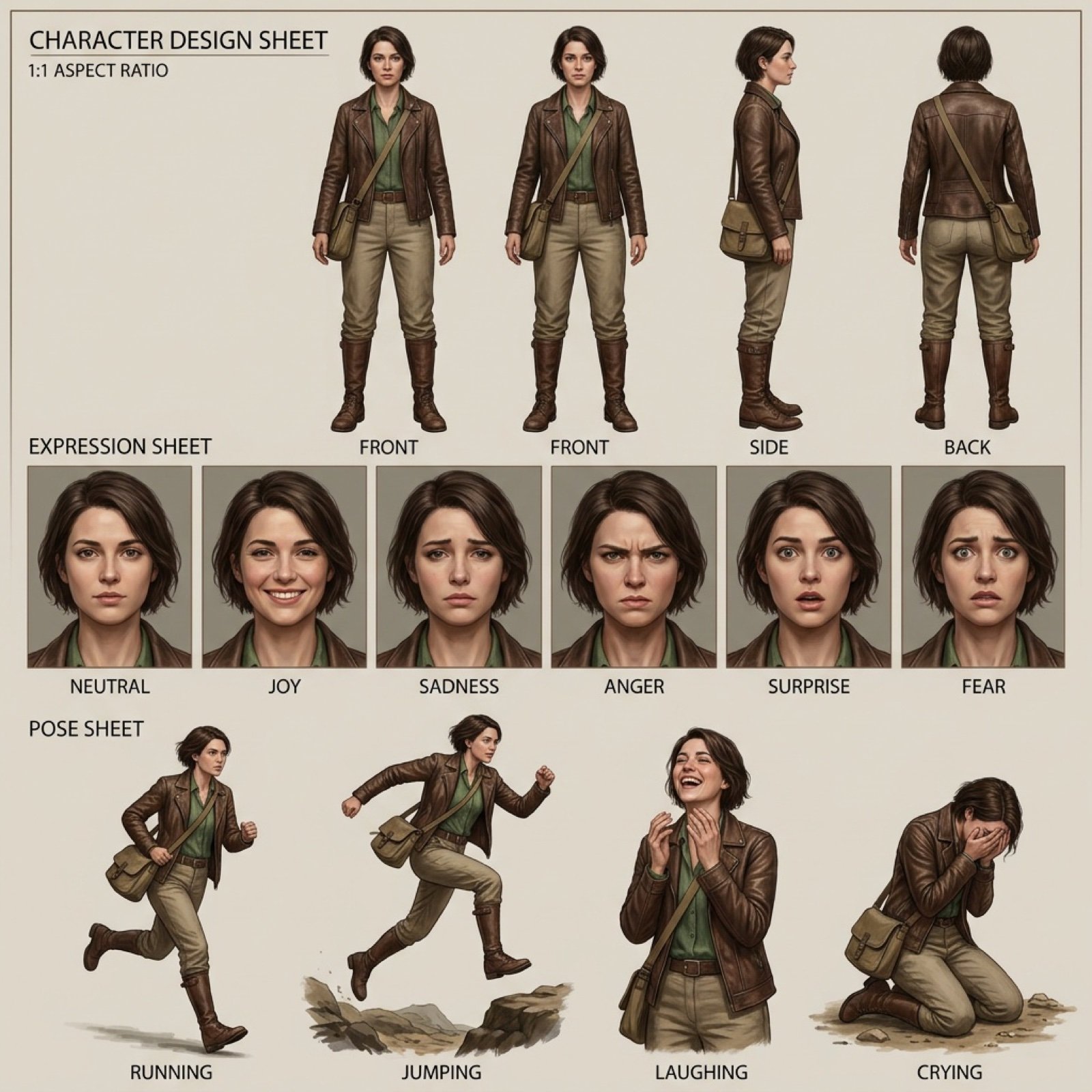
Realistic character design sheet from a photo
Neon Doodle Gallery Snapshot
Chun-Li Digital vs Real Poster

High-End Studio Male Portrait
Soccer Fans Hidden Camera Cinematic Shot
Kling AI + Google Nano Banana Pro Prompt (Video and Image)
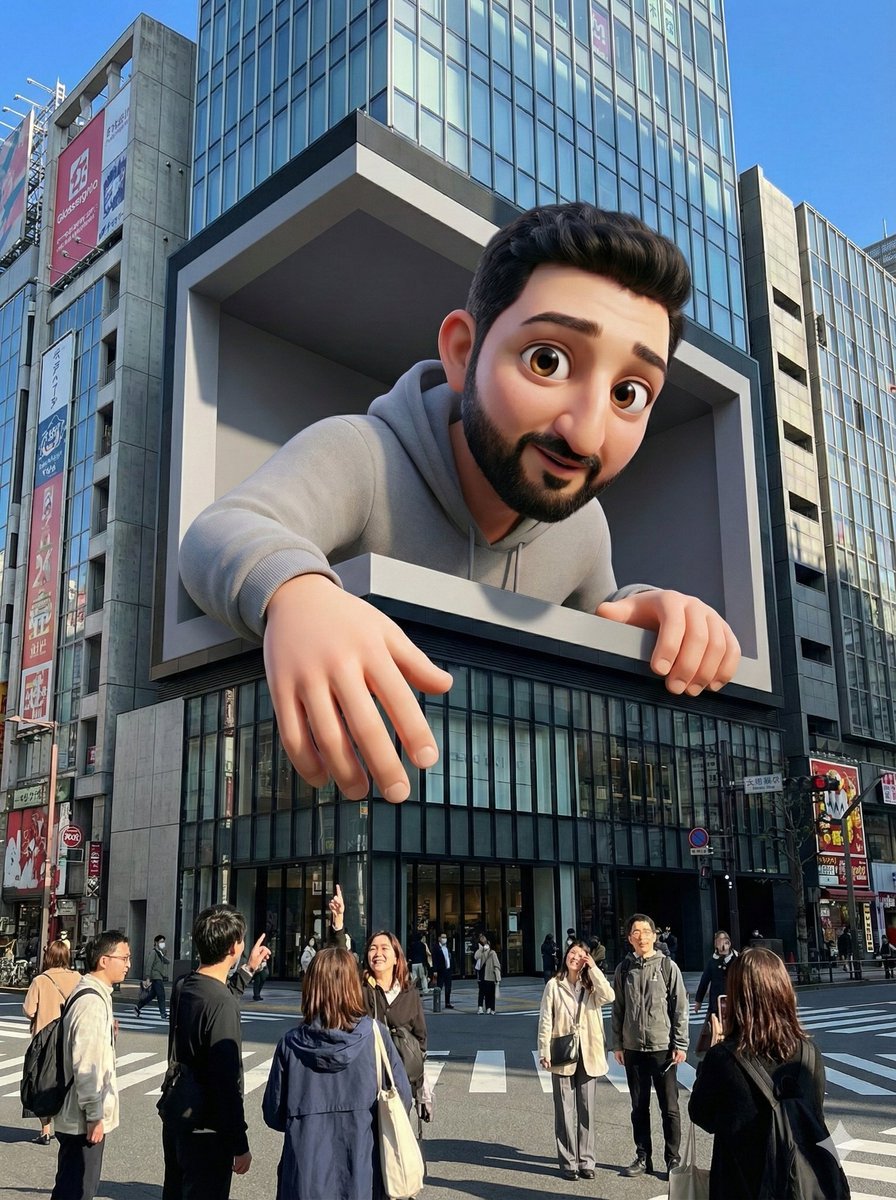
Base Prompt with Uploaded Image
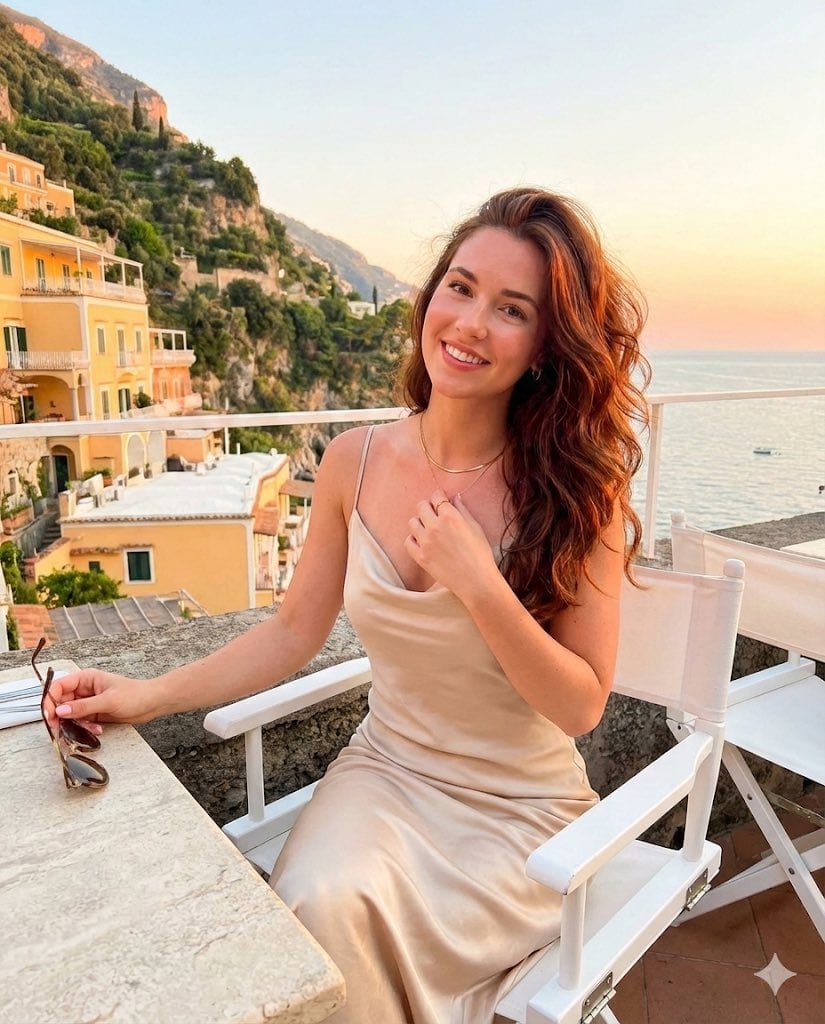
Golden Hour Positano Terrace Lifestyle Shot
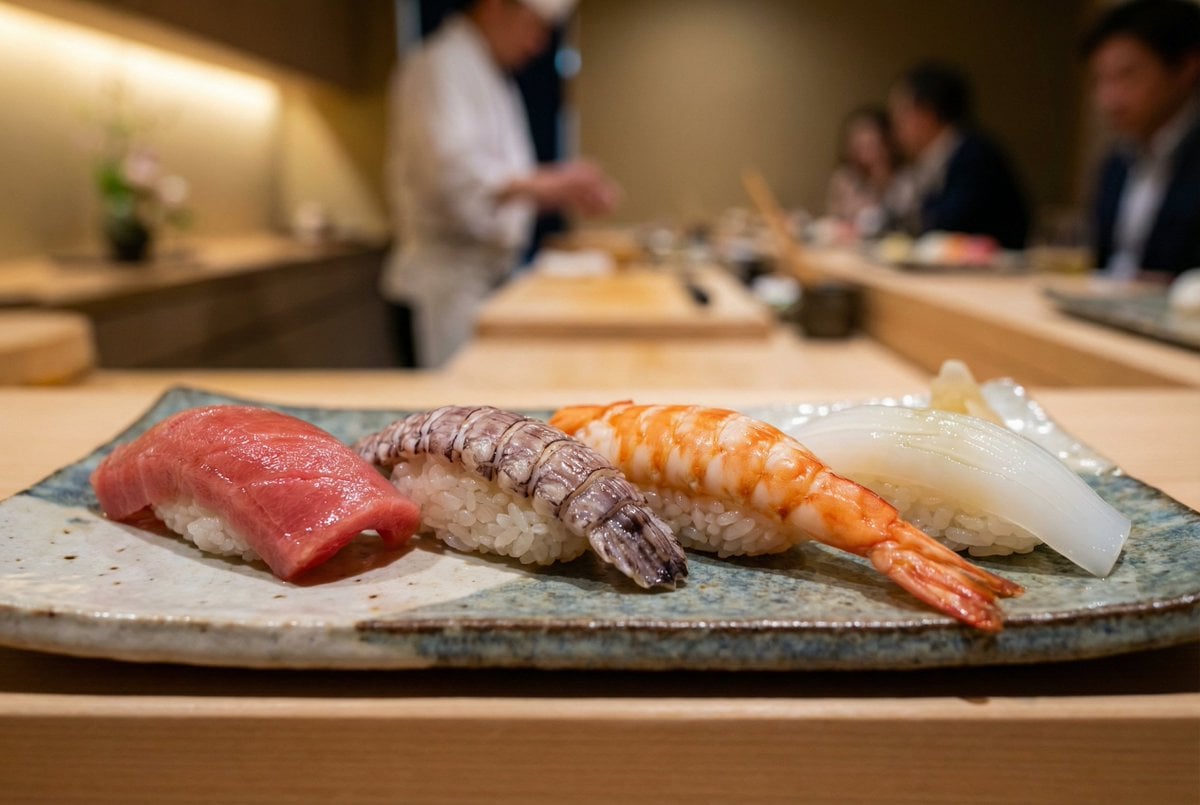
Controlling Lighting in Image Generation
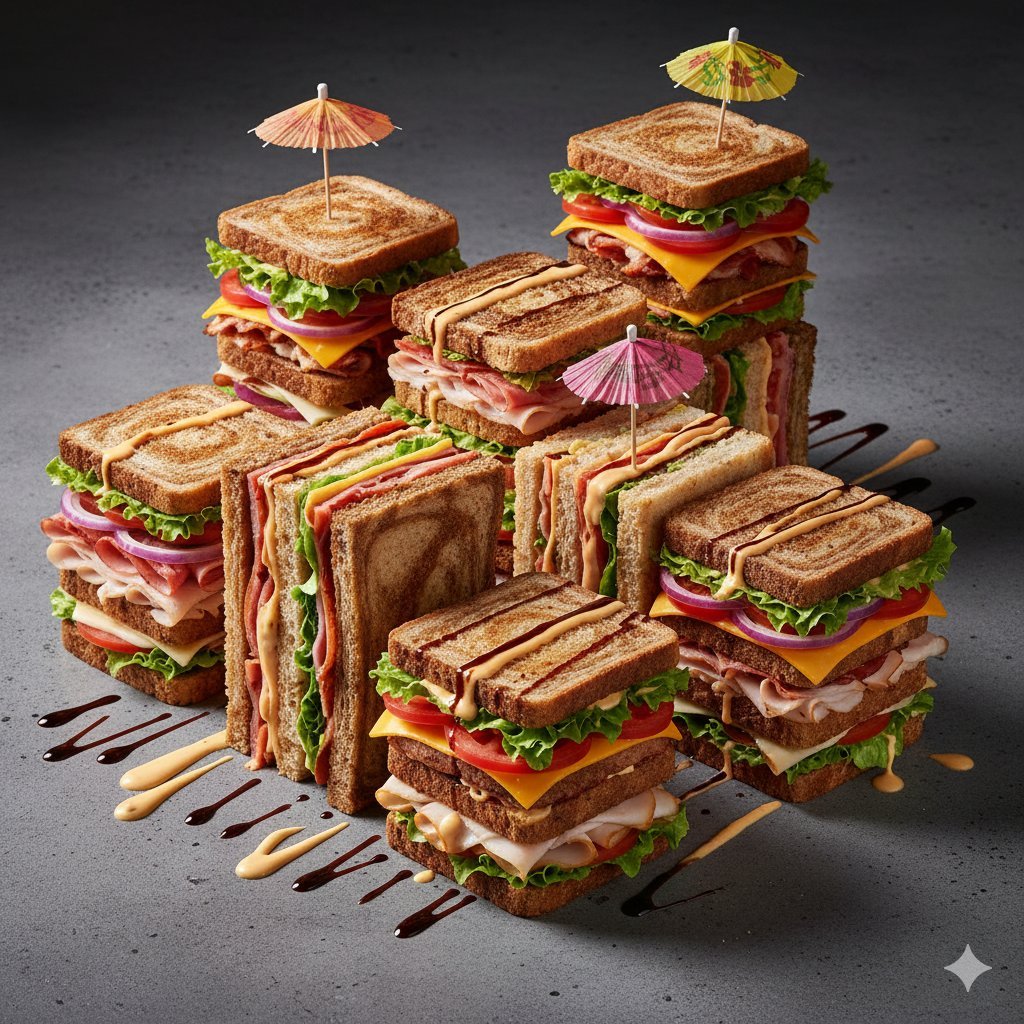
Modernist Fruit Architecture Macro Shot
Browse template categories
Graphic School Trip Schedule Poster questions
How do I use the Graphic School Trip Schedule Poster template?
Add your photo if the template asks for one, edit the prompt if you like — the template's model and format are already selected — and press Generate. Your version opens in PicX Studio.
Can I customize the Graphic School Trip Schedule Poster template?
Yes. You can change the subject, setting, lighting, mood, format, and available model controls before creating your image.
Is the Graphic School Trip Schedule Poster template free?
Opening and editing this template is free. Generating uses credits, shown on the Generate button when you are signed in.
Which AI model should I use?
Start with GPT Image 2, which is the model associated with this template. You can compare another compatible model for a different finish.
Looking for something else? Browse all templates.

Your photo, any look
Thousands of ready templates for every top image and video model, from one credit balance.