
Propaganda School Trip Schedule Poster
Transforms a plain Japanese school trip timetable into a distressed red-and-black vintage propaganda poster while preserving the itinerary information.
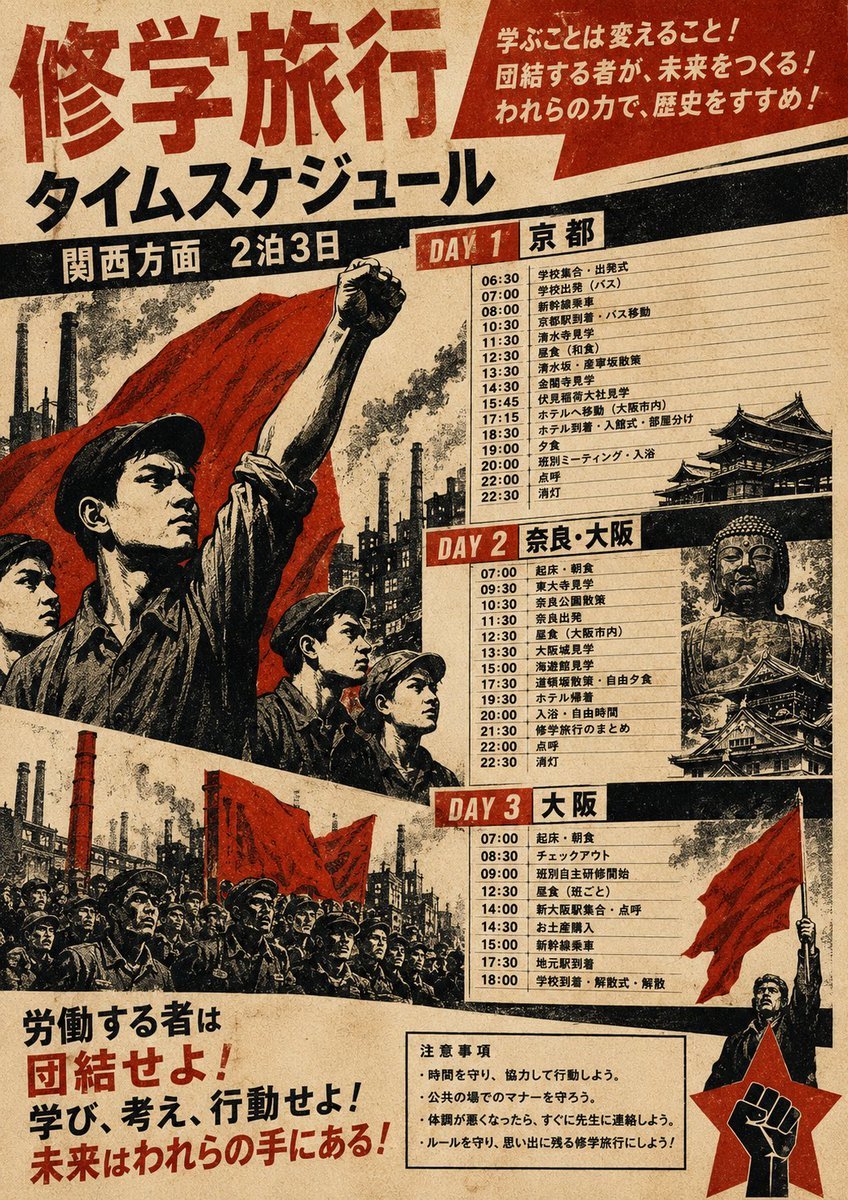
- Prompt included
- Model and format preset
- Free template
The prompt behind this image
Copy the exact prompt behind Propaganda School Trip Schedule Poster, or open it in the studio and make it yours.
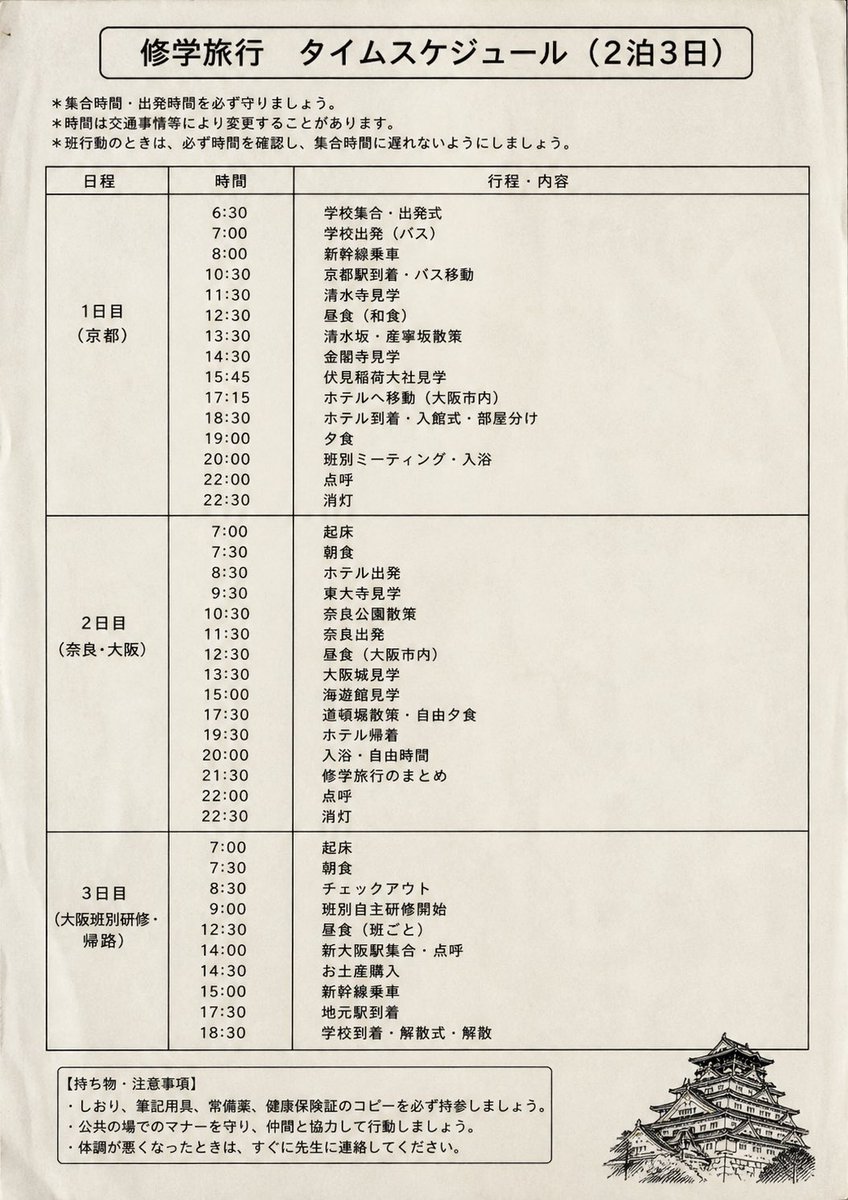
Using REFERENCE_0 as the source document, transform the plain school trip timetable into a dramatic vintage socialist-propaganda style poster while preserving the original 2-night/3-day schedule contents and Japanese itinerary structure. Replace the clean worksheet layout with aged beige paper, heavy black ink, distressed halftone texture, bold red-and-black typography, diagonal banners, and revolutionary poster composition. Add a large top headline reading {argument name="headline text" default="修学旅行"} with the subheading {argument name="subheading text" default="タイムスケジュール"}, plus a black banner for {argument name="region label" default="関西方面 2泊3日"}. Split the itinerary into exactly 3 visible schedule panels labeled DAY 1 京都, DAY 2 奈良・大阪, and DAY 3 大阪, keeping the times and activities from the reference legible in each panel. Add propaganda-style supporting imagery not present in the reference: crowds of uniformed students/workers, raised fists, red flags, industrial smokestacks, dramatic city silhouettes, castle illustrations, and a red fist emblem in a star at the lower right. Add exactly 3 slogan areas: a red speech-banner at the upper right reading {argument name="top slogan" default="学ぶことは変えること!団結する者が、未来をつくる!われらの力で、歴史をすすめよ!"}, a large lower-left slogan block reading {argument name="bottom slogan" default="労働する者は団結せよ!学び、考え、行動せよ!未来はわれらの手にある!"}, and a bottom notice box titled 注意事項 with concise school-trip rules. Make the poster look like a scanned, worn, high-contrast risograph/woodblock propaganda print, with red as the dominant accent color and black borders separating the 3 day panels.
Reference images included
Propaganda School Trip Schedule Poster needs input media to work. They load alongside the prompt when you open it in the studio.
How to use Propaganda School Trip Schedule Poster in 3 steps
- 1Upload ImagePNG, JPG or paste
Add your photo
Upload the photo the template builds on. The prompt, model and format are already set.
- 2…a portrait of your subject in softgolden-hour light, 85mm…
Personalize
Edit the subject and creative details for your destination.
- 3Generate
Generate
Press Generate — your image is created in PicX Studio, so you can compare it with the original and refine one variable at a time.
More like this
Templates with the same subject, style or setup. Open one to see its prompt.
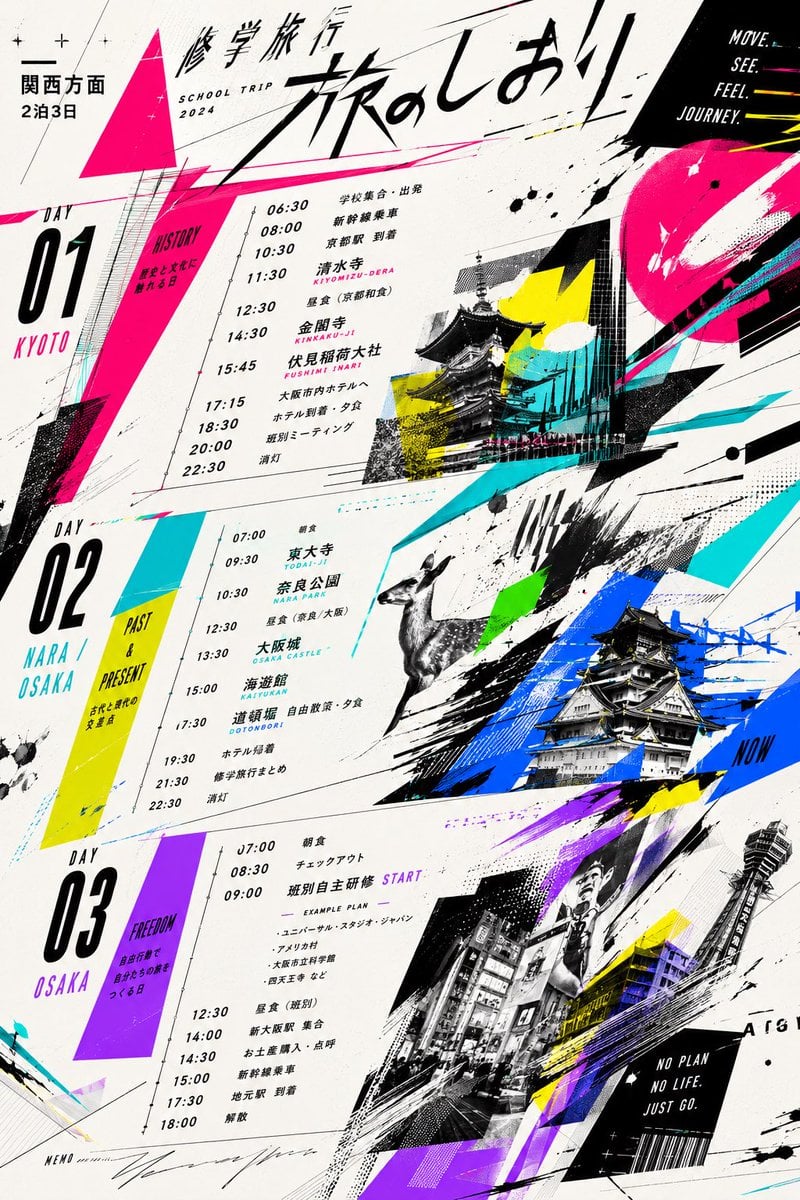
Graphic School Trip Schedule Poster

Japan Travel Brochure Poster

Cartoon TV Show Poster Pack

Trendy Cafe Drink Promo Poster

Urban Fashion Editorial Collage Streetwear Poster

Premium Fashion Editorial Cover Layout System

Polo Ralph Lauren Luxury American Heritage Fashion Campaign

Monochrome Halftone Editorial Fashion Poster

Retro Mirror Luxury Fashion Campaign Poster

Luxury Fashion Campaign Typography Poster System

Premium Fashion Editorial Campaign Poster System

Ultra-Stylized High-Fashion Streetwear Poster
Make it yours
Propaganda School Trip Schedule Poster works as-is. These are the safest ways to change it without losing the look.
Change one field
Copy a single group, rewrite it, and generate again so you can see what that field is doing.
Keep the frame, change the subject
Hold the composition and light of Propaganda School Trip Schedule Poster, then swap wardrobe, props or the person for a new take.
| If the result… | Why | Fix |
|---|---|---|
| The result drifts from the preview | Too many fields changed at once. | Reuse Propaganda School Trip Schedule Poster as-is first, then change one group — subject, light, or setting. |
| The model over-stylizes the scene | The prose prompt leaves finish and camera underspecified. | Add one camera or lighting sentence and stay on GPT Image 2. |
More GPT Image 2 templates
Other prompts made for GPT Image 2.

Six VTuber Japanese Logo Sheet

Realistic Portrait of Woman and Deer

The Vista Modular Condo Poster

AI Model Routing Comparison Infographic

2.5D Anime Art Board

Isometric Productivity Desk Scene

New York Double Exposure Poster

Four-Panel AI Landscape Comparison

Japanese Tatami Lifestyle Magazine Cover

NESCAFÉ Coffee Map Poster
More image prompts
Fresh picks from across the catalog.
Cinematic Red Backdrop Portrait Prompt
Minimalist Product Photography for Supplement Container
Realistic Image Generator Prompt System
Digital Watercolor Illustration with Strict Identity Lock
Luxury Art Figure Museum Display
Realistic Photo with Face Swap and Cinematic Lighting
Highly detailed 8K morning still life desk scene prompt
Blank Face Anime Portrait Base
Neutral Luxury Fashion Editorial
Melancholic artistic concept
Browse template categories
Propaganda School Trip Schedule Poster questions
How do I use the Propaganda School Trip Schedule Poster template?
Add your photo if the template asks for one, edit the prompt if you like — the template's model and format are already selected — and press Generate. Your version opens in PicX Studio.
Can I customize the Propaganda School Trip Schedule Poster template?
Yes. You can change the subject, setting, lighting, mood, format, and available model controls before creating your image.
Is the Propaganda School Trip Schedule Poster template free?
Opening and editing this template is free. Generating uses credits, shown on the Generate button when you are signed in.
Which AI model should I use?
Start with GPT Image 2, which is the model associated with this template. You can compare another compatible model for a different finish.
Looking for something else? Browse all templates.

Your photo, any look
Thousands of ready templates for every top image and video model, from one credit balance.