
Luxury Art Figure Museum Display
A prompt for generating a high-end 3D art figure in a museum setting, based on a reference character but transformed into a collectible resin sculpture.
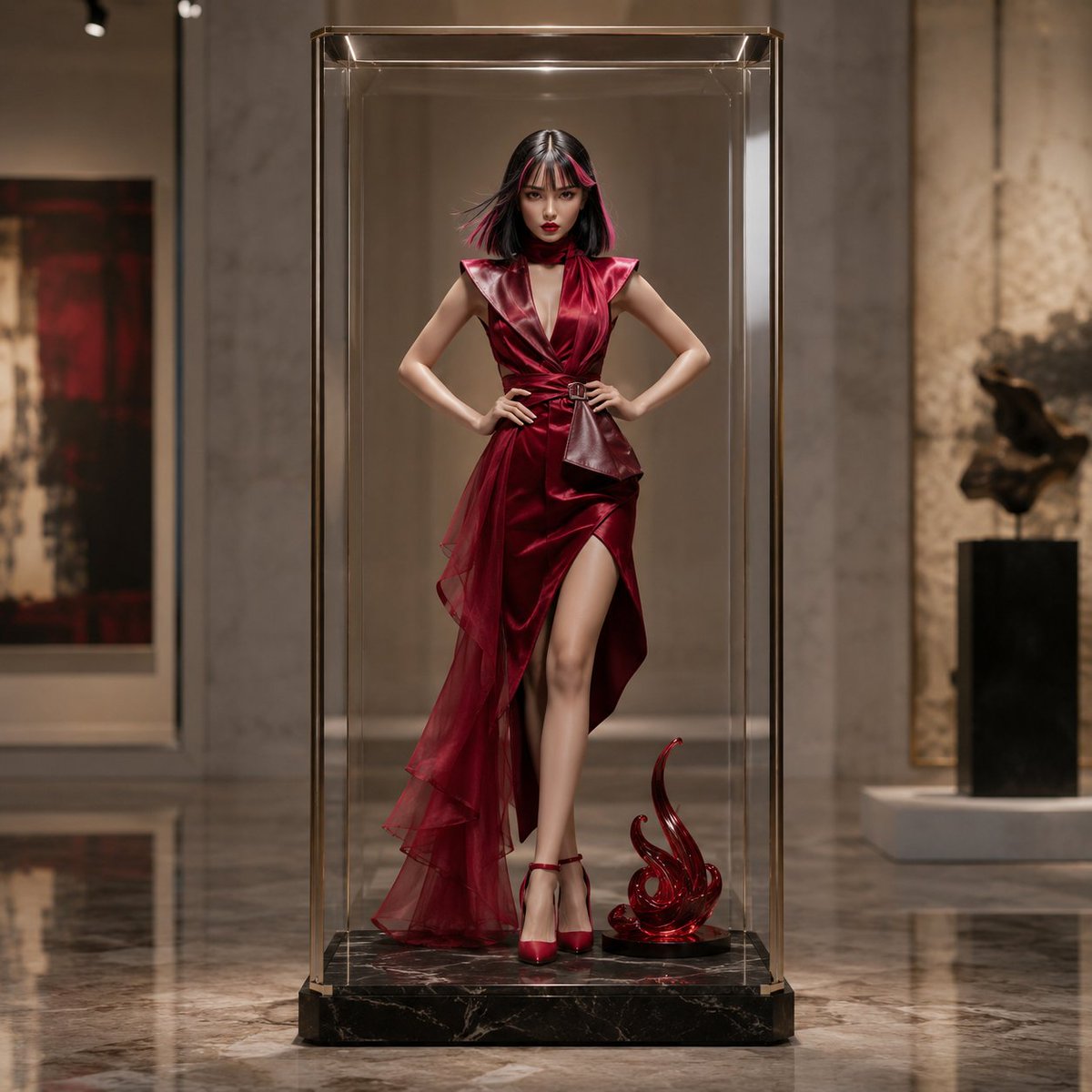
- Prompt included
- Model and format preset
- Free template
The prompt behind this image
Copy the exact prompt behind Luxury Art Figure Museum Display, or open it in the studio and make it yours.
Based on the full-body figure in the reference image, create a square, high-quality 3D product visual. Preserve the reference person's facial features, atmosphere, body type, standing posture, and full-body silhouette, without letting them become too different a person, and reconstruct them into an upscale, adult-oriented 4D art figure. An adult model build of {argument name="model's age" default="24 years old"}, 6.5 to 7 heads tall, with an elegant, mysterious expression. The hair is {argument name="hair color" default="black hair with pink highlights"}, making use of the flow from the reference image. Give the hair and outfit a sense of depth, momentum, and a captured moment in time, as if a fleeting motion has been frozen. A premium collectible with a matte resin, semi-gloss sofubi (soft vinyl), clear resin, and ceramic-like texture. Do not reproduce the reference outfit; replace it with a high-fashion designer dress in {argument name="dress color" default="deep crimson to wine red"}. Structured shoulders, sculptural draping, an asymmetrical silhouette, a dimensional skirt, and satin, velvet, organza, and leather-like materials. Elegant and luxurious, with no excessive exposure. Positioned centrally inside a tall, transparent, rectangular acrylic capsule case. A slim rectangular shape rather than a sphere. Thick clear acrylic, natural reflections, edge highlights, rounded corners, and an ultra-thin champagne-gold frame. A black marble display base at the feet, with one abstract sculptural object added if needed. The background is a high-end art museum: a tall ceiling, pale marble walls, a polished stone floor, quiet gallery lighting, and blurred abstract art. Spotlighting and diffused light create beautiful reflections and highlights on the red dress, black hair, pink highlights, and the clear case.
How to use Luxury Art Figure Museum Display in 3 steps
- 1Upload ImagePNG, JPG or paste
Add your photo
Upload the photo the template builds on. The prompt, model and format are already set.
- 2…a portrait of your subject in softgolden-hour light, 85mm…
Personalize
Edit the subject and creative details for your destination.
- 3Generate
Generate
Press Generate — your image is created in PicX Studio, so you can compare it with the original and refine one variable at a time.
More like this
Templates with the same subject, style or setup. Open one to see its prompt.











Make it yours
Luxury Art Figure Museum Display works as-is. These are the safest ways to change it without losing the look.
Change one field
Copy a single group, rewrite it, and generate again so you can see what that field is doing.
Keep the frame, change the subject
Hold the composition and light of Luxury Art Figure Museum Display, then swap wardrobe, props or the person for a new take.
| If the result… | Why | Fix |
|---|---|---|
| The result drifts from the preview | Too many fields changed at once. | Reuse Luxury Art Figure Museum Display as-is first, then change one group — subject, light, or setting. |
| The model over-stylizes the scene | The prose prompt leaves finish and camera underspecified. | Add one camera or lighting sentence and stay on GPT Image 2. |
More GPT Image 2 templates
Other prompts made for GPT Image 2.

Six VTuber Japanese Logo Sheet

Realistic Portrait of Woman and Deer

The Vista Modular Condo Poster

AI Model Routing Comparison Infographic

2.5D Anime Art Board

Isometric Productivity Desk Scene

New York Double Exposure Poster

Four-Panel AI Landscape Comparison

Japanese Tatami Lifestyle Magazine Cover

NESCAFÉ Coffee Map Poster
More image prompts
Fresh picks from across the catalog.
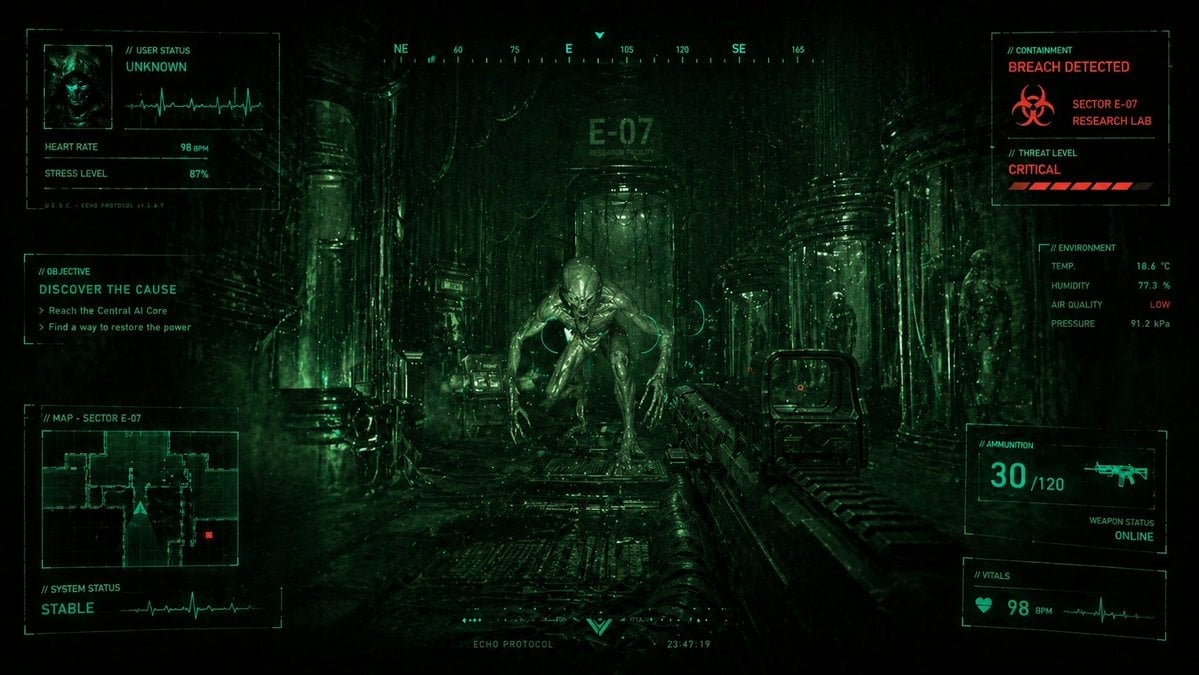
Sci-Fi Horror FPS HUD Lab Breach
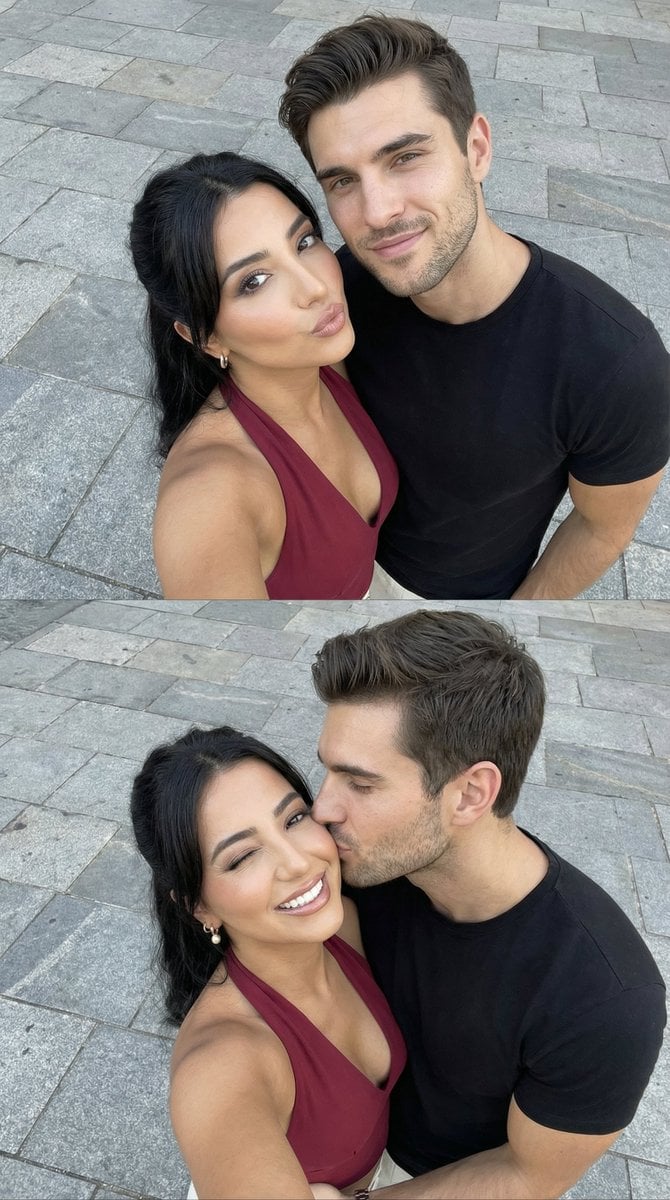
Photorealistic Couple Selfie Grid with Identity Lock
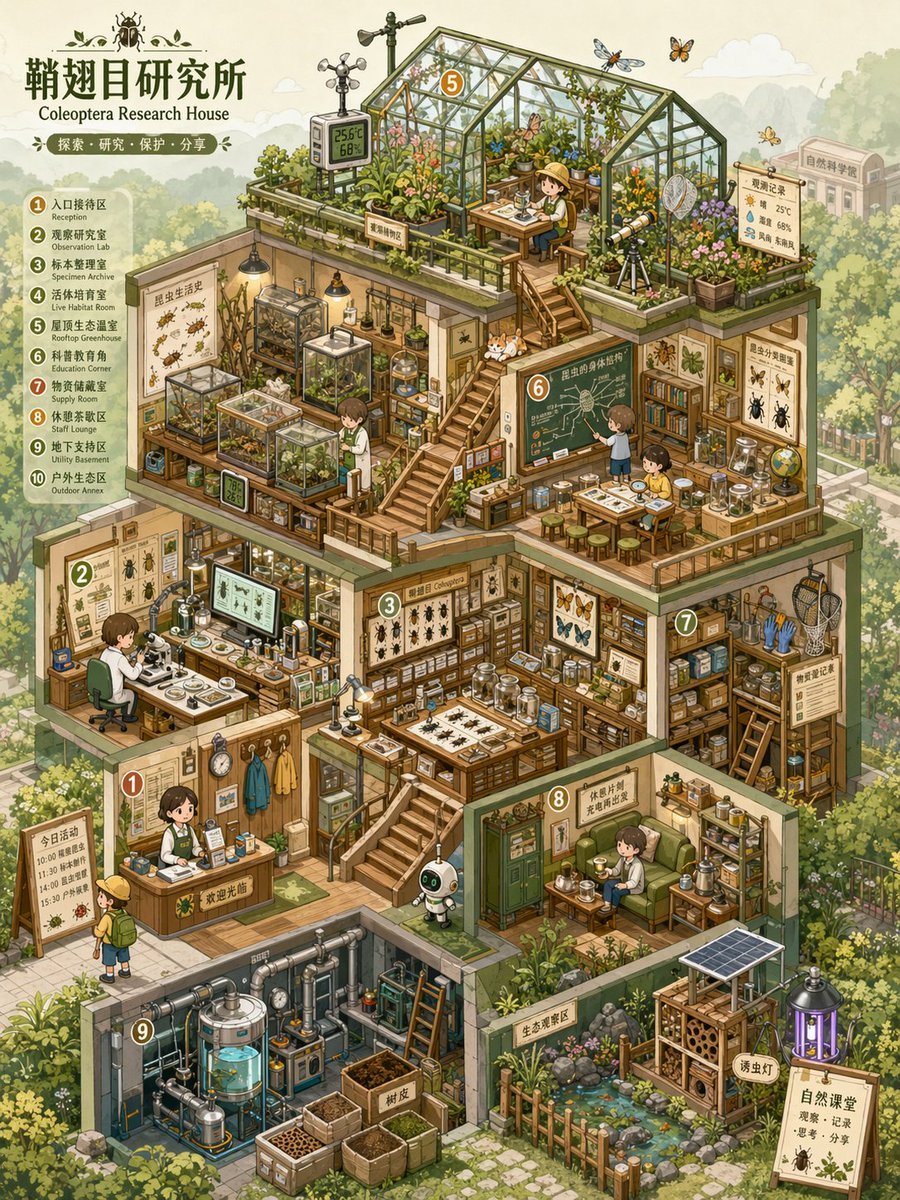
Isometric Micro-World Cross-Section Archive
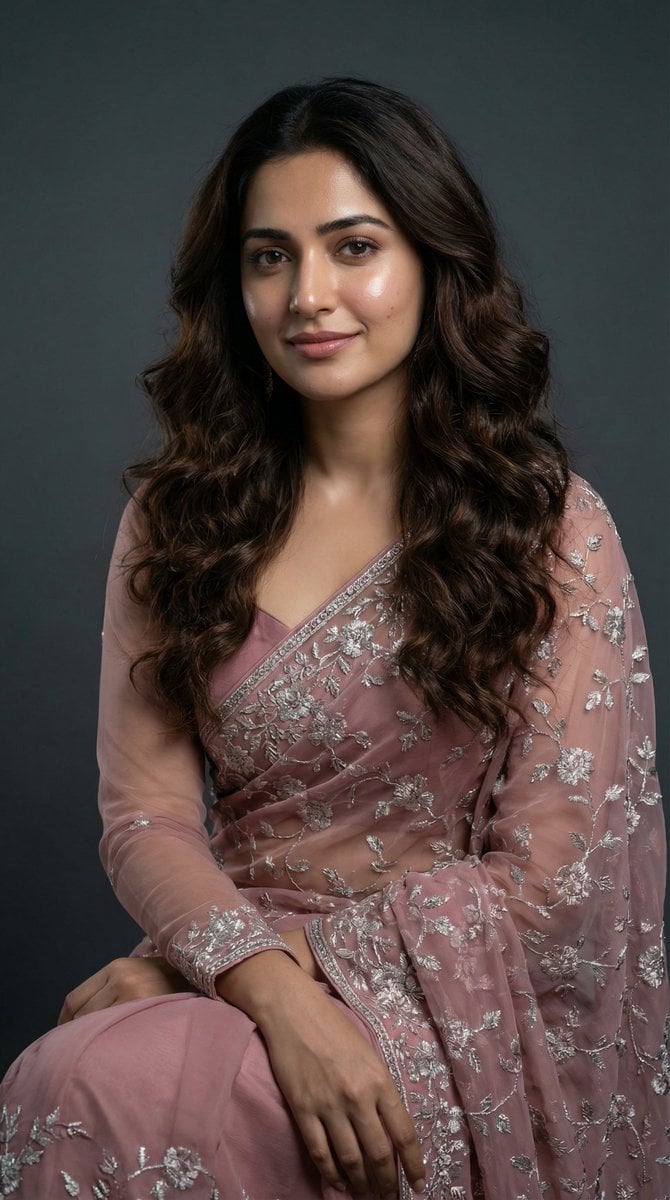
Photorealistic Fashion Portrait Template with Cultural Attire
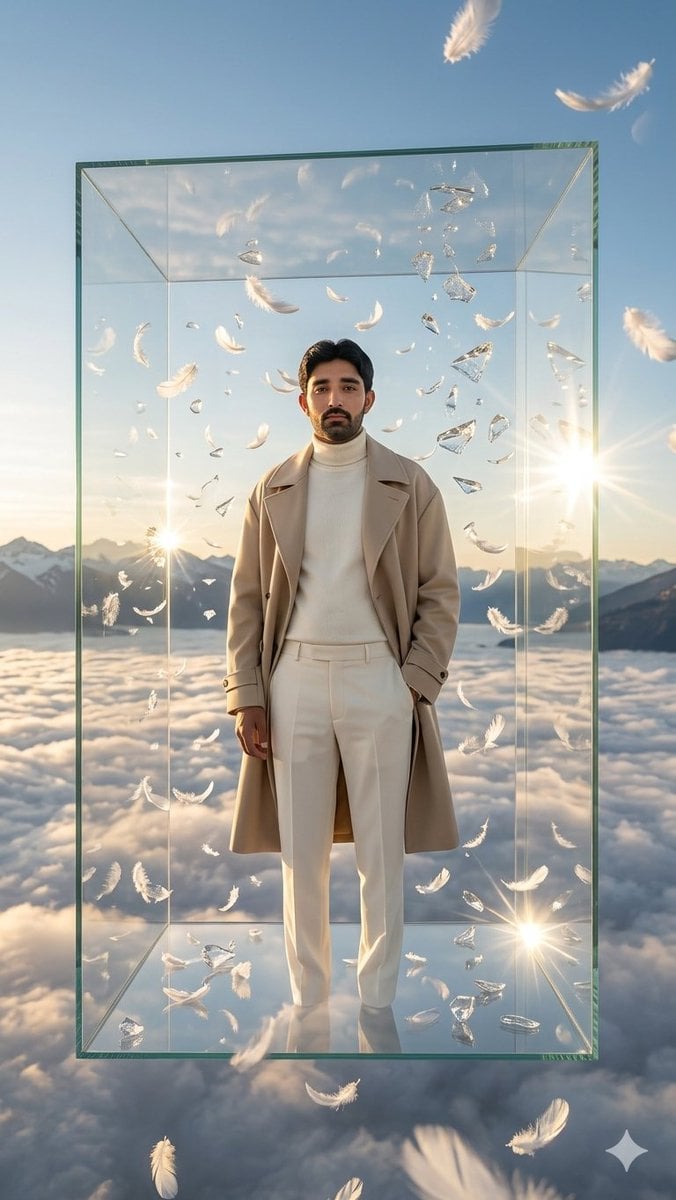
Man in Floating Glass Cube
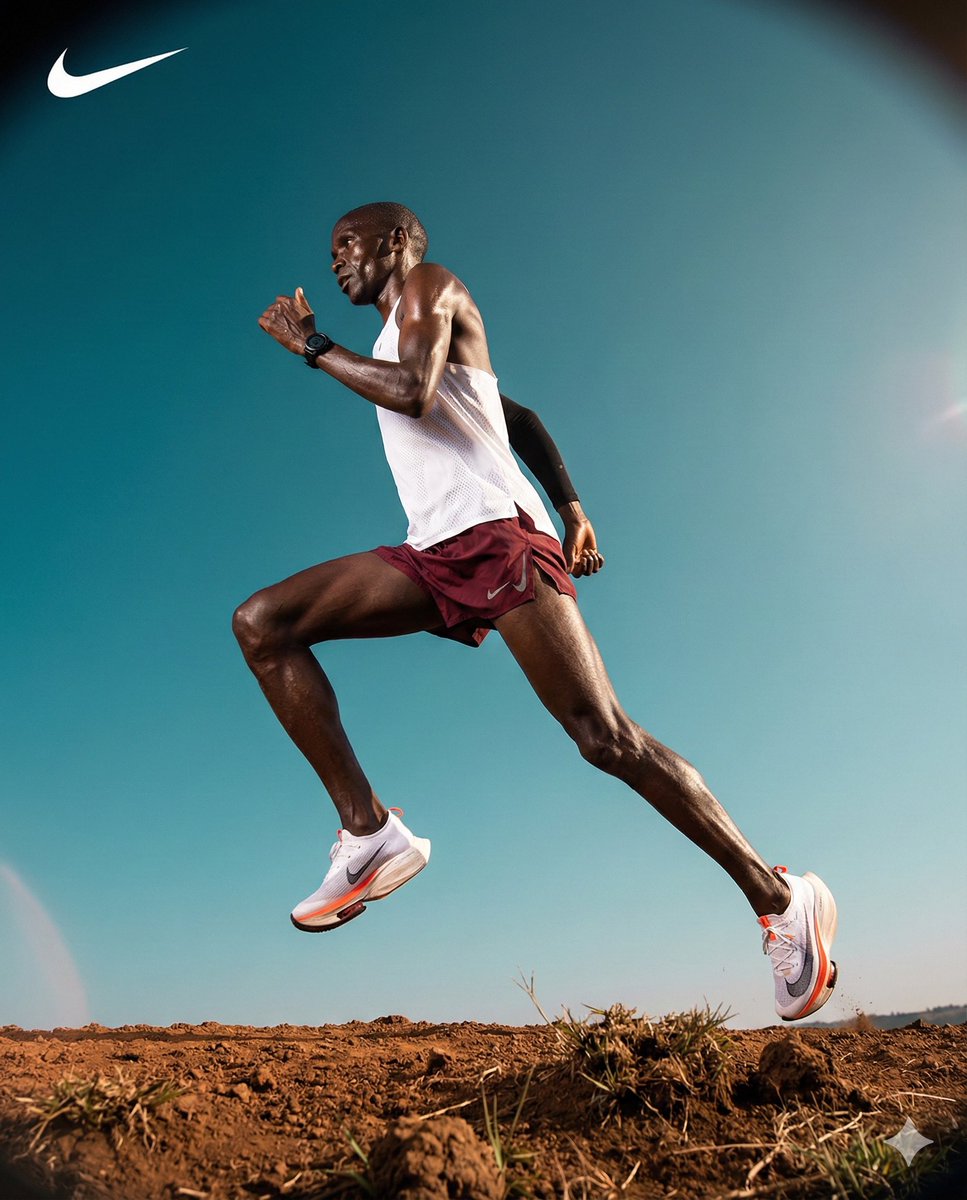
High-Contrast Commercial Sports Photography of Runner
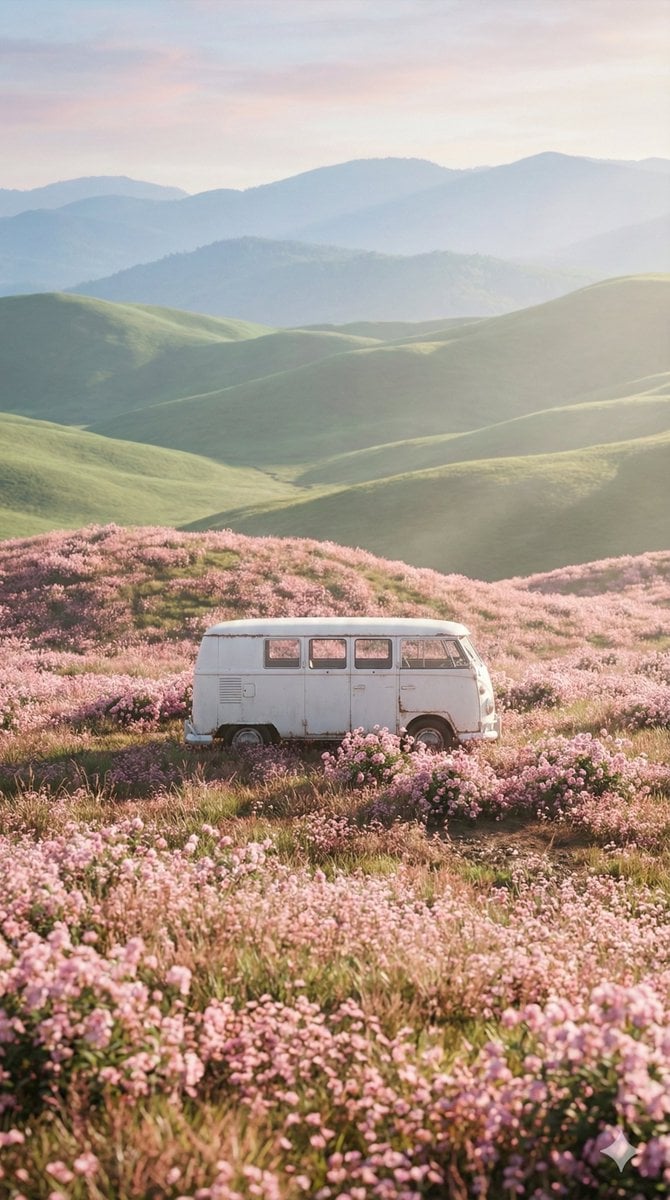
Cinematic Landscape of Minimalist Van in Pink Flower Fields
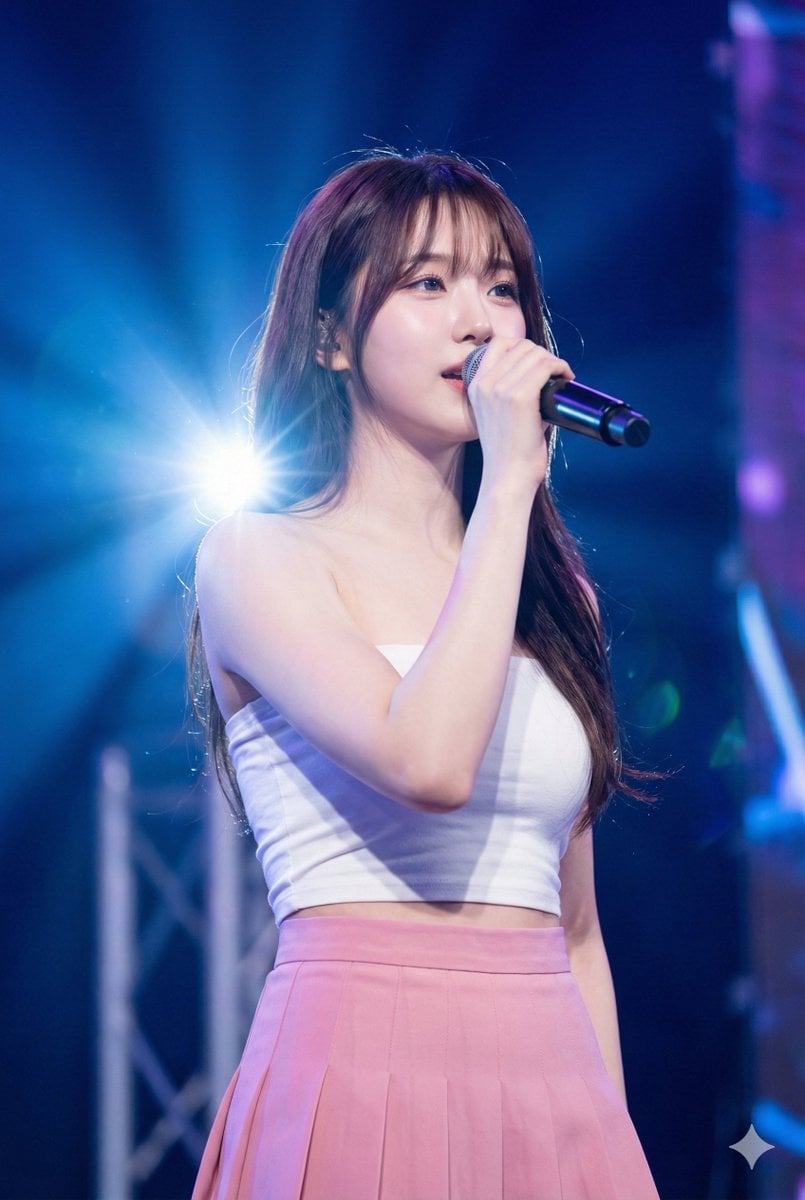
K-Pop Idol Stage Portrait
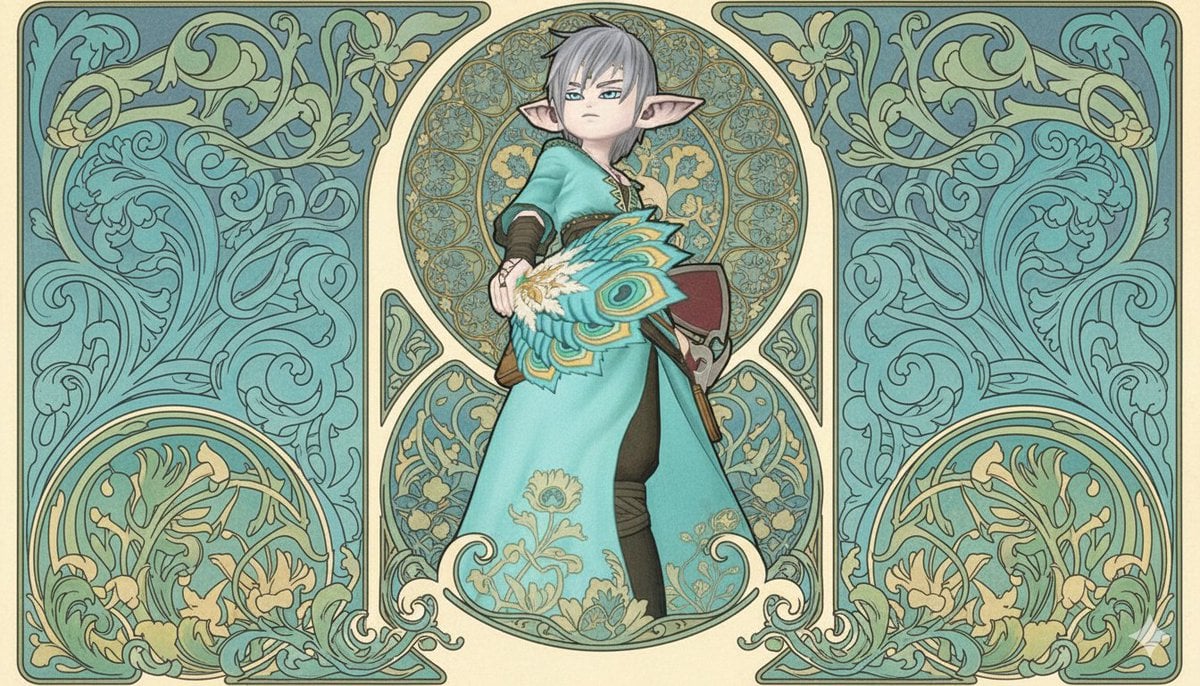
Image-to-Image Style Transfer to Mucha's Art Nouveau Style
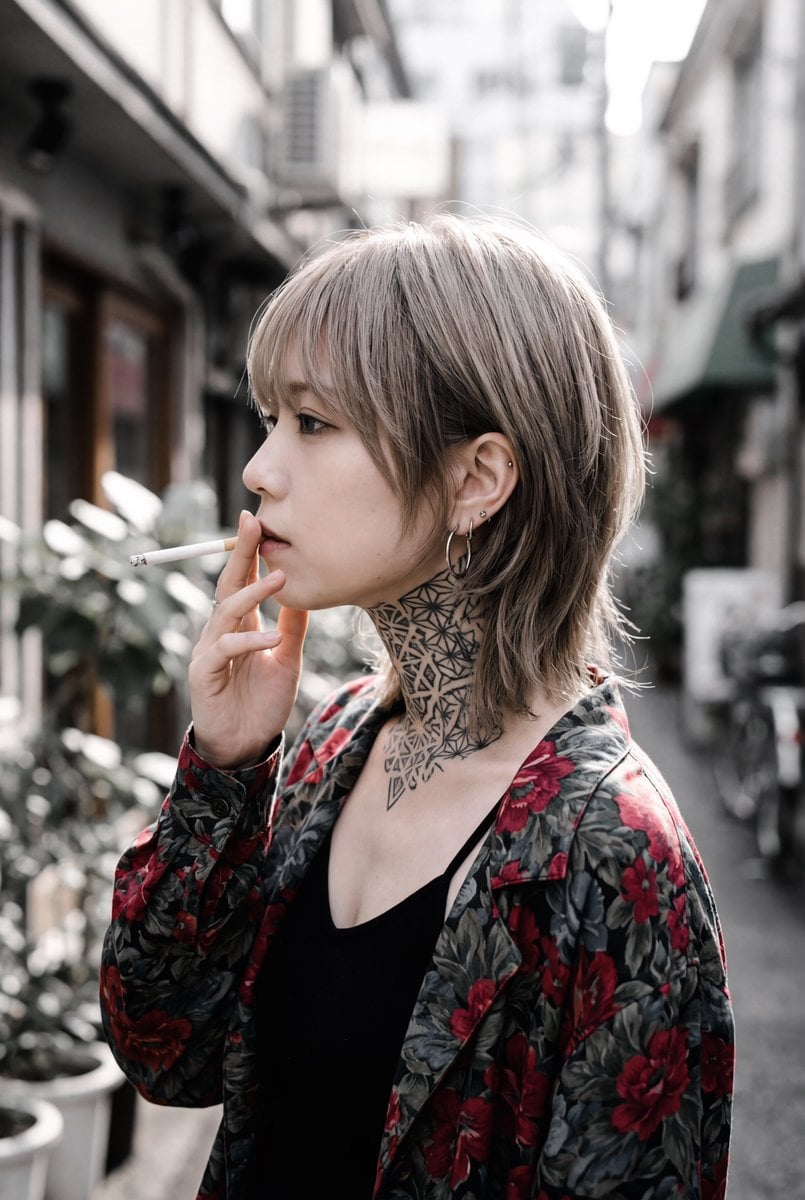
Character Description for Rock Music Fan
Browse template categories
Luxury Art Figure Museum Display questions
How do I use the Luxury Art Figure Museum Display template?
Add your photo if the template asks for one, edit the prompt if you like — the template's model and format are already selected — and press Generate. Your version opens in PicX Studio.
Can I customize the Luxury Art Figure Museum Display template?
Yes. You can change the subject, setting, lighting, mood, format, and available model controls before creating your image.
Is the Luxury Art Figure Museum Display template free?
Opening and editing this template is free. Generating uses credits, shown on the Generate button when you are signed in.
Which AI model should I use?
Start with GPT Image 2, which is the model associated with this template. You can compare another compatible model for a different finish.
Looking for something else? Browse all templates.

Your photo, any look
Thousands of ready templates for every top image and video model, from one credit balance.