
NOZOMU Capsule Figure Product Display
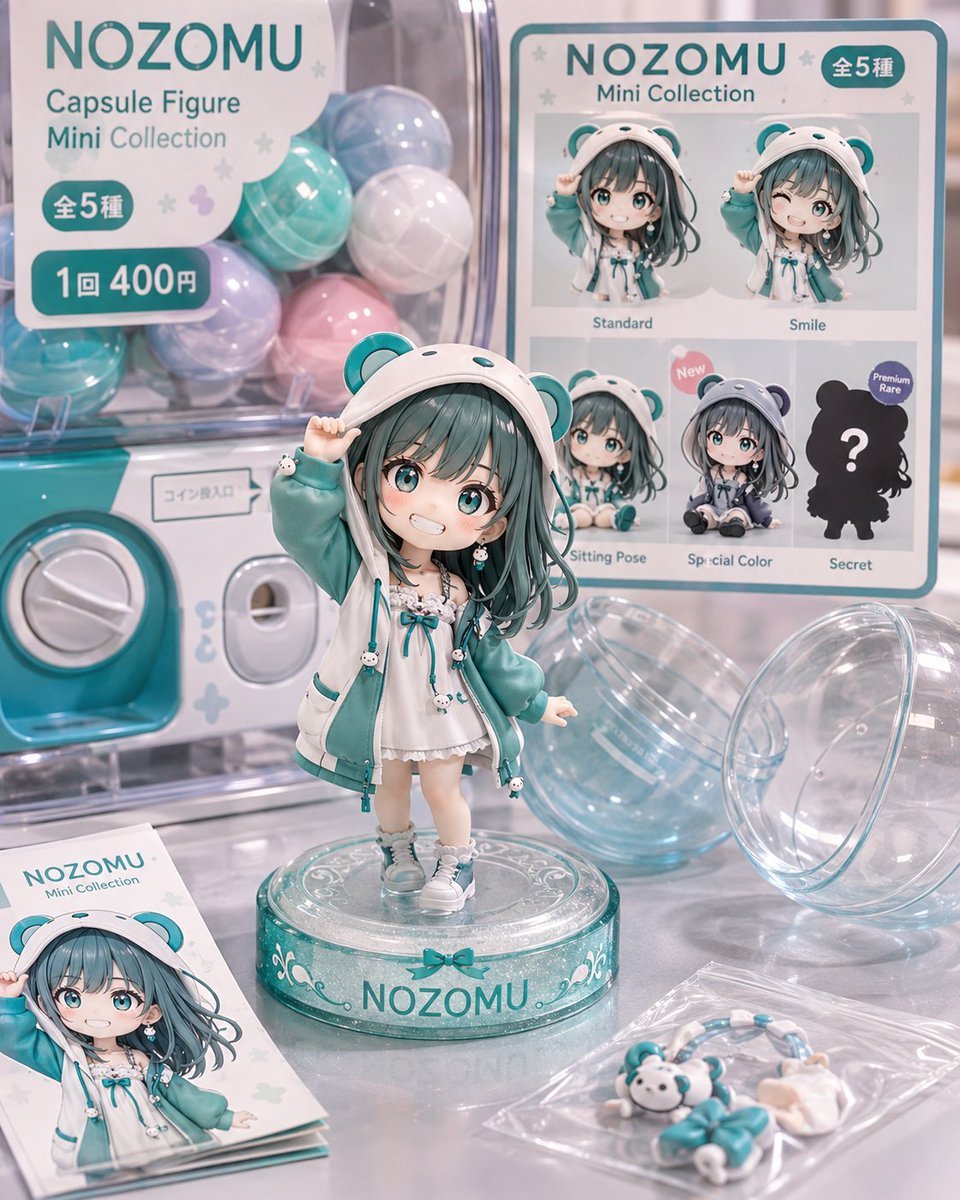
A structured prompt for generating a cute pastel gashapon capsule figure product advertisement with a vending machine, lineup board, brochure, and accessories.
- Prompt included
- Model and format preset
- Premium template
The prompt behind this image
Copy the exact prompt behind NOZOMU Capsule Figure Product Display, or open it in the studio and make it yours.
Goal: Create a highly polished pastel product advertisement photo for a fictional gashapon toy line featuring {argument name="character name" default="NOZOMU"}, designed like a collectible capsule figure display. Canvas: Square 1:1 image, high-resolution commercial product photography with soft studio lighting, shallow depth of field, glossy reflections, and a cute teal, white, lavender, and pale pink palette. Main subject: Center foreground shows one chibi anime capsule figure standing on a transparent round display base labeled “NOZOMU.” The figure is a small girl with long dark teal hair, large teal eyes, a cheerful open-mouth smile, and a white bear-ear hoodie with teal bear ears. She wears a teal oversized jacket over a white frilly dress, teal ribbons, tiny bear charms, white socks, and white sneakers. Her right hand lifts the edge of the hood, and her left arm is slightly out to the side. The base is clear acrylic with teal trim, decorative white scrollwork, a small bow motif, and the character name on the front. Background and props: Place the figure in front of a transparent capsule vending machine filled with pastel capsules. Include exactly 9 visible capsule balls: 3 teal capsules, 2 lavender capsules, 2 white capsules, 1 pale blue capsule, and 1 pale pink capsule. The machine has a teal coin panel and a white dial, with small Japanese-style coin-insertion signage. On the right foreground, place exactly 2 large empty transparent capsule halves, slightly open and reflective. On the lower left, place exactly 1 mini brochure/card showing the same character artwork and the text “NOZOMU Mini Collection.” On the lower right, place exactly 1 clear plastic accessory bag containing small teal-and-white toy parts: a tiny bear-face charm, teal ribbon-like pieces, and small white accessories. Left vending-machine sign: Add a rounded white sign with teal text at upper left. It must read “NOZOMU” in large letters, then “Capsule Figure” and “Mini Collection.” Include two teal rounded labels: one says “全5種” and one says “1回 400円.” Decorate the sign with small pale stars and soft pastel shapes. Right collection board: Add a large rectangular collection lineup board on the right side with teal border and rounded corners. Header reads “NOZOMU Mini Collection” with a small teal badge reading “全5種.” The board displays exactly 5 variants in a 2-row grid: 1) “Standard” standing pose, 2) “Smile” winking/smiling pose, 3) “Sitting Pose” standing or seated variant image, 4) “Special Color” gray-toned seated version with a pink “New” sticker, and 5) “Secret” as a dark bear-eared silhouette with a white question mark and a small “Premium Rare” badge. Make the labels small but legible, matching the product mockup style. Visual style: Cute Japanese collectible toy aesthetic, realistic miniature figure material, glossy plastic capsules, pastel teal branding, clean merchandising layout, bokeh highlights, soft shadows, premium catalog photography, detailed anime face and hair sculpt, realistic acrylic reflections. Constraints: Use exactly one main figure on the central base, exactly one lineup board with five variant entries, exactly one left price/collection sign, exactly one brochure, exactly one accessory bag, exactly two open capsule halves, and exactly nine filled capsules in the machine. Keep all text crisp and integrated into the product design. Do not add extra characters, logos, watermarks, or unrelated objects.
How to use NOZOMU Capsule Figure Product Display in 3 steps
- 1Upload ImagePNG, JPG or paste
Add your photo
Upload the photo the template builds on. The prompt, model and format are already set.
- 2…a portrait of your subject in softgolden-hour light, 85mm…
Personalize
Edit the subject and creative details for your destination.
- 3Generate
Generate
Press Generate — your image is created in PicX Studio, so you can compare it with the original and refine one variable at a time.
More like this
Templates with the same subject, style or setup. Open one to see its prompt.

A k.pop idol on the stage with mic
Character Figure Product Photography Setup

Trendy Cafe Drink Promo Poster

Minimalist Skincare Product Water Stone Still

Giant Forced Perspective Street Product Selfie

Playful Futuristic Brand Kit Board

Headphones Lifestyle Nine Panel Grid

Cappuccino Bottle Splash Product Ad

Luxury Toothpaste Commercial Storyboard

Parle Hide and Seek Cookie Campaign Poster

Moss Logo Minimalist Brand Flat Lay
Reze Prize Figure Product Shot
Make it yours
NOZOMU Capsule Figure Product Display works as-is. These are the safest ways to change it without losing the look.
Change one field
Copy a single group, rewrite it, and generate again so you can see what that field is doing.
Keep the frame, change the subject
Hold the composition and light of NOZOMU Capsule Figure Product Display, then swap wardrobe, props or the person for a new take.
| If the result… | Why | Fix |
|---|---|---|
| The result drifts from the preview | Too many fields changed at once. | Reuse NOZOMU Capsule Figure Product Display as-is first, then change one group — subject, light, or setting. |
| The model over-stylizes the scene | The prose prompt leaves finish and camera underspecified. | Add one camera or lighting sentence and stay on GPT Image 2. |
More GPT Image 2 templates
Other prompts made for GPT Image 2.

Six VTuber Japanese Logo Sheet

Realistic Portrait of Woman and Deer

The Vista Modular Condo Poster

AI Model Routing Comparison Infographic

2.5D Anime Art Board

Isometric Productivity Desk Scene

New York Double Exposure Poster

Four-Panel AI Landscape Comparison

Japanese Tatami Lifestyle Magazine Cover

NESCAFÉ Coffee Map Poster
More image prompts
Fresh picks from across the catalog.
Lavender Hoodie Character Reference Sheet
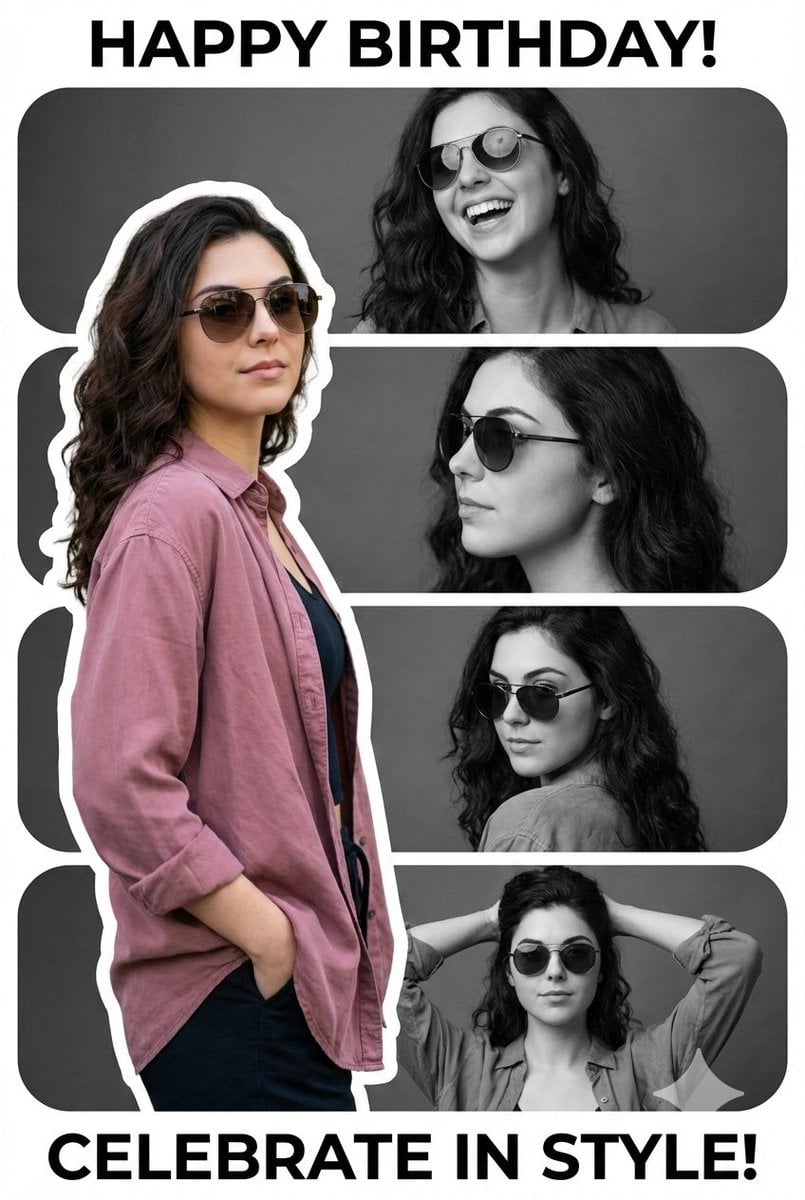
Vertical Birthday Poster Collage with Cinematic Monochrome Photos
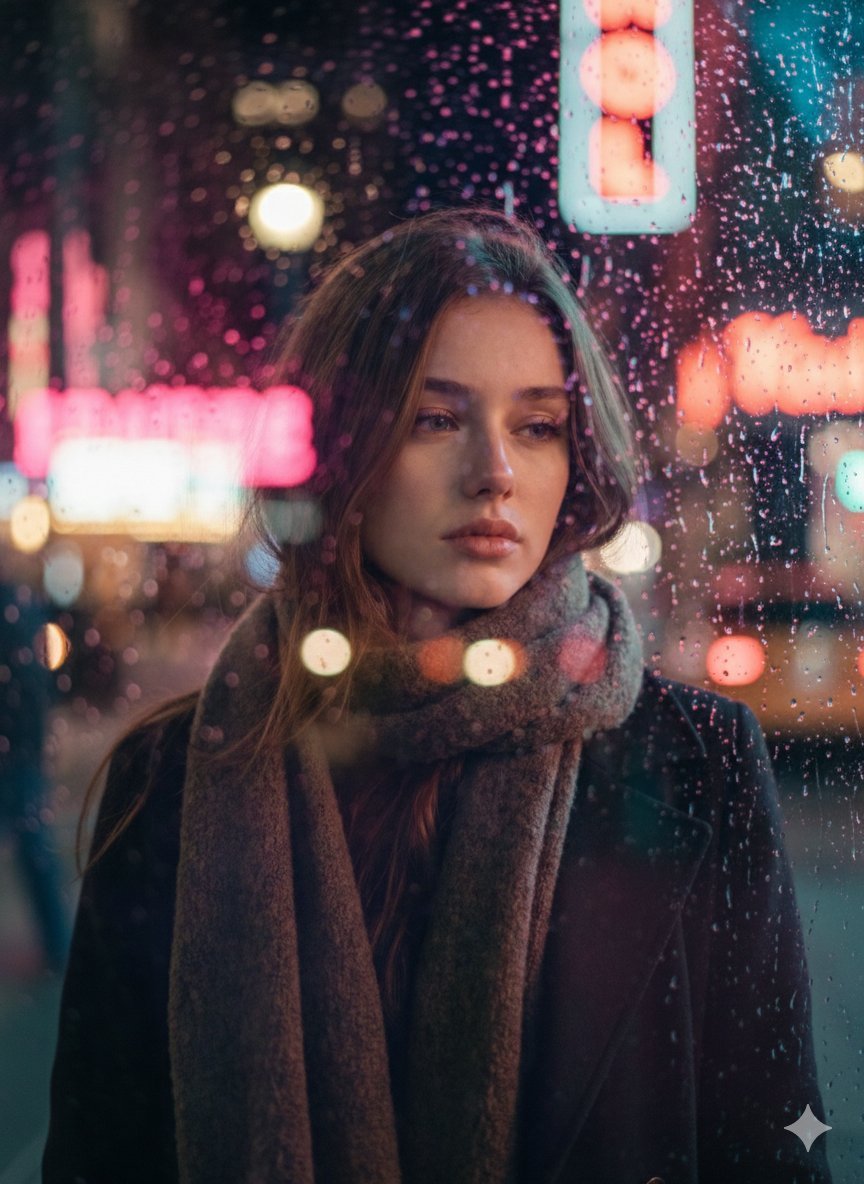
Rainy Night Cinematic Portrait by Brandon Woelfel
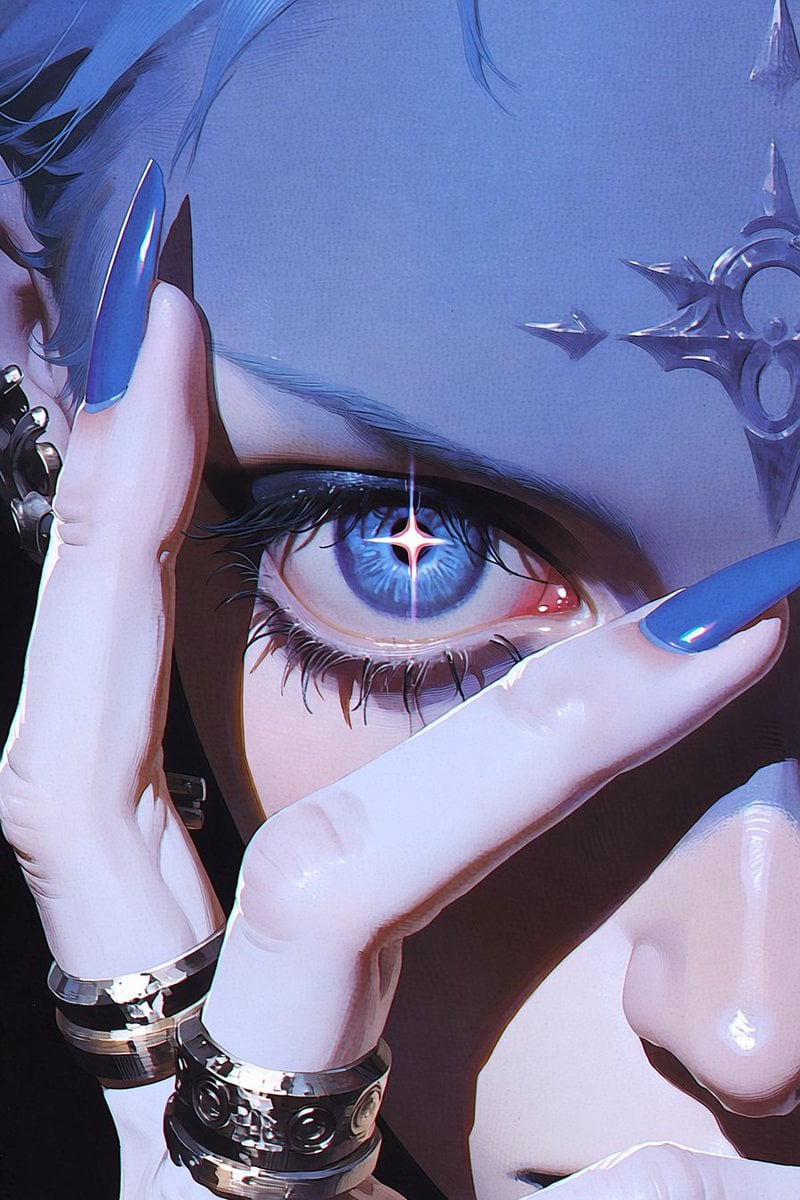
Anime Character to Photorealistic Portrait Conversion

Meme Generation Prompt for Caffeine and Exhaustion
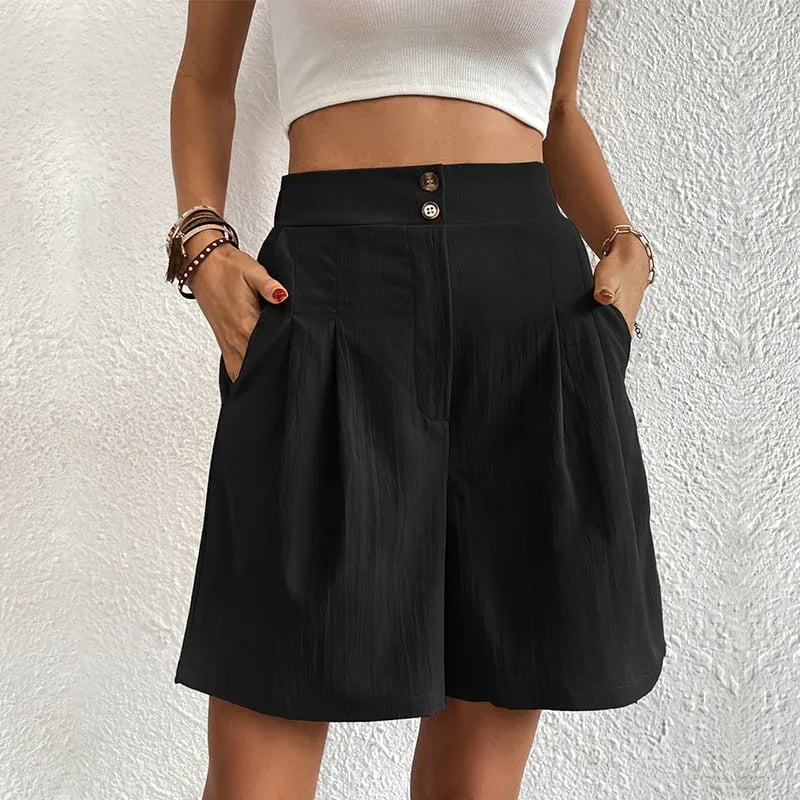
Commercial Lifestyle Showcase for Garment Preservation
Image Editing with Nano Banana: Removing a Fence
Parkour Character Montage Page
Glitch Storm Dragon Prompt
Luxury Beauty Product Photography Prompt
Browse template categories
NOZOMU Capsule Figure Product Display questions
How do I use the NOZOMU Capsule Figure Product Display template?
Add your photo if the template asks for one, edit the prompt if you like — the template's model and format are already selected — and press Generate. Your version opens in PicX Studio.
Can I customize the NOZOMU Capsule Figure Product Display template?
Yes. You can change the subject, setting, lighting, mood, format, and available model controls before creating your image.
Is the NOZOMU Capsule Figure Product Display template free?
Opening and editing this template is free. Generating uses credits, shown on the Generate button when you are signed in.
Which AI model should I use?
Start with GPT Image 2, which is the model associated with this template. You can compare another compatible model for a different finish.
Looking for something else? Browse all templates.

Your photo, any look
Thousands of ready templates for every top image and video model, from one credit balance.