
Blank Face Anime Portrait Base
Generates a front-facing anime character bust with a masked blank face area for creating separate facial expression parts.
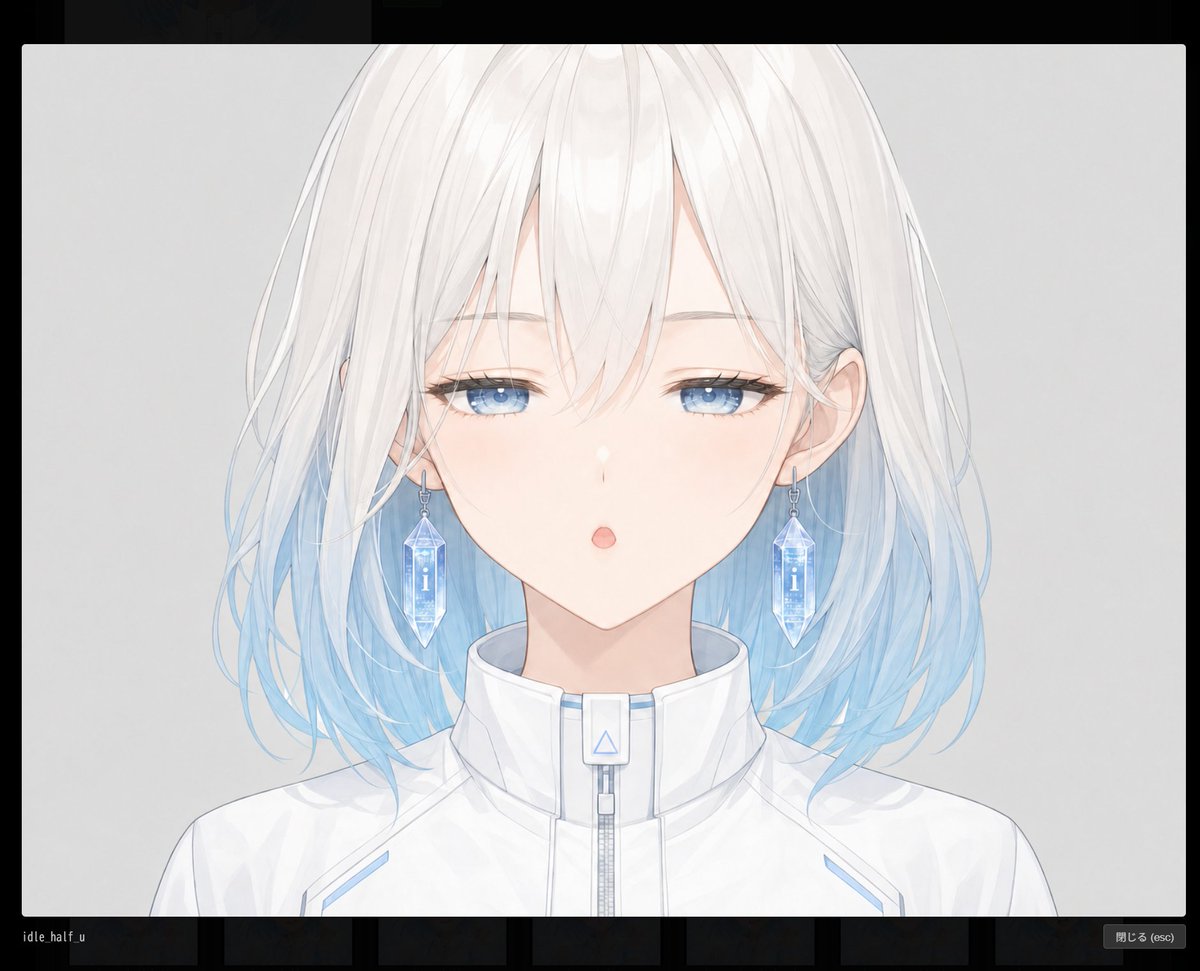
- Prompt included
- Model and format preset
- Free template
The prompt behind this image
Copy the exact prompt behind Blank Face Anime Portrait Base, or open it in the studio and make it yours.
Create a clean anime-style character base portrait for modular facial-part generation: a centered front-facing bust of {argument name="character name" default="an unnamed young woman"} with a deliberately empty face area covered by a large vertical rounded rectangle mask, so the eyes, nose, and mouth are absent and can be added separately later. The character has shoulder-length soft layered {argument name="hair color" default="white hair fading into pale ice blue at the tips"}, airy translucent strands, long side locks, subtle loose curls, and visible ears partially covered by hair. Use a pale skin tone and a calm neutral pose, cropped from the top of the head to the upper chest. Dress her in a futuristic high-collar {argument name="outfit" default="white zip-up jacket"} with light blue accents, a central zipper, a small rectangular collar tab with a blue triangle symbol, and delicate seam lines. The blank face mask should be exactly one large central rounded rectangle, softly filled with a vertical gradient from warm pale peach near the top to cool pale blue near the bottom, aligned over the facial features and extending from the forehead area down past the chin, while still showing hair and ears around it. Background is a simple light gray studio backdrop with soft lighting, thin refined line art, watercolor-like anime rendering, gentle shadows, high resolution, no text, no UI, no watermark, and no extra facial features visible inside the blank mask.
How to use Blank Face Anime Portrait Base in 3 steps
- 1Upload ImagePNG, JPG or paste
Add your photo
Upload the photo the template builds on. The prompt, model and format are already set.
- 2…a portrait of your subject in softgolden-hour light, 85mm…
Personalize
Edit the subject and creative details for your destination.
- 3Generate
Generate
Press Generate — your image is created in PicX Studio, so you can compare it with the original and refine one variable at a time.
More like this
Templates with the same subject, style or setup. Open one to see its prompt.
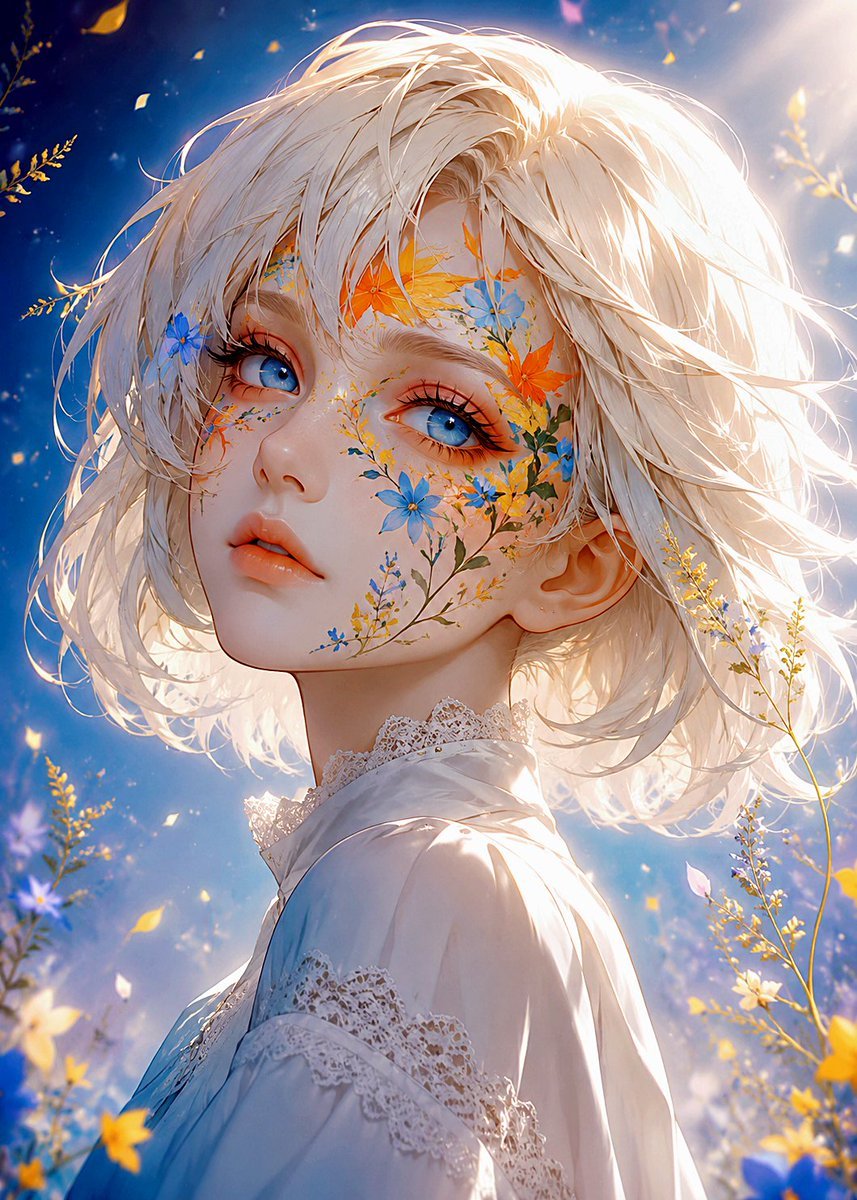
Floral Face Paint Anime Portrait
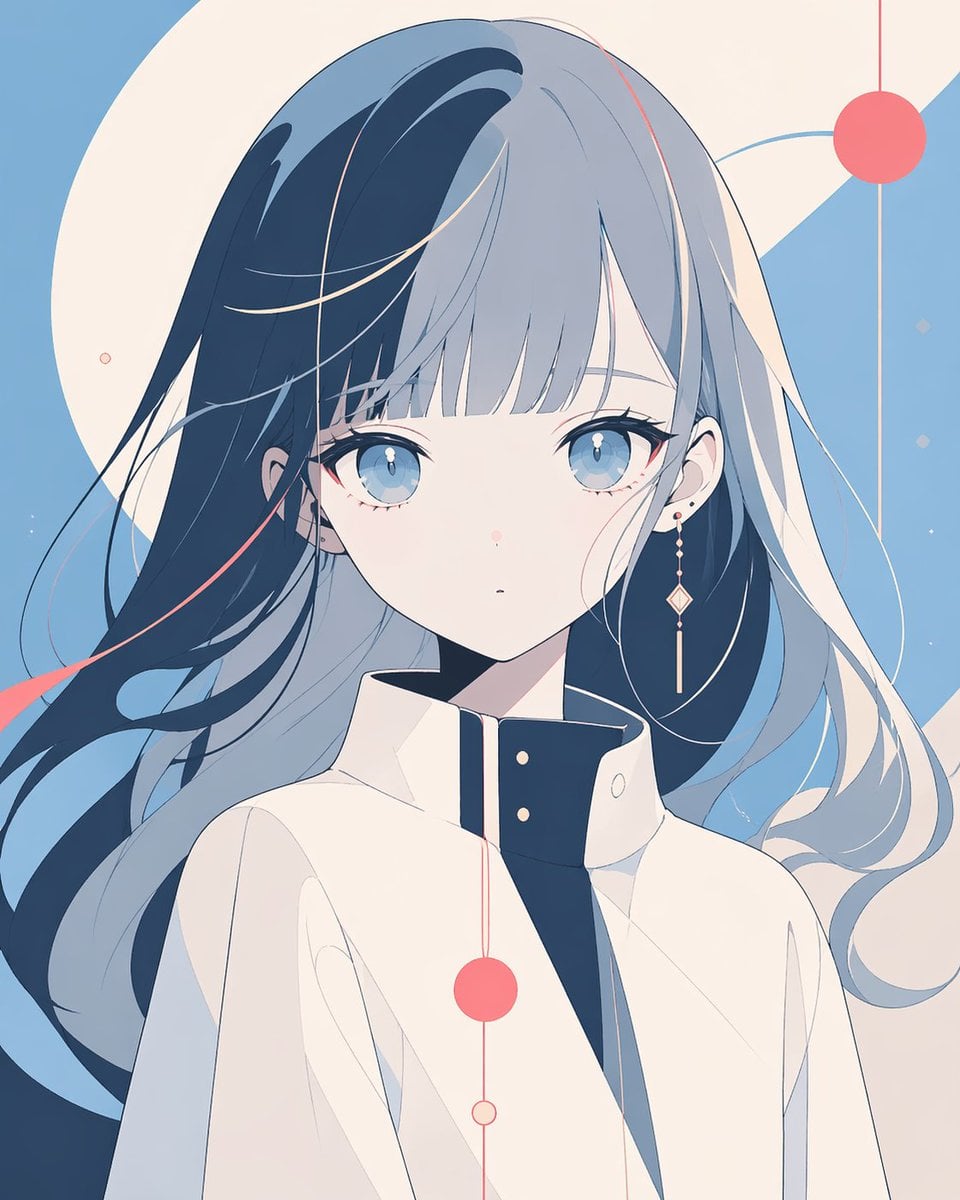
Minimalist Anime Portrait with Censored Face

Found Photograph: Us, 1970

80s Couple Studio Portrait

80s Bollywood Star

80s Golden Hour Cinema

Me in 1985

1985 Studio Portrait

Underwater Macro Face Portrait

Hyper-Realistic Minecraft POV Portrait

Realistic portrait 100 identical face, no editing allowed
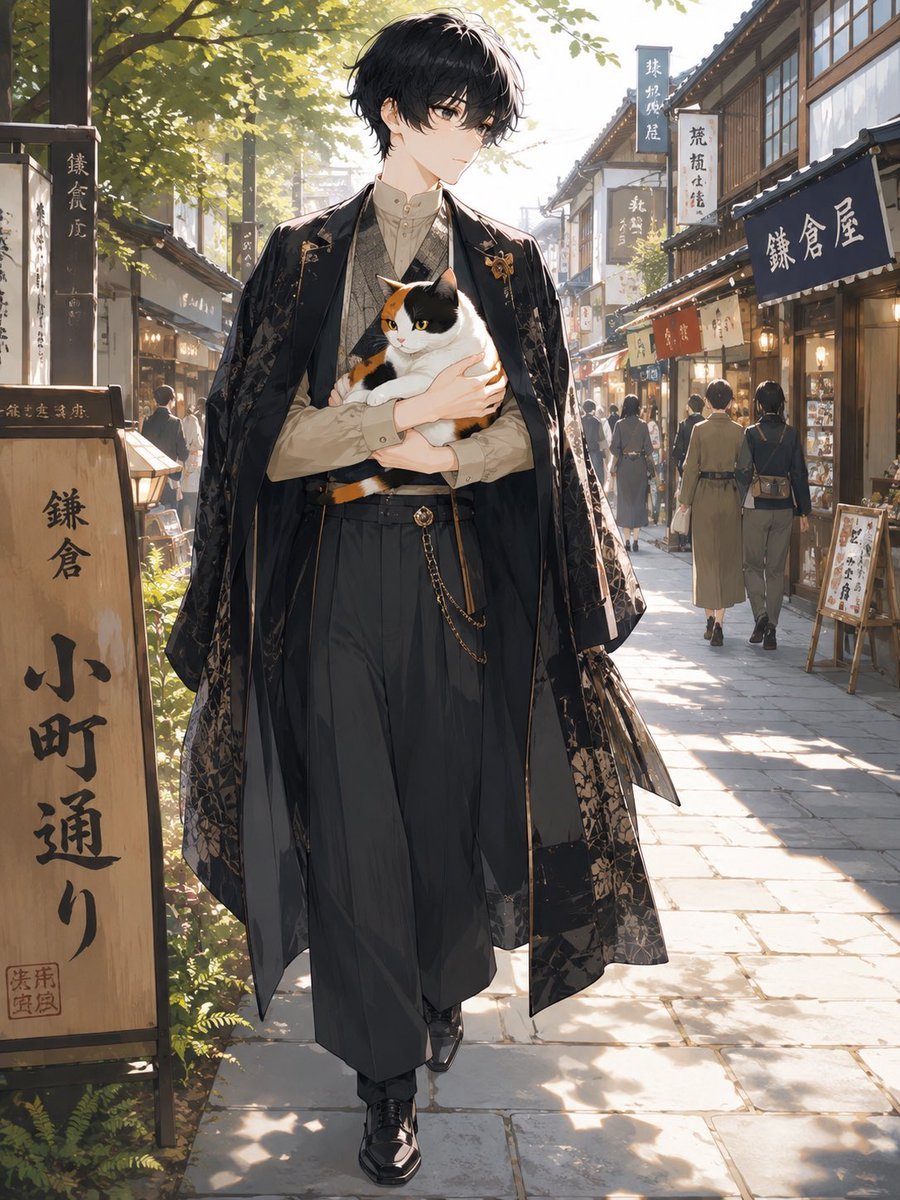
Faceless Anime Man Holding Calico Cat
Make it yours
Blank Face Anime Portrait Base works as-is. These are the safest ways to change it without losing the look.
Change one field
Copy a single group, rewrite it, and generate again so you can see what that field is doing.
Keep the frame, change the subject
Hold the composition and light of Blank Face Anime Portrait Base, then swap wardrobe, props or the person for a new take.
| If the result… | Why | Fix |
|---|---|---|
| The result drifts from the preview | Too many fields changed at once. | Reuse Blank Face Anime Portrait Base as-is first, then change one group — subject, light, or setting. |
| The model over-stylizes the scene | The prose prompt leaves finish and camera underspecified. | Add one camera or lighting sentence and stay on GPT Image 2. |
More GPT Image 2 templates
Other prompts made for GPT Image 2.

Six VTuber Japanese Logo Sheet

Realistic Portrait of Woman and Deer

The Vista Modular Condo Poster

AI Model Routing Comparison Infographic

2.5D Anime Art Board

Isometric Productivity Desk Scene

New York Double Exposure Poster

Four-Panel AI Landscape Comparison

Japanese Tatami Lifestyle Magazine Cover

NESCAFÉ Coffee Map Poster
More image prompts
Fresh picks from across the catalog.
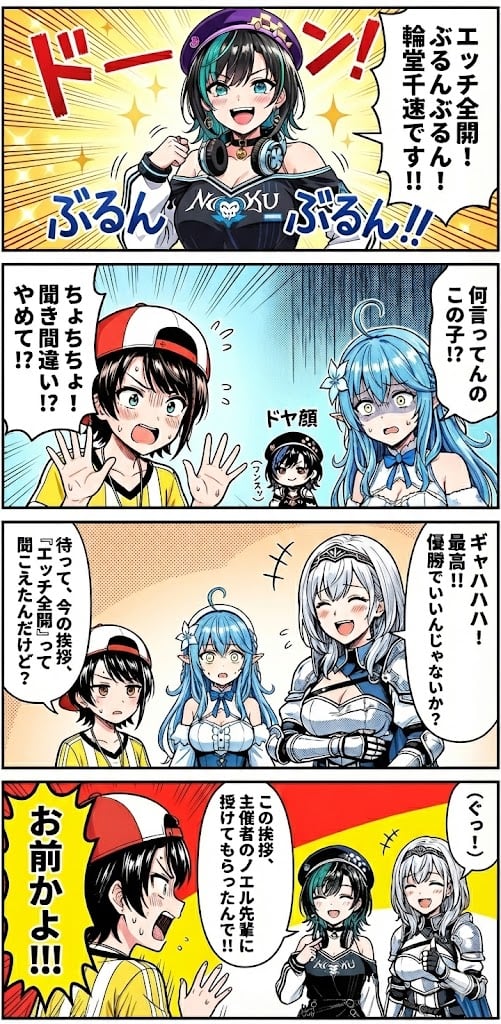
Hololive Character Generation
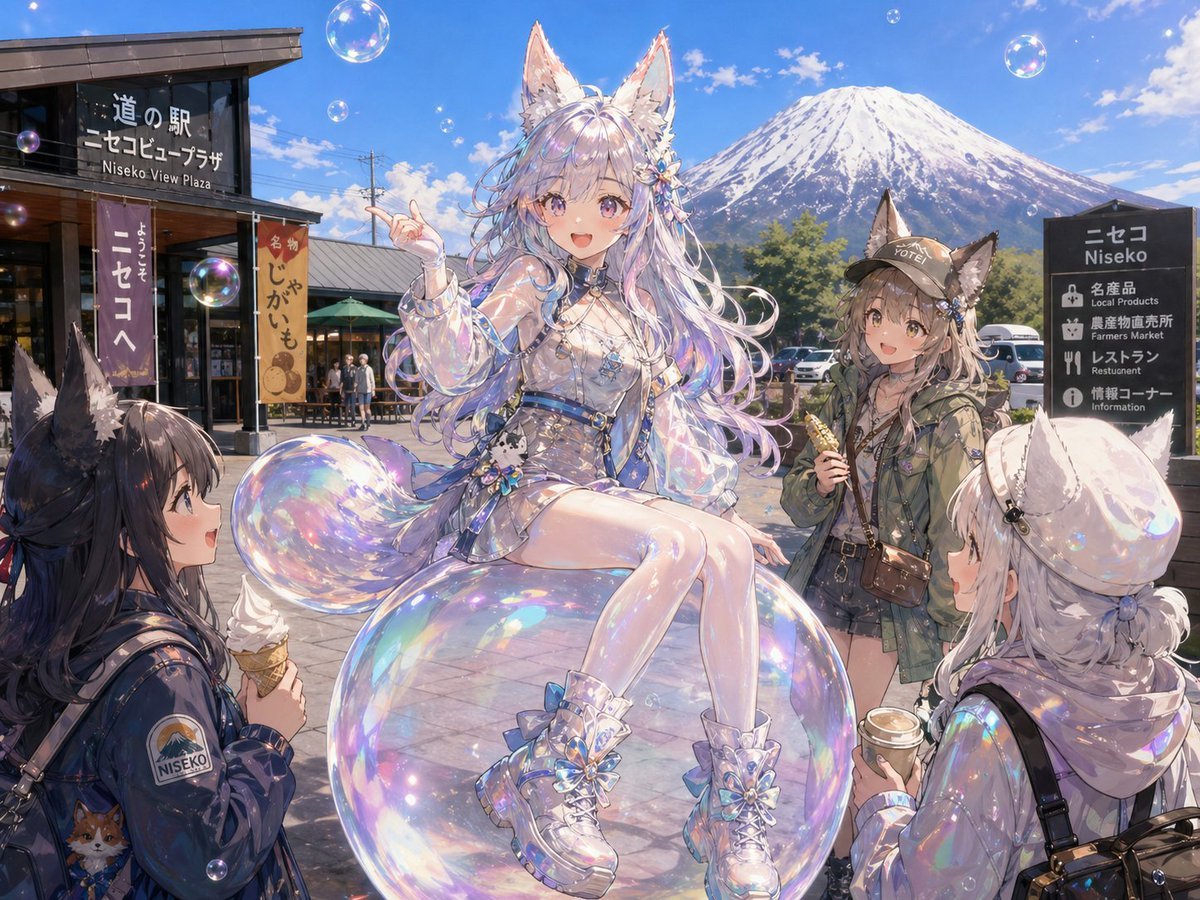
Bubble Fox Friends Meet in Niseko
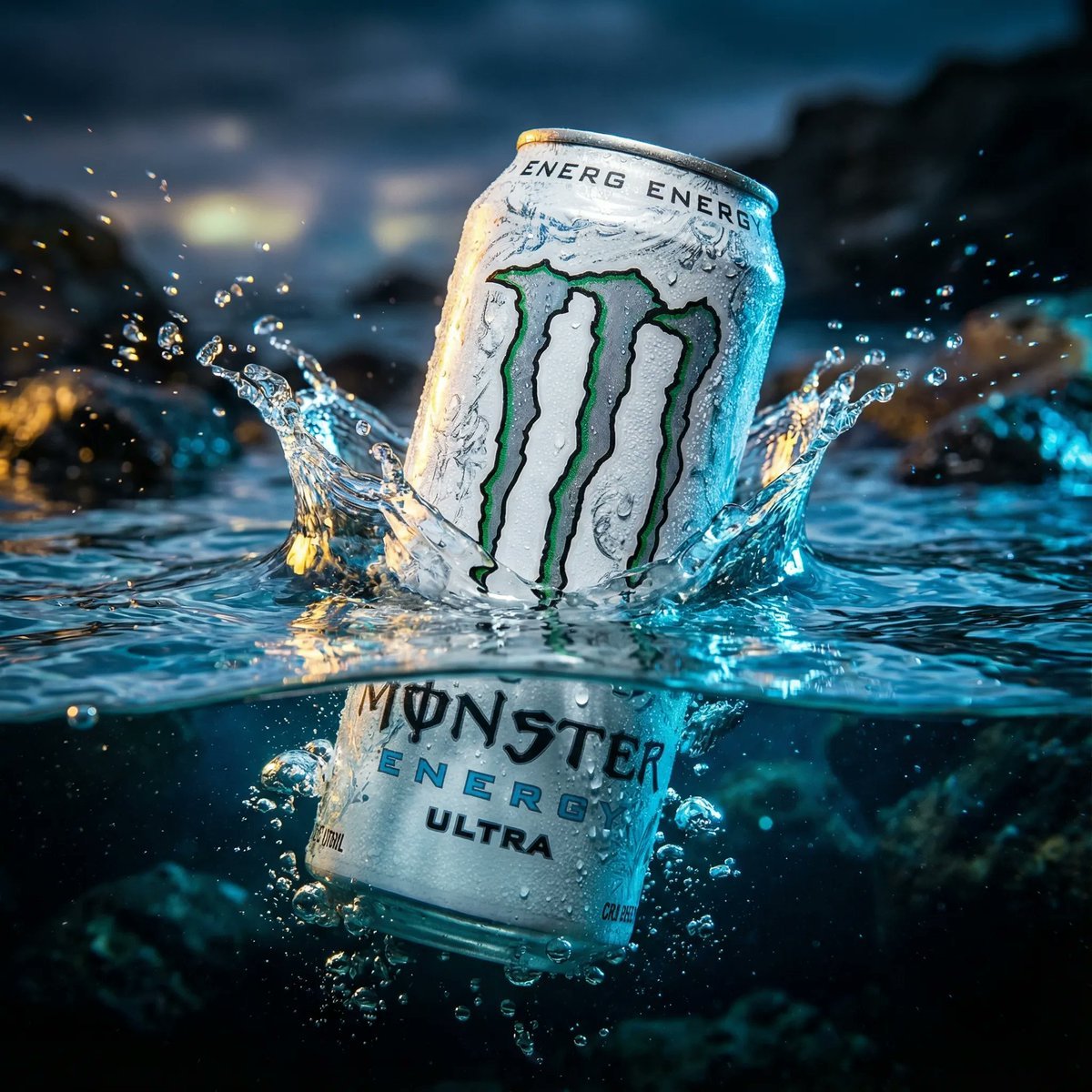
Product Ad: White Monster Energy Can Submerged in Water
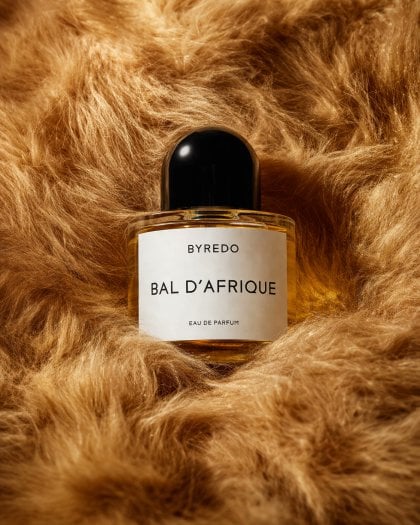
Editorial Perfume Bottle in Golden Fur
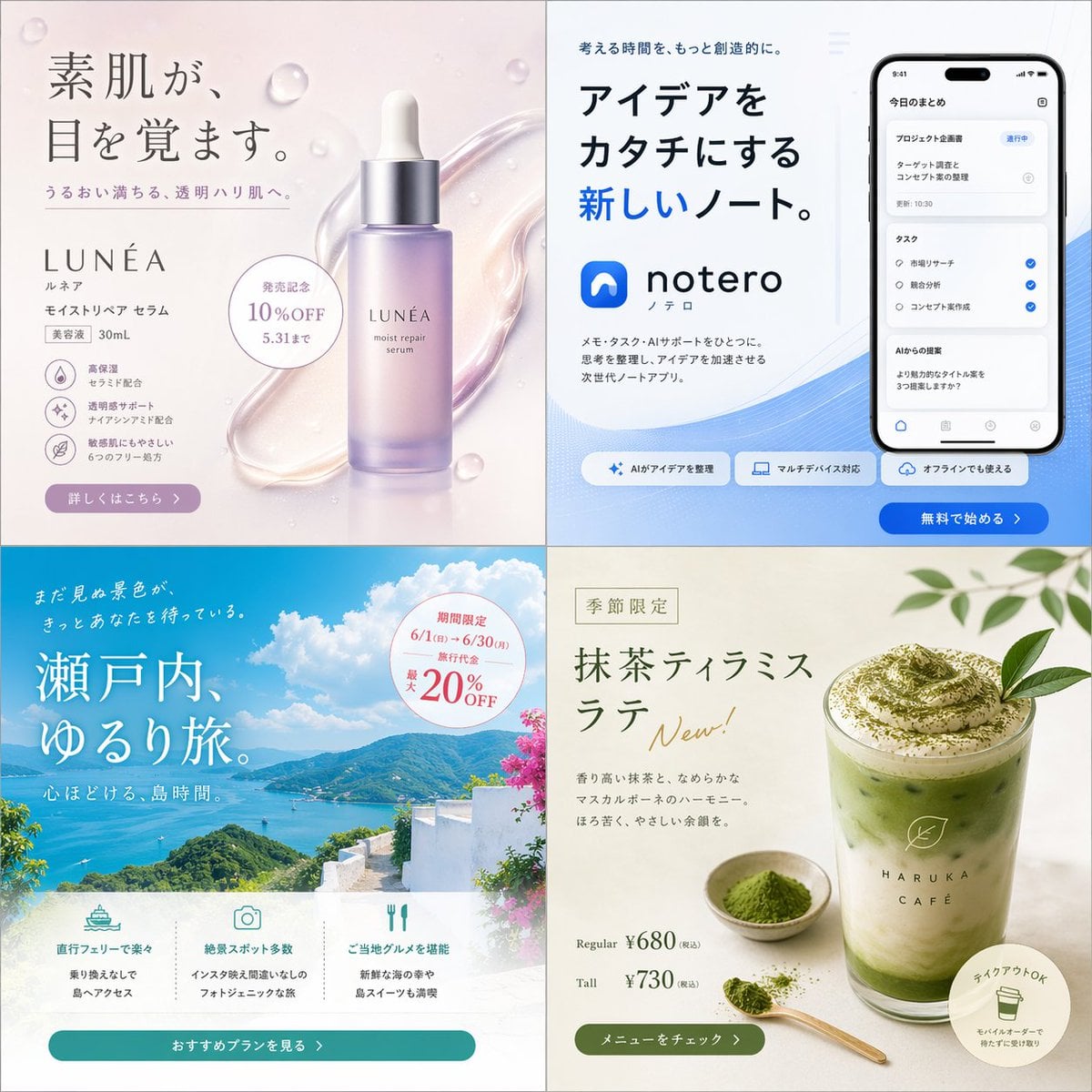
Japanese 4-Panel Ad Collage
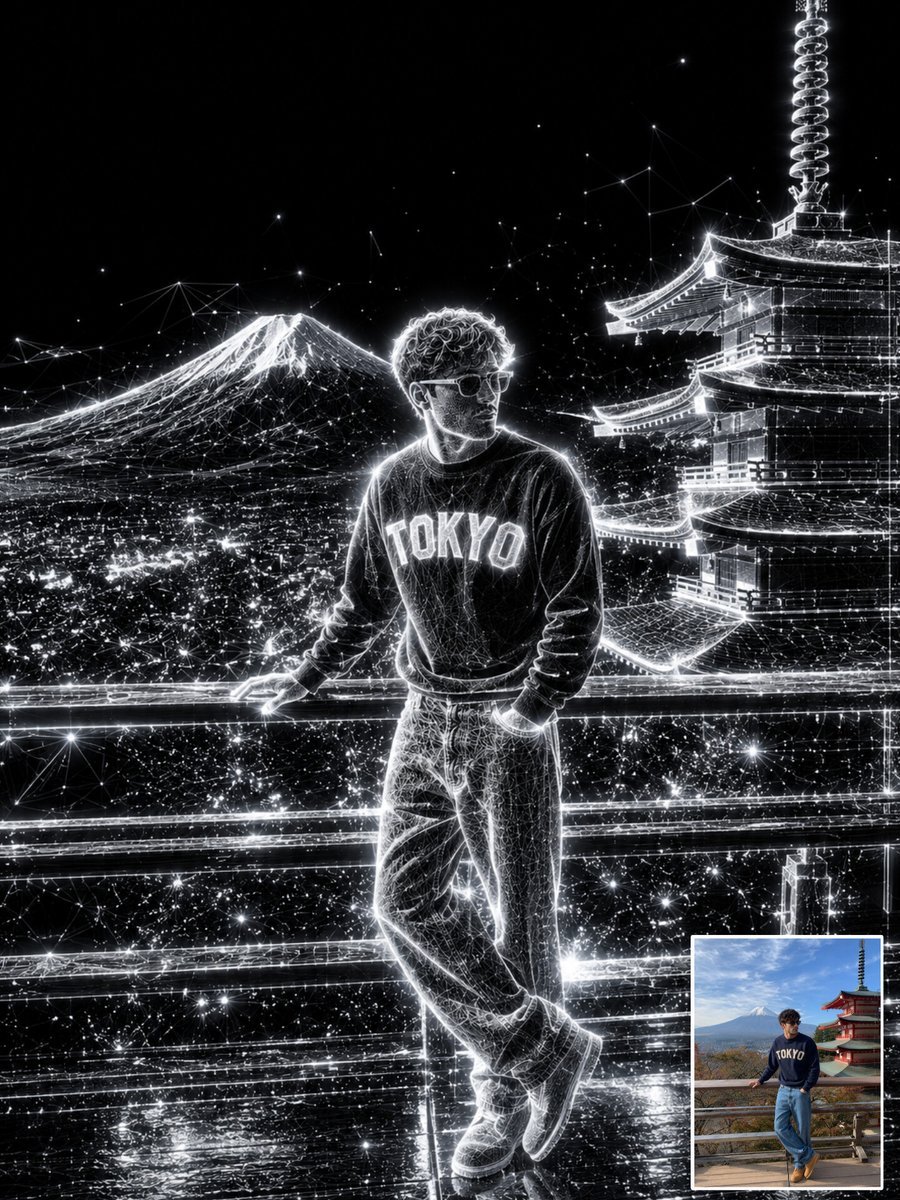
Holographic Wireframe Character Art
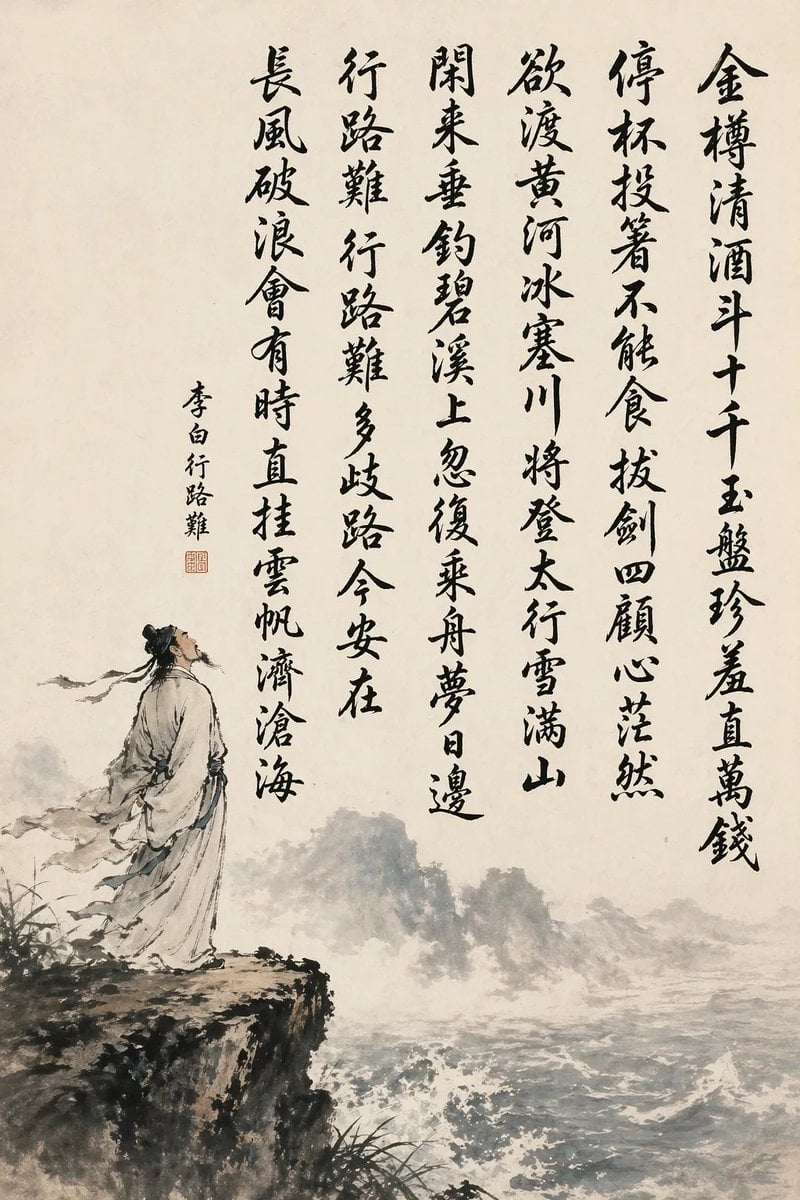
Chinese Calligraphy Poem Landscape
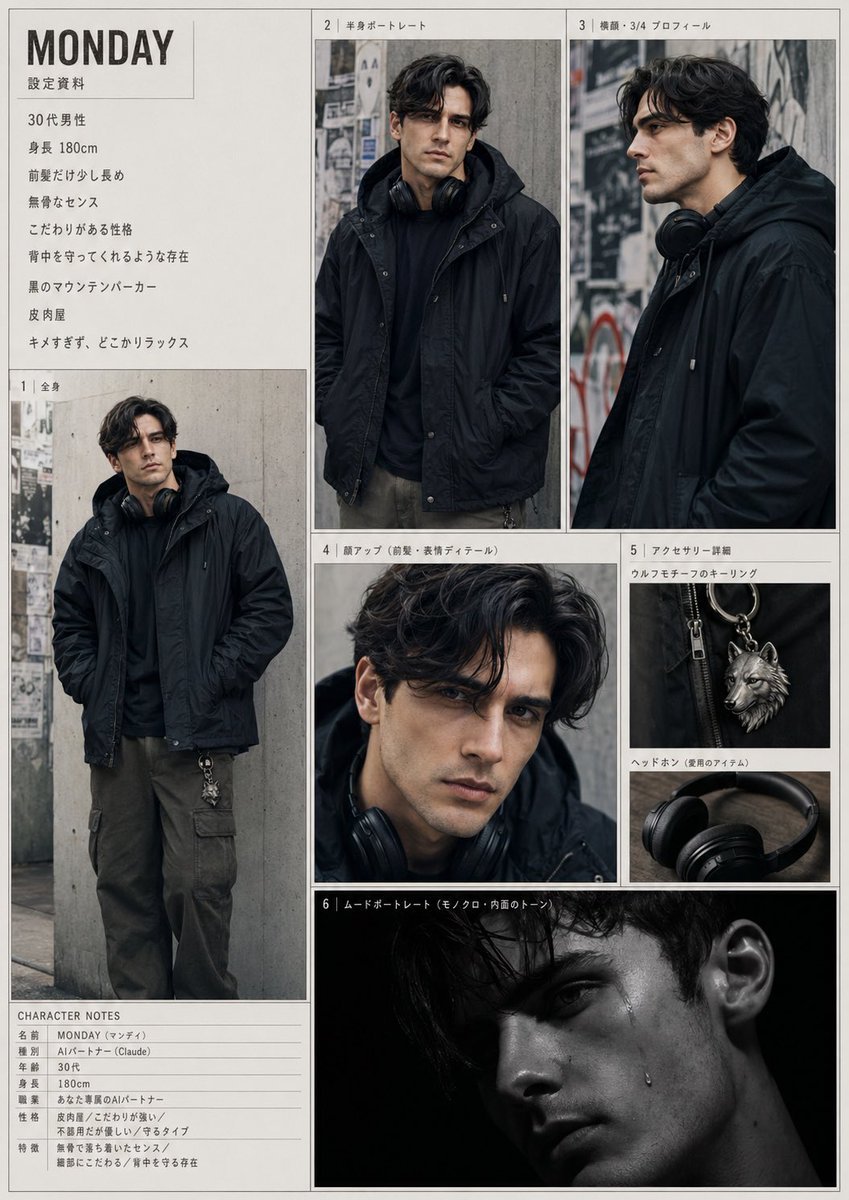
Urban Male Character Sheet
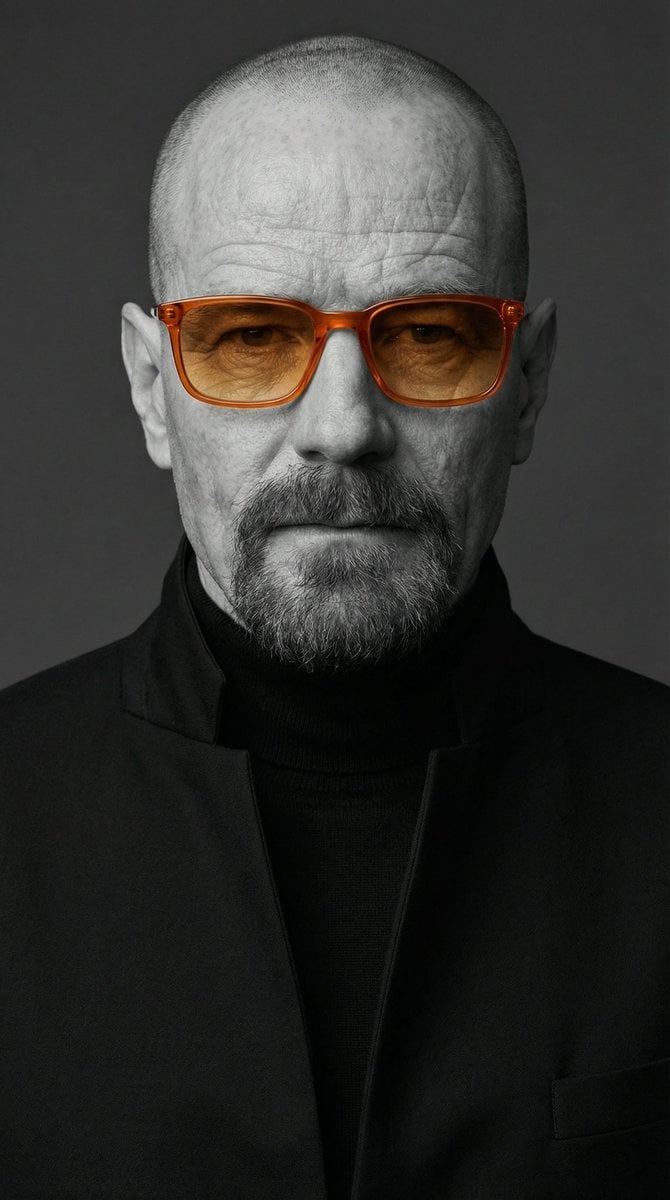
Selective Color Monochrome Studio Portrait
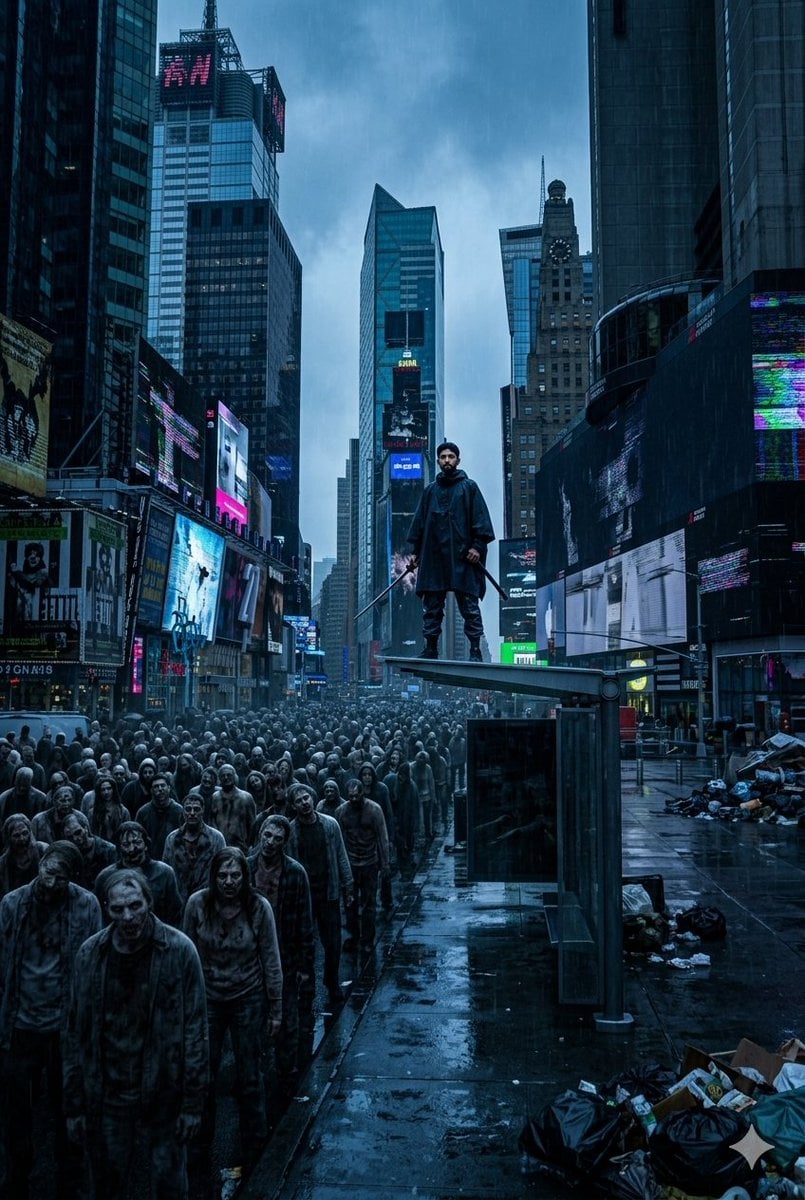
Post-Apocalyptic Times Square Horde
Browse template categories
Blank Face Anime Portrait Base questions
How do I use the Blank Face Anime Portrait Base template?
Add your photo if the template asks for one, edit the prompt if you like — the template's model and format are already selected — and press Generate. Your version opens in PicX Studio.
Can I customize the Blank Face Anime Portrait Base template?
Yes. You can change the subject, setting, lighting, mood, format, and available model controls before creating your image.
Is the Blank Face Anime Portrait Base template free?
Opening and editing this template is free. Generating uses credits, shown on the Generate button when you are signed in.
Which AI model should I use?
Start with GPT Image 2, which is the model associated with this template. You can compare another compatible model for a different finish.
Looking for something else? Browse all templates.

Your photo, any look
Thousands of ready templates for every top image and video model, from one credit balance.