
Faceless Anime Man Holding Calico Cat
A cinematic anime portrait of a stylish faceless young man carrying a calico cat through a nostalgic Kamakura shopping street.
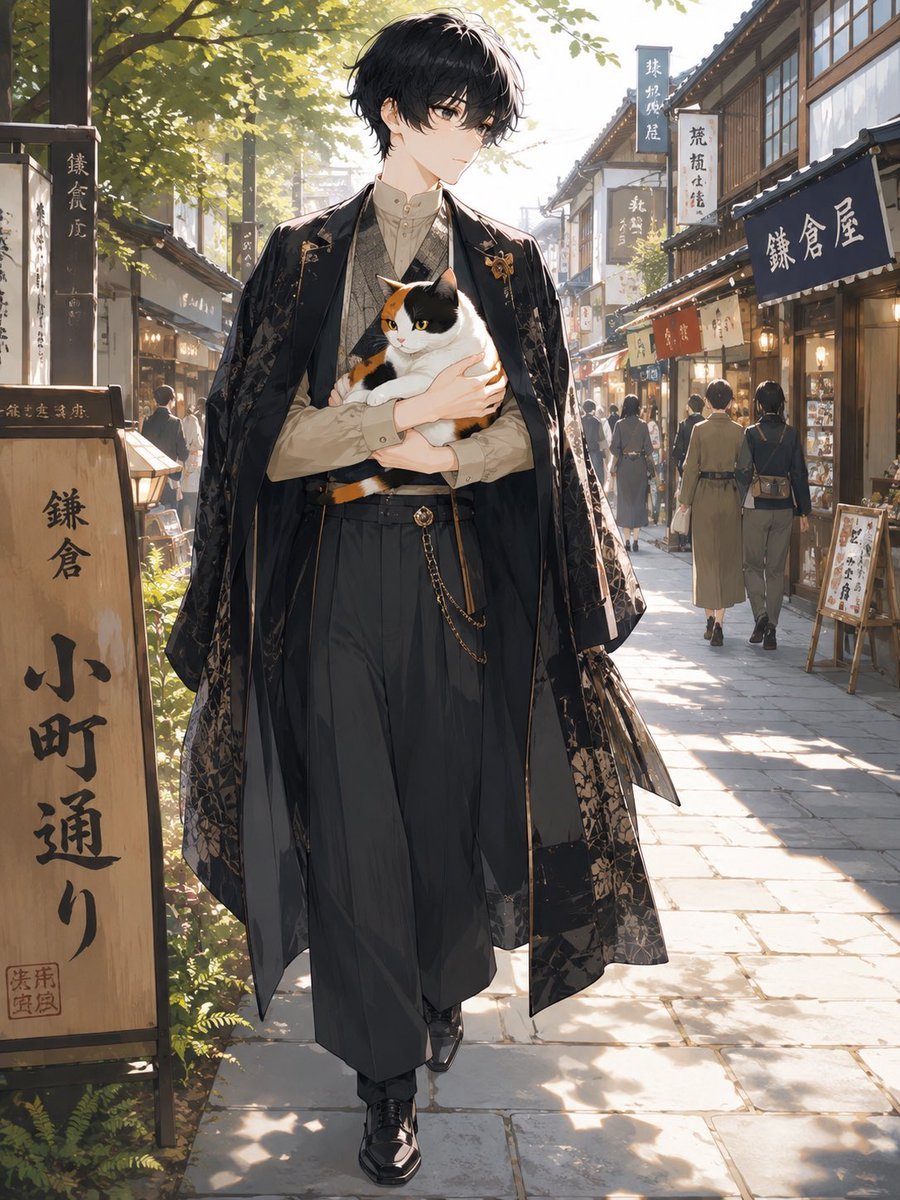
- Prompt included
- Model and format preset
- Free template
The prompt behind this image
Copy the exact prompt behind Faceless Anime Man Holding Calico Cat, or open it in the studio and make it yours.
Create a full-body anime-style portrait of {argument name="character name" default="a mysterious young man"} walking toward the viewer on a sunlit traditional Japanese shopping street in Kamakura. He has a deliberately blank, softly blurred face with no facial features, tousled {argument name="hair color" default="black"} medium-length hair, and a tall slender build. He wears a refined Taisho-era inspired outfit: cream high-collar shirt, patterned vest, high-waisted dark hakama-style trousers, polished black shoes, a decorative waist chain, and a long black haori coat with subtle gold floral embroidery and flowing translucent fabric panels. He cradles exactly one calico cat in both arms; the cat is white with orange and black patches, alert yellow eyes, and a calm but strong presence. The setting is a narrow old-town stone-paved lane lined with wooden storefronts, hanging shop curtains, paper lanterns, and vertical signs with Japanese calligraphy; include a prominent wooden signboard on the left reading 「鎌倉 小町通り」 and a dark shop curtain on the right reading 「鎌倉屋」. Add small background pedestrians in muted kimono and casual clothing, receding in perspective. Lighting is warm late-afternoon sunlight filtering through leafy trees, creating dappled shadows, rim light, and a nostalgic cinematic atmosphere. Use highly detailed painterly anime rendering, elegant fashion illustration, soft depth of field, intricate fabric textures, realistic street perspective, vertical composition, no watermark, no extra animals, and keep the central figure dominant.
How to use Faceless Anime Man Holding Calico Cat in 3 steps
- 1Upload ImagePNG, JPG or paste
Add your photo
Upload the photo the template builds on. The prompt, model and format are already set.
- 2…a portrait of your subject in softgolden-hour light, 85mm…
Personalize
Edit the subject and creative details for your destination.
- 3Generate
Generate
Press Generate — your image is created in PicX Studio, so you can compare it with the original and refine one variable at a time.
More like this
Templates with the same subject, style or setup. Open one to see its prompt.
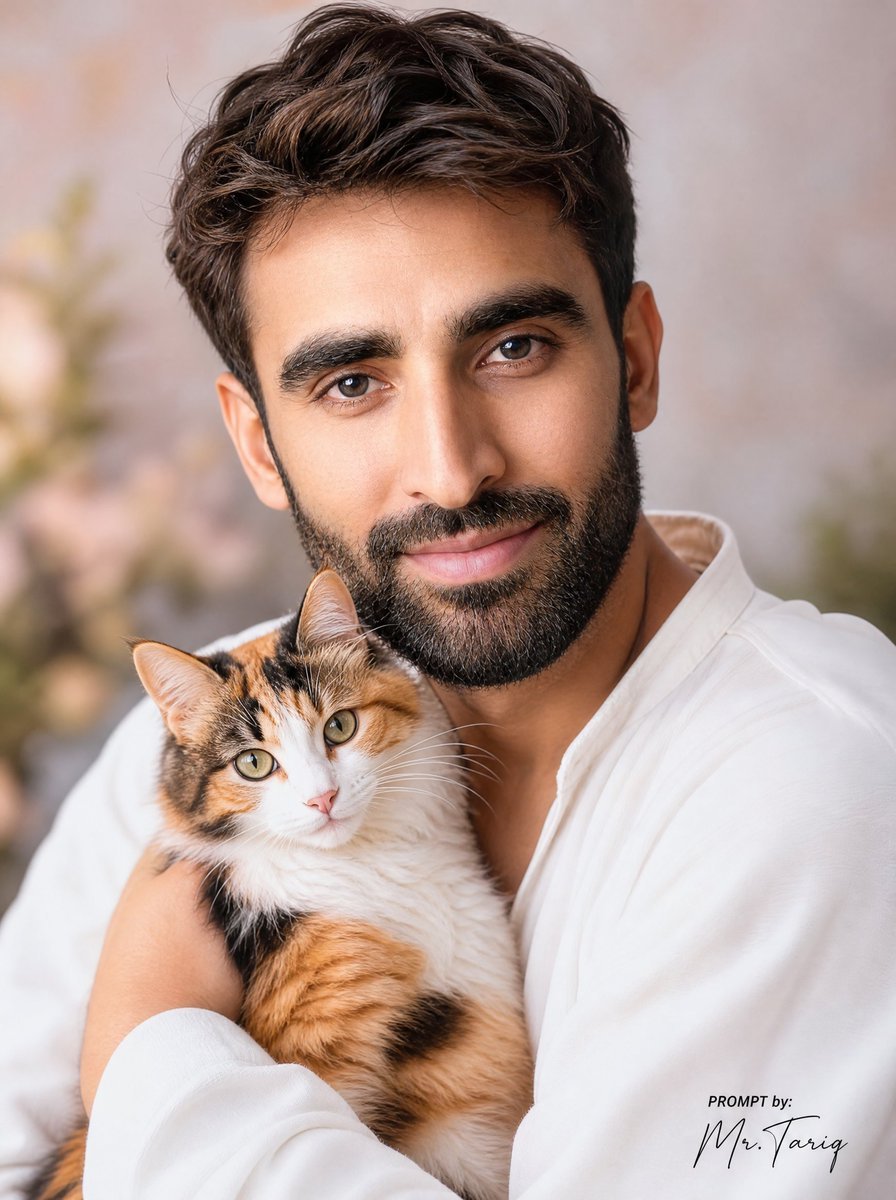
Dreamy Man Holding Calico Cat Portrait
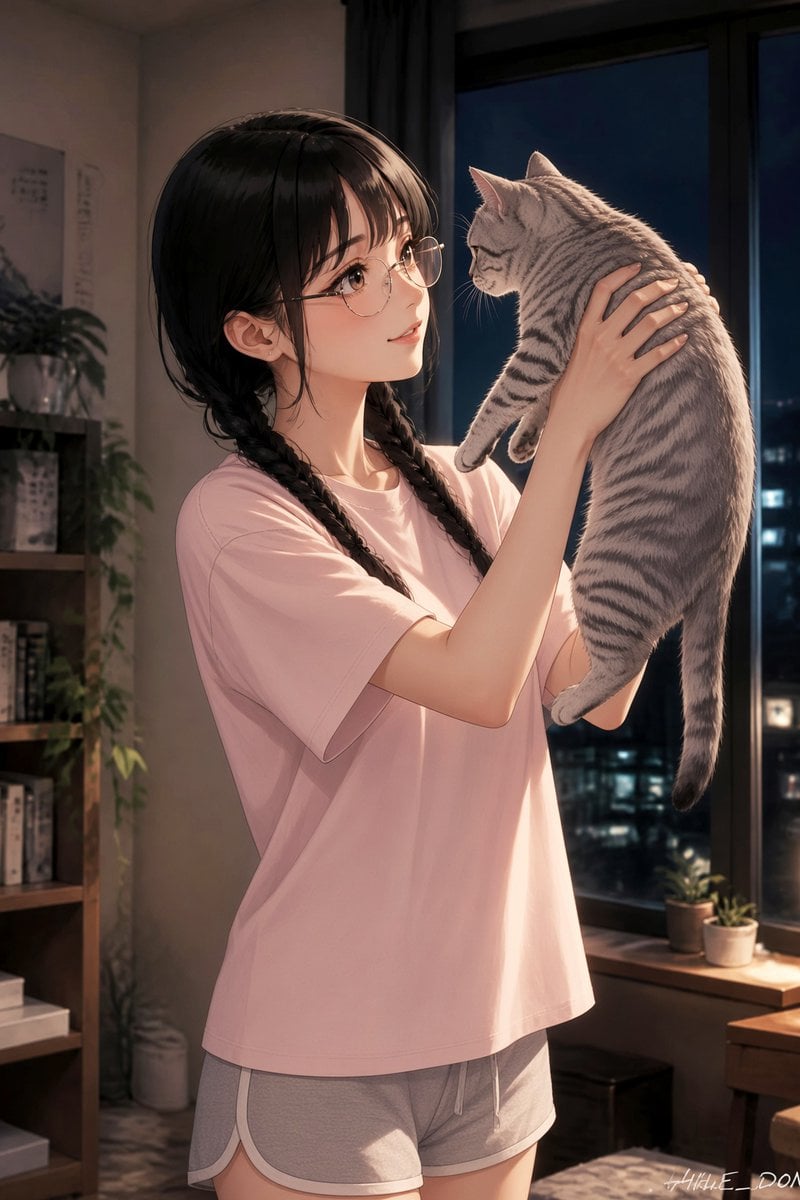
Anime Girl Holding Tabby Cat

Surreal Cat Astronaut — Humanoid Face Freefall
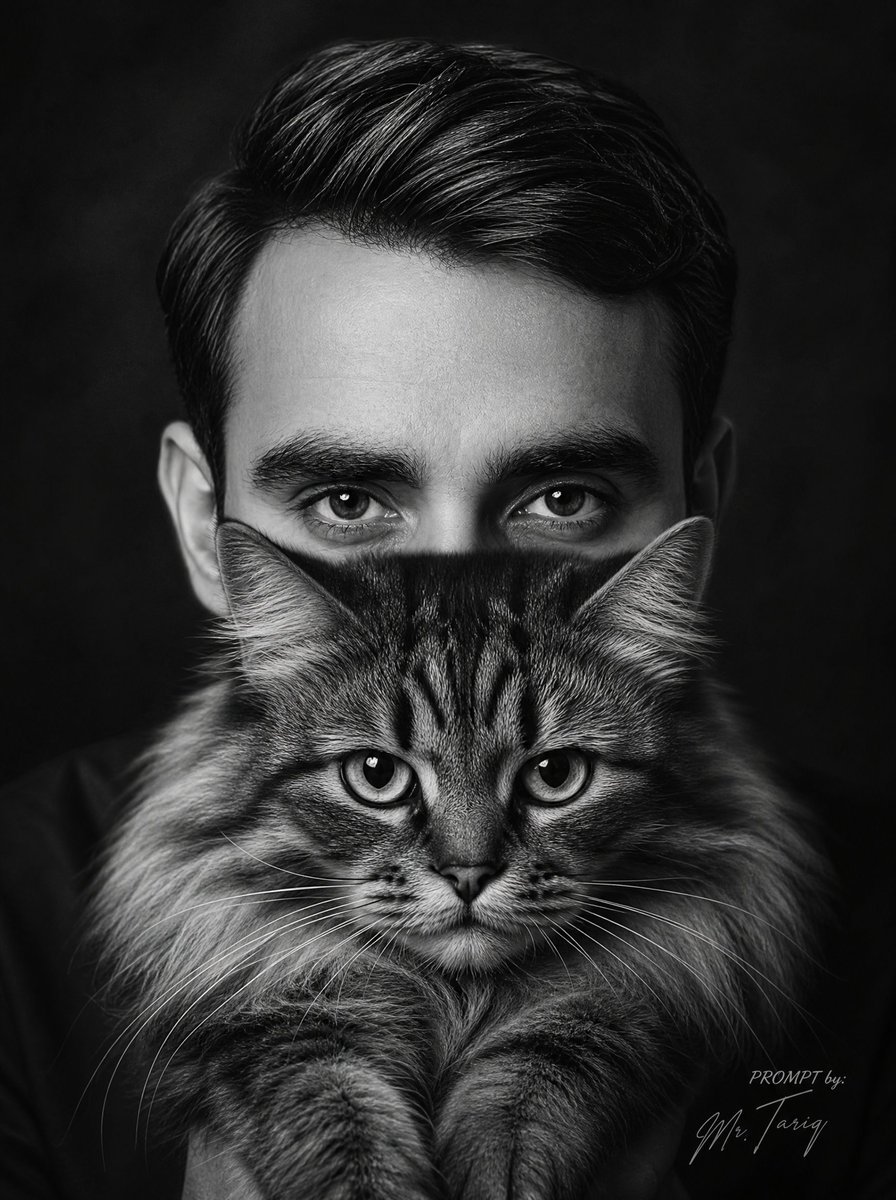
Monochrome Man Holding Cat Portrait
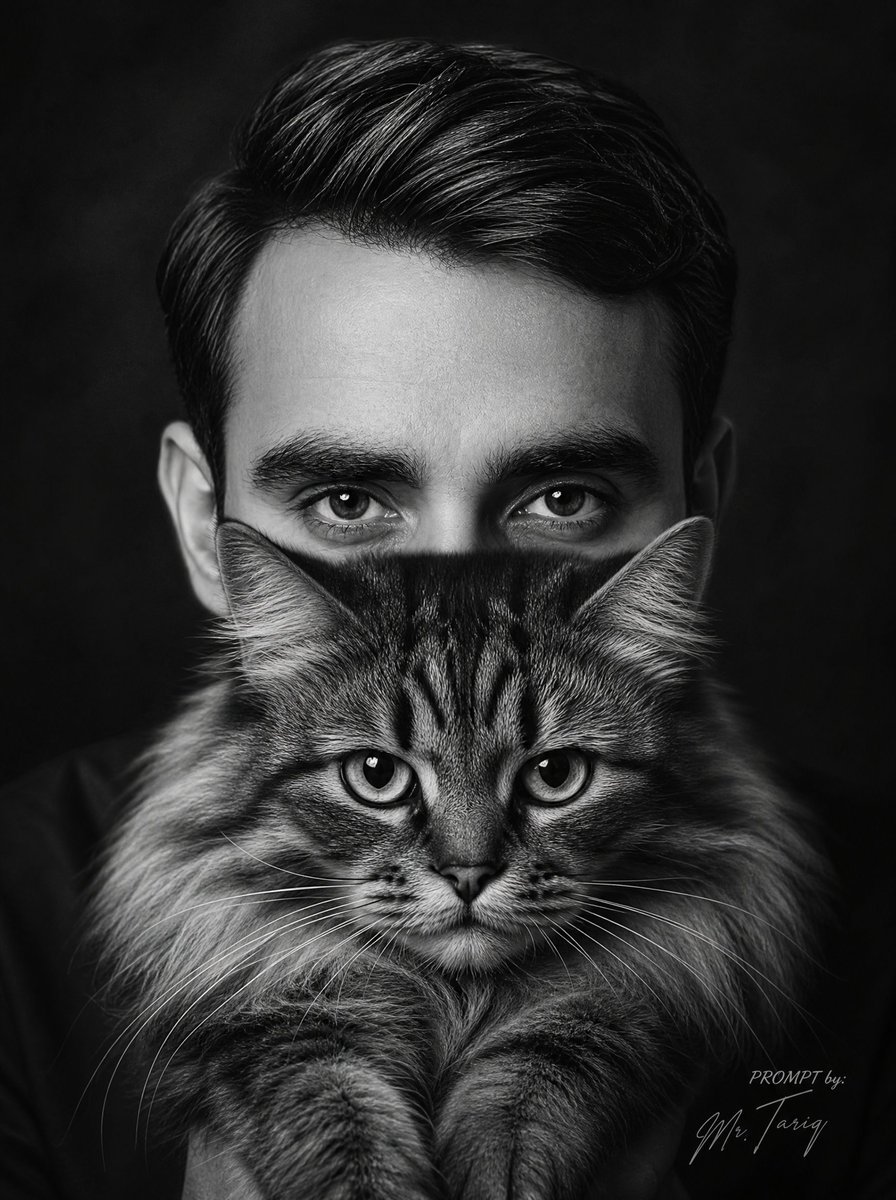
Censored Man Holding Cat Portrait
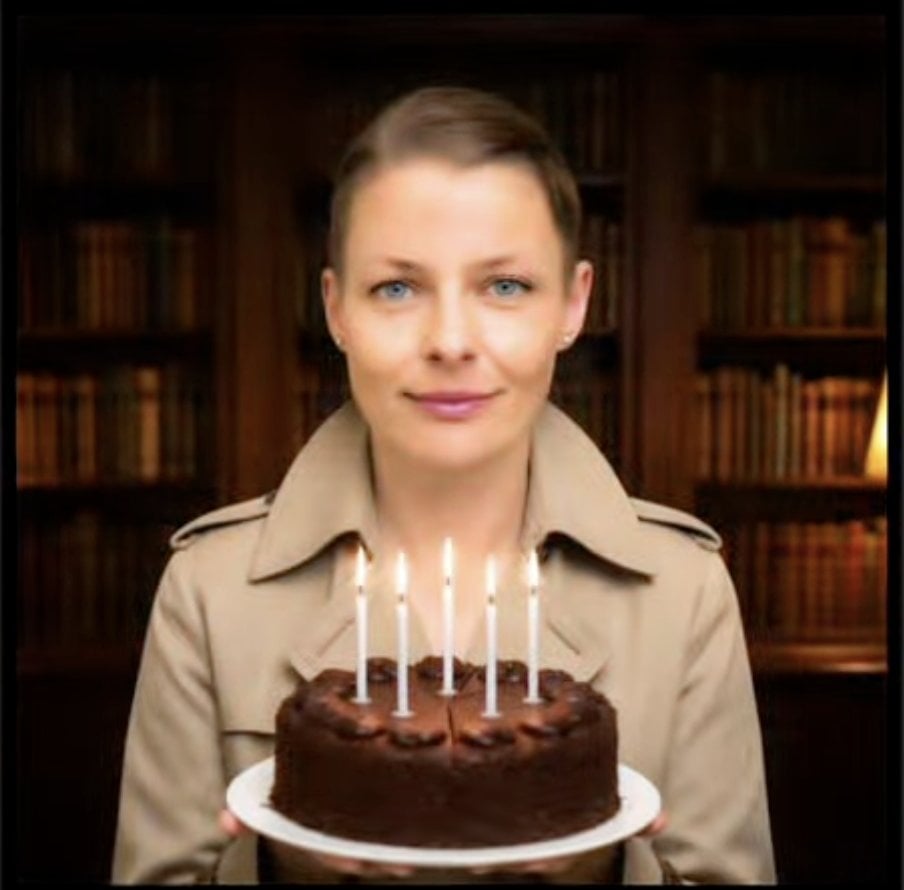
Faceless Man Holding Chocolate Cake
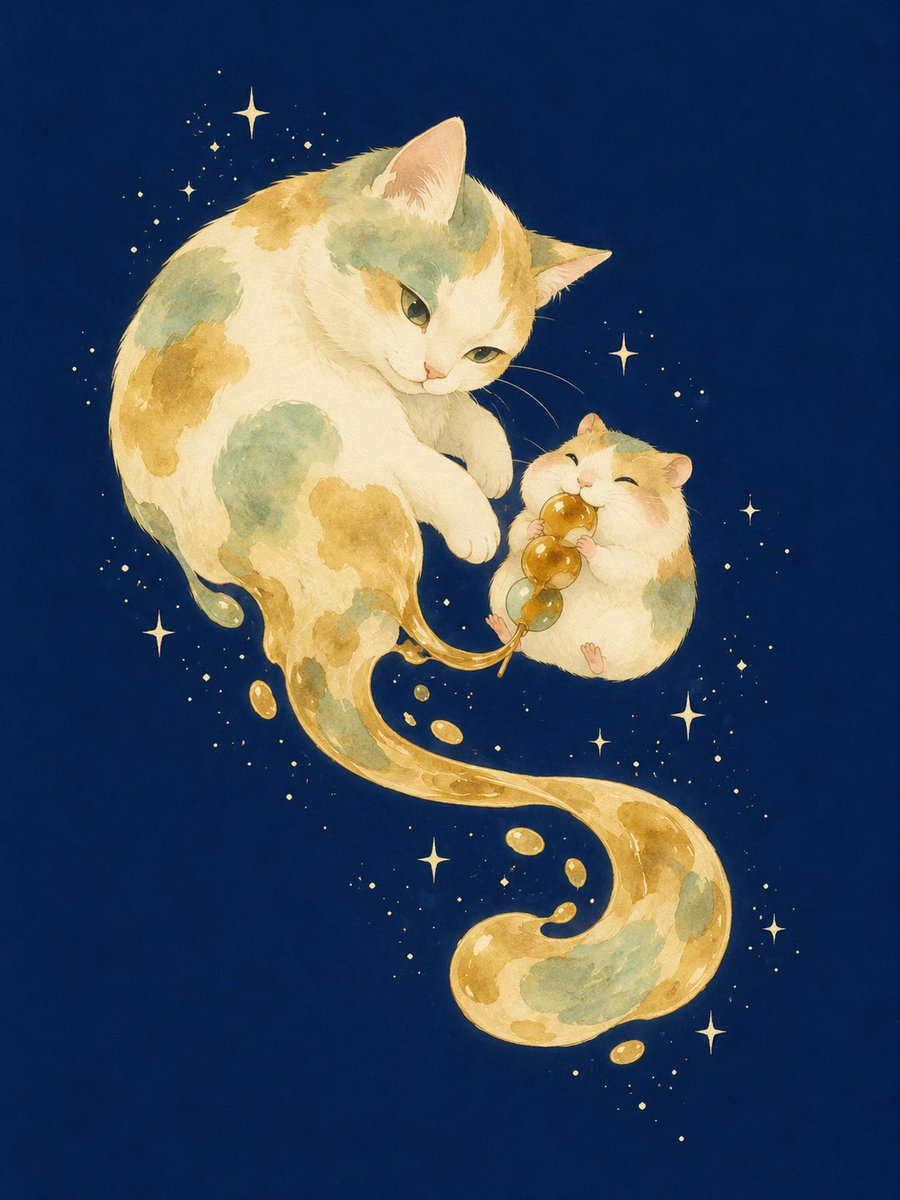
Mitarashi Calico Cat and Hamster
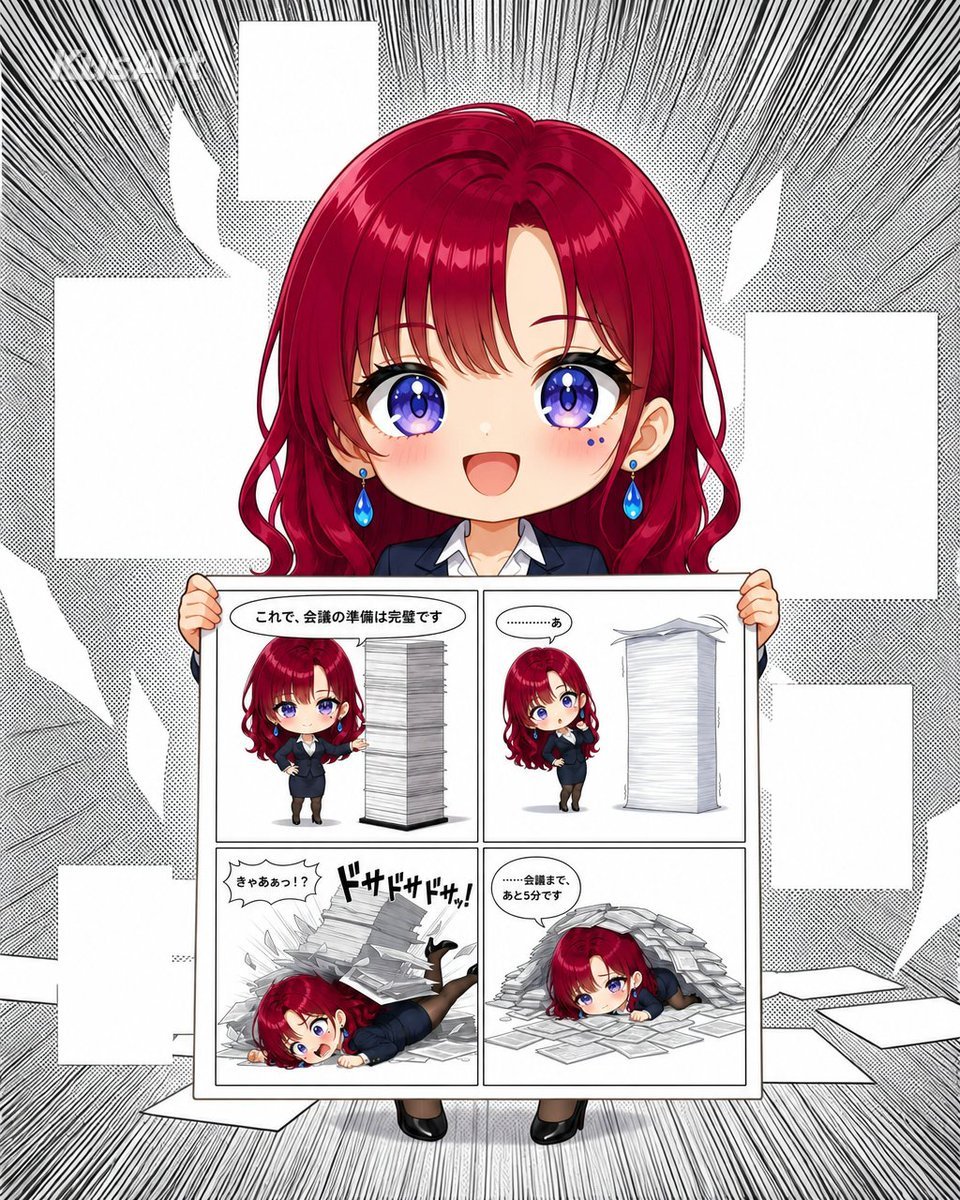
Chibi Office Girl Holding 4-Panel Manga

Anime Catgirl in Chinese Ink Landscape
Faceless Anime Cosplay Expo Duo
Anime Butler Date Manga Screenshot

Sunny Seaside Anime Manga Page
Make it yours
Faceless Anime Man Holding Calico Cat works as-is. These are the safest ways to change it without losing the look.
Change one field
Copy a single group, rewrite it, and generate again so you can see what that field is doing.
Keep the frame, change the subject
Hold the composition and light of Faceless Anime Man Holding Calico Cat, then swap wardrobe, props or the person for a new take.
| If the result… | Why | Fix |
|---|---|---|
| The result drifts from the preview | Too many fields changed at once. | Reuse Faceless Anime Man Holding Calico Cat as-is first, then change one group — subject, light, or setting. |
| The model over-stylizes the scene | The prose prompt leaves finish and camera underspecified. | Add one camera or lighting sentence and stay on GPT Image 2. |
More GPT Image 2 templates
Other prompts made for GPT Image 2.

Six VTuber Japanese Logo Sheet

Realistic Portrait of Woman and Deer

The Vista Modular Condo Poster

AI Model Routing Comparison Infographic

2.5D Anime Art Board

Isometric Productivity Desk Scene

New York Double Exposure Poster

Four-Panel AI Landscape Comparison

Japanese Tatami Lifestyle Magazine Cover

NESCAFÉ Coffee Map Poster
More image prompts
Fresh picks from across the catalog.
Urban Golden Hour Fashion Editorial

Mediterranean Lakeside Travel Editorial
Hyper-Realistic 3D Caricature with Extreme Exaggeration
Western Outlaw Woodburning Pyrography Prompt
Mixed-Reality Street Portrait (Real Person with Cartoon Twin)
Miniature Figure Close-up with Melted Pizza Cheese
Clumsy MS Paint Style Redraw
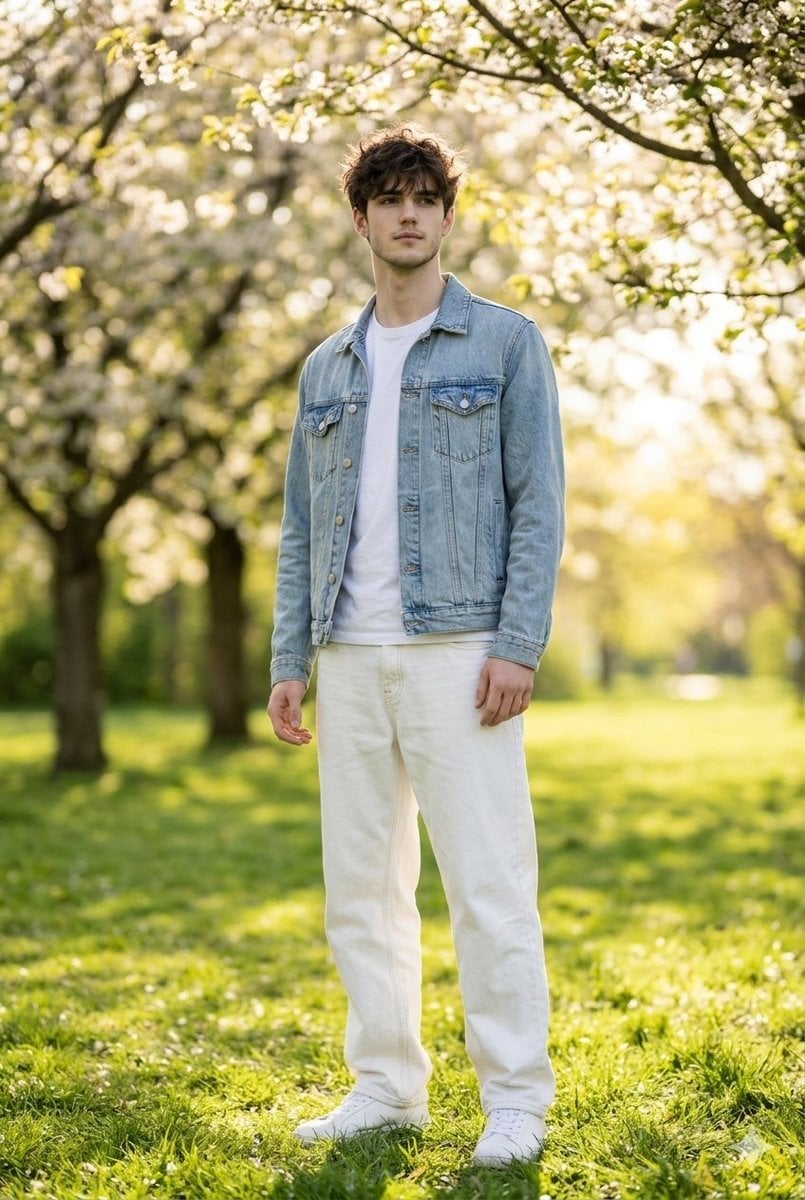
Photorealistic Portrait Generation Prompt
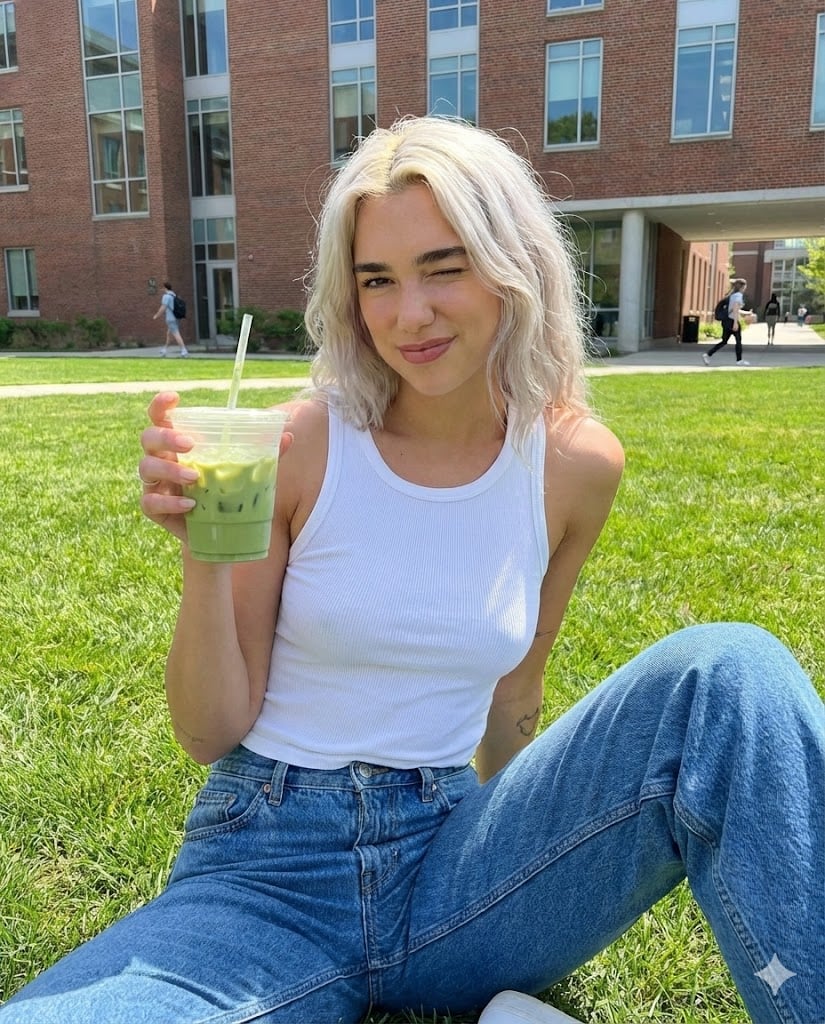
Casual Collegiate Lifestyle Portrait with Iced Drink
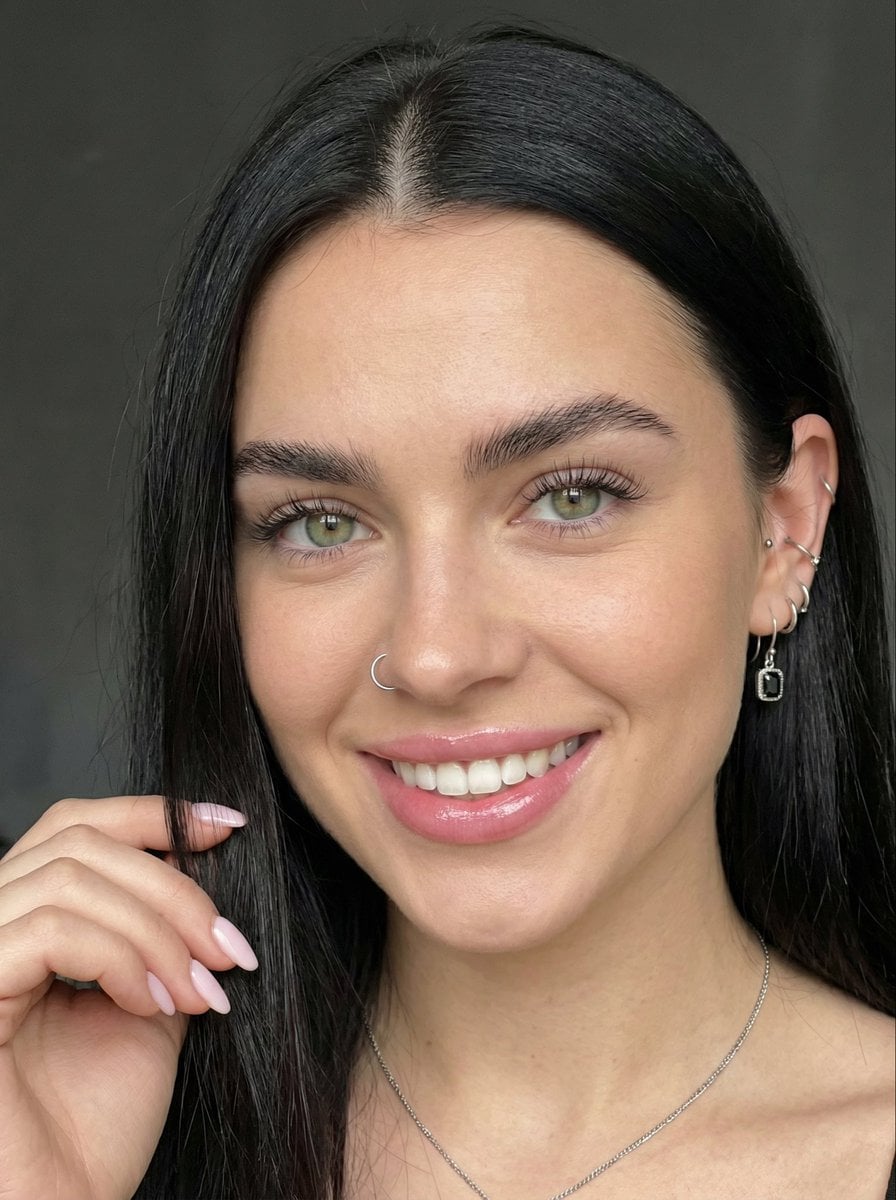
Close-up Portrait with Reference Prompt
Browse template categories
Faceless Anime Man Holding Calico Cat questions
How do I use the Faceless Anime Man Holding Calico Cat template?
Add your photo if the template asks for one, edit the prompt if you like — the template's model and format are already selected — and press Generate. Your version opens in PicX Studio.
Can I customize the Faceless Anime Man Holding Calico Cat template?
Yes. You can change the subject, setting, lighting, mood, format, and available model controls before creating your image.
Is the Faceless Anime Man Holding Calico Cat template free?
Opening and editing this template is free. Generating uses credits, shown on the Generate button when you are signed in.
Which AI model should I use?
Start with GPT Image 2, which is the model associated with this template. You can compare another compatible model for a different finish.
Looking for something else? Browse all templates.

Your photo, any look
Thousands of ready templates for every top image and video model, from one credit balance.