
Monochrome Man Holding Cat Portrait
A surreal black-and-white studio portrait of a man holding a fluffy cat with a central gray face-obscuring overlay, useful for dramatic social media avatar concepts.
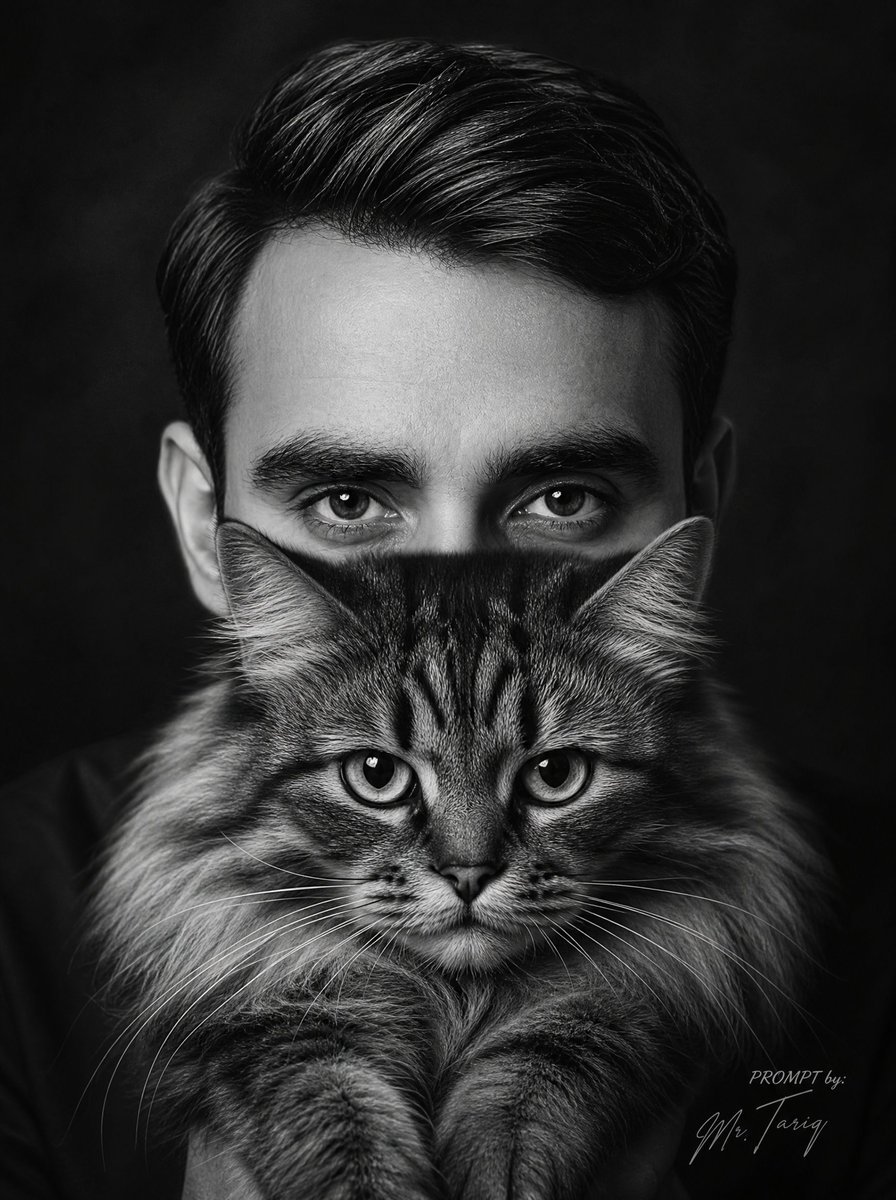
- Prompt included
- Model and format preset
- Free template
The prompt behind this image
Copy the exact prompt behind Monochrome Man Holding Cat Portrait, or open it in the studio and make it yours.
Create an ultra-realistic black-and-white surreal studio portrait of {argument name="character name" default="a 25-year-old man"} holding {argument name="cat type" default="a large fluffy long-haired tabby cat"} directly in front of his face. Vertical 3:4 composition, tight head-and-shoulders crop, dark smoky black background, dramatic low-key lighting, high contrast, cinematic monochrome photography, sharp hair texture and fur detail. The man has thick dark hair swept back neatly, visible ears, dark clothing blending into the background, and a serious frontal pose. The cat is centered and held upright against his chest, with its fluffy mane, striped front paws, nose, mouth, whiskers, and lower cheeks visible at the bottom of the composition. Add exactly 1 large opaque square overlay in the center of the image, colored {argument name="overlay color" default="medium neutral gray"}, covering most of the man's face and the upper half of the cat; the square should span from just below the hairline to just above the cat's mouth, leaving only the man's hair and ears visible above/around it and the cat's muzzle, whiskers, mane, and paws visible below it. Add exactly 1 small signature-style watermark in the lower-right corner reading {argument name="watermark text" default="PROMPT by: Mr. Tairy"} in thin elegant script. Keep the image photorealistic, moody, symmetrical, and editorial, with no color, no extra animals, no extra people, and no additional text.
How to use Monochrome Man Holding Cat Portrait in 3 steps
- 1Upload ImagePNG, JPG or paste
Add your photo
Upload the photo the template builds on. The prompt, model and format are already set.
- 2…a portrait of your subject in softgolden-hour light, 85mm…
Personalize
Edit the subject and creative details for your destination.
- 3Generate
Generate
Press Generate — your image is created in PicX Studio, so you can compare it with the original and refine one variable at a time.
More like this
Templates with the same subject, style or setup. Open one to see its prompt.
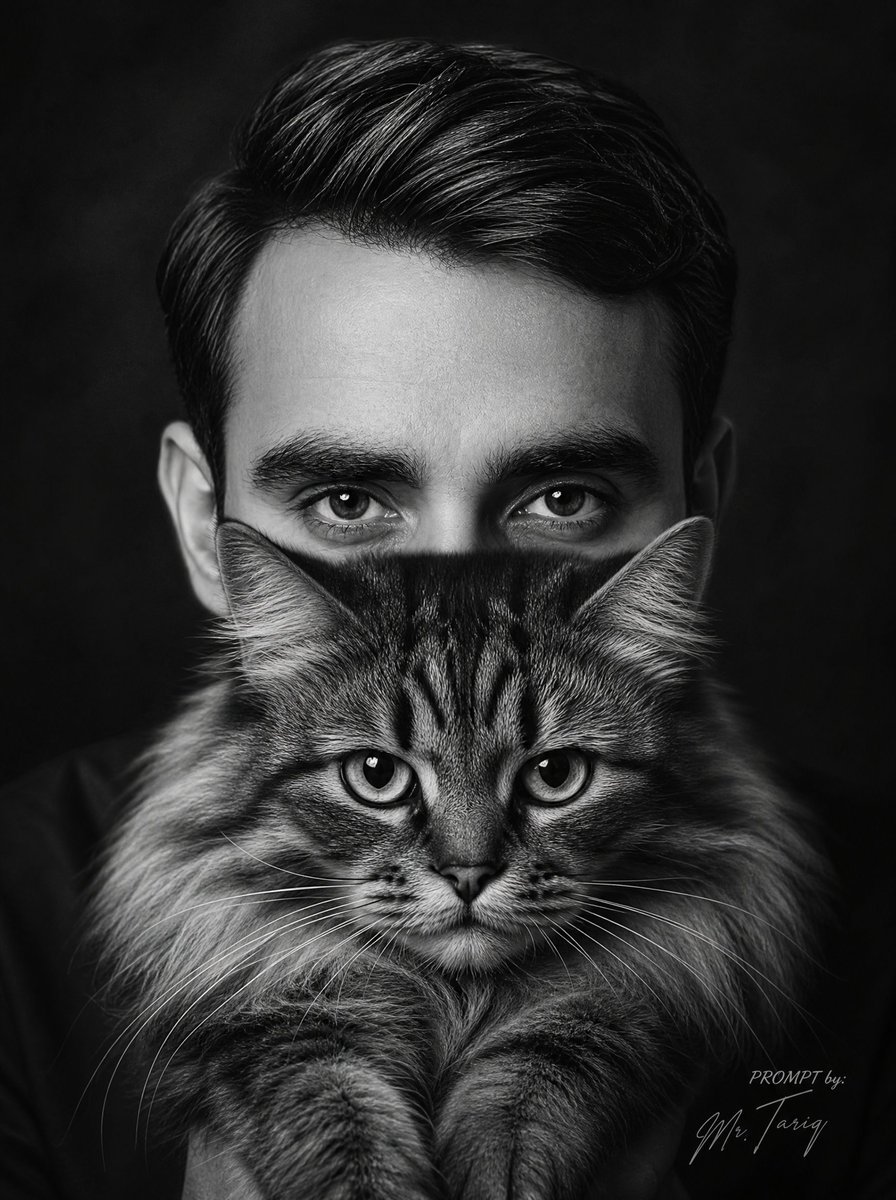
Censored Man Holding Cat Portrait
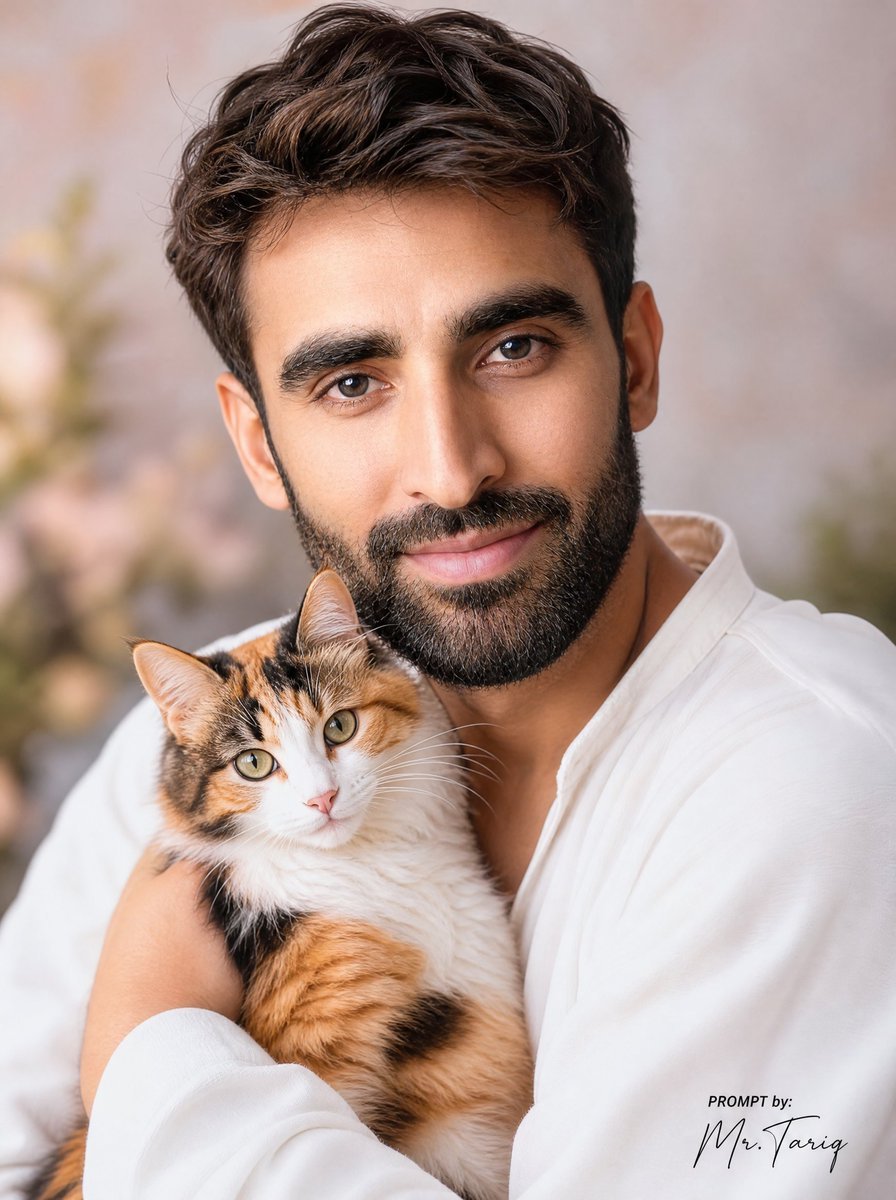
Dreamy Man Holding Calico Cat Portrait
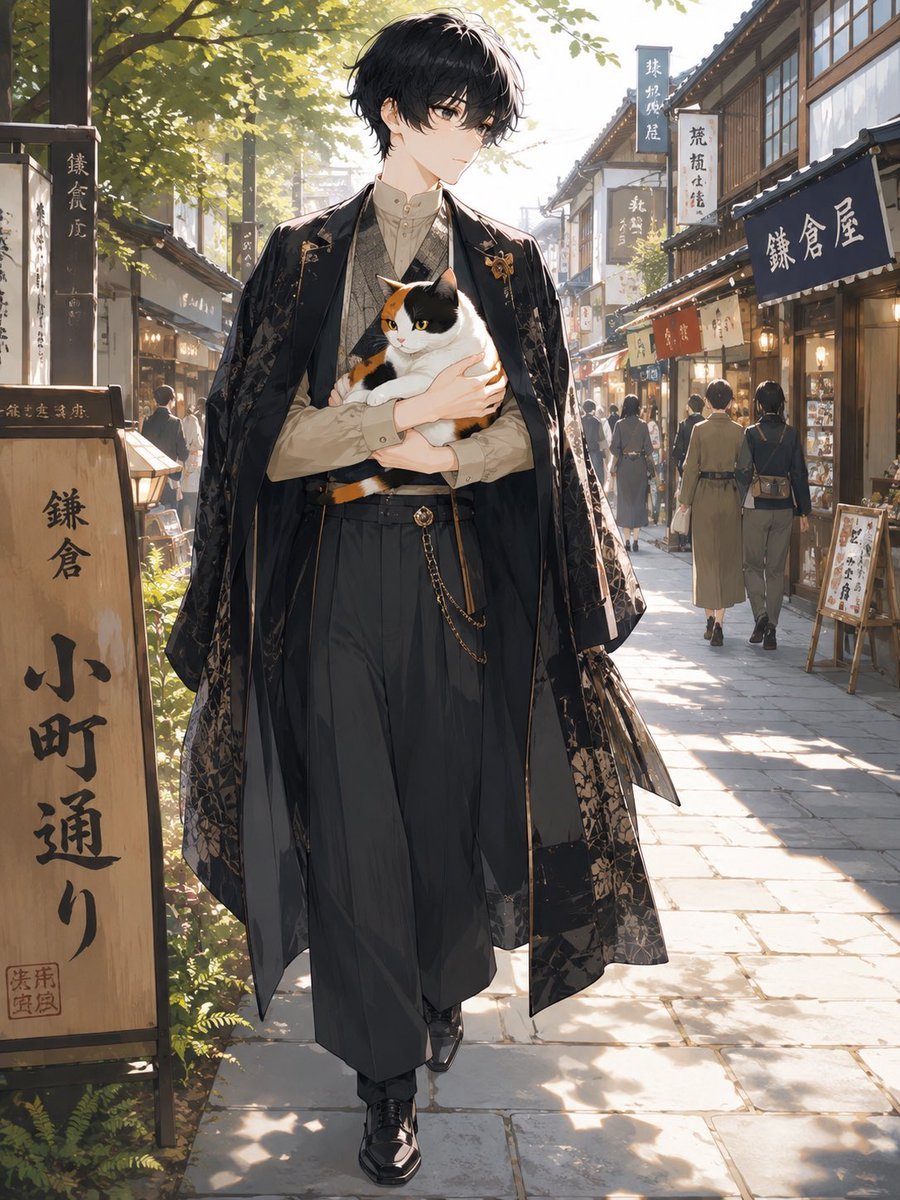
Faceless Anime Man Holding Calico Cat
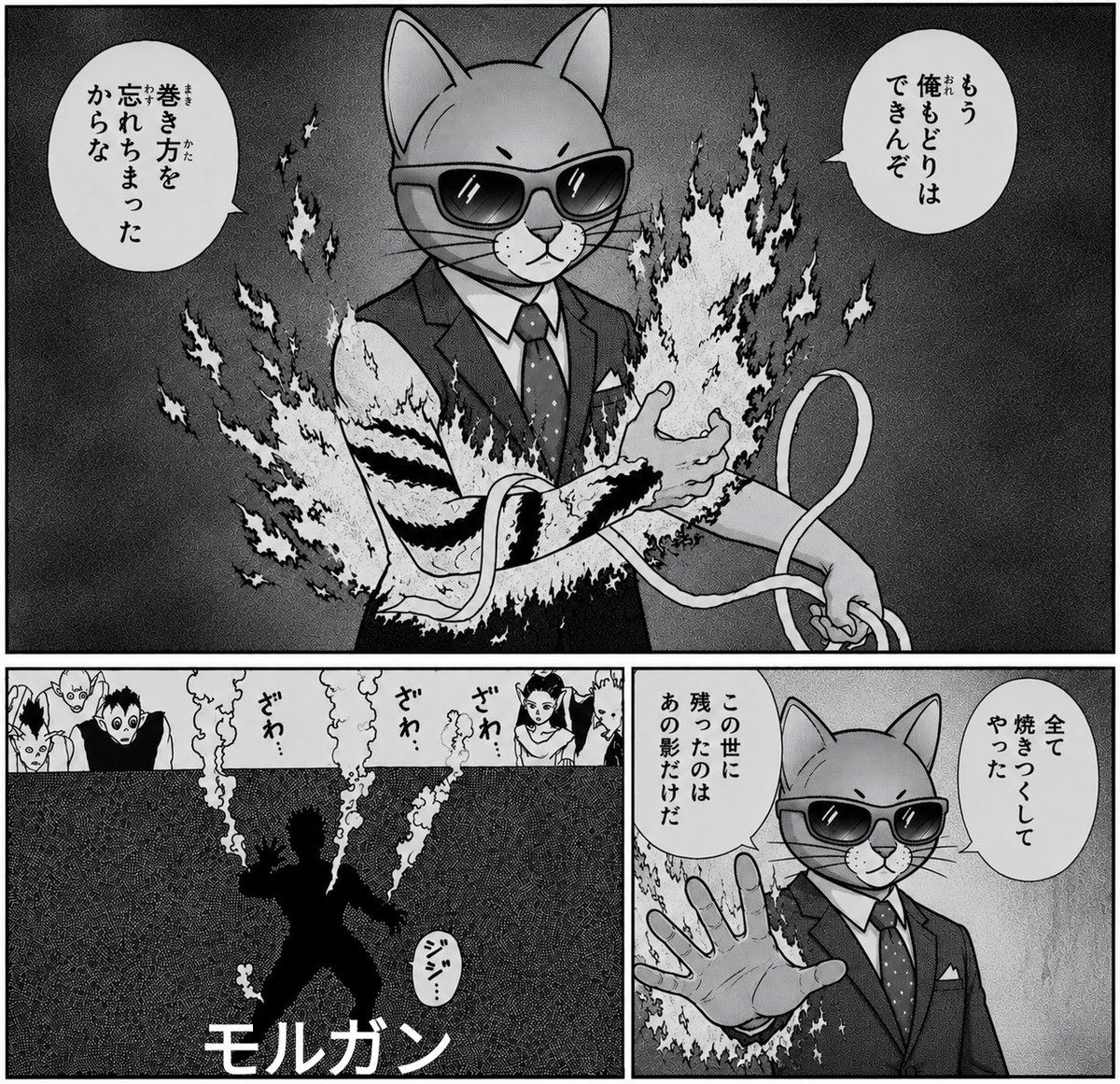
Monochrome Cat Businessman Manga Page

Rooftop Fisheye — Cat-Ear Balaclava at Golden Hour

Surreal Cat Astronaut — Humanoid Face Freefall
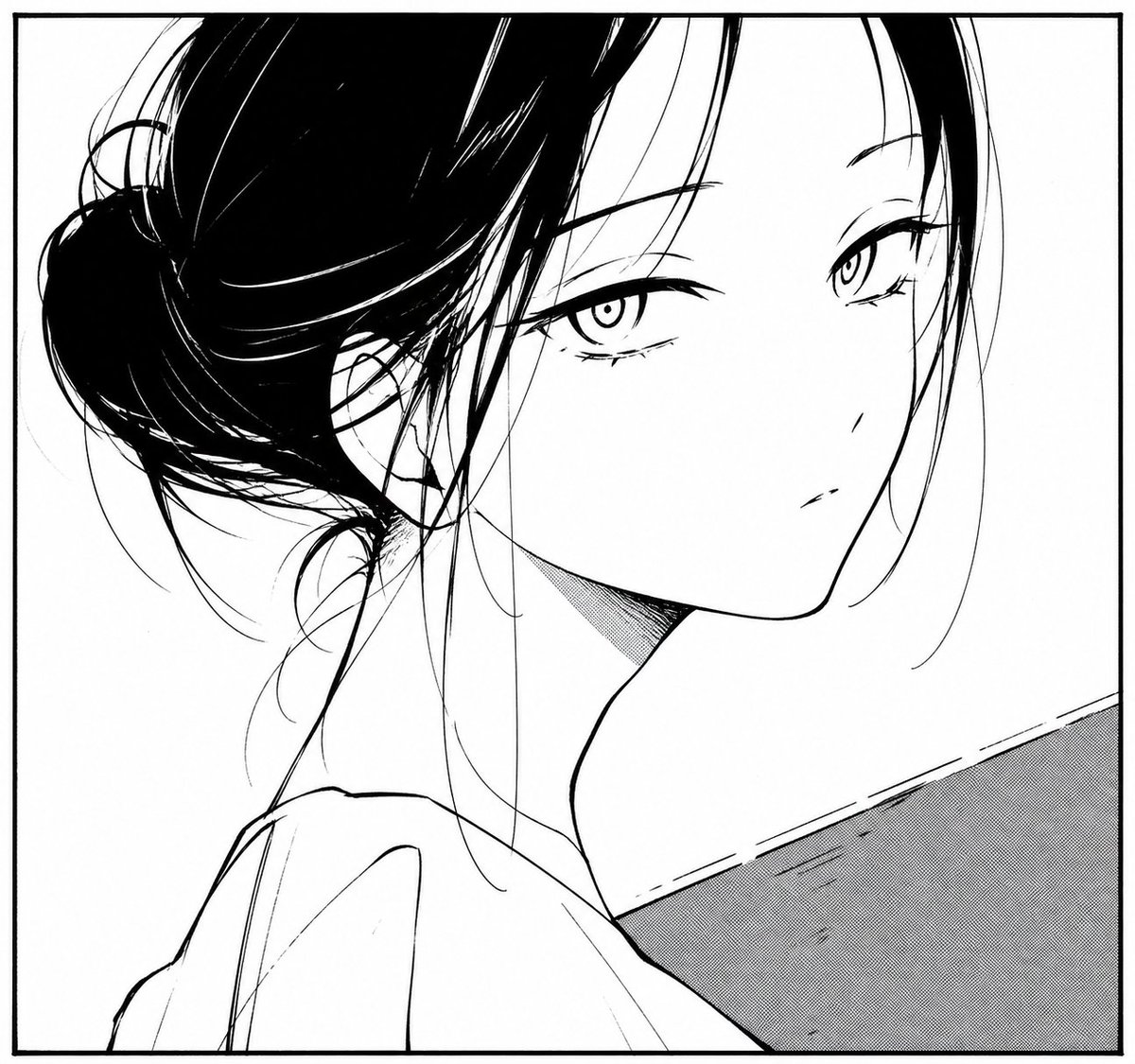
Monochrome Manga Woman Portrait
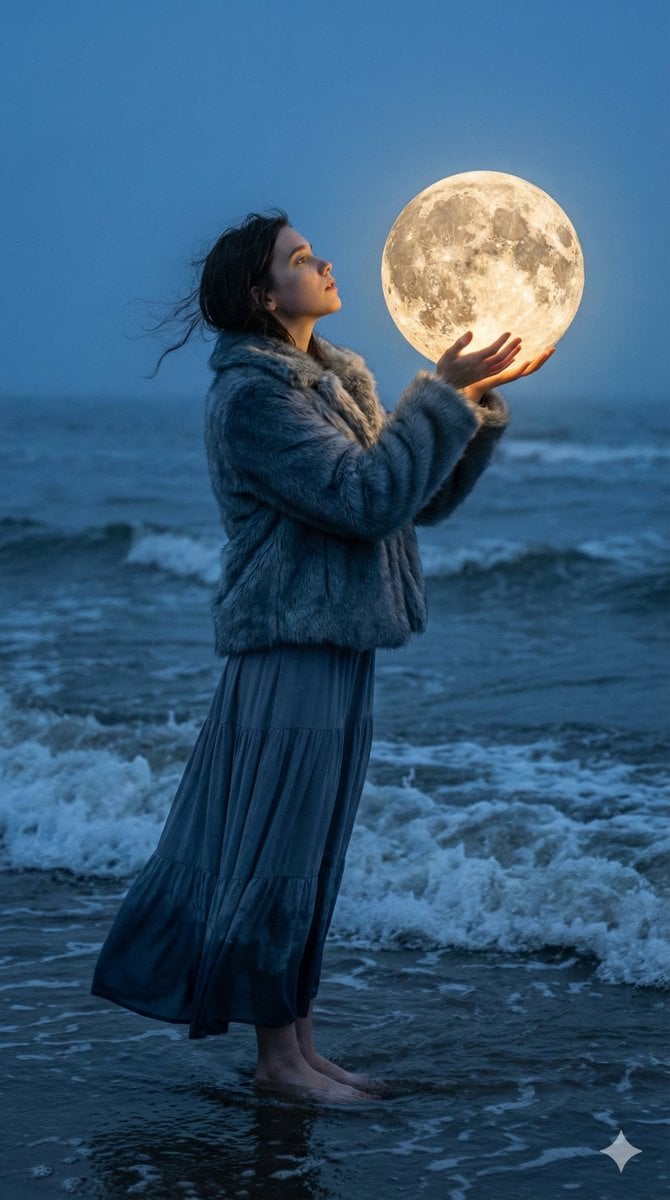
Magical Realism Portrait: Woman Holding a Glowing Moon Orb at Twilight
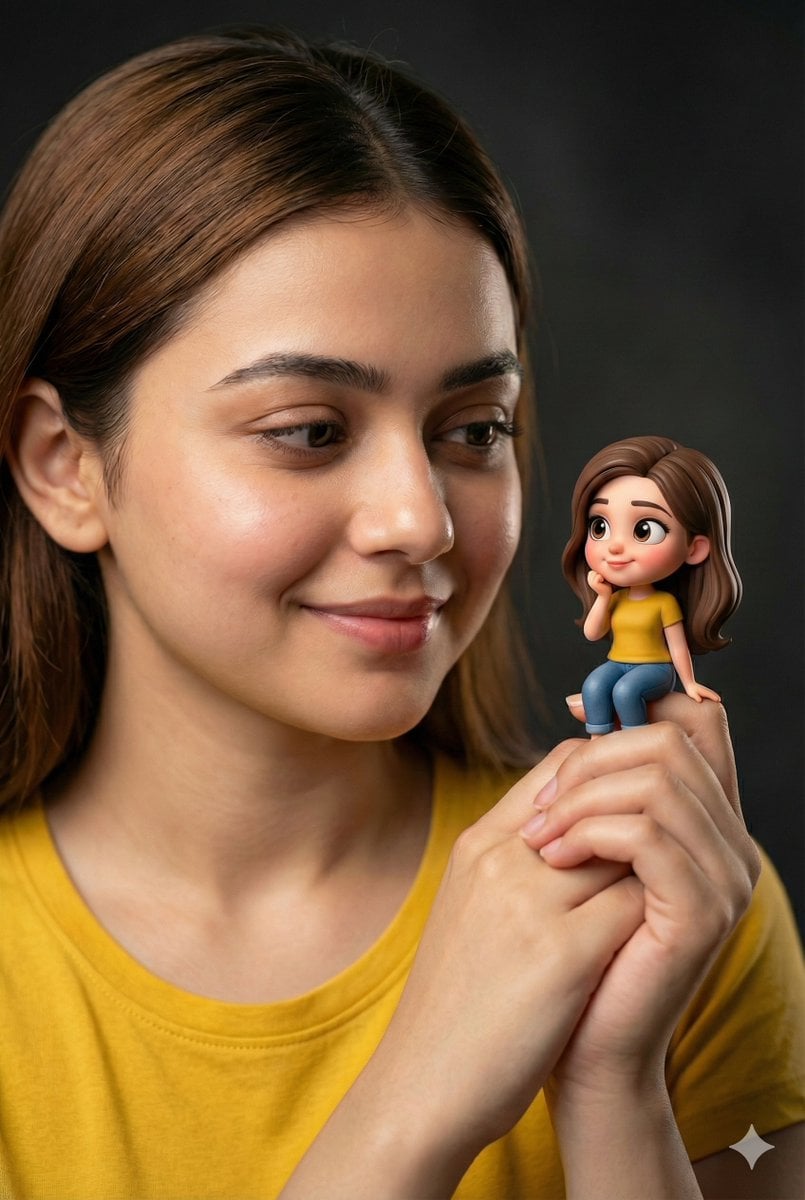
Woman Holding Miniature Figurine Portrait Prompt
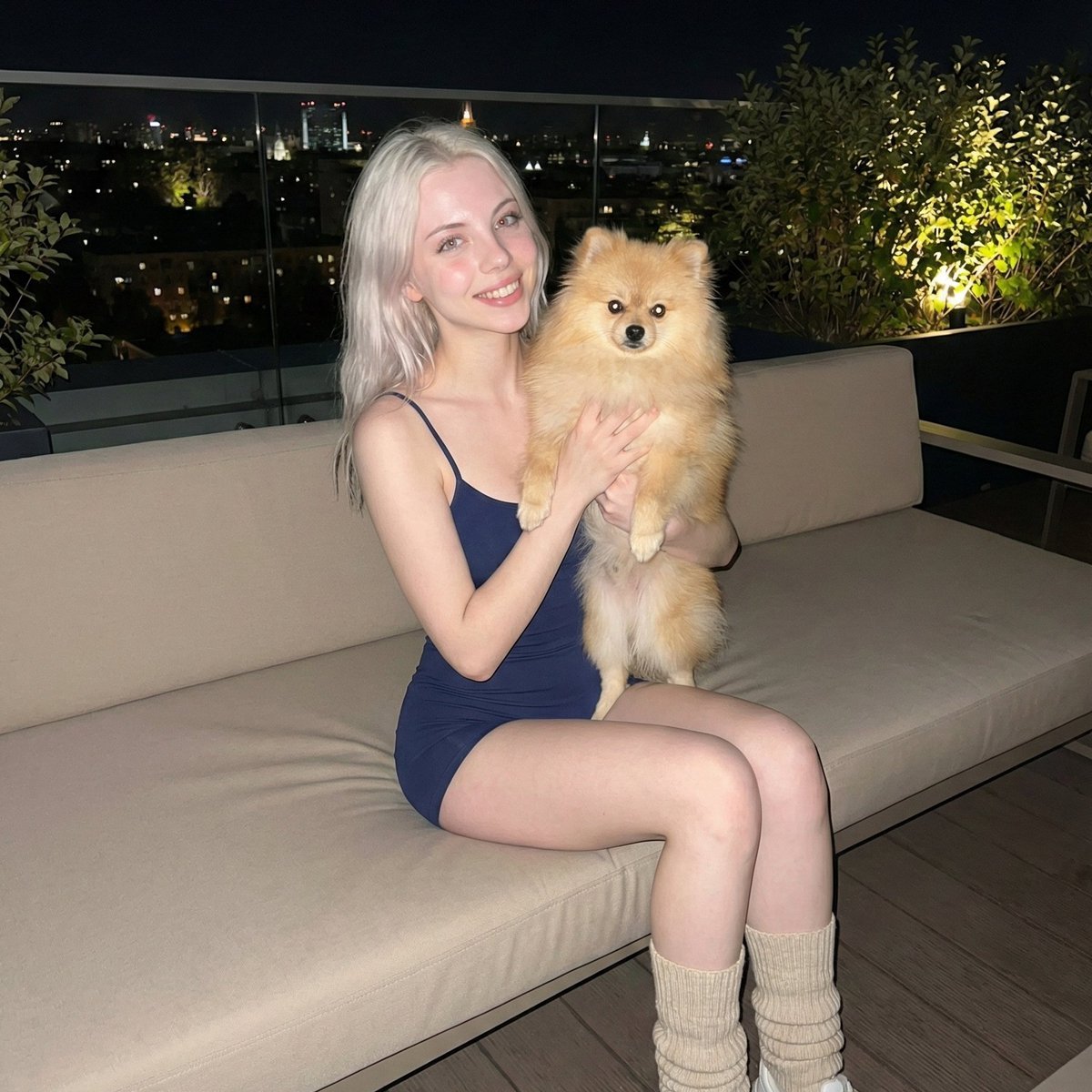
Photorealistic Portrait of Woman Holding a Pomeranian (iPhone Style)
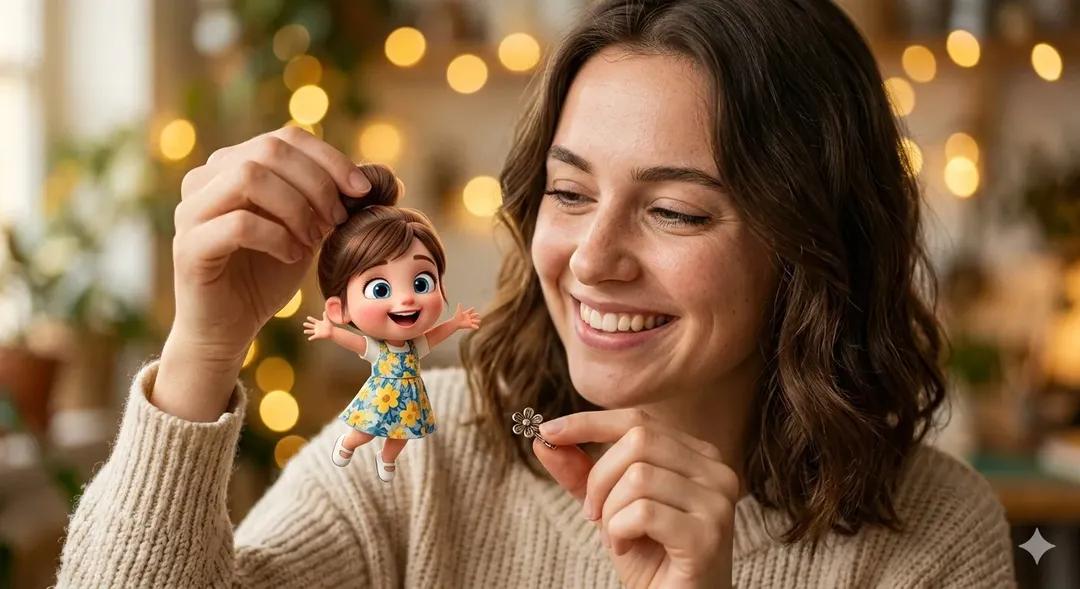
Surreal Portrait: Woman Holding Tiny Cartoon Girl

Romantic Cinematic Still of a Couple in
Make it yours
Monochrome Man Holding Cat Portrait works as-is. These are the safest ways to change it without losing the look.
Change one field
Copy a single group, rewrite it, and generate again so you can see what that field is doing.
Keep the frame, change the subject
Hold the composition and light of Monochrome Man Holding Cat Portrait, then swap wardrobe, props or the person for a new take.
| If the result… | Why | Fix |
|---|---|---|
| The result drifts from the preview | Too many fields changed at once. | Reuse Monochrome Man Holding Cat Portrait as-is first, then change one group — subject, light, or setting. |
| The model over-stylizes the scene | The prose prompt leaves finish and camera underspecified. | Add one camera or lighting sentence and stay on GPT Image 2. |
More GPT Image 2 templates
Other prompts made for GPT Image 2.

Six VTuber Japanese Logo Sheet

Realistic Portrait of Woman and Deer

The Vista Modular Condo Poster

AI Model Routing Comparison Infographic

2.5D Anime Art Board

Isometric Productivity Desk Scene

New York Double Exposure Poster

Four-Panel AI Landscape Comparison

Japanese Tatami Lifestyle Magazine Cover

NESCAFÉ Coffee Map Poster
More image prompts
Fresh picks from across the catalog.
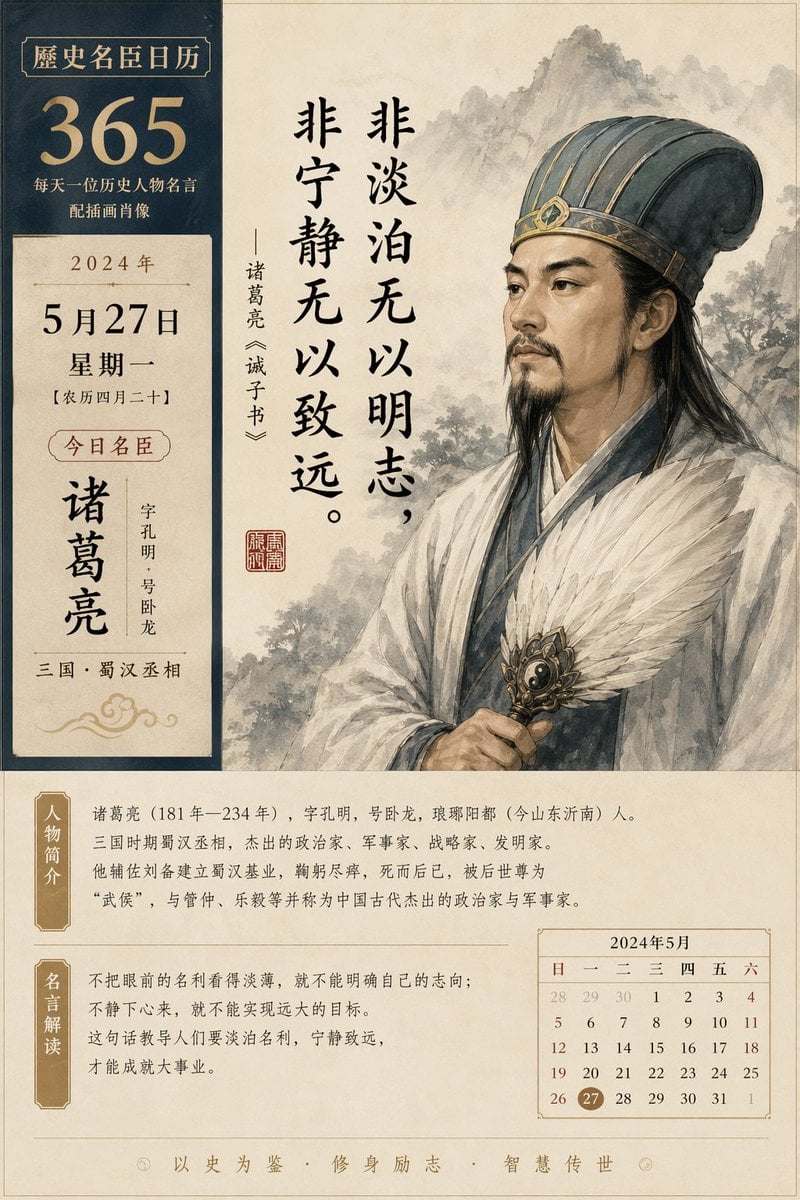
Historical figure calendar prompt
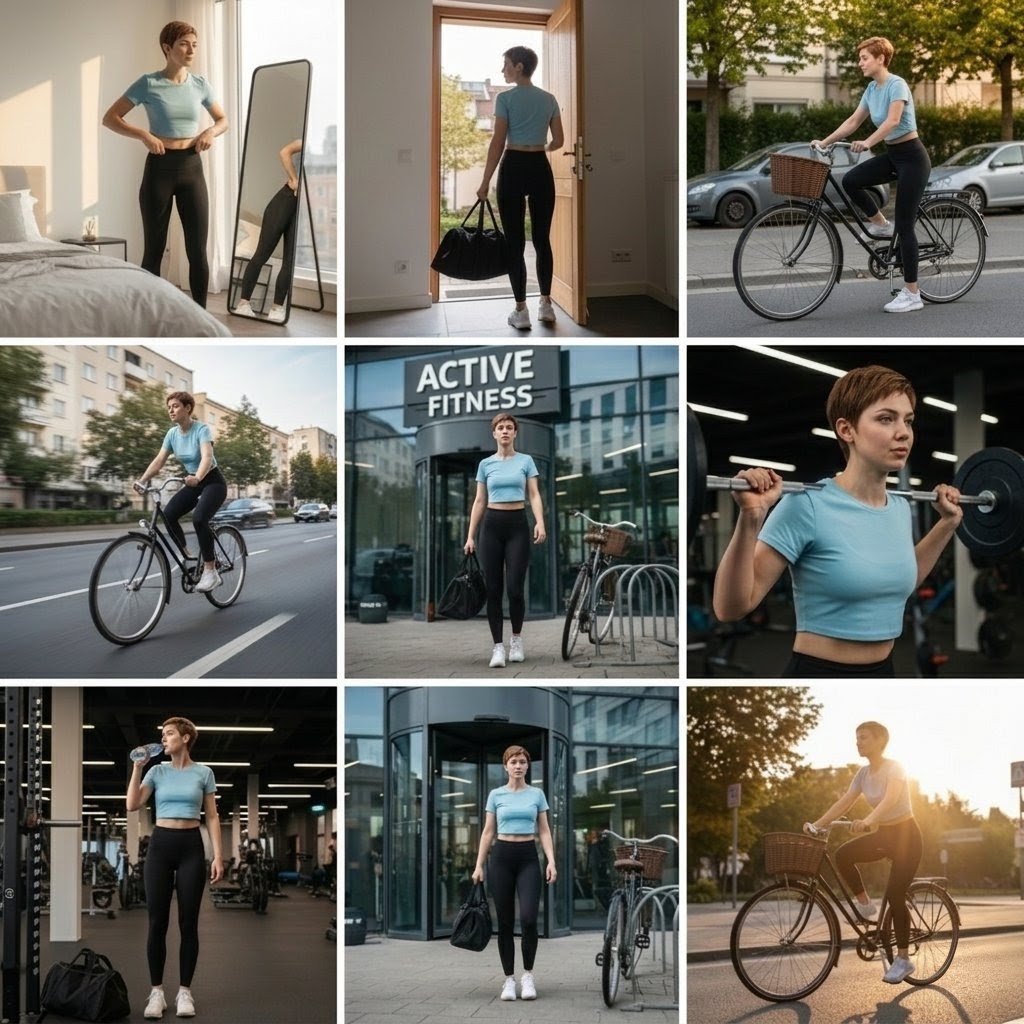
Photo Cinematic Collage for a Gym Girl's Fitness Journey
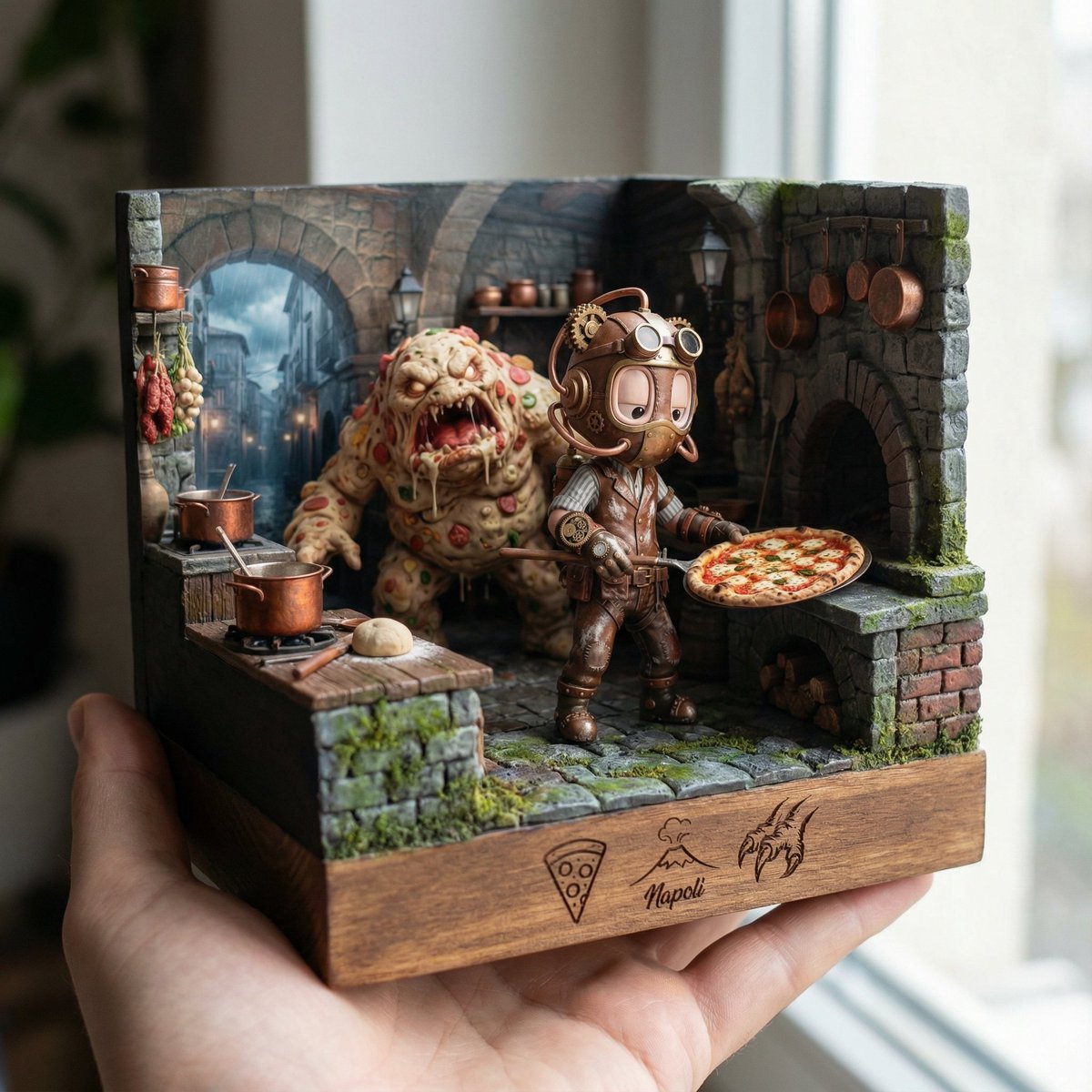
Scene Reinterpretation as a Handheld Diorama
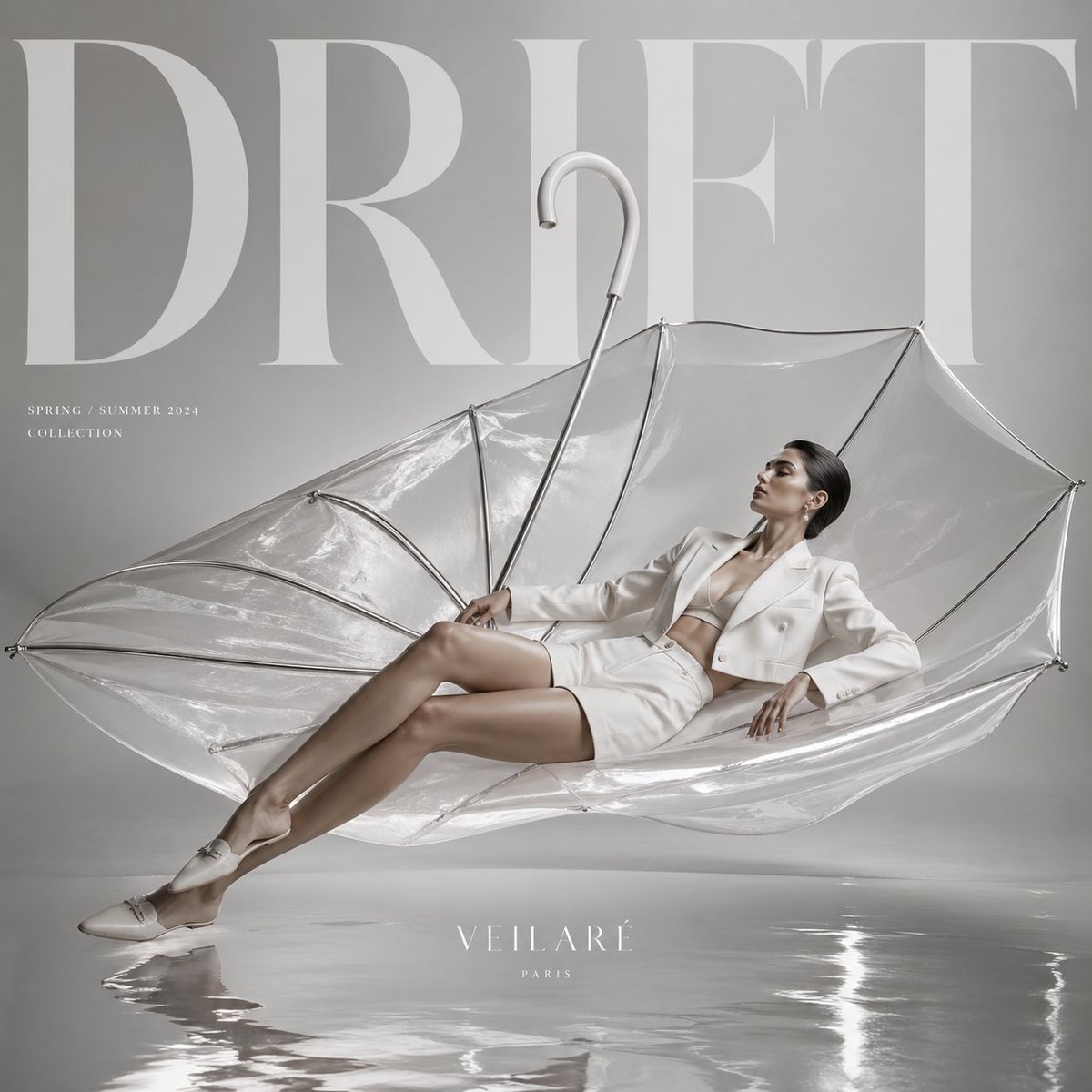
High-Fashion Editorial Advertisement
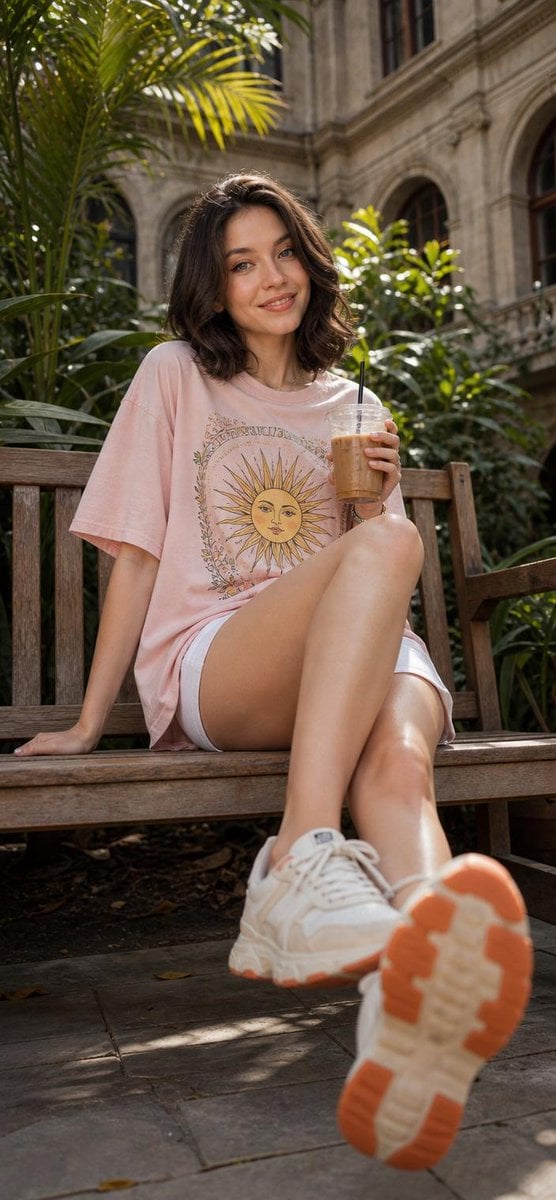
Cheerful Botanical Courtyard Portrait
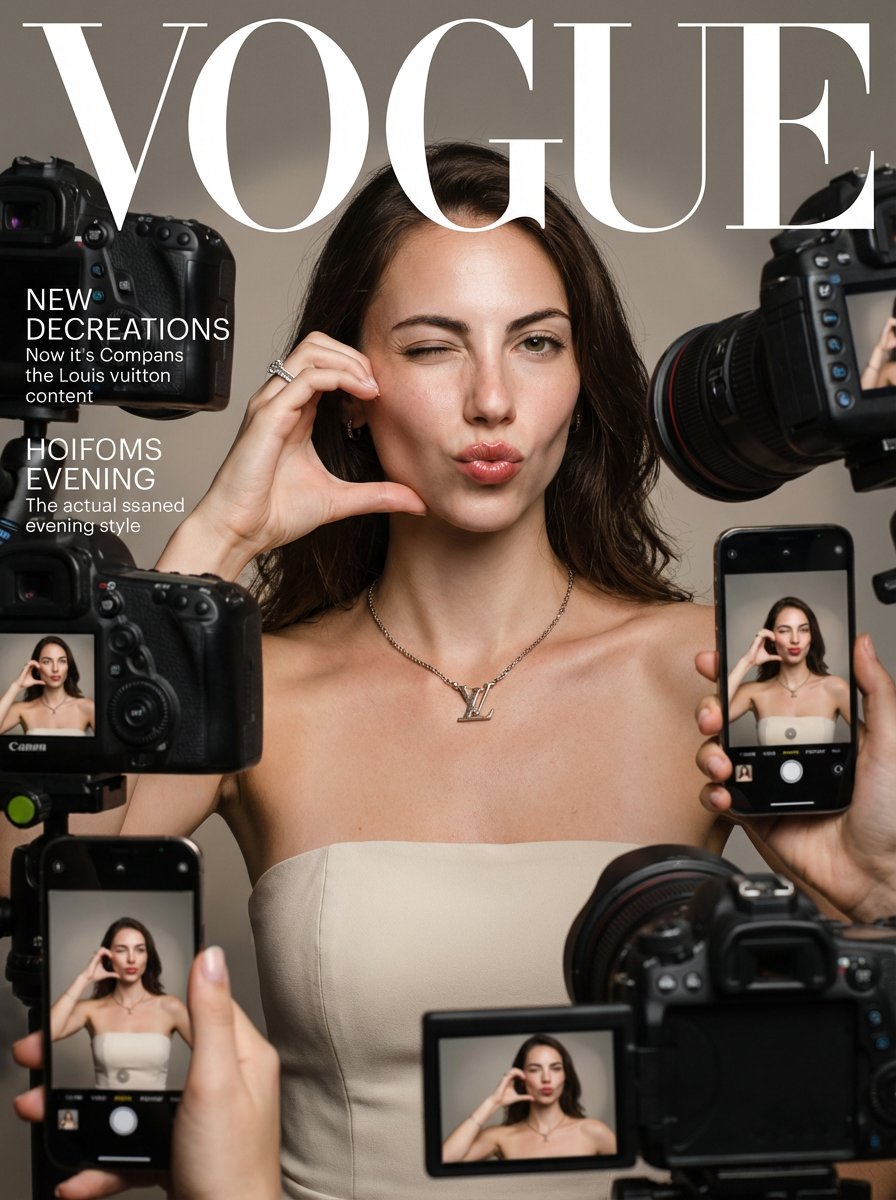
Vogue Prompt for Nano Banana Pro
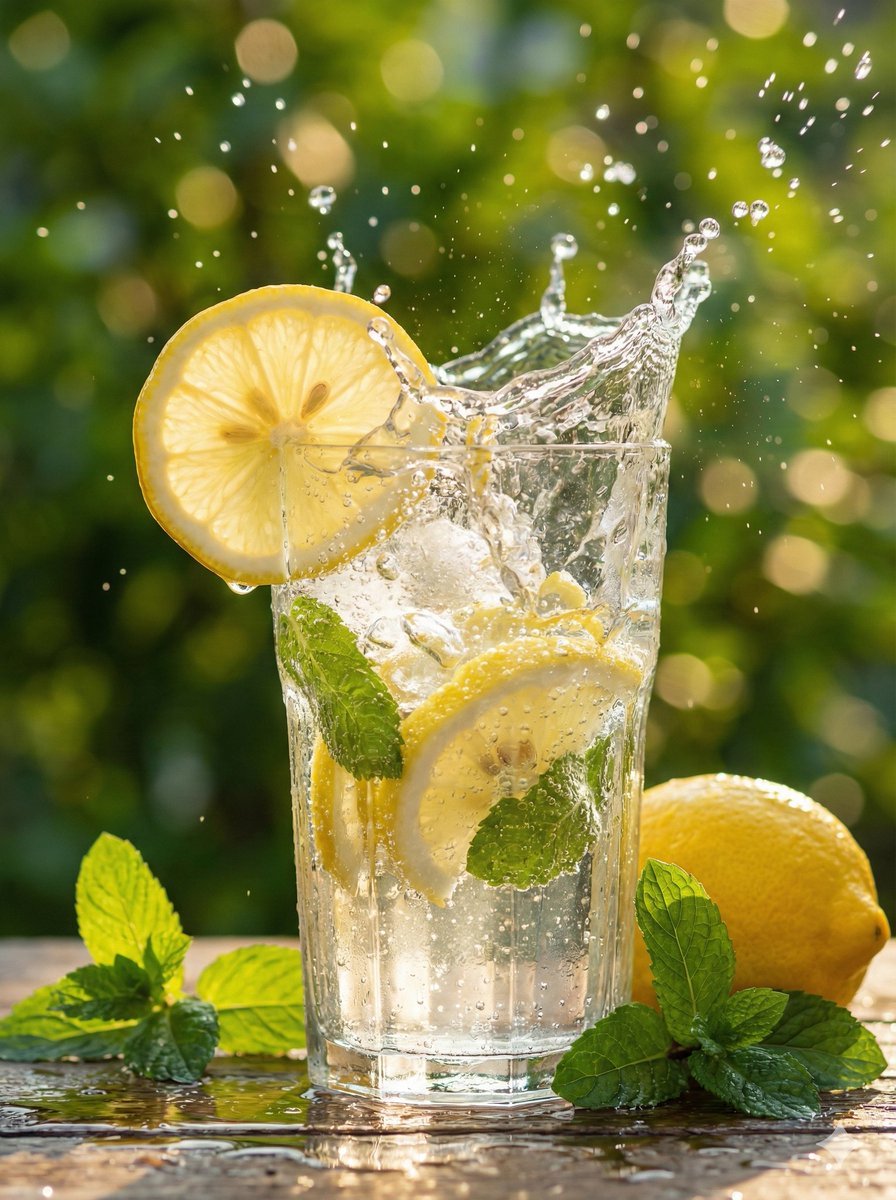
Hyper-Realistic Lemon Mint Drink Macro Photography Prompt
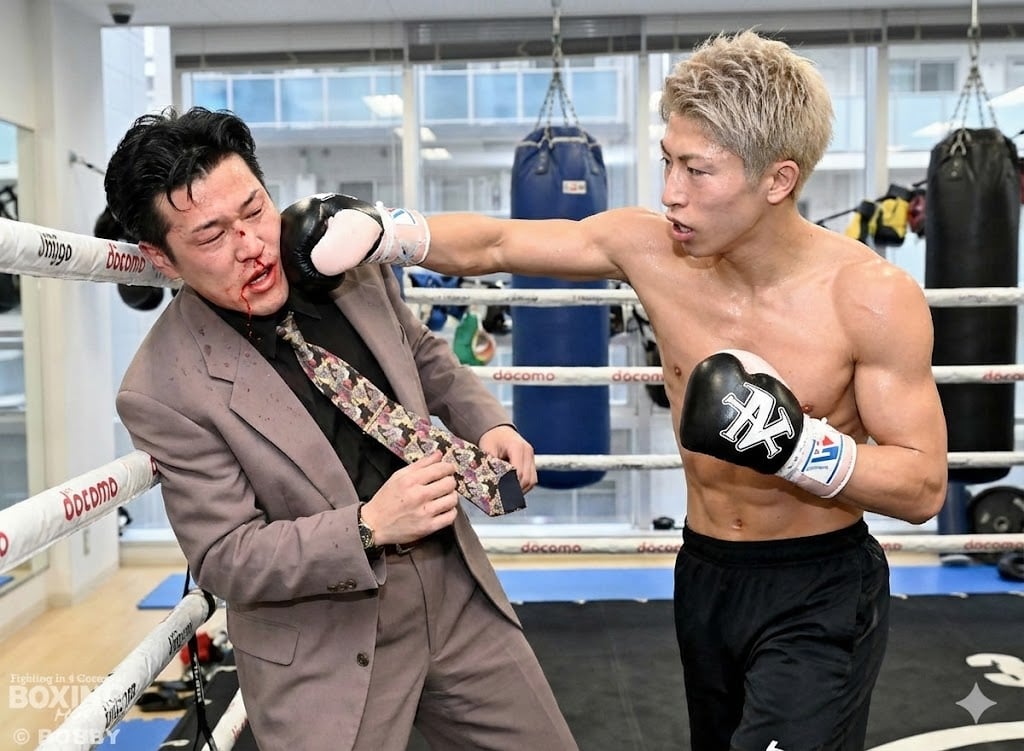
Generating a boxing match image between two specific people
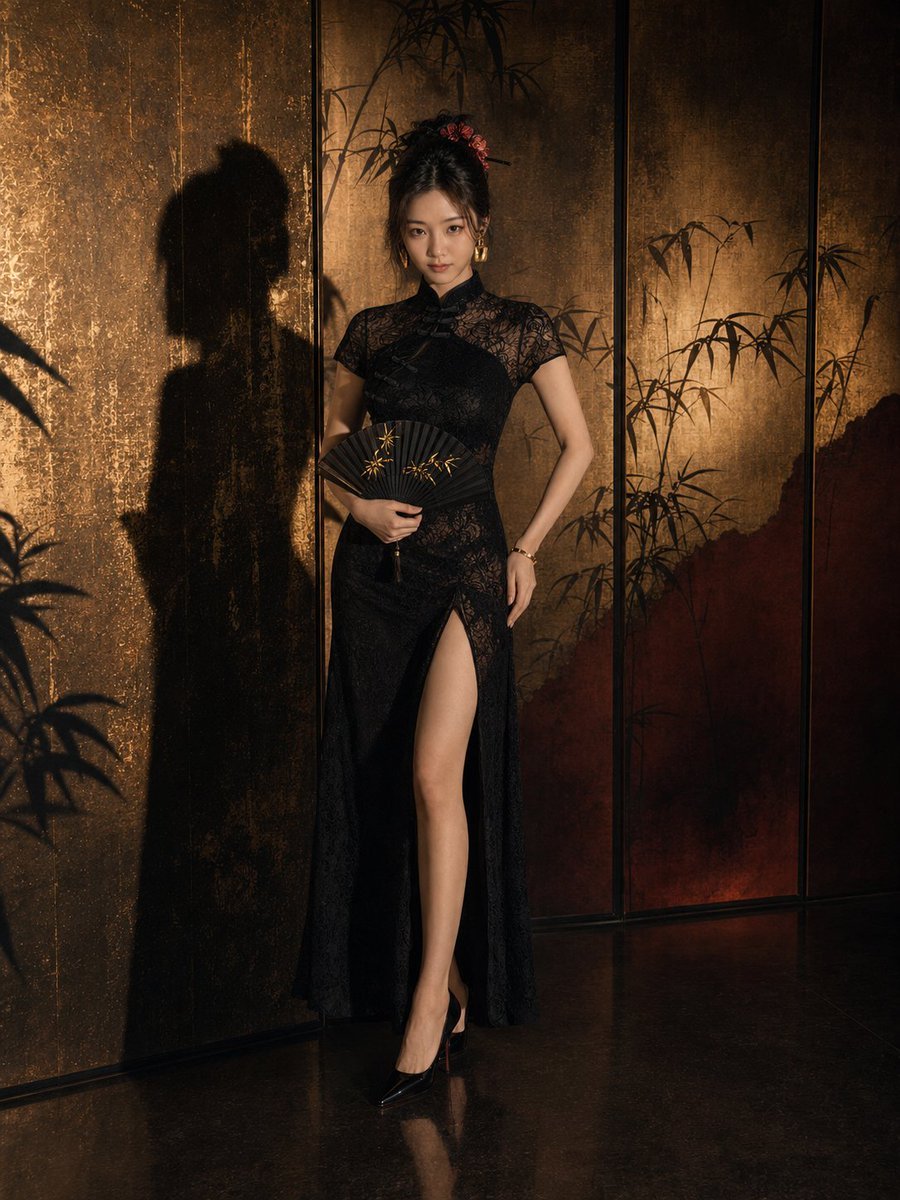
Dark Neo-Chinese Style Portrait Photography
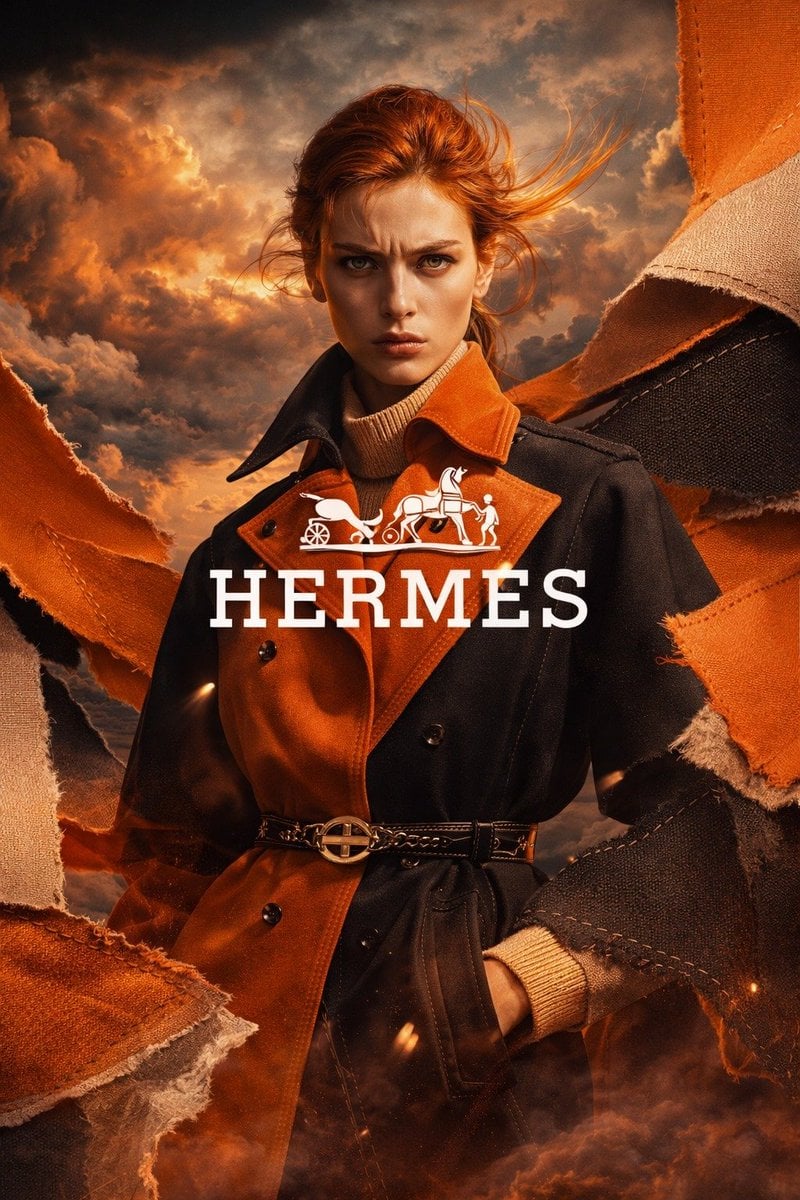
Luxury Trench Fashion Ad
Featured in prompt roundups
Hand-picked collections that include this template.
Browse template categories
Monochrome Man Holding Cat Portrait questions
How do I use the Monochrome Man Holding Cat Portrait template?
Add your photo if the template asks for one, edit the prompt if you like — the template's model and format are already selected — and press Generate. Your version opens in PicX Studio.
Can I customize the Monochrome Man Holding Cat Portrait template?
Yes. You can change the subject, setting, lighting, mood, format, and available model controls before creating your image.
Is the Monochrome Man Holding Cat Portrait template free?
Opening and editing this template is free. Generating uses credits, shown on the Generate button when you are signed in.
Which AI model should I use?
Start with GPT Image 2, which is the model associated with this template. You can compare another compatible model for a different finish.
Looking for something else? Browse all templates.

Your photo, any look
Thousands of ready templates for every top image and video model, from one credit balance.