How do I use the Monochrome Manga Woman Portrait template?
Edit the prompt in the box under the preview — the template's model and format are already selected — and press Generate. Your version appears right on this page.
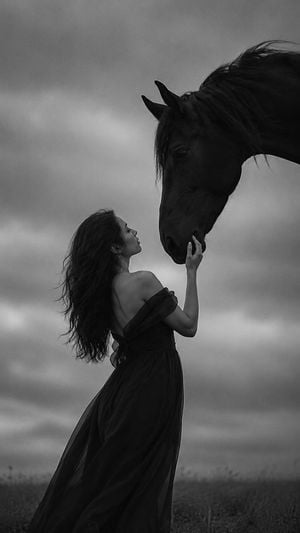
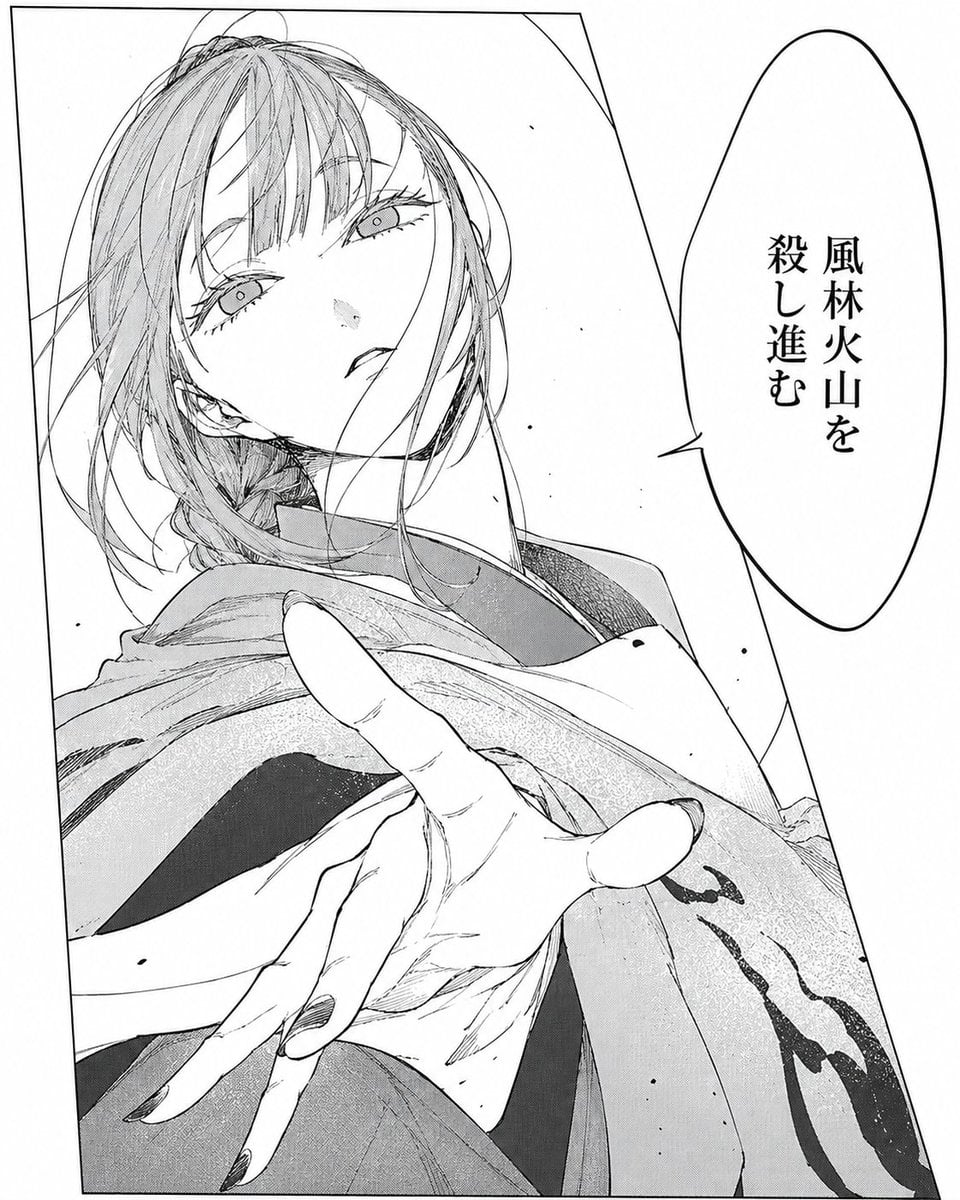
A text prompt for generating an elegant black-and-white manga close-up portrait with expressive hand-drawn linework and distinctive eyes.

This template uses your photo — add one with the + button.
Draw a single-panel black-and-white manga portrait of a young woman in a close-up three-quarter view, looking back over her shoulder toward the viewer with a calm, slightly distant expression. She has {argument name="hair color" default="solid black ink"} hair gathered into a loose low bun at the back-left of her head, with many thin flyaway strands, messy wisps around the ear and neck, and a few long strands crossing her face. Her face is pale white with minimal shading, a long elegant neck, soft narrow jawline, small understated mouth, and a tiny nose indicated by only a few strokes. Make the eyes the main distinctive feature: almond-shaped, refined, slightly sleepy, with unusual sharp irises and delicate pupils, individuality level 8/10, avoiding generic anime eyes; eyelashes are short, simple, and sparse. Use expressive hand-drawn line art that feels human and imperfect, with varied line weight, confident rough sketch strokes, and visible artist hand habits. The composition is cropped tightly inside a thin black rectangular border, the head occupying the upper center and right side, the bun on the left, shoulder and robe-like garment entering from the lower left, and a diagonal gray halftone background block in the lower right. Keep the palette strictly monochrome black ink on white paper with subtle screentone shading under the jaw and in the diagonal background area. Style: elegant seinen manga illustration, fashion sketch sensibility, minimal but emotionally precise, airy negative space, no text, no color, no extra characters.
Draw a single-panel black-and-white manga portrait of a young woman in a close-up three-quarter view, looking back over her shoulder toward the viewer with a calm, slightly distant expression. She has {argument name="hair color" default="solid black ink"} hair gathered into a loose low bun at the back-left of her head, with many thin flyaway strands, messy wisps around the ear and neck, and a few long strands crossing her face. Her face is pale white with minimal shading, a long elegant neck, soft narrow jawline, small understated mouth, and a tiny nose indicated by only a few strokes. Make the eyes the main distinctive feature: almond-shaped, refined, slightly sleepy, with unusual sharp irises and delicate pupils, individuality level 8/10, avoiding generic anime eyes; eyelashes are short, simple, and sparse. Use expressive hand-drawn line art that feels human and imperfect, with varied line weight, confident rough sketch strokes, and visible artist hand habits. The composition is cropped tightly inside a thin black rectangular border, the head occupying the upper center and right side, the bun on the left, shoulder and robe-like garment entering from the lower left, and a diagonal gray halftone background block in the lower right. Keep the palette strictly monochrome black ink on white paper with subtle screentone shading under the jaw and in the diagonal background area. Style: elegant seinen manga illustration, fashion sketch sensibility, minimal but emotionally precise, airy negative space, no text, no color, no extra characters.
Edit the prompt in the box under the preview — the template's model and format are already selected — and press Generate. Your version appears right on this page.
Yes. You can change the subject, setting, lighting, mood, format, and available model controls before creating your image.
Opening and editing this template is free. Generating uses credits, shown on the Generate button when you are signed in.
Start with GPT Image 2, which is the model associated with this template. You can compare another compatible model for a different finish.
Follow a topic to a crawlable collection of related PicX Studio templates.