
Luxury Trench Fashion Ad
This prompt generates a cinematic luxury fashion poster with a dramatic trench-coat model and premium brand styling, ideal for ad creatives and editorial campaigns.
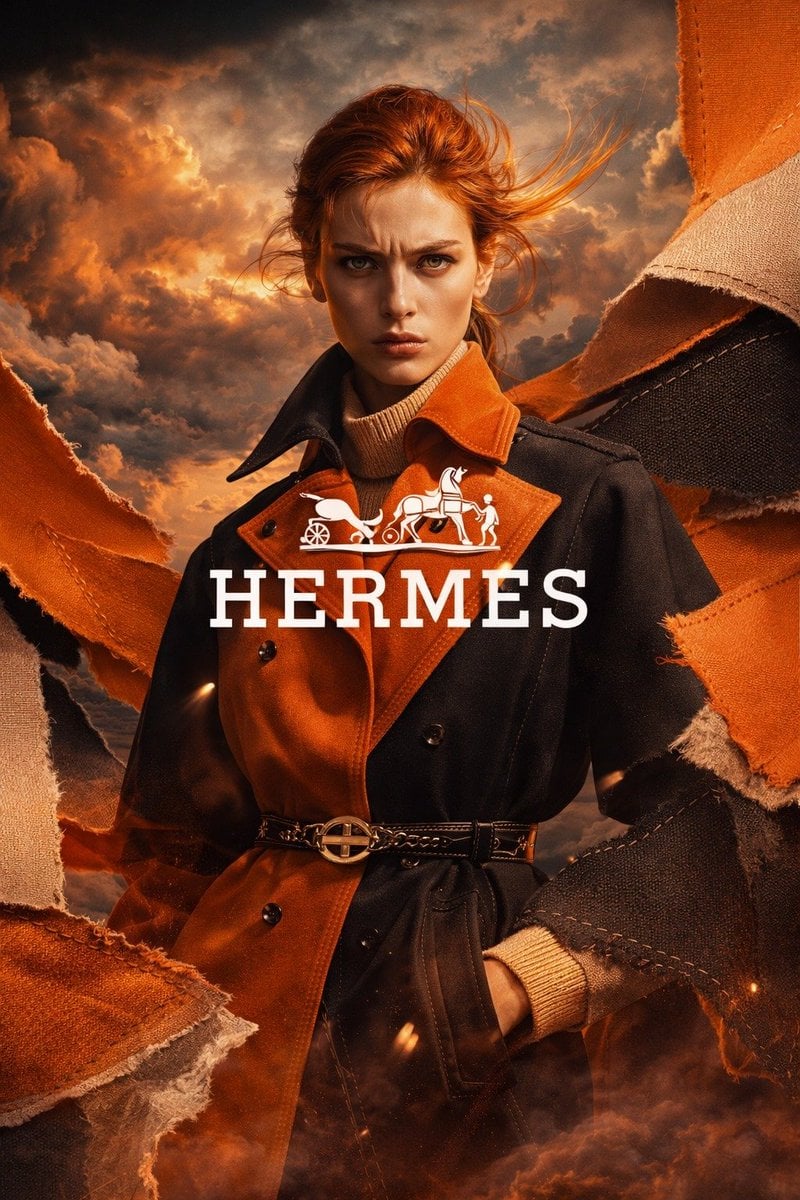
- Prompt included
- Model and format preset
- Free template
The prompt behind this image
Copy the exact prompt behind Luxury Trench Fashion Ad, or open it in the studio and make it yours.
A high-end luxury fashion advertising poster in vertical 9:16 format, featuring a tall elegant female model with her face intentionally obscured, standing in a dramatic three-quarter pose against a stormy cinematic sky at golden sunset. She has windswept auburn hair pulled back loosely with flying strands, and wears a two-tone belted trench coat split in rich burnt orange and deep black, layered over a cream ribbed turtleneck sweater, with one hand in the coat pocket. The trench has a structured collar, double-breasted buttons, and a slim black leather belt with a polished gold circular buckle. Surround the model with 6 large torn fabric panels framing the composition from the left and right edges, in orange, tan, and charcoal textile textures with visible stitching and frayed edges, as if fabric is ripping open around her. Use a warm amber, copper, and ember color palette, with glowing sparks and smoky haze near the bottom. Place dramatic volumetric clouds in the background, lit with fiery sunset highlights for an epic editorial mood. Add a centered white luxury logo and brand text over the model’s chest area: the horse-and-carriage emblem above the word {argument name="brand text" default="HERMES"} in large elegant serif capitals. Make it look like a premium couture campaign, ultra-detailed, photorealistic, glossy magazine ad, strong contrast, refined fabric texture, fashion photography lighting, heroic composition, sharp focus on the outfit, cinematic atmosphere.
How to use Luxury Trench Fashion Ad in 3 steps
- 1Upload ImagePNG, JPG or paste
Add your photo
Upload the photo the template builds on. The prompt, model and format are already set.
- 2…a portrait of your subject in softgolden-hour light, 85mm…
Personalize
Edit the subject and creative details for your destination.
- 3Generate
Generate
Press Generate — your image is created in PicX Studio, so you can compare it with the original and refine one variable at a time.
More like this
Templates with the same subject, style or setup. Open one to see its prompt.

19 Luxury Helicopter Travel — California Series

08 Rodeo Drive Luxury Exit — California Series
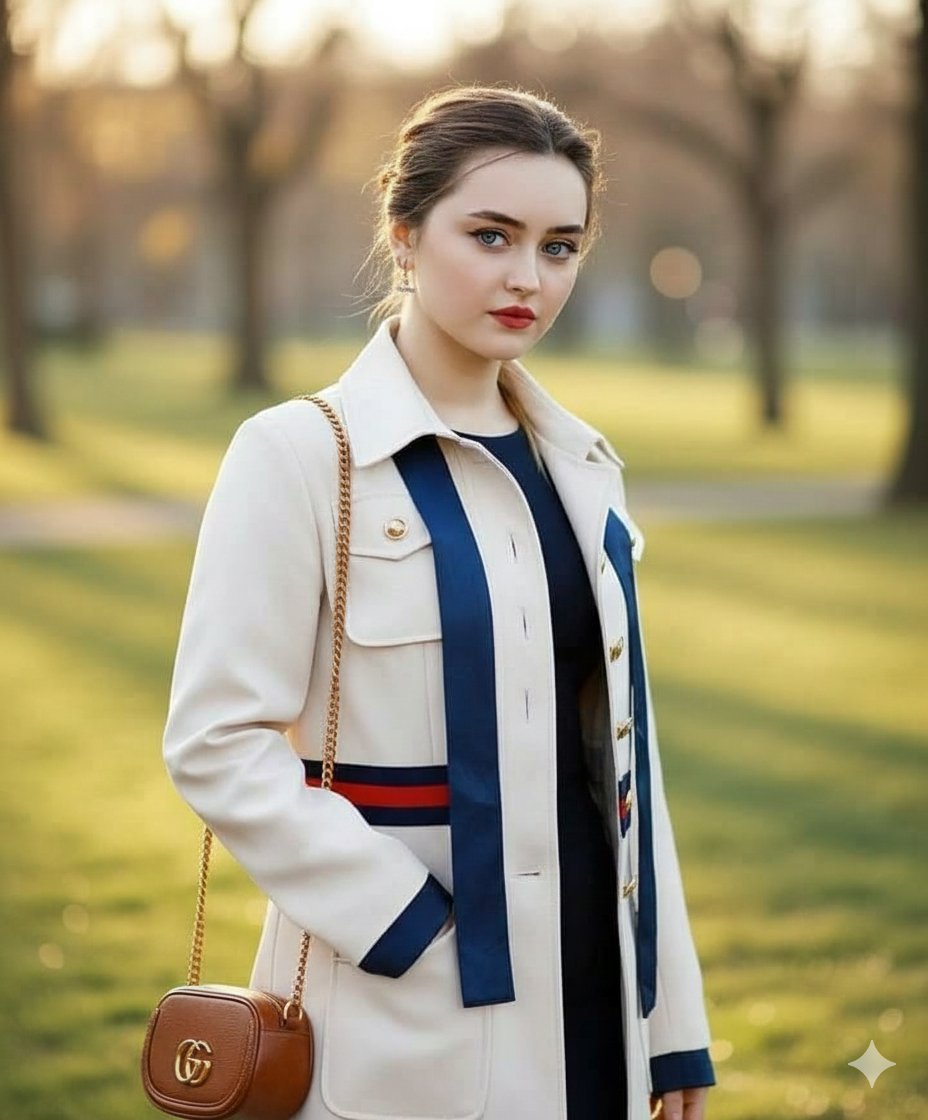
Vogue Style Luxury Trench Coat Fashion Portrait

80s College Gate

1988 Mall Style

80s Polka Dot Saree

Ballroom Floor Reflections

Vintage Camera Leather Case

Hedge Maze Aerial Dawn

Tuxedo Cuff Adjust

Carriage House Courtyard

Monochrome Jazz Club
Make it yours
Luxury Trench Fashion Ad works as-is. These are the safest ways to change it without losing the look.
Change one field
Copy a single group, rewrite it, and generate again so you can see what that field is doing.
Keep the frame, change the subject
Hold the composition and light of Luxury Trench Fashion Ad, then swap wardrobe, props or the person for a new take.
| If the result… | Why | Fix |
|---|---|---|
| The result drifts from the preview | Too many fields changed at once. | Reuse Luxury Trench Fashion Ad as-is first, then change one group — subject, light, or setting. |
| The model over-stylizes the scene | The prose prompt leaves finish and camera underspecified. | Add one camera or lighting sentence and stay on GPT Image 2. |
More GPT Image 2 templates
Other prompts made for GPT Image 2.

Six VTuber Japanese Logo Sheet

Realistic Portrait of Woman and Deer

The Vista Modular Condo Poster

AI Model Routing Comparison Infographic

2.5D Anime Art Board

Isometric Productivity Desk Scene

New York Double Exposure Poster

Four-Panel AI Landscape Comparison

Japanese Tatami Lifestyle Magazine Cover

NESCAFÉ Coffee Map Poster
More image prompts
Fresh picks from across the catalog.
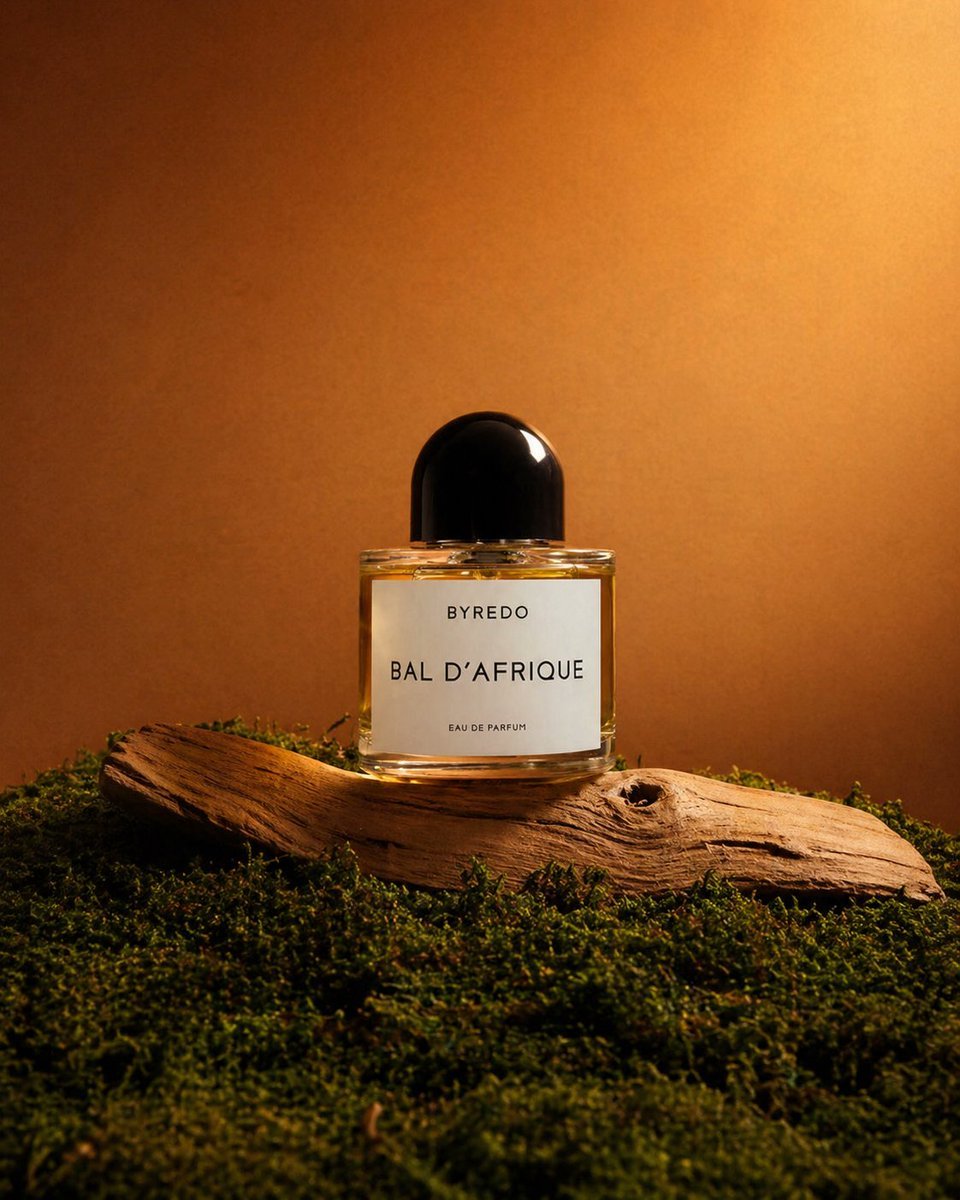
Editorial Perfume Shot on Moss
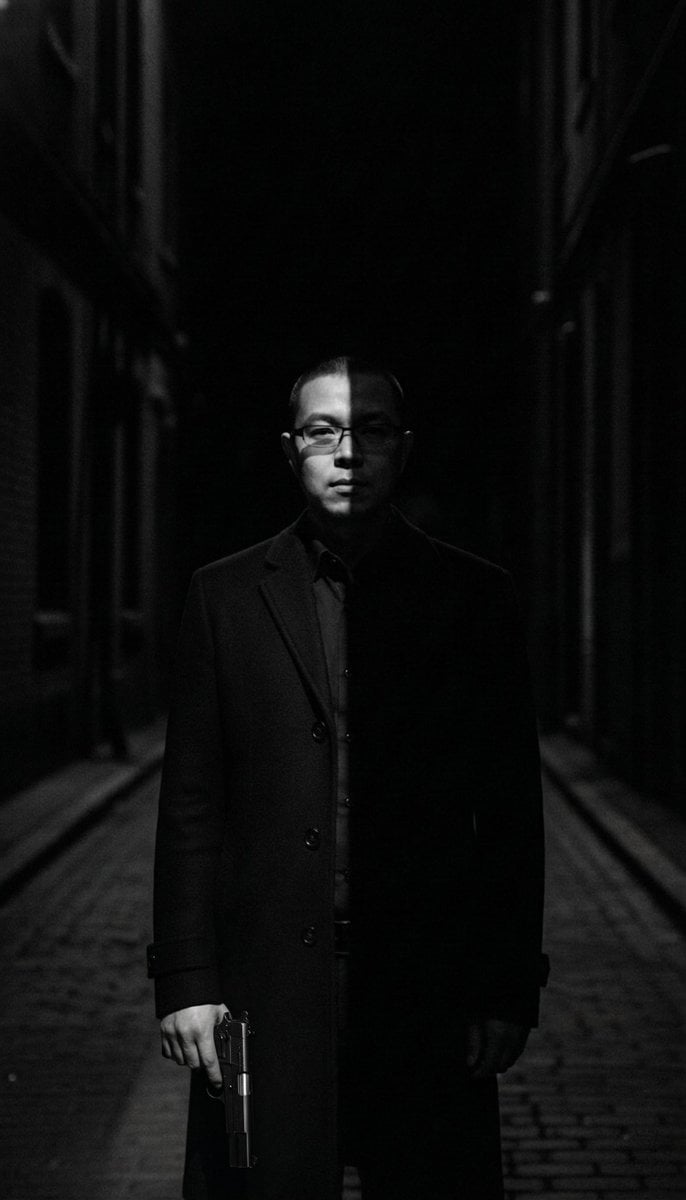
Film Noir Cleaner Portrait Prompt for Nano Banana Pro
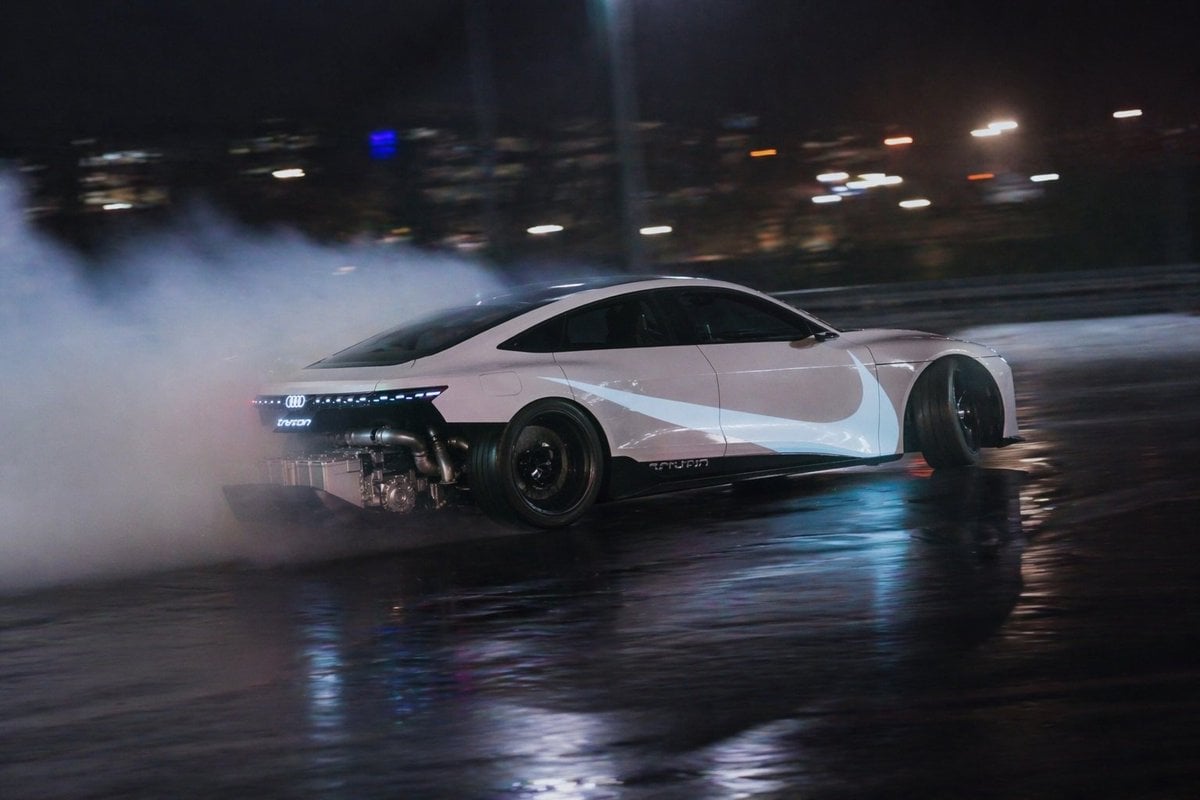
Night Drift Futuristic Sports Sedan
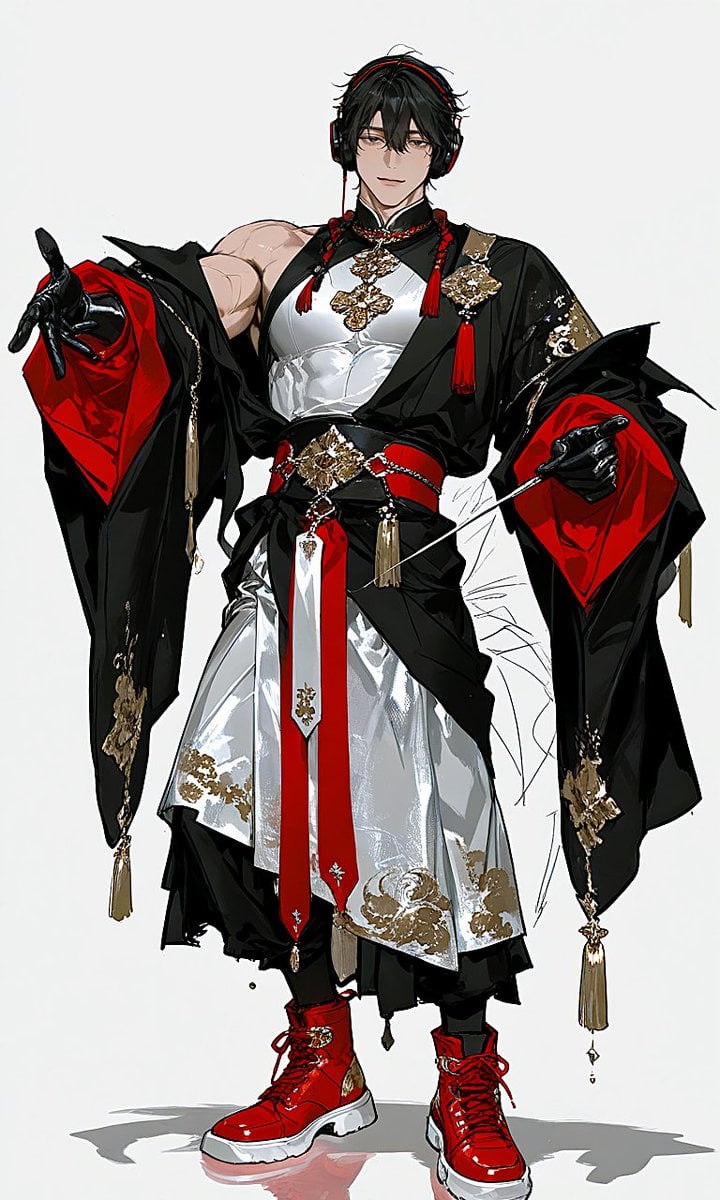
Japanese-Western Fusion Fashion Model
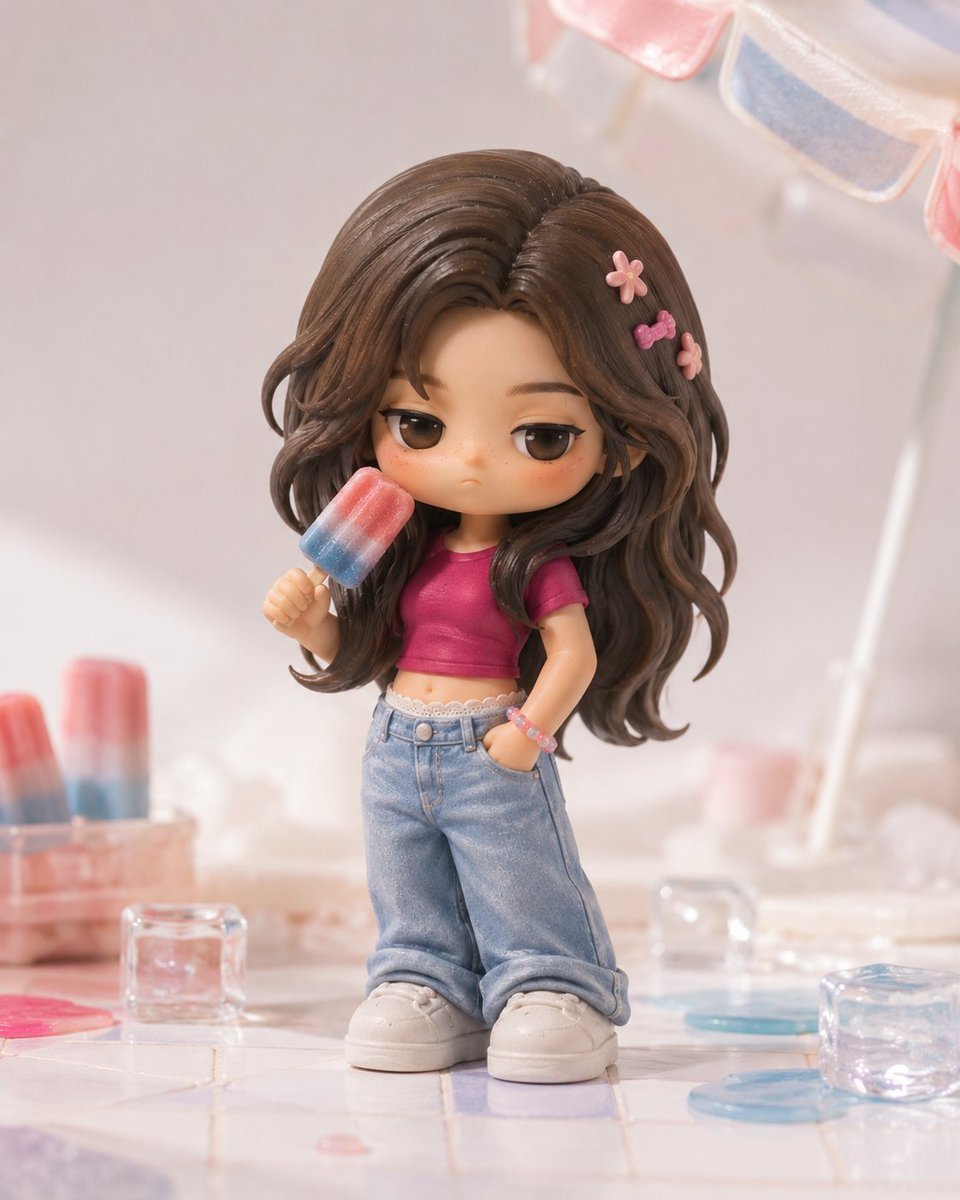
Pop Mart Hirono Style Custom Figure Prompt
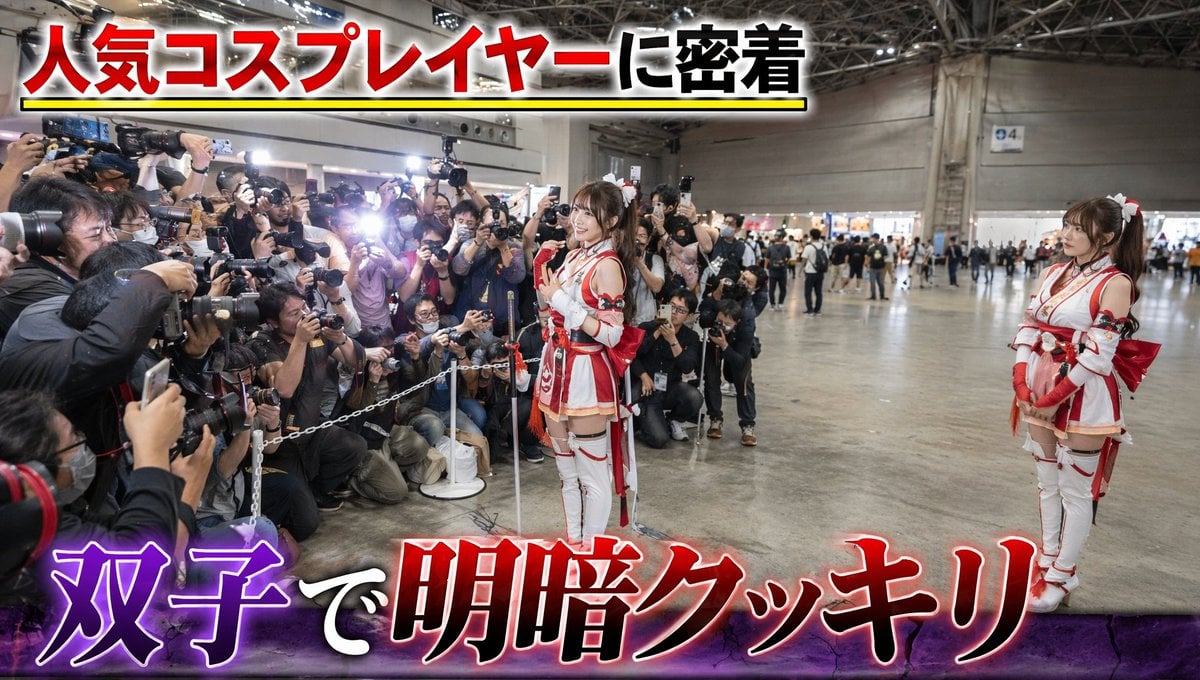
Twin Cosplayers Popularity Contrast

ASCII Art with Strawberry
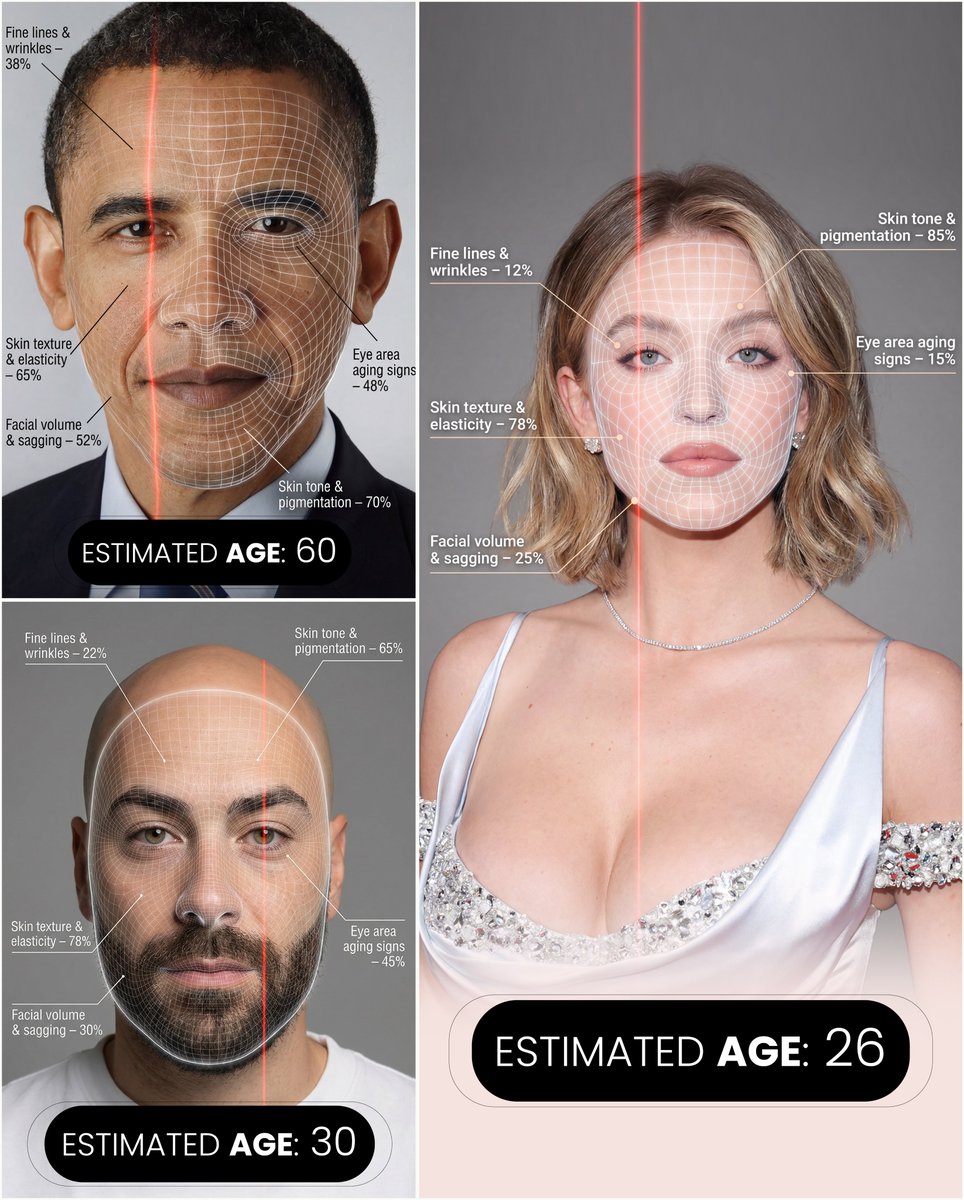
Futuristic facial age-checker infographic portrait

Candid Bird Contest Meme Photo
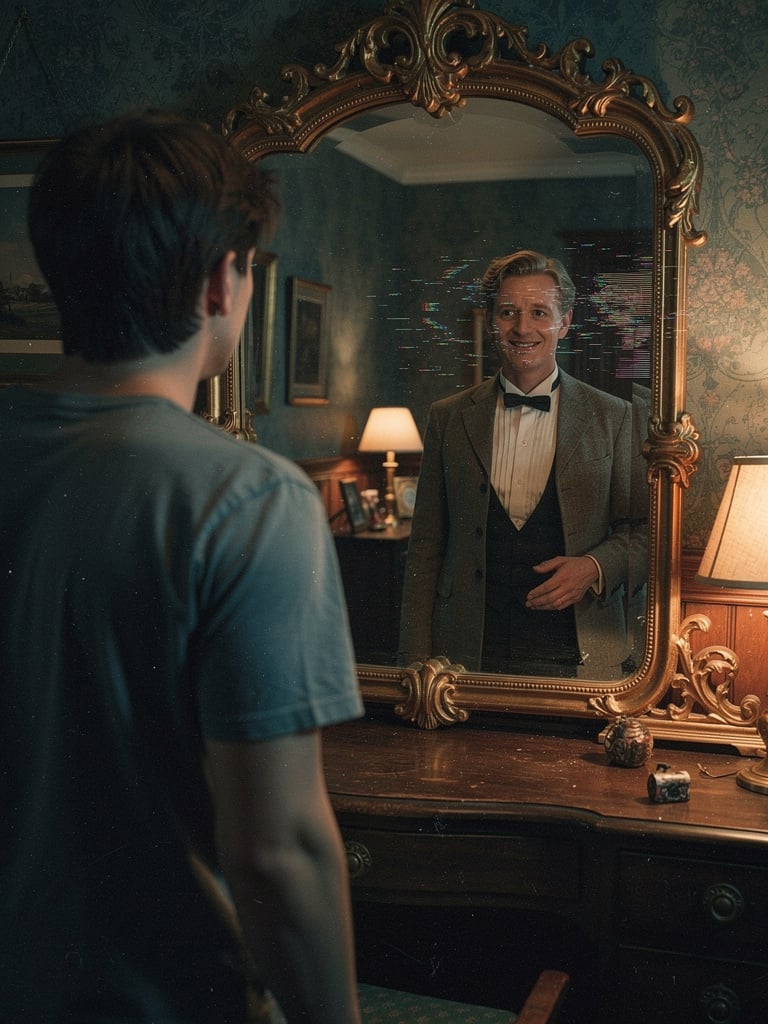
Body Swap Mirror Reflection
Browse template categories
Luxury Trench Fashion Ad questions
How do I use the Luxury Trench Fashion Ad template?
Add your photo if the template asks for one, edit the prompt if you like — the template's model and format are already selected — and press Generate. Your version opens in PicX Studio.
Can I customize the Luxury Trench Fashion Ad template?
Yes. You can change the subject, setting, lighting, mood, format, and available model controls before creating your image.
Is the Luxury Trench Fashion Ad template free?
Opening and editing this template is free. Generating uses credits, shown on the Generate button when you are signed in.
Which AI model should I use?
Start with GPT Image 2, which is the model associated with this template. You can compare another compatible model for a different finish.
Looking for something else? Browse all templates.

Your photo, any look
Thousands of ready templates for every top image and video model, from one credit balance.