
Japanese-Western Fusion Fashion Model
Generates a full-body anime character fashion concept with a luxurious black, white, red, and gold kimono-streetwear hybrid outfit.
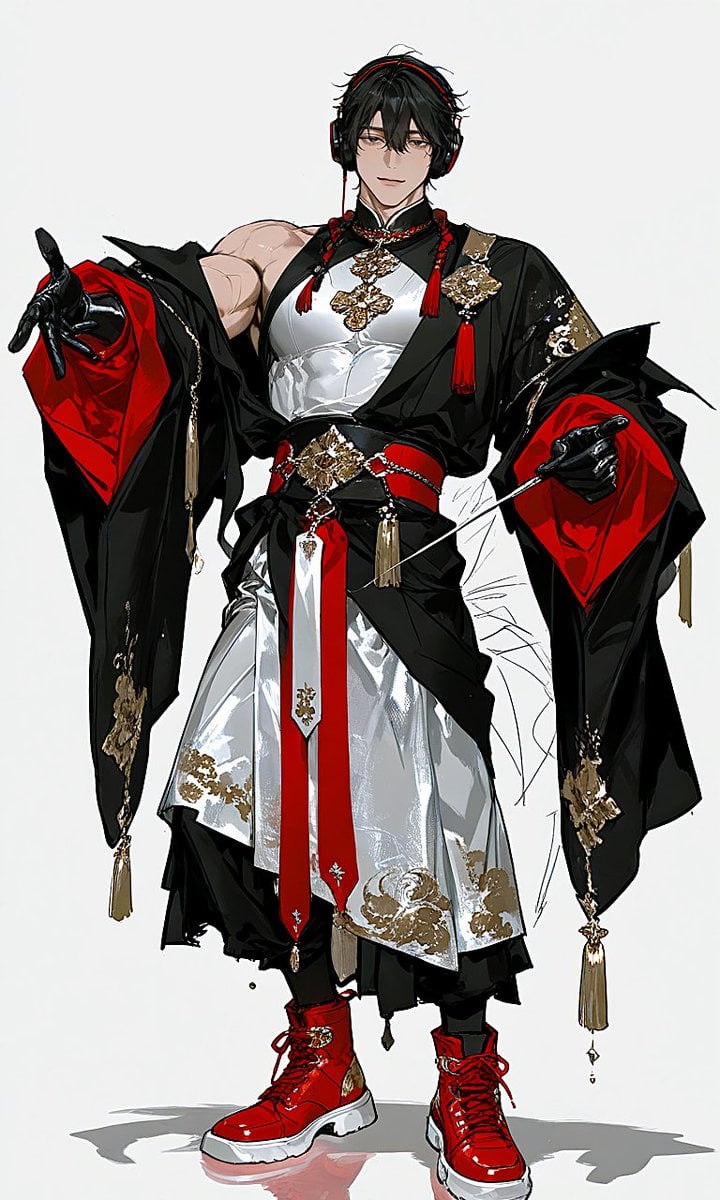
- Prompt included
- Model and format preset
- Free template
The prompt behind this image
Copy the exact prompt behind Japanese-Western Fusion Fashion Model, or open it in the studio and make it yours.
Create a full-body anime fashion character concept illustration on a clean white studio background, featuring {argument name="character name" default="a tall androgynous fashion model"} in a dramatic Japanese-Western fusion outfit. The character stands front-facing in a confident runway pose, one arm extended outward and the other slightly raised, with a powerful muscular upper body, black messy short hair, large black over-ear headphones with red accents, and the face intentionally obscured by a soft rectangular blur with no visible facial features. Use a high-contrast glossy illustration style with sharp ink lines, painterly highlights, and luxury fashion detailing. The outfit has exactly 12 prominent visible components: 1 black kimono-style outer robe with wide flowing sleeves, 2 vivid red satin sleeve linings, 3 white fitted sleeveless chest garment, 4 layered white skirt/apron panels with metallic silver shine, 5 black underlayer trousers or hakama folds, 6 wide black waist sash, 7 red belt straps crossing the waist, 8 long red front hanging panel like a stole or tie, 9 black glossy gloves, 10 red chunky lace-up boots with white soles, 11 black-and-red headphones, 12 gold ornamental brooches, chains, tassels, and embroidered appliques. Include exactly 8 noticeable hanging tassel ornaments: two red tassels near the collar, two red tassels at the upper chest, two long gold tassels hanging from the sleeve edges, one gold tassel at the waist, and one small dangling gold charm below the front panel. The color palette should be {argument name="primary palette" default="black, white, vivid crimson red, metallic gold, and silver"}. Add ornate gold floral embroidery on the sleeves, skirt hem, chest, belt centerpiece, and lower robe edges, with a luxurious ceremonial costume feeling. The boots should be glossy bright red, oversized and modern, contrasting with the traditional robe silhouette. Add a subtle gray cast shadow and faint floor reflection beneath the feet. Keep the composition vertical, centered, fashion-design-sheet-like, with no text, no logo, no background scenery, and no extra characters.
How to use Japanese-Western Fusion Fashion Model in 3 steps
- 1Upload ImagePNG, JPG or paste
Add your photo
Upload the photo the template builds on. The prompt, model and format are already set.
- 2…a portrait of your subject in softgolden-hour light, 85mm…
Personalize
Edit the subject and creative details for your destination.
- 3Generate
Generate
Press Generate — your image is created in PicX Studio, so you can compare it with the original and refine one variable at a time.
More like this
Templates with the same subject, style or setup. Open one to see its prompt.

Blue Backdrop Luxury Fashion Portrait Campaign

Korean Model Floating Magazine Pages Campaign

80s College Gate

1988 Mall Style

80s Polka Dot Saree

Avant-Garde Asian Fashion Model

Minecraft Japanese Research Lab Exploration
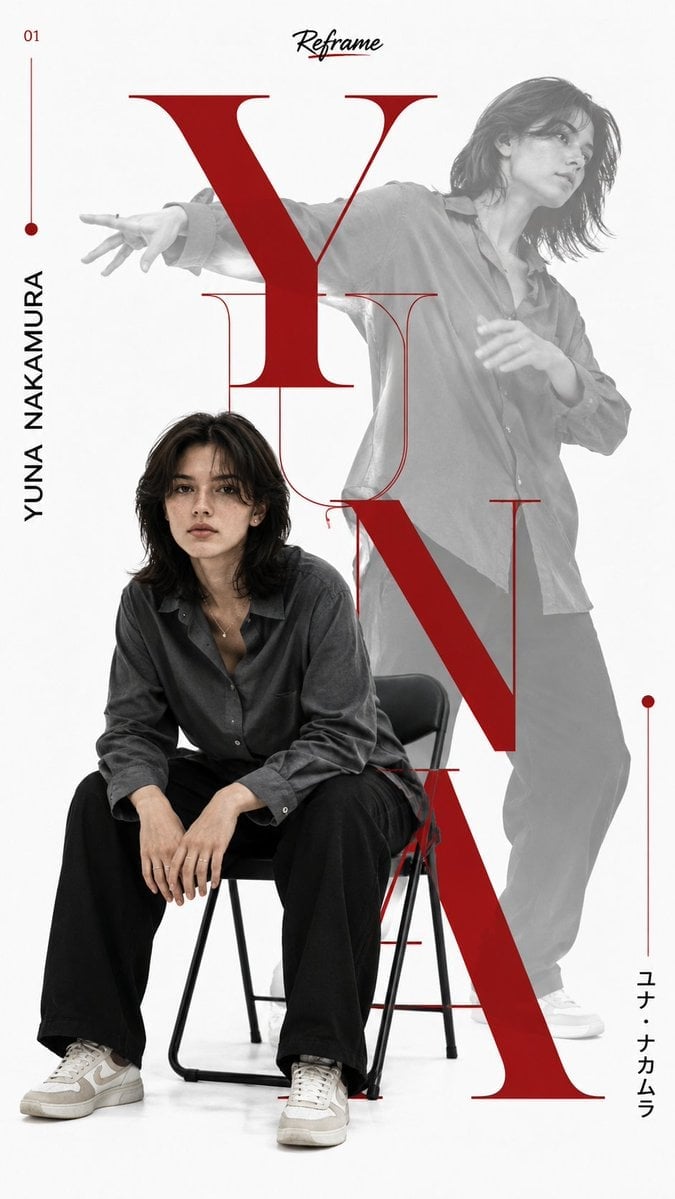
Japanese Minimalist Editorial Fashion Poster
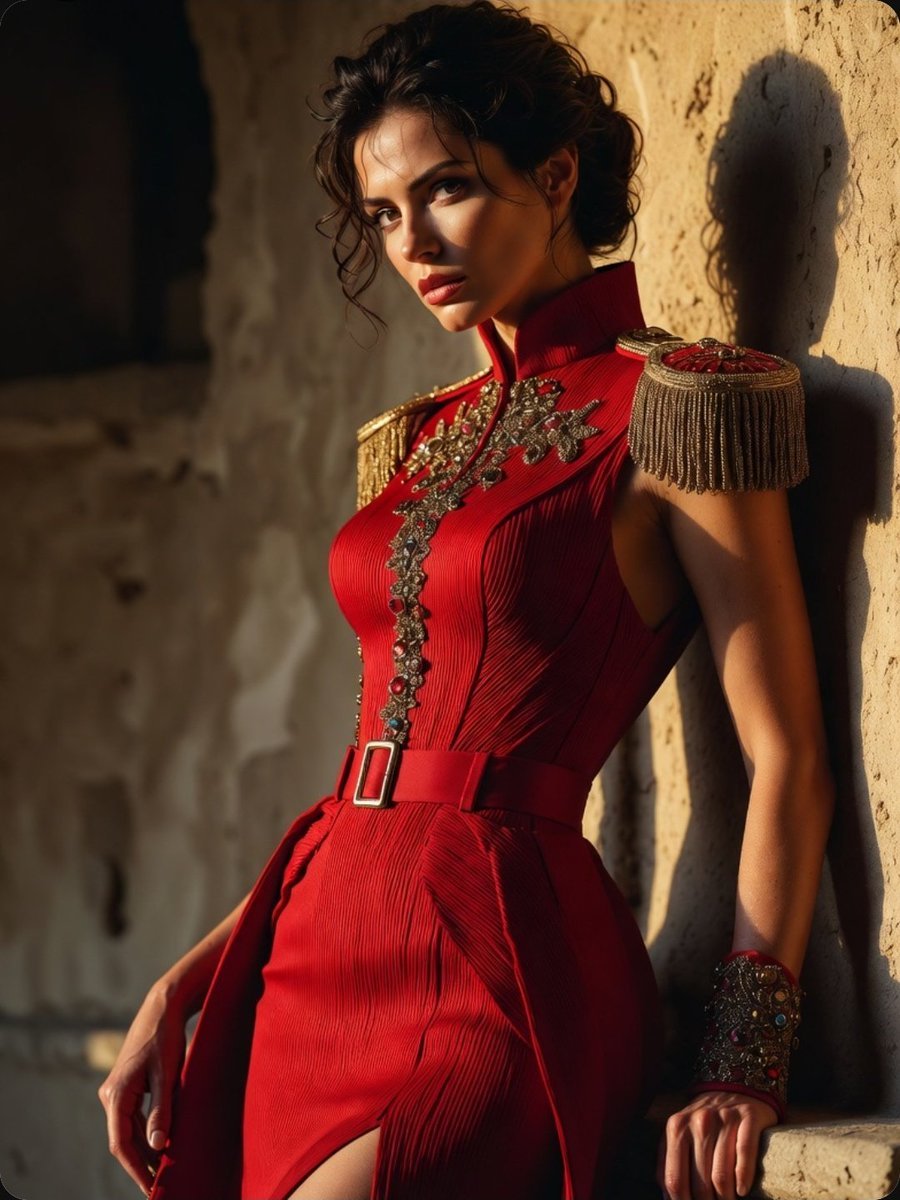
Regal Military-Inspired Fashion Model
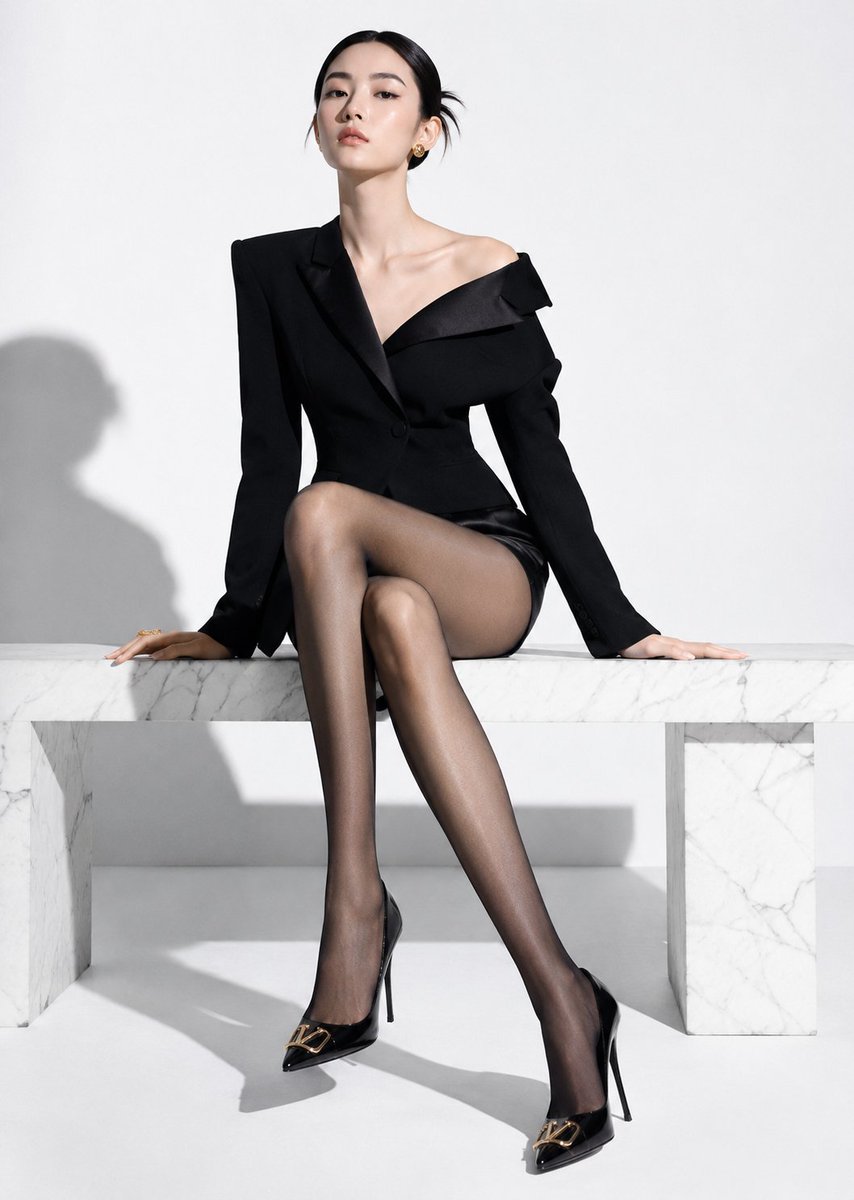
High-End Fashion Editorial Shoot with Chinese Model

FLORAVERSE BOTANICAL FUSION

Urban Fashion Editorial Collage Streetwear Poster
Make it yours
Japanese-Western Fusion Fashion Model works as-is. These are the safest ways to change it without losing the look.
Change one field
Copy a single group, rewrite it, and generate again so you can see what that field is doing.
Keep the frame, change the subject
Hold the composition and light of Japanese-Western Fusion Fashion Model, then swap wardrobe, props or the person for a new take.
| If the result… | Why | Fix |
|---|---|---|
| The result drifts from the preview | Too many fields changed at once. | Reuse Japanese-Western Fusion Fashion Model as-is first, then change one group — subject, light, or setting. |
| The model over-stylizes the scene | The prose prompt leaves finish and camera underspecified. | Add one camera or lighting sentence and stay on GPT Image 2. |
More GPT Image 2 templates
Other prompts made for GPT Image 2.

Six VTuber Japanese Logo Sheet

Realistic Portrait of Woman and Deer

The Vista Modular Condo Poster

AI Model Routing Comparison Infographic

2.5D Anime Art Board

Isometric Productivity Desk Scene

New York Double Exposure Poster

Four-Panel AI Landscape Comparison

Japanese Tatami Lifestyle Magazine Cover

NESCAFÉ Coffee Map Poster
More image prompts
Fresh picks from across the catalog.
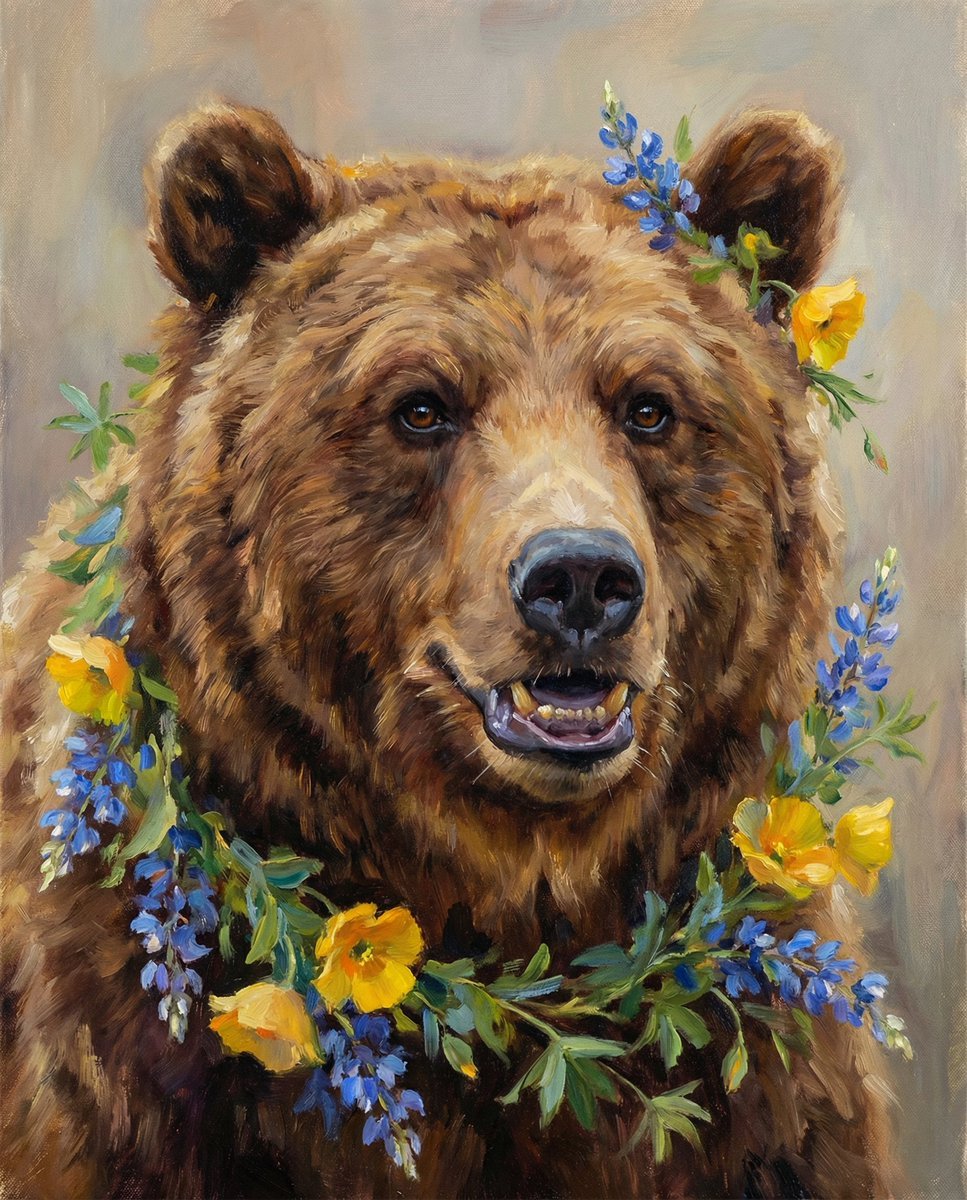
Nano Banana Pro Prompt (ALT Text)

Night Sports Car Portrait — Cinematic Moody
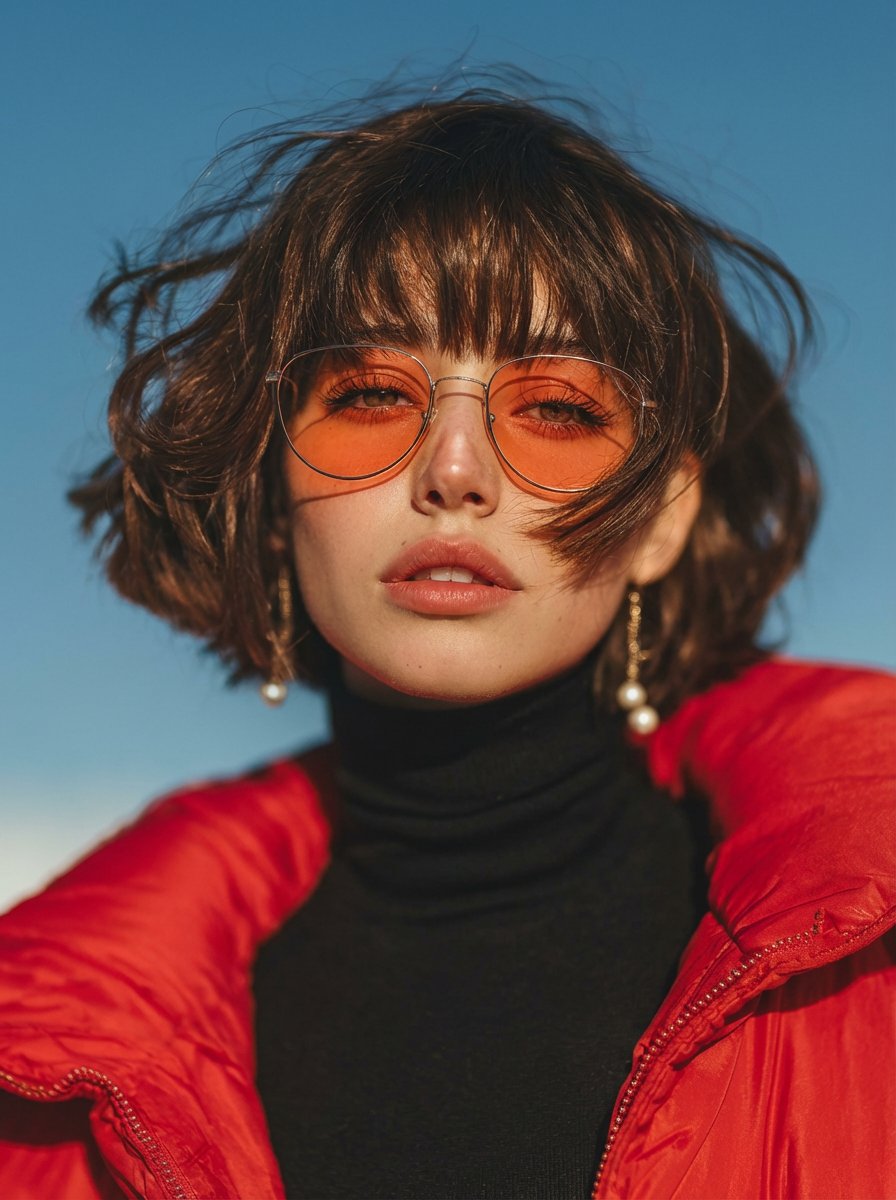
Vogue Style Red Puffer Jacket Portrait Prompt
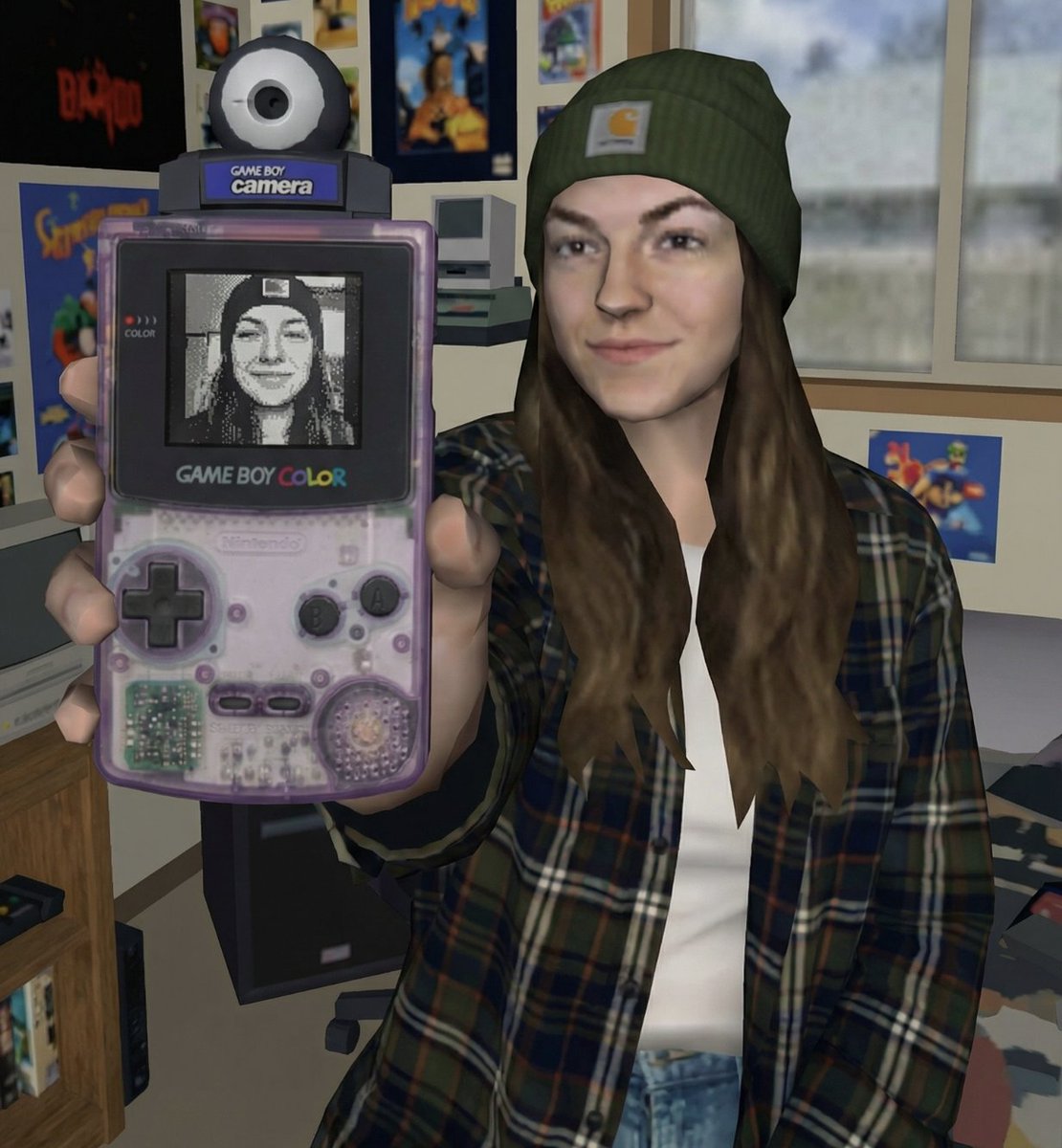
Early 2000s Video Game Render Style Transfer
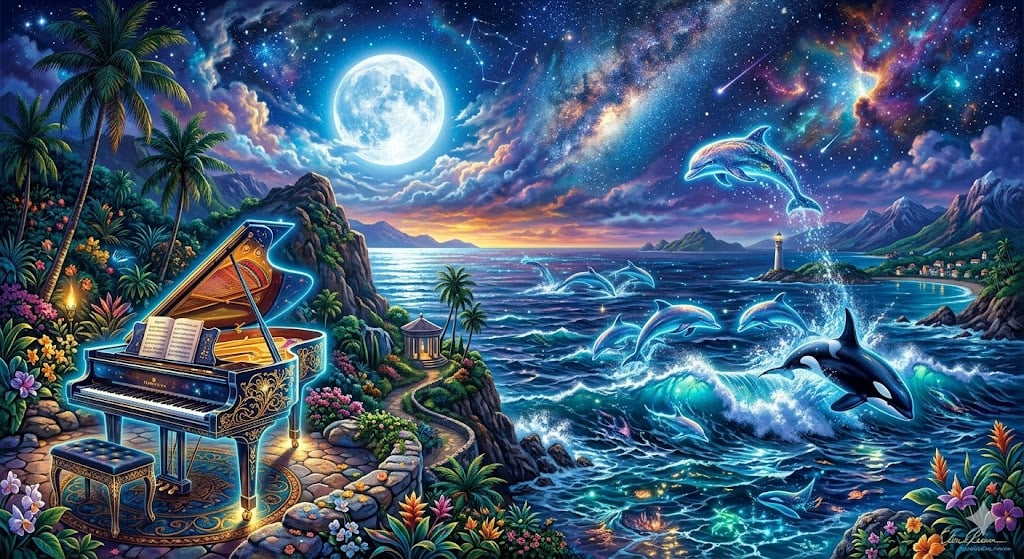
Chopin's Fantaisie-Impromptu in Lassen Style
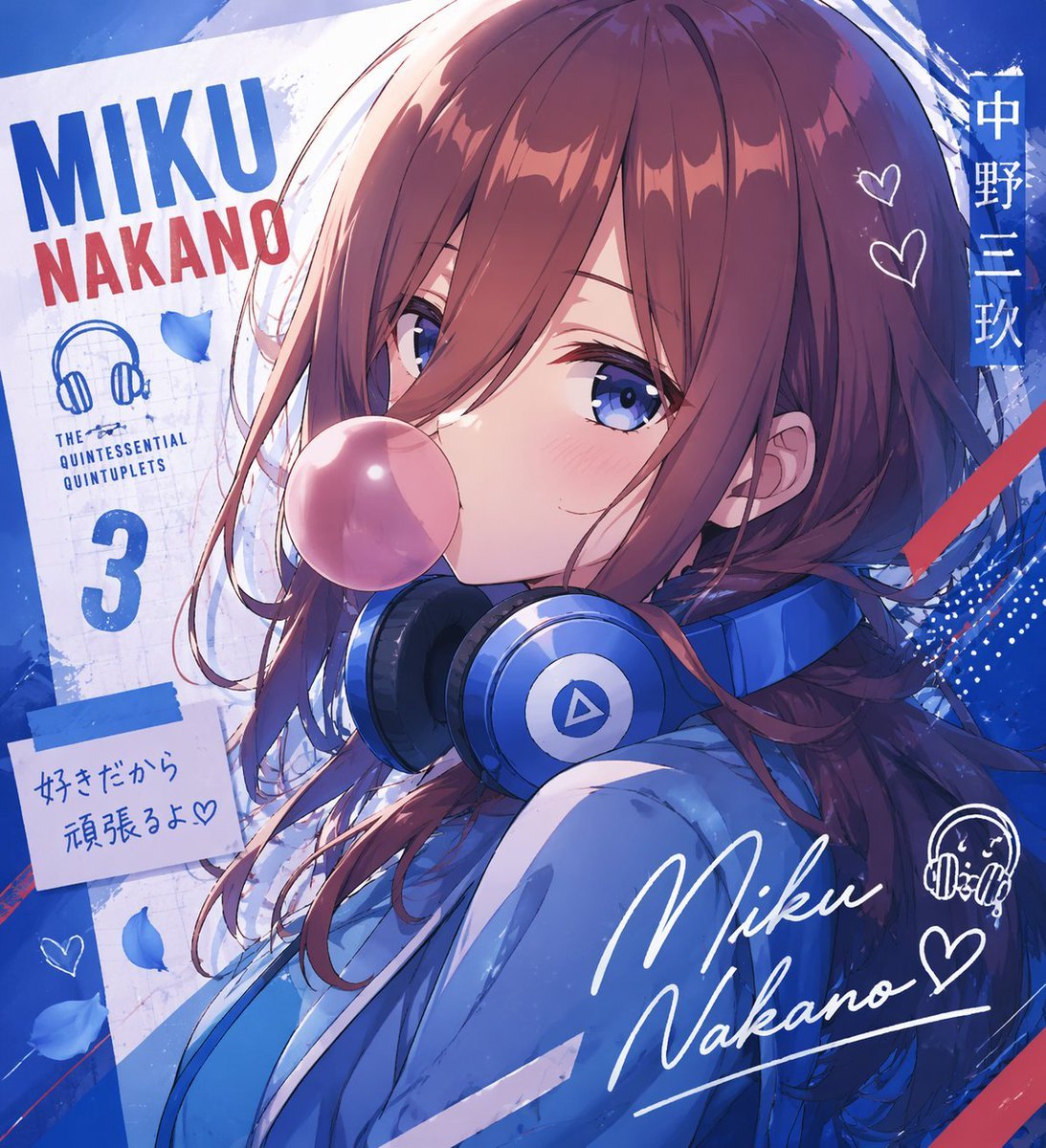
Anime Character Typography Poster
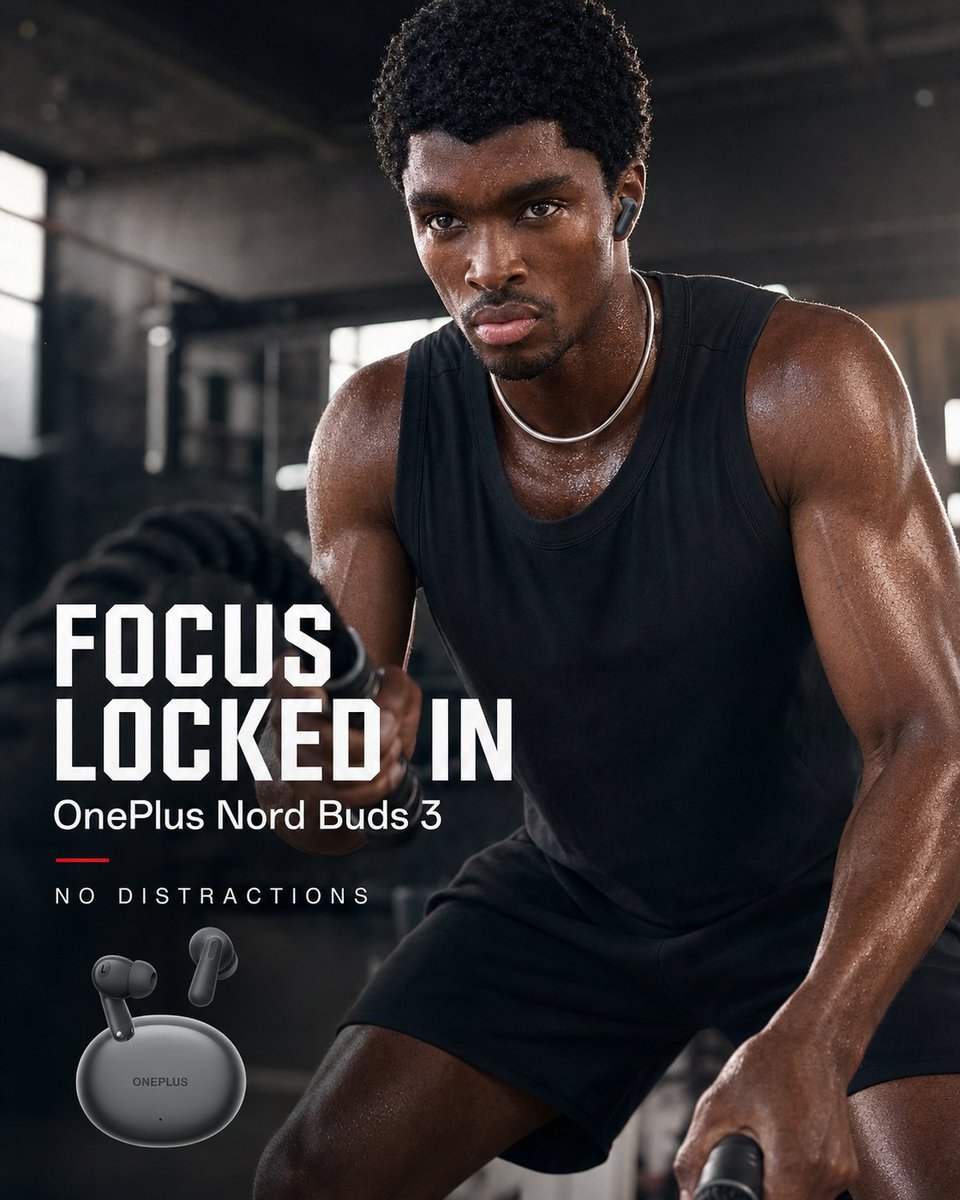
OnePlus Fitness Earbuds Ad
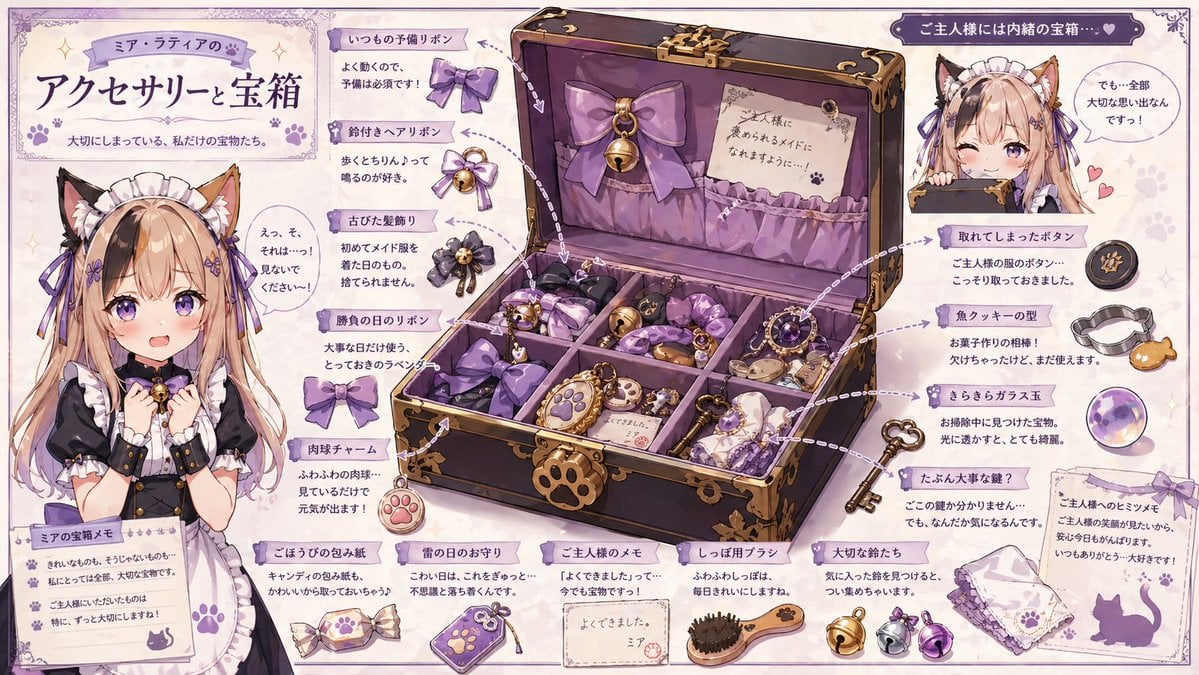
Cat Maid Treasure Box Reference Sheet
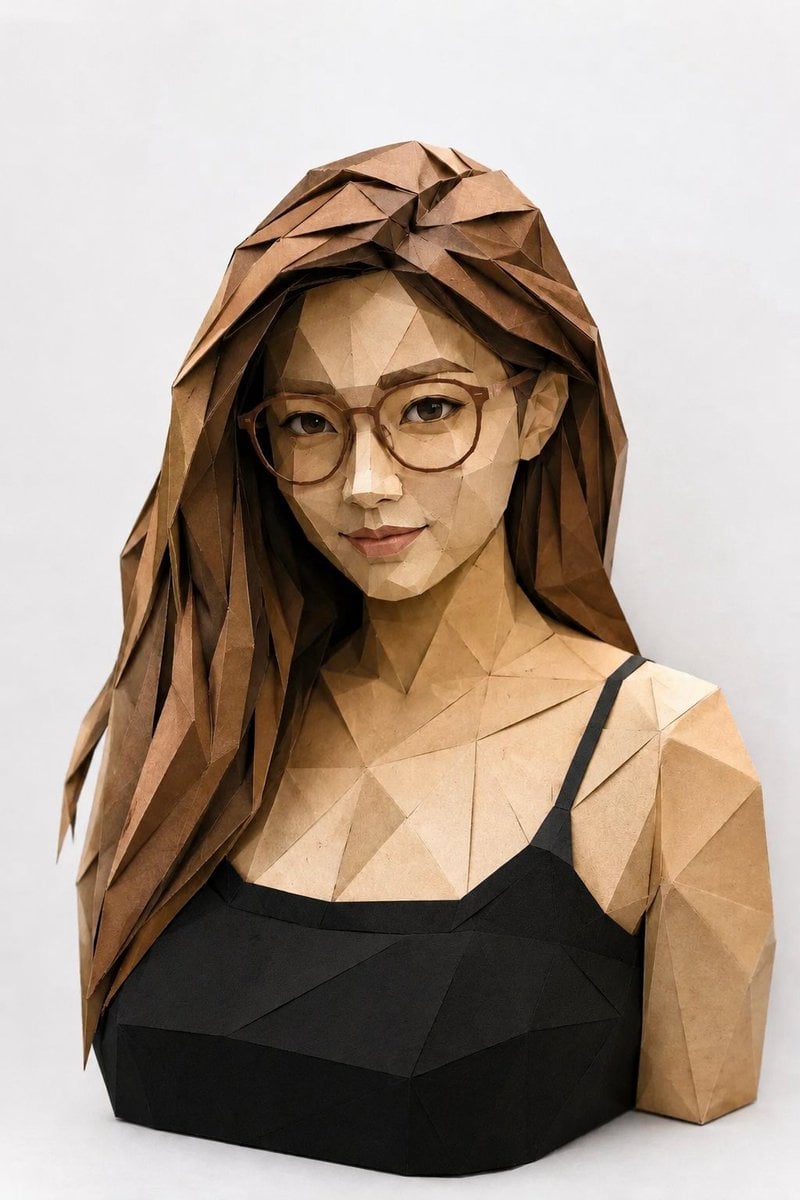
Low-Poly Origami Papercraft Portrait
Seedance - Arrow Microscopic Battle
Browse template categories
Japanese-Western Fusion Fashion Model questions
How do I use the Japanese-Western Fusion Fashion Model template?
Add your photo if the template asks for one, edit the prompt if you like — the template's model and format are already selected — and press Generate. Your version opens in PicX Studio.
Can I customize the Japanese-Western Fusion Fashion Model template?
Yes. You can change the subject, setting, lighting, mood, format, and available model controls before creating your image.
Is the Japanese-Western Fusion Fashion Model template free?
Opening and editing this template is free. Generating uses credits, shown on the Generate button when you are signed in.
Which AI model should I use?
Start with GPT Image 2, which is the model associated with this template. You can compare another compatible model for a different finish.
Looking for something else? Browse all templates.

Your photo, any look
Thousands of ready templates for every top image and video model, from one credit balance.