
Seedance - Arrow Microscopic Battle
Seedance - Arrow Microscopic Battle is a ready photo look.
- Prompt included
- Model and format preset
- Free template
The prompt behind this image
Copy the exact prompt behind Seedance - Arrow Microscopic Battle, or open it in the studio and make it yours.
Epic wide-angle shot of a vast ancient battlefield at golden hour, thousands of warriors clashing with swords and shields under a hazy amber sky thick with smoke and ash. A lone archer in weathered bronze armor, face streaked with dirt, draws a longbow with deliberate tension. The arrow releases with a sharp twang. Camera immediately snaps behind the arrow, tracking it in extreme slow motion as it cuts through drifting smoke and falling embers. Shallow depth of field keeps the arrow razor-sharp while the chaotic battlefield blurs behind. The camera pushes closer, tighter, until the wooden shaft fills the frame — revealing intricate carved runes and weathered grain. Seamless transition to macro scale: the arrow's surface becomes a landscape. A microscopic civilization of tiny warriors the size of splinters wages war across the fletching. Miniature catapults hurl fragments of dust. Warriors scale the carved runes like canyon walls. Torches flicker. Banners wave. All rendered with
How to use Seedance - Arrow Microscopic Battle in 3 steps
- 1
Open
The prompt is already in the box next to the preview, with the template's model and format selected.
- 2…a portrait of your subject in softgolden-hour light, 85mm…
Personalize
Edit the subject and creative details for your destination.
- 3Generate
Generate
Press Generate — your image is created in PicX Studio, so you can compare it with the original and refine one variable at a time.
More like this
Templates with the same subject, style or setup. Open one to see its prompt.
Seedance - Dragon vs Python Battle
Seedance - Brand Commercial
JSON Seedance - Fairy Macro Flight
Seedance - Epic Fight Scene
Seedance - Street Bull Incident
Videogame Cinematic Trailer - Seedance 2.0

Japanese Romance Short Film Seedance 2 0

Transformation the Bus Seedance 2 0 Robo

Transformation the Burger Seedance 2 0 a

untitled

untitled

untitled
Make it yours
Seedance - Arrow Microscopic Battle works as-is. These are the safest ways to change it without losing the look.
Change one field
Copy a single group, rewrite it, and generate again so you can see what that field is doing.
Keep the frame, change the subject
Hold the composition and light of Seedance - Arrow Microscopic Battle, then swap wardrobe, props or the person for a new take.
| If the result… | Why | Fix |
|---|---|---|
| The result drifts from the preview | Too many fields changed at once. | Reuse Seedance - Arrow Microscopic Battle as-is first, then change one group — subject, light, or setting. |
| The model over-stylizes the scene | The prose prompt leaves finish and camera underspecified. | Add one camera or lighting sentence and stay on PicX Studio. |
More image prompts
Fresh picks from across the catalog.
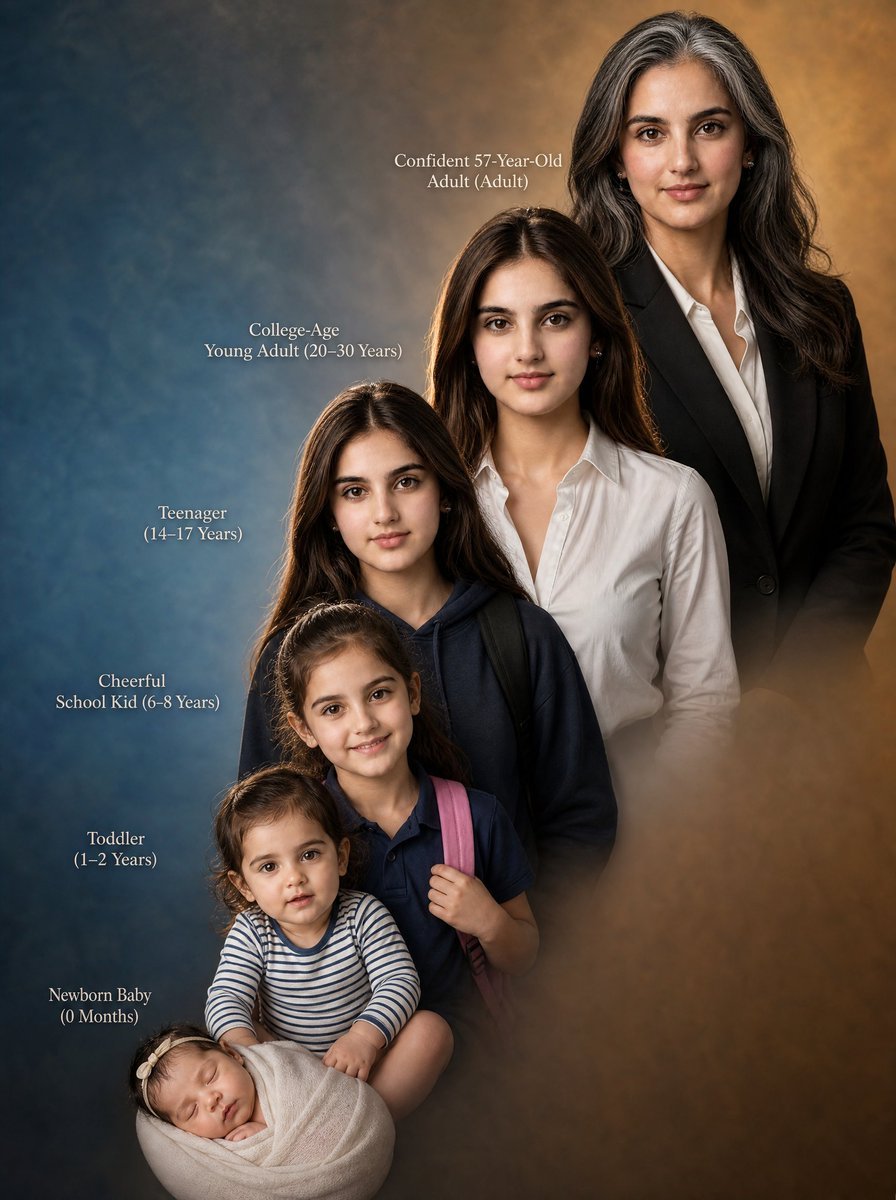
Female Life Progression Portrait
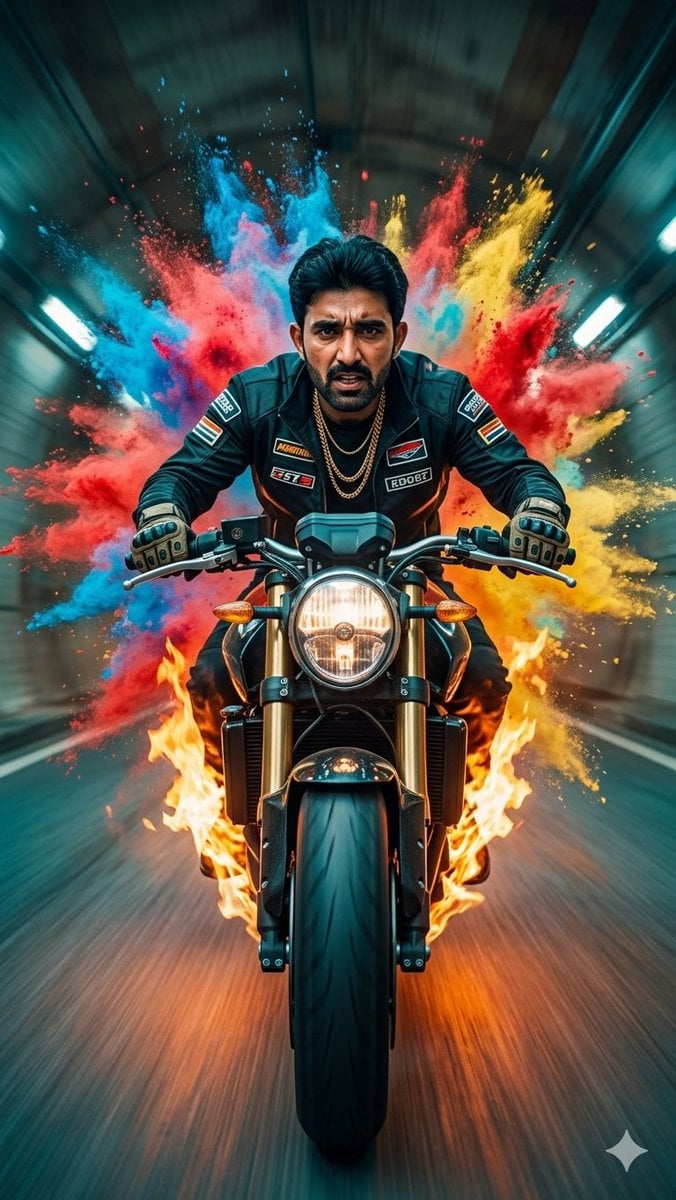
Cinematic Biker Powder Explosion
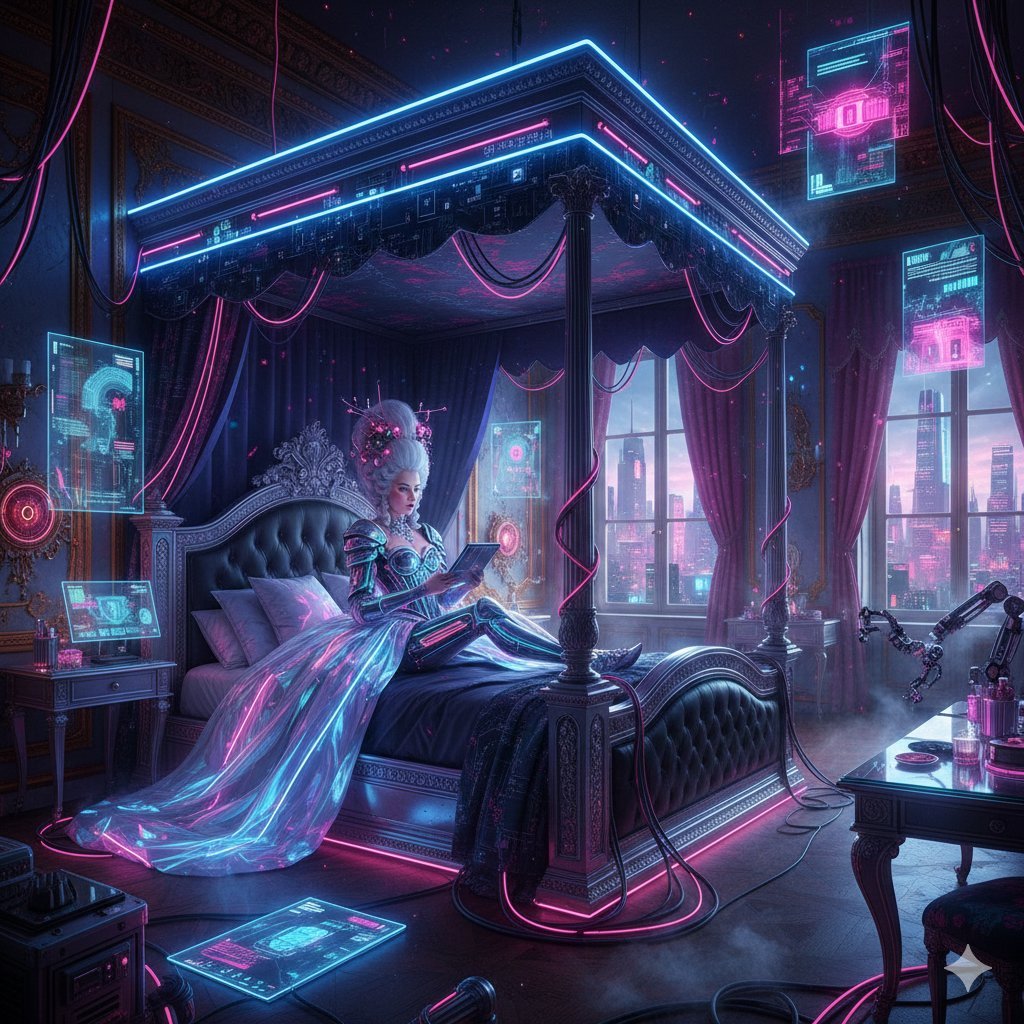
Cyberpunk Versailles Palace Generation
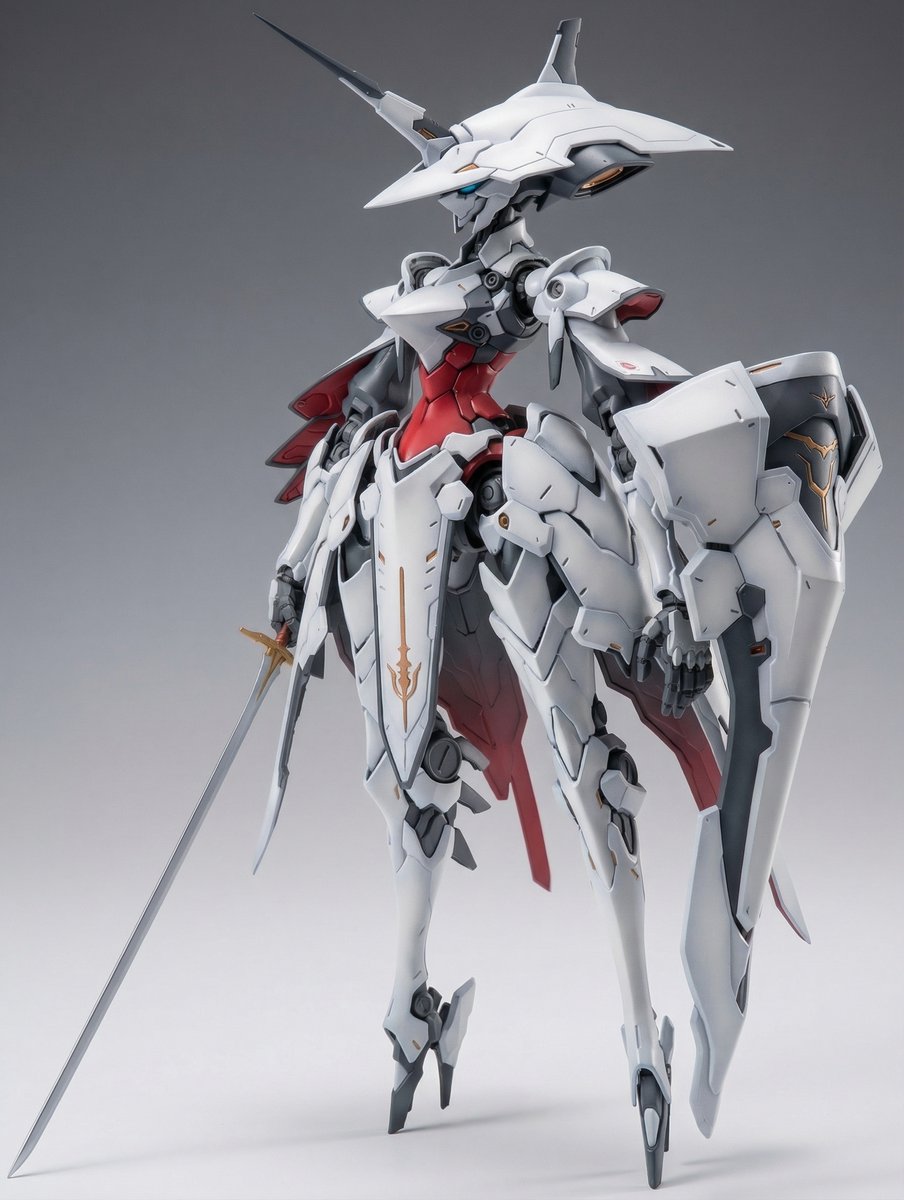
Full Armor Mecha Girl model kit concept prompt
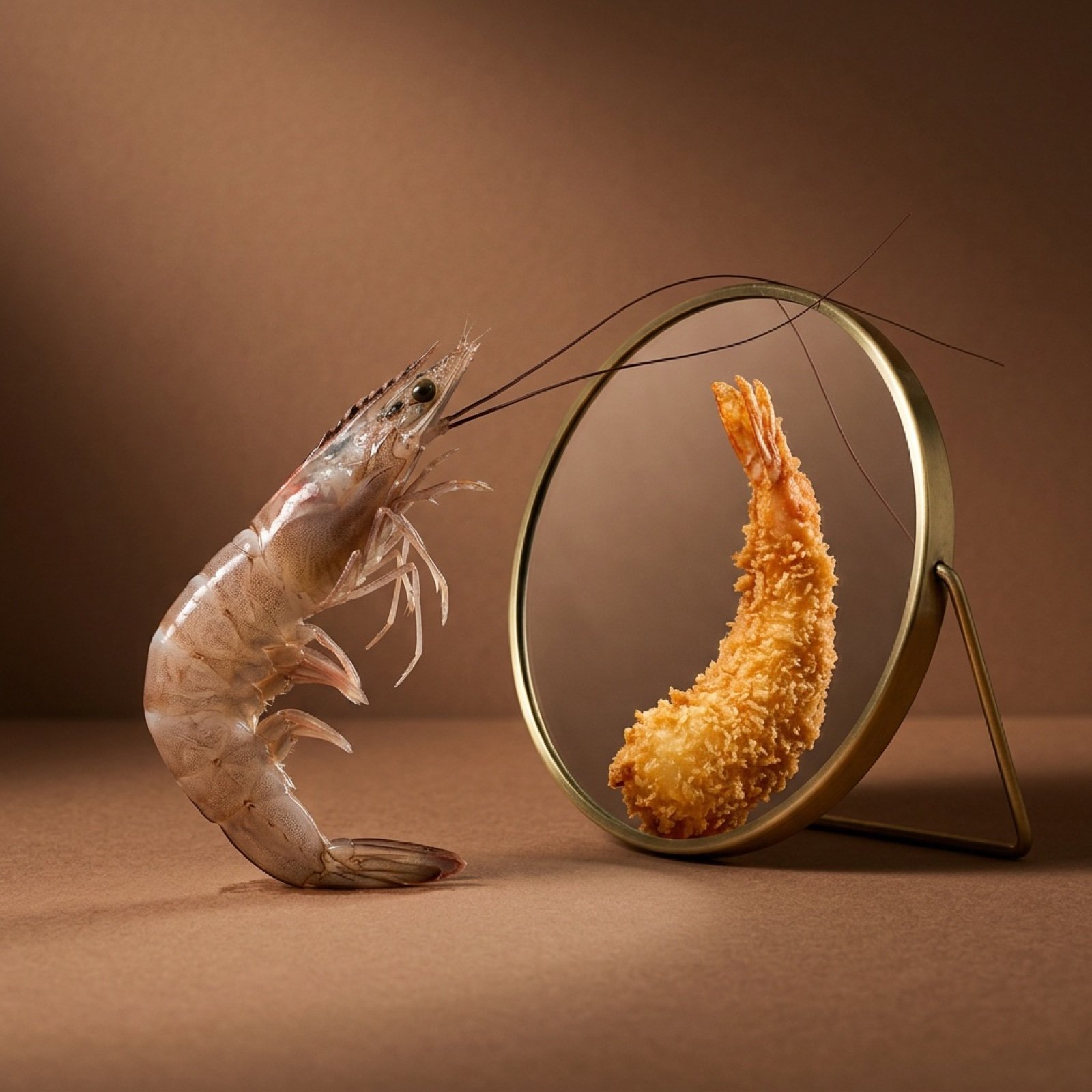
Surreal Food Still Life Prompt (Shrimp Transformation)
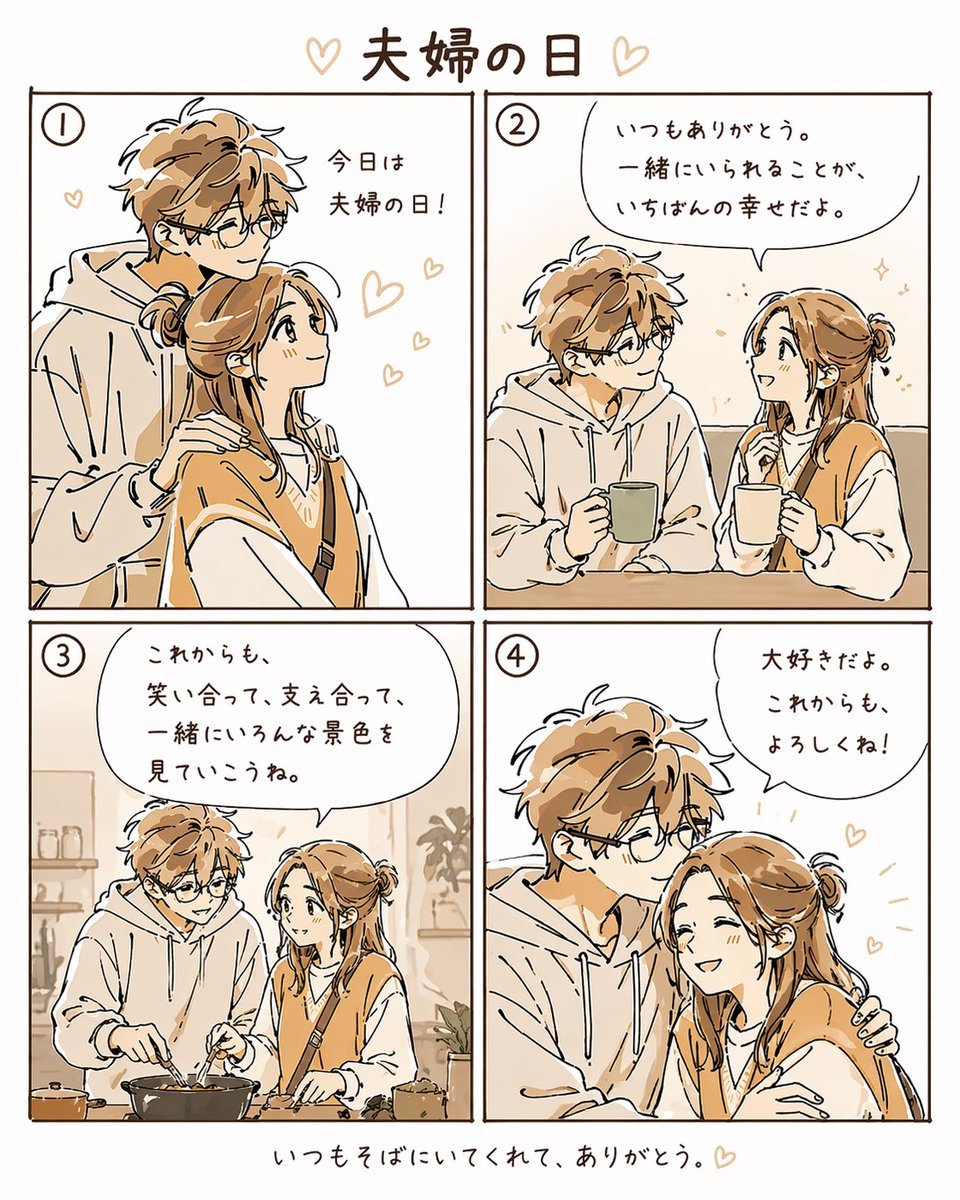
Warm Beige Married Couple 4-Panel Comic

Gpt2 E Commerce Main Image Miniature Diorama Skincare Advertisement
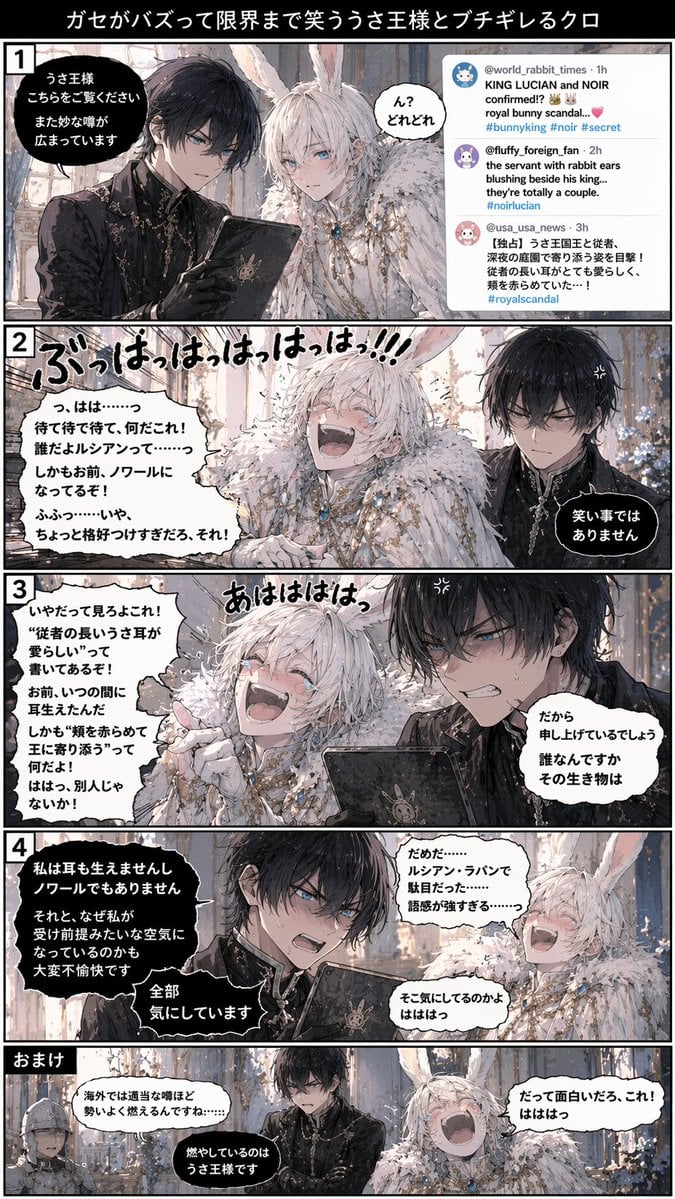
Vertical 5-Panel Anime Comic Strip
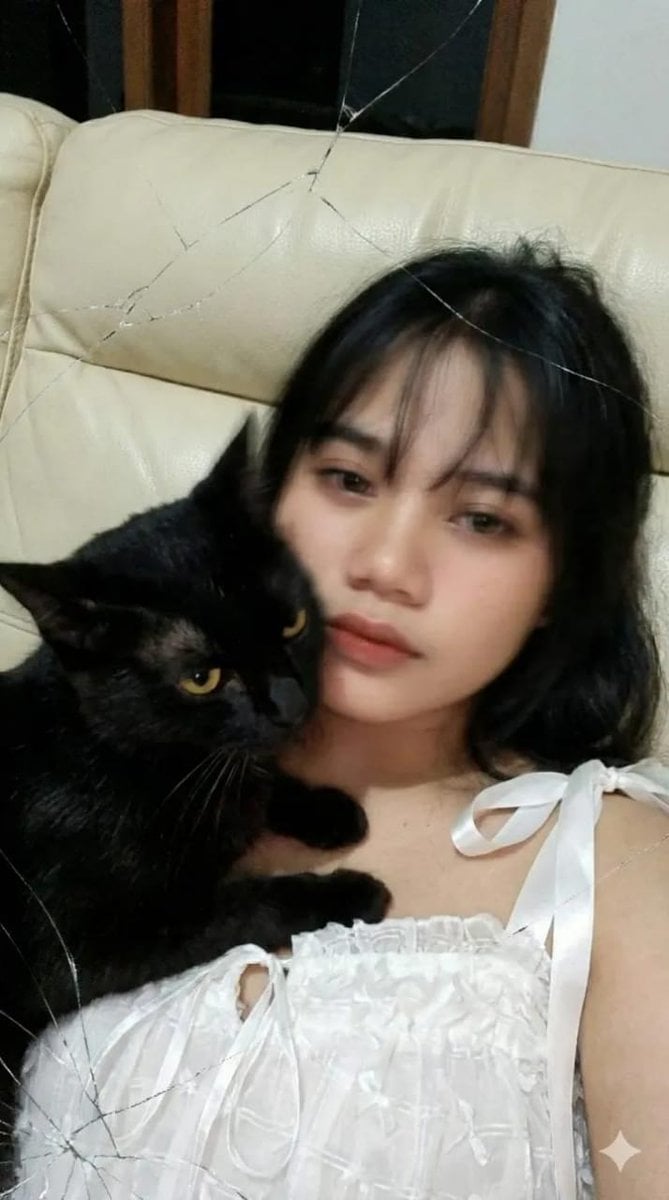
Low-Resolution Motion-Blurred Selfie with Cat
High Fashion Red Backdrop Portrait
Featured in prompt roundups
Hand-picked collections that include this template.
Browse template categories
Seedance - Arrow Microscopic Battle questions
How do I use the Seedance - Arrow Microscopic Battle template?
Add your photo if the template asks for one, edit the prompt if you like — the template's model and format are already selected — and press Generate. Your version opens in PicX Studio.
Can I customize the Seedance - Arrow Microscopic Battle template?
Yes. You can change the subject, setting, lighting, mood, format, and available model controls before creating your image.
Is the Seedance - Arrow Microscopic Battle template free?
Opening and editing this template is free. Generating uses credits, shown on the Generate button when you are signed in.
Which AI model should I use?
Choose a compatible model in PicX Studio based on the style, speed, and output controls your project needs.
Looking for something else? Browse all templates.

Your photo, any look
Thousands of ready templates for every top image and video model, from one credit balance.