
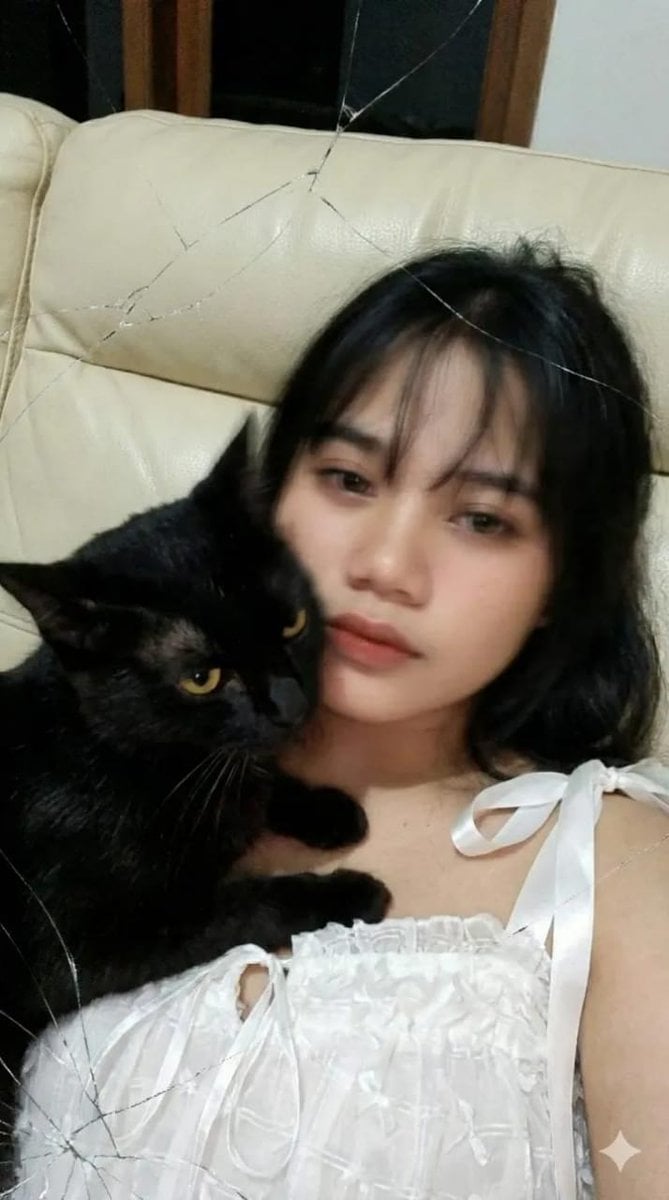
Low-Resolution Motion-Blurred Selfie with Cat
A highly specific negative prompt designed to generate a raw, imperfect, low-resolution smartphone selfie aesthetic, featuring a woman and a cat with natural, uneven motion blur caused by poor camera quality and…
- Prompt included
- Model and format preset
- Free template
The prompt behind this image
Copy the exact prompt behind Low-Resolution Motion-Blurred Selfie with Cat, or open it in the studio and make it yours.
Use the uploaded reference photo. Low-resolution smartphone close-up selfie taken with a broken front camera screen. The image shows strong natural motion blur concentrated on the woman’s face, hair, and the cat, caused by weak autofocus, slow shutter speed, and slight hand movement while lying down. Blur appears uneven and organic, with soft smearing rather than smooth artificial blur. Facial features are partially obscured but still recognizable, with eyes, nose, and mouth visible as softened shapes. A young woman lies intimately on a cream-colored leather sofa. A light brown cat with bright green eyes is lying on the woman’s chest, pressing its body close and nuzzling its face against the woman’s cheek and jaw, partially covering her face. The cat’s head and the woman’s face overlap closely, creating intimate contact. Both the woman’s face and the cat’s face are noticeably blurred together, with softened edges and slight motion smear from small movements and breathing. The woman’s long brown hair is loose and slightly messy, falling over her forehead and partially blending into the cat’s fur due to blur. Hair strands appear heavily softened but still natural, not melted or warped. The cat’s fur texture is mostly lost, appearing as soft blurred patches consistent with low resolution and motion. Overall sharpness is low, with inconsistent focus across the frame — some tiny areas accidentally a bit clearer while most of the face and the cat remain out of focus. Flat, noisy skin texture with visible ISO noise, chroma noise, mild color banding, and muddy shadows typical of a cheap phone camera. The woman looks toward the lens with a soft, relaxed, intimate expression, though details are softened by blur. She wears simple, light-colored casual clothing, with fabric texture mostly lost. Lighting comes only from indoor room lights at night, slightly too bright, with mild overexposed highlights that do not completely blow out facial structure. Perspective distortion from the front camera wide-angle lens creates subtle stretching near the edges. The composition is very tight, awkward, and unintentional, filling the frame with the woman’s face and the cat’s body and head. The image feels like a raw, accidental selfie straight from the phone gallery — imperfect, intimate, noisy, naturally blurred, completely unedited, with no beautification and no AI enhancement. NEGATIVE WARNINGS (important): high resolution, sharp focus, DSLR, cinematic lighting, studio lighting, ultra-detail, clean skin texture, beauty filter, HDR, professional photo, sharp edges, smooth look, AI enhancement, overprocessing, perfect blur, depth-of-field bokeh. ar 9:16
How to use Low-Resolution Motion-Blurred Selfie with Cat in 3 steps
- 1Upload ImagePNG, JPG or paste
Add your photo
Upload the photo the template builds on. The prompt, model and format are already set.
- 2…a portrait of your subject in softgolden-hour light, 85mm…
Personalize
Edit the subject and creative details for your destination.
- 3Generate
Generate
Press Generate — your image is created in PicX Studio, so you can compare it with the original and refine one variable at a time.
More like this
Templates with the same subject, style or setup. Open one to see its prompt.

Low Angle Floor Selfie With Upside Down Cat

Cat Photobomb Selfie — 0.5x Wide Angle Café Chaos

Surreal Cat Astronaut — Humanoid Face Freefall

Rooftop Fisheye — Cat-Ear Balaclava at Golden Hour

4x4 Grid - Candid Nostalgic Vacation Selfies
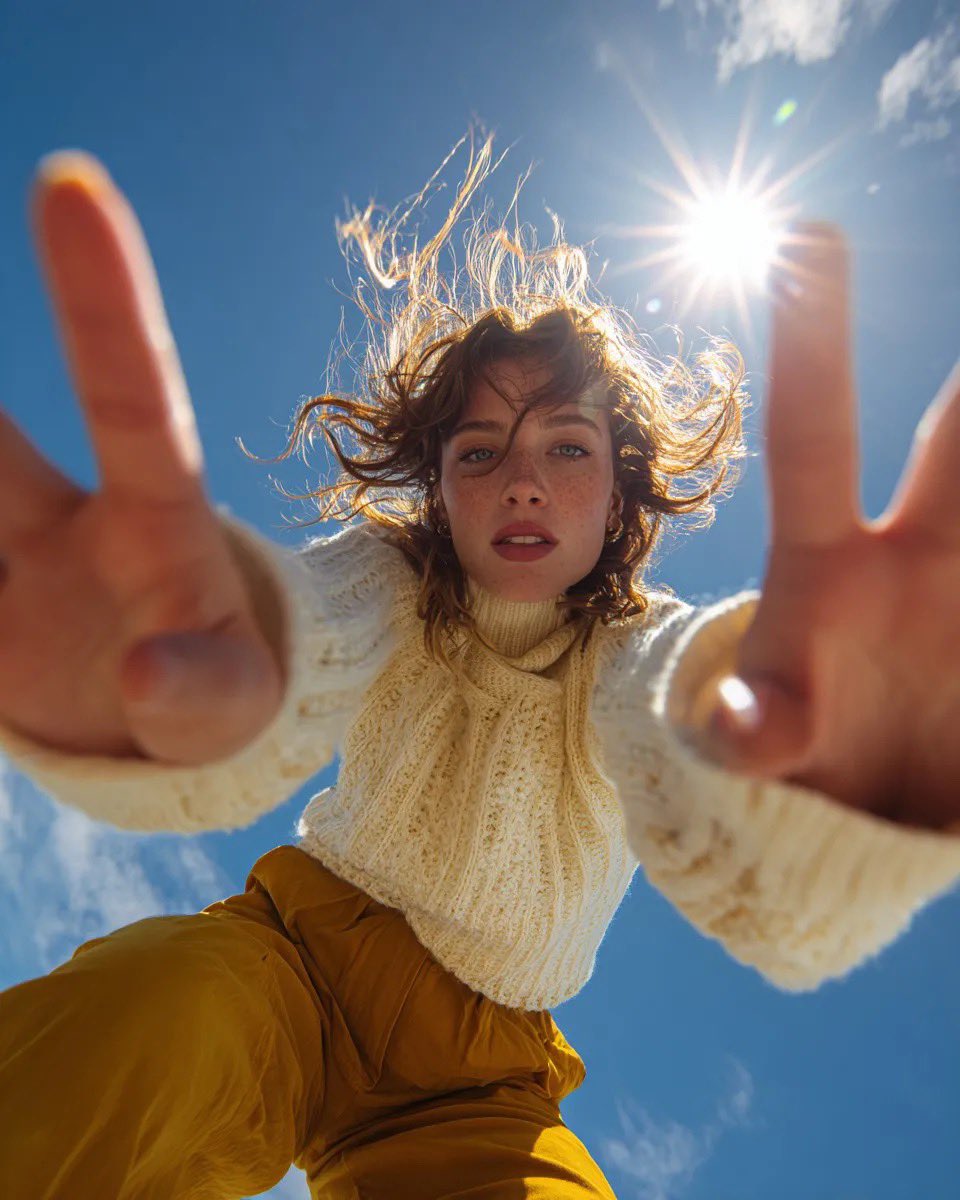
Ultra Wide Low-Angle Portrait — Sairah (Nano Banana)

Tropical Vacation Selfie — Nano Banana (Chryzleen)
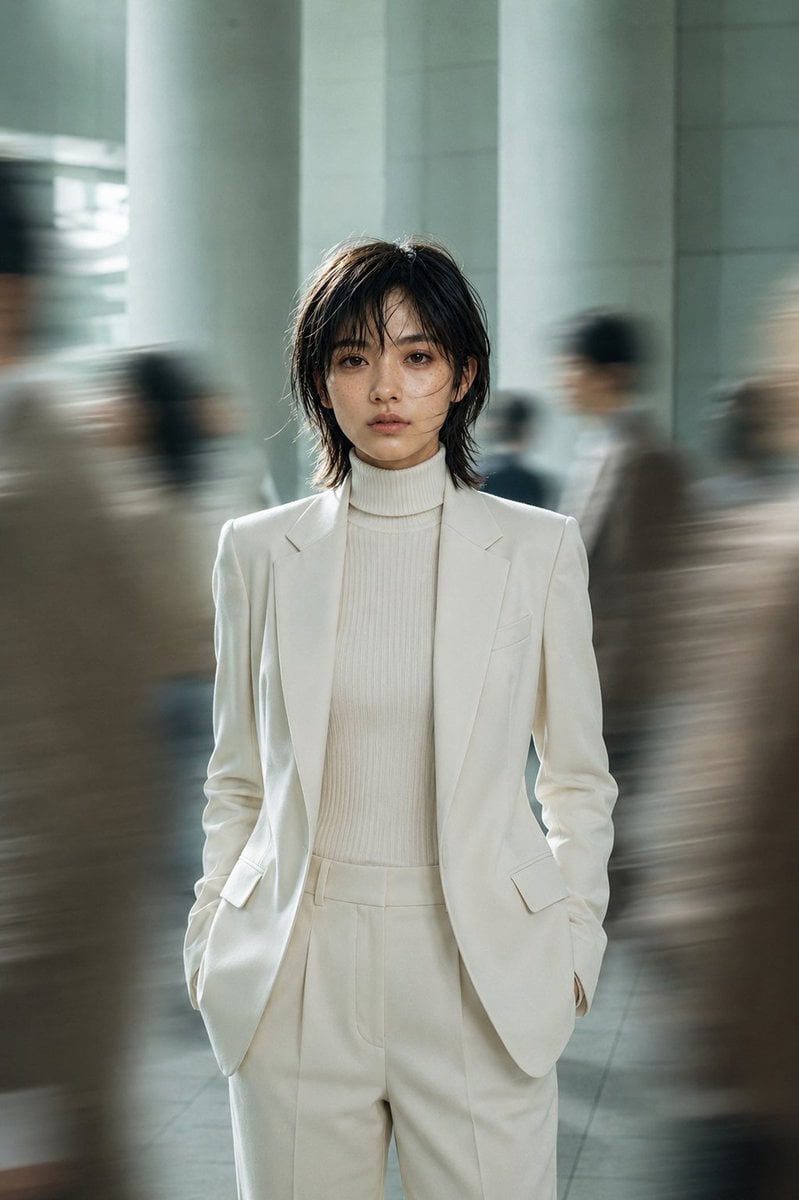
Still Woman in Motion-Blurred Lobby
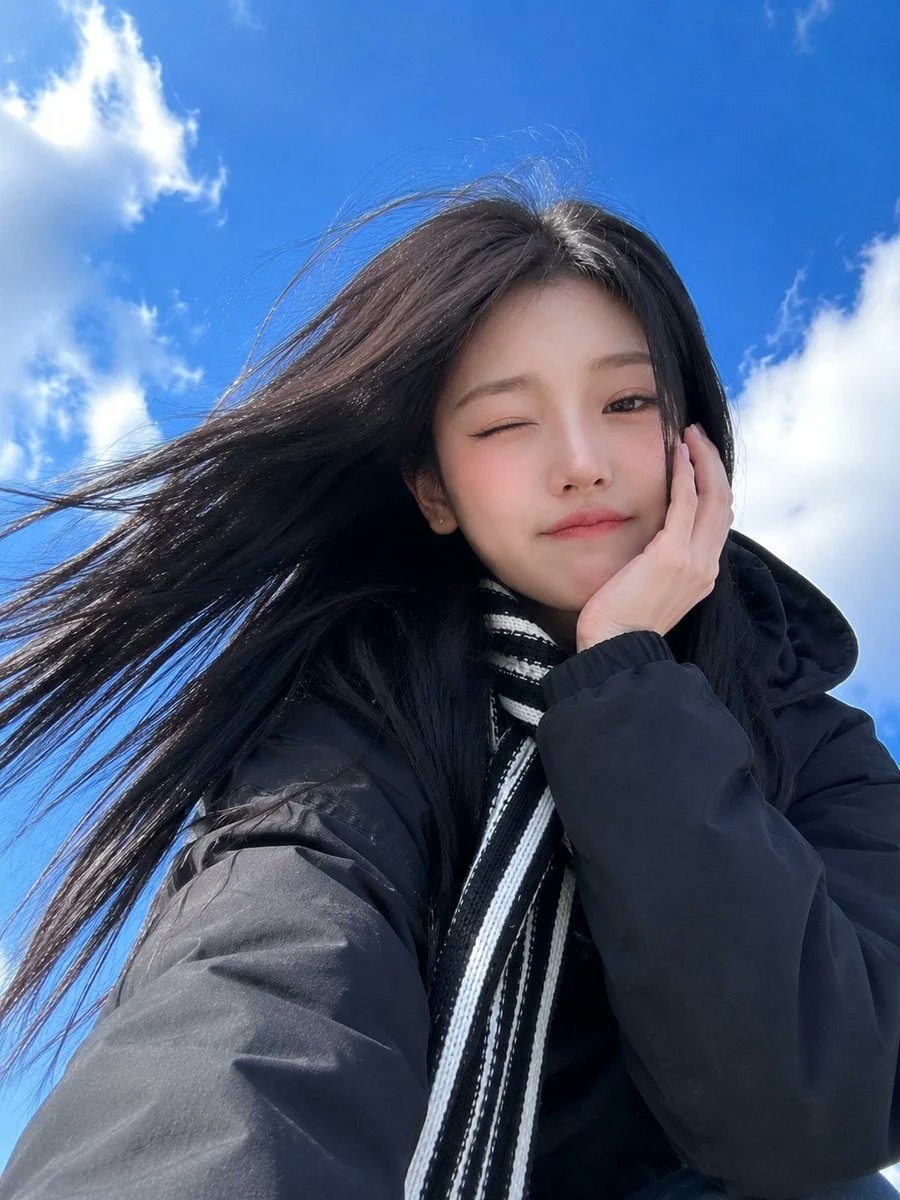
Low-Angle Winter Scarf Selfie
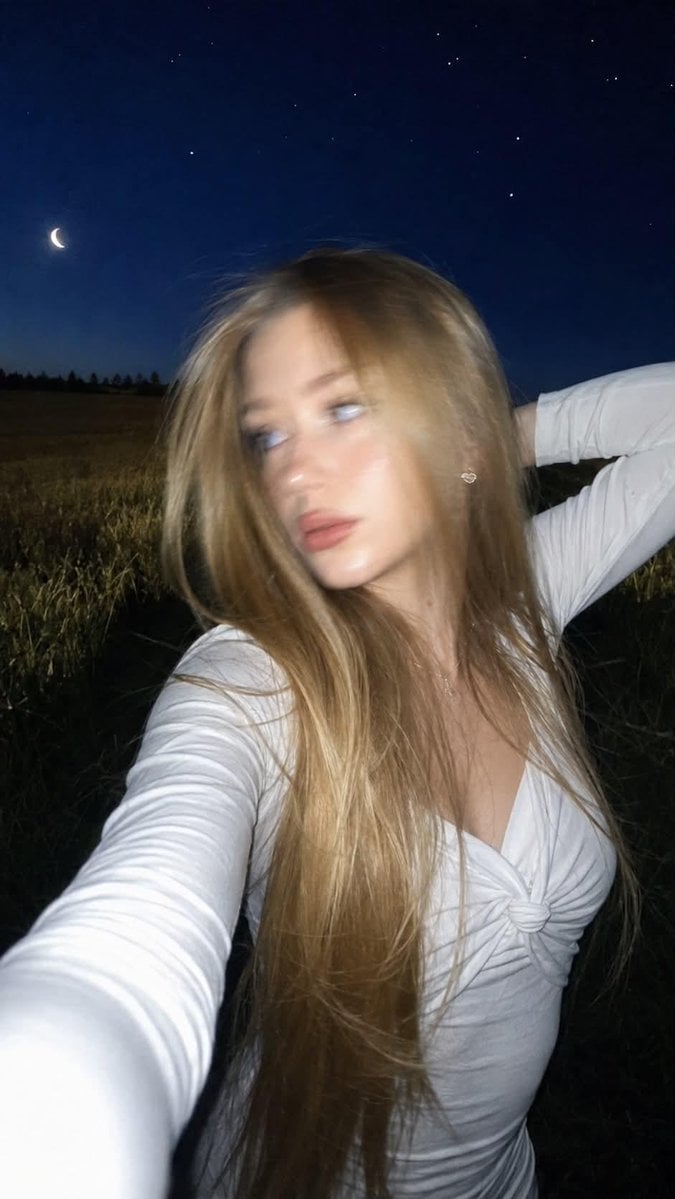
Night Flash iPhone Selfie with Motion Blur

Felt & Knit 3D Character — Photo-Exact Face, Pixar-Quality Plush Figurine

Eid al-Adha Cute Chaos — Fisheye Selfie with Farm Selfie, Mosque & Animals
Make it yours
Low-Resolution Motion-Blurred Selfie with Cat works as-is. These are the safest ways to change it without losing the look.
Change one field
Copy a single group, rewrite it, and generate again so you can see what that field is doing.
Keep the frame, change the subject
Hold the composition and light of Low-Resolution Motion-Blurred Selfie with Cat, then swap wardrobe, props or the person for a new take.
| If the result… | Why | Fix |
|---|---|---|
| The result drifts from the preview | Too many fields changed at once. | Reuse Low-Resolution Motion-Blurred Selfie with Cat as-is first, then change one group — subject, light, or setting. |
| The model over-stylizes the scene | The prose prompt leaves finish and camera underspecified. | Add one camera or lighting sentence and stay on Nano Banana 2. |
More Nano Banana 2 templates
Other prompts made for Nano Banana 2.

Photorealistic Leaf Shaped Like a Dragon

K-Pop Idol Portrait Grid for Rapid Selection

Poetic Rain Forest Portrait During Golden Hour

Urban Street Portrait with Cartoon Inner Self Duo

Candid Nighttime Photo with Cat Prompt

High-Concept 3D Diorama Generation Prompt

Cinematic Futuristic Studio Portrait Template

Skincare Editorial Photography Collage Prompt

Hyper-Realistic Commercial Product Photography (Splash Effect)

Hyper-Realistic Nightclub Portrait Prompt
More image prompts
Fresh picks from across the catalog.
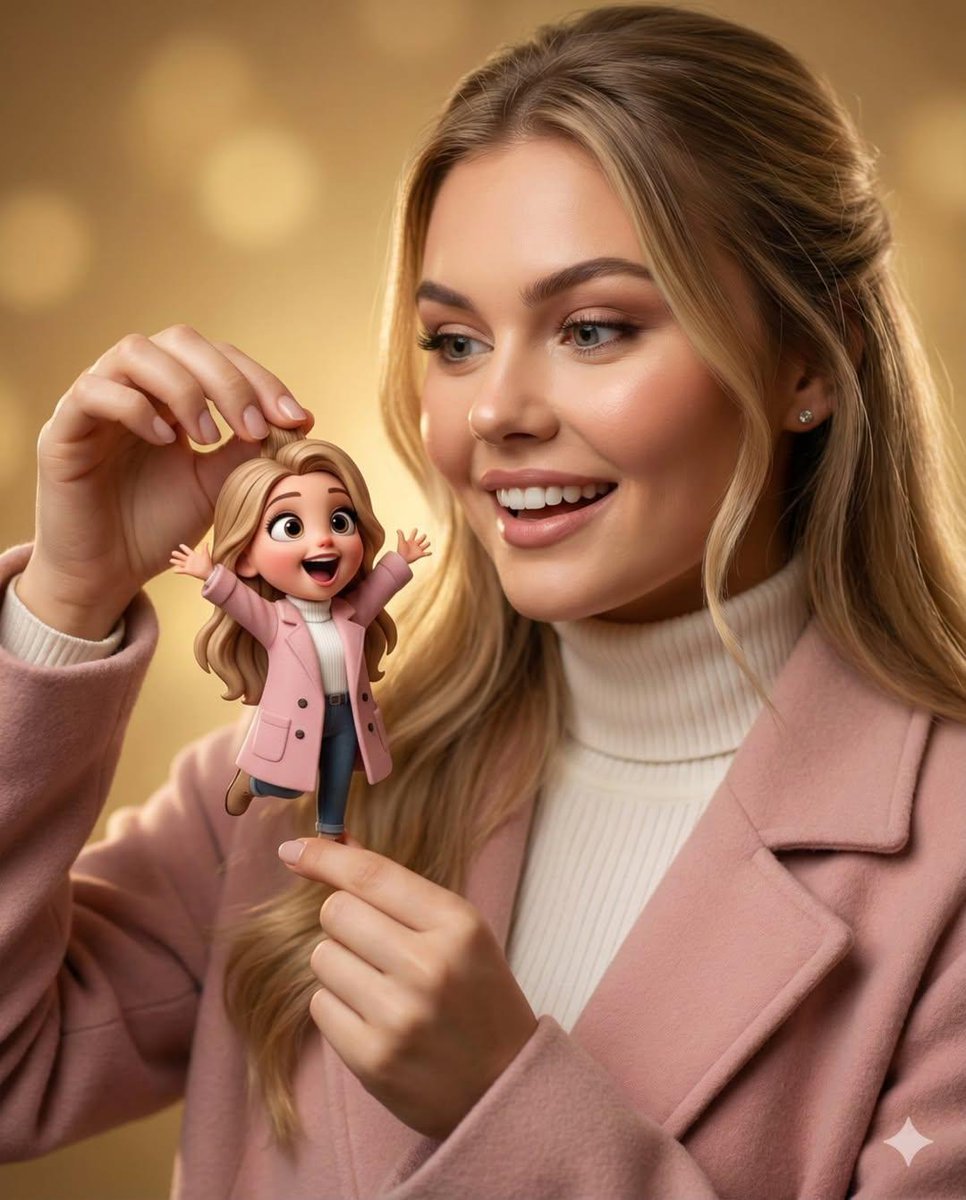
Whimsical 3D Character Interaction Portrait
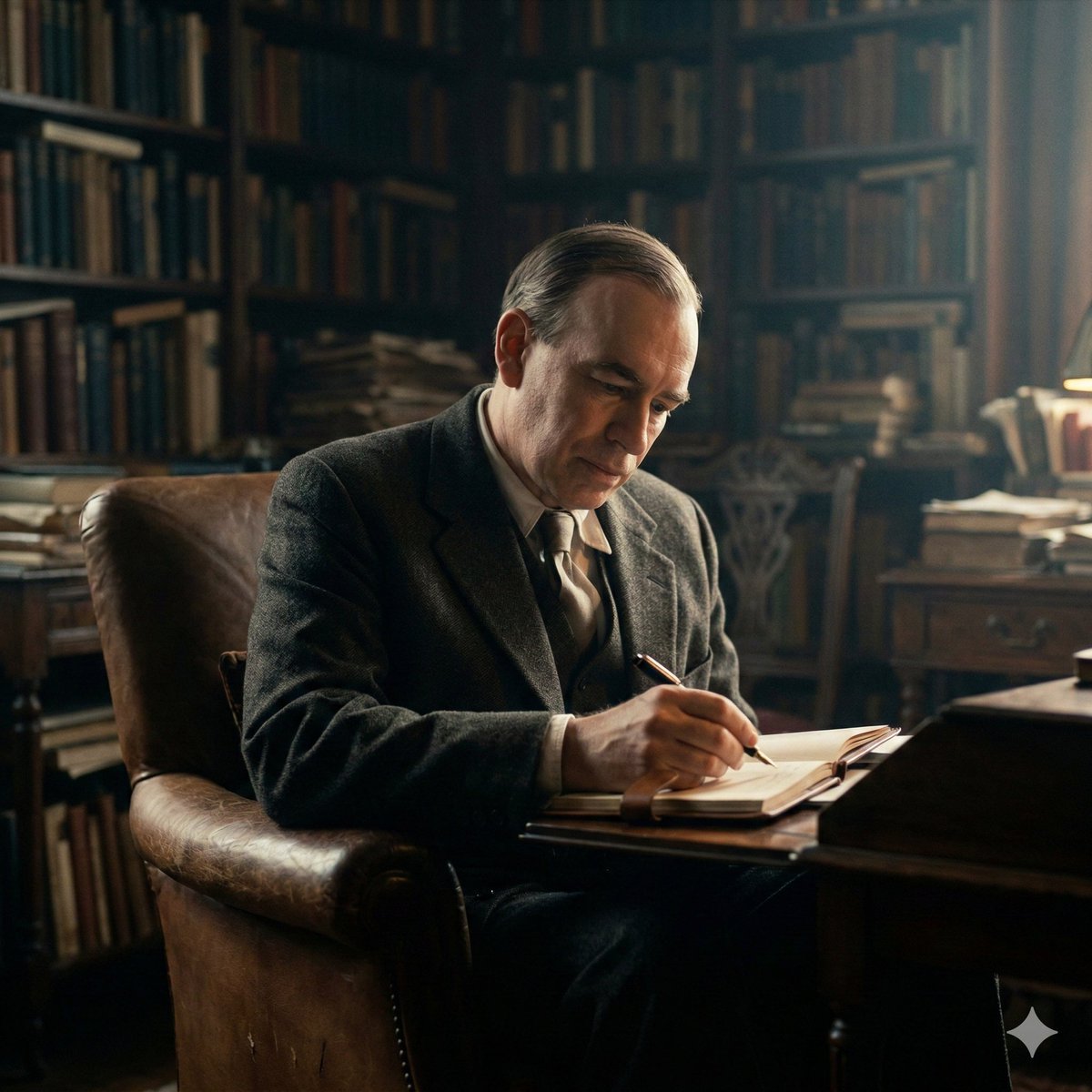
Cinematic Image of Keynes Writing
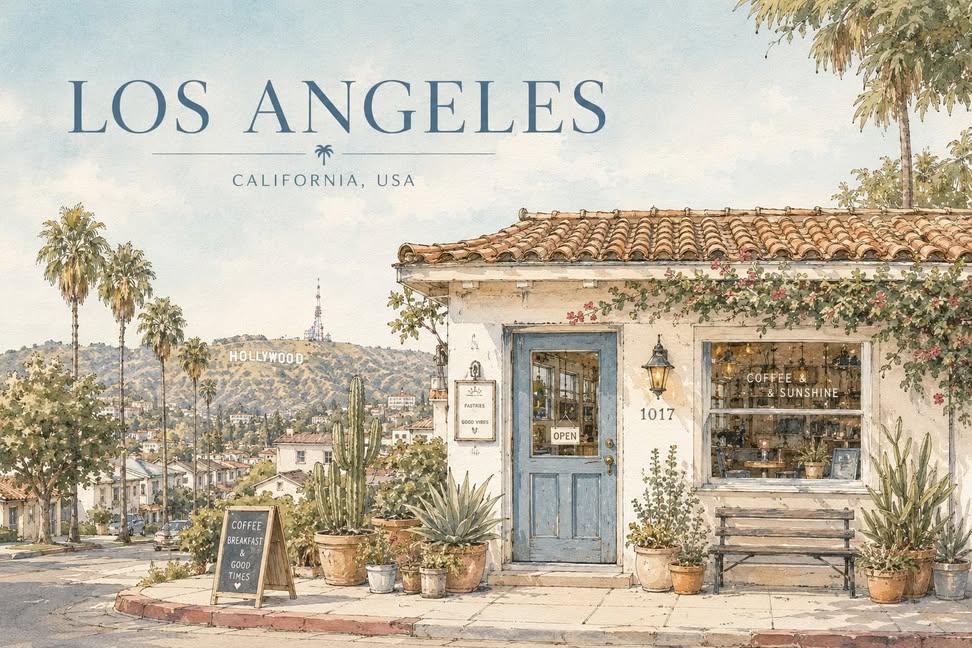
Watercolor City Travel Poster
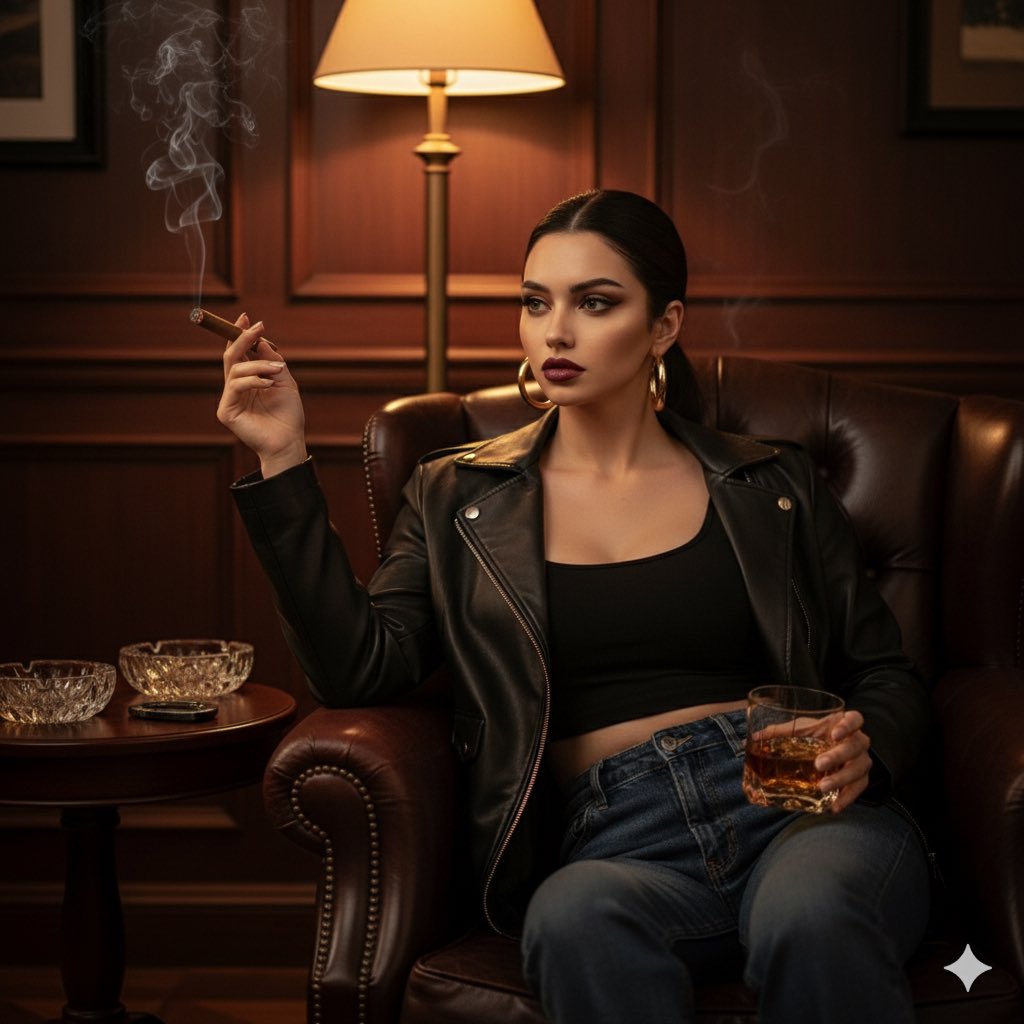
Ultra Realistic Cinematic Portrait in a
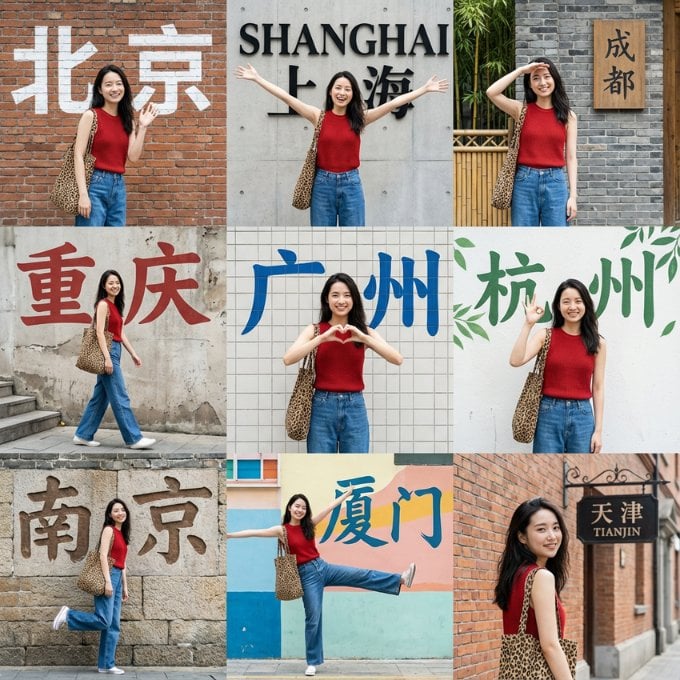
Nine-Grid Street Photography Prompt Framework
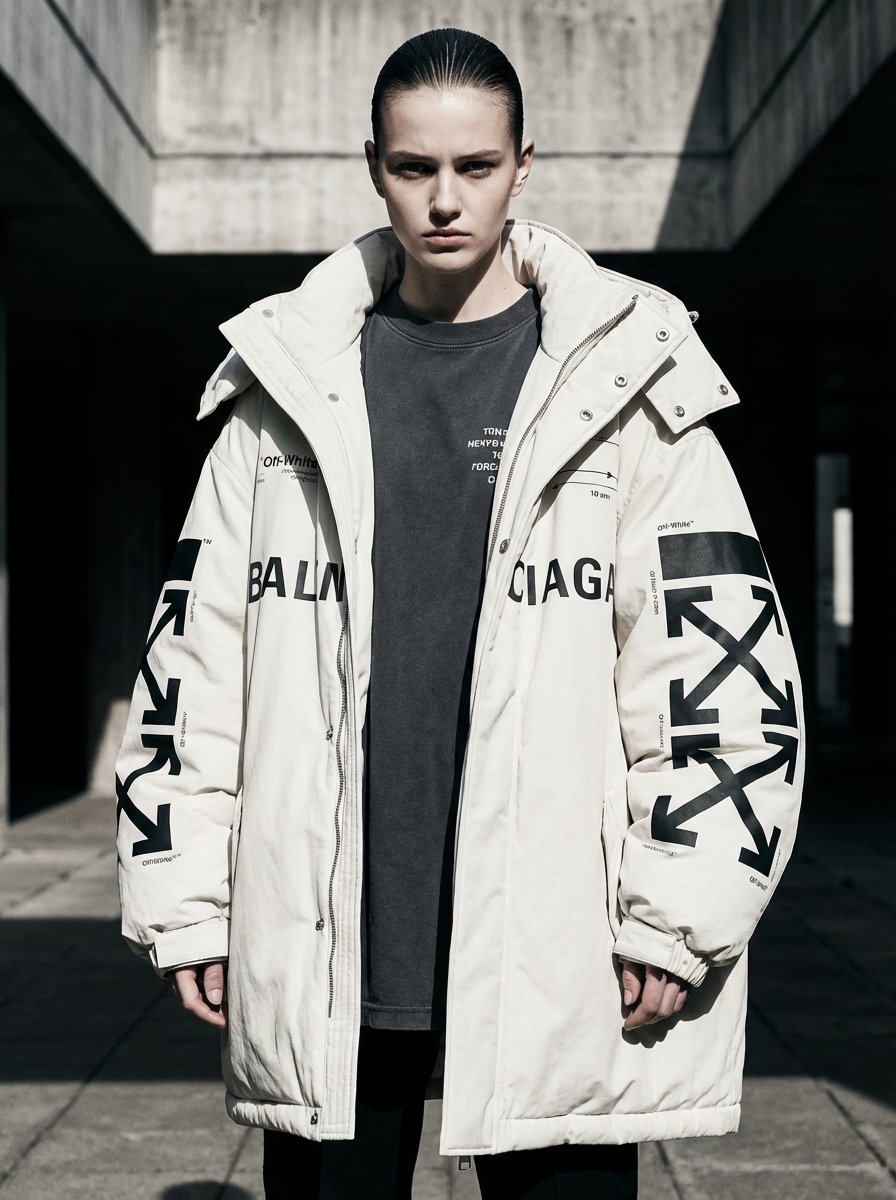
Off-White × Balenciaga Hypebeast Editorial
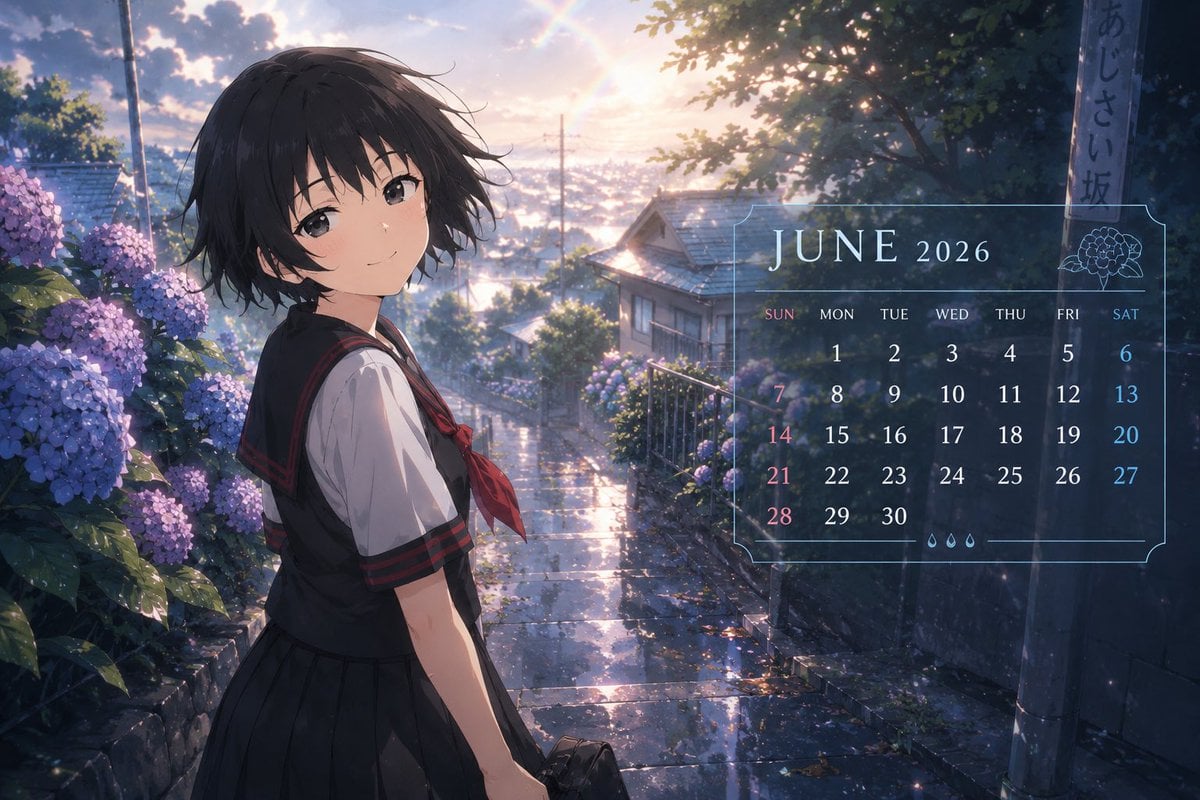
Anime Character Calendar Generator
Collection of Emotional Kaomoji and Emoticons
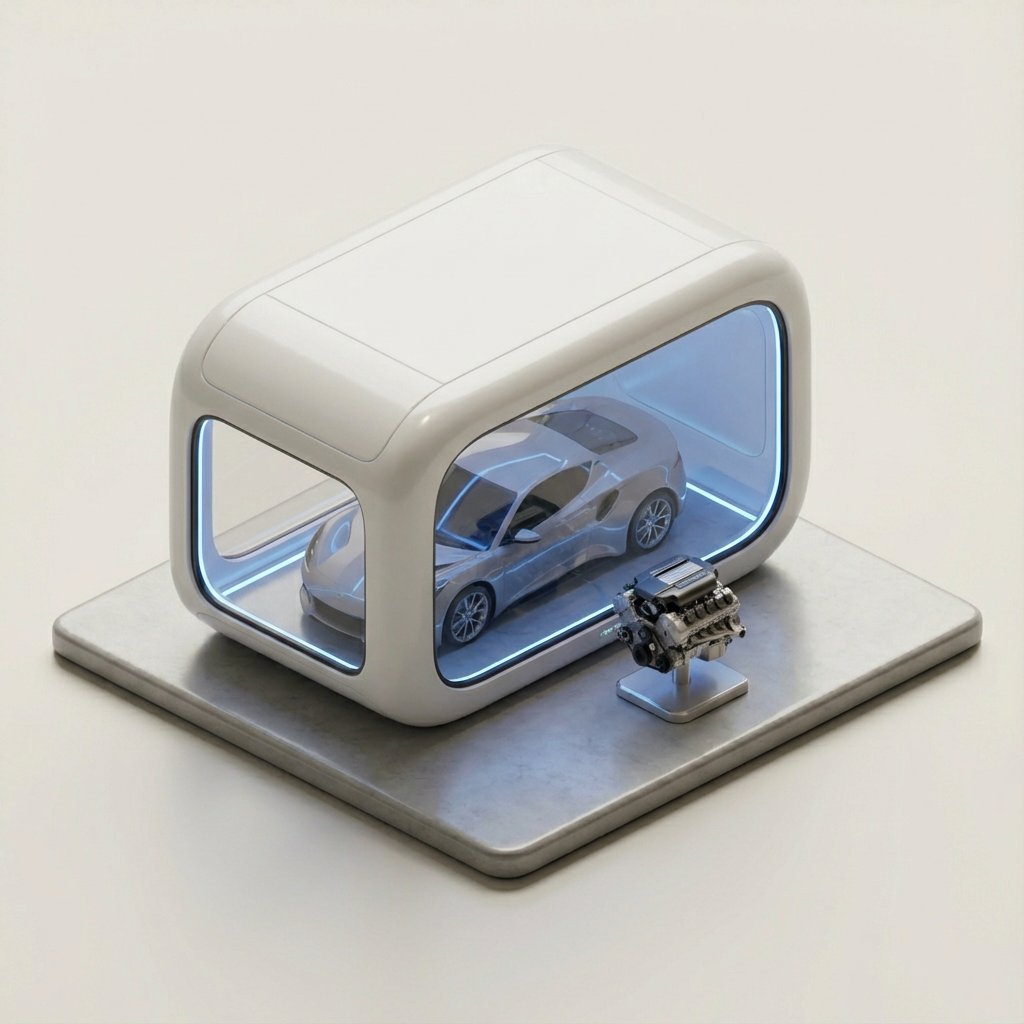
Minimalist 3D Isometric Car Showroom Model

Low-Key Product Photography Prompt for Gemini Nano Banana Pro
Browse template categories
Low-Resolution Motion-Blurred Selfie with Cat questions
How do I use the Low-Resolution Motion-Blurred Selfie with Cat template?
Add your photo if the template asks for one, edit the prompt if you like — the template's model and format are already selected — and press Generate. Your version opens in PicX Studio.
Can I customize the Low-Resolution Motion-Blurred Selfie with Cat template?
Yes. You can change the subject, setting, lighting, mood, format, and available model controls before creating your image.
Is the Low-Resolution Motion-Blurred Selfie with Cat template free?
Opening and editing this template is free. Generating uses credits, shown on the Generate button when you are signed in.
Which AI model should I use?
Start with Nano Banana 2, which is the model associated with this template. You can compare another compatible model for a different finish.
Looking for something else? Browse all templates.

Your photo, any look
Thousands of ready templates for every top image and video model, from one credit balance.