
Watercolor City Travel Poster
A serene architectural travel illustration prompt in a hand-drawn watercolor and ink style, focusing on quiet residential streets and local landmarks.
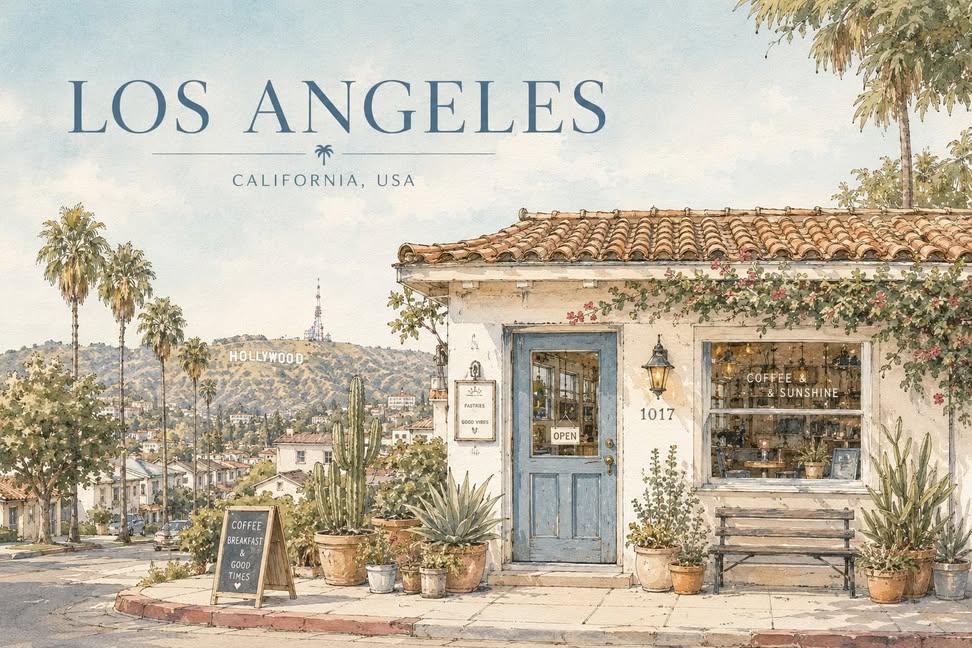
- Prompt included
- Model and format preset
- Free template
The prompt behind this image
Copy the exact prompt behind Watercolor City Travel Poster, or open it in the studio and make it yours.
Create a serene architectural travel illustration inspired by {argument name="city" default="Seoul"}, {argument name="country" default="South Korea"}, in a soft hand-drawn watercolor and ink style. Main concept: Show a quiet, charming street-side house or small building inspired by the everyday atmosphere of {argument name="city" default="Seoul"}, {argument name="country" default="South Korea"}, while subtly incorporating {argument name="landmark" default="a recognizable landmark"} in the composition. The landmark should appear naturally in the background, distance, or surrounding scenery, so the image clearly feels connected to {argument name="city" default="Seoul"}, {argument name="country" default="South Korea"} without losing the calm residential mood. Visual style: delicate hand-drawn architectural illustration, soft watercolor washes, thin ink outlines, slightly imperfect sketch lines, warm sunlit atmosphere, gentle pastel palette, subtle paper texture, quiet travel sketchbook aesthetic, minimal yet detailed composition, calm editorial illustration mood, poetic everyday scenery, cozy and refined visual tone, no photorealism, no harsh contrast, no saturated colors, no dramatic lighting. Scene: A peaceful small house, café, studio, or local building with simple walls, a tiled or regionally inspired roof, painted doors or windows, and several potted plants arranged naturally in front. Include subtle local architectural details and everyday design elements that feel authentic to {argument name="city" default="Seoul"}, {argument name="country" default="South Korea"}. Incorporate {argument name="landmark" default="a recognizable landmark"} as a softly integrated city symbol — for example, visible above rooftops, in the distance, or as part of the surrounding skyline or landscape. The overall scene should feel quiet, elegant, warm, and locally rooted. Composition: landscape travel-poster format, wide horizontal layout, large open sky occupying the upper half or upper-left area, main building placed across the lower portion of the composition, balanced negative space, front-facing or slightly angled composition, potted plants and small objects along the base, landmark subtly placed in the background or upper distance, clean and spacious layout, minimal but emotionally rich composition. Typography: Include the city name “{argument name="city" default="Seoul"}” clearly in the image. Render “{argument name="city" default="Seoul"}” as elegant travel-poster typography, large but refined, placed prominently in the sky area or upper portion of the composition. Optionally include “{argument name="country" default="South Korea"}” in smaller text beneath or near the city name. The text should feel integrated into the poster design, not like a random overlay. Use clean, tasteful lettering that matches the calm watercolor travel-poster mood. Color palette: pale sky blue, warm cream, terracotta, muted blue accents, olive and soft green, light earthy browns, soft natural neutrals. Texture: visible watercolor paper grain, transparent paint layering, soft handmade brush texture, gentle ink-and-wash finish. Mood: peaceful, sunny, quiet, nostalgic, cozy, refined, poetic, calm everyday travel atmosphere.
How to use Watercolor City Travel Poster in 3 steps
- 1
Open
The prompt is already in the box next to the preview, with the template's model and format selected.
- 2…a portrait of your subject in softgolden-hour light, 85mm…
Personalize
Edit the subject and creative details for your destination.
- 3Generate
Generate
Press Generate — your image is created in PicX Studio, so you can compare it with the original and refine one variable at a time.
More like this
Templates with the same subject, style or setup. Open one to see its prompt.

Japan Travel Brochure Poster

Nano Banana Pro 2.0 — 3x3 Travel Profile Grid

City Posters by Nano Banana Pro
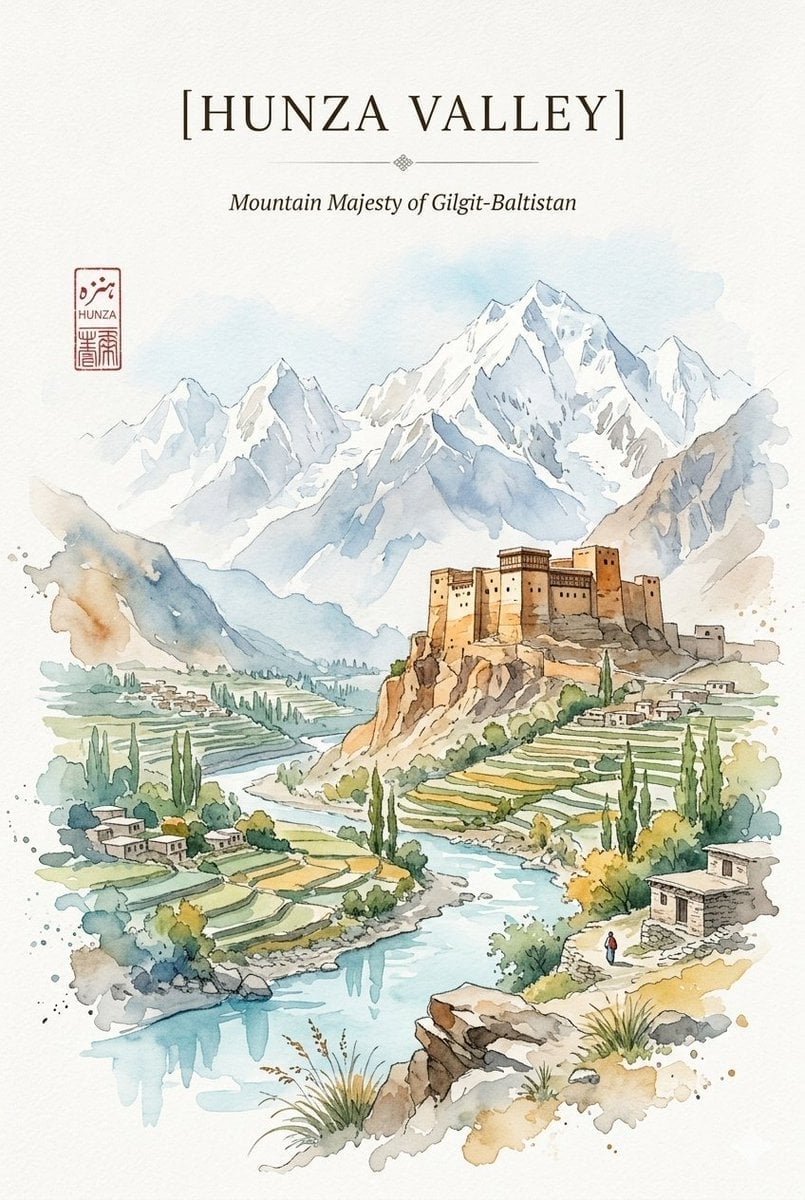
Alpine Watercolor Travel Poster
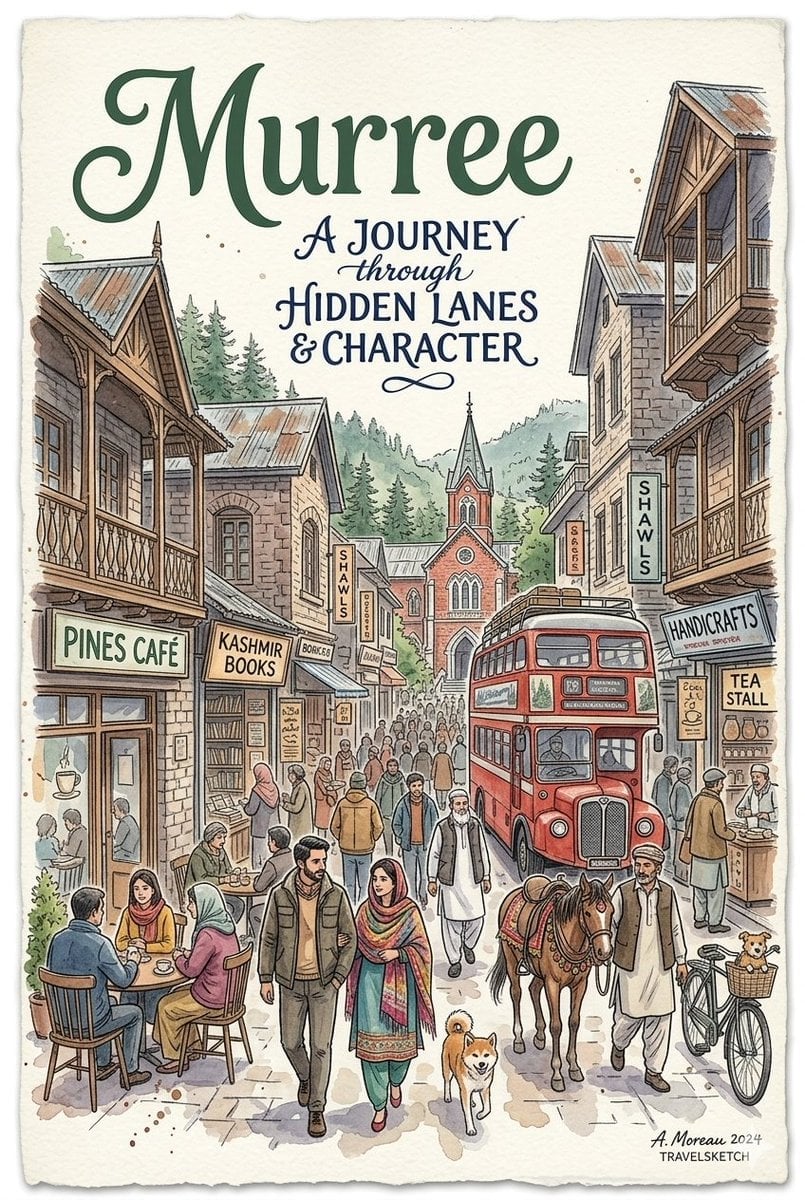
Watercolor Travel Poster Fusion
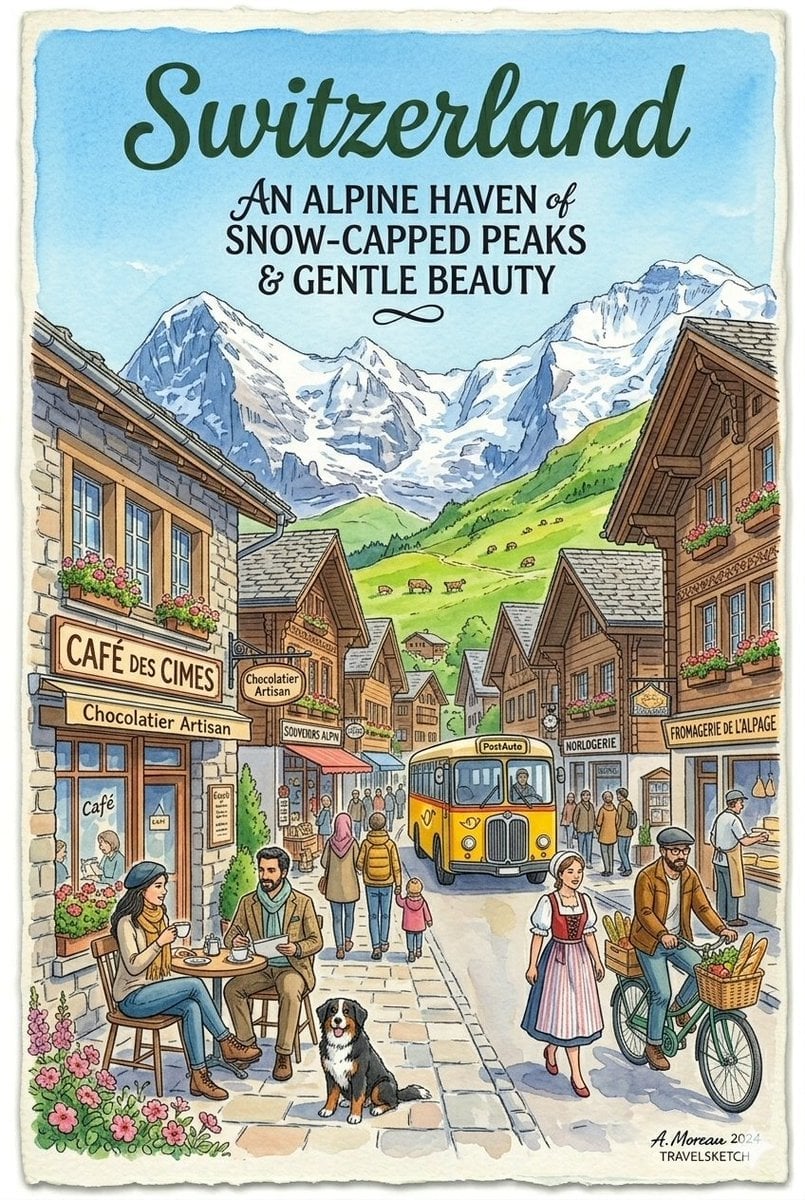
Vintage Watercolor Travel Posters

Watercolor Anim City Chase
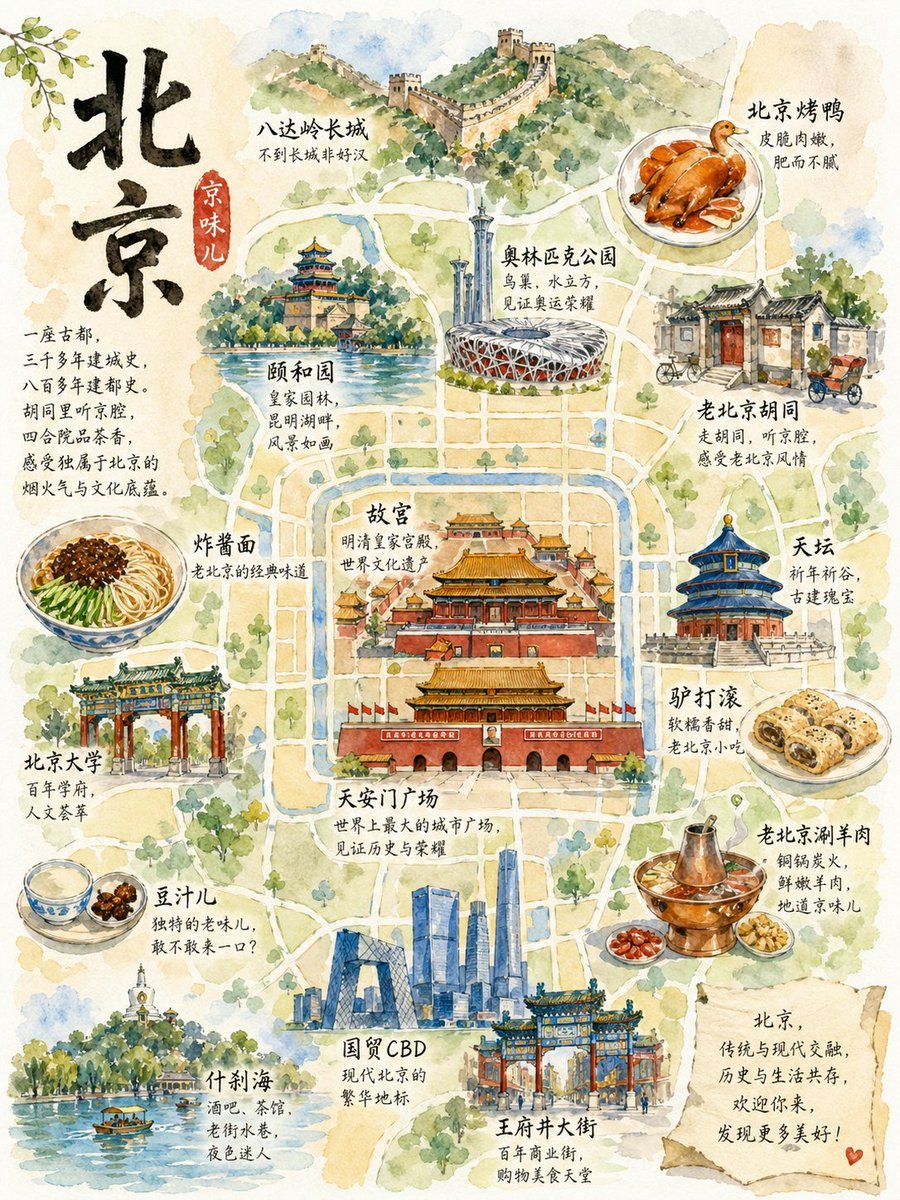
Watercolor Beijing Travel Map Poster
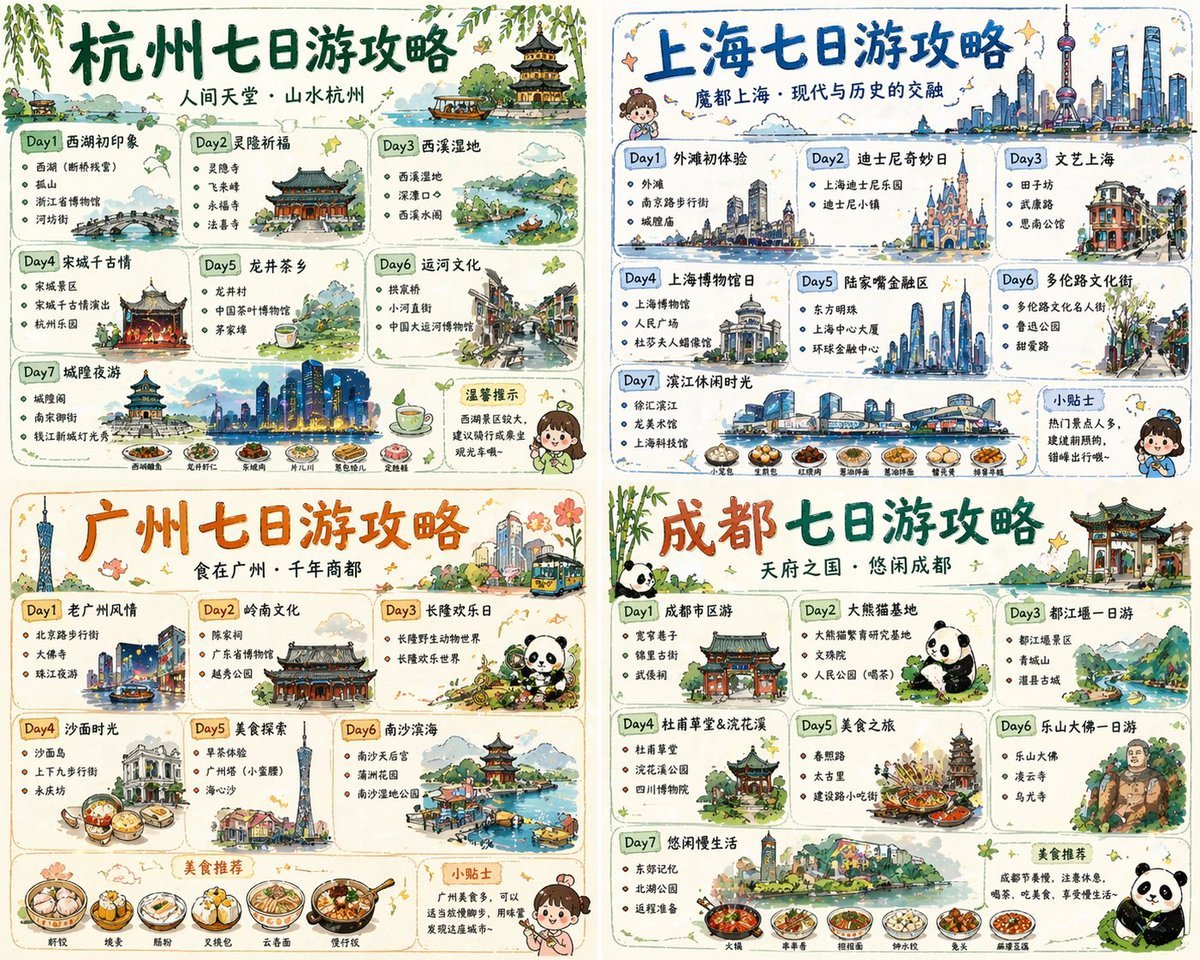
Four-City Chinese Travel Guide Poster Set
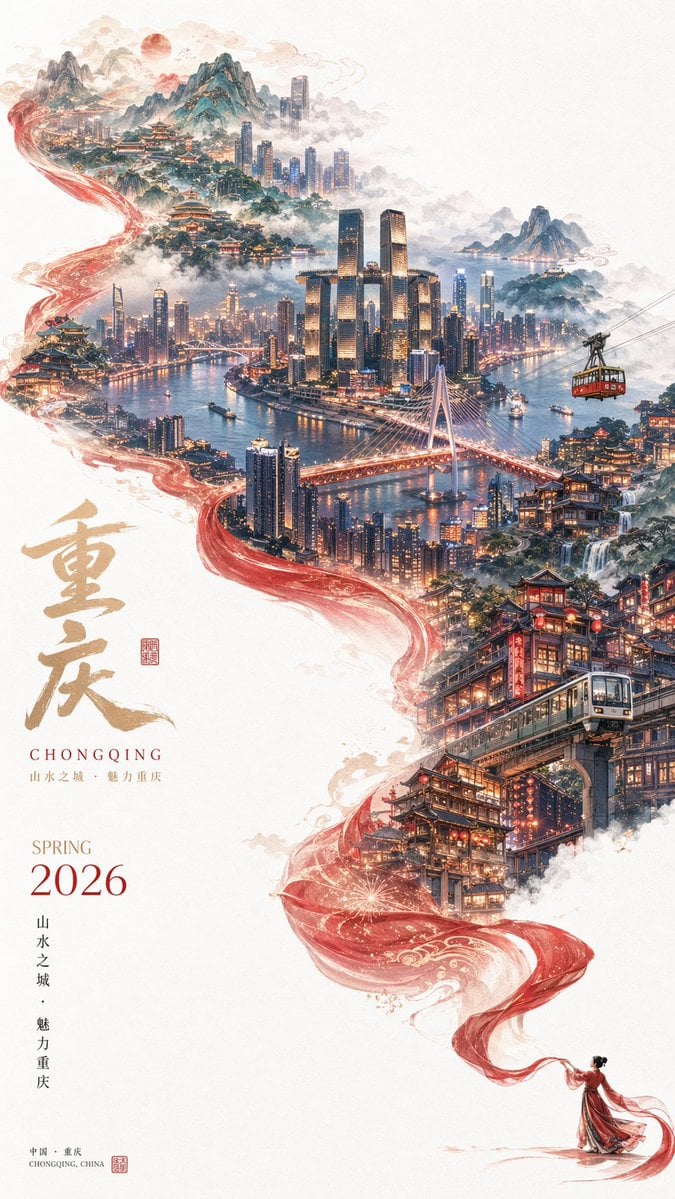
Surreal Cityscape Travel Poster
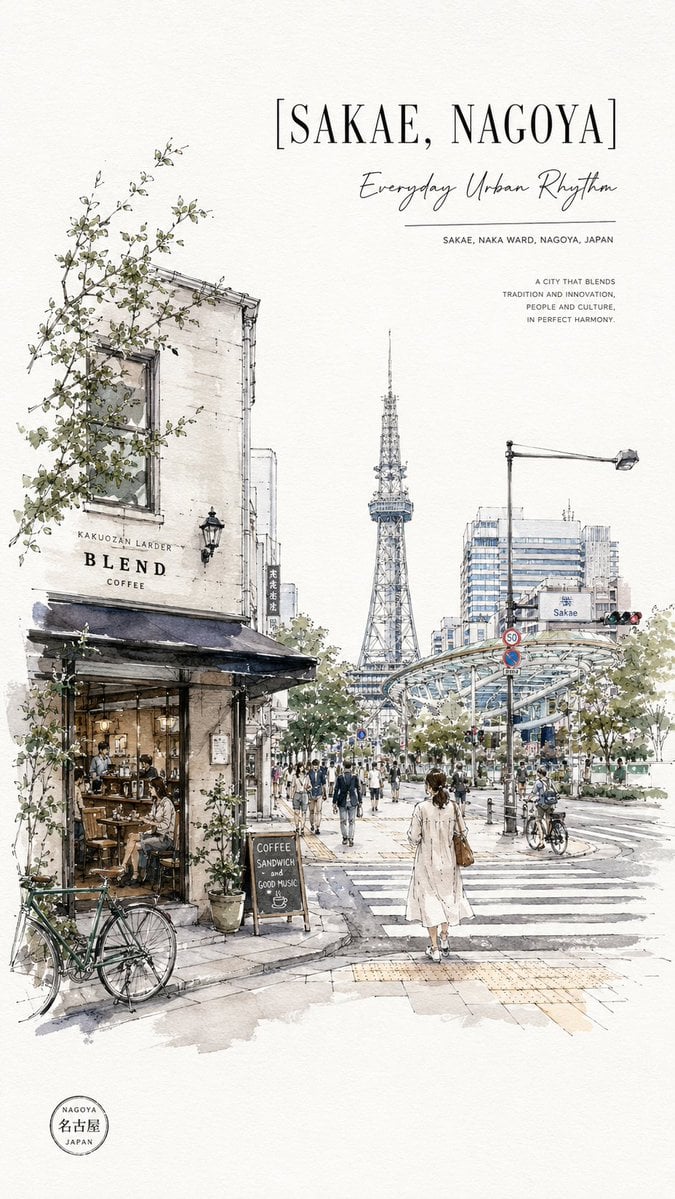
Sakae Nagoya Watercolor Travel Poster
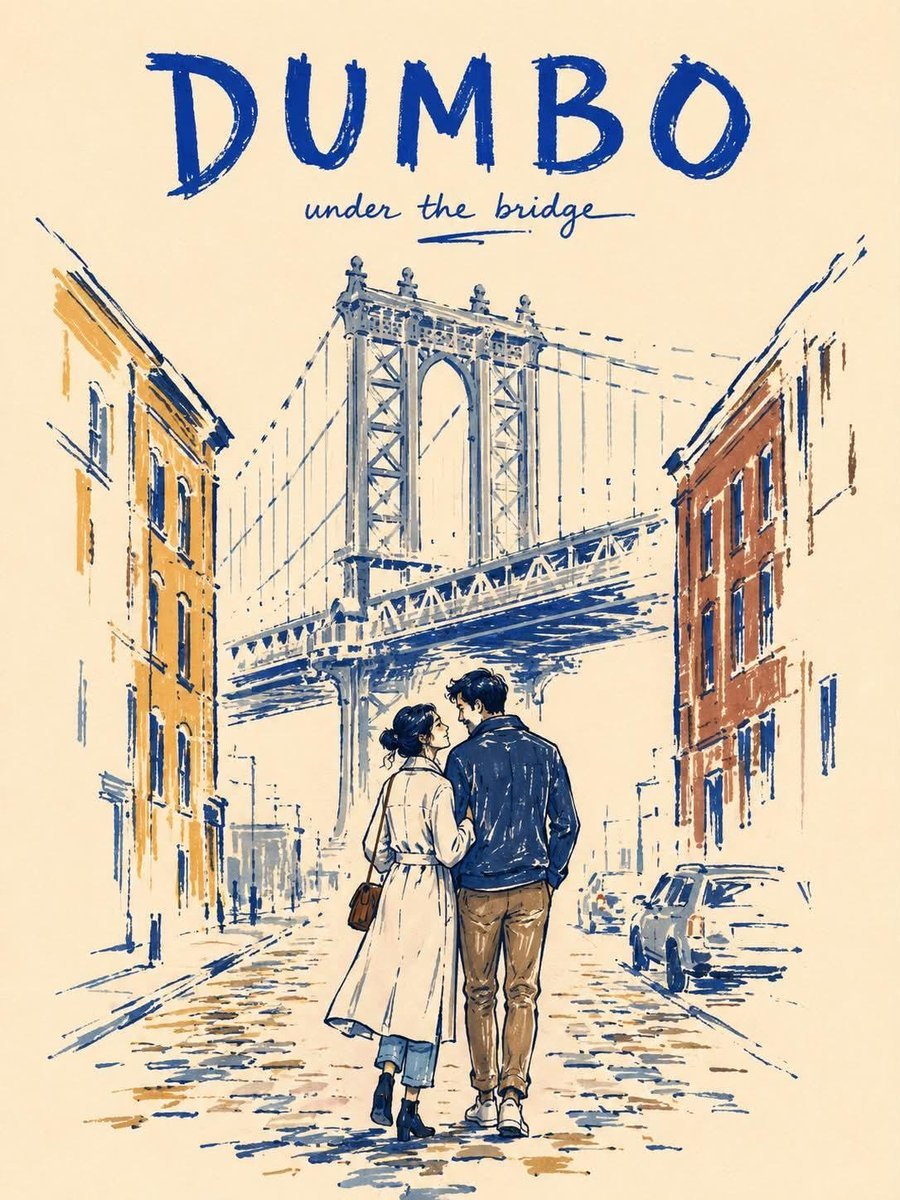
Minimalist Marker Travel Poster
Make it yours
Watercolor City Travel Poster works as-is. These are the safest ways to change it without losing the look.
Change one field
Copy a single group, rewrite it, and generate again so you can see what that field is doing.
Keep the frame, change the subject
Hold the composition and light of Watercolor City Travel Poster, then swap wardrobe, props or the person for a new take.
| If the result… | Why | Fix |
|---|---|---|
| The result drifts from the preview | Too many fields changed at once. | Reuse Watercolor City Travel Poster as-is first, then change one group — subject, light, or setting. |
| The model over-stylizes the scene | The prose prompt leaves finish and camera underspecified. | Add one camera or lighting sentence and stay on GPT Image 2. |
More GPT Image 2 templates
Other prompts made for GPT Image 2.

Six VTuber Japanese Logo Sheet

Realistic Portrait of Woman and Deer

The Vista Modular Condo Poster

AI Model Routing Comparison Infographic

2.5D Anime Art Board

Isometric Productivity Desk Scene

New York Double Exposure Poster

Four-Panel AI Landscape Comparison

Japanese Tatami Lifestyle Magazine Cover

NESCAFÉ Coffee Map Poster
More image prompts
Fresh picks from across the catalog.
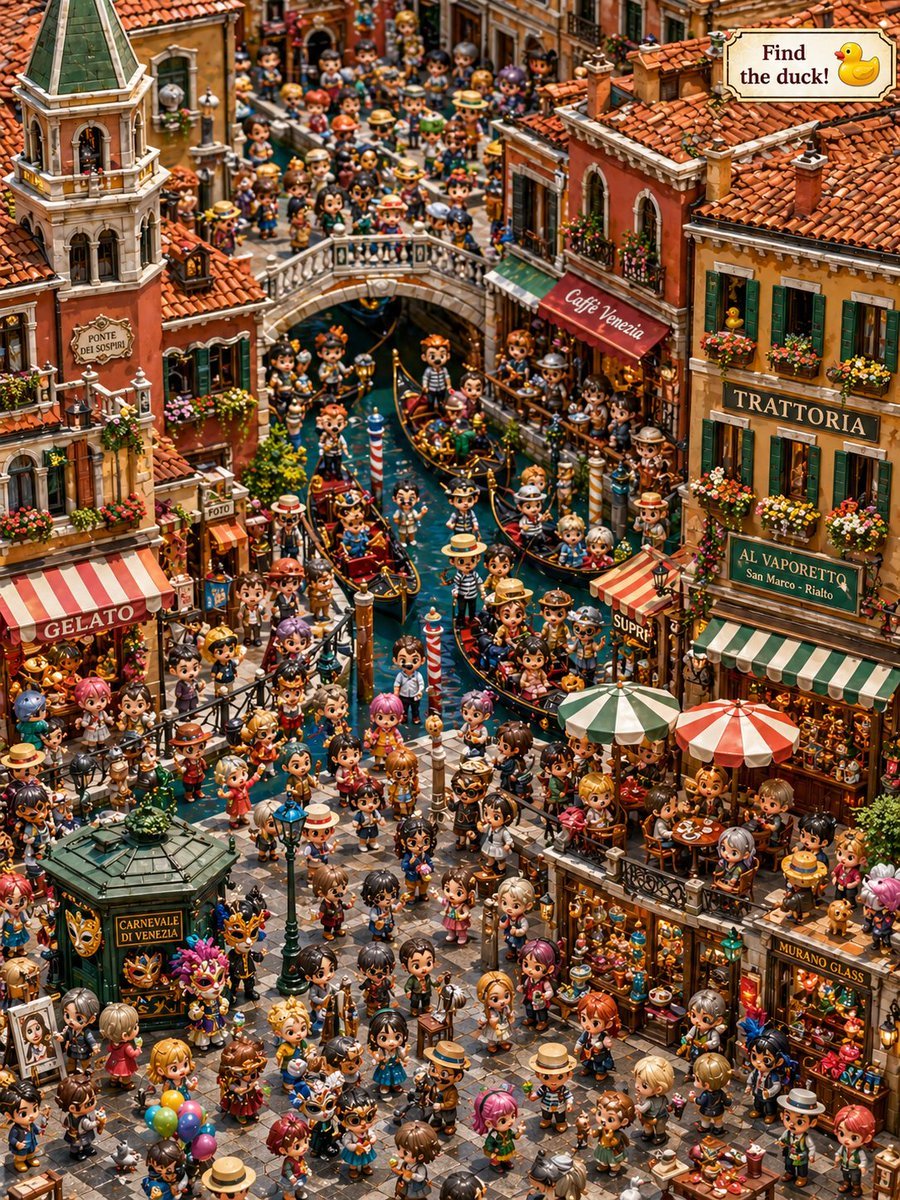
Hidden Duck in Chibi Venice
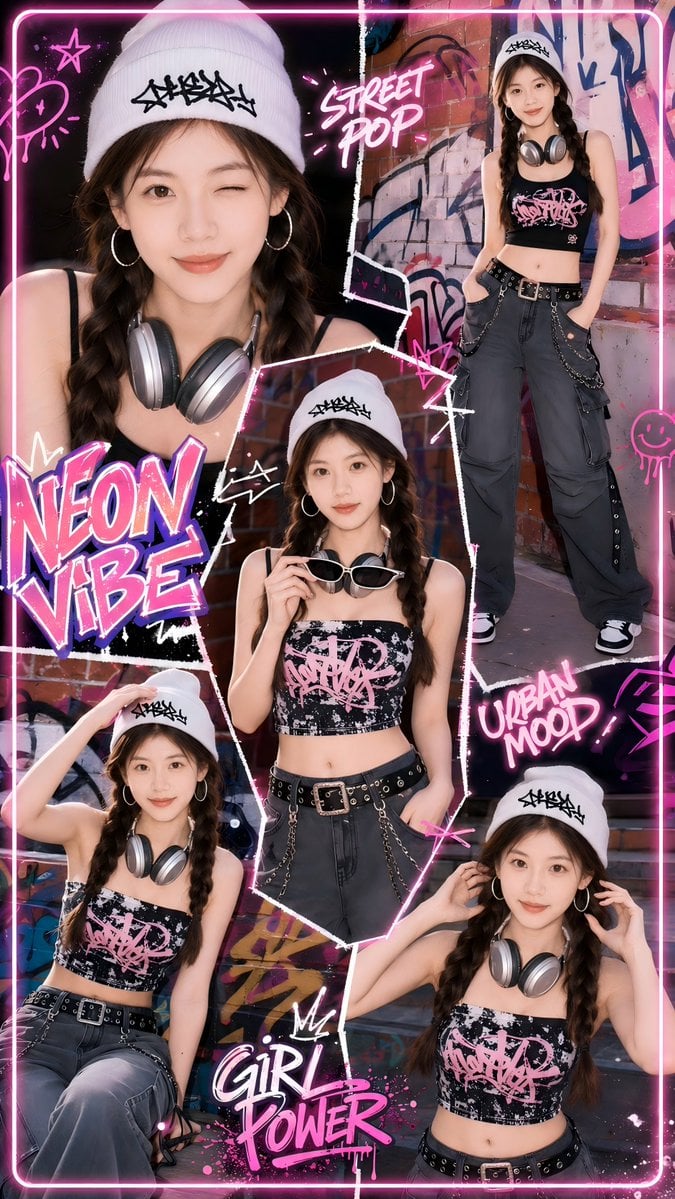
Neon Street Pop Fashion Collage
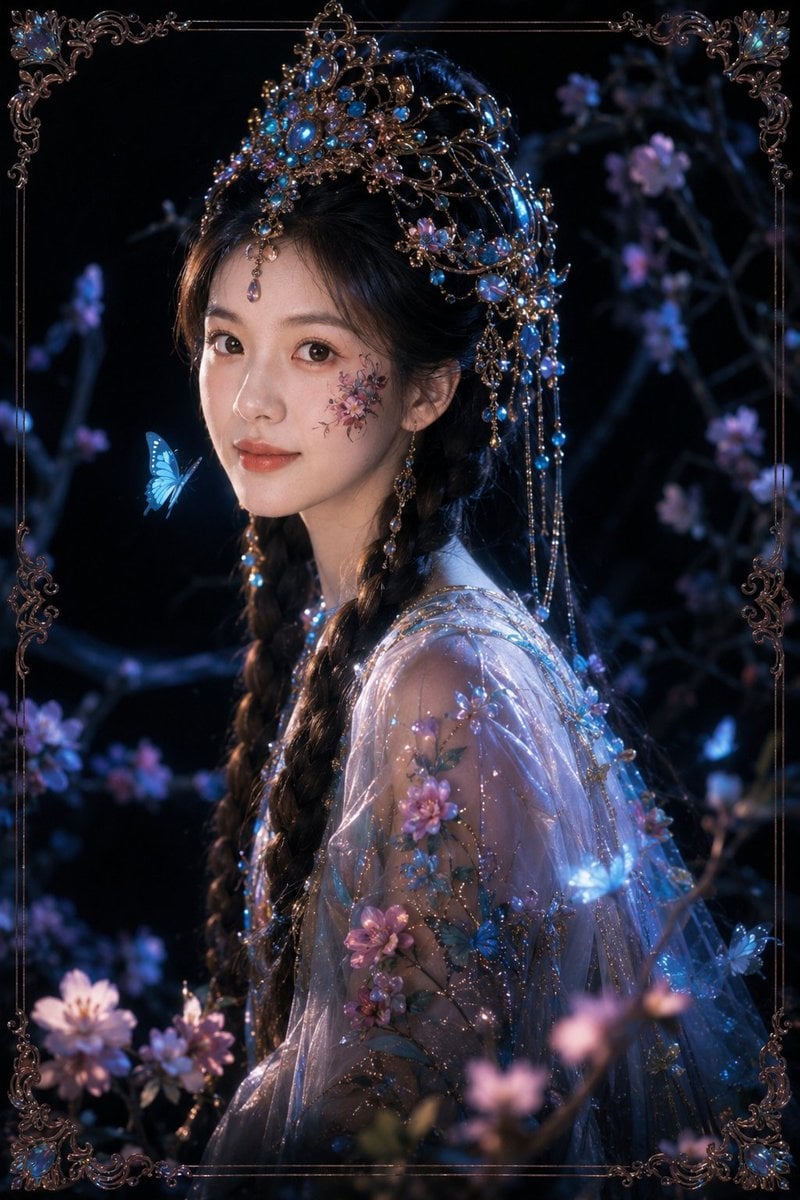
Dark Fantasy Oriental Mythic Portrait
Ugly Christmas Sweater Prompt Template

Generate a 9-way split image at 2K resolution
Luxury Product Photography: Black Oudh Diffuser

Scene Swap Prompt: Bear in Winter Forest
Crayon Style Picture Book Illustration

Sci-Fi Celestial Voyager Character Sheet

Goth makeover variant of existing photo
Browse template categories
Watercolor City Travel Poster questions
How do I use the Watercolor City Travel Poster template?
Add your photo if the template asks for one, edit the prompt if you like — the template's model and format are already selected — and press Generate. Your version opens in PicX Studio.
Can I customize the Watercolor City Travel Poster template?
Yes. You can change the subject, setting, lighting, mood, format, and available model controls before creating your image.
Is the Watercolor City Travel Poster template free?
Opening and editing this template is free. Generating uses credits, shown on the Generate button when you are signed in.
Which AI model should I use?
Start with GPT Image 2, which is the model associated with this template. You can compare another compatible model for a different finish.
Looking for something else? Browse all templates.

Your photo, any look
Thousands of ready templates for every top image and video model, from one credit balance.