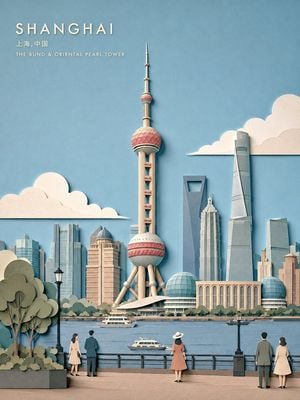
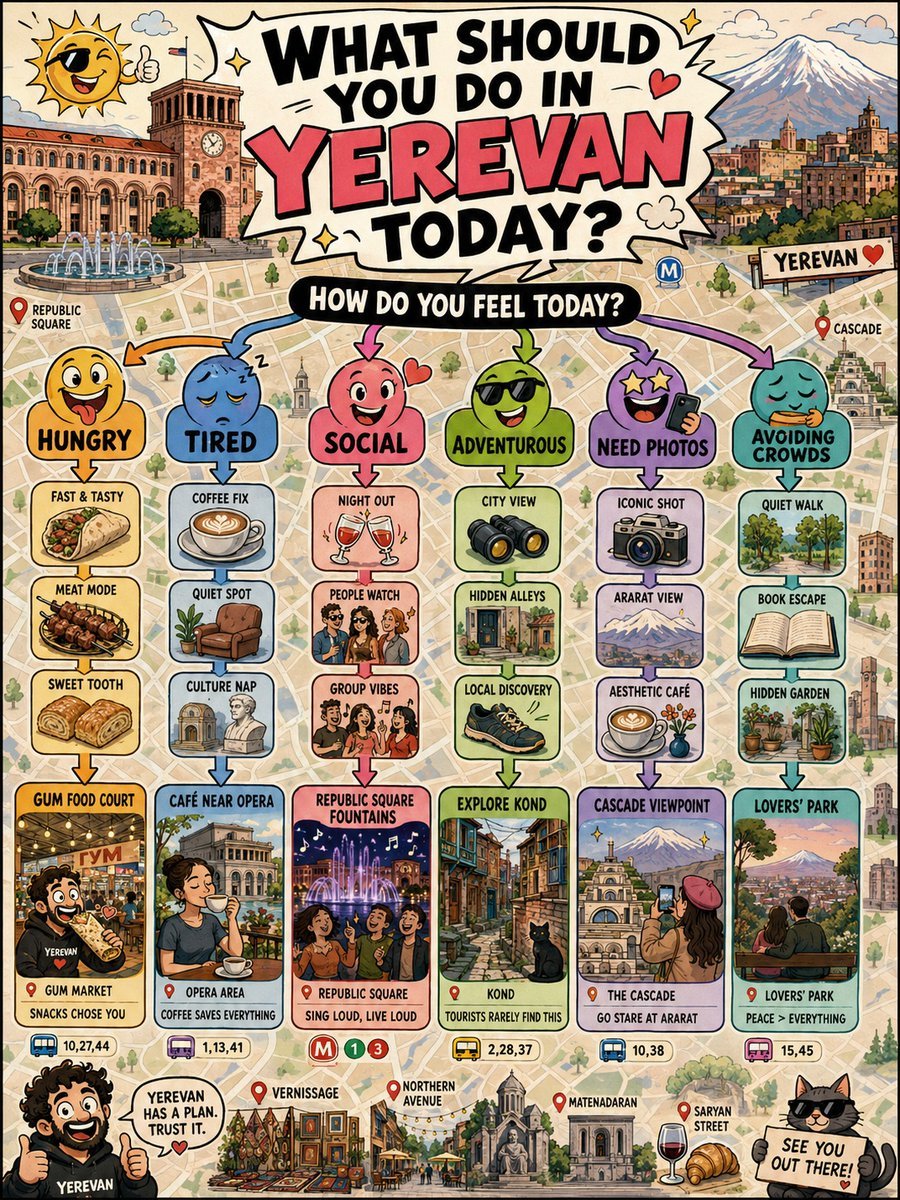
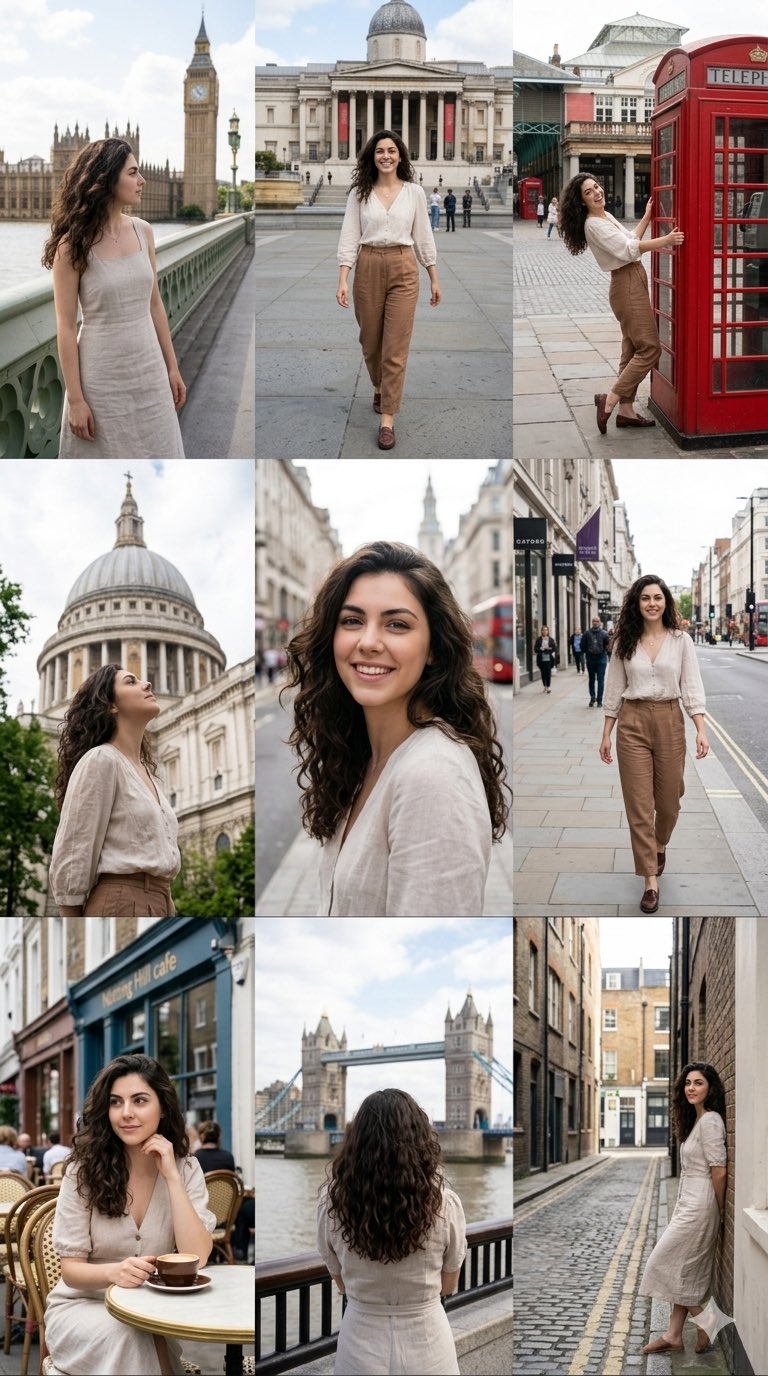
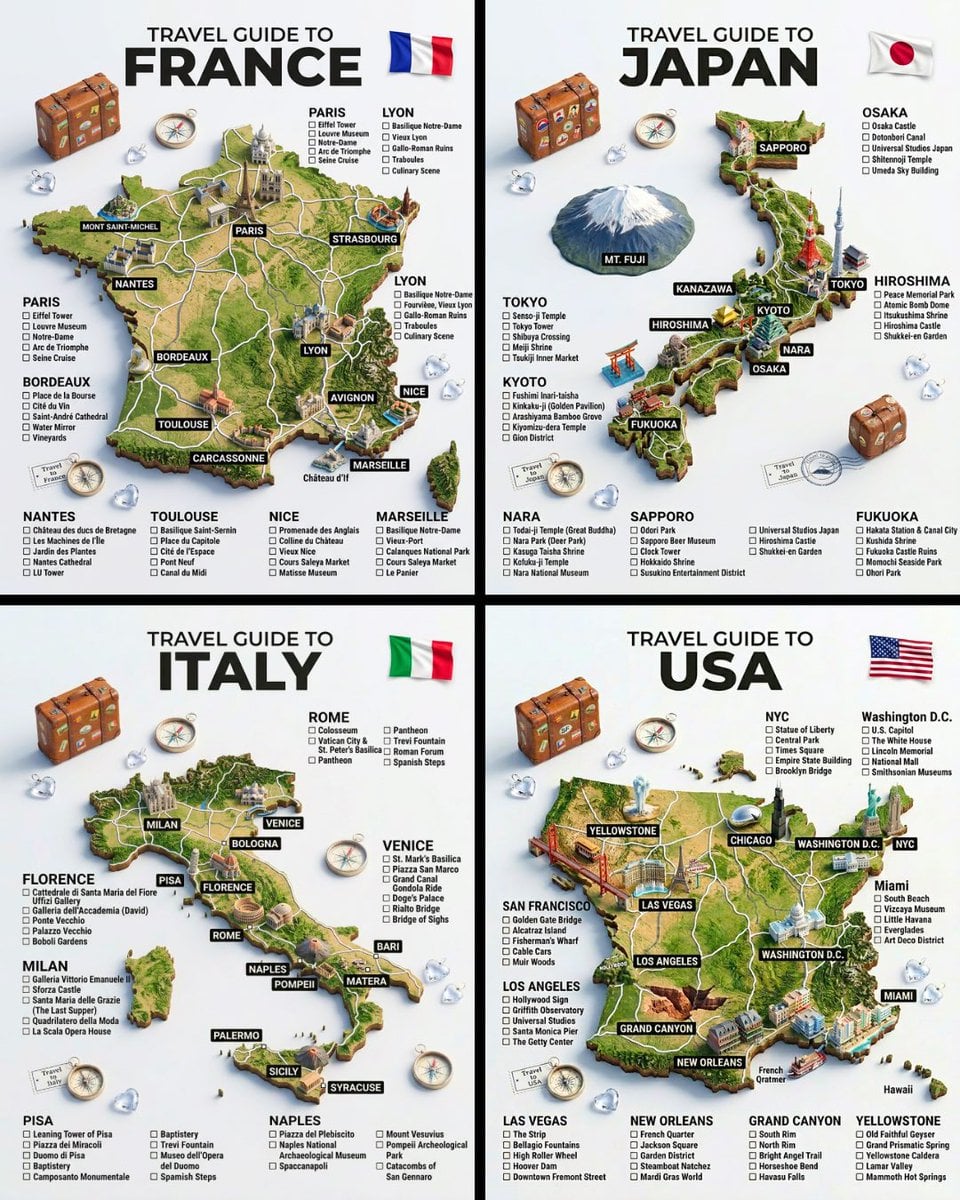
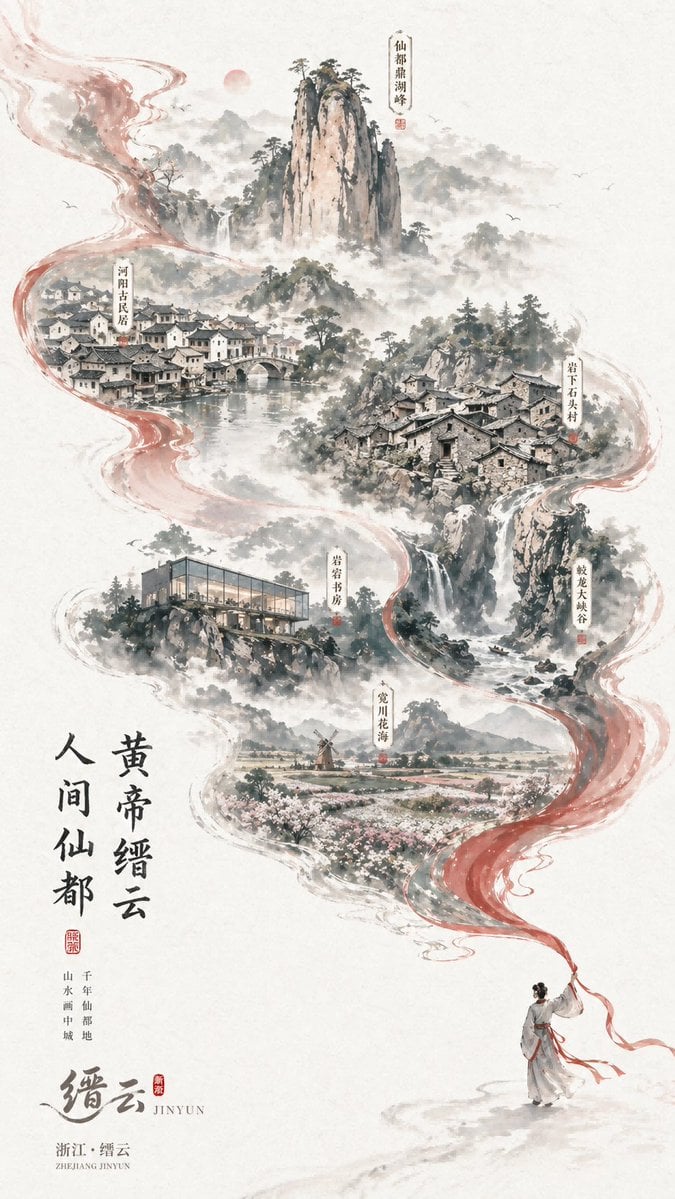
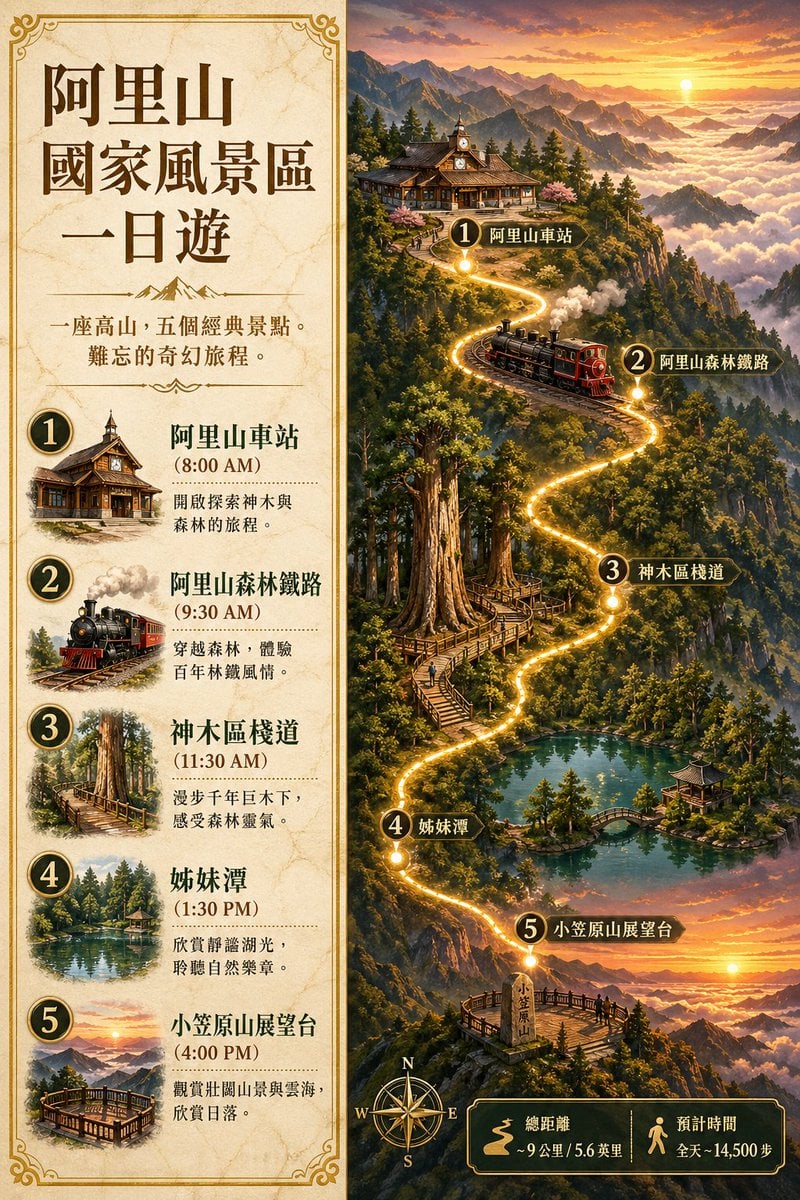
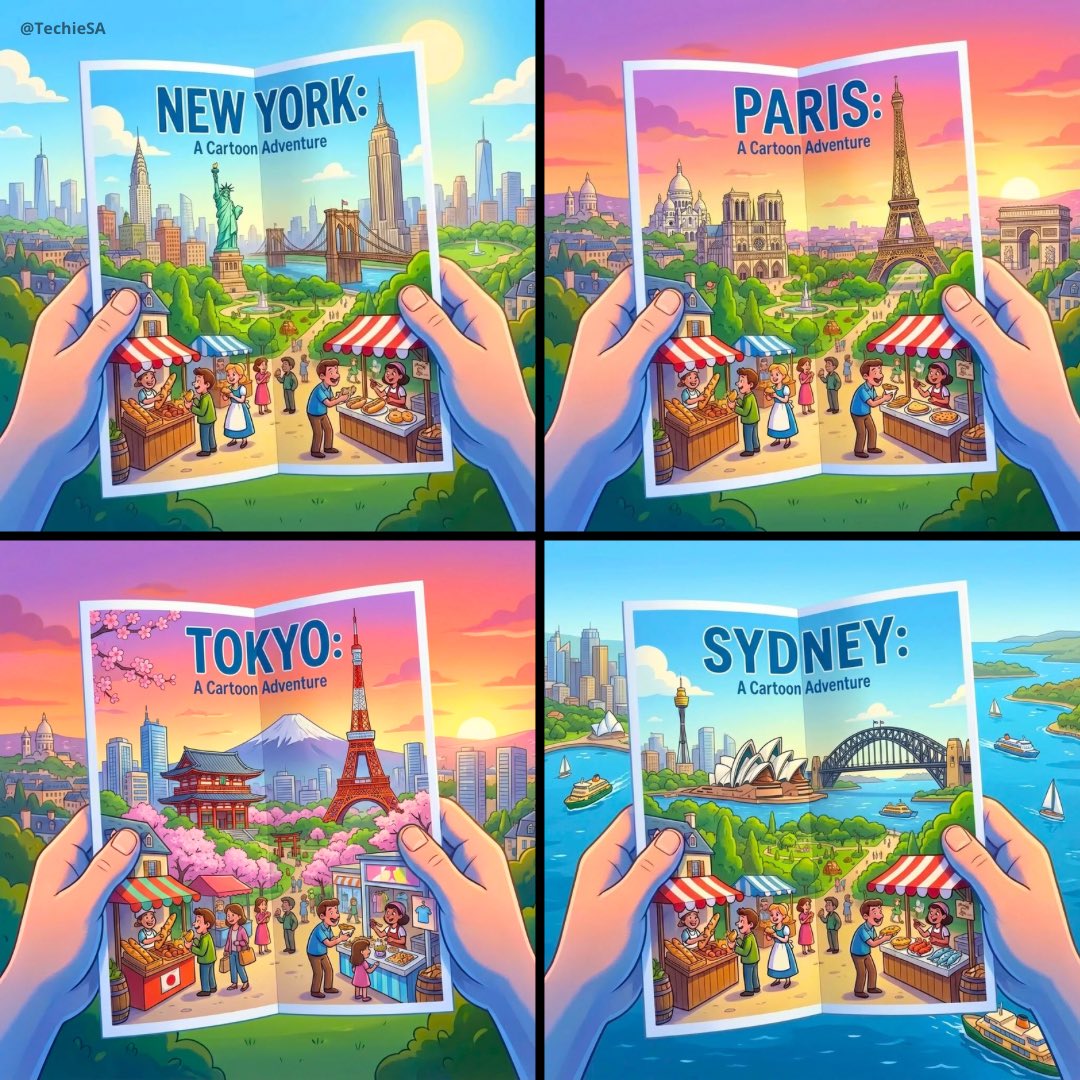
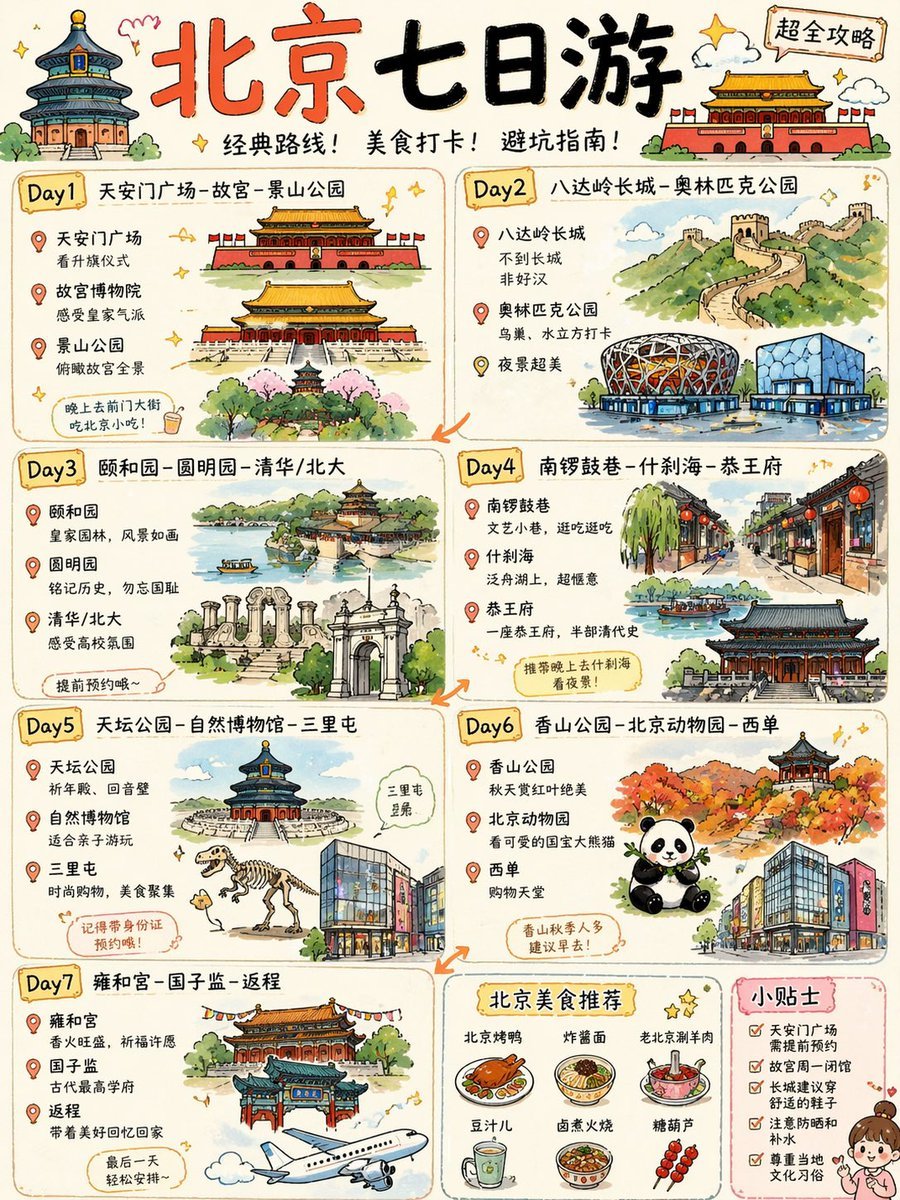
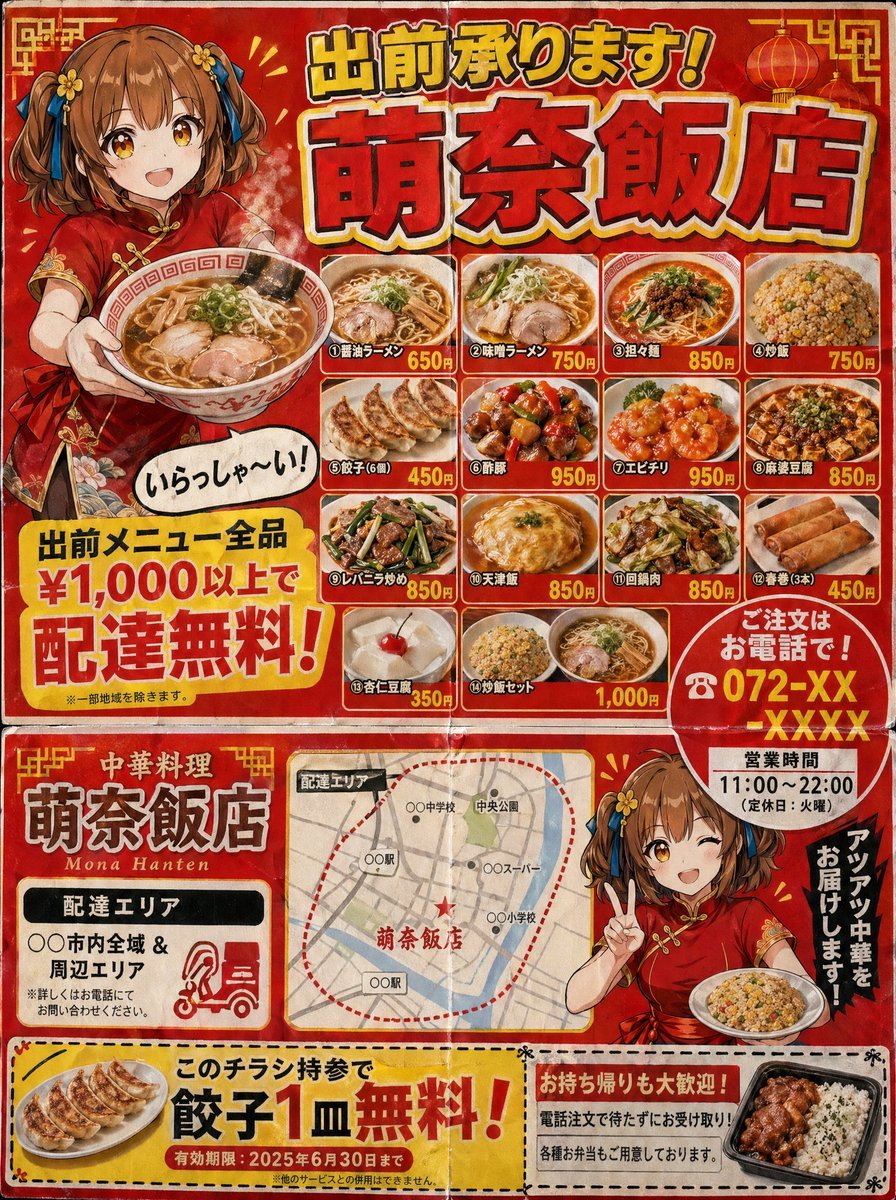
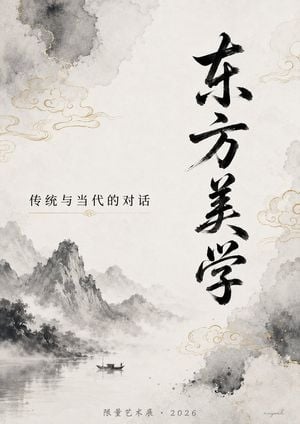
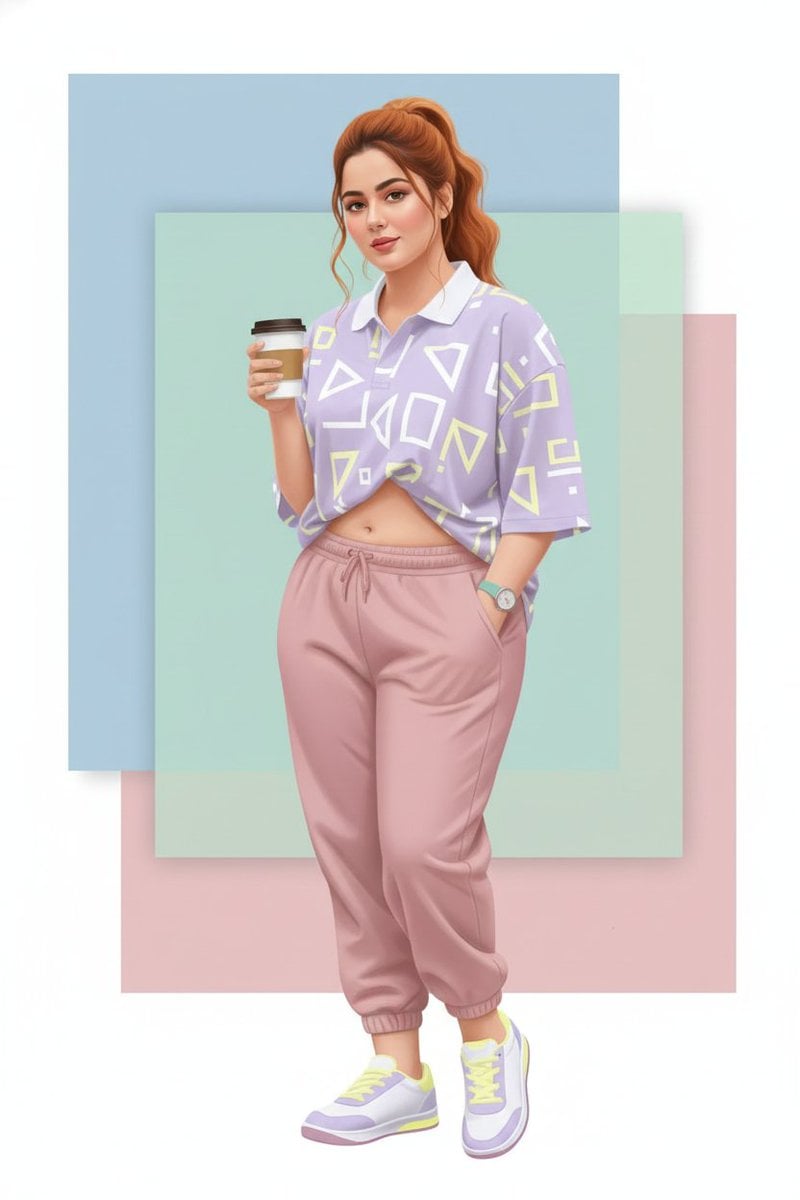
How do I use the Four-City Chinese Travel Guide Poster Set template?
Edit the prompt in the box under the preview — the template's model and format are already selected — and press Generate. Your version appears right on this page.
This generates a hand-painted four-panel Chinese travel itinerary infographic featuring week-long city guides, ideal for social media travel posts or printable trip-planning artwork.

This template uses your photo — add one with the + button.
{"type":"hand-painted illustrated travel guide poster set","subject":"a 2x2 grid of four Chinese city travel itinerary infographics on one cream paper canvas, scrapbook style, watercolor and ink illustration, soft textured background, decorative leaves, stars, food doodles, landmarks, and rounded itinerary boxes","style":{"medium":"watercolor gouache with fine pen outlines","mood":"cheerful, cozy, travel-journal, informative","design":"cute editorial infographic poster, Chinese hand-drawn tourism guide, slightly vintage paper texture, bright but soft palette"},"layout":{"grid":{"rows":2,"columns":2,"count":4},"posters":[{"title":"杭州七日游攻略","position":"top-left","theme_city":"{argument name=\"city name 1\" default=\"Hangzhou\"}","subtitle":"人间天堂・山水杭州","day_sections":[{"label":"Day1","title":"西湖初印象"},{"label":"Day2","title":"灵隐祈福"},{"label":"Day3","title":"西溪湿地"},{"label":"Day4","title":"宋城千古情"},{"label":"Day5","title":"龙井茶乡"},{"label":"Day6","title":"运河文化"},{"label":"Day7","title":"城隍夜游"}],"count":7,"extra_sections":[{"title":"温馨提示","position":"bottom-right"}],"illustrated_landmarks_count":8,"illustrated_foods_count":6},{"title":"上海七日游攻略","position":"top-right","theme_city":"{argument name=\"city name 2\" default=\"Shanghai\"}","subtitle":"魔都上海・现代与历史的交融","day_sections":[{"label":"Day1","title":"外滩初体验"},{"label":"Day2","title":"迪士尼奇妙日"},{"label":"Day3","title":"文艺上海"},{"label":"Day4","title":"上海博物馆日"},{"label":"Day5","title":"陆家嘴金融区"},{"label":"Day6","title":"多伦路文化街"},{"label":"Day7","title":"滨江休闲时光"}],"count":7,"extra_sections":[{"title":"小贴士","position":"bottom-right"}],"illustrated_landmarks_count":8,"illustrated_foods_count":8},{"title":"广州七日游攻略","position":"bottom-left","theme_city":"{argument name=\"city name 3\" default=\"Guangzhou\"}","subtitle":"食在广州・千年商都","day_sections":[{"label":"Day1","title":"老广州风情"},{"label":"Day2","title":"岭南文化"},{"label":"Day3","title":"长隆欢乐日"},{"label":"Day4","title":"沙面时光"},{"label":"Day5","title":"美食探索"},{"label":"Day6","title":"南沙滨海"}],"count":6,"extra_sections":[{"title":"美食推荐","position":"bottom-center"},{"title":"小贴士","position":"bottom-right"}],"illustrated_landmarks_count":7,"illustrated_foods_count":6},{"title":"成都七日游攻略","position":"bottom-right","theme_city":"{argument name=\"city name 4\" default=\"Chengdu\"}","subtitle":"天府之国・悠闲成都","day_sections":[{"label":"Day1","title":"成都市区游"},{"label":"Day2","title":"大熊猫基地"},{"label":"Day3","title":"都江堰一日游"},{"label":"Day4","title":"杜甫草堂&浣花溪"},{"label":"Day5","title":"美食之旅"},{"label":"Day6","title":"乐山大佛一日游"},{"label":"Day7","title":"悠闲慢生活"}],"count":7,"extra_sections":[{"title":"美食推荐","position":"bottom-right"}],"illustrated_landmarks_count":8,"illustrated_foods_count":7}],"shared_elements":{"character_mascots_count":5,"pandas_count":3,"food_rows_count":4}},"rendering":{"camera":"straight-on flat poster view","composition":"full page visible, evenly spaced four-panel layout with thin separations between posters","detail":"dense Chinese text blocks with bullet lists under each day, large brush-style Chinese headers, miniature landmark vignettes, skyline panoramas, temple illustrations, parks, rivers, bridges, and local foods","aspect_ratio":"4:3"},"text_instruction":"All visible text should be in Chinese, preserving the poster titles, subtitles, Day labels, and section headers exactly in the same illustrated infographic style. The small body text should look believable and neatly typeset even if not fully legible.","quality":"highly detailed, polished, print-ready travel guide aesthetic"}
Edit the prompt in the box under the preview — the template's model and format are already selected — and press Generate. Your version appears right on this page.
Yes. You can change the subject, setting, lighting, mood, format, and available model controls before creating your image.
Opening and editing this template is free. Generating uses credits, shown on the Generate button when you are signed in.
Start with GPT Image 2, which is the model associated with this template. You can compare another compatible model for a different finish.
Follow a topic to a crawlable collection of related PicX Studio templates.