
Layered Papercut City Travel Poster
A structured prompt for generating handcrafted travel posters in a layered papercut style, focusing on iconic city landmarks with a muted pastel palette and clean typography.
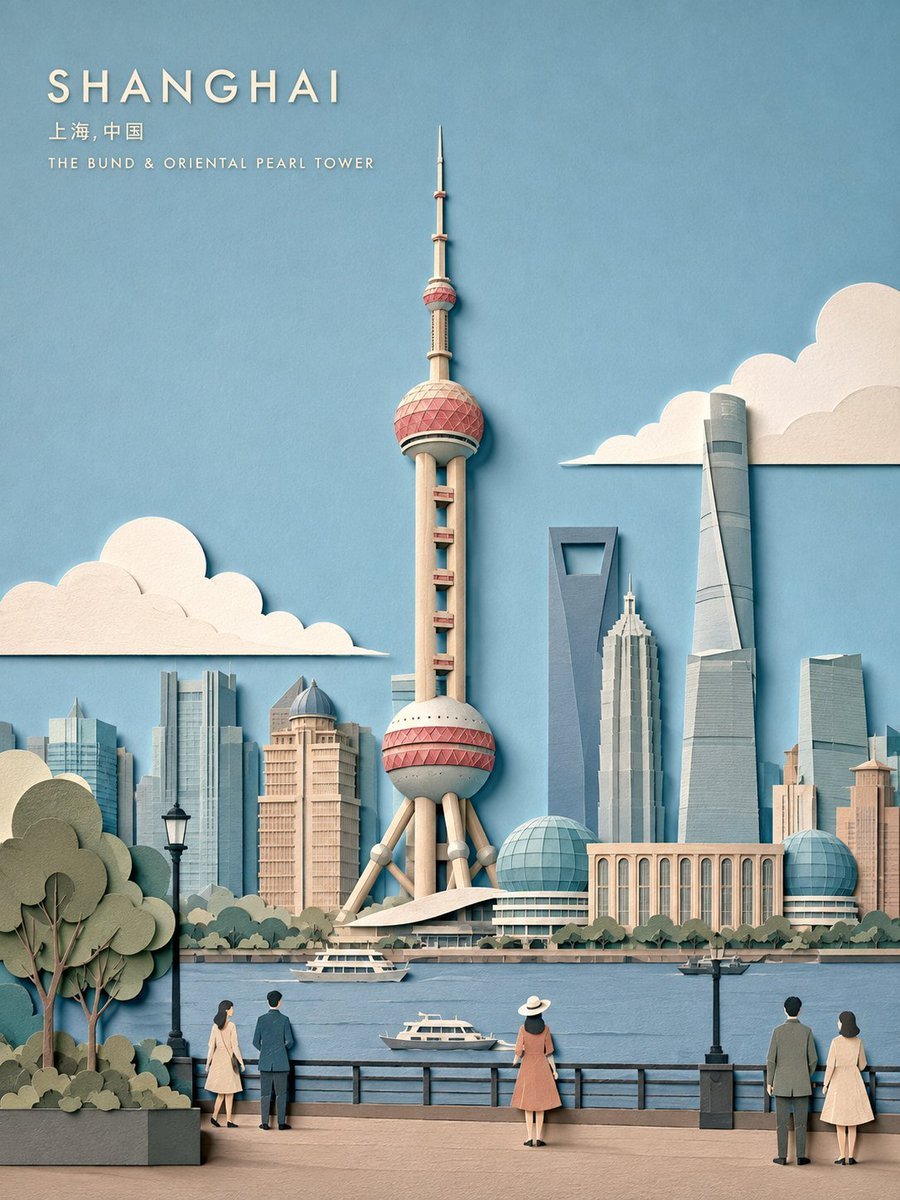
- Prompt included
- Model and format preset
- Free template
The prompt behind this image
Copy the exact prompt behind Layered Papercut City Travel Poster, or open it in the studio and make it yours.
Create a refined vertical 3:4 travel poster of {argument name="city" default="CITY"} as a handcrafted layered papercut illustration. First identify the city, country, architecture, landscape, climate, and visual character. Choose ONE iconic HERO LANDMARK and establish one believable real-world viewpoint. All supporting buildings, streets, parks, water, and skyline elements must realistically fit that viewpoint. No landmark collage. VISUAL COMPOSITION Make the HERO landmark the dominant element, occupying roughly 45–60% of the image height. Preserve its authentic silhouette, proportions, roofline, structural details, and surrounding environment while simplifying minor details. Use only 1–3 subtle secondary elements such as local buildings, skyline, bridge, park, waterfront, street trees, tiny pedestrians, or vehicles. Keep them smaller, flatter, and lower contrast. Composition: Top: 25–35% open sky and negative space Middle: HERO landmark and distant city Bottom: human-scale street, park, waterfront, or neighborhood Keep at least 30% visually quiet. PAPERCUT STYLE Use shallow 2–6 layer cut-paper construction with matte handmade paper, subtle grain, clean cut edges, overlapping shapes, and delicate 1–3 mm shadows. Graphic and editorial, not a miniature model. Simplify architecture into clean paper masses. Avoid excessive windows, bricks, cables, railings, roof tiles, and tiny details. Create depth through scale, overlap, and atmospheric color rather than 3D modeling. COLOR & LIGHT Use an authentic 6–8 color muted pastel palette inspired by {argument name="city" default="CITY"}: pale sky blue, ivory, cream, muted brick, dusty blush, pale stone, sage, and blue-grey, adjusted to the city. Use bright, soft, diffused daylight. Keep shadows subtle. TYPOGRAPHY Place a small uppercase {argument name="city" default="CITY"} title in the upper-left or upper-right negative space, optionally with the local name, country, or HERO landmark name. Use clean geometric lettering, wide spacing, flat cream/white paper. Typography must remain secondary and occupy no more than 12–18% of the image. FINAL TARGET Premium contemporary travel illustration. Elegant, airy, sophisticated, handcrafted, and geographically believable.
How to use Layered Papercut City Travel Poster in 3 steps
- 1
Open
The prompt is already in the box next to the preview, with the template's model and format selected.
- 2…a portrait of your subject in softgolden-hour light, 85mm…
Personalize
Edit the subject and creative details for your destination.
- 3Generate
Generate
Press Generate — your image is created in PicX Studio, so you can compare it with the original and refine one variable at a time.
More like this
Templates with the same subject, style or setup. Open one to see its prompt.

Japan Travel Brochure Poster

Saudi Arabia Paper Cut Travel Poster

Nano Banana Pro 2.0 — 3x3 Travel Profile Grid

City Posters by Nano Banana Pro

Master Paper Cut Illustration — Saudi Arabia Travel Poster in Layered Paper Art
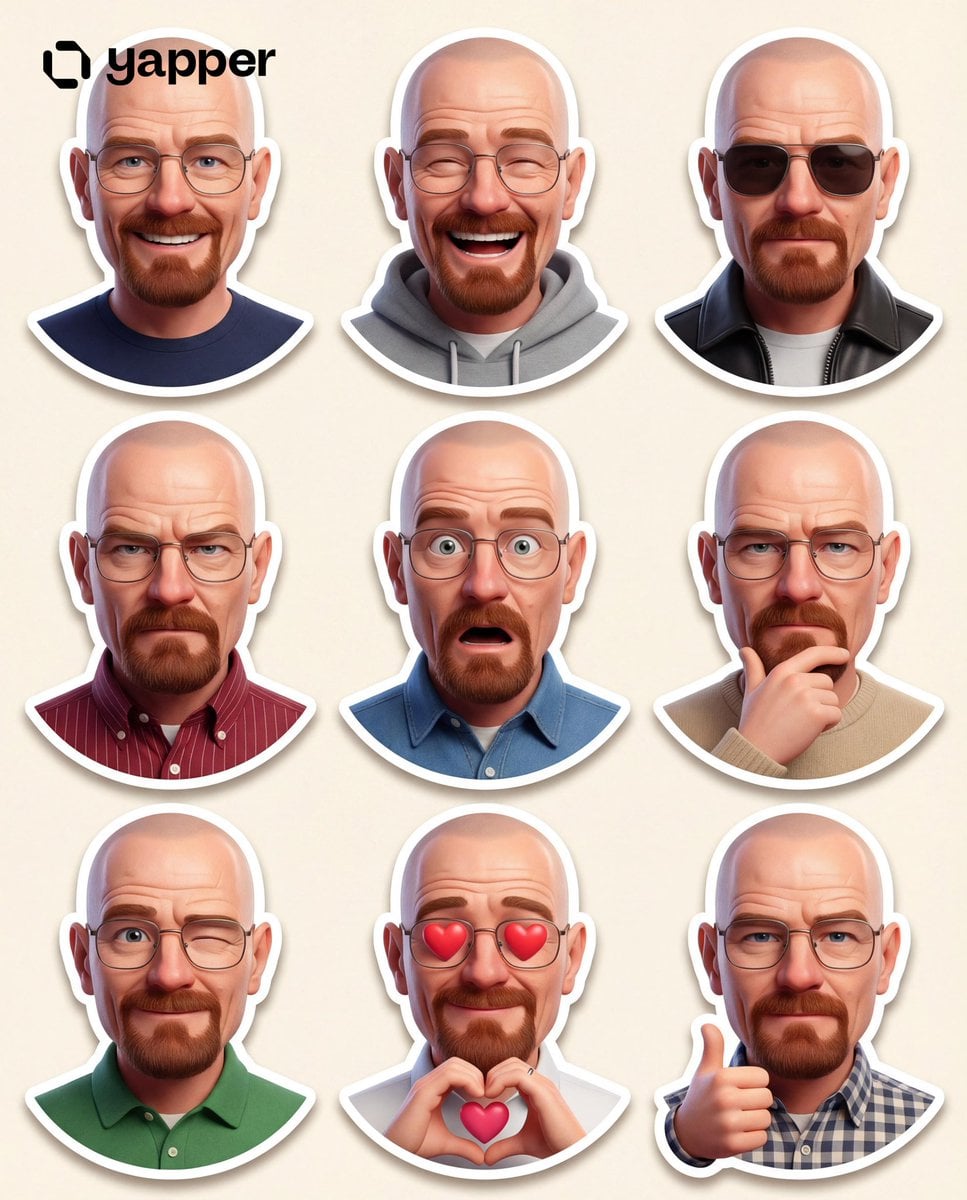
Paper Cut City Chase
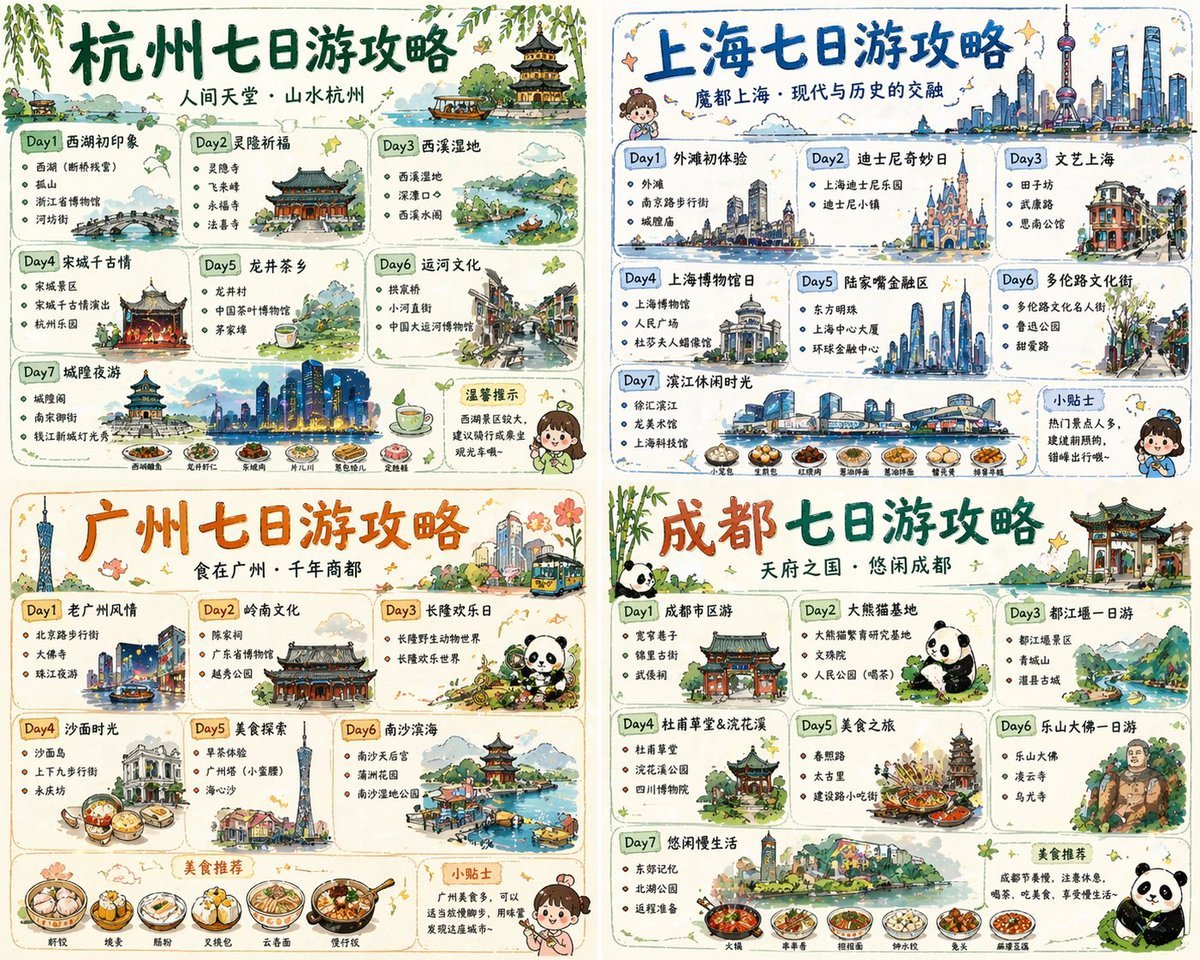
Four-City Chinese Travel Guide Poster Set
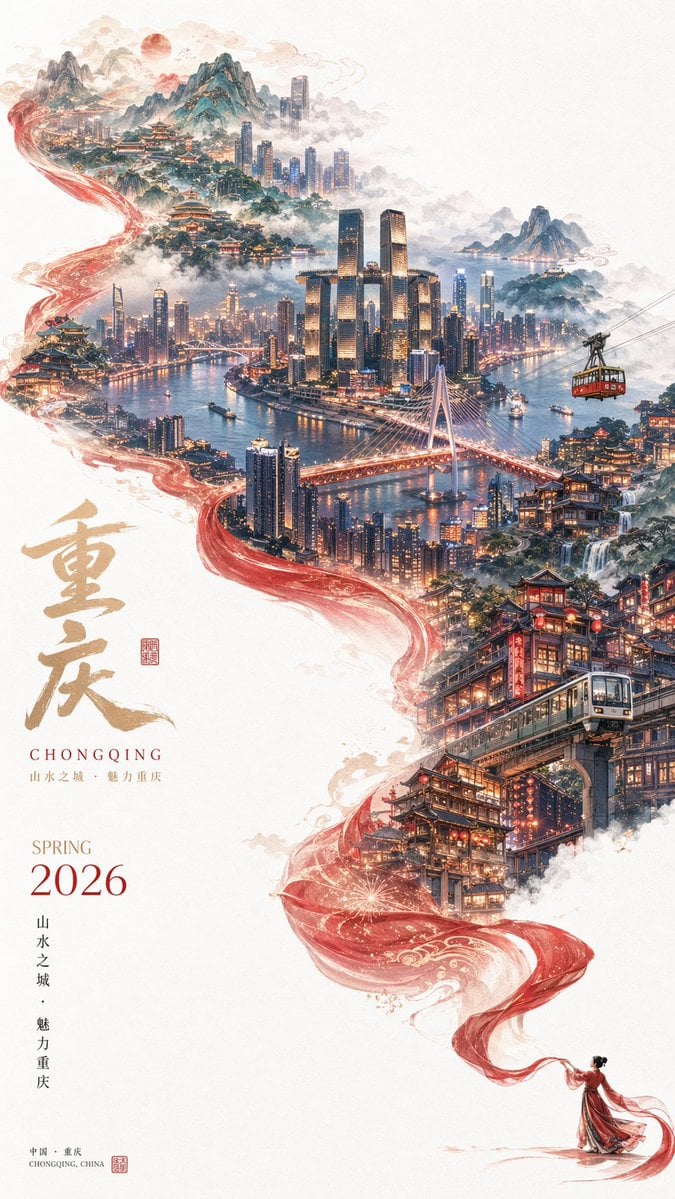
Surreal Cityscape Travel Poster
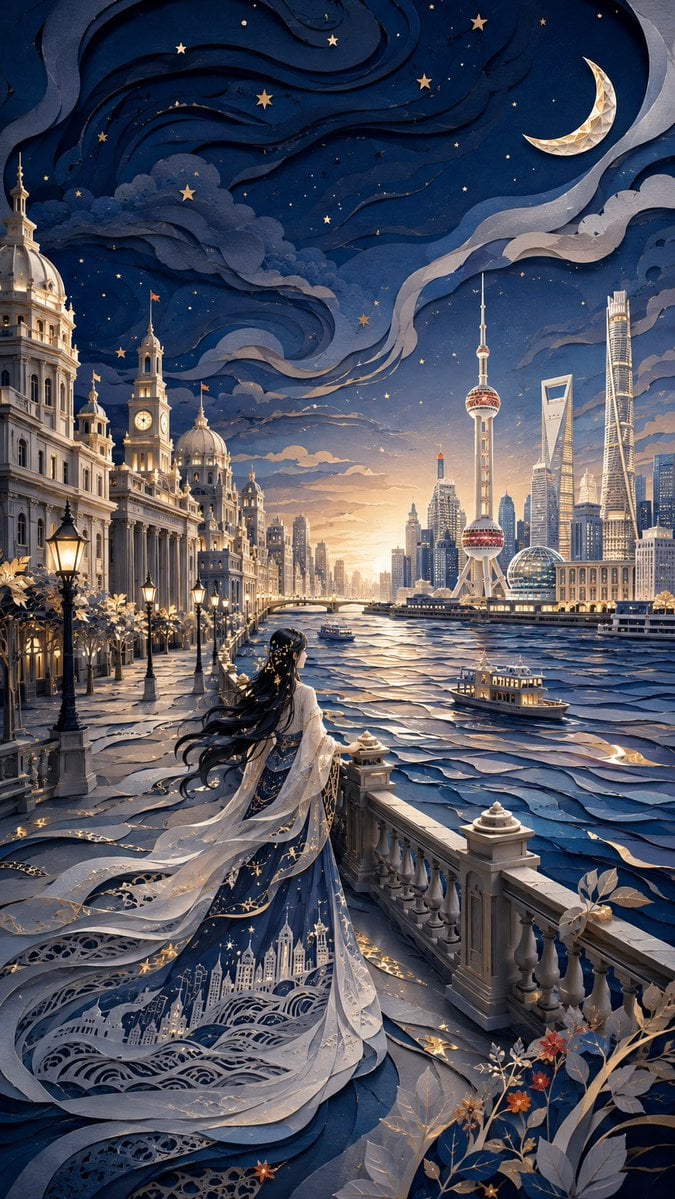
Modern Oriental Papercut Art Cityscape
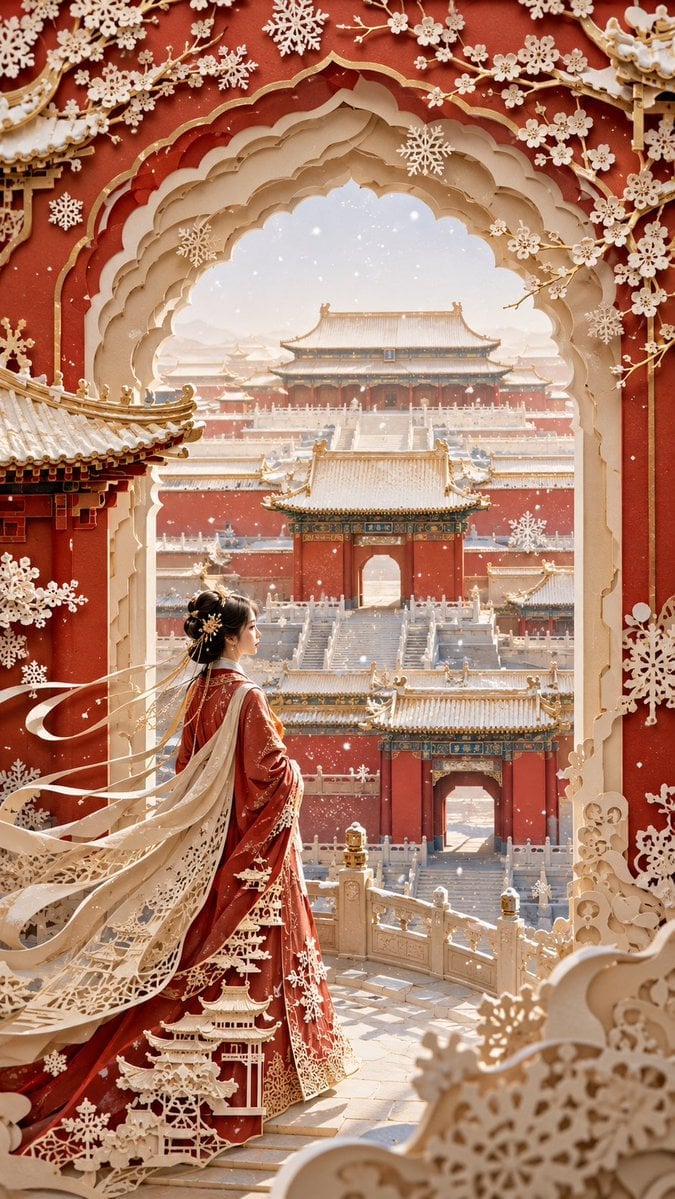
Forbidden City Papercut Art

3D Layered Papercut Artwork
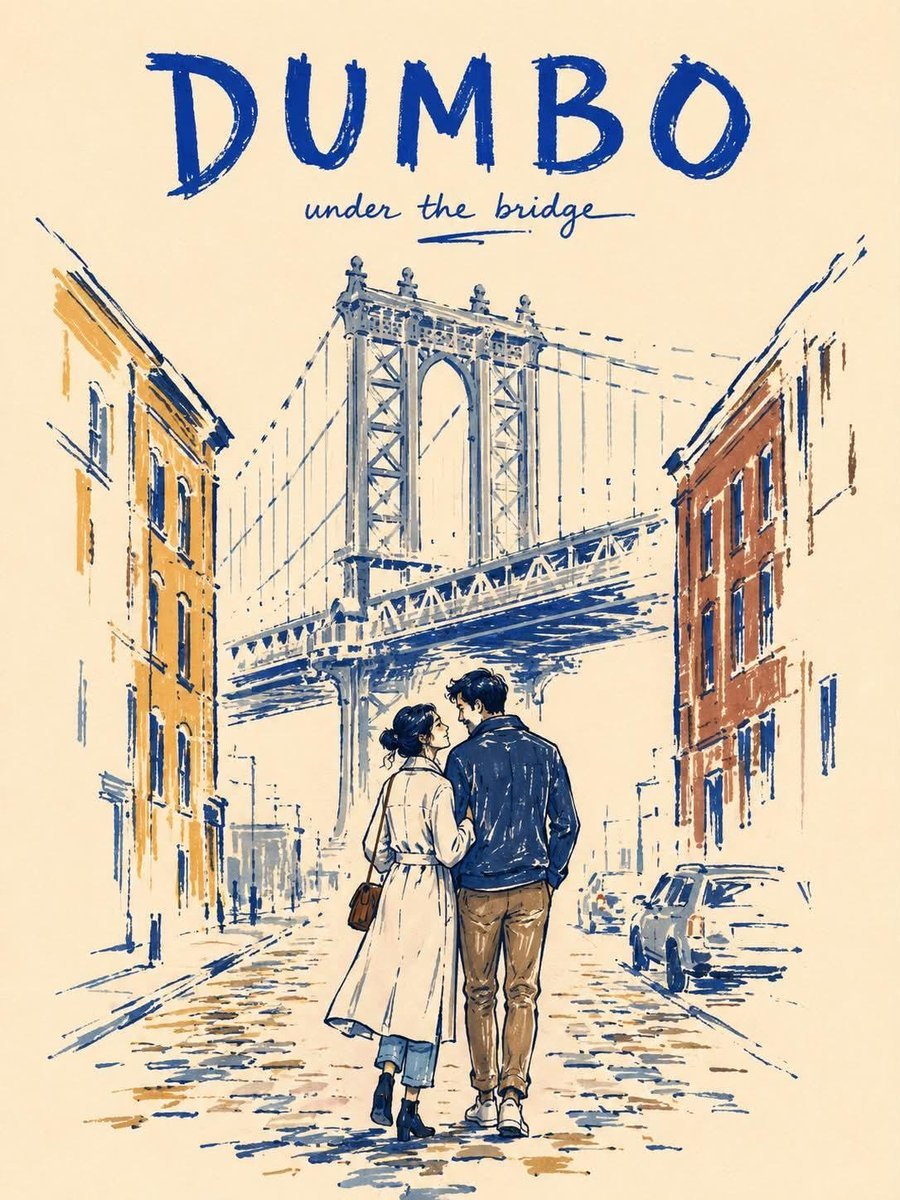
Minimalist Marker Travel Poster
Make it yours
Layered Papercut City Travel Poster works as-is. These are the safest ways to change it without losing the look.
Change one field
Copy a single group, rewrite it, and generate again so you can see what that field is doing.
Keep the frame, change the subject
Hold the composition and light of Layered Papercut City Travel Poster, then swap wardrobe, props or the person for a new take.
| If the result… | Why | Fix |
|---|---|---|
| The result drifts from the preview | Too many fields changed at once. | Reuse Layered Papercut City Travel Poster as-is first, then change one group — subject, light, or setting. |
| The model over-stylizes the scene | The prose prompt leaves finish and camera underspecified. | Add one camera or lighting sentence and stay on GPT Image 2. |
More GPT Image 2 templates
Other prompts made for GPT Image 2.

Six VTuber Japanese Logo Sheet

Realistic Portrait of Woman and Deer

The Vista Modular Condo Poster

AI Model Routing Comparison Infographic

2.5D Anime Art Board

Isometric Productivity Desk Scene

New York Double Exposure Poster

Four-Panel AI Landscape Comparison

Japanese Tatami Lifestyle Magazine Cover

NESCAFÉ Coffee Map Poster
More image prompts
Fresh picks from across the catalog.
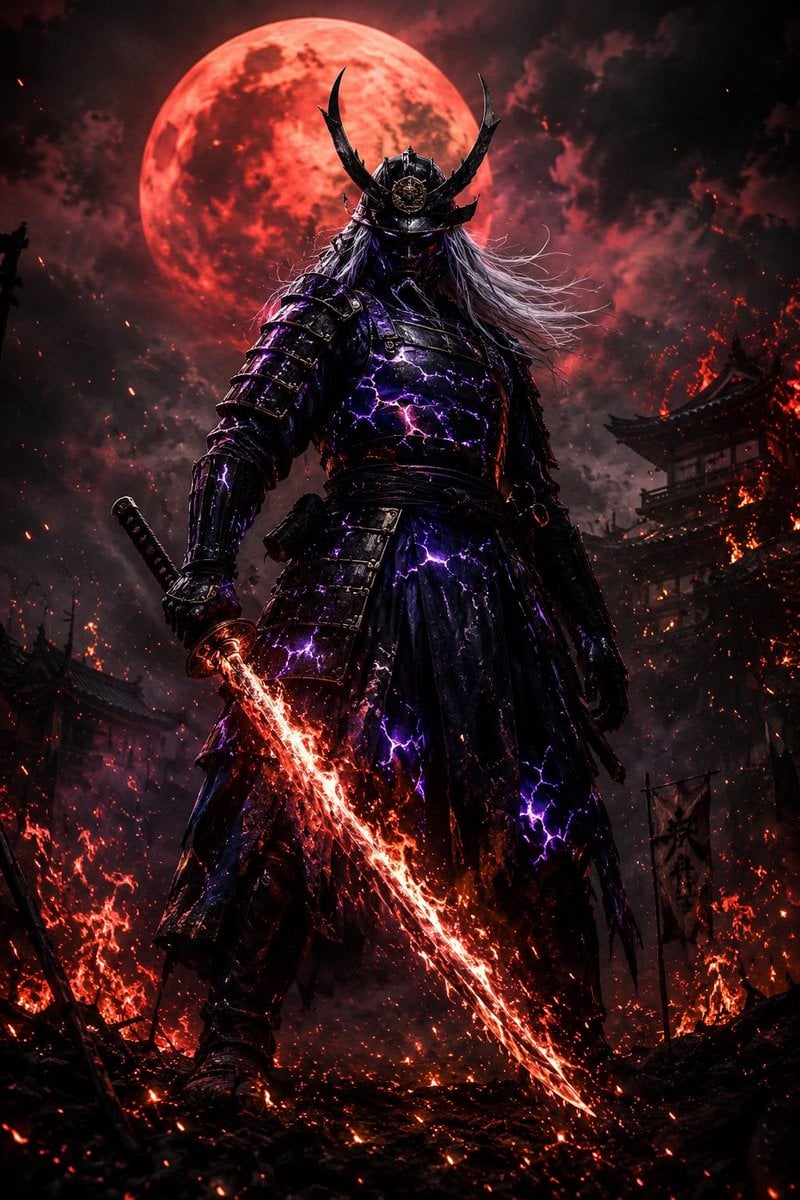
Dark Fantasy Samurai Warlord

Cinematic Night Portrait with Teal-Green Grading
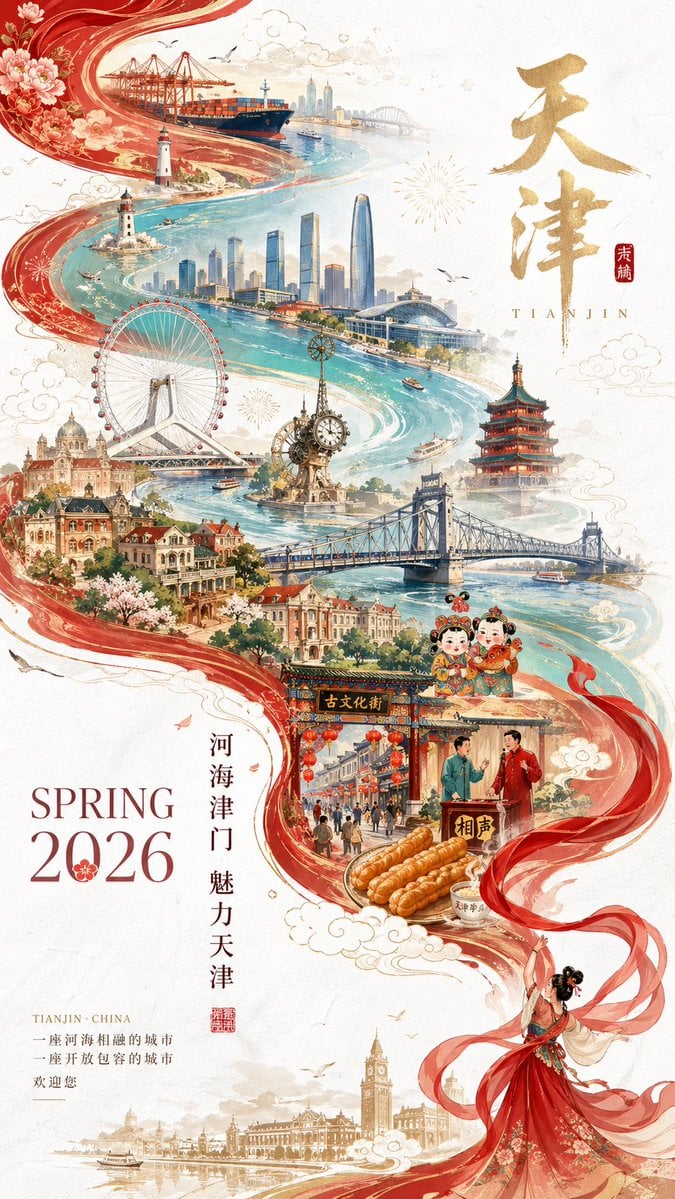
Tianjin City Promotional Poster Prompt
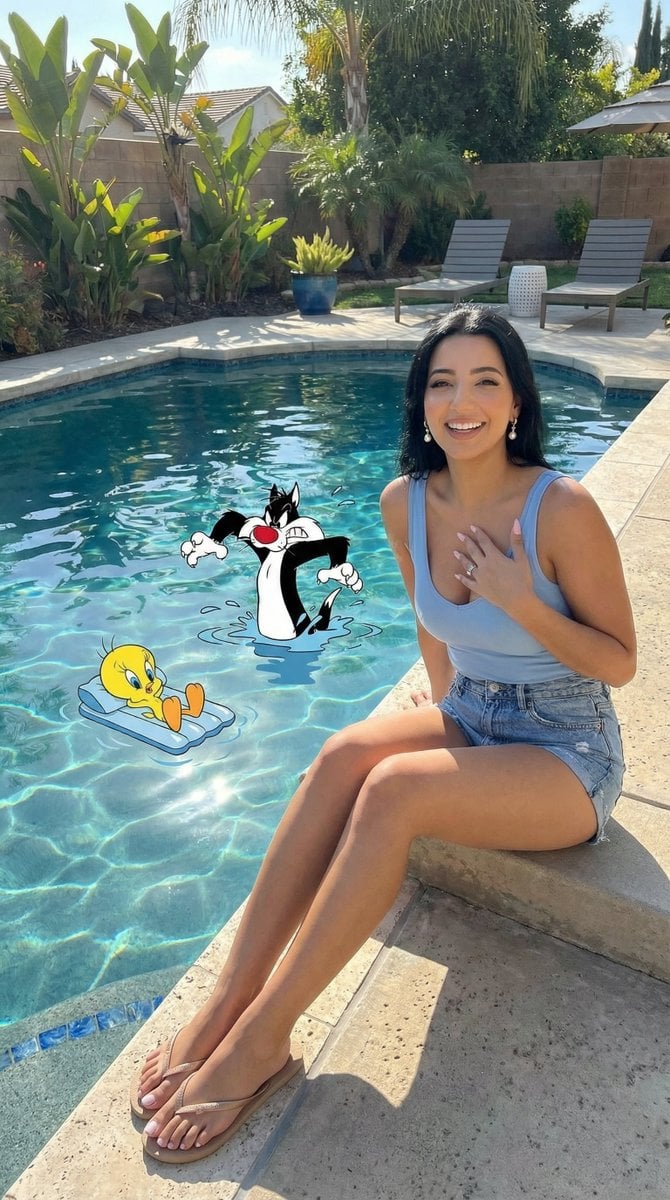
Looney Tunes Poolside Scene Prompt

Minimalist Fashion Editorial Portrait

Illustration based on long classical Chinese poem
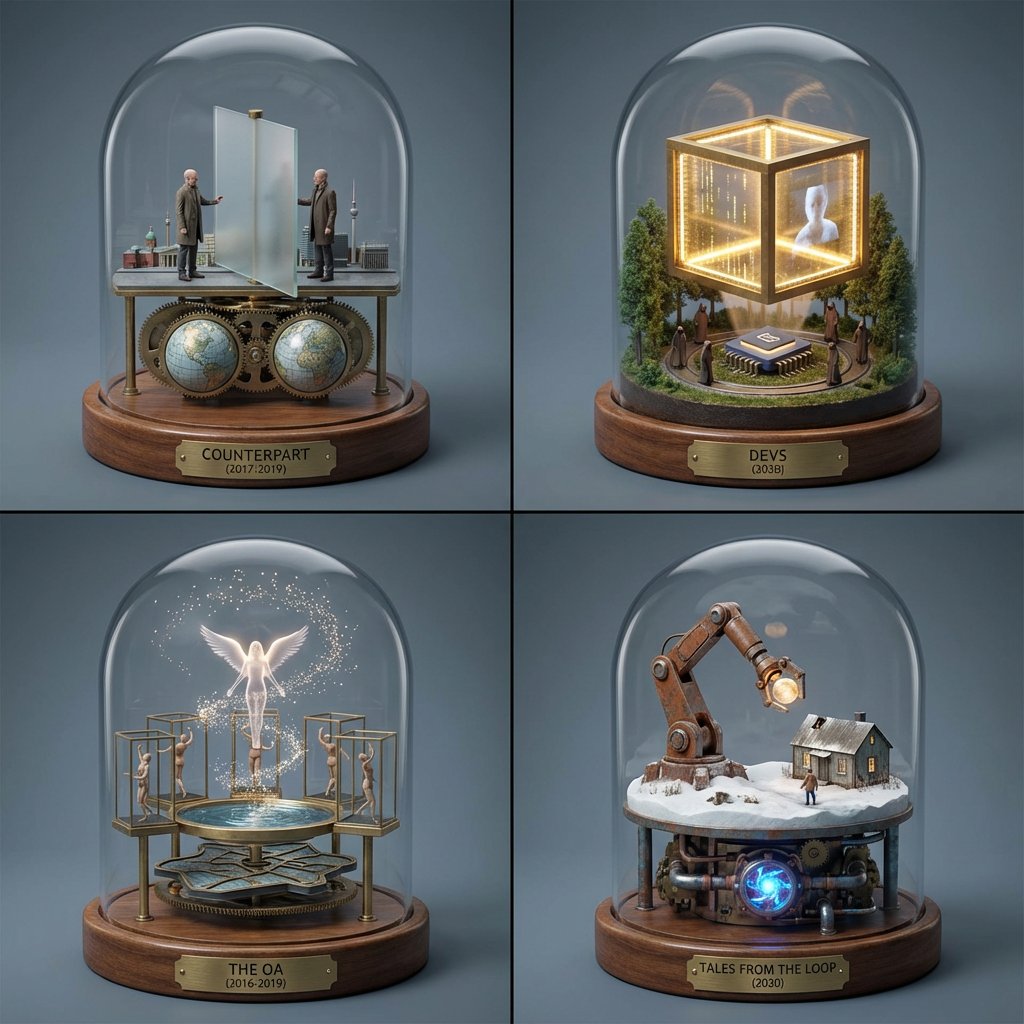
TV Series Recommendation Engine & Miniature Set Designer
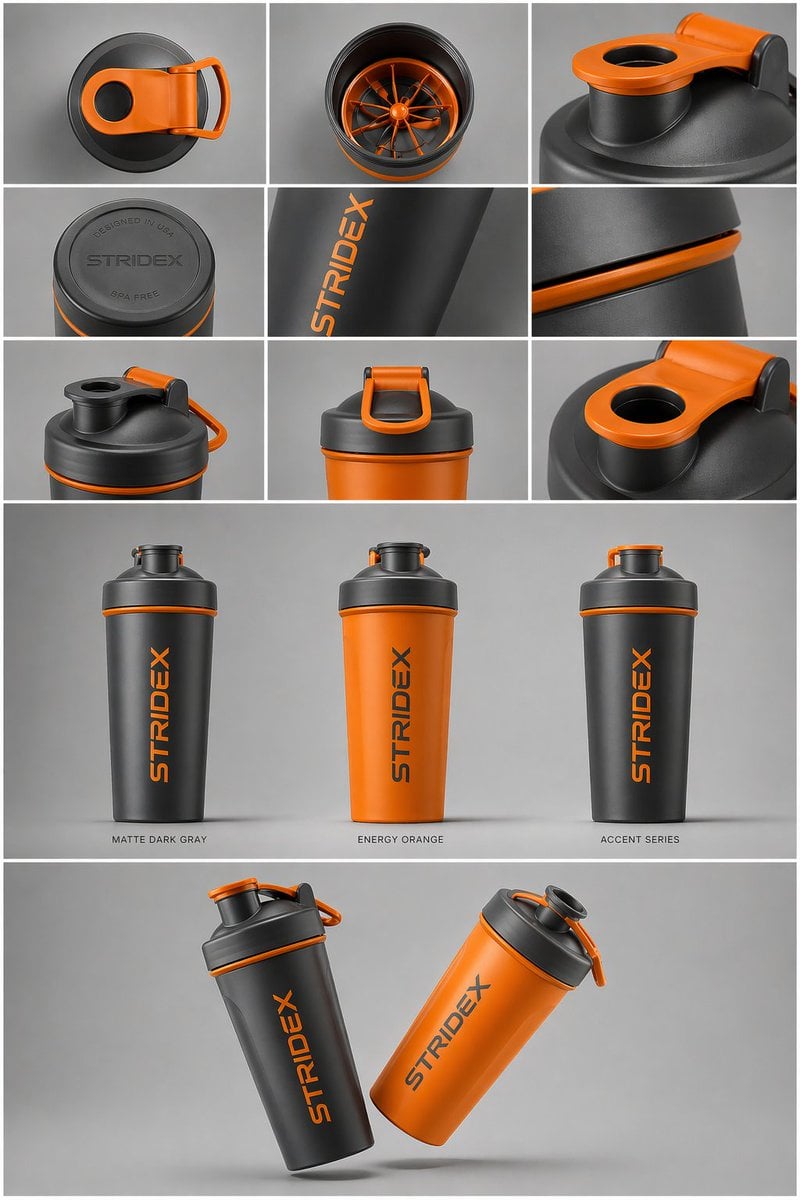
Gpt2 E Commerce Main Image Industrial Design Presentation Sheet
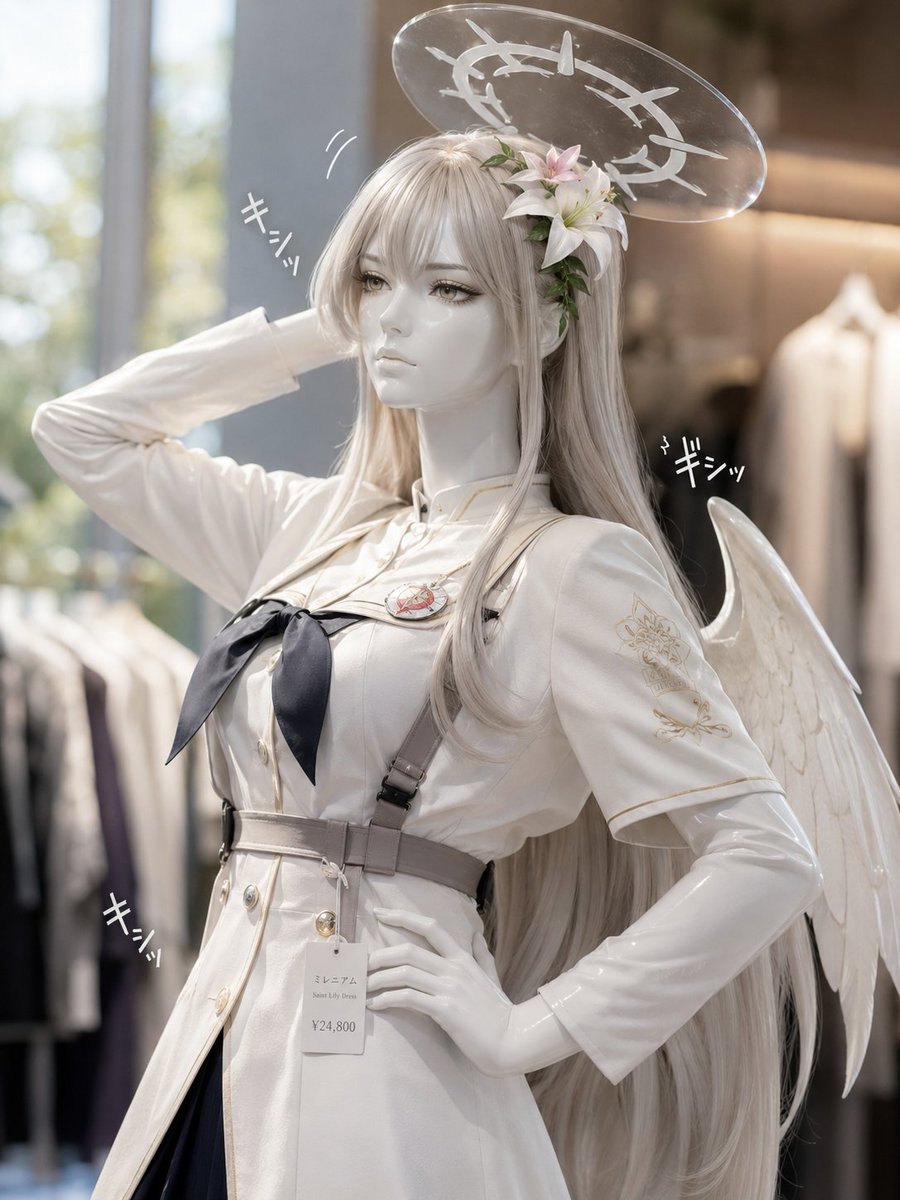
Realistic Angel Mannequin Boutique Display
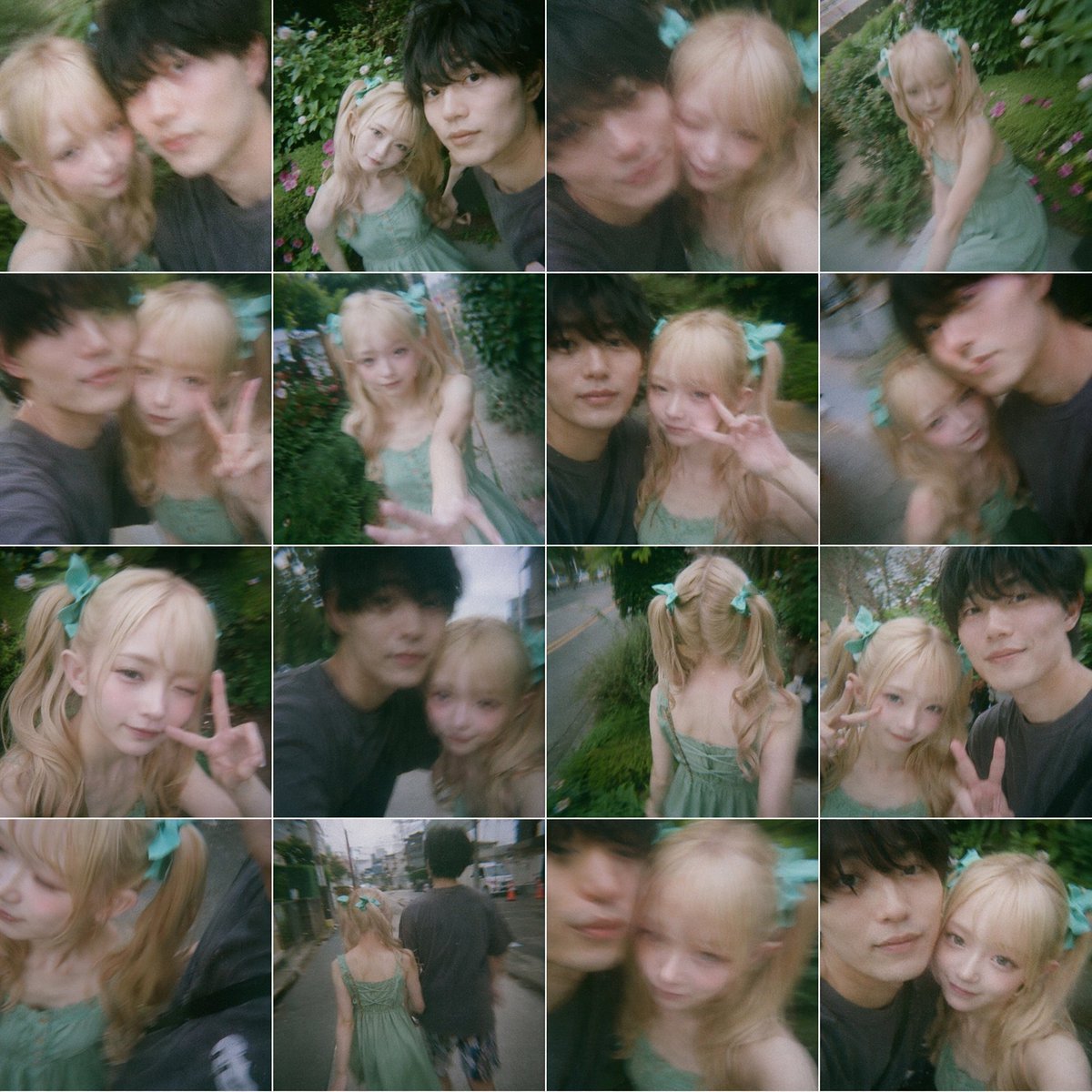
Dreamy 16-Photo Couple Walk Collage
Browse template categories
Layered Papercut City Travel Poster questions
How do I use the Layered Papercut City Travel Poster template?
Add your photo if the template asks for one, edit the prompt if you like — the template's model and format are already selected — and press Generate. Your version opens in PicX Studio.
Can I customize the Layered Papercut City Travel Poster template?
Yes. You can change the subject, setting, lighting, mood, format, and available model controls before creating your image.
Is the Layered Papercut City Travel Poster template free?
Opening and editing this template is free. Generating uses credits, shown on the Generate button when you are signed in.
Which AI model should I use?
Start with GPT Image 2, which is the model associated with this template. You can compare another compatible model for a different finish.
Looking for something else? Browse all templates.

Your photo, any look
Thousands of ready templates for every top image and video model, from one credit balance.