
Tianjin City Promotional Poster Prompt
A highly detailed, professional prompt for generating a promotional poster for Tianjin city using a blend of traditional Chinese illustration and double exposure styles.
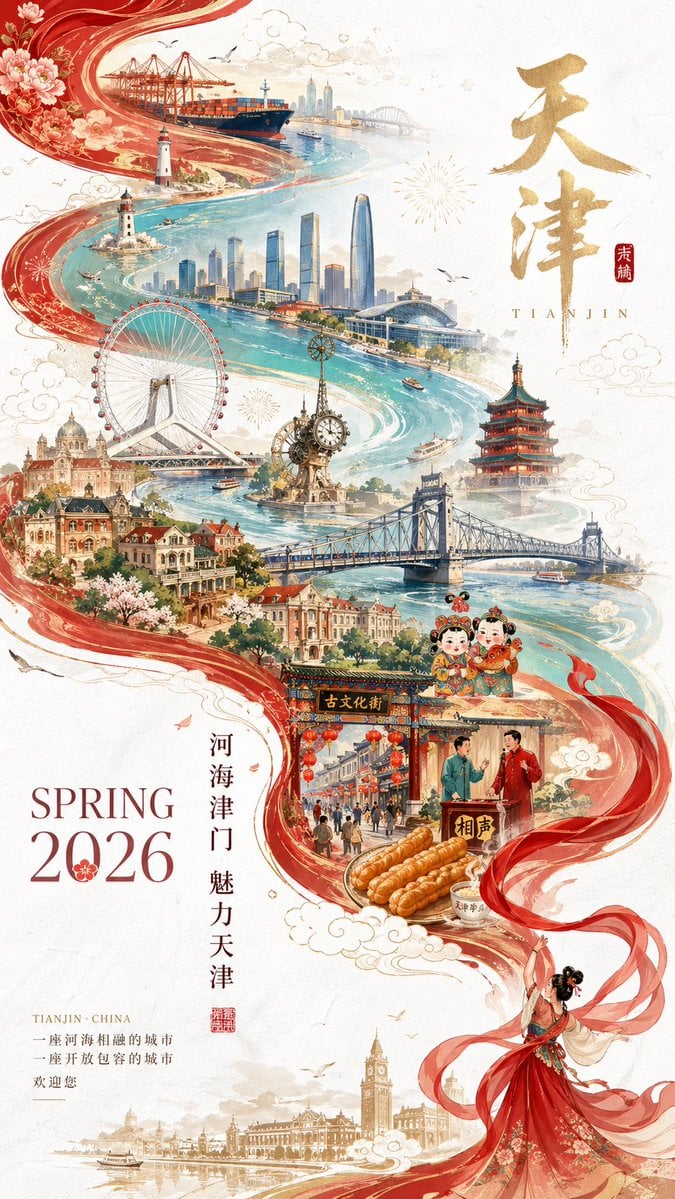
- Prompt included
- Model and format preset
- Free template
The prompt behind this image
Copy the exact prompt behind Tianjin City Promotional Poster Prompt, or open it in the studio and make it yours.
A 2026 Tianjin city promotional poster full of festive Chinese New Year atmosphere, while also carrying an elegant tone and a sense of urban cultural heritage. The overall image uses an artistic technique combining Guochao (China-chic) illustration and double exposure, with a composition that follows an S-shaped flowing curve, guiding the eye naturally and smoothly, blending a modern design sense with Eastern aesthetic charm. On a pure white, premium-textured background, the image keeps large areas of negative space, giving an overall fresh, elegant, and airy feel. In the bottom-right of the frame stands a miniature figure dressed in traditional Chinese attire, with a lively, dynamic pose, waving a long red silk dance ribbon. This red silk has a soft, flowing, tension-filled texture, swirling and rising into the air, naturally extending toward the upper-left, forming a flowing trajectory with strong visual impact. As the red silk extends, it gradually transforms into the magnificent waterway of the Hai River, simultaneously blending Tianjin's cultural context and geographic imagery, like a long scroll of the city spanning past and present. Within this visual centerpiece formed by the interweaving of the "river" and the silk, overlay a hand-drawn panoramic illustration of the city of Tianjin, in a Guochao style, richly layered, grand in scale, with exquisite, stunning detail. The image should prominently feature Tianjin's representative landmarks and urban elements: Tianjin Eye (a striking, highly recognizable city landmark) the Hai River (the core waterway running through the entire image) Jiefang Bridge (reflecting the city's sense of history and industrial beauty) the Jinwan Plaza building cluster (showing the modern, bustling atmosphere of the city) the Century Bell (a landmark sight of Tianjin) Ancient Culture Street (reflecting Tianjin's traditional culture) the Wudadao Western-style building cluster (reflecting a historical style blending Chinese and Western elements) the Drum Tower (reflecting Tianjin's ancient charm) the Italian Style Town (adding a romantic, exotic flavor to the city) Tianjin Port and ocean-going cargo ship elements (reflecting the city's open, port-city character, connected to the world) Feel free to incorporate Tianjin cultural symbols such as Yangliuqing New Year woodblock prints, Clay Figure Zhang sculptures, xiangsheng (crosstalk) culture symbols, and mahua (twisted dough sticks) as accent details, to strengthen the sense of regional identity The whole image should present a visual mood of "river, city, bridge, port, and the blending of past and present," with light mist swirling and a hazy, misty atmosphere, carrying the ethereal, otherworldly quality found in Eastern aesthetics. The color palette should mainly use Chinese red, gold, elegant white, teal green, and light blue, with warm gold accents here and there — overall festive but not gaudy, rich but not cluttered. Image requirements: Rich in detail, complex in structure, with clear layering The cityscape fully visible at a glance, with a sense of grandeur and artistry Maintain a festive New Year feel, modern aesthetics, and the quality of a promotional poster A clear hand-drawn feel, exquisite and beautiful, with collectible-level visual quality Carrying both the grandeur of a city promotional poster and the refined sophistication of a high-end tourism poster Typography requirements: In the bottom-left corner, elegantly typeset the English title: "SPRING 2026" Next to it, add a vertical Chinese promotional slogan, for example: "河海津门 魅力天津" or "津门故里 开放天津" or "古今交融 万象天津" Text requirements: Elegant, graceful typesetting Clear, complete lettering A refined, high-end poster design feel Harmonious pairing of Chinese and English No garbled text, no typos Overall symbolism: Showcase Tianjin's unique charm as a historic and cultural city, a major northern port city, and a modern international metropolis, expressing the romantic character of the Hai River, the ancient charm of Tianjin, and the city's open and inclusive spirit. Poster size: 9:16 vertical.
How to use Tianjin City Promotional Poster Prompt in 3 steps
- 1
Open
The prompt is already in the box next to the preview, with the template's model and format selected.
- 2…a portrait of your subject in softgolden-hour light, 85mm…
Personalize
Edit the subject and creative details for your destination.
- 3Generate
Generate
Press Generate — your image is created in PicX Studio, so you can compare it with the original and refine one variable at a time.
More like this
Templates with the same subject, style or setup. Open one to see its prompt.

Cartoon TV Show Poster Pack

Japan Neon Speed City Racing Poster
Guangzhou City Promotional Poster

Japan Travel Brochure Poster

Trendy Cafe Drink Promo Poster

Urban Fashion Editorial Collage Streetwear Poster

Premium Fashion Editorial Cover Layout System

Polo Ralph Lauren Luxury American Heritage Fashion Campaign

Monochrome Halftone Editorial Fashion Poster

Retro Mirror Luxury Fashion Campaign Poster

Luxury Fashion Campaign Typography Poster System

Premium Fashion Editorial Campaign Poster System
Make it yours
Tianjin City Promotional Poster Prompt works as-is. These are the safest ways to change it without losing the look.
Change one field
Copy a single group, rewrite it, and generate again so you can see what that field is doing.
Keep the frame, change the subject
Hold the composition and light of Tianjin City Promotional Poster Prompt, then swap wardrobe, props or the person for a new take.
| If the result… | Why | Fix |
|---|---|---|
| The result drifts from the preview | Too many fields changed at once. | Reuse Tianjin City Promotional Poster Prompt as-is first, then change one group — subject, light, or setting. |
| The model over-stylizes the scene | The prose prompt leaves finish and camera underspecified. | Add one camera or lighting sentence and stay on GPT Image 2. |
More GPT Image 2 templates
Other prompts made for GPT Image 2.

Six VTuber Japanese Logo Sheet

Realistic Portrait of Woman and Deer

The Vista Modular Condo Poster

AI Model Routing Comparison Infographic

2.5D Anime Art Board

Isometric Productivity Desk Scene

New York Double Exposure Poster

Four-Panel AI Landscape Comparison

Japanese Tatami Lifestyle Magazine Cover

NESCAFÉ Coffee Map Poster
More image prompts
Fresh picks from across the catalog.
Backlit Indoor Window Portrait
Monochrome Industrial Axe Walker
X Aiwithlariab Image on Nano Banana 2
Chinese Landscape Painting Pigment Squeeze
Cheerful minimal edit to existing art
Realistic Identity Card Macro Photography
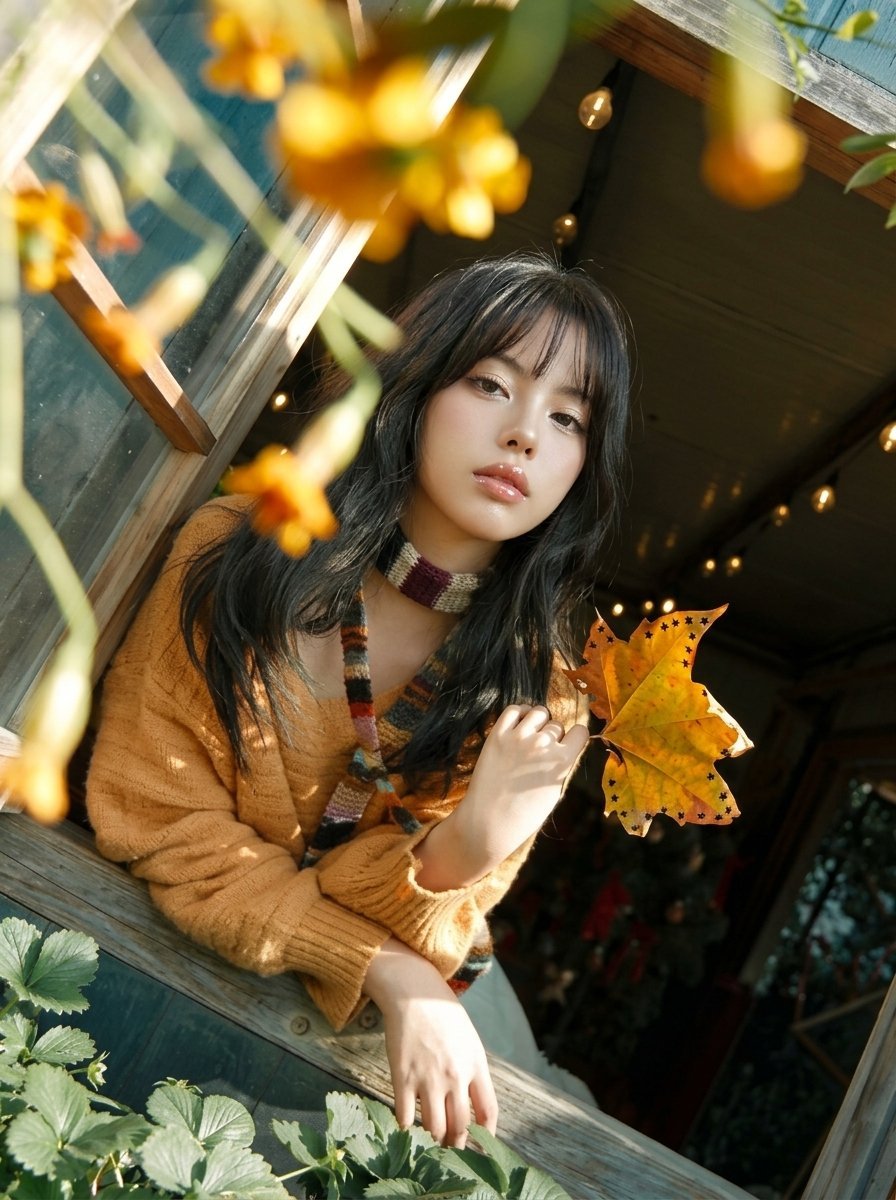
Y2K Windowsill Maple Leaf — Early 2000s Digital Photo
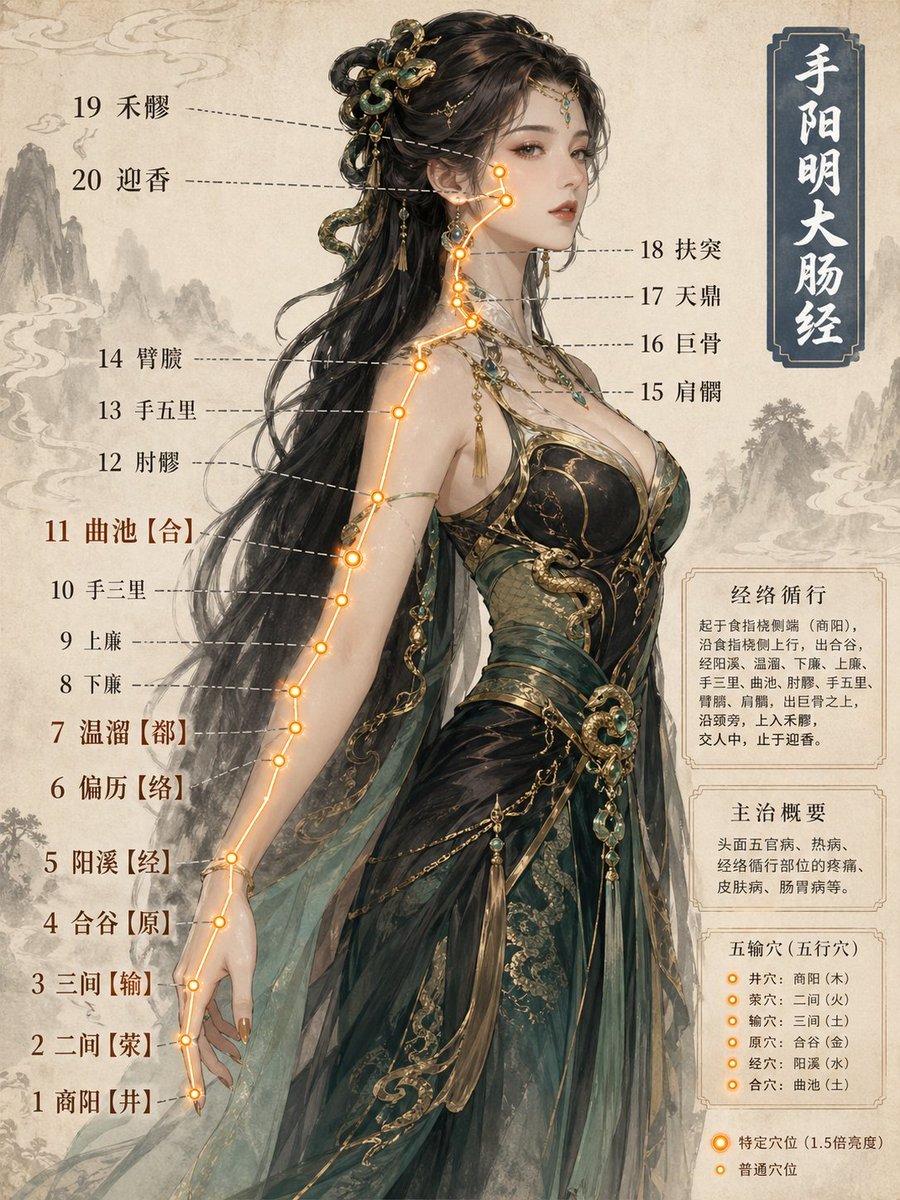
Chinese Medicine Meridian Infographic
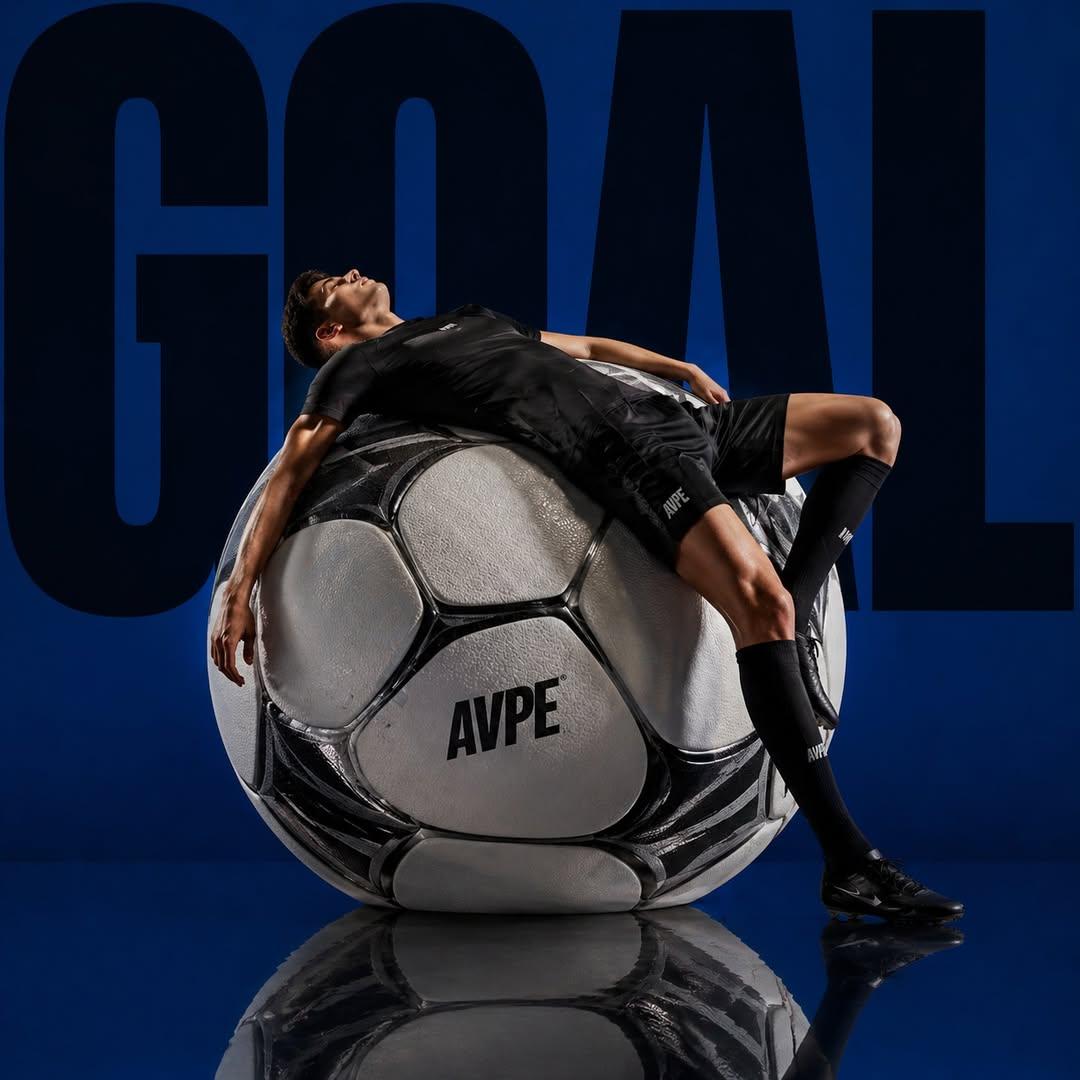
Professional Sports Campaign Portrait
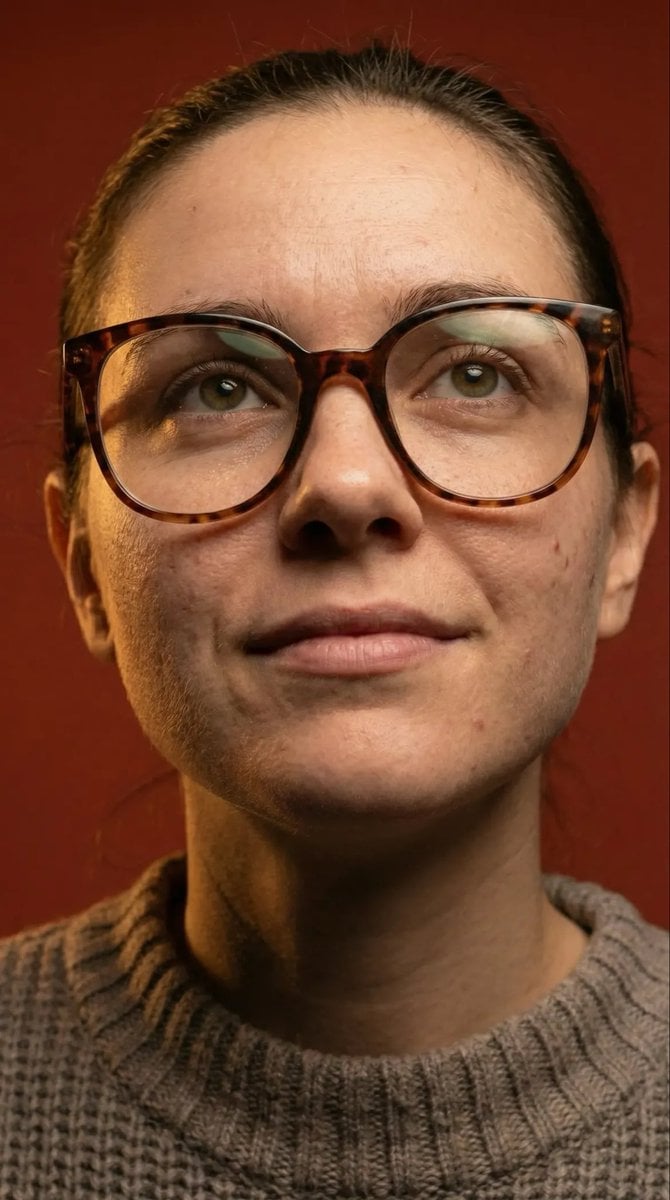
Macro Detail Portrait with Glasses and Skin Texture Prompt
Browse template categories
Tianjin City Promotional Poster Prompt questions
How do I use the Tianjin City Promotional Poster Prompt template?
Add your photo if the template asks for one, edit the prompt if you like — the template's model and format are already selected — and press Generate. Your version opens in PicX Studio.
Can I customize the Tianjin City Promotional Poster Prompt template?
Yes. You can change the subject, setting, lighting, mood, format, and available model controls before creating your image.
Is the Tianjin City Promotional Poster Prompt template free?
Opening and editing this template is free. Generating uses credits, shown on the Generate button when you are signed in.
Which AI model should I use?
Start with GPT Image 2, which is the model associated with this template. You can compare another compatible model for a different finish.
Looking for something else? Browse all templates.

Your photo, any look
Thousands of ready templates for every top image and video model, from one credit balance.