
Guangzhou City Promotional Poster
A comprehensive double-exposure prompt for an elegant city poster, combining traditional aesthetics with modern landmarks and complex text layouts.
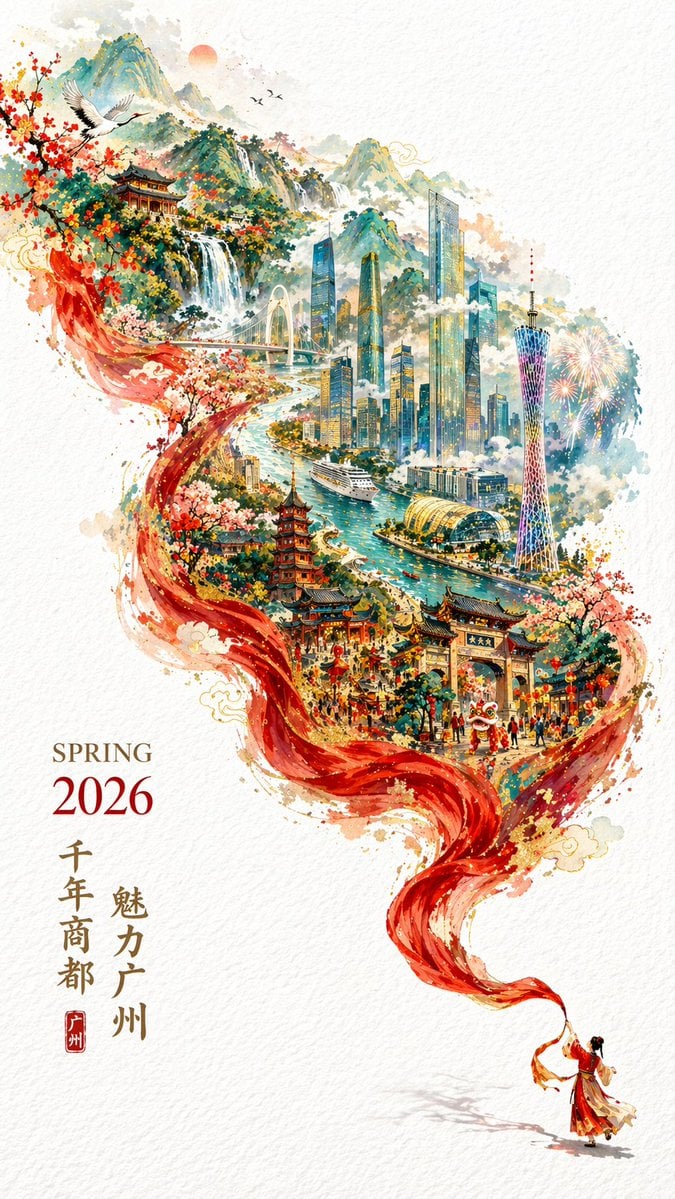
- Prompt included
- Model and format preset
- Free template
The prompt behind this image
Copy the exact prompt behind Guangzhou City Promotional Poster, or open it in the studio and make it yours.
A {argument name="year" default="2026"} city promotional poster full of {argument name="atmosphere" default="joyful Chinese New Year"} atmosphere, yet still elegant and refined. Double exposure, with the composition continuing an S-shaped flowing feel. In the lower-right corner of a pure white textured background, a miniature figure in traditional Chinese dress is waving a long red silk dance ribbon; this red ribbon dances through the air, showing off silk's soft, flowing texture, and as it flutters toward the upper left, it fantastically transforms into a magnificent mountain range and river. Superimposed within this "river" is a hand-drawn illustration of the city of Guangzhou, with mountains, sea, and river, in a guochao (China-chic) style, its scenery laid out in full view, majestic and breathtaking. Guangzhou's landmark buildings (Canton Tower, the Zhujiang New Town skyline, the Pearl River, old buildings within the city of Guangzhou, cruise ships, Baiyun Mountain). Clouds and mist swirl around it with an ethereal, immortal quality; the colors are rich, the structure is intricate, and the detail is abundant, yet thanks to large areas of negative space the image still feels fresh and elegant. In the lower-left corner, lay out "SPRING 2026" and a vertical line of promotional text, the whole conveying the meaning: "{argument name="slogan" default="千年商都,魅力广州"}". The typography should be beautiful and graceful, with clear, complete lettering. Size 9:16.
How to use Guangzhou City Promotional Poster in 3 steps
- 1
Open
The prompt is already in the box next to the preview, with the template's model and format selected.
- 2…a portrait of your subject in softgolden-hour light, 85mm…
Personalize
Edit the subject and creative details for your destination.
- 3Generate
Generate
Press Generate — your image is created in PicX Studio, so you can compare it with the original and refine one variable at a time.
More like this
Templates with the same subject, style or setup. Open one to see its prompt.

Cartoon TV Show Poster Pack

Japan Neon Speed City Racing Poster
Tianjin City Promotional Poster Prompt
Guangzhou Ink-Wash City Poster

Japan Travel Brochure Poster

Trendy Cafe Drink Promo Poster

Urban Fashion Editorial Collage Streetwear Poster

Premium Fashion Editorial Cover Layout System

Polo Ralph Lauren Luxury American Heritage Fashion Campaign

Monochrome Halftone Editorial Fashion Poster

Retro Mirror Luxury Fashion Campaign Poster

Luxury Fashion Campaign Typography Poster System
Make it yours
Guangzhou City Promotional Poster works as-is. These are the safest ways to change it without losing the look.
Change one field
Copy a single group, rewrite it, and generate again so you can see what that field is doing.
Keep the frame, change the subject
Hold the composition and light of Guangzhou City Promotional Poster, then swap wardrobe, props or the person for a new take.
| If the result… | Why | Fix |
|---|---|---|
| The result drifts from the preview | Too many fields changed at once. | Reuse Guangzhou City Promotional Poster as-is first, then change one group — subject, light, or setting. |
| The model over-stylizes the scene | The prose prompt leaves finish and camera underspecified. | Add one camera or lighting sentence and stay on GPT Image 2. |
More GPT Image 2 templates
Other prompts made for GPT Image 2.

Six VTuber Japanese Logo Sheet

Realistic Portrait of Woman and Deer

The Vista Modular Condo Poster

AI Model Routing Comparison Infographic

2.5D Anime Art Board

Isometric Productivity Desk Scene

New York Double Exposure Poster

Four-Panel AI Landscape Comparison

Japanese Tatami Lifestyle Magazine Cover

NESCAFÉ Coffee Map Poster
More image prompts
Fresh picks from across the catalog.
Hyper-realistic Living Room Football Scene Prompt
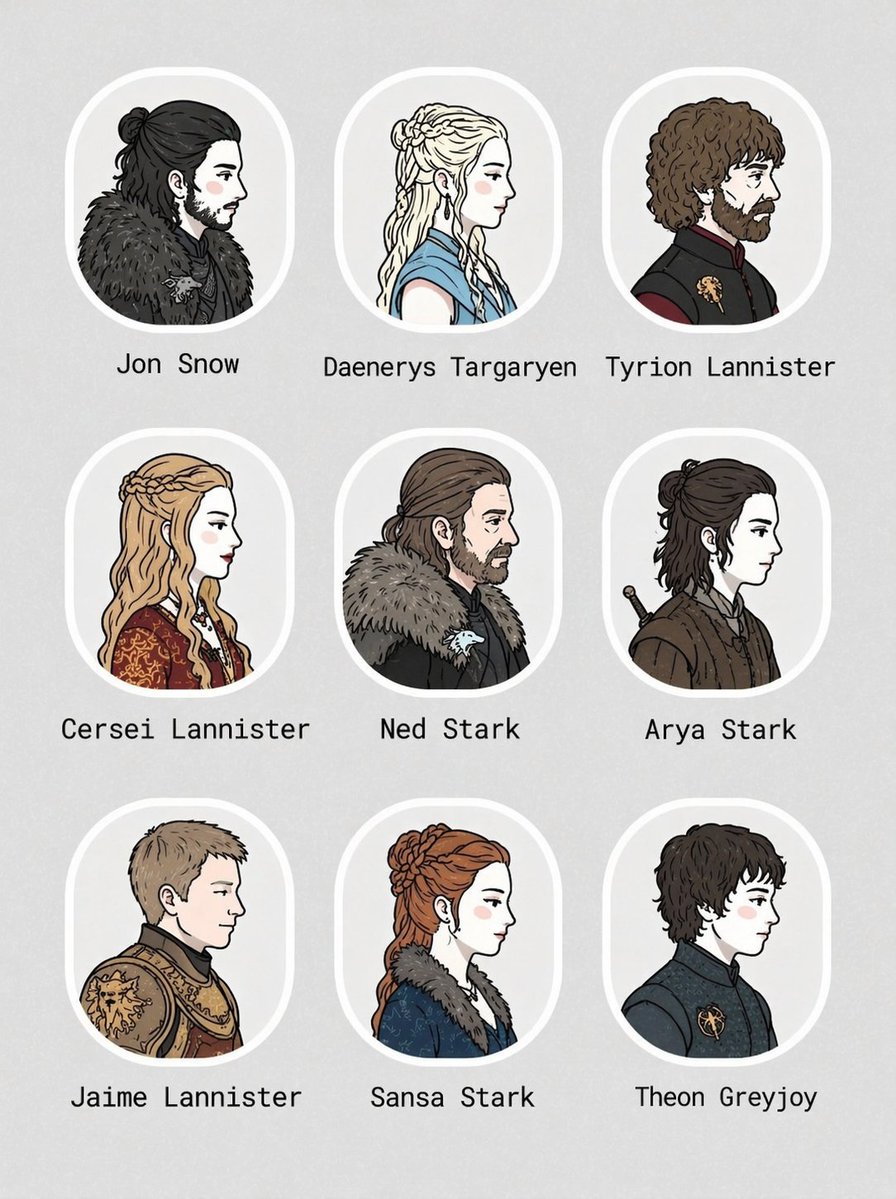
3x3 Character Portrait Grid
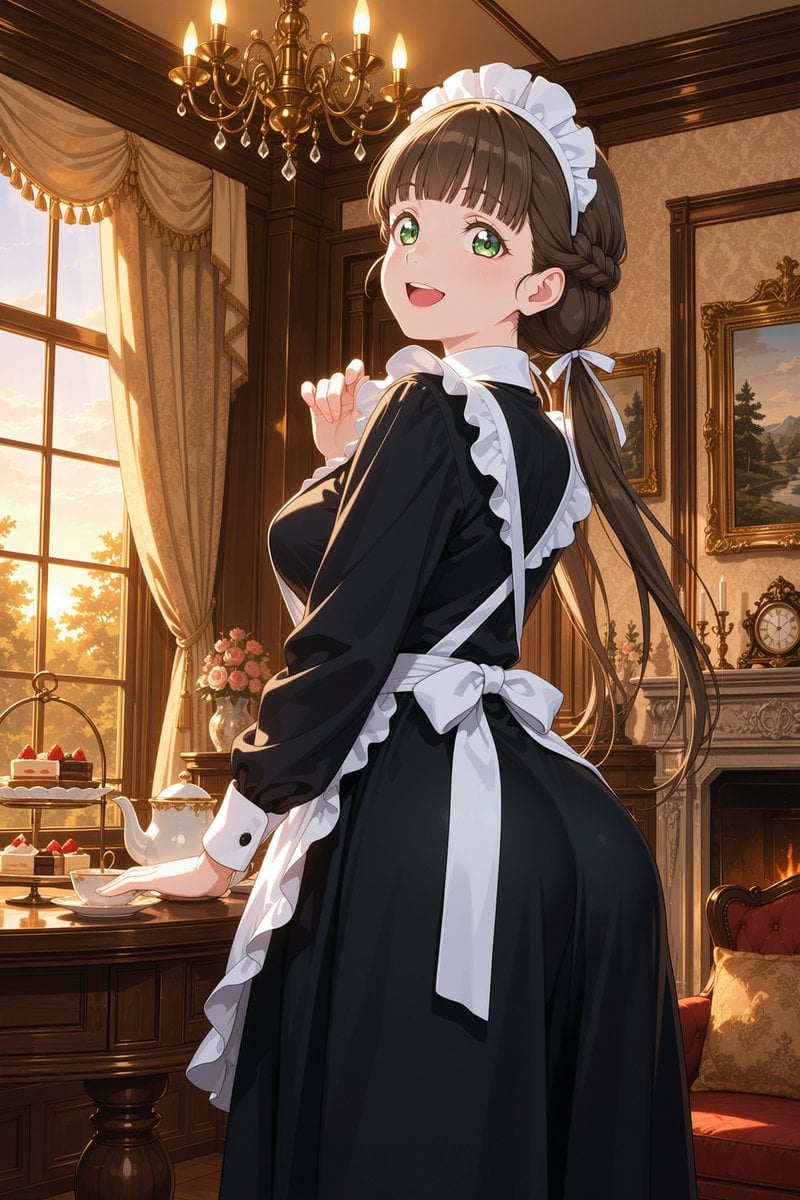
Victorian Maid Tea Room Anime
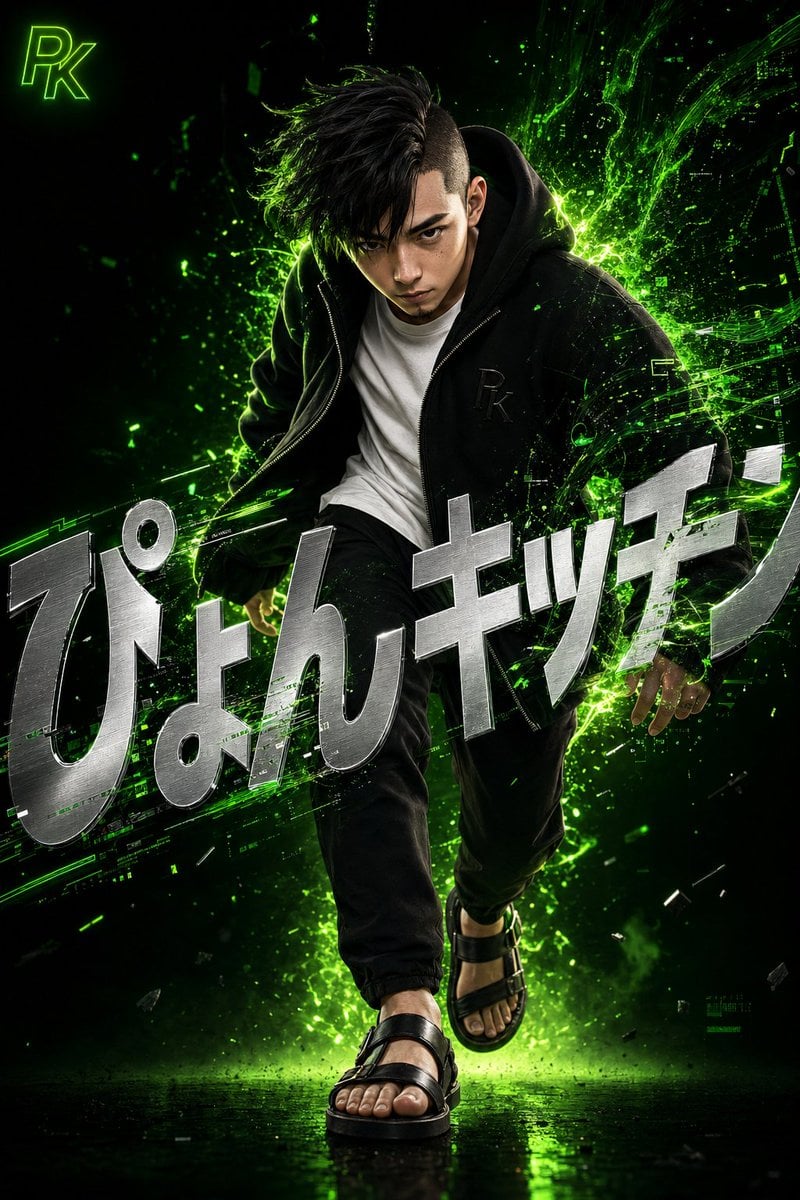
Surreal Japanese Tech Style Poster
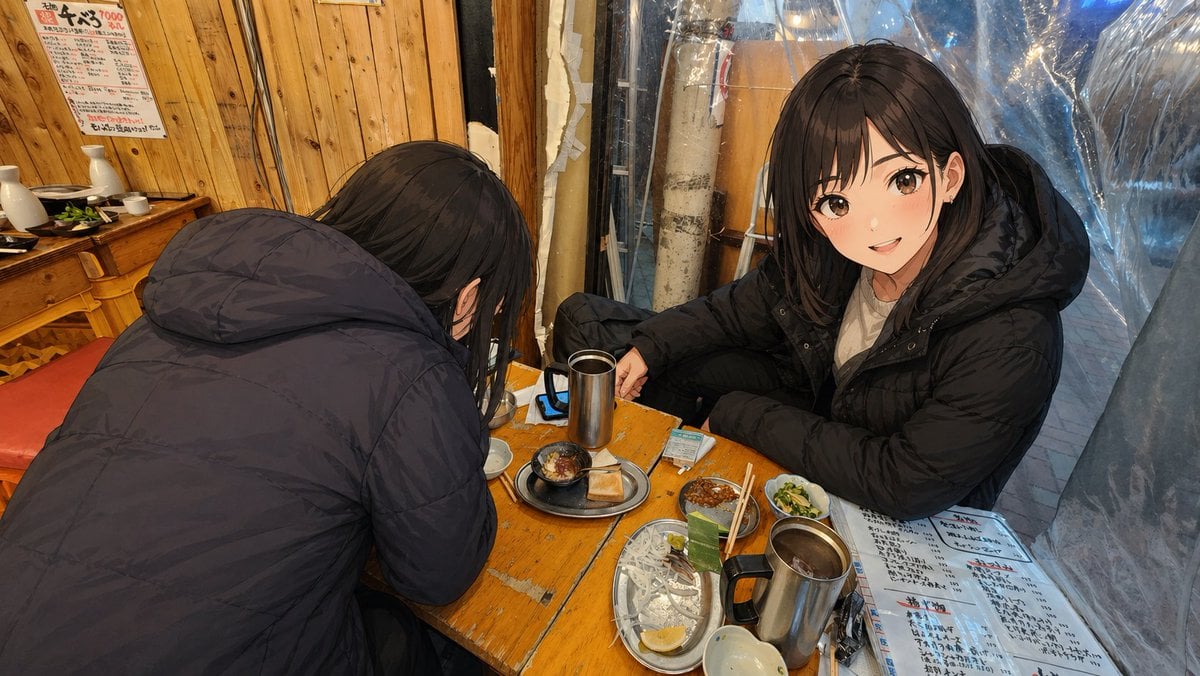
Anime Characters in Real Izakaya Photo
Airplane Wing Selfie Prompt (JSON)
Cinematic Portrait Prompt for Google Nano Banana Pro
Vintage New York Travel Collage
Ultra-realistic Commercial Fashion Editorial
Vintage Technical Illustration Macro Shot
Browse template categories
Guangzhou City Promotional Poster questions
How do I use the Guangzhou City Promotional Poster template?
Add your photo if the template asks for one, edit the prompt if you like — the template's model and format are already selected — and press Generate. Your version opens in PicX Studio.
Can I customize the Guangzhou City Promotional Poster template?
Yes. You can change the subject, setting, lighting, mood, format, and available model controls before creating your image.
Is the Guangzhou City Promotional Poster template free?
Opening and editing this template is free. Generating uses credits, shown on the Generate button when you are signed in.
Which AI model should I use?
Start with GPT Image 2, which is the model associated with this template. You can compare another compatible model for a different finish.
Looking for something else? Browse all templates.

Your photo, any look
Thousands of ready templates for every top image and video model, from one credit balance.