
Surreal Japanese Tech Style Poster
A detailed 3D digital artwork prompt featuring a stylish Japanese man with neon green digital energy effects and integrated typography.
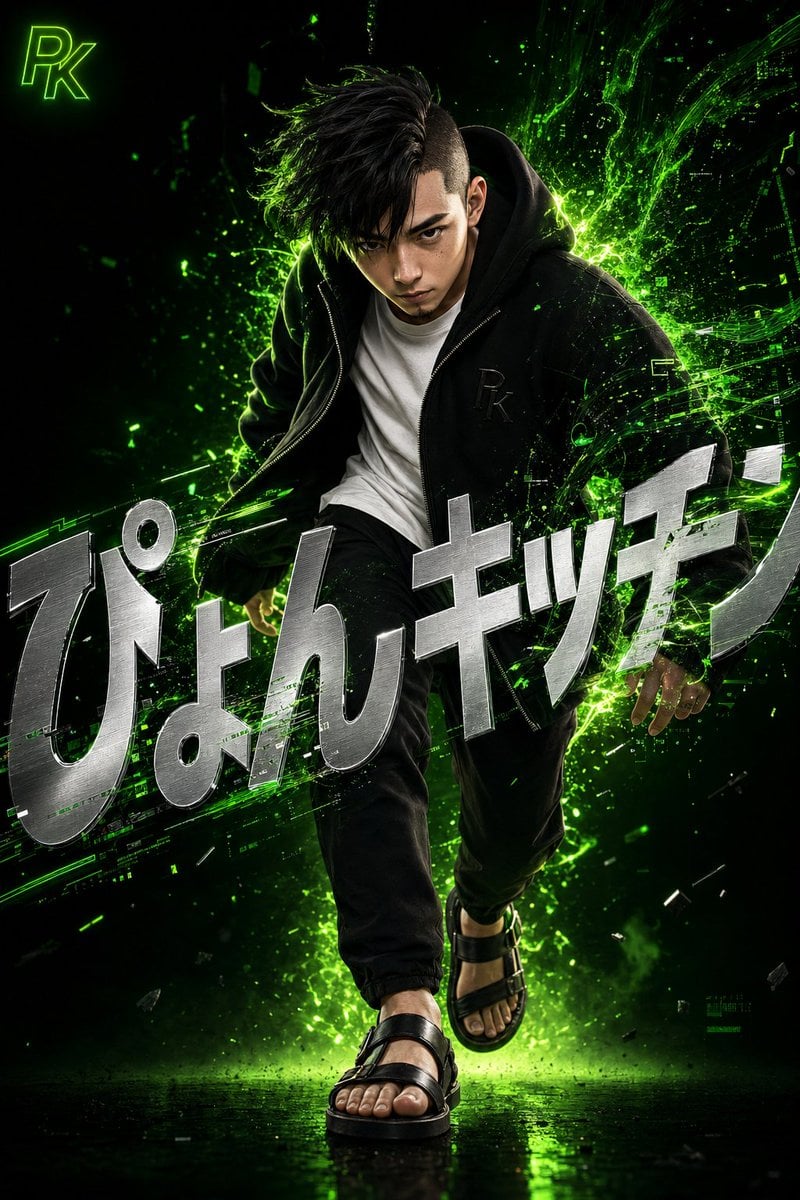
- Prompt included
- Model and format preset
- Premium template
The prompt behind this image
Copy the exact prompt behind Surreal Japanese Tech Style Poster, or open it in the studio and make it yours.
シュールでダイナミックなスタイルの、非常に詳細な3Dデジタルアートワーク。黒髪で片側を刈り上げたアシンメトリーヘア、鋭い目つきで猛烈に集中した表情の若い日本人男性が、前方に一歩踏み出す瞬間を捉え、体を少し前傾させて、静かな自信とエネルギーが内側から爆発するかのよう。精密でリアルな3Dレンダリング、肌の質感・毛穴・髪の一本一本まで描写。彼は、胸にさりげなくエンボス加工で「{argument name="モノグラム" default="PK"}」のモノグラムが入ったゆったりとした黒のジップアップパーカーを着ており、中にはクリーンな白のクルーネックTシャツ。下はテーパードの黒パンツ、足元にはレザーサンダル。鮮やかなネオングリーンのデジタルエネルギーと光のパーティクルが、彼の背後から劇的に噴出し、渦を巻いてグリッチ風のデータストリームのような形に溶け込み、彼の服や髪と相互作用して、テクノロジーと人間の融合を表現している。背景は、ディープブラックから輝くネオングリーンへの深いムーディーなグラデーションで、最小限でありながら印象的な構成を強調。シャープでモダンなサンセリフフォントの、大きく大胆なメタリックシルバーのテキスト「{argument name="タイトル" default="ぴょんキッチン"}」を画面全体に大きく重ね、文字を歪ませたり傾けたりしてデザイン的に変形させつつ読めるようにし、部分的にエネルギーのエフェクトと人物によって統合・隠され、シーンの有機的な一部のように感じさせる。左上隅に、輝くネオングリーンで小さな「{argument name="ロゴ" default="PK"}」ロゴマークを配置。
How to use Surreal Japanese Tech Style Poster in 3 steps
- 1
Open
The prompt is already in the box next to the preview, with the template's model and format selected.
- 2…a portrait of your subject in softgolden-hour light, 85mm…
Personalize
Edit the subject and creative details for your destination.
- 3Generate
Generate
Press Generate — your image is created in PicX Studio, so you can compare it with the original and refine one variable at a time.
More like this
Templates with the same subject, style or setup. Open one to see its prompt.

Minecraft Japanese Research Lab Exploration

Japan Travel Brochure Poster
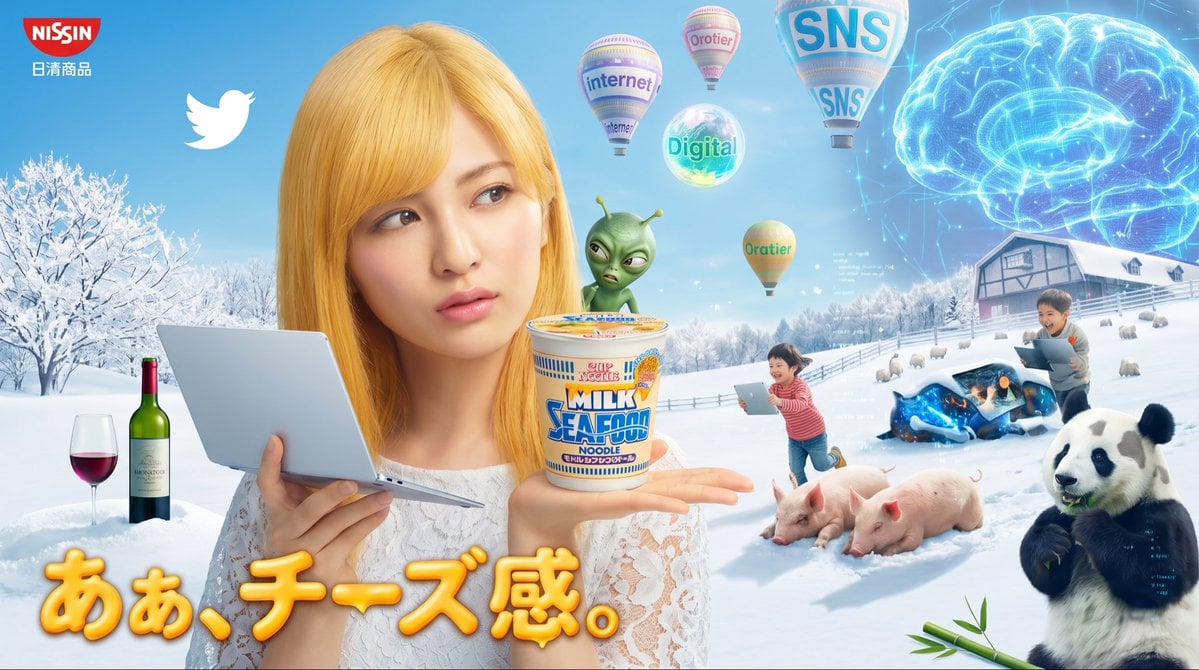
Surreal Japanese Nissin Snow Ad

Surreal Cat Astronaut — Humanoid Face Freefall

Cartoon TV Show Poster Pack

Trendy Cafe Drink Promo Poster

Urban Fashion Editorial Collage Streetwear Poster

Japanese Architectural Concrete Studio Fashion Campaign

Premium Fashion Editorial Cover Layout System

Polo Ralph Lauren Luxury American Heritage Fashion Campaign

Monochrome Halftone Editorial Fashion Poster

Retro Mirror Luxury Fashion Campaign Poster
Make it yours
Surreal Japanese Tech Style Poster works as-is. These are the safest ways to change it without losing the look.
Change one field
Copy a single group, rewrite it, and generate again so you can see what that field is doing.
Keep the frame, change the subject
Hold the composition and light of Surreal Japanese Tech Style Poster, then swap wardrobe, props or the person for a new take.
| If the result… | Why | Fix |
|---|---|---|
| The result drifts from the preview | Too many fields changed at once. | Reuse Surreal Japanese Tech Style Poster as-is first, then change one group — subject, light, or setting. |
| The model over-stylizes the scene | The prose prompt leaves finish and camera underspecified. | Add one camera or lighting sentence and stay on GPT Image 2. |
More GPT Image 2 templates
Other prompts made for GPT Image 2.

Six VTuber Japanese Logo Sheet

Realistic Portrait of Woman and Deer

The Vista Modular Condo Poster

AI Model Routing Comparison Infographic

2.5D Anime Art Board

Isometric Productivity Desk Scene

New York Double Exposure Poster

Four-Panel AI Landscape Comparison

Japanese Tatami Lifestyle Magazine Cover

NESCAFÉ Coffee Map Poster
More image prompts
Fresh picks from across the catalog.

World Cup Tunnel Champion
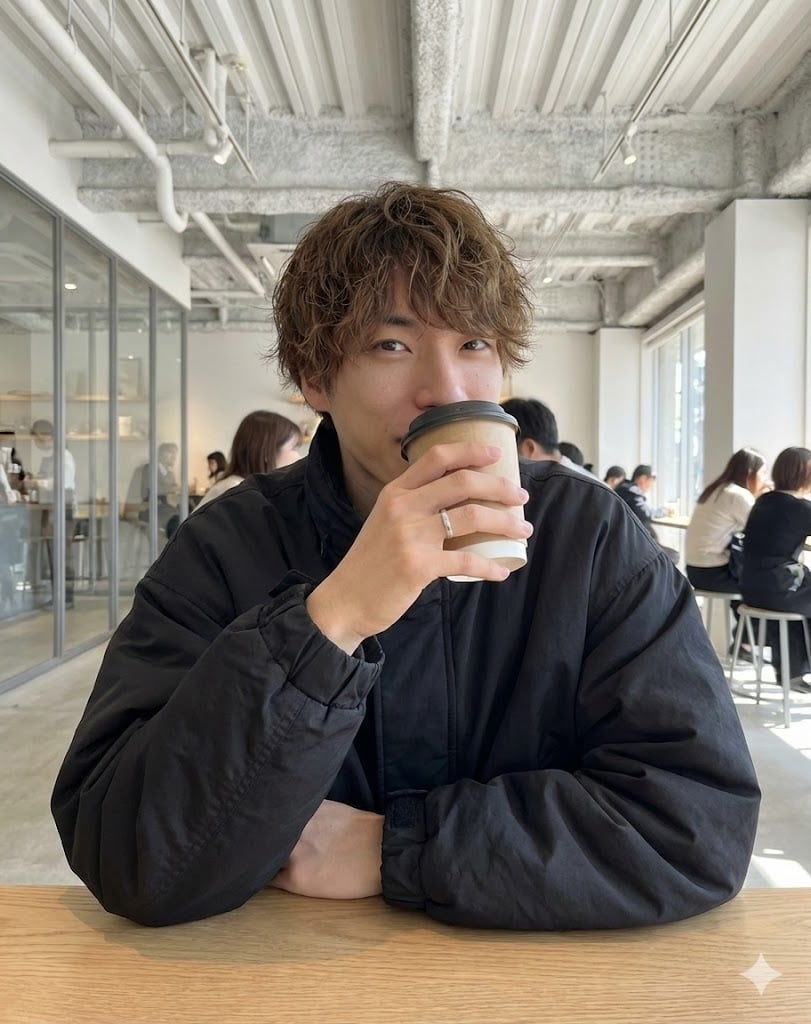
Cafe date POV profile photo prompt for Nano Banana Pro
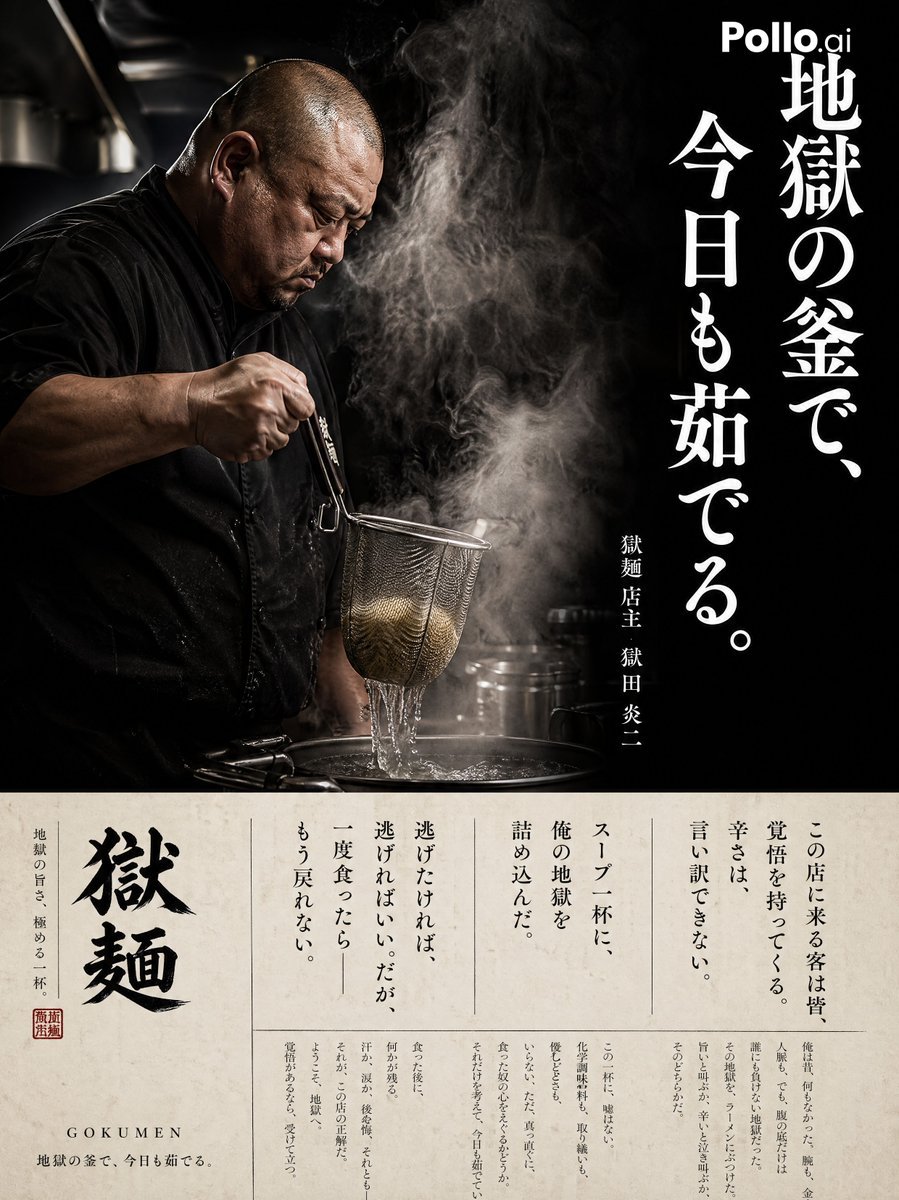
Cinematic Ramen Shop Commercial Poster
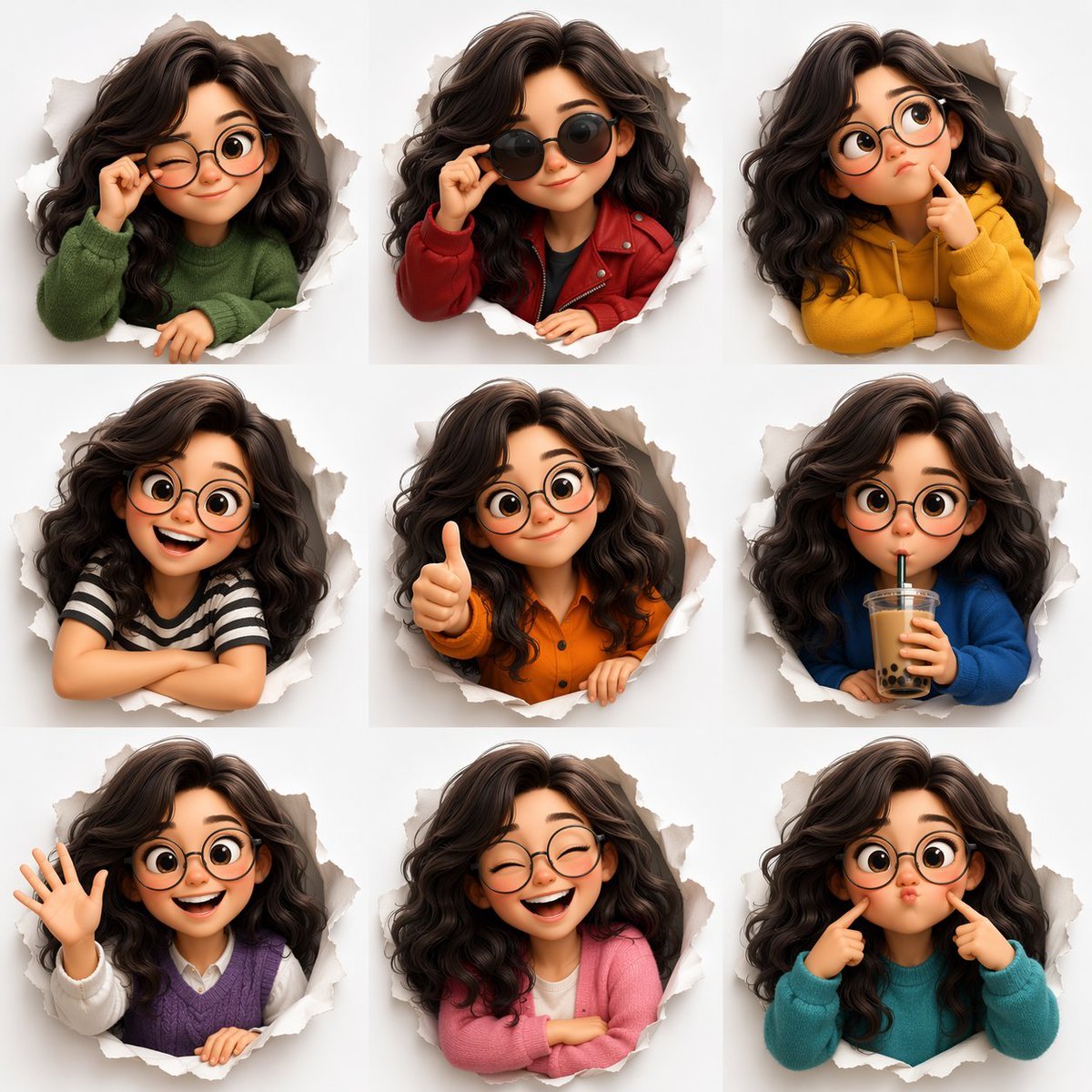
3D Animated Character Expression Grid
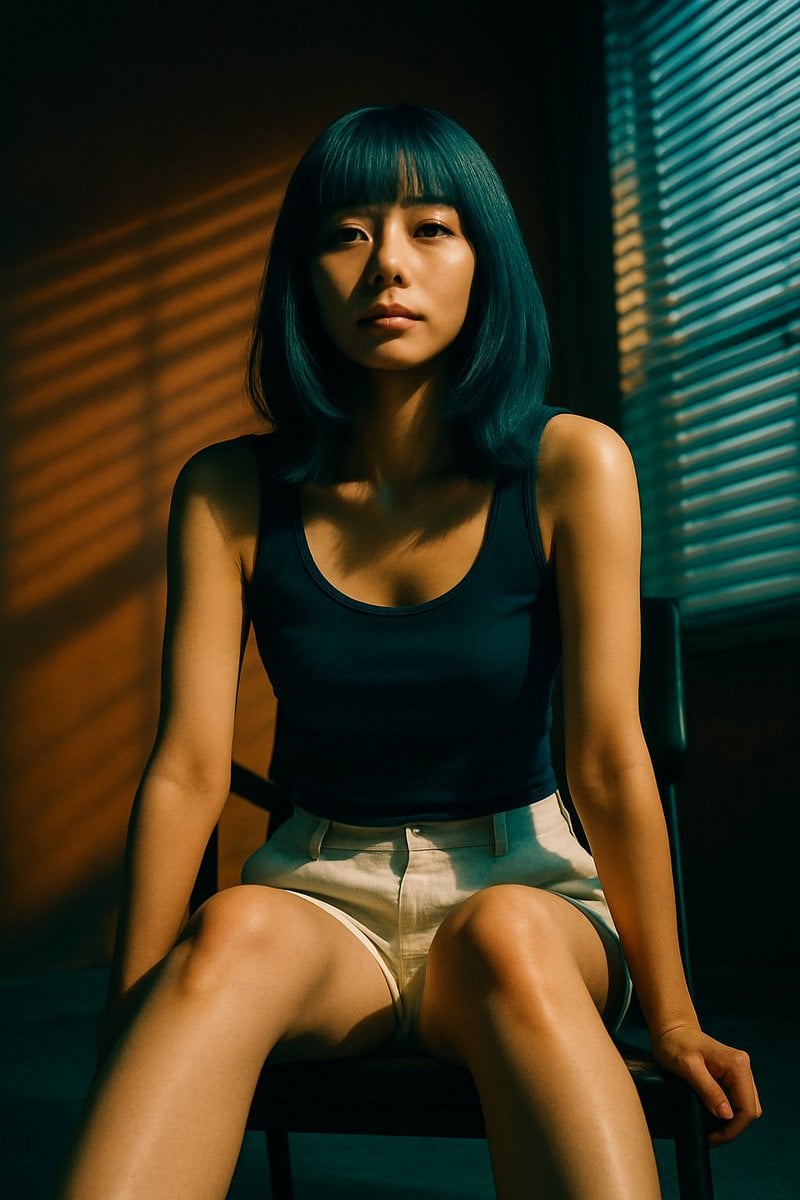
Cinematic Portrait with Blind Shadows

Handwritten Cafe Photo Annotations

Luxury 3D Birthday Poster
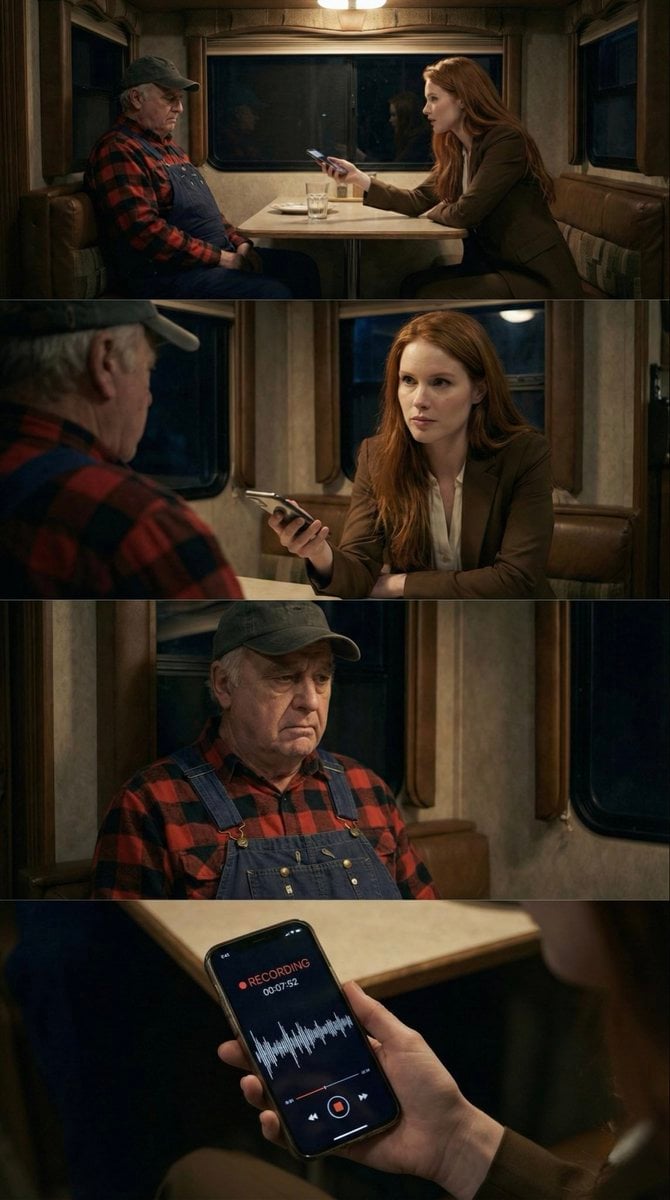
16:9 Contact Sheet Generation from Reference Image
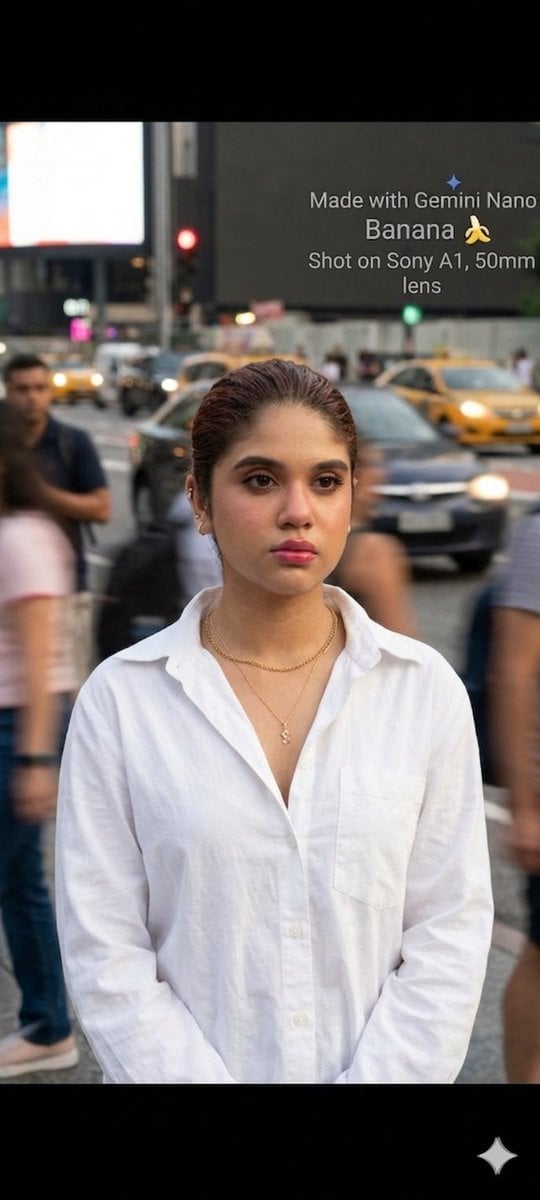
Cinematic Street Portrait with Motion Contrast
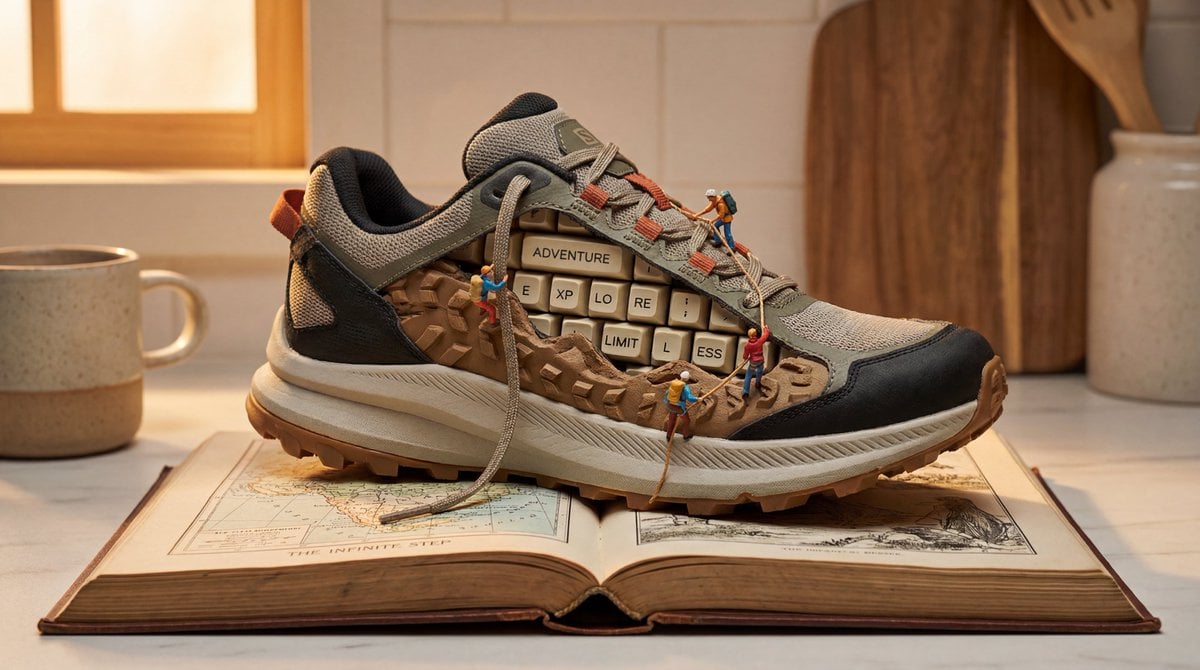
Nano Banana Pro Prompt for Miniature Sneaker Scene
Browse template categories
Surreal Japanese Tech Style Poster questions
How do I use the Surreal Japanese Tech Style Poster template?
Add your photo if the template asks for one, edit the prompt if you like — the template's model and format are already selected — and press Generate. Your version opens in PicX Studio.
Can I customize the Surreal Japanese Tech Style Poster template?
Yes. You can change the subject, setting, lighting, mood, format, and available model controls before creating your image.
Is the Surreal Japanese Tech Style Poster template free?
Opening and editing this template is free. Generating uses credits, shown on the Generate button when you are signed in.
Which AI model should I use?
Start with GPT Image 2, which is the model associated with this template. You can compare another compatible model for a different finish.
Looking for something else? Browse all templates.

Your photo, any look
Thousands of ready templates for every top image and video model, from one credit balance.