
Surreal Japanese Nissin Snow Ad
A chaotic photorealistic Japanese cup noodle advertising collage with winter scenery, internet balloons, animals, AI imagery, and bold headline text.
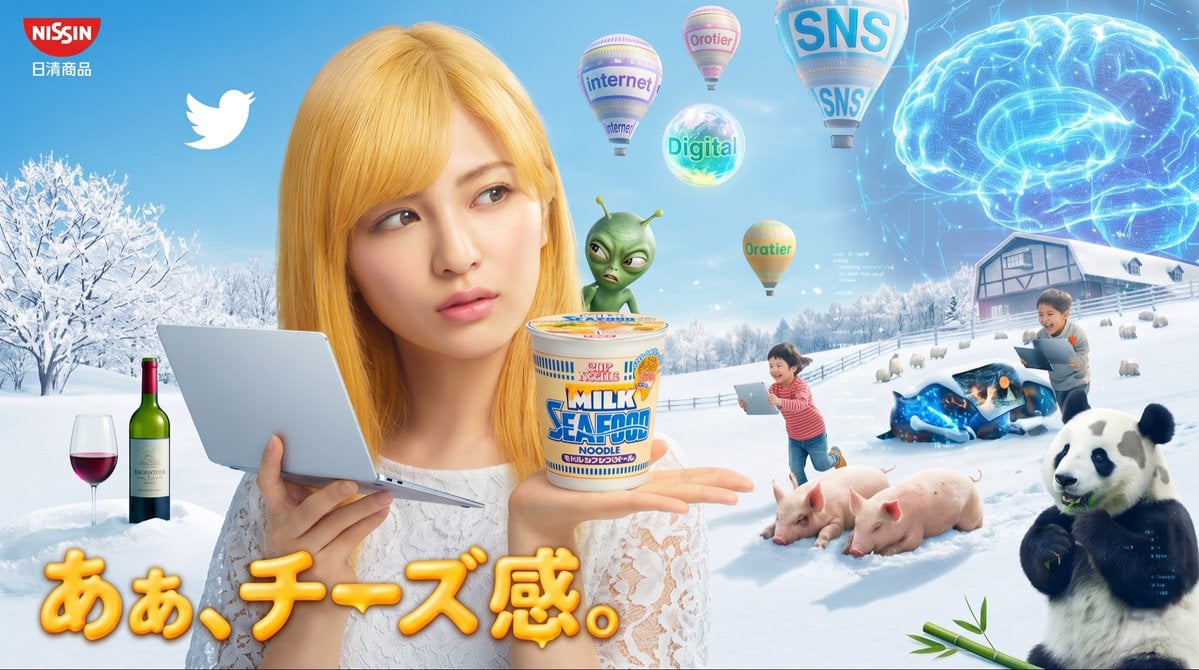
- Prompt included
- Model and format preset
- Premium template
The prompt behind this image
Copy the exact prompt behind Surreal Japanese Nissin Snow Ad, or open it in the studio and make it yours.
Goal: Create a surreal Japanese advertising collage for {argument name="brand" default="NISSIN"} cup noodles, mixing a snowy pastoral landscape, internet culture, AI imagery, and absurd product placement. Canvas: Wide horizontal banner, approximately 16:9, bright cyan winter sky and snowfield background, glossy commercial-composite style with photorealistic objects, soft glow effects, and exaggerated ad-like color saturation. Main subject: Center-left foreground, a young blonde woman in a white lace top faces the viewer. Her face is intentionally obscured by a large flat tan square censor block. She holds an open silver laptop/tablet in her left hand and presents a cup noodle product on her right palm. The cup is labeled as a milk seafood noodle flavor, with colorful Japanese packaging and a creamy instant noodle lid. A small green mascot-like robot/alien with two antennae stands on or behind the noodle cup; its face/body is partly blurred by a small green square. Text and branding: Top-left corner shows a red {argument name="logo text" default="NISSIN"} badge with small Japanese text beneath it reading 日清商品. Place a large white Twitter bird icon nearby in the upper-left sky. Bottom-left to lower-center has oversized rounded Japanese headline text {argument name="headline text" default="あぁ、チーズ感。"} in glossy orange-yellow 3D lettering with a soft shadow, spanning across the snow and foreground. Background elements: Create a snowy landscape with white trees on the left, rolling snow hills, fences, and a farmhouse or barn on the right. In the upper-right sky, show a huge glowing translucent blue digital brain made of neon circuitry. Add sparkling data particles and faint interface marks around it. Counted floating objects: Include exactly 5 floating balloon/orb elements in the sky: 1 hot-air balloon labeled “internet,” 1 smaller hot-air balloon labeled “Orotier,” 1 large hot-air balloon labeled “SNS” twice, 1 glowing glass orb labeled “Digital,” and 1 small orange-yellow hot-air balloon labeled “Oratier.” Counted foreground and midground objects: Include exactly 3 food/drink items on the left snow beside the woman: 1 wine glass with red wine, 1 green wine bottle, and 1 cup noodle held in the woman’s hand. Include exactly 2 pigs lying on the snow near the lower-right center. Include exactly 1 panda standing at far right holding bamboo, with extra bamboo leaves on the snow. Include exactly 2 children in the snowy midground using devices: one child in a red striped shirt holding a tablet while running/kneeling near the pigs, and one child near the right farmhouse holding a laptop/tablet. Both children’s faces are blurred or covered. Include exactly 1 dark glossy futuristic vehicle or sled partially buried in snow near the children, with blue glowing highlights. Style constraints: Make the image intentionally chaotic and meme-like, as if testing text rendering in an AI-generated Japanese ad. Preserve readable text where specified, but allow minor imperfect AI typography on small labels. Use bright daylight, crisp snow, commercial product lighting, and seamless but uncanny photomontage compositing. Do not add extra people, animals, logos, or headline text beyond the specified counts.
How to use Surreal Japanese Nissin Snow Ad in 3 steps
- 1Upload ImagePNG, JPG or paste
Add your photo
Upload the photo the template builds on. The prompt, model and format are already set.
- 2…a portrait of your subject in softgolden-hour light, 85mm…
Personalize
Edit the subject and creative details for your destination.
- 3Generate
Generate
Press Generate — your image is created in PicX Studio, so you can compare it with the original and refine one variable at a time.
More like this
Templates with the same subject, style or setup. Open one to see its prompt.
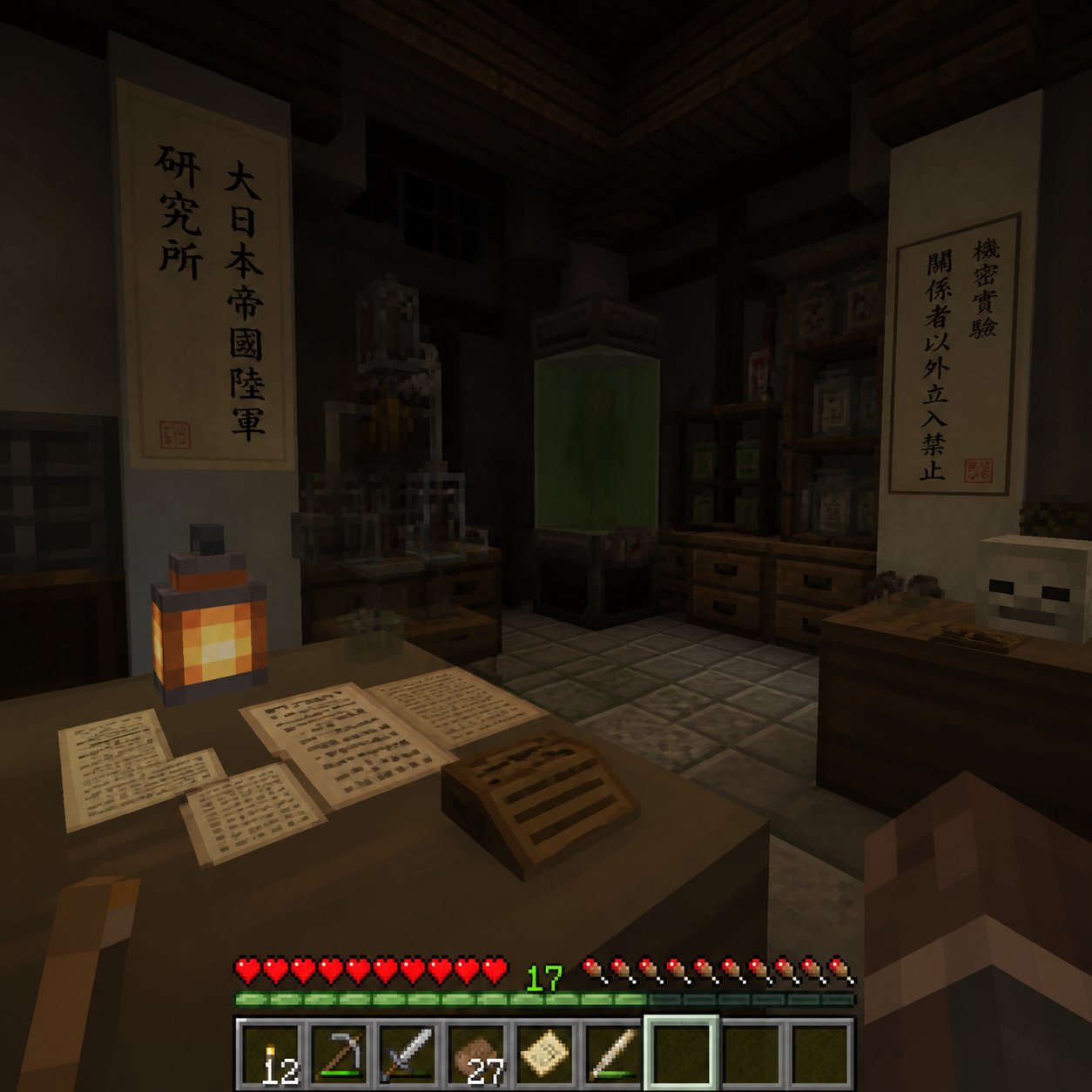
Minecraft Japanese Research Lab Exploration
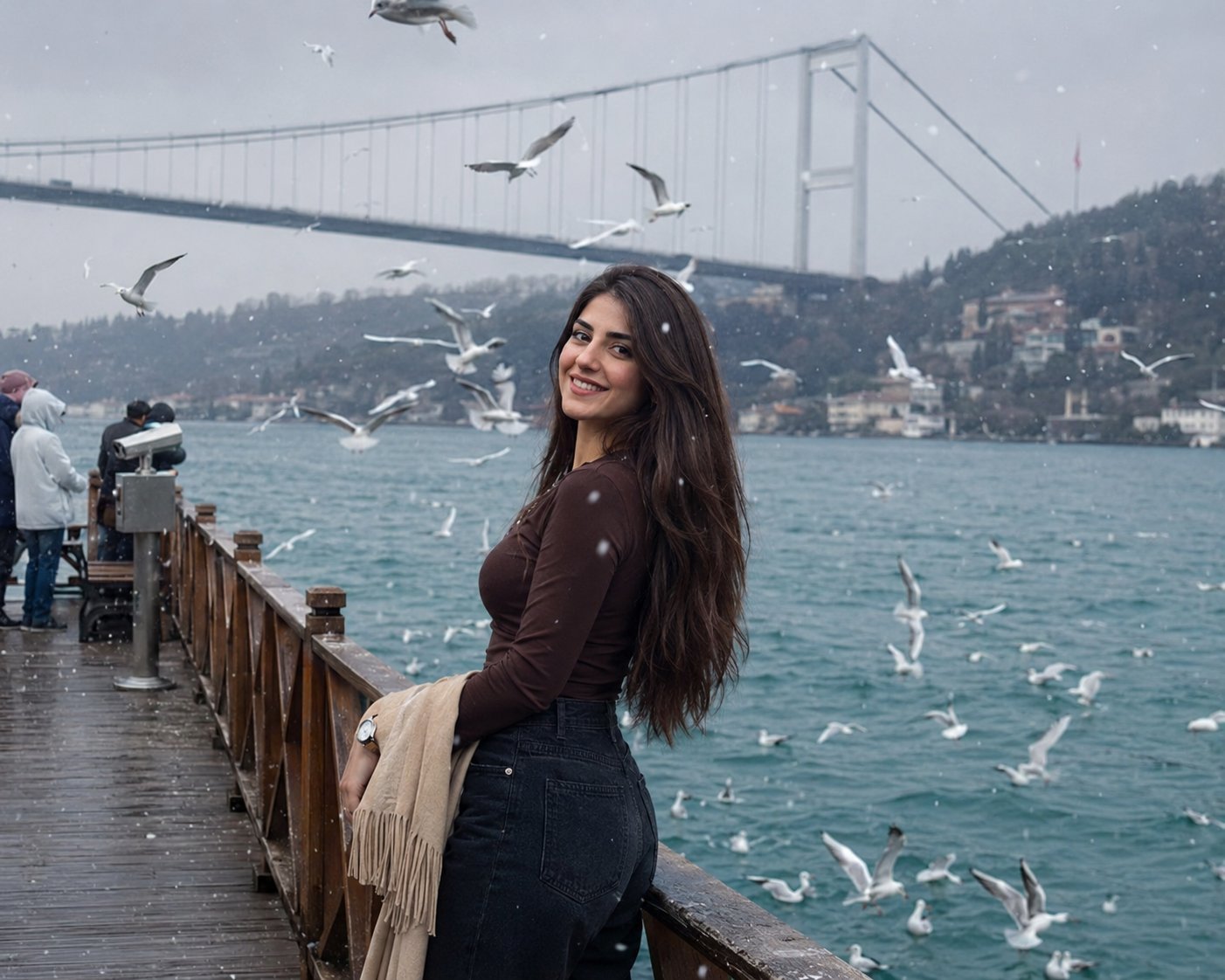
Boardwalk Fashion Portrait
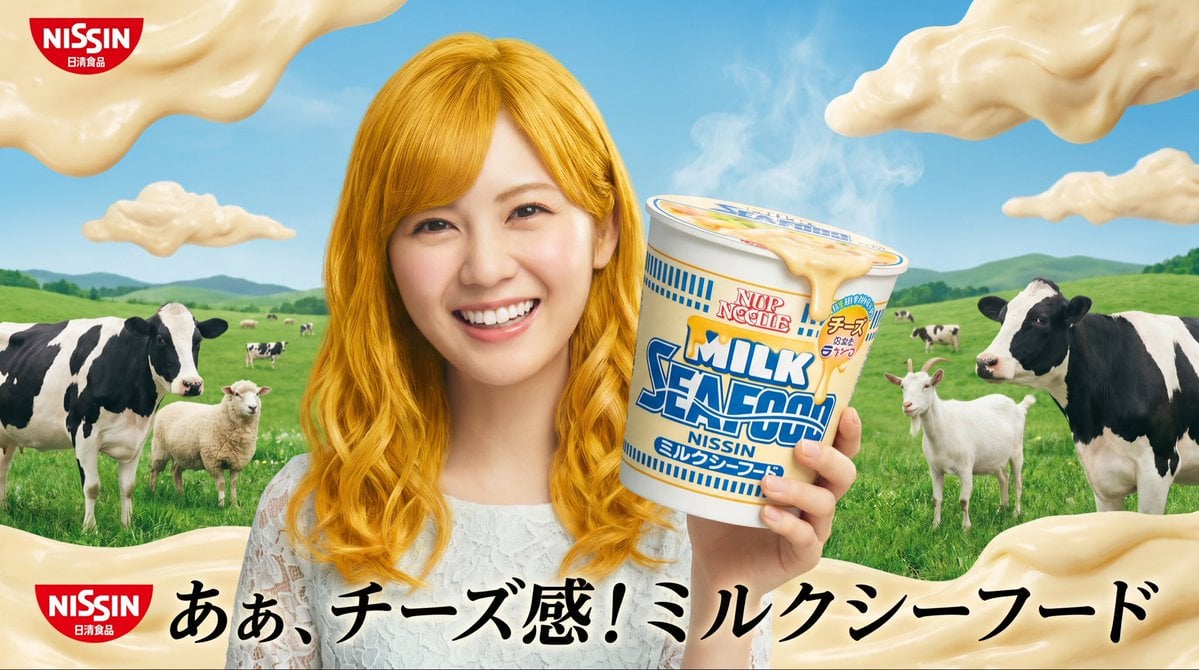
Surreal NISSIN Milk Seafood Ad

Surreal Cat Astronaut — Humanoid Face Freefall
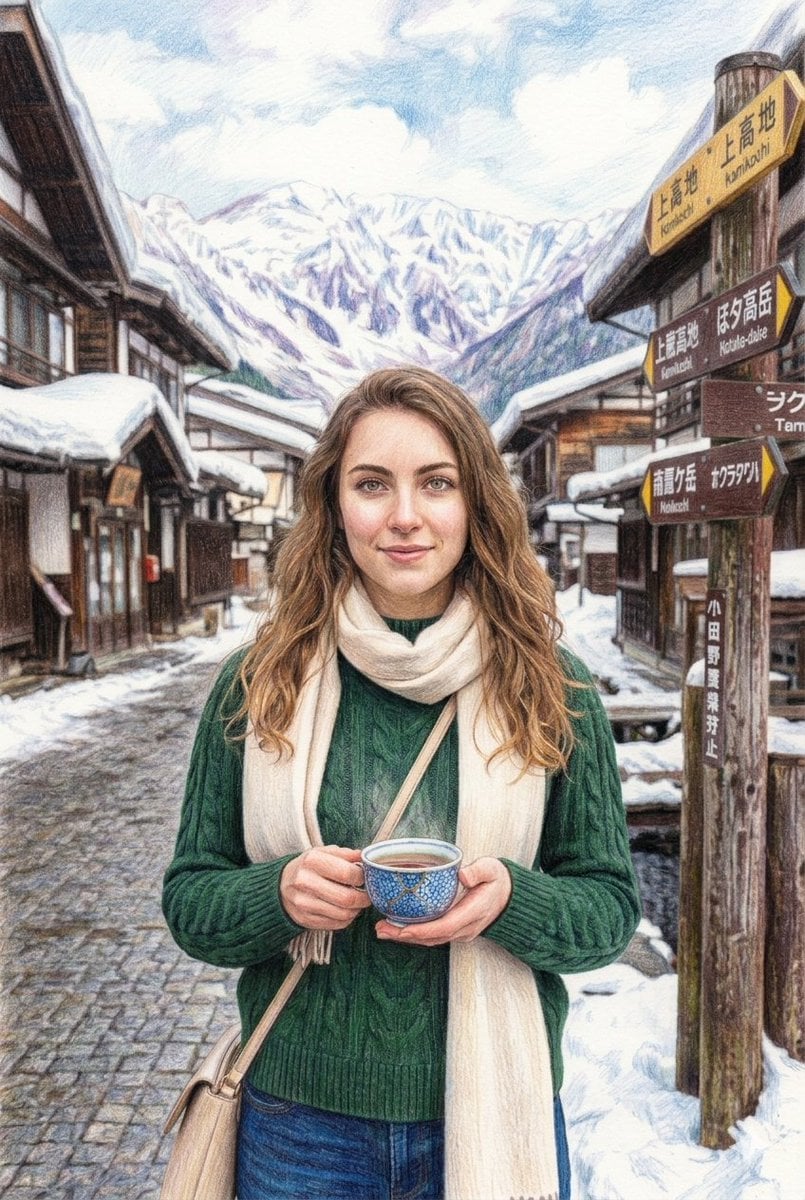
Snowy Japanese Village Winter Illustration
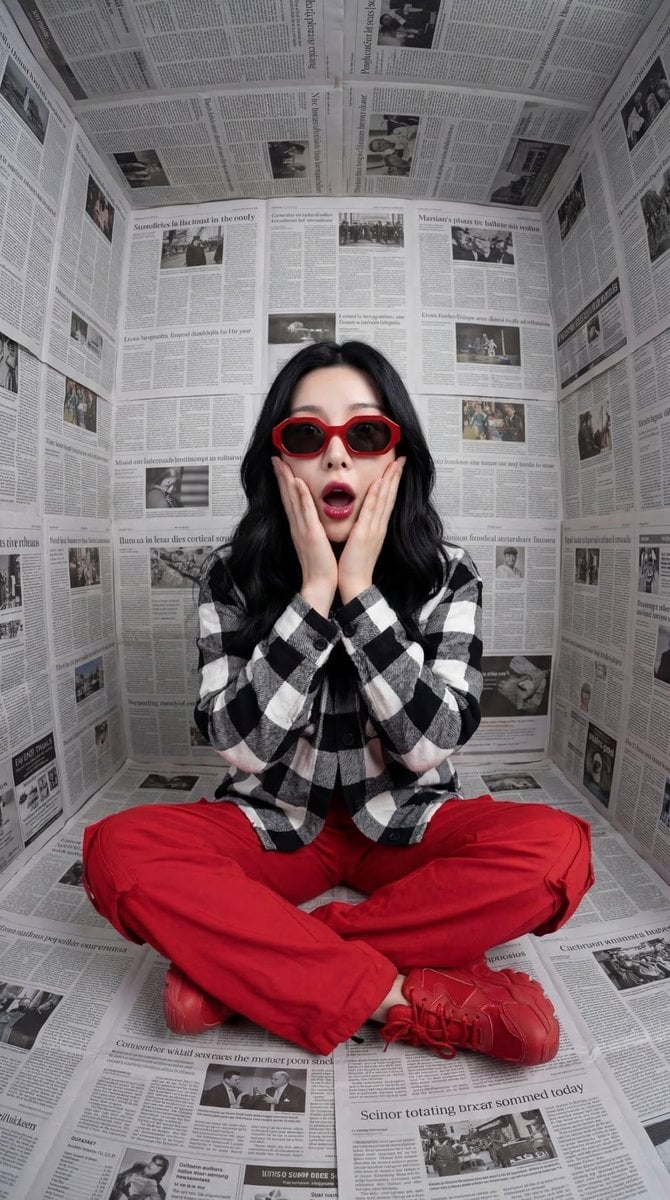
Bold Red Contrast Fashion Editorial Newspaper Room
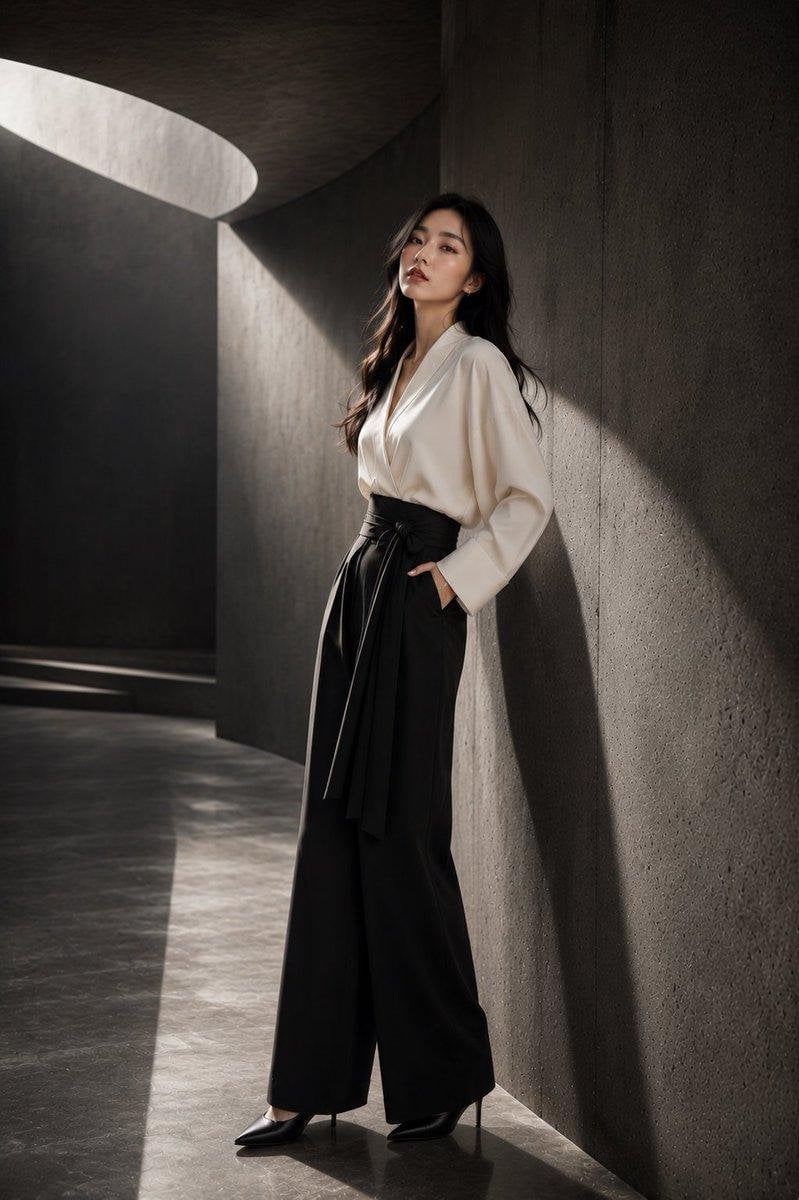
Japanese Architectural Concrete Studio Fashion Campaign
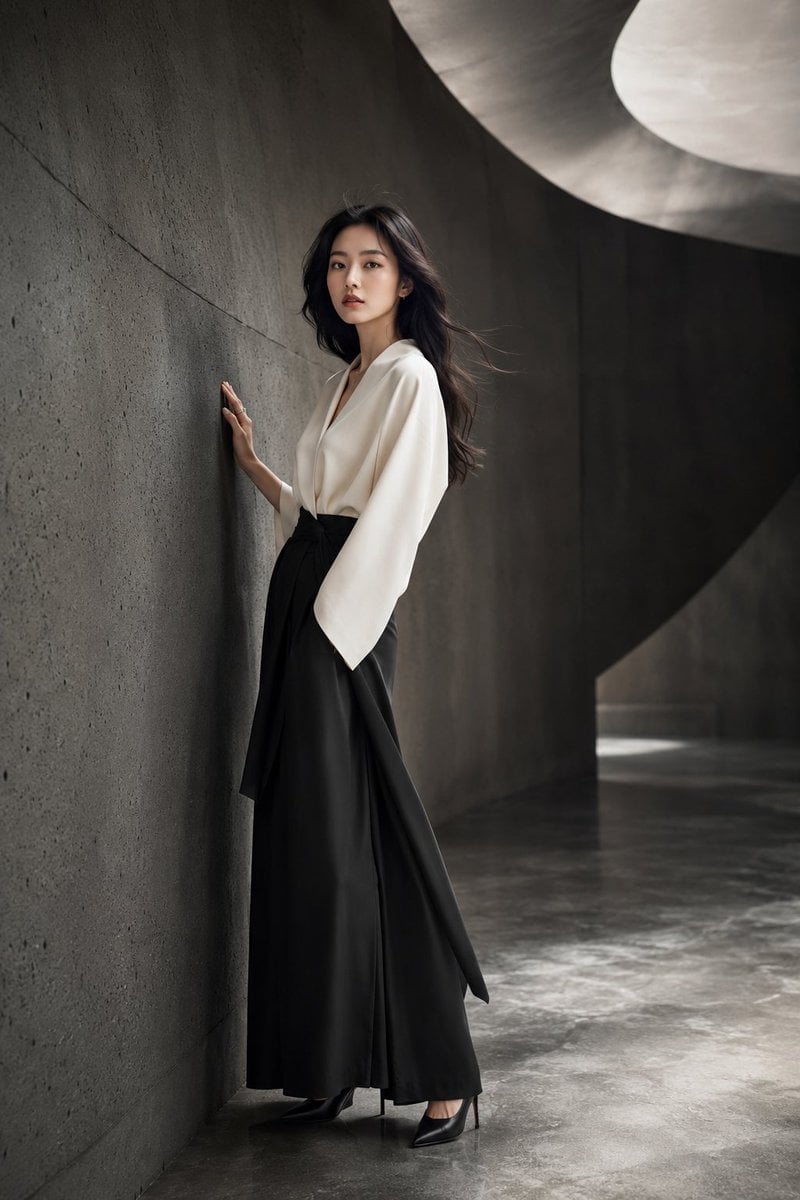
Japanese Minimalist Concrete Studio Fashion Editorial

Blue Backdrop Luxury Fashion Portrait Campaign
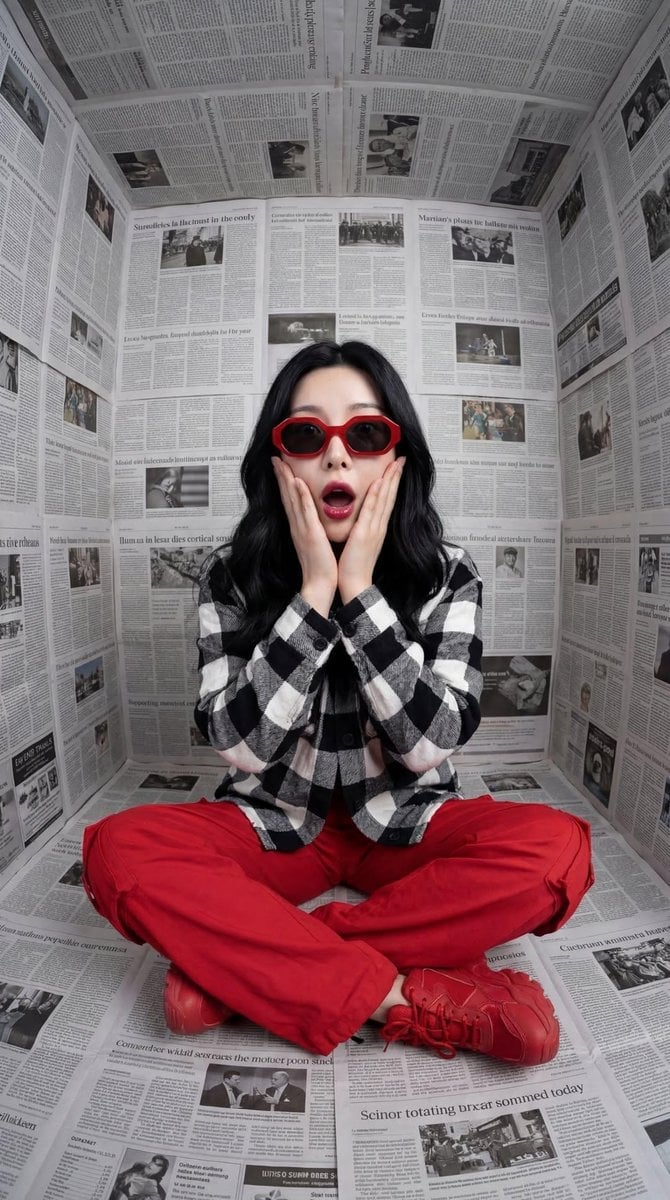
Stylized Fashion Portrait Bold Color Contrast Editorial

Canada Goalkeeper Twilight Editorial Portrait
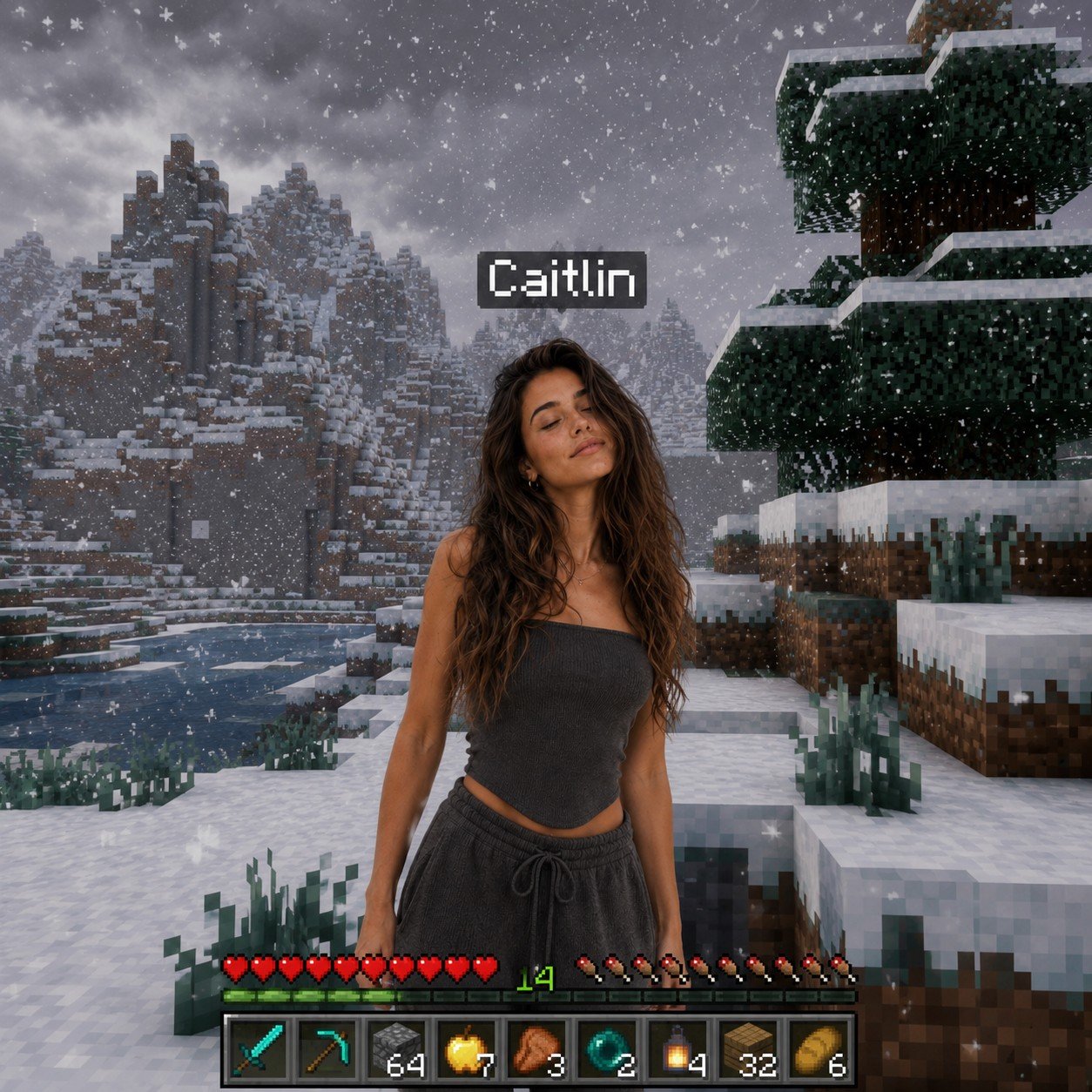
Photoreal Snow Biome Name Tag UI
Make it yours
Surreal Japanese Nissin Snow Ad works as-is. These are the safest ways to change it without losing the look.
Change one field
Copy a single group, rewrite it, and generate again so you can see what that field is doing.
Keep the frame, change the subject
Hold the composition and light of Surreal Japanese Nissin Snow Ad, then swap wardrobe, props or the person for a new take.
| If the result… | Why | Fix |
|---|---|---|
| The result drifts from the preview | Too many fields changed at once. | Reuse Surreal Japanese Nissin Snow Ad as-is first, then change one group — subject, light, or setting. |
| The model over-stylizes the scene | The prose prompt leaves finish and camera underspecified. | Add one camera or lighting sentence and stay on GPT Image 2. |
More GPT Image 2 templates
Other prompts made for GPT Image 2.

Six VTuber Japanese Logo Sheet

Realistic Portrait of Woman and Deer

The Vista Modular Condo Poster

AI Model Routing Comparison Infographic

2.5D Anime Art Board

Isometric Productivity Desk Scene

New York Double Exposure Poster

Four-Panel AI Landscape Comparison

Japanese Tatami Lifestyle Magazine Cover

NESCAFÉ Coffee Map Poster
More image prompts
Fresh picks from across the catalog.
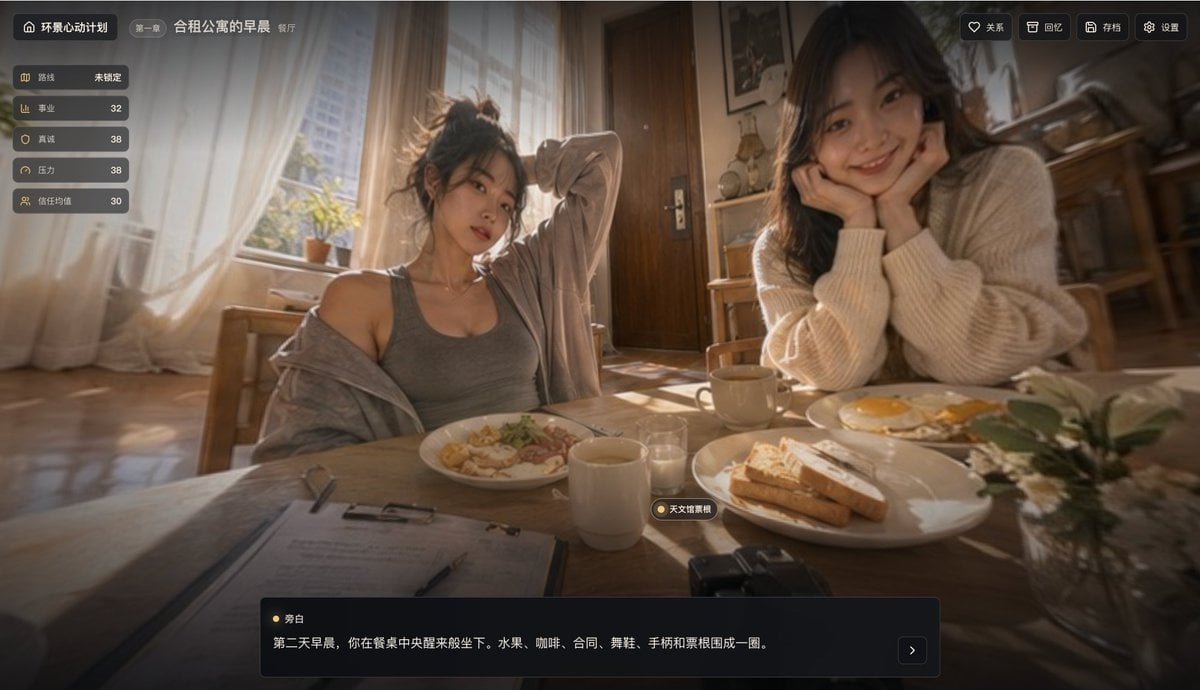
Cinematic Breakfast Dating Sim UI

Historical Macro Diorama: Culinary Atlas Grid
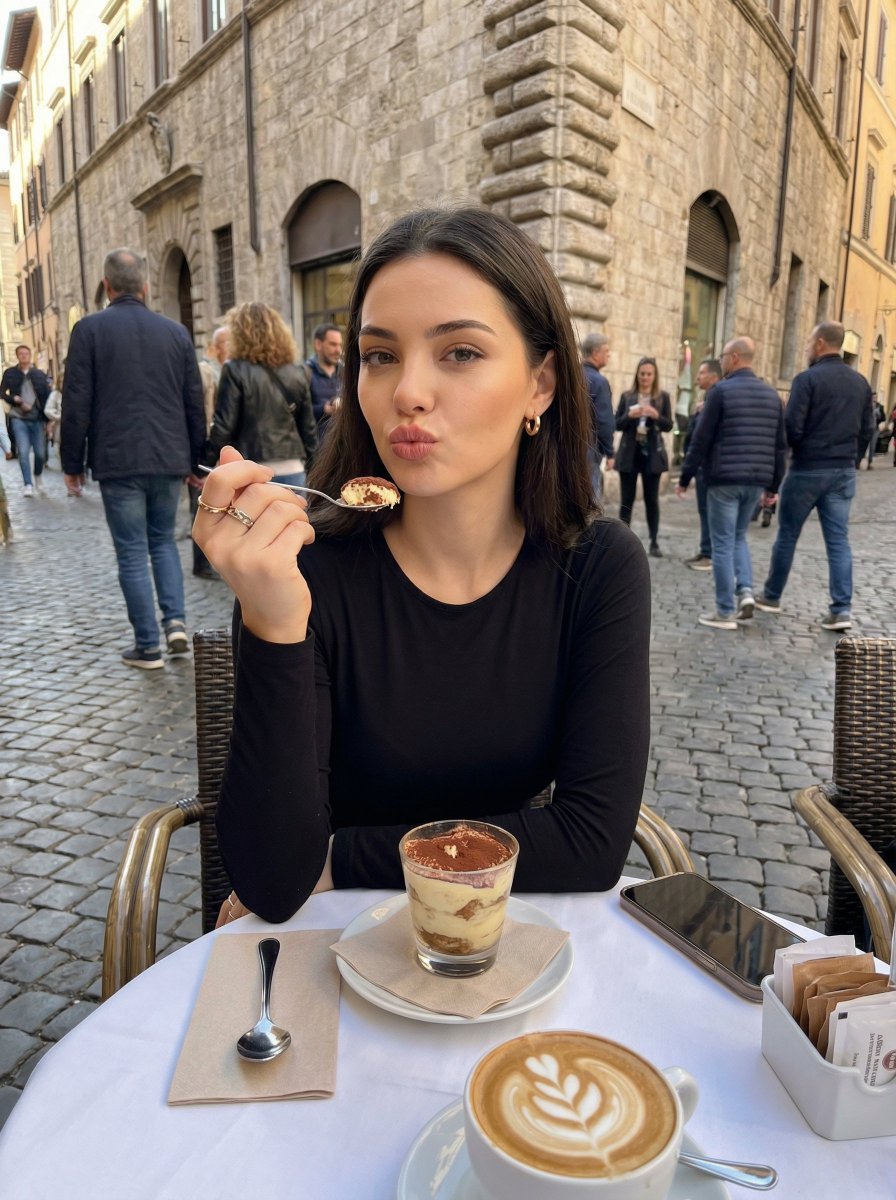
Candid European Café Portrait
Kling 3.0 video using Nano Banana Pro images

Ultra-Realistic Editorial Portrait
Dark Chinese Crime Drama Poster

8K 3D Illustration of Anthropomorphic Bees (Gym and Relaxing)
Noir Techcore Product Photography Prompt for Nano Banana Pro
Ancient Zombie (Kyonsi) in a Bamboo Forest
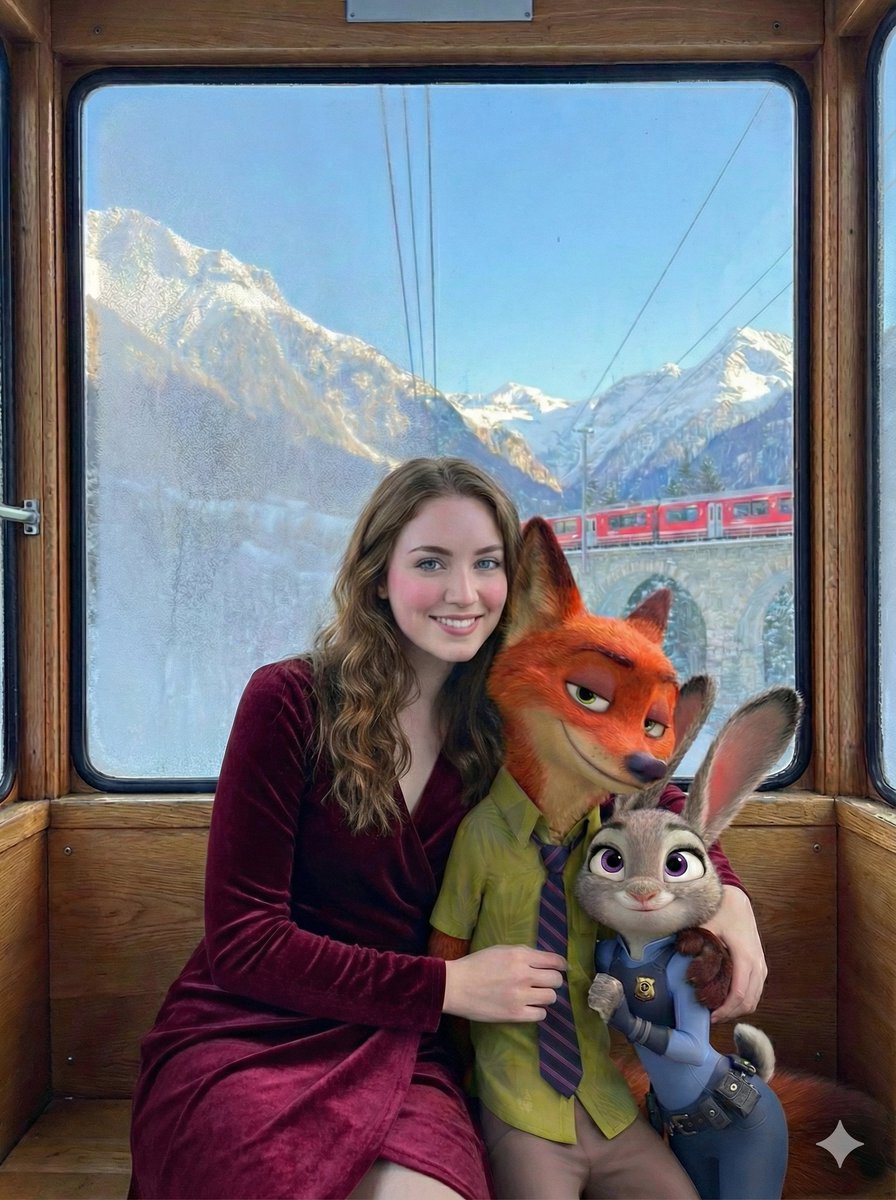
Cinematic Winter Train Scene with Animated Characters
Browse template categories
Surreal Japanese Nissin Snow Ad questions
How do I use the Surreal Japanese Nissin Snow Ad template?
Add your photo if the template asks for one, edit the prompt if you like — the template's model and format are already selected — and press Generate. Your version opens in PicX Studio.
Can I customize the Surreal Japanese Nissin Snow Ad template?
Yes. You can change the subject, setting, lighting, mood, format, and available model controls before creating your image.
Is the Surreal Japanese Nissin Snow Ad template free?
Opening and editing this template is free. Generating uses credits, shown on the Generate button when you are signed in.
Which AI model should I use?
Start with GPT Image 2, which is the model associated with this template. You can compare another compatible model for a different finish.
Looking for something else? Browse all templates.

Your photo, any look
Thousands of ready templates for every top image and video model, from one credit balance.