
Guangzhou Ink-Wash City Poster
This prompt generates a vertical New Chinese aesthetic poster that combines Guangzhou's modern skyline with traditional ink painting elements for cultural branding or editorial cover art.
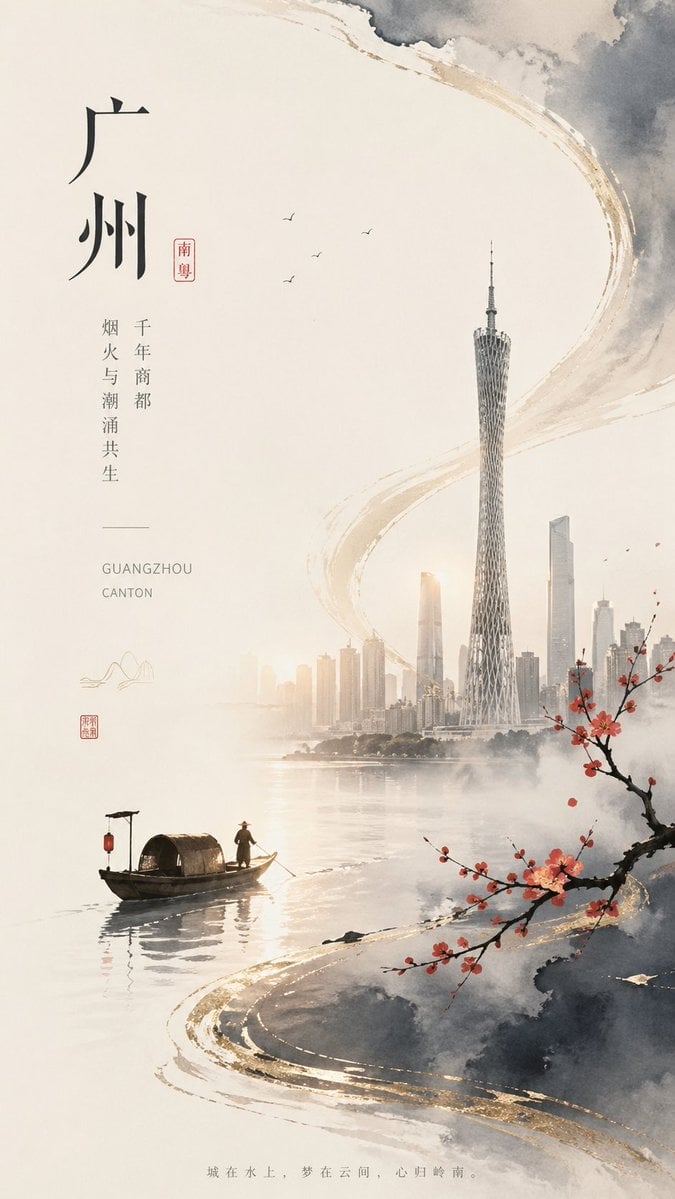
- Prompt included
- Model and format preset
- Free template
The prompt behind this image
Copy the exact prompt behind Guangzhou Ink-Wash City Poster, or open it in the studio and make it yours.
A refined vertical poster in contemporary Chinese ink-wash aesthetics, designed like a cultural city branding cover for {argument name="headline text" default="广州"}. Use a soft warm ivory paper background with large areas of negative space, delicate gray watercolor clouds, mist, and sweeping semi-abstract brushstroke arcs edged with muted metallic gold. The composition blends traditional Jiangnan-style ink painting with a modern skyline: on the right-center, depict the Guangzhou skyline emerging from haze across calm water, with the Canton Tower as the dominant tallest structure, slender and highly detailed, surrounded by several modern skyscrapers in pale gray-beige tones. In the lower left over the water, place 1 small traditional covered wooden boat with 1 standing boatman wearing a conical hat, rendered in dark ink silhouette with a subtle reflection. On the lower right foreground, include 1 flowering plum branch extending diagonally inward, with dark twisting bark and small vivid red blossoms. In the open upper-middle sky, add exactly 4 tiny flying birds. Keep the water smooth, reflective, and misty, with the city fading softly into the atmosphere. Along the left side, create elegant vertical typography in a minimalist poster layout: the large main Chinese title {argument name="headline text" default="广州"}, a small red seal-style label reading {argument name="region tag" default="南粤"}, two slim vertical text columns reading "千年商都" and "烟火与潮涌共生", a thin divider line, and small English text "GUANGZHOU" and "CANTON" beneath. Add 2 small seal marks in red near the lower-left text area and 1 tiny minimalist mountain line icon. At the very bottom center, place a faint small Chinese sentence {argument name="bottom quote" default="城在水上,梦在云间,心归岭南。"}. Overall mood: serene, elegant, poetic, high-end editorial poster, balanced asymmetry, light haze, restrained palette of ivory, charcoal gray, warm beige, black ink, cinnabar red, and brushed gold accents.
How to use Guangzhou Ink-Wash City Poster in 3 steps
- 1Upload ImagePNG, JPG or paste
Add your photo
Upload the photo the template builds on. The prompt, model and format are already set.
- 2…a portrait of your subject in softgolden-hour light, 85mm…
Personalize
Edit the subject and creative details for your destination.
- 3Generate
Generate
Press Generate — your image is created in PicX Studio, so you can compare it with the original and refine one variable at a time.
More like this
Templates with the same subject, style or setup. Open one to see its prompt.

Vintage Lithograph Retro World Cup Poster

Gpt2 Infographic Edu Visual Ink Wash Tribute Poster for Chen Uen

Trendy Cafe Drink Promo Poster

Japan Neon Speed City Racing Poster
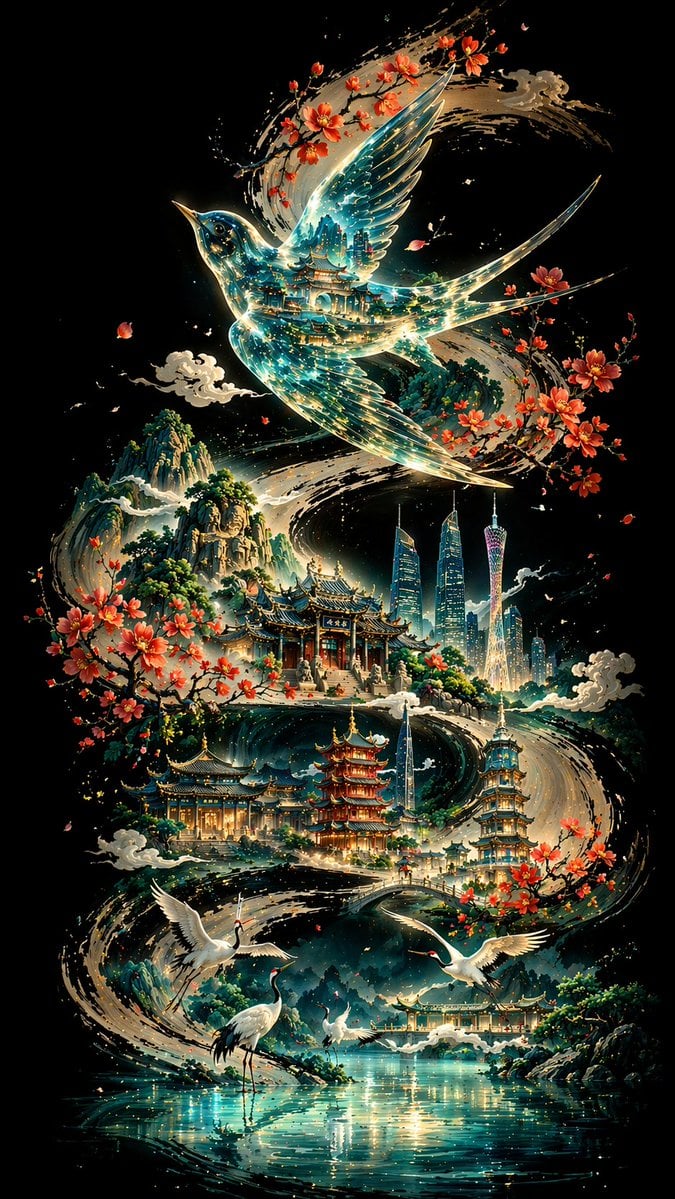
Ink Calligraphy Guangzhou Poster
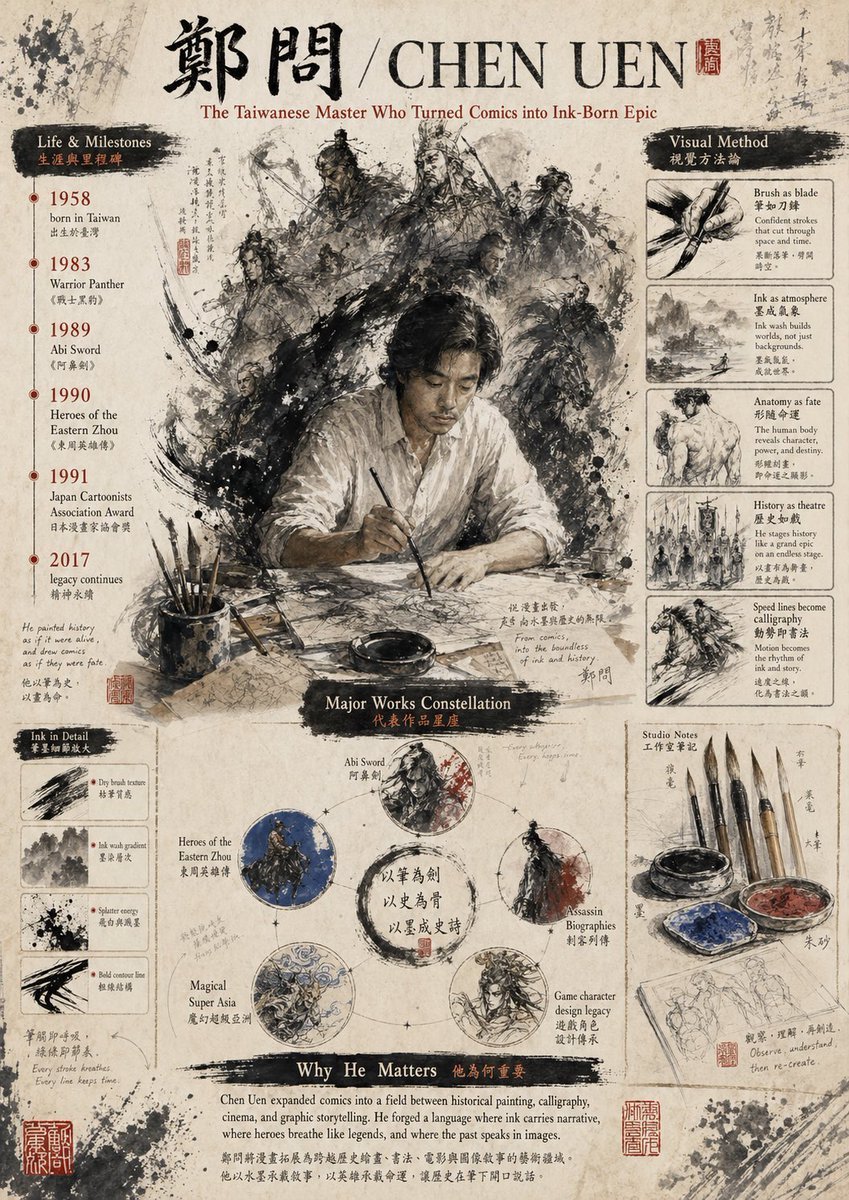
Ink-Wash Tribute Poster for Chen Uen
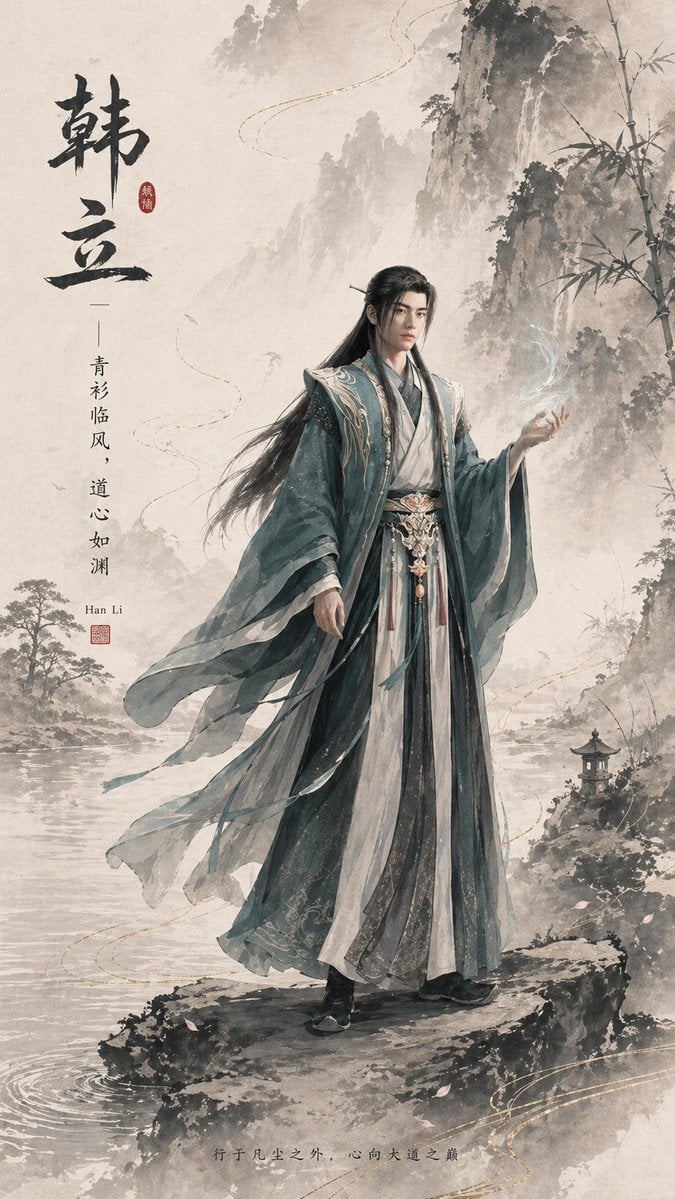
Ink-Wash Han Li Character Poster
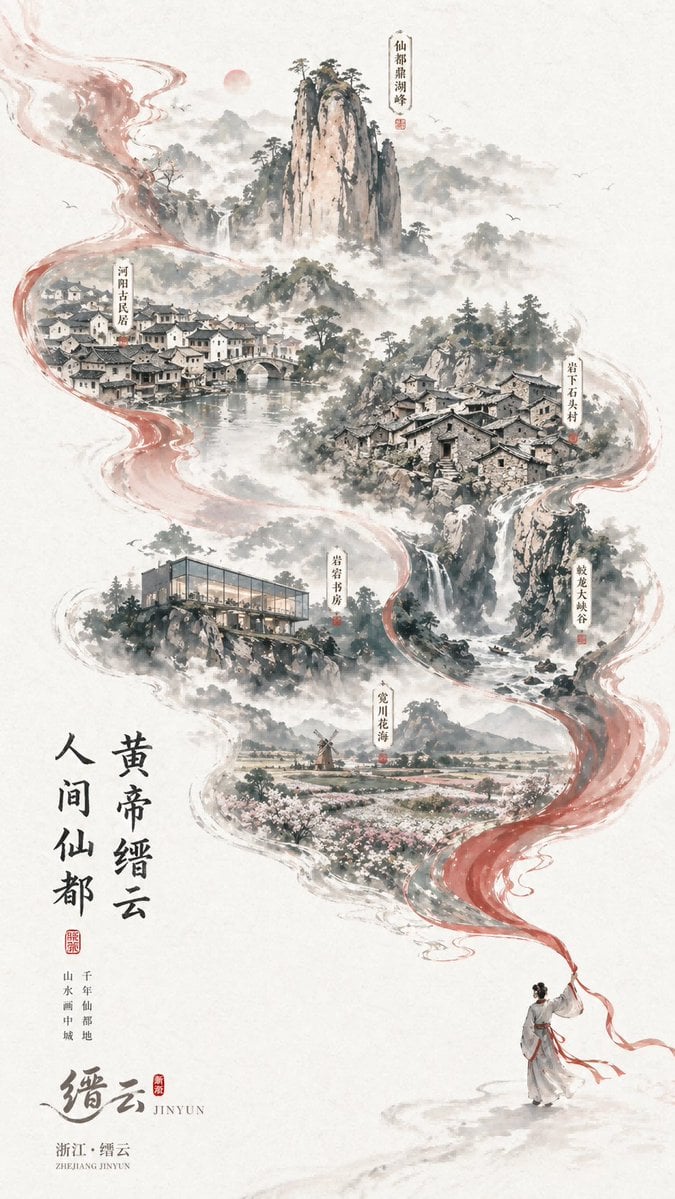
Chinese Ink-Wash Jinyun Travel Poster
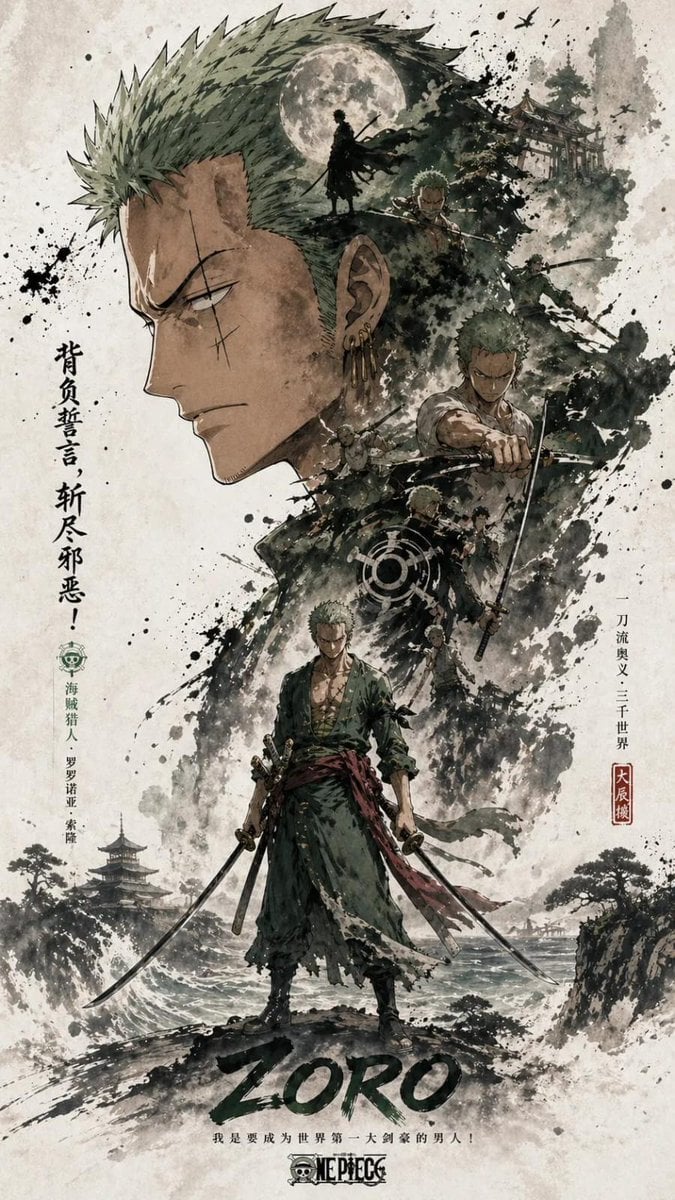
Ink Wash Double Exposure Poster

Dark Samurai Ink Wash Poster
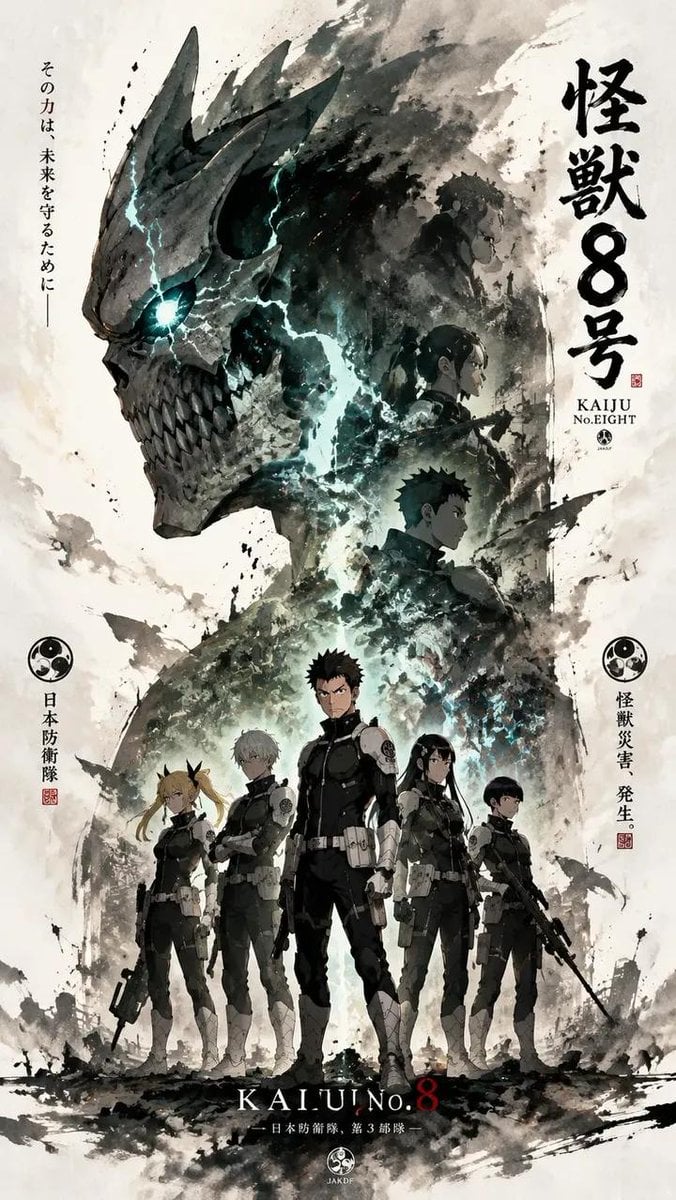
Ink-Wash Cinematic Anime Poster
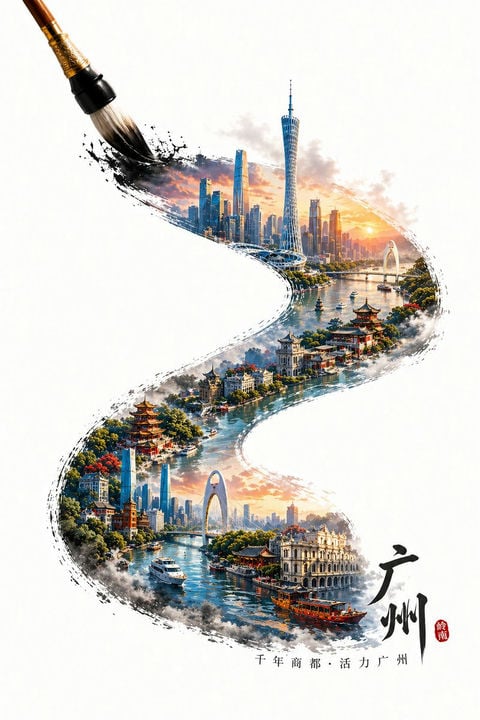
Guangzhou Ink Brush Travel Poster
Make it yours
Guangzhou Ink-Wash City Poster works as-is. These are the safest ways to change it without losing the look.
Change one field
Copy a single group, rewrite it, and generate again so you can see what that field is doing.
Keep the frame, change the subject
Hold the composition and light of Guangzhou Ink-Wash City Poster, then swap wardrobe, props or the person for a new take.
| If the result… | Why | Fix |
|---|---|---|
| The result drifts from the preview | Too many fields changed at once. | Reuse Guangzhou Ink-Wash City Poster as-is first, then change one group — subject, light, or setting. |
| The model over-stylizes the scene | The prose prompt leaves finish and camera underspecified. | Add one camera or lighting sentence and stay on GPT Image 2. |
More GPT Image 2 templates
Other prompts made for GPT Image 2.

Six VTuber Japanese Logo Sheet

Realistic Portrait of Woman and Deer

The Vista Modular Condo Poster

AI Model Routing Comparison Infographic

2.5D Anime Art Board

Isometric Productivity Desk Scene

New York Double Exposure Poster

Four-Panel AI Landscape Comparison

Japanese Tatami Lifestyle Magazine Cover

NESCAFÉ Coffee Map Poster
More image prompts
Fresh picks from across the catalog.
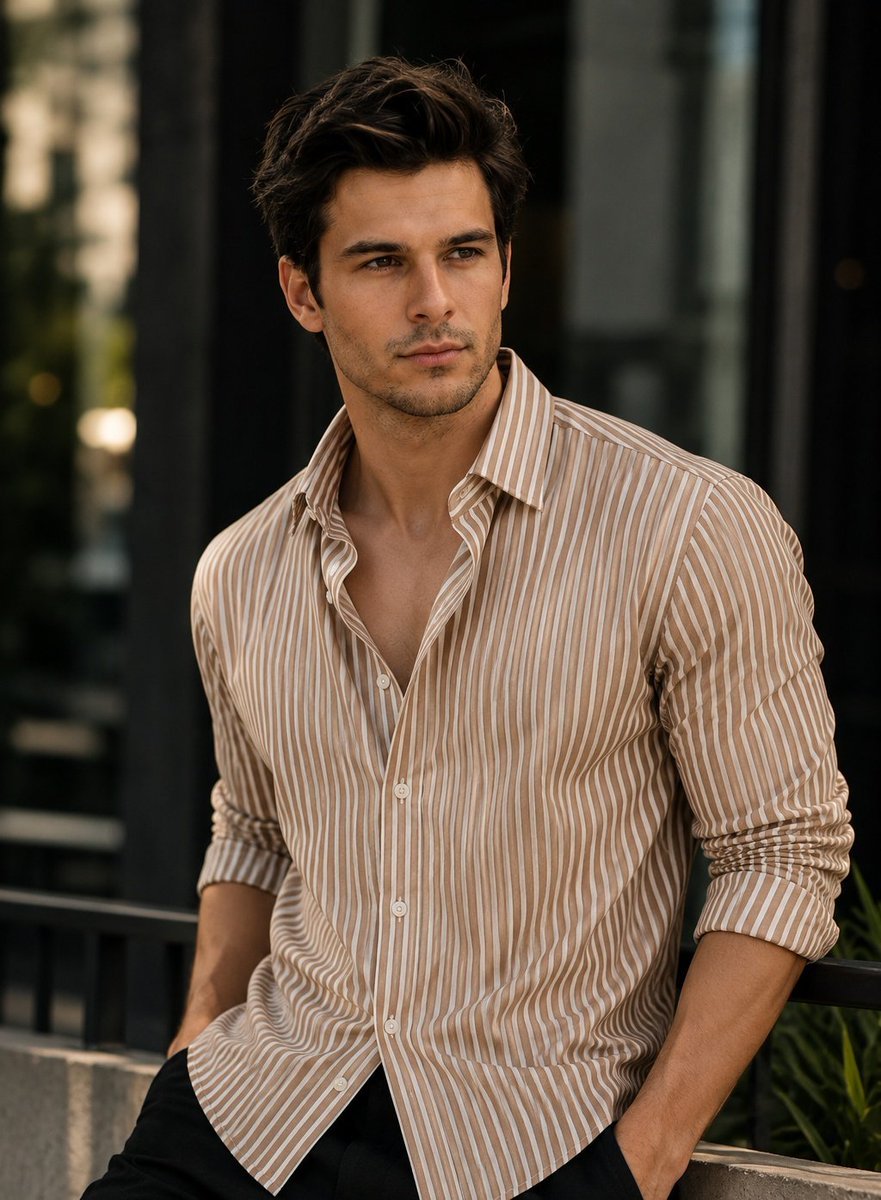
Realistic Cinematic Fashion Portrait
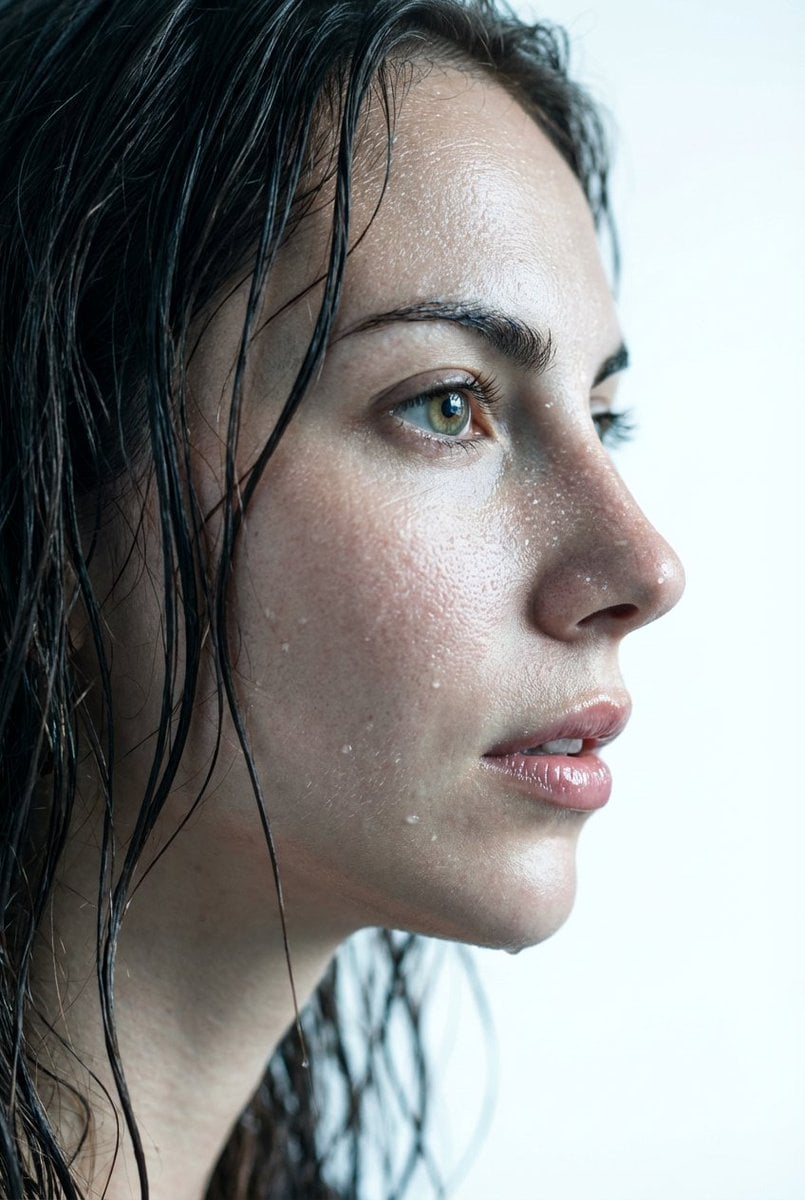
Hyper-Realistic Wet Skin Texture Prompt for Nano Banana Pro

Glass Skin Beauty Portrait — Soft Pastel Nano Banana
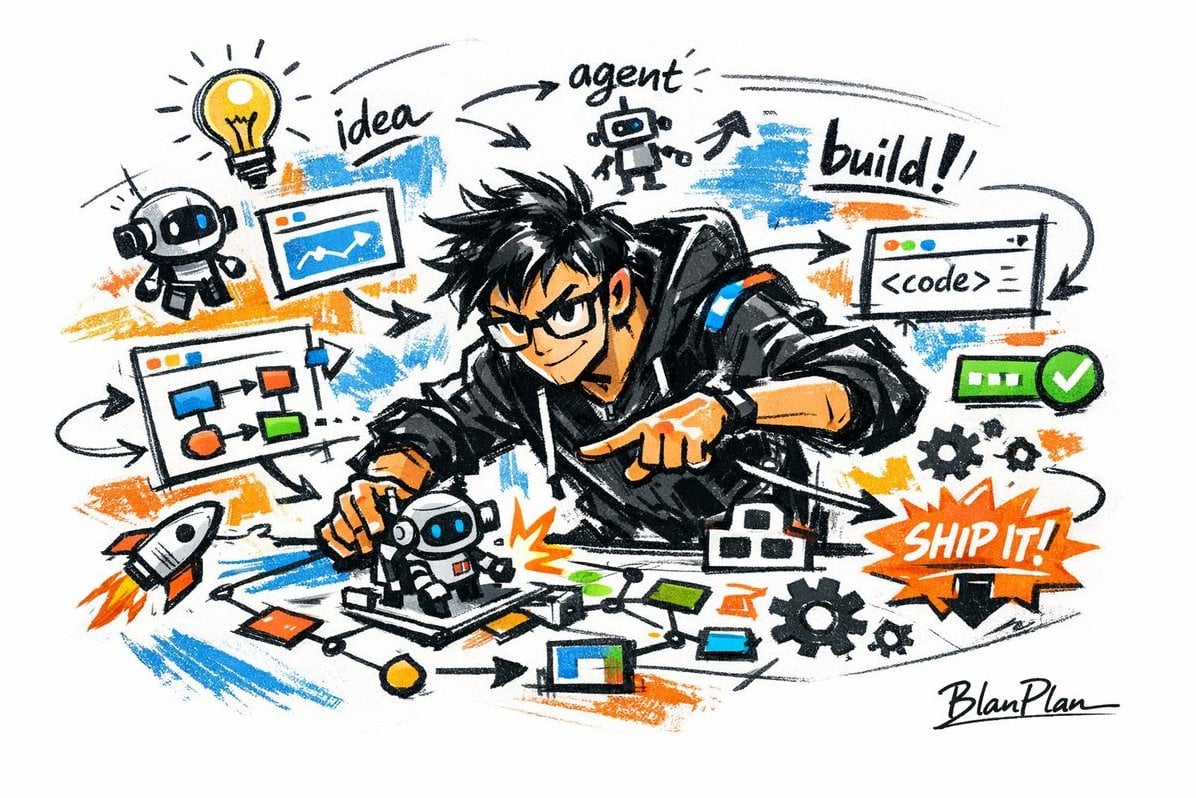
Graffiti Sketch AI Builder Style
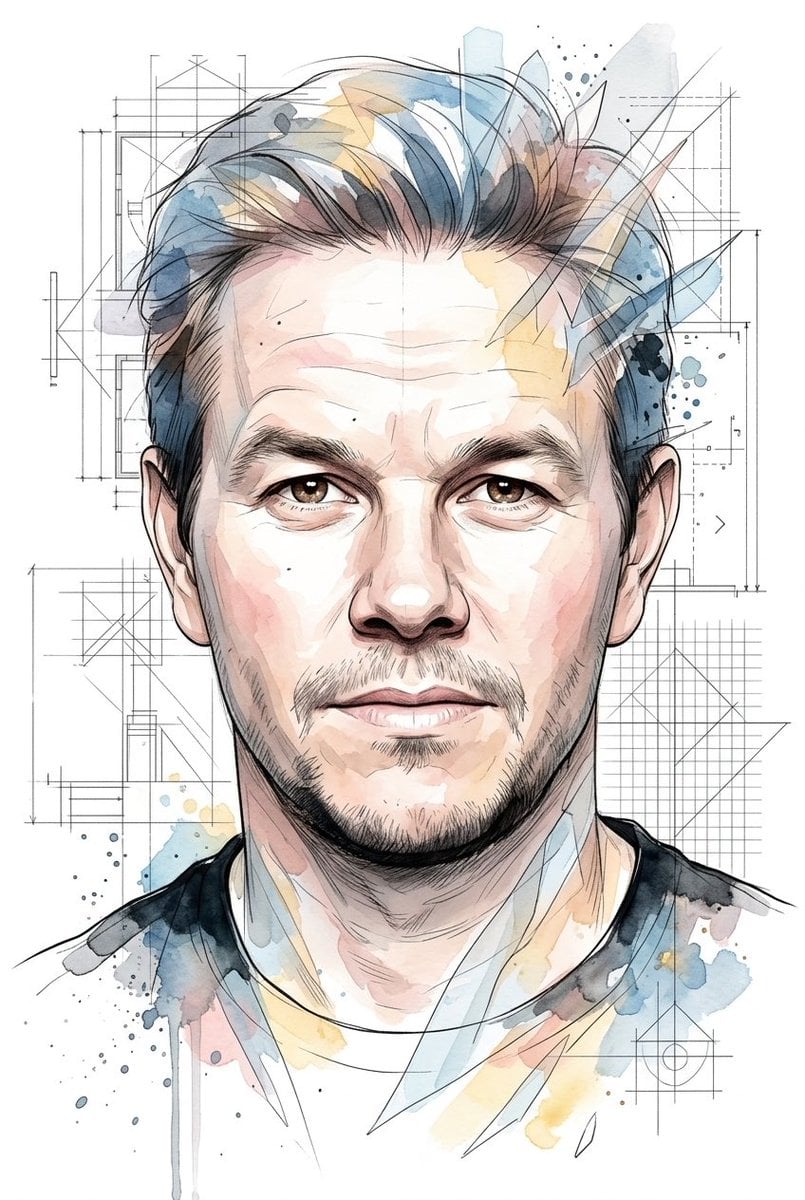
Soft Watercolor Illustration Style Art Prompt for Gemini Nano Banana Pro 2.0
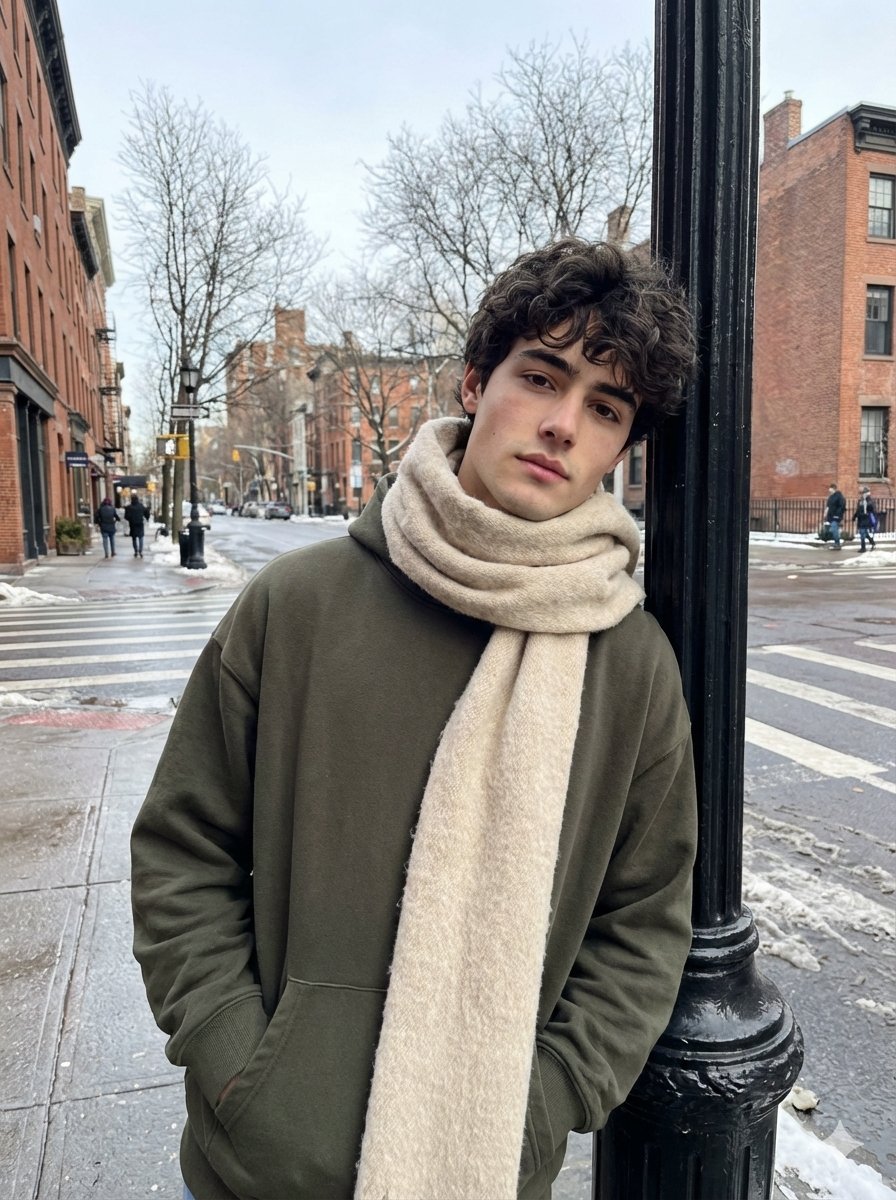
Ultra-Realistic Street Photo with Specific Subject Preservation

Ultra-Realistic DSLR Photo of an Indian Man in a Café
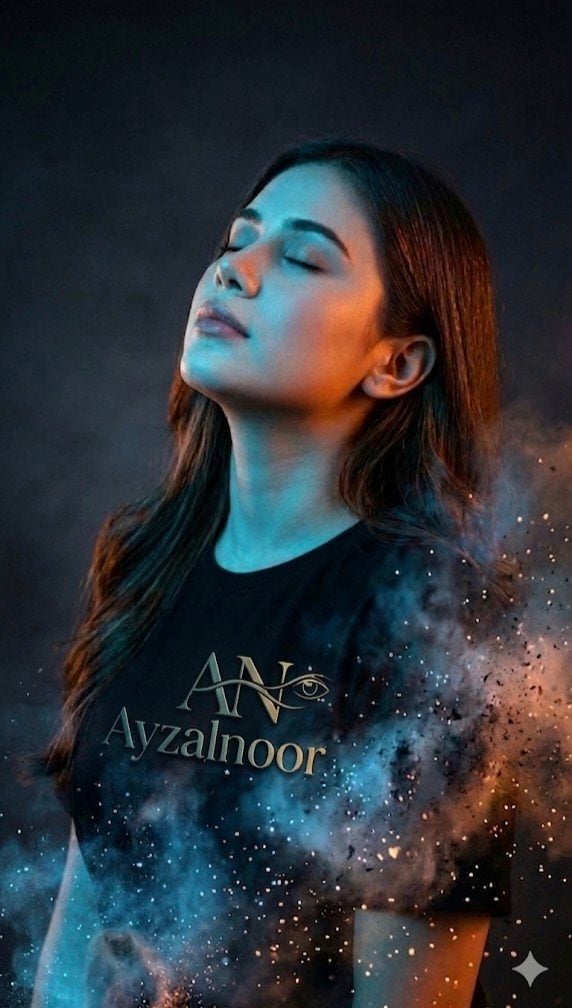
X Ayzalnooor24521 a Cinematic High Resolution Portrait of
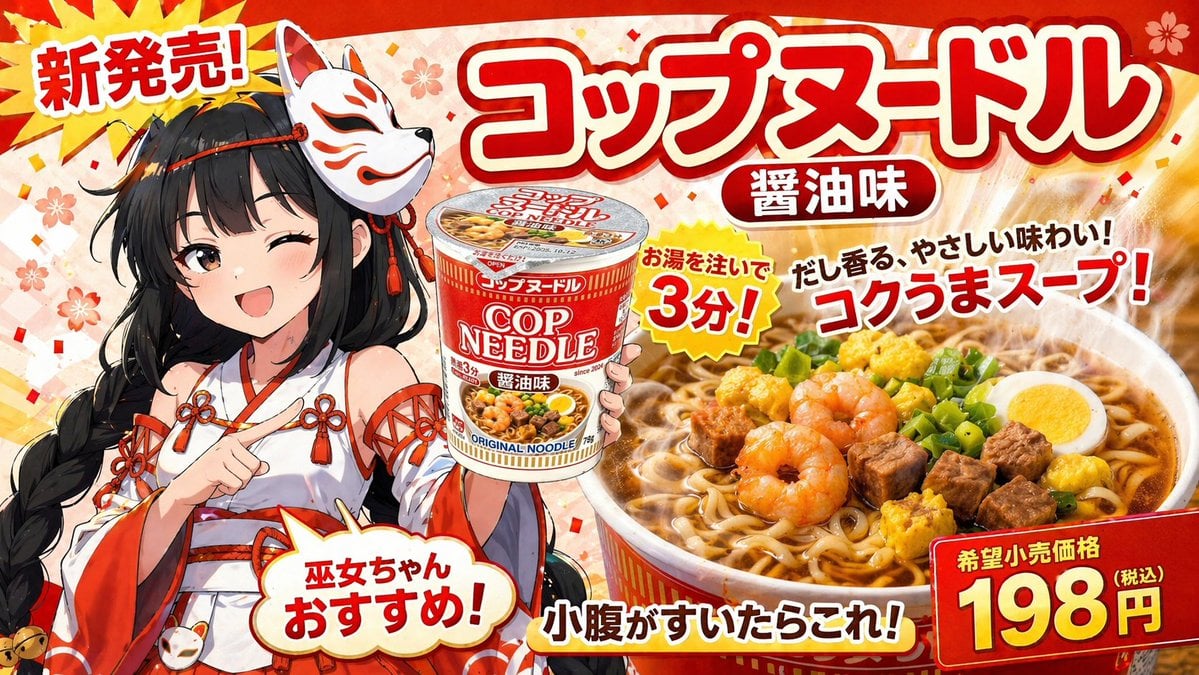
Anime Noodle Advertisement Banner
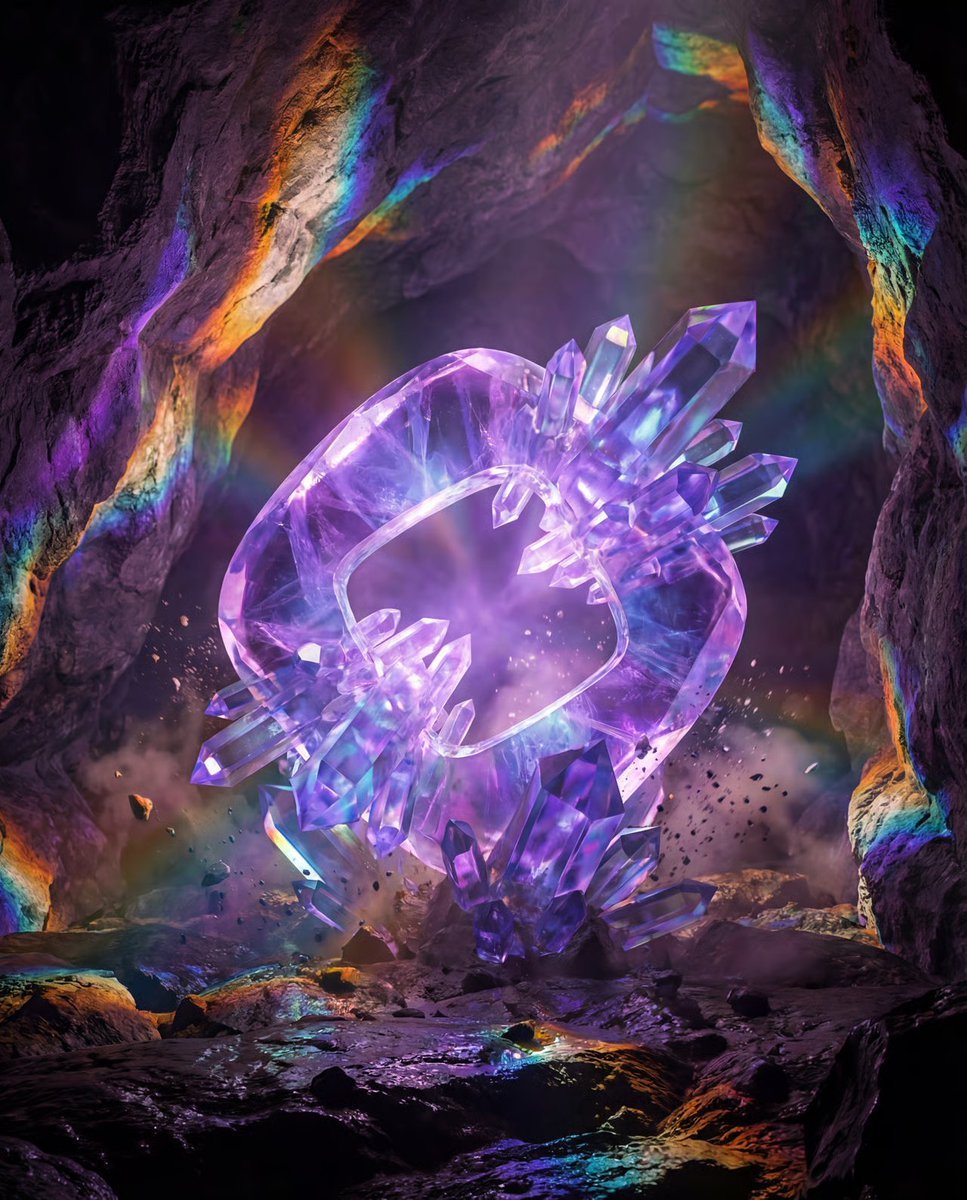
Photorealistic Crystal Logo Generation
Browse template categories
Guangzhou Ink-Wash City Poster questions
How do I use the Guangzhou Ink-Wash City Poster template?
Add your photo if the template asks for one, edit the prompt if you like — the template's model and format are already selected — and press Generate. Your version opens in PicX Studio.
Can I customize the Guangzhou Ink-Wash City Poster template?
Yes. You can change the subject, setting, lighting, mood, format, and available model controls before creating your image.
Is the Guangzhou Ink-Wash City Poster template free?
Opening and editing this template is free. Generating uses credits, shown on the Generate button when you are signed in.
Which AI model should I use?
Start with GPT Image 2, which is the model associated with this template. You can compare another compatible model for a different finish.
Looking for something else? Browse all templates.

Your photo, any look
Thousands of ready templates for every top image and video model, from one credit balance.