
Ink-Wash Tribute Poster for Chen Uen
This prompt generates a richly detailed biographical museum-style poster about Chen Uen, suitable for cultural tributes, editorial art, or historical artist showcases.
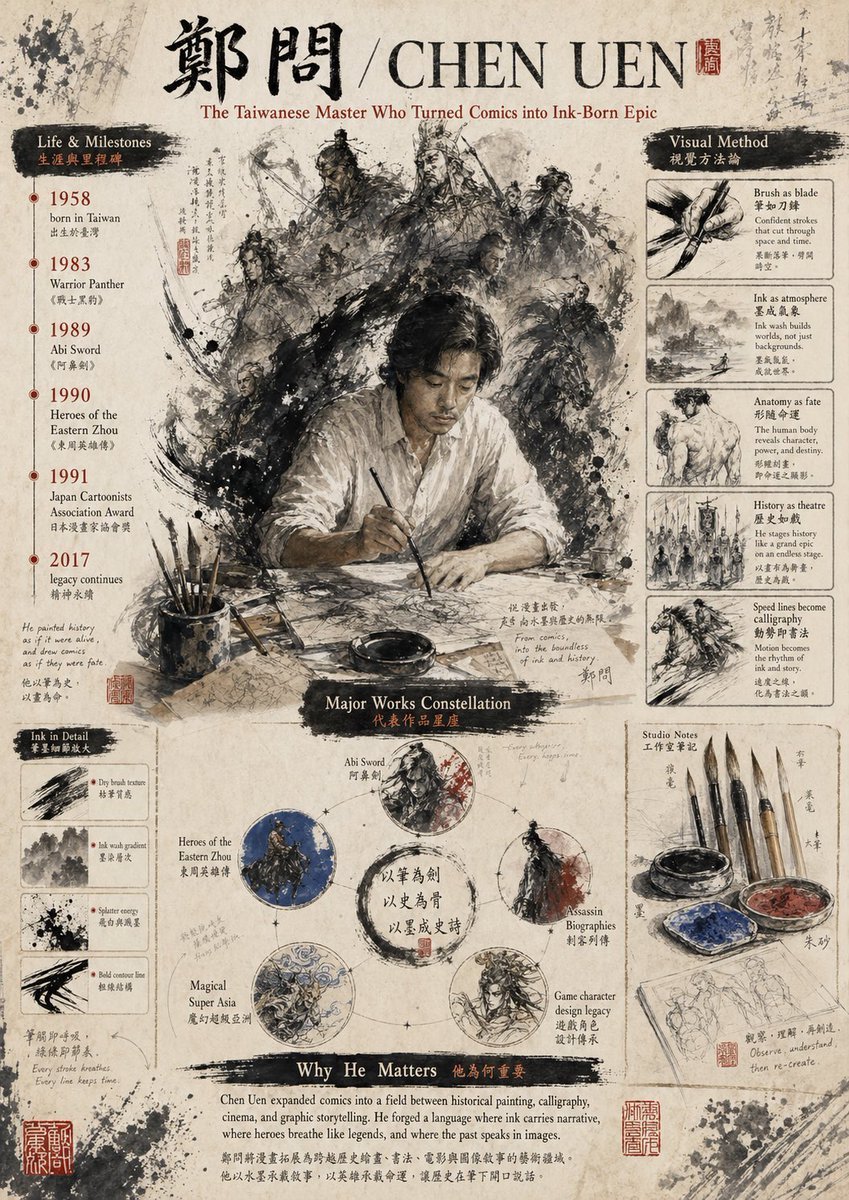
- Prompt included
- Model and format preset
- Free template
The prompt behind this image
Copy the exact prompt behind Ink-Wash Tribute Poster for Chen Uen, or open it in the studio and make it yours.
Create a vintage editorial poster on aged rice paper celebrating {argument name="artist name" default="CHEN UEN"}, designed like a museum infographic mixed with Chinese ink wash illustration and calligraphy. The format is a single vertically oriented poster with a weathered parchment background, ink splatters, faded handwritten annotations, red seal stamps, and a scholarly, archival atmosphere. At the very top, place large black Chinese calligraphy for the name 鄭問, followed by a slash and the romanized name {argument name="romanized name" default="CHEN UEN"} in large serif capitals, with a small red seal beside it. Under the title, add the subtitle {argument name="subtitle text" default="The Taiwanese Master Who Turned Comics into Ink-Born Epic"} in elegant reddish-brown serif text. In the center, feature a dramatic painterly scene of 1 seated male artist in a loose white shirt at a desk, holding a brush over paper, his face intentionally obscured by a soft rectangular blur. Behind him, surround him with a swirling halo-like storm of monochrome ink-brush warriors and historical figures: exact count 9 visible character figures, including armored generals, swordsmen, and mounted riders, emerging from explosive black brushwork and smoke-like ink textures. On the left side, create a vertical section titled “Life & Milestones” with a black brushstroke header and smaller Chinese subtitle text. List exactly 6 timeline entries with red year markers and bilingual captions: 1958 born in Taiwan, 1983 Warrior Panther, 1989 Abi Sword, 1990 Heroes of the Eastern Zhou, 1991 Japan Cartoonists Association Award, 2017 legacy continues. Below that, add a small section titled “Ink in Detail” containing exactly 4 boxed brush studies labeled with short English captions: Dry brush texture, Ink wash gradient, Splatter energy, Bold contour line. On the right side, create a vertical section titled “Visual Method” with a black brushstroke header and smaller Chinese subtitle text. Include exactly 5 stacked boxed studies with image-and-caption layout: Brush as blade, Ink as atmosphere, Anatomy as fate, History as theatre, Speed lines become calligraphy. In the lower center, create a section titled “Major Works Constellation” with a dark brushstroke heading. Arrange exactly 5 circular work nodes around a central ink ring with Chinese calligraphy inside. Label the 5 nodes: Abi Sword, Heroes of the Eastern Zhou, Assassin Biographies, Magical Super Asia, Game character design legacy. Each circle contains a distinct monochrome or muted-color ink illustration, with subtle connecting marks like a constellation diagram. At the lower right, add a section titled “Studio Notes” containing exactly 6 visible objects: 4 hanging calligraphy brushes, 1 ink bowl, and 1 painter’s palette with blue and red pigment; beneath them place a sketchbook page with light pencil figure studies. Across the bottom, add a wide section titled “Why He Matters” with a black brushstroke header and smaller Chinese subtitle text, followed by a paragraph of serif body text in English describing his importance to comics, painting, calligraphy, cinema, and epic storytelling. Use a restrained palette of sepia, black ink, off-white paper, muted gray, with small accents of deep red and occasional blue. The whole image should feel like a refined cultural tribute poster, dense but balanced, highly detailed, painterly, and authentic to Chinese ink aesthetics.
How to use Ink-Wash Tribute Poster for Chen Uen in 3 steps
- 1Upload ImagePNG, JPG or paste
Add your photo
Upload the photo the template builds on. The prompt, model and format are already set.
- 2…a portrait of your subject in softgolden-hour light, 85mm…
Personalize
Edit the subject and creative details for your destination.
- 3Generate
Generate
Press Generate — your image is created in PicX Studio, so you can compare it with the original and refine one variable at a time.
More like this
Templates with the same subject, style or setup. Open one to see its prompt.

Gpt2 Infographic Edu Visual Ink Wash Tribute Poster for Chen Uen

Vintage Lithograph Retro World Cup Poster

Trendy Cafe Drink Promo Poster
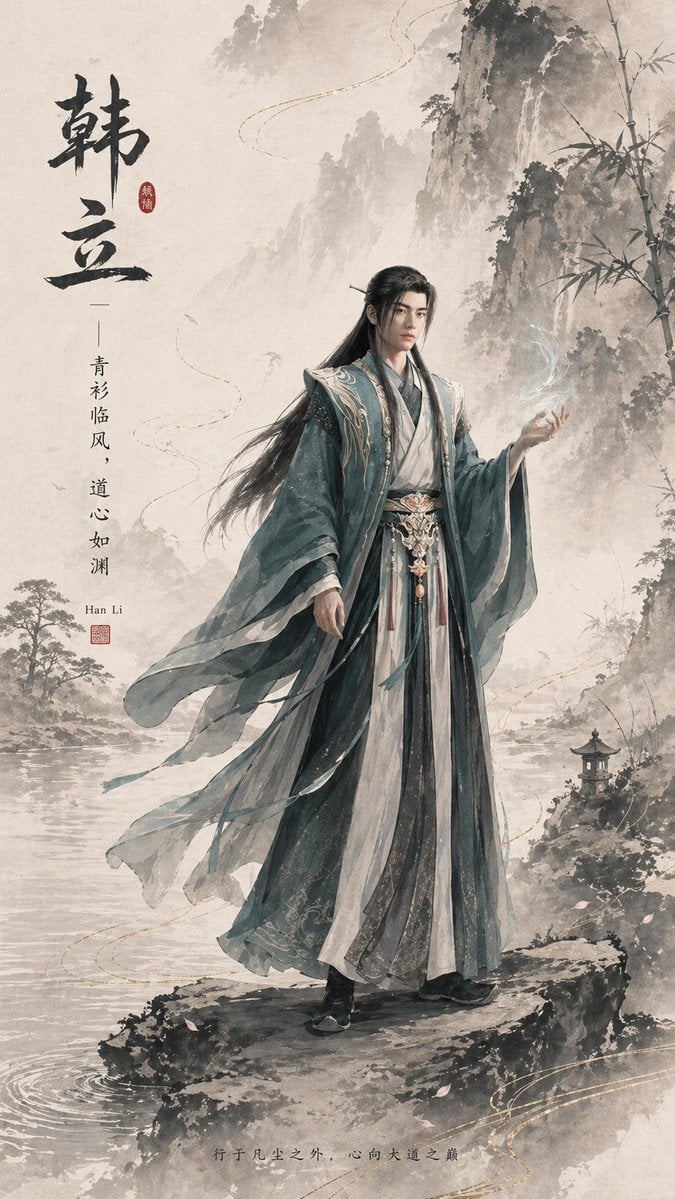
Ink-Wash Han Li Character Poster
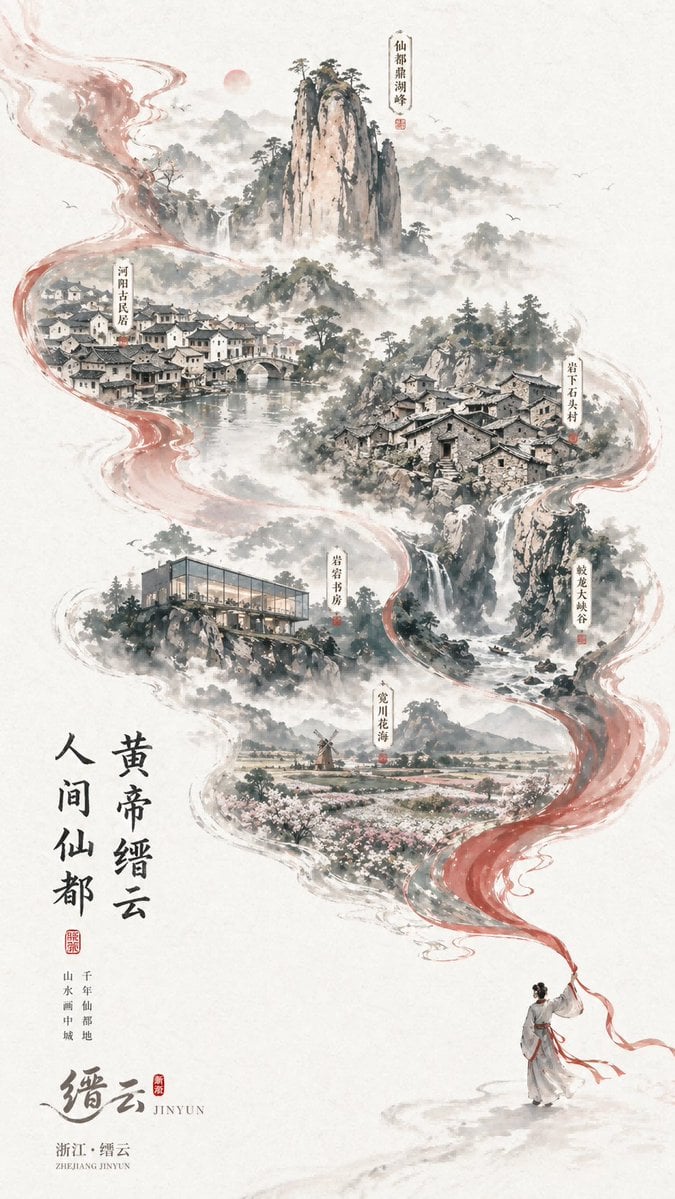
Chinese Ink-Wash Jinyun Travel Poster
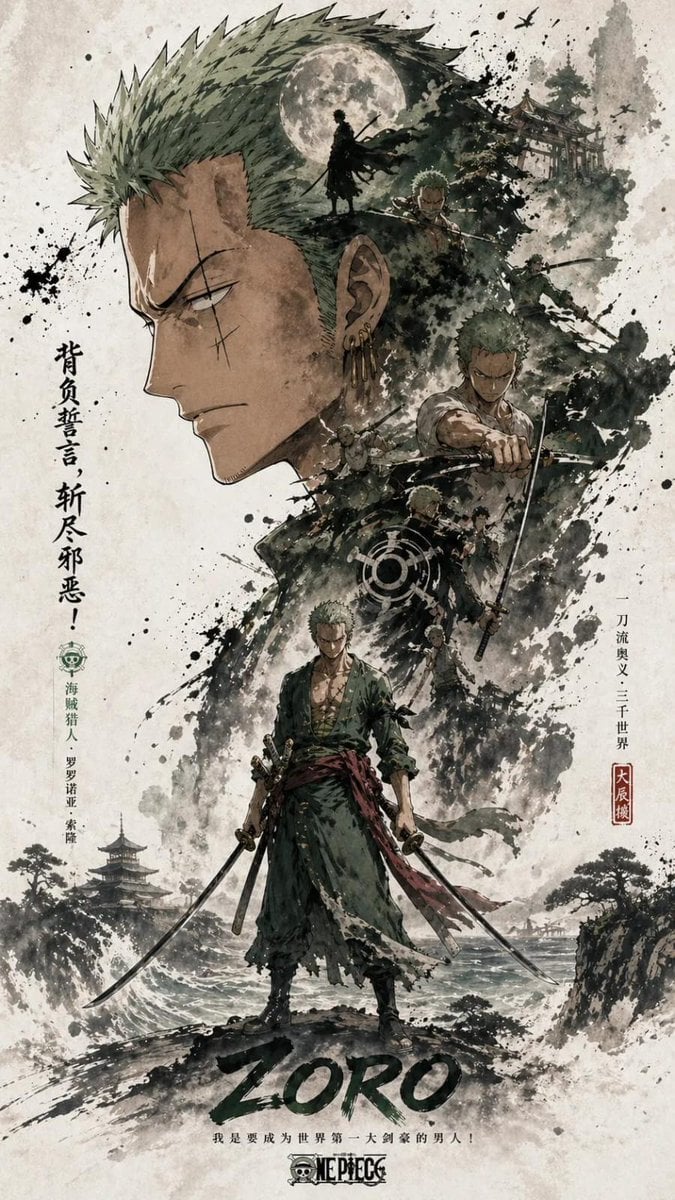
Ink Wash Double Exposure Poster

Dark Samurai Ink Wash Poster
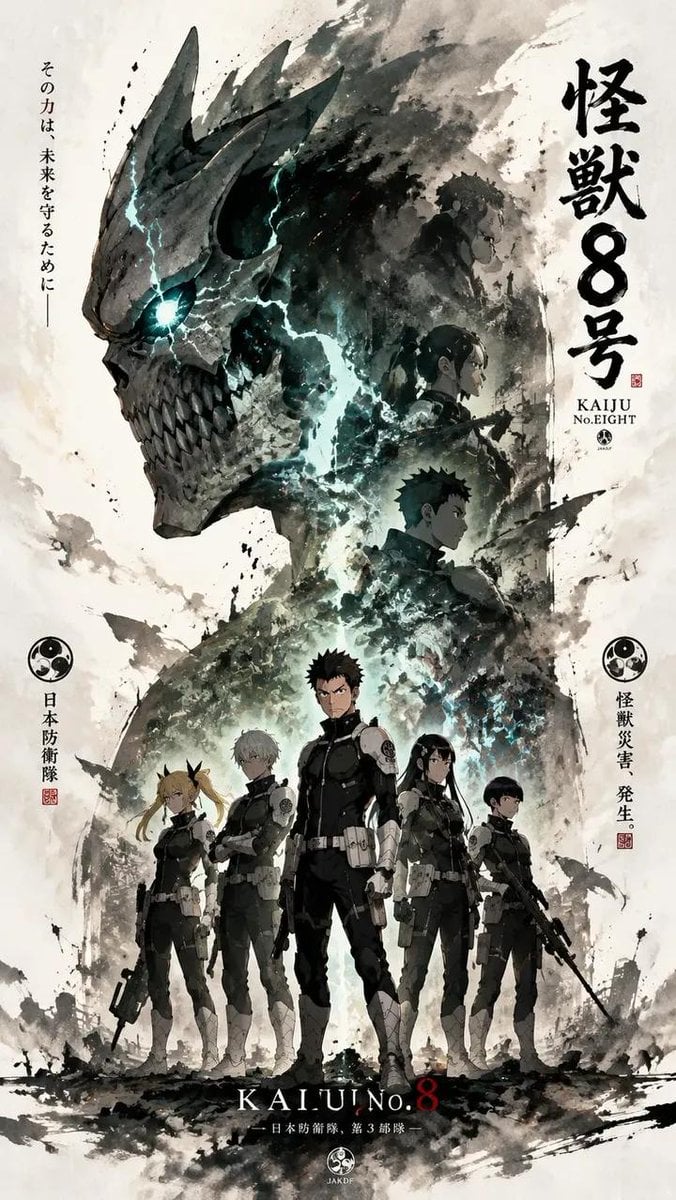
Ink-Wash Cinematic Anime Poster
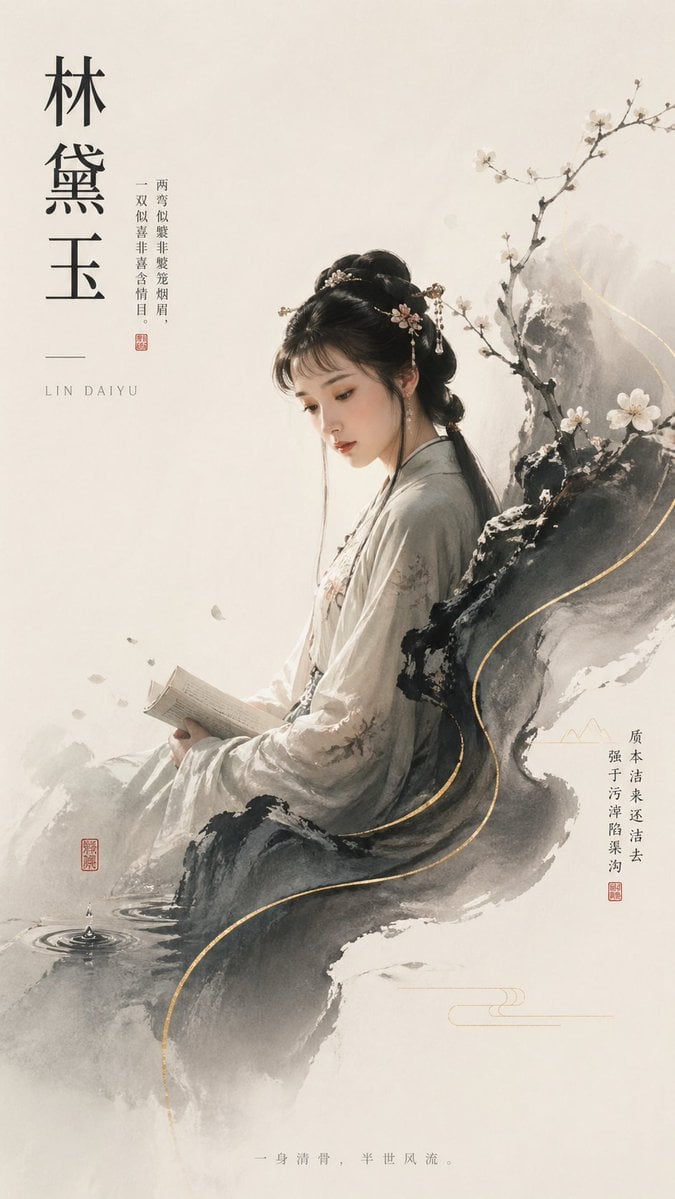
Lin Daiyu Ink-Wash Poster
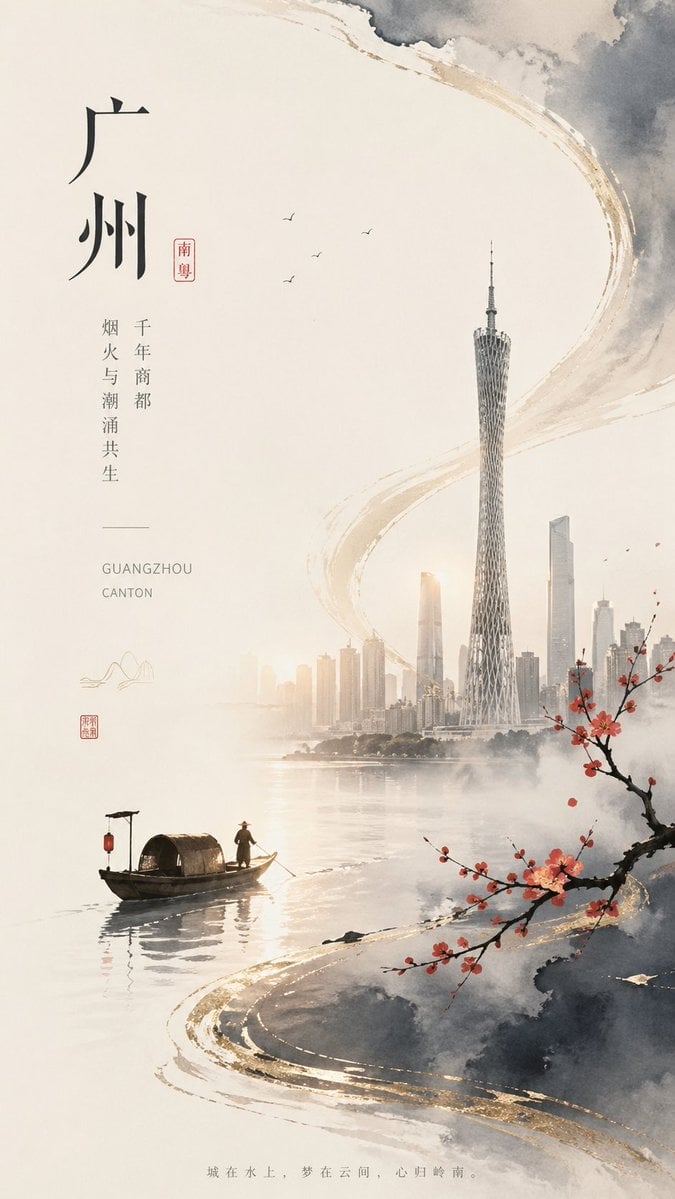
Guangzhou Ink-Wash City Poster

Japan Travel Brochure Poster
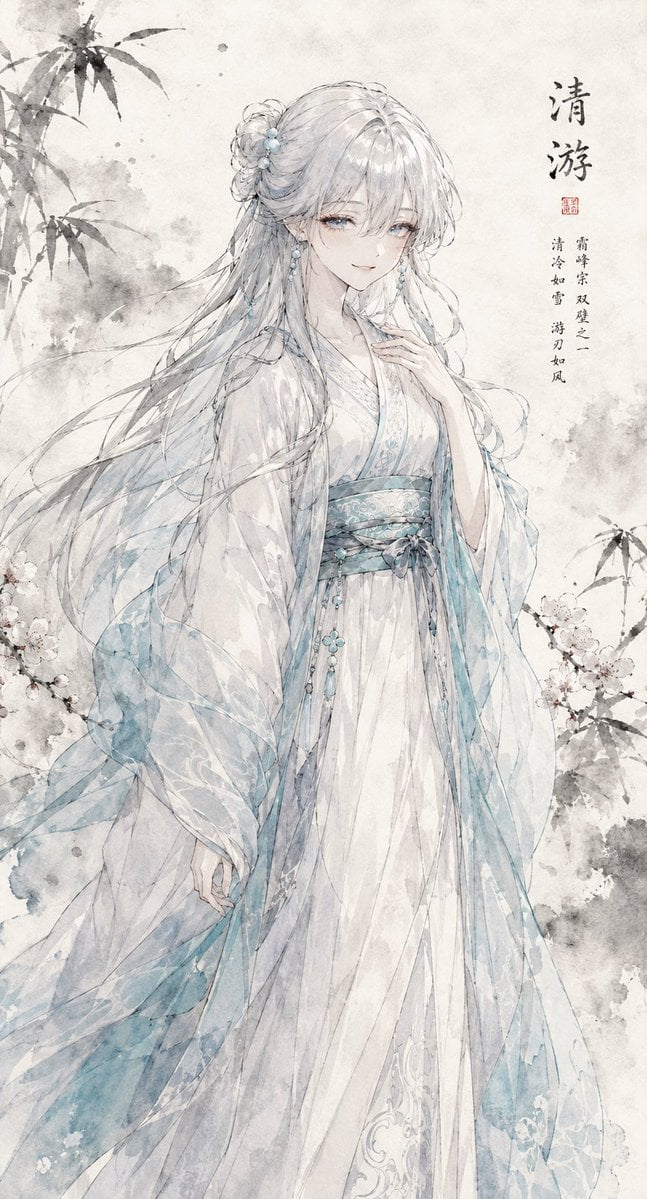
Ink Wash Hanfu Character Portrait
Make it yours
Ink-Wash Tribute Poster for Chen Uen works as-is. These are the safest ways to change it without losing the look.
Change one field
Copy a single group, rewrite it, and generate again so you can see what that field is doing.
Keep the frame, change the subject
Hold the composition and light of Ink-Wash Tribute Poster for Chen Uen, then swap wardrobe, props or the person for a new take.
| If the result… | Why | Fix |
|---|---|---|
| The result drifts from the preview | Too many fields changed at once. | Reuse Ink-Wash Tribute Poster for Chen Uen as-is first, then change one group — subject, light, or setting. |
| The model over-stylizes the scene | The prose prompt leaves finish and camera underspecified. | Add one camera or lighting sentence and stay on GPT Image 2. |
More GPT Image 2 templates
Other prompts made for GPT Image 2.

Six VTuber Japanese Logo Sheet

Realistic Portrait of Woman and Deer

The Vista Modular Condo Poster

AI Model Routing Comparison Infographic

2.5D Anime Art Board

Isometric Productivity Desk Scene

New York Double Exposure Poster

Four-Panel AI Landscape Comparison

Japanese Tatami Lifestyle Magazine Cover

NESCAFÉ Coffee Map Poster
More image prompts
Fresh picks from across the catalog.
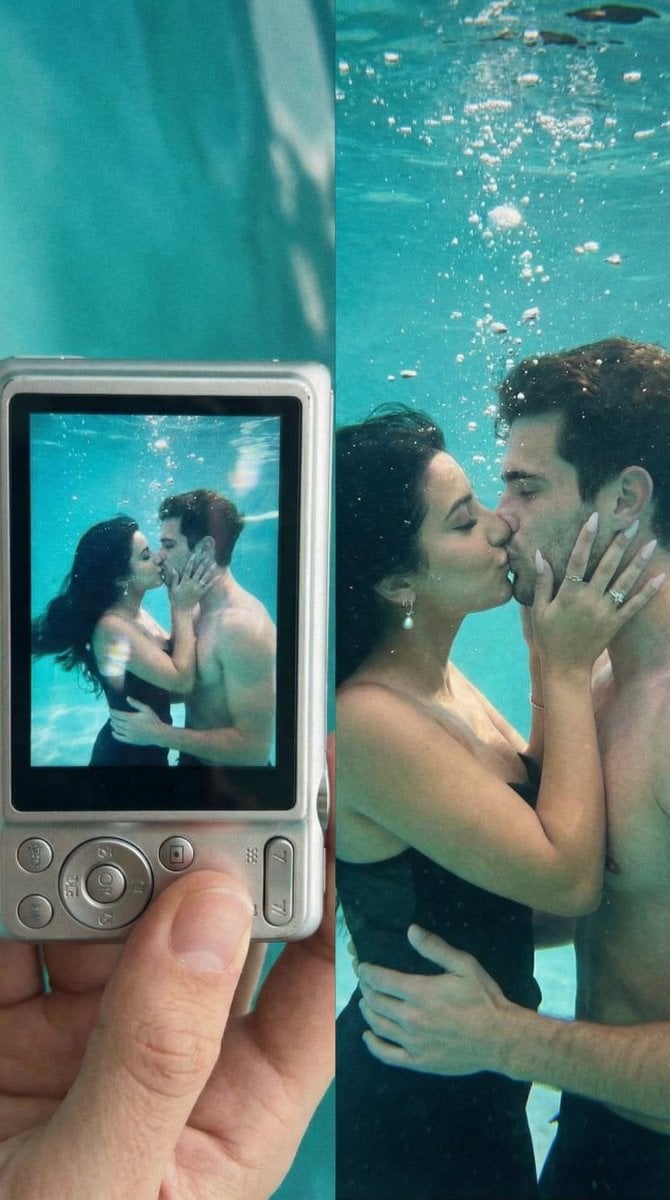
Underwater Kiss Diptych with Digital Camera Screen

Hyper-realistic Fashion Photoshoot Prompt
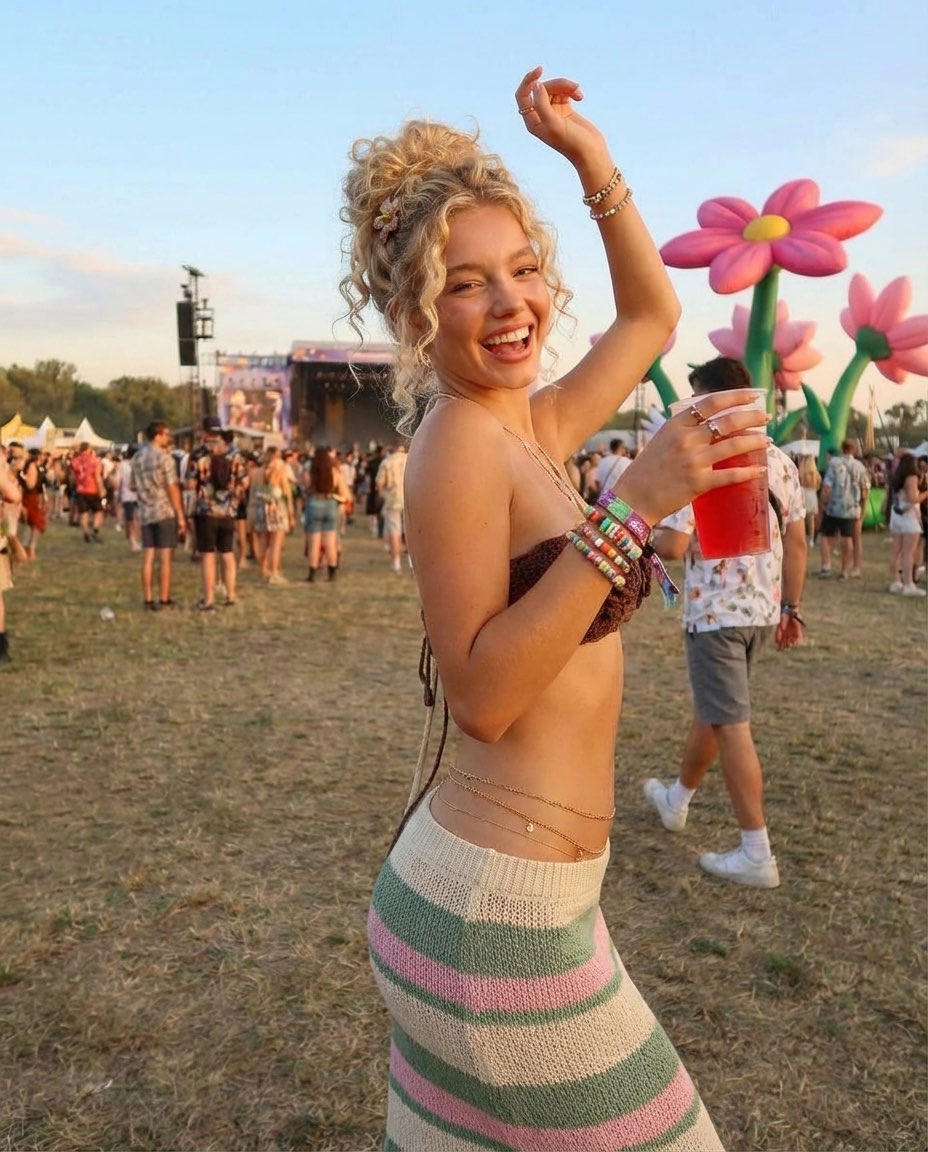
Photorealistic Festival Scene During Golden Hour
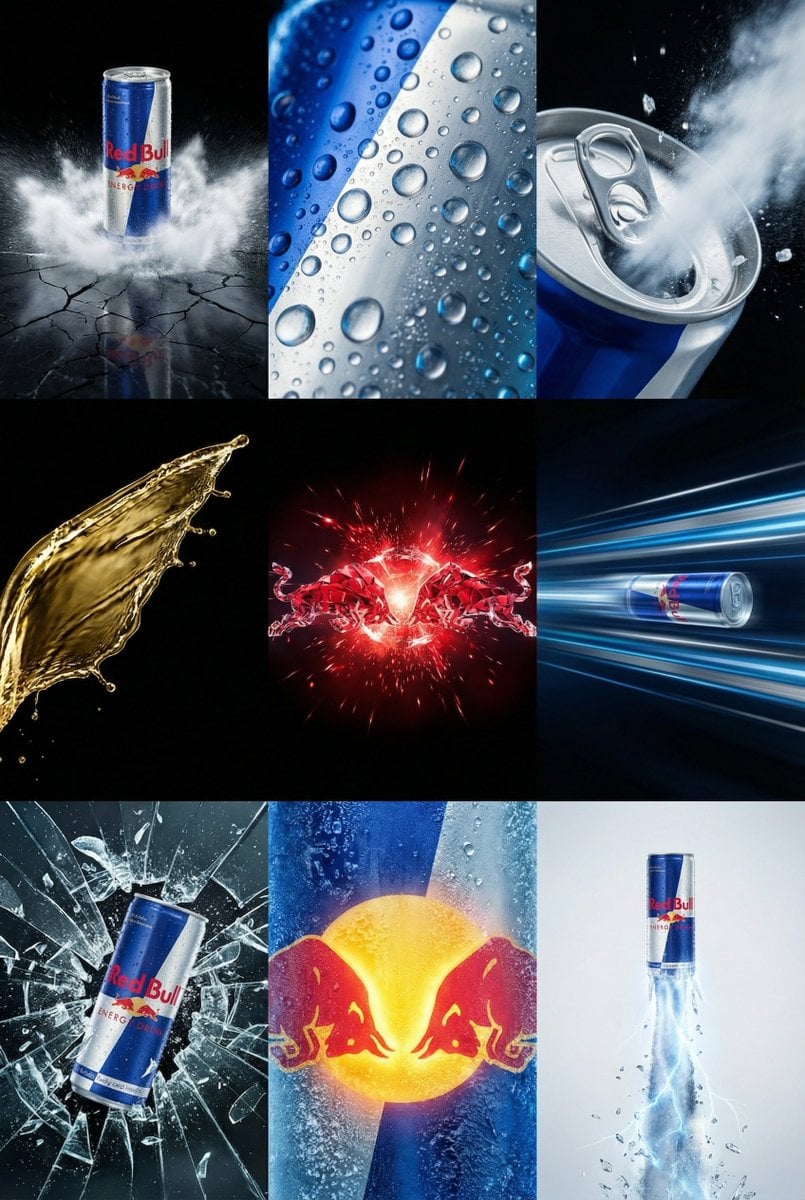
Red Bull Commercial Grid Collage Prompt (JSON)
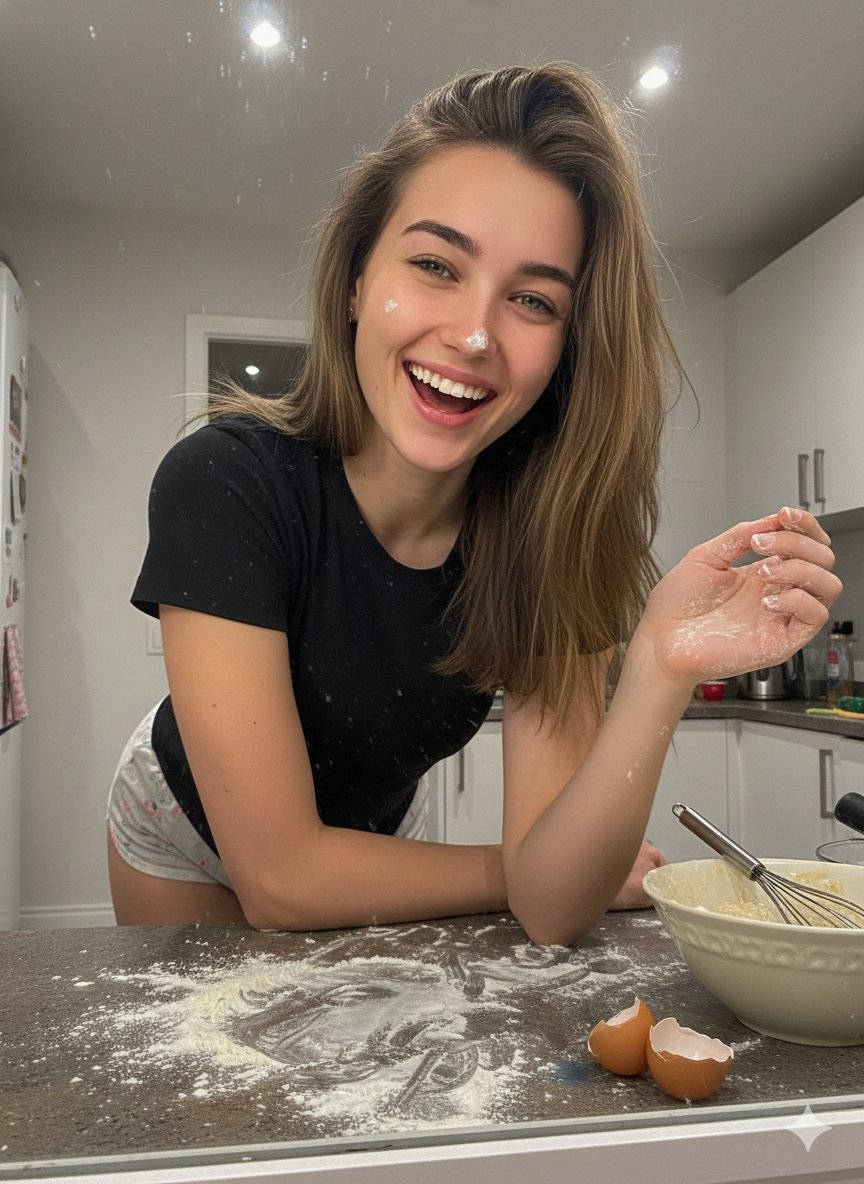
Messy Kitchen Mirror Selfie
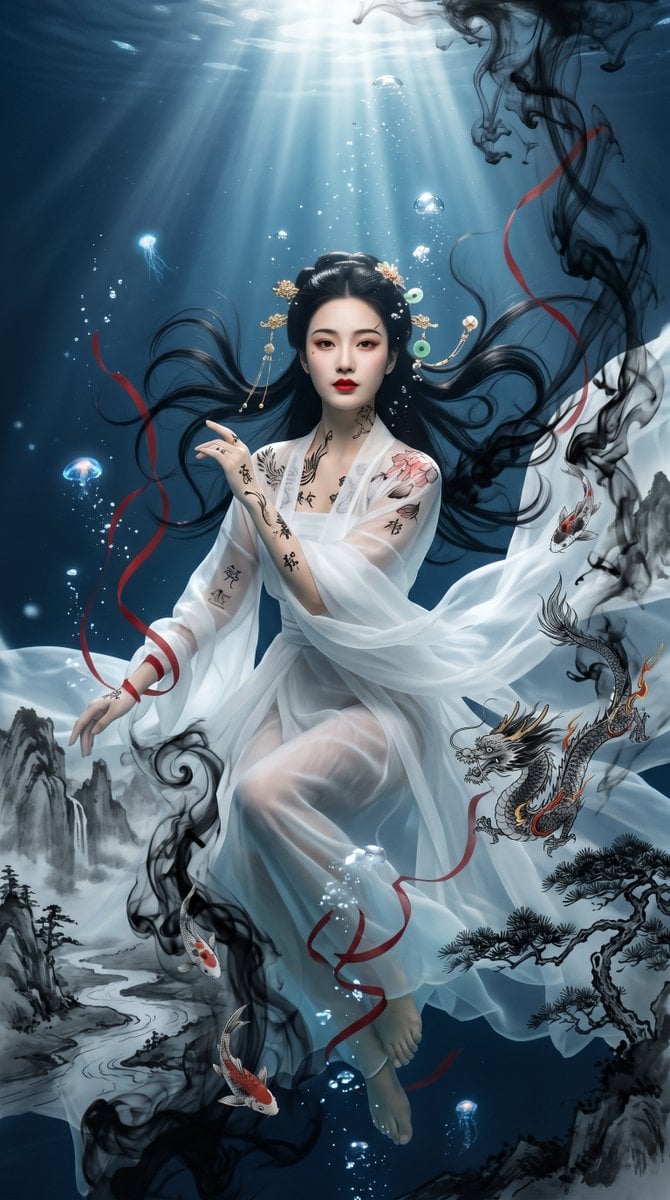
Underwater Chinese Ink Dreamscape Portrait
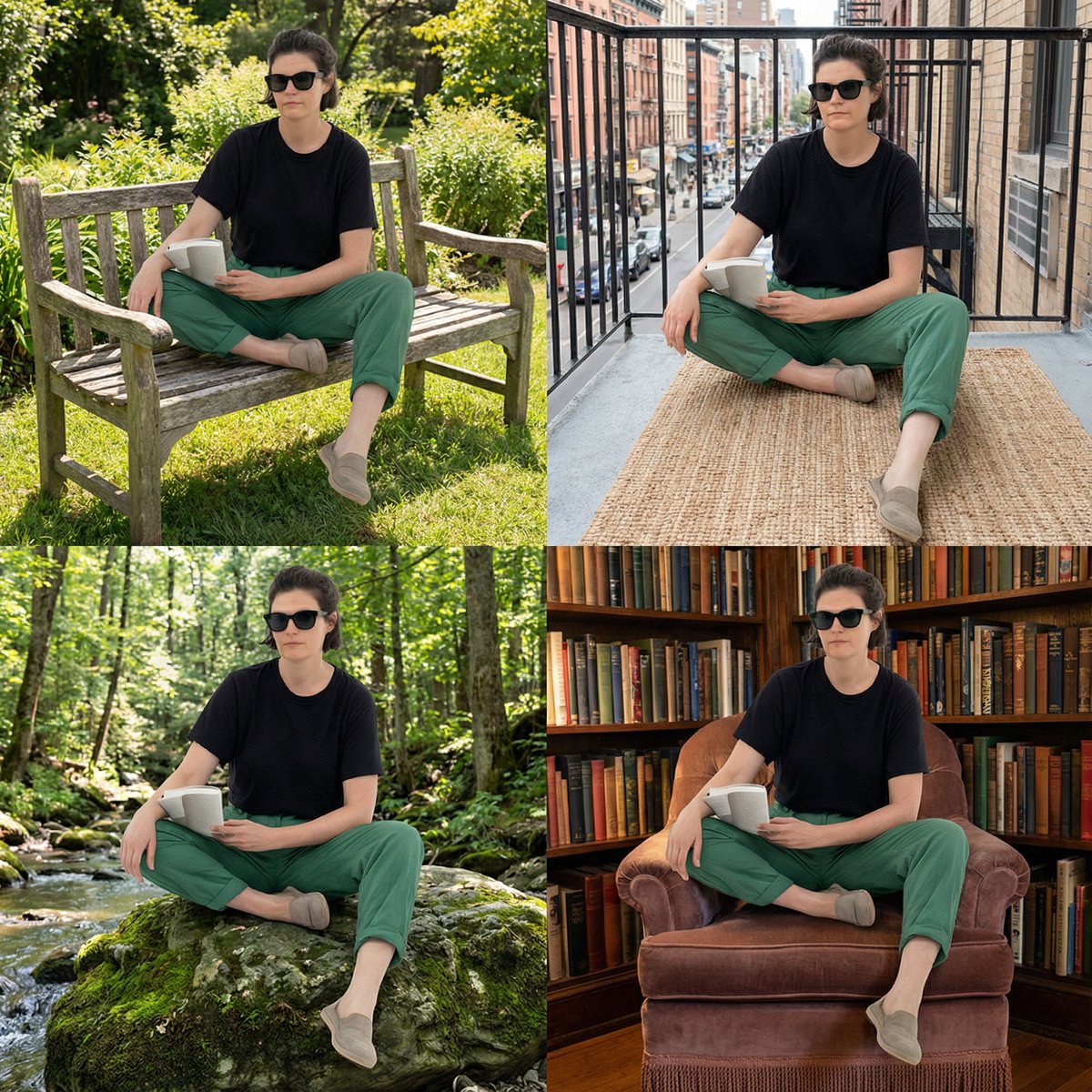
PNG Girl in Unusual Places Prompt
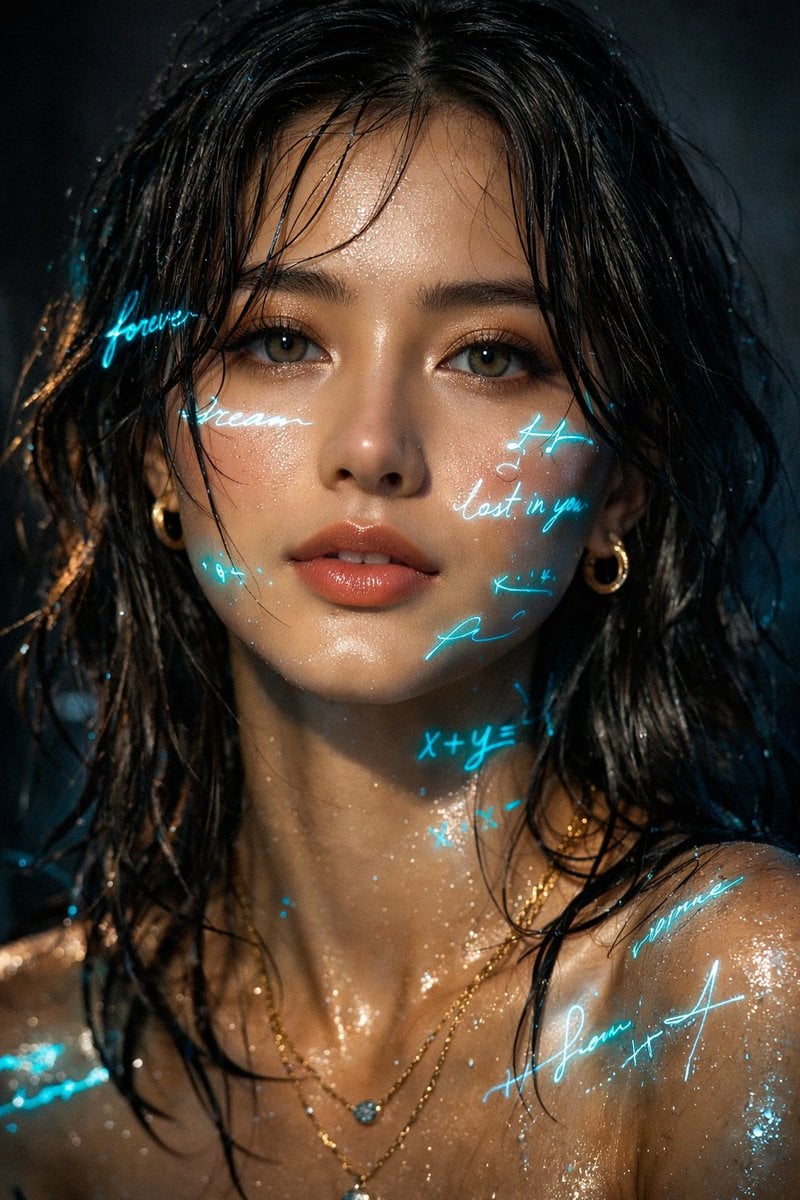
Cyber-Poetry Portrait Projection Prompt

Premium Esports Gamer Portrait Prompt

Pop Surreal Kawaii Cat on Roller Skates
Browse template categories
Ink-Wash Tribute Poster for Chen Uen questions
How do I use the Ink-Wash Tribute Poster for Chen Uen template?
Add your photo if the template asks for one, edit the prompt if you like — the template's model and format are already selected — and press Generate. Your version opens in PicX Studio.
Can I customize the Ink-Wash Tribute Poster for Chen Uen template?
Yes. You can change the subject, setting, lighting, mood, format, and available model controls before creating your image.
Is the Ink-Wash Tribute Poster for Chen Uen template free?
Opening and editing this template is free. Generating uses credits, shown on the Generate button when you are signed in.
Which AI model should I use?
Start with GPT Image 2, which is the model associated with this template. You can compare another compatible model for a different finish.
Looking for something else? Browse all templates.

Your photo, any look
Thousands of ready templates for every top image and video model, from one credit balance.