
Ink Wash Double Exposure Poster
A detailed cinematic prompt for creating an oriental-style ink wash poster with double exposure elements and a strong silhouette.
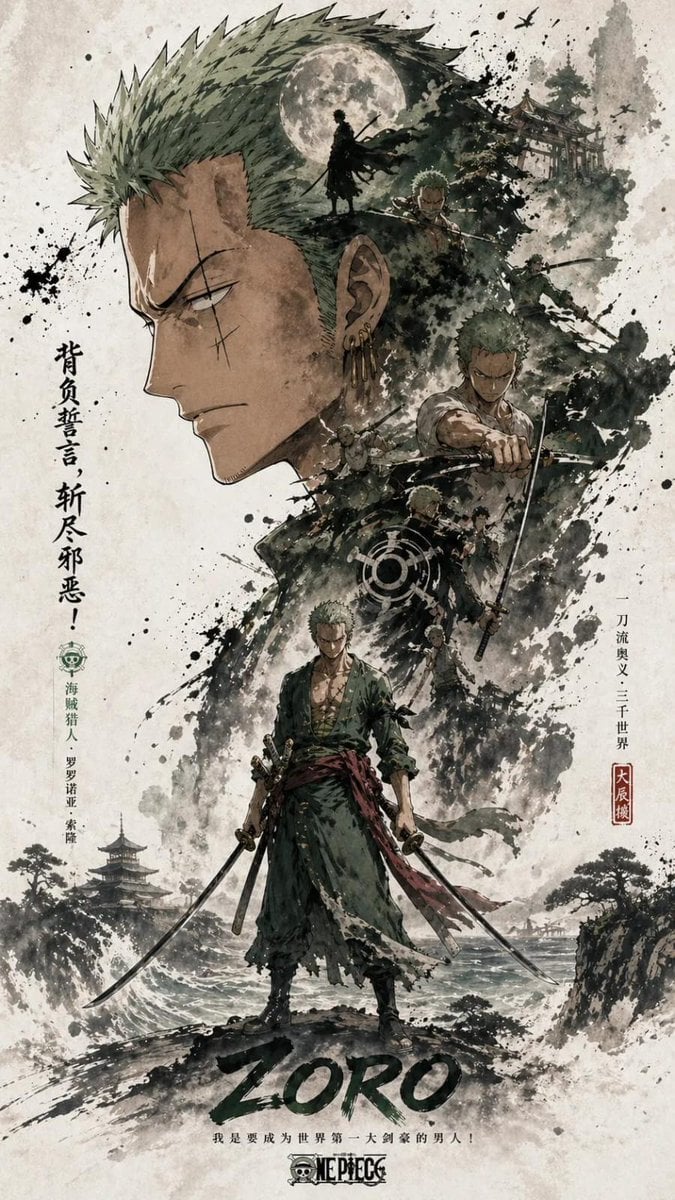
- Prompt included
- Model and format preset
- Free template
The prompt behind this image
Copy the exact prompt behind Ink Wash Double Exposure Poster, or open it in the studio and make it yours.
[Main Subject] A large, highly recognizable silhouette of {argument name="subject" default="a figure"} (head, face outline, or outer contour) fills the upper portion of the frame as the dominant visual shape. Within the lower and middle area, the same character appears in full body, standing still or in subtle motion, serving as the secondary focal point and visual core. [Composition] Double exposure and collage storytelling lives inside and around the large silhouette: multiple scenes, layered imagery, smaller character moments, supporting elements, and environmental layers blend together within clouds, ink wash, and whitewash. Side panels on the left and right echo each other, adding narrative tension and spatial rhythm. A flowing thread of visual cues links the main figure, internal collage, and surrounding silhouette, guiding the eye through the composition. [Style] A large portion of the canvas is left as negative white space. Edges are softened with ink stains, frayed brushwork, and dissolving textures, evoking the breath and emptiness of Oriental aesthetics. Overall mood: cohesive, refined, restrained, emphasizing layered storytelling, serialized poster language, and a strong central visual impact. Aspect ratio: 9:16.
How to use Ink Wash Double Exposure Poster in 3 steps
- 1
Open
The prompt is already in the box next to the preview, with the template's model and format selected.
- 2…a portrait of your subject in softgolden-hour light, 85mm…
Personalize
Edit the subject and creative details for your destination.
- 3Generate
Generate
Press Generate — your image is created in PicX Studio, so you can compare it with the original and refine one variable at a time.
More like this
Templates with the same subject, style or setup. Open one to see its prompt.

Vintage Lithograph Retro World Cup Poster

Gpt2 Infographic Edu Visual Ink Wash Tribute Poster for Chen Uen

Trendy Cafe Drink Promo Poster
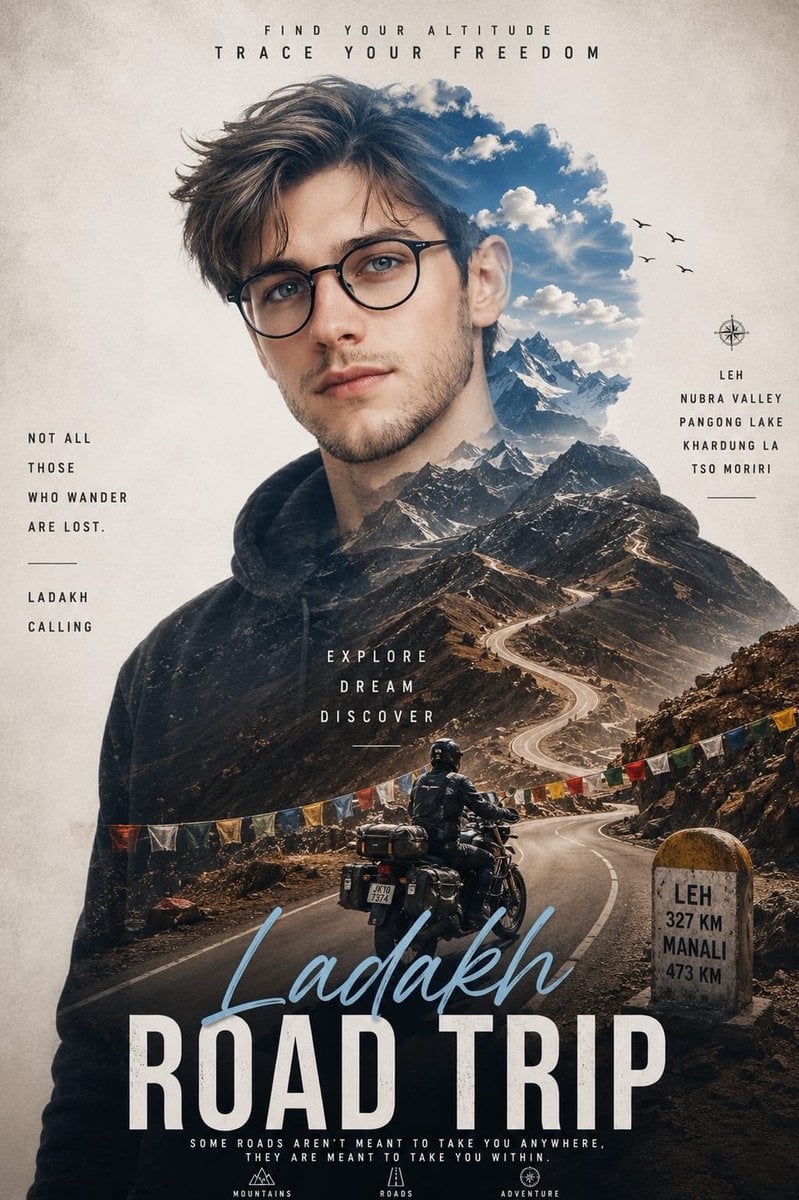
Double Exposure Ladakh Road Trip Poster

New York Double Exposure Poster
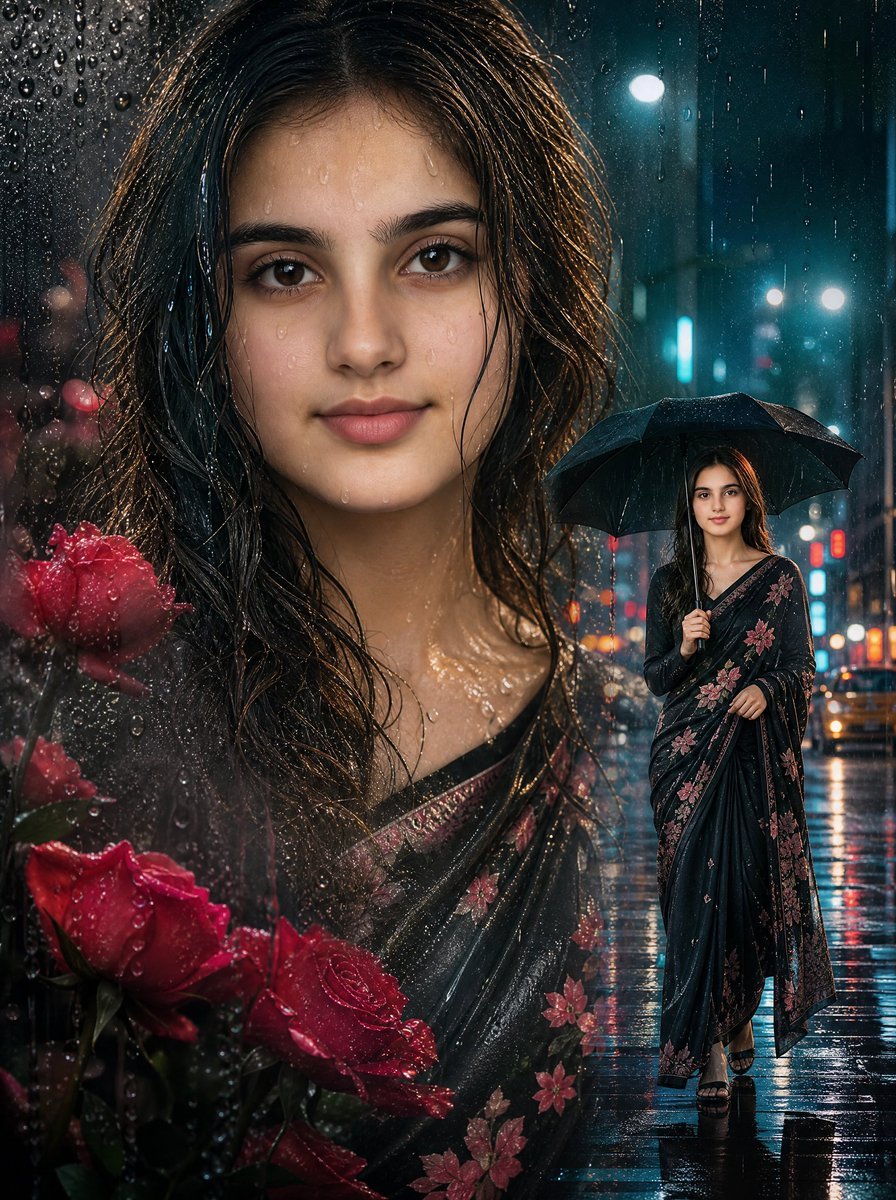
Rainy Double Exposure Movie Poster
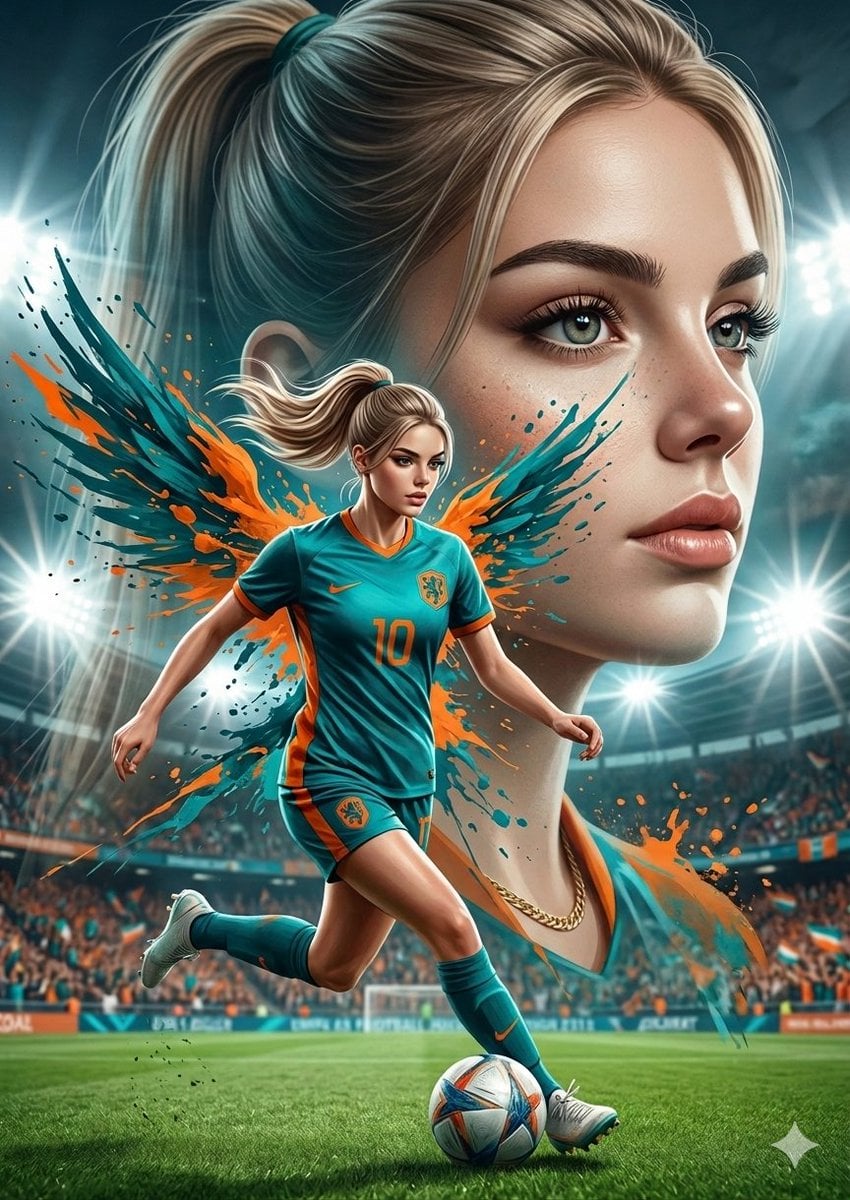
Double Exposure Football Poster
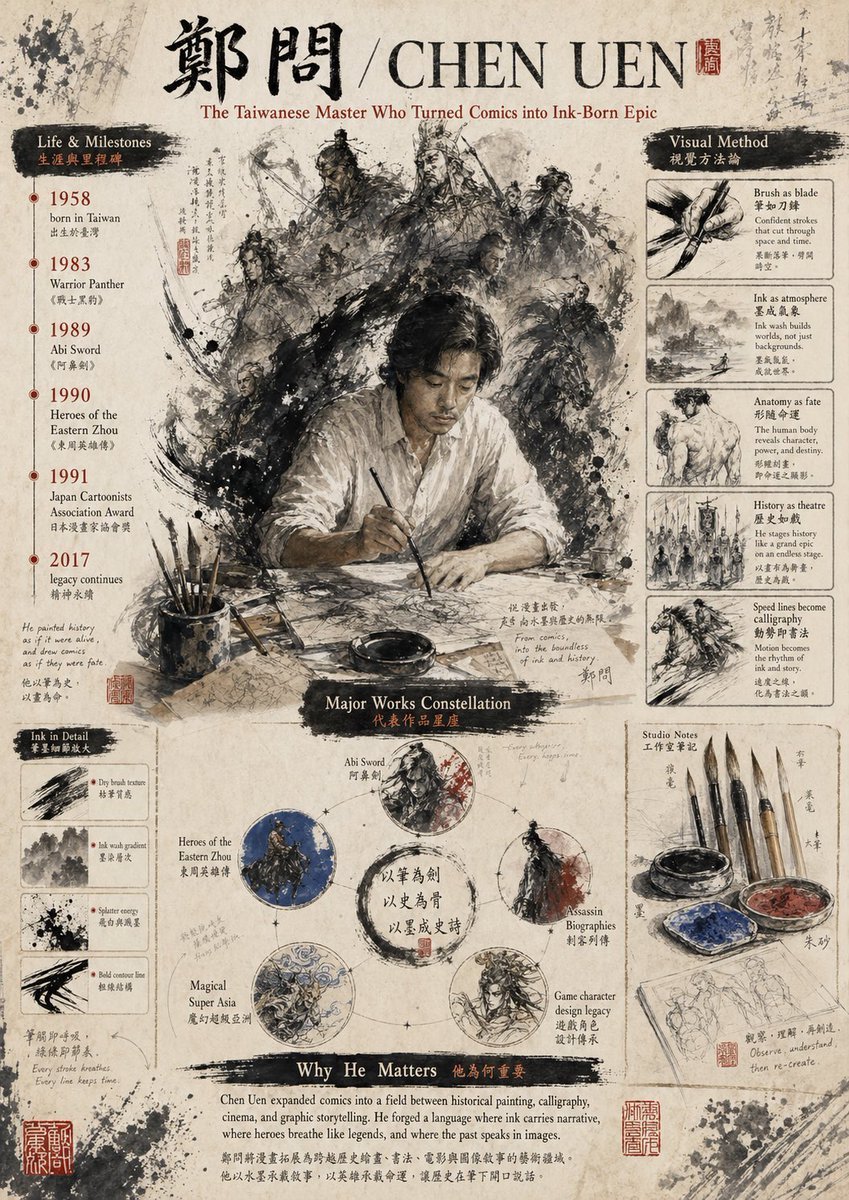
Ink-Wash Tribute Poster for Chen Uen
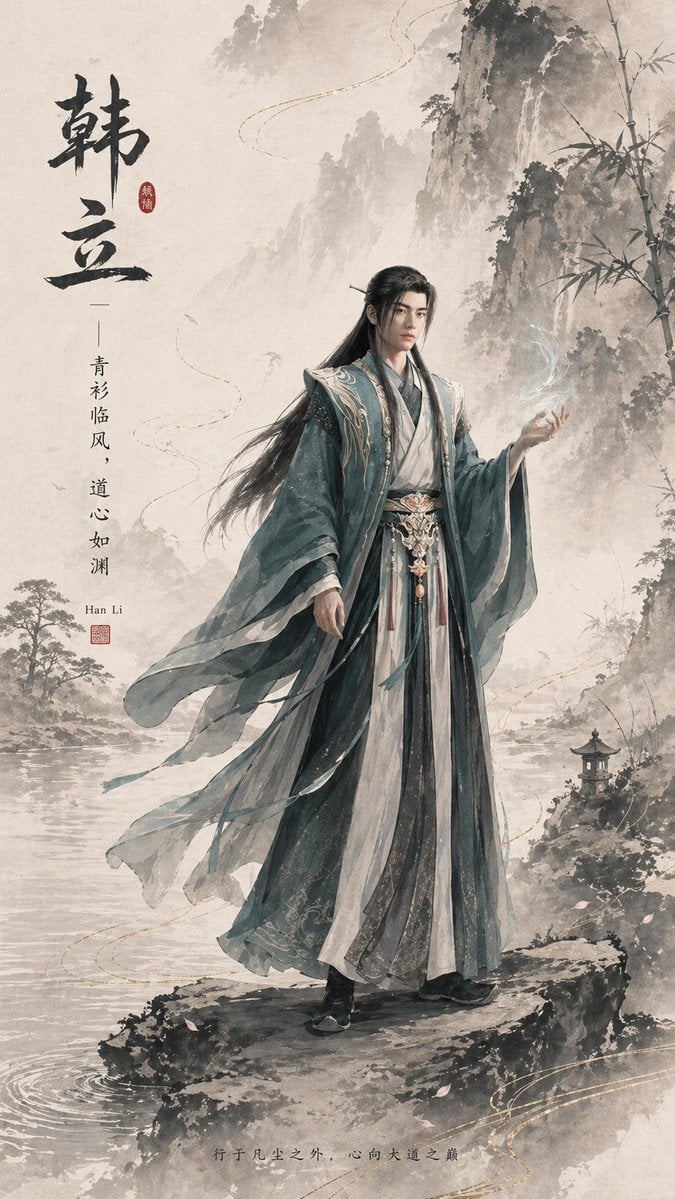
Ink-Wash Han Li Character Poster
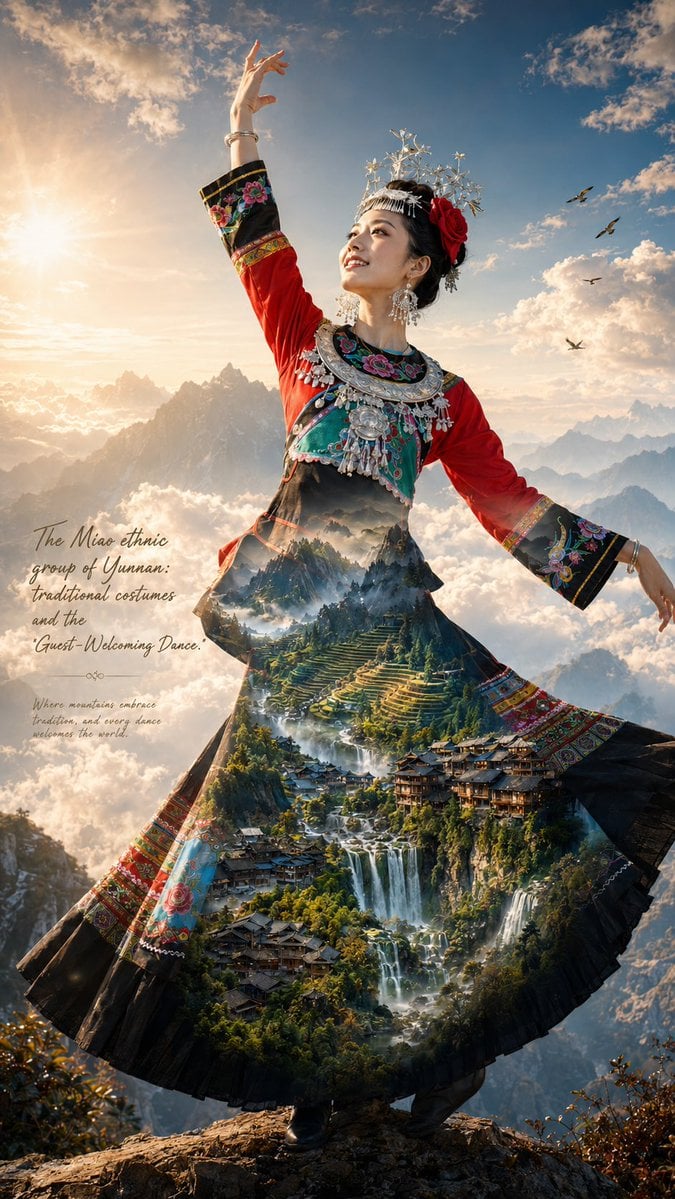
Miao Ethnic Double Exposure Poster
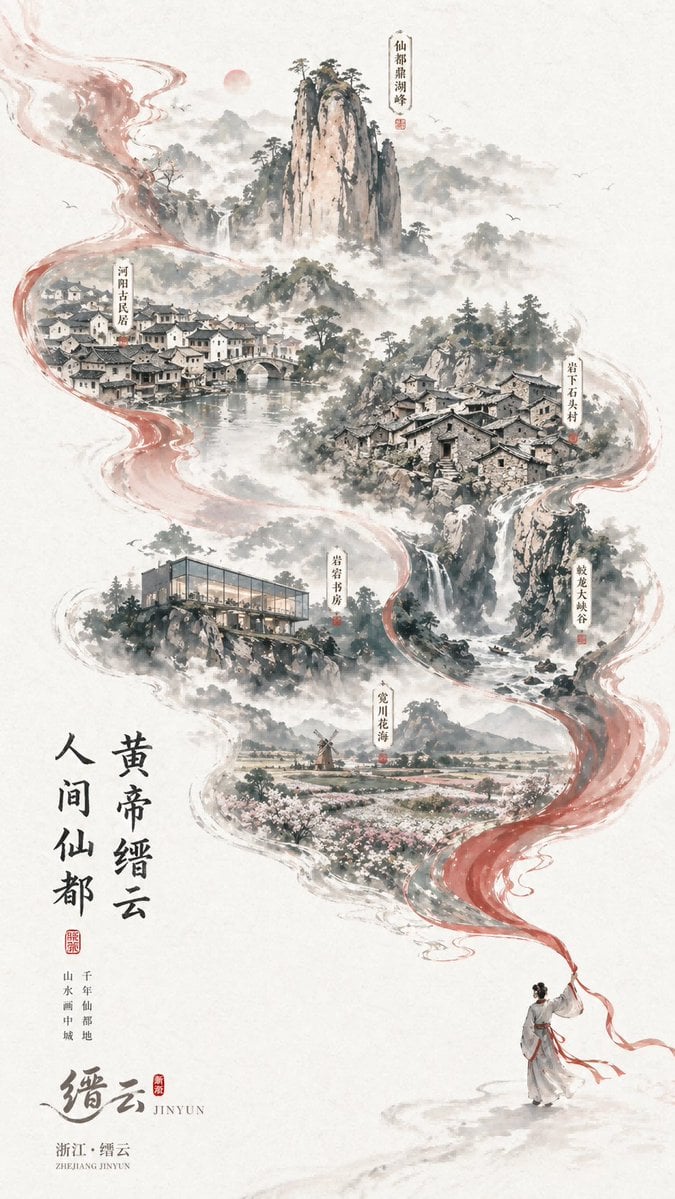
Chinese Ink-Wash Jinyun Travel Poster
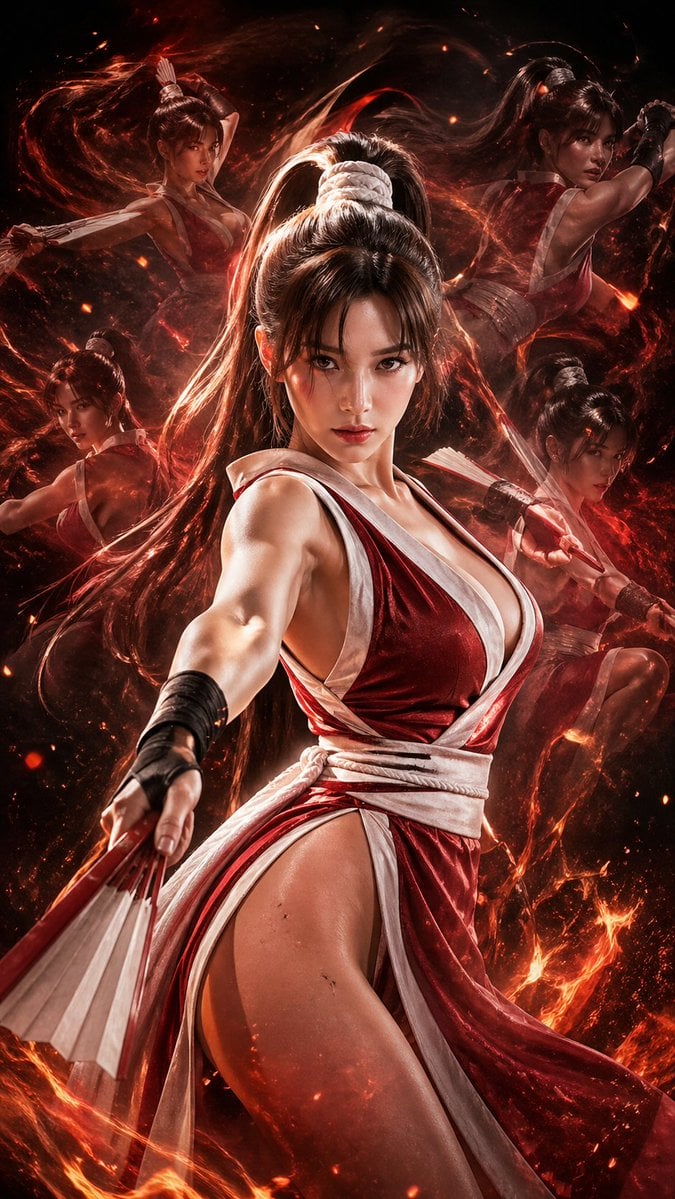
Double Exposure Cinematic Character Poster
Make it yours
Ink Wash Double Exposure Poster works as-is. These are the safest ways to change it without losing the look.
Change one field
Copy a single group, rewrite it, and generate again so you can see what that field is doing.
Keep the frame, change the subject
Hold the composition and light of Ink Wash Double Exposure Poster, then swap wardrobe, props or the person for a new take.
| If the result… | Why | Fix |
|---|---|---|
| The result drifts from the preview | Too many fields changed at once. | Reuse Ink Wash Double Exposure Poster as-is first, then change one group — subject, light, or setting. |
| The model over-stylizes the scene | The prose prompt leaves finish and camera underspecified. | Add one camera or lighting sentence and stay on GPT Image 2. |
More GPT Image 2 templates
Other prompts made for GPT Image 2.

Six VTuber Japanese Logo Sheet

Realistic Portrait of Woman and Deer

The Vista Modular Condo Poster

AI Model Routing Comparison Infographic

2.5D Anime Art Board

Isometric Productivity Desk Scene

Four-Panel AI Landscape Comparison

Japanese Tatami Lifestyle Magazine Cover

NESCAFÉ Coffee Map Poster

Brutalist Cogito Chinese Typography Poster
More image prompts
Fresh picks from across the catalog.
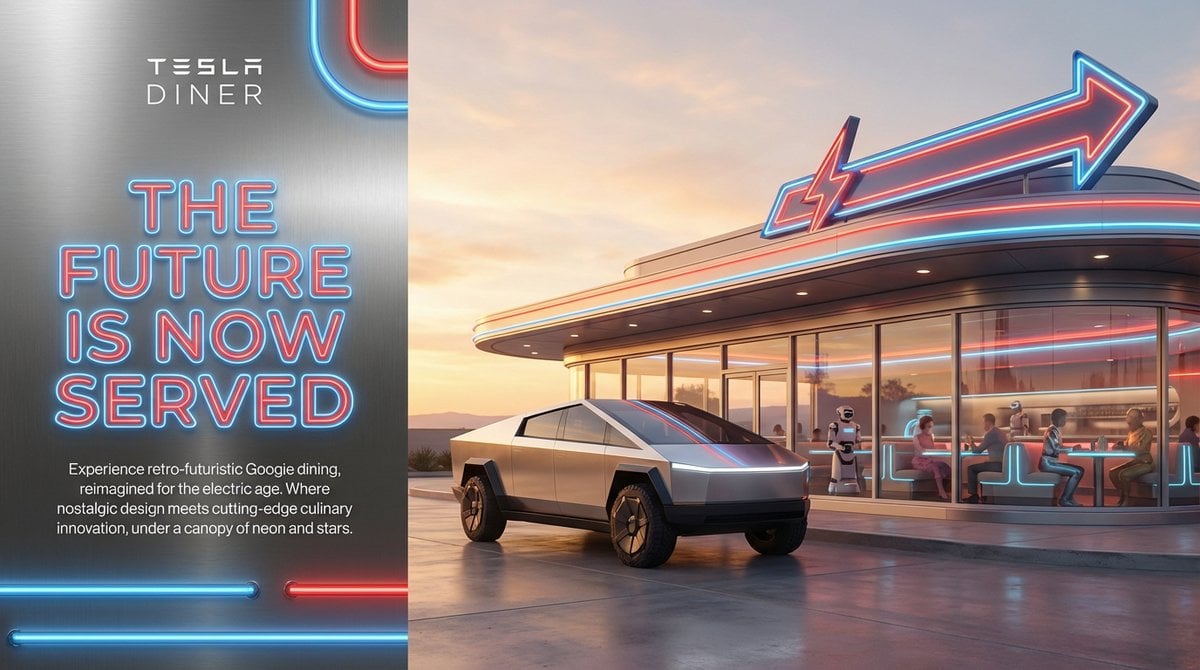
Editorial-Style Marketing Banner for Premium Tech
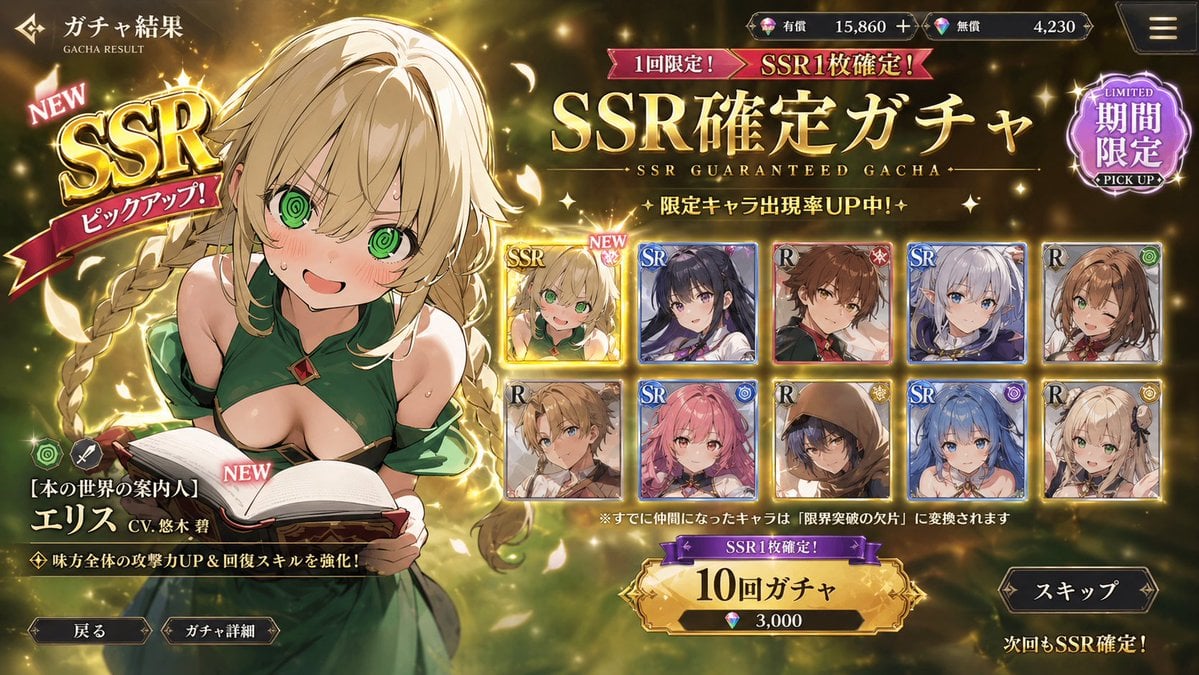
Mobile Game Gacha UI Design
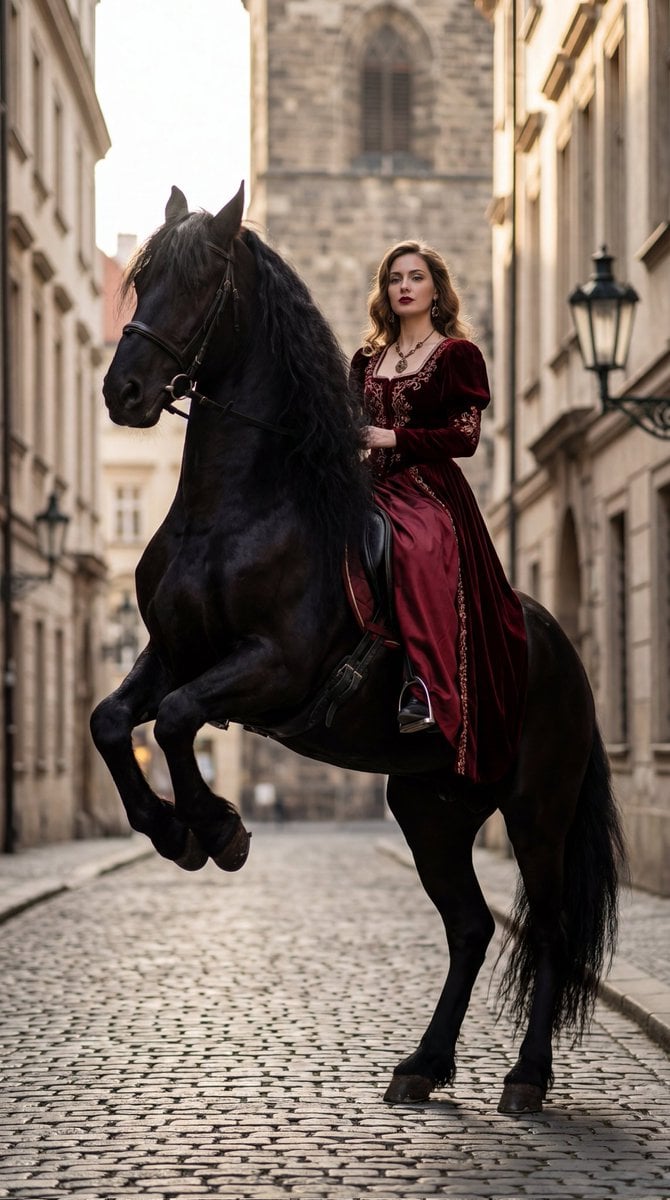
High-Fashion Horseback Portrait on Vintage Street
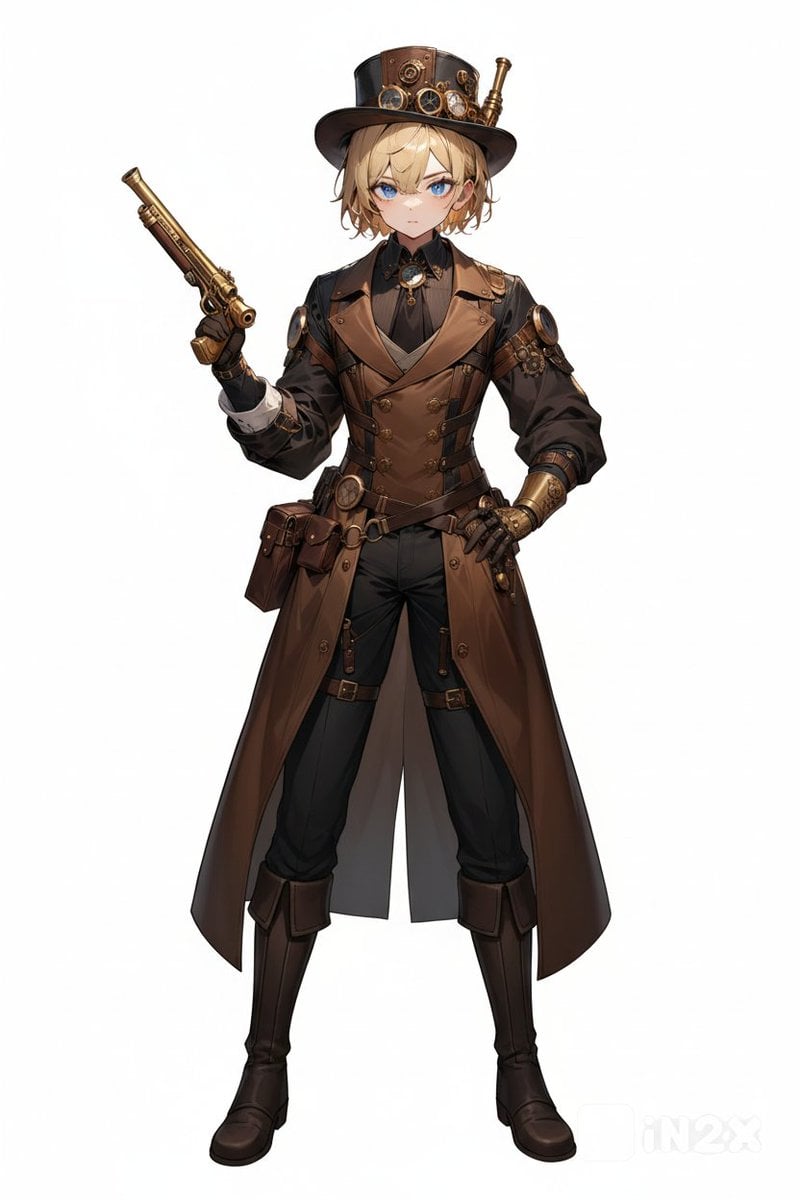
Steampunk Gunslinger Character Art
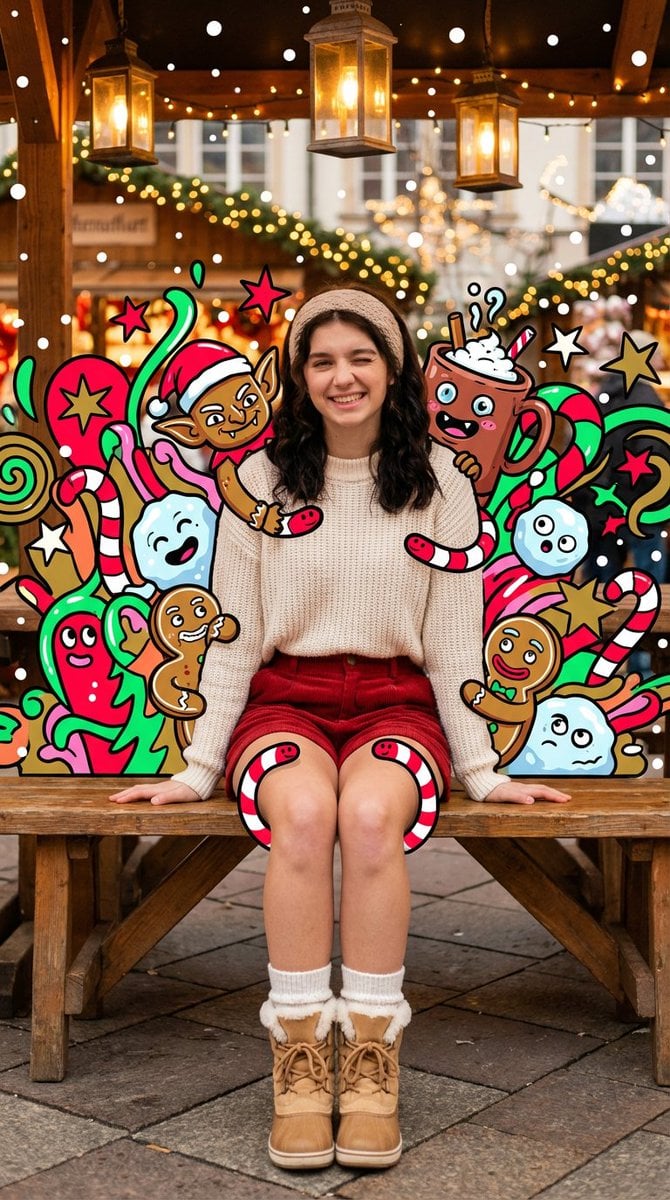
Maximalist Christmas Sweets-Monster Pop-Art Portrait
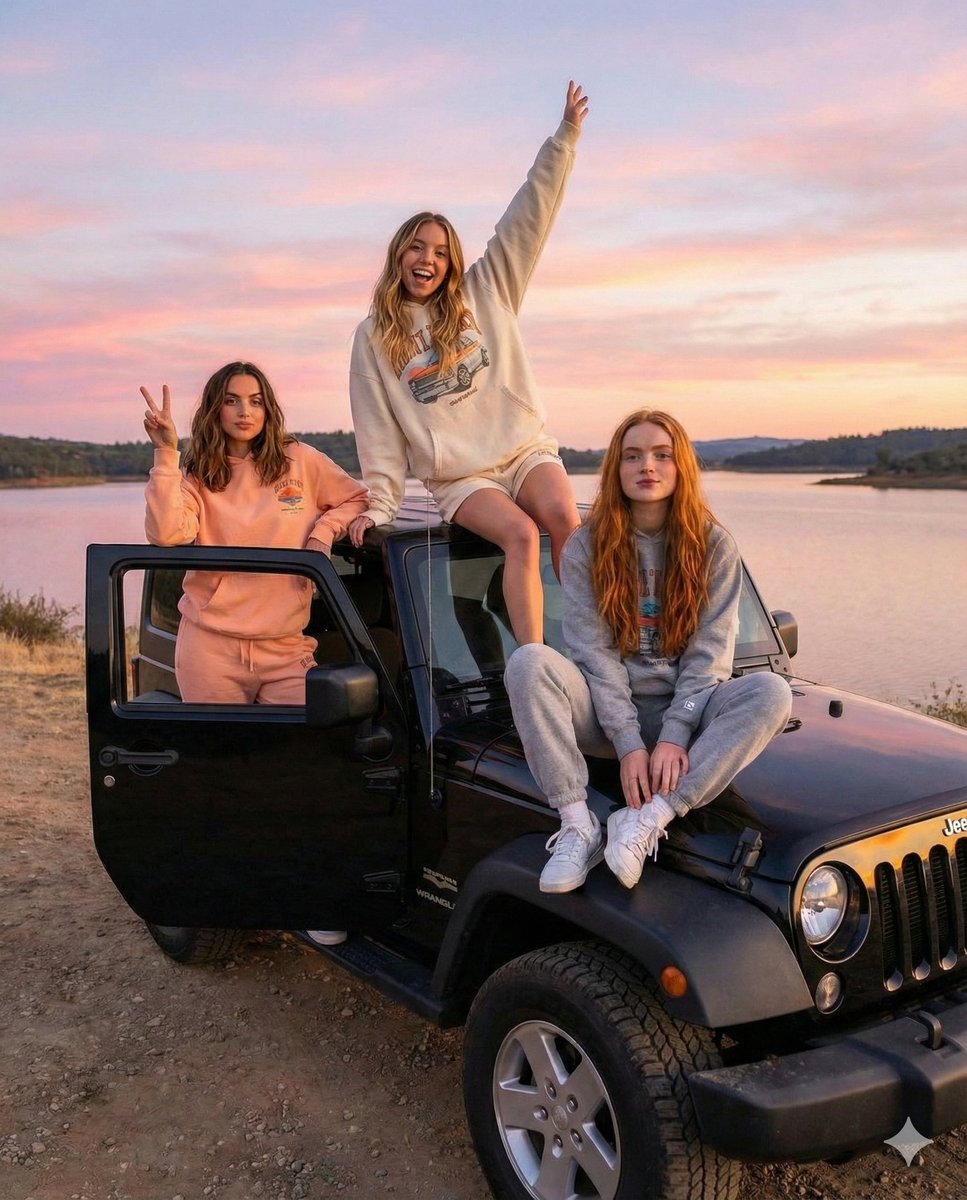
Road Trip Aesthetic with Three Subjects and Jeep
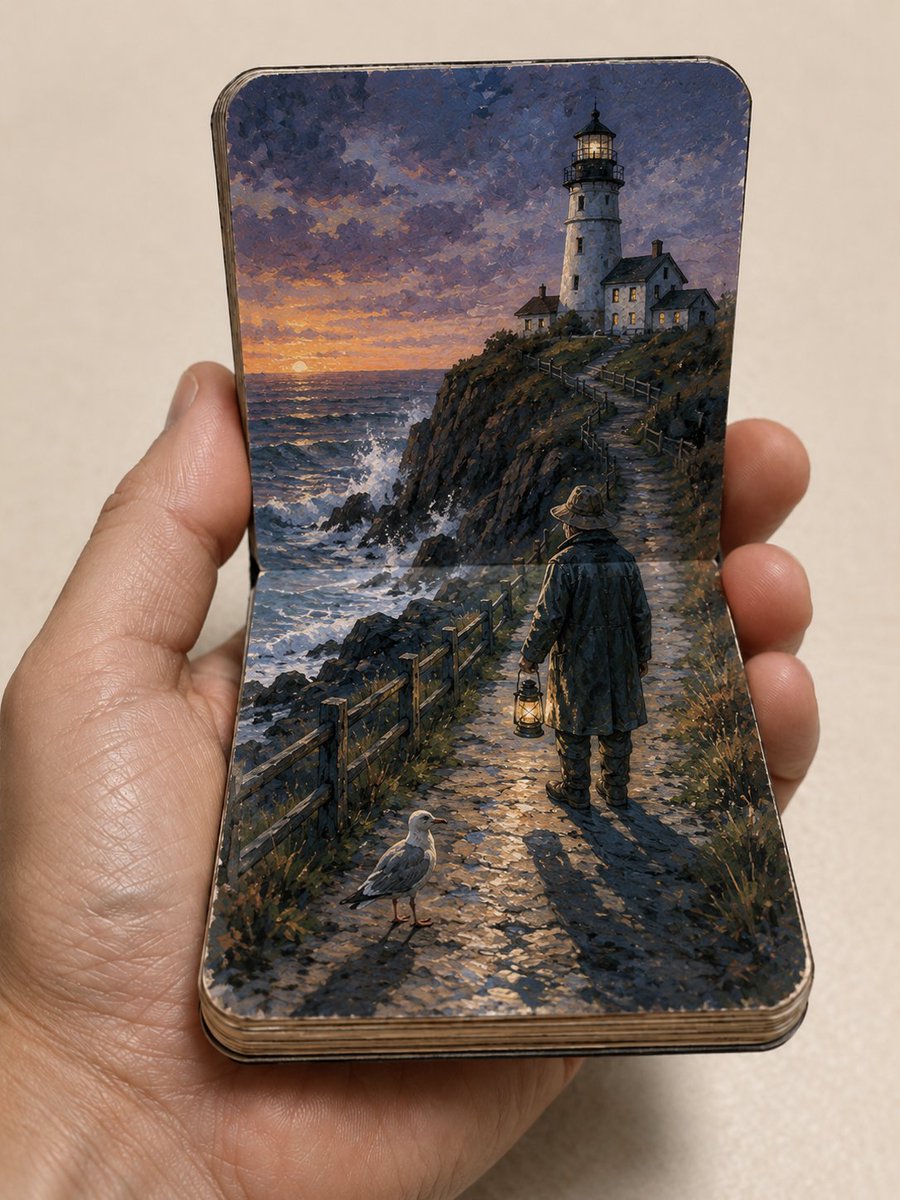
Miniature Paper Theater Sketchbook
Pastel Idol Itasha at Sakura Shrine

Violet Ghost in a Golden Room K-Pop Aesthetic Image Prompt
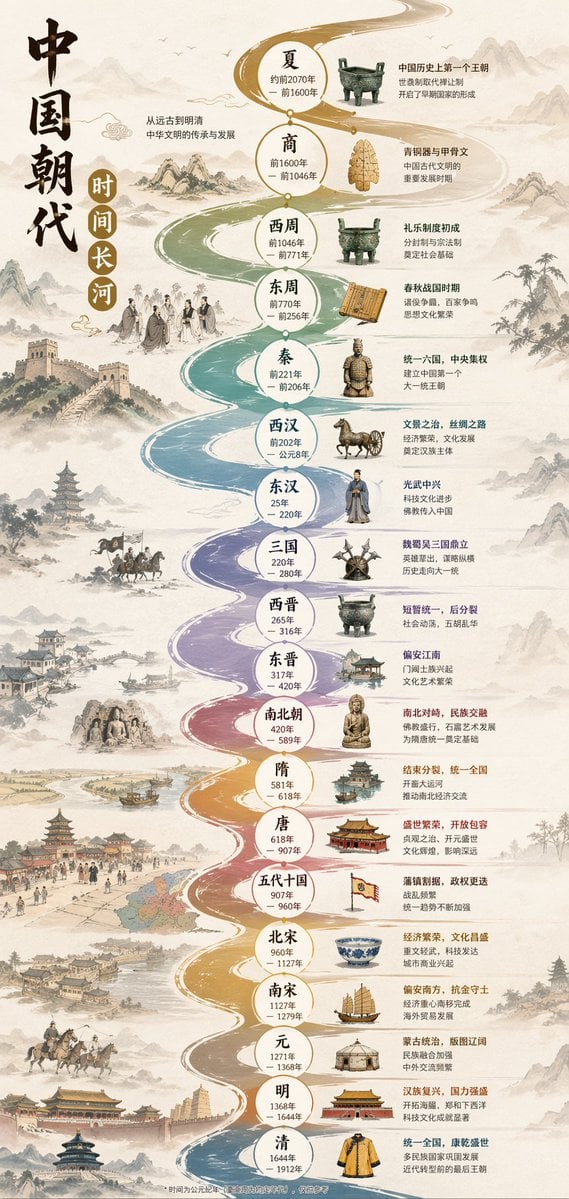
Chinese Dynasty Infographic
Browse template categories
Ink Wash Double Exposure Poster questions
How do I use the Ink Wash Double Exposure Poster template?
Add your photo if the template asks for one, edit the prompt if you like — the template's model and format are already selected — and press Generate. Your version opens in PicX Studio.
Can I customize the Ink Wash Double Exposure Poster template?
Yes. You can change the subject, setting, lighting, mood, format, and available model controls before creating your image.
Is the Ink Wash Double Exposure Poster template free?
Opening and editing this template is free. Generating uses credits, shown on the Generate button when you are signed in.
Which AI model should I use?
Start with GPT Image 2, which is the model associated with this template. You can compare another compatible model for a different finish.
Looking for something else? Browse all templates.

Your photo, any look
Thousands of ready templates for every top image and video model, from one credit balance.