
Maximalist Christmas Sweets-Monster Pop-Art Portrait
A complex, structured JSON prompt designed for Nano Banana Pro to transform a user-uploaded photo into a highly stylized, maximalist Christmas portrait.
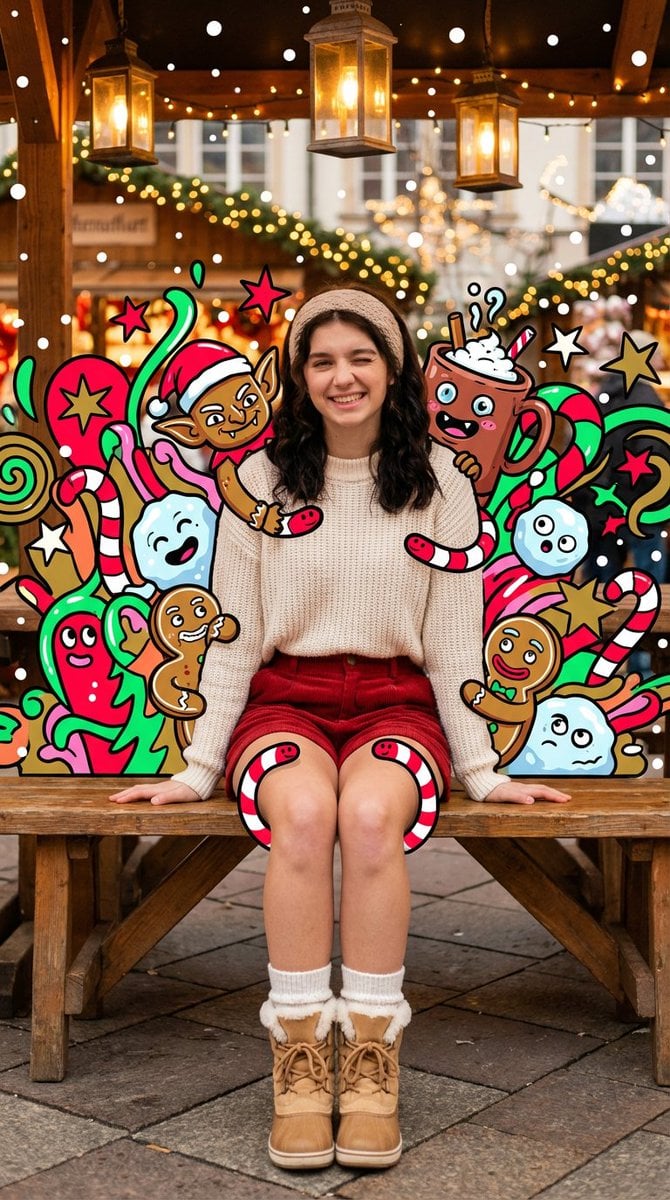
- Prompt included
- Model and format preset
- Free template
The prompt behind this image
Copy the exact prompt behind Maximalist Christmas Sweets-Monster Pop-Art Portrait, or open it in the studio and make it yours.
{ "subject": { "type": "user uploaded photo", "pose": "{argument name="pose" default="sitting on a wooden market bench with knees pulled up and arms wrapped around them, giving a cheerful wink"}", "expression": "{argument name="expression" default="cute, warm, festive"}" }, "appearance": { "hair_color": "{argument name="hair color" default="dark brown"}", "hair_style": "{argument name="hair style" default="long loose waves with a cozy knit headband"}", "complexion": "{argument name="complexion" default="fair with rosy winter cheeks"}" }, "clothing": { "top": "{argument name="top clothing" default="cream knit sweater"}", "bottom": "{argument name="bottom clothing" default="red corduroy shorts"}", "socks": "{argument name="socks" default="white wool socks"}", "shoes": "{argument name="shoes" default="tan winter boots with faux fur"}" }, "environment": { "setting": "{argument name="setting" default="outdoor Christmas market"}", "details": "{argument name="environment details" default="twinkle lights, wooden stalls, warm hanging lanterns"}" }, "lighting": { "type": "{argument name="lighting type" default="warm golden fairy-light glow"}", "mood": "{argument name="lighting mood" default="cozy, festive, romantic"}" }, "camera": { "angle": "{argument name="camera angle" default="low-to-mid angle"}", "lens_effect": "{argument name="lens effect" default="slight wide-angle with warm bloom"}", "framing": "{argument name="framing" default="subject centered among Christmas lights"}" }, "art_overlay": { "style": "maximalist Christmas sweets-monster pop-art", "illustrated_elements": { "monsters": "gingerbread goblins, candy-cane worms, snowball blob creatures, hot-cocoa monsters with melting marshmallow faces, cookie reindeer, tiny ornament gremlins, eggnog ghosts, fruitcake beasts", "graphic_shapes": "neon stars, snowflakes, sparkles, swirls, drips, zigzags, holly leaves, ribbon curls, comic bursts without text", "style": "flat neon holiday palette (red, green, gold, icy blue, pink, lime) with thick black outlines" }, "placement_and_density": { "behind_subject": "background filled with overlapping Christmas monsters and shapes", "around_subject": "monsters peeking over shoulders, around boots, near hair, and above the bench", "over_clothing": "some gingerbread creatures cling to sweater, candy-cane worms wrap lightly around shorts", "avoid_skin": "face, hands, and legs remain completely photorealistic", "depth_layers": "heavy layering in front and behind for pop-art depth", "energy_effects": "glowing rim lights, falling white dots like stylized snow, speed lines in festive neon" } }, "style": { "overall": "cozy Christmas market portrait overwhelmed by neon festive monsters", "aesthetic": "warm, chaotic, holiday-playful, surreal" } }
How to use Maximalist Christmas Sweets-Monster Pop-Art Portrait in 3 steps
- 1Upload ImagePNG, JPG or paste
Add your photo
Upload the photo the template builds on. The prompt, model and format are already set.
- 2…a portrait of your subject in softgolden-hour light, 85mm…
Personalize
Edit the subject and creative details for your destination.
- 3Generate
Generate
Press Generate — your image is created in PicX Studio, so you can compare it with the original and refine one variable at a time.
More like this
Templates with the same subject, style or setup. Open one to see its prompt.
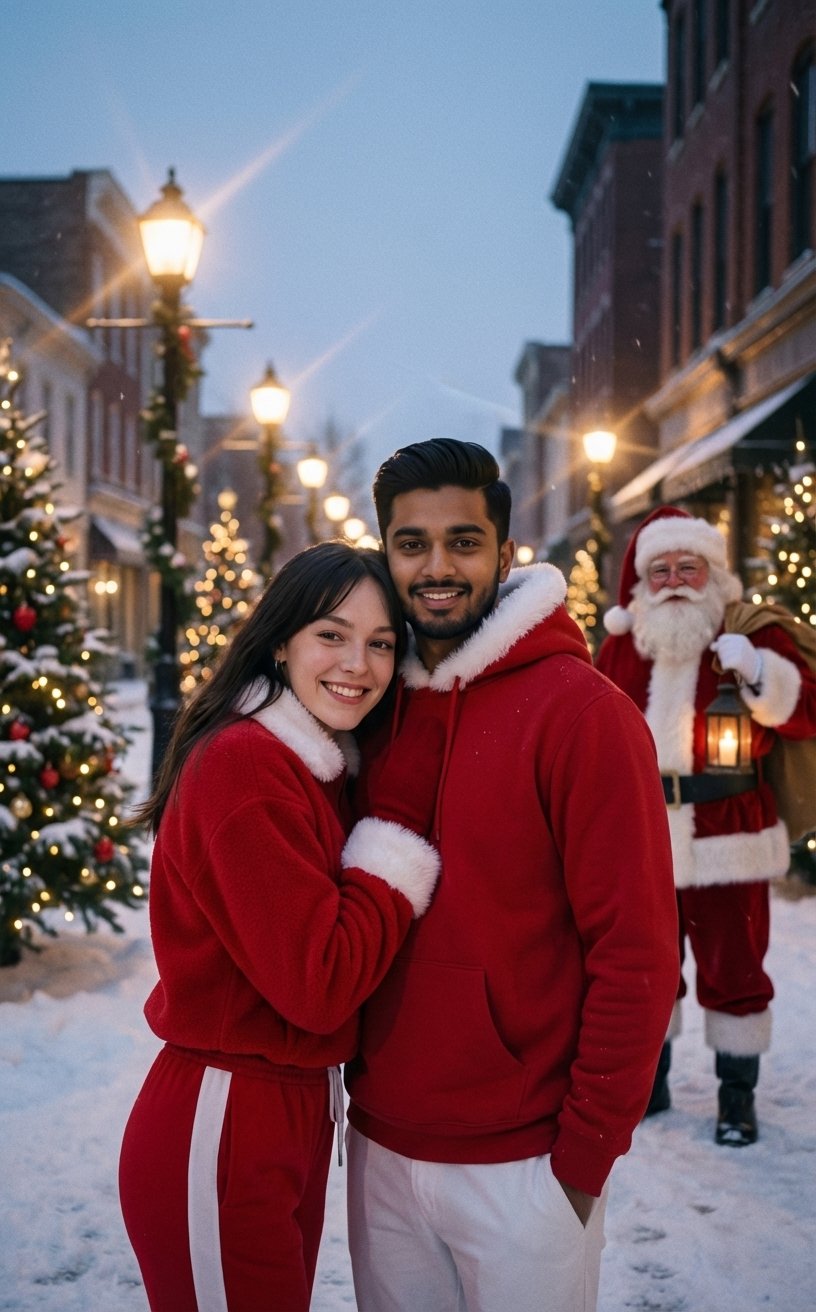
Festive Couple Holiday Magic Template

Cinema Date Popcorn Realistic By Nano Ba
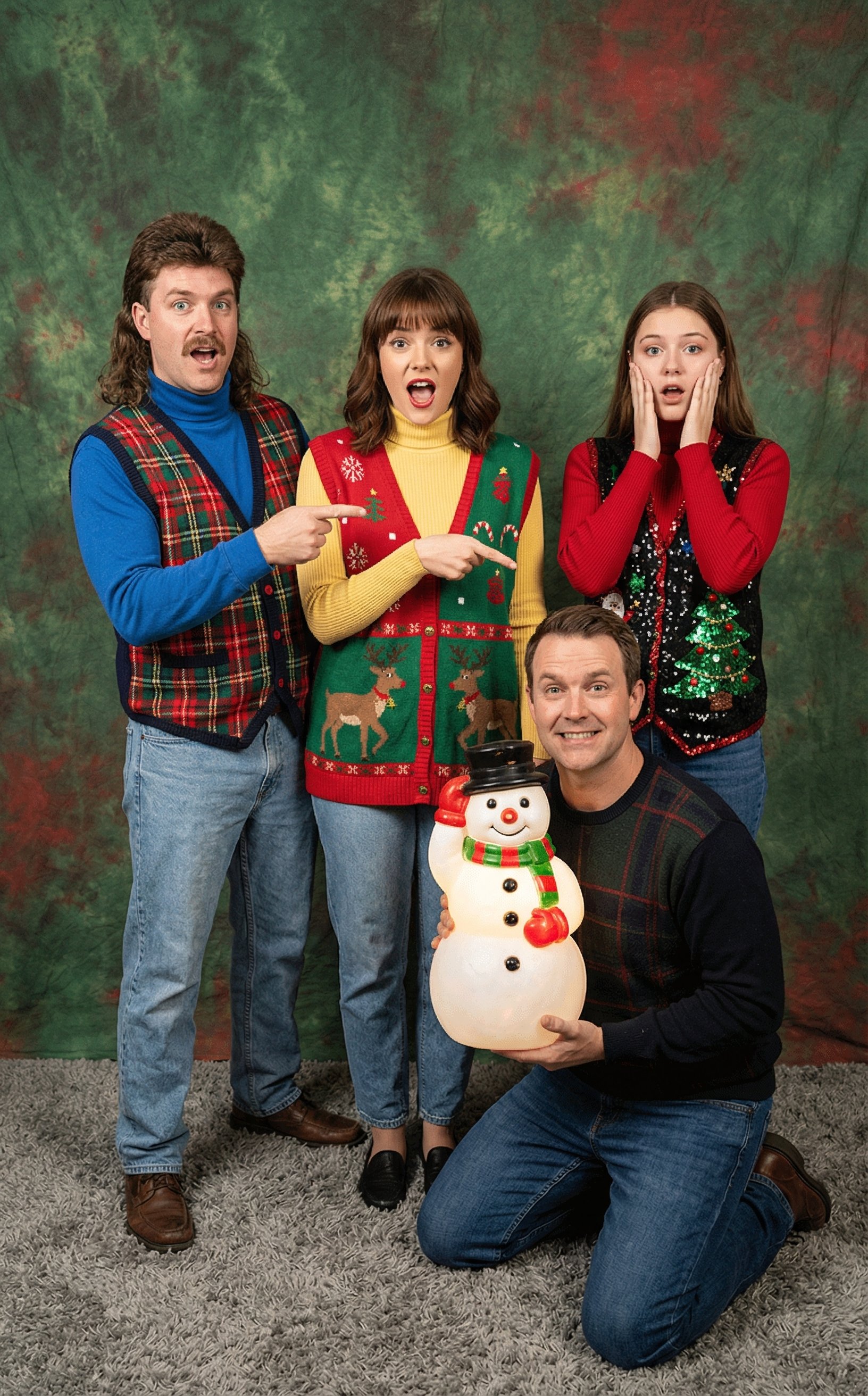
Awkward 90s Christmas Studio Portrait

Found Photograph: Us, 1970

80s Couple Studio Portrait

80s Bollywood Star

80s Golden Hour Cinema

Me in 1985

1985 Studio Portrait
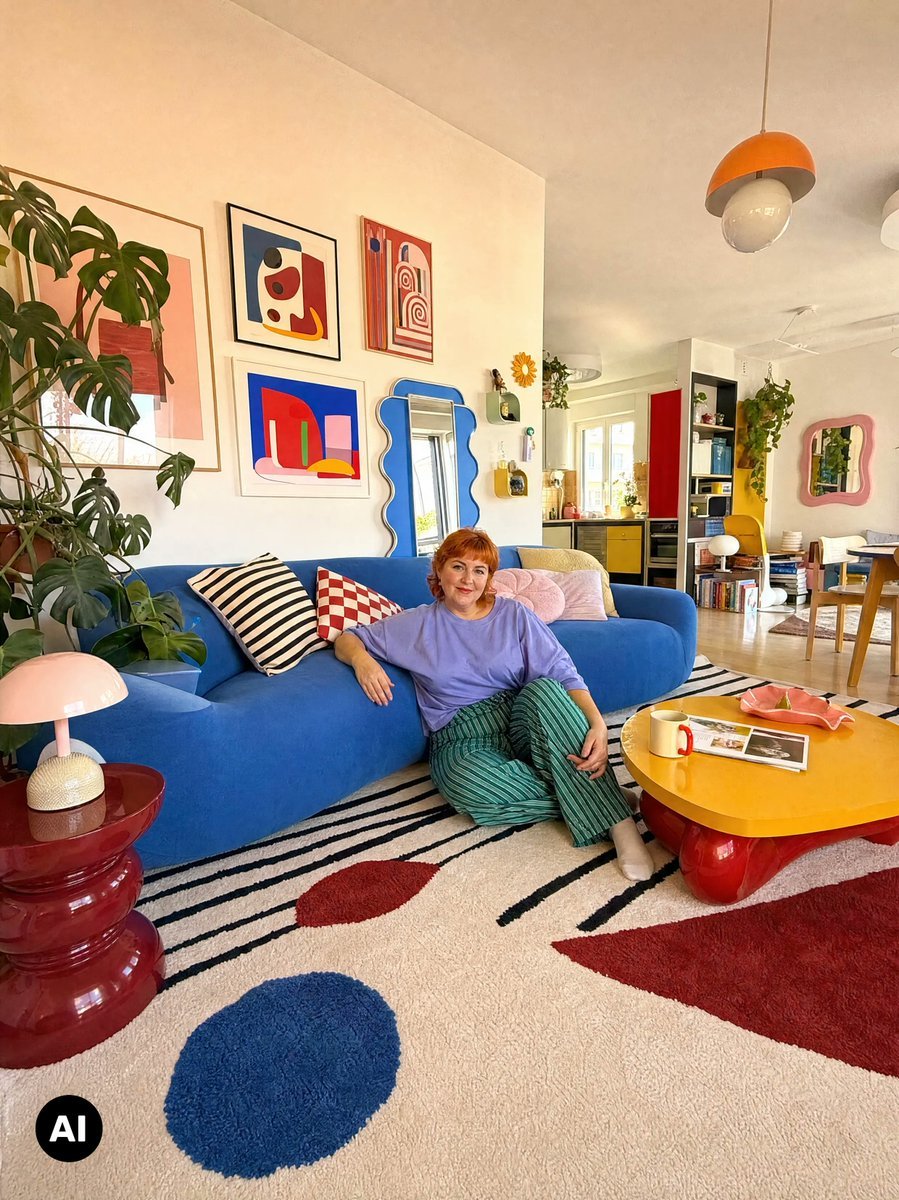
Colorful Maximalist Apartment Portrait

Hyper-Realistic Minecraft POV Portrait
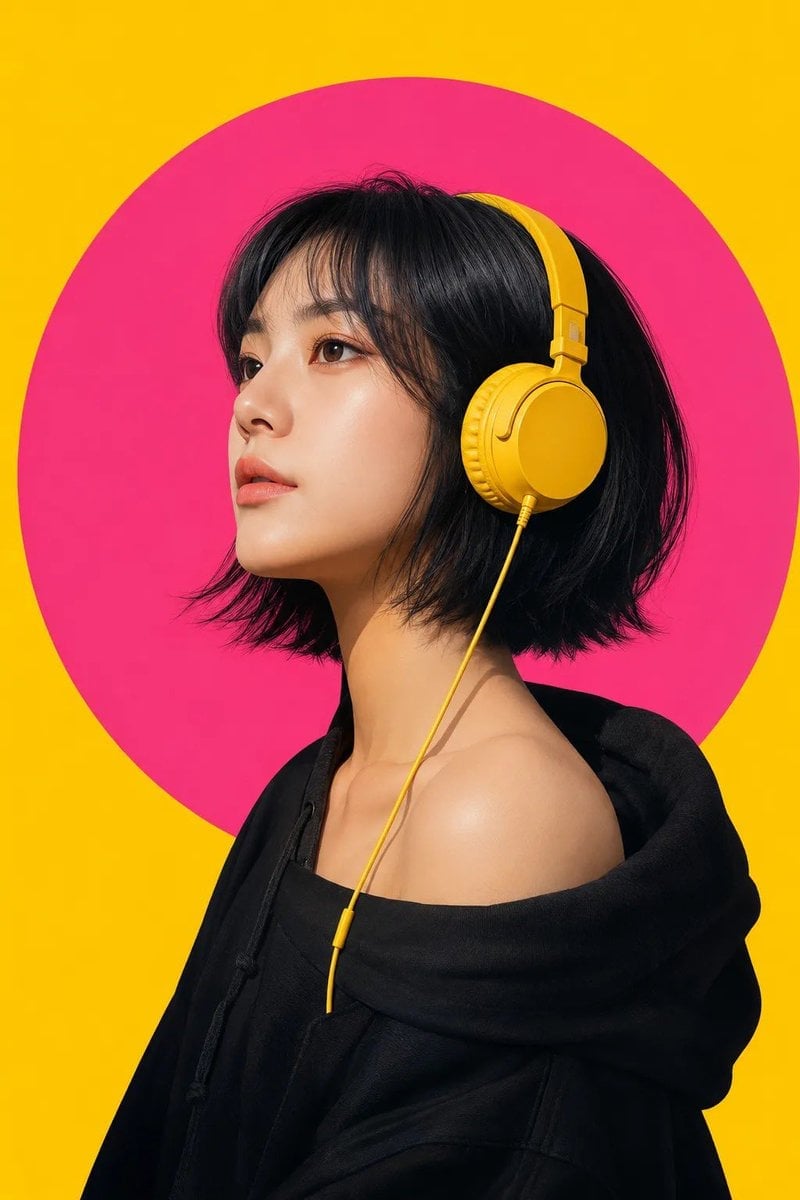
Modern Pop-Art Female Portrait
Make it yours
Maximalist Christmas Sweets-Monster Pop-Art Portrait works as-is. These are the safest ways to change it without losing the look.
Change one field
Copy a single group, rewrite it, and generate again so you can see what that field is doing.
Keep the frame, change the subject
Hold the composition and light of Maximalist Christmas Sweets-Monster Pop-Art Portrait, then swap wardrobe, props or the person for a new take.
| If the result… | Why | Fix |
|---|---|---|
| The result drifts from the preview | Too many fields changed at once. | Reuse Maximalist Christmas Sweets-Monster Pop-Art Portrait as-is first, then change one group — subject, light, or setting. |
| The model over-stylizes the scene | The prose prompt leaves finish and camera underspecified. | Add one camera or lighting sentence and stay on Nano Banana 2. |
More Nano Banana 2 templates
Other prompts made for Nano Banana 2.

Photorealistic Leaf Shaped Like a Dragon

K-Pop Idol Portrait Grid for Rapid Selection

Poetic Rain Forest Portrait During Golden Hour

Urban Street Portrait with Cartoon Inner Self Duo

Candid Nighttime Photo with Cat Prompt

High-Concept 3D Diorama Generation Prompt

Cinematic Futuristic Studio Portrait Template

Skincare Editorial Photography Collage Prompt

Hyper-Realistic Commercial Product Photography (Splash Effect)

Hyper-Realistic Nightclub Portrait Prompt
More image prompts
Fresh picks from across the catalog.
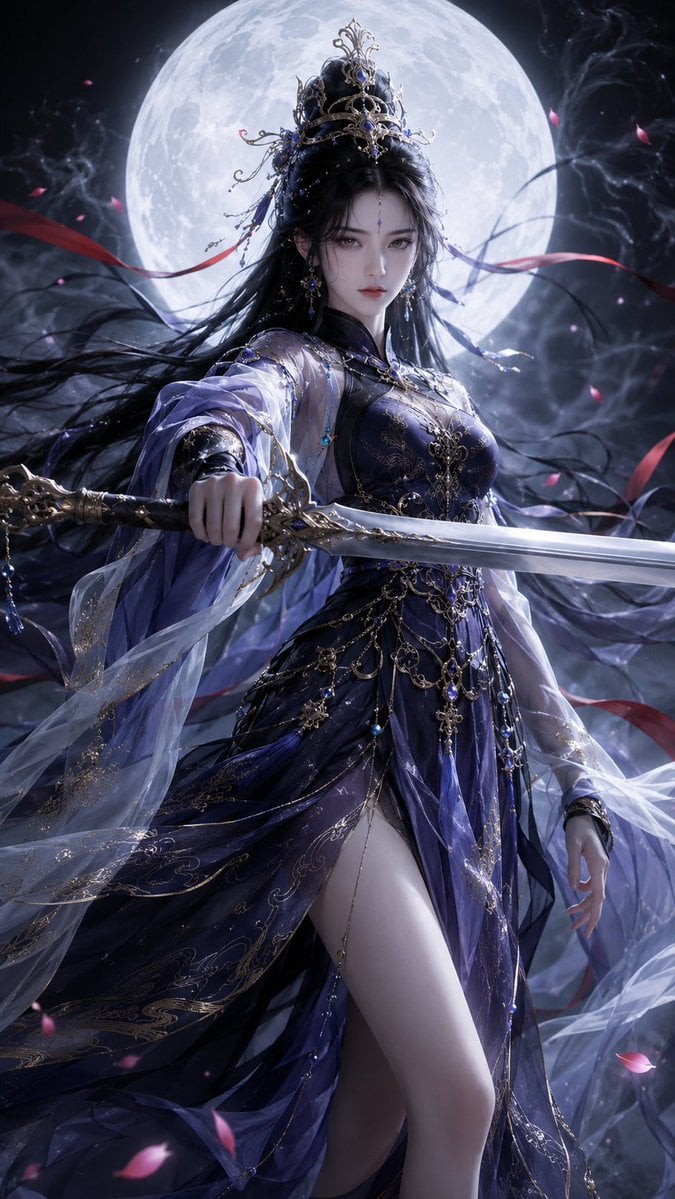
Oriental Fantasy 3D CG Heroine
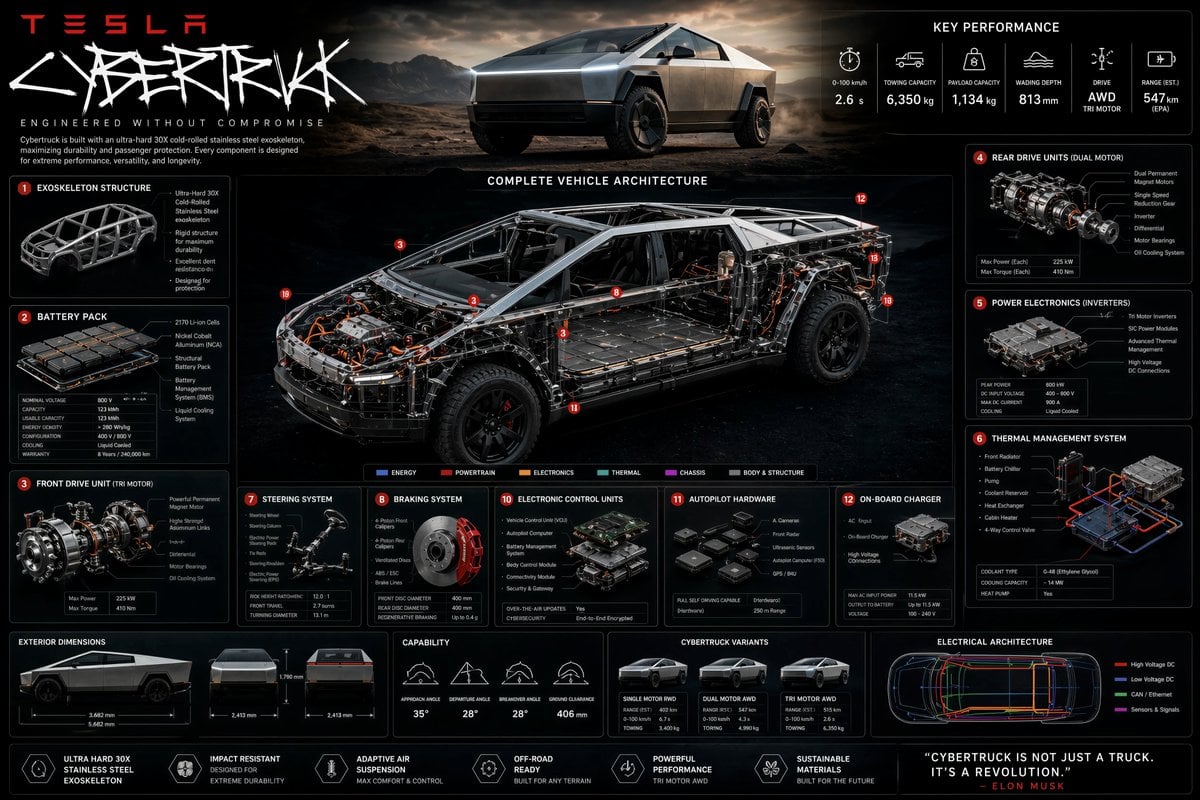
Technical Cutaway Infographic Poster
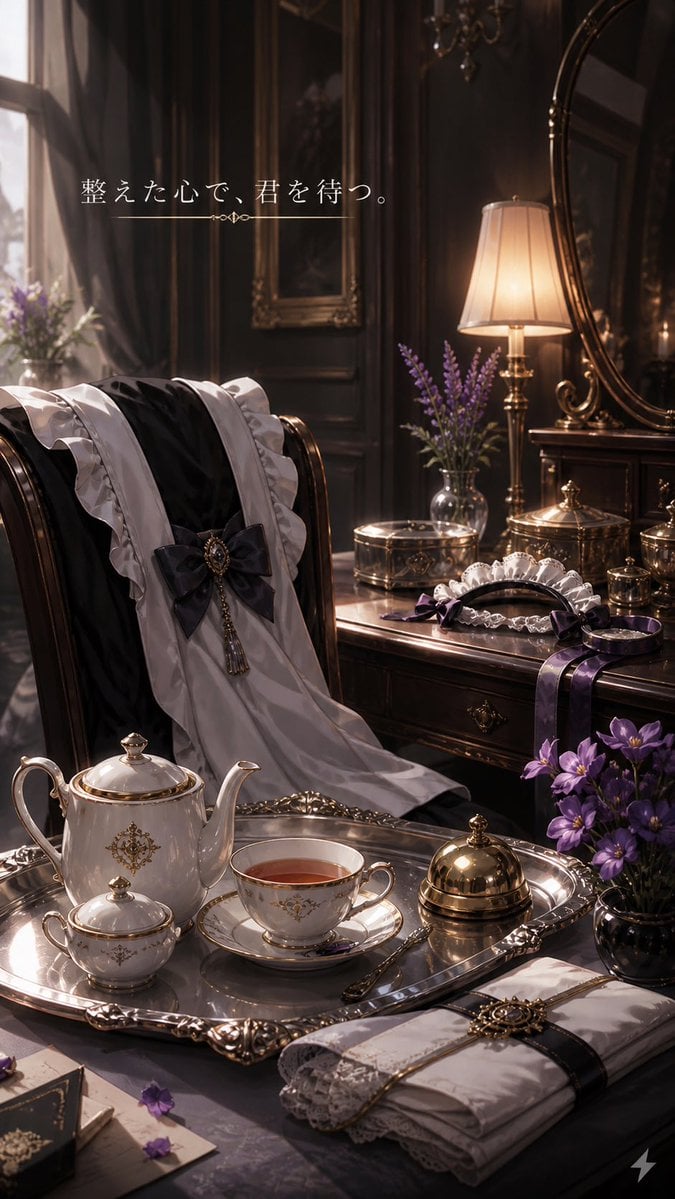
Victorian Tea Room Waiting Wallpaper
Ultra-Cute Chibi Character Prompt
Luxury Streetwear Shark Tunnel Portrait
Overhead Flash Money Bed Editorial
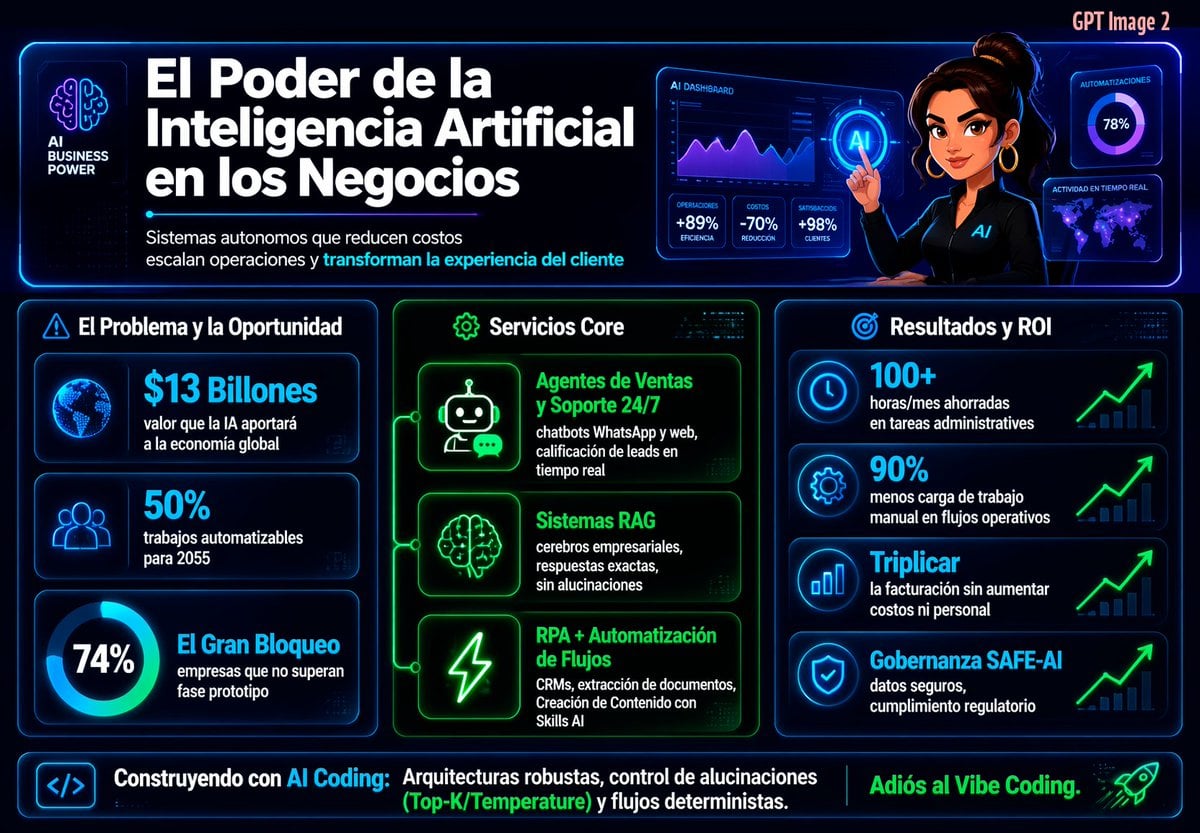
Spanish Neon AI Business Infographic
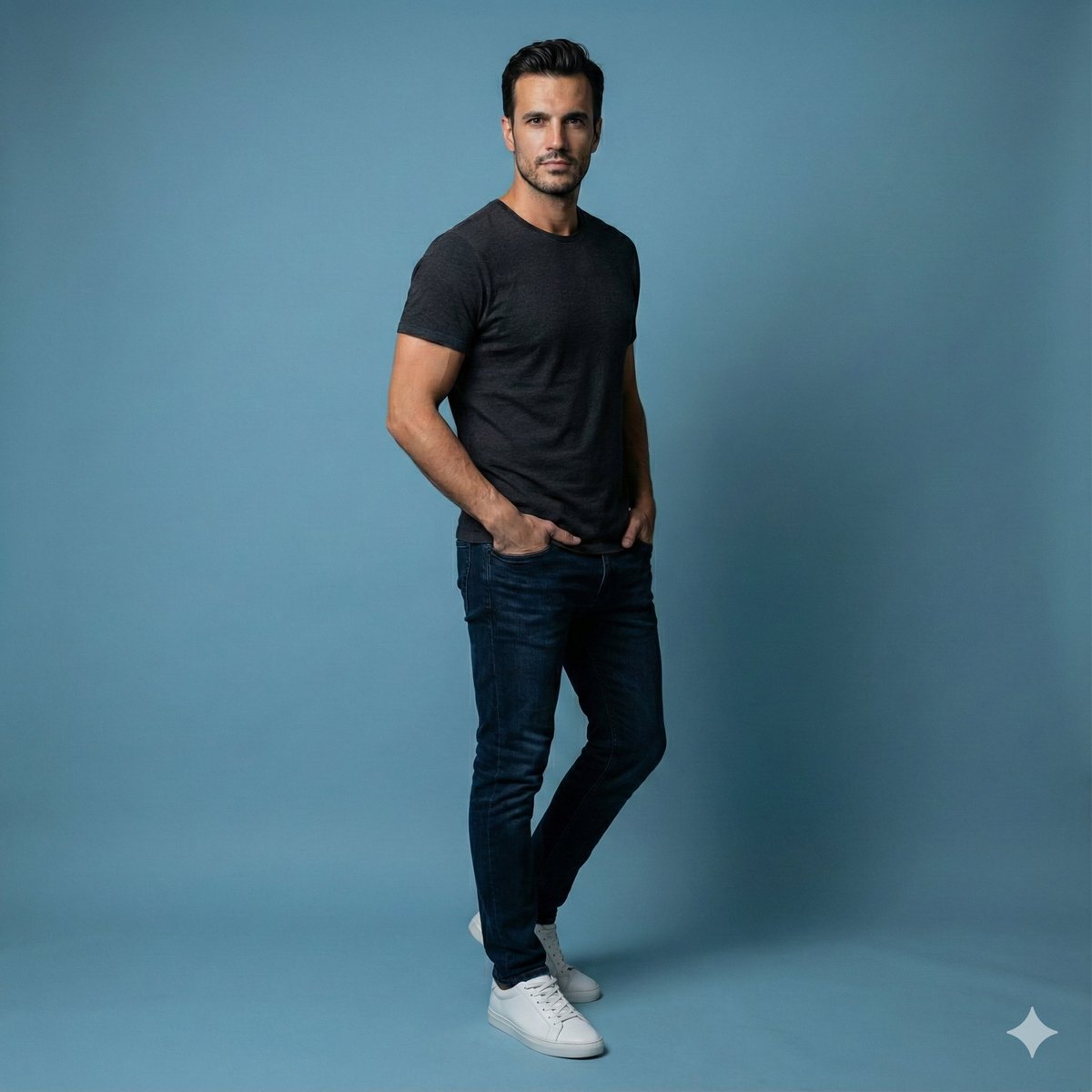
Studio Portrait of Young Man with Focused Lighting
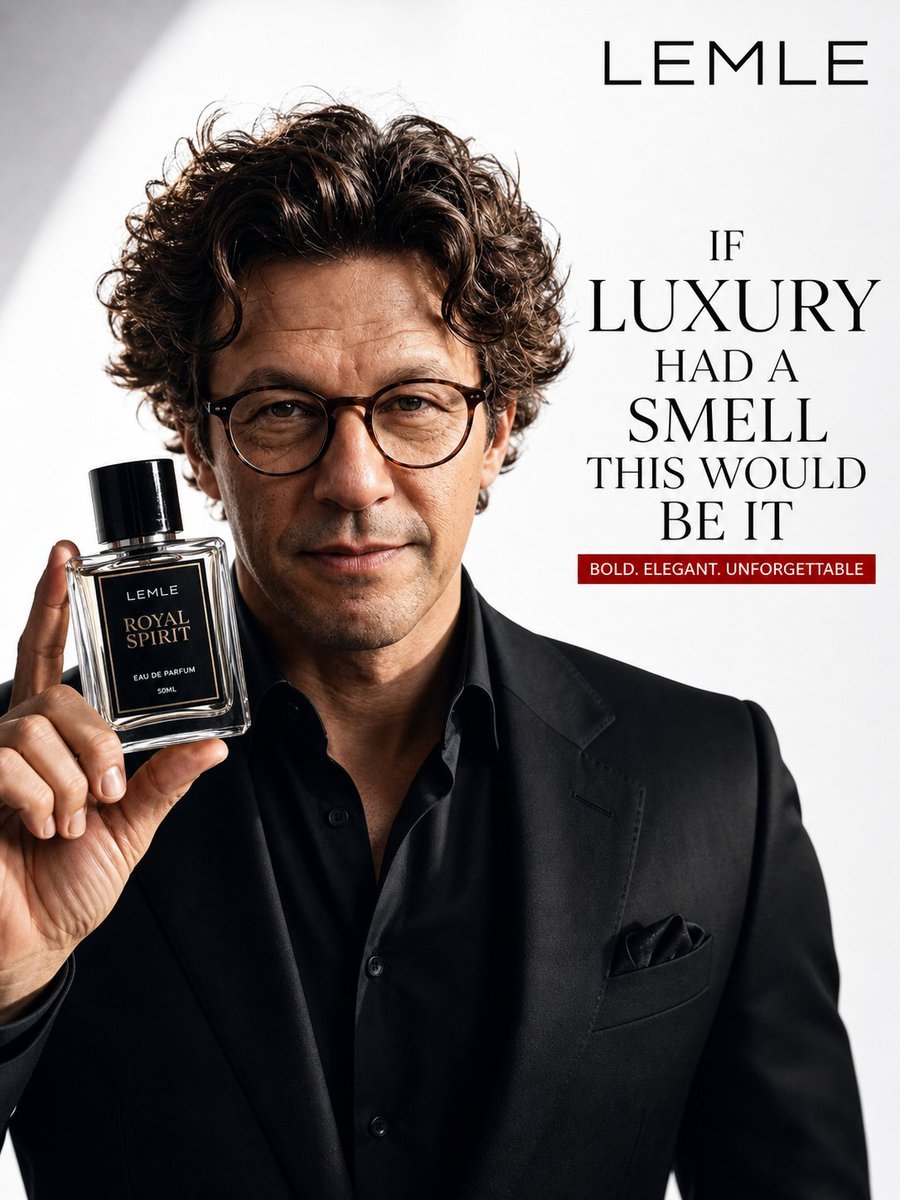
Luxury Perfume Ad Portrait
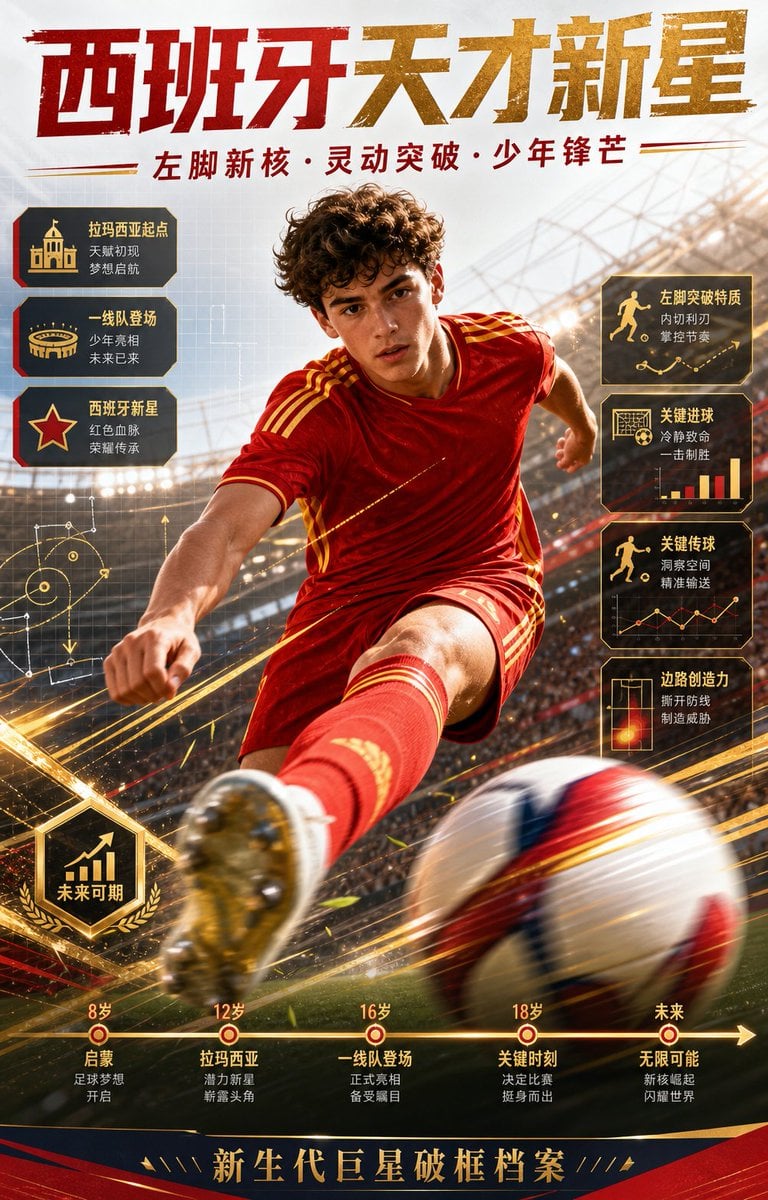
Spanish Football Prodigy Poster
Browse template categories
Maximalist Christmas Sweets-Monster Pop-Art Portrait questions
How do I use the Maximalist Christmas Sweets-Monster Pop-Art Portrait template?
Add your photo if the template asks for one, edit the prompt if you like — the template's model and format are already selected — and press Generate. Your version opens in PicX Studio.
Can I customize the Maximalist Christmas Sweets-Monster Pop-Art Portrait template?
Yes. You can change the subject, setting, lighting, mood, format, and available model controls before creating your image.
Is the Maximalist Christmas Sweets-Monster Pop-Art Portrait template free?
Opening and editing this template is free. Generating uses credits, shown on the Generate button when you are signed in.
Which AI model should I use?
Start with Nano Banana 2, which is the model associated with this template. You can compare another compatible model for a different finish.
Looking for something else? Browse all templates.

Your photo, any look
Thousands of ready templates for every top image and video model, from one credit balance.