
Colorful Maximalist Apartment Portrait
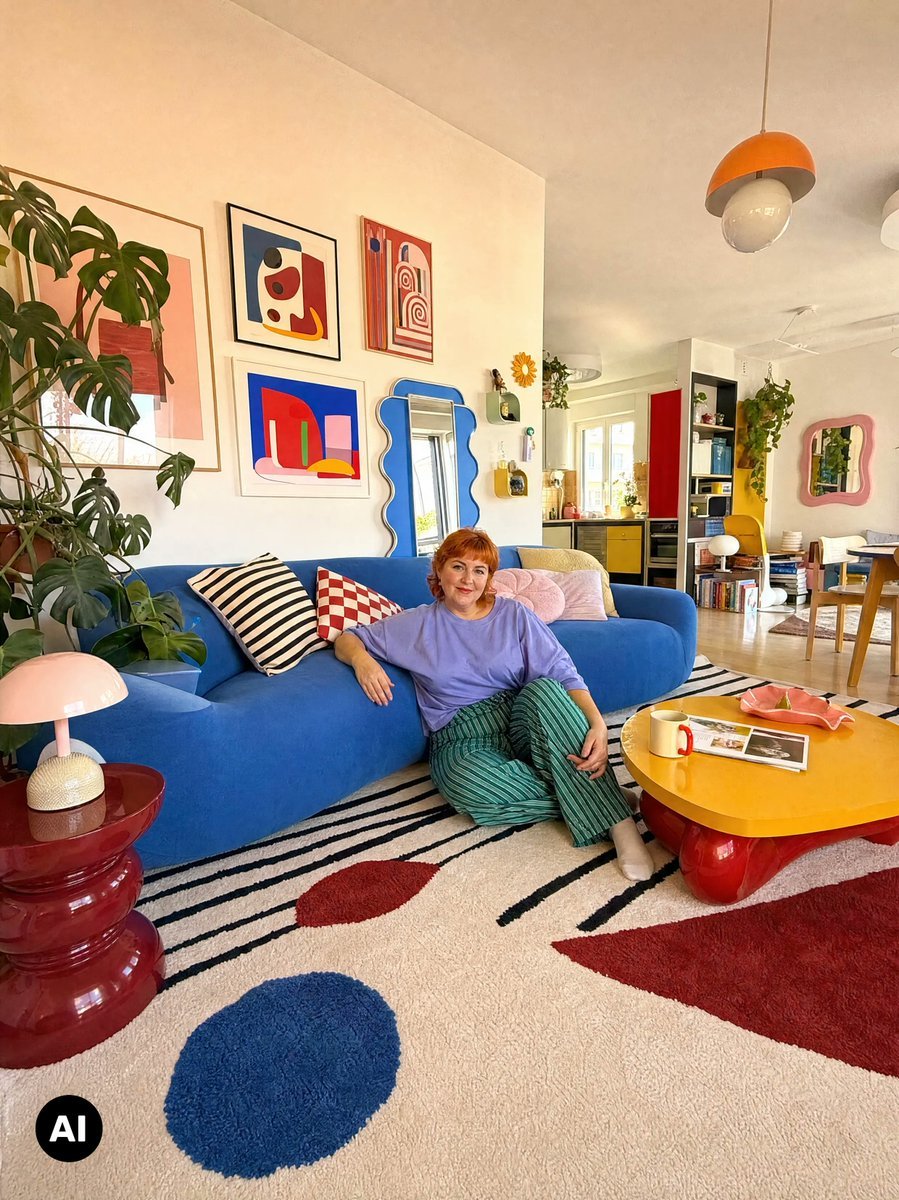
Generates a wide-angle lifestyle photo of a vibrant retro apartment interior with a seated woman and bold Memphis-inspired decor.
- Prompt included
- Model and format preset
- Free template
The prompt behind this image
Copy the exact prompt behind Colorful Maximalist Apartment Portrait, or open it in the studio and make it yours.
Create a bright wide-angle editorial interior photograph of a playful maximalist apartment living room, shot from a low corner perspective with slight smartphone lens distortion and warm natural daylight. The room features a cobalt-blue curved sofa against a cream wall, with a relaxed middle-aged woman named {argument name="character name" default="Anna"} sitting on the floor leaning against it, smiling at the camera; she has short copper-red hair, wears a loose lavender T-shirt, green striped wide-leg pants, and light socks. The decor is colorful and Memphis-inspired: a large cream shag rug with black diagonal stripes plus exactly 3 large colored shapes, a blue circle in the foreground, a red oval near the sofa, and a red rectangle on the right. Include exactly 5 pillows on the sofa: one black-and-white striped pillow, one red-and-white checker pillow, one pale pink round shell-like pillow, one pale pink rectangular pillow, and one mustard yellow pillow. On the wall above the sofa, show exactly 4 framed abstract art prints arranged in a loose grid, with bold red, blue, pink, yellow, and black geometric shapes. Add exactly 2 wavy mirrors: a tall blue wavy mirror beside the art over the sofa and a smaller pink wavy mirror in the dining area on the right. On the left, place a large monstera plant beside a glossy stacked burgundy-red side table topped with a pink mushroom lamp. In the foreground right, place a low rounded yellow coffee table with glossy red bulbous legs, holding exactly 3 items: an open magazine, a white mug with a red handle, and a coral-pink sculptural tray. In the background, show an open-plan kitchen and dining space with white walls, wood floor, yellow cabinetry, a red refrigerator panel or tall red cabinet, bookshelves, trailing plants, and a small dining table with wooden chairs. Hang exactly 2 ceiling pendants visible: an orange dome-and-glass pendant near the top right and a partial white pendant at the far right edge. Use a cheerful retro-modern palette of {argument name="sofa color" default="cobalt blue"}, {argument name="rug base color" default="cream"}, red, yellow, pink, orange, and leafy green; maintain realistic shadows, glossy surfaces, cozy lived-in details, high dynamic range, crisp focus, and an Instagram home-tour photography feel. Add a small black circular watermark with white “AI” text in the bottom-left corner.
How to use Colorful Maximalist Apartment Portrait in 3 steps
- 1Upload ImagePNG, JPG or paste
Add your photo
Upload the photo the template builds on. The prompt, model and format are already set.
- 2…a portrait of your subject in softgolden-hour light, 85mm…
Personalize
Edit the subject and creative details for your destination.
- 3Generate
Generate
Press Generate — your image is created in PicX Studio, so you can compare it with the original and refine one variable at a time.
More like this
Templates with the same subject, style or setup. Open one to see its prompt.

Gen Z TikTok Viral Expression Grid 4x4 — Nano Banana

Found Photograph: Us, 1970

80s Couple Studio Portrait

80s Bollywood Star

80s Golden Hour Cinema

Me in 1985

1985 Studio Portrait

Hyper-Realistic Minecraft POV Portrait

Rooftop Fisheye — Cat-Ear Balaclava at Golden Hour

Paper Cut Craft Illustration

Rainy Café Window Moody Portrait

untitled
Make it yours
Colorful Maximalist Apartment Portrait works as-is. These are the safest ways to change it without losing the look.
Change one field
Copy a single group, rewrite it, and generate again so you can see what that field is doing.
Keep the frame, change the subject
Hold the composition and light of Colorful Maximalist Apartment Portrait, then swap wardrobe, props or the person for a new take.
| If the result… | Why | Fix |
|---|---|---|
| The result drifts from the preview | Too many fields changed at once. | Reuse Colorful Maximalist Apartment Portrait as-is first, then change one group — subject, light, or setting. |
| The model over-stylizes the scene | The prose prompt leaves finish and camera underspecified. | Add one camera or lighting sentence and stay on GPT Image 2. |
More GPT Image 2 templates
Other prompts made for GPT Image 2.

Six VTuber Japanese Logo Sheet

Realistic Portrait of Woman and Deer

The Vista Modular Condo Poster

AI Model Routing Comparison Infographic

2.5D Anime Art Board

Isometric Productivity Desk Scene

New York Double Exposure Poster

Four-Panel AI Landscape Comparison

Japanese Tatami Lifestyle Magazine Cover

NESCAFÉ Coffee Map Poster
More image prompts
Fresh picks from across the catalog.
Vintage Lolita Portrait With Face Glitch

Black Comedy Manga Prompt for Nano Banana Pro
Anime Museum Background Conversion

Burning Red Cliffs Night Battle
Minimalist Melancholic Cosmic Anime

Surreal Floating Head With Censor Block
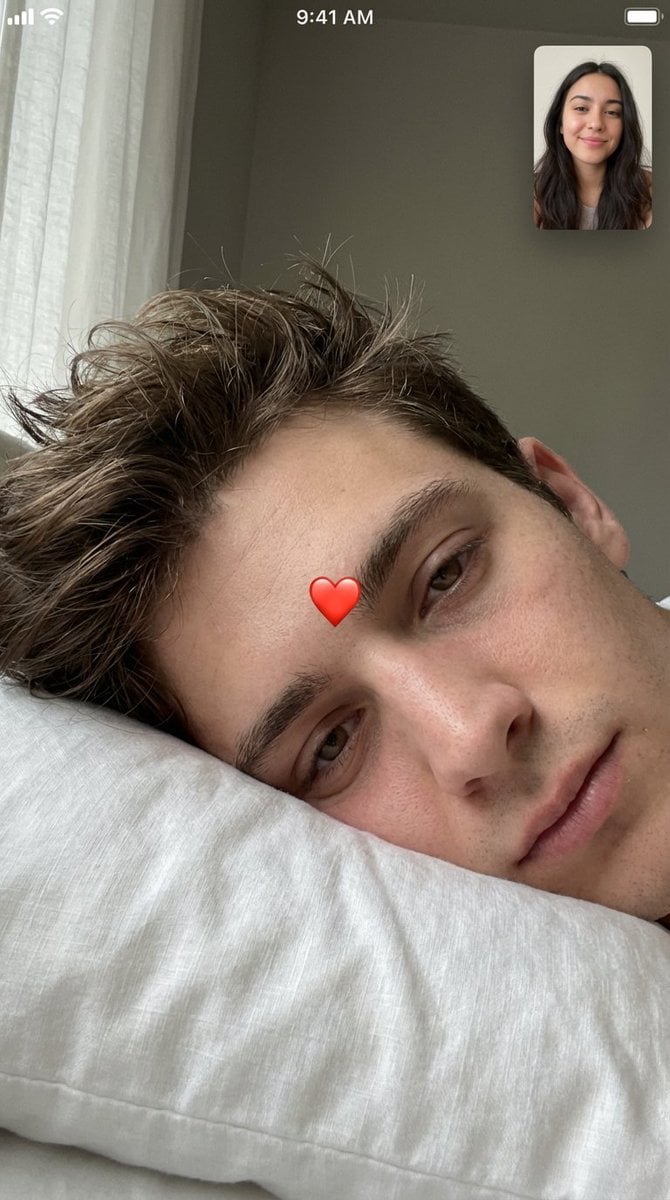
Intimate Photorealistic FaceTime Portrait Prompt

Four-Panel Manga Generation: If the Bus Stops Tomorrow
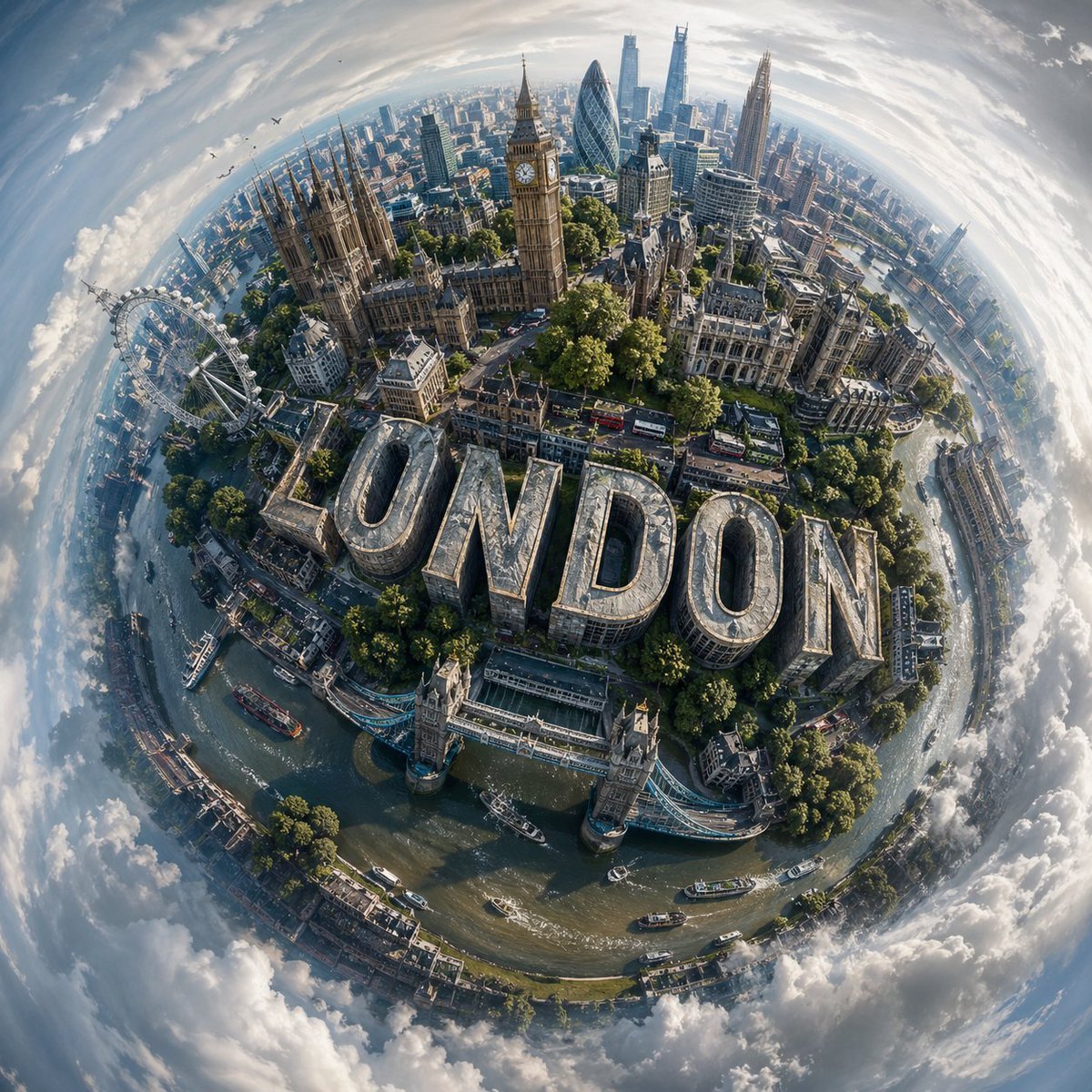
Spherical Miniature World Cityscape

Anime Champagne Toast POV
Browse template categories
Colorful Maximalist Apartment Portrait questions
How do I use the Colorful Maximalist Apartment Portrait template?
Add your photo if the template asks for one, edit the prompt if you like — the template's model and format are already selected — and press Generate. Your version opens in PicX Studio.
Can I customize the Colorful Maximalist Apartment Portrait template?
Yes. You can change the subject, setting, lighting, mood, format, and available model controls before creating your image.
Is the Colorful Maximalist Apartment Portrait template free?
Opening and editing this template is free. Generating uses credits, shown on the Generate button when you are signed in.
Which AI model should I use?
Start with GPT Image 2, which is the model associated with this template. You can compare another compatible model for a different finish.
Looking for something else? Browse all templates.

Your photo, any look
Thousands of ready templates for every top image and video model, from one credit balance.