
Anime Champagne Toast POV
A vertical anime-style first-person toast scene featuring a blonde blue-dressed heroine clinking champagne glasses with the viewer.
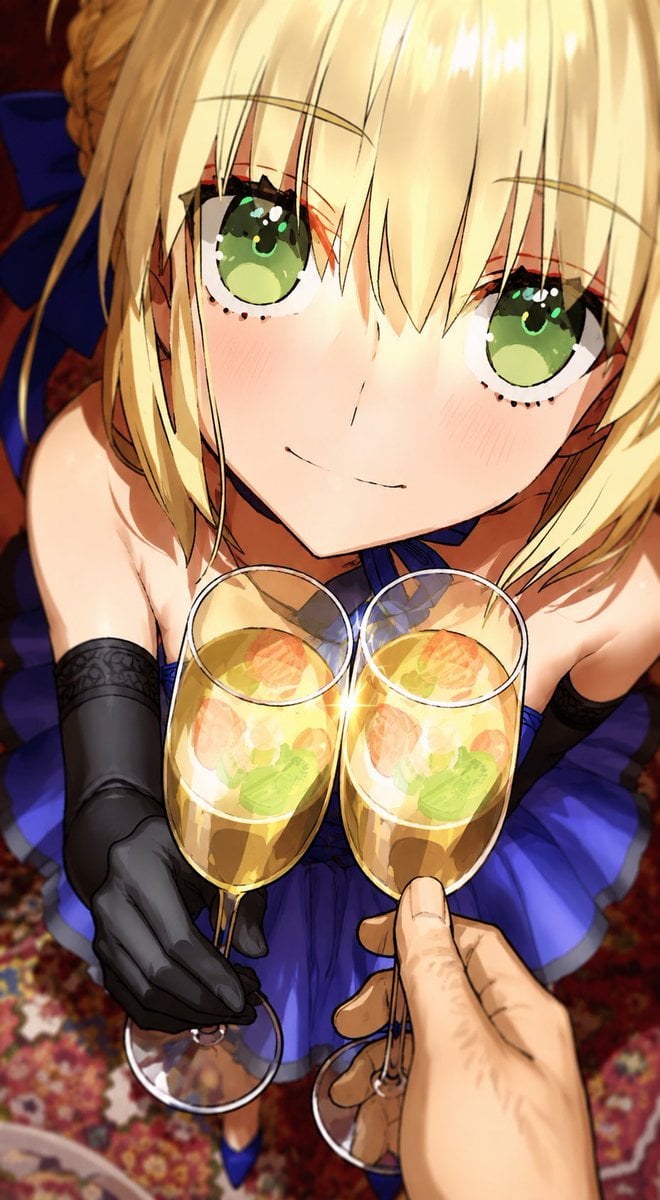
- Prompt included
- Model and format preset
- Premium template
The prompt behind this image
Copy the exact prompt behind Anime Champagne Toast POV, or open it in the studio and make it yours.
Create a vertical 9:16 anime illustration from a dramatic first-person point of view, looking slightly downward at a smiling blonde knight-like young woman as she leans close to toast with the viewer. The character is {argument name="character name" default="blue Saber-inspired blonde heroine"}, with pale skin, large sparkling green eyes, soft blush on both cheeks, short blonde bob with long bangs covering part of her forehead, braided hair pulled back, and a large dark blue ribbon visible behind her head. She wears a deep royal-blue strapless dress with a pleated skirt and black opera gloves; visible outfit elements count: 1 blue dress, 2 black gloves, 1 dark blue hair ribbon, and 2 blue high-heeled shoes partly visible near the bottom. Show exactly 2 champagne flutes touching at the center with a bright star-like clink sparkle between their rims: 1 flute held by her black-gloved hand on the left, and 1 flute held by the viewer's bare hand entering from the lower right foreground. The glasses contain golden sparkling wine with translucent fruit slices and green garnish visible through the liquid. Use an intimate celebratory mood, warm indoor lighting, glossy highlights, shallow depth of field, highly polished anime rendering, detailed eyelashes, luminous eyes, soft skin shading, and vivid saturated colors. Background: an ornate red patterned carpet and warm dark interior blur, with the blue skirt fanning around her. Camera composition should be close-up and dynamic, with her face occupying the upper half, the two glasses in the middle foreground, and the viewer's hand large due to perspective. Use {argument name="dress color" default="royal blue"}, {argument name="eye color" default="emerald green"}, {argument name="drink" default="golden champagne with fruit"}, and {argument name="mood" default="romantic toast celebration"}. No text, no watermark, no extra glasses, no extra characters.
How to use Anime Champagne Toast POV in 3 steps
- 1Upload ImagePNG, JPG or paste
Add your photo
Upload the photo the template builds on. The prompt, model and format are already set.
- 2…a portrait of your subject in softgolden-hour light, 85mm…
Personalize
Edit the subject and creative details for your destination.
- 3Generate
Generate
Press Generate — your image is created in PicX Studio, so you can compare it with the original and refine one variable at a time.
More like this
Templates with the same subject, style or setup. Open one to see its prompt.












Make it yours
Anime Champagne Toast POV works as-is. These are the safest ways to change it without losing the look.
Change one field
Copy a single group, rewrite it, and generate again so you can see what that field is doing.
Keep the frame, change the subject
Hold the composition and light of Anime Champagne Toast POV, then swap wardrobe, props or the person for a new take.
| If the result… | Why | Fix |
|---|---|---|
| The result drifts from the preview | Too many fields changed at once. | Reuse Anime Champagne Toast POV as-is first, then change one group — subject, light, or setting. |
| The model over-stylizes the scene | The prose prompt leaves finish and camera underspecified. | Add one camera or lighting sentence and stay on GPT Image 2. |
More GPT Image 2 templates
Other prompts made for GPT Image 2.

Six VTuber Japanese Logo Sheet

Realistic Portrait of Woman and Deer

The Vista Modular Condo Poster

AI Model Routing Comparison Infographic

2.5D Anime Art Board

Isometric Productivity Desk Scene

New York Double Exposure Poster

Four-Panel AI Landscape Comparison

Japanese Tatami Lifestyle Magazine Cover

NESCAFÉ Coffee Map Poster
More image prompts
Fresh picks from across the catalog.
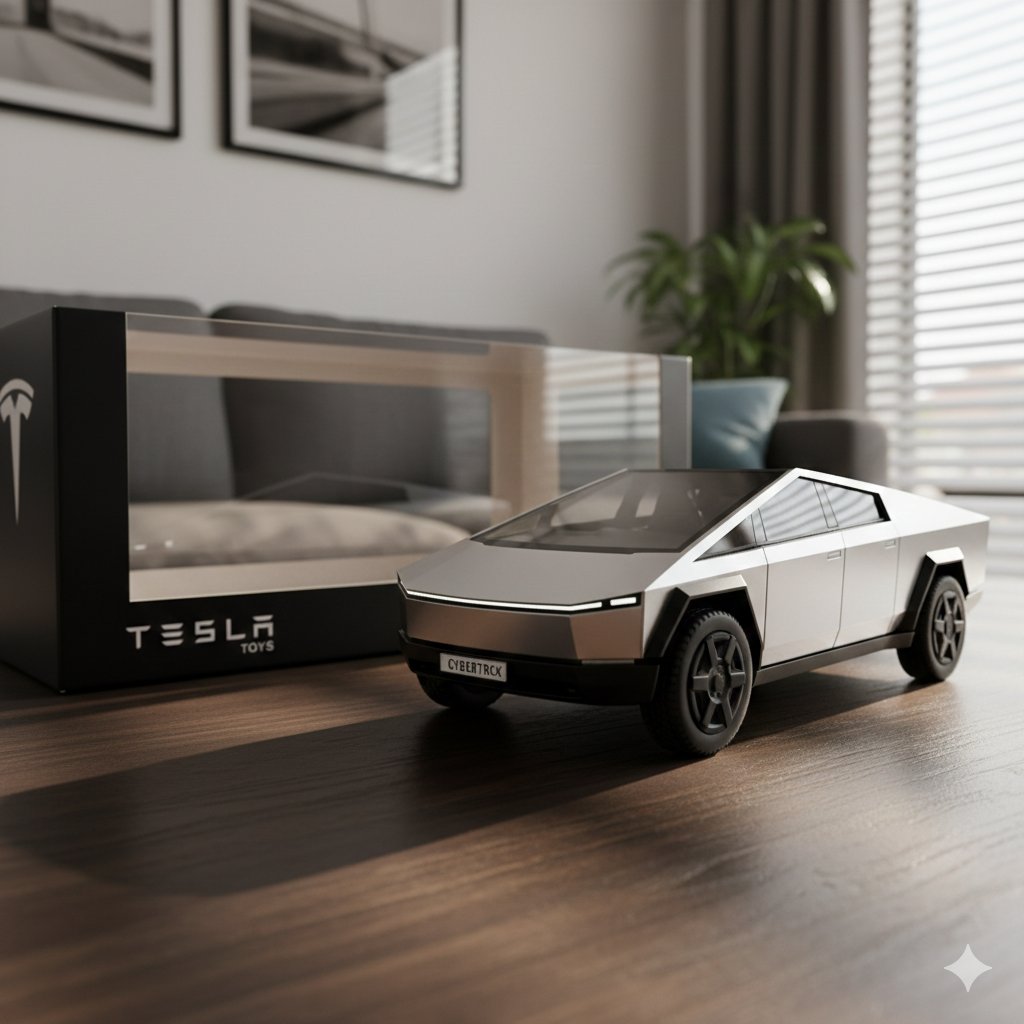
Diecast Toy Model Generation Prompt
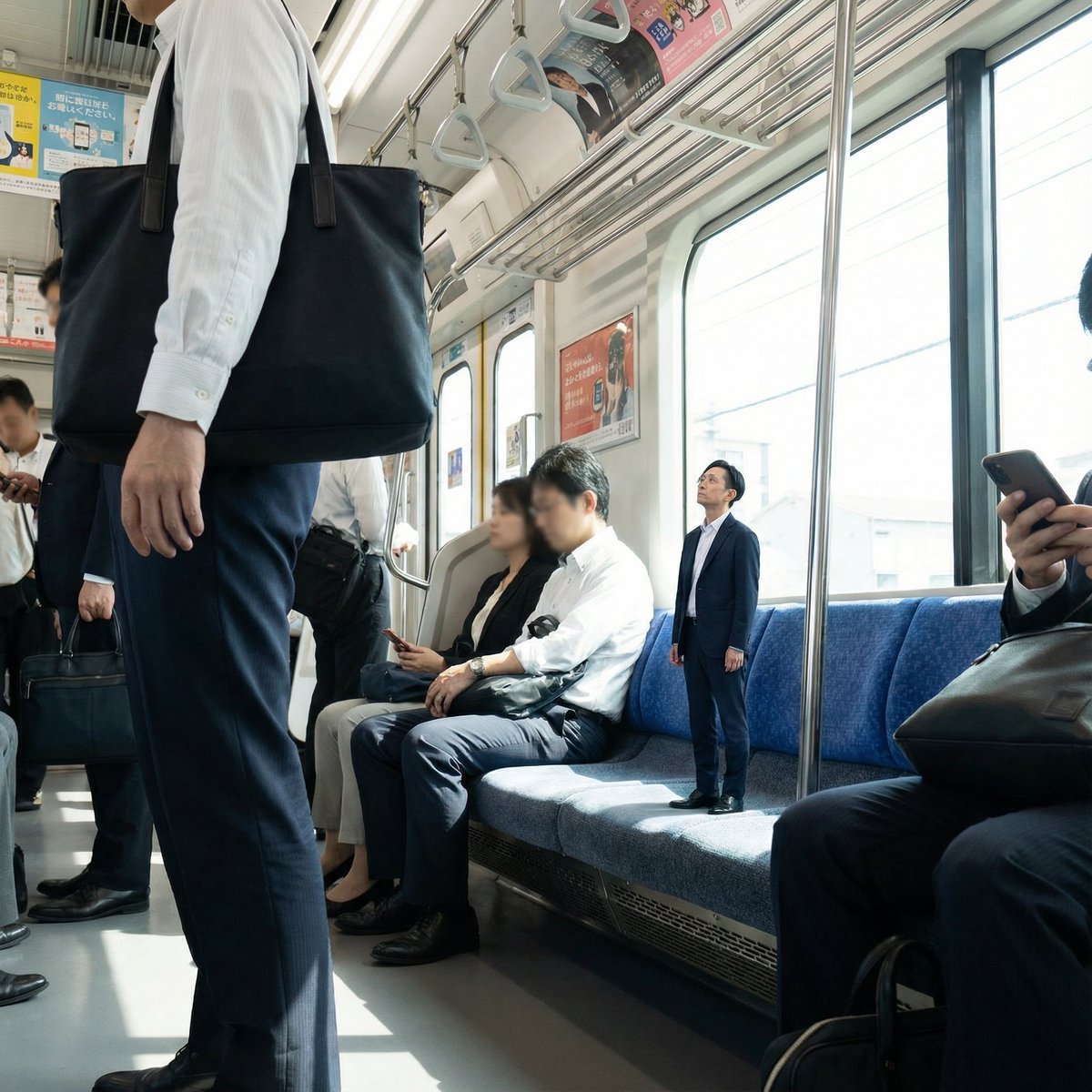
Miniature Person in Train Prompt
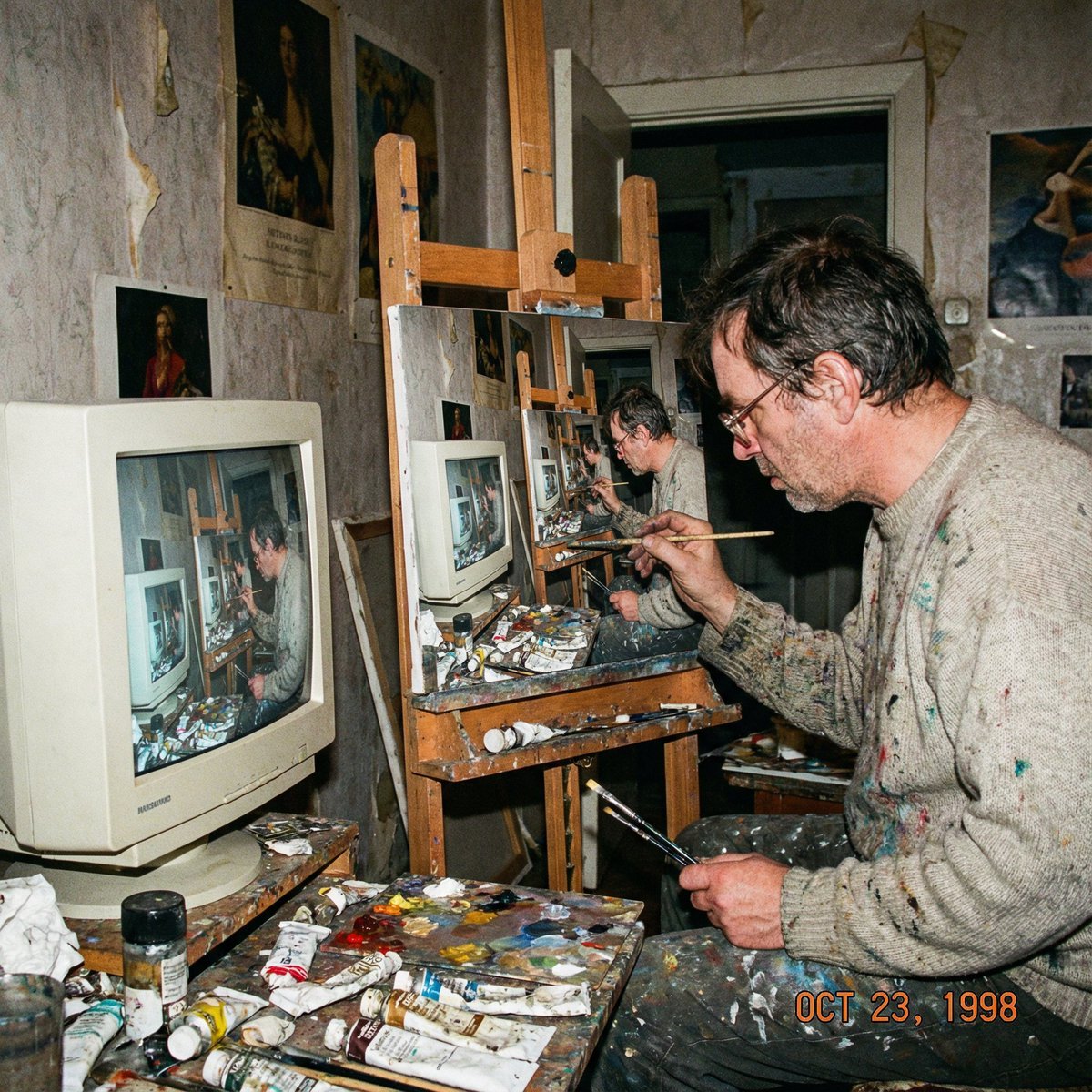
Recursive artist painting a photo of himself painting
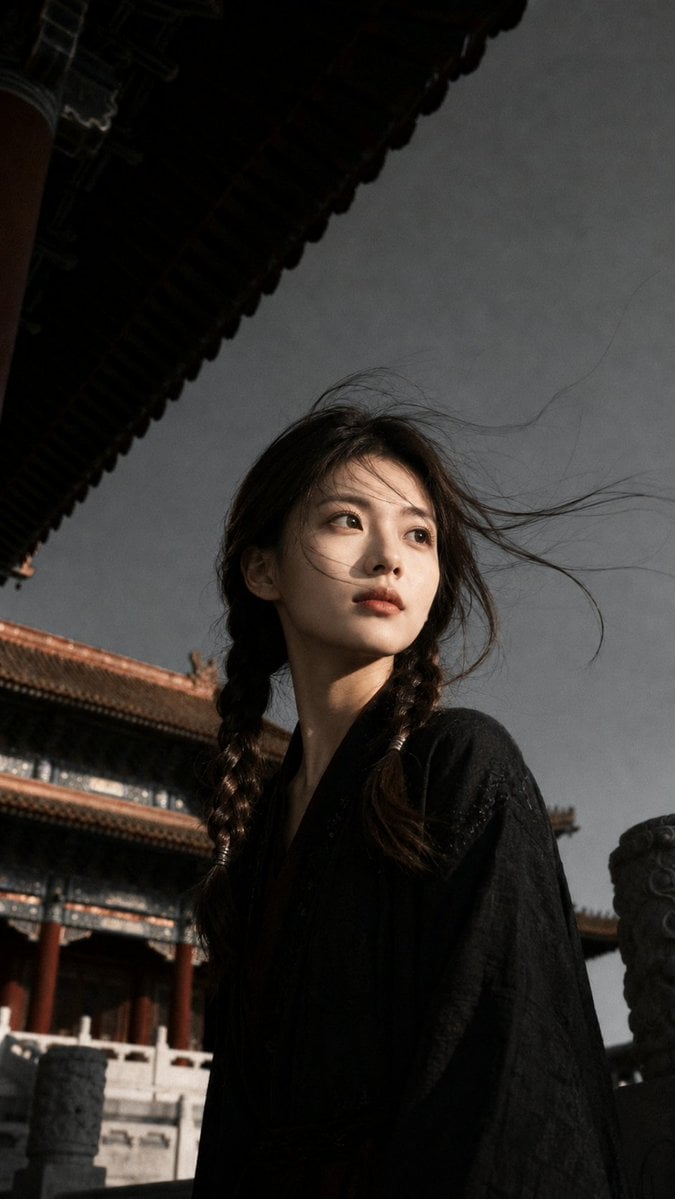
Ancient Chinese Cinematic Still
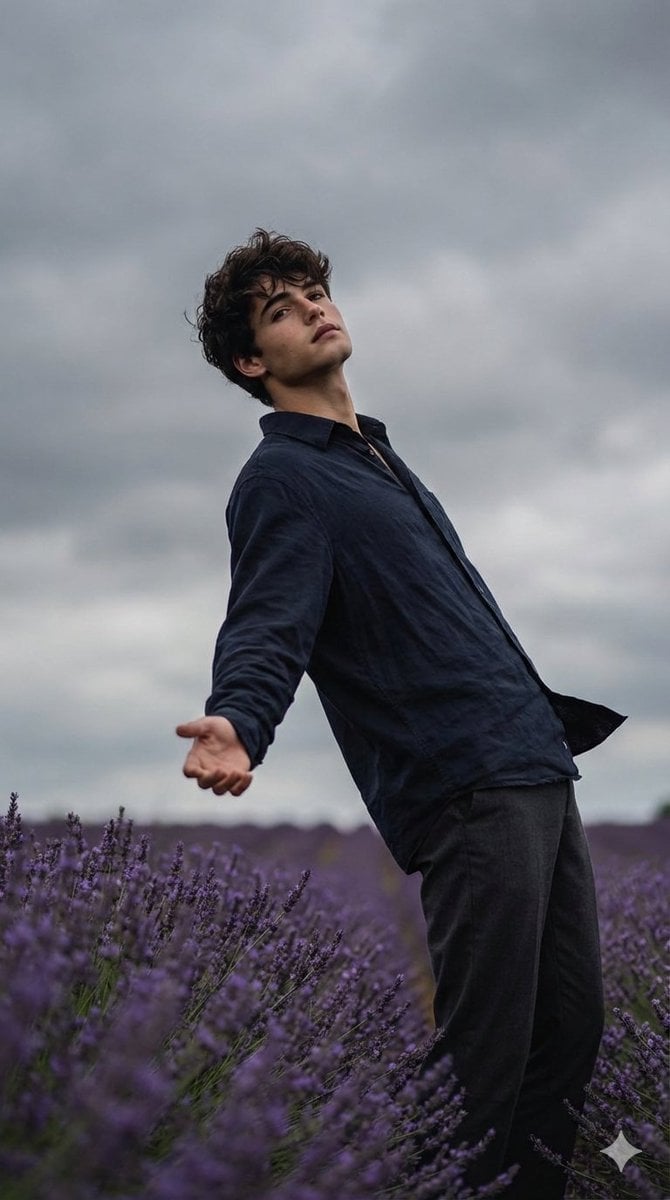
Cinematic Moody Photograph of Man in Flower Field
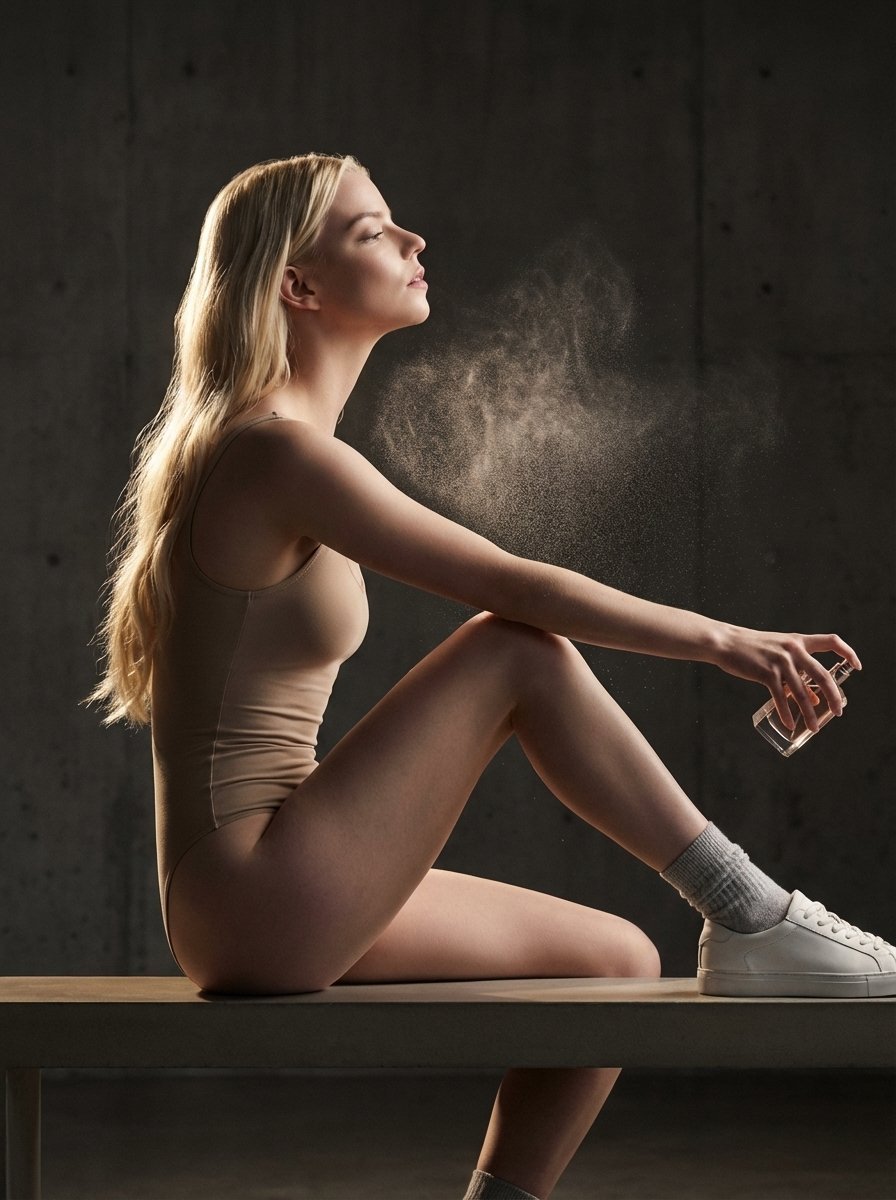
High-Fashion Perfume Campaign Prompt with Side Lighting
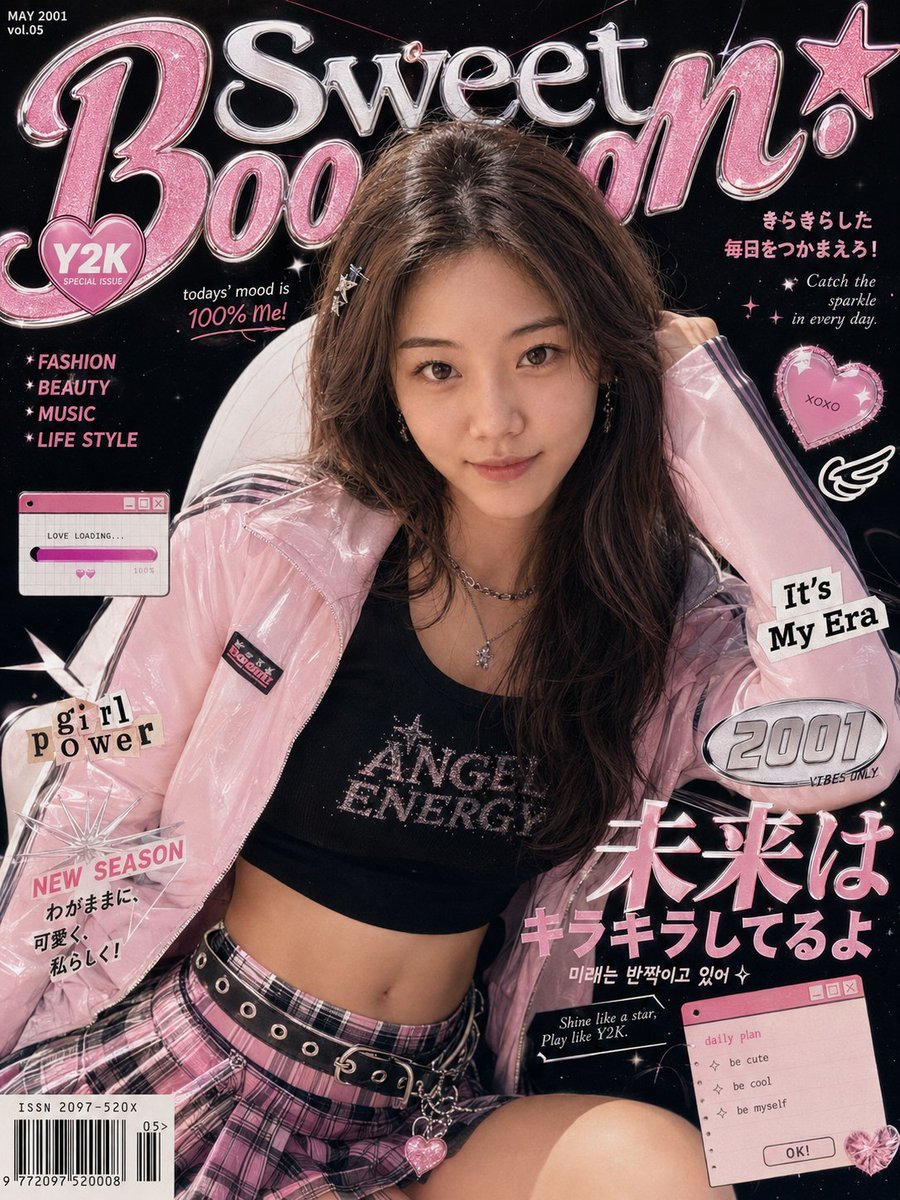
Y2K Fashion Magazine Cover
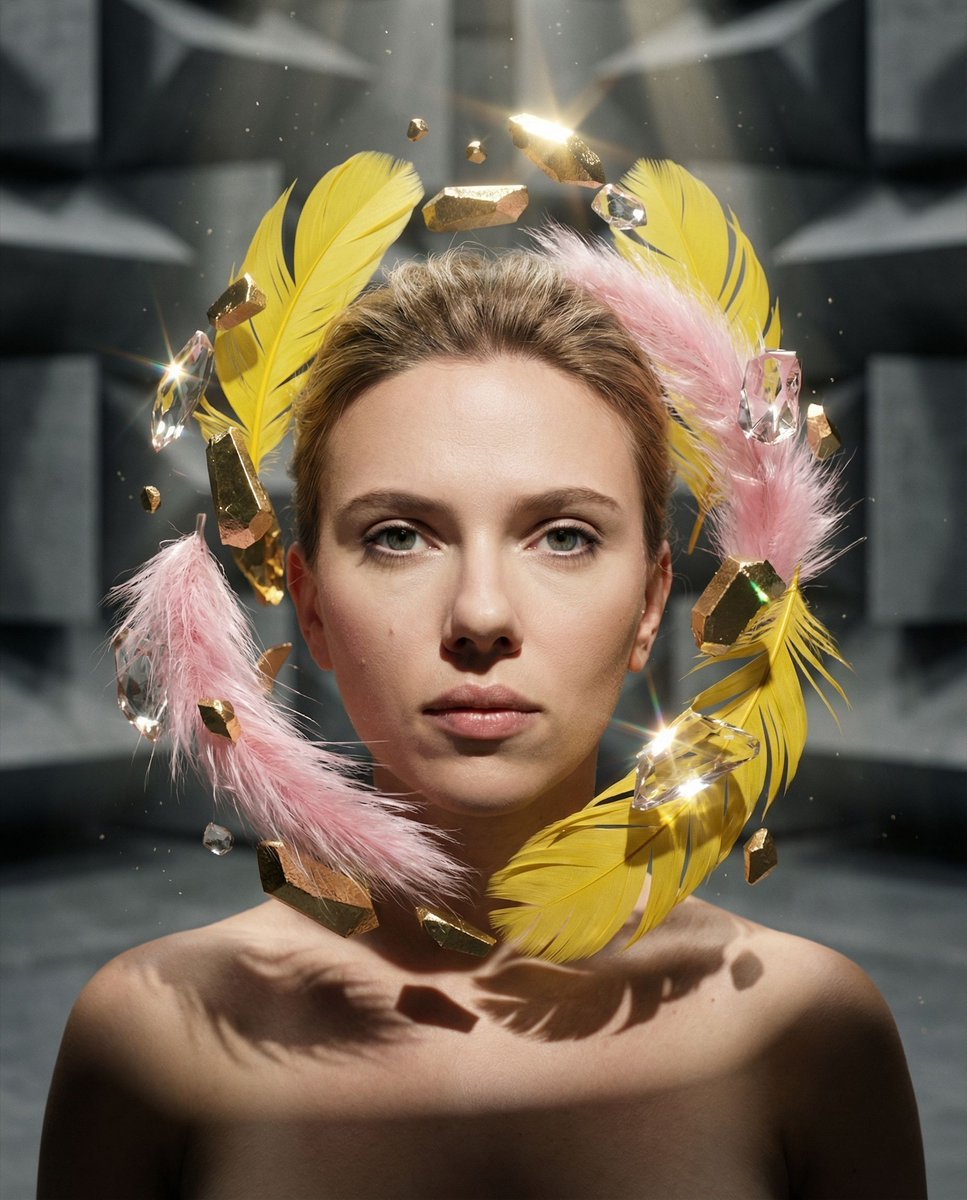
Surreal Portrait with Floating Elements
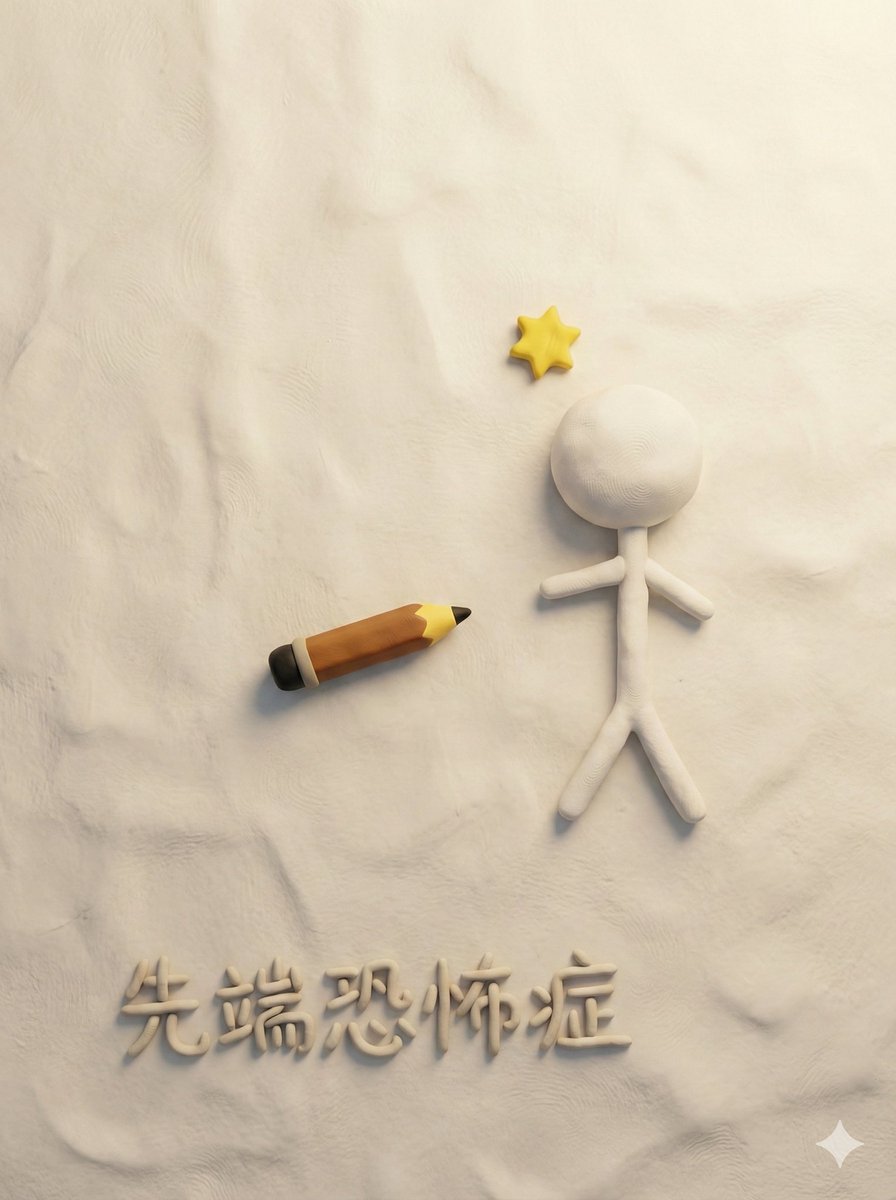
Style Transfer for Medical Term Infographic
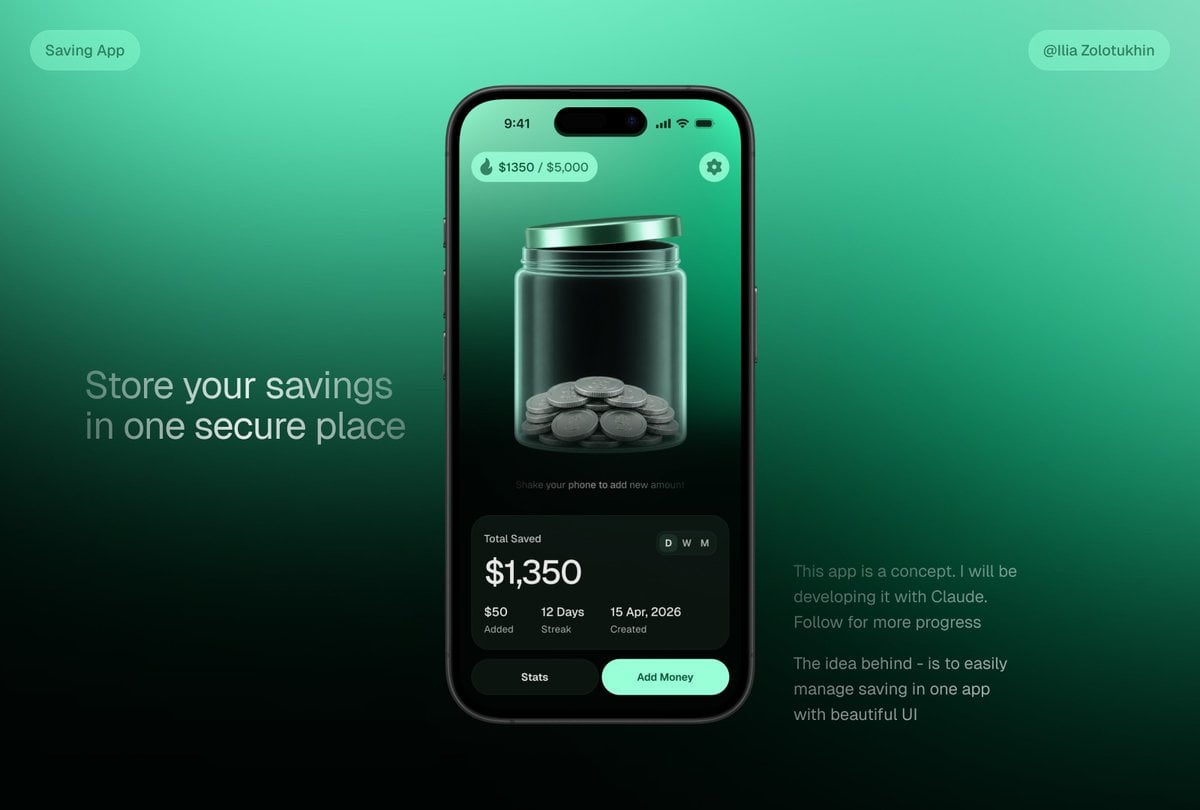
3D Savings App Jar UI Mockup
Browse template categories
Anime Champagne Toast POV questions
How do I use the Anime Champagne Toast POV template?
Add your photo if the template asks for one, edit the prompt if you like — the template's model and format are already selected — and press Generate. Your version opens in PicX Studio.
Can I customize the Anime Champagne Toast POV template?
Yes. You can change the subject, setting, lighting, mood, format, and available model controls before creating your image.
Is the Anime Champagne Toast POV template free?
Opening and editing this template is free. Generating uses credits, shown on the Generate button when you are signed in.
Which AI model should I use?
Start with GPT Image 2, which is the model associated with this template. You can compare another compatible model for a different finish.
Looking for something else? Browse all templates.

Your photo, any look
Thousands of ready templates for every top image and video model, from one credit balance.