
Ancient Chinese Cinematic Still
A complex image-to-image prompt for transforming personal portraits into cinematic stills from an Eastern wuxia film.
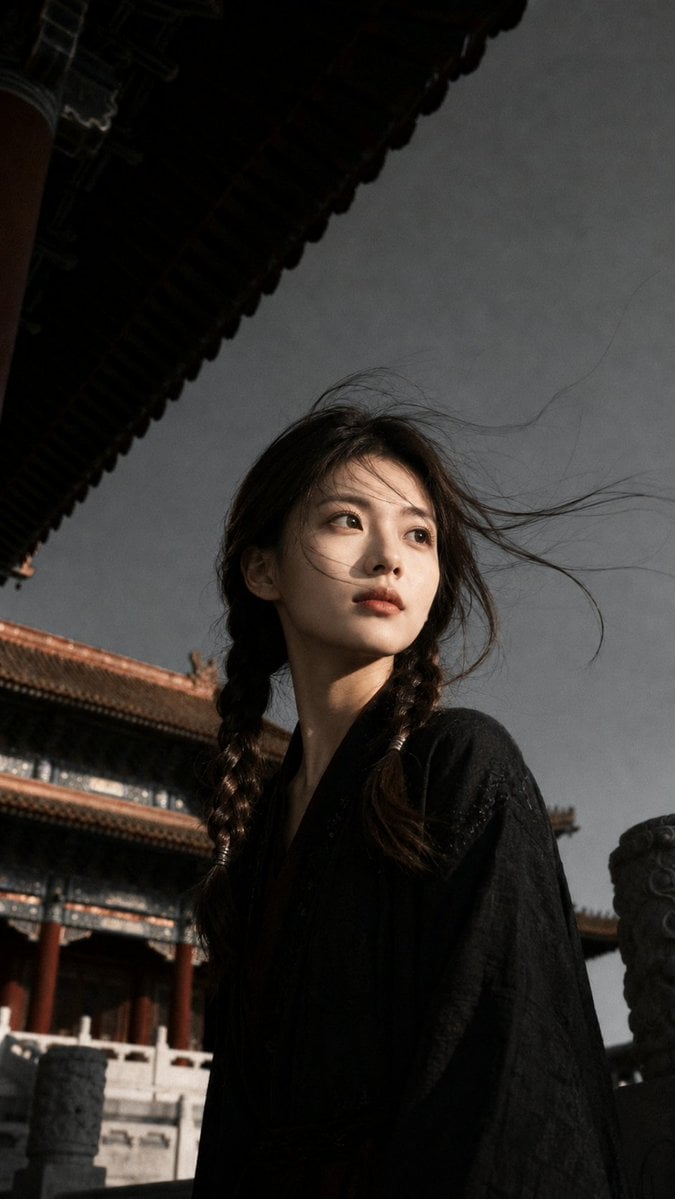
- Prompt included
- Model and format preset
- Premium template
The prompt behind this image
Copy the exact prompt behind Ancient Chinese Cinematic Still, or open it in the studio and make it yours.
Use my uploaded portrait photo as the only identity reference. Preserve only my real facial features, face shape, skin tone, hairstyle, hairline, and overall personal vibe. Do not use the face of the person in the reference image. All other elements — including visual style, clothing, scene, composition, lighting, and mood — should follow the reference photo. Generate an ultra-realistic cinematic vertical portrait. The subject is standing in a {argument name="setting" default="traditional Chinese palace courtyard"}, photographed from a low angle, in a half-body close-up. The person is slightly turned to the side, with the head naturally facing off to one side, not looking at the camera, showing a calm, restrained, story-driven expression. The background features ancient palace eaves, red walls, stone railings, and traditional roof structures, creating a sense of historical Chinese architecture. The subject wears a {argument name="clothing" default="deep black traditional robe or black Chinese-style outer garment"}, with subtle fabric texture and an overall dark color palette. {argument name="lighting" default="Sunlight comes from the front-side direction"}, illuminating part of the face and creating strong light-and-shadow contrast, with one side of the face lit and the other side naturally falling into shadow. The hair is gently blown by the wind, with loose strands moving naturally, but it must still preserve the hairstyle characteristics of my uploaded portrait and should not be changed into someone else’s hairstyle. The overall style should feel like a realistic cinematic still, with authentic photographic texture, shallow depth of field, slight film grain, muted colors, high-contrast lighting, and a subtle vintage tone. The skin must look real and natural, with normal skin texture. Do not over-smooth the skin. No plastic look, no anime look. The image should be clean and premium, with no text, no watermark, and no logo. Vertical 9:16, high detail. Negative Prompt: watermark, logo, text, Chinese characters, Doubao watermark, AI watermark, anime, cartoon, illustration, plastic skin, overly smooth skin, doll-like face, fake face, face swap look, distorted facial features, wrong identity, different person, bad eyes, unnatural hair, messy hair clumps, overexposed face, blurry face, low quality, extra fingers, deformed hands, modern building, modern clothes, sci-fi style, fantasy armor, excessive beauty filter, unnatural lighting, pasted face, collage look
How to use Ancient Chinese Cinematic Still in 3 steps
- 1Upload ImagePNG, JPG or paste
Add your photo
Upload the photo the template builds on. The prompt, model and format are already set.
- 2…a portrait of your subject in softgolden-hour light, 85mm…
Personalize
Edit the subject and creative details for your destination.
- 3Generate
Generate
Press Generate — your image is created in PicX Studio, so you can compare it with the original and refine one variable at a time.
More like this
Templates with the same subject, style or setup. Open one to see its prompt.
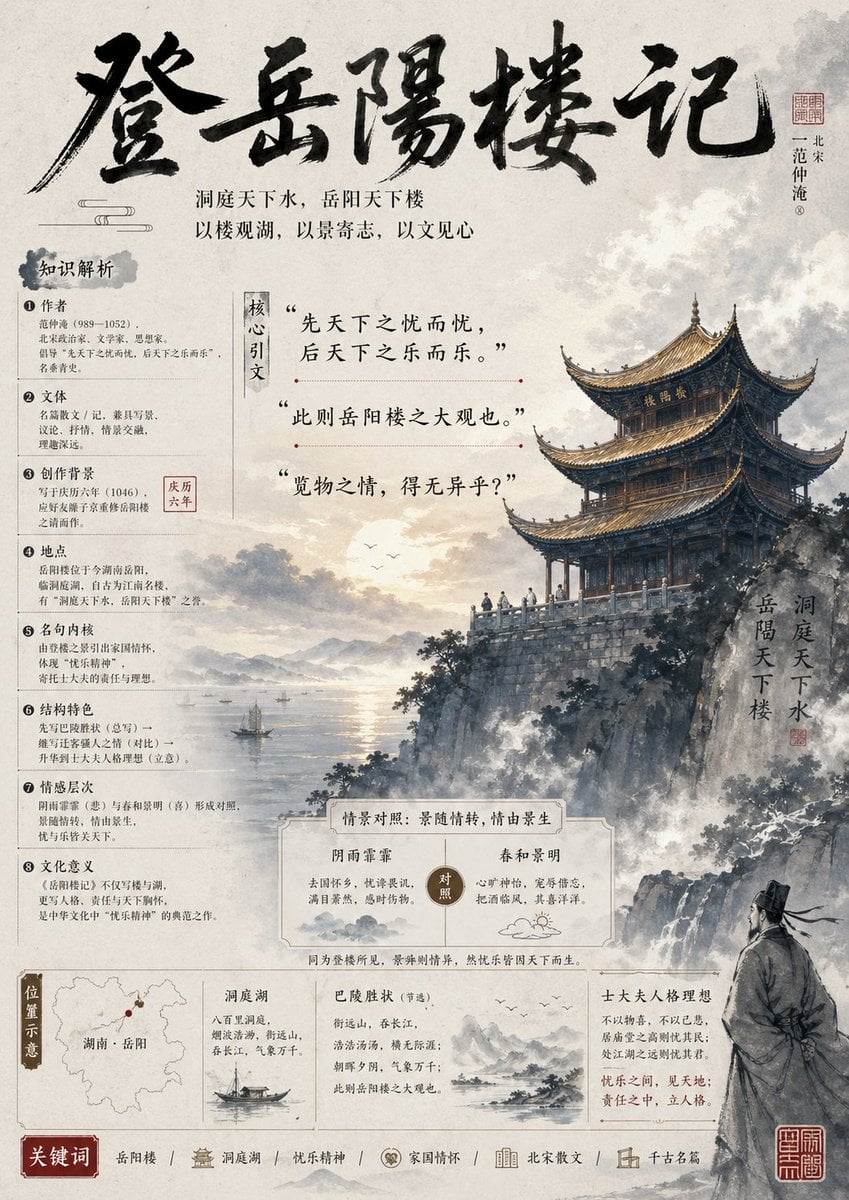
Ancient Chinese Literature PPT Poster
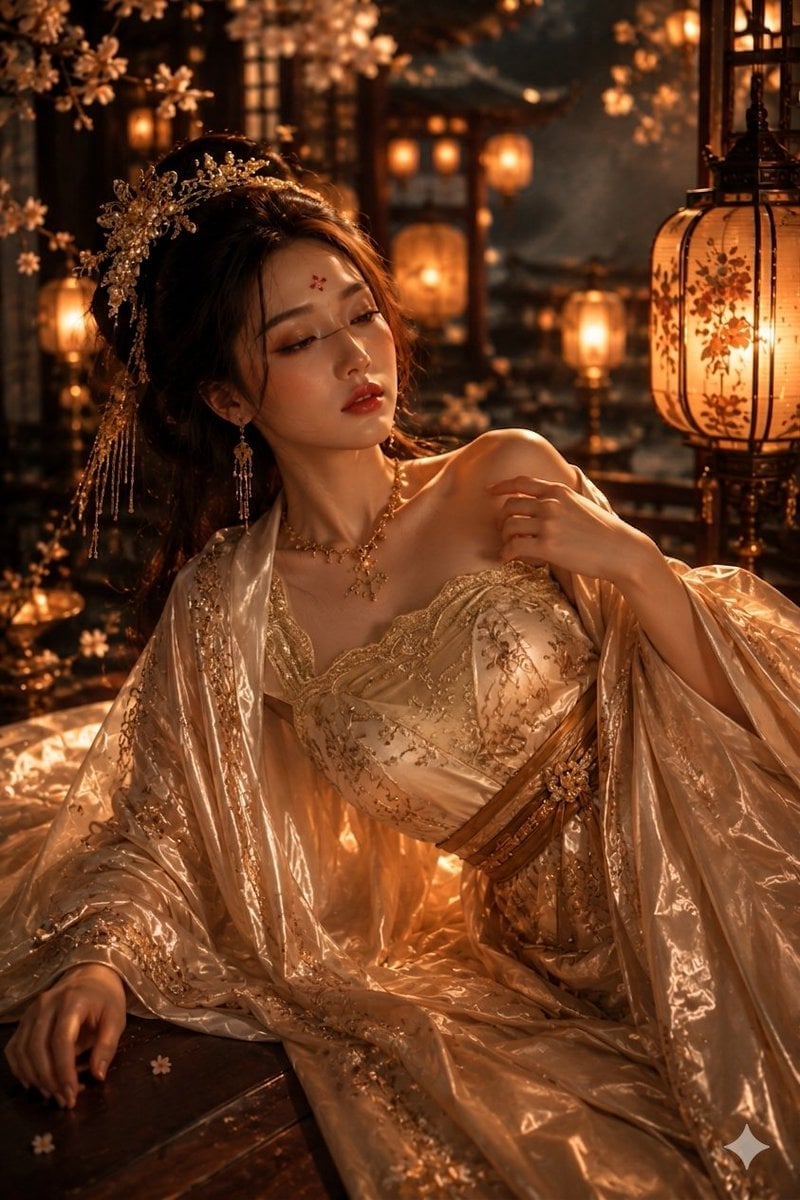
Ancient Chinese Empress Palace Portrait
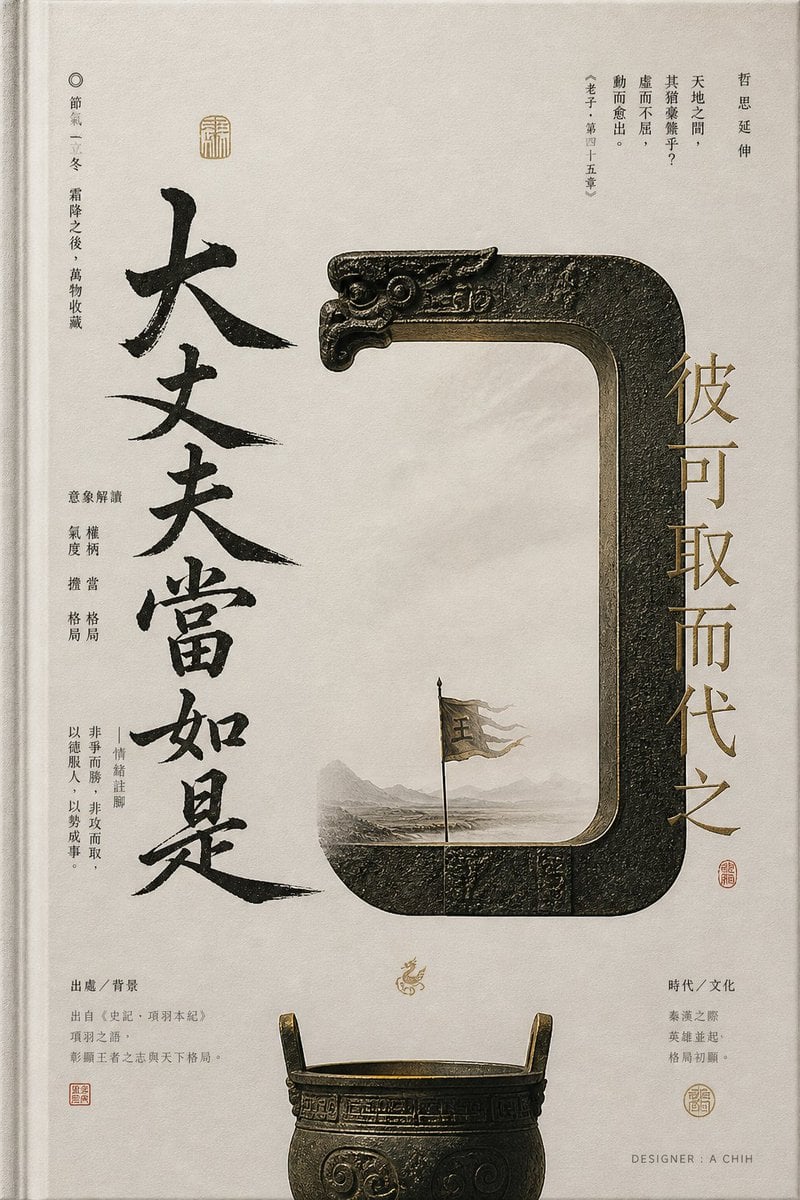
Ancient Chinese Bronze Calligraphy Poster
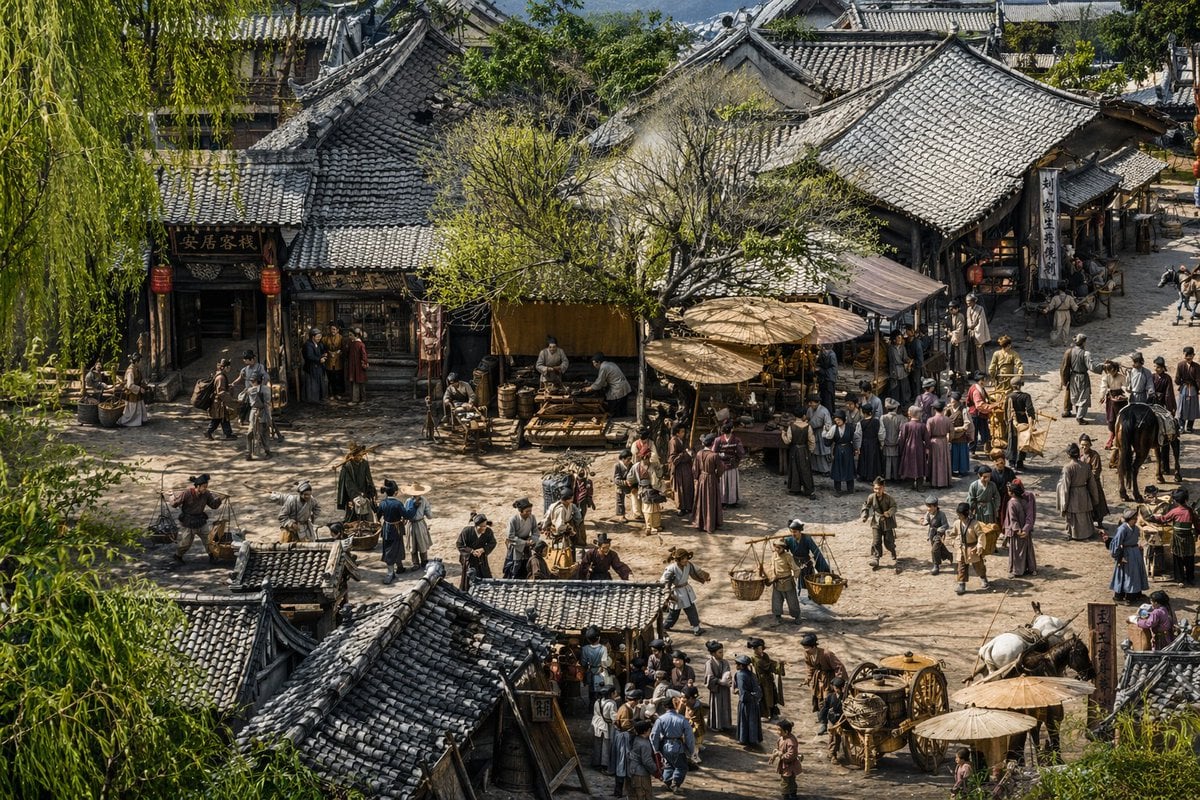
Realistic Ancient Chinese Street Scene

敦煌纸雕飞天 — 3D Layered Paper Cutout

博物馆图鉴式汉服拆解图 — GPT-image-2

Ancient Temple Portrait — White Dress Nano Banana

Mushroom Still Life Composition

LIGHTING each element still lit by its original source, windows casting
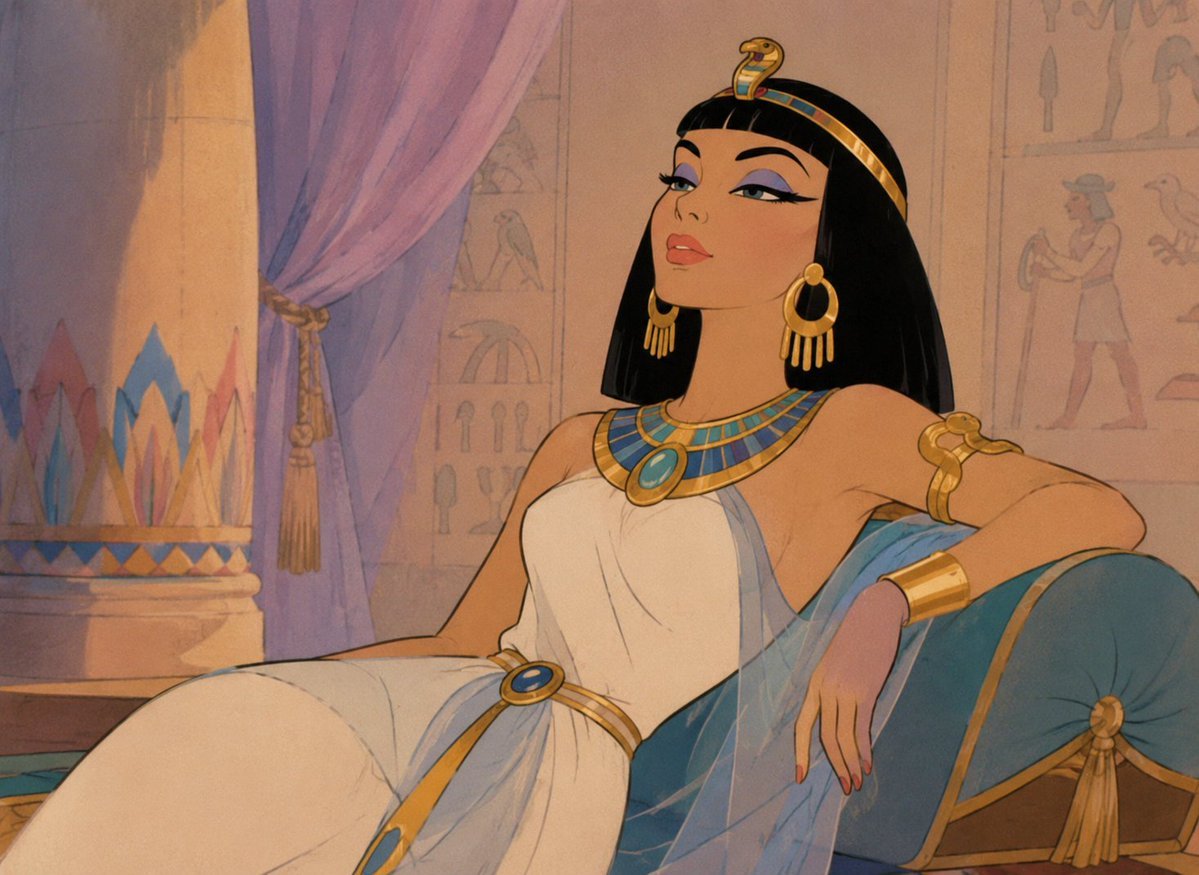
Classic Animated Cleopatra Palace Still

Ancient Temple Interior Contact Sheet
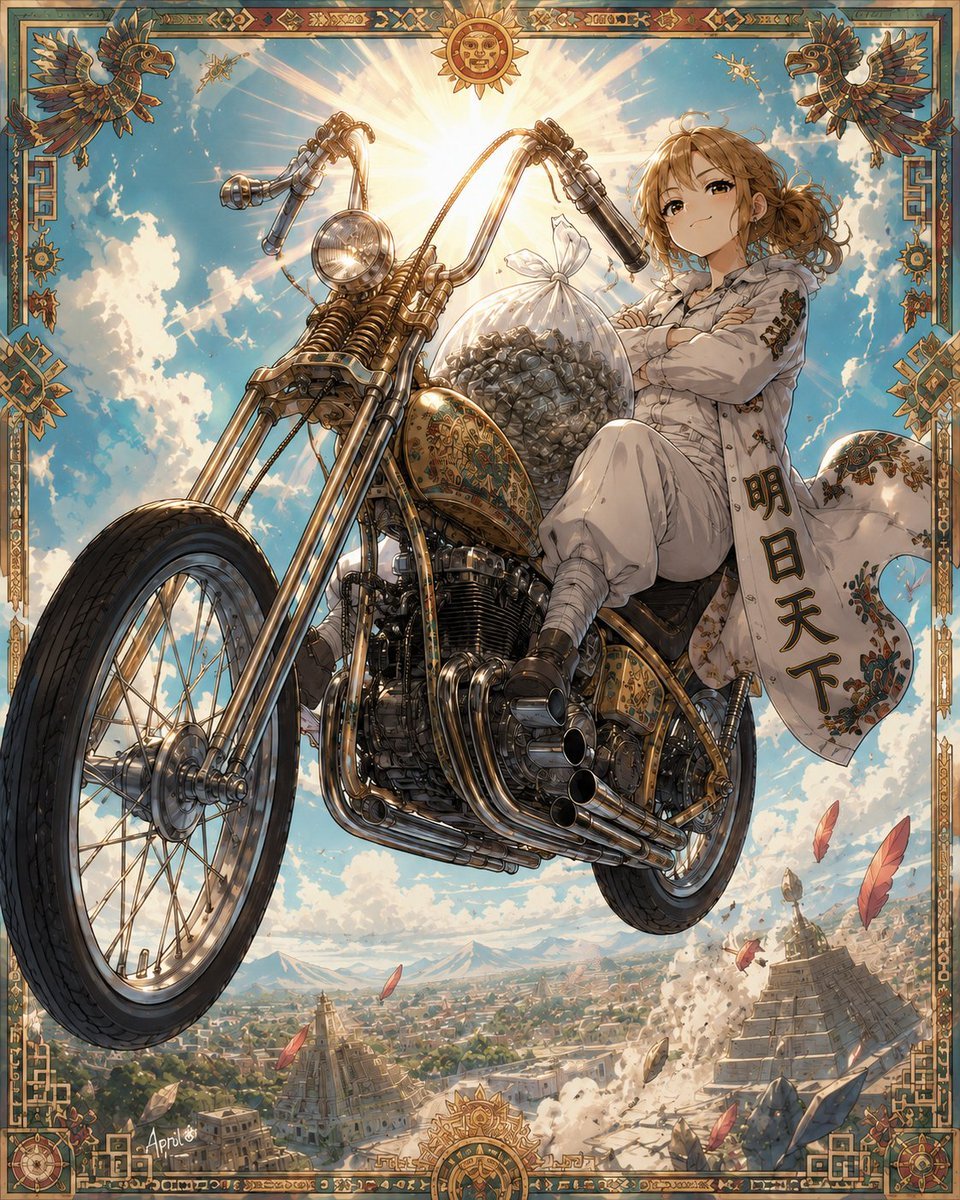
Skyborne Anime Biker in Ancient City
Make it yours
Ancient Chinese Cinematic Still works as-is. These are the safest ways to change it without losing the look.
Change one field
Copy a single group, rewrite it, and generate again so you can see what that field is doing.
Keep the frame, change the subject
Hold the composition and light of Ancient Chinese Cinematic Still, then swap wardrobe, props or the person for a new take.
| If the result… | Why | Fix |
|---|---|---|
| The result drifts from the preview | Too many fields changed at once. | Reuse Ancient Chinese Cinematic Still as-is first, then change one group — subject, light, or setting. |
| The model over-stylizes the scene | The prose prompt leaves finish and camera underspecified. | Add one camera or lighting sentence and stay on GPT Image 2. |
More GPT Image 2 templates
Other prompts made for GPT Image 2.

Six VTuber Japanese Logo Sheet

Realistic Portrait of Woman and Deer

The Vista Modular Condo Poster

AI Model Routing Comparison Infographic

2.5D Anime Art Board

Isometric Productivity Desk Scene

New York Double Exposure Poster

Four-Panel AI Landscape Comparison

Japanese Tatami Lifestyle Magazine Cover

NESCAFÉ Coffee Map Poster
More image prompts
Fresh picks from across the catalog.
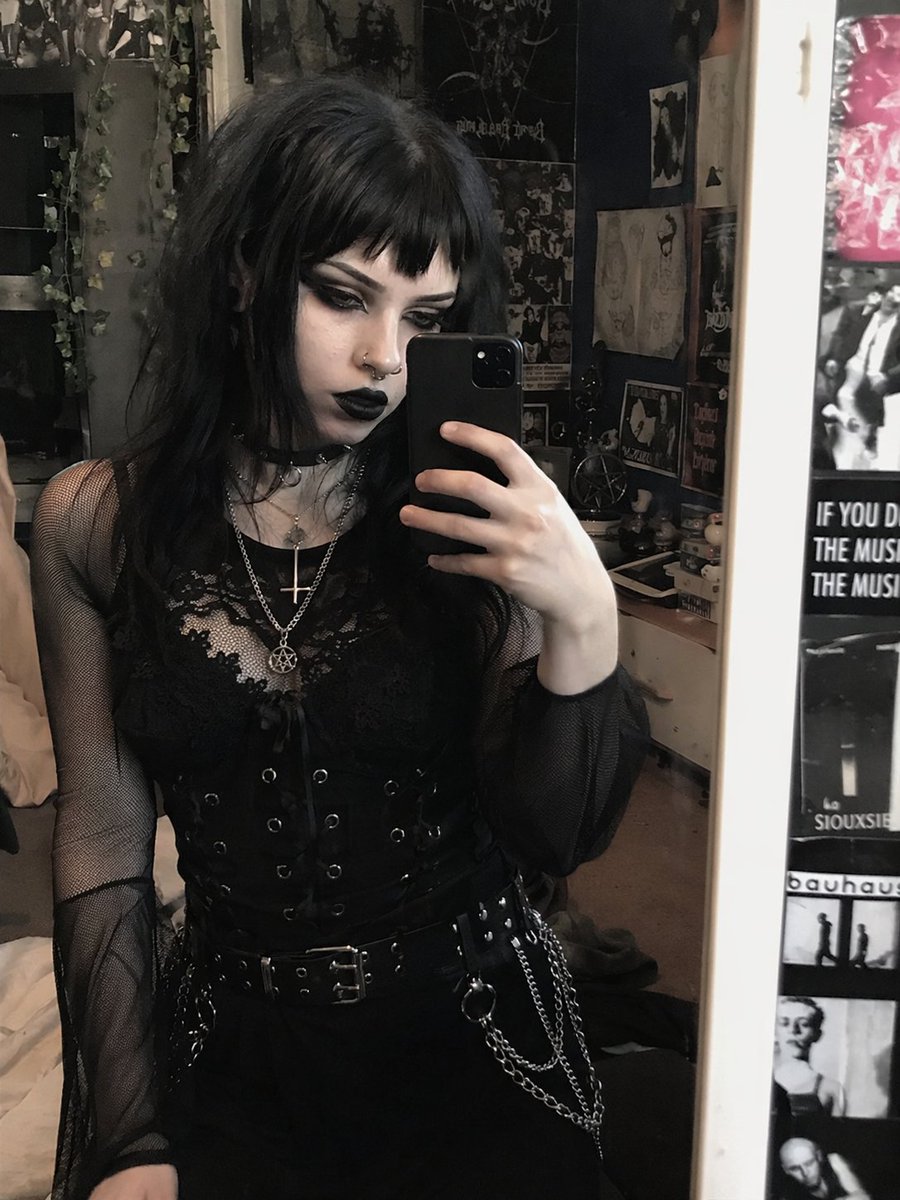
Goth Style Transformation
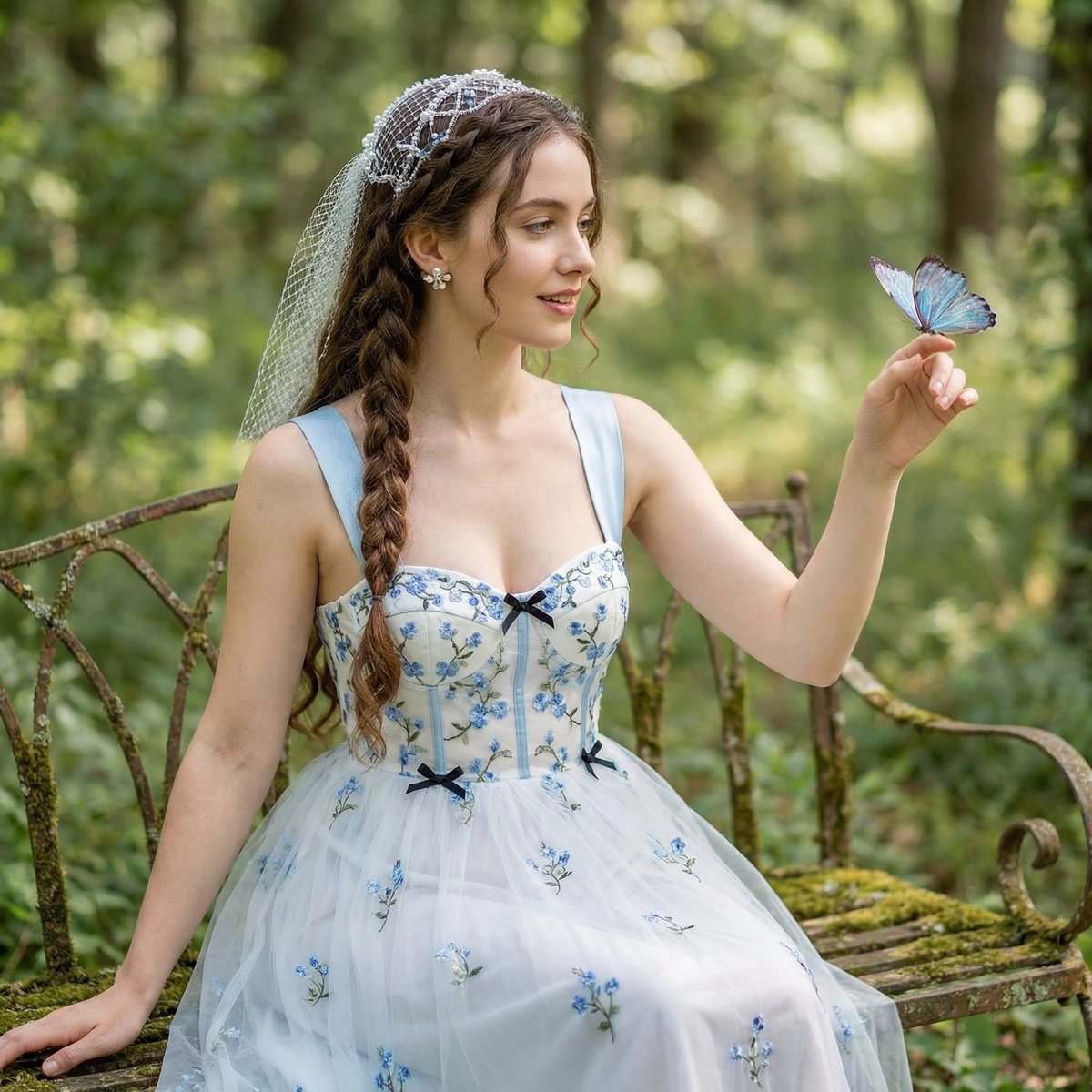
Ethereal Portrait Prompt using Nano Banana Pro

Neon Japanese AI Prompt Promo Banner
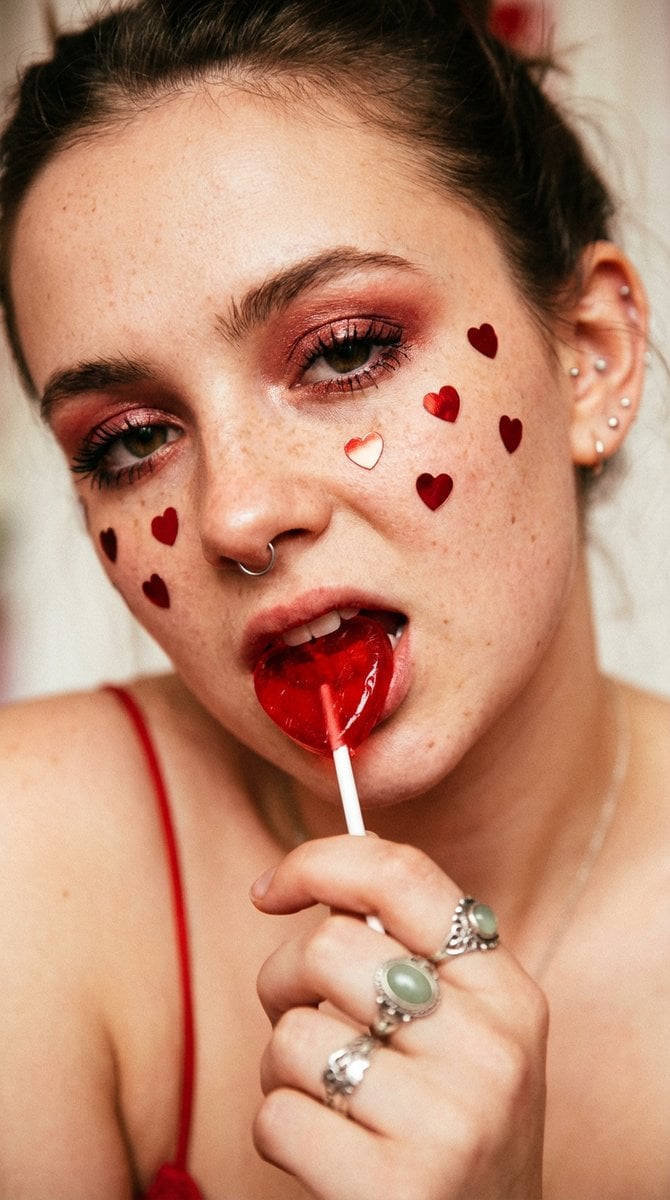
Extreme Close-up Portrait with Soft Grunge and Coquette Aesthetic
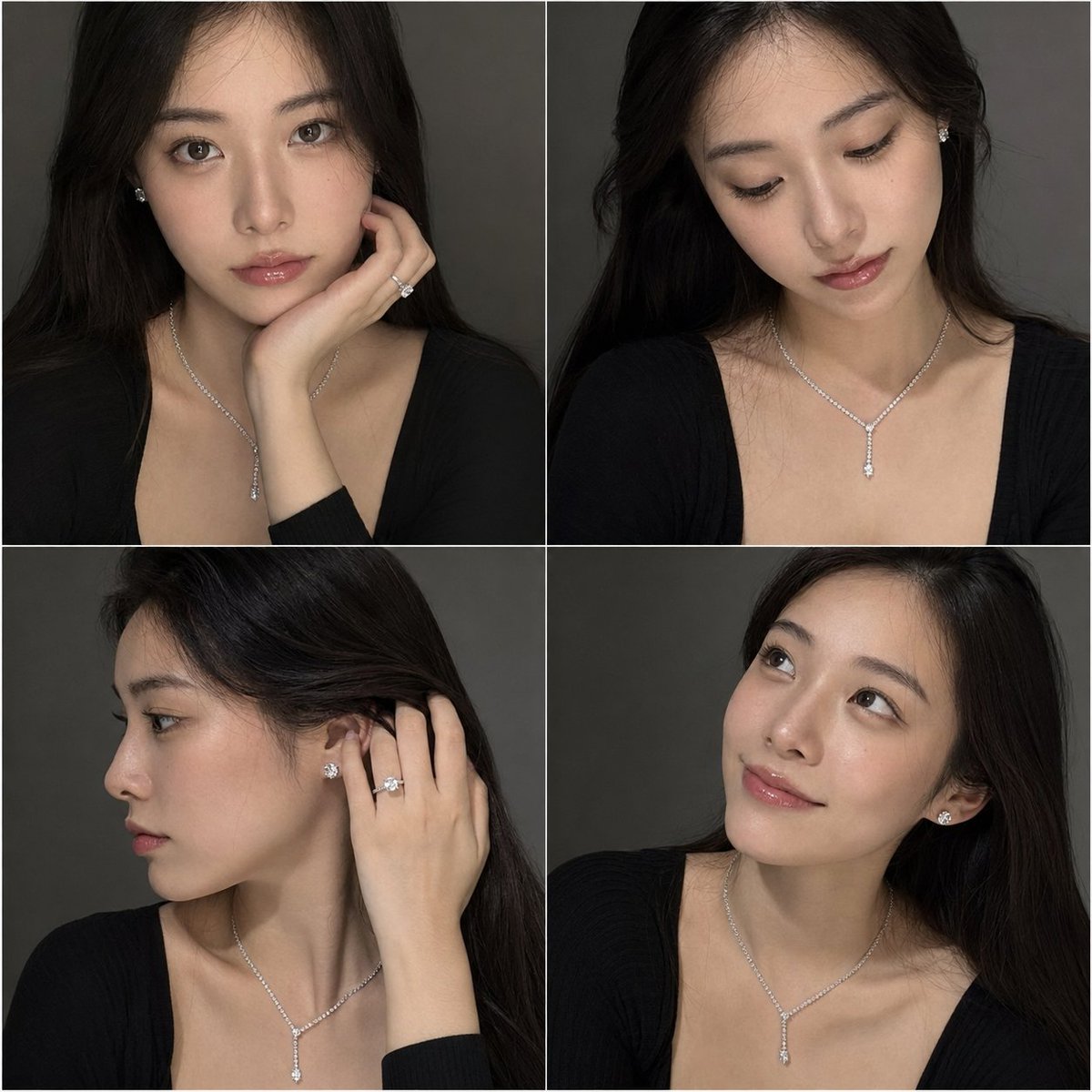
Luxury Jewelry Portrait Grid

Luxury Dream Home Real Estate Flyer
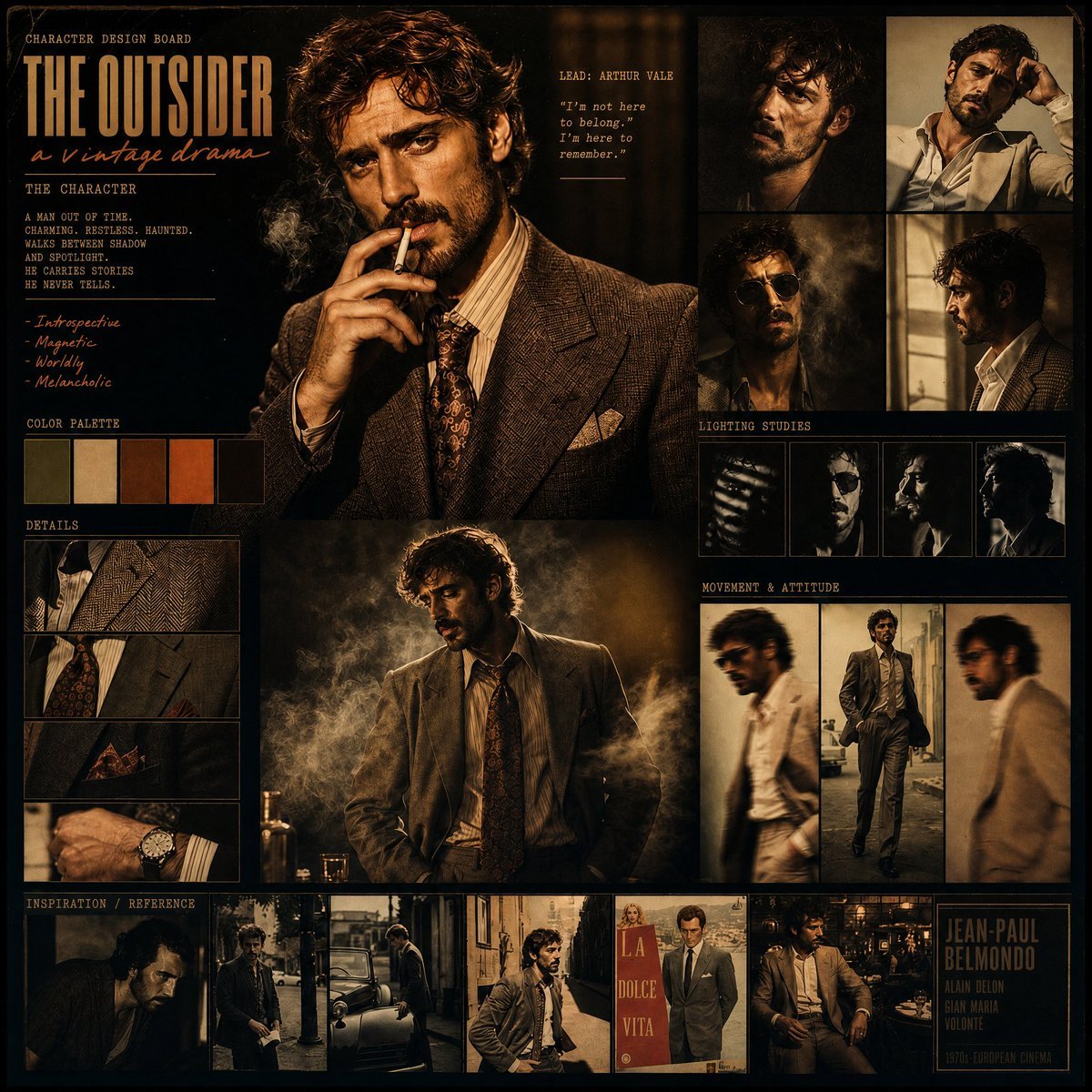
Vintage Drama Character Board
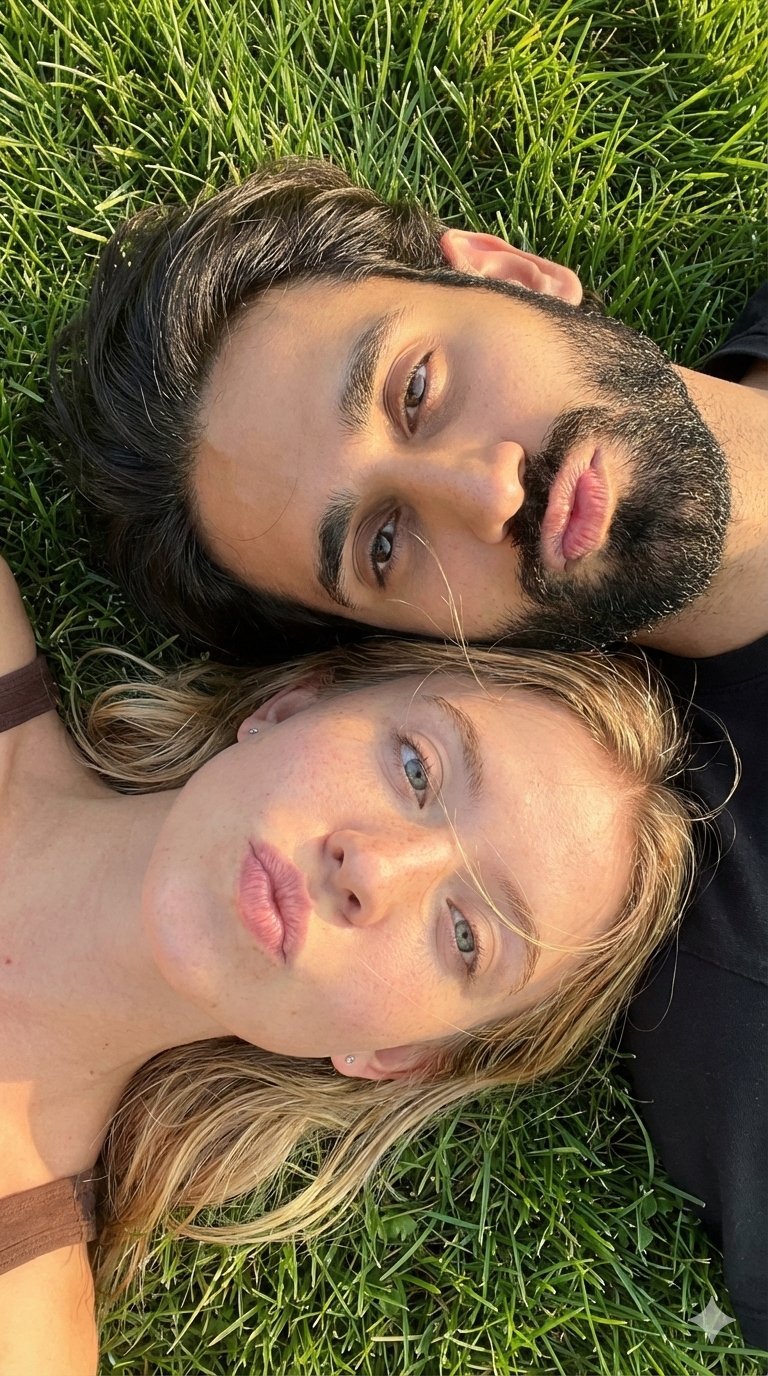
Selfie with Sydney Sweeney and Ana De Ar
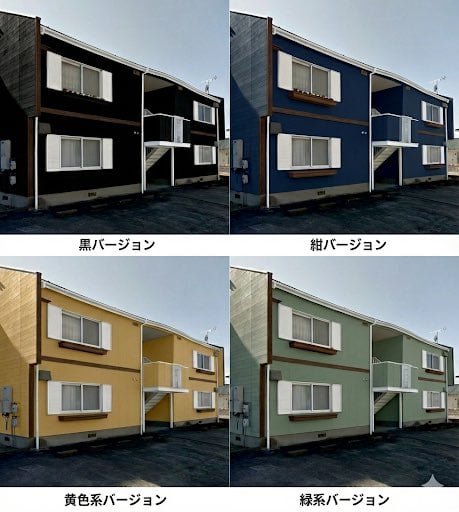
Paint scheme comparison image
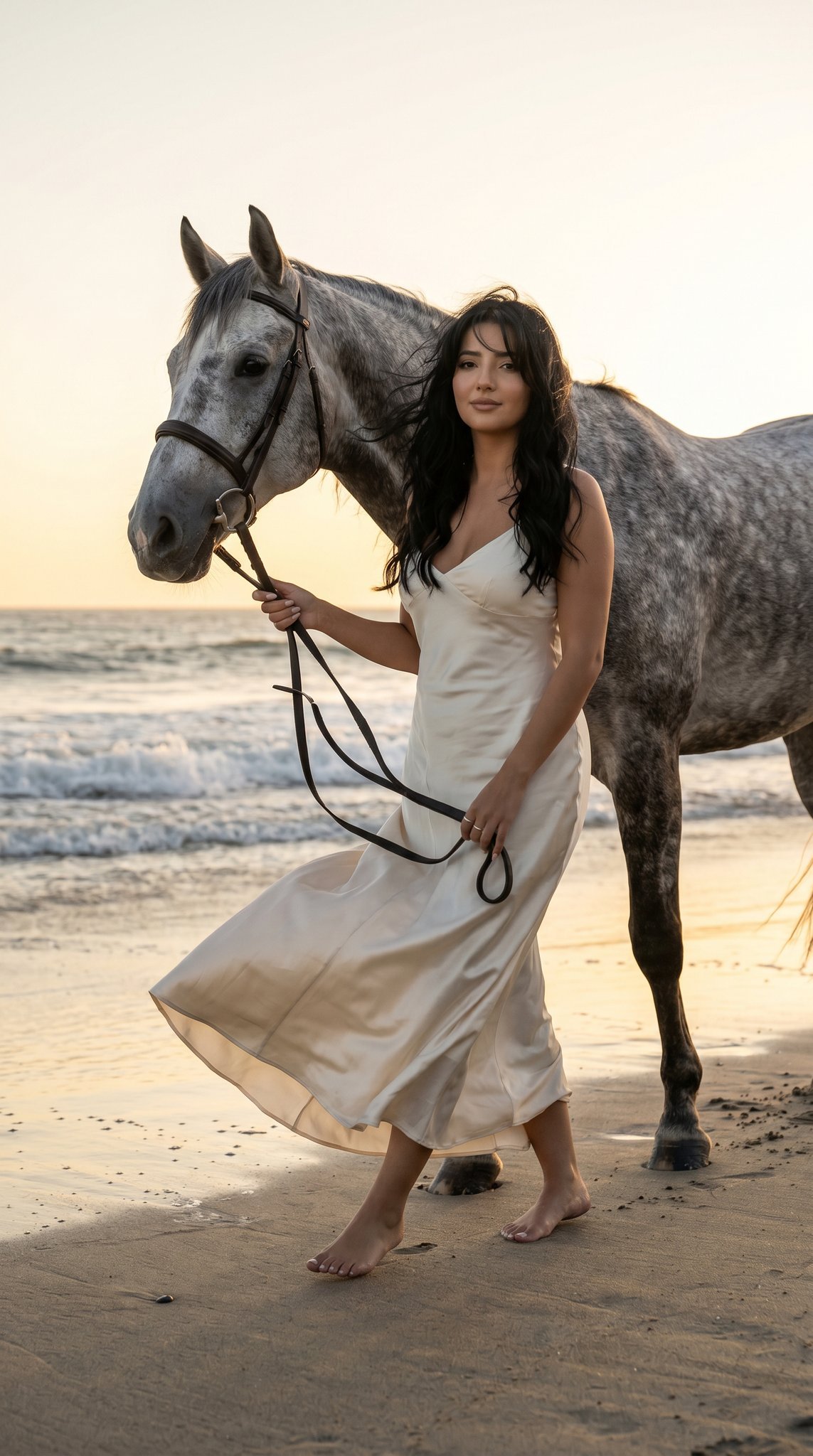
16 Malibu Beach Horse — California Series
Browse template categories
Ancient Chinese Cinematic Still questions
How do I use the Ancient Chinese Cinematic Still template?
Add your photo if the template asks for one, edit the prompt if you like — the template's model and format are already selected — and press Generate. Your version opens in PicX Studio.
Can I customize the Ancient Chinese Cinematic Still template?
Yes. You can change the subject, setting, lighting, mood, format, and available model controls before creating your image.
Is the Ancient Chinese Cinematic Still template free?
Opening and editing this template is free. Generating uses credits, shown on the Generate button when you are signed in.
Which AI model should I use?
Start with GPT Image 2, which is the model associated with this template. You can compare another compatible model for a different finish.
Looking for something else? Browse all templates.

Your photo, any look
Thousands of ready templates for every top image and video model, from one credit balance.