
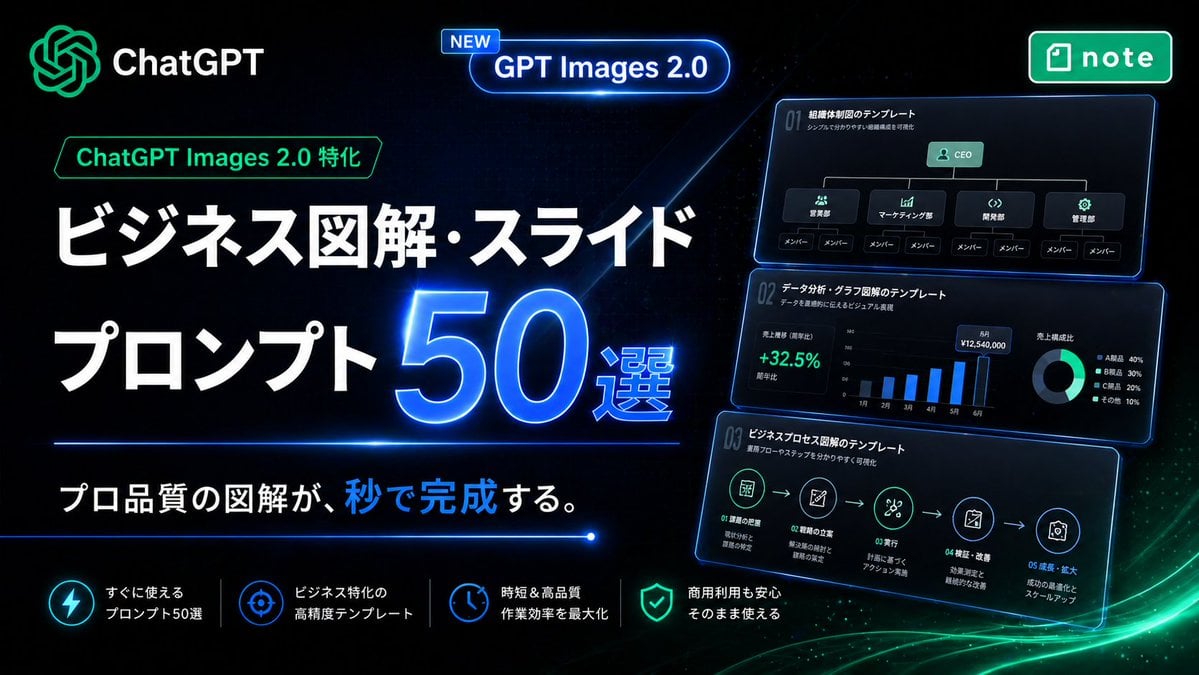
Neon Japanese AI Prompt Promo Banner
A futuristic Japanese landing-page style promotional banner for selling ChatGPT image prompt templates for business diagrams, slides, and infographic creation.
- Prompt included
- Model and format preset
- Free template
The prompt behind this image
Copy the exact prompt behind Neon Japanese AI Prompt Promo Banner, or open it in the studio and make it yours.
Create a high-impact Japanese promotional hero banner for a digital product about business infographic and slide prompts, in a futuristic neon tech style. Use a wide 16:9 composition with a deep black background, subtle dark blue grid texture, glowing blue light streaks, and soft green energy waves sweeping across the bottom right. The overall look should feel premium, cyber-luminous, modern SaaS marketing, with crisp contrast and polished UI lighting. Place the ChatGPT logo and the word "ChatGPT" in the top left, glowing in green and white. Near the upper center, add a rounded glowing blue capsule badge with a small tag that says "NEW" and main text "GPT Images 2.0". In the top right, place a green rounded rectangular app-style badge with the note logo and the word "note". On the left half, build the main headline stack in Japanese. Add a small green outlined label reading "ChatGPT Images 2.0 特化" above the headline. Then place a very large bold white headline on two lines: "ビジネス図解・スライド" and "プロンプト". Next to the second line, place an oversized glowing electric-blue number "50" with a bright neon rim light and the smaller text "選" attached to its lower right. Below the headline, add a thin horizontal blue neon divider line. Under it, place the subheadline in Japanese: "プロ品質の図解が、秒で完成する。" with the character group "秒で" highlighted in bright blue while the rest remains white. On the right half, show 3 stacked floating dark UI cards with blue neon outlines, each slightly tilted and glowing, like business slide templates preview thumbnails. Count exactly 3 cards. The top card should show an organization chart template with the title "01 組織体制図のテンプレート", a small subtitle line, a CEO box at top, 4 department boxes beneath it, and 8 member boxes total along the bottom row. The middle card should show a data-analysis dashboard template titled "01 データ分析・グラフ図解のテンプレート", with a green percentage "+32.5%", a monthly vertical bar chart with 6 bars labeled from 1月 to 6月, and a donut chart legend with exactly 4 items. The bottom card should show a business process flow template titled "01 ビジネスプロセス図解のテンプレート", with a 5-step horizontal icon flow connected by arrows and small Japanese labels under each step. Along the bottom, create a row of exactly 4 feature items separated by thin vertical dividers. Each feature item should have a glowing circular icon and two-line Japanese text in white. The 4 features are: "すぐに使える プロンプト50選", "ビジネス特化の 高精度テンプレート", "時短&高品質 作業効率を最大化", and "商用利用も安心 そのまま使える". Use icon styles resembling lightning, target/crosshair, clock, and shield respectively. Typography should be bold, geometric sans-serif, with extremely large Japanese headline text, clean alignment, and strong hierarchy. Emphasize blue and green neon glows, glossy reflections, luminous edges, and a sleek conversion-focused landing-page aesthetic. No people, no photography, only graphic design, UI cards, icons, and Japanese marketing text.
How to use Neon Japanese AI Prompt Promo Banner in 3 steps
- 1Upload ImagePNG, JPG or paste
Add your photo
Upload the photo the template builds on. The prompt, model and format are already set.
- 2…a portrait of your subject in softgolden-hour light, 85mm…
Personalize
Edit the subject and creative details for your destination.
- 3Generate
Generate
Press Generate — your image is created in PicX Studio, so you can compare it with the original and refine one variable at a time.
More like this
Templates with the same subject, style or setup. Open one to see its prompt.
Japanese Educational Promo Banner

80s Neon Disco Night

Minecraft Japanese Research Lab Exploration
Excel VBA Community Promo Banner
Neon Japanese AI IDE Landing Poster

Cartoon TV Show Poster Pack

Japanese Architectural Concrete Studio Fashion Campaign

Japanese Minimalist Concrete Studio Fashion Editorial

Blue Backdrop Luxury Fashion Portrait Campaign

Rainy Night Android Cyberpunk Portrait

Korean Idol Partial Shadow Editorial Portrait

Cyberpunk Neon Profile Fashion Portrait
Make it yours
Neon Japanese AI Prompt Promo Banner works as-is. These are the safest ways to change it without losing the look.
Change one field
Copy a single group, rewrite it, and generate again so you can see what that field is doing.
Keep the frame, change the subject
Hold the composition and light of Neon Japanese AI Prompt Promo Banner, then swap wardrobe, props or the person for a new take.
| If the result… | Why | Fix |
|---|---|---|
| The result drifts from the preview | Too many fields changed at once. | Reuse Neon Japanese AI Prompt Promo Banner as-is first, then change one group — subject, light, or setting. |
| The model over-stylizes the scene | The prose prompt leaves finish and camera underspecified. | Add one camera or lighting sentence and stay on GPT Image 2. |
More GPT Image 2 templates
Other prompts made for GPT Image 2.

Six VTuber Japanese Logo Sheet

Realistic Portrait of Woman and Deer

The Vista Modular Condo Poster

AI Model Routing Comparison Infographic

2.5D Anime Art Board

Isometric Productivity Desk Scene

New York Double Exposure Poster

Four-Panel AI Landscape Comparison

Japanese Tatami Lifestyle Magazine Cover

NESCAFÉ Coffee Map Poster
More image prompts
Fresh picks from across the catalog.

Nano Banana 2 Tulip Field
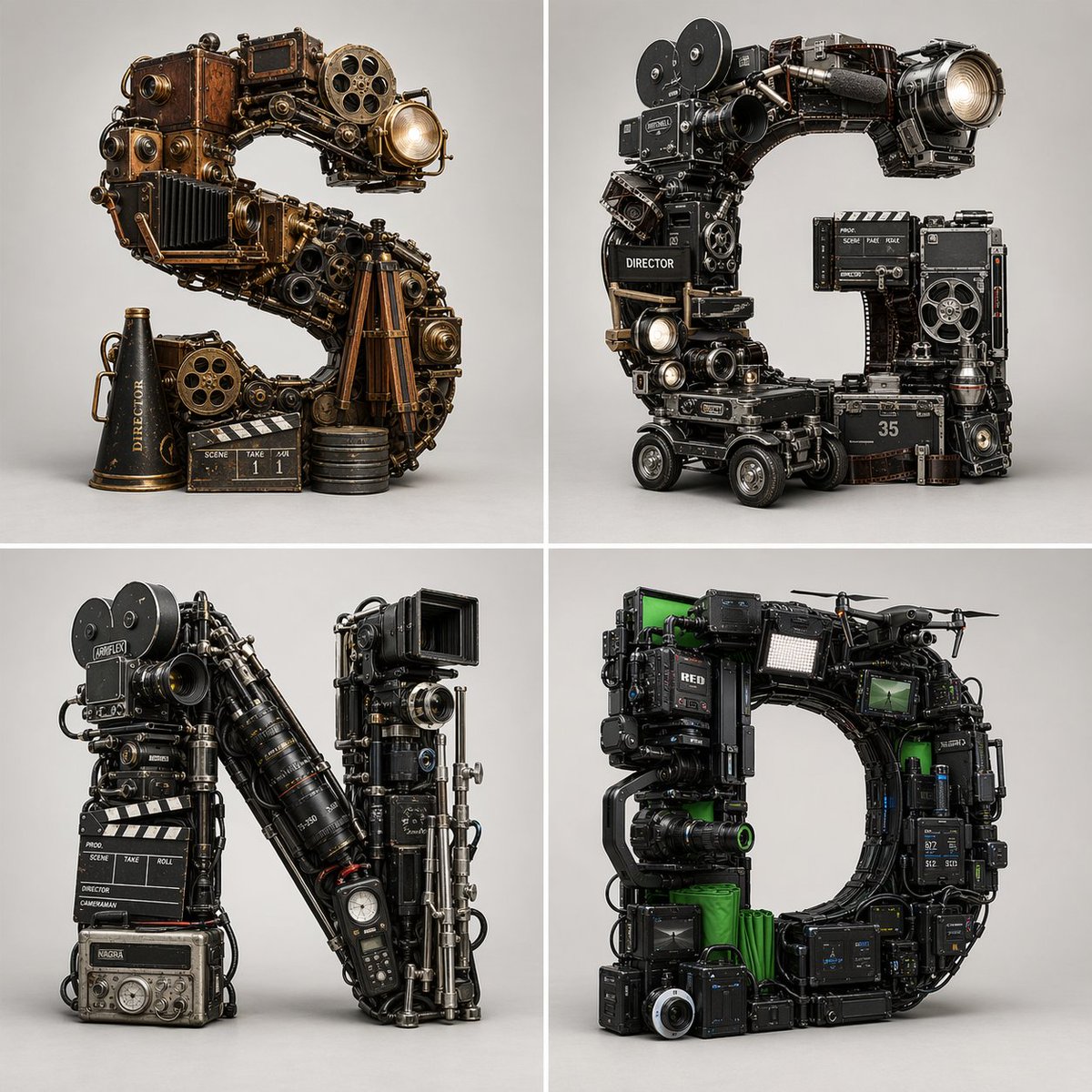
Filmmaking Eras Typographic Grid
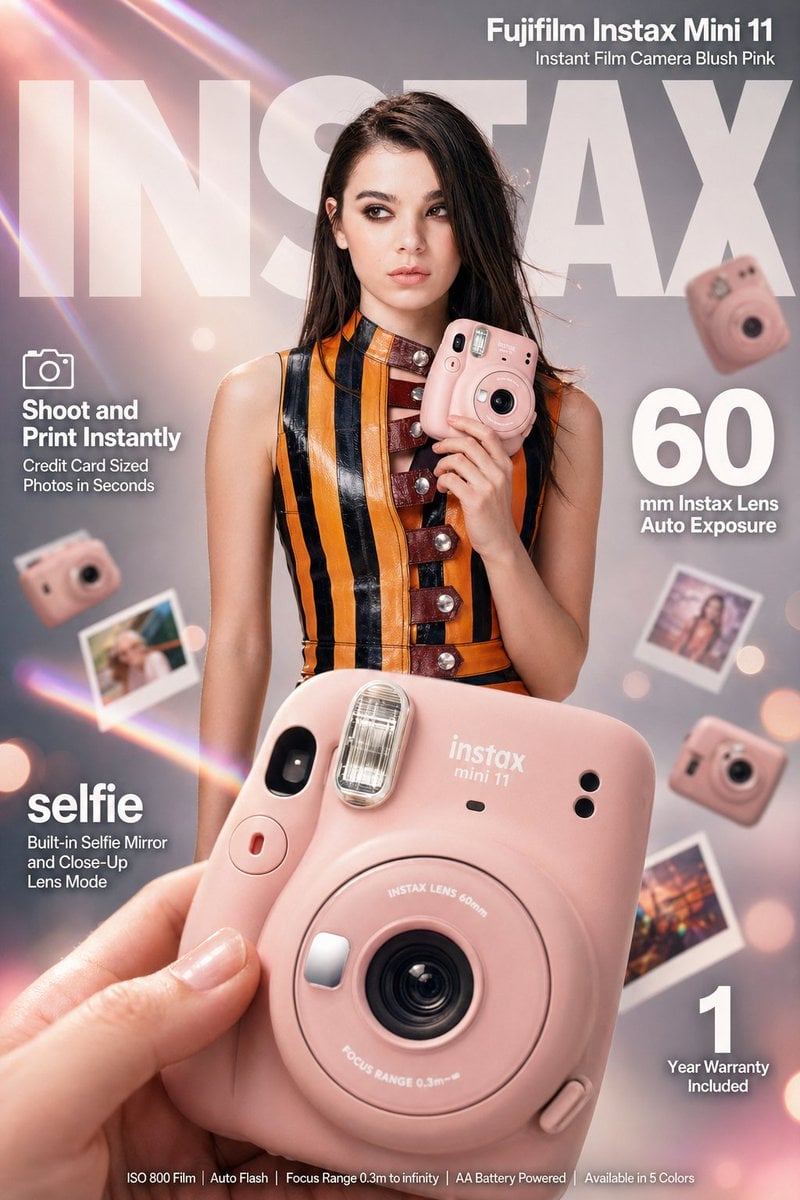
X Meng Dagg695 Gpt Image 2 on Socialsight
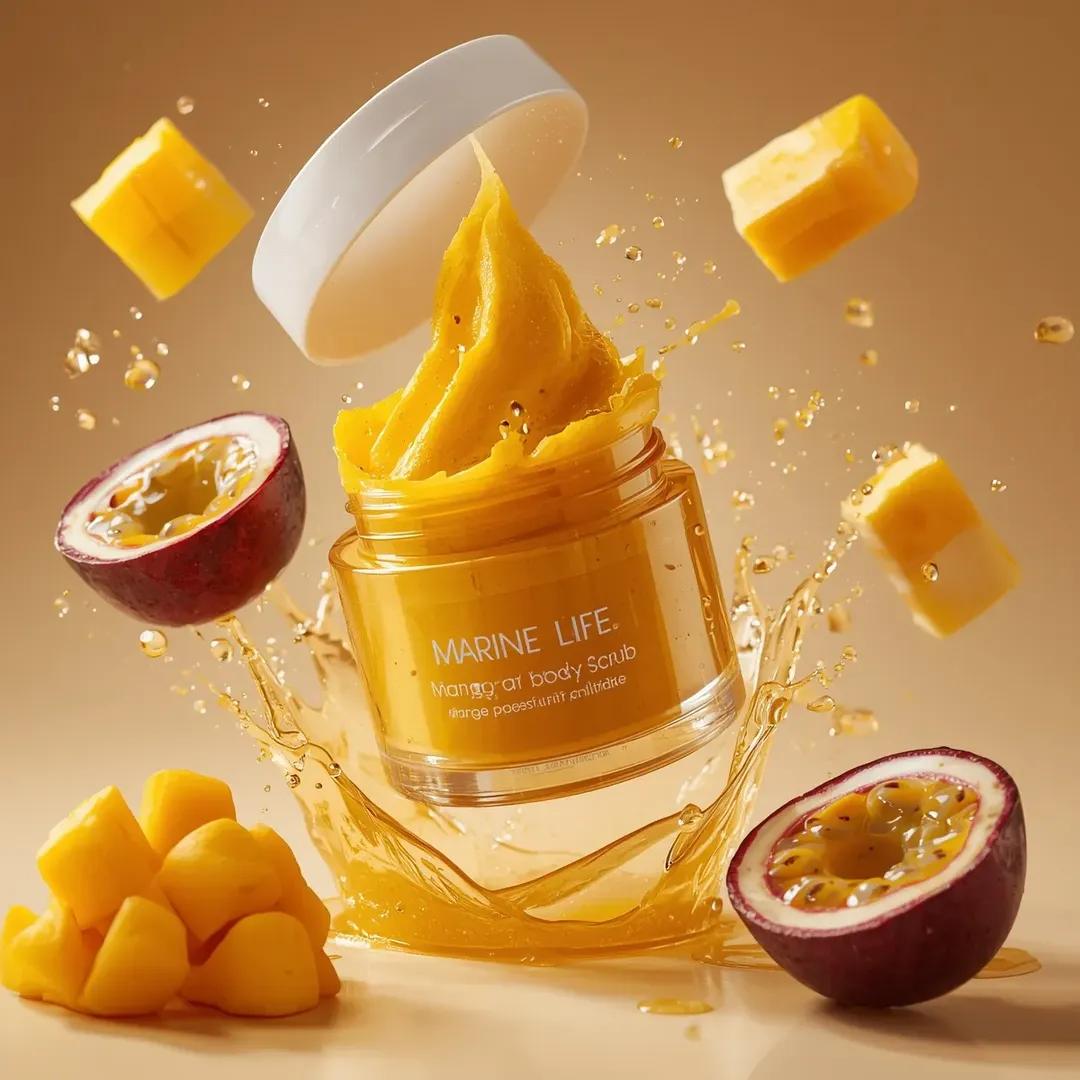
Exploding Cosmetic Jar Product Photography
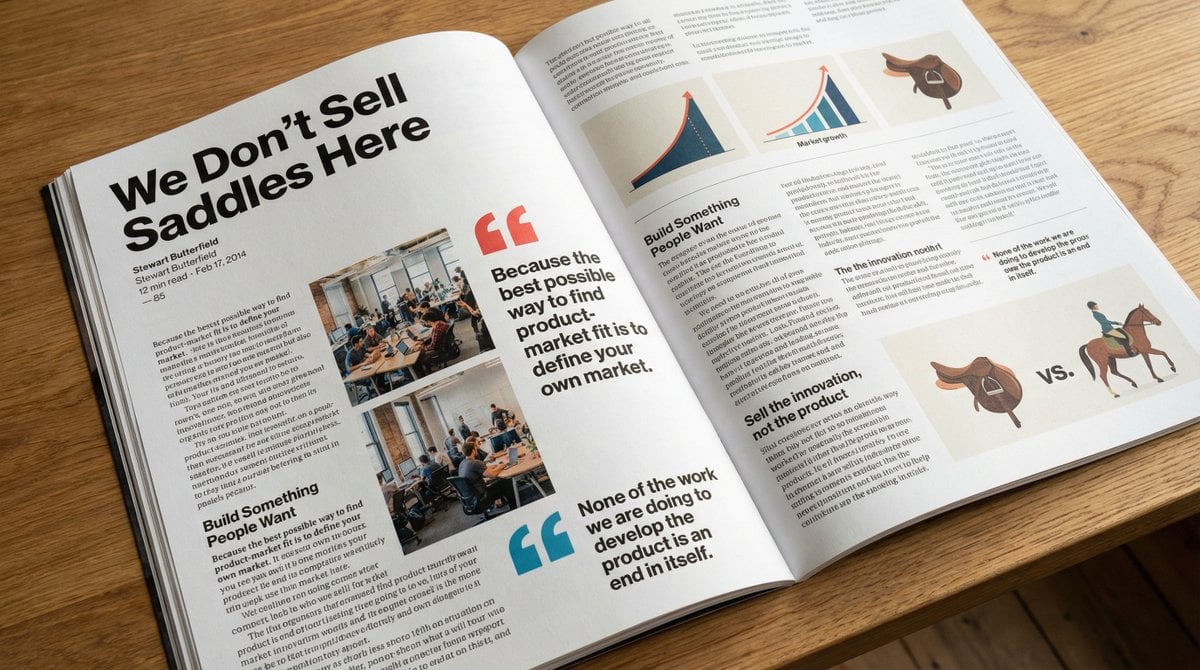
Glossy magazine article layout from text

Intimate Studio Portrait with Fairy Lights Prompt
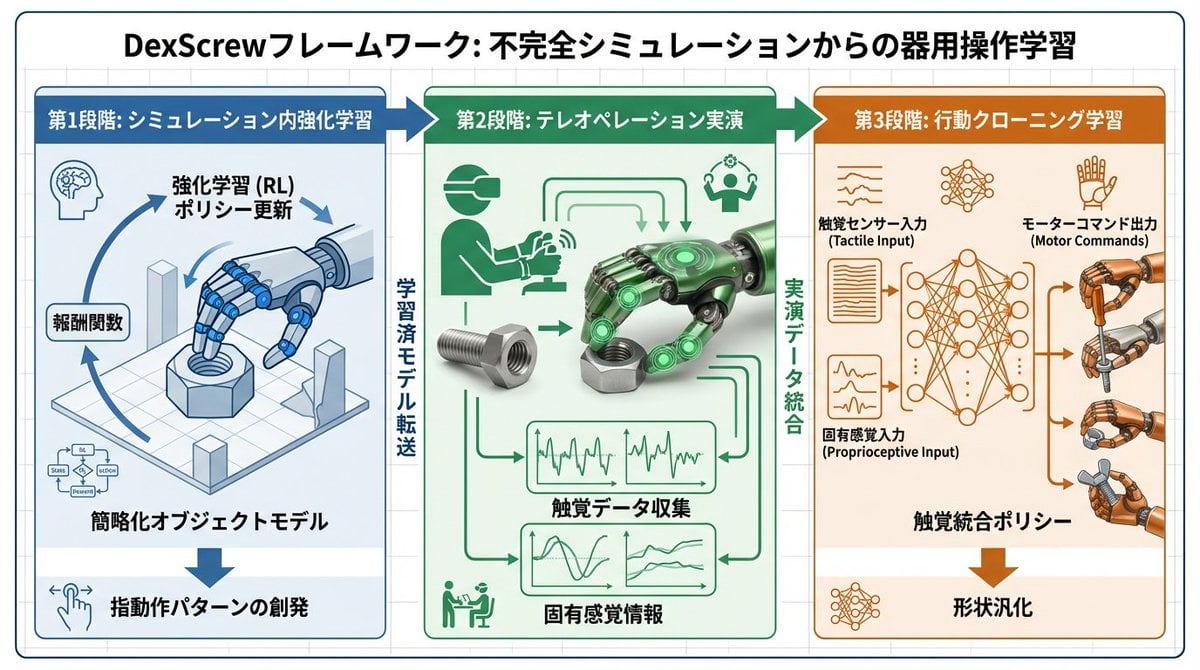
Accurate Academic Diagram Generation Prompt
Censored Vintage Smoking Film Still
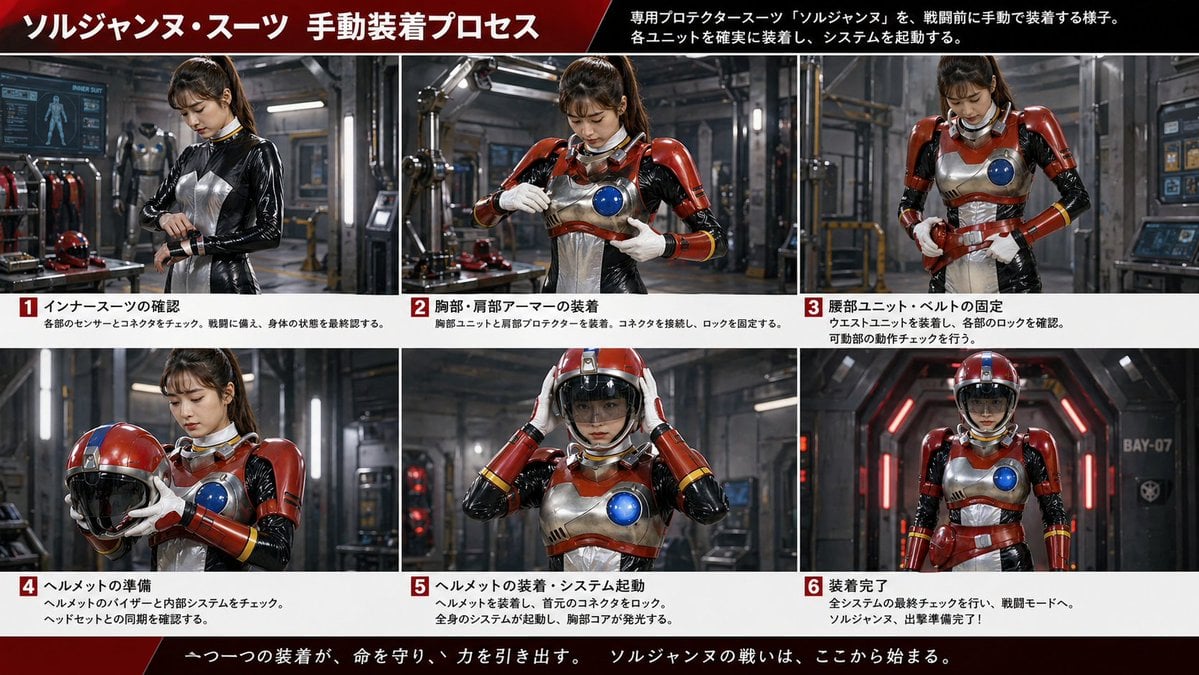
Japanese Sci-Fi Suit-Up Process Board
Mystical Tree of Life Landscape
Browse template categories
Neon Japanese AI Prompt Promo Banner questions
How do I use the Neon Japanese AI Prompt Promo Banner template?
Add your photo if the template asks for one, edit the prompt if you like — the template's model and format are already selected — and press Generate. Your version opens in PicX Studio.
Can I customize the Neon Japanese AI Prompt Promo Banner template?
Yes. You can change the subject, setting, lighting, mood, format, and available model controls before creating your image.
Is the Neon Japanese AI Prompt Promo Banner template free?
Opening and editing this template is free. Generating uses credits, shown on the Generate button when you are signed in.
Which AI model should I use?
Start with GPT Image 2, which is the model associated with this template. You can compare another compatible model for a different finish.
Looking for something else? Browse all templates.

Your photo, any look
Thousands of ready templates for every top image and video model, from one credit balance.