
X Meng Dagg695 Gpt Image 2 on Socialsight
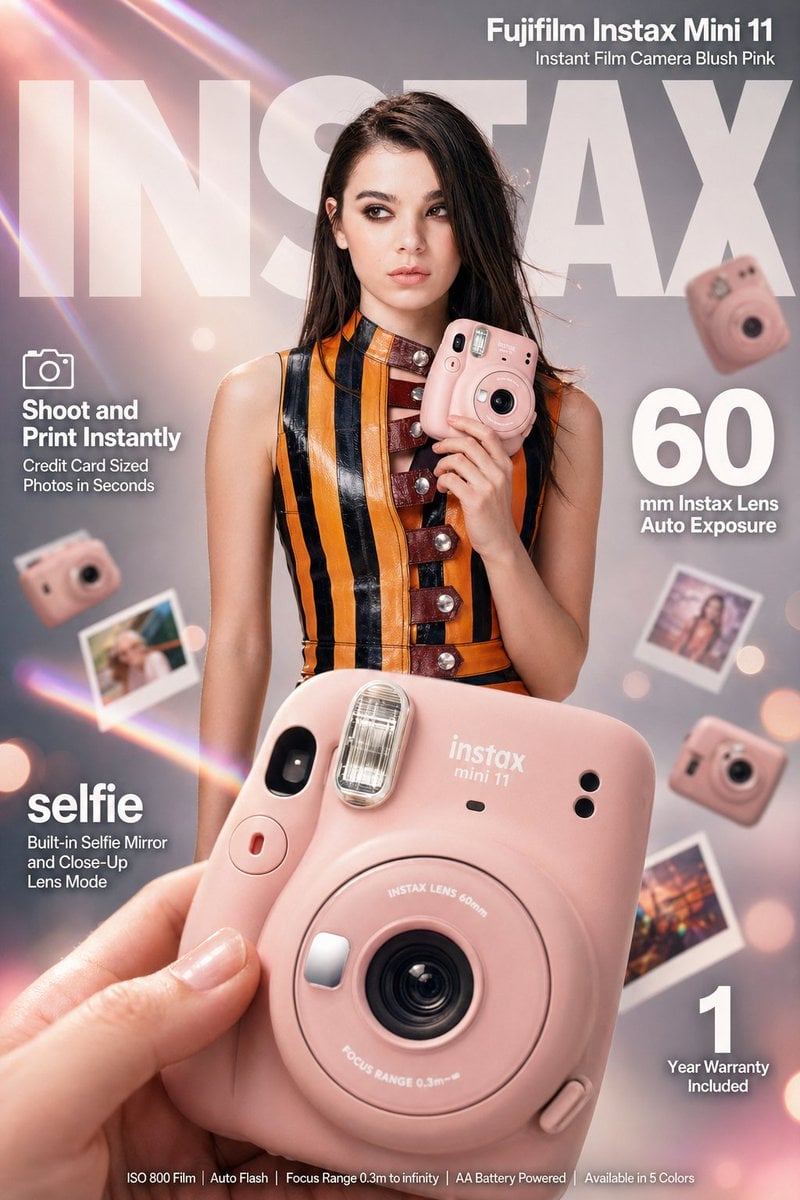
GPT image 2 on @SocialSight PROMPT: High-impact e-commerce infographic advertisement for "Fujifilm Instax Mini 11" blush pink instant camera.
- Prompt included
- Model and format preset
- Free template
The prompt behind this image
Copy the exact prompt behind X Meng Dagg695 Gpt Image 2 on Socialsight, or open it in the studio and make it yours.
GPT image 2 on @SocialSight PROMPT: High-impact e-commerce infographic advertisement for "Fujifilm Instax Mini 11" blush pink instant camera. FOREGROUND: Extreme close-up of a hand holding a compact rounded blush-pink Fujifilm Instax Mini 11 camera angled toward camera, razor-sharp center focus, macro-lens shallow depth of field, visible 60mm silver lens ring, crystal pop-up flash, white instax mini 11 branding on body, red shutter button accent, fingertips softly blurred at edges. CENTRAL MODEL: confident young woman with straight dark brown hair, light natural makeup, cool editorial expression, wearing a bold orange and black vertical-striped sleeveless leather mini dress with deep red buckle details and silver stud buttons, holding the blush-pink Instax Mini 11 casually at chest height with camera face pointing outward, slight off-camera gaze, stylish composed energy. BACKGROUND: soft-focus cool light gray gradient studio backdrop fading to warm white center, diagonal pastel prism lens flares in pink peach and lavender cutting upper-left to lower-right, soft blush-pink and cream light leaks at corners, 4 to 5 blurred Fujifilm Instax Mini 11 cameras floating at various depths and rotation angles, scattered polaroid-style instant photo prints in background bokeh, subtle bokeh circles from studio lights. LIGHTING: professional three-point studio lighting, key light upper-left, fill light right side, rim light behind model for separation, glossy highlights on camera lens ring and flash unit. TYPOGRAPHY overlaid clean bold white sans-serif: massive semi-transparent "INSTAX" text spanning full width behind model at top center, top right bold text "Fujifilm Instax Mini 11" with subtitle "Instant Film Camera Blush Pink", mid-left small camera icon with bold "Shoot and Print Instantly" and subtext "Credit Card Sized Photos in Seconds", mid-right extra-large bold numeral "60" with smaller text "mm Instax Lens Auto Exposure", lower-left bold "selfie" with subtext "Built-in Selfie Mirror and Close-Up Lens Mode", bottom-right bold numeral "1" with subtext "Year Warranty Included", bottom center fine print "ISO 800 Film | Auto Flash | Focus Range 0.3m to infinity | AA Battery Powered | Available in 5 Colors". TECHNICAL: 8K ultra-sharp, hyperrealistic commercial ad aesthetic, editorial fashion meets lifestyle product photography style, color palette blush pink orange black cream pastel prism accents, tack-sharp on Instax camera with shallow DOF on everything else, 85mm macro slight low angle, warm vibrant professional color grading.
How to use X Meng Dagg695 Gpt Image 2 on Socialsight in 3 steps
- 1Upload ImagePNG, JPG or paste
Add your photo
Upload the photo the template builds on. The prompt, model and format are already set.
- 2…a portrait of your subject in softgolden-hour light, 85mm…
Personalize
Edit the subject and creative details for your destination.
- 3Generate
Generate
Press Generate — your image is created in PicX Studio, so you can compare it with the original and refine one variable at a time.
More like this
Templates with the same subject, style or setup. Open one to see its prompt.
X Meng Dagg695 Gpt Image 2 on Socialsight
X Meng Dagg695 Gpt Image 2 on Socialsight

X Ozayrr Irl Chatgpt Image 2 Vs Google

X Chatgptpaglu Gpt Image 2 on Yapper So

X Kashberg 0 Gpt Image 20

Gpt2 Infographic Edu Visual Biomimetic Skyray Aircraft Poster

Gpt2 Social Media Post Bmw Performance Social Poster
Gpt2 Social Media Post Anime Campers in a Winter Tent
Gpt2 Profile Avatar Portrait of a Gentle Woman with Glasses

Gpt2 Avant Garde Tennis Fashion

Gpt Image 2 Fashion Portrait

Two Tickets, One Night
Make it yours
X Meng Dagg695 Gpt Image 2 on Socialsight works as-is. These are the safest ways to change it without losing the look.
Change one field
Copy a single group, rewrite it, and generate again so you can see what that field is doing.
Keep the frame, change the subject
Hold the composition and light of x-meng_dagg695-gpt-image-2-on-socialsight, then swap wardrobe, props or the person for a new take.
| If the result… | Why | Fix |
|---|---|---|
| The result drifts from the preview | Too many fields changed at once. | Reuse x-meng_dagg695-gpt-image-2-on-socialsight as-is first, then change one group — subject, light, or setting. |
| The model over-stylizes the scene | The prose prompt leaves finish and camera underspecified. | Add one camera or lighting sentence and stay on GPT Image 2. |
More GPT Image 2 templates
Other prompts made for GPT Image 2.

Six VTuber Japanese Logo Sheet

Realistic Portrait of Woman and Deer

The Vista Modular Condo Poster

AI Model Routing Comparison Infographic

2.5D Anime Art Board

Isometric Productivity Desk Scene

New York Double Exposure Poster

Four-Panel AI Landscape Comparison

Japanese Tatami Lifestyle Magazine Cover

NESCAFÉ Coffee Map Poster
More image prompts
Fresh picks from across the catalog.

Ultra-Cinematic Luxury Artisan Soap Product Photography

Minimalist BMW Commercial Ad

Professional AI Headshot Transformation
Vibrant Automotive Poster Design

Hyper-realistic 3D fluffy logo transformation
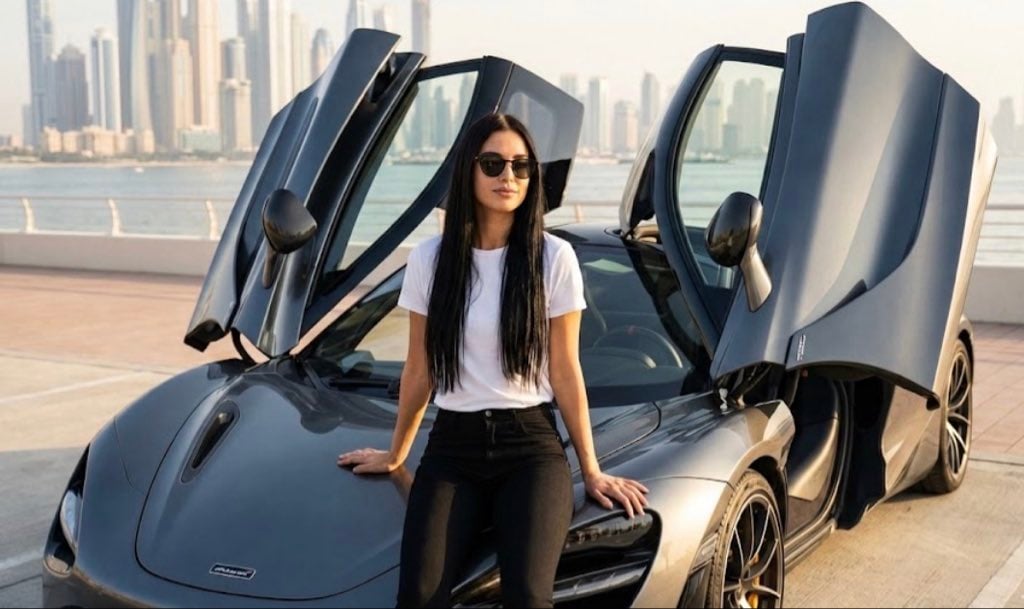
Ultra Realistic McLaren Supercar Portrait Prompt

Asimov Visionary Split-Scene Concept Art Prompt
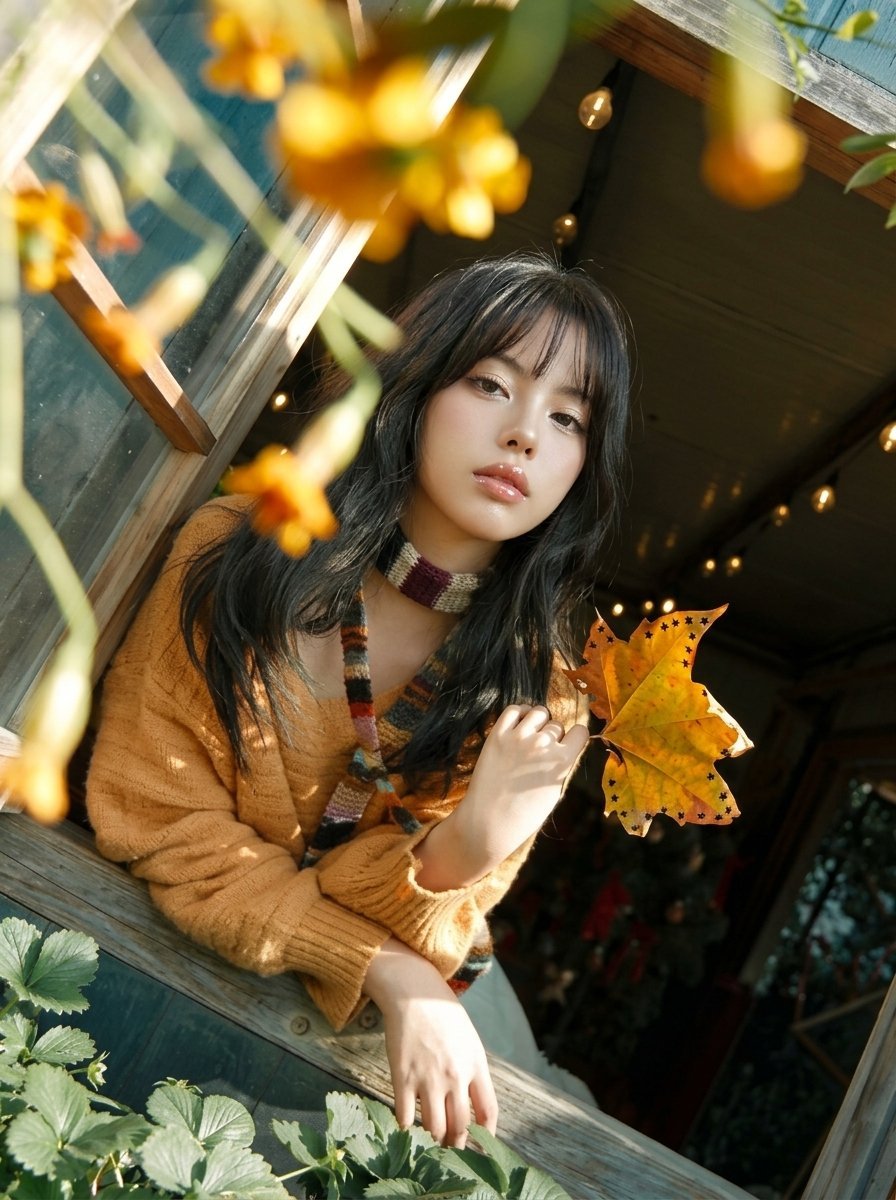
Y2K Windowsill Maple Leaf — Early 2000s Digital Photo
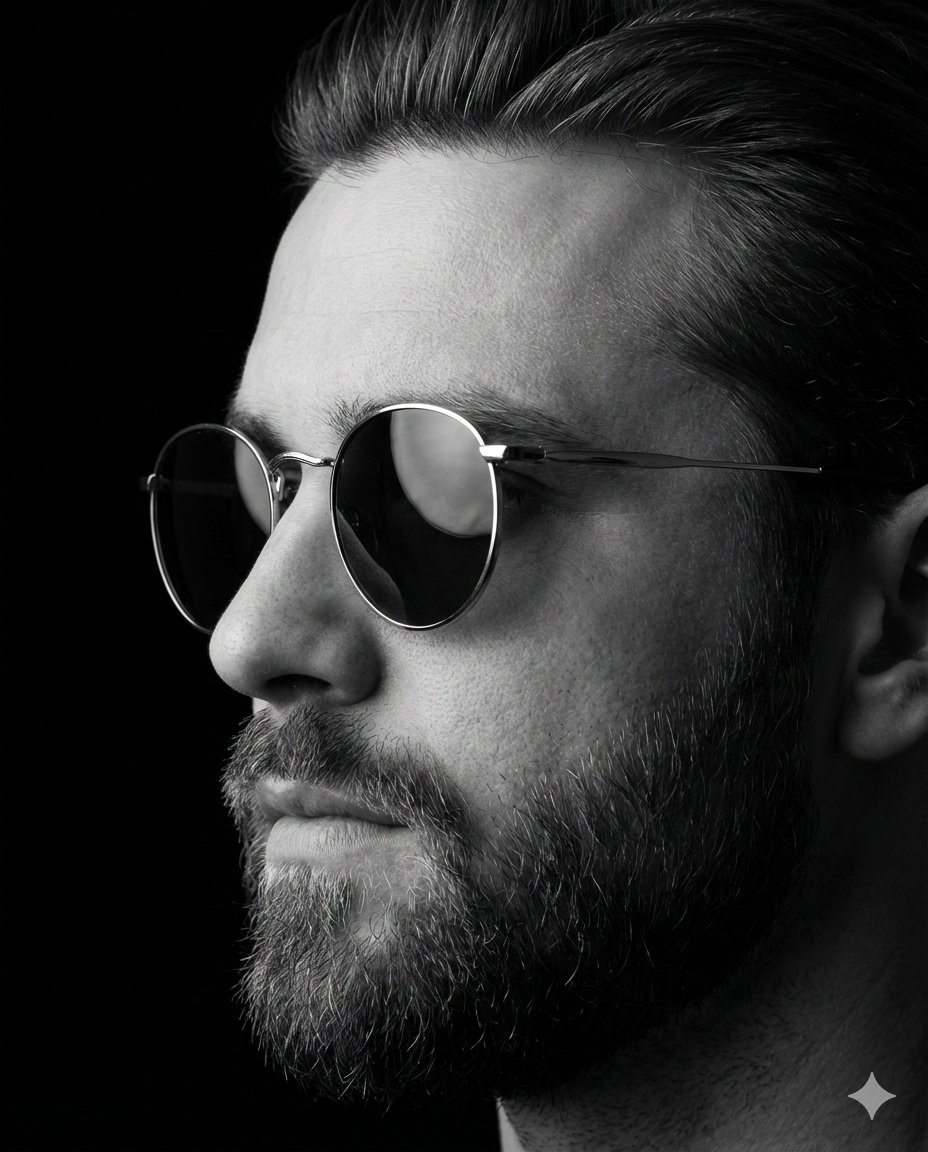
Dramatic Black-and-White Studio Portrait of a Stylish Man
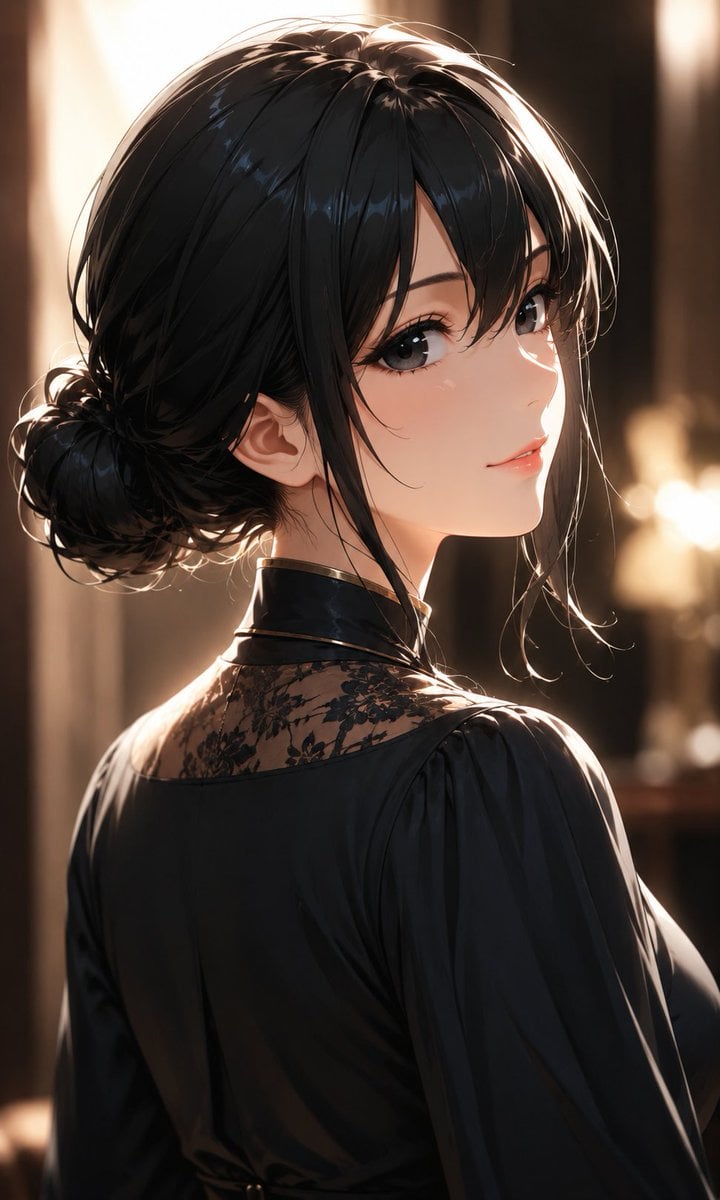
Elegant Backlit Anime Woman Portrait
Browse template categories
X Meng Dagg695 Gpt Image 2 on Socialsight questions
How do I use the x-meng_dagg695-gpt-image-2-on-socialsight template?
Add your photo if the template asks for one, edit the prompt if you like — the template's model and format are already selected — and press Generate. Your version opens in PicX Studio.
Can I customize the x-meng_dagg695-gpt-image-2-on-socialsight template?
Yes. You can change the subject, setting, lighting, mood, format, and available model controls before creating your image.
Is the x-meng_dagg695-gpt-image-2-on-socialsight template free?
Opening and editing this template is free. Generating uses credits, shown on the Generate button when you are signed in.
Which AI model should I use?
Start with GPT Image 2, which is the model associated with this template. You can compare another compatible model for a different finish.
Looking for something else? Browse all templates.

Your photo, any look
Thousands of ready templates for every top image and video model, from one credit balance.