
X Kashberg 0 Gpt Image 20
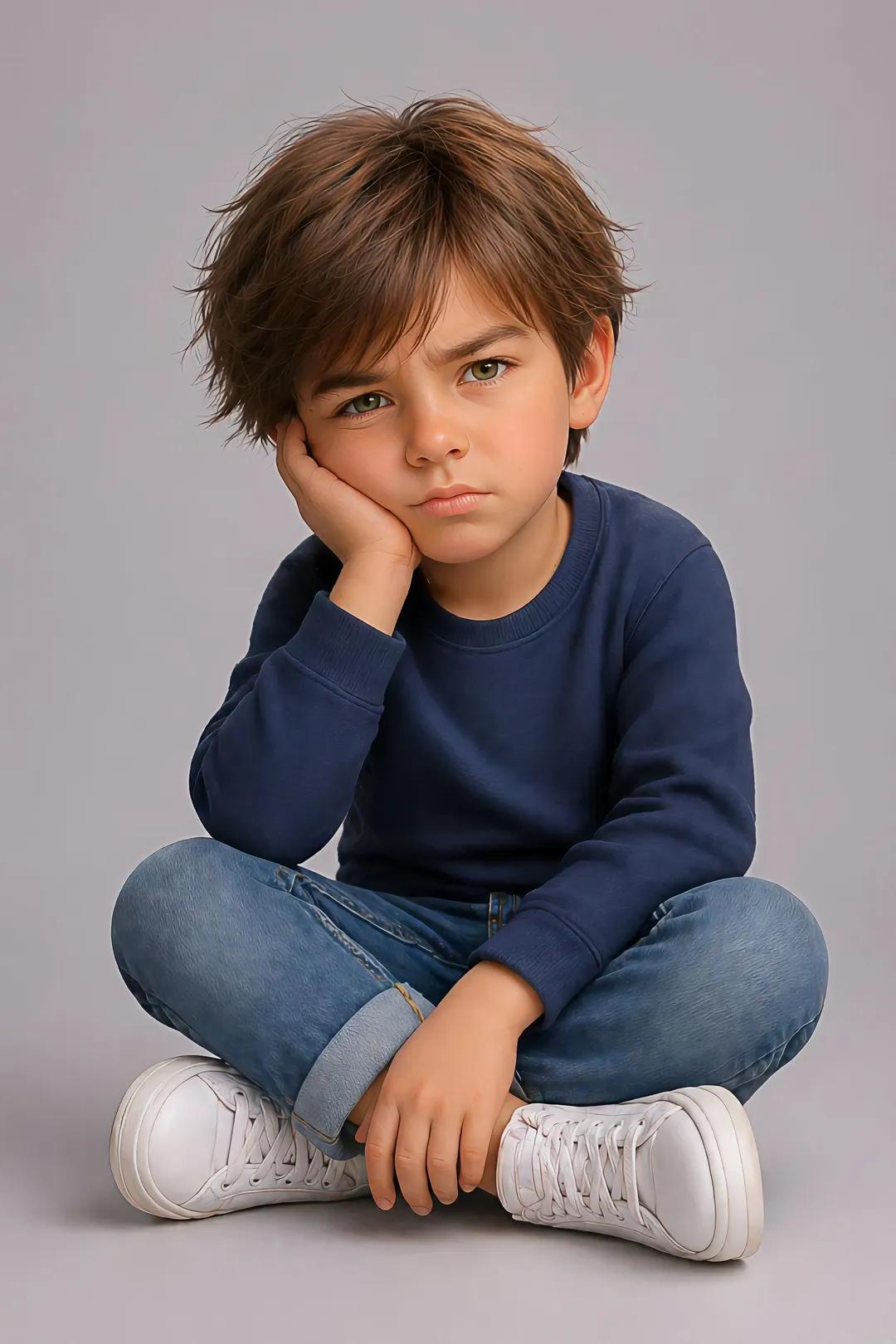
X Kashberg 0 Gpt Image 20 is a ready photo look for GPT Image 2.
- Prompt included
- Model and format preset
- Free template
The prompt behind this image
Copy the exact prompt behind X Kashberg 0 Gpt Image 20, or open it in the studio and make it yours.
GPT IMAGE 2.0 Prompt: Create an image using the uploaded image. Ultra-detailed, hyper-realistic, 3d pixar portrait of a young child (male or female variant), preserving the exact facial identity, structure, and proportions from the reference image with high fidelity. Pose (must match exactly): Child is sitting on the floor with legs crossed. One elbow is resting on the knee, with the hand supporting the side of the face (cheek pressed into palm). The other hand rests relaxed near the ankle or shin. Head slightly tilted forward. Expression is mildly annoyed, pouting, or bored with furrowed brows and subtle frown. Eye contact directed toward camera. Body proportions: Natural child proportions with slightly stylized softness. Maintain realistic anatomy, no exaggeration. Face & expression: Preserve original eye shape, nose structure, lips, and skin tone. Expression should reflect subtle frustration or impatience (pout, slight brow tension). Hair: Female: medium to long natural hair, slightly tousled, soft volume, optional small accessory (clip or tuck behind ear) Male: short to medium natural hairstyle, softly textured, slightly tousled Clothing: Casual modern outfit: Random color long-sleeve sweater or similar soft fabric top Denim jeans (rolled cuffs optional) Clean white sneakers Lighting: Soft studio lighting, evenly diffused, gentle shadows under chin and body, smooth skin rendering without over-processing. Background: Minimal clean studio backdrop (light grey or soft neutral tone), seamless and distraction-free. Details: Highly detailed skin texture, realistic fabric folds, natural hair strands with subtle flyaways, crisp focus, 8k resolution feel. Camera: Eye-level perspective, centered framing, shallow depth of field but subject fully sharp. Vertical portrait composition, full frame height emphasis, cinematic poster layout.
How to use X Kashberg 0 Gpt Image 20 in 3 steps
- 1Upload ImagePNG, JPG or paste
Add your photo
Upload the photo the template builds on. The prompt, model and format are already set.
- 2…a portrait of your subject in softgolden-hour light, 85mm…
Personalize
Edit the subject and creative details for your destination.
- 3Generate
Generate
Press Generate — your image is created in PicX Studio, so you can compare it with the original and refine one variable at a time.
More like this
Templates with the same subject, style or setup. Open one to see its prompt.
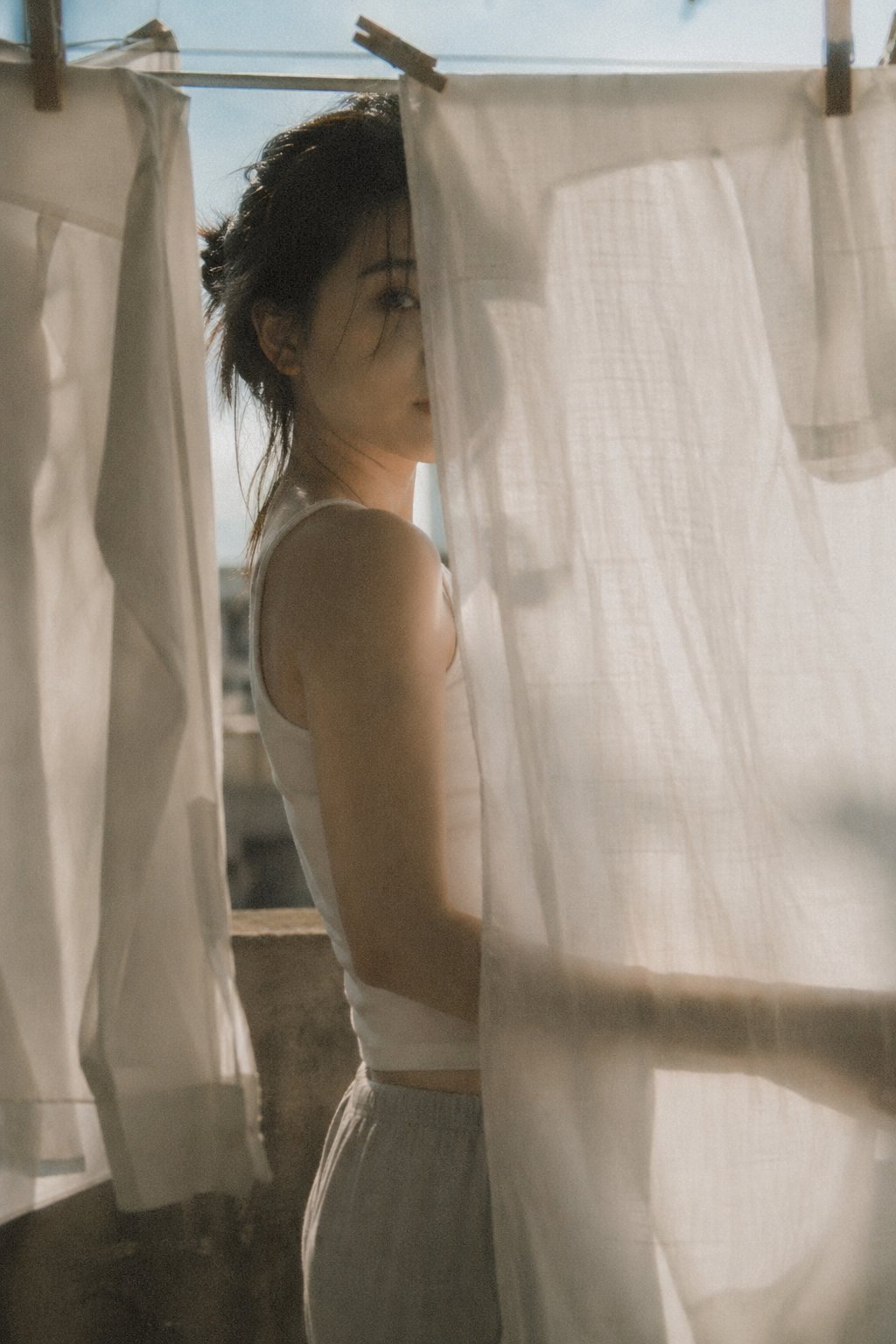
X Bubblebrain Soft Backlight By Gpt Image 2
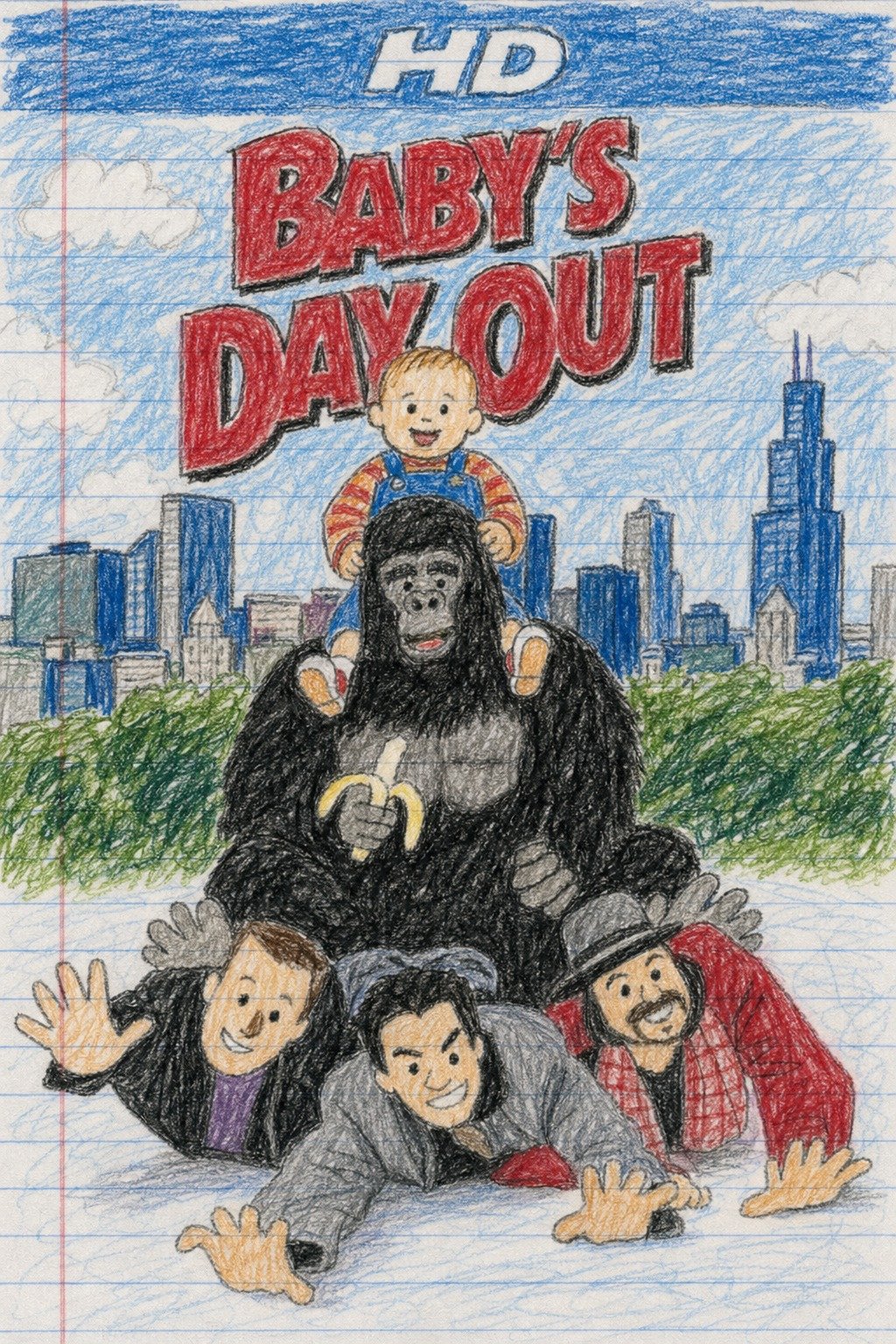
X Doctorwasif Made with Chatpgpt Image 2
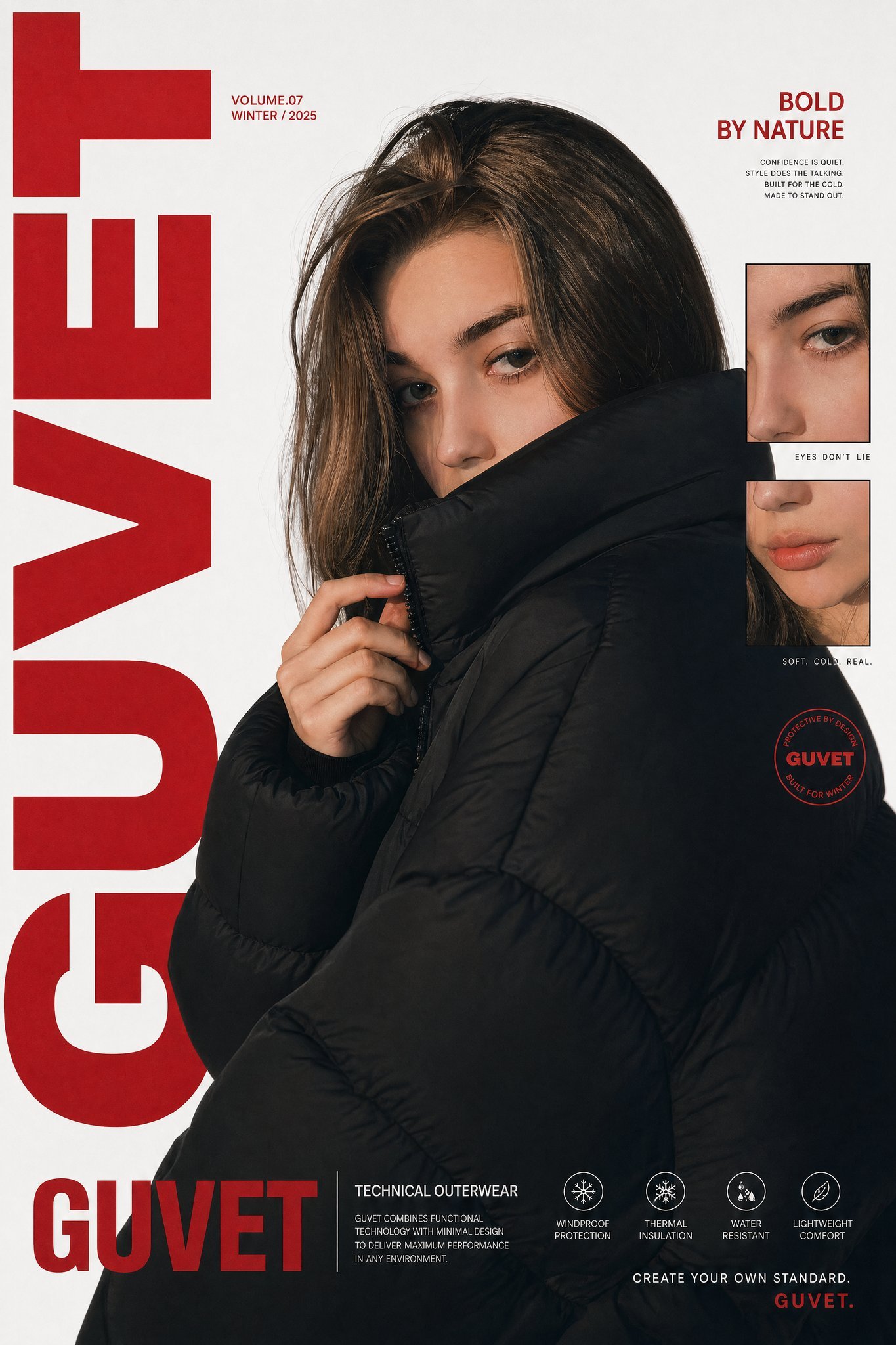
X Saniaspeaks Created with Gpt Image 2 on Chatgpt
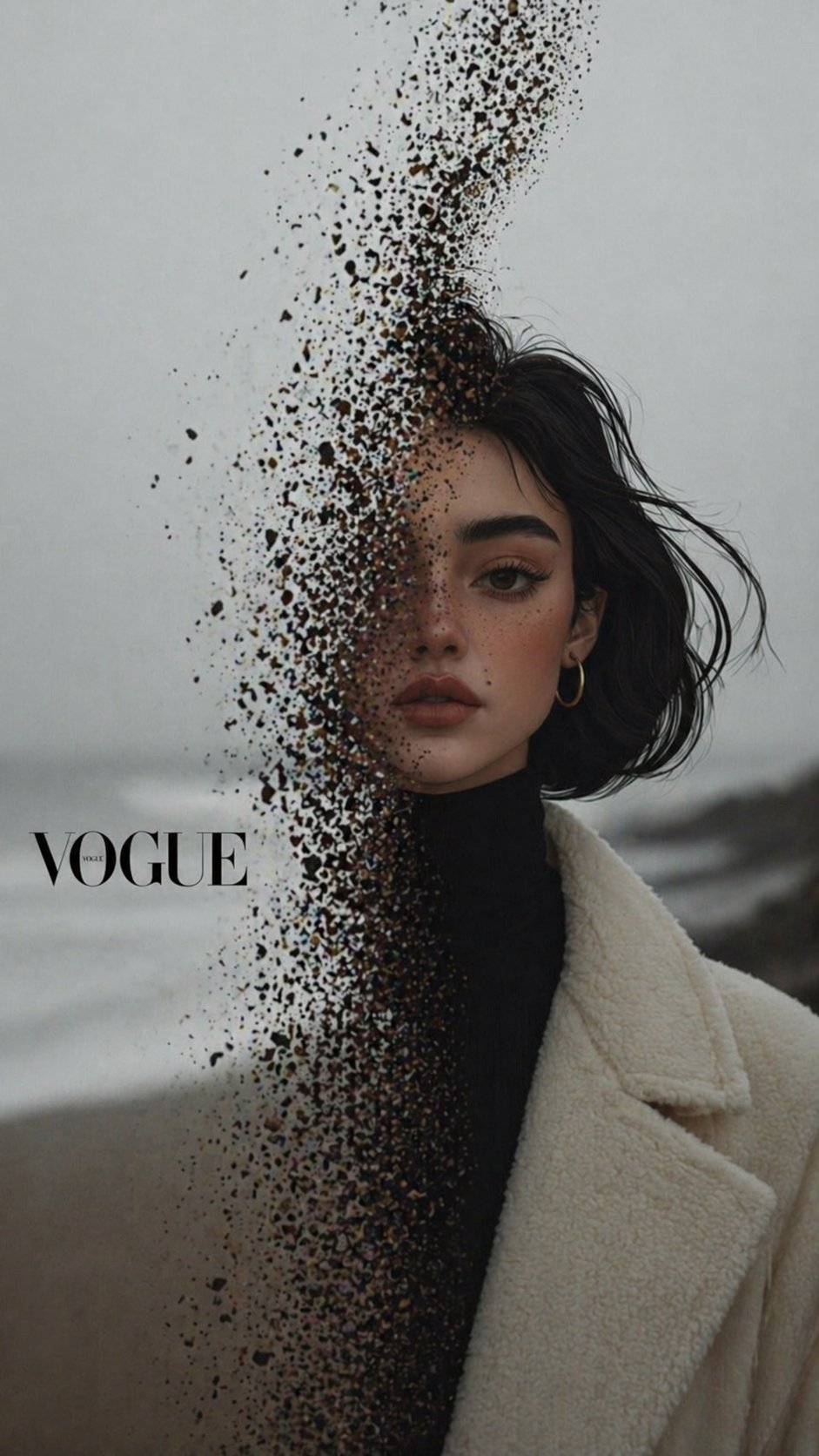
X Noor Ul Ain43 Hard Truth Your Expensive Setup Isnt Special Anymore Prompts Chatgpt Images
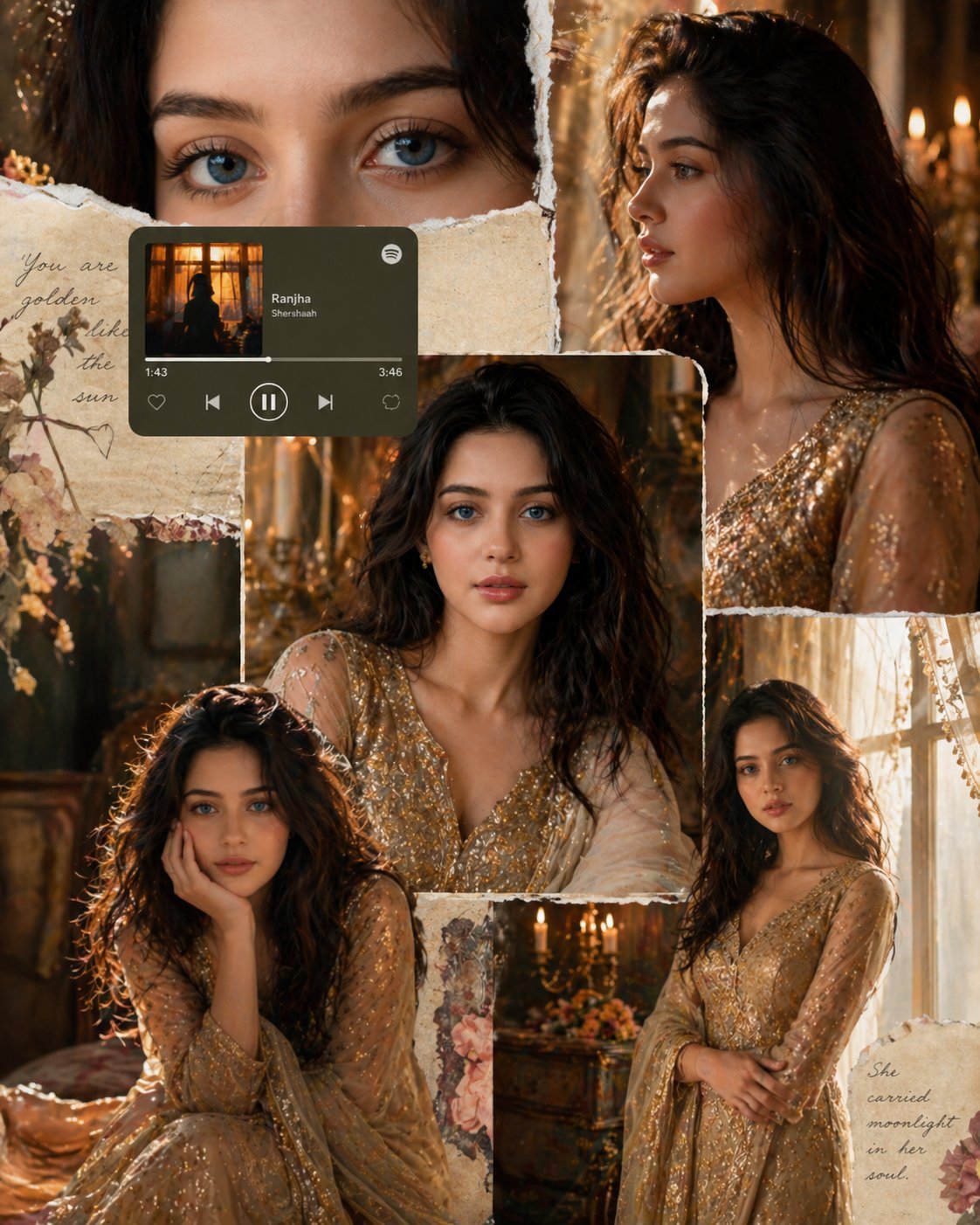
X Imgopaltiwari Golden Memories in Soft Light Chatgptapp
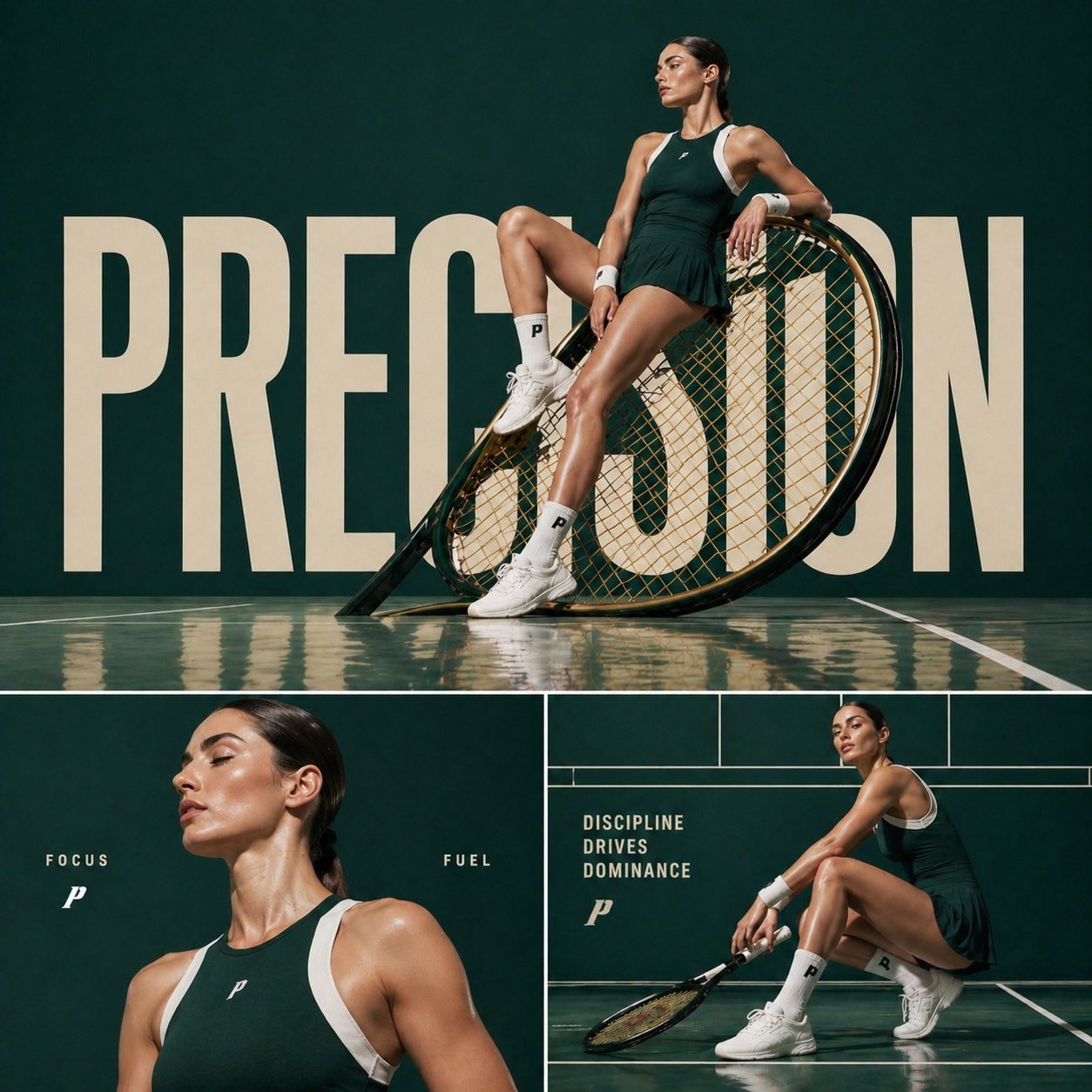
X Aiwithkhan Gpt Image 2 on Chatgpt

X Ayzalnooor24521 Gemini Nano Banana Pro
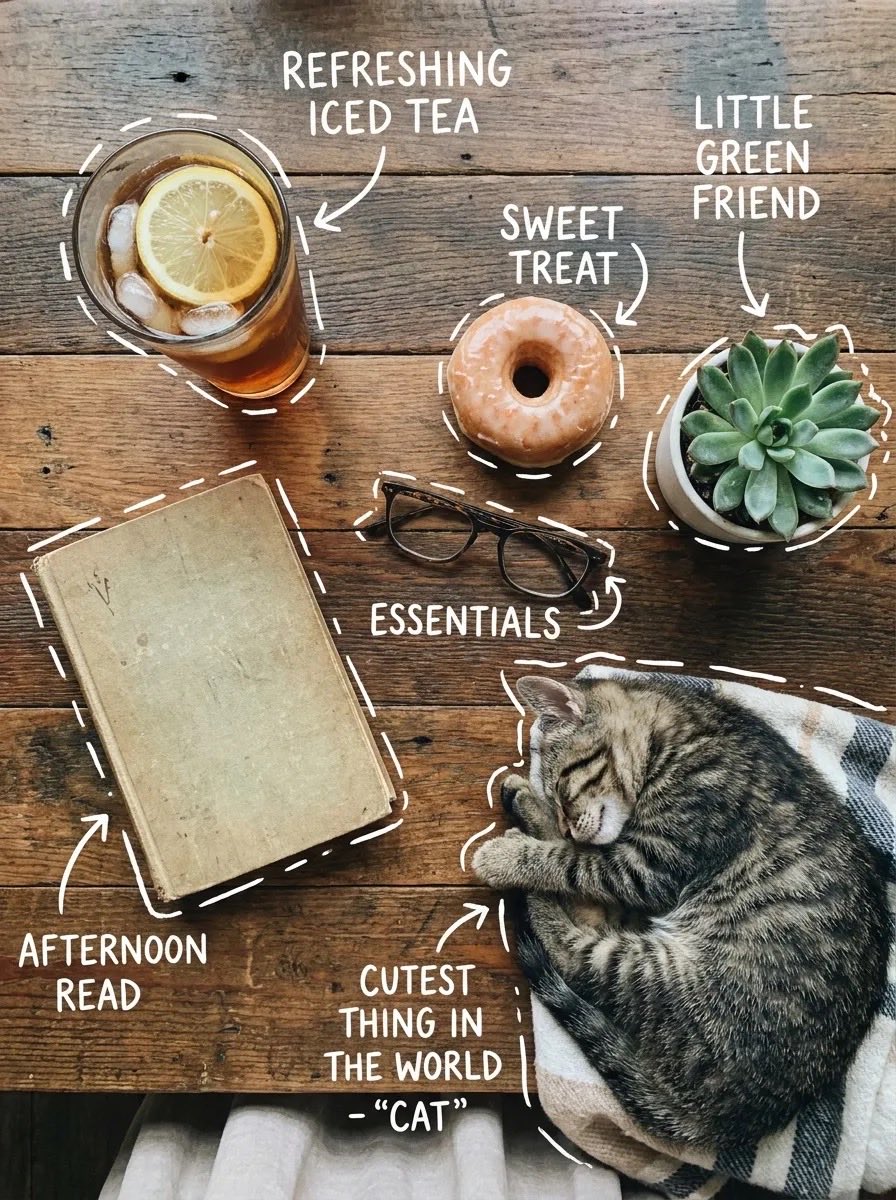
X Sairah 0 Google Gemini Nano Banana Pro
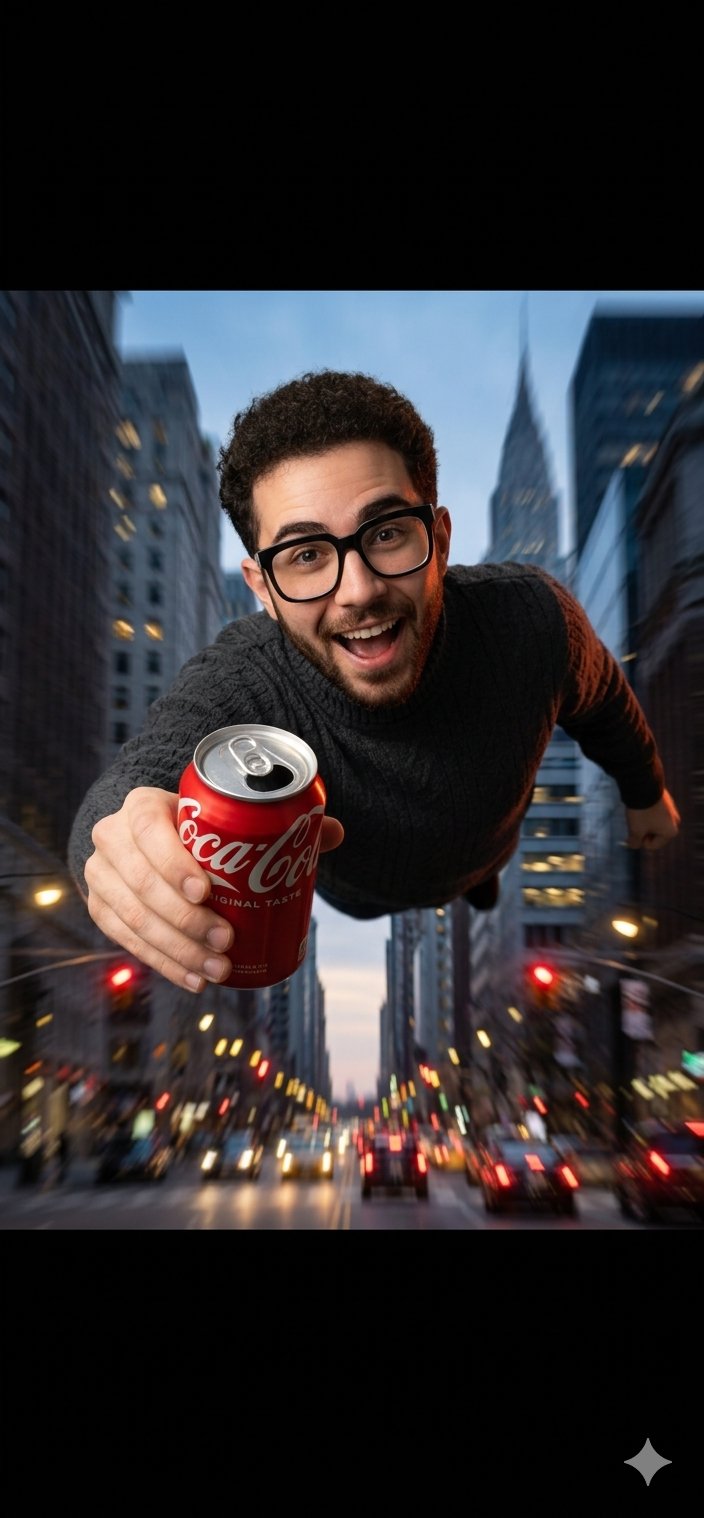
X Fujimoto Hina Create with Nano Banana Pro on Gemini App
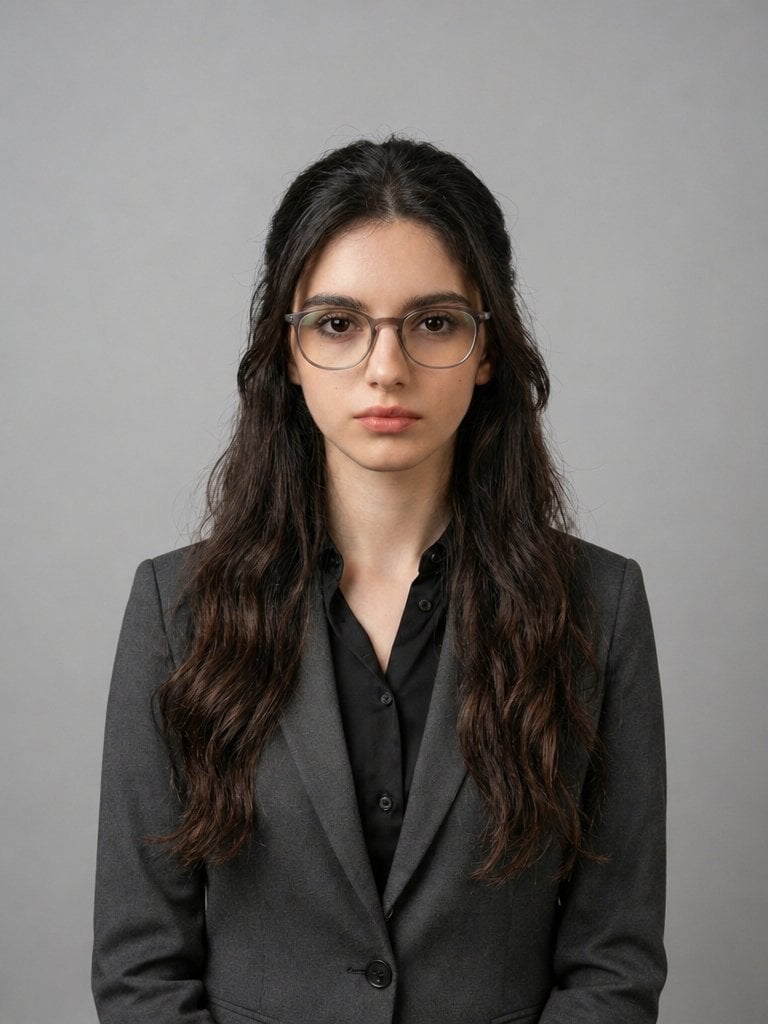
X Iqrasaifiii Pov Du Hast Gerade Erkannt Dass Du Professionelle Corporate Fotos Ganz Bequem
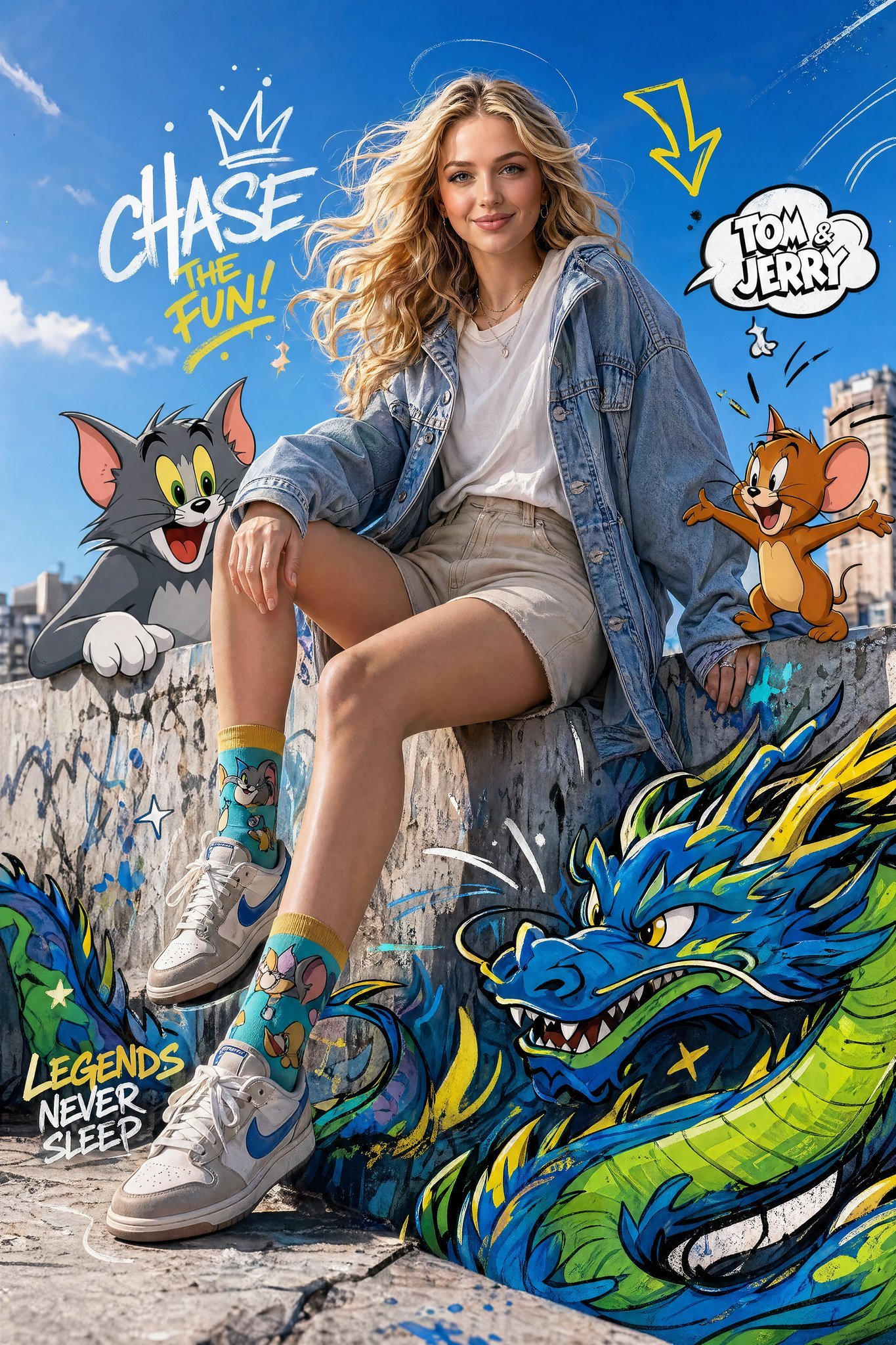
X Just Sharon7 What Were Your Favourite Childhood Cartoons
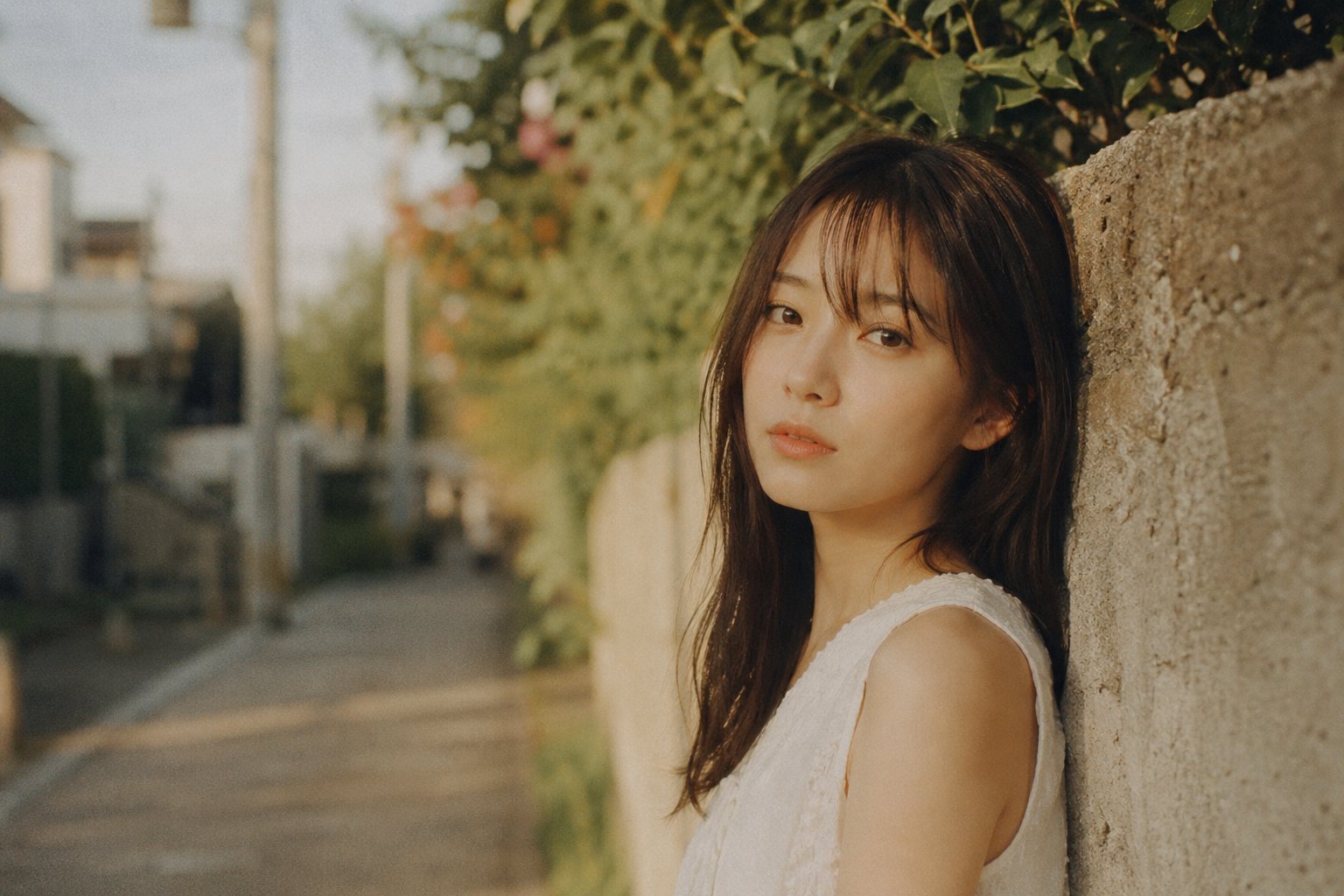
X Bubblebrain Portrait
Make it yours
X Kashberg 0 Gpt Image 20 works as-is. These are the safest ways to change it without losing the look.
Change one field
Copy a single group, rewrite it, and generate again so you can see what that field is doing.
Keep the frame, change the subject
Hold the composition and light of x-Kashberg_0-gpt-image-20, then swap wardrobe, props or the person for a new take.
| If the result… | Why | Fix |
|---|---|---|
| The result drifts from the preview | Too many fields changed at once. | Reuse x-Kashberg_0-gpt-image-20 as-is first, then change one group — subject, light, or setting. |
| The model over-stylizes the scene | The prose prompt leaves finish and camera underspecified. | Add one camera or lighting sentence and stay on GPT Image 2. |
More GPT Image 2 templates
Other prompts made for GPT Image 2.

Six VTuber Japanese Logo Sheet

Realistic Portrait of Woman and Deer

The Vista Modular Condo Poster

AI Model Routing Comparison Infographic

2.5D Anime Art Board

Isometric Productivity Desk Scene

New York Double Exposure Poster

Four-Panel AI Landscape Comparison

Japanese Tatami Lifestyle Magazine Cover

NESCAFÉ Coffee Map Poster
More image prompts
Fresh picks from across the catalog.
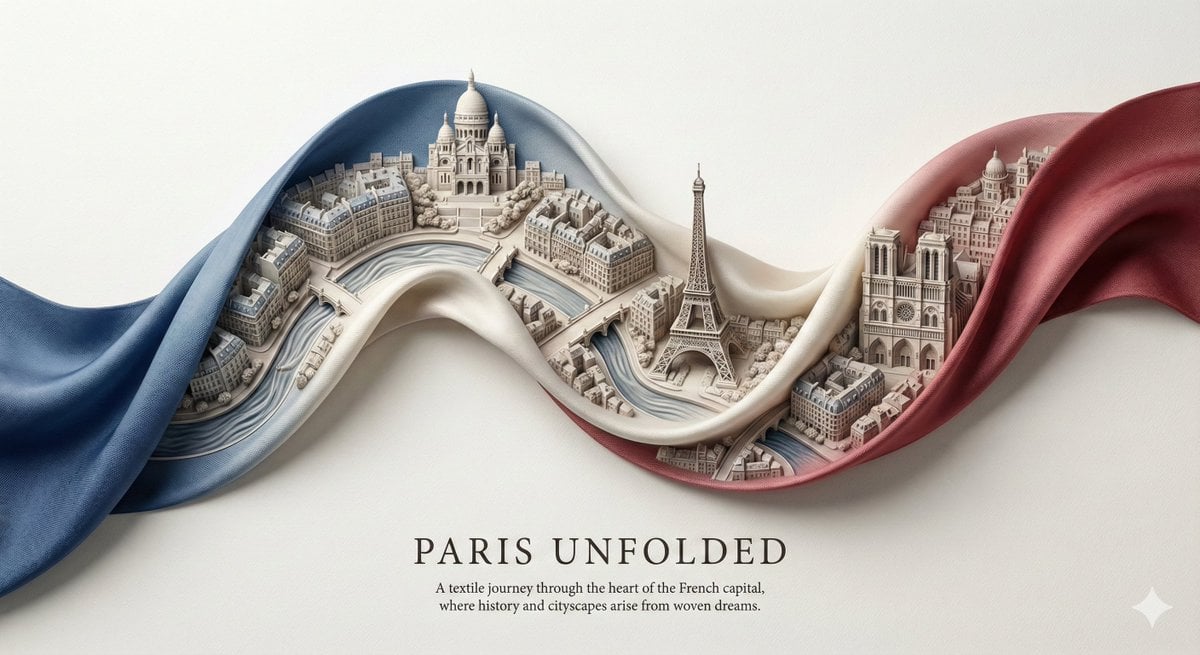
City Ribbon Poster Design Prompt
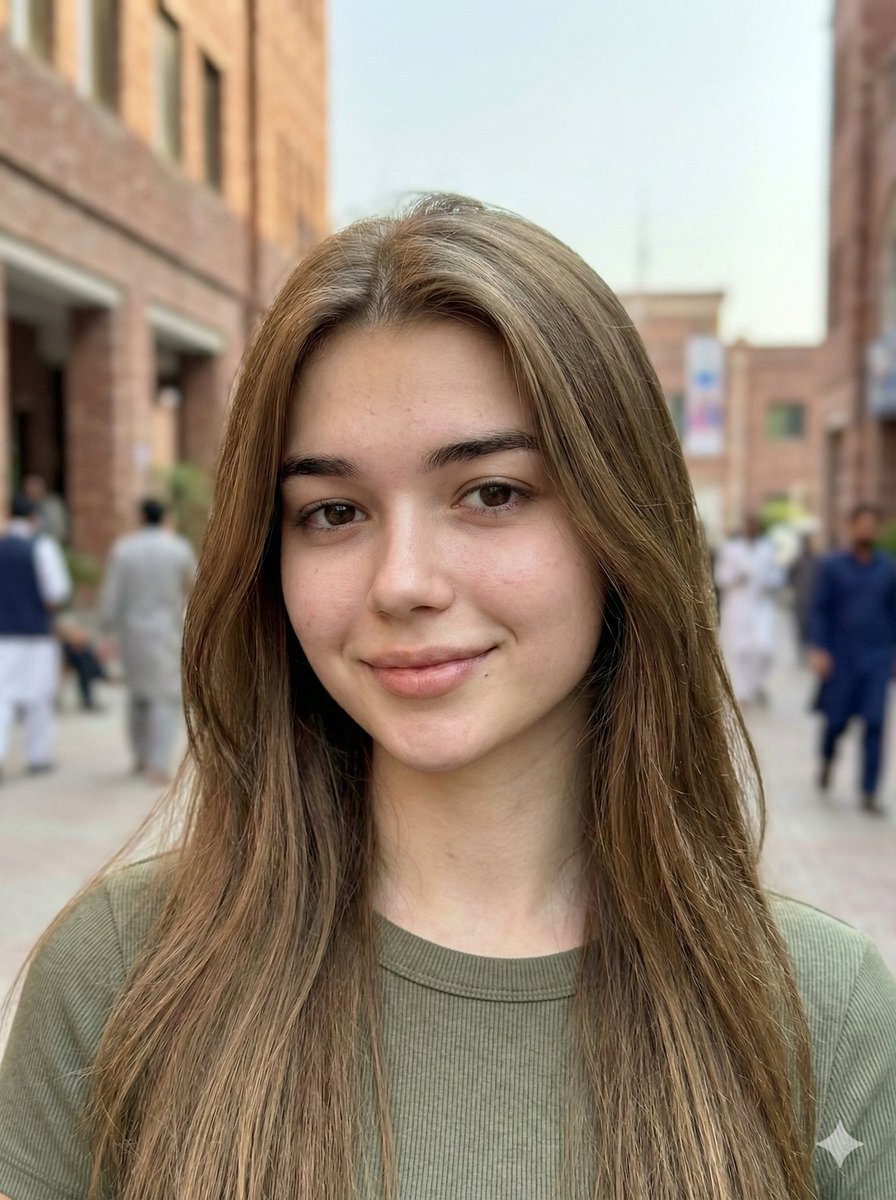
Hyper-Realistic Mobile Camera Portrait of a Girl
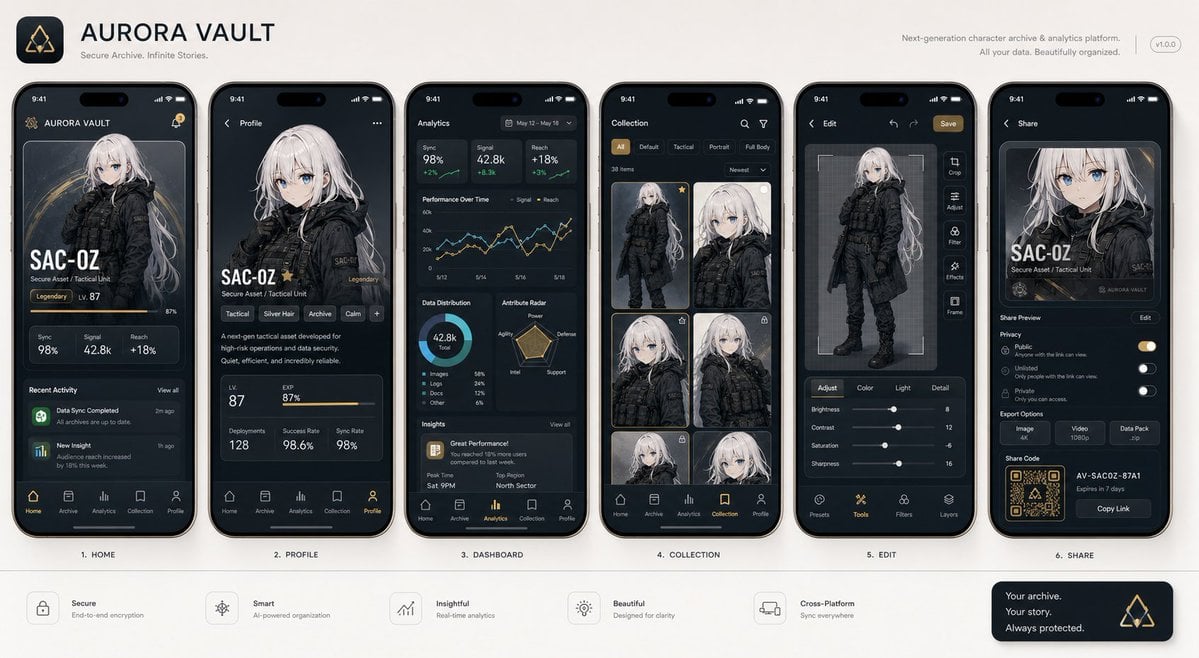
Next-Gen Mobile App UI Showcase
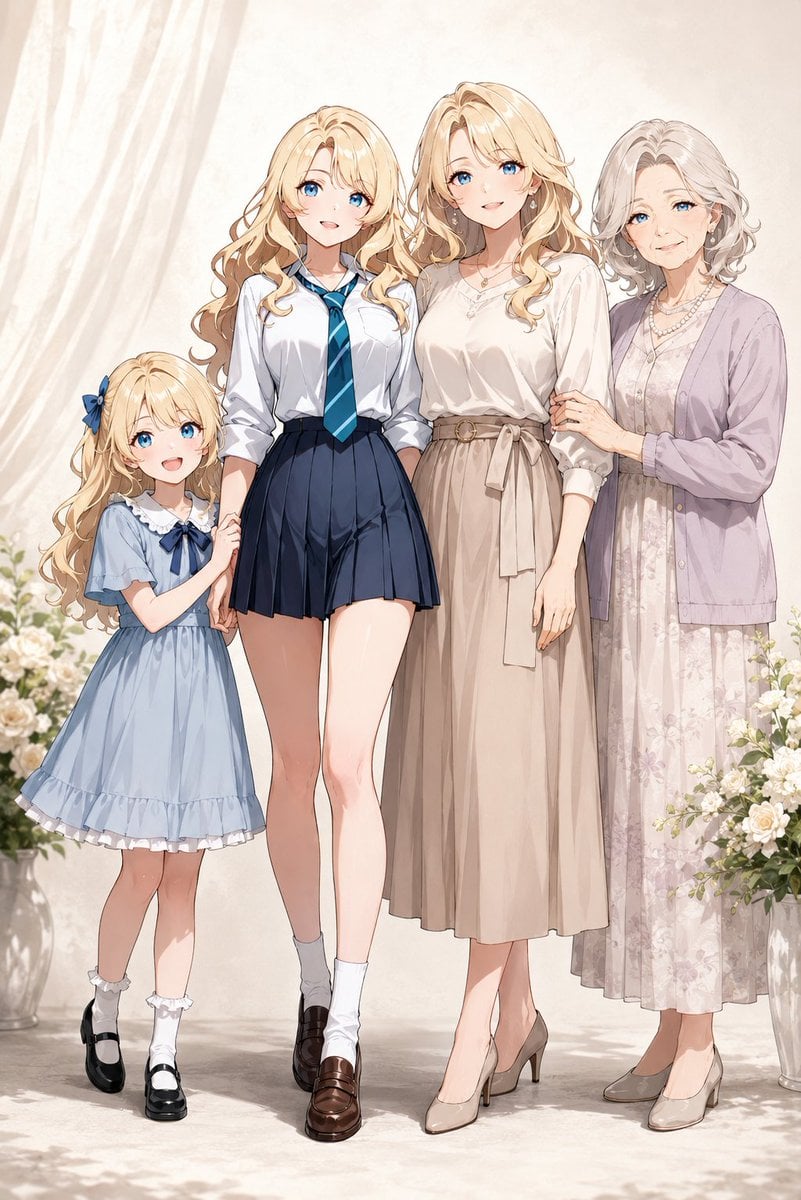
Four-Generation Family Portrait Prompt
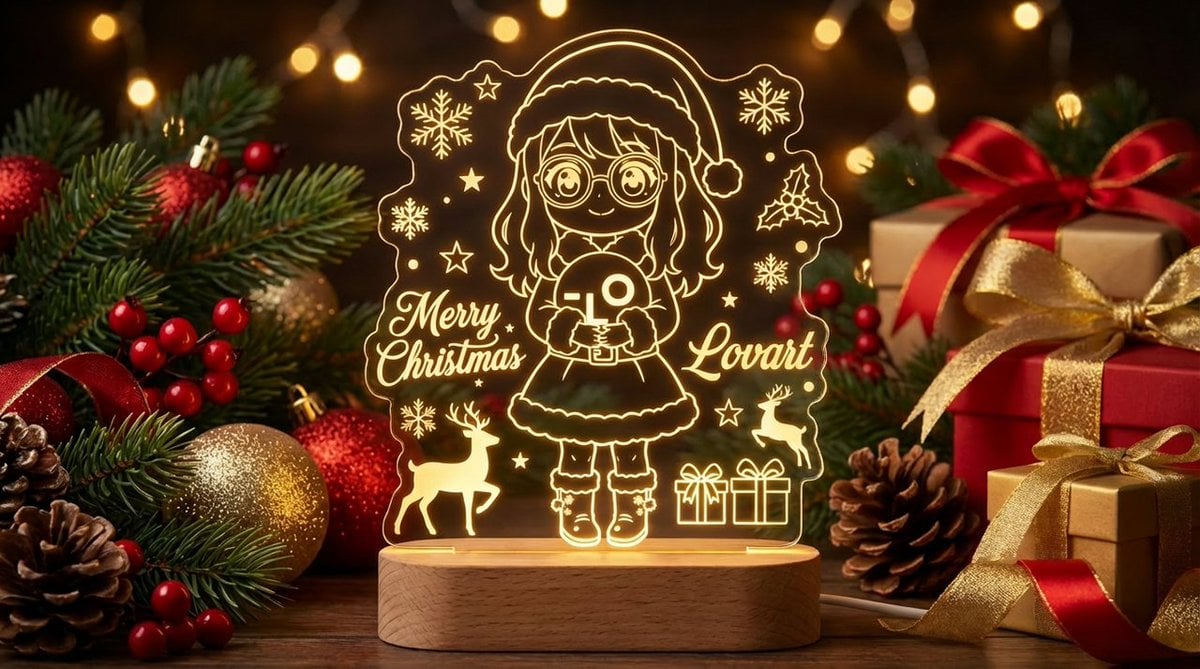
Laser Engraved Acrylic LED Stand Product Photography Prompt
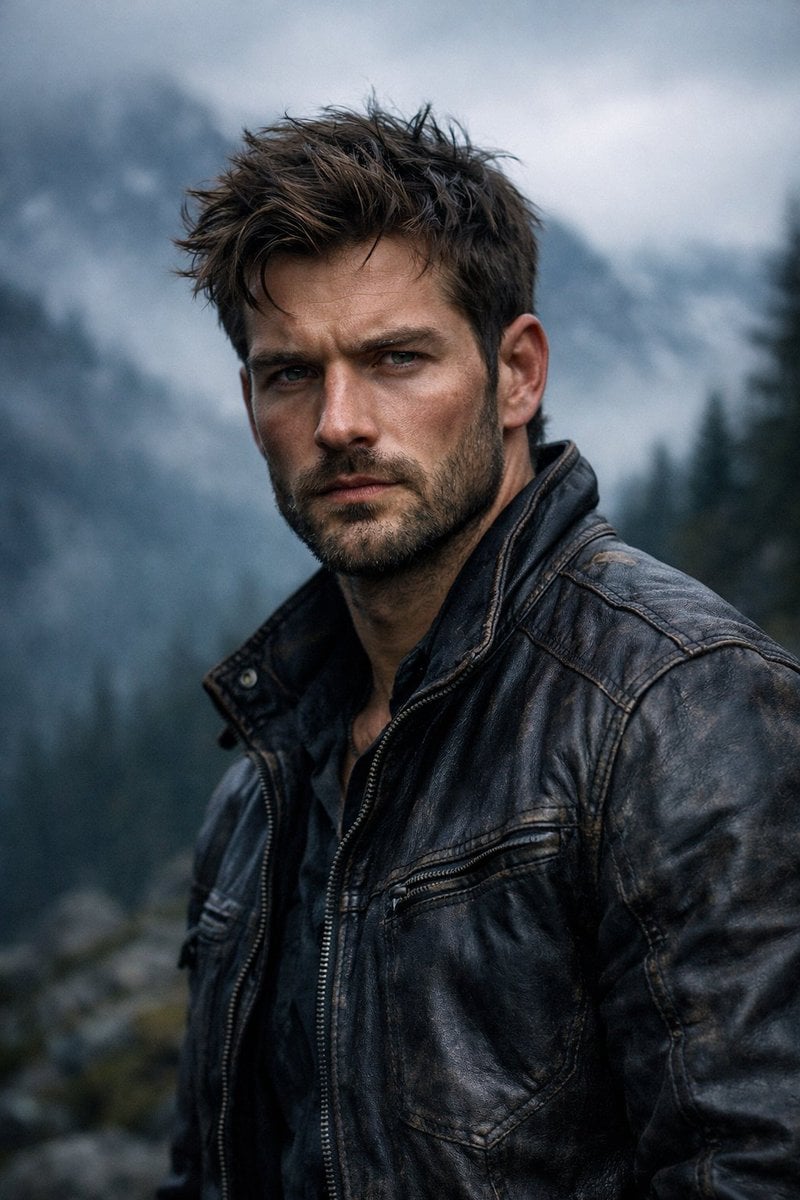
Cinematic Rugged Mountain Portrait

Tropical Resort Travel Ad Banner
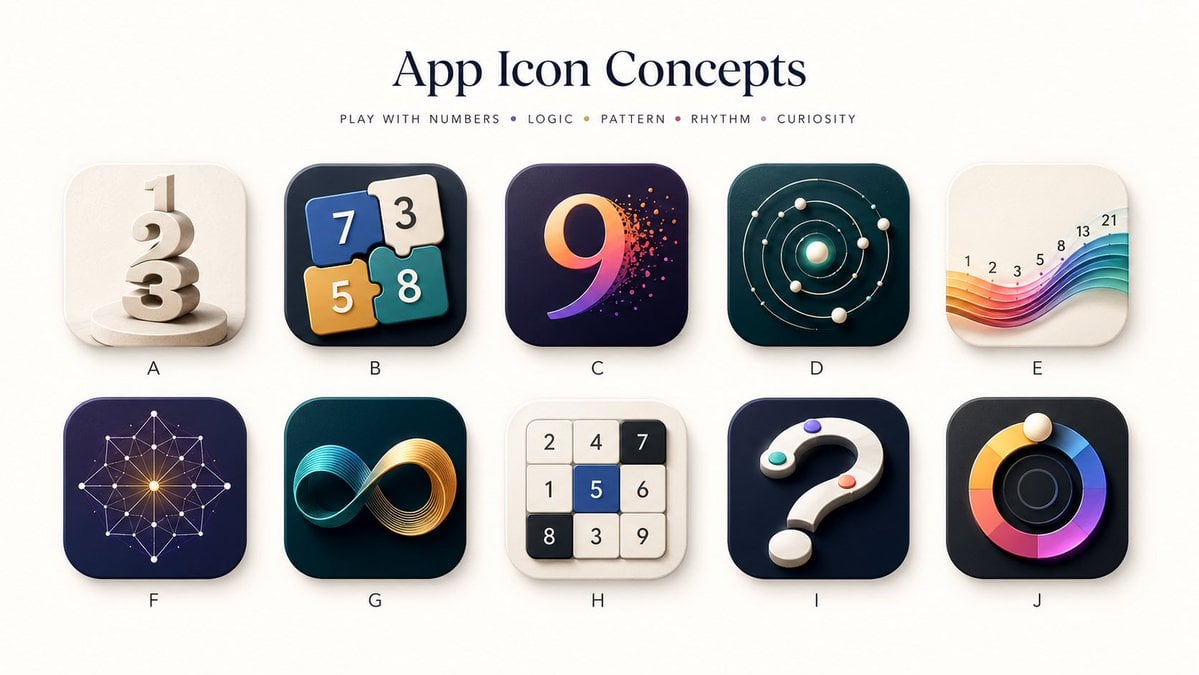
Number Puzzle App Icon Concepts
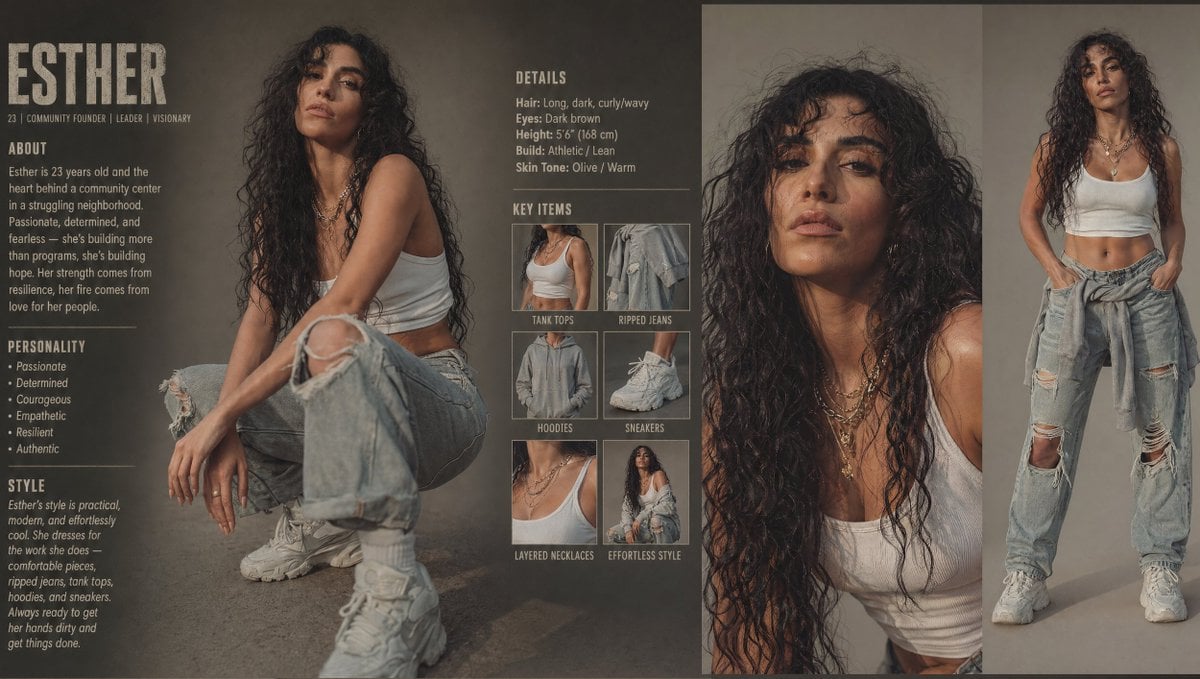
Modern Esther Character Sheet
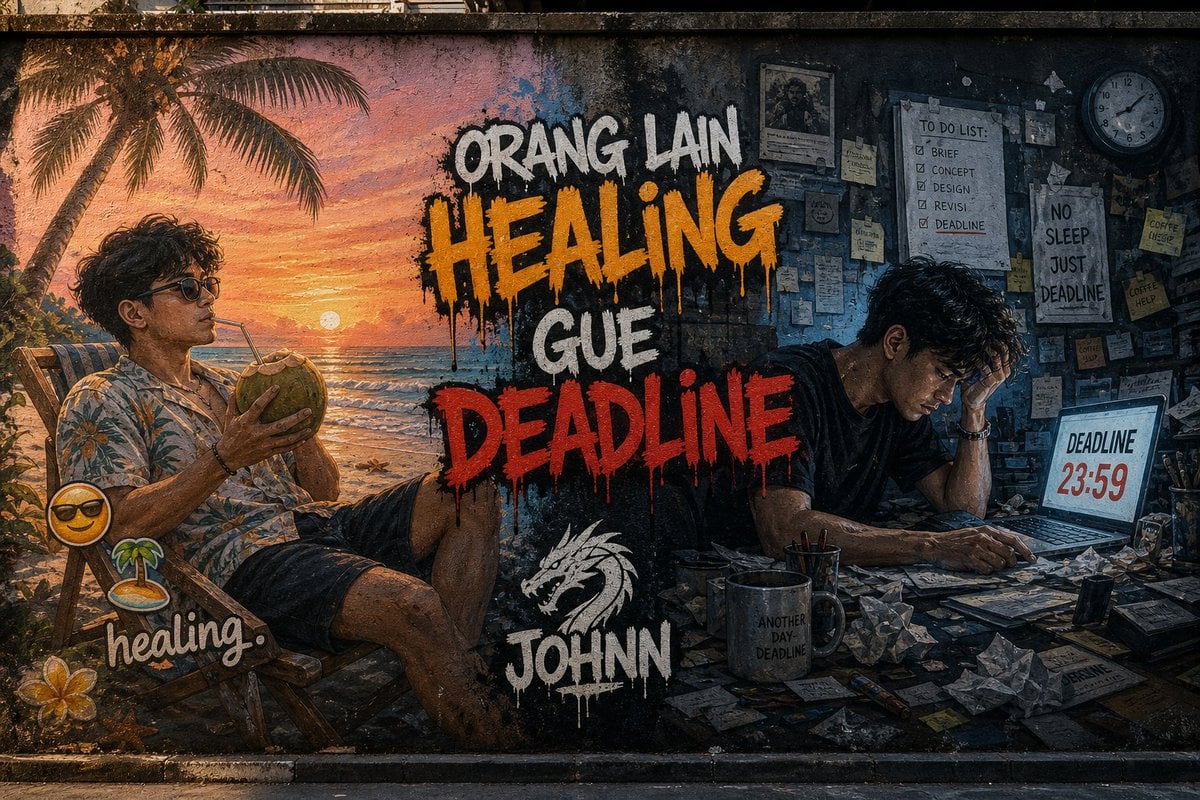
Contrast Street Art Mural
Browse template categories
X Kashberg 0 Gpt Image 20 questions
How do I use the x-Kashberg_0-gpt-image-20 template?
Add your photo if the template asks for one, edit the prompt if you like — the template's model and format are already selected — and press Generate. Your version opens in PicX Studio.
Can I customize the x-Kashberg_0-gpt-image-20 template?
Yes. You can change the subject, setting, lighting, mood, format, and available model controls before creating your image.
Is the x-Kashberg_0-gpt-image-20 template free?
Opening and editing this template is free. Generating uses credits, shown on the Generate button when you are signed in.
Which AI model should I use?
Start with GPT Image 2, which is the model associated with this template. You can compare another compatible model for a different finish.
Looking for something else? Browse all templates.

Your photo, any look
Thousands of ready templates for every top image and video model, from one credit balance.