
X Aiwithkhan Gpt Image 2 on Chatgpt
X Aiwithkhan Gpt Image 2 on Chatgpt is a ready photo look for GPT Image 2.
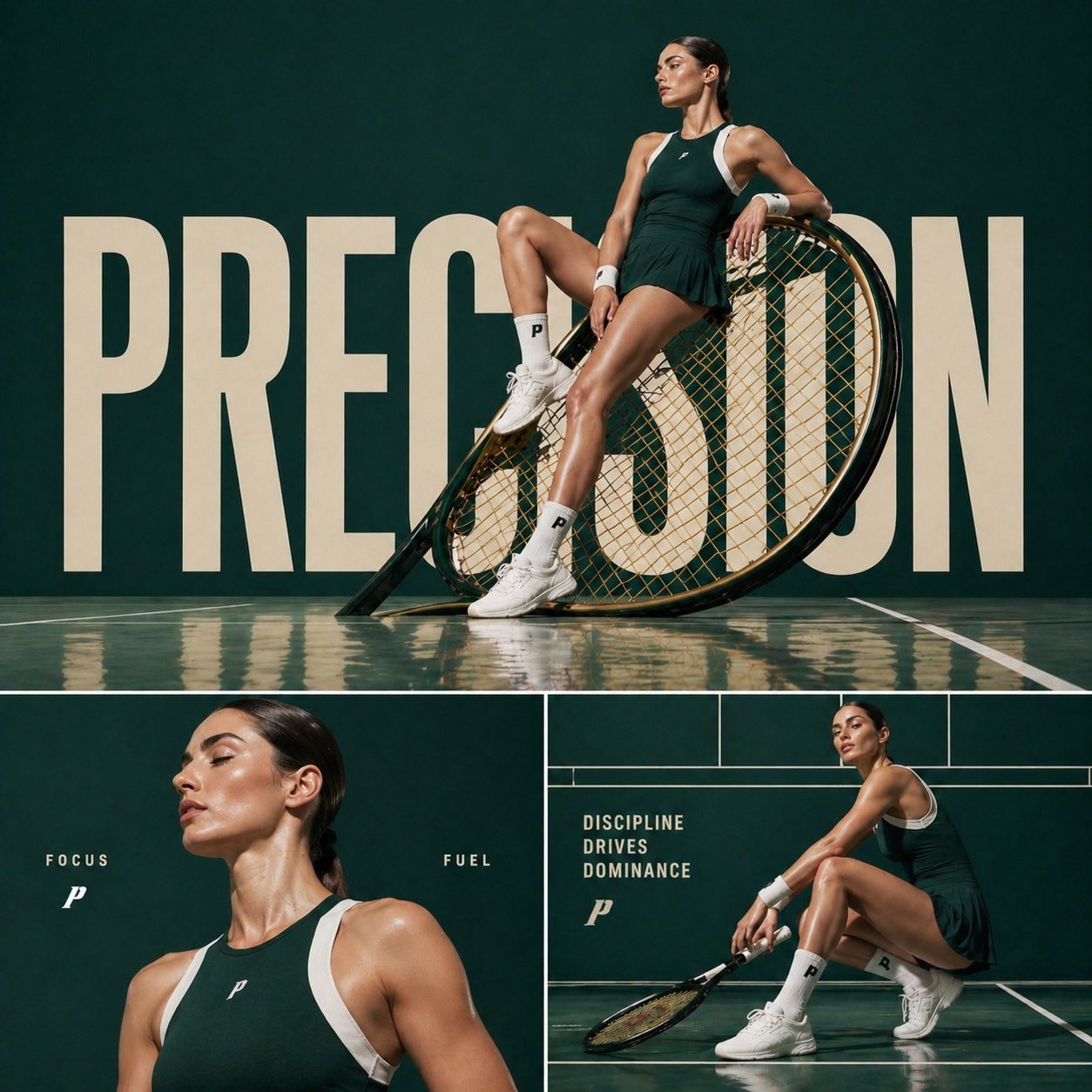
- Prompt included
- Model and format preset
- Free template
The prompt behind this image
Copy the exact prompt behind X Aiwithkhan Gpt Image 2 on Chatgpt, or open it in the studio and make it yours.
GPT Image 2 on ChatGPT Prompt : Cinematic sports fashion collage, 3-panel layout, top panel large hero shot of a female tennis athlete sitting confidently on an oversized tilted tennis racket, deep green luxury court backdrop, reflective glossy floor, bold oversized typography “PRECISION” in background, dramatic editorial lighting, ultra-clean composition, high-fashion athletic aesthetic bottom left panel: close-up portrait of the athlete with glowing skin, minimal makeup, soft light, text “FOCUS” and “FUEL” placed subtly bottom right panel: full-body crouched pose holding racket, strong posture, text “DISCIPLINE DRIVES DOMINANCE”, grid-based layout lines, premium sports branding feel consistent color grading, dark green and white palette, sharp details, cinematic shadows, luxury campaign style, 1:1 aspect ratio
How to use X Aiwithkhan Gpt Image 2 on Chatgpt in 3 steps
- 1Upload ImagePNG, JPG or paste
Add your photo
Upload the photo the template builds on. The prompt, model and format are already set.
- 2…a portrait of your subject in softgolden-hour light, 85mm…
Personalize
Edit the subject and creative details for your destination.
- 3Generate
Generate
Press Generate — your image is created in PicX Studio, so you can compare it with the original and refine one variable at a time.
More like this
Templates with the same subject, style or setup. Open one to see its prompt.
X Saniaspeaks Created with Gpt Image 2 on Chatgpt
X Noor Ul Ain43 Hard Truth Your Expensive Setup Isnt Special Anymore Prompts Chatgpt Images
X Imgopaltiwari Golden Memories in Soft Light Chatgptapp
X Bubblebrain Soft Backlight By Gpt Image 2
X Doctorwasif Made with Chatpgpt Image 2

X Kashberg 0 Gpt Image 20

X Ayzalnooor24521 Gemini Nano Banana Pro
X Sairah 0 Google Gemini Nano Banana Pro
X Fujimoto Hina Create with Nano Banana Pro on Gemini App
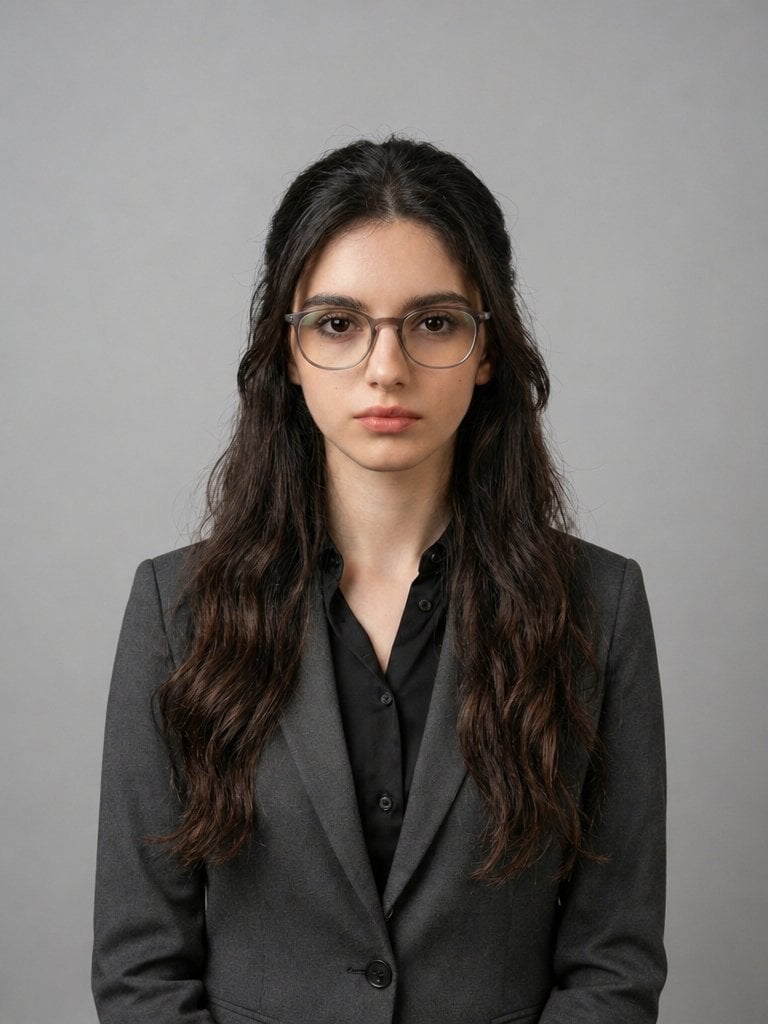
X Iqrasaifiii Pov Du Hast Gerade Erkannt Dass Du Professionelle Corporate Fotos Ganz Bequem
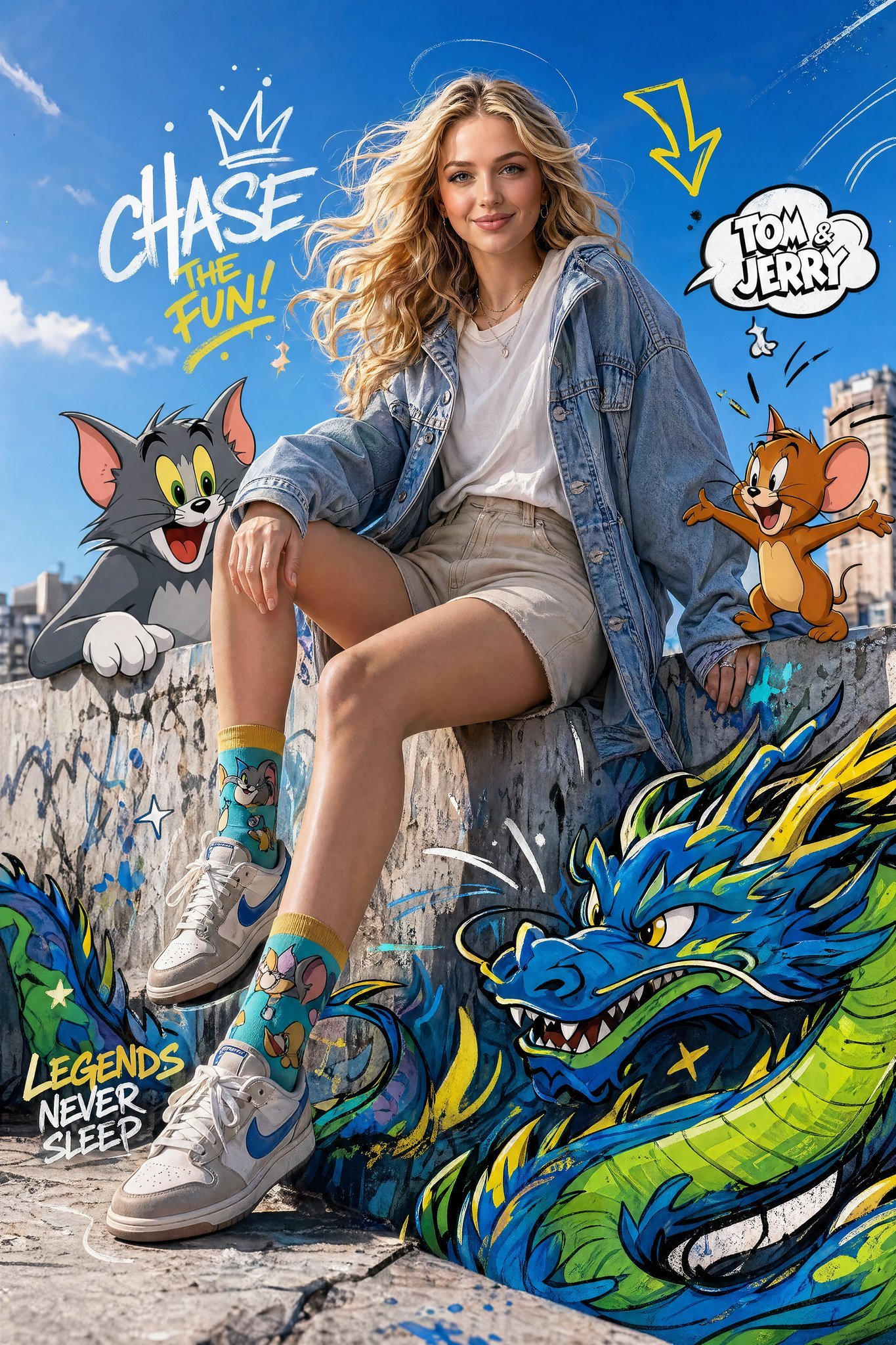
X Just Sharon7 What Were Your Favourite Childhood Cartoons
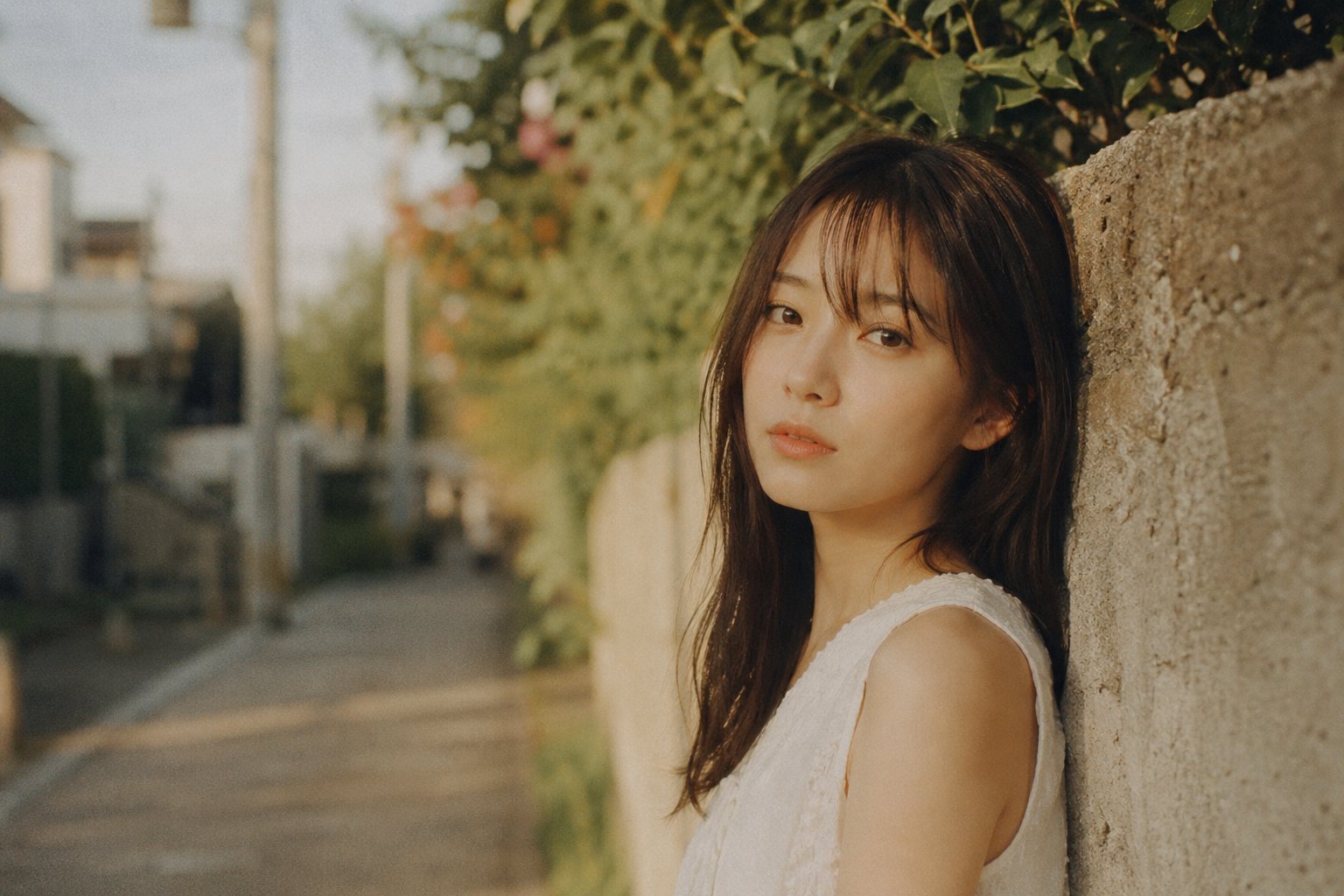
X Bubblebrain Portrait
Make it yours
X Aiwithkhan Gpt Image 2 on Chatgpt works as-is. These are the safest ways to change it without losing the look.
Change one field
Copy a single group, rewrite it, and generate again so you can see what that field is doing.
Keep the frame, change the subject
Hold the composition and light of x-AIwithkhan-gpt-image-2-on-chatgpt, then swap wardrobe, props or the person for a new take.
| If the result… | Why | Fix |
|---|---|---|
| The result drifts from the preview | Too many fields changed at once. | Reuse x-AIwithkhan-gpt-image-2-on-chatgpt as-is first, then change one group — subject, light, or setting. |
| The model over-stylizes the scene | The prose prompt leaves finish and camera underspecified. | Add one camera or lighting sentence and stay on GPT Image 2. |
More GPT Image 2 templates
Other prompts made for GPT Image 2.

Six VTuber Japanese Logo Sheet

Realistic Portrait of Woman and Deer

The Vista Modular Condo Poster

AI Model Routing Comparison Infographic

2.5D Anime Art Board

Isometric Productivity Desk Scene

New York Double Exposure Poster

Four-Panel AI Landscape Comparison

Japanese Tatami Lifestyle Magazine Cover

NESCAFÉ Coffee Map Poster
More image prompts
Fresh picks from across the catalog.
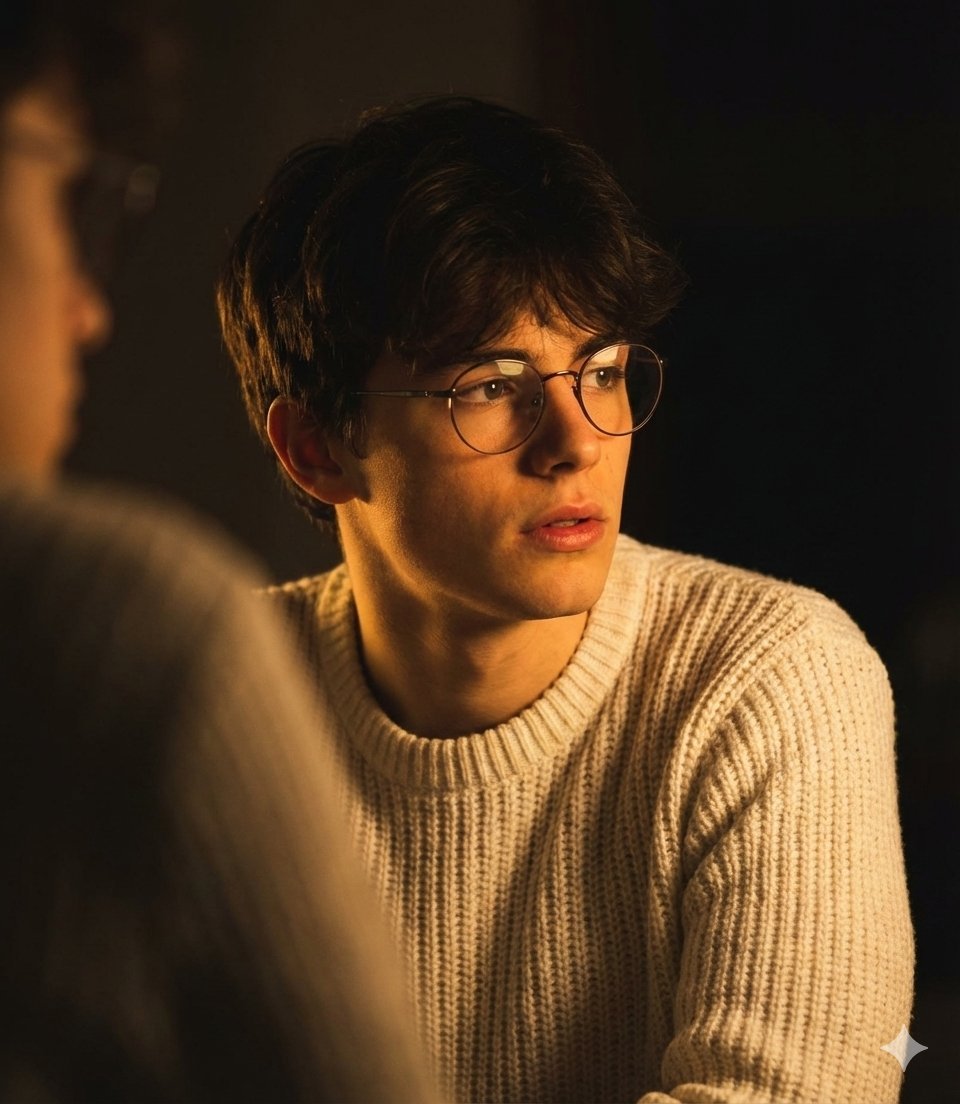
Dramatic Low-Light Portrait Generation Prompt
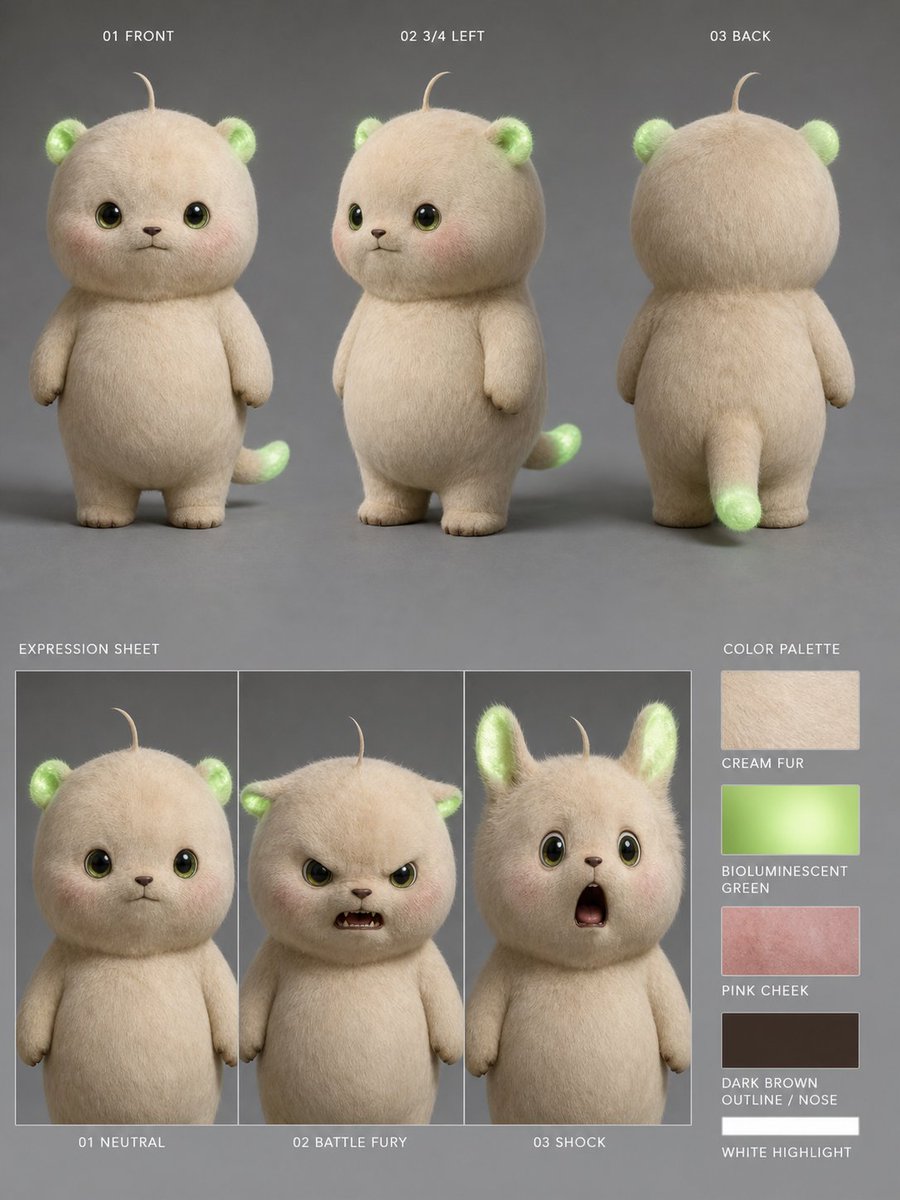
Bioluminescent Plush Creature Sheet
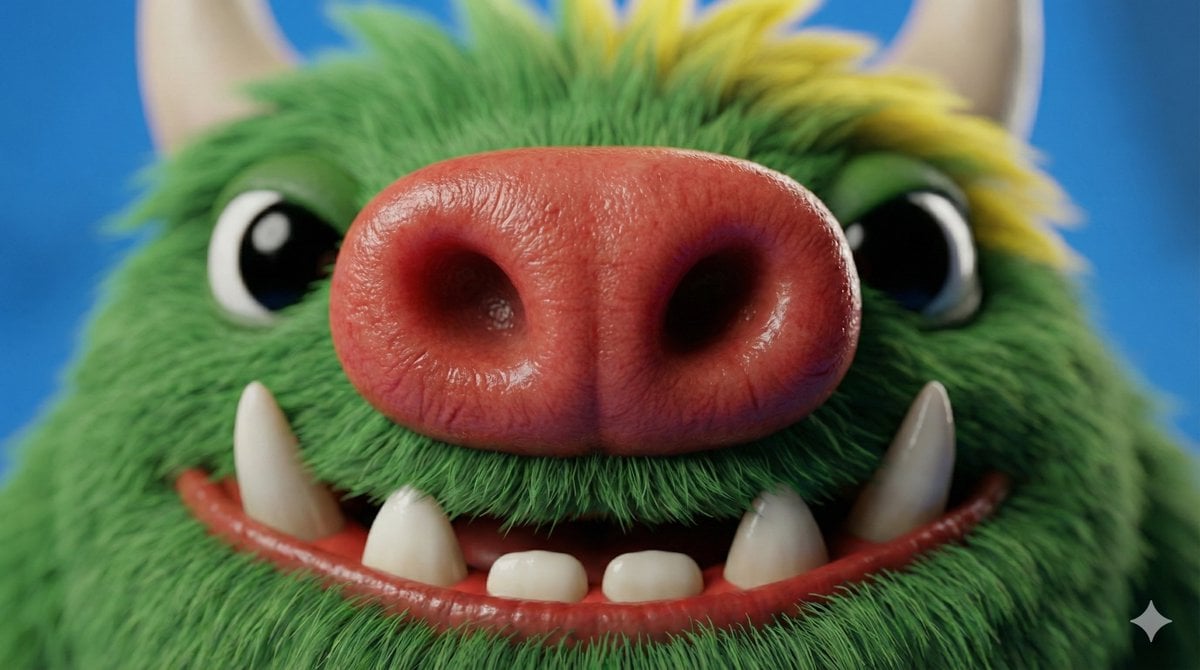
Close-up Character Nose Prompt
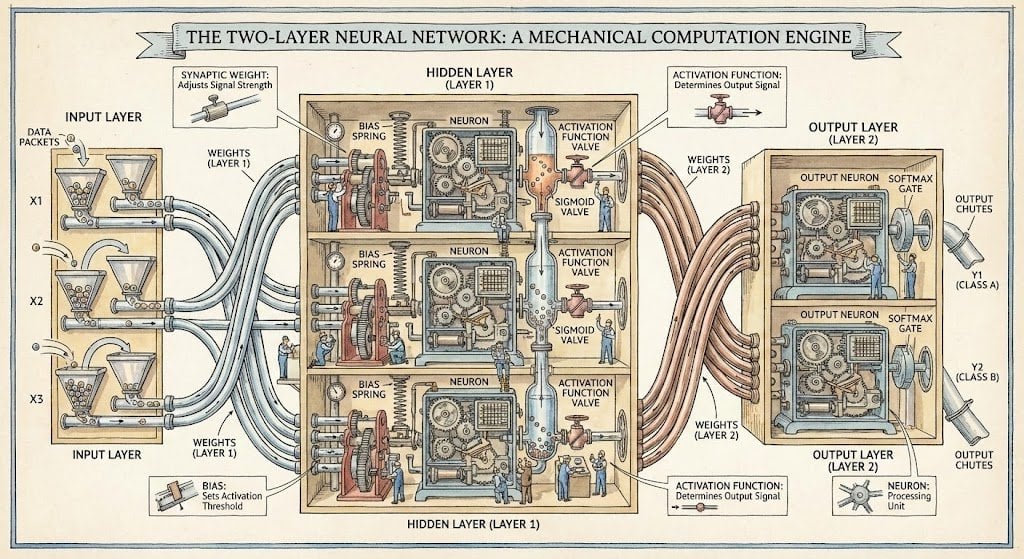
Two-layer neural network diagram in Stephen Biesty style
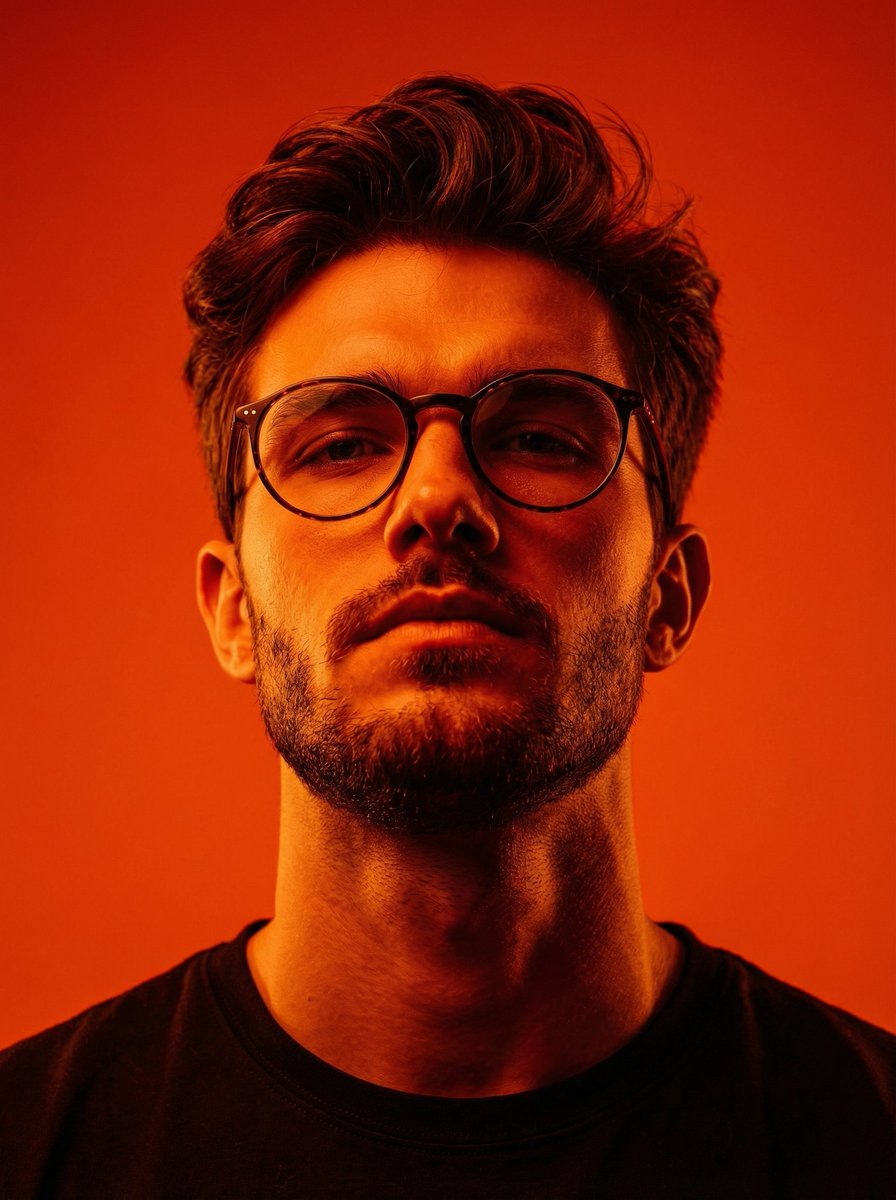
Dynamic Low-Angle Editorial Portrait with Orange-Red Contrast
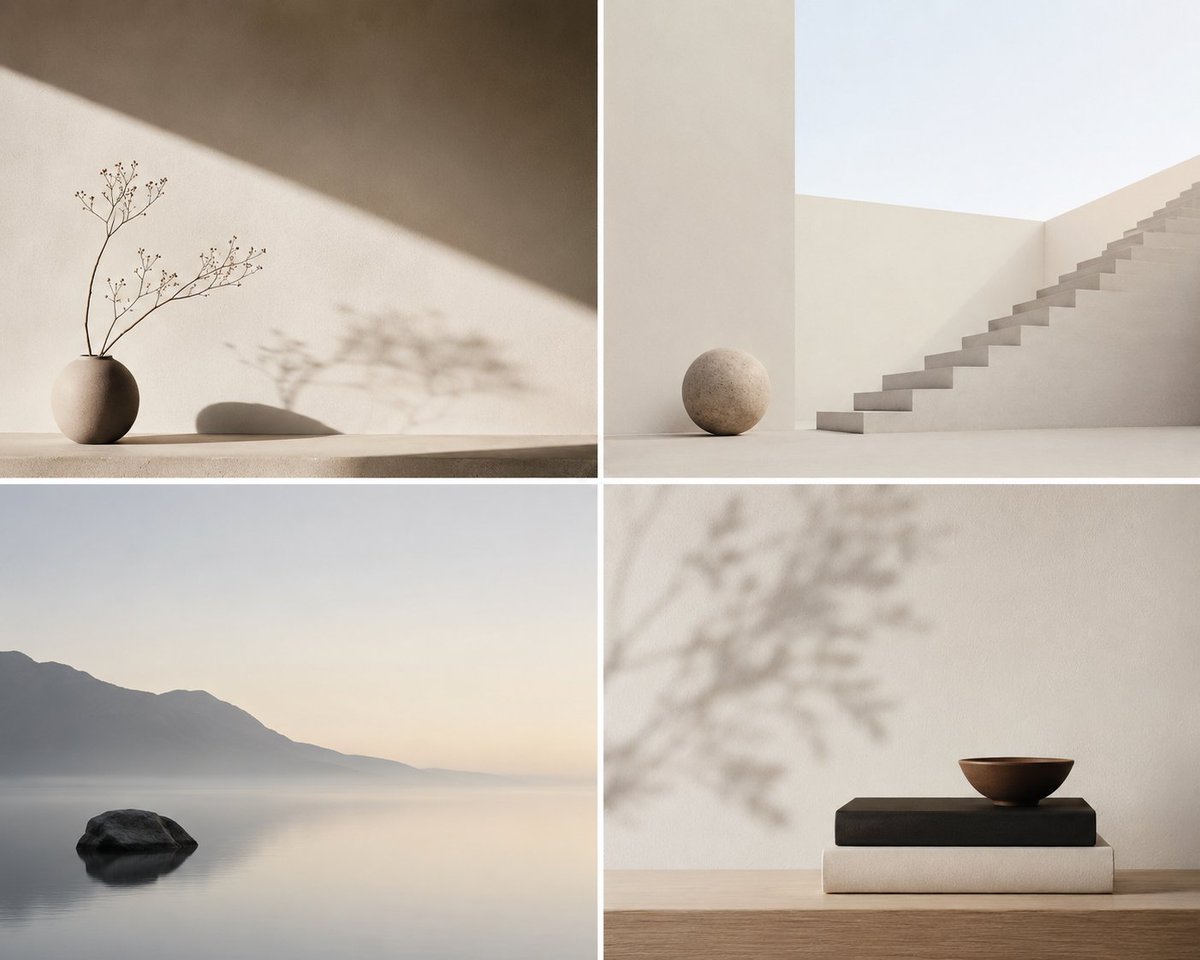
Minimalist Conceptual Scene Description
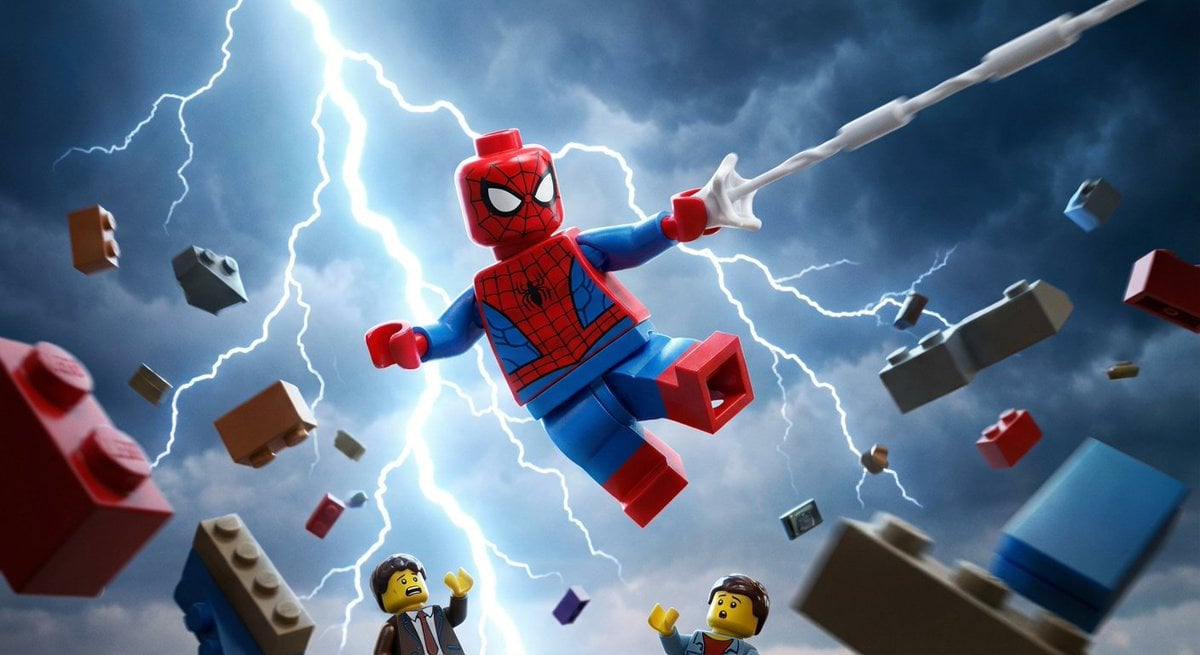
Epic LEGO Spider-Man movie poster scene
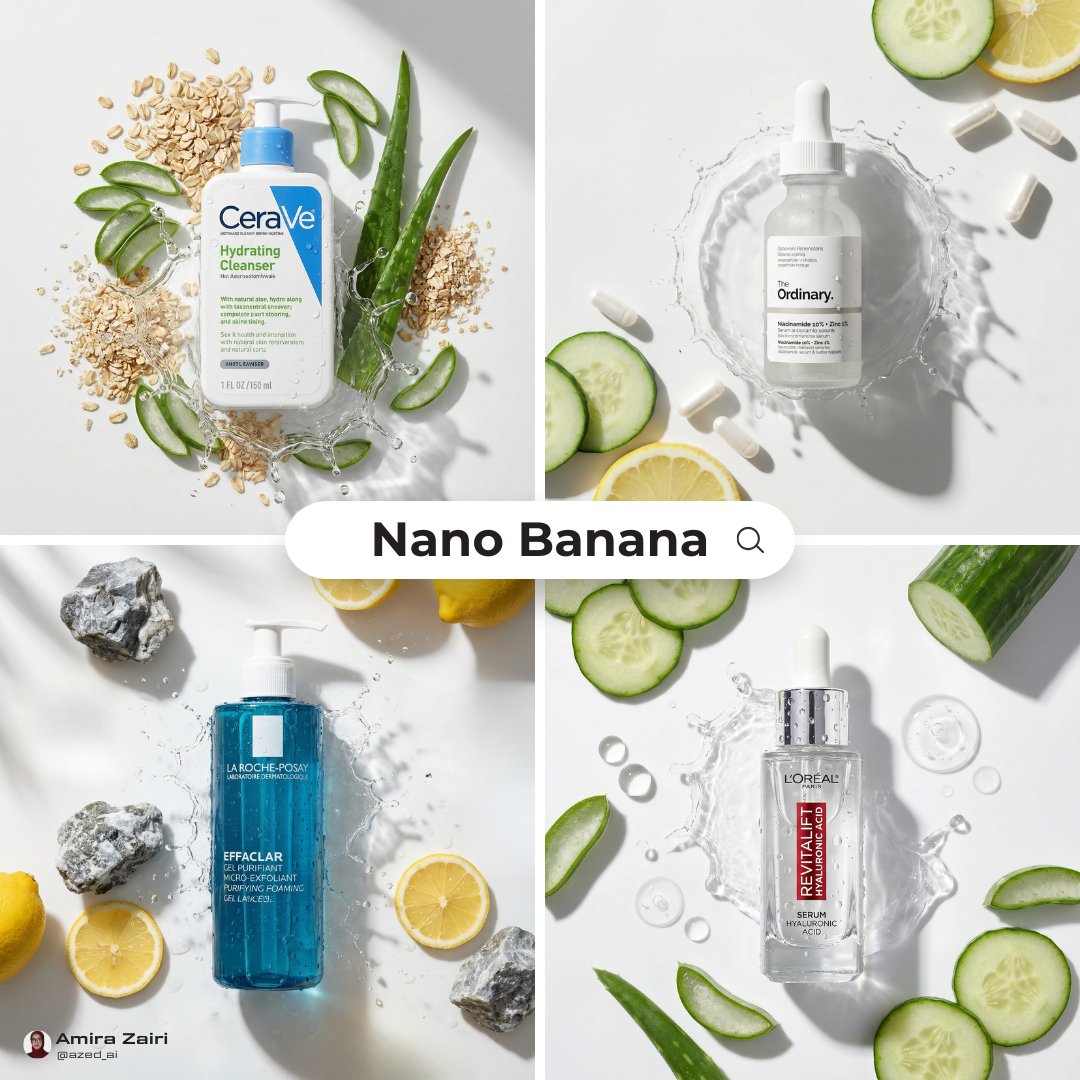
Skincare Product Flat Lay Photography
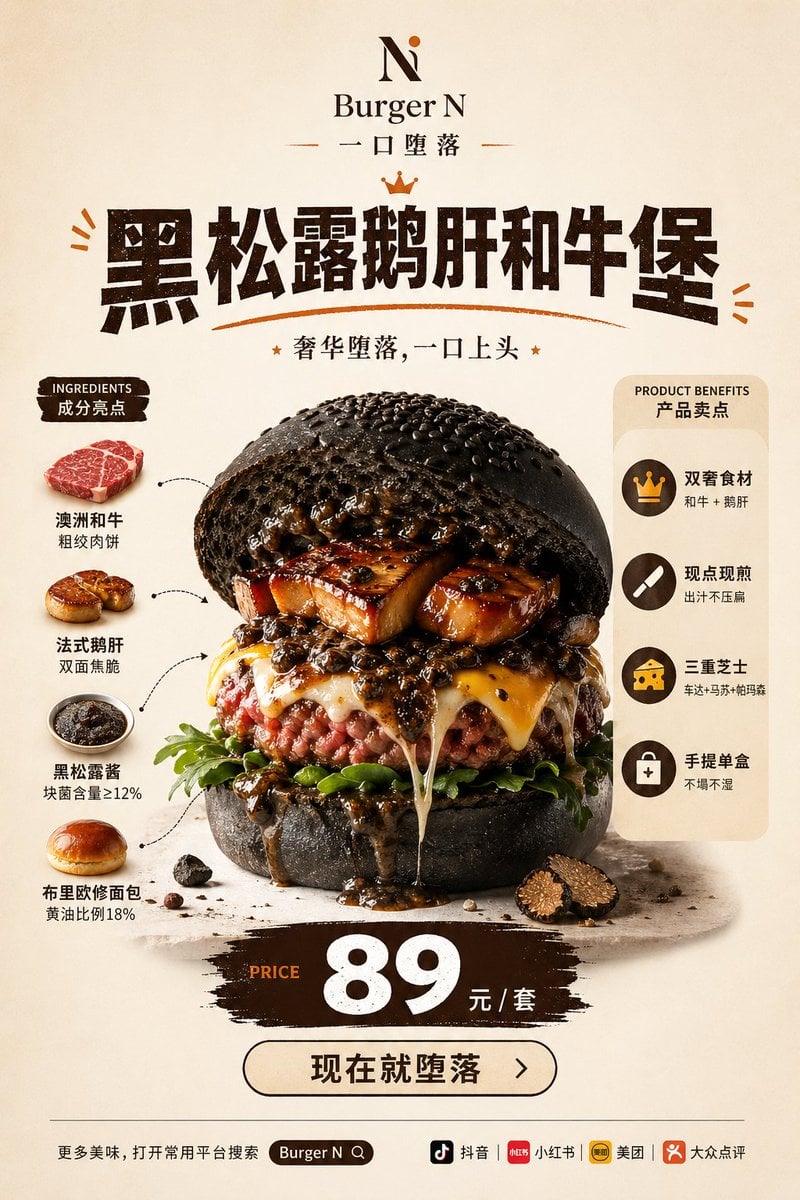
Luxury Truffle Wagyu Burger Poster

Thumbnail design prompt for articles or content
Browse template categories
X Aiwithkhan Gpt Image 2 on Chatgpt questions
How do I use the x-AIwithkhan-gpt-image-2-on-chatgpt template?
Add your photo if the template asks for one, edit the prompt if you like — the template's model and format are already selected — and press Generate. Your version opens in PicX Studio.
Can I customize the x-AIwithkhan-gpt-image-2-on-chatgpt template?
Yes. You can change the subject, setting, lighting, mood, format, and available model controls before creating your image.
Is the x-AIwithkhan-gpt-image-2-on-chatgpt template free?
Opening and editing this template is free. Generating uses credits, shown on the Generate button when you are signed in.
Which AI model should I use?
Start with GPT Image 2, which is the model associated with this template. You can compare another compatible model for a different finish.
Looking for something else? Browse all templates.

Your photo, any look
Thousands of ready templates for every top image and video model, from one credit balance.