
Bioluminescent Plush Creature Sheet
Generates a realistic character turnaround and expression sheet for a cute glowing plush creature used in consistent animation or video workflows.
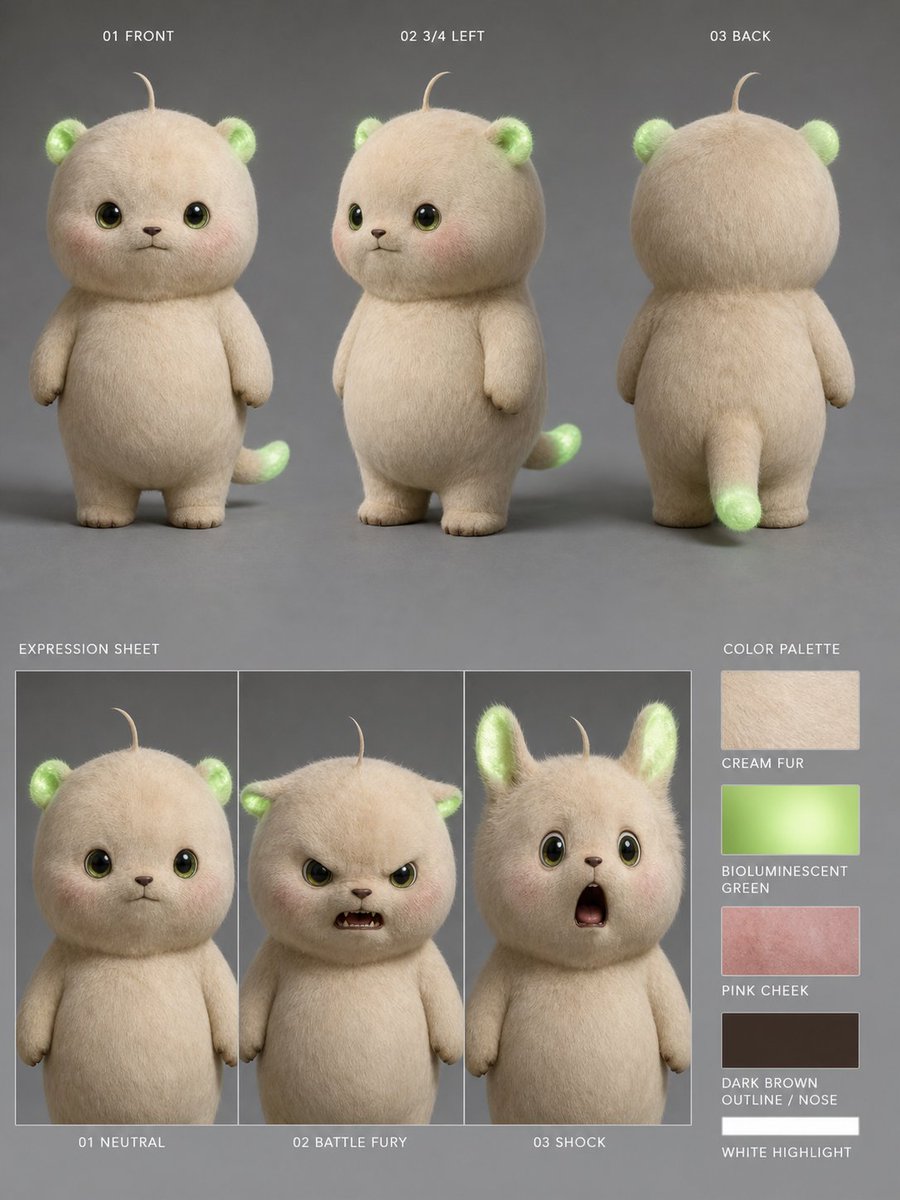
- Prompt included
- Model and format preset
- Premium template
The prompt behind this image
Copy the exact prompt behind Bioluminescent Plush Creature Sheet, or open it in the studio and make it yours.
Goal: Create a realistic 3D character reference sheet for a cute plush-like creature named {argument name="character name" default="bioluminescent cream forest cub"}, designed for consistent video generation. Canvas: Vertical 4:5 character sheet on a matte medium-gray studio background, soft diffused lighting, subtle floor shadows, high-resolution photorealistic fur rendering. Subject details: The character is a small chubby teddy-bear/cat hybrid with a round oversized head, short rounded body, tiny arms, stubby legs, cream-colored dense fuzzy fur, glossy dark olive-brown eyes with bright catchlights, a tiny dark brown nose and mouth, faint pink cheeks, one thin curled hair sprout on top of the head, small rounded ears that glow bioluminescent green inside, and a short tail with a glowing green tip. The overall mood is adorable, soft, and toy-like, with realistic fiber texture and gentle translucency in the glowing green areas. Use {argument name="fur color" default="warm cream"}, {argument name="glow color" default="bioluminescent green"}, and {argument name="cheek color" default="soft pink blush"}. Layout: Arrange the sheet in two main rows. Top row contains exactly 3 full-body turnaround views, evenly spaced and labeled in small white uppercase text: 1) “01 FRONT” showing the creature facing forward, 2) “02 3/4 LEFT” showing a three-quarter left view with the tail visible behind, 3) “03 BACK” showing the back view with rounded head, back fur, small arms, legs, and glowing tail tip. Bottom left contains an expression sheet with exactly 3 vertical framed panels labeled “EXPRESSION SHEET” above and captions below: 1) “01 NEUTRAL” with calm forward-facing eyes and closed small mouth, 2) “02 BATTLE FURY” with the face area covered by a centered opaque beige square block, 3) “03 SHOCK” with raised ears, wide eyes, and open surprised mouth. Bottom right contains a color palette column labeled “COLOR PALETTE” with exactly 5 rectangular swatches and labels: 1) “CREAM FUR” beige fur texture, 2) “BIOLUMINESCENT GREEN” glowing green gradient, 3) “PINK CHEEK” rosy pink texture, 4) “DARK BROWN OUTLINE / NOSE” dark brown swatch, 5) “WHITE HIGHLIGHT” white swatch. Text style: Small clean sans-serif uppercase white labels, minimal technical character-sheet typography, aligned precisely and unobtrusively. Constraints: Keep exactly 3 turnaround views, exactly 3 expression panels, and exactly 5 color swatches. Do not add extra characters, props, logos, watermarks, or decorative background elements. Maintain consistent proportions, fur texture, glowing ears and tail, and facial design across all views.
How to use Bioluminescent Plush Creature Sheet in 3 steps
- 1Upload ImagePNG, JPG or paste
Add your photo
Upload the photo the template builds on. The prompt, model and format are already set.
- 2…a portrait of your subject in softgolden-hour light, 85mm…
Personalize
Edit the subject and creative details for your destination.
- 3Generate
Generate
Press Generate — your image is created in PicX Studio, so you can compare it with the original and refine one variable at a time.
More like this
Templates with the same subject, style or setup. Open one to see its prompt.
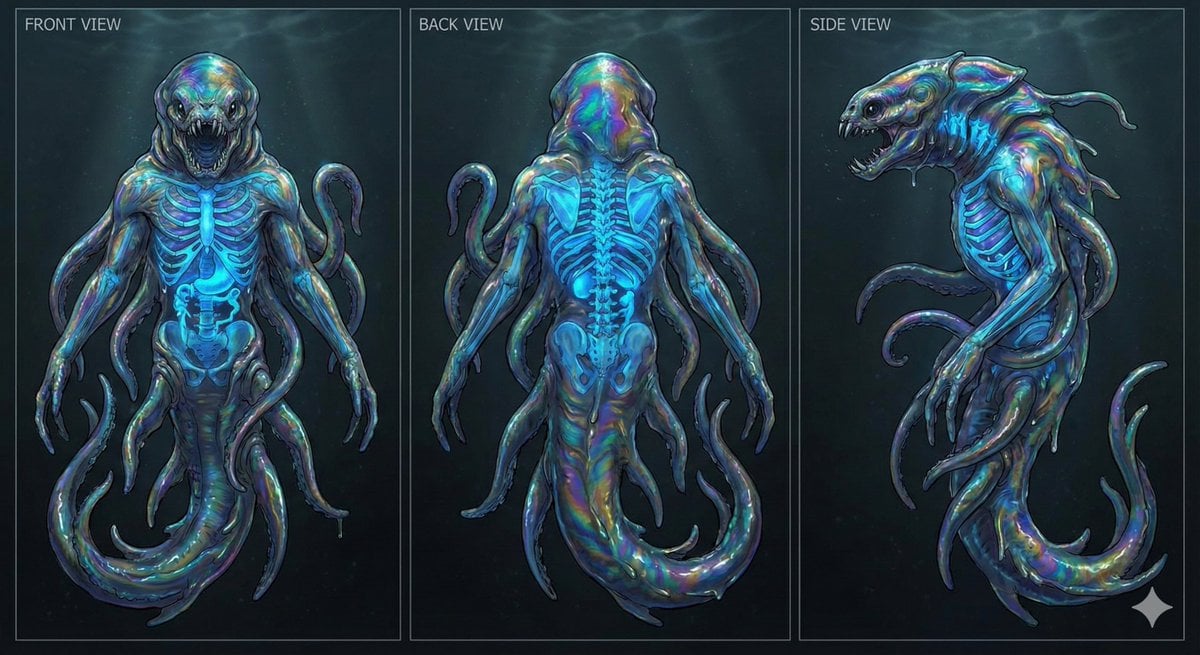
Character Sheet for Deep-Sea Creature with Bioluminescent Skeleton

Felt & Knit 3D Character — Photo-Exact Face, Pixar-Quality Plush Figurine
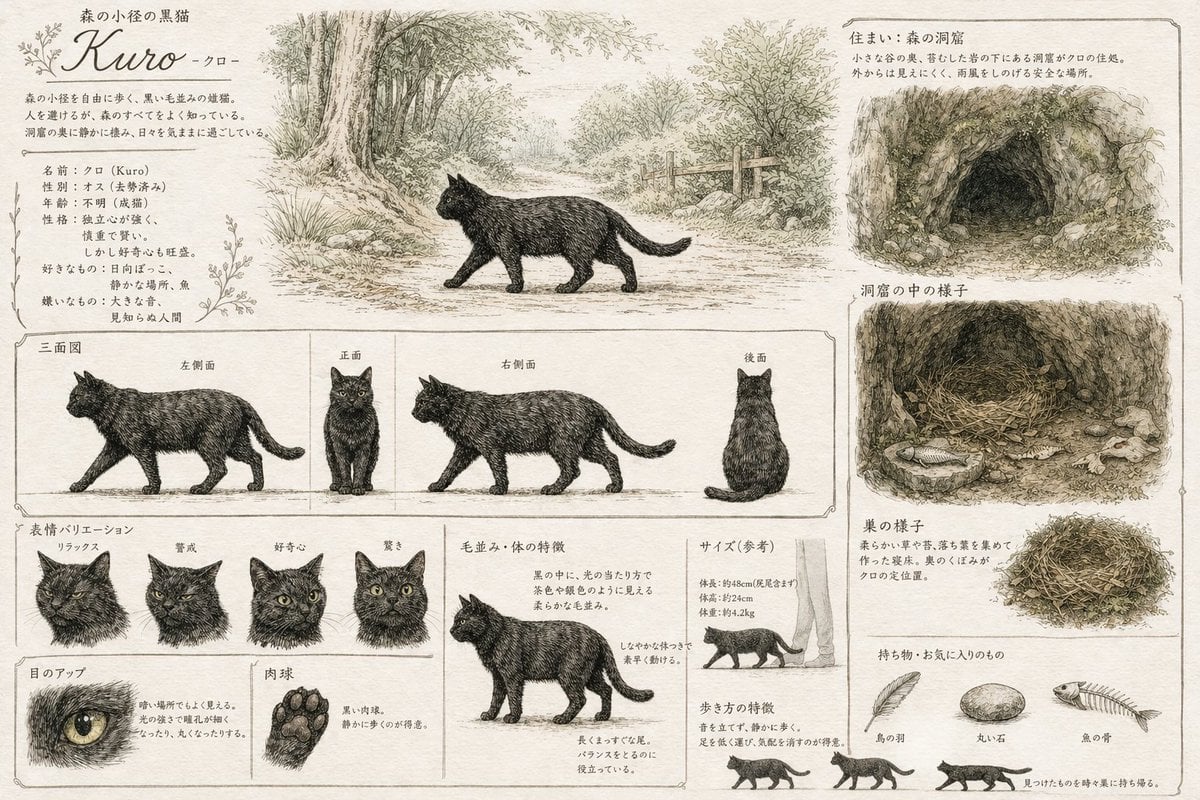
Vintage Creature Concept Art Sheet
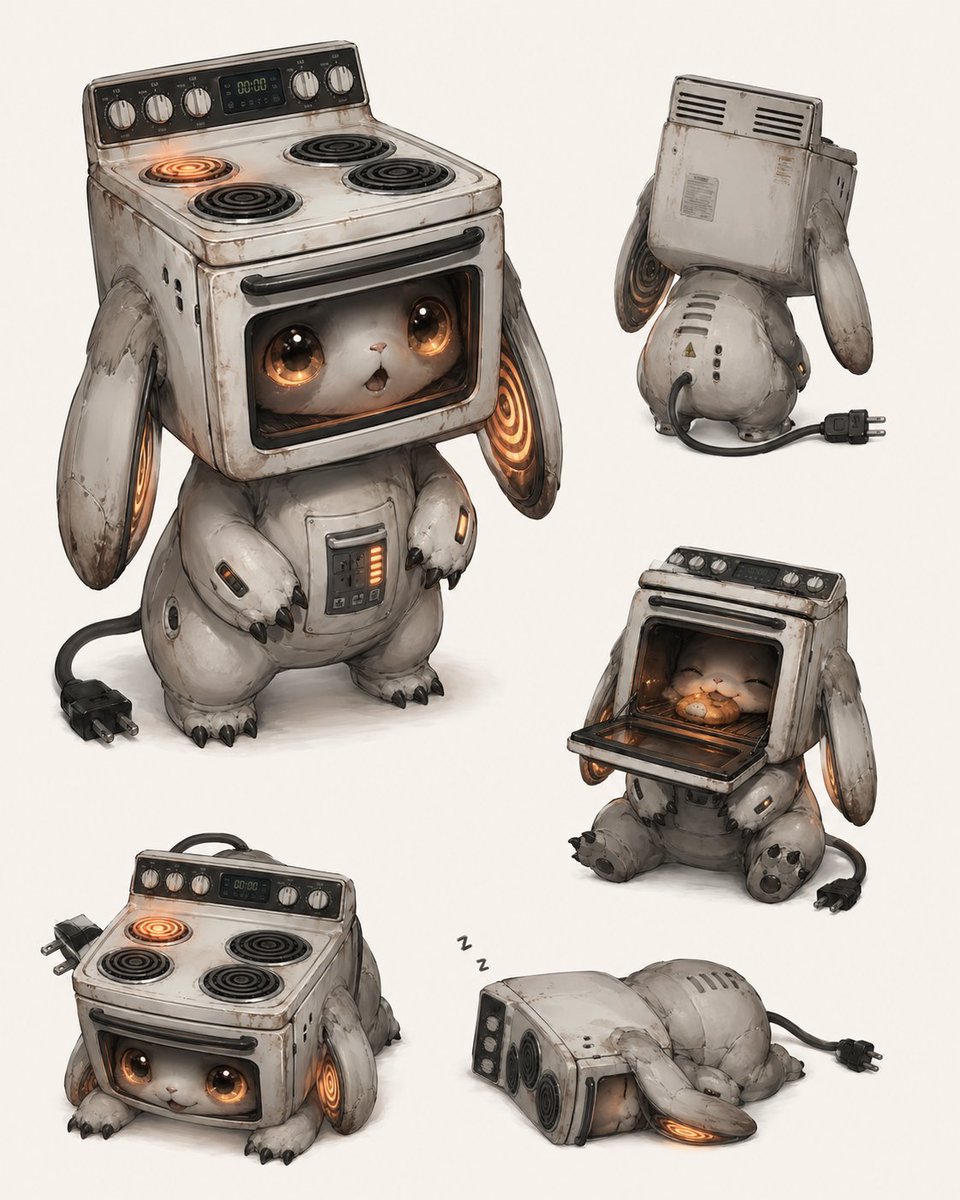
Vintage Stove Bunny Creature Sheet
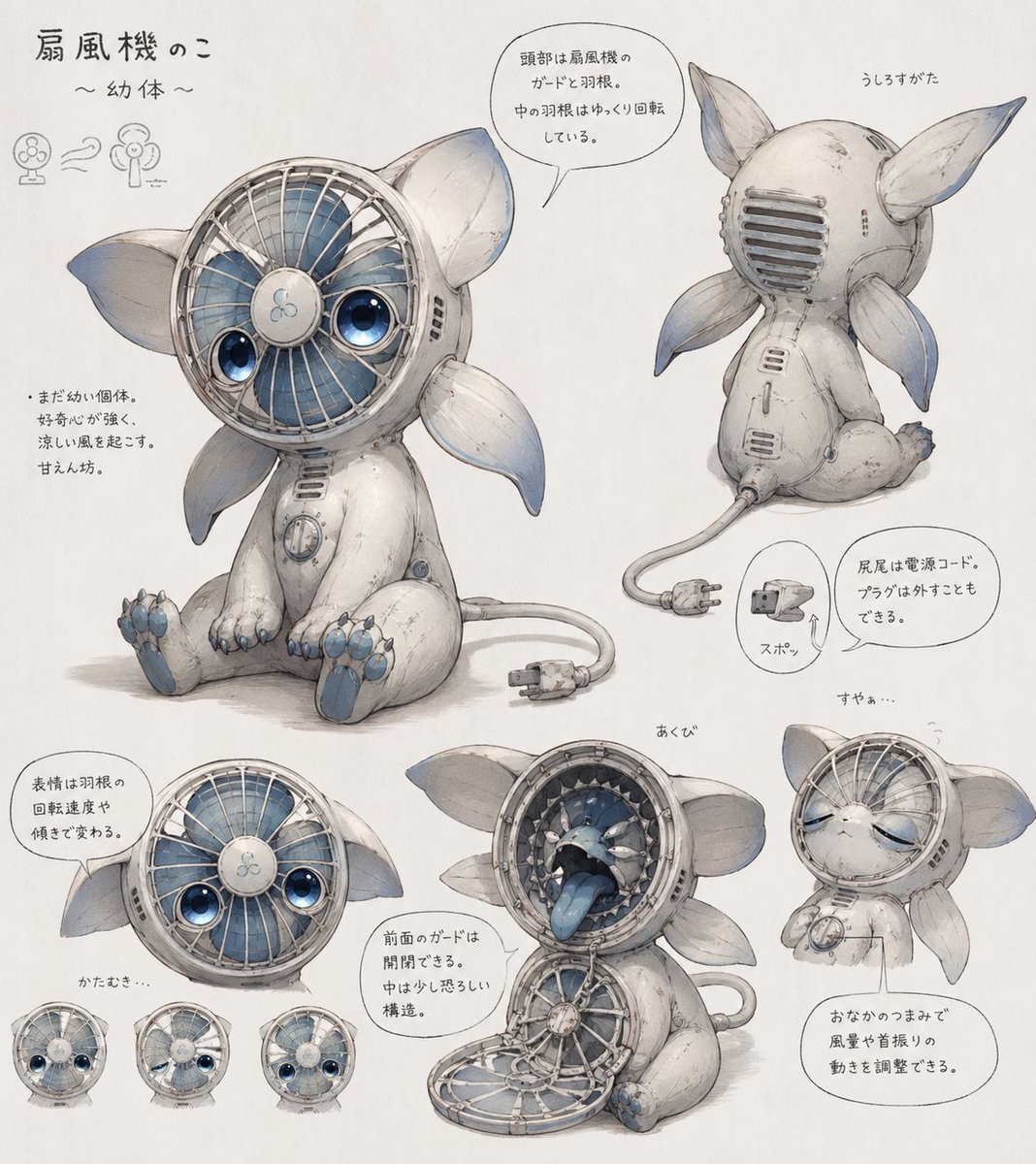
Fan Creature Concept Sheet
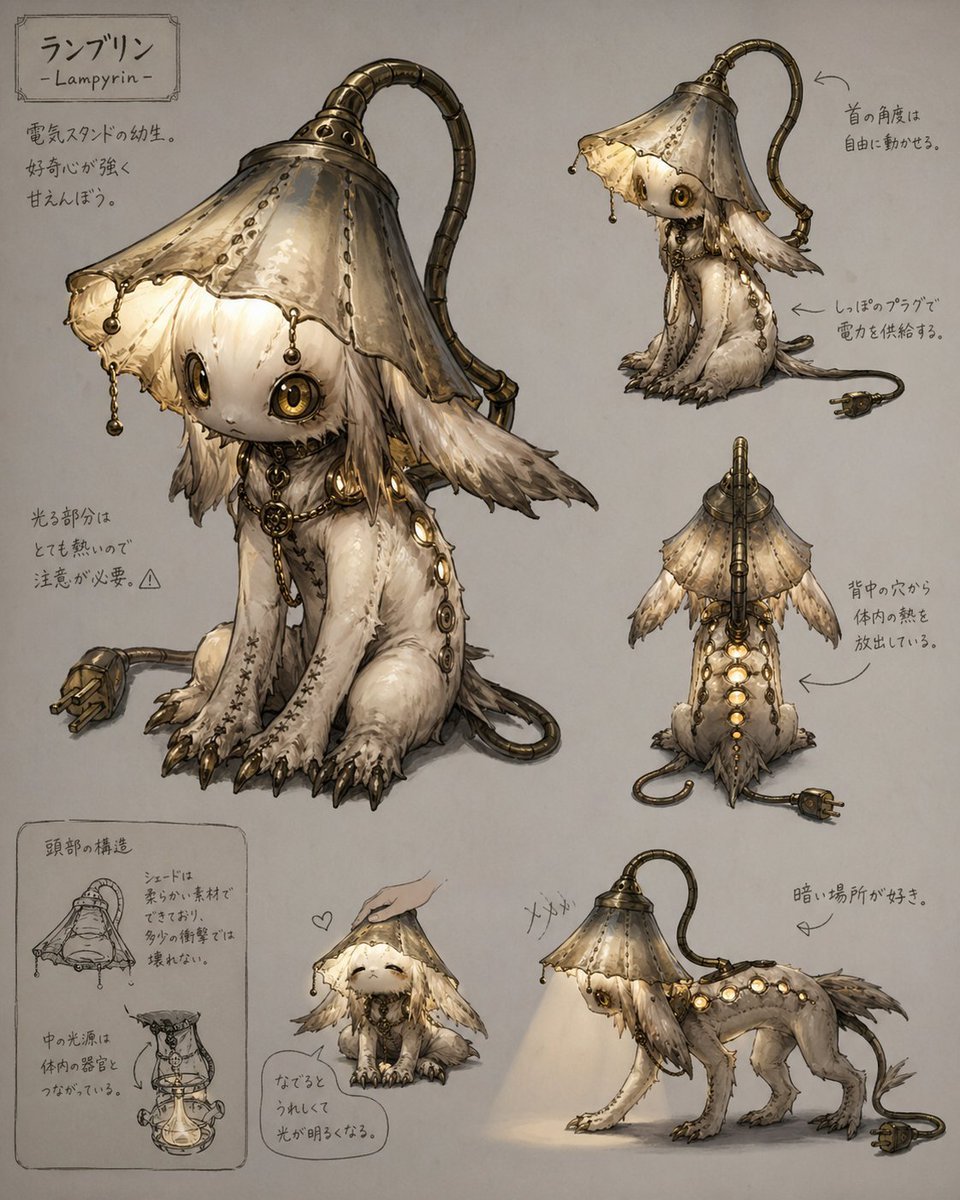
Lamp-Creature Concept Art Sheet
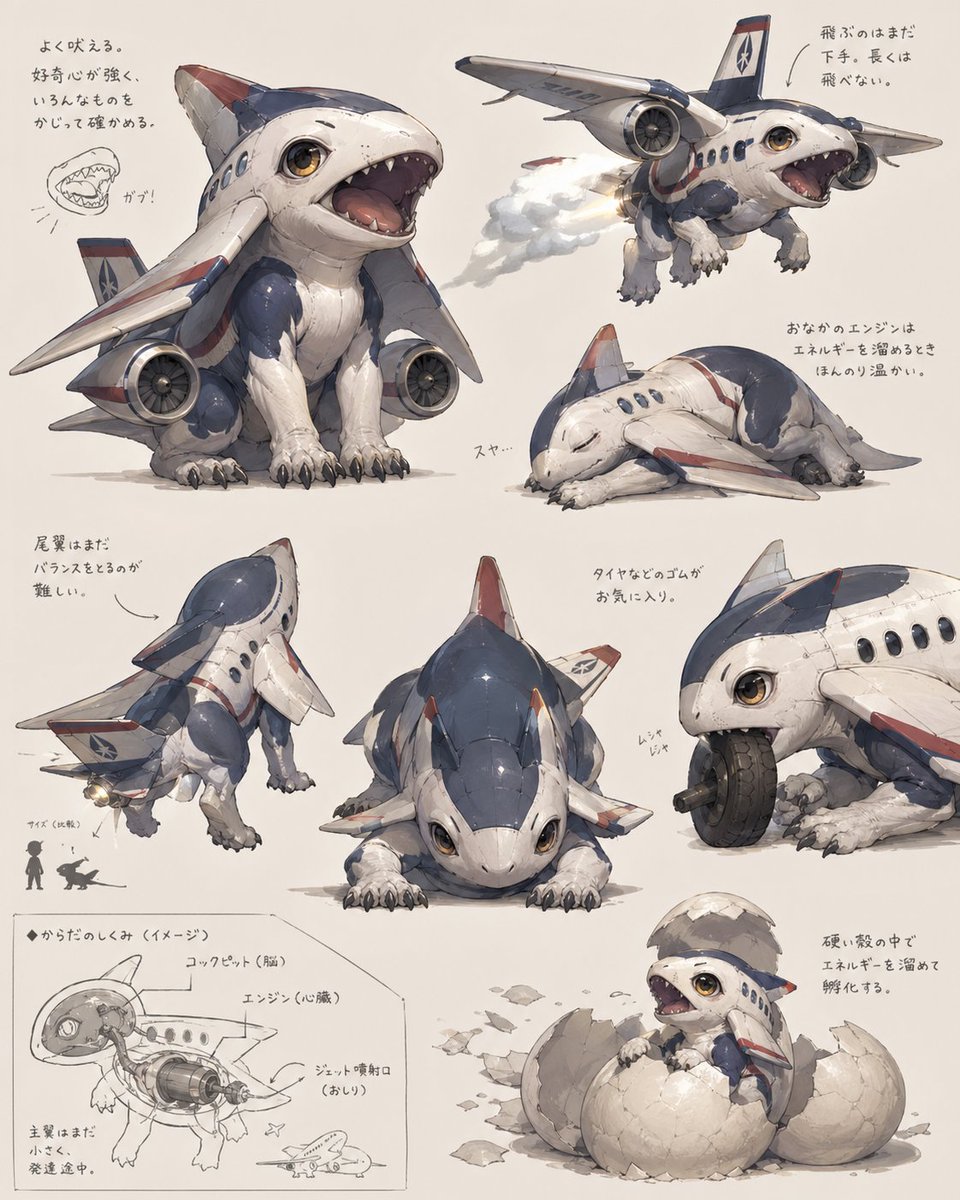
Jet Airplane Puppy Creature Sheet
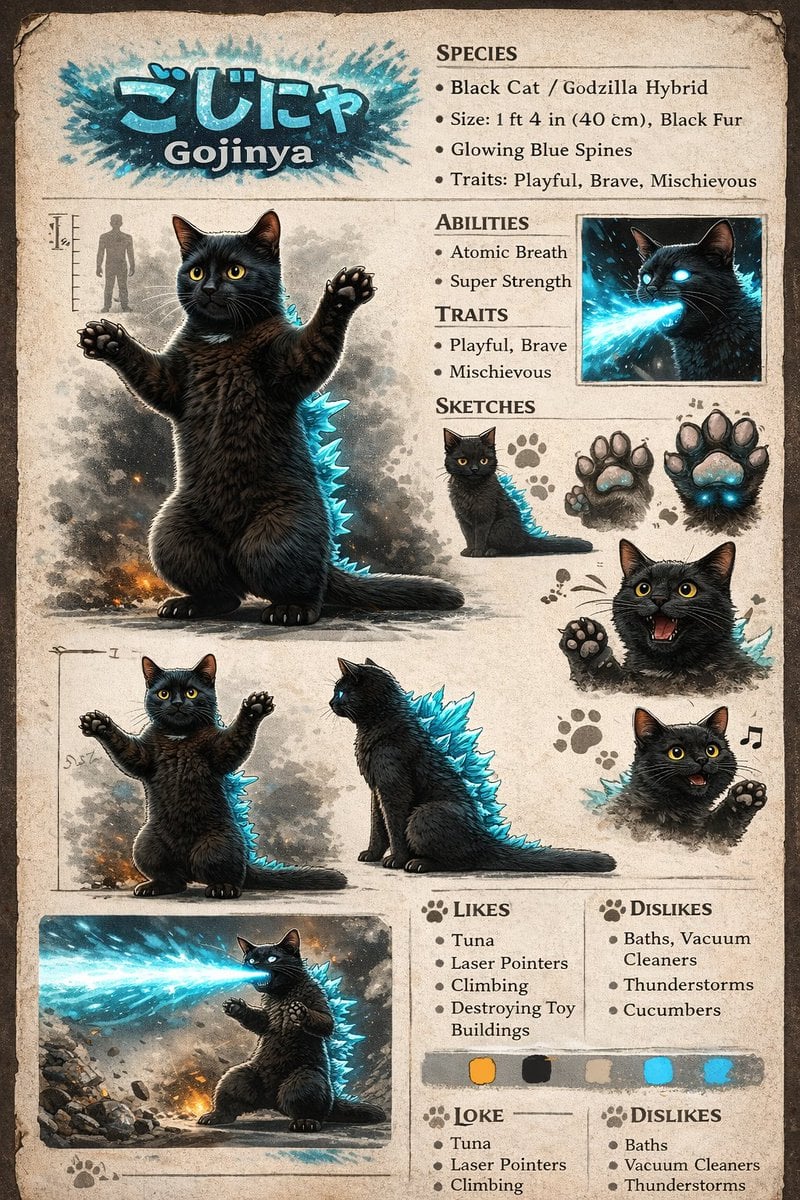
Creature Concept Reference Sheet
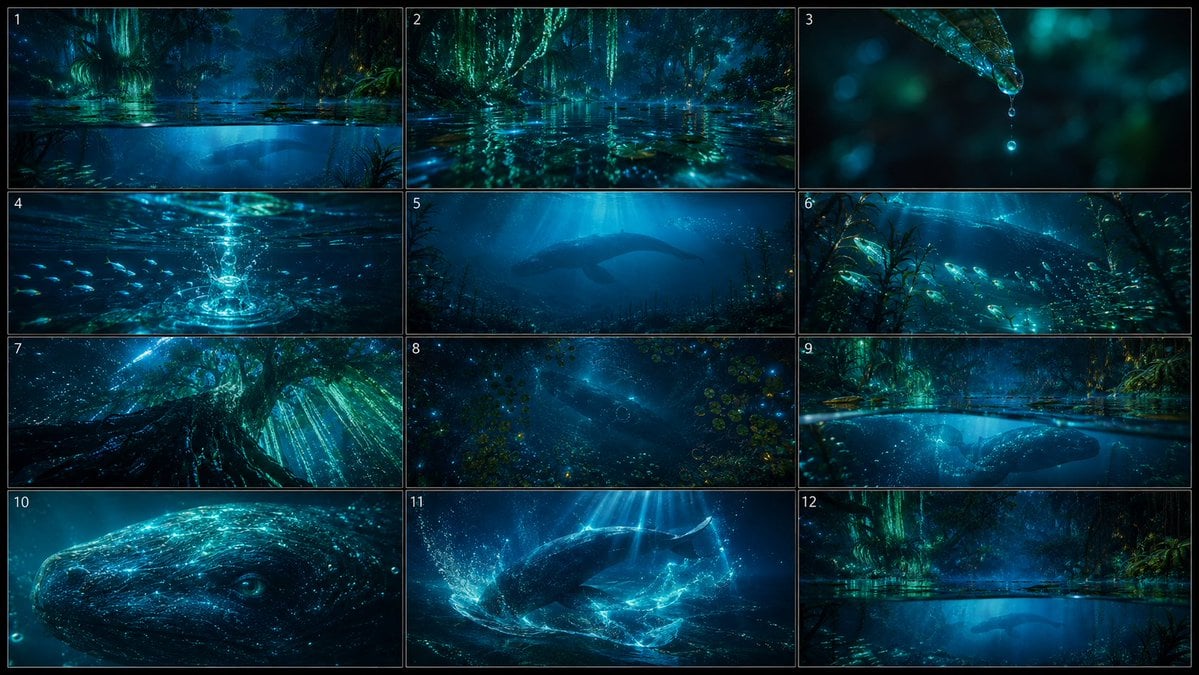
Bioluminescent Aquatic Creature Storyboard

Dancer Character - Four View Reference Sheet

Movement Sheet - Dance Reference (Seedance 2.0)
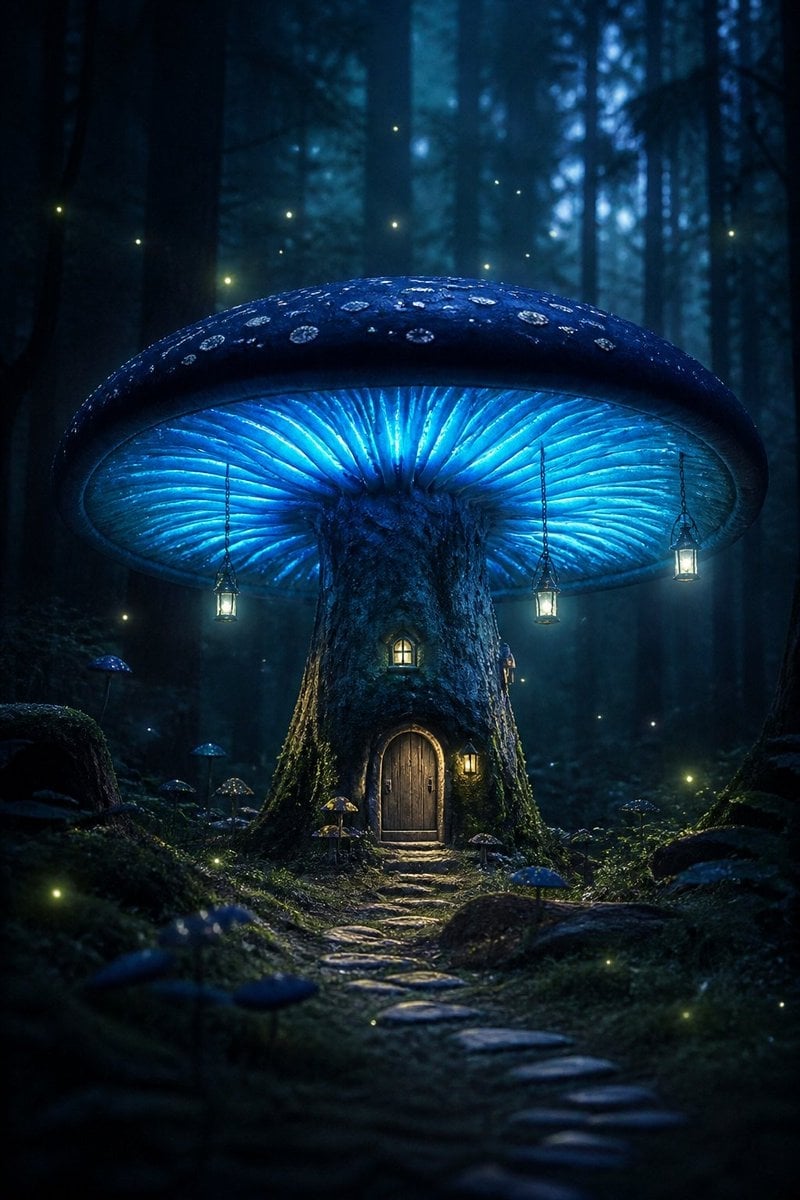
Bioluminescent Giant Mushroom in Dark Forest
Make it yours
Bioluminescent Plush Creature Sheet works as-is. These are the safest ways to change it without losing the look.
Change one field
Copy a single group, rewrite it, and generate again so you can see what that field is doing.
Keep the frame, change the subject
Hold the composition and light of Bioluminescent Plush Creature Sheet, then swap wardrobe, props or the person for a new take.
| If the result… | Why | Fix |
|---|---|---|
| The result drifts from the preview | Too many fields changed at once. | Reuse Bioluminescent Plush Creature Sheet as-is first, then change one group — subject, light, or setting. |
| The model over-stylizes the scene | The prose prompt leaves finish and camera underspecified. | Add one camera or lighting sentence and stay on GPT Image 2. |
More GPT Image 2 templates
Other prompts made for GPT Image 2.

Realistic Portrait of Woman and Deer

The Vista Modular Condo Poster

AI Model Routing Comparison Infographic

2.5D Anime Art Board

Isometric Productivity Desk Scene

New York Double Exposure Poster

Four-Panel AI Landscape Comparison

Japanese Tatami Lifestyle Magazine Cover

NESCAFÉ Coffee Map Poster

Brutalist Cogito Chinese Typography Poster
More image prompts
Fresh picks from across the catalog.

Image-to-Image Instruction for Clothing Swap
Gemini Nano Banana Pro Prompt for Reflective Self-Improvement
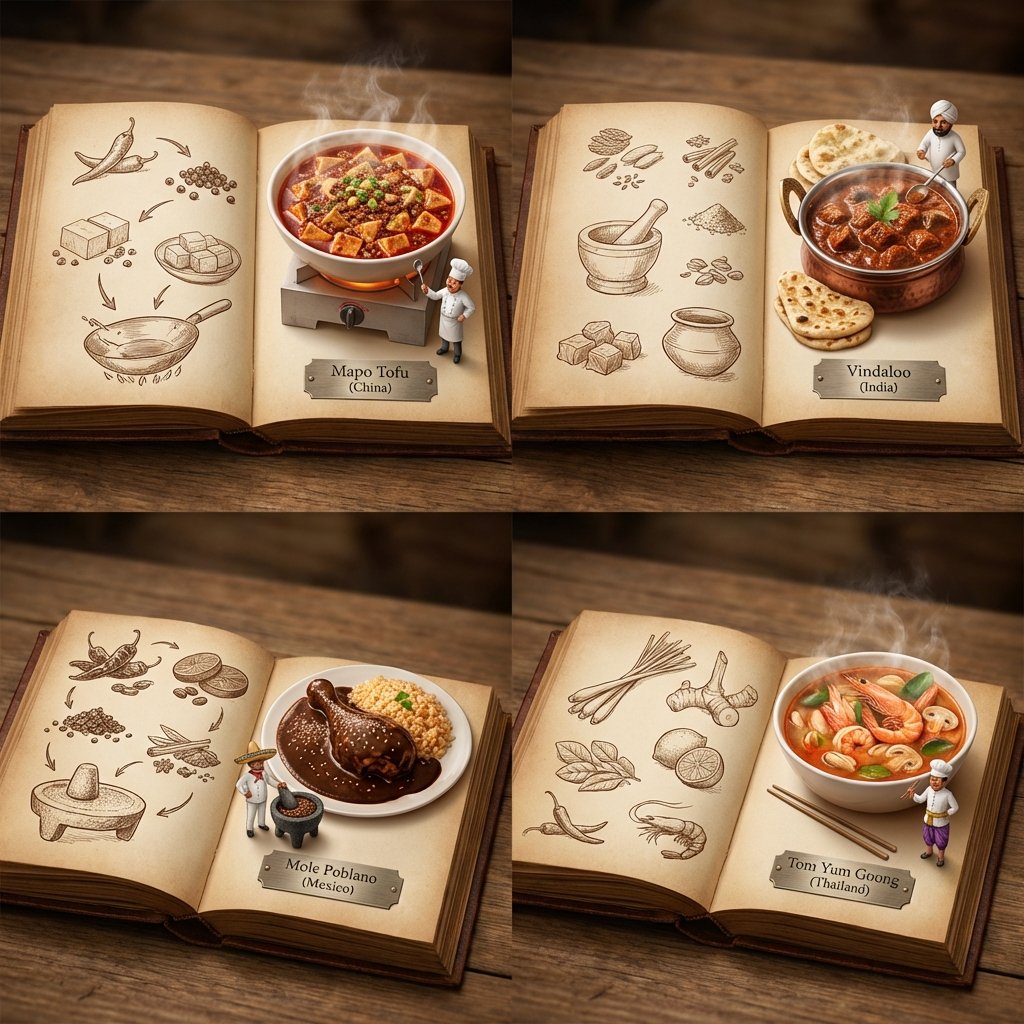
2x2 Grid Pop-Up Cookbook Diorama Prompt for Nano Banana
Minimalist studio shot of transparent bubble wrap fashion item
JSON-style Nano Banana Pro prompt for realistic faces
Cinematic High-Fashion Studio Photoshoot
Stylish Mirror Selfie in Modern Bedroom
Hyper-realistic Travel Food Postcard
Gyoza Cooking Storyboard

Ultrarealistic Image of Stylish Boy Leaning on Land Cruiser
Browse template categories
Bioluminescent Plush Creature Sheet questions
How do I use the Bioluminescent Plush Creature Sheet template?
Add your photo if the template asks for one, edit the prompt if you like — the template's model and format are already selected — and press Generate. Your version opens in PicX Studio.
Can I customize the Bioluminescent Plush Creature Sheet template?
Yes. You can change the subject, setting, lighting, mood, format, and available model controls before creating your image.
Is the Bioluminescent Plush Creature Sheet template free?
Opening and editing this template is free. Generating uses credits, shown on the Generate button when you are signed in.
Which AI model should I use?
Start with GPT Image 2, which is the model associated with this template. You can compare another compatible model for a different finish.
Looking for something else? Browse all templates.

Your photo, any look
Thousands of ready templates for every top image and video model, from one credit balance.