
Jet Airplane Puppy Creature Sheet
A polished concept-art sheet showing a cute airplane-animal hybrid from 8 angles and studies, ideal for creature design, worldbuilding, or imaginative industrial fantasy visuals.
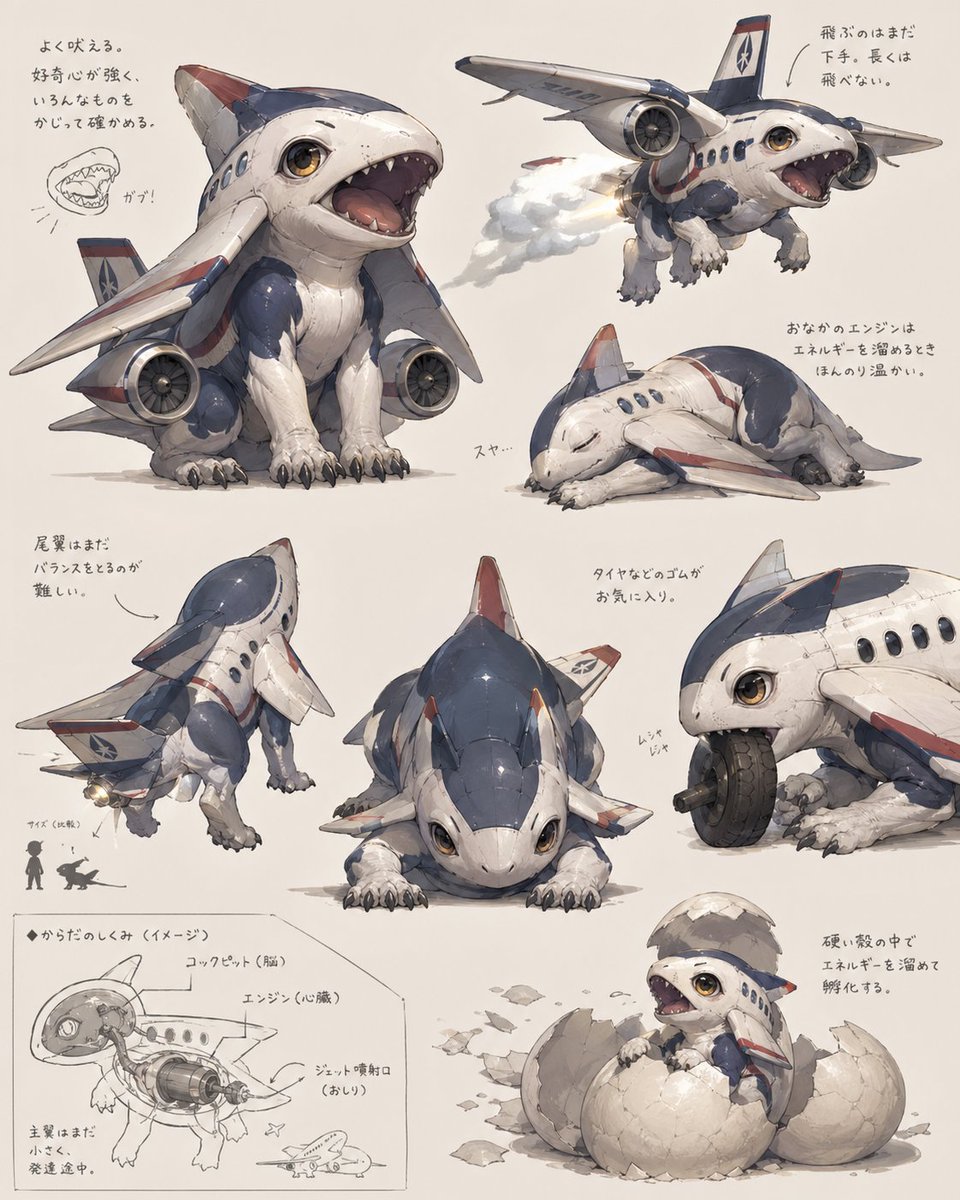
- Prompt included
- Model and format preset
- Free template
The prompt behind this image
Copy the exact prompt behind Jet Airplane Puppy Creature Sheet, or open it in the studio and make it yours.
- Type
- concept art creature sheet
- Subject › Category
- inorganic animal creature hybrid
- Subject › Theme
- a cute baby shark-dog fused with a passenger jet airplane
- Subject › Style
- detailed Japanese concept art on an off-white sketchbook background, painterly industrial design illustration, soft shadows, slightly worn surface textures, believable mechanical-organic fusion, adorable but functional creature design
- Subject › Color Palette › Primary
- white fuselage body
- Subject › Color Palette › Secondary
- navy blue upper panels
- Subject › Color Palette › Accent
- muted red striping and fin tips
- Subject › Color Palette › Details
- warm amber eyes, gray claws, metallic engine parts
- Subject › Design › Head
- rounded shark-like airplane nose with large glossy eyes and a wide open mouth full of small triangular teeth
- Subject › Design › Body
- compact puppy-like quadruped body with soft belly and aircraft fuselage shell
- Subject › Design › Wings
- 2 short airplane wings attached as forelimb-side fins
- Subject › Design › Engines
- 2 visible jet engines mounted low at the sides of the body
- Subject › Design › Tail
- vertical tail fin and small rear stabilizer surfaces
- Subject › Design › Legs
- 4 animal legs with fluffy fur texture and dark claws
- Subject › Design › Surface Details
- panel seams, rivets, passenger windows, airline insignia, weathering scuffs
- Layout › Background
- plain warm ivory paper
- Layout › Sections › 0 › Title
- main pose
- Layout › Sections › 0 › Position
- upper left
- Layout › Sections › 0 › Count
- 1
- Layout › Sections › 0 › Labels
- front three-quarter sitting pose with mouth open
- Layout › Sections › 1 › Title
- flying pose
- Layout › Sections › 1 › Position
- upper right
- Layout › Sections › 1 › Count
- 1
- Layout › Sections › 1 › Labels
- airborne view with engine exhaust
Raw JSON
{"type":"concept art creature sheet","subject":{"category":"inorganic animal creature hybrid","theme":"a cute baby shark-dog fused with a passenger jet airplane","style":"detailed Japanese concept art on an off-white sketchbook background, painterly industrial design illustration, soft shadows, slightly worn surface textures, believable mechanical-organic fusion, adorable but functional creature design","color_palette":{"primary":"white fuselage body","secondary":"navy blue upper panels","accent":"muted red striping and fin tips","details":"warm amber eyes, gray claws, metallic engine parts"},"design":{"head":"rounded shark-like airplane nose with large glossy eyes and a wide open mouth full of small triangular teeth","body":"compact puppy-like quadruped body with soft belly and aircraft fuselage shell","wings":"2 short airplane wings attached as forelimb-side fins","engines":"2 visible jet engines mounted low at the sides of the body","tail":"vertical tail fin and small rear stabilizer surfaces","legs":"4 animal legs with fluffy fur texture and dark claws","surface_details":"panel seams, rivets, passenger windows, airline insignia, weathering scuffs"}},"layout":{"background":"plain warm ivory paper","sections":[{"title":"main pose","position":"upper left","count":1,"labels":["front three-quarter sitting pose with mouth open"]},{"title":"flying pose","position":"upper right","count":1,"labels":["airborne view with engine exhaust"]},{"title":"sleeping pose","position":"right center","count":1,"labels":["curled up asleep"]},{"title":"rear view","position":"lower left","count":1,"labels":["back three-quarter standing pose"]},{"title":"front low pose","position":"lower center","count":1,"labels":["crouched front view"]},{"title":"wheel chewing detail","position":"lower right upper","count":1,"labels":["close-up biting and playing with a tire"]},{"title":"cross-section diagram","position":"bottom left corner","count":1,"labels":["internal anatomy sketch with labeled engine and cockpit"]},{"title":"hatching pose","position":"bottom right corner","count":1,"labels":["baby creature emerging from a cracked egg"]}],"total_views":8,"extra_elements":{"small_mouth_sketches":1,"size_comparison_icons":2,"handwritten_note_groups":7}},"text":{"language":"Japanese handwritten annotations scattered near each drawing","include_text":true,"text_density":"light notes around the poses and technical diagram"},"composition":"arrange all 8 drawings like a creature design reference sheet with generous spacing, asymmetrical but balanced layout, the largest view in the upper left and smaller supporting studies around it","quality":"highly polished concept illustration for creature ideation, whimsical aerospace biology aesthetic"}How to use Jet Airplane Puppy Creature Sheet in 3 steps
- 1Upload ImagePNG, JPG or paste
Add your photo
Upload the photo the template builds on. The prompt, model and format are already set.
- 2…a portrait of your subject in softgolden-hour light, 85mm…
Personalize
Edit the subject and creative details for your destination.
- 3Generate
Generate
Press Generate — your image is created in PicX Studio, so you can compare it with the original and refine one variable at a time.
More like this
Templates with the same subject, style or setup. Open one to see its prompt.
Kawaii Puppy Emotion Sticker Sheet
Vintage Creature Concept Art Sheet
Vintage Stove Bunny Creature Sheet
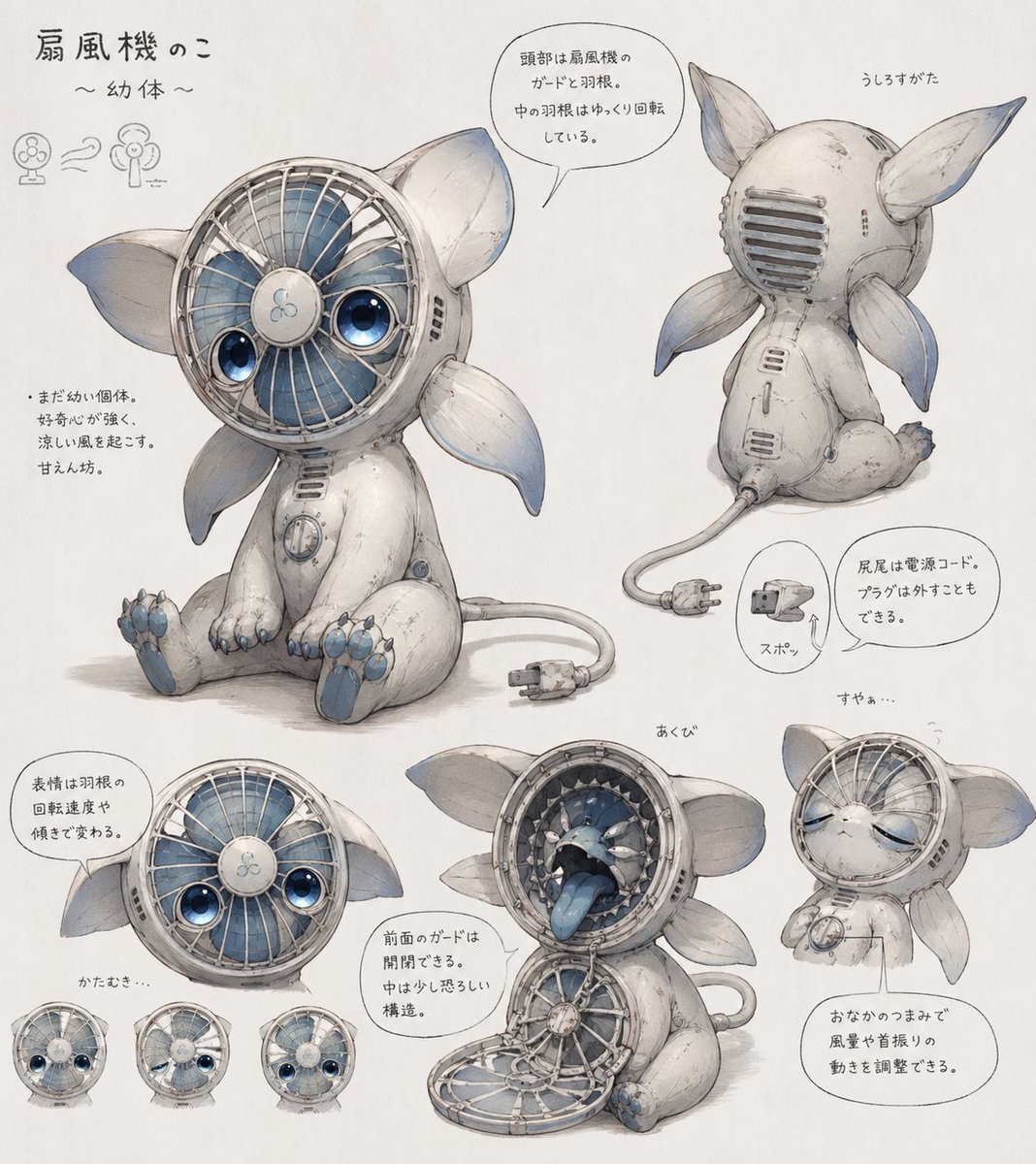
Fan Creature Concept Sheet
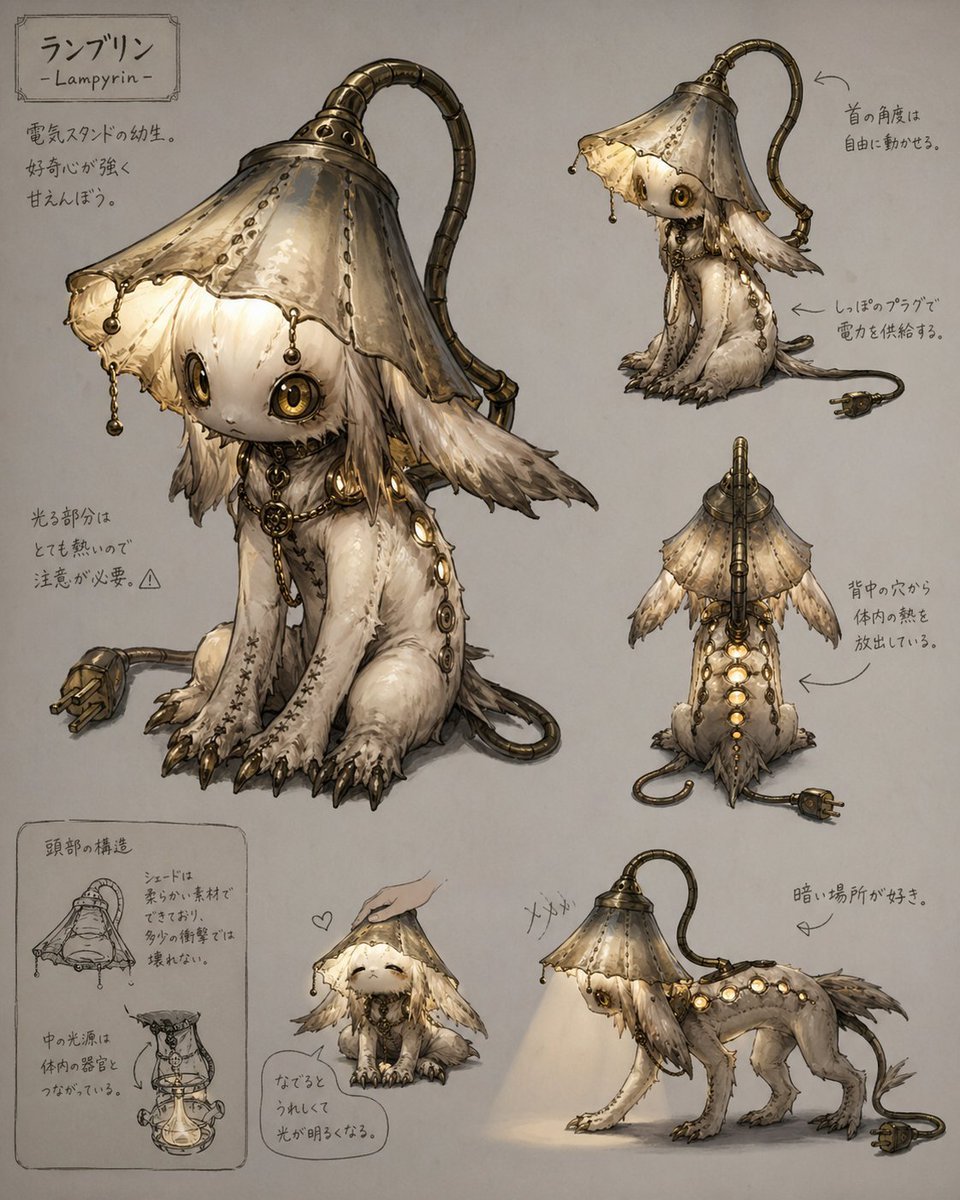
Lamp-Creature Concept Art Sheet
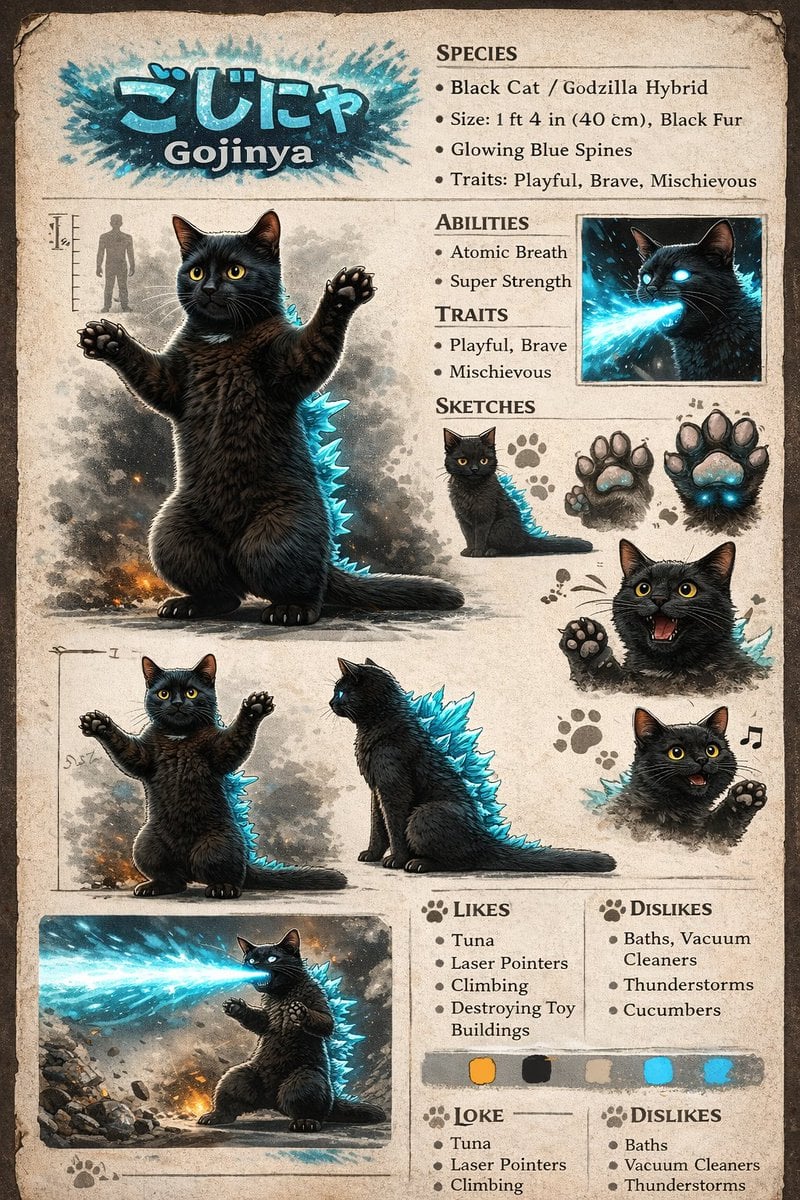
Creature Concept Reference Sheet
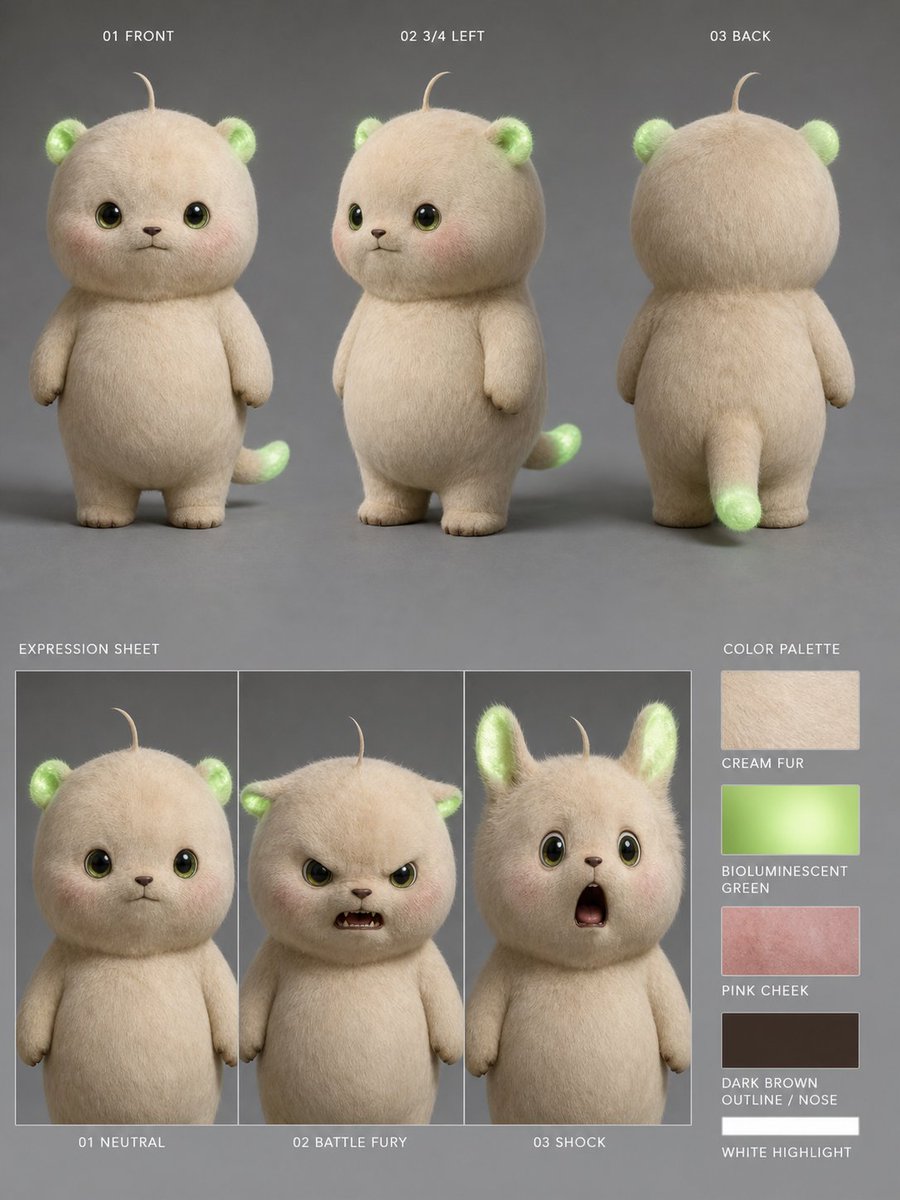
Bioluminescent Plush Creature Sheet

Dancer Character - Four View Reference Sheet

Movement Sheet - Dance Reference (Seedance 2.0)
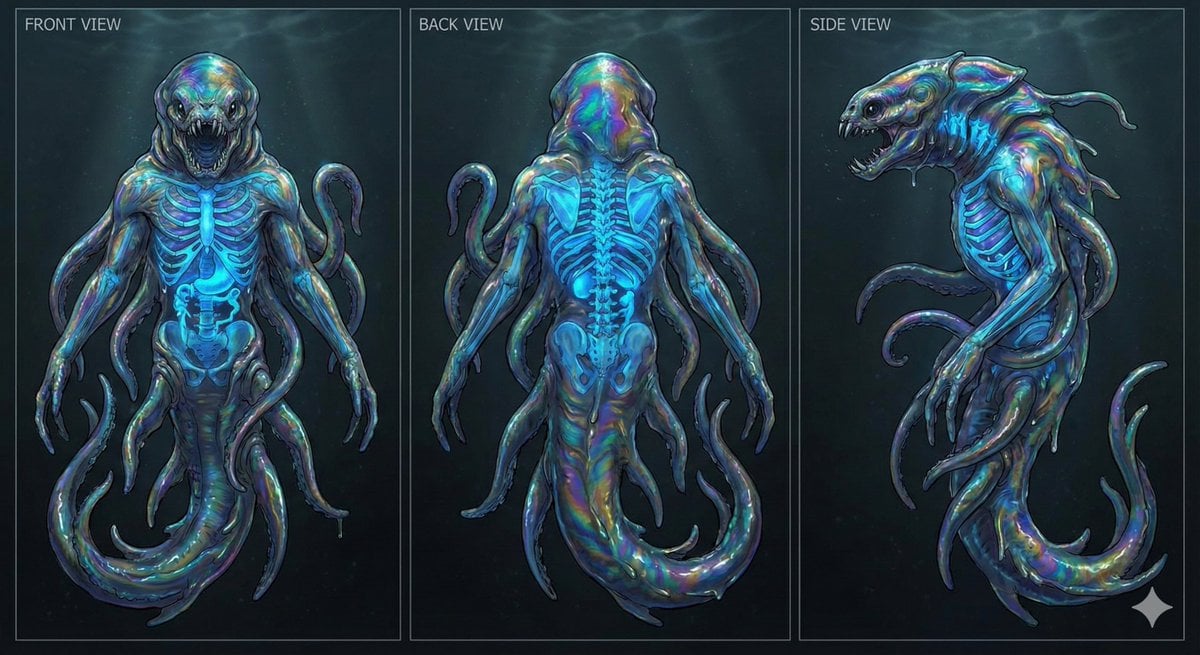
Character Sheet for Deep-Sea Creature with Bioluminescent Skeleton
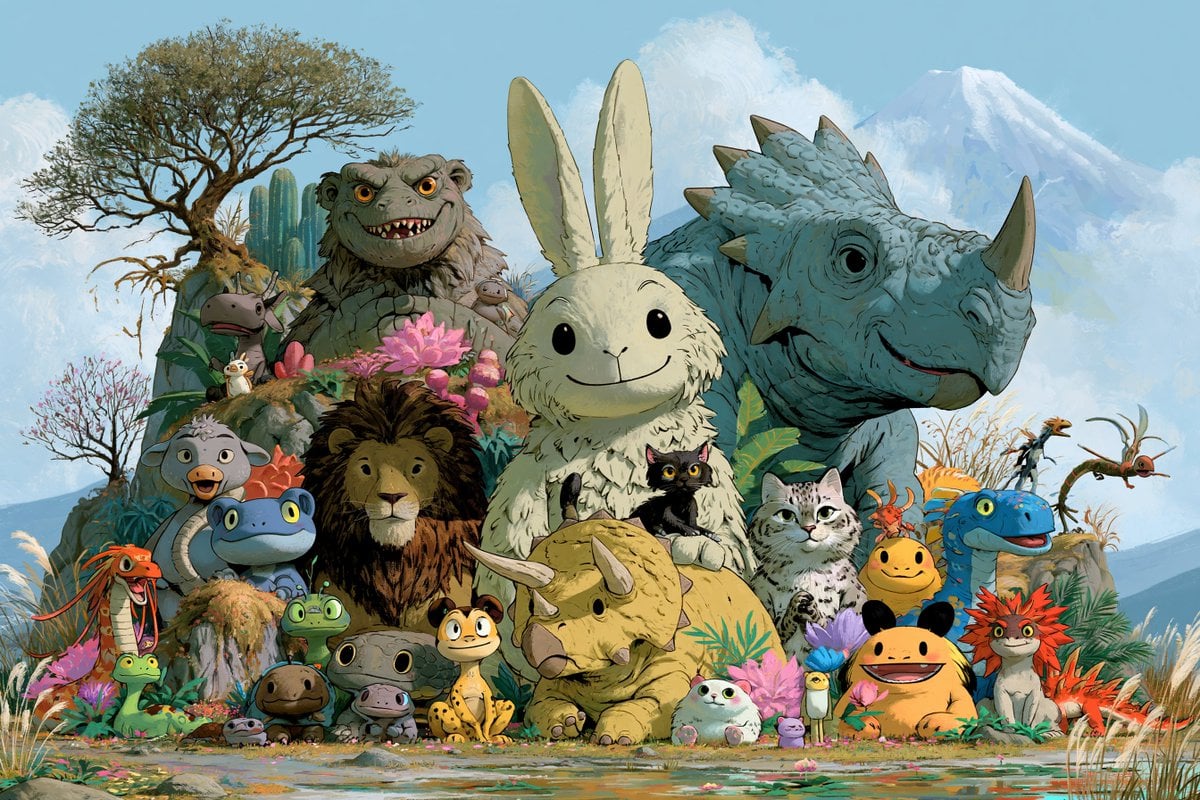
Fantasy Creature Meadow Ensemble
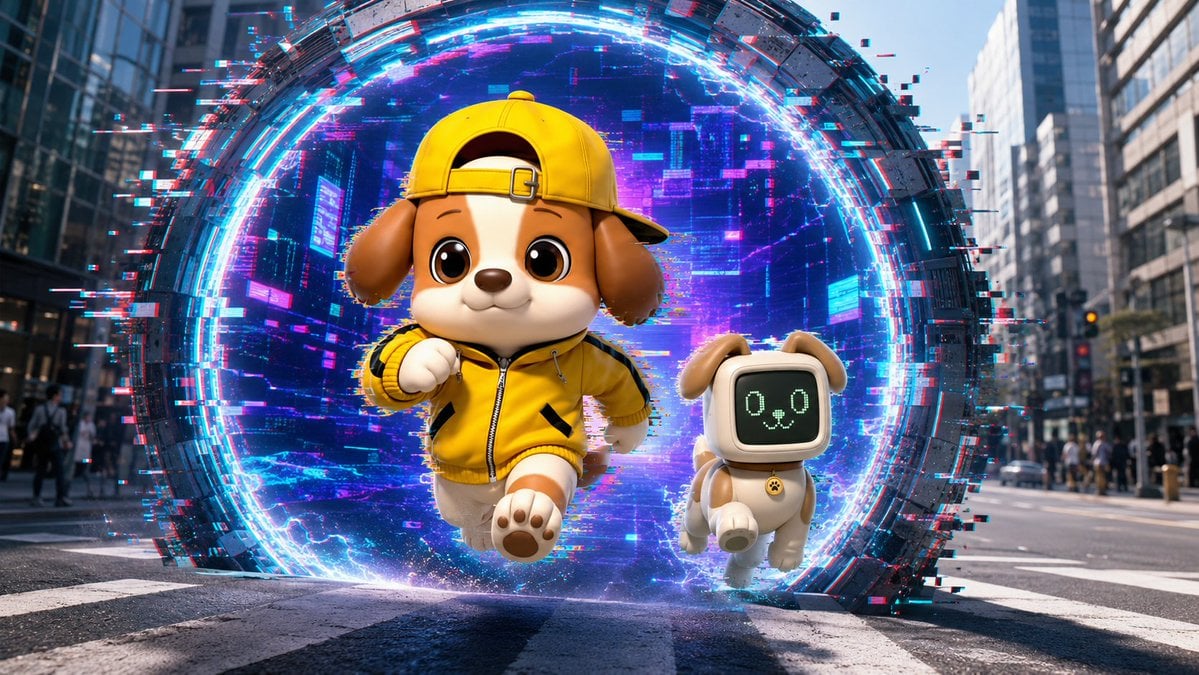
Puppy and Robot Dog Cyber Portal
Make it yours
Jet Airplane Puppy Creature Sheet works as-is. These are the safest ways to change it without losing the look.
Swap the setting
Keep the rest of the prompt and replace the location block. The current setting is “plain warm ivory paper”.
Change one field
Copy a single group, rewrite it, and generate again so you can see what that field is doing.
Keep the frame, change the subject
Hold the composition and light of Jet Airplane Puppy Creature Sheet, then swap wardrobe, props or the person for a new take.
| If the result… | Why | Fix |
|---|---|---|
| The result drifts from the preview | Too many fields changed at once. | Reuse Jet Airplane Puppy Creature Sheet as-is first, then change one group — subject, light, or setting. |
| GPT Image 2 ignores part of the JSON | Some models flatten or skip nested keys. | Keep the same values and paste them as a short paragraph instead. |
More GPT Image 2 templates
Other prompts made for GPT Image 2.

Realistic Portrait of Woman and Deer

The Vista Modular Condo Poster

AI Model Routing Comparison Infographic

2.5D Anime Art Board

Isometric Productivity Desk Scene

New York Double Exposure Poster

Four-Panel AI Landscape Comparison

Japanese Tatami Lifestyle Magazine Cover

NESCAFÉ Coffee Map Poster

Brutalist Cogito Chinese Typography Poster
More image prompts
Fresh picks from across the catalog.
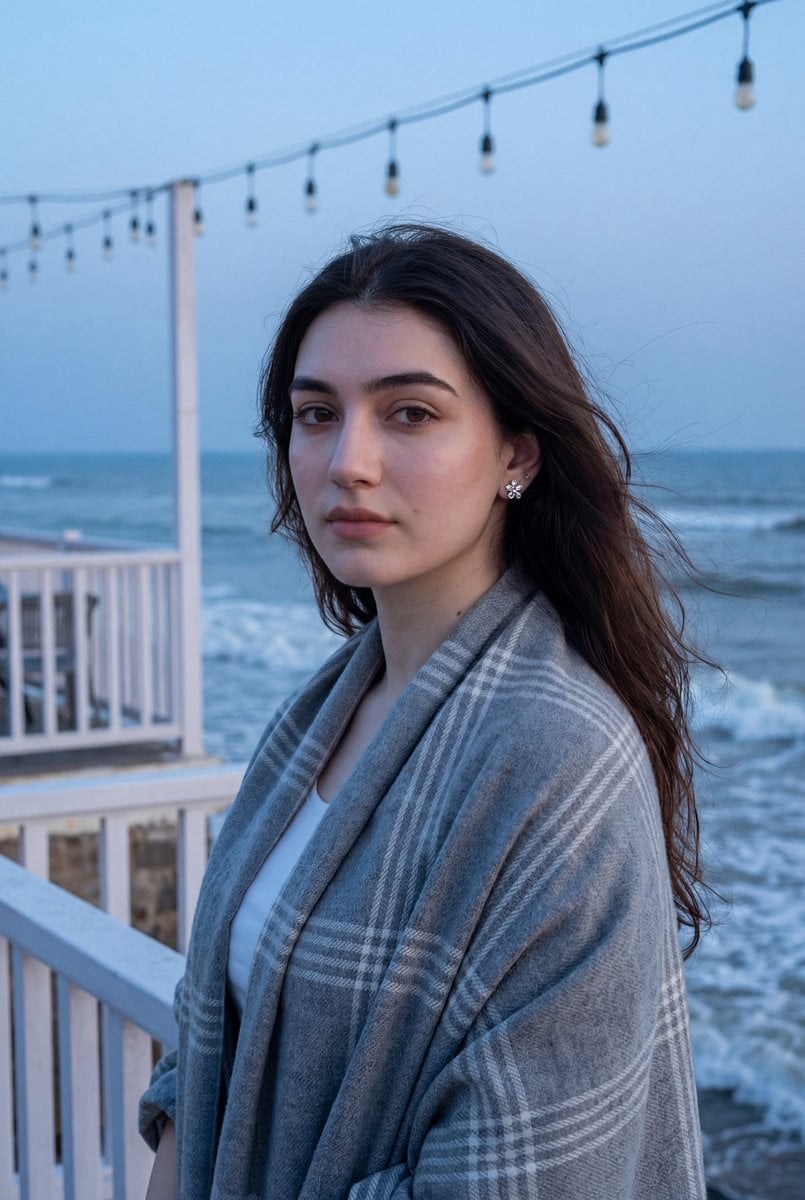
Photorealistic Portrait of a Woman on a Seaside Terrace at Blue Hour
Cinematic Dark Fantasy Scene of Elemental Collision
Luxury Drink Advertisement Poster
Hyper-Realistic Commercial Fashion Photo Prompt for Nano Banana Pro
Neon Luxury Mirror Selfie
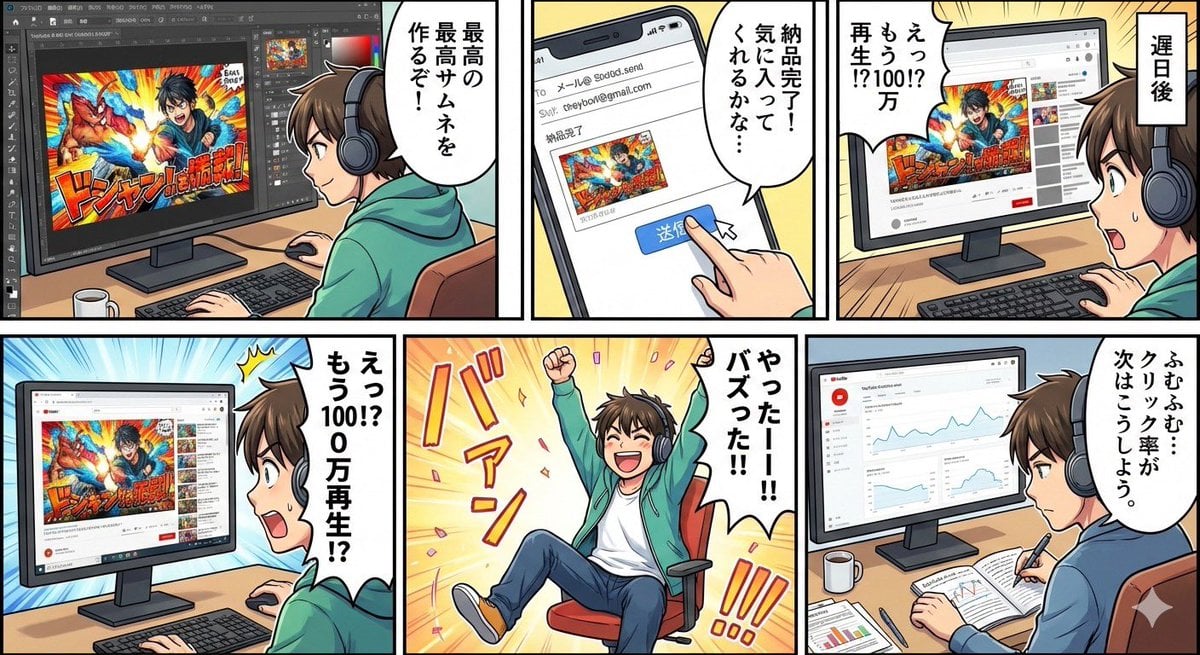
Five-panel manga of a YouTube thumbnail creator workflow
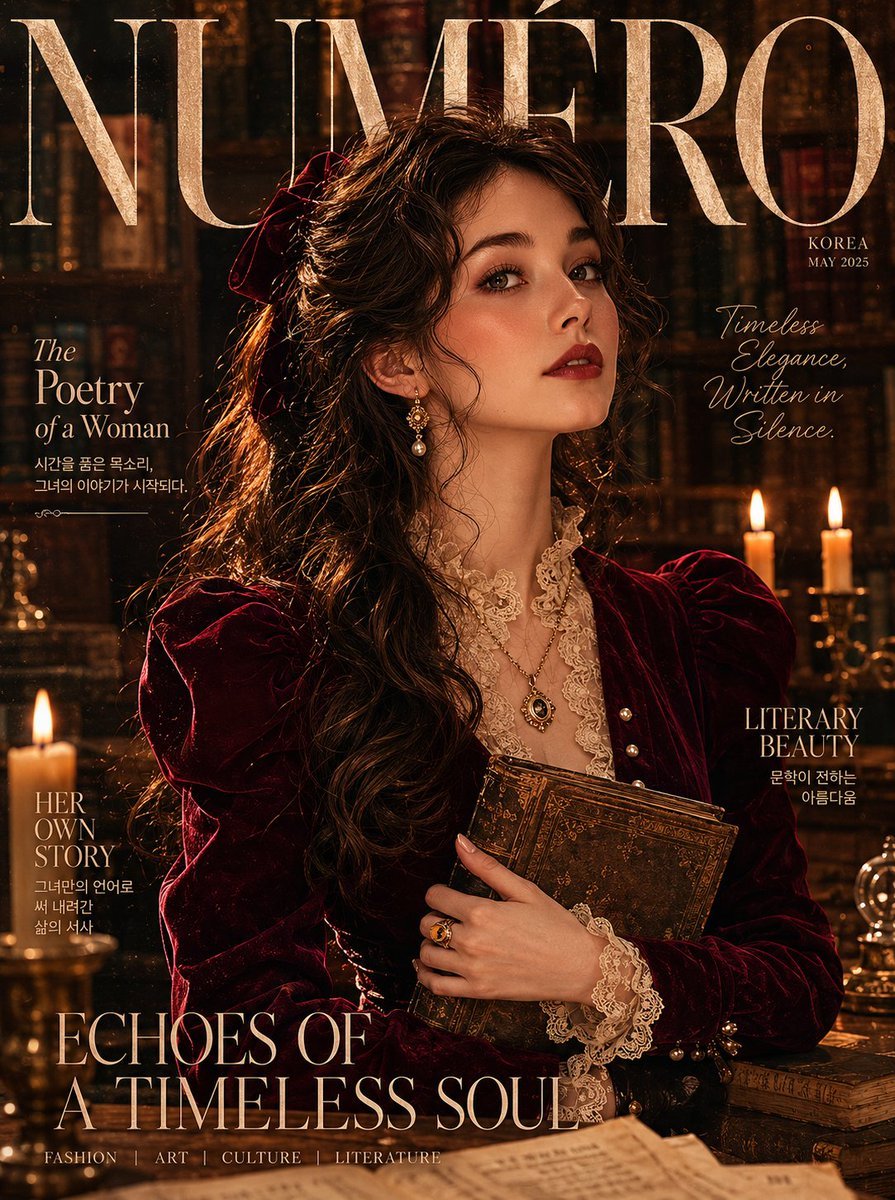
Burgundy Velvet Literary Magazine Cover

Chinese Xianxia Fantasy Portrait with Cold Tones and Magic Effects
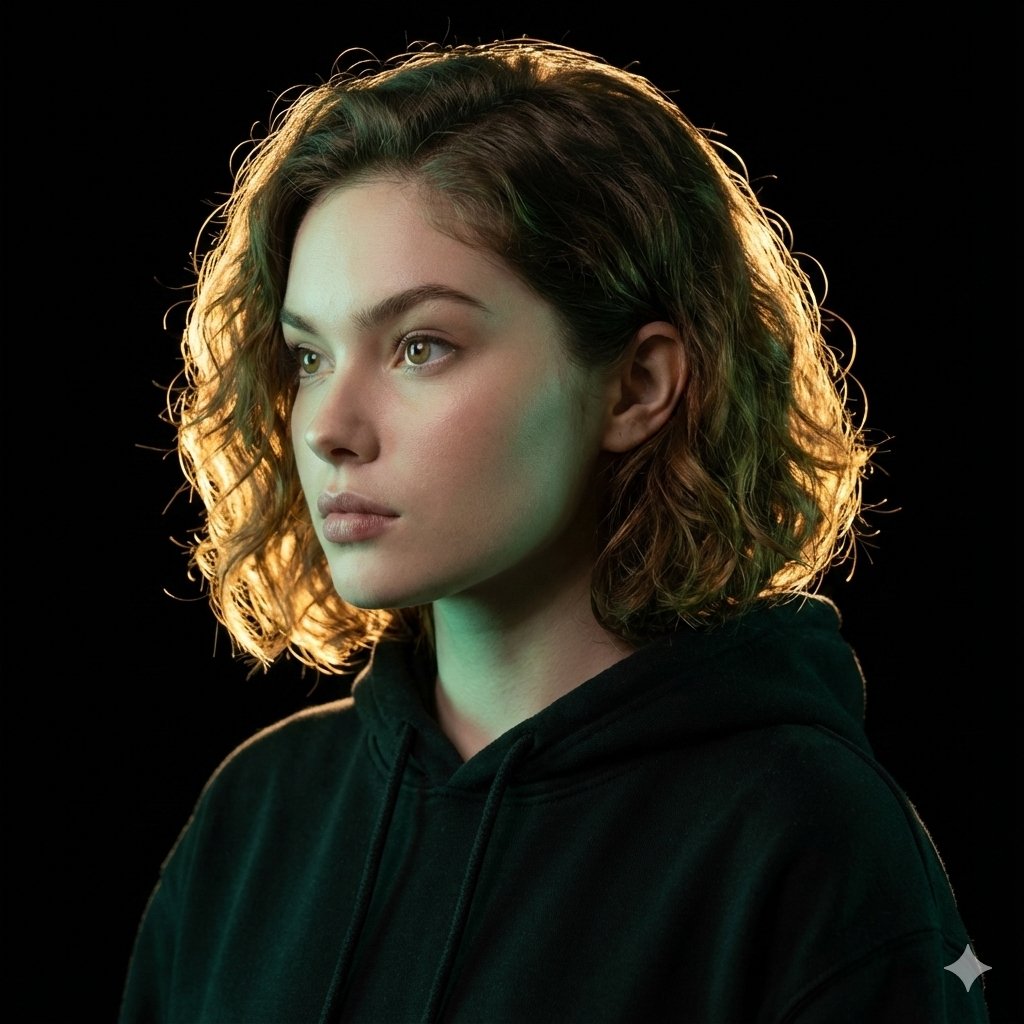
Ultrarealistic Artistic Portrait with Contradictory Lighting
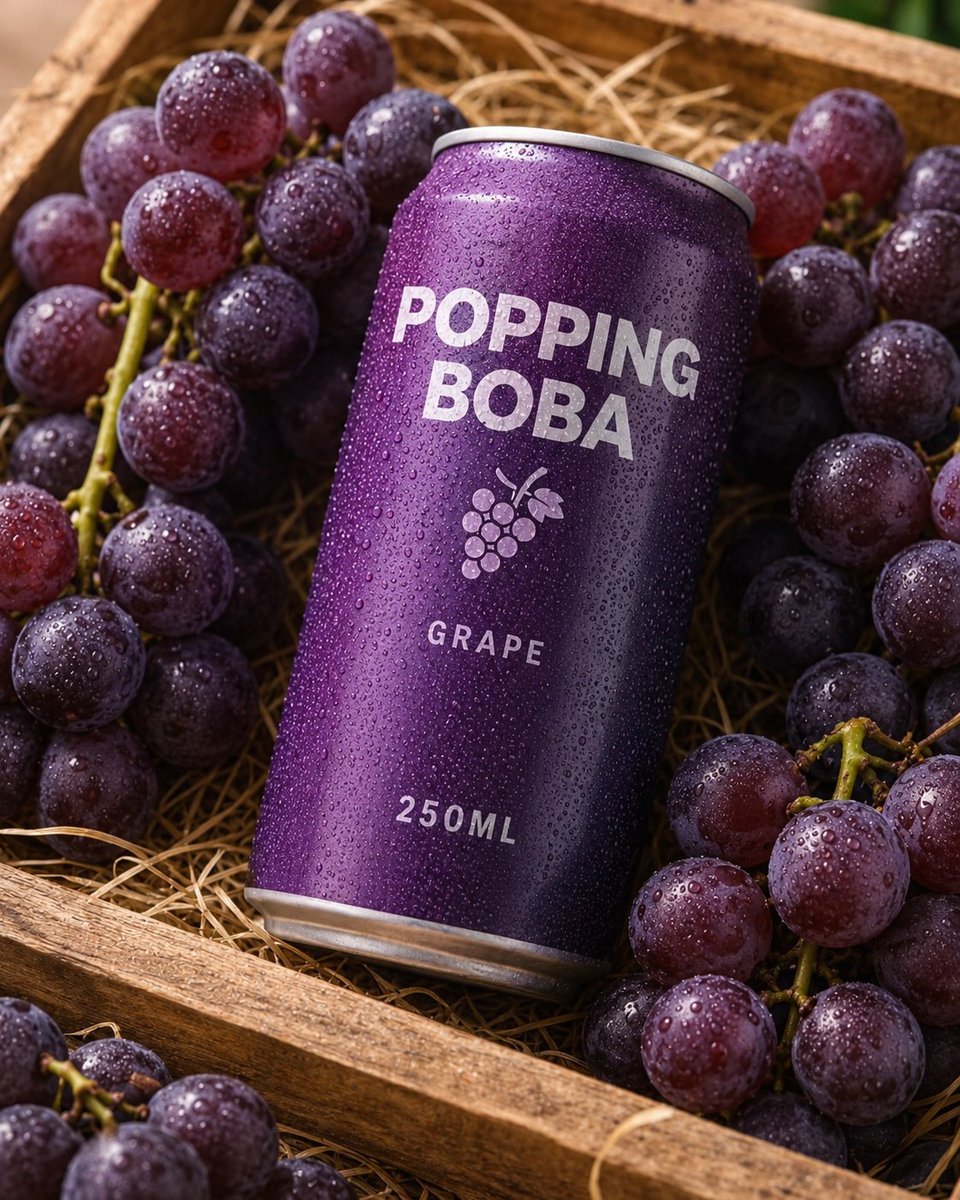
Splash Hero Beverage Photography
Browse template categories
Jet Airplane Puppy Creature Sheet questions
How do I use the Jet Airplane Puppy Creature Sheet template?
Add your photo if the template asks for one, edit the prompt if you like — the template's model and format are already selected — and press Generate. Your version opens in PicX Studio.
Can I customize the Jet Airplane Puppy Creature Sheet template?
Yes. You can change the subject, setting, lighting, mood, format, and available model controls before creating your image.
Is the Jet Airplane Puppy Creature Sheet template free?
Opening and editing this template is free. Generating uses credits, shown on the Generate button when you are signed in.
Which AI model should I use?
Start with GPT Image 2, which is the model associated with this template. You can compare another compatible model for a different finish.
Looking for something else? Browse all templates.

Your photo, any look
Thousands of ready templates for every top image and video model, from one credit balance.