
Lamp-Creature Concept Art Sheet
A detailed creature design reference sheet for a cute inorganic lamp-animal hybrid, useful for concept art, worldbuilding, and character design prompts.
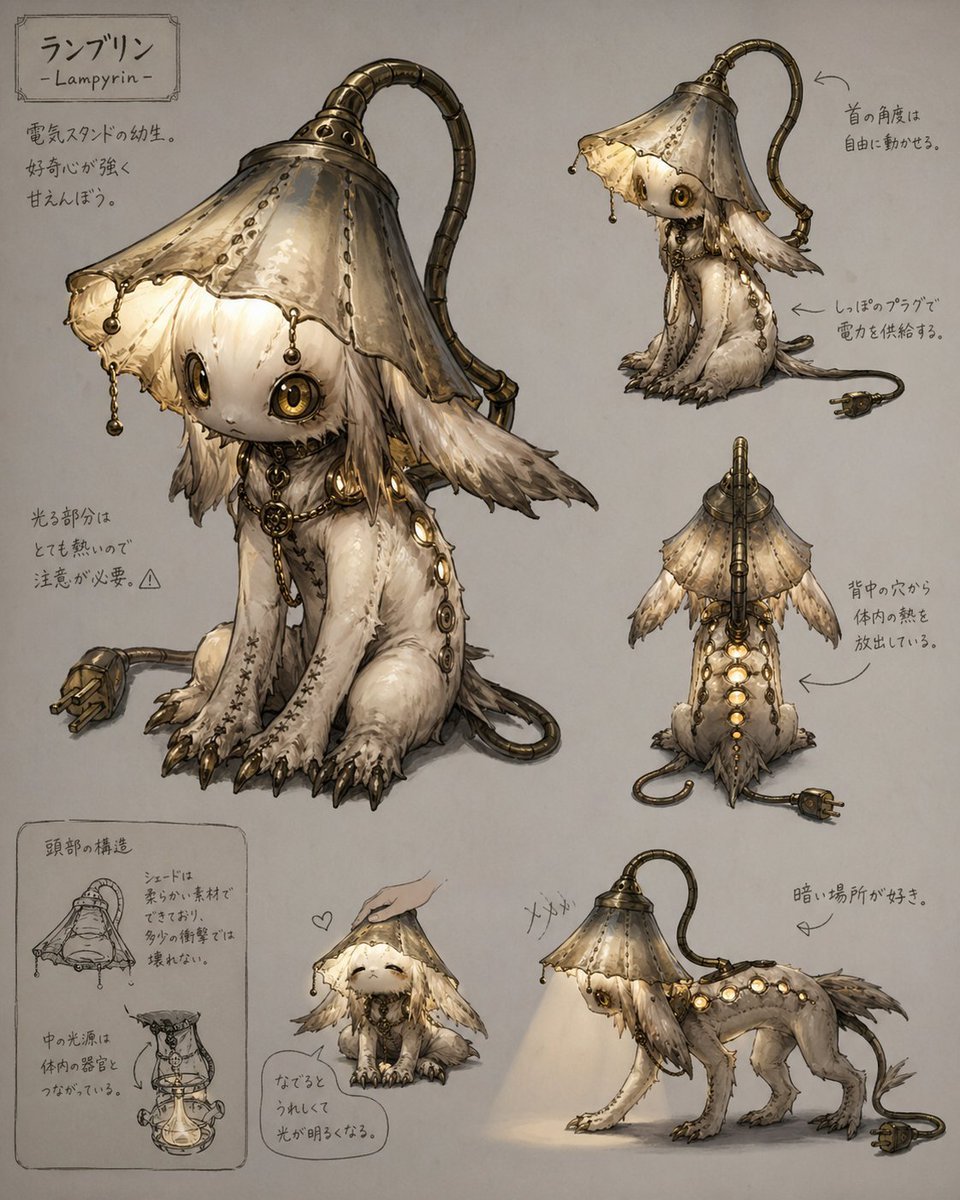
- Prompt included
- Model and format preset
- Free template
The prompt behind this image
Copy the exact prompt behind Lamp-Creature Concept Art Sheet, or open it in the studio and make it yours.
- Type
- creature concept art sheet
- Subject › Name
- {argument name="creature name" default="ランプリン"}
- Subject › Romanized Name
- Lampyrin
- Subject › Species Concept
- an inorganic fantasy creature based on a baby electric stand lamp
- Subject › Design
- small animal-like mechanical-organic hybrid with a lampshade head, soft furred body, oversized round glowing eyes, long floppy ear-like appendages, visible seams and stitches, brass fittings, dangling pull-chain ornaments, a segmented flexible lamp neck arching from the back of the head, a power cord tail ending in a two-prong plug, and a row of circular glowing ports along the spine
- Subject › Materials
- aged brass, worn cream fabric, soft ivory fur, stitched leather-like seams, warm glowing glass bulbs
- Subject › Mood
- fragile, curious, shy, eerie-cute
- Subject › Color Palette
- warm ivory, beige, sepia, tarnished brass, muted gray background, soft amber light
- Layout › Background
- plain paper-like neutral backdrop
- Layout › Style
- Japanese creature design reference sheet with hand-drawn annotations and multiple views
- Layout › Sections › 0 › Title
- ランプリン - Lampyrin -
- Layout › Sections › 0 › Position
- top left
- Layout › Sections › 0 › Count
- 1
- Layout › Sections › 0 › Labels
- nameplate
- Layout › Sections › 1 › Title
- main view
- Layout › Sections › 1 › Position
- left center
- Layout › Sections › 1 › Count
- 1
- Layout › Sections › 1 › Labels
- large seated three-quarter front view
- Layout › Sections › 2 › Title
- side view
- Layout › Sections › 2 › Position
- upper right
- Layout › Sections › 2 › Count
- 1
- Layout › Sections › 2 › Labels
- standing side profile
- Layout › Sections › 3 › Title
- back view
- Layout › Sections › 3 › Position
- middle right
Raw JSON
{"type":"creature concept art sheet","subject":{"name":"{argument name=\"creature name\" default=\"ランプリン\"}","romanized_name":"Lampyrin","species_concept":"an inorganic fantasy creature based on a baby electric stand lamp","design":"small animal-like mechanical-organic hybrid with a lampshade head, soft furred body, oversized round glowing eyes, long floppy ear-like appendages, visible seams and stitches, brass fittings, dangling pull-chain ornaments, a segmented flexible lamp neck arching from the back of the head, a power cord tail ending in a two-prong plug, and a row of circular glowing ports along the spine","materials":"aged brass, worn cream fabric, soft ivory fur, stitched leather-like seams, warm glowing glass bulbs","mood":"fragile, curious, shy, eerie-cute","color_palette":"warm ivory, beige, sepia, tarnished brass, muted gray background, soft amber light"},"layout":{"background":"plain paper-like neutral backdrop","style":"Japanese creature design reference sheet with hand-drawn annotations and multiple views","sections":[{"title":"ランプリン - Lampyrin -","position":"top left","count":1,"labels":["nameplate"]},{"title":"main view","position":"left center","count":1,"labels":["large seated three-quarter front view"]},{"title":"side view","position":"upper right","count":1,"labels":["standing side profile"]},{"title":"back view","position":"middle right","count":1,"labels":["rear view showing spine lights and vents"]},{"title":"head structure","position":"bottom left","count":2,"labels":["head cross-section sketch","internal structure sketch"]},{"title":"interaction pose","position":"bottom center","count":1,"labels":["being petted, happy expression"]},{"title":"active pose","position":"bottom right","count":1,"labels":["walking with lamp beam turned on"]}],"annotation_count":8},"details":{"visible_features":["the neck angle can move freely","electricity is supplied through the tail plug","the glowing parts become hot","heat is released from holes on the back","it likes dark places","when praised or petted it becomes happy and glows brighter"],"pose_count":5,"view_count":5,"small_sketch_count":2},"rendering":{"medium":"high-detail watercolor and ink illustration with soft shading and delicate linework","lighting":"soft ambient light plus warm internal lamp glow","composition":"large centerpiece with smaller orthographic and behavior studies arranged around it"}}How to use Lamp-Creature Concept Art Sheet in 3 steps
- 1Upload ImagePNG, JPG or paste
Add your photo
Upload the photo the template builds on. The prompt, model and format are already set.
- 2…a portrait of your subject in softgolden-hour light, 85mm…
Personalize
Edit the subject and creative details for your destination.
- 3Generate
Generate
Press Generate — your image is created in PicX Studio, so you can compare it with the original and refine one variable at a time.
More like this
Templates with the same subject, style or setup. Open one to see its prompt.
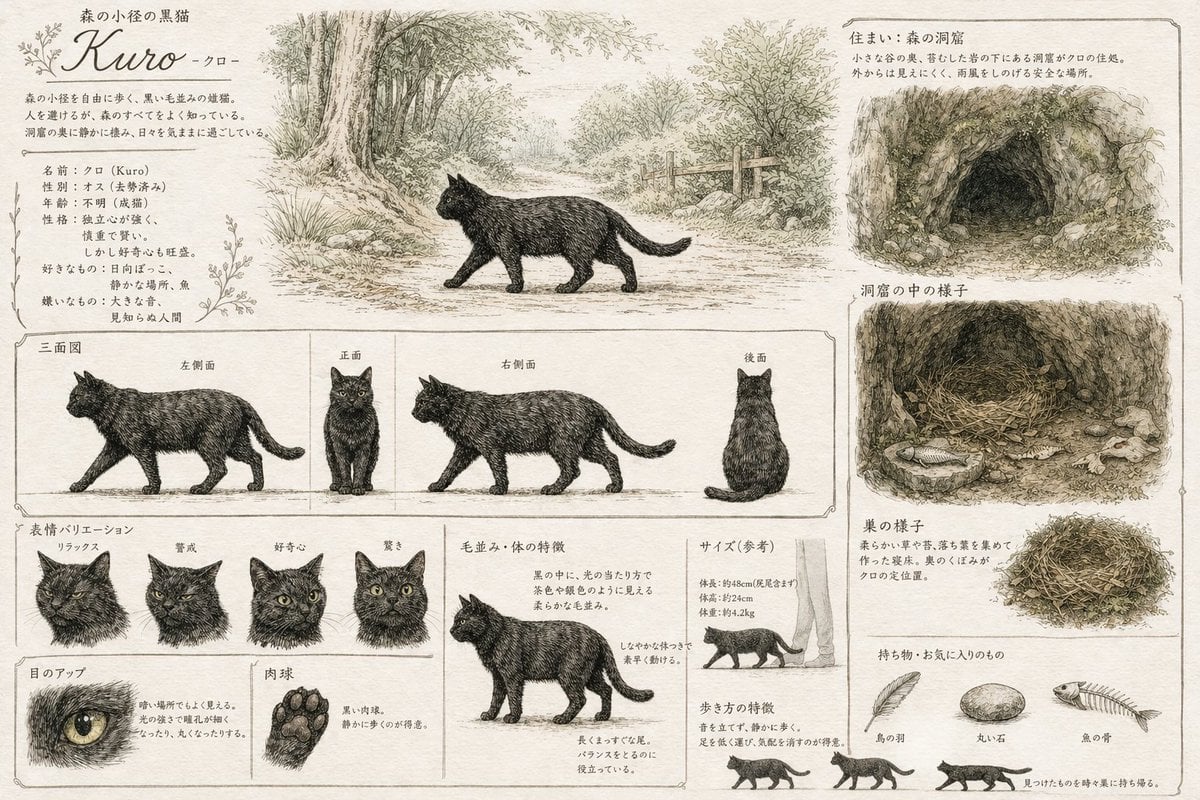
Vintage Creature Concept Art Sheet
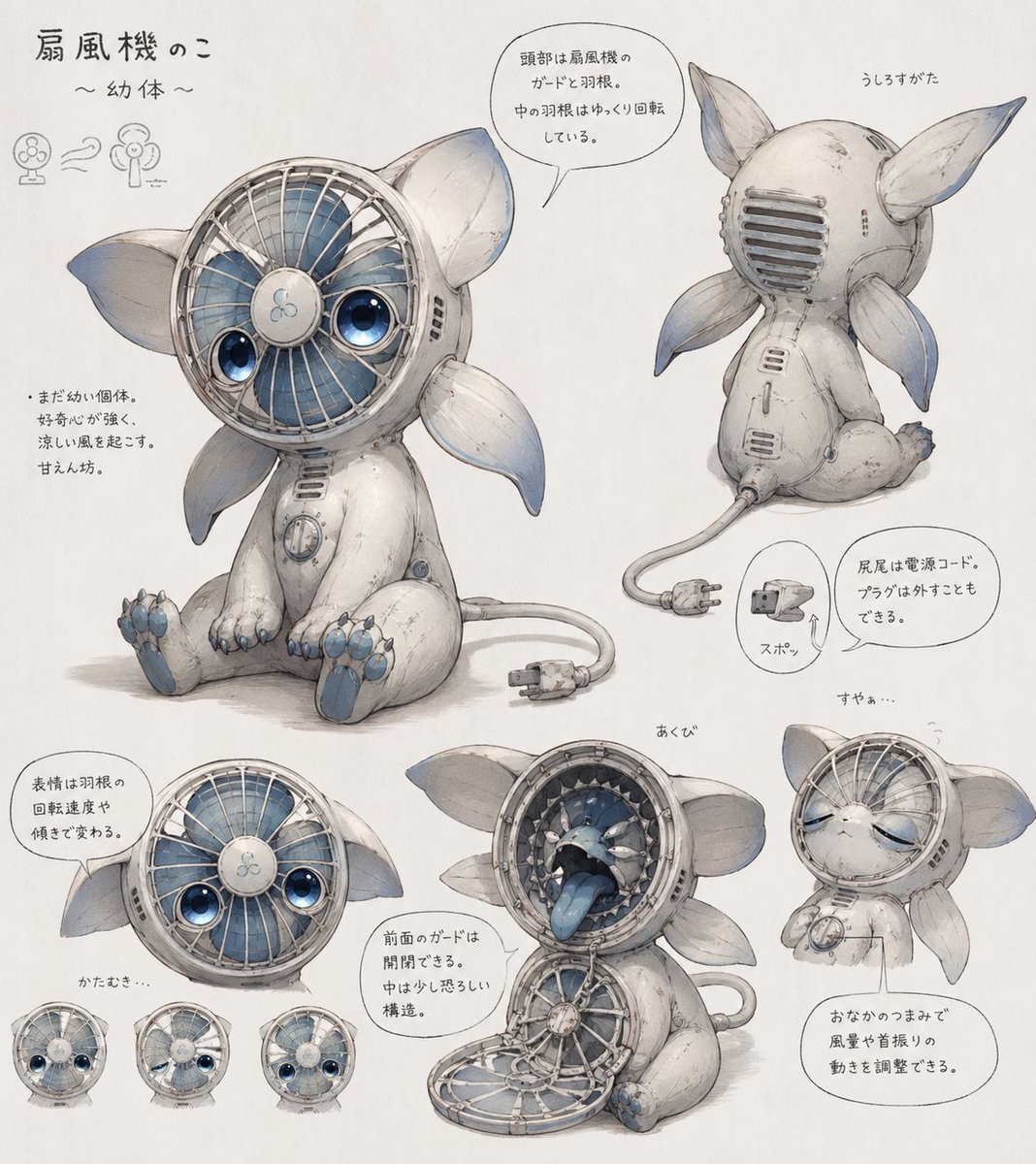
Fan Creature Concept Sheet
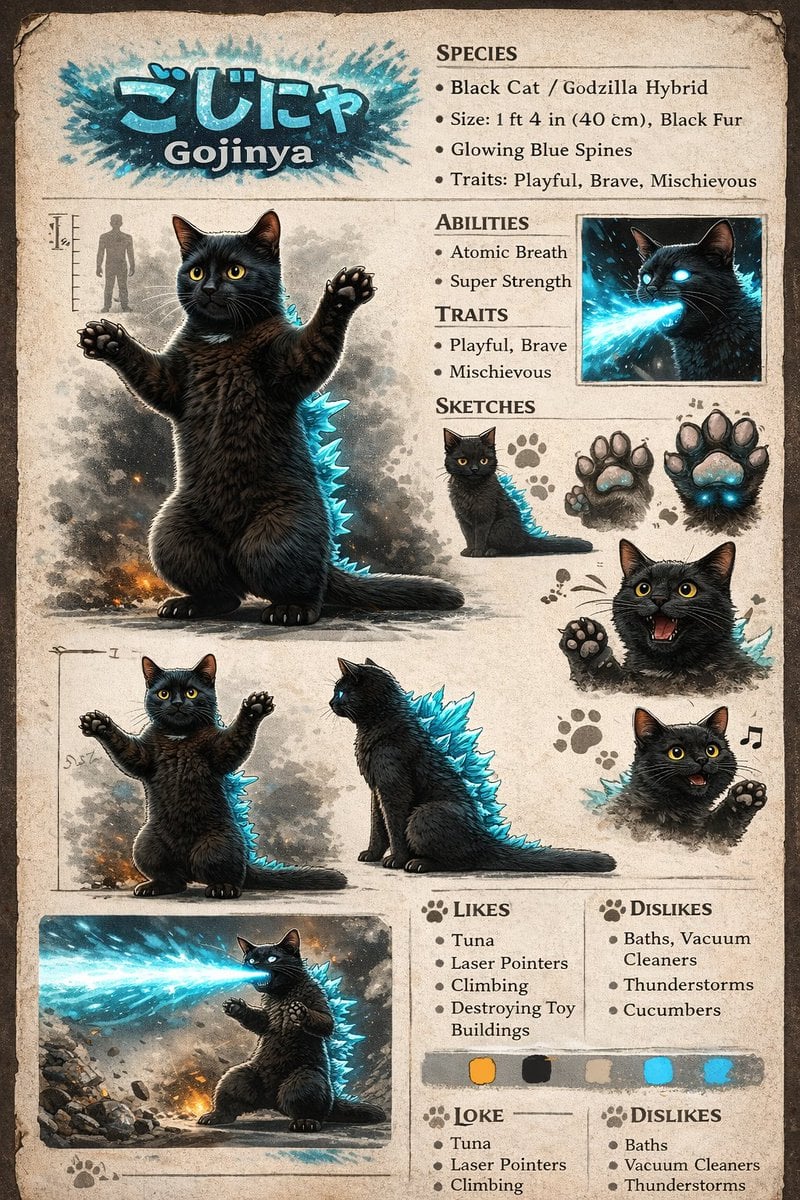
Creature Concept Reference Sheet
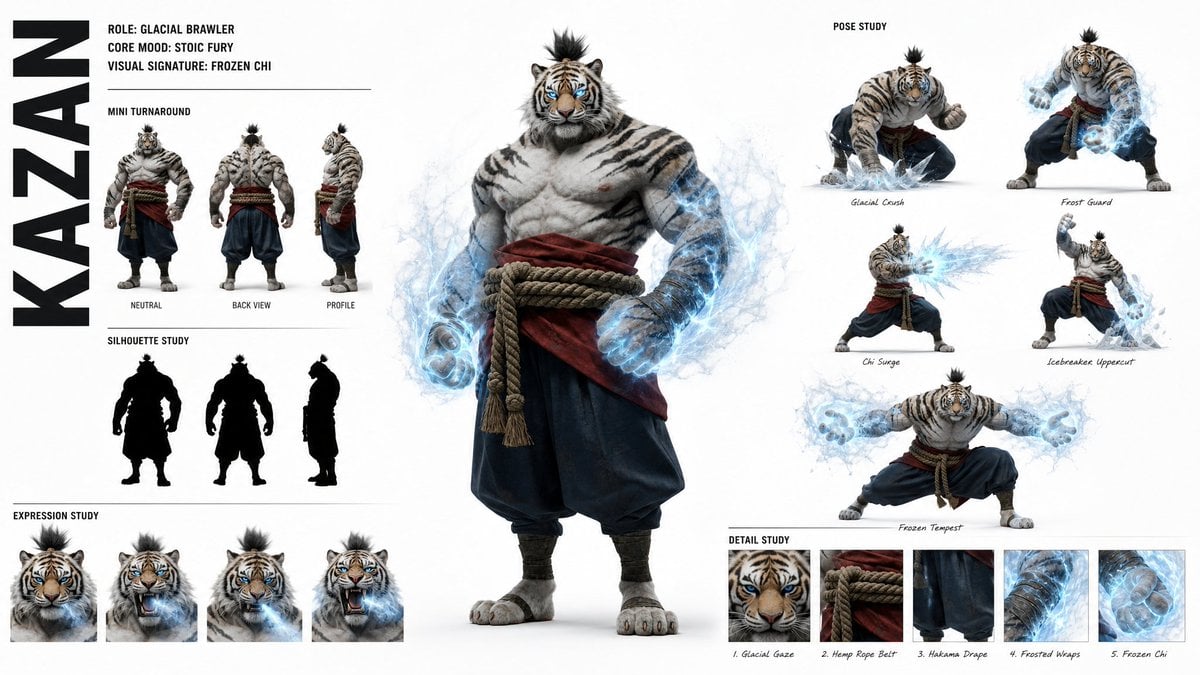
High-Fashion Character Concept Art Sheet

Futuristic Anime Tactical Concept Sheet

Retro Manga StackChan Concept Sheet

Glass Brand Logo Volcanic Landscape

Blueprint Split Reality Archetype Prompt

Real Illustration Split Portrait Transition
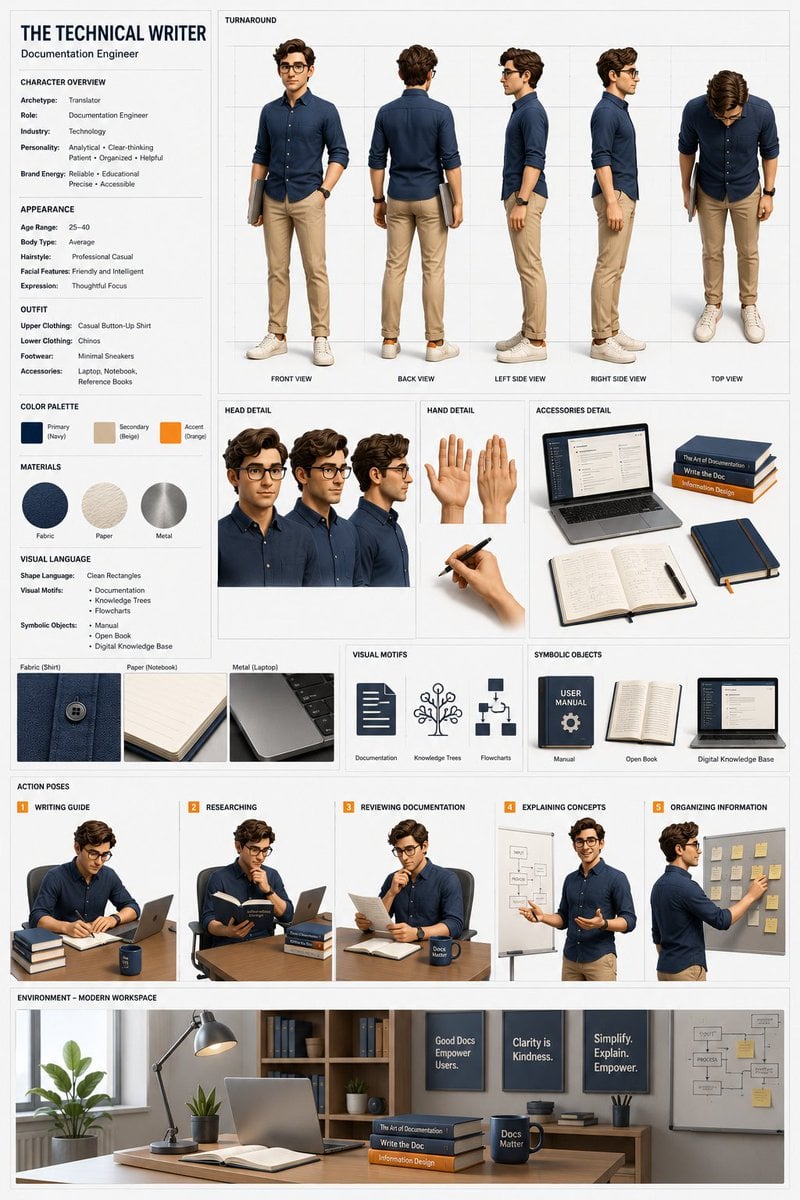
Professional 3D Character Concept Sheet
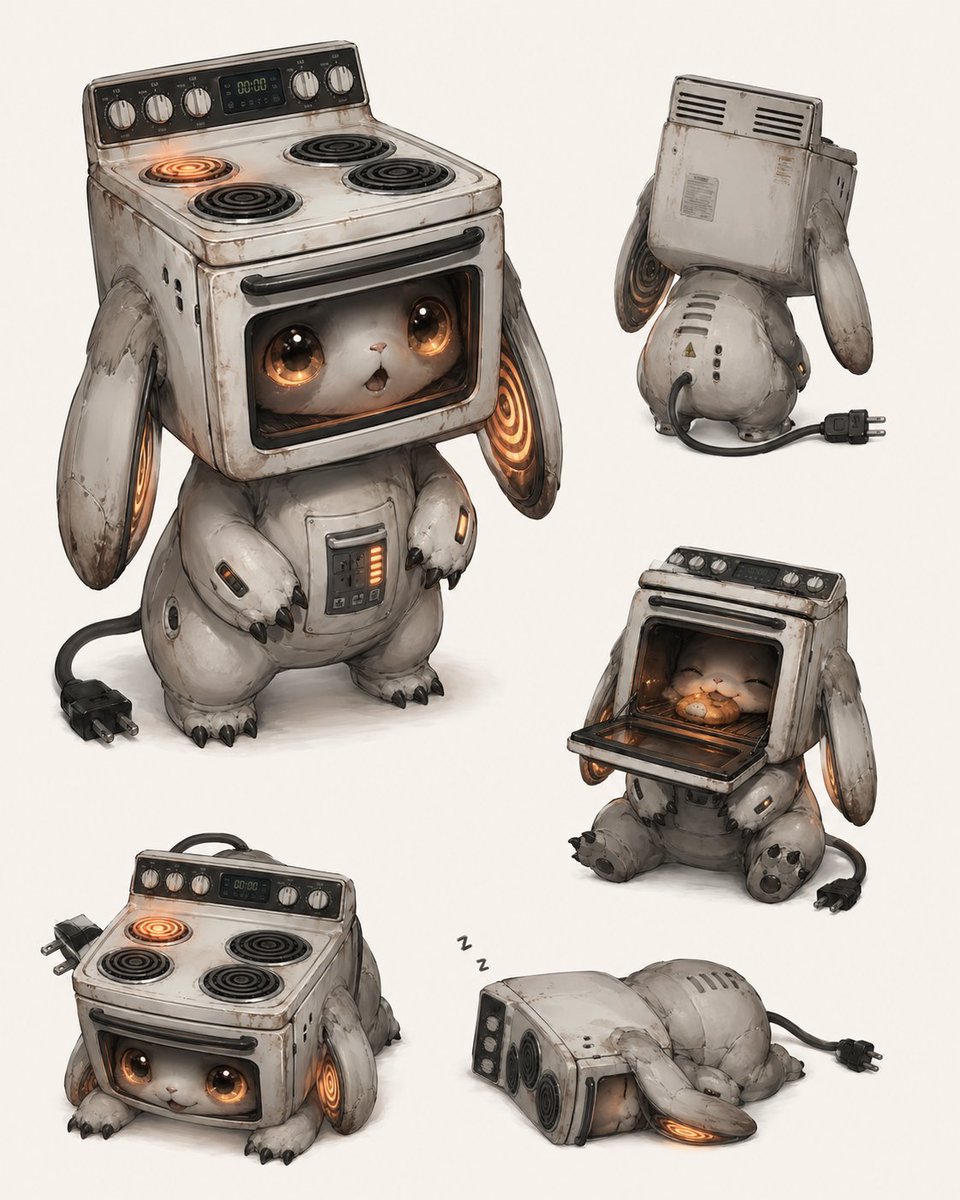
Vintage Stove Bunny Creature Sheet
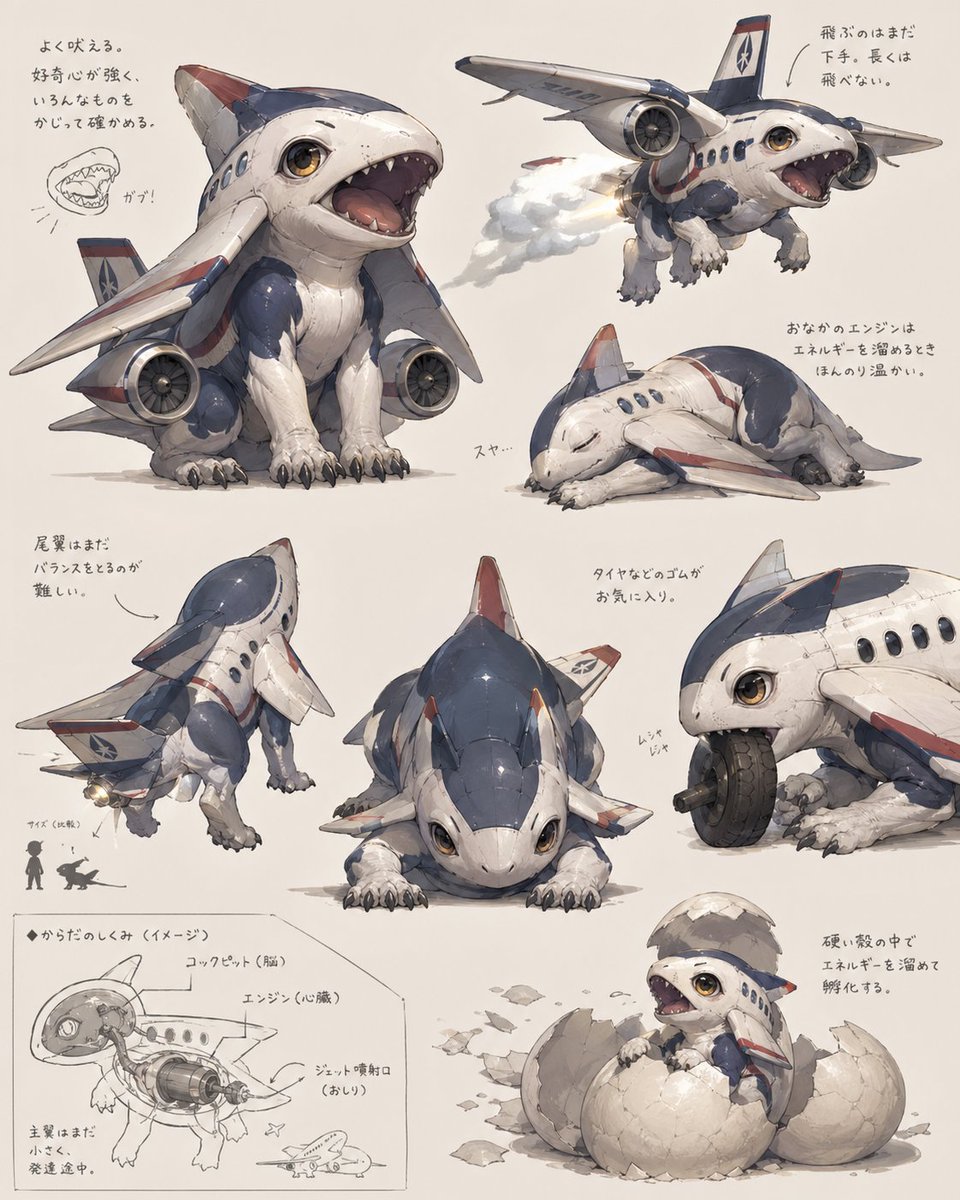
Jet Airplane Puppy Creature Sheet
Make it yours
Lamp-Creature Concept Art Sheet works as-is. These are the safest ways to change it without losing the look.
Swap the setting
Keep the rest of the prompt and replace the location block. The current setting is “plain paper-like neutral backdrop”.
Swap the light
One lighting change is enough to compare takes. Current light: “soft ambient light plus warm internal lamp glow”.
Change one field
Copy a single group, rewrite it, and generate again so you can see what that field is doing.
| If the result… | Why | Fix |
|---|---|---|
| The result drifts from the preview | Too many fields changed at once. | Reuse Lamp-Creature Concept Art Sheet as-is first, then change one group — subject, light, or setting. |
| GPT Image 2 ignores part of the JSON | Some models flatten or skip nested keys. | Keep the same values and paste them as a short paragraph instead. |
More GPT Image 2 templates
Other prompts made for GPT Image 2.

Realistic Portrait of Woman and Deer

The Vista Modular Condo Poster

AI Model Routing Comparison Infographic

2.5D Anime Art Board

Isometric Productivity Desk Scene

New York Double Exposure Poster

Four-Panel AI Landscape Comparison

Japanese Tatami Lifestyle Magazine Cover

NESCAFÉ Coffee Map Poster

Brutalist Cogito Chinese Typography Poster
More image prompts
Fresh picks from across the catalog.
Isometric Pictogram Diagram Prompt for Nano Banana Pro
Generic Ultra-Realistic 8K Cinematic Photograph Template
Ultra-Photorealistic Parisian Lifestyle Photography Prompt
Chibi Miner Game Sprite Sheet
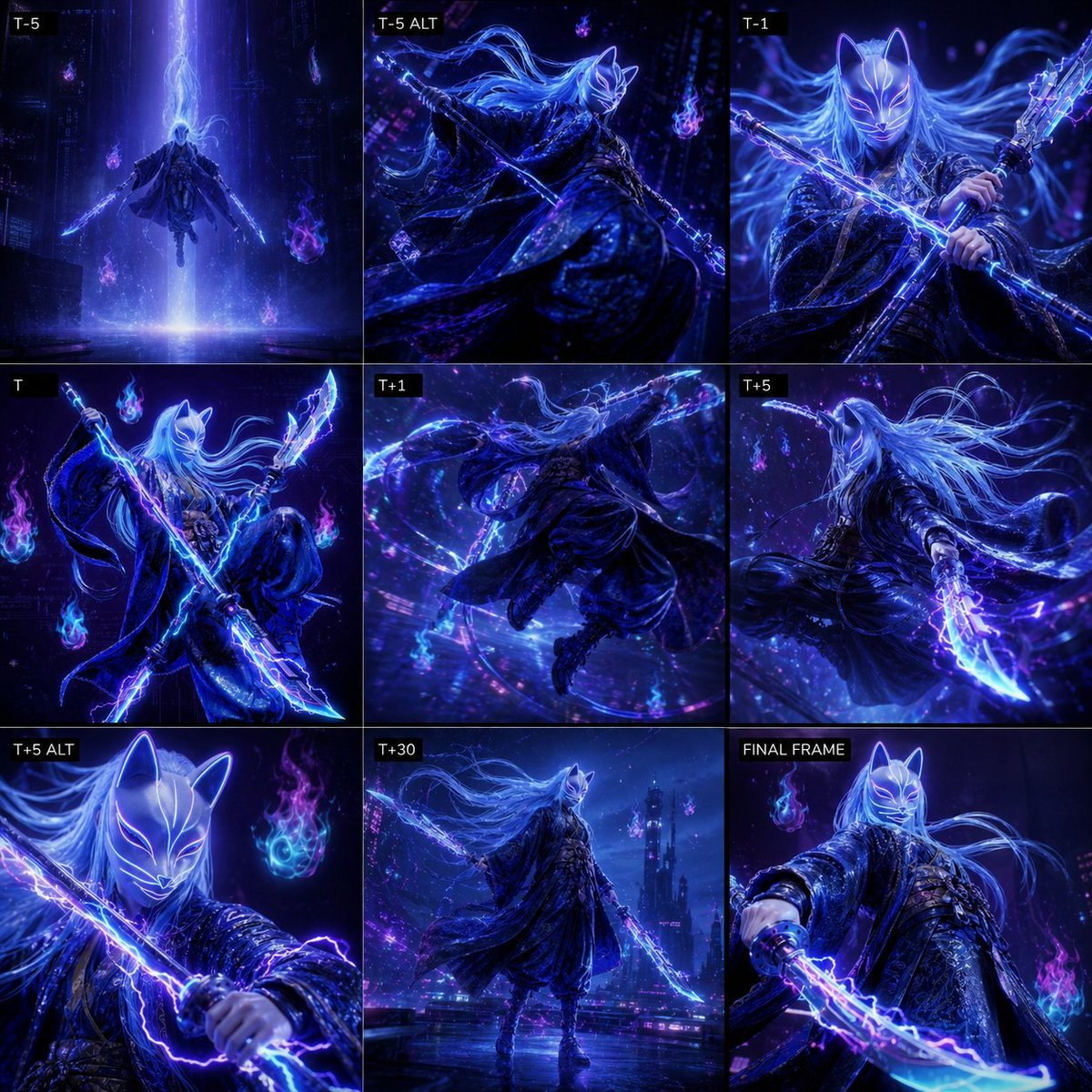
Cyber Kitsune Warrior Storyboard
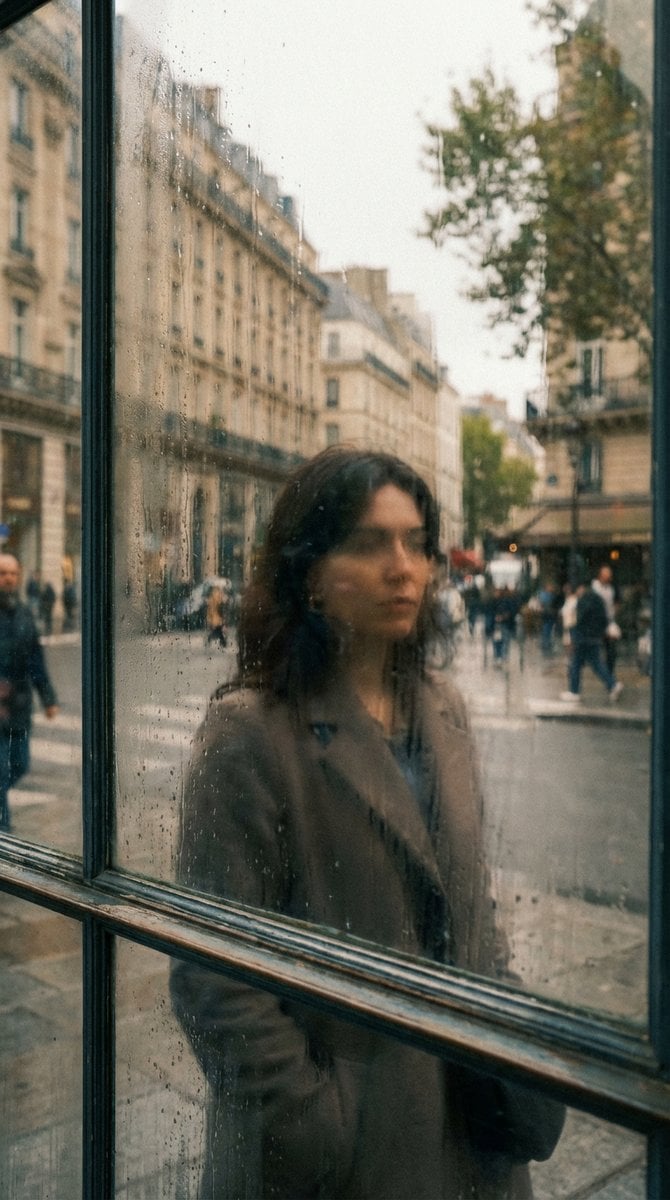
Layered Reflection in Glass Window
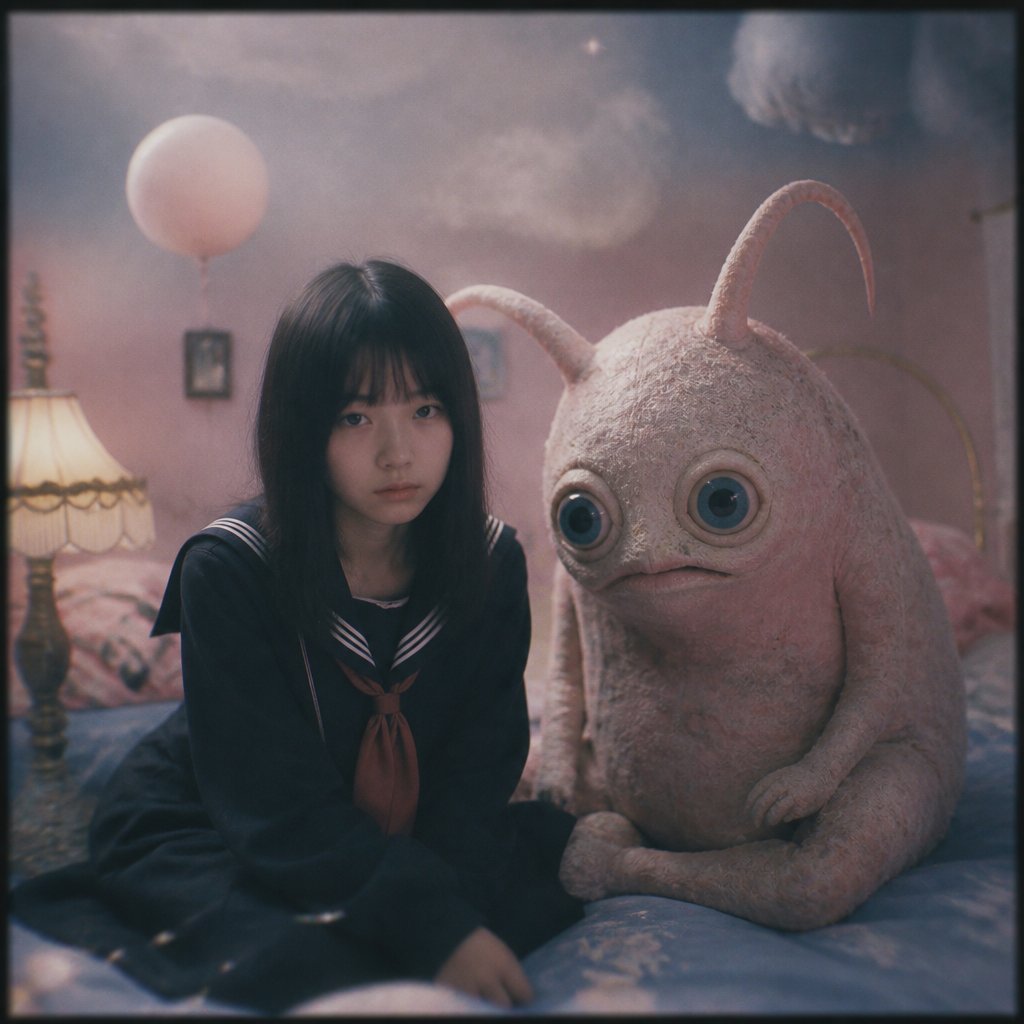
Dreamy Girl and Fantasy Creature

Minimal Abstract Tech Logo Poster
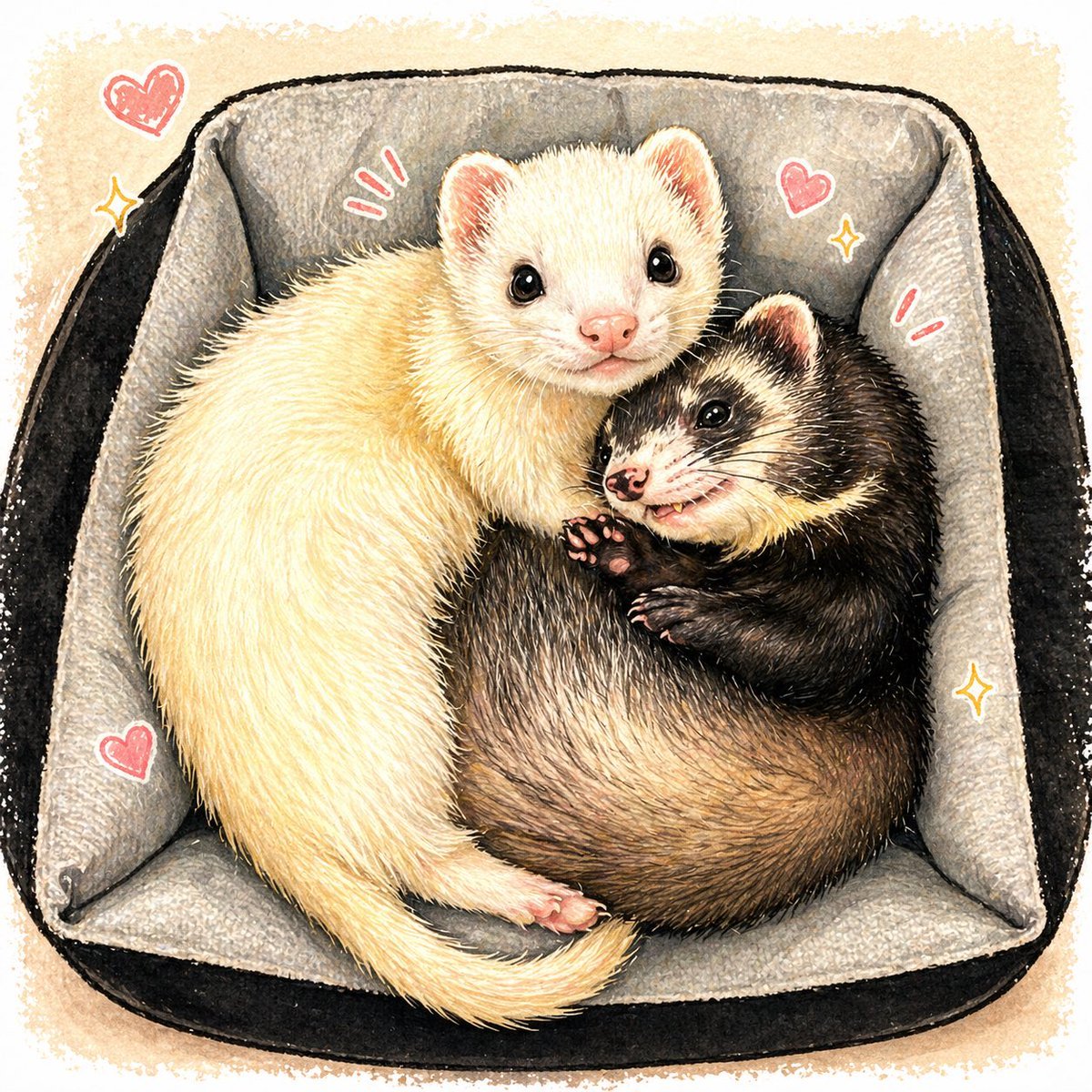
Cute Ferrets Cuddling in Pet Bed
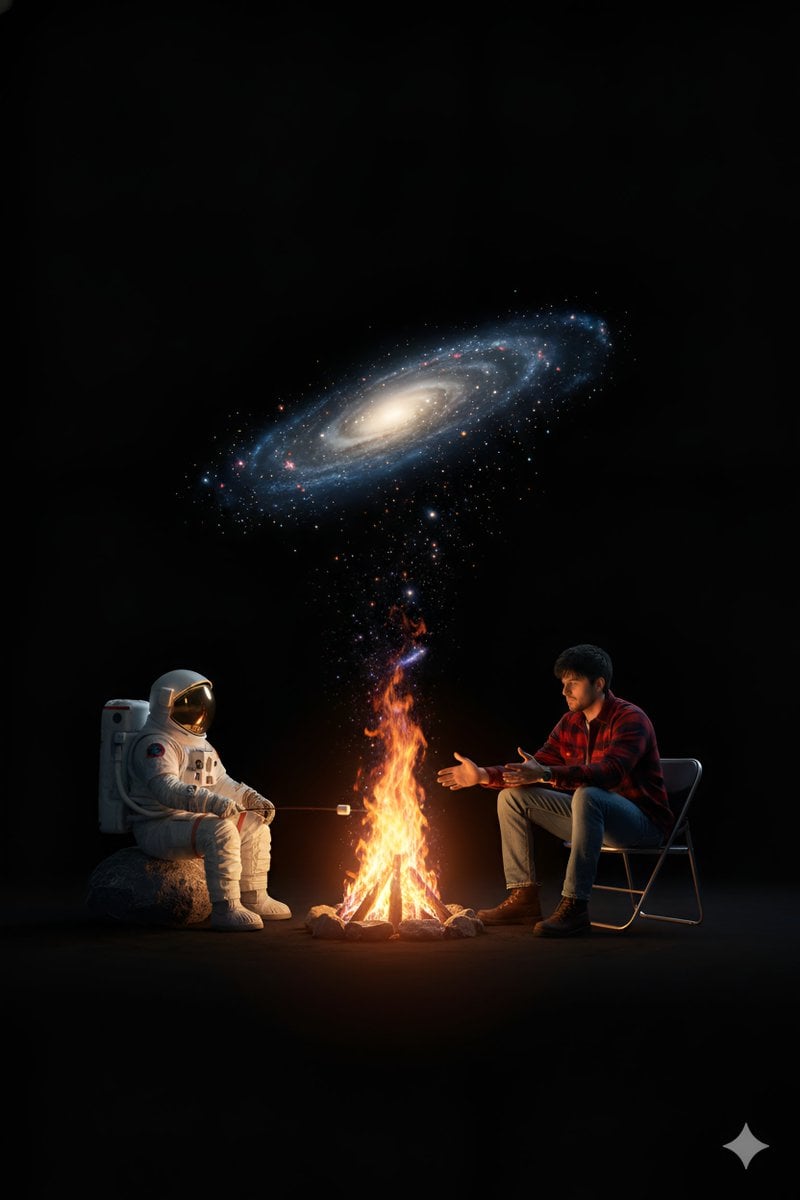
Surreal Campfire in Cosmic Void
Browse template categories
Lamp-Creature Concept Art Sheet questions
How do I use the Lamp-Creature Concept Art Sheet template?
Add your photo if the template asks for one, edit the prompt if you like — the template's model and format are already selected — and press Generate. Your version opens in PicX Studio.
Can I customize the Lamp-Creature Concept Art Sheet template?
Yes. You can change the subject, setting, lighting, mood, format, and available model controls before creating your image.
Is the Lamp-Creature Concept Art Sheet template free?
Opening and editing this template is free. Generating uses credits, shown on the Generate button when you are signed in.
Which AI model should I use?
Start with GPT Image 2, which is the model associated with this template. You can compare another compatible model for a different finish.
Looking for something else? Browse all templates.

Your photo, any look
Thousands of ready templates for every top image and video model, from one credit balance.