
Fan Creature Concept Sheet
A Japanese-style concept art sheet showing a cute baby electric-fan creature from multiple views with mechanical callouts, ideal for creature design and character development prompts.
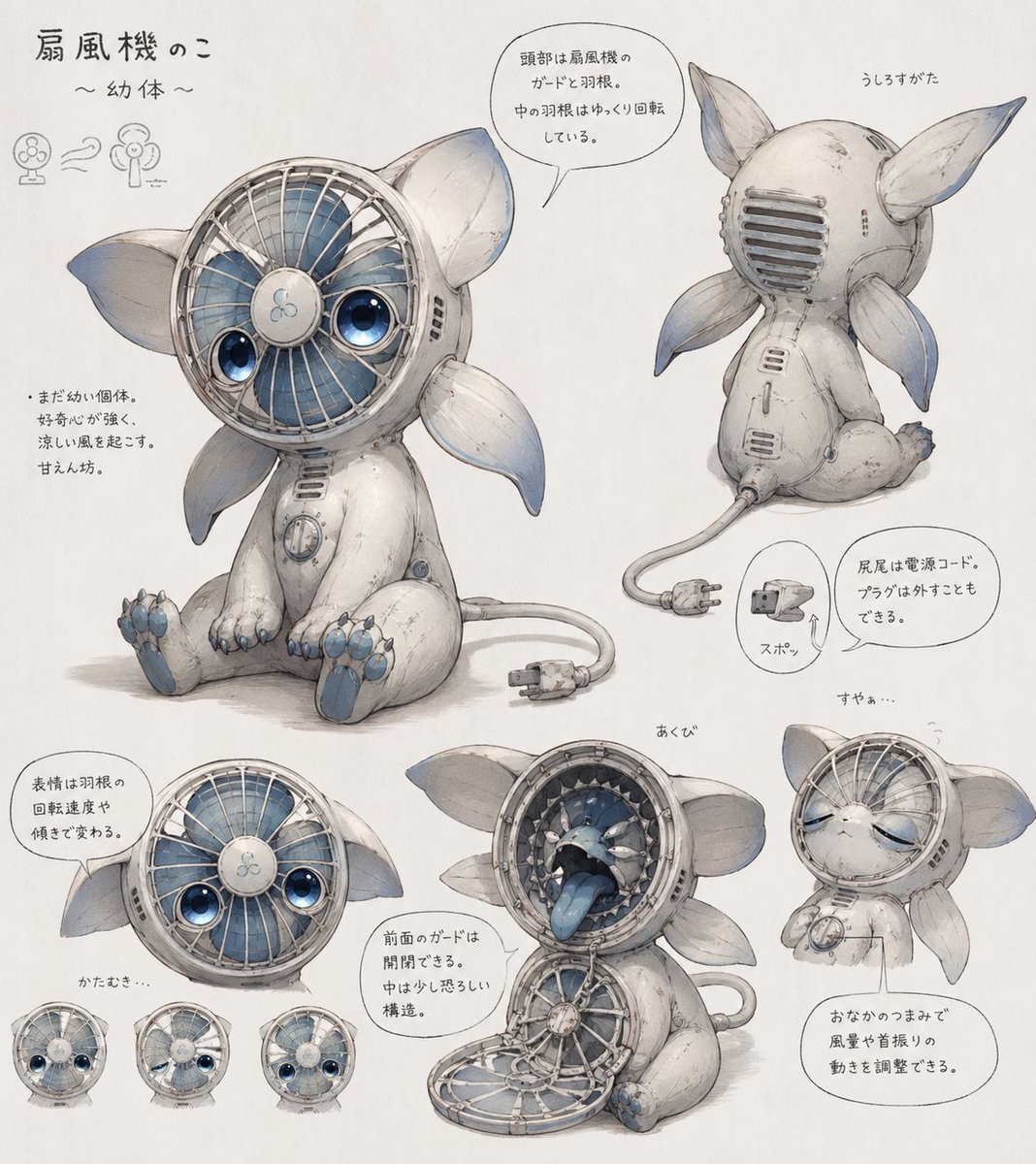
- Prompt included
- Model and format preset
- Free template
The prompt behind this image
Copy the exact prompt behind Fan Creature Concept Sheet, or open it in the studio and make it yours.
- Type
- concept art character reference sheet
- Subject
- cute inorganic creature based on an electric desk fan
- Style
- soft watercolor and pencil sketch on white paper, delicate industrial design illustration, whimsical Japanese concept sheet
- Character › Species
- fan creature
- Character › Life Stage
- {argument name="life stage" default="infant"}
- Character › Body
- small seated mascot-like animal body with worn white shell casing, rounded limbs, subtle scratches and seams, blue accent details
- Character › Head
- circular electric fan face with metal grille, visible blue fan blades behind the grille, central hub with a tiny fan icon, two large glossy blue eyes embedded inside the fan face, large leaf-like ears on both sides
- Character › Back
- rear head has a vent-like guard grille
- Character › Appendages › Ear Count
- 2
- Character › Appendages › Side Fin Count
- 4
- Character › Appendages › Paw Count
- 4
- Character › Appendages › Tail
- power cord tail ending in a two-prong plug
- Character › Color Palette › Primary
- {argument name="body color" default="off-white"}
- Character › Color Palette › Secondary
- pale blue-gray
- Character › Color Palette › Accent
- {argument name="accent color" default="soft blue"}
- Character › Mechanical Features
- front fan guard can open like a hinged mouth cover, interior mouth cavity reveals layered mechanical ring teeth and a blue tongue, fan blades can rotate slowly inside the head, plug tail can be unplugged from the body, belly dial controls wind strength and head-shaking motion
- Layout › Background
- plain white paper
- Layout › Sheet Orientation
- landscape
- Layout › Sections › 0 › Title
- 扇風機のこ ~幼体~
- Layout › Sections › 0 › Position
- top-left
- Layout › Sections › 0 › Count
- 1
- Layout › Sections › 0 › Labels
- title area with tiny fan evolution icons
- Layout › Sections › 1 › Title
- front view
- Layout › Sections › 1 › Position
- center-left
Raw JSON
{"type":"concept art character reference sheet","subject":"cute inorganic creature based on an electric desk fan","style":"soft watercolor and pencil sketch on white paper, delicate industrial design illustration, whimsical Japanese concept sheet","character":{"species":"fan creature","life stage":"{argument name=\"life stage\" default=\"infant\"}","body":"small seated mascot-like animal body with worn white shell casing, rounded limbs, subtle scratches and seams, blue accent details","head":"circular electric fan face with metal grille, visible blue fan blades behind the grille, central hub with a tiny fan icon, two large glossy blue eyes embedded inside the fan face, large leaf-like ears on both sides","back":"rear head has a vent-like guard grille","appendages":{"ear count":2,"side fin count":4,"paw count":4,"tail":"power cord tail ending in a two-prong plug"},"color_palette":{"primary":"{argument name=\"body color\" default=\"off-white\"}","secondary":"pale blue-gray","accent":"{argument name=\"accent color\" default=\"soft blue\"}"},"mechanical_features":["front fan guard can open like a hinged mouth cover","interior mouth cavity reveals layered mechanical ring teeth and a blue tongue","fan blades can rotate slowly inside the head","plug tail can be unplugged from the body","belly dial controls wind strength and head-shaking motion"]},"layout":{"background":"plain white paper","sheet_orientation":"landscape","sections":[{"title":"扇風機のこ ~幼体~","position":"top-left","count":1,"labels":["title area with tiny fan evolution icons"]},{"title":"front view","position":"center-left","count":1,"labels":["main full-body seated pose"]},{"title":"うしろすがた","position":"top-right","count":1,"labels":["rear three-quarter seated view"]},{"title":"expressions and face angle","position":"bottom-left","count":4,"labels":["main face close-up","left tilted face","sleepy face","right tilted face"]},{"title":"あくび","position":"bottom-center","count":1,"labels":["open guard mouth and yawning interior view"]},{"title":"すやぁ…","position":"bottom-right","count":1,"labels":["sleeping seated pose"]},{"title":"feature callouts","position":"throughout sheet","count":6,"labels":["fan-blade head explanation","young body and gentle wind note","expression changes with blade rotation and tilt","front guard opens","plug tail removable","belly dial adjusts wind and oscillation"]}]},"text_language":"Japanese handwritten annotations in speech bubbles and notes","rendering":"high-detail hand-painted concept sketch, subtle shadows, slightly aged appliance texture, adorable but mechanical mood","composition":"one large central character drawing with 7 smaller supporting views and callout bubbles","customization":{"character concept":"{argument name=\"creature concept\" default=\"electric fan animal\"}","paper style":"{argument name=\"paper style\" default=\"clean white concept sheet\"}"}}How to use Fan Creature Concept Sheet in 3 steps
- 1Upload ImagePNG, JPG or paste
Add your photo
Upload the photo the template builds on. The prompt, model and format are already set.
- 2…a portrait of your subject in softgolden-hour light, 85mm…
Personalize
Edit the subject and creative details for your destination.
- 3Generate
Generate
Press Generate — your image is created in PicX Studio, so you can compare it with the original and refine one variable at a time.
More like this
Templates with the same subject, style or setup. Open one to see its prompt.
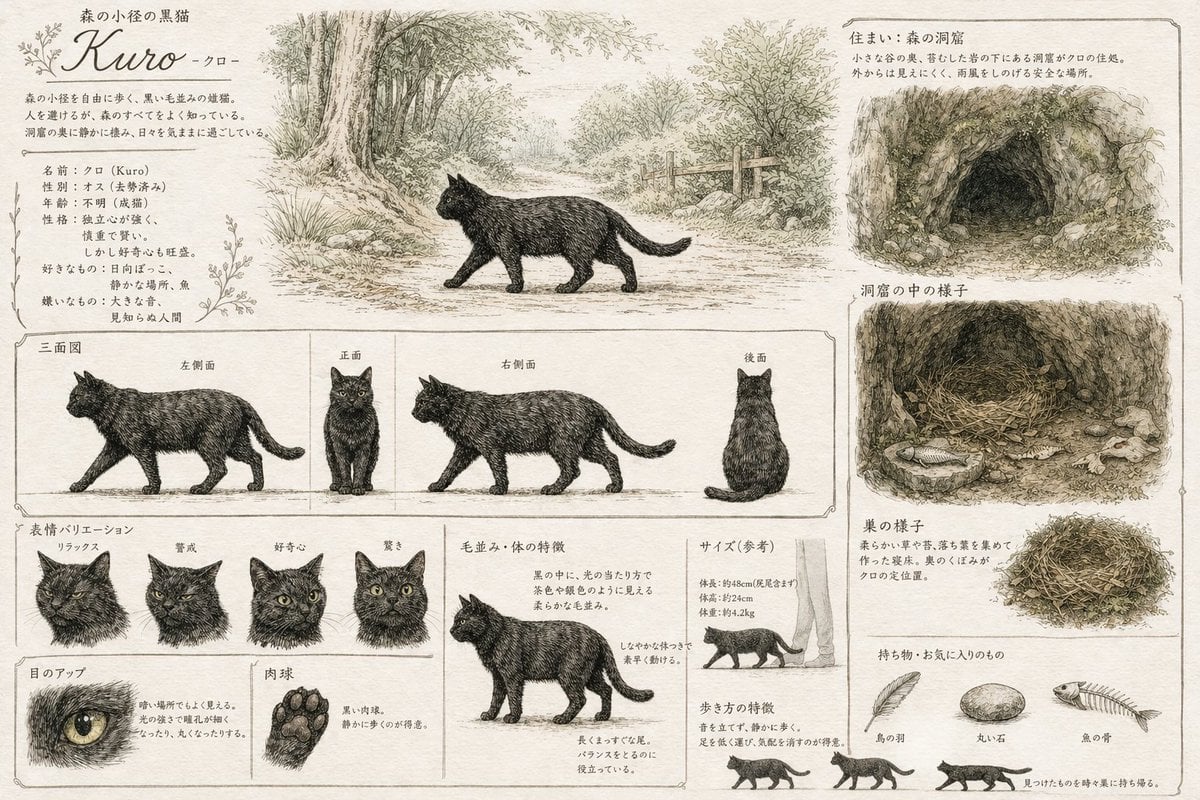
Vintage Creature Concept Art Sheet
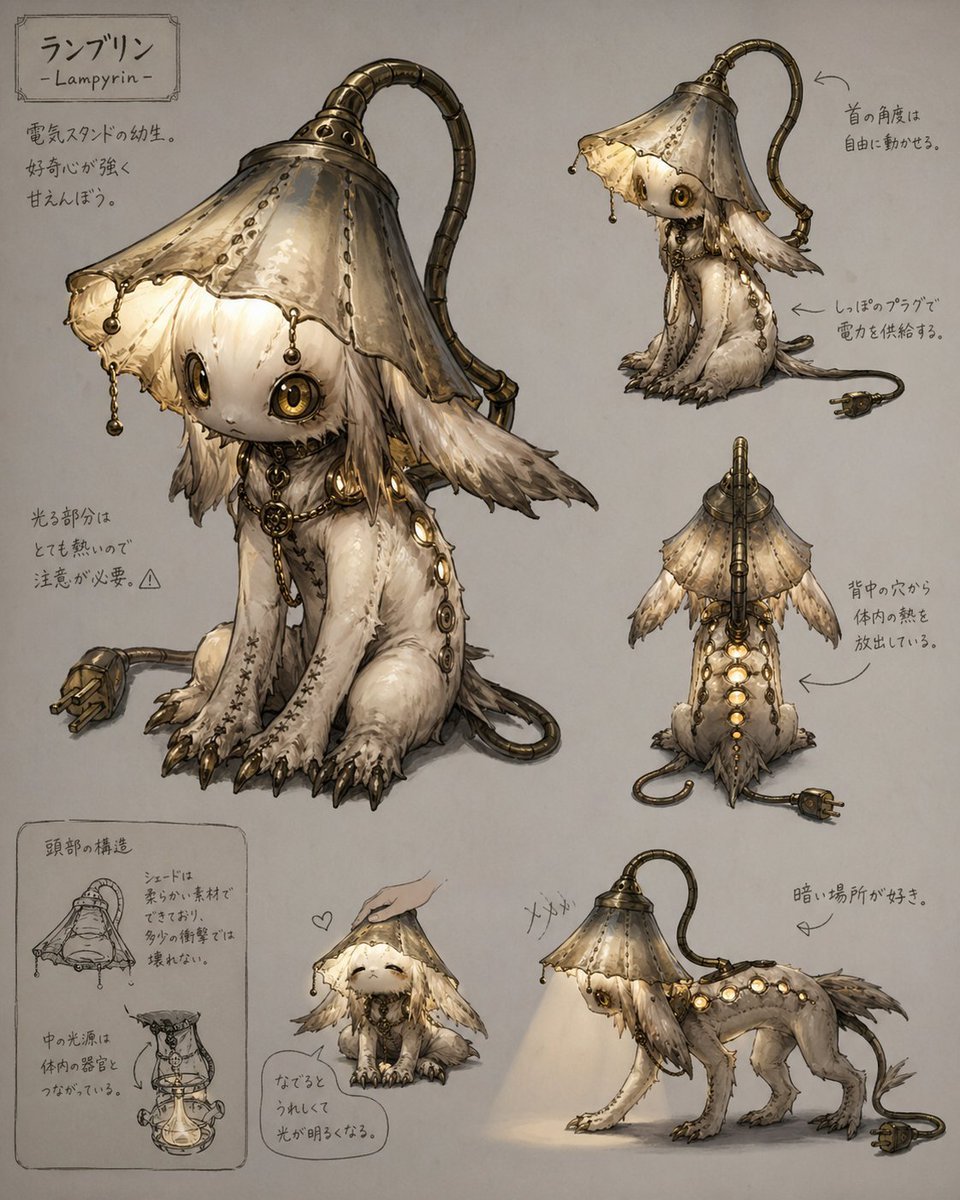
Lamp-Creature Concept Art Sheet
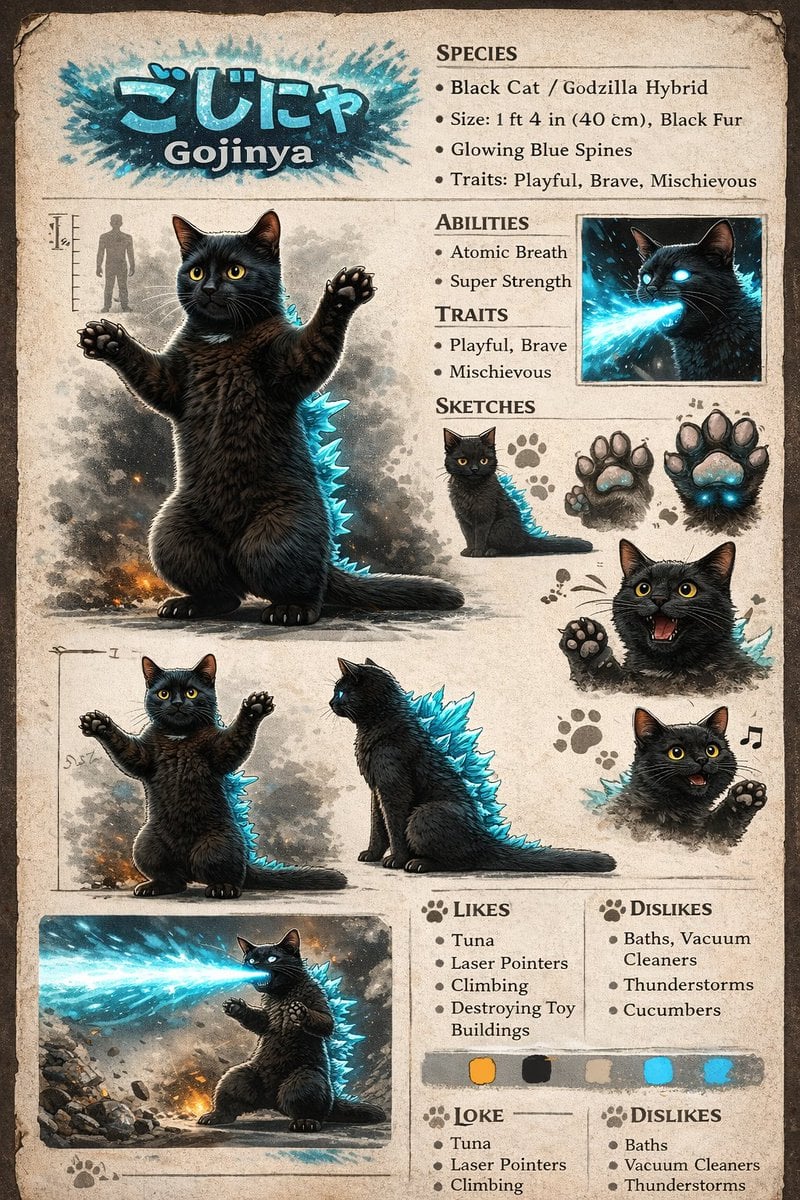
Creature Concept Reference Sheet
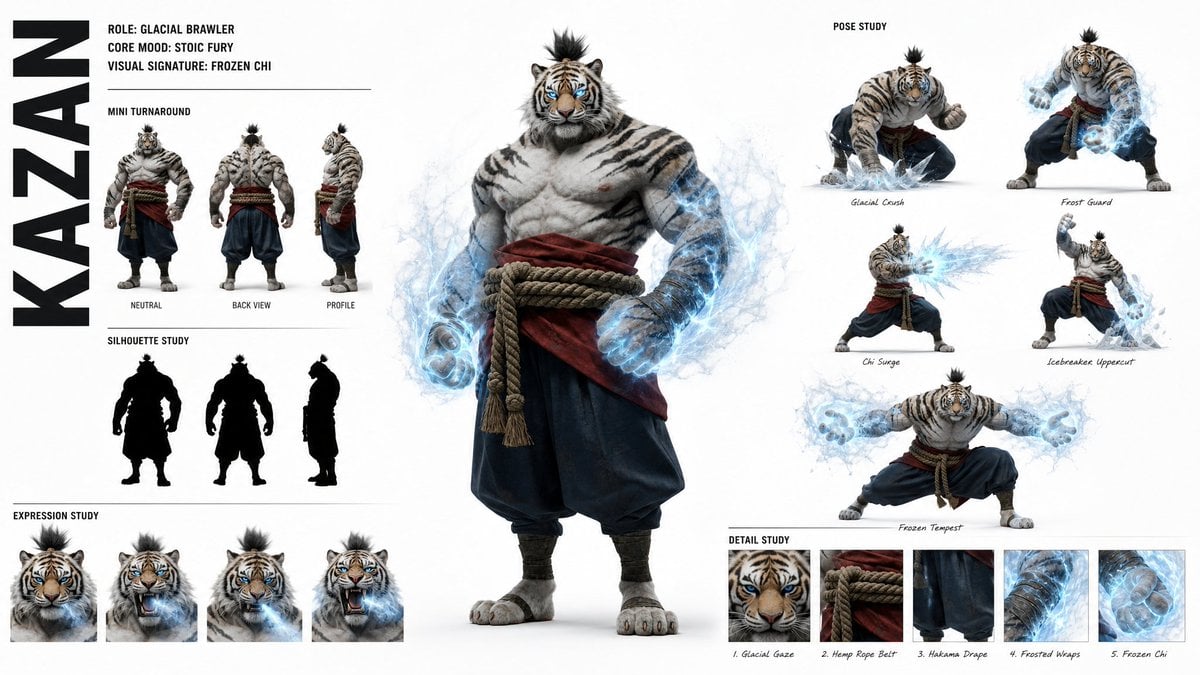
High-Fashion Character Concept Art Sheet
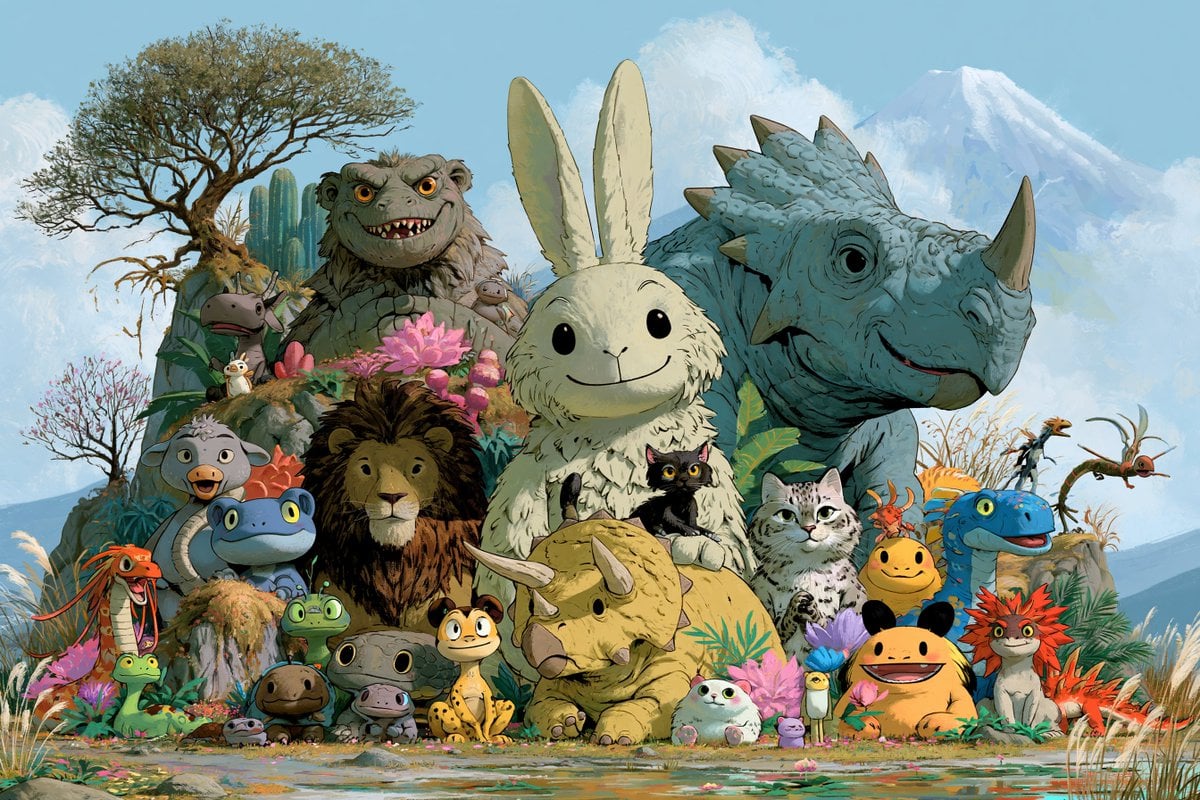
Fantasy Creature Meadow Ensemble

Futuristic Anime Tactical Concept Sheet

Retro Manga StackChan Concept Sheet

Fantasy Child and Alien Creature Portrait

Glass Brand Logo Volcanic Landscape

Blueprint Split Reality Archetype Prompt

Real Illustration Split Portrait Transition

Fifa Stadium Fan Portrait Poster
Make it yours
Fan Creature Concept Sheet works as-is. These are the safest ways to change it without losing the look.
Swap the setting
Keep the rest of the prompt and replace the location block. The current setting is “plain white paper”.
Change one field
Copy a single group, rewrite it, and generate again so you can see what that field is doing.
Keep the frame, change the subject
Hold the composition and light of Fan Creature Concept Sheet, then swap wardrobe, props or the person for a new take.
| If the result… | Why | Fix |
|---|---|---|
| The result drifts from the preview | Too many fields changed at once. | Reuse Fan Creature Concept Sheet as-is first, then change one group — subject, light, or setting. |
| GPT Image 2 ignores part of the JSON | Some models flatten or skip nested keys. | Keep the same values and paste them as a short paragraph instead. |
More GPT Image 2 templates
Other prompts made for GPT Image 2.

Six VTuber Japanese Logo Sheet

Realistic Portrait of Woman and Deer

The Vista Modular Condo Poster

AI Model Routing Comparison Infographic

2.5D Anime Art Board

Isometric Productivity Desk Scene

New York Double Exposure Poster

Four-Panel AI Landscape Comparison

Japanese Tatami Lifestyle Magazine Cover

NESCAFÉ Coffee Map Poster
More image prompts
Fresh picks from across the catalog.
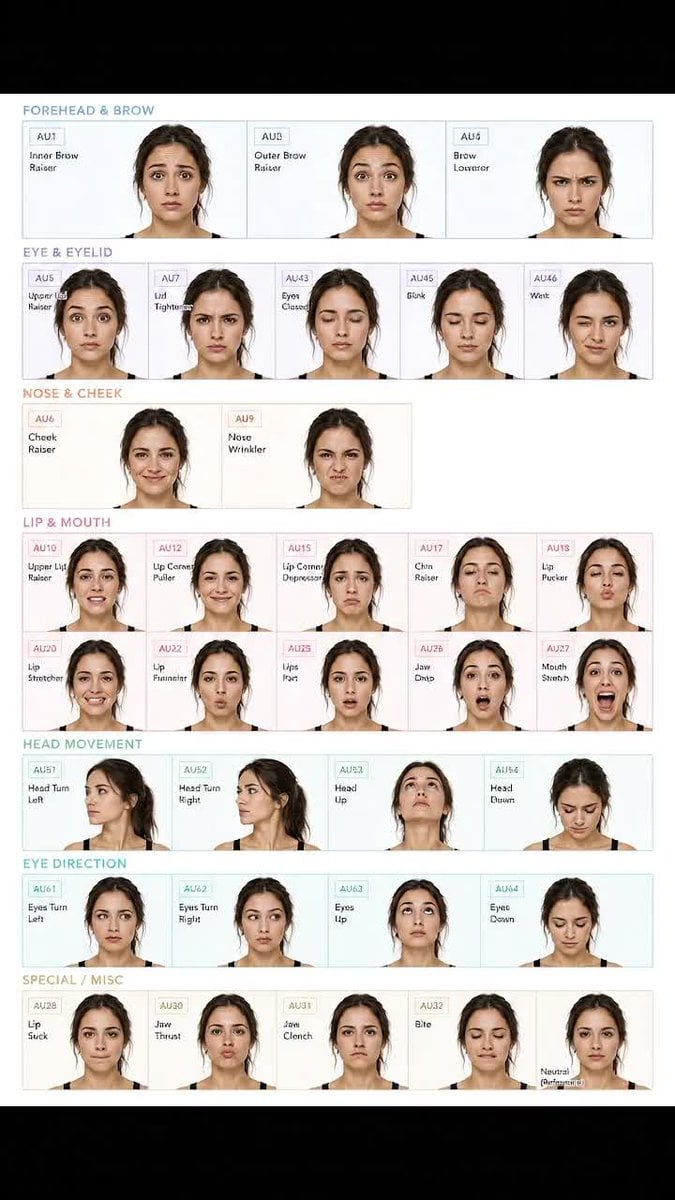
Facial Expression Anatomy Sheet
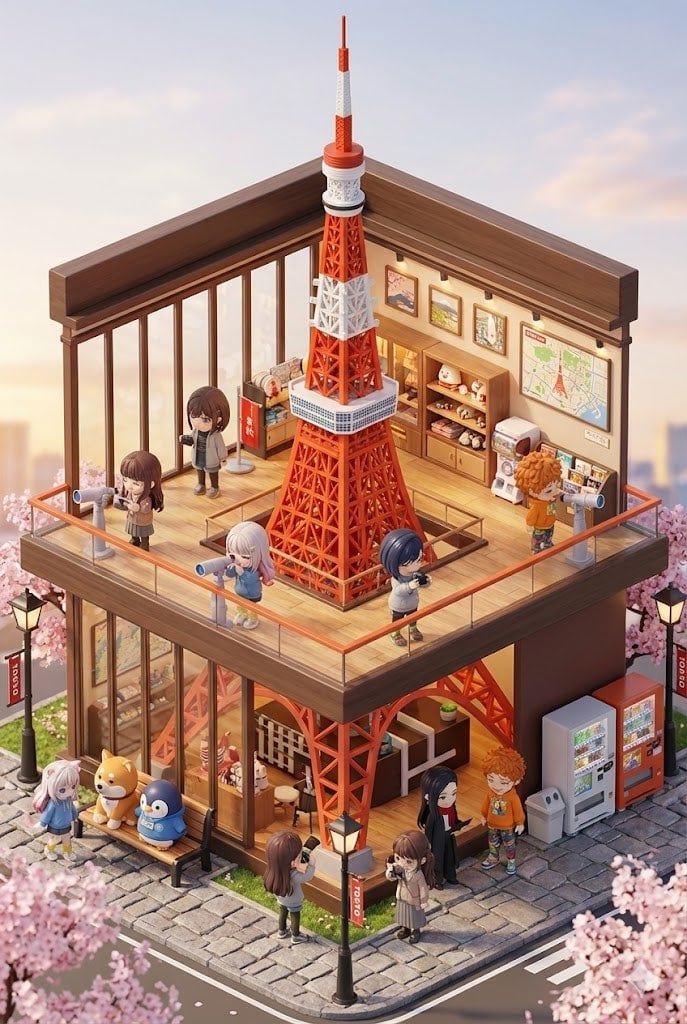
3D chibi miniature travel spot concept prompt

8K Cinematic Winter Adventure Photo on a Vintage Train
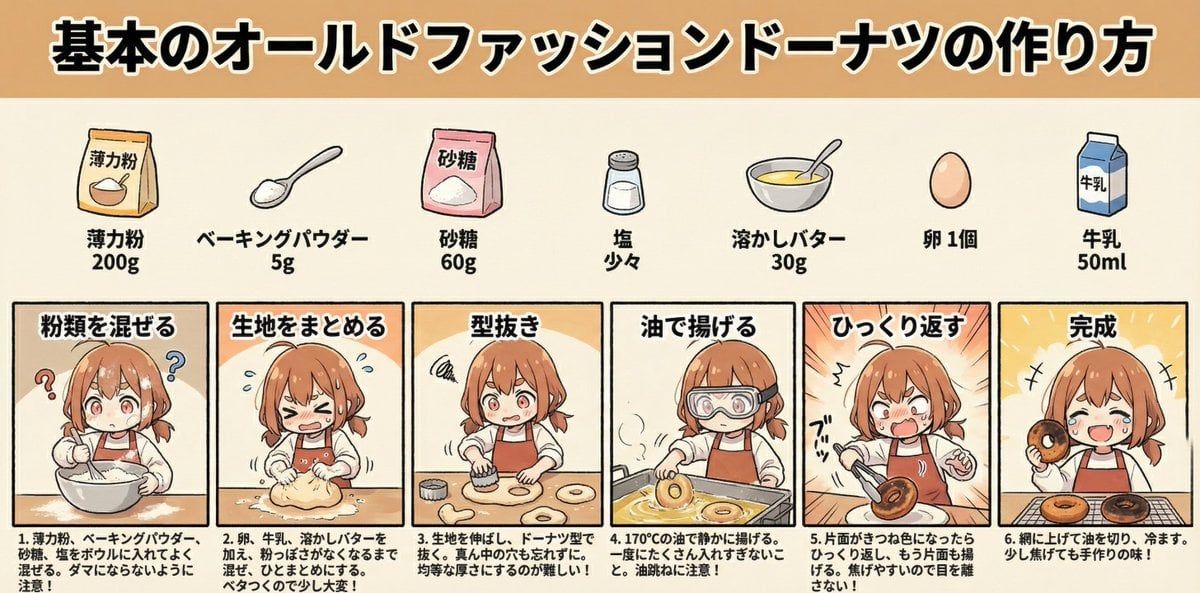
Infographic Generation for Old-Fashioned Donuts with Character Skill Variation
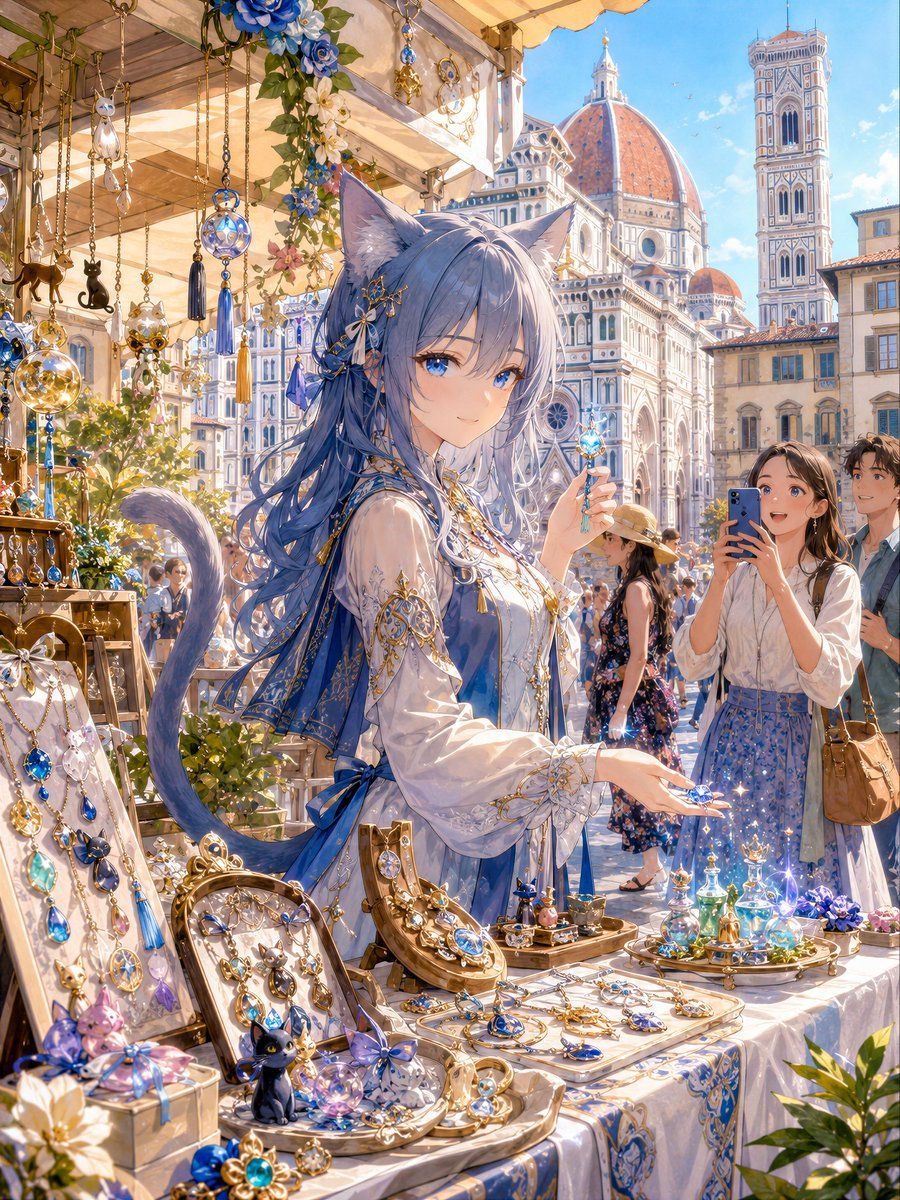
Blue Cat-Ear Shopkeeper Portrait
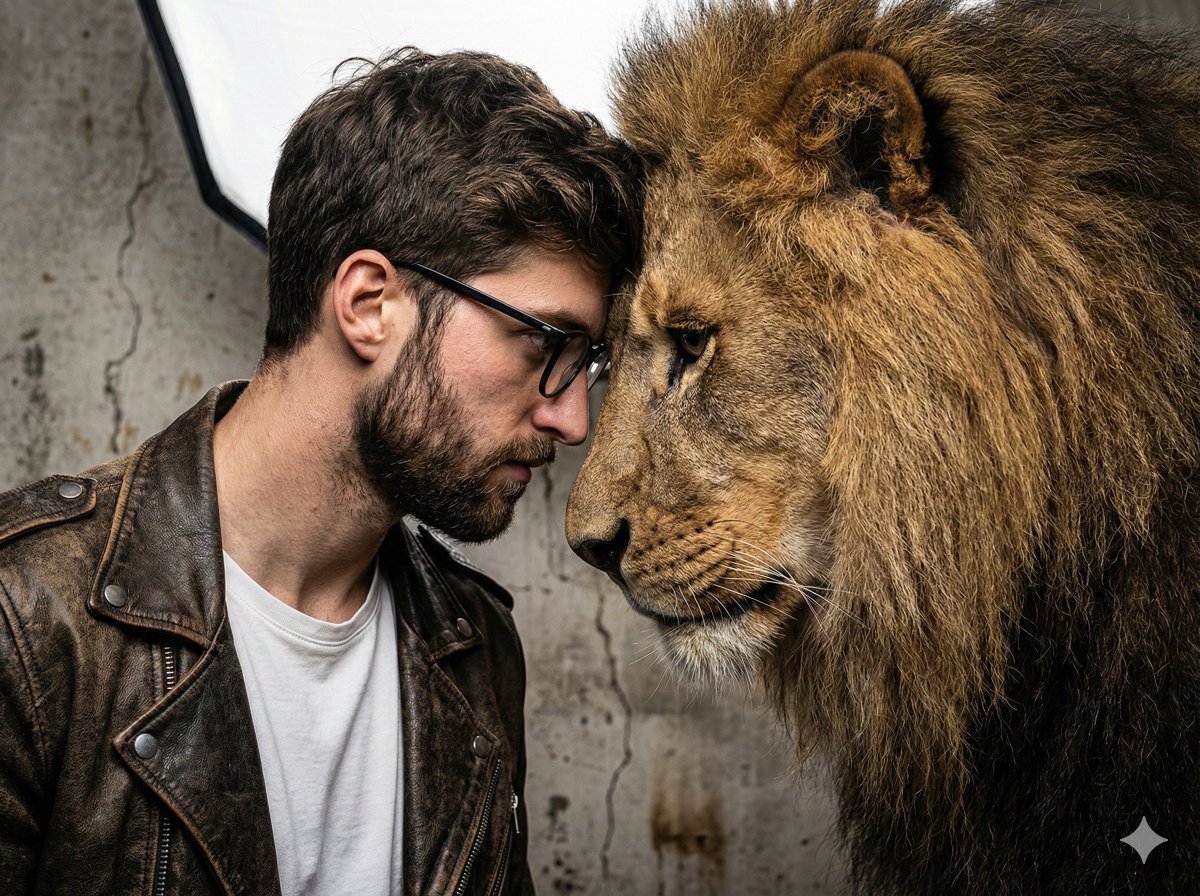
Hyper-Realistic Man and Lion Portrait (Face Preservation)
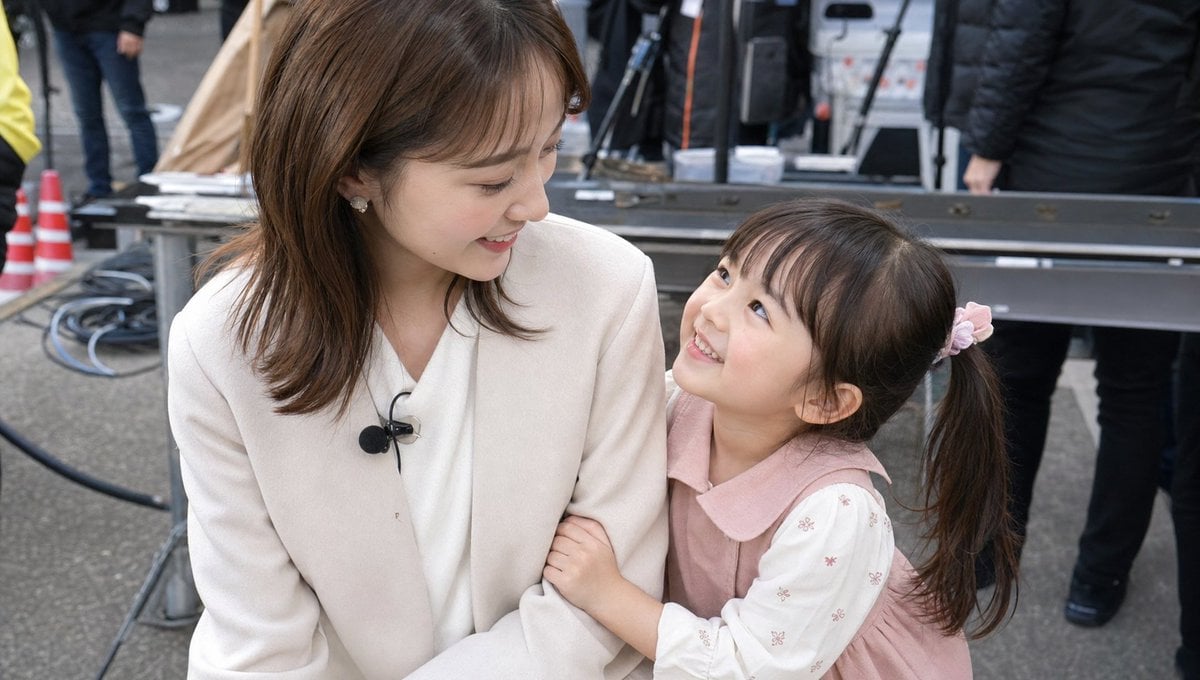
Candid TV Announcer Family Moment
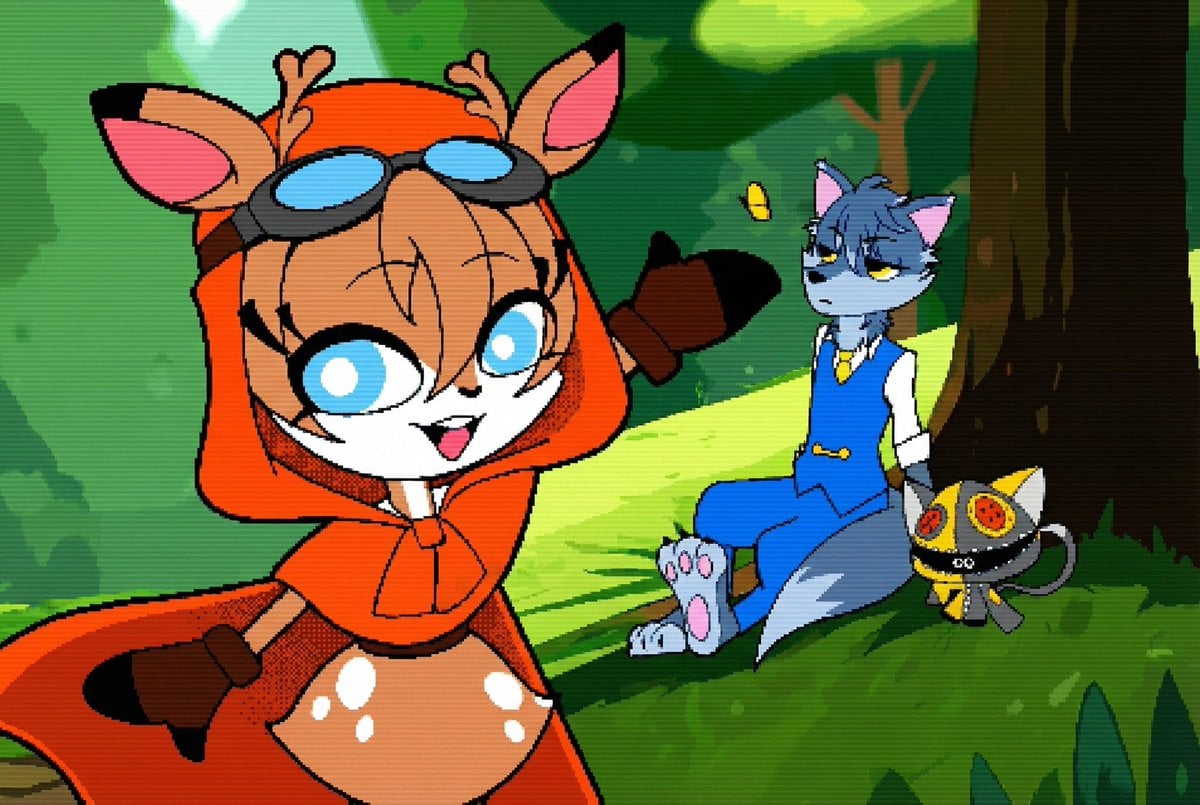
Convert illustration to retro Game Boy Advance-style pixel art
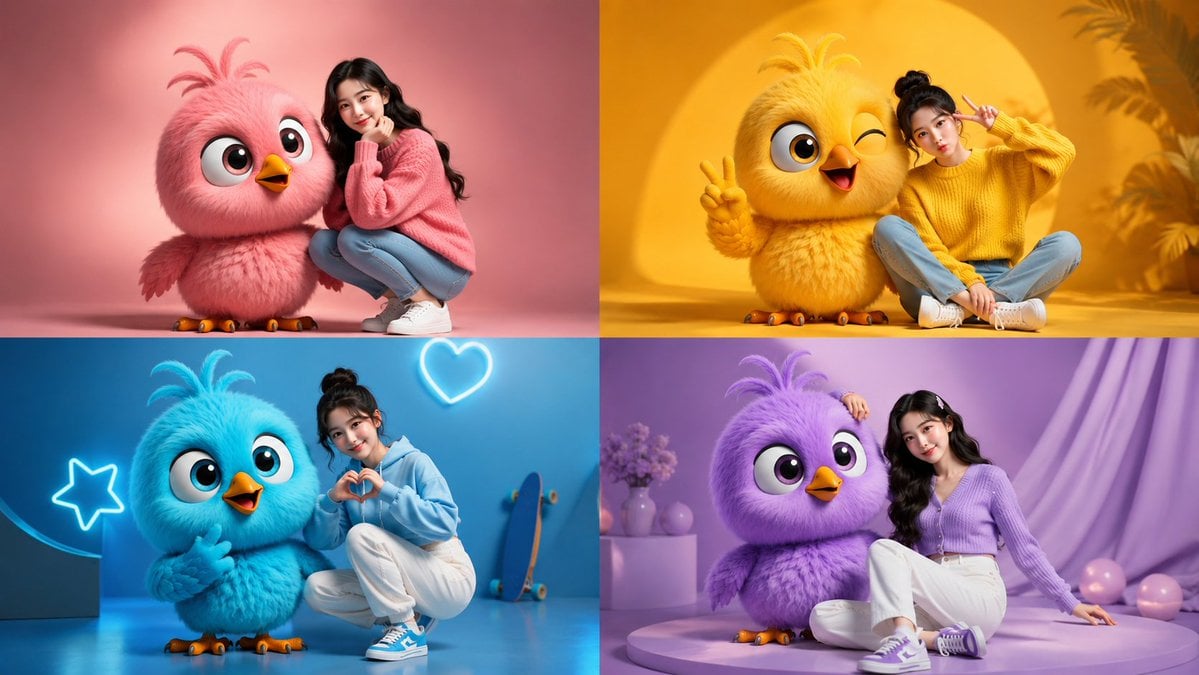
Four-Color Chick Mascot Photo Collage

Ethereal Blue Light Editorial Portrait (Chinese Context)
Browse template categories
Fan Creature Concept Sheet questions
How do I use the Fan Creature Concept Sheet template?
Add your photo if the template asks for one, edit the prompt if you like — the template's model and format are already selected — and press Generate. Your version opens in PicX Studio.
Can I customize the Fan Creature Concept Sheet template?
Yes. You can change the subject, setting, lighting, mood, format, and available model controls before creating your image.
Is the Fan Creature Concept Sheet template free?
Opening and editing this template is free. Generating uses credits, shown on the Generate button when you are signed in.
Which AI model should I use?
Start with GPT Image 2, which is the model associated with this template. You can compare another compatible model for a different finish.
Looking for something else? Browse all templates.

Your photo, any look
Thousands of ready templates for every top image and video model, from one credit balance.