
Burgundy Velvet Literary Magazine Cover
A prompt for a luxurious Victorian-style literary magazine cover featuring a Korean woman in burgundy velvet, set against an antique candlelit library.
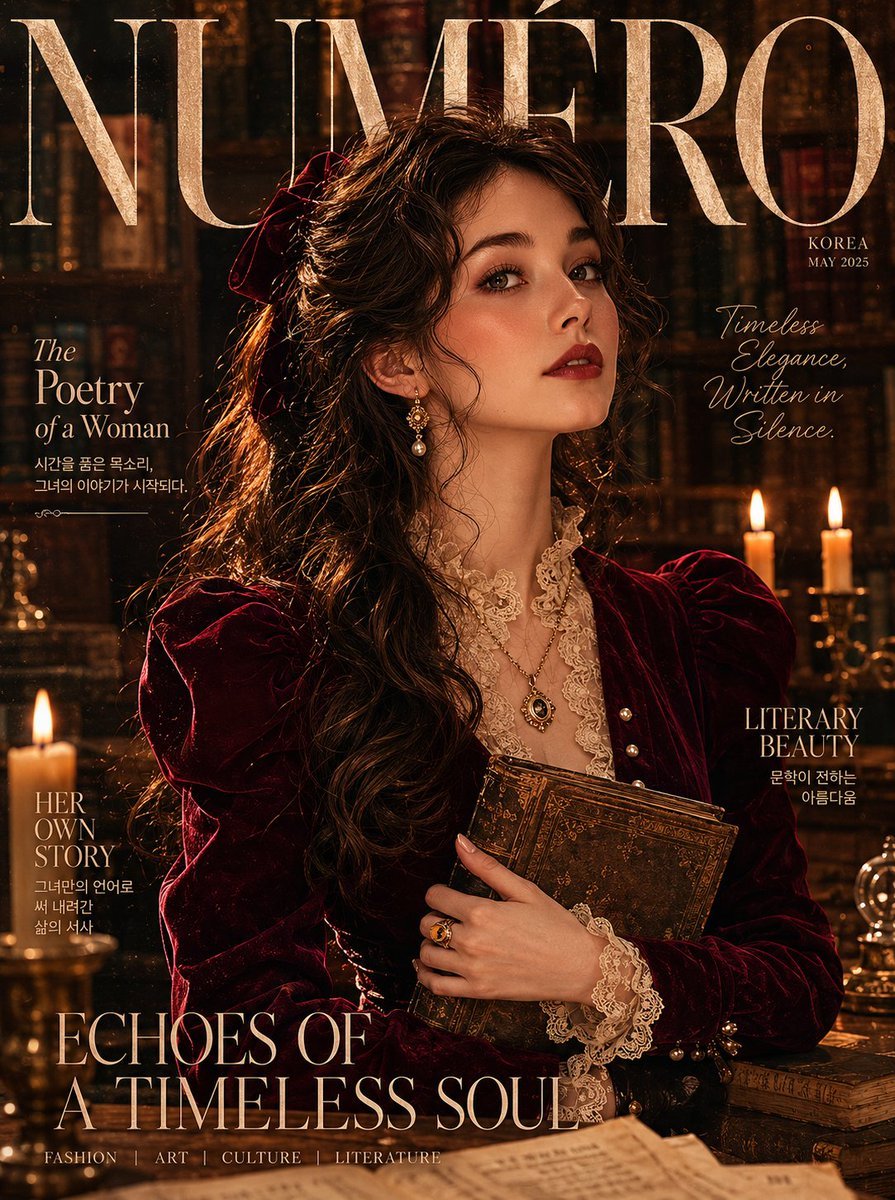
- Prompt included
- Model and format preset
- Free template
The prompt behind this image
Copy the exact prompt behind Burgundy Velvet Literary Magazine Cover, or open it in the studio and make it yours.
Using the provided reference image, ultra-realistic {argument name="magazine type" default="luxury literary magazine cover"} featuring an {argument name="ethnicity" default="elegant Korean woman"} in a rich {argument name="dress color" default="burgundy"} velvet Victorian-style midi dress with puffed shoulders, ivory lace collar, pearl button detailing, and a cinched corseted waist. Long loose dark waves cascading over a worn leather-bound book held against her chest. Warm mocha skin, deep berry stained lip, kohl-rimmed eyes, feathery brows. Layered antique gold locket necklace, signet ring, velvet hair ribbon. Background: dusty candlelit library with towering bookshelves, warm amber shadows, soft candlelight glow. "NUMÉRO" in tall aged serif masthead with handwritten-style editorial subtext. 85mm lens, cinematic golden candlelight, ultra-detailed velvet pile texture, aged paper grain overlay, 8K photorealistic. Negative: bright colors, modern setting, cartoon, blurry, watermark, distorted anatomy. 1744x2336
How to use Burgundy Velvet Literary Magazine Cover in 3 steps
- 1Upload ImagePNG, JPG or paste
Add your photo
Upload the photo the template builds on. The prompt, model and format are already set.
- 2…a portrait of your subject in softgolden-hour light, 85mm…
Personalize
Edit the subject and creative details for your destination.
- 3Generate
Generate
Press Generate — your image is created in PicX Studio, so you can compare it with the original and refine one variable at a time.
More like this
Templates with the same subject, style or setup. Open one to see its prompt.

Literary Nanjing Morning Magazine Cover

Off Duty Fashion Magazine Cover

Japanese Tatami Lifestyle Magazine Cover

Ethereal Bloom Magazine Cover

Tropical Macaw Magazine Cover

Anime Mahjong Magazine Cover

Neon Anime Fireworks Magazine Cover

High-Fashion Magazine Cover Portrait
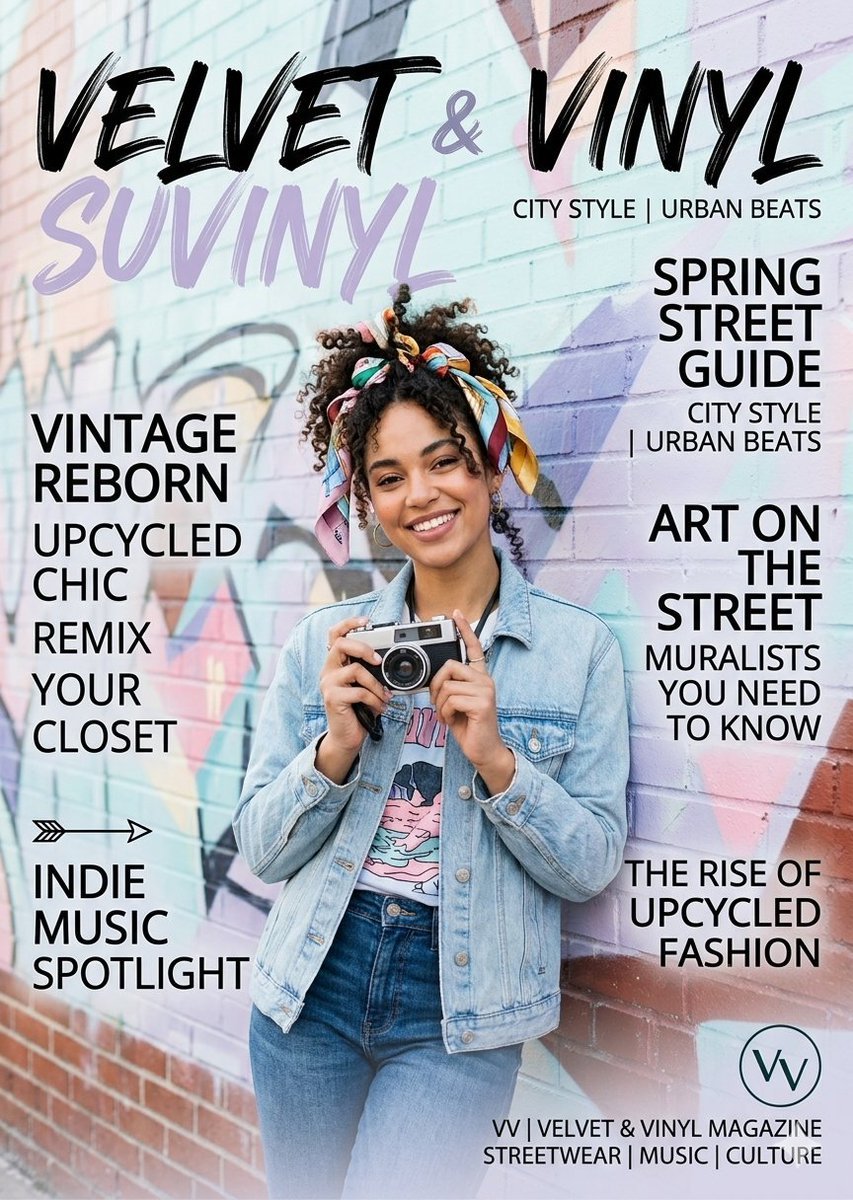
Velvet and Vinyl Urban Magazine

Open Magazine Luxury Fashion Editorial Layout

Monochrome Halftone Editorial Fashion Poster

Korean Model Floating Magazine Pages Campaign
Make it yours
Burgundy Velvet Literary Magazine Cover works as-is. These are the safest ways to change it without losing the look.
Change one field
Copy a single group, rewrite it, and generate again so you can see what that field is doing.
Keep the frame, change the subject
Hold the composition and light of Burgundy Velvet Literary Magazine Cover, then swap wardrobe, props or the person for a new take.
| If the result… | Why | Fix |
|---|---|---|
| The result drifts from the preview | Too many fields changed at once. | Reuse Burgundy Velvet Literary Magazine Cover as-is first, then change one group — subject, light, or setting. |
| The model over-stylizes the scene | The prose prompt leaves finish and camera underspecified. | Add one camera or lighting sentence and stay on GPT Image 2. |
More GPT Image 2 templates
Other prompts made for GPT Image 2.

Six VTuber Japanese Logo Sheet

Realistic Portrait of Woman and Deer

The Vista Modular Condo Poster

AI Model Routing Comparison Infographic

2.5D Anime Art Board

Isometric Productivity Desk Scene

New York Double Exposure Poster

Four-Panel AI Landscape Comparison

NESCAFÉ Coffee Map Poster

Brutalist Cogito Chinese Typography Poster
More image prompts
Fresh picks from across the catalog.

Winter Cabin Scene with Frosted Window and Coca-Cola Can
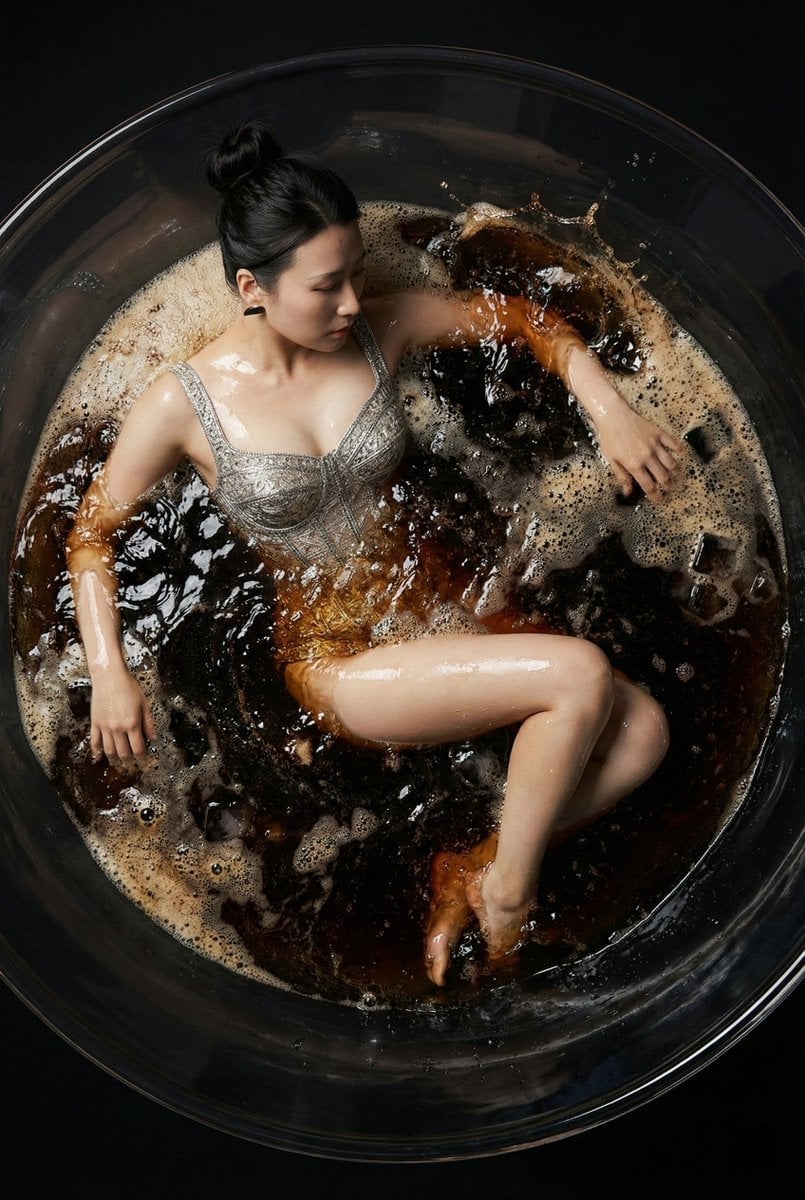
Hyper-Realistic Commercial Fashion Photo Prompt for Nano Banana Pro
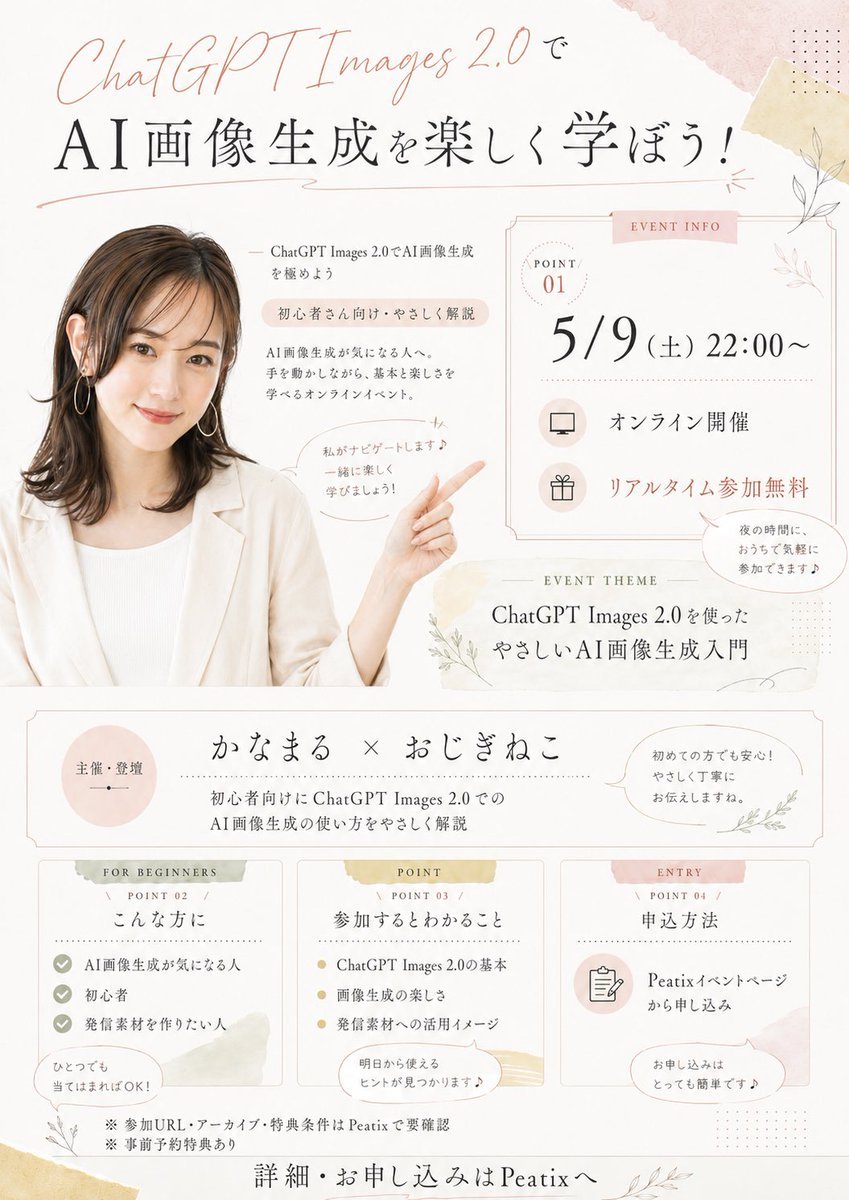
Japanese AI Seminar Flyer
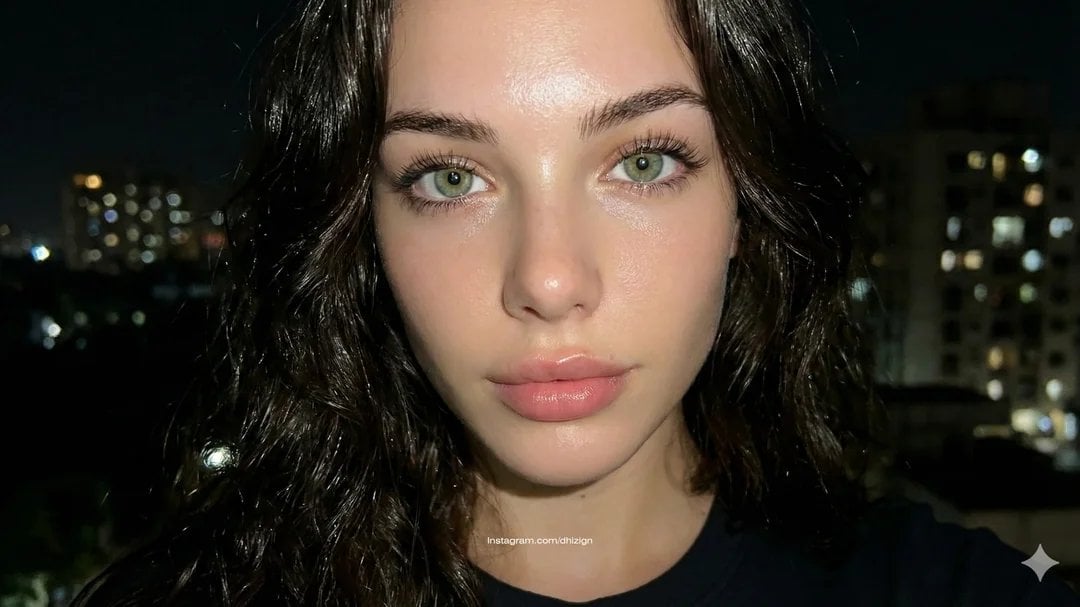
JSON-style Nano Banana Pro prompt for realistic faces
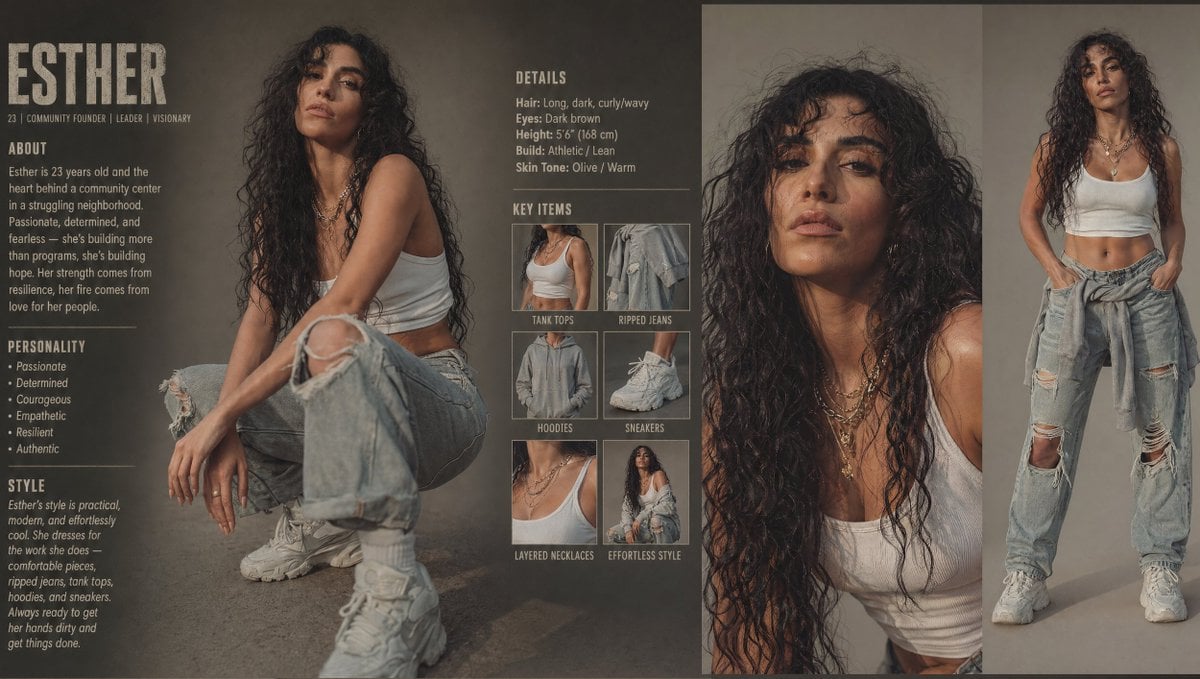
Modern Esther Character Sheet
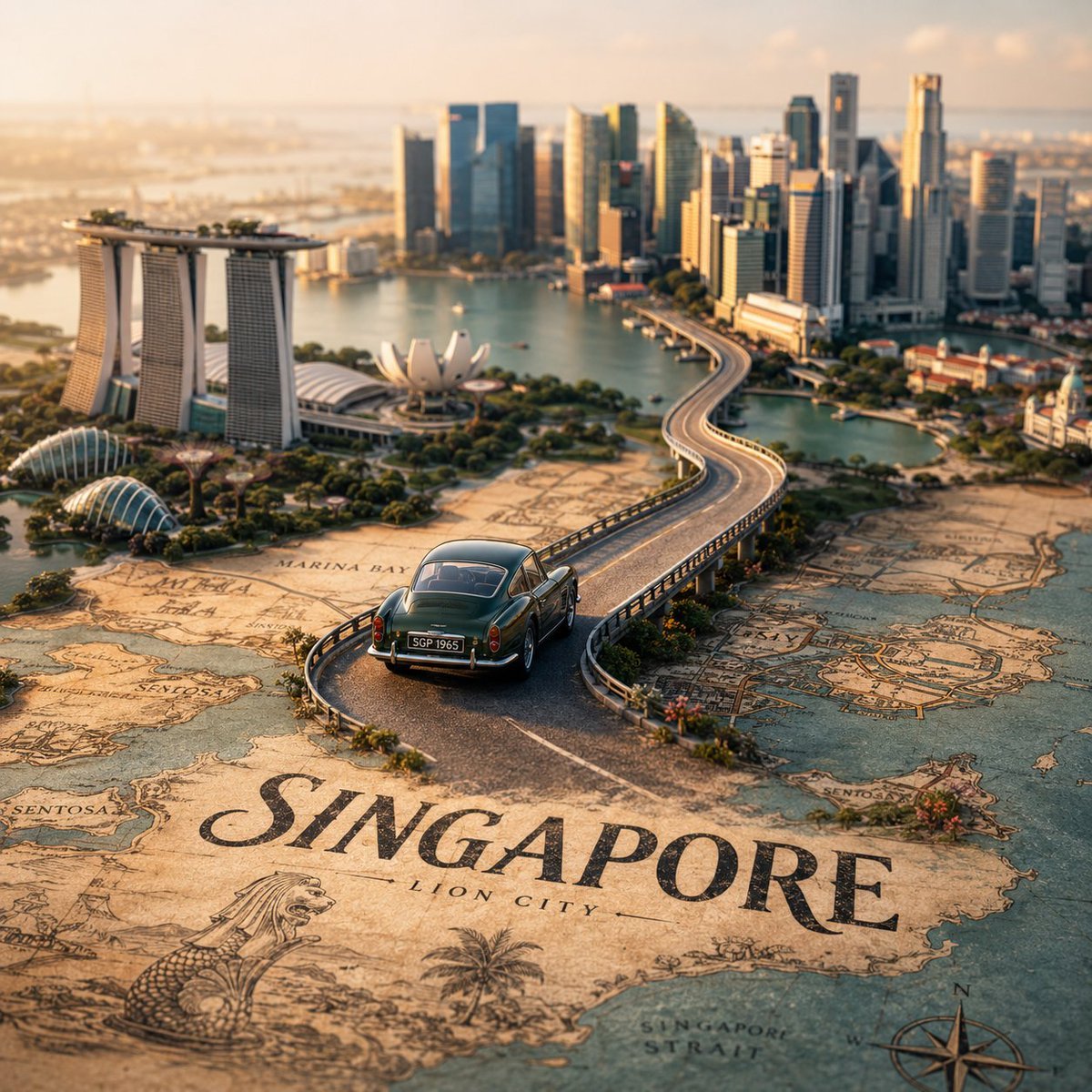
Tilt-Shift City Map Scene
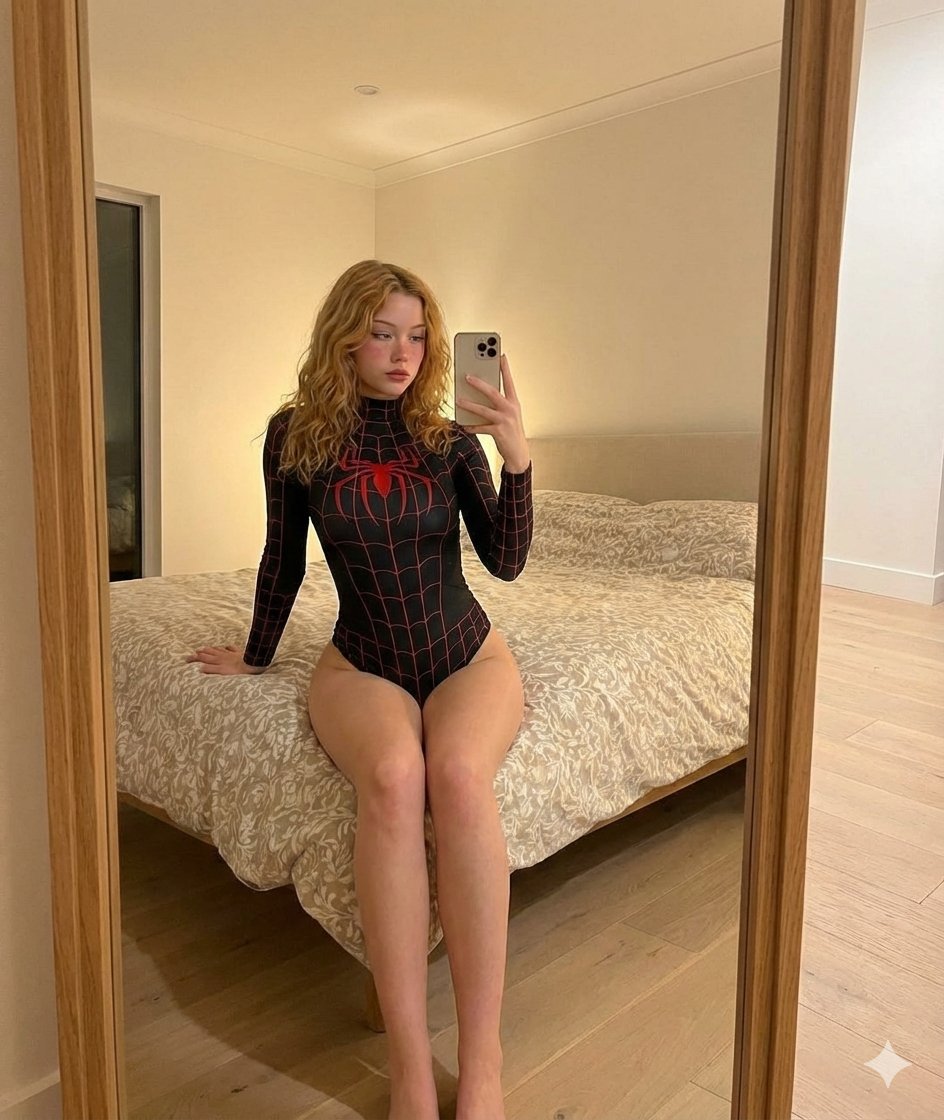
iPhone Mirror Selfie Photography Prompt for Character Replacement
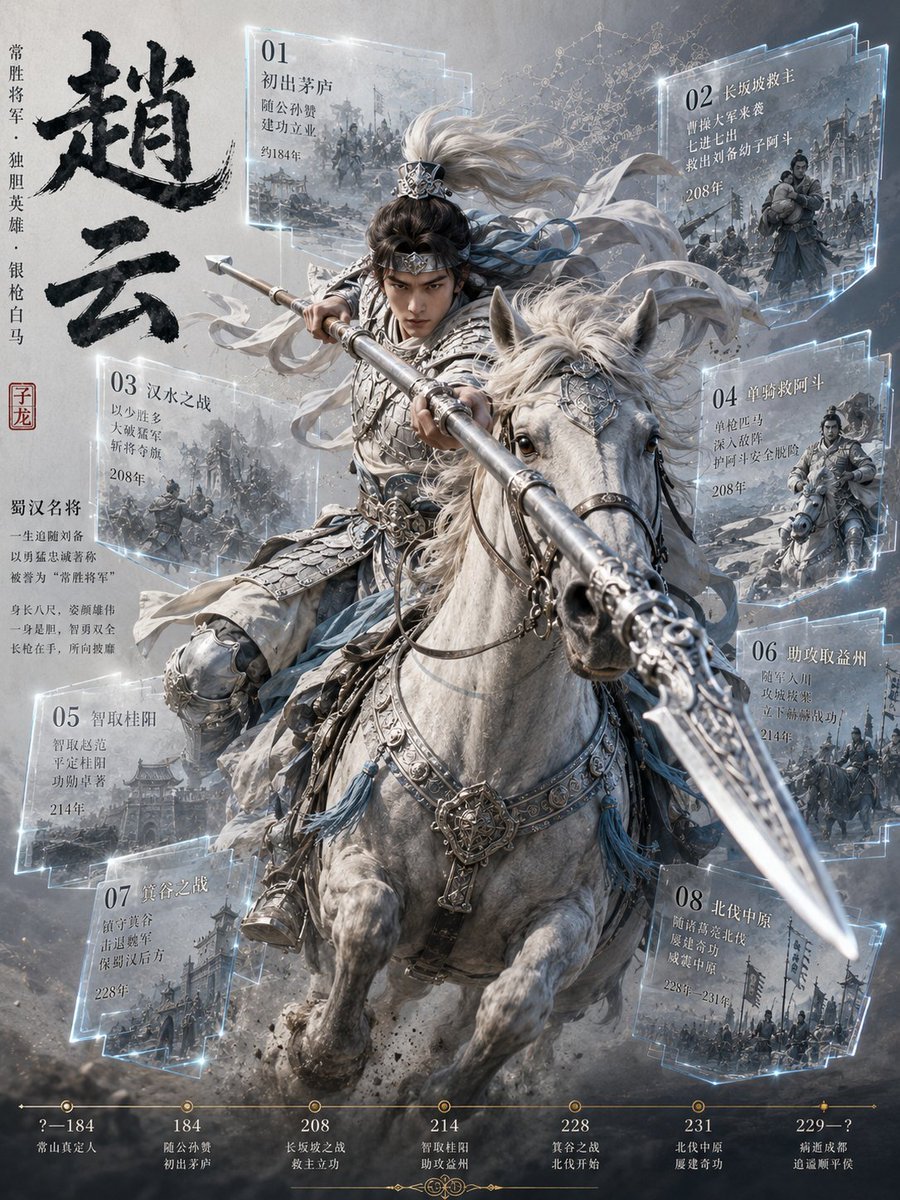
Zhao Yun Cavalry Infographic Poster
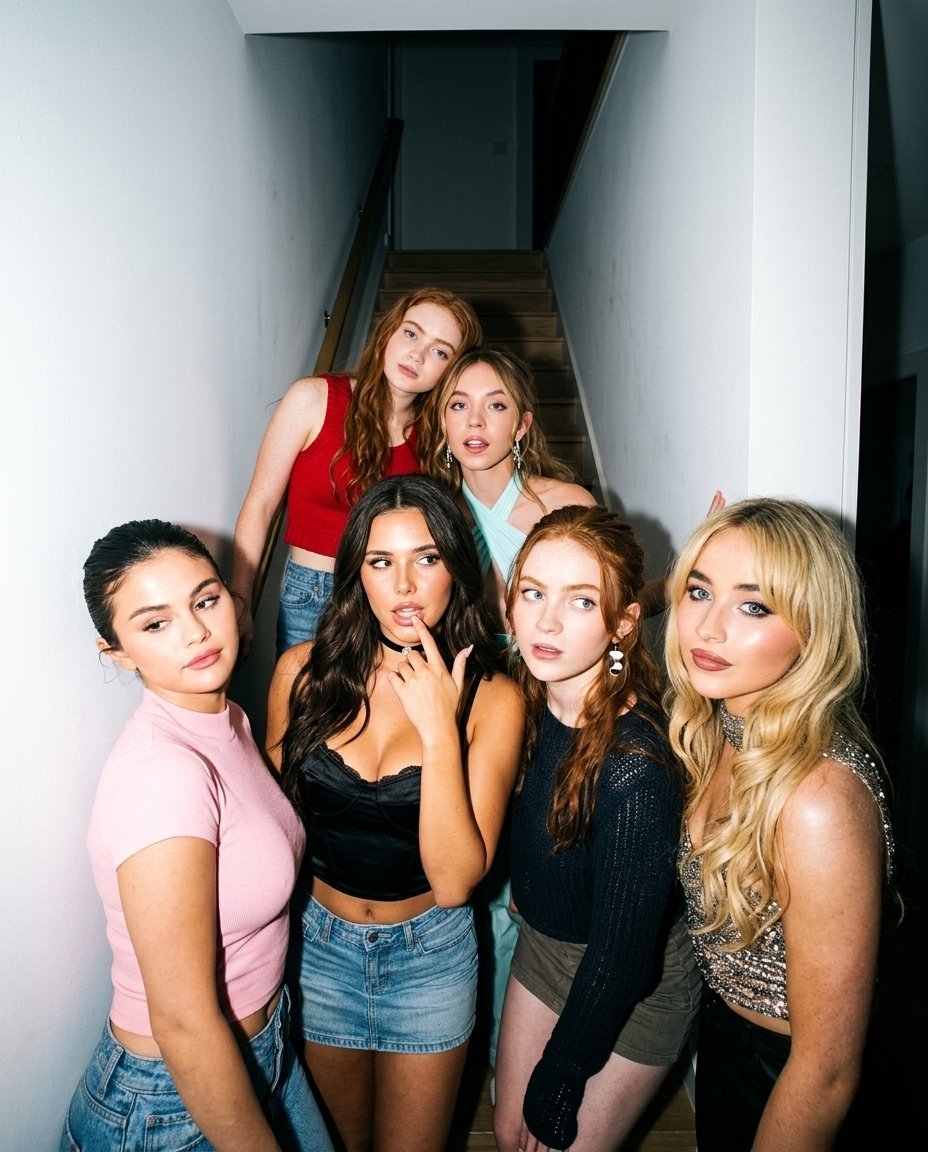
Indoor Group Flash Photo Prompt for Nano Banana
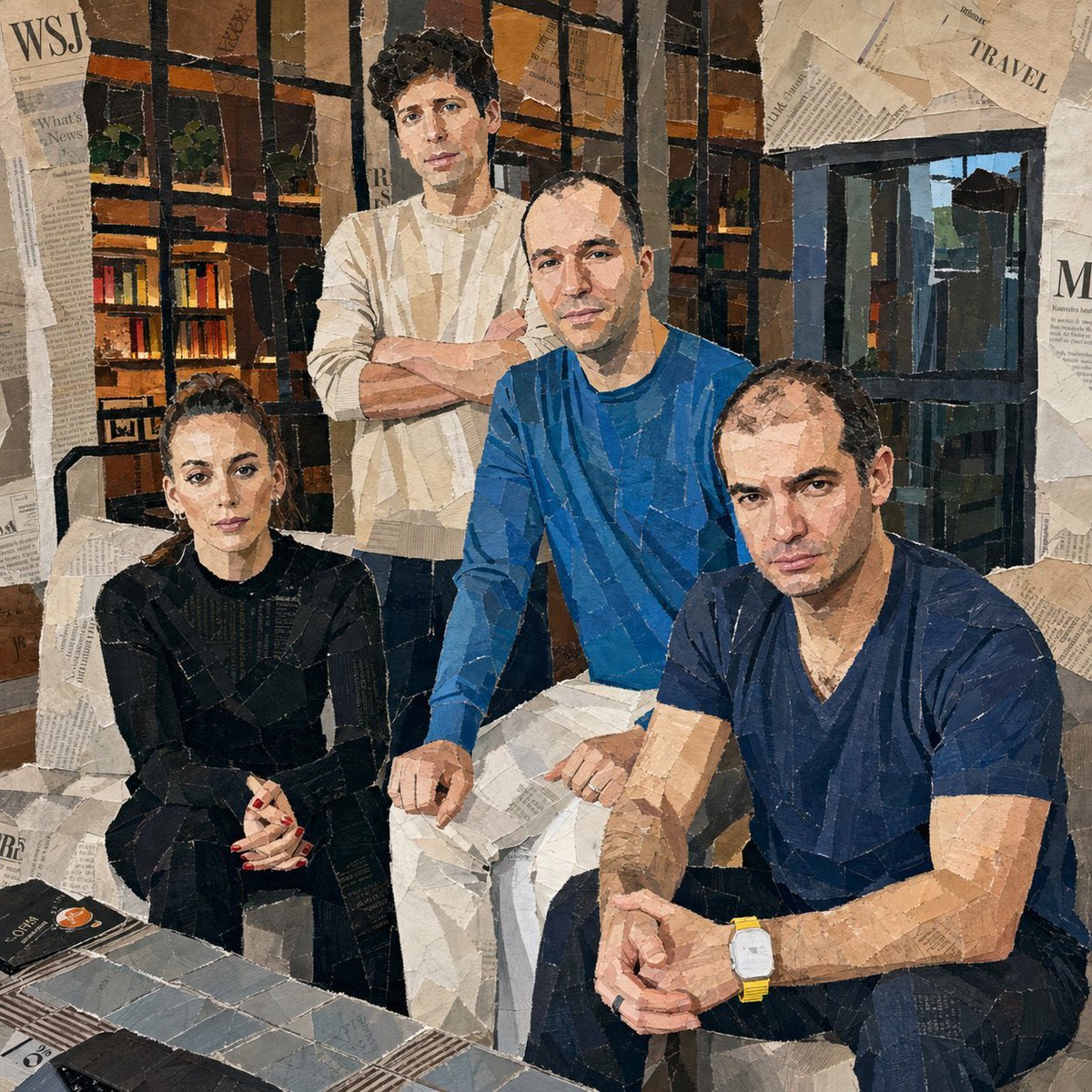
Hand-Torn Paper Collage Artwork
Browse template categories
Burgundy Velvet Literary Magazine Cover questions
How do I use the Burgundy Velvet Literary Magazine Cover template?
Add your photo if the template asks for one, edit the prompt if you like — the template's model and format are already selected — and press Generate. Your version opens in PicX Studio.
Can I customize the Burgundy Velvet Literary Magazine Cover template?
Yes. You can change the subject, setting, lighting, mood, format, and available model controls before creating your image.
Is the Burgundy Velvet Literary Magazine Cover template free?
Opening and editing this template is free. Generating uses credits, shown on the Generate button when you are signed in.
Which AI model should I use?
Start with GPT Image 2, which is the model associated with this template. You can compare another compatible model for a different finish.
Looking for something else? Browse all templates.

Your photo, any look
Thousands of ready templates for every top image and video model, from one credit balance.