
Japanese AI Seminar Flyer
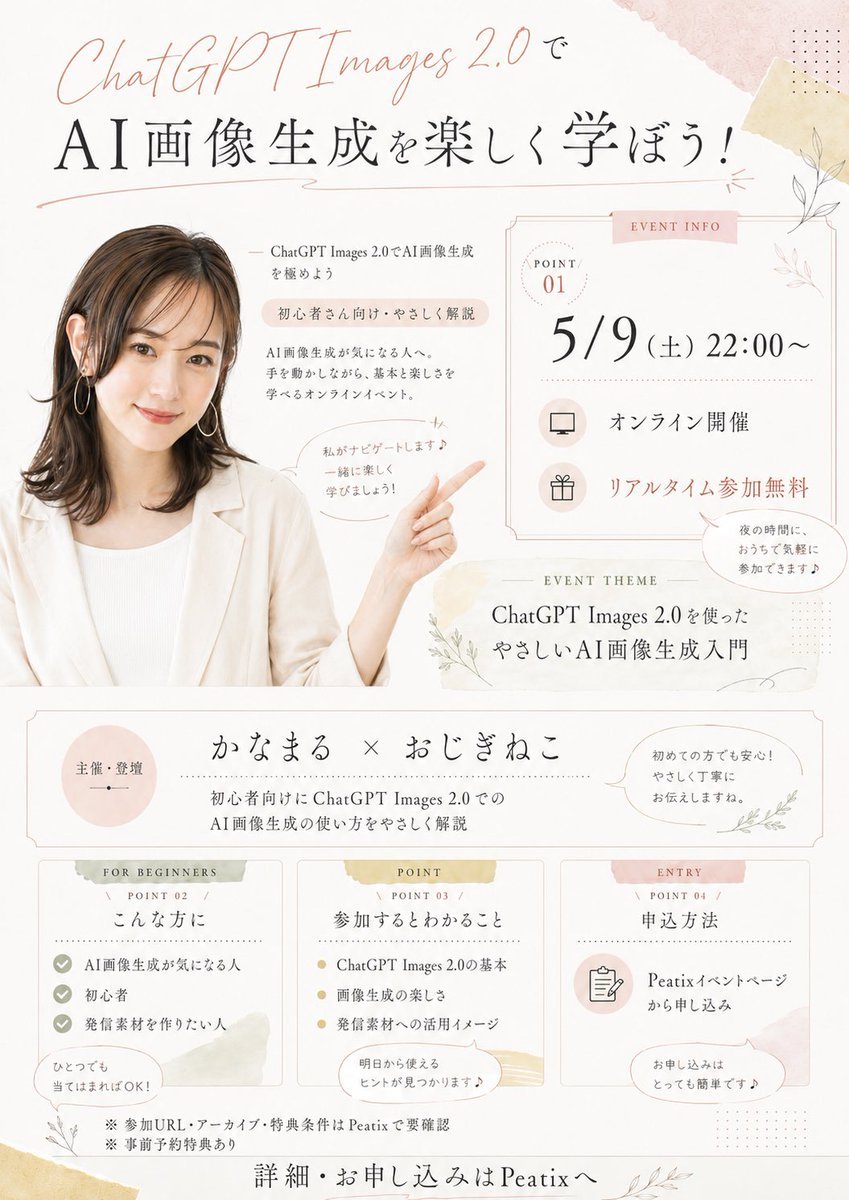
Creates a pastel Japanese event flyer from a presenter photo for an online ChatGPT Images seminar announcement.
- Prompt included
- Model and format preset
- Free template
The prompt behind this image
Copy the exact prompt behind Japanese AI Seminar Flyer, or open it in the studio and make it yours.
Using REFERENCE_0 as the presenter photo, create a soft, elegant Japanese online seminar flyer in a warm beige/pink watercolor stationery style. Keep the presenter’s hair, outfit, earrings, and anonymized face block consistent, but crop her into the left side of the flyer and extend/generate her upper body so she is smiling toward the viewer with one arm raised and pointing to the event information on the right. Add delicate botanical line art, pale washi-tape textures, thin decorative borders, dotted accents, and pastel blush/gold highlights on an off-white background. Design the flyer as a vertical event announcement with these discrete content areas: 1 large top headline area, 1 right-side event info card, 1 event theme strip, 1 host/organizer strip, and 3 bottom information cards. Visible text to include: Top headline: “ChatGPT Images 2.0で” and large main title “AI画像生成を楽しく学ぼう!” Near the presenter: “ChatGPT Images 2.0でAI画像生成を極めよう”, “初心者さん向け・やさしく解説”, “AI画像生成が気になる人へ。手を動かしながら、基本と楽しさを学べるオンラインイベント。” and a speech bubble “私がナビゲートします♪ 一緒に楽しく学びましょう!” Right event info card labeled “EVENT INFO” with “POINT 01”, date/time “5/9(土)22:00〜”, “オンライン開催”, “リアルタイム参加無料”, plus a small speech bubble “夜の時間に、おうちで気軽に参加できます♪” Event theme strip labeled “EVENT THEME”: “ChatGPT Images 2.0を使った やさしいAI画像生成入門” Host strip: left circle “主催・登壇”, center “かなまる × おじぎねこ”, subtext “初心者向けにChatGPT Images 2.0での AI画像生成の使い方をやさしく解説”, right speech bubble “初めての方でも安心!やさしく丁寧にお伝えしますね。” Bottom 3 cards: Card 1 labeled “FOR BEGINNERS / POINT 02 / こんな方に” with 3 checklist items “AI画像生成が気になる人”, “初心者”, “発信素材を作りたい人” and bubble “ひとつでも当てはまればOK!”; Card 2 labeled “POINT / POINT 03 / 参加するとわかること” with 3 bullet items “ChatGPT Images 2.0の基本”, “画像生成の楽しさ”, “発信素材への活用イメージ” and bubble “明日から使えるヒントが見つかります♪”; Card 3 labeled “ENTRY / POINT 04 / 申込方法” with “Peatixイベントページから申し込み” and bubble “お申し込みはとっても簡単です♪” Footer notes: “※参加URL・アーカイブ・特典条件はPeatixで要確認”, “※事前予約特典あり”, and final call to action “詳細・お申し込みはPeatixへ”. Make the typography refined and airy, combining elegant Japanese Mincho-style serif text with a handwritten script for “ChatGPT Images 2.0”. Use {argument name="event date and time" default="5/9(土)22:00〜"}, {argument name="main headline" default="AI画像生成を楽しく学ぼう!"}, {argument name="presenter names" default="かなまる × おじぎねこ"}, {argument name="event platform" default="Peatix"}, and {argument name="theme text" default="ChatGPT Images 2.0を使った やさしいAI画像生成入門"}.
Reference images included
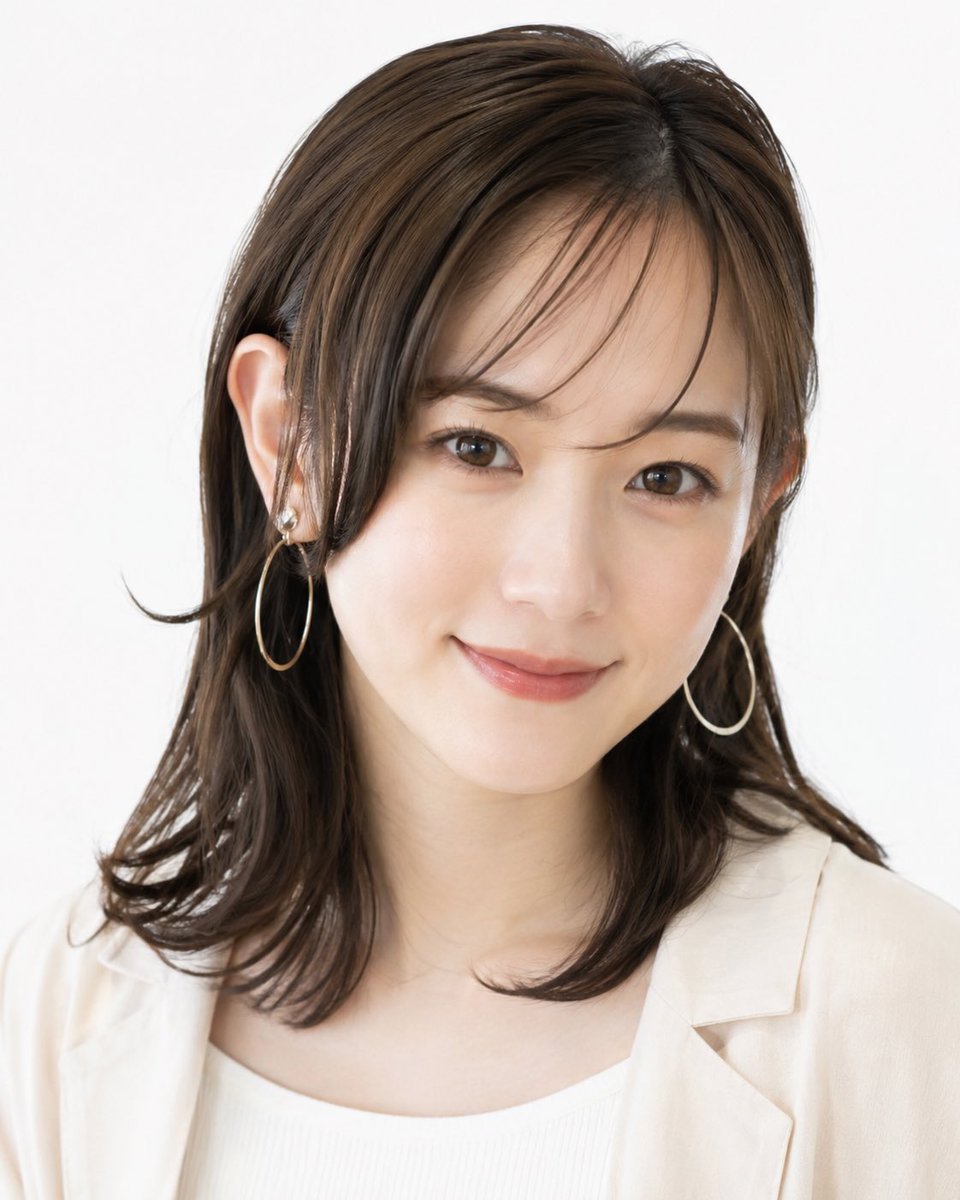
Japanese AI Seminar Flyer needs input media to work. They load alongside the prompt when you open it in the studio.
How to use Japanese AI Seminar Flyer in 3 steps
- 1Upload ImagePNG, JPG or paste
Add your photo
Upload the photo the template builds on. The prompt, model and format are already set.
- 2…a portrait of your subject in softgolden-hour light, 85mm…
Personalize
Edit the subject and creative details for your destination.
- 3Generate
Generate
Press Generate — your image is created in PicX Studio, so you can compare it with the original and refine one variable at a time.
More like this
Templates with the same subject, style or setup. Open one to see its prompt.

Minecraft Japanese Research Lab Exploration

Japanese Architectural Concrete Studio Fashion Campaign

Japanese Minimalist Concrete Studio Fashion Editorial

Blue Backdrop Luxury Fashion Portrait Campaign

Japanese Film Reflection Idol
Japanese Supermarket Promotional Flyer
Japanese Pediatric Clinic Name Change Flyer
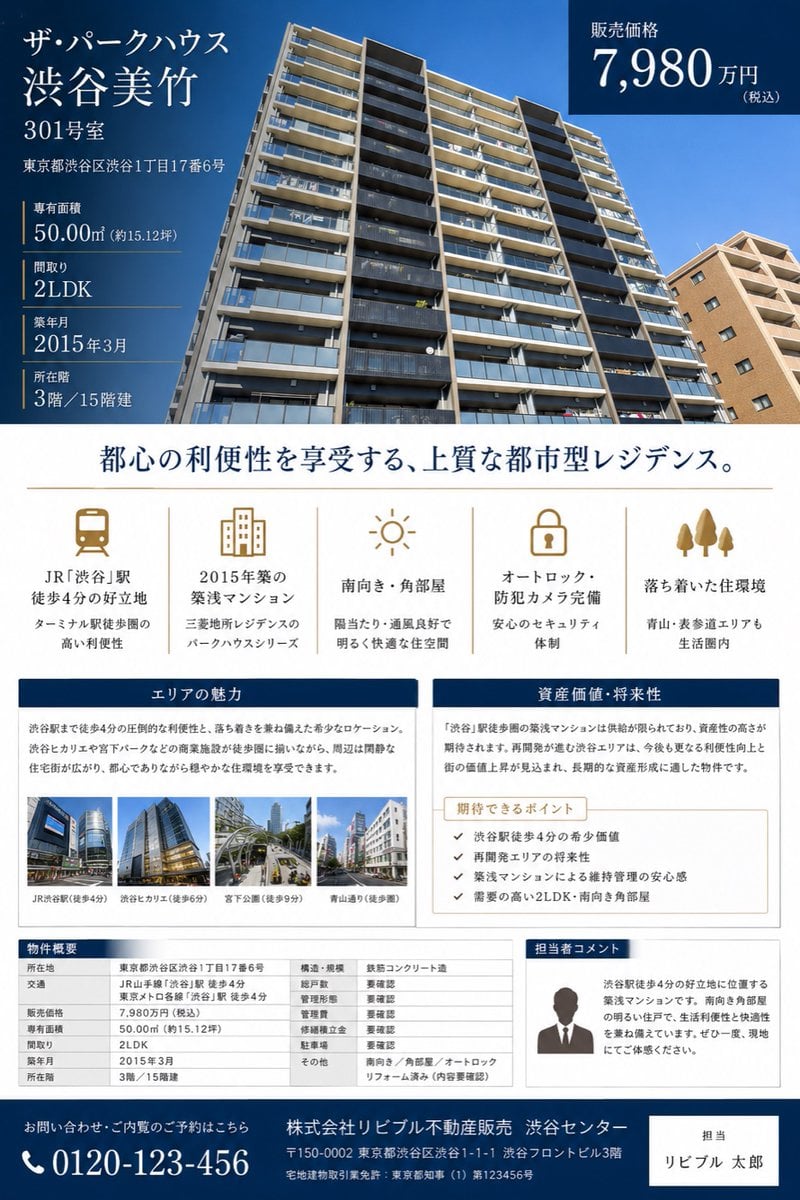
Japanese Luxury Condo Sales Flyer
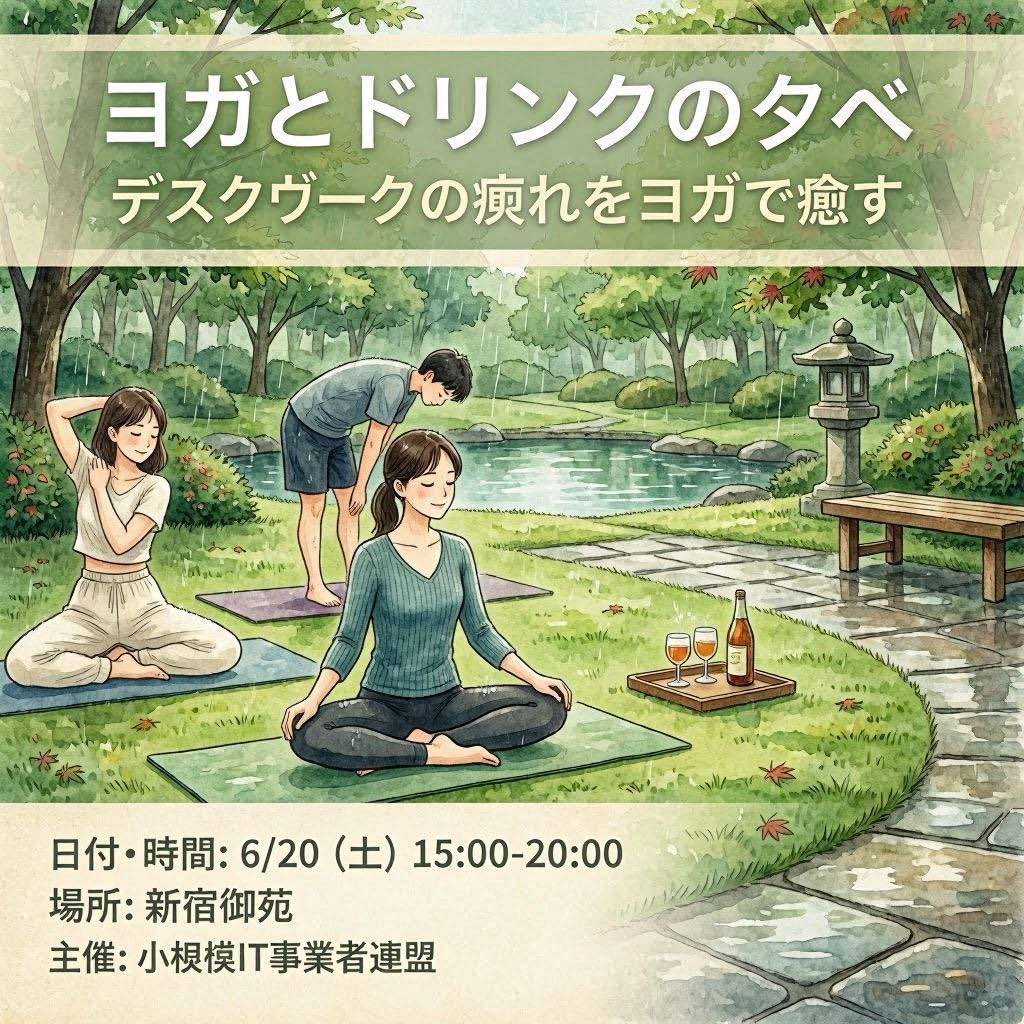
Japanese Yoga and Drinks Event Flyer
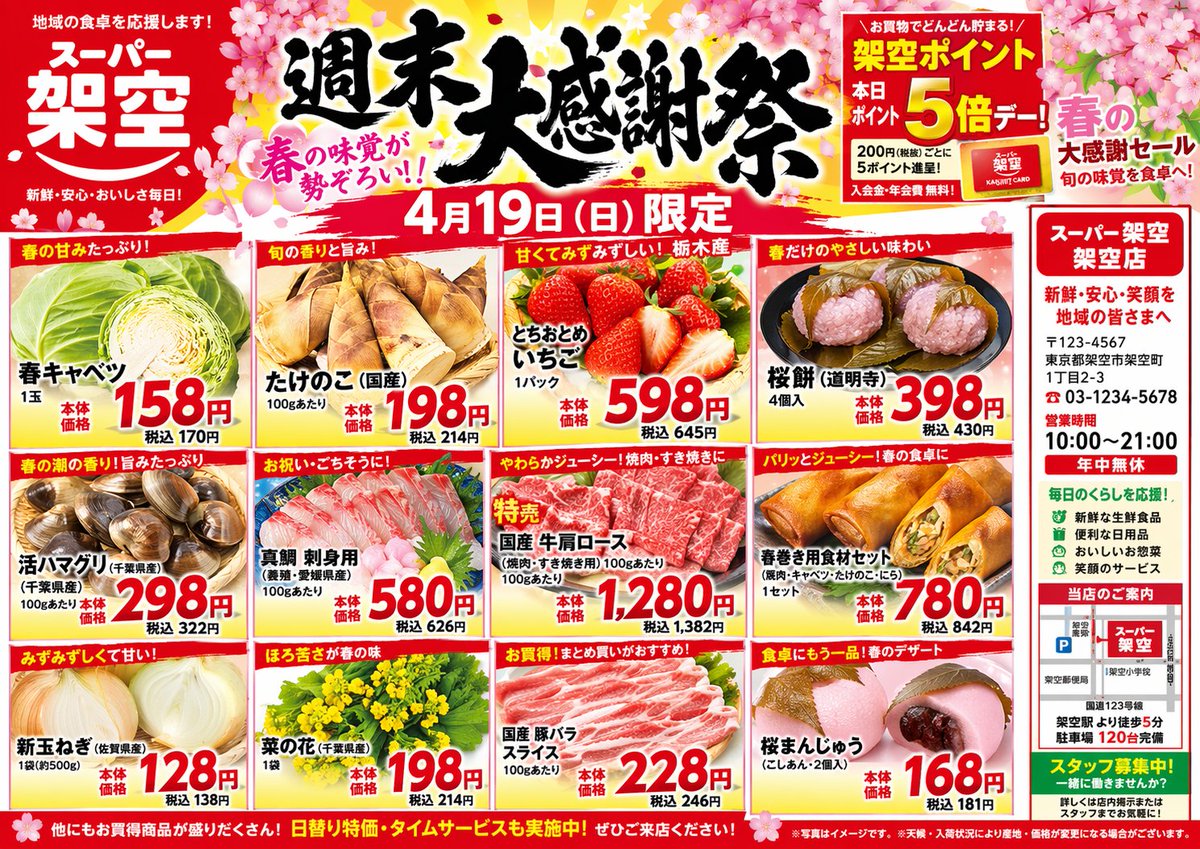
Japanese Supermarket Spring Flyer
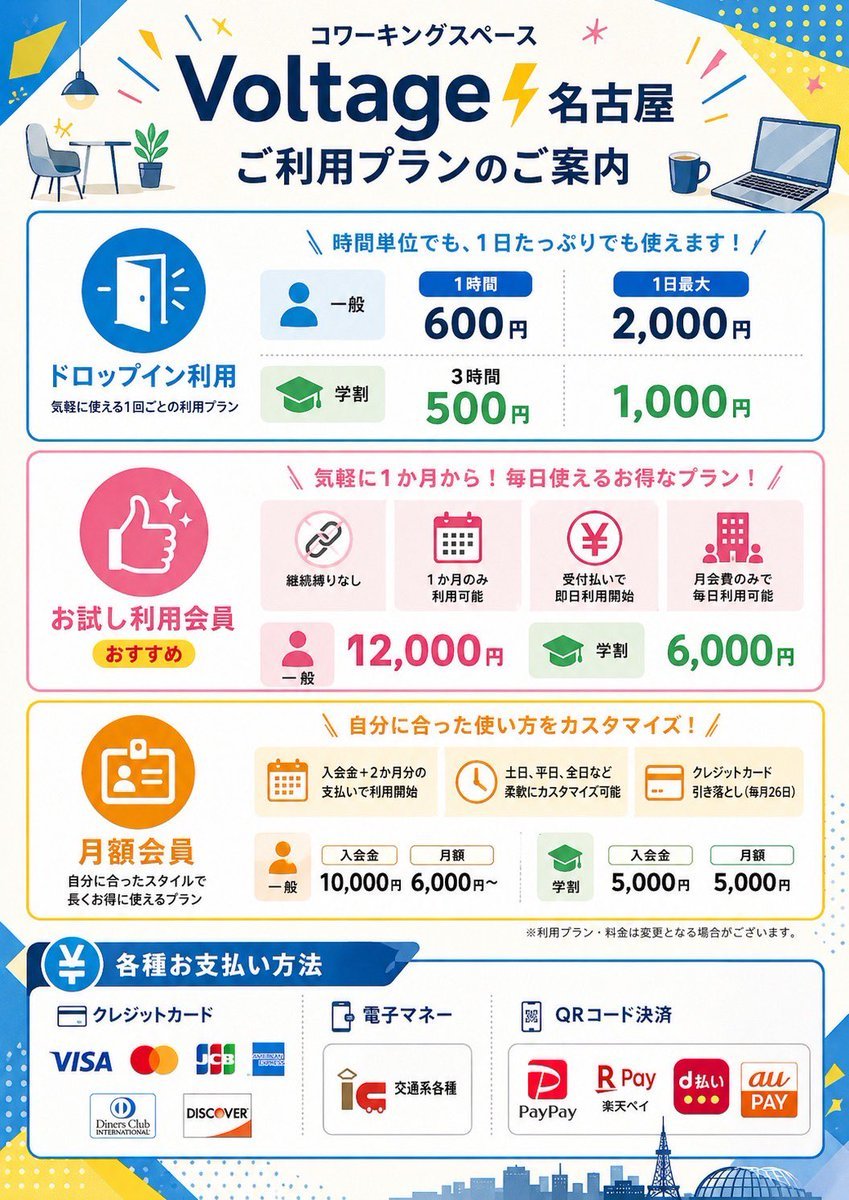
Japanese Coworking Pricing Flyer

Authentic Japanese Delivery Flyer
Make it yours
Japanese AI Seminar Flyer works as-is. These are the safest ways to change it without losing the look.
Change one field
Copy a single group, rewrite it, and generate again so you can see what that field is doing.
Keep the frame, change the subject
Hold the composition and light of Japanese AI Seminar Flyer, then swap wardrobe, props or the person for a new take.
| If the result… | Why | Fix |
|---|---|---|
| The result drifts from the preview | Too many fields changed at once. | Reuse Japanese AI Seminar Flyer as-is first, then change one group — subject, light, or setting. |
| The model over-stylizes the scene | The prose prompt leaves finish and camera underspecified. | Add one camera or lighting sentence and stay on GPT Image 2. |
More GPT Image 2 templates
Other prompts made for GPT Image 2.

Six VTuber Japanese Logo Sheet

Realistic Portrait of Woman and Deer

The Vista Modular Condo Poster

AI Model Routing Comparison Infographic

2.5D Anime Art Board

Isometric Productivity Desk Scene

New York Double Exposure Poster

Four-Panel AI Landscape Comparison

Japanese Tatami Lifestyle Magazine Cover

NESCAFÉ Coffee Map Poster
More image prompts
Fresh picks from across the catalog.
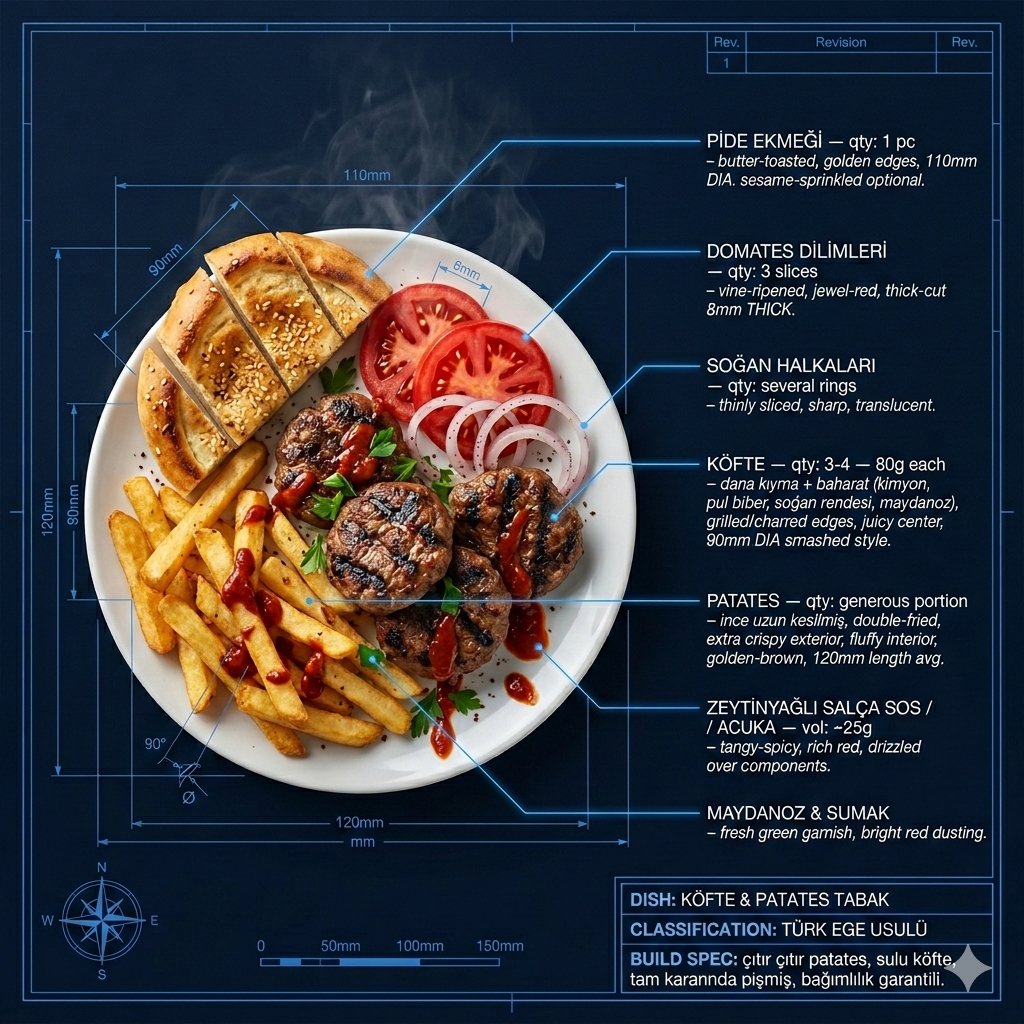
Technical Architectural Blueprint of KÖFTE & PATATES
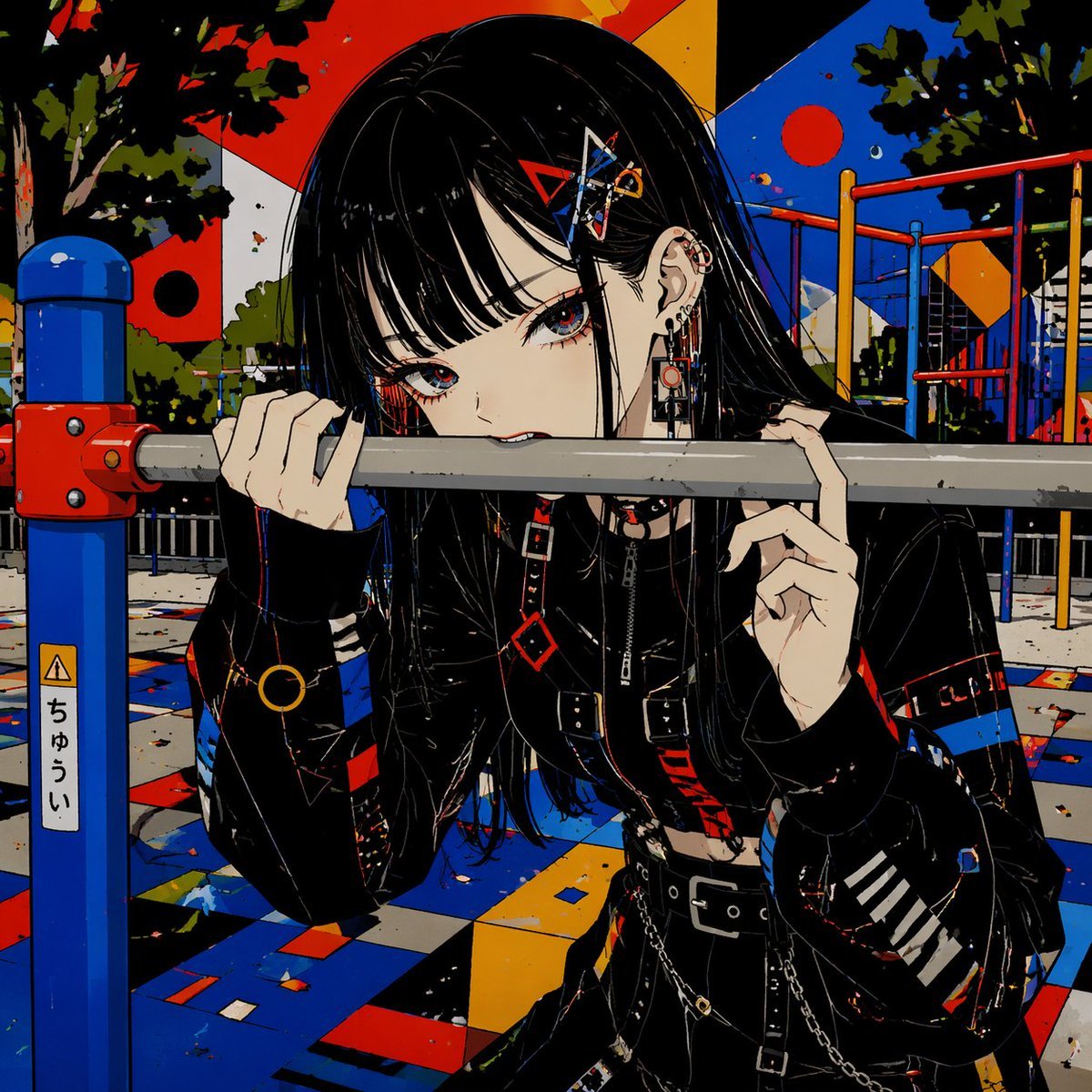
Goth Anime Girl at Playground Bar
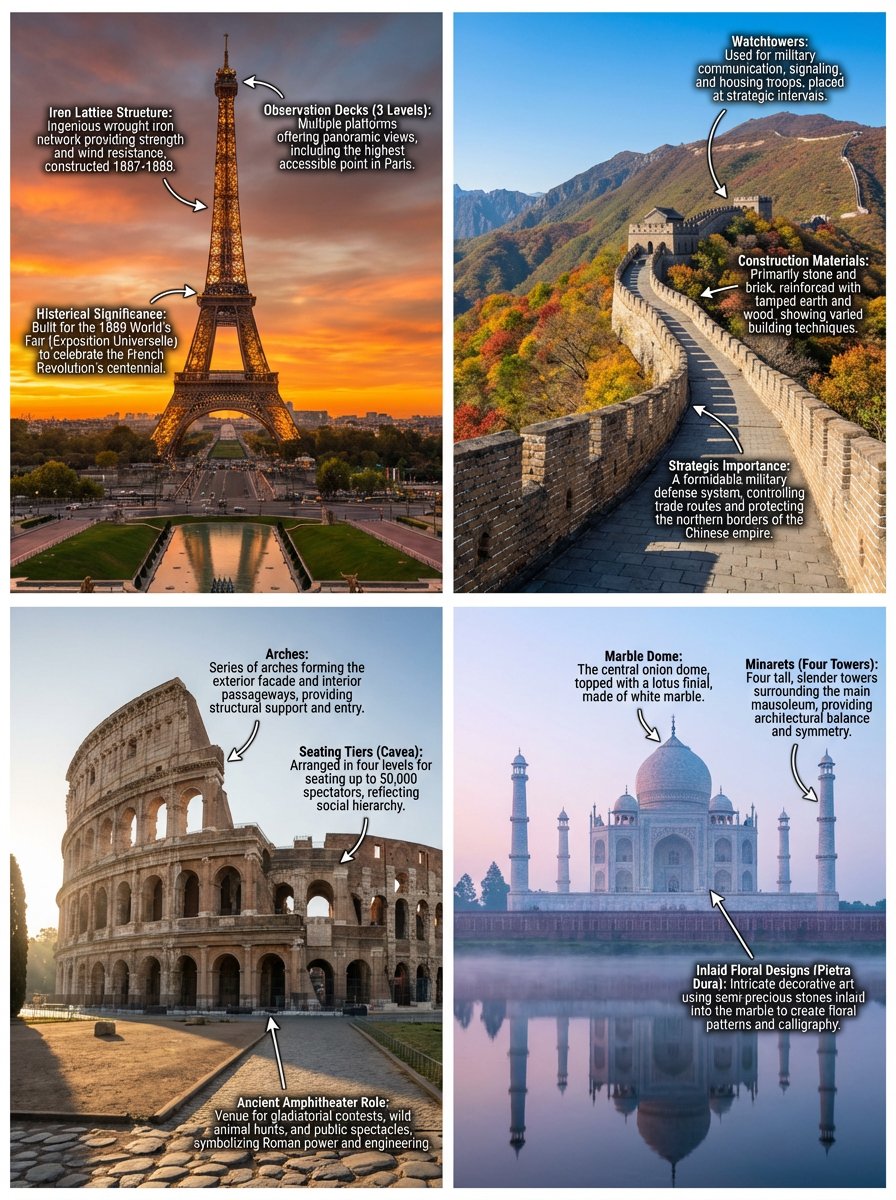
Annotated landmark images of Eiffel Tower, Great Wall, Colosseum, Taj Mahal
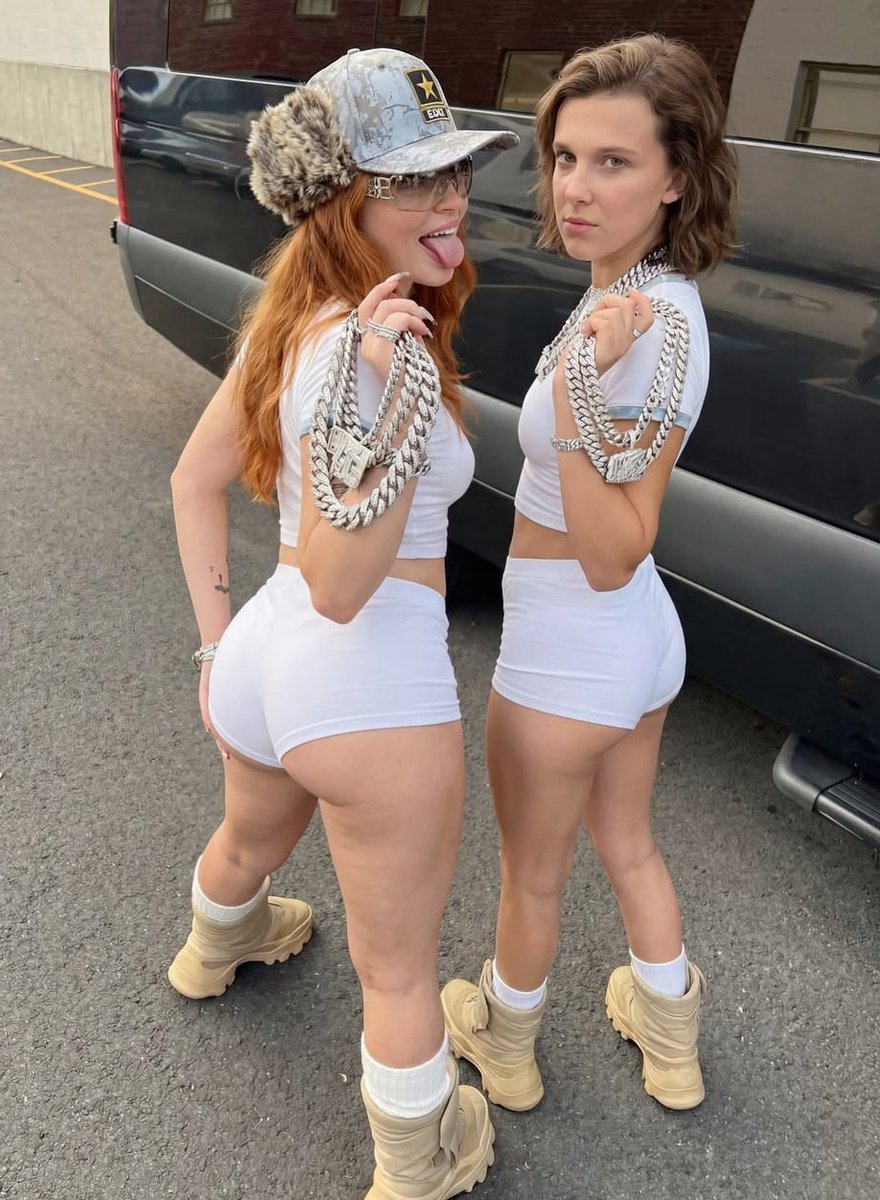
Early 2000s Hip-Hop Fashion Portrait Prompts
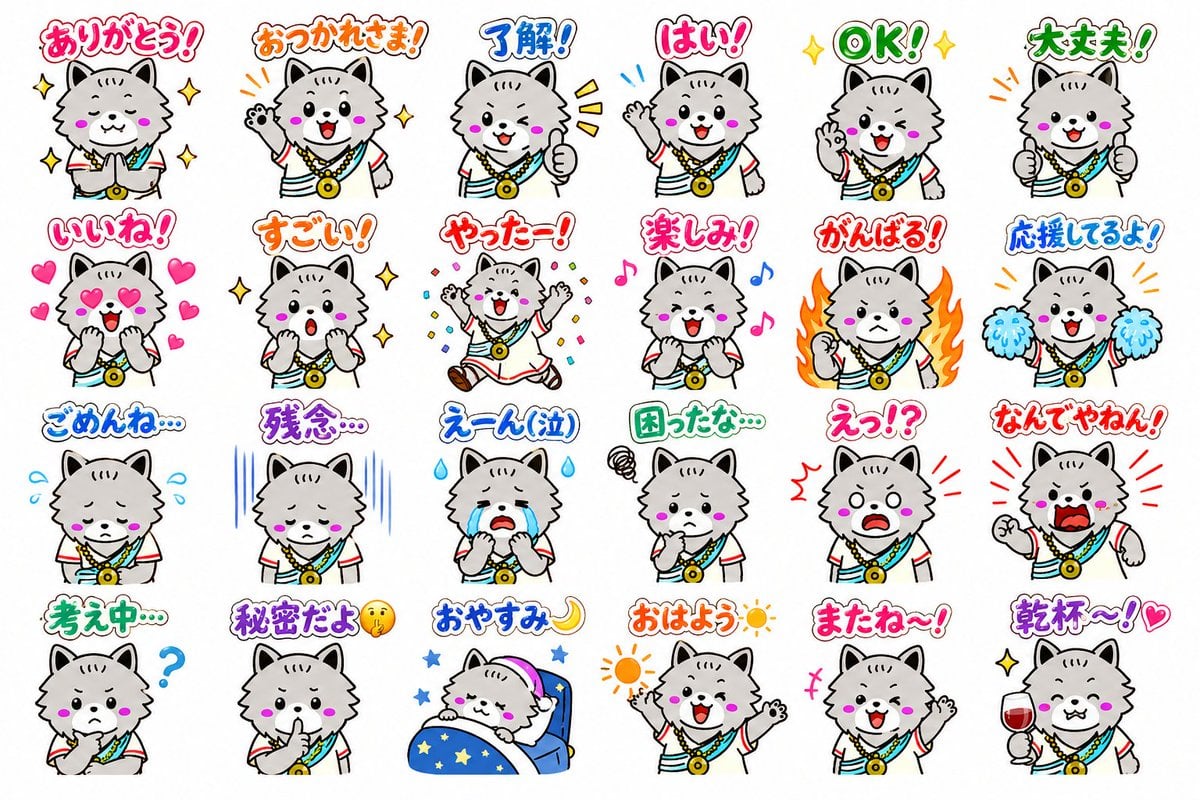
24 Cute Mascot LINE Stickers
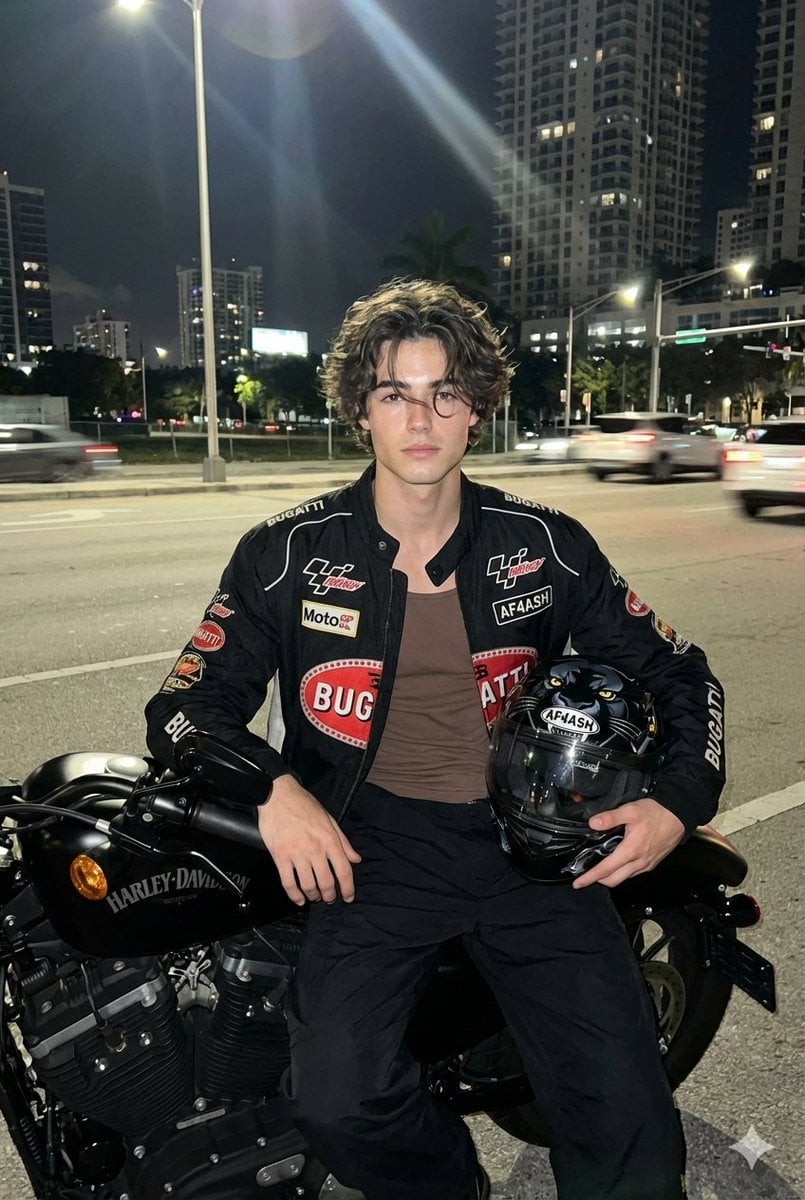
Nighttime Motorcycle Photo with Face Replacement Prompt

Abstract Motion Illusion Prompt
Image Inpainting/Filling Missing White Space
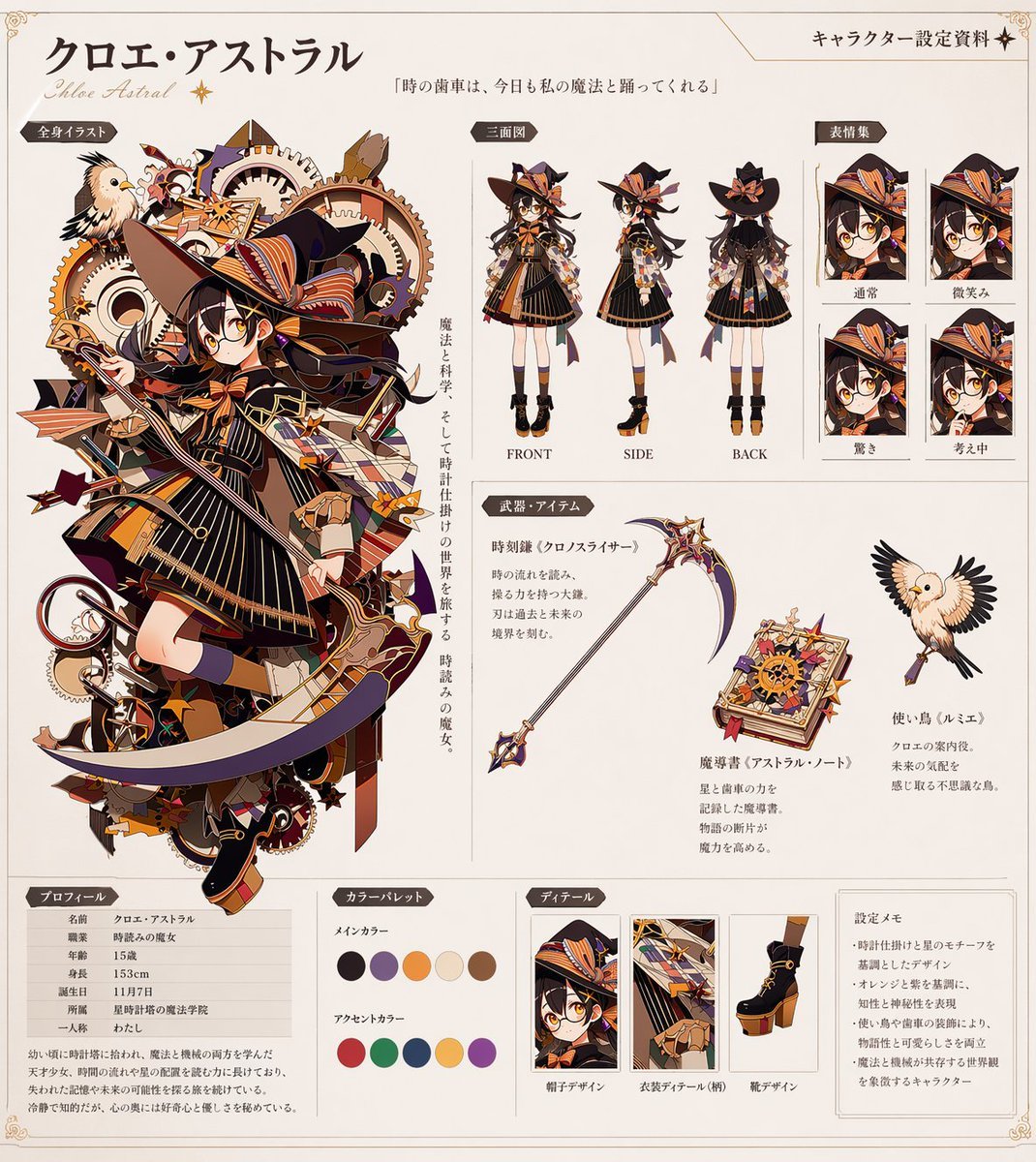
Anime Character Reference Sheet Generator
Cinematic Fox and Bird Taxi Scene
Browse template categories
Japanese AI Seminar Flyer questions
How do I use the Japanese AI Seminar Flyer template?
Add your photo if the template asks for one, edit the prompt if you like — the template's model and format are already selected — and press Generate. Your version opens in PicX Studio.
Can I customize the Japanese AI Seminar Flyer template?
Yes. You can change the subject, setting, lighting, mood, format, and available model controls before creating your image.
Is the Japanese AI Seminar Flyer template free?
Opening and editing this template is free. Generating uses credits, shown on the Generate button when you are signed in.
Which AI model should I use?
Start with GPT Image 2, which is the model associated with this template. You can compare another compatible model for a different finish.
Looking for something else? Browse all templates.

Your photo, any look
Thousands of ready templates for every top image and video model, from one credit balance.