
Japanese Yoga and Drinks Event Flyer
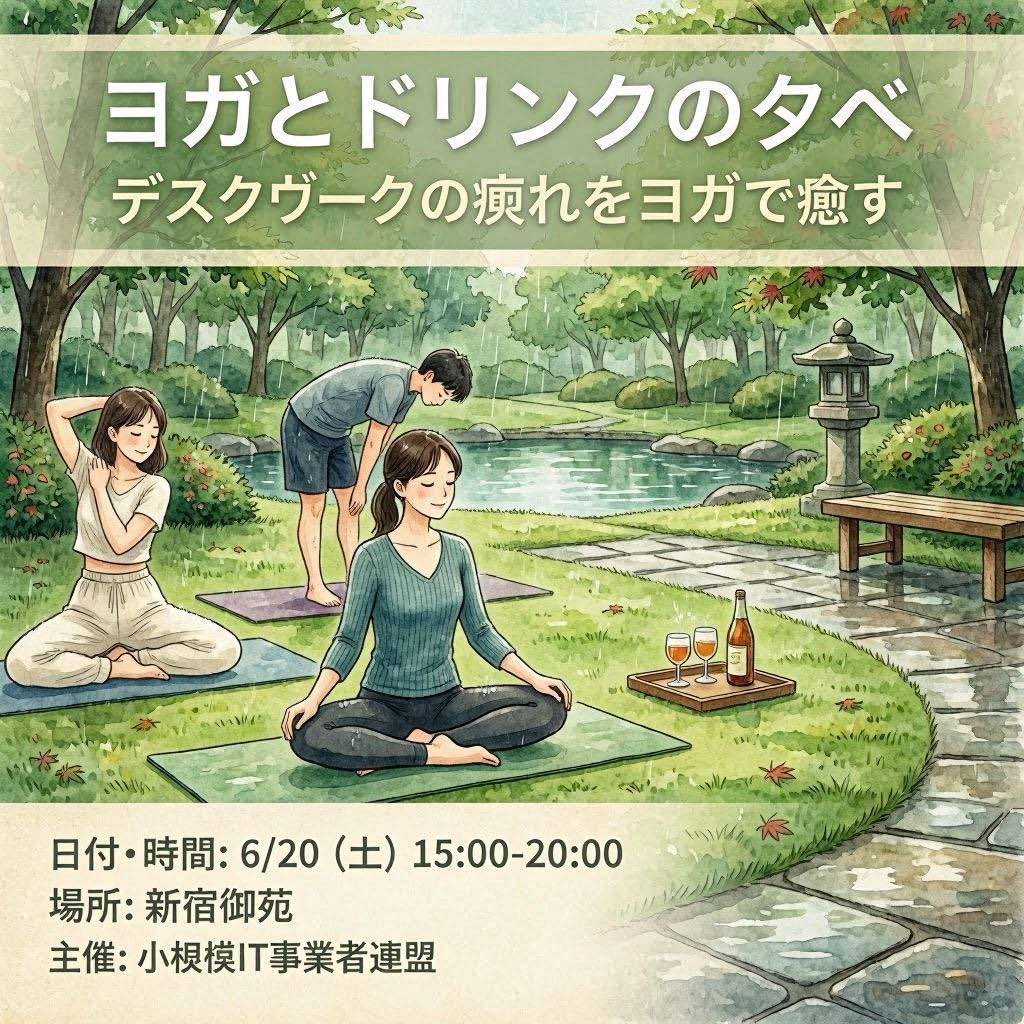
A square watercolor-style Japanese event flyer for an outdoor yoga and drinks gathering in a peaceful park.
- Prompt included
- Model and format preset
- Free template
The prompt behind this image
Copy the exact prompt behind Japanese Yoga and Drinks Event Flyer, or open it in the studio and make it yours.
Goal: Create a square illustrated Japanese event flyer for {argument name="event title" default="ヨガとドリンクの夕べ"}, promoting an outdoor yoga-and-drinks evening for desk workers. Canvas: 1:1 square flyer, soft watercolor illustration, calm natural palette, hand-painted texture, gentle ink outlines, inviting wellness-event atmosphere. Layout: Use three horizontal zones: a translucent pale green title banner across the top, a large central garden illustration, and a cream information panel along the bottom. Keep all typography bold, clean, white or dark charcoal, with subtle drop shadows on the headline for readability. Top text: Large Japanese headline: {argument name="event title" default="ヨガとドリンクの夕べ"}. Beneath it, smaller Japanese subtitle: {argument name="subtitle text" default="デスクワークの疲れをヨガで癒す"}. Central illustration: A peaceful Japanese-style park beside a pond, with leafy trees, shrubs, stepping-stone path, a stone lantern on the right, a simple wooden bench, rocks, grass, and a few scattered red leaves. Show exactly 3 yoga participants on mats: 1 seated woman in the foreground wearing a teal ribbed long-sleeve top and dark pants, sitting cross-legged with relaxed hands on knees; 1 woman on the left wearing a white sleeveless top and loose white pants, seated cross-legged and stretching one arm behind her head; 1 man in the rear wearing a light gray T-shirt and navy shorts, barefoot on a mat, bending forward with hands near knees. Add exactly 1 wooden drink tray on the grass to the right of the foreground mat, containing exactly 3 drink items: 2 stemmed glasses filled with amber/orange drinks and 1 tall bottle with a warm-colored label. Bottom information panel: Cream rectangle with three bold Japanese lines, aligned left: {argument name="date and time" default="日付・時間: 6/20(土)15:00-20:00"}, {argument name="location" default="場所: 新宿御苑"}, and {argument name="organizer" default="主催: 小規模IT事業者連盟"}. Constraints: Preserve the Japanese text exactly as written in the parameter defaults, make the flyer look like a finished event poster rather than a photo, avoid logos or watermarks, keep the faces simple and unobtrusive, and do not add extra people, extra drinks, or extra text.
How to use Japanese Yoga and Drinks Event Flyer in 3 steps
- 1Upload ImagePNG, JPG or paste
Add your photo
Upload the photo the template builds on. The prompt, model and format are already set.
- 2…a portrait of your subject in softgolden-hour light, 85mm…
Personalize
Edit the subject and creative details for your destination.
- 3Generate
Generate
Press Generate — your image is created in PicX Studio, so you can compare it with the original and refine one variable at a time.
More like this
Templates with the same subject, style or setup. Open one to see its prompt.
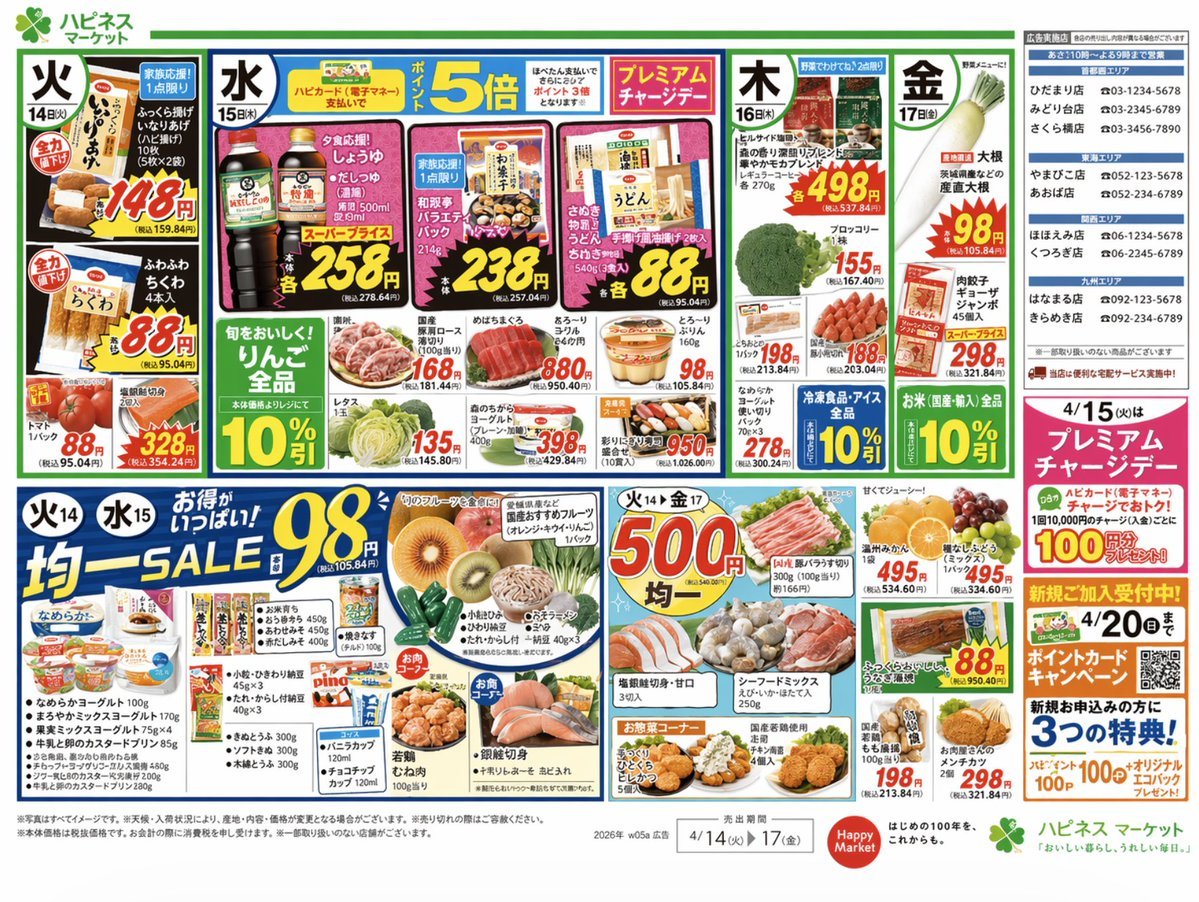
Japanese Supermarket Promotional Flyer

Minecraft Japanese Research Lab Exploration
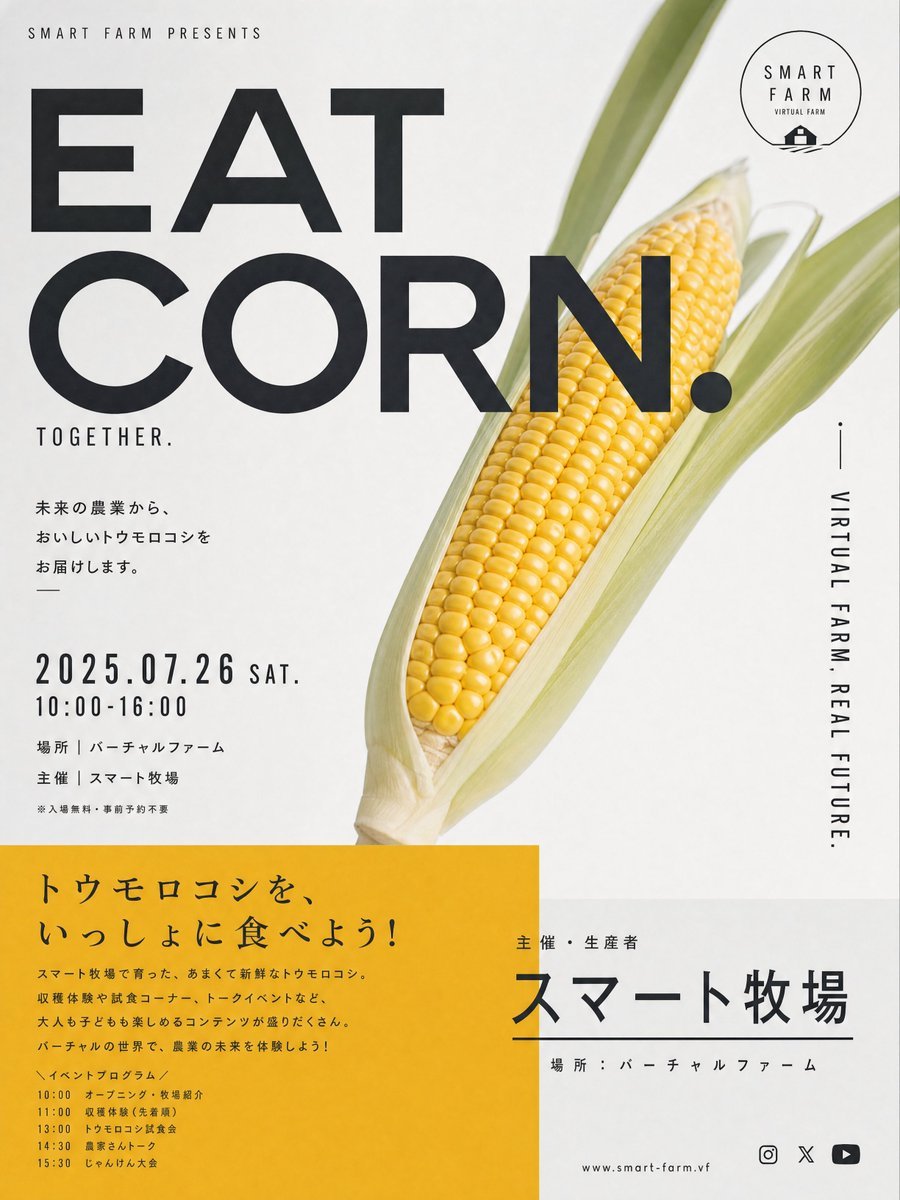
Stylish Japanese Corn Event Poster
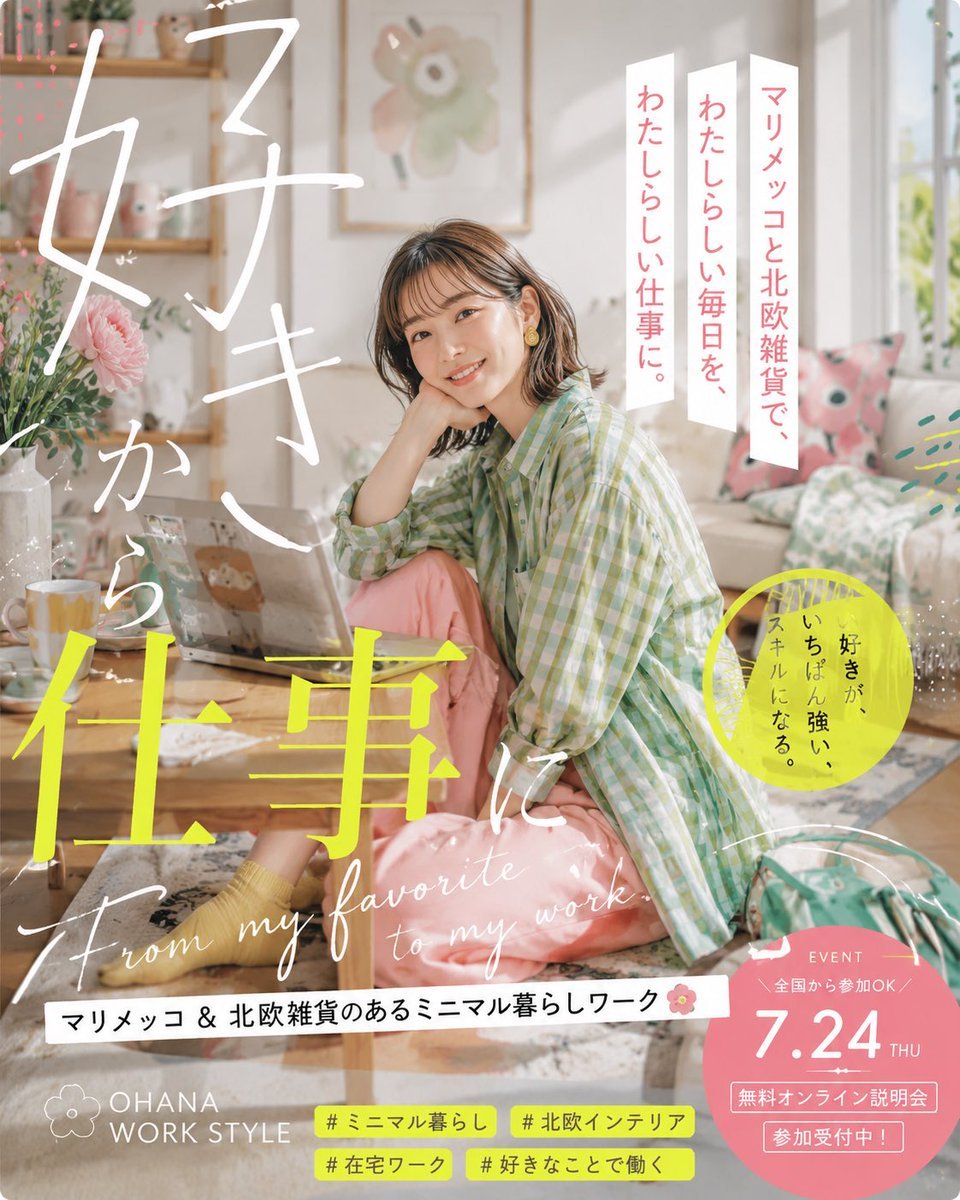
Japanese Lifestyle Work Event Poster
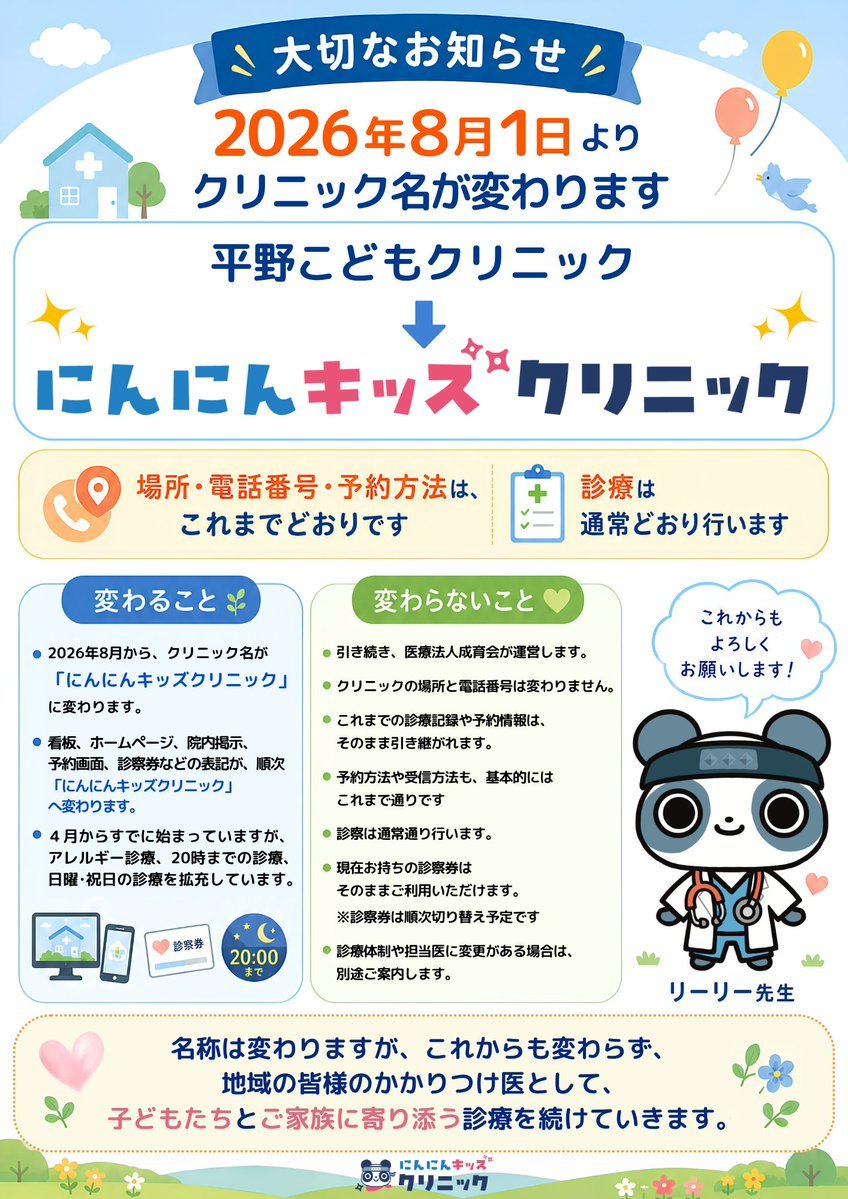
Japanese Pediatric Clinic Name Change Flyer
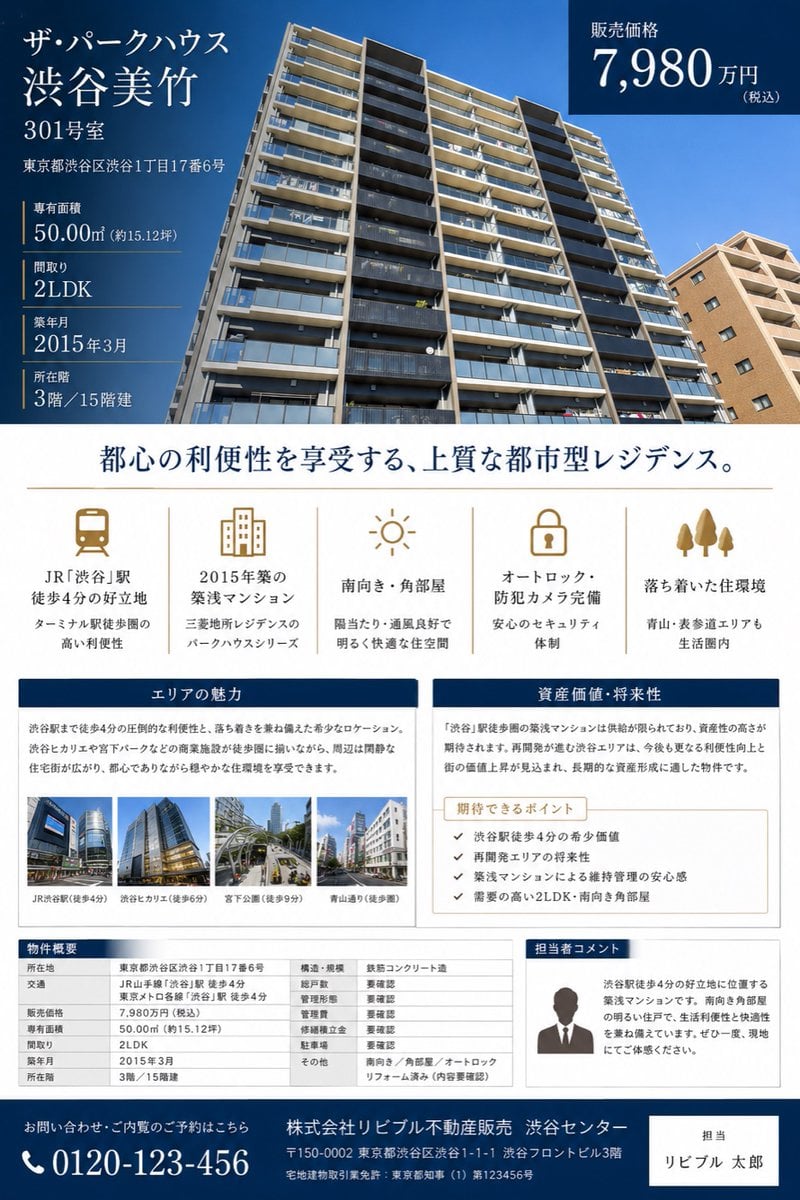
Japanese Luxury Condo Sales Flyer

Japanese Architectural Concrete Studio Fashion Campaign

Japanese Minimalist Concrete Studio Fashion Editorial

Blue Backdrop Luxury Fashion Portrait Campaign
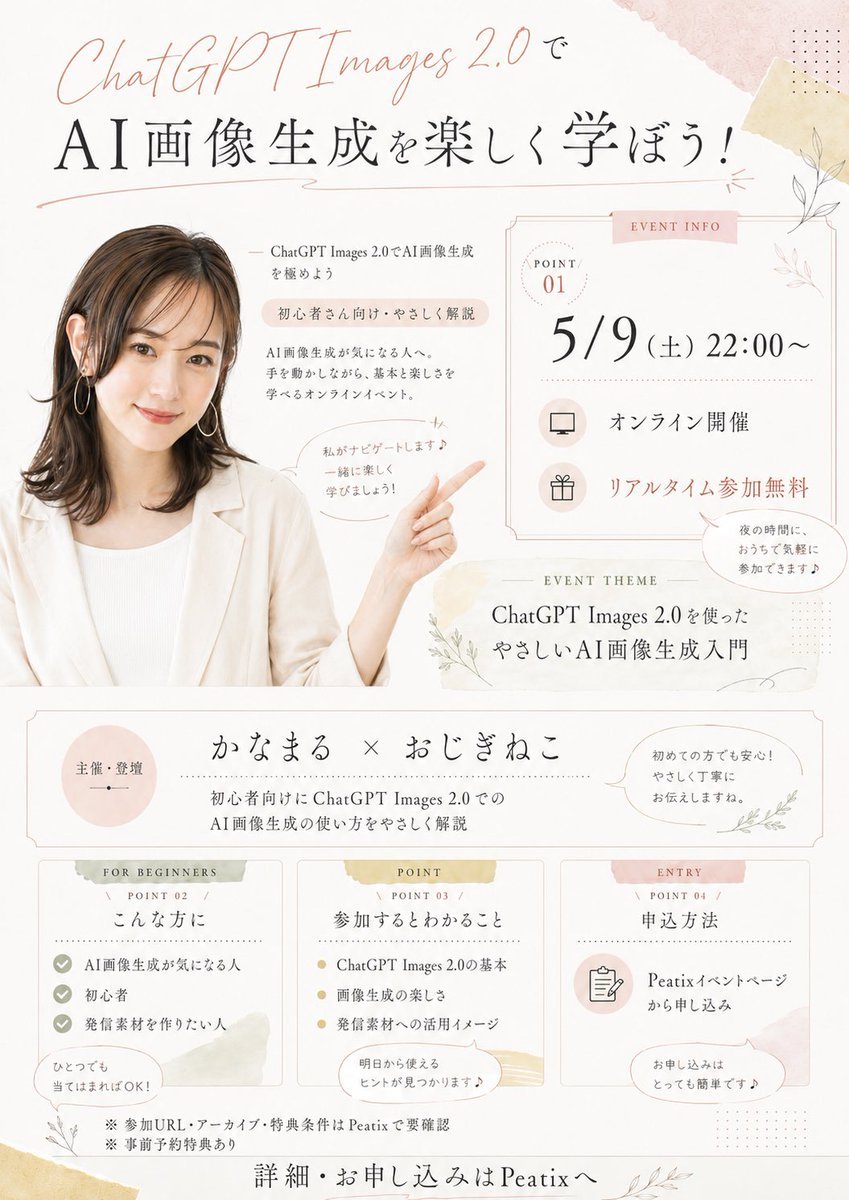
Japanese AI Seminar Flyer
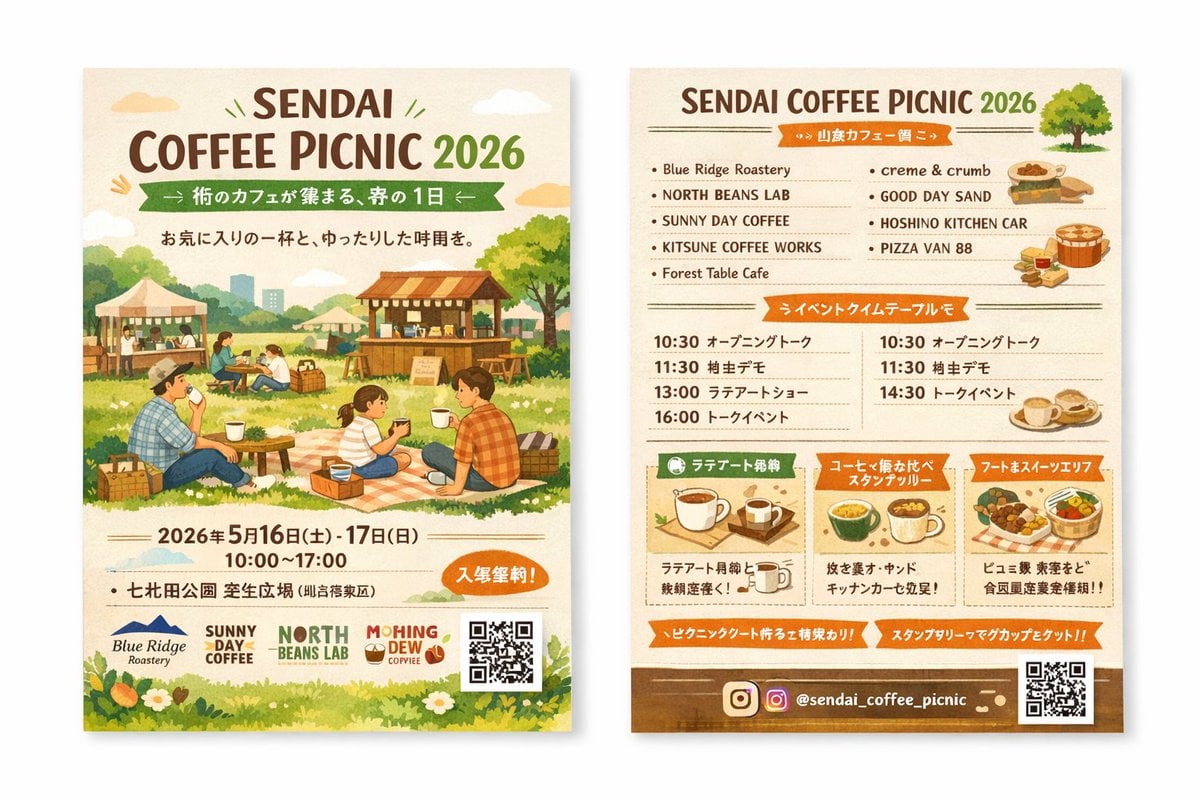
Two-Sided Watercolor Event Flyer Mockup
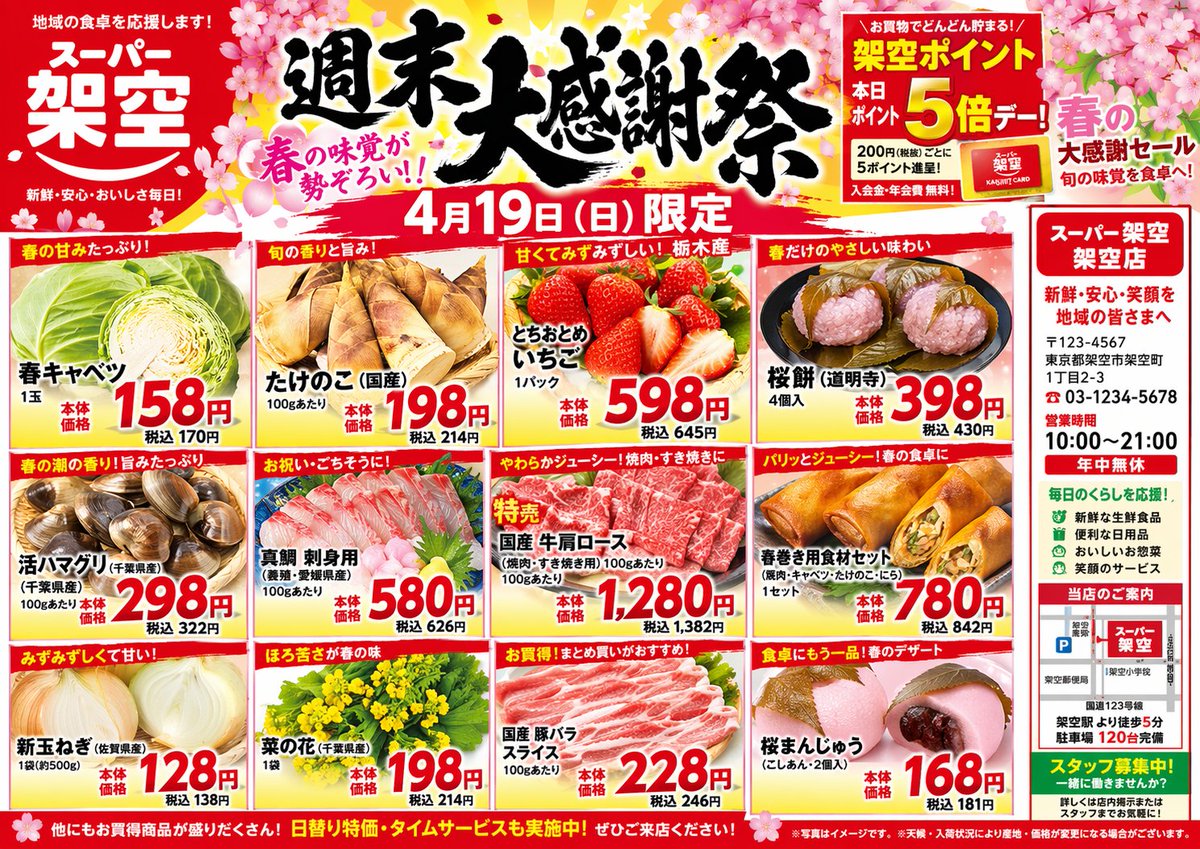
Japanese Supermarket Spring Flyer
Make it yours
Japanese Yoga and Drinks Event Flyer works as-is. These are the safest ways to change it without losing the look.
Change one field
Copy a single group, rewrite it, and generate again so you can see what that field is doing.
Keep the frame, change the subject
Hold the composition and light of Japanese Yoga and Drinks Event Flyer, then swap wardrobe, props or the person for a new take.
| If the result… | Why | Fix |
|---|---|---|
| The result drifts from the preview | Too many fields changed at once. | Reuse Japanese Yoga and Drinks Event Flyer as-is first, then change one group — subject, light, or setting. |
| The model over-stylizes the scene | The prose prompt leaves finish and camera underspecified. | Add one camera or lighting sentence and stay on GPT Image 2. |
More GPT Image 2 templates
Other prompts made for GPT Image 2.

Six VTuber Japanese Logo Sheet

Realistic Portrait of Woman and Deer

The Vista Modular Condo Poster

AI Model Routing Comparison Infographic

2.5D Anime Art Board

Isometric Productivity Desk Scene

New York Double Exposure Poster

Four-Panel AI Landscape Comparison

Japanese Tatami Lifestyle Magazine Cover

NESCAFÉ Coffee Map Poster
More image prompts
Fresh picks from across the catalog.
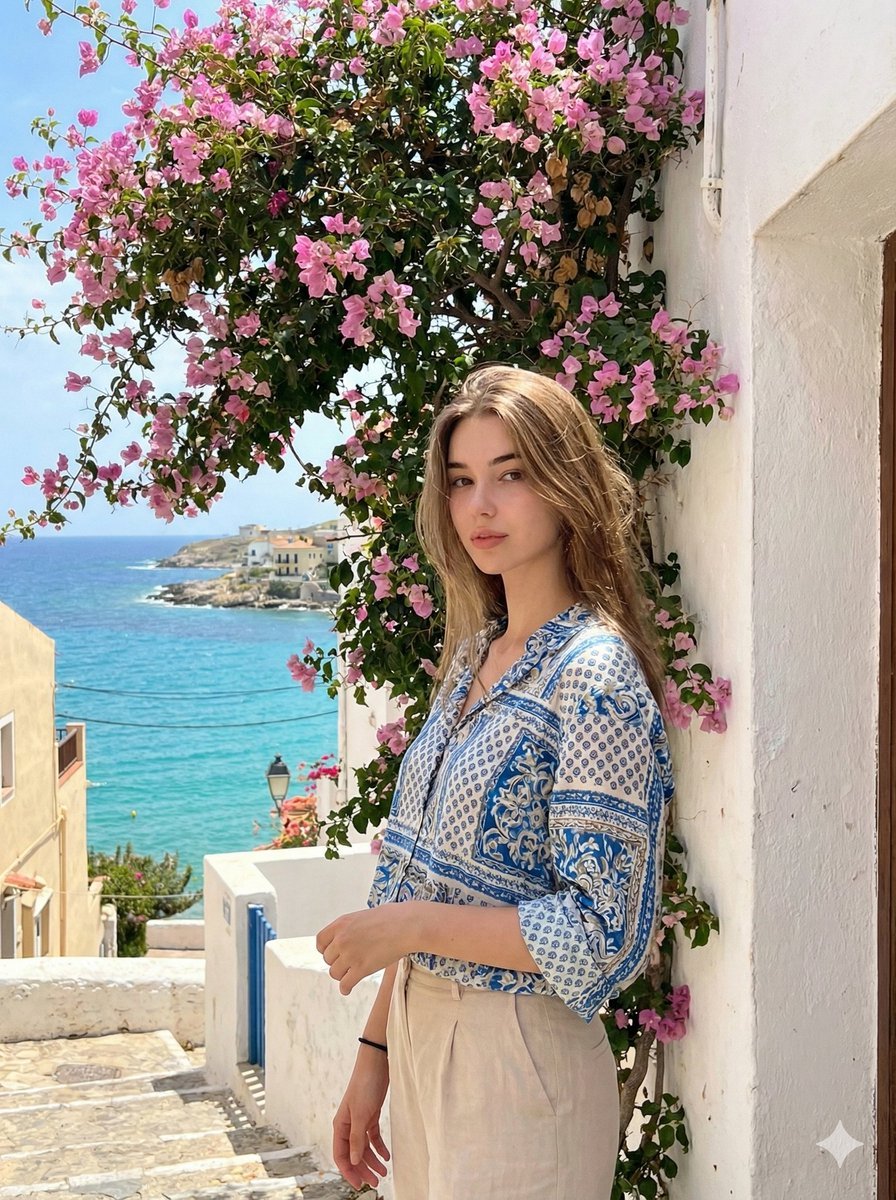
Mediterranean Identity Preservation Prompt
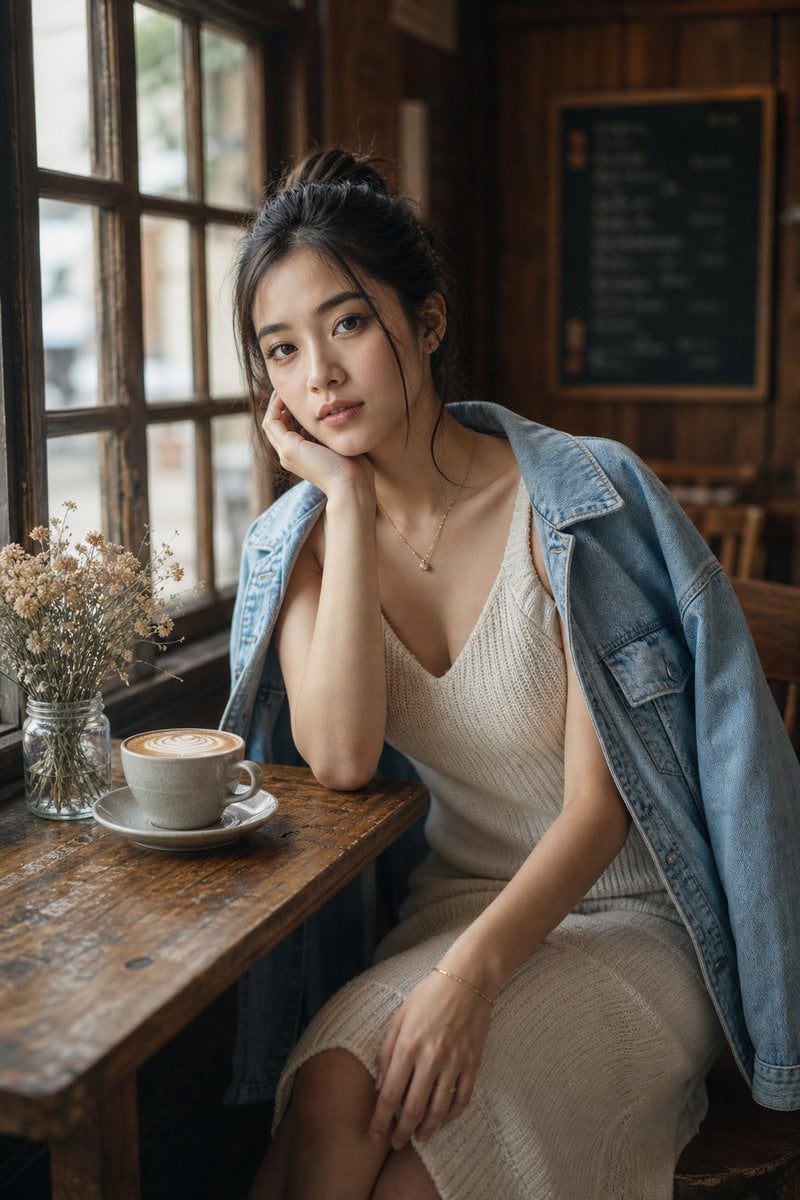
Cozy Café Window Portrait
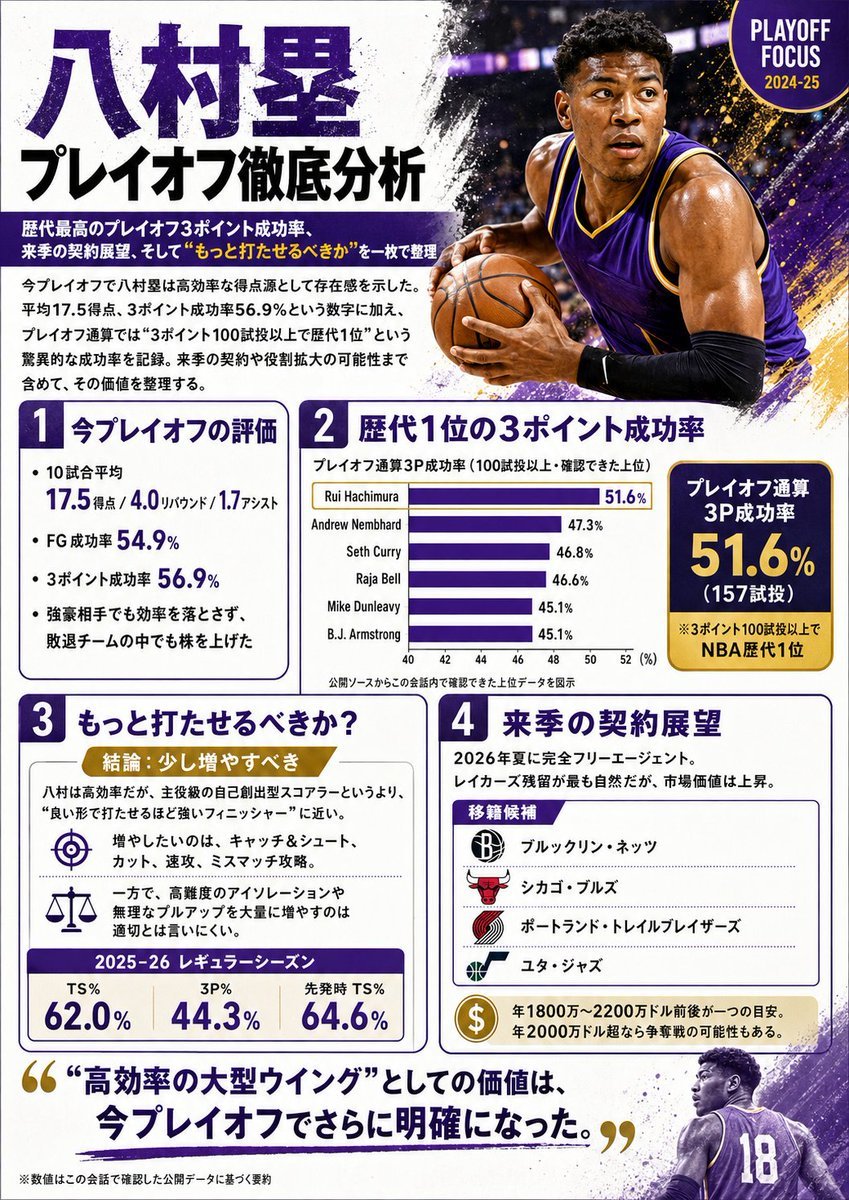
Japanese NBA Playoff Analysis Infographic
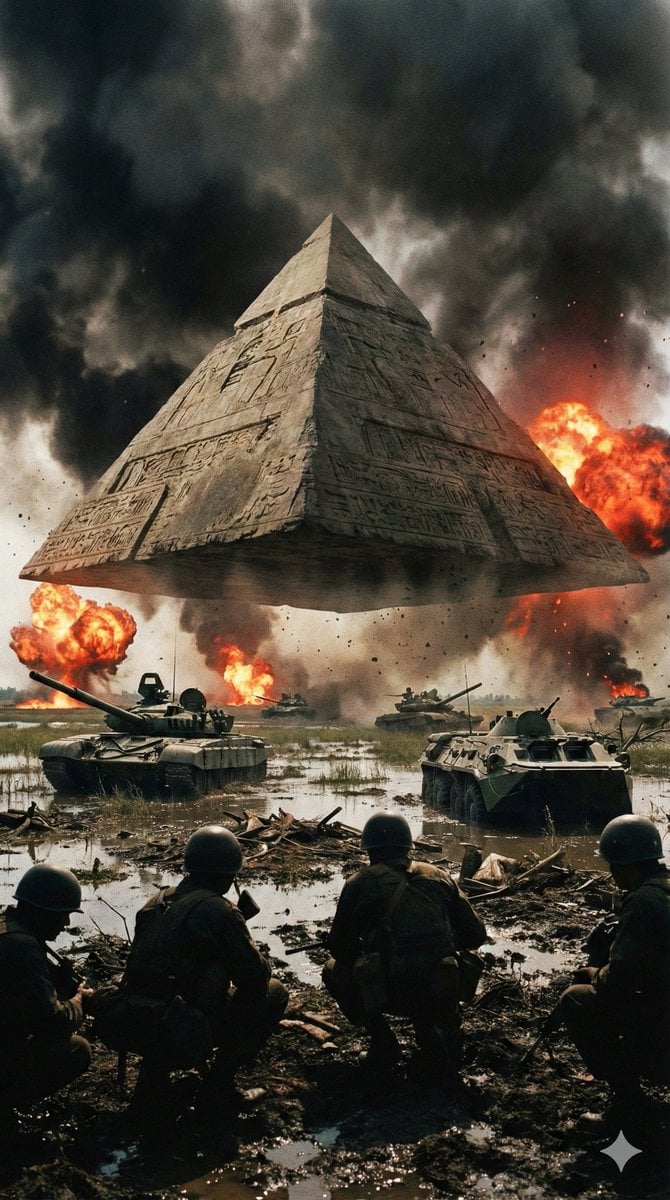
Ancient Pyramid Floating Over a Modern Battlefield
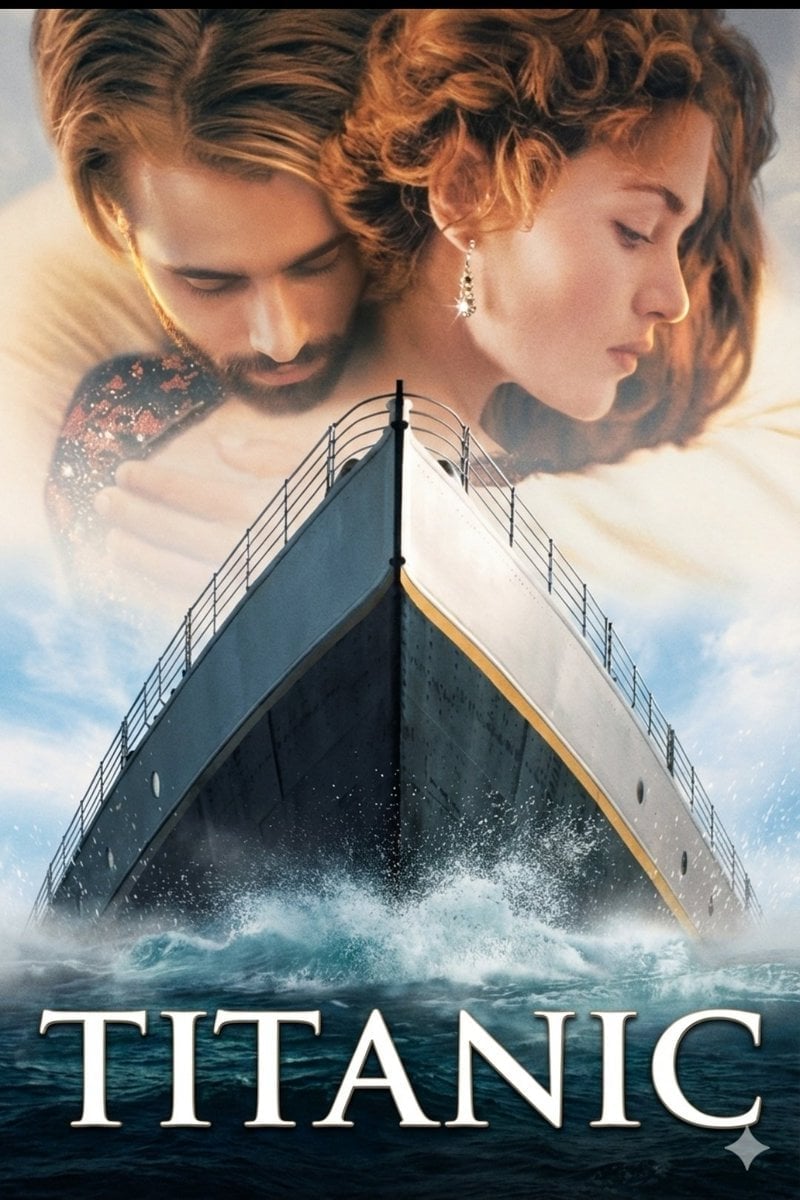
Image-to-Image Titanic Movie Poster Prompt
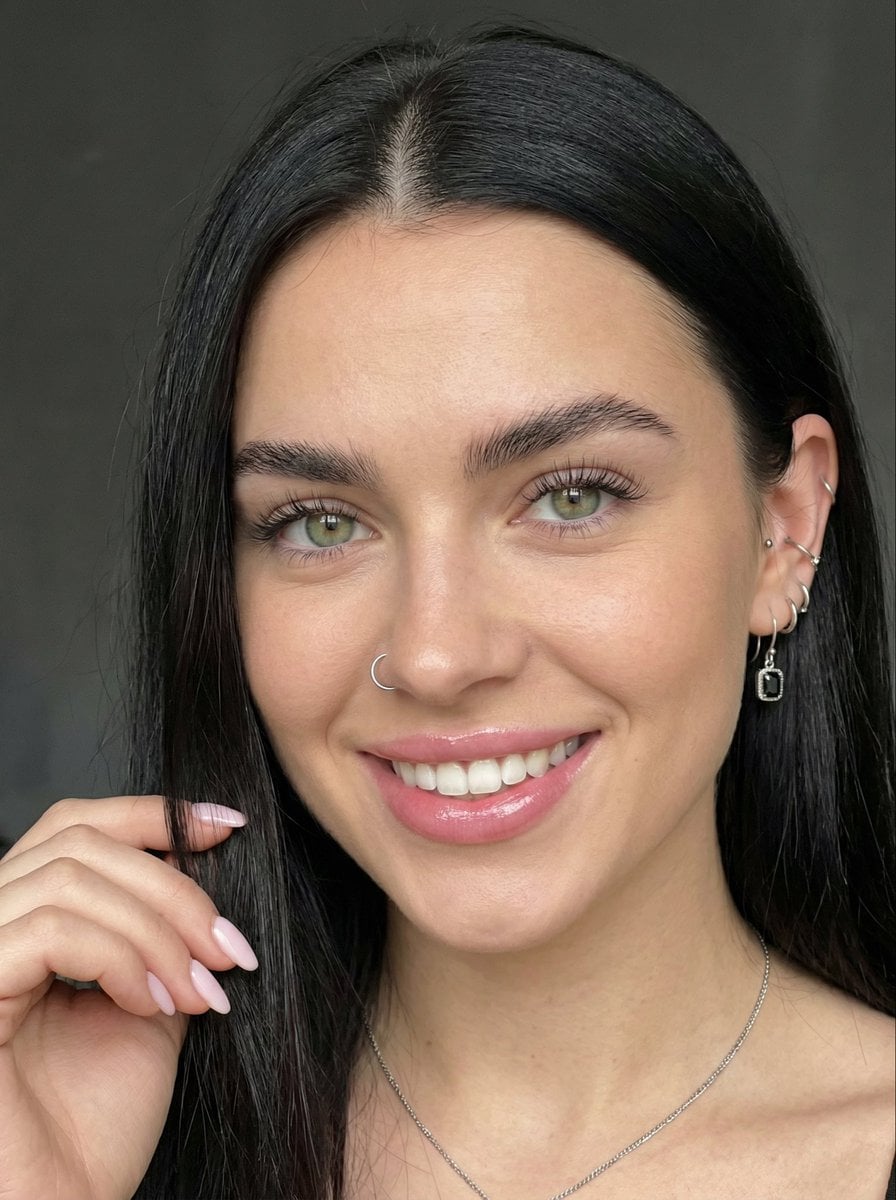
Close-up Portrait with Reference Prompt

True Crime Investigation Thumbnail
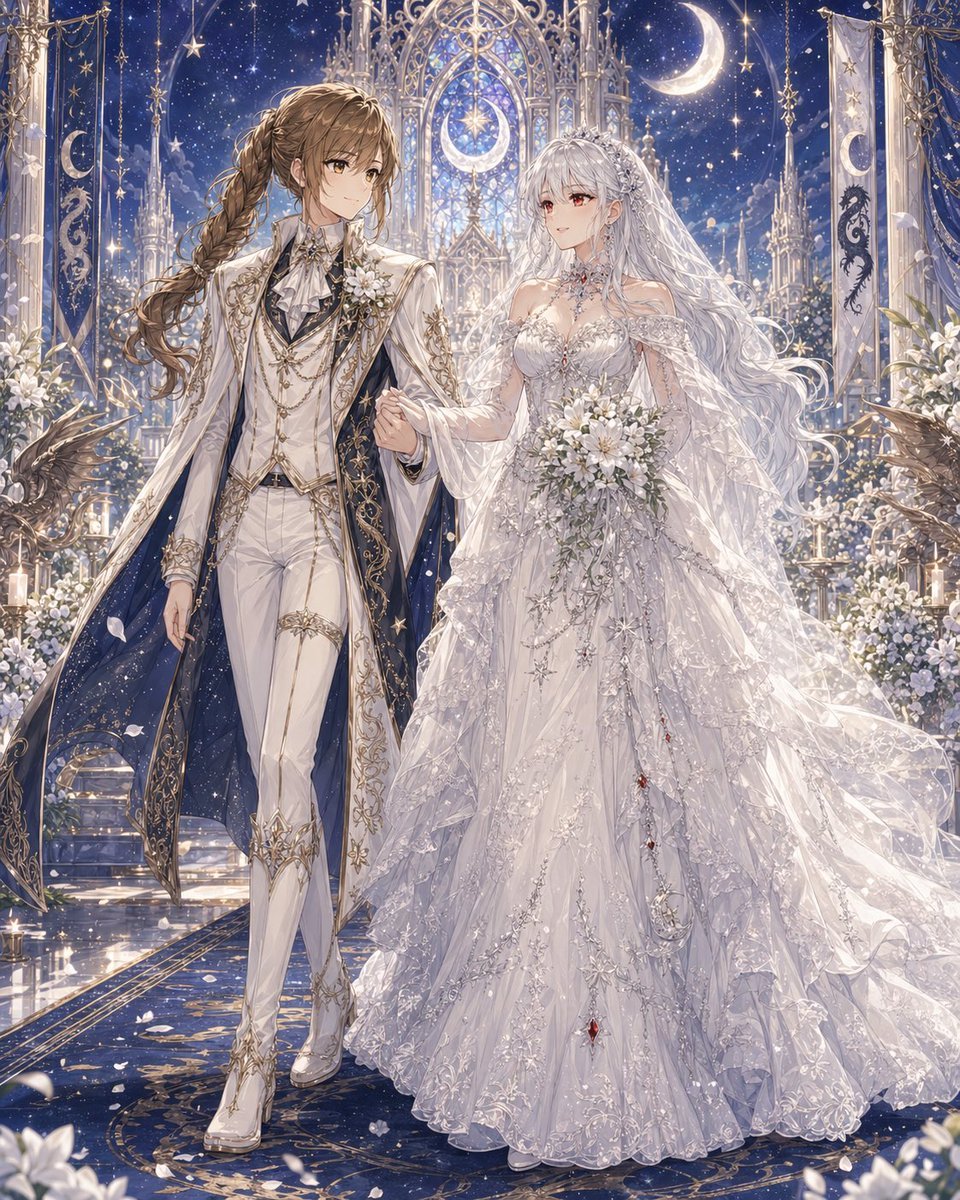
Celestial Yuri Wedding in Moonlit Cathedral
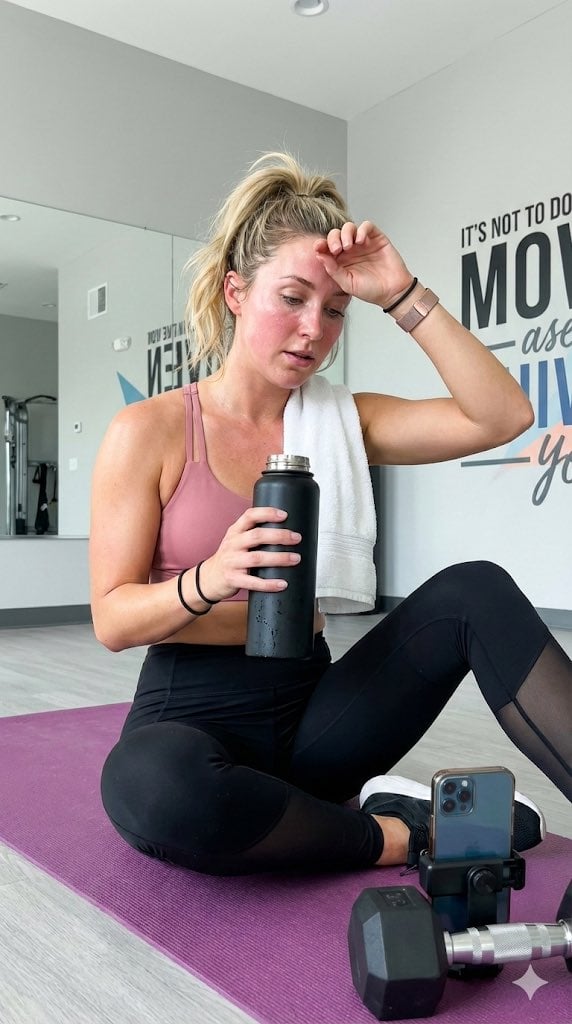
Gym selfie portrait of woman on yoga mat for Nano Banana Pro
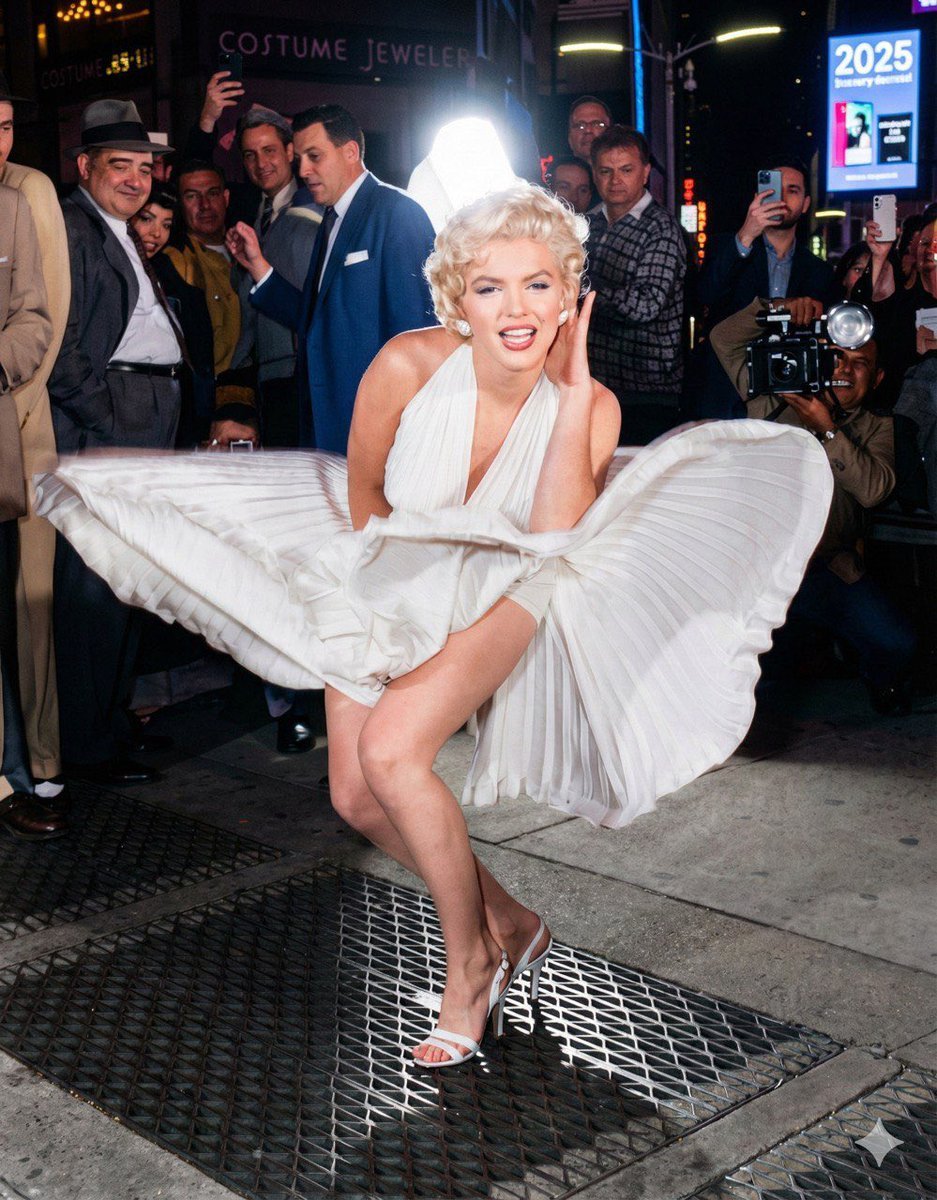
Future Aesthetic Image Generation Prompt (2025)
Browse template categories
Japanese Yoga and Drinks Event Flyer questions
How do I use the Japanese Yoga and Drinks Event Flyer template?
Add your photo if the template asks for one, edit the prompt if you like — the template's model and format are already selected — and press Generate. Your version opens in PicX Studio.
Can I customize the Japanese Yoga and Drinks Event Flyer template?
Yes. You can change the subject, setting, lighting, mood, format, and available model controls before creating your image.
Is the Japanese Yoga and Drinks Event Flyer template free?
Opening and editing this template is free. Generating uses credits, shown on the Generate button when you are signed in.
Which AI model should I use?
Start with GPT Image 2, which is the model associated with this template. You can compare another compatible model for a different finish.
Looking for something else? Browse all templates.

Your photo, any look
Thousands of ready templates for every top image and video model, from one credit balance.