
Image-to-Image Titanic Movie Poster Prompt
A highly specific, multi-constraint prompt designed for image-to-image generation, transforming an uploaded photo of a couple into a vertical, cinematic Titanic movie poster.
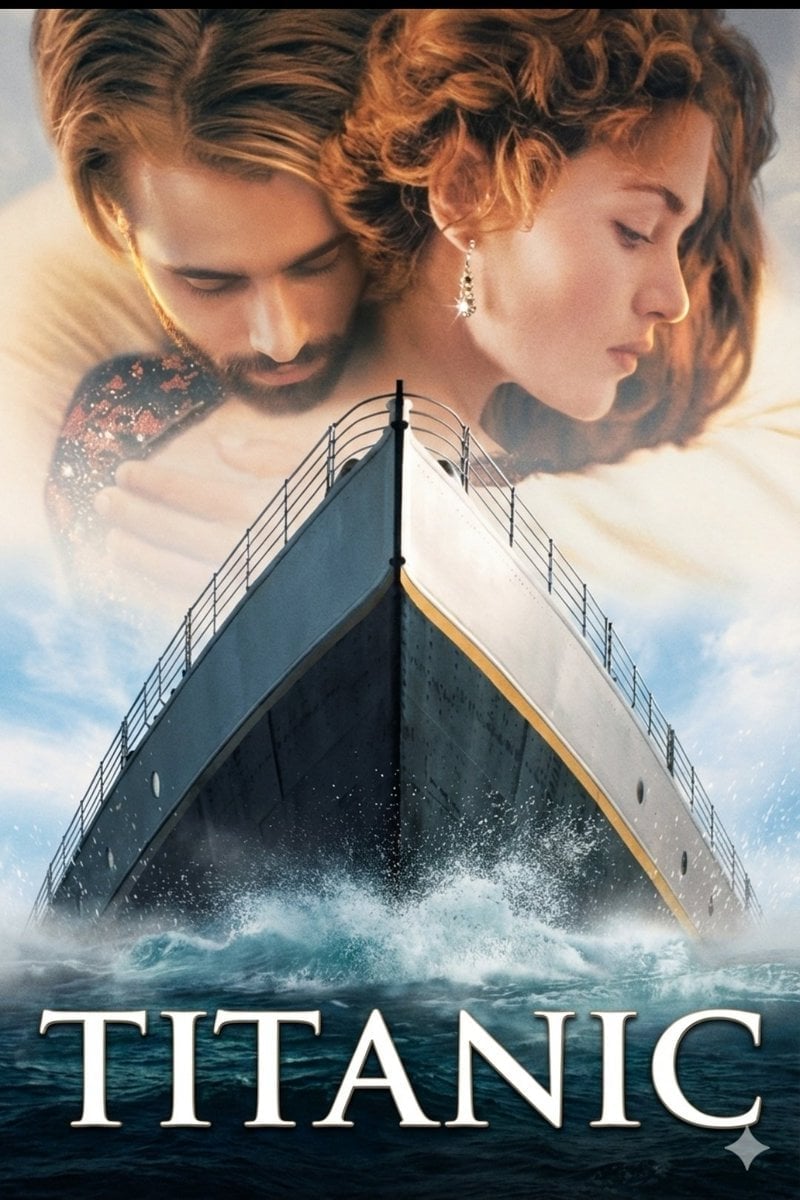
- Prompt included
- Model and format preset
- Free template
The prompt behind this image
Copy the exact prompt behind Image-to-Image Titanic Movie Poster Prompt, or open it in the studio and make it yours.
Use the uploaded image exactly as the base/reference. Do not change the subjects’ faces, poses, camera angle, or composition. Preserve facial features and expression. Recreate a vertical cinematic movie-poster based on this image with the following specifications: Canvas: vertical poster, aspect ratio 2:3 (e.g. 4000×6000 px). High-res, photoreal, print-quality (minimum 300 DPI). Composition: keep the ship’s bow centered and dominating the lower two-thirds; keep the couple faded and large in the top third as in the uploaded image (overlay/blend). Do not move or re-pose subjects. Lighting & mood: cinematic golden-hour rim light on faces, soft warm highlights, cool deep shadows on the hull; strong contrast with gentle atmospheric mist; subtle film grain and slight vignette for vintage cinematic look. Color grade: warm skin highlights, slightly desaturated midtones, deep navy/charcoal hull, soft cyan sky with white cloud details; natural skin texture preserved (no smoothing). Ship details: maintain the bow’s perspective and railing lines; add realistic water spray/splash at the hull base, small white foam particles; keep deck rail details sharp. Overlay blend: the couple at the top should be semi-translucent, softly feathered into the sky; maintain original hair, jewelry, and clothing details. Title & typography: center the single word {argument name="title" default="TITANIC"} across the bottom third in large serif (Trajan Pro / classic film serif), all caps, wide tracking, pure white with subtle drop shadow and tiny bevel; place title exactly like the reference. Effects/finishing: increase perceived sharpness on ship hull and title; keep couple slightly softer; apply subtle film grain, mild chromatic aberration, and filmic contrast curve. Negative constraints: no additional people or logos, no modern artifacts (phones, text), no watermark, no unnatural skin smoothness, no heavy plastic look. For img2img parameters (suggested): strength 0.35–0.55, preserve composition, seed optional for reproducibility. Output: 4000×6000 PNG, lossless. Instruction to renderer: Use the uploaded photo as the primary source and only refine/augment per the above — do not replace or re-render faces or change the original pose/composition.
How to use Image-to-Image Titanic Movie Poster Prompt in 3 steps
- 1Upload ImagePNG, JPG or paste
Add your photo
Upload the photo the template builds on. The prompt, model and format are already set.
- 2…a portrait of your subject in softgolden-hour light, 85mm…
Personalize
Edit the subject and creative details for your destination.
- 3Generate
Generate
Press Generate — your image is created in PicX Studio, so you can compare it with the original and refine one variable at a time.
More like this
Templates with the same subject, style or setup. Open one to see its prompt.

Gpt2 Youtube Thumbnail Wuxia Movie Character Posters

Japan Travel Brochure Poster

Cartoon TV Show Poster Pack

Trendy Cafe Drink Promo Poster

Urban Fashion Editorial Collage Streetwear Poster

Premium Fashion Editorial Cover Layout System

Polo Ralph Lauren Luxury American Heritage Fashion Campaign

Monochrome Halftone Editorial Fashion Poster

Retro Mirror Luxury Fashion Campaign Poster

Luxury Fashion Campaign Typography Poster System

Premium Fashion Editorial Campaign Poster System

Ultra-Stylized High-Fashion Streetwear Poster
Make it yours
Image-to-Image Titanic Movie Poster Prompt works as-is. These are the safest ways to change it without losing the look.
Change one field
Copy a single group, rewrite it, and generate again so you can see what that field is doing.
Keep the frame, change the subject
Hold the composition and light of Image-to-Image Titanic Movie Poster Prompt, then swap wardrobe, props or the person for a new take.
| If the result… | Why | Fix |
|---|---|---|
| The result drifts from the preview | Too many fields changed at once. | Reuse Image-to-Image Titanic Movie Poster Prompt as-is first, then change one group — subject, light, or setting. |
| The model over-stylizes the scene | The prose prompt leaves finish and camera underspecified. | Add one camera or lighting sentence and stay on Nano Banana 2. |
More Nano Banana 2 templates
Other prompts made for Nano Banana 2.

Photorealistic Leaf Shaped Like a Dragon

K-Pop Idol Portrait Grid for Rapid Selection

Poetic Rain Forest Portrait During Golden Hour

Urban Street Portrait with Cartoon Inner Self Duo

Candid Nighttime Photo with Cat Prompt

High-Concept 3D Diorama Generation Prompt

Cinematic Futuristic Studio Portrait Template

Skincare Editorial Photography Collage Prompt

Hyper-Realistic Commercial Product Photography (Splash Effect)

Hyper-Realistic Nightclub Portrait Prompt
More image prompts
Fresh picks from across the catalog.
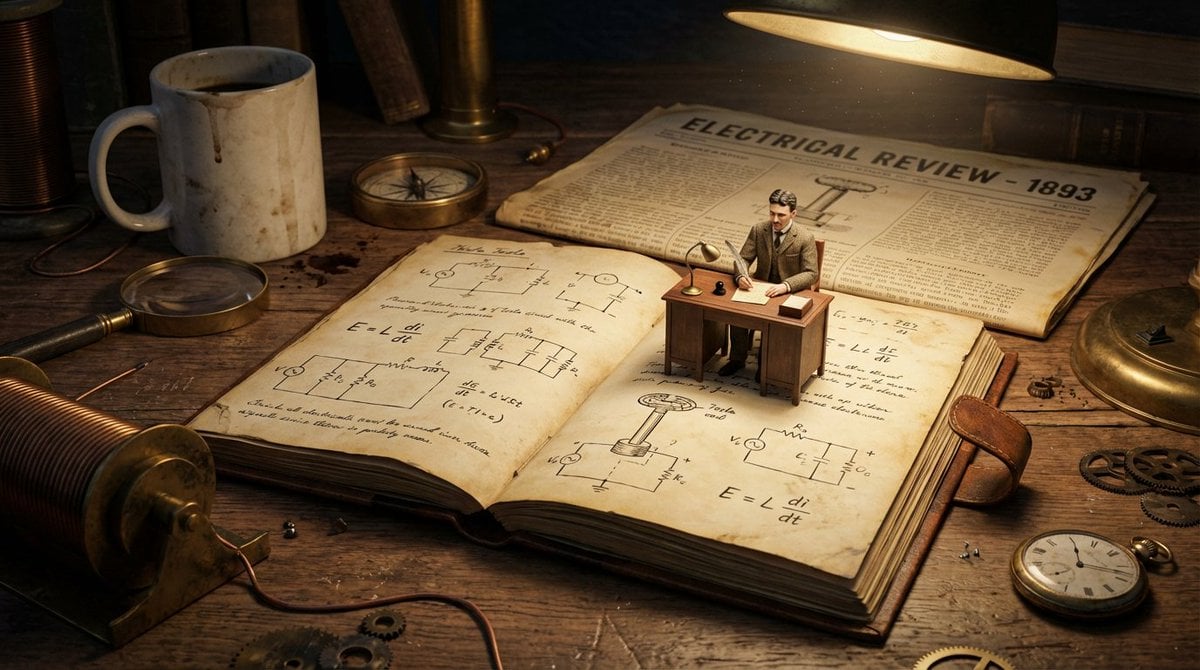
Macro Diorama of a Scientist's Historical Workspace
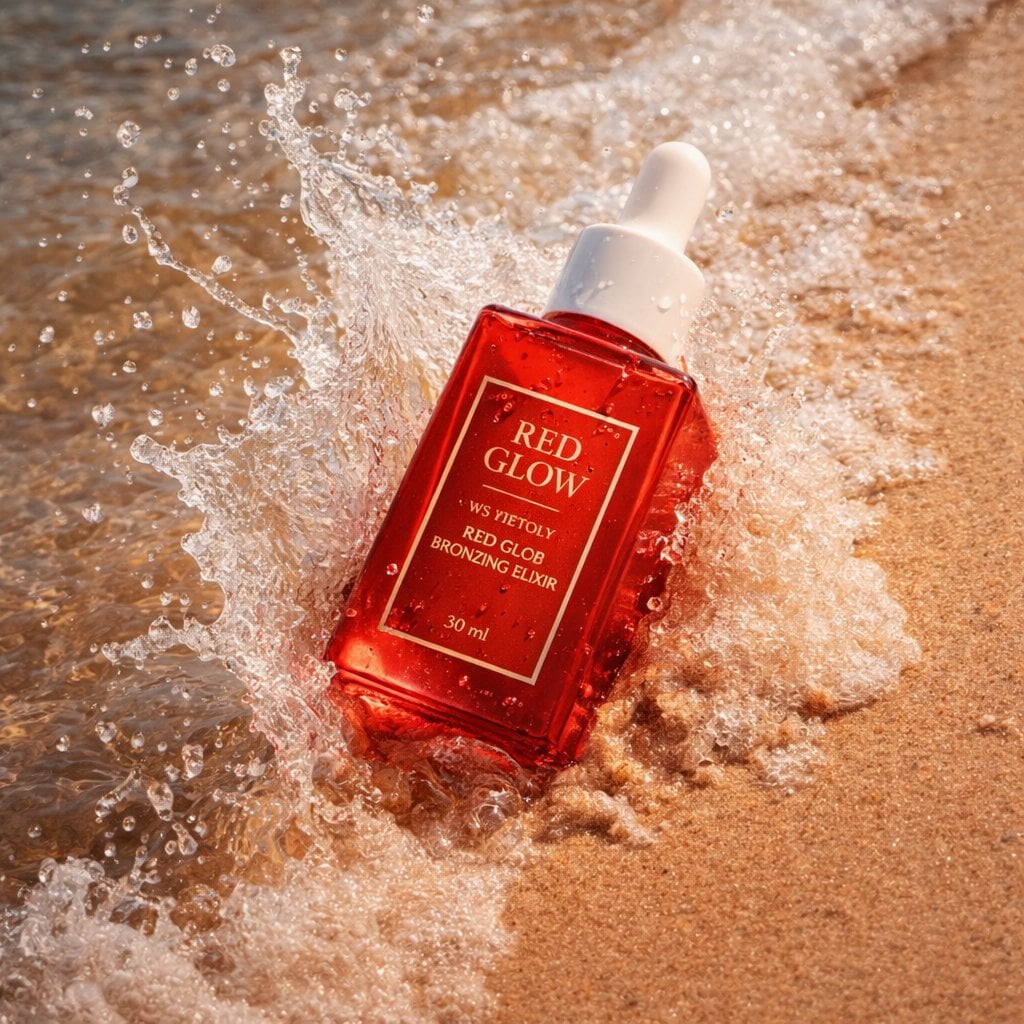
Summer Skincare Product Photography on Beach
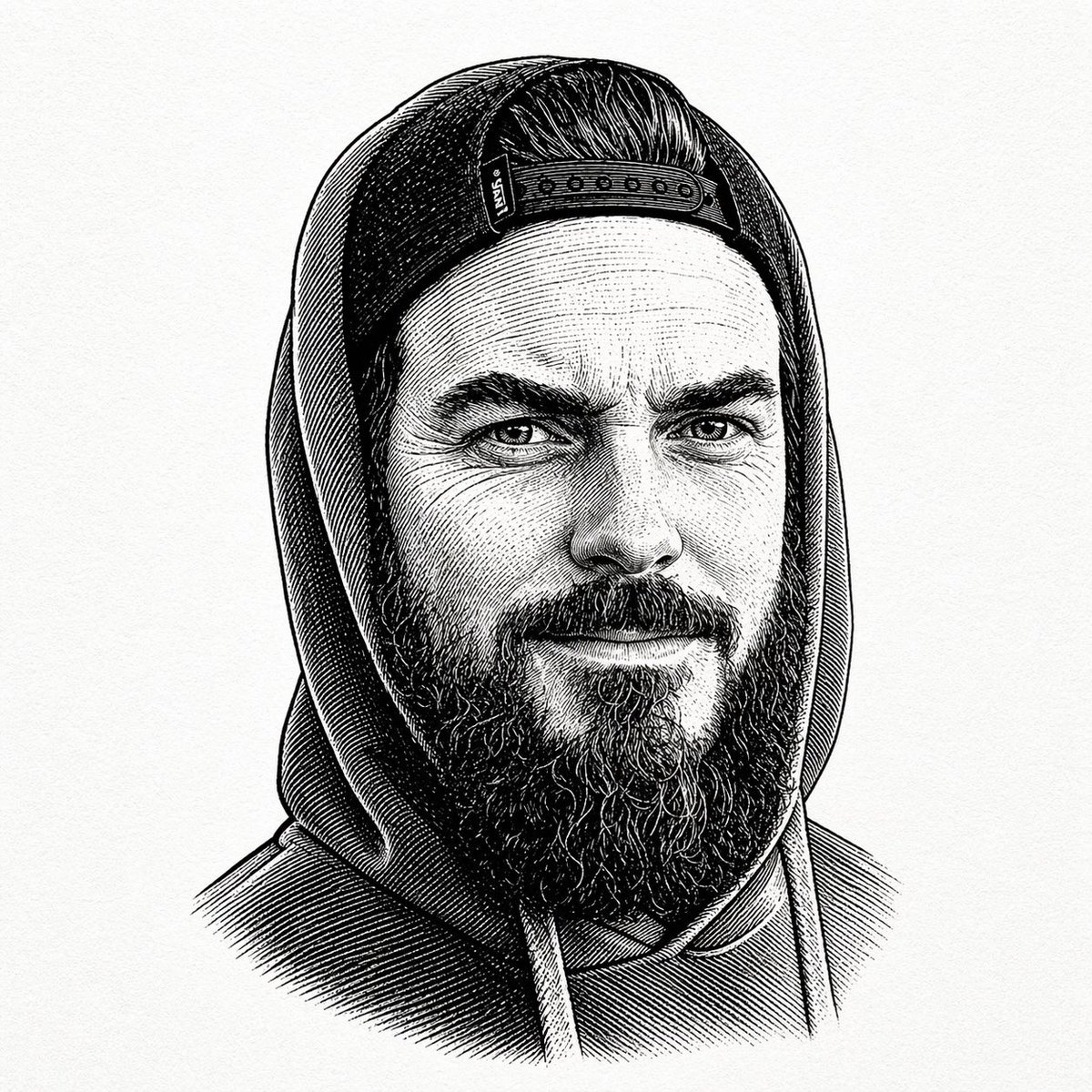
Vintage Engraved Hoodie Portrait
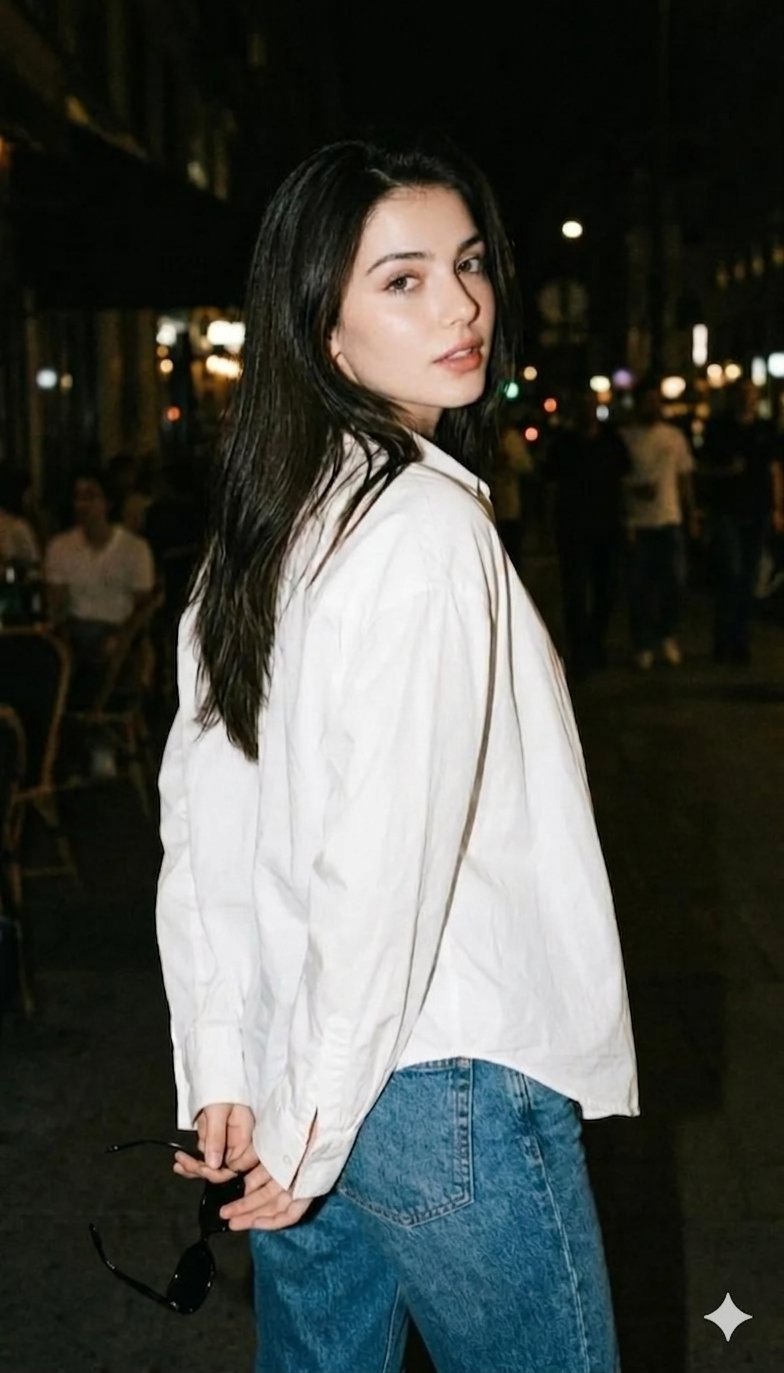
Gemini Night Flash Portrait
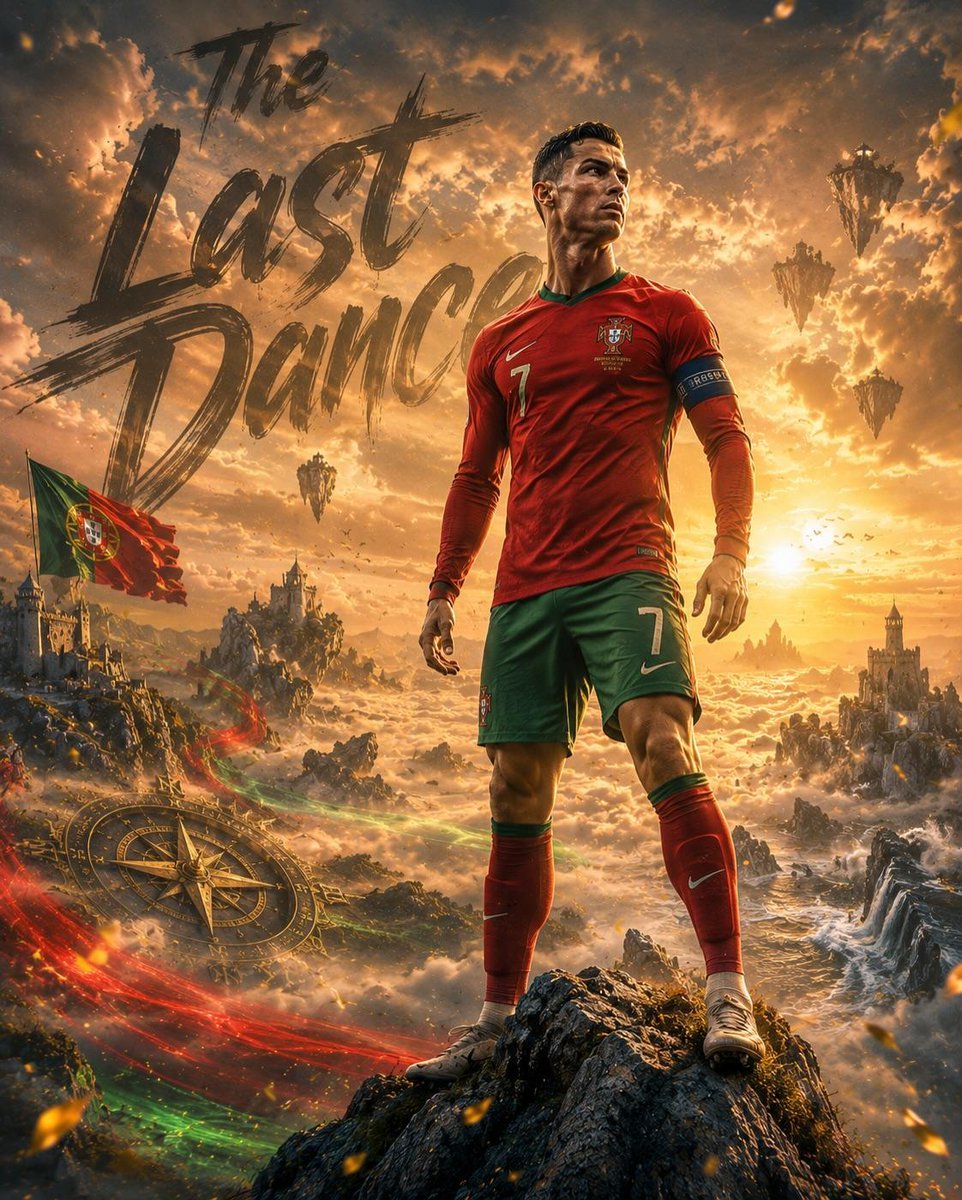
Fantasy Sports Legend Poster

Japanese Crane Folktale Poster
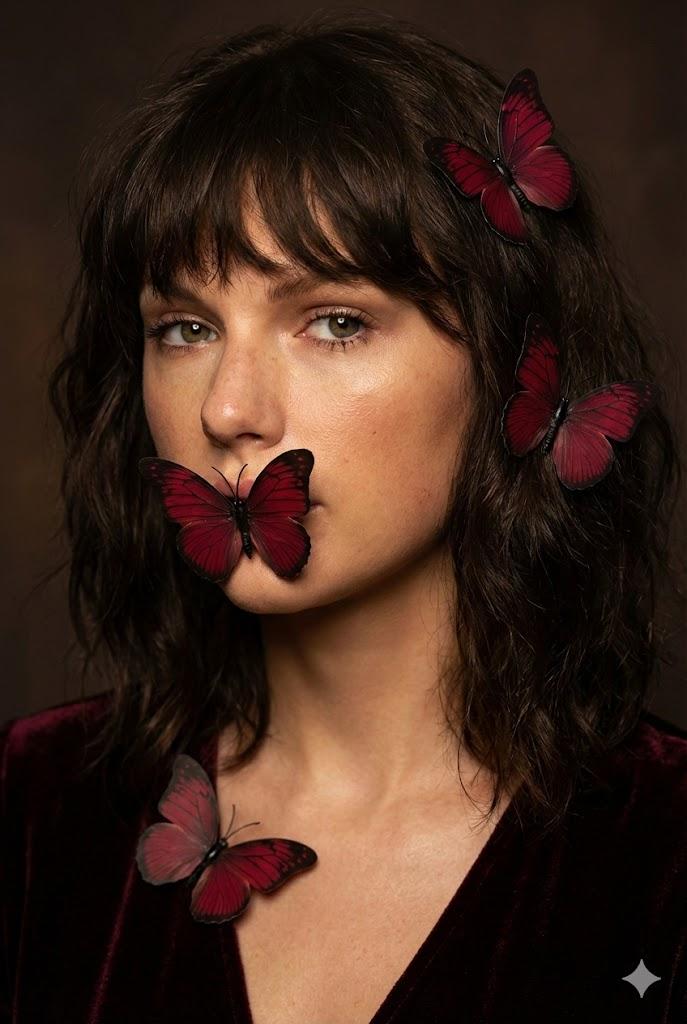
Mysterious Portrait with Butterflies (Duplicate)
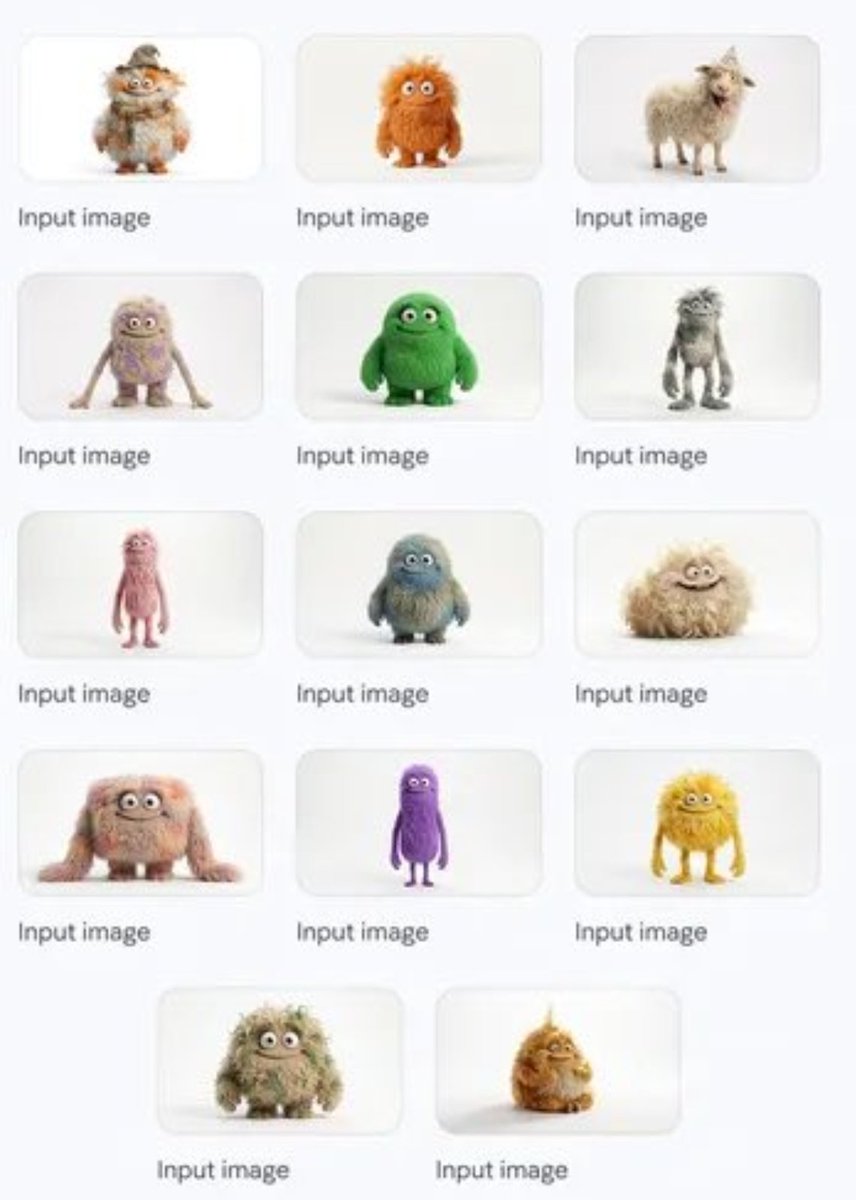
Group image from multiple character references
Clean Modern Gym Mirror Selfie
Ancient Civilizations Innovation Bridge Image Generation Prompt
Browse template categories
Image-to-Image Titanic Movie Poster Prompt questions
How do I use the Image-to-Image Titanic Movie Poster Prompt template?
Add your photo if the template asks for one, edit the prompt if you like — the template's model and format are already selected — and press Generate. Your version opens in PicX Studio.
Can I customize the Image-to-Image Titanic Movie Poster Prompt template?
Yes. You can change the subject, setting, lighting, mood, format, and available model controls before creating your image.
Is the Image-to-Image Titanic Movie Poster Prompt template free?
Opening and editing this template is free. Generating uses credits, shown on the Generate button when you are signed in.
Which AI model should I use?
Start with Nano Banana 2, which is the model associated with this template. You can compare another compatible model for a different finish.
Looking for something else? Browse all templates.

Your photo, any look
Thousands of ready templates for every top image and video model, from one credit balance.