
Ancient Civilizations Innovation Bridge Image Generation Prompt
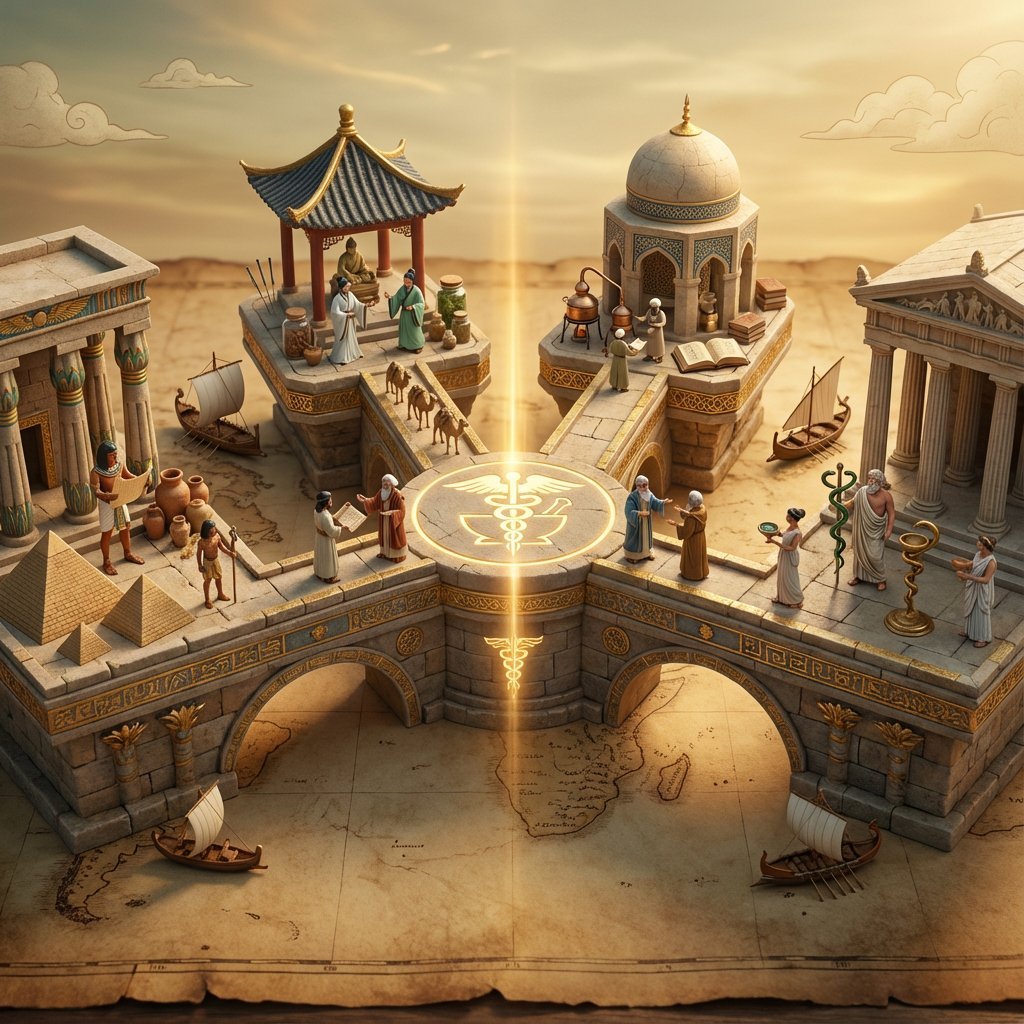
An elaborate image generation prompt designed to visualize how a specific invention or technology, designated as Input A, appeared independently or was transmitted across various ancient civilizations (Egyptian…
- Prompt included
- Model and format preset
- Premium template
The prompt behind this image
Copy the exact prompt behind Ancient Civilizations Innovation Bridge Image Generation Prompt, or open it in the studio and make it yours.
Input A is an invention or technology Analyze: how this innovation appeared independently or was transmitted across ancient civilizations (Egyptian, Chinese, Islamic, Mayan, Greek, etc.). Goal: Miniature bridge structure connecting 3-5 civilization "islands." Rules: * Base: ancient world map (aged parchment) as foundation * Bridge structure: ornate multi-level walkway with different architectural styles for each section (columns, arches, pagoda elements) * Each "island" platform: distinct civilization's version of {argument name="invention" default="Input A invention"} (Chinese compass vs Viking sunstone, Mayan zero vs Indian zero, etc.) * Civilization figurines: tiny scholars/inventors from each culture examining each other's versions * Include: trade route markers, tiny ships/caravans between islands, scrolls being passed * Center of bridge: the "universal truth" they all discovered (mathematical formula, physical principle) etched in neutral symbol * Materials: stone textures, gold leaf accents, cultural pattern details * Lighting: mystical golden hour with light ray connecting all islands Output: 1 x image, 16:9 landscape for maximum bridge span visibility, mythological epic photography
How to use Ancient Civilizations Innovation Bridge Image Generation Prompt in 3 steps
- 1
Open
The prompt is already in the box next to the preview, with the template's model and format selected.
- 2…a portrait of your subject in softgolden-hour light, 85mm…
Personalize
Edit the subject and creative details for your destination.
- 3Generate
Generate
Press Generate — your image is created in PicX Studio, so you can compare it with the original and refine one variable at a time.
More like this
Templates with the same subject, style or setup. Open one to see its prompt.

Night City Bridge Triptych Portrait Session
Night City Bridge Triptych Portrait Session
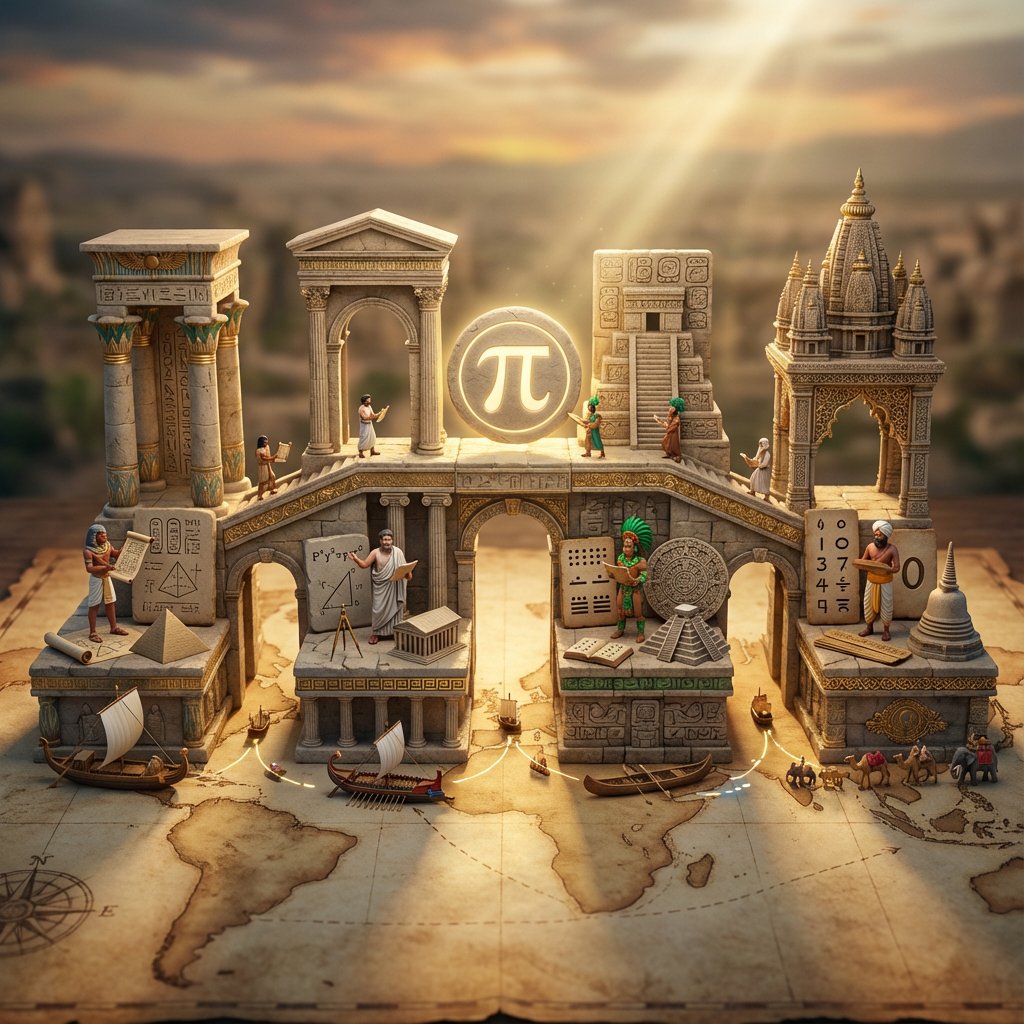
Miniature Bridge of Ancient Mathematical Knowledge

Ancient Temple Portrait — White Dress Nano Banana
Brooklyn Bridge Street Portrait

Water-level Bridge Modification

Ancient Temple Interior Contact Sheet
Skyborne Anime Biker in Ancient City

AI Chat Image Generation Screenshot

Anime Girl Generation Grid
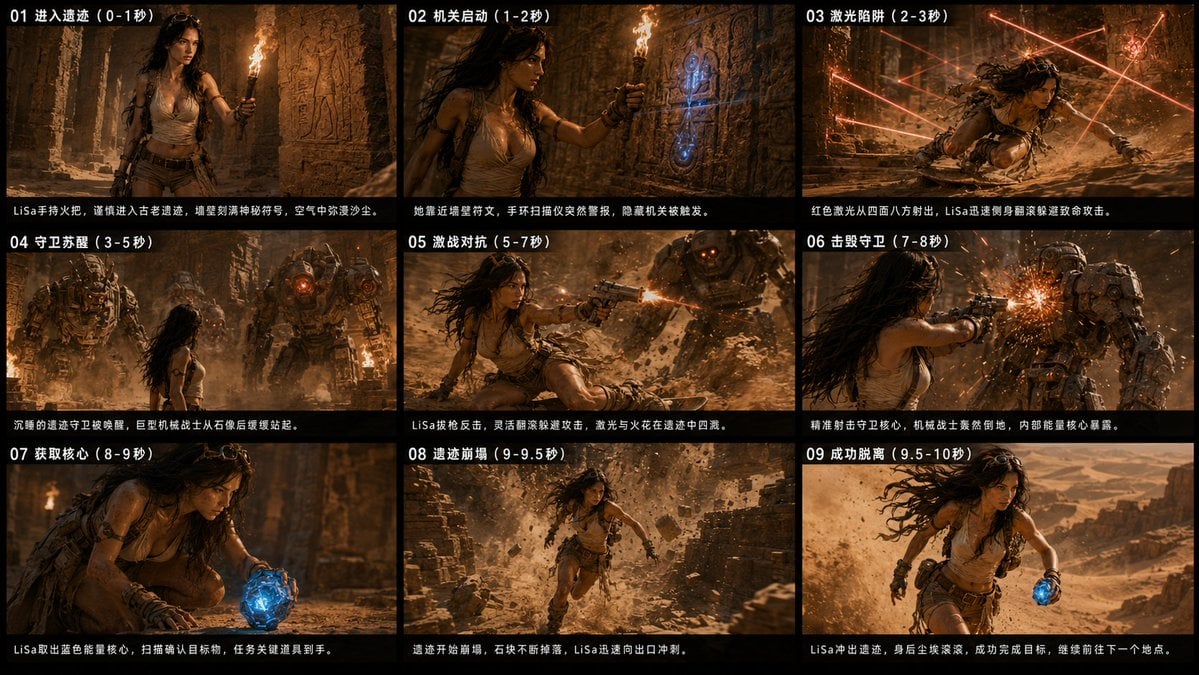
Ancient Ruin Escape Storyboard
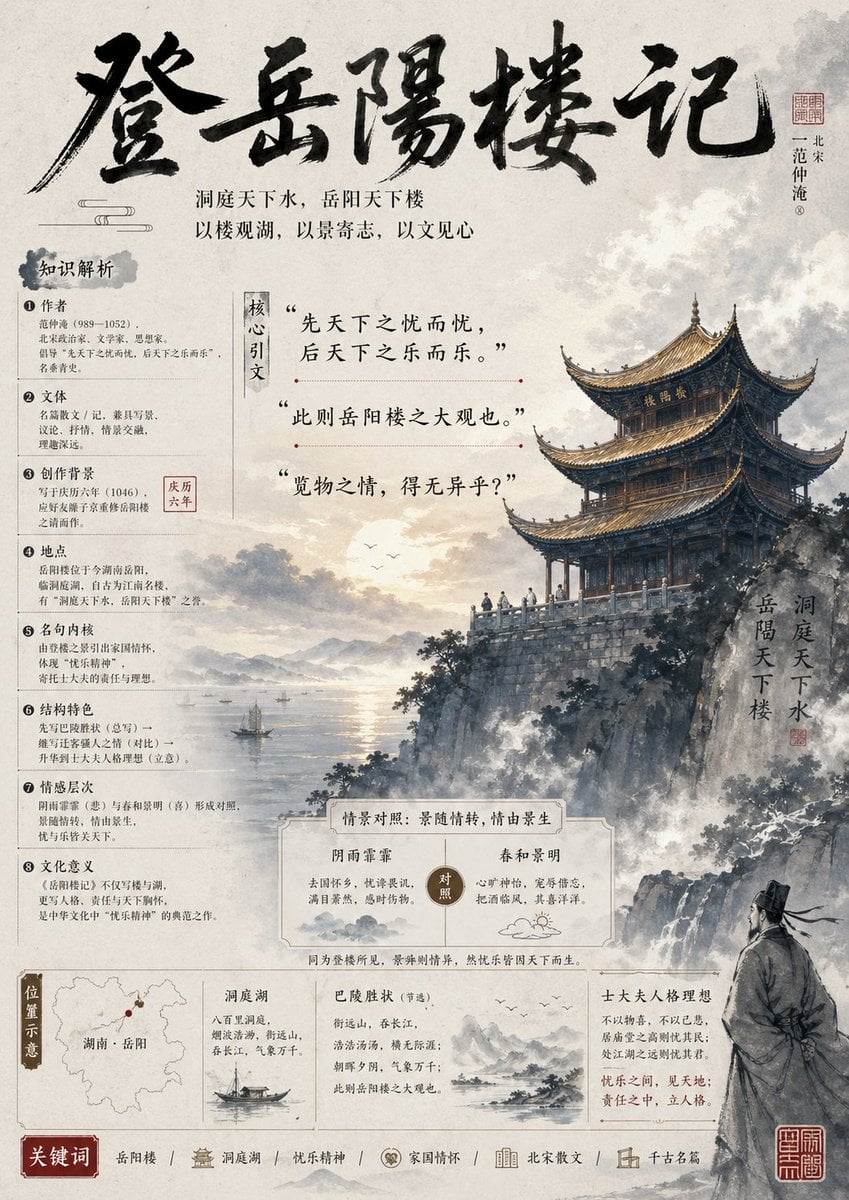
Ancient Chinese Literature PPT Poster
Make it yours
Ancient Civilizations Innovation Bridge Image Generation Prompt works as-is. These are the safest ways to change it without losing the look.
Change one field
Copy a single group, rewrite it, and generate again so you can see what that field is doing.
Keep the frame, change the subject
Hold the composition and light of Ancient Civilizations Innovation Bridge Image Generation Prompt, then swap wardrobe, props or the person for a new take.
| If the result… | Why | Fix |
|---|---|---|
| The result drifts from the preview | Too many fields changed at once. | Reuse Ancient Civilizations Innovation Bridge Image Generation Prompt as-is first, then change one group — subject, light, or setting. |
| The model over-stylizes the scene | The prose prompt leaves finish and camera underspecified. | Add one camera or lighting sentence and stay on Nano Banana 2. |
More Nano Banana 2 templates
Other prompts made for Nano Banana 2.

Photorealistic Leaf Shaped Like a Dragon

K-Pop Idol Portrait Grid for Rapid Selection

Poetic Rain Forest Portrait During Golden Hour

Urban Street Portrait with Cartoon Inner Self Duo

Candid Nighttime Photo with Cat Prompt

High-Concept 3D Diorama Generation Prompt

Cinematic Futuristic Studio Portrait Template

Skincare Editorial Photography Collage Prompt

Hyper-Realistic Commercial Product Photography (Splash Effect)

Hyper-Realistic Nightclub Portrait Prompt
More image prompts
Fresh picks from across the catalog.
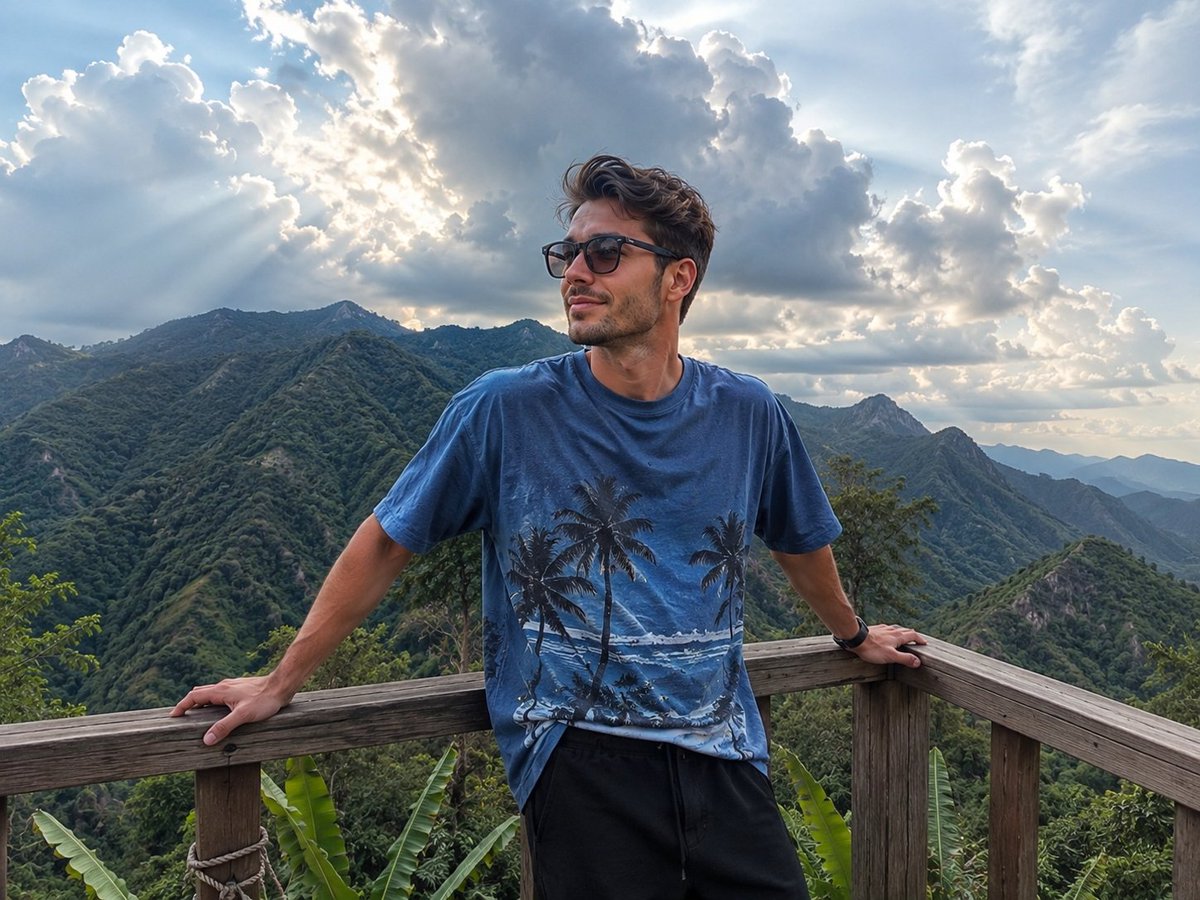
Mountain Viewpoint Travel Photography
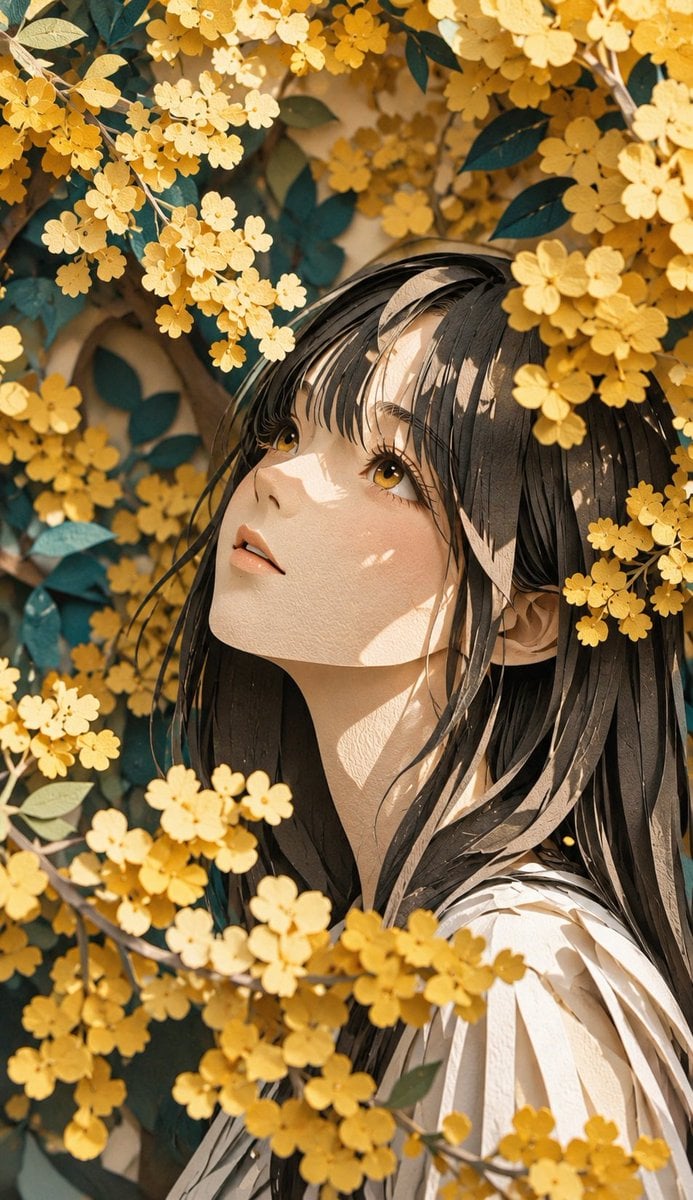
Modern Paper Sculpture Style Transformation
Zodiac Beasts Capsule Toy Package
Photorealistic Street Photography of a Woman on a Motorcycle in Europe
3D Rendered Dance Sequence Guide

mirror
Vintage Analog Portrait in Golden Hour Countryside
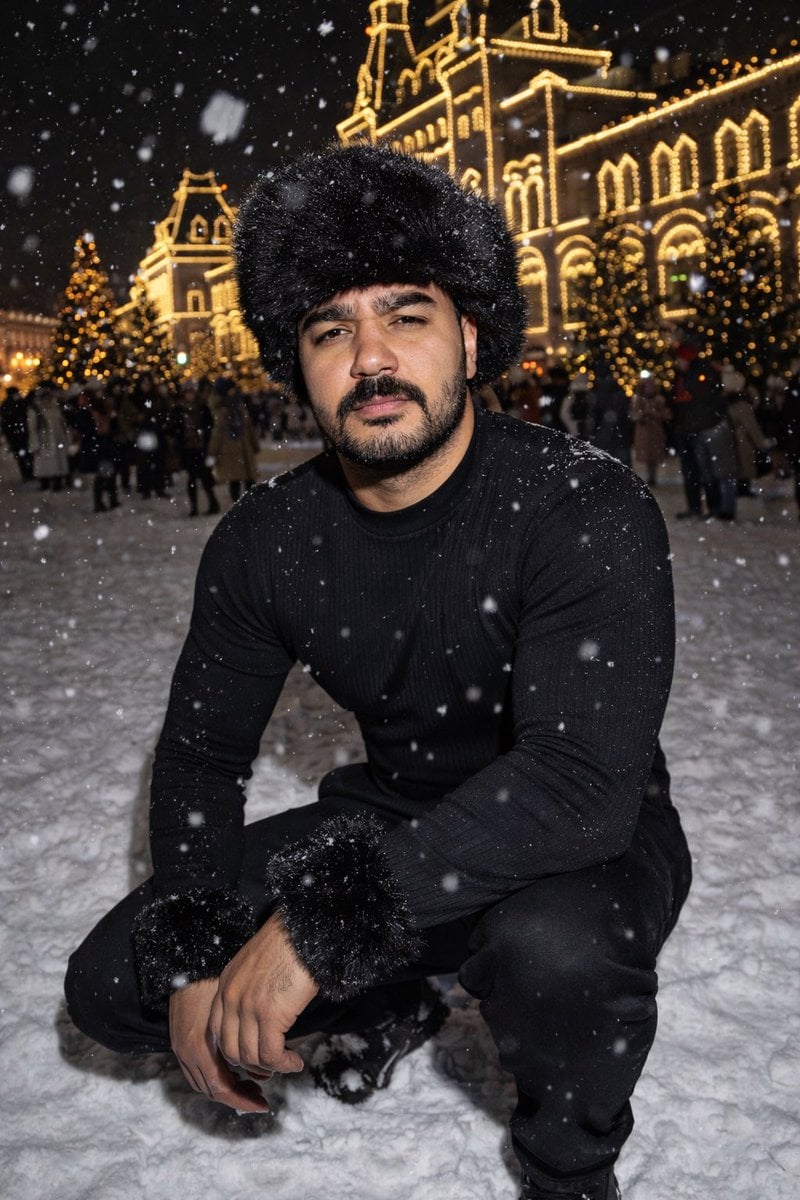
Y2K Candid Flash Photo in Snowy Moscow
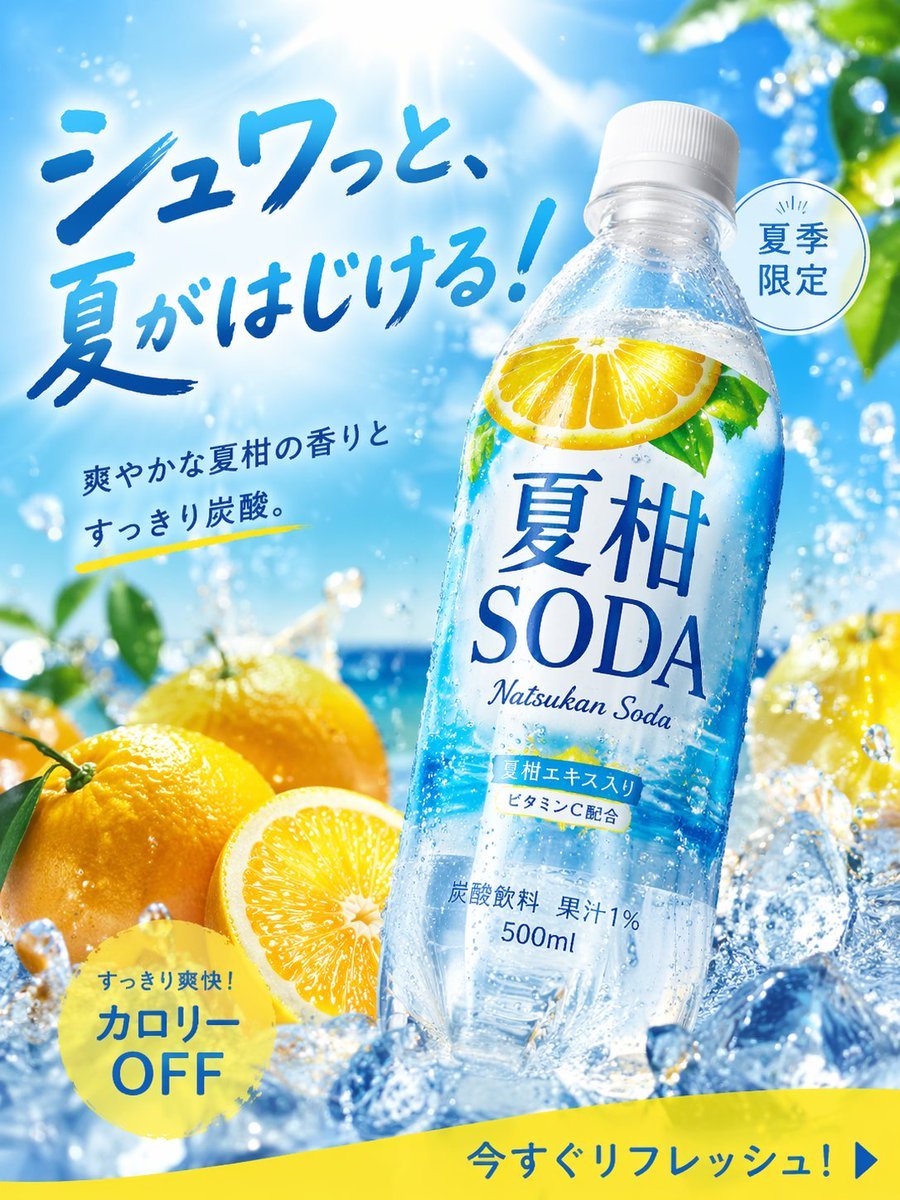
Summer Citrus Soda Advertisement
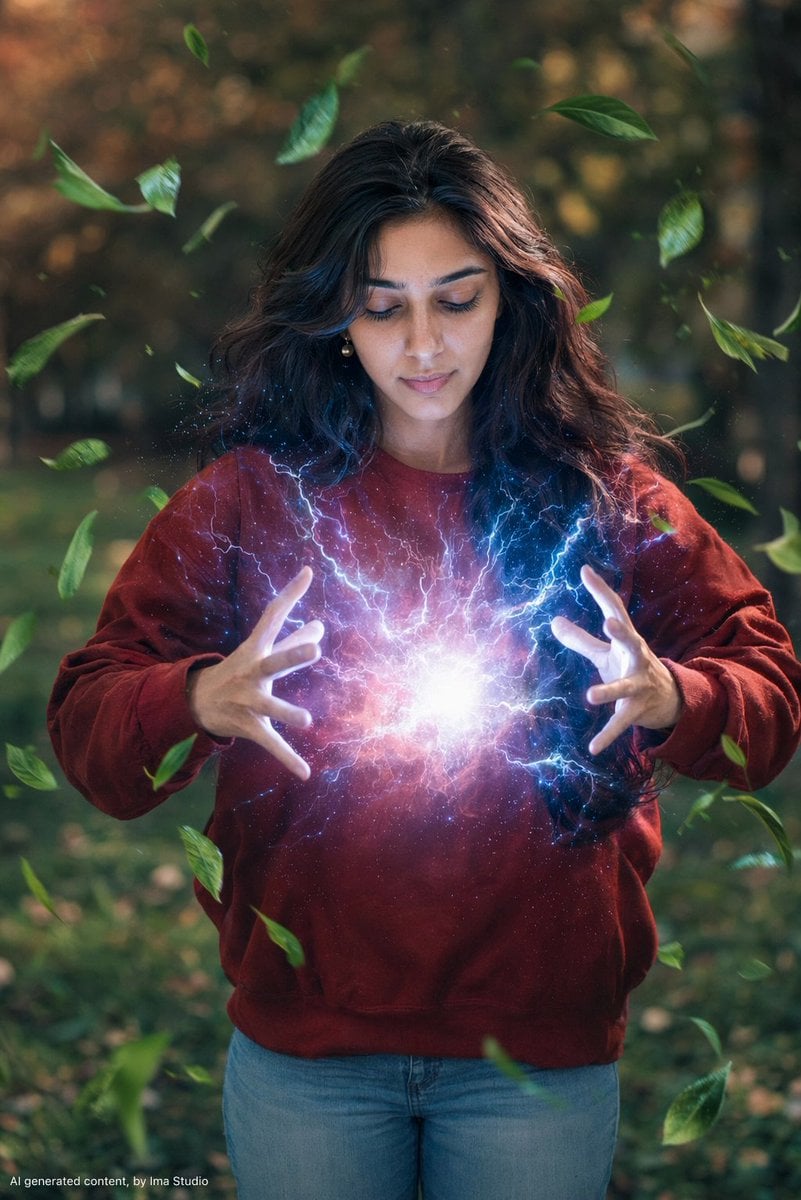
Magical Realism Energy Summoning
Browse template categories
Ancient Civilizations Innovation Bridge Image Generation Prompt questions
How do I use the Ancient Civilizations Innovation Bridge Image Generation Prompt template?
Add your photo if the template asks for one, edit the prompt if you like — the template's model and format are already selected — and press Generate. Your version opens in PicX Studio.
Can I customize the Ancient Civilizations Innovation Bridge Image Generation Prompt template?
Yes. You can change the subject, setting, lighting, mood, format, and available model controls before creating your image.
Is the Ancient Civilizations Innovation Bridge Image Generation Prompt template free?
Opening and editing this template is free. Generating uses credits, shown on the Generate button when you are signed in.
Which AI model should I use?
Start with Nano Banana 2, which is the model associated with this template. You can compare another compatible model for a different finish.
Looking for something else? Browse all templates.

Your photo, any look
Thousands of ready templates for every top image and video model, from one credit balance.