
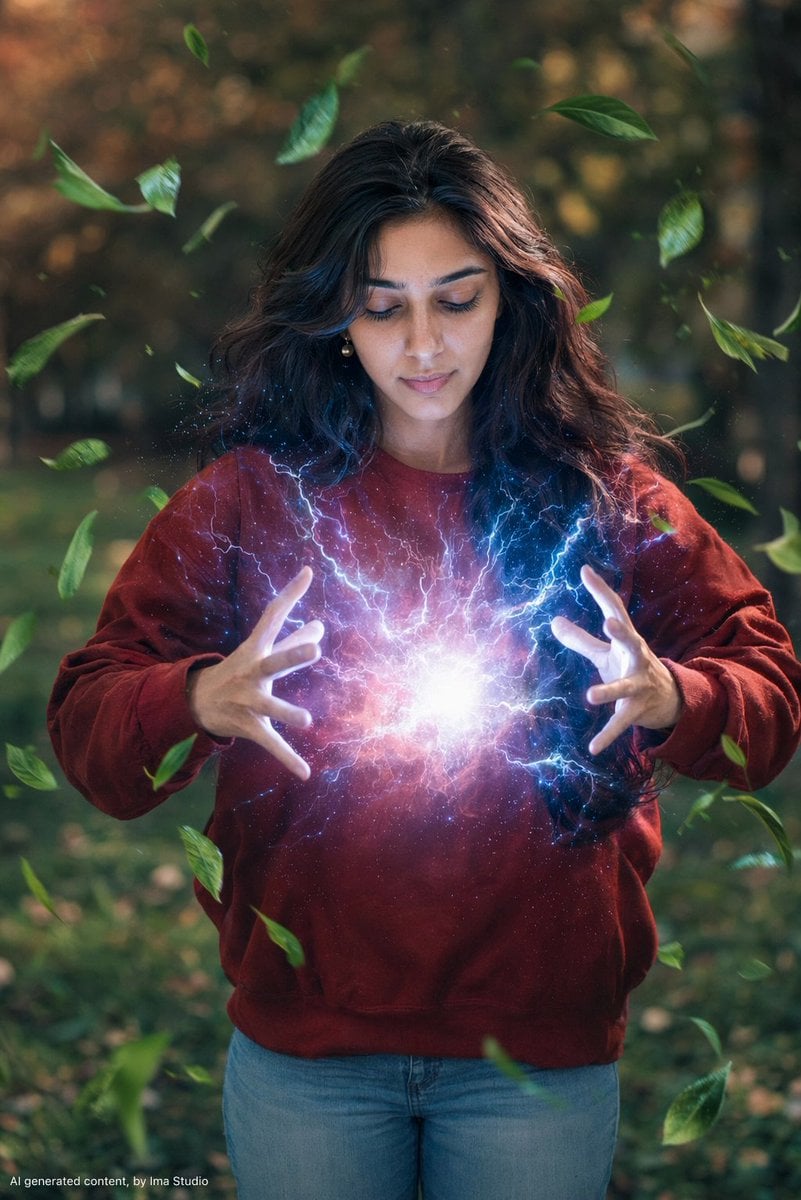
Magical Realism Energy Summoning
A magical realism photography prompt depicting a woman summoning an electric energy ball in a garden setting with levitating leaves.
- Prompt included
- Model and format preset
- Free template
The prompt behind this image
Copy the exact prompt behind Magical Realism Energy Summoning, or open it in the studio and make it yours.
A {argument name="subject" default="young woman with long dark brown wavy hair"} stands outdoors in a garden setting, eyes closed, head slightly tilted downward in deep concentration. She is wearing a {argument name="outfit" default="red oversized crew-neck sweatshirt and light blue jeans"}. She holds both hands in front of her chest, palms facing inward, fingers spread wide — between her hands glows an intense {argument name="energy effect" default="ball of electric energy: white-blue lightning arcs, cosmic nebula light in pink and purple"}, and sparkling stardust particles radiating outward. Her face and chest are illuminated by the cool blue-white glow from the energy below. Green leaves swirl dynamically around her as if levitating and spinning in all directions due to the energy force. Background is a softly blurred outdoor park with warm-toned trees and green grass, bokeh effect. Magical realism photography style. Cinematic lighting. Sharp focus on subject, shallow depth of field background. Moody, ethereal atmosphere.
How to use Magical Realism Energy Summoning in 3 steps
- 1
Open
The prompt is already in the box next to the preview, with the template's model and format selected.
- 2…a portrait of your subject in softgolden-hour light, 85mm…
Personalize
Edit the subject and creative details for your destination.
- 3Generate
Generate
Press Generate — your image is created in PicX Studio, so you can compare it with the original and refine one variable at a time.
More like this
Templates with the same subject, style or setup. Open one to see its prompt.

Pixar-Style Chibi Café Morning Scene

Pastel Fantasy Pagoda Mountain Landscape
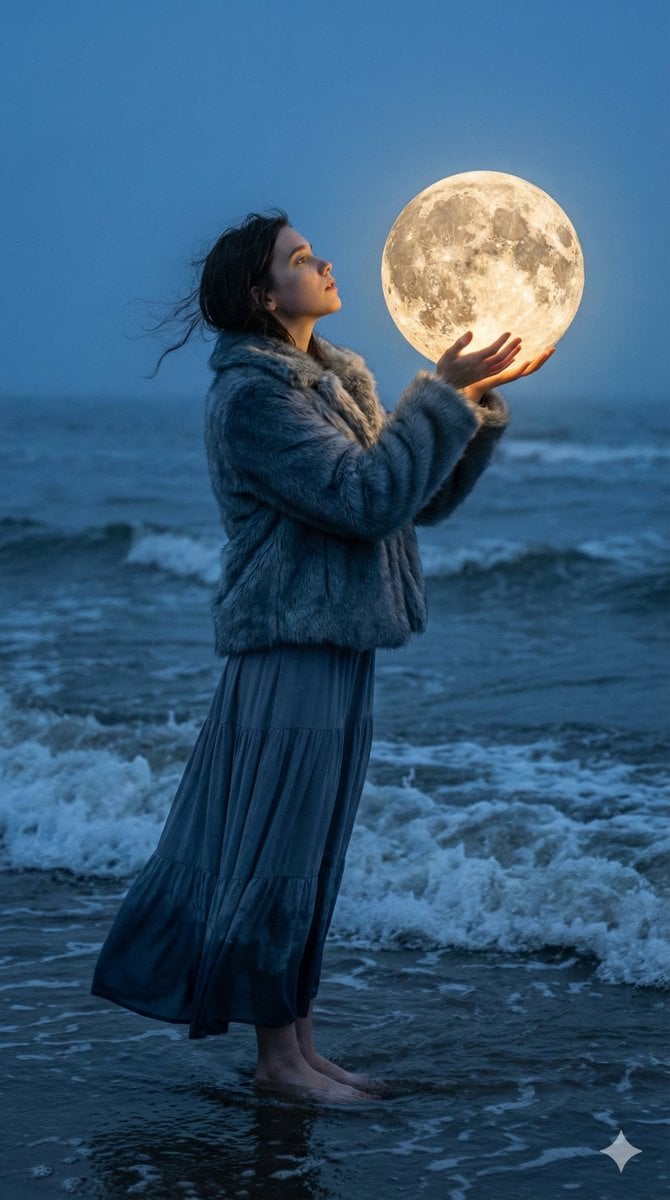
Magical Realism Portrait: Woman Holding a Glowing Moon Orb at Twilight
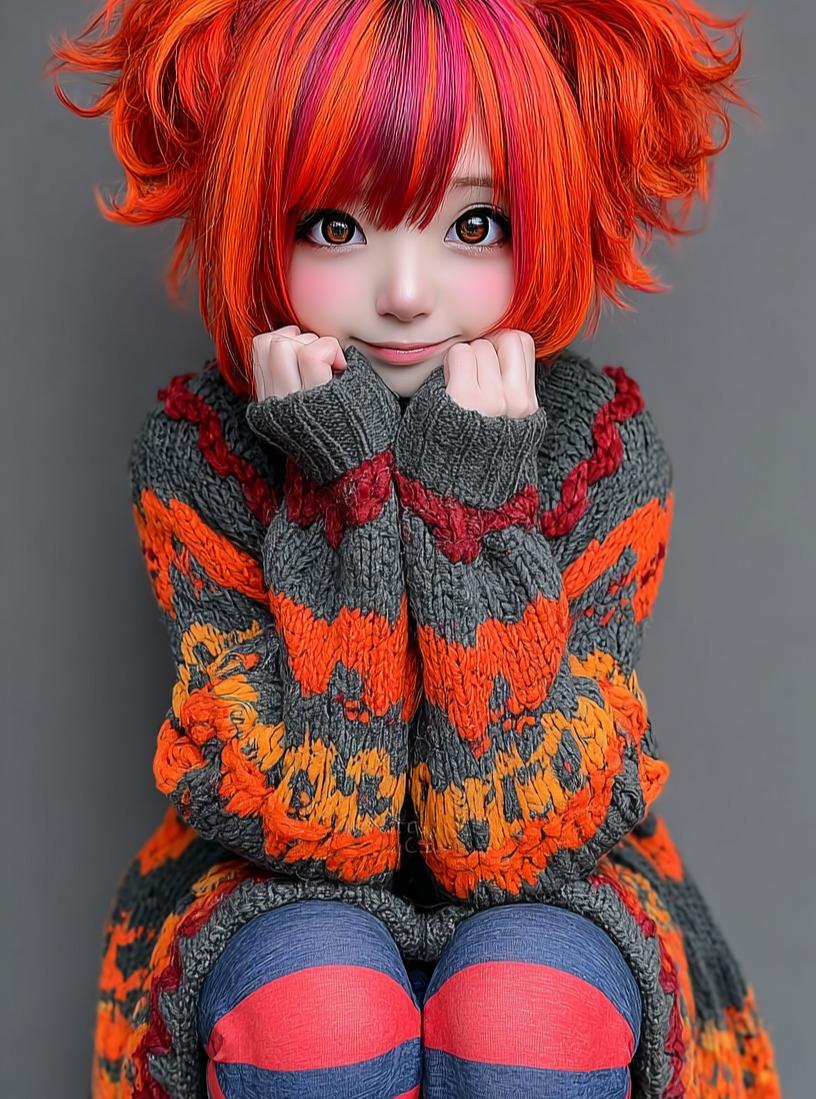
Kawaii Doll Magical Realism Character Portrait Prompt
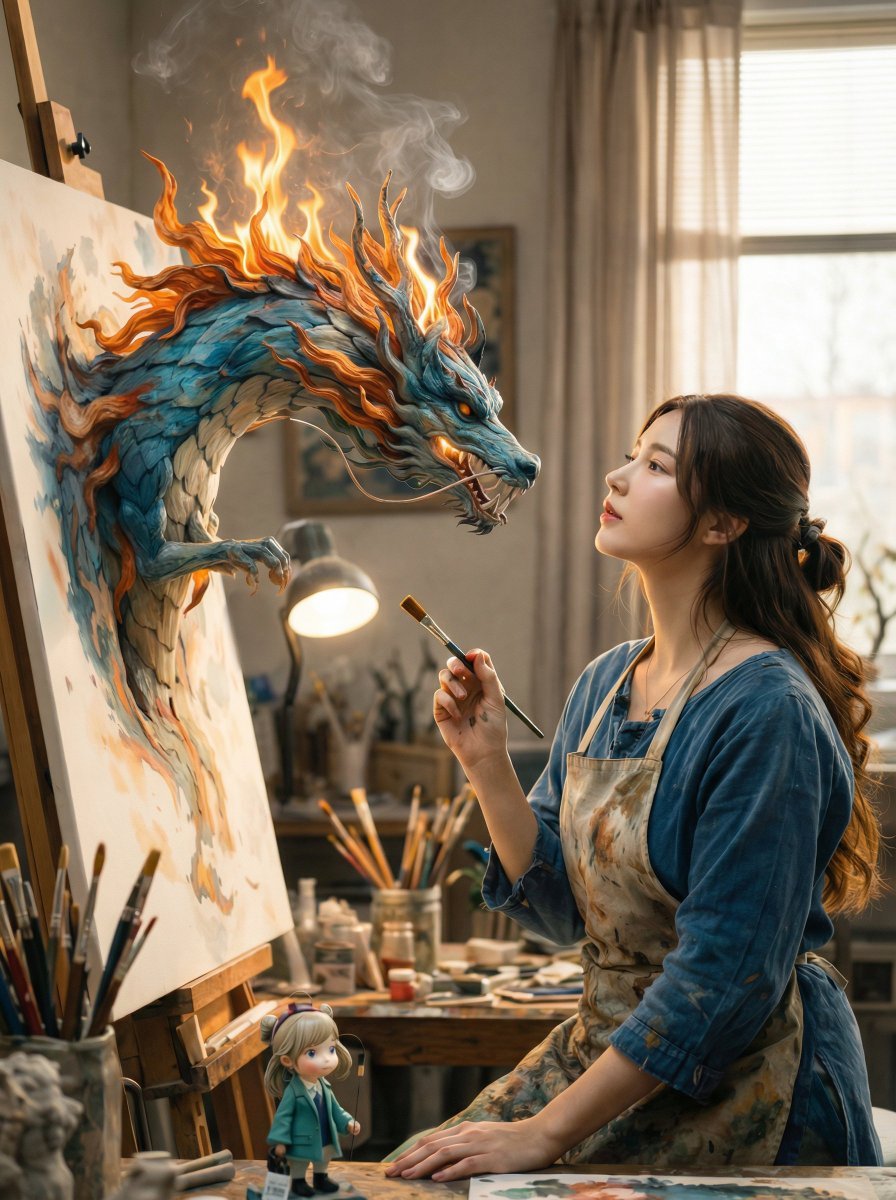
Magical Realism: Dragon Emerging from Canvas

Man Summoning Fiery Phoenix
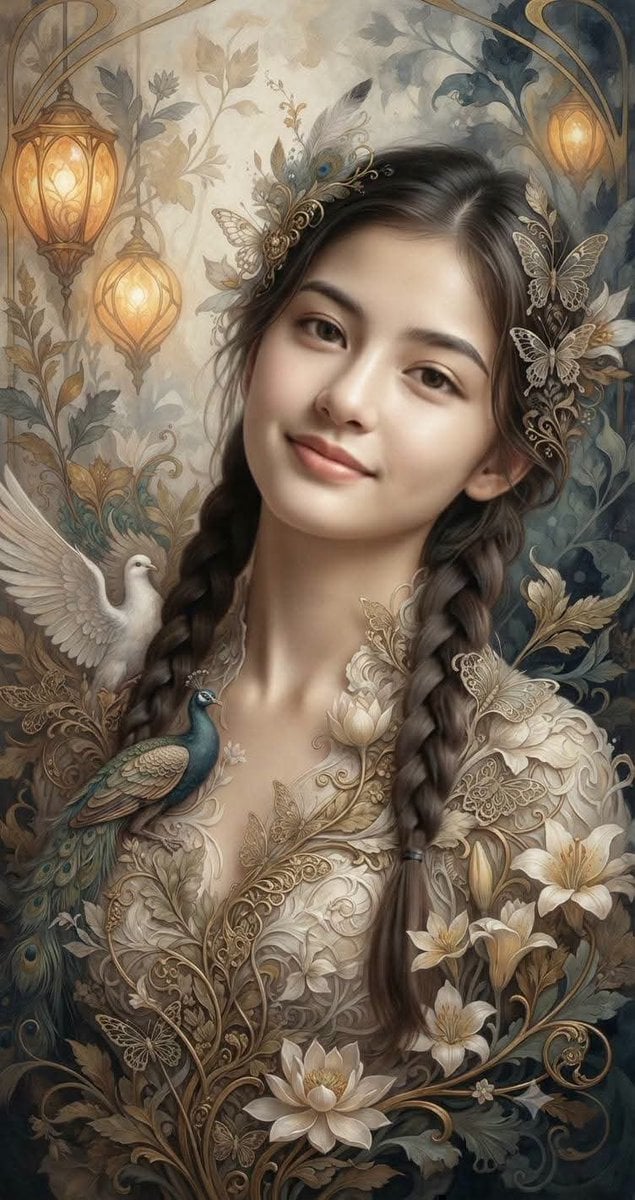
Fantasy Realism and Art Nouveau Fusion

AI-edited, hyper-detailed, photorealistic with stylized realism

Enhanced realism, minimal alteration from original composition
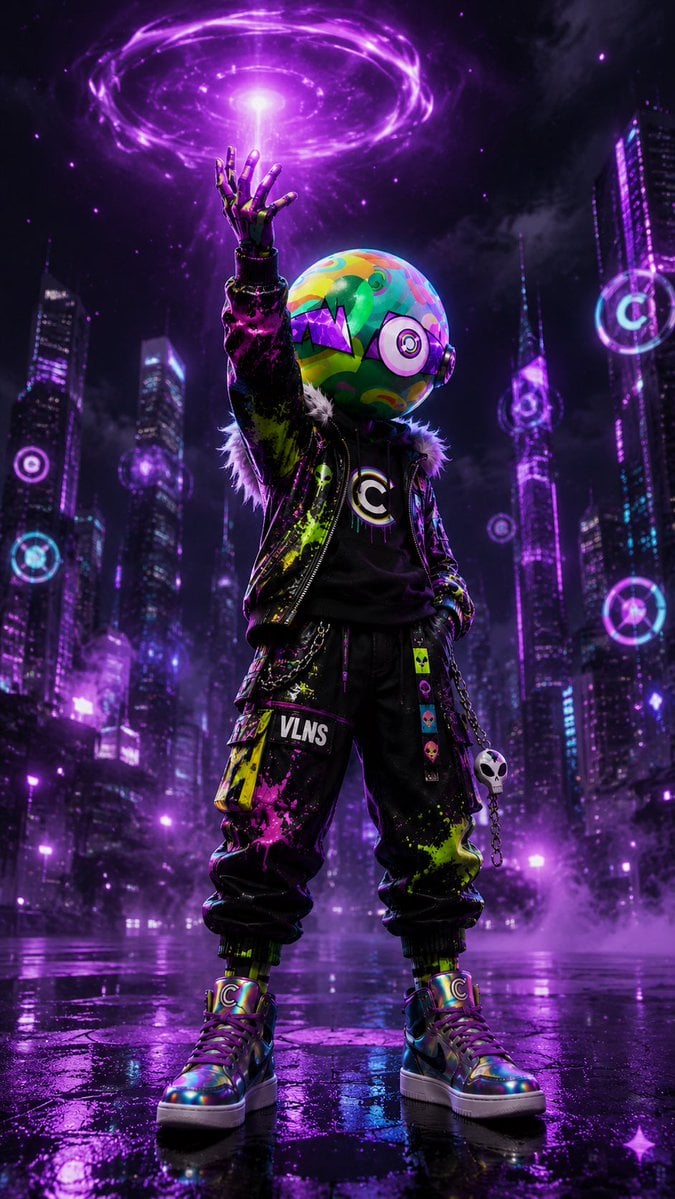
Cyberpunk Vinyl Character Summoning Portal
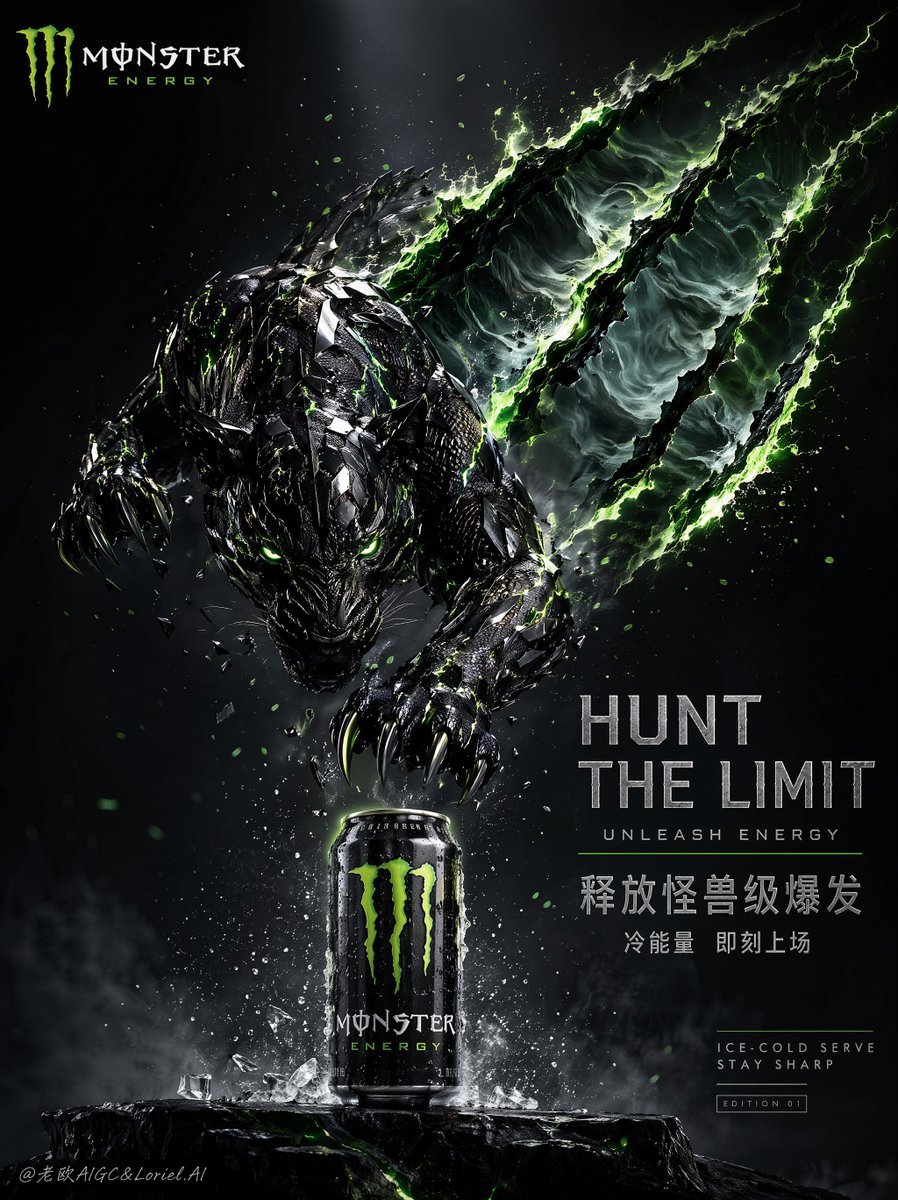
Cinematic Beast Energy Drink Poster
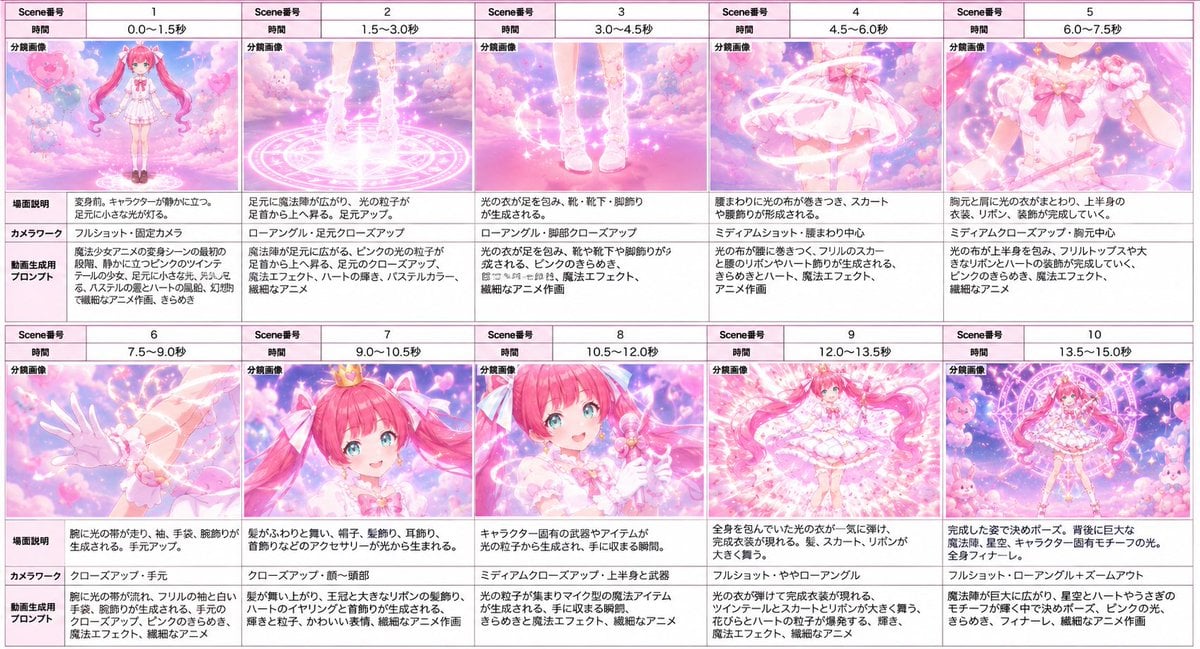
Magical Girl Transformation Storyboard
Make it yours
Magical Realism Energy Summoning works as-is. These are the safest ways to change it without losing the look.
Change one field
Copy a single group, rewrite it, and generate again so you can see what that field is doing.
Keep the frame, change the subject
Hold the composition and light of Magical Realism Energy Summoning, then swap wardrobe, props or the person for a new take.
| If the result… | Why | Fix |
|---|---|---|
| The result drifts from the preview | Too many fields changed at once. | Reuse Magical Realism Energy Summoning as-is first, then change one group — subject, light, or setting. |
| The model over-stylizes the scene | The prose prompt leaves finish and camera underspecified. | Add one camera or lighting sentence and stay on GPT Image 2. |
More GPT Image 2 templates
Other prompts made for GPT Image 2.

Six VTuber Japanese Logo Sheet

Realistic Portrait of Woman and Deer

The Vista Modular Condo Poster

AI Model Routing Comparison Infographic

2.5D Anime Art Board

Isometric Productivity Desk Scene

New York Double Exposure Poster

Four-Panel AI Landscape Comparison

Japanese Tatami Lifestyle Magazine Cover

NESCAFÉ Coffee Map Poster
More image prompts
Fresh picks from across the catalog.

Guangzhou Ink Brush Travel Poster
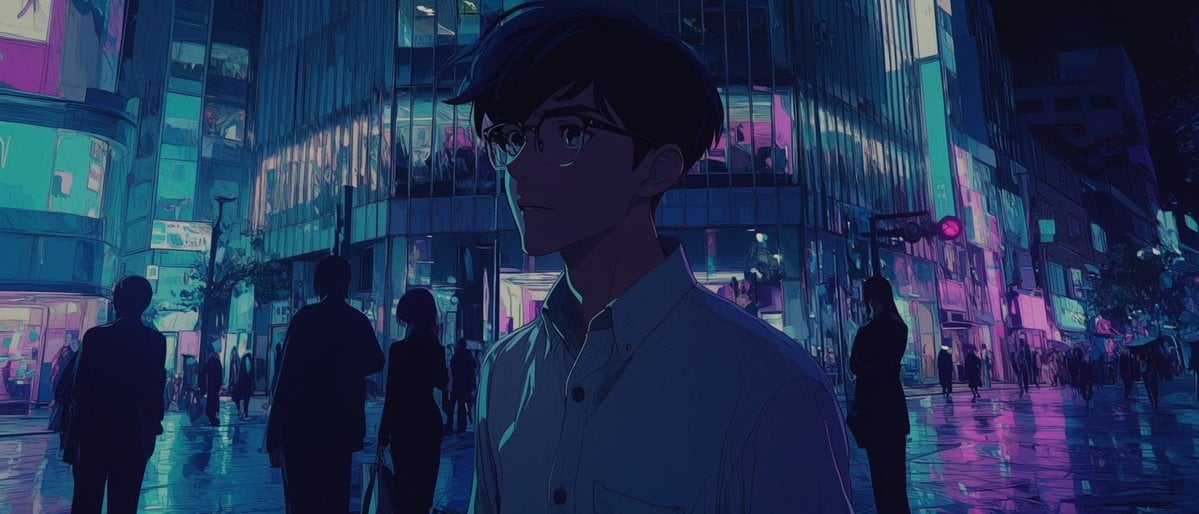
Faceless Anime Neon City Night
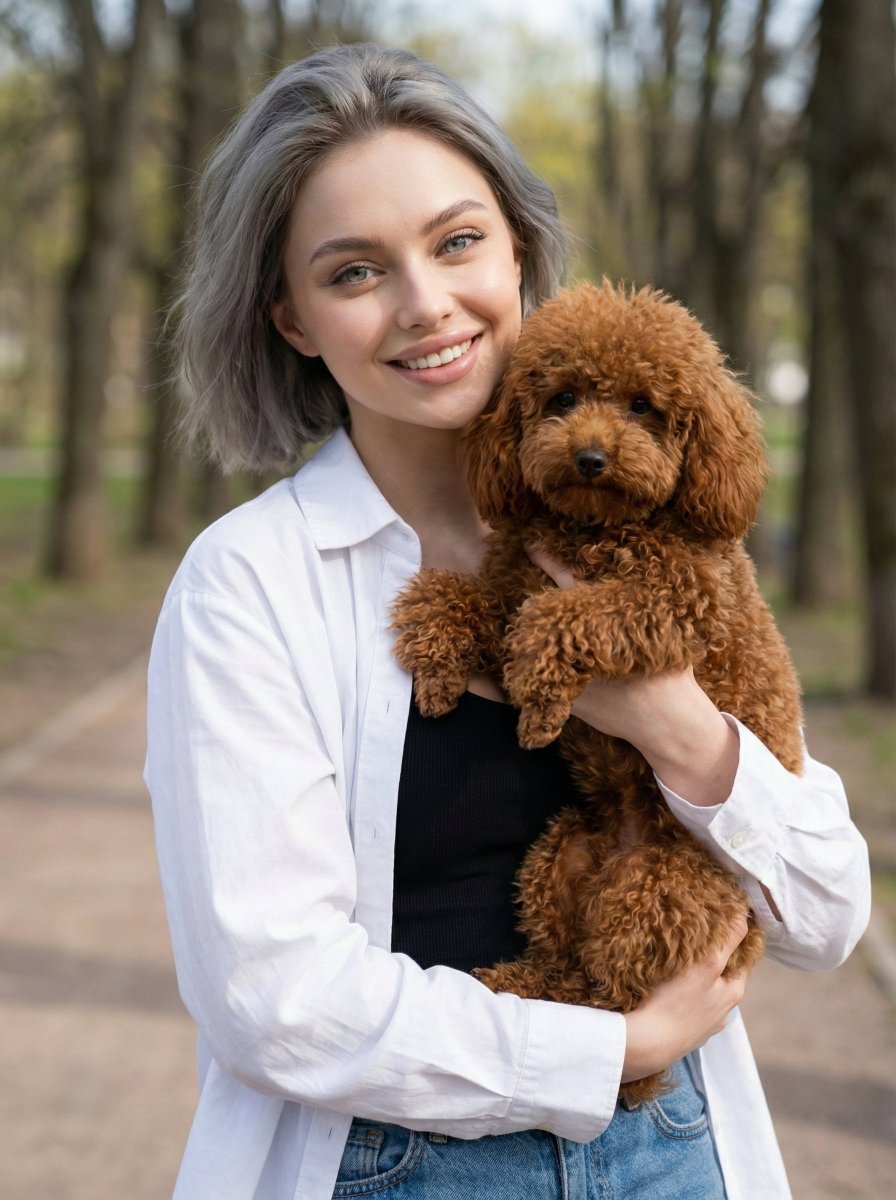
Detailed JSON Prompt for Lifestyle Portrait Photography

Gpt2 Product Marketing Streetwear Sneaker Poster Ad
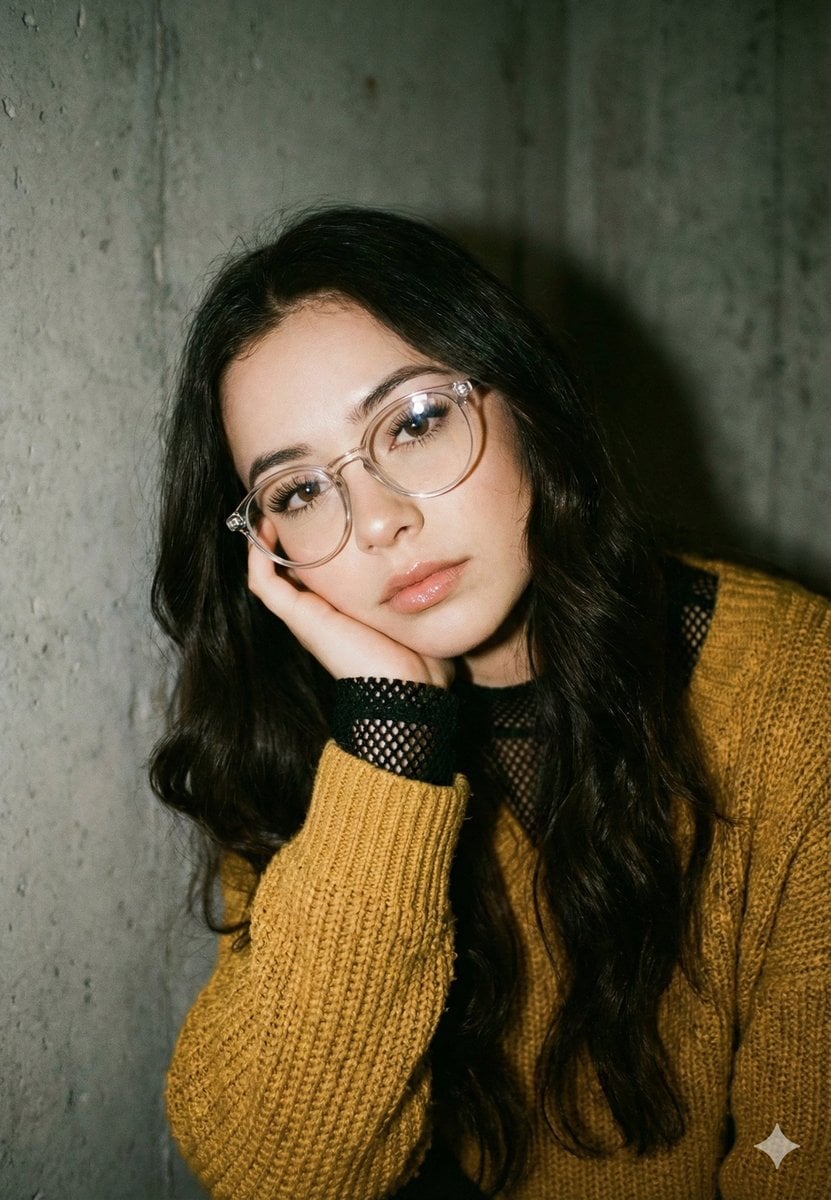
Mustard Sweater Aesthetic Portrait Prompt
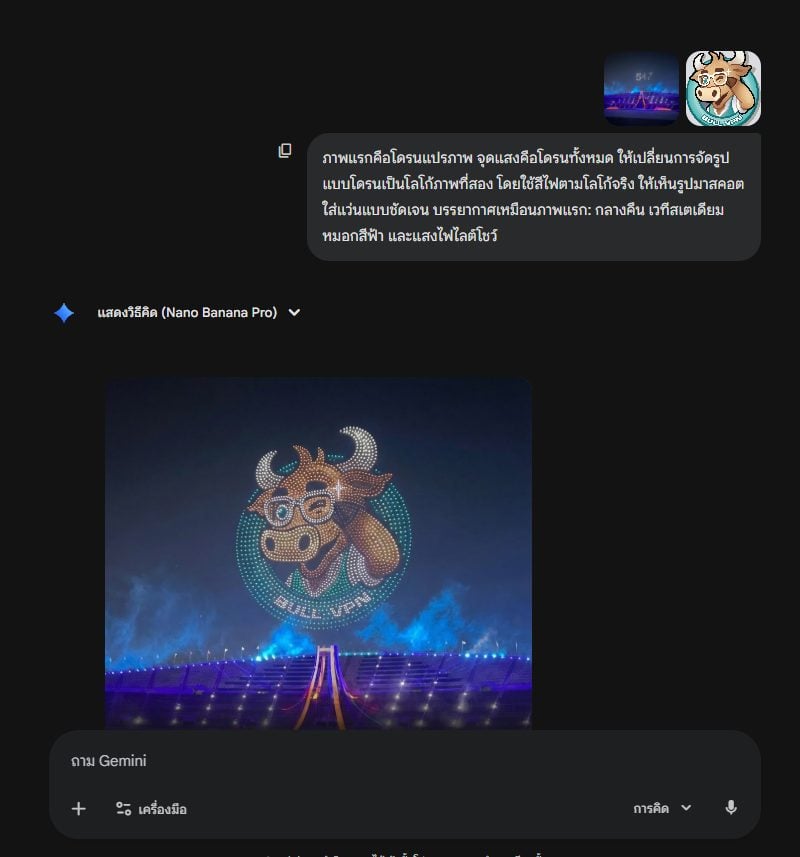
Drone Light Show Logo Transformation Prompt

Masterpiece Anime Fantasy Girl

Cinematic Cafe Studio Portrait
Golden Morning Kitchen Portrait
Japanese negative film aesthetic prompt
Browse template categories
Magical Realism Energy Summoning questions
How do I use the Magical Realism Energy Summoning template?
Add your photo if the template asks for one, edit the prompt if you like — the template's model and format are already selected — and press Generate. Your version opens in PicX Studio.
Can I customize the Magical Realism Energy Summoning template?
Yes. You can change the subject, setting, lighting, mood, format, and available model controls before creating your image.
Is the Magical Realism Energy Summoning template free?
Opening and editing this template is free. Generating uses credits, shown on the Generate button when you are signed in.
Which AI model should I use?
Start with GPT Image 2, which is the model associated with this template. You can compare another compatible model for a different finish.
Looking for something else? Browse all templates.

Your photo, any look
Thousands of ready templates for every top image and video model, from one credit balance.