
AI-edited, hyper-detailed, photorealistic with stylized realism
{ "global_settings": { "resolution": "8K ultra high definition", "aspect_ratio": "3:4 vertical", "image_quality": "extreme detail, ultra sharp focus", "lighting_style": "warm cinematic lighting with golden bokeh…
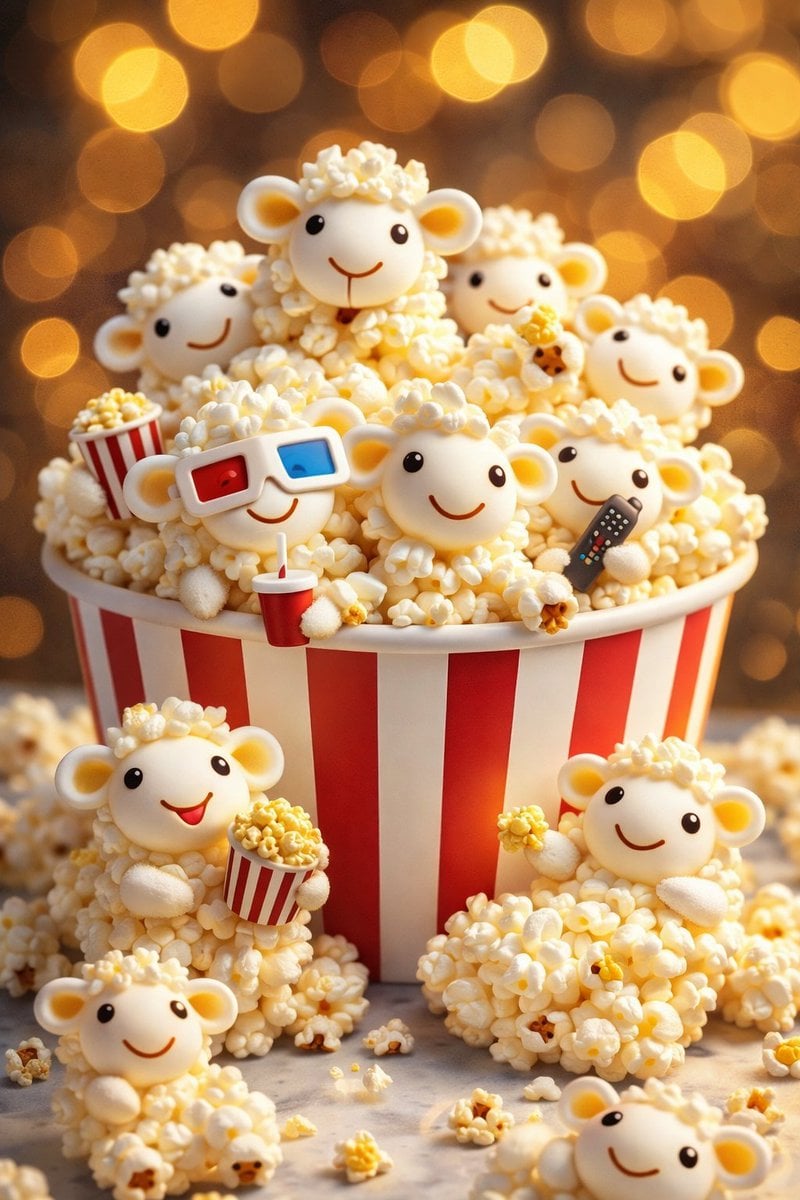
- Prompt included
- Model and format preset
- Premium template
The prompt behind this image
Copy the exact prompt behind AI-edited, hyper-detailed, photorealistic with stylized realism, or open it in the studio and make it yours.
{ "global_settings": { "resolution": "8K ultra high definition", "aspect_ratio": "3:4 vertical", "image_quality": "extreme detail, ultra sharp focus", "lighting_style": "warm cinematic lighting with golden bokeh background", "depth_of_field": "shallow depth of field, strong subject separation", "render_style": "AI-edited, hyper-detailed, photorealistic with stylized realism", "color_grading": "warm tones, golden highlights, soft shadows", "background": "out-of-focus golden circular bokeh lights" }, "Module_1_Image_1_Style": { "subject": "Cat-shaped tortilla chips", "primary_container": { "type": "red paper snack bag", "design": "large illustrated cartoon cat on front", "graphics": "simple facial features, soft pastel tones", "material": "matte paper texture" }, "chip_details": { "shape": "cat heads with pointed ears", "color": "golden-orange fried texture", "surface": "crispy, bubbled, slightly uneven", "facial_features": { "eyes": "small black circular dots", "mouth": "simple curved line", "whiskers": "thin dark lines" } }, "poses_and_interactions": { "one_chip": "holding a miniature cheeseburger", "one_chip": "holding a red-and-white striped soda cup with straw", "one_chip": "holding a triangular cheese slice", "foreground_chips": "sitting outside the bag on surface" }, "composition": { "camera_angle": "slightly above eye level", "framing": "tight vertical framing", "focus": "sharp on chips, blurred background" } }, "Module_2_Image_2_Style": { "subject": "Sheep-shaped popcorn figures", "primary_container": { "type": "classic popcorn bucket", "design": "red and white vertical stripes", "material": "cardboard with soft matte finish" }, "sheep_details": { "body": "made entirely of popcorn kernels", "head": "smooth white rounded face", "ears": "small rounded ears with pale yellow inner tone", "eyes": "tiny black dots", "mouth": "thin curved smile line" }, "poses_and_accessories": { "one_sheep": "wearing red-blue 3D glasses", "one_sheep": "holding a small popcorn bucket", "one_sheep": "holding a black TV remote", "multiple_sheep": "peeking from behind popcorn pile" }, "composition": { "layering": "sheep stacked and clustered", "foreground": "extra popcorn scattered around base", "focus": "central sheep in sharp focus" } }, "Module_3_Image_3_Style": { "subject": "Bear-shaped chicken popcorn nuggets", "primary_container": { "type": "white popcorn-style bucket", "branding": "text reads 'Chicken Popcorn'", "graphics": "simple chef hat icon above text", "decoration": "small colored polka dots" }, "nugget_details": { "shape": "teddy bear silhouettes", "color": "golden-brown fried coating", "texture": "crunchy breaded surface", "facial_features": { "eyes": "small black beads", "nose": "rounded black nose", "mouth": "tiny dark line" } }, "poses_and_accessories": { "one_nugget": "wearing black sunglasses", "one_nugget": "holding fries in red-striped cup", "one_nugget": "holding soda cup with straw", "foreground_nuggets": "standing outside bucket" }, "composition": { "camera_distance": "medium close-up", "bucket_position": "centered vertically", "lighting": "warm highlights emphasizing texture''
How to use AI-edited, hyper-detailed, photorealistic with stylized realism in 3 steps
- 1
Open
The prompt is already in the box next to the preview, with the template's model and format selected.
- 2…a portrait of your subject in softgolden-hour light, 85mm…
Personalize
Edit the subject and creative details for your destination.
- 3Generate
Generate
Press Generate — your image is created in PicX Studio, so you can compare it with the original and refine one variable at a time.
More like this
Templates with the same subject, style or setup. Open one to see its prompt.
Referenced person into a premium stylized 3D animated character, full
Illustration & 3D Prompt #533
Cinematic 3D action-packed advertisement captured in an intense
Ime characters into realistic human portraits Convert character

Clear, 45 top-down isometric miniature 3D cartoon scene of the iconic
Illustration & 3D Prompt #1437
To hyper-realistic 3D CGI collectible figurine render
Illustration & 3D Prompt #1419
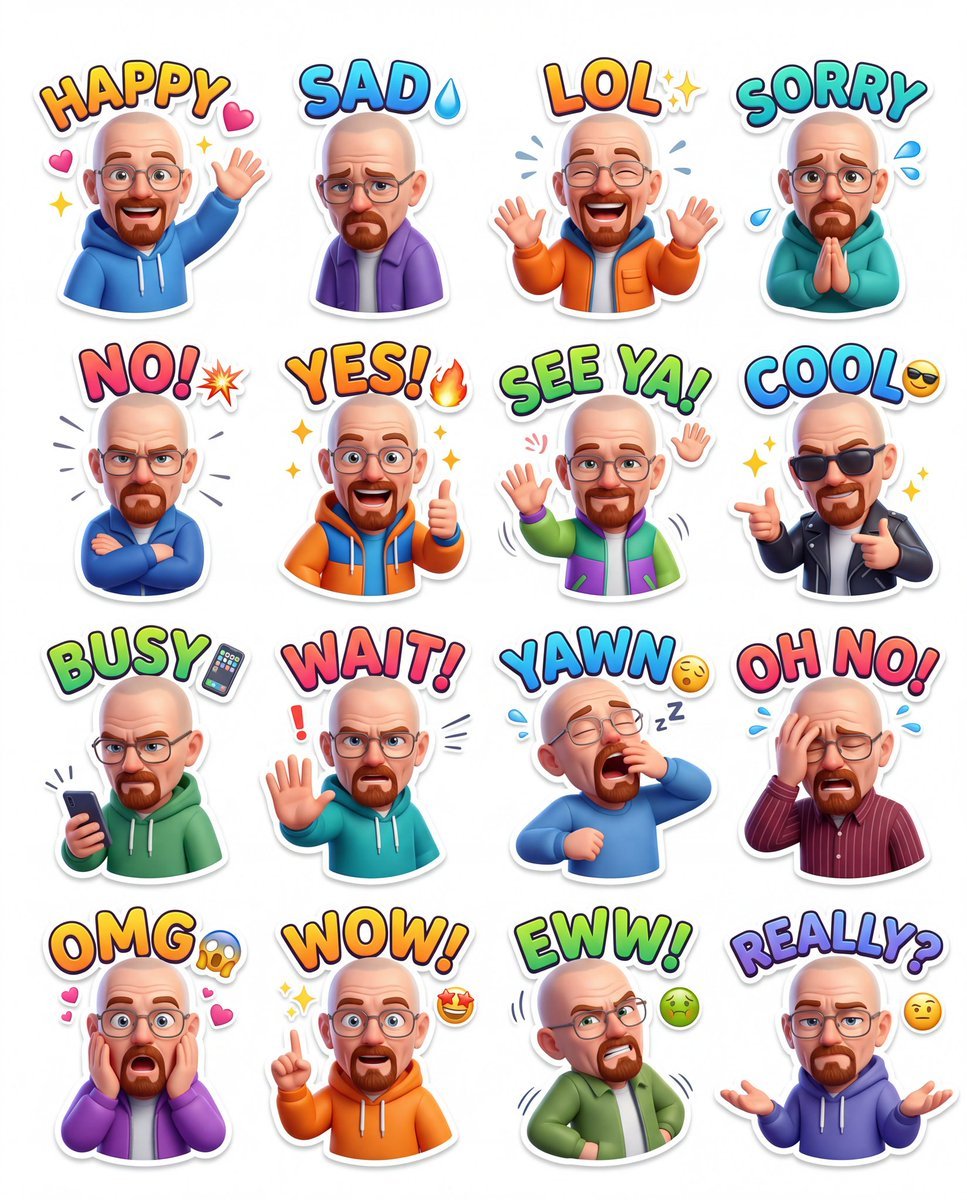
Illustration & 3D Prompt #813
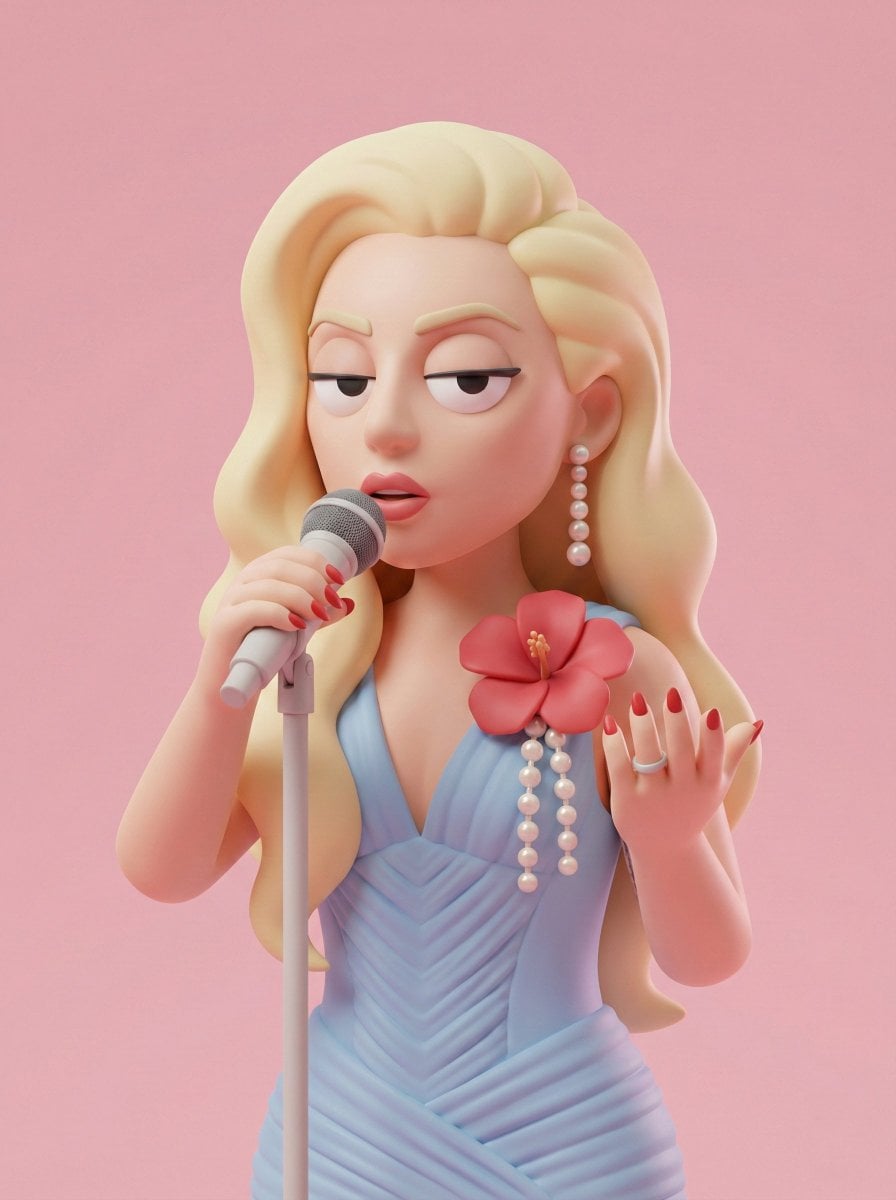
Illustration & 3D Prompt #313
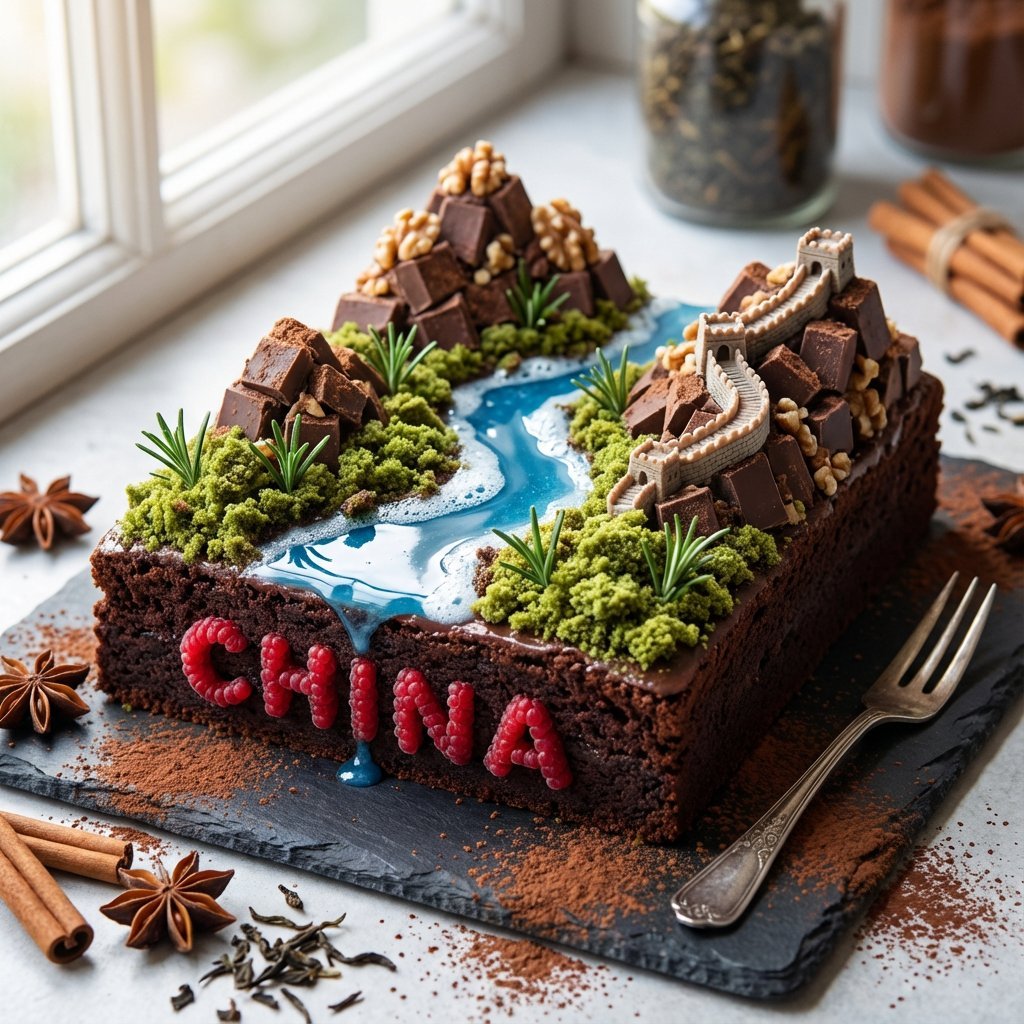
Illustration & 3D Prompt #1428
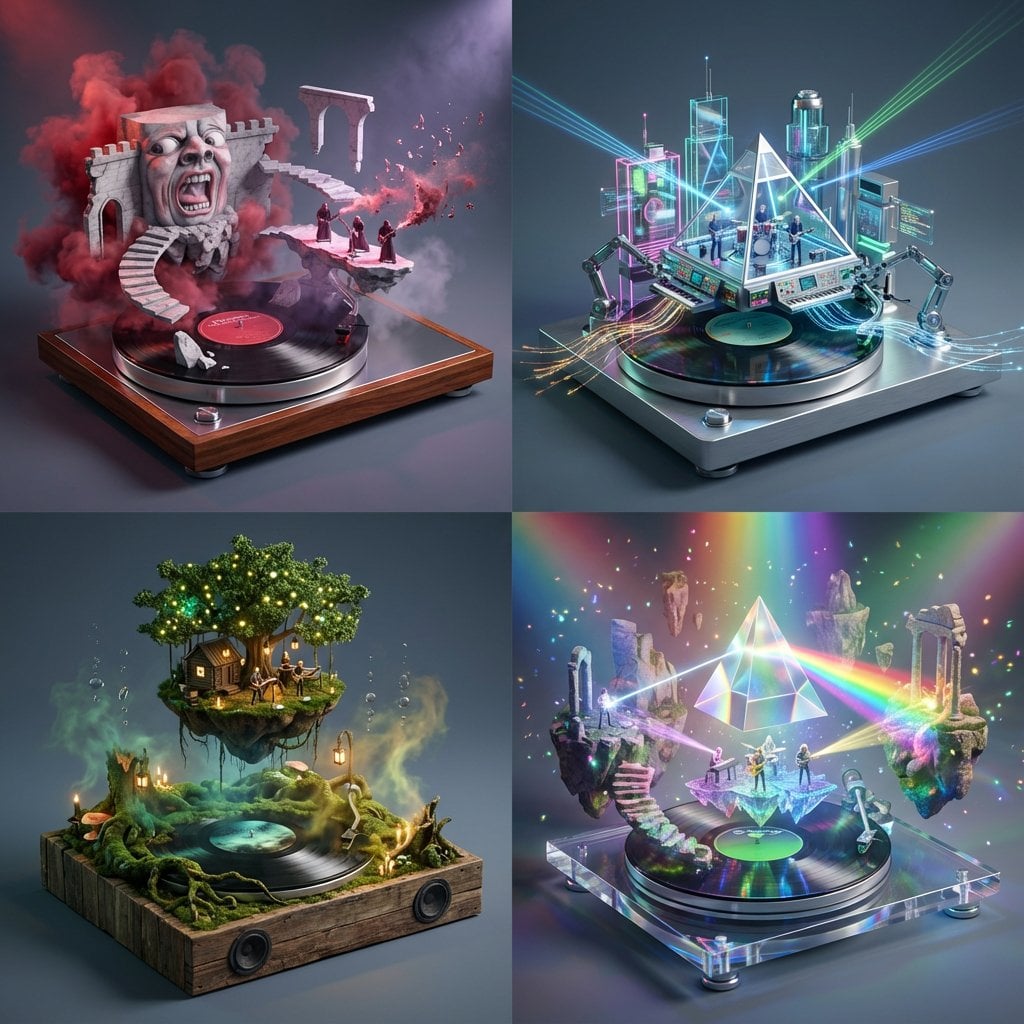
Act as a Music Historian and Set Designer
Make it yours
AI-edited, hyper-detailed, photorealistic with stylized realism works as-is. These are the safest ways to change it without losing the look.
Change one field
Copy a single group, rewrite it, and generate again so you can see what that field is doing.
Keep the frame, change the subject
Hold the composition and light of AI-edited, hyper-detailed, photorealistic with stylized realism, then swap wardrobe, props or the person for a new take.
| If the result… | Why | Fix |
|---|---|---|
| The result drifts from the preview | Too many fields changed at once. | Reuse AI-edited, hyper-detailed, photorealistic with stylized realism as-is first, then change one group — subject, light, or setting. |
| The model over-stylizes the scene | The prose prompt leaves finish and camera underspecified. | Add one camera or lighting sentence and stay on Nano Banana 2. |
More Nano Banana 2 templates
Other prompts made for Nano Banana 2.

Photorealistic Leaf Shaped Like a Dragon

K-Pop Idol Portrait Grid for Rapid Selection

Poetic Rain Forest Portrait During Golden Hour

Urban Street Portrait with Cartoon Inner Self Duo

Candid Nighttime Photo with Cat Prompt

High-Concept 3D Diorama Generation Prompt

Cinematic Futuristic Studio Portrait Template

Skincare Editorial Photography Collage Prompt

Hyper-Realistic Commercial Product Photography (Splash Effect)

Hyper-Realistic Nightclub Portrait Prompt
More image prompts
Fresh picks from across the catalog.
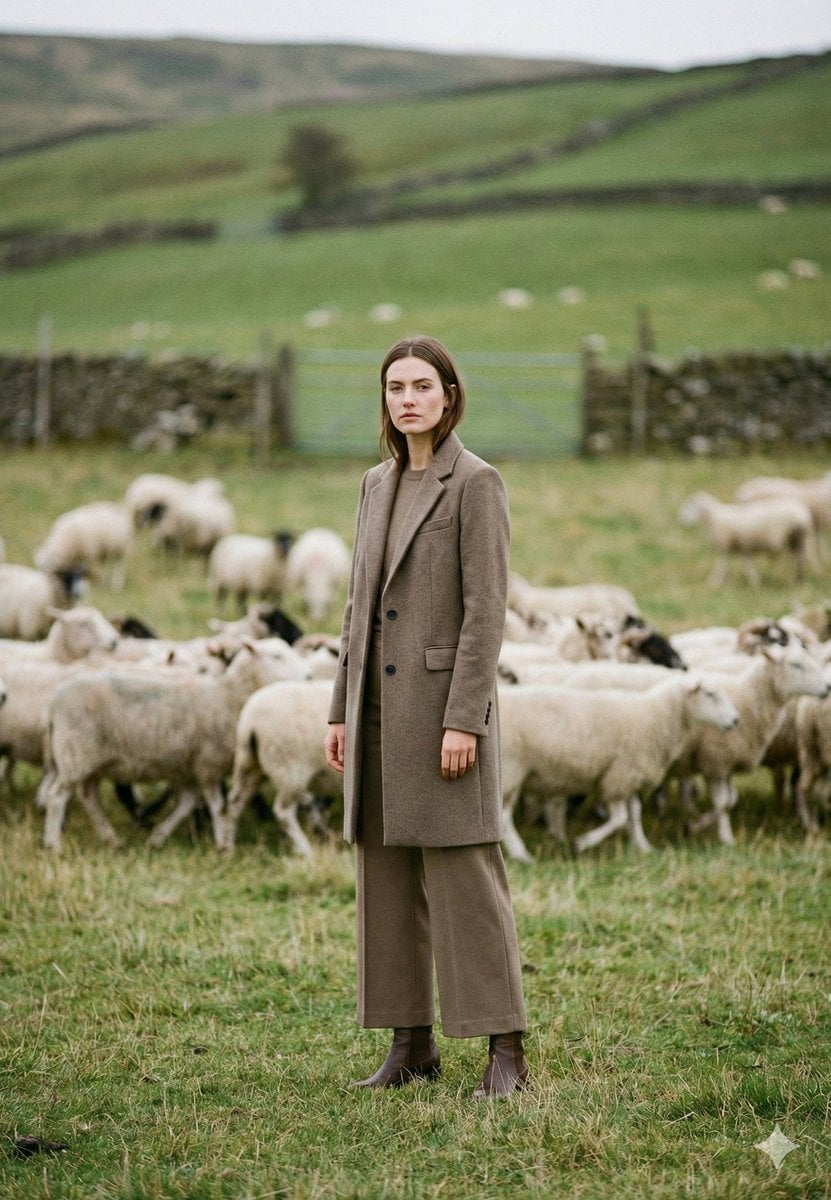
Cinematic Editorial Portrait in European Countryside
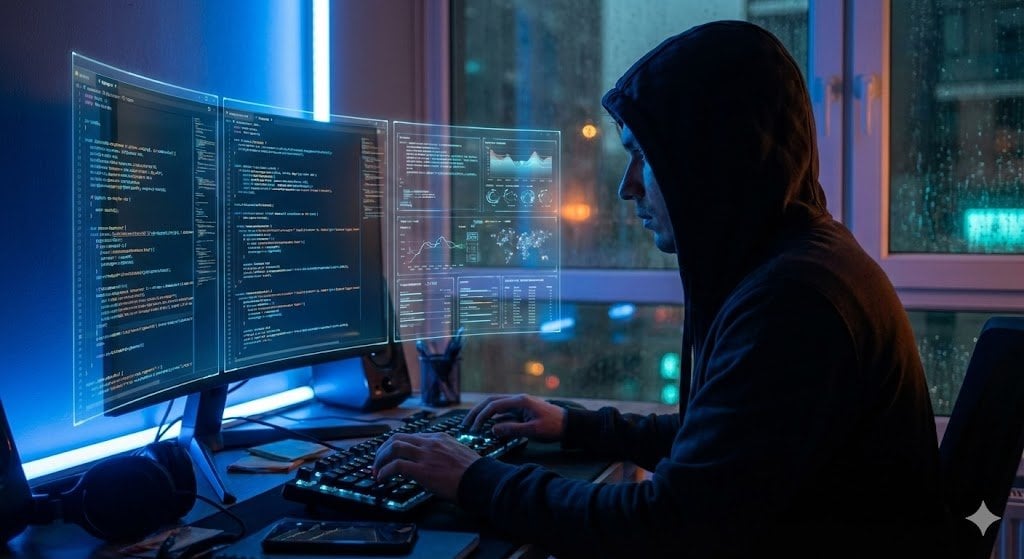
JSON Prompt Template for Camera and Lighting Control
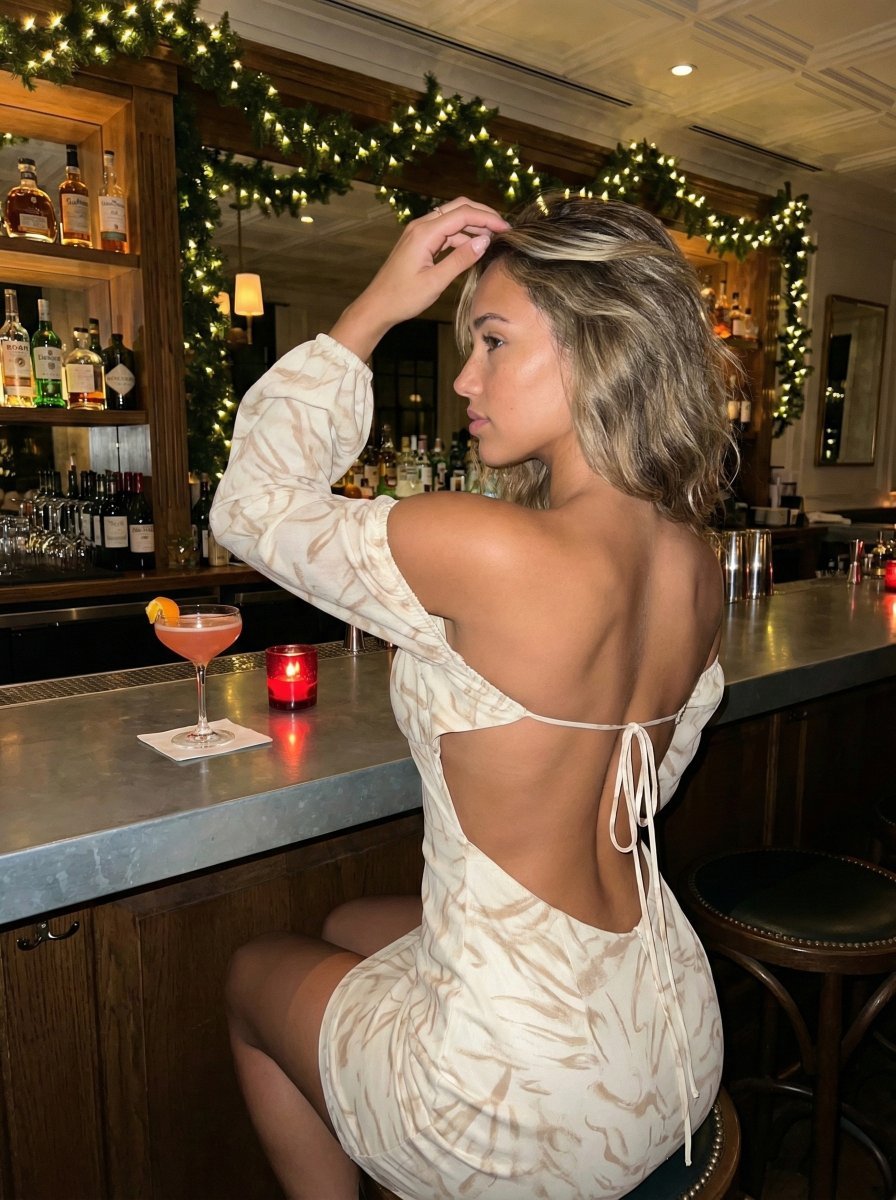
High-Contrast Flash Photography Nightlife Portrait
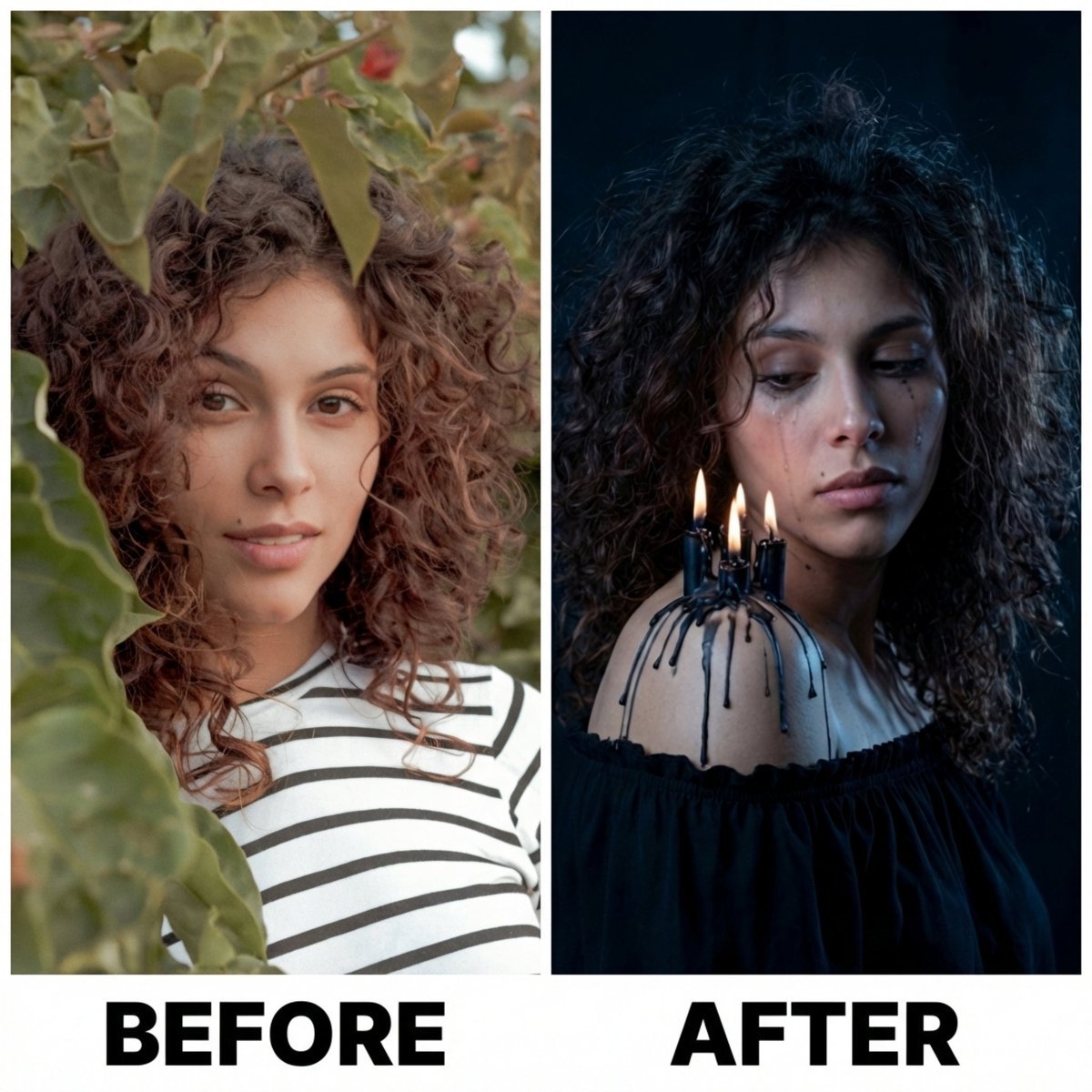
Moody Portrait with Dripping Candles
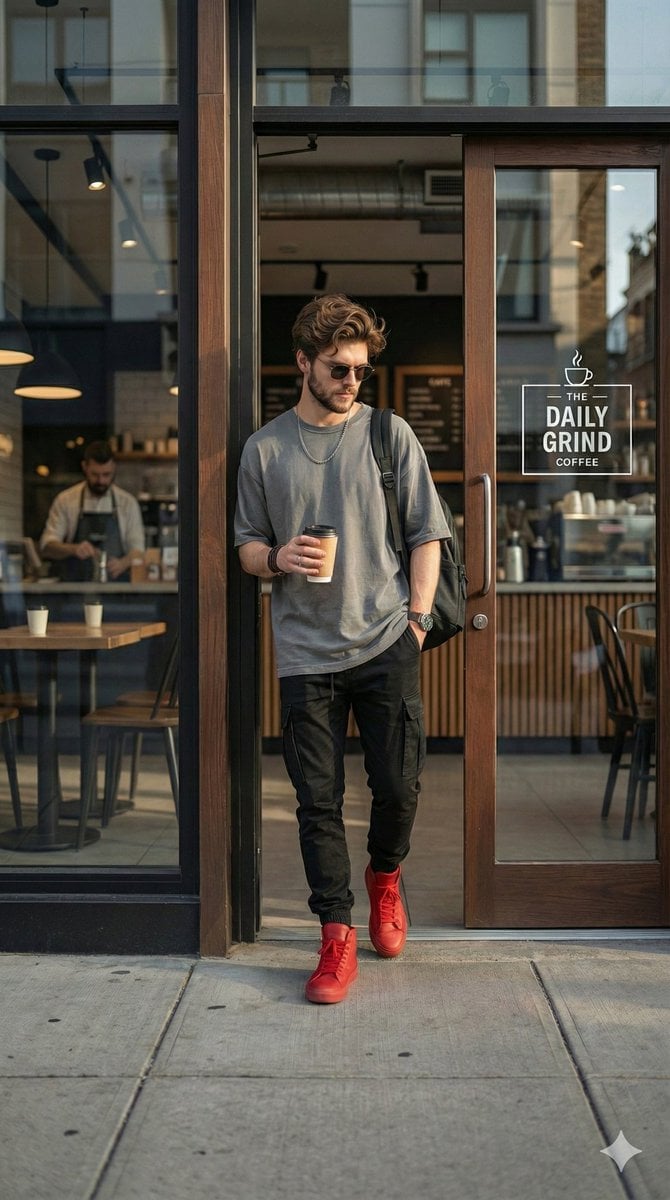
Hyper-realistic Urban Streetwear Portrait
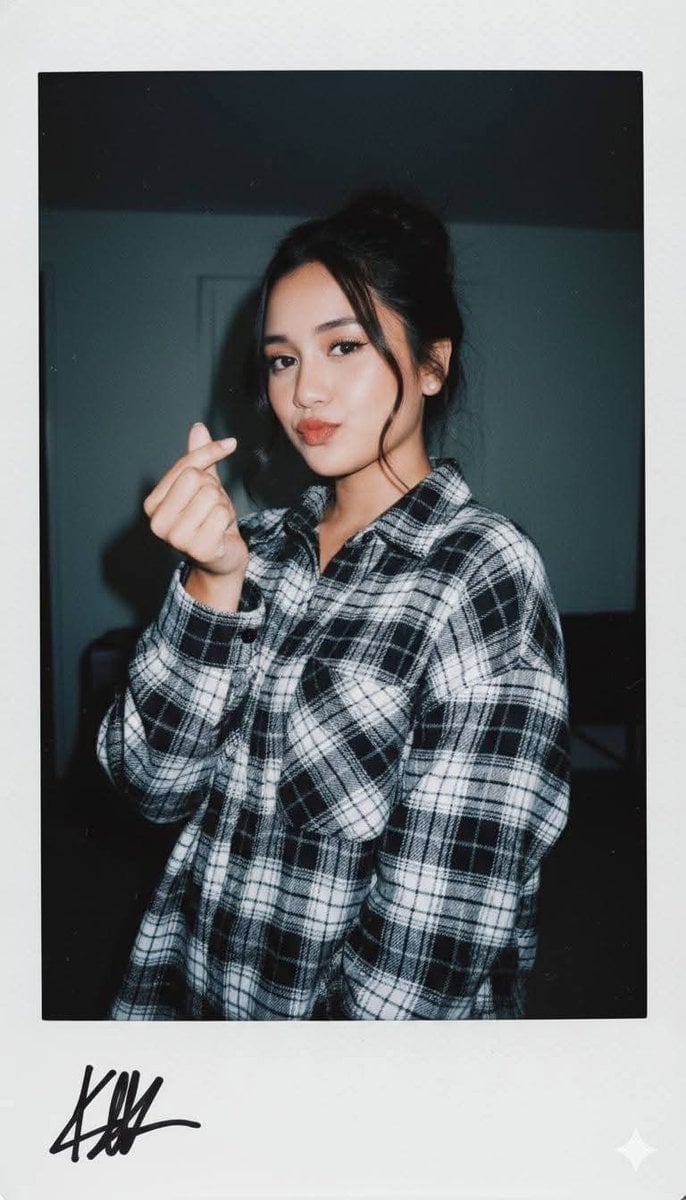
Ultra-Realistic Glamour Polaroid Prompt
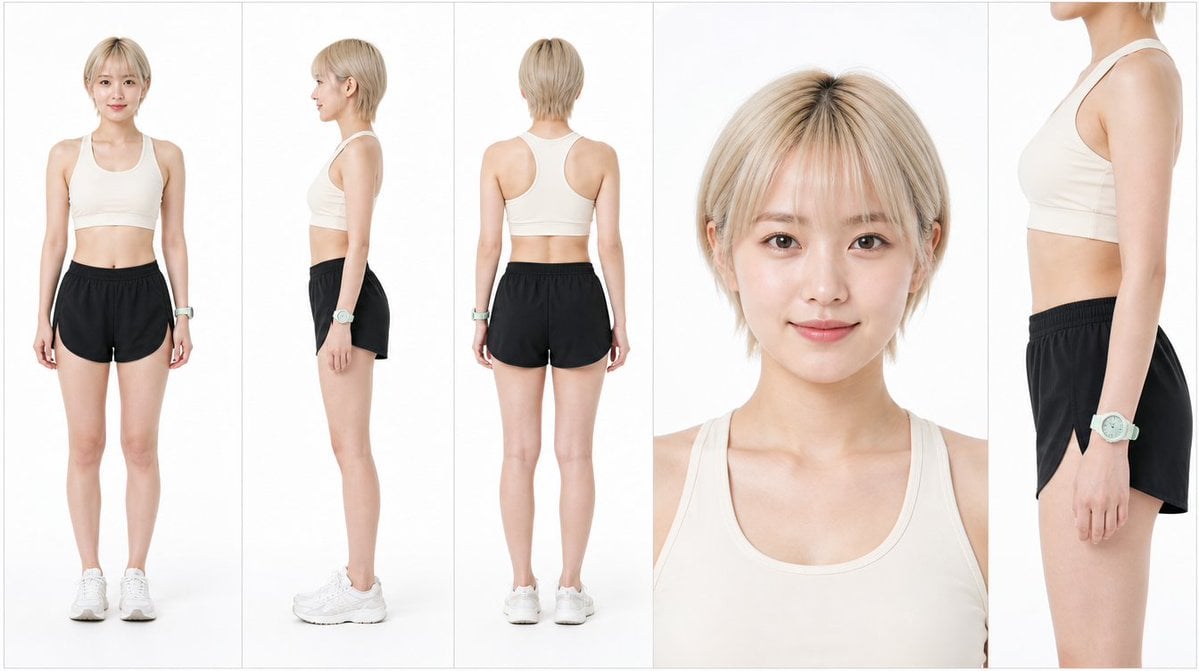
Japanese Female Runner Character Sheet
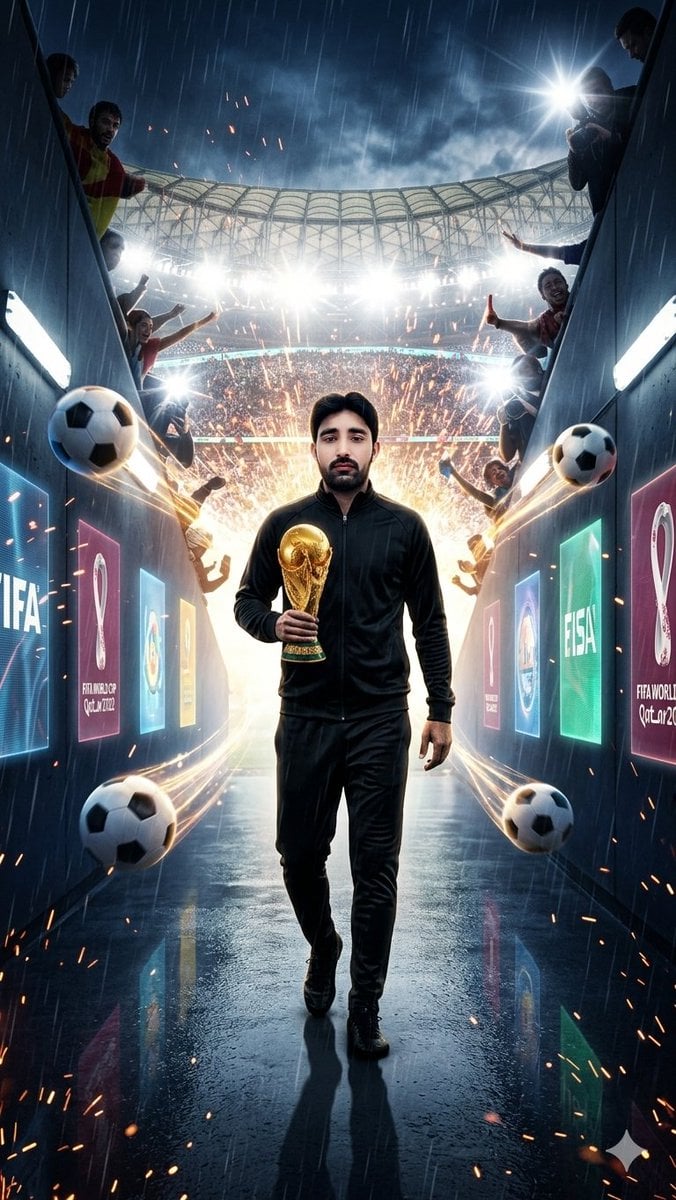
World Cup Tunnel Champion
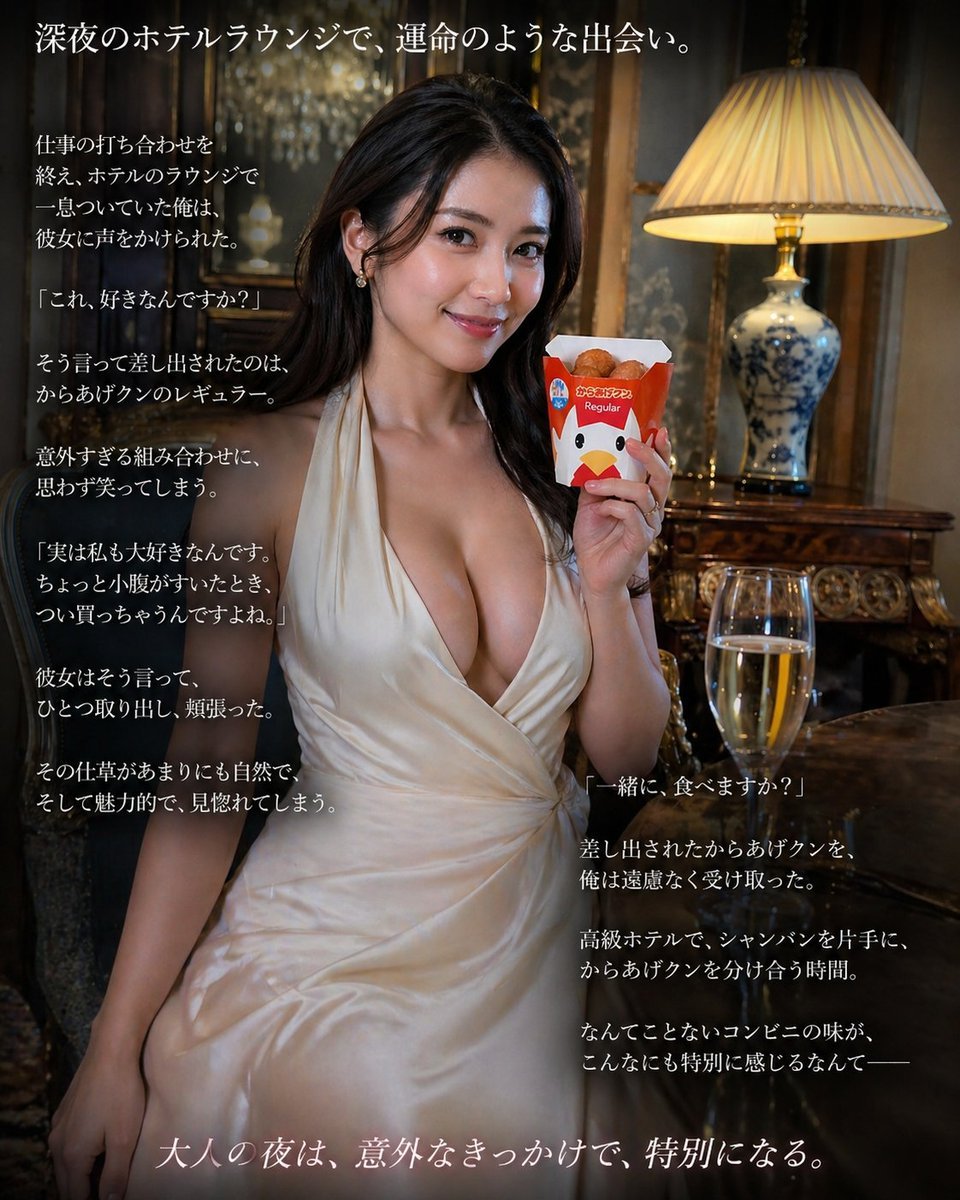
Cinematic Hotel Lounge Portrait
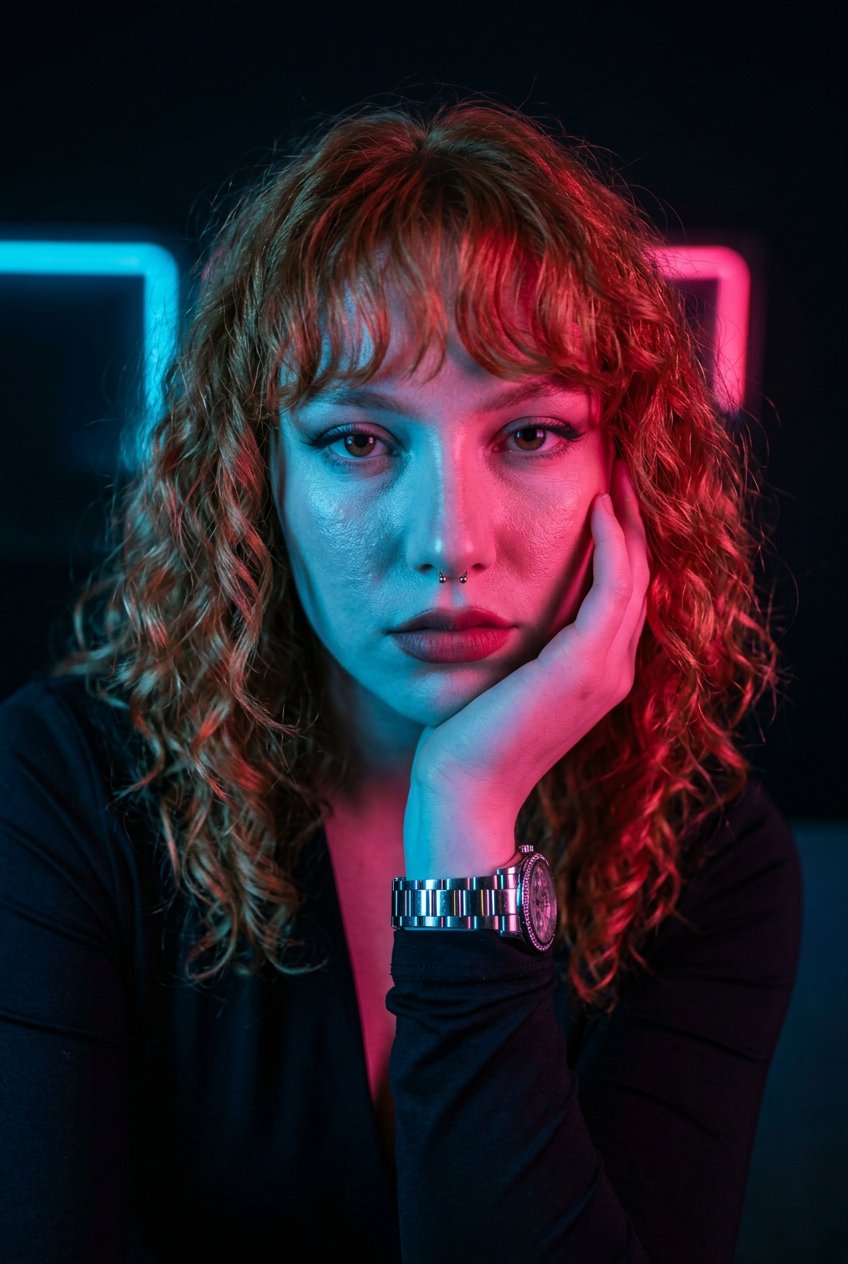
Neon Noir Dual Tone Portrait
Browse template categories
AI-edited, hyper-detailed, photorealistic with stylized realism questions
How do I use the AI-edited, hyper-detailed, photorealistic with stylized realism template?
Add your photo if the template asks for one, edit the prompt if you like — the template's model and format are already selected — and press Generate. Your version opens in PicX Studio.
Can I customize the AI-edited, hyper-detailed, photorealistic with stylized realism template?
Yes. You can change the subject, setting, lighting, mood, format, and available model controls before creating your image.
Is the AI-edited, hyper-detailed, photorealistic with stylized realism template free?
Opening and editing this template is free. Generating uses credits, shown on the Generate button when you are signed in.
Which AI model should I use?
Start with Nano Banana 2, which is the model associated with this template. You can compare another compatible model for a different finish.
Looking for something else? Browse all templates.

Your photo, any look
Thousands of ready templates for every top image and video model, from one credit balance.