
Neon Noir Dual Tone Portrait
Neon Noir Dual Tone Portrait is a ready photo look.
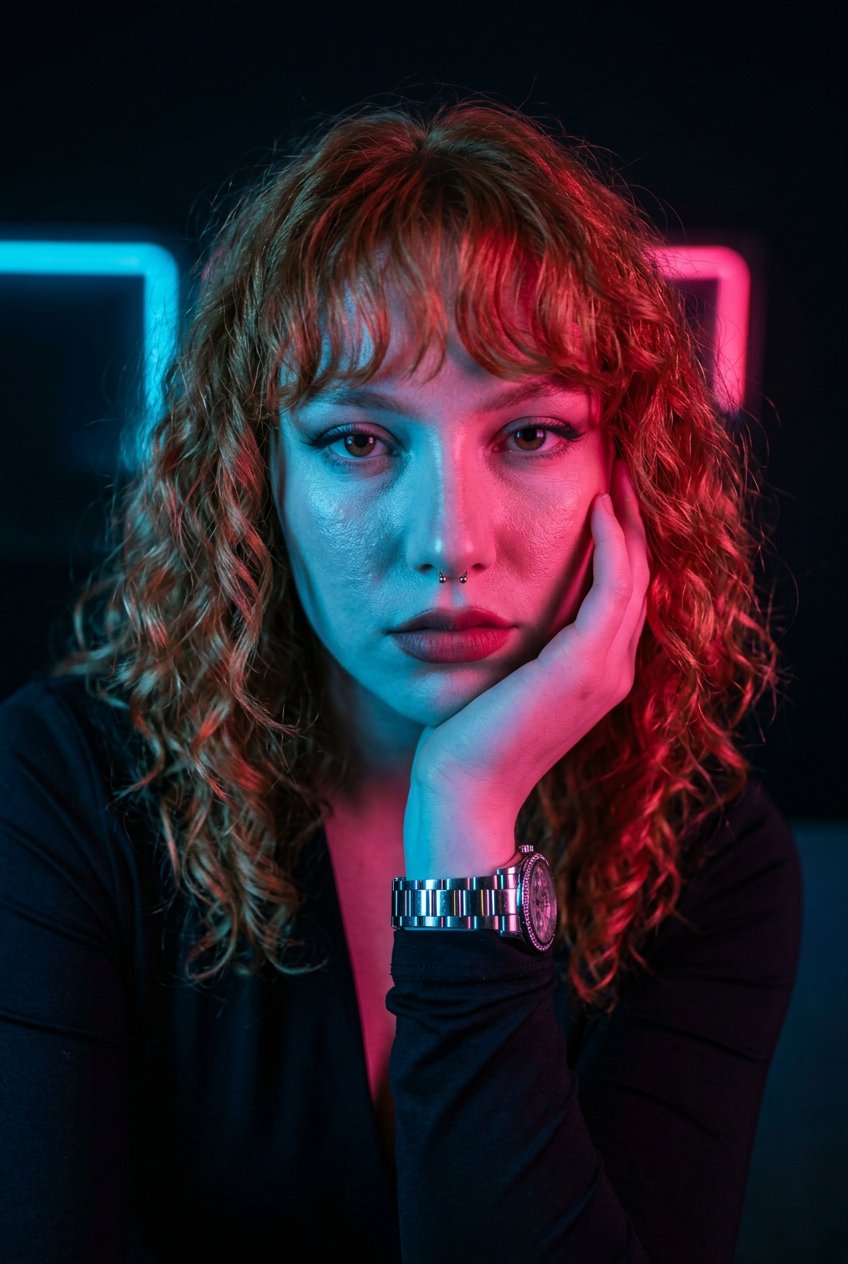
- Prompt included
- Model and format preset
- Premium template
The prompt behind this image
Copy the exact prompt behind Neon Noir Dual Tone Portrait, or open it in the studio and make it yours.
A hyper-stylized portrait of the same person, keeping their exact face and identity unchanged. They are captured in a thoughtful pose with one hand resting on their chin, illuminated by dramatic dual-tone lighting. One side of the face is lit with cool blue light, while the other side glows with vivid pink/red neon tones, creating a bold, high-contrast look. They are wearing a dark top and a watch. The background remains dark and minimal, emphasizing the colorful illumination on the face and upper body. Cinematic, sharp, and highly detailed
How to use Neon Noir Dual Tone Portrait in 3 steps
- 1
Open
The prompt is already in the box next to the preview, with the template's model and format selected.
- 2…a portrait of your subject in softgolden-hour light, 85mm…
Personalize
Edit the subject and creative details for your destination.
- 3Generate
Generate
Press Generate — your image is created in PicX Studio, so you can compare it with the original and refine one variable at a time.
More like this
Templates with the same subject, style or setup. Open one to see its prompt.
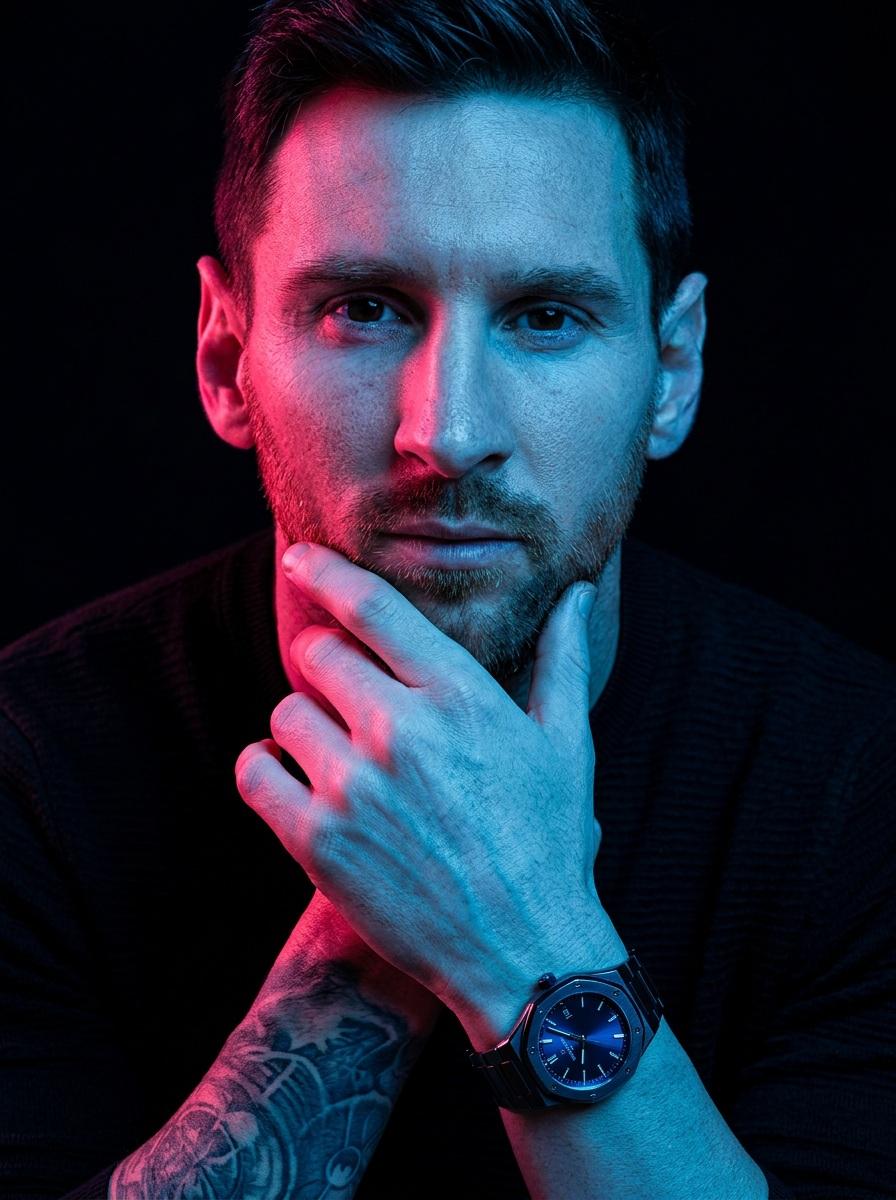
Hyper-Stylized Dual-Tone Neon Portrait Prompt
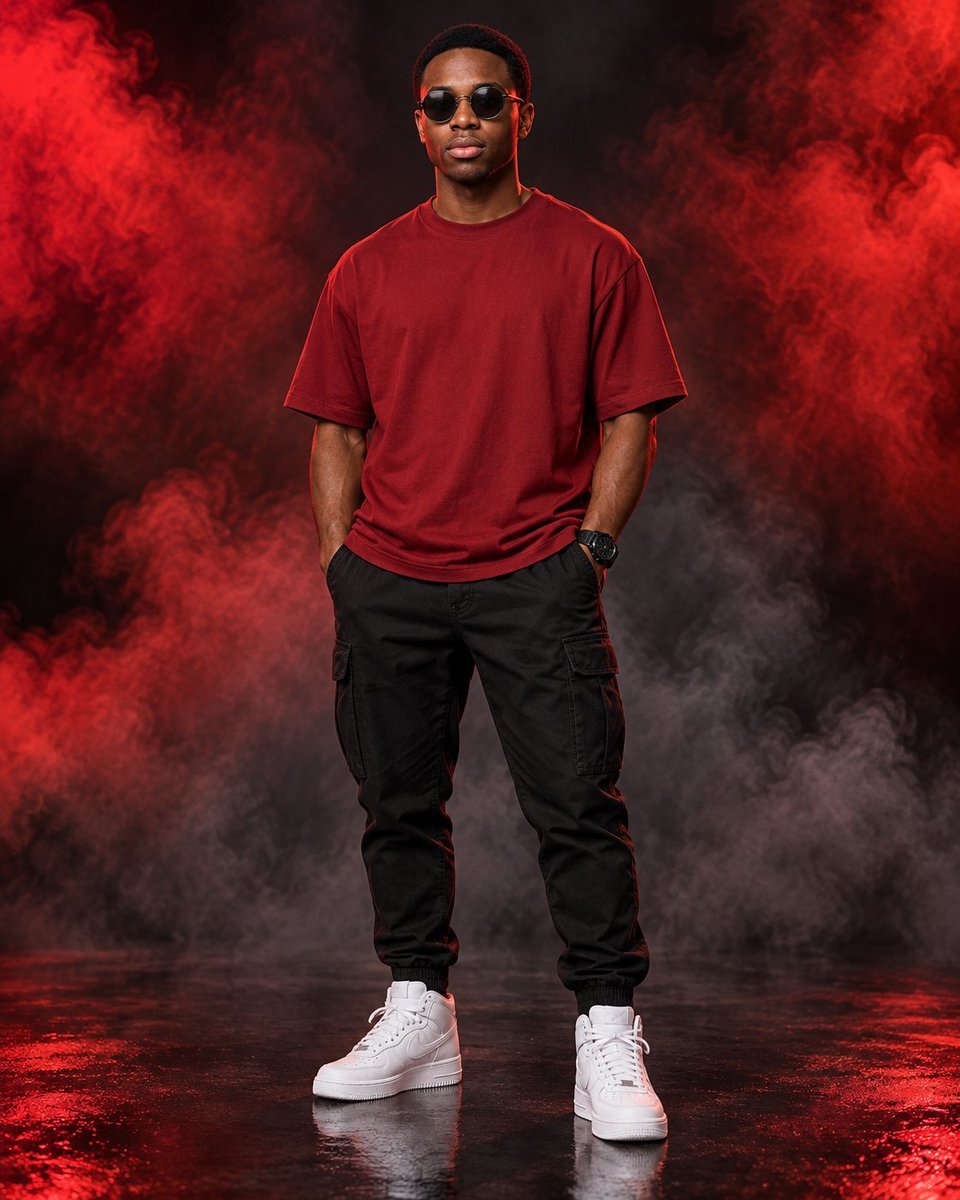
Dual Tone Studio Fashion Portrait
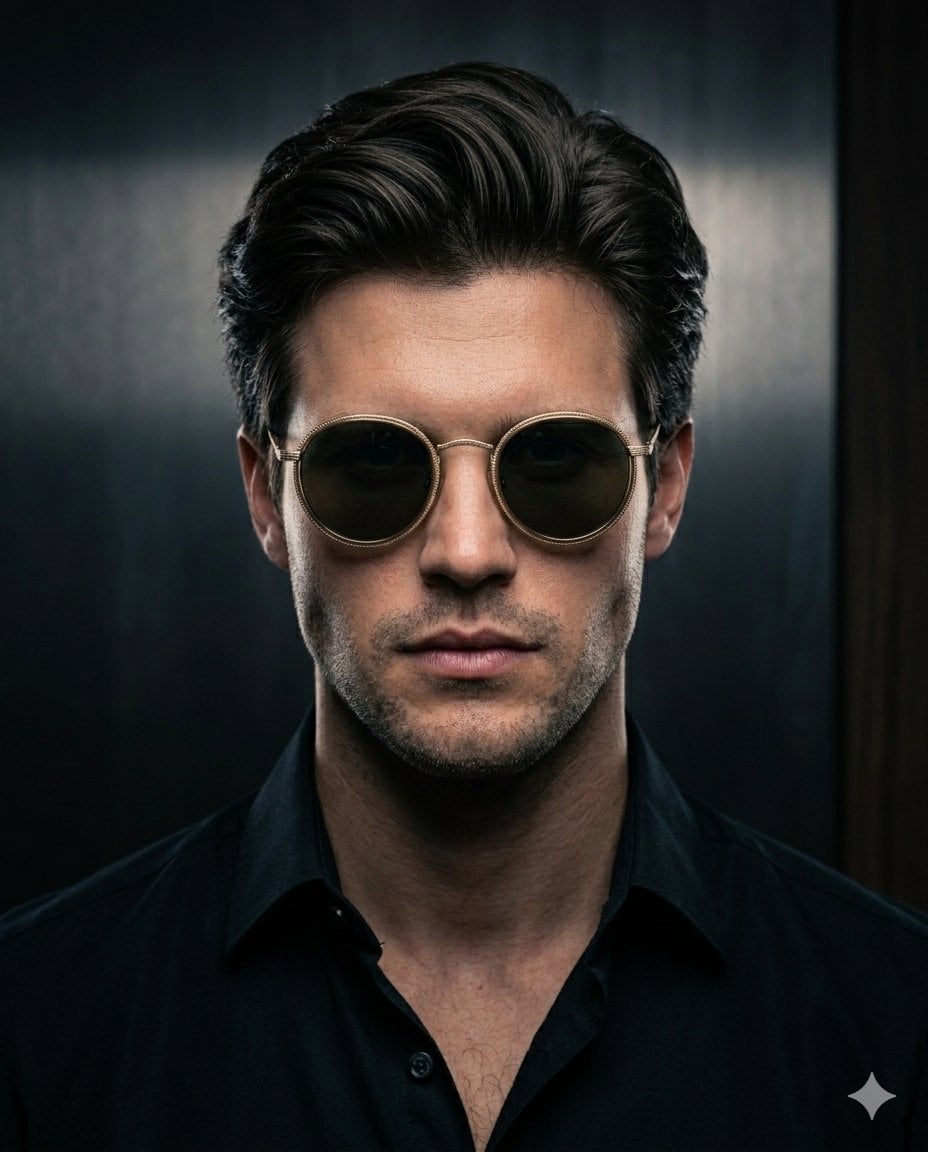
Minimalist Noir Sunglasses Portrait
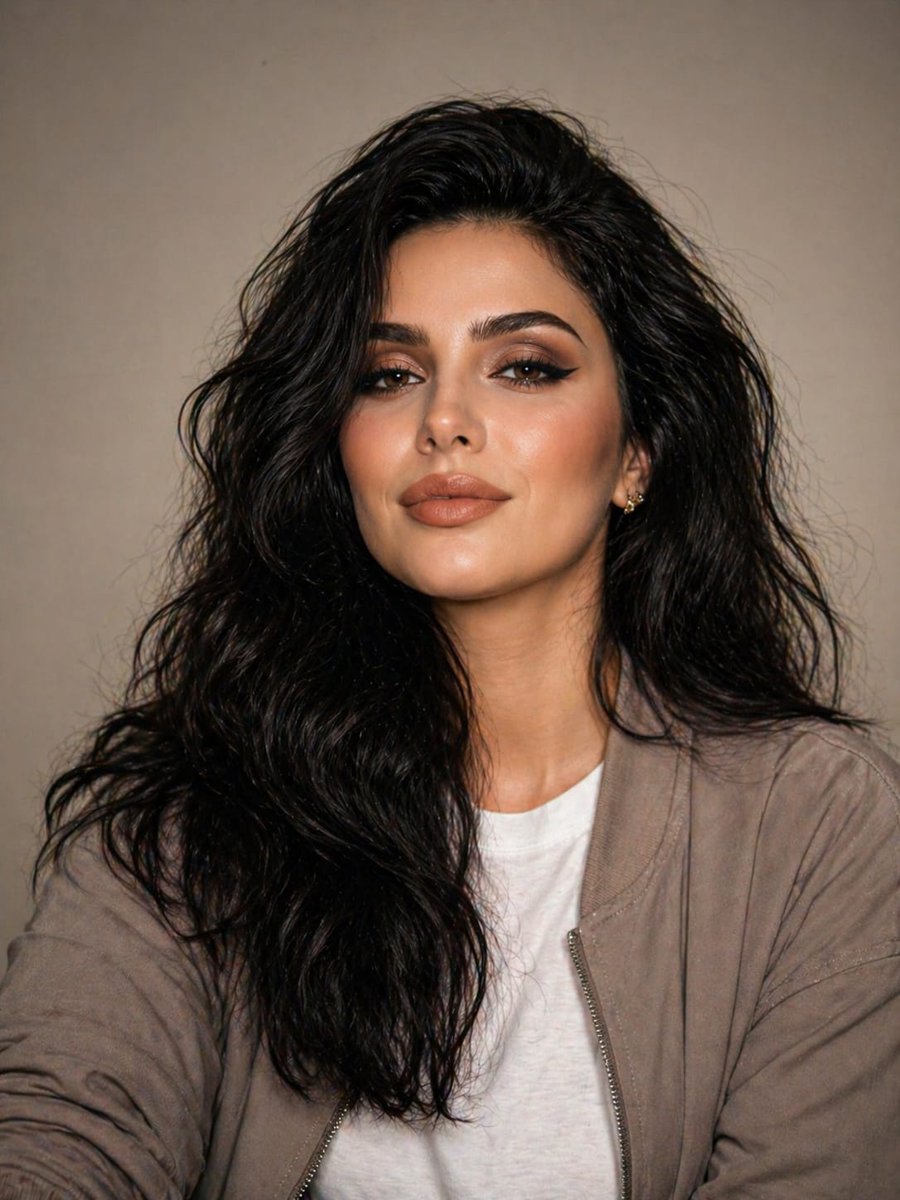
Minimal Studio Portrait in Neutral Tones
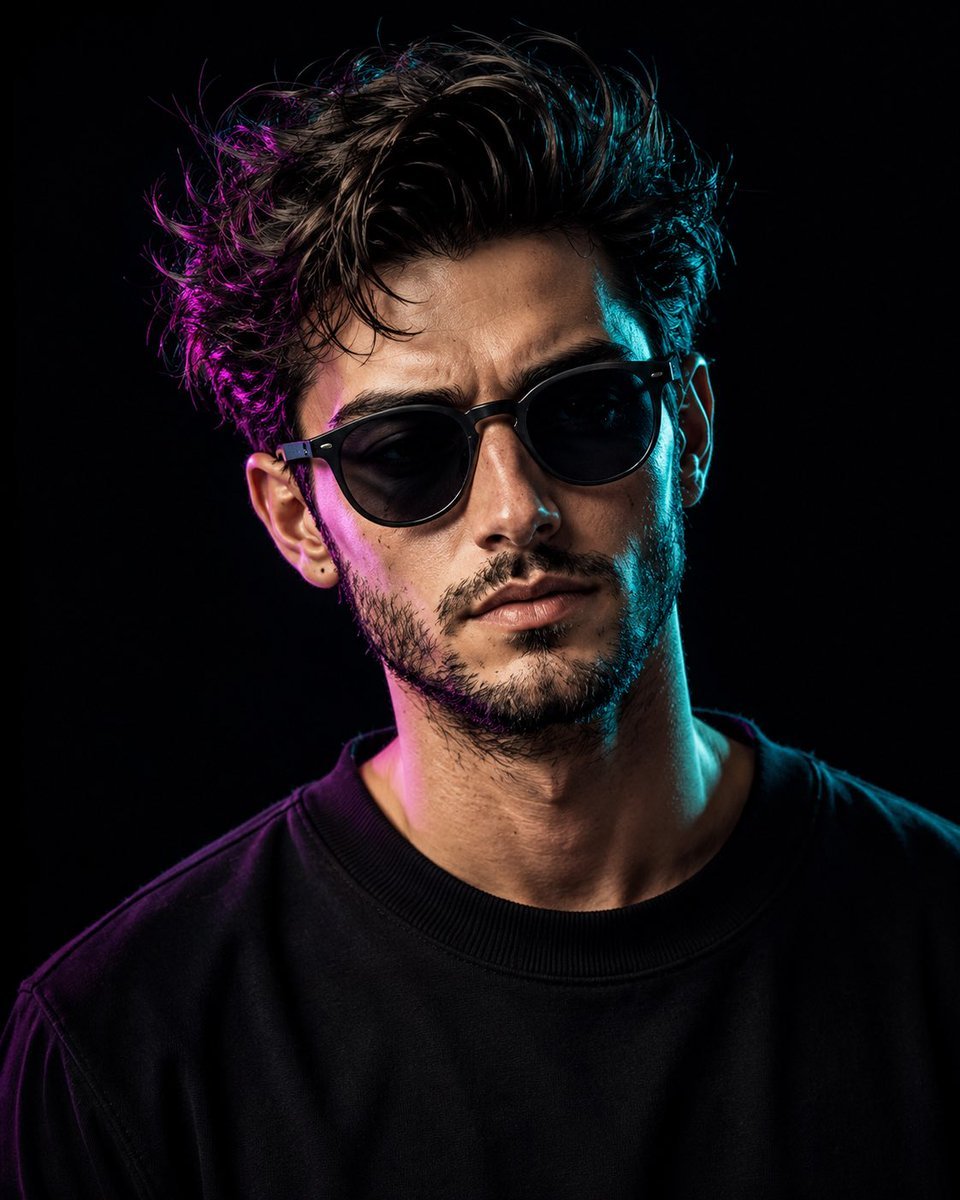
Cinematic Dual-Tone Studio Portrait
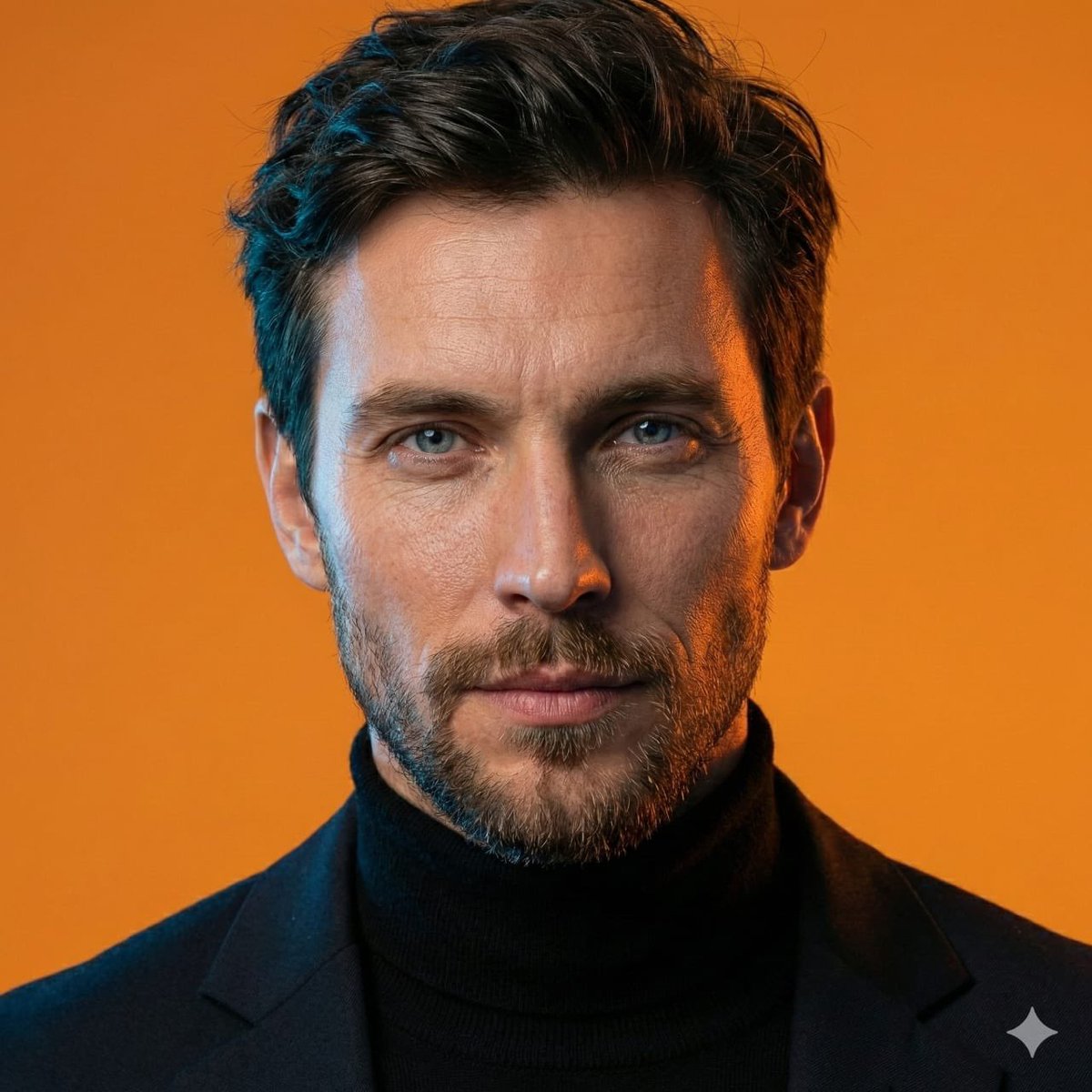
AI-Generated Face Cinematic Portrait Prompt (Dual-Tone Lighting)
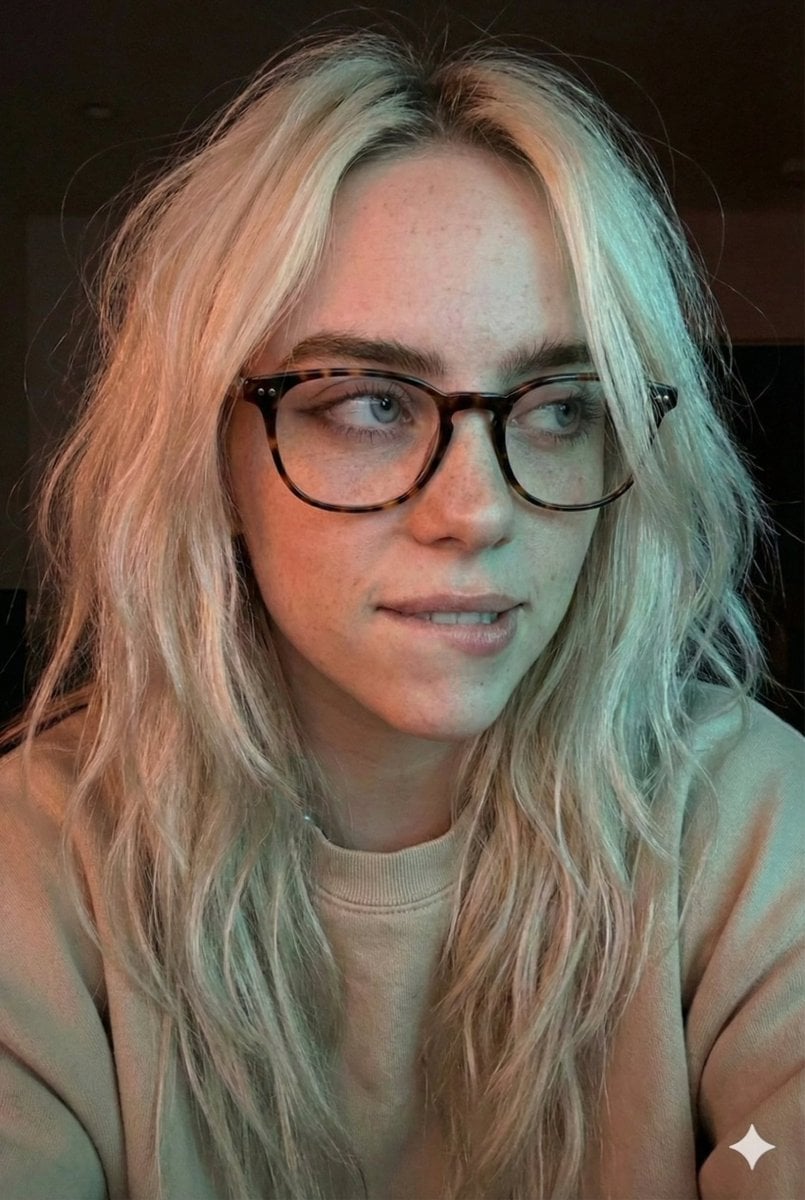
Moody Dual-Tone Selfie Portrait
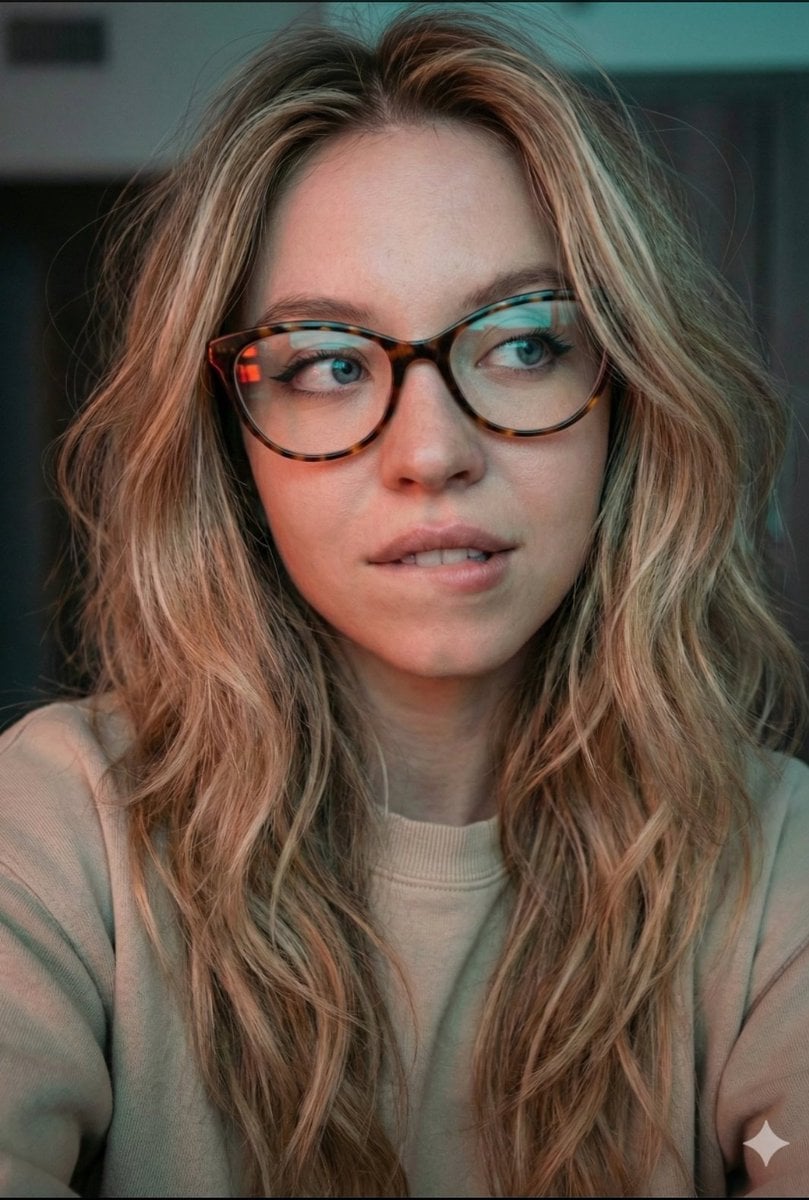
JSON Prompt for Cinematic Dual-Tone Selfie Portrait
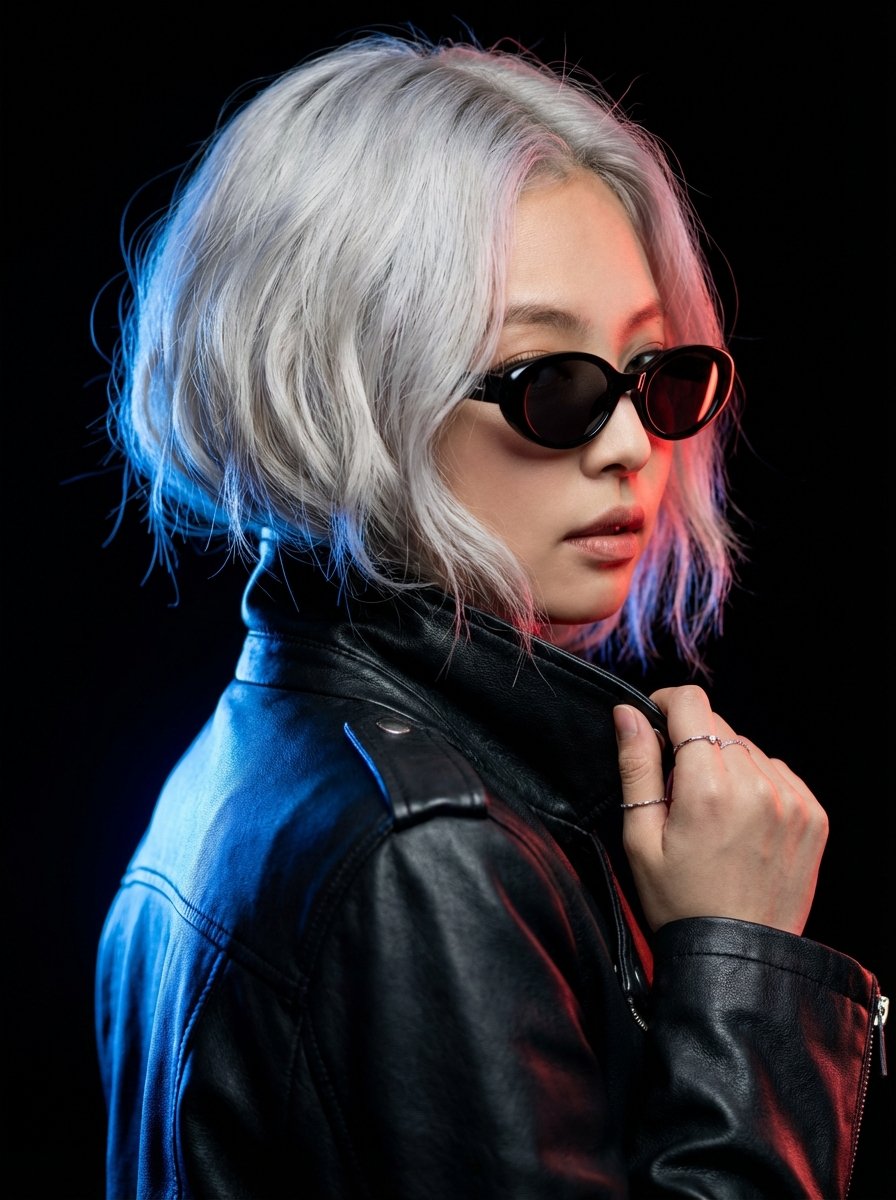
Hyper-realistic Portrait of Blackpink Jennie in Cinematic Dual-Tone Lighting

Found Photograph: Us, 1970

80s Couple Studio Portrait

80s Neon Disco Night
Make it yours
Neon Noir Dual Tone Portrait works as-is. These are the safest ways to change it without losing the look.
Change one field
Copy a single group, rewrite it, and generate again so you can see what that field is doing.
Keep the frame, change the subject
Hold the composition and light of Neon Noir Dual Tone Portrait, then swap wardrobe, props or the person for a new take.
| If the result… | Why | Fix |
|---|---|---|
| The result drifts from the preview | Too many fields changed at once. | Reuse Neon Noir Dual Tone Portrait as-is first, then change one group — subject, light, or setting. |
| The model over-stylizes the scene | The prose prompt leaves finish and camera underspecified. | Add one camera or lighting sentence and stay on PicX Studio. |
More image prompts
Fresh picks from across the catalog.
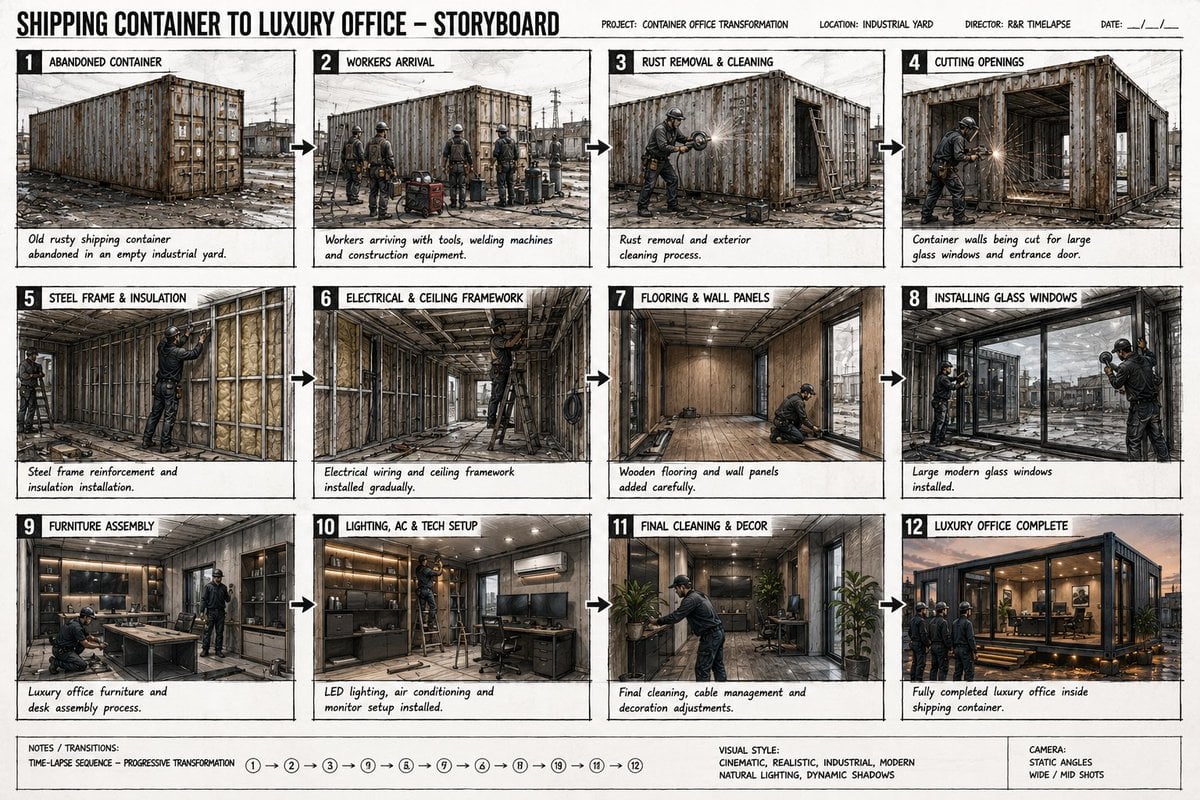
Shipping Container Transformation Storyboard
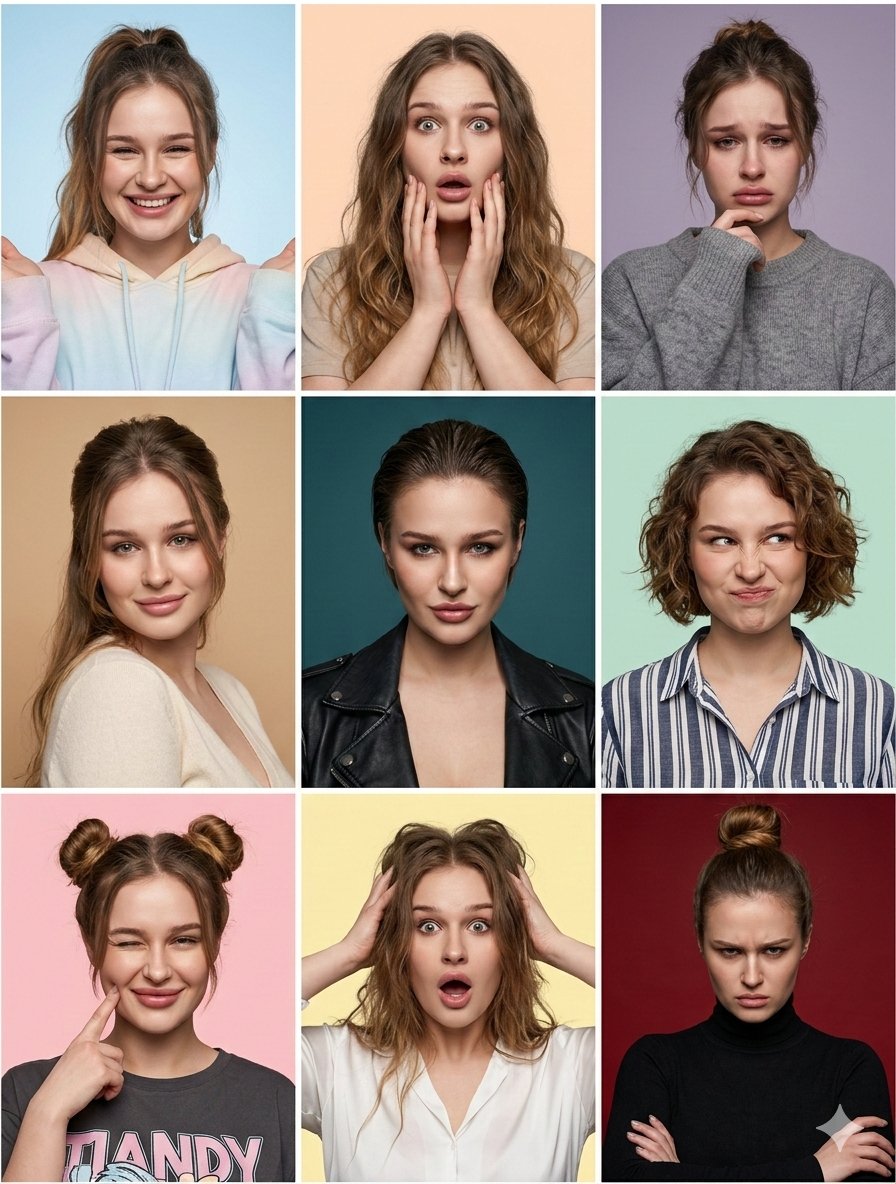
Nine Moods Grid Portrait with Identity Lock
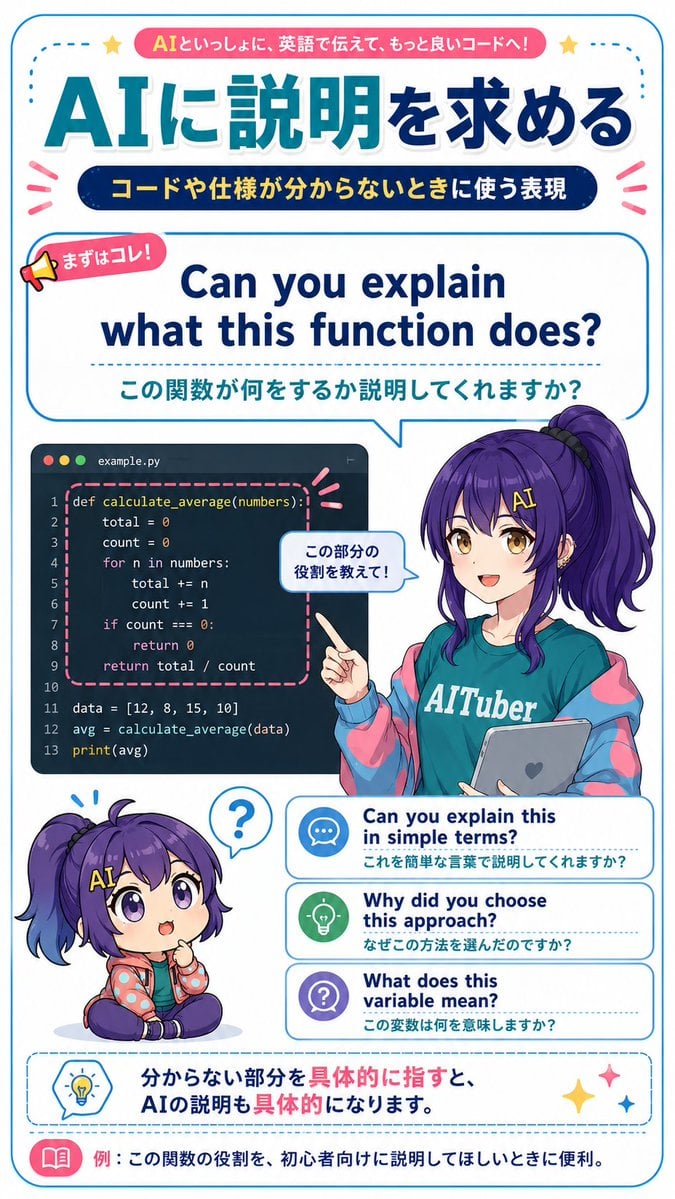
AI Code Explanation English Poster
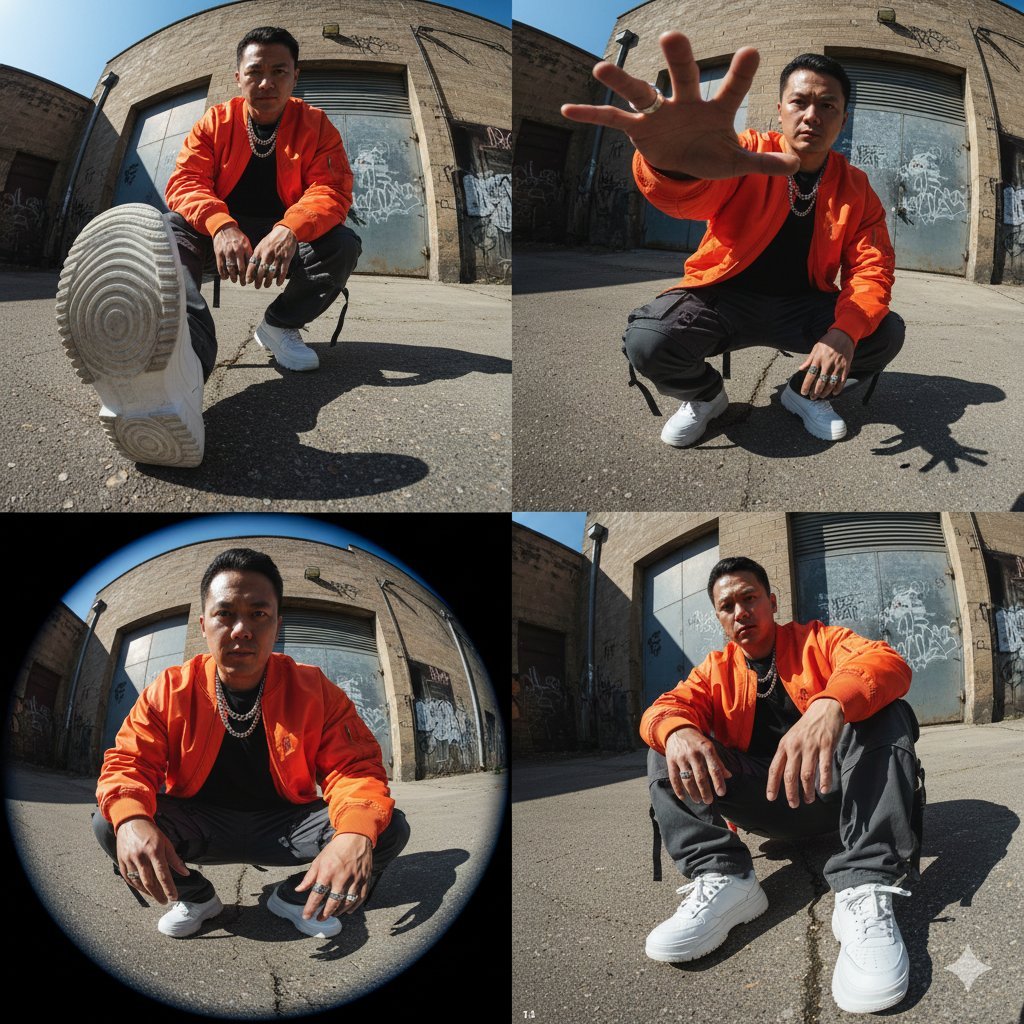
High-Fashion Streetwear Editorial (Multi-Panel, Identity Lock)
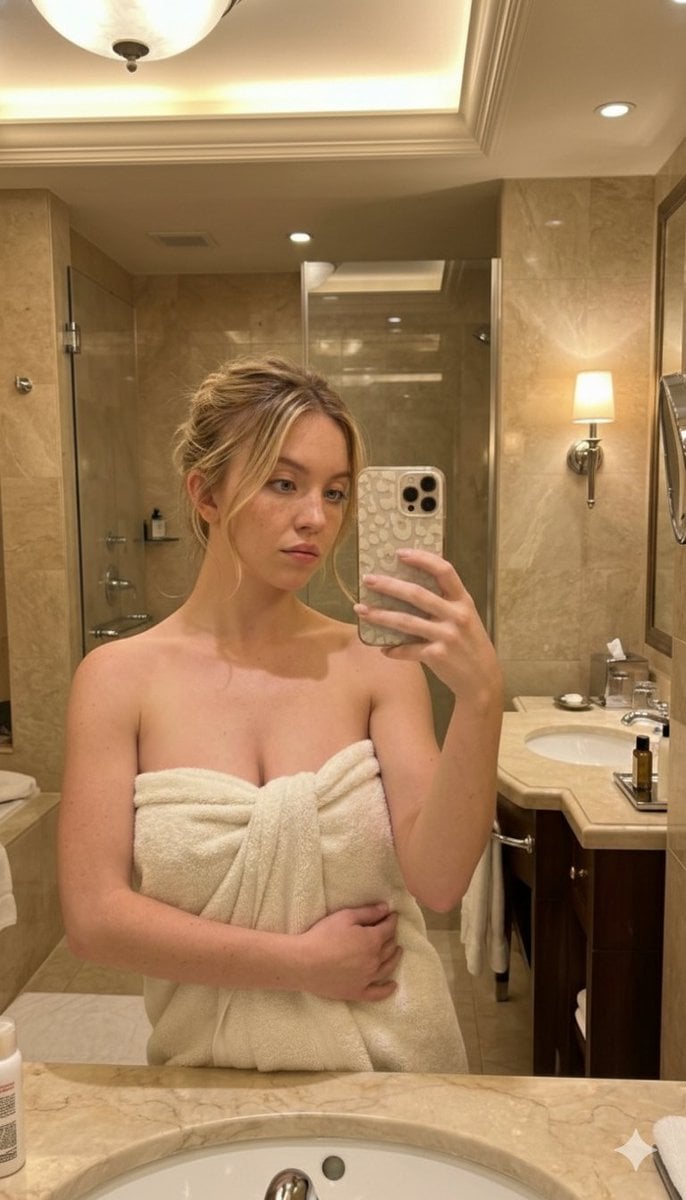
High-Angle Bathroom Mirror Selfie

Skincare Product Studio Shot
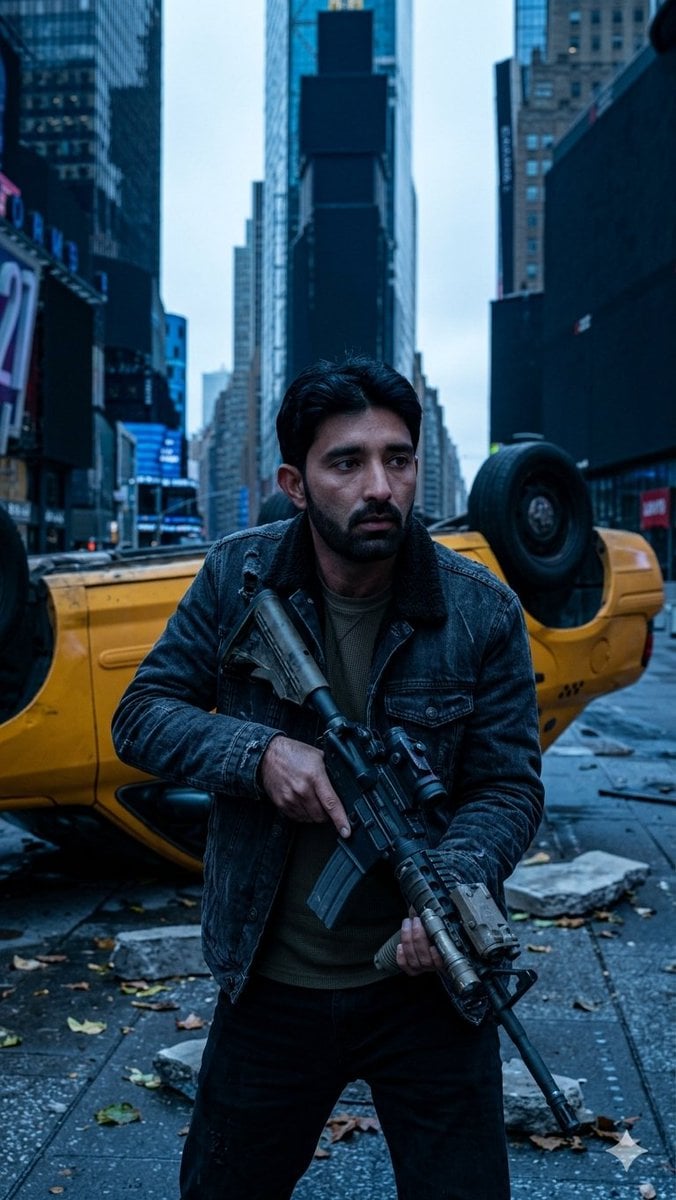
Deserted Times Square Protector
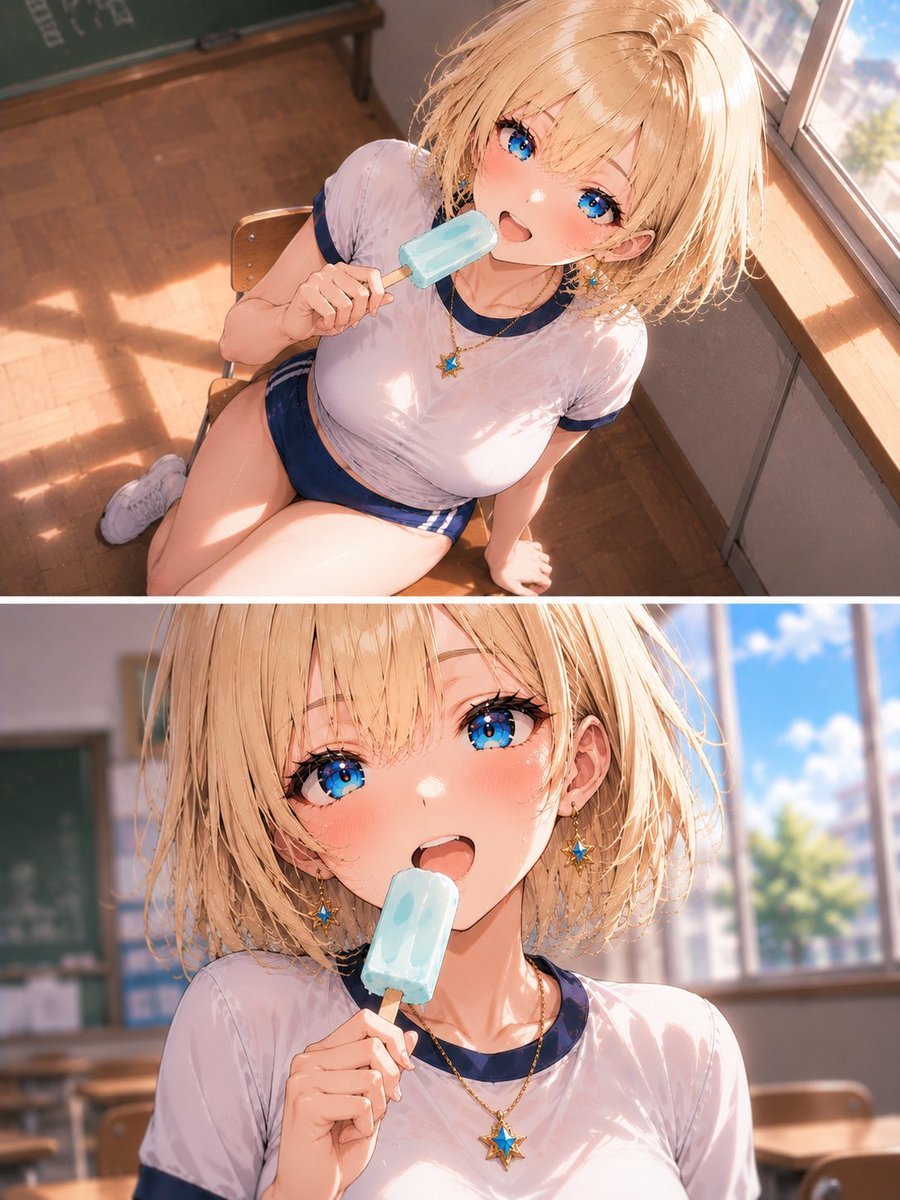
Blonde Schoolgirl Ice Pop Diptych
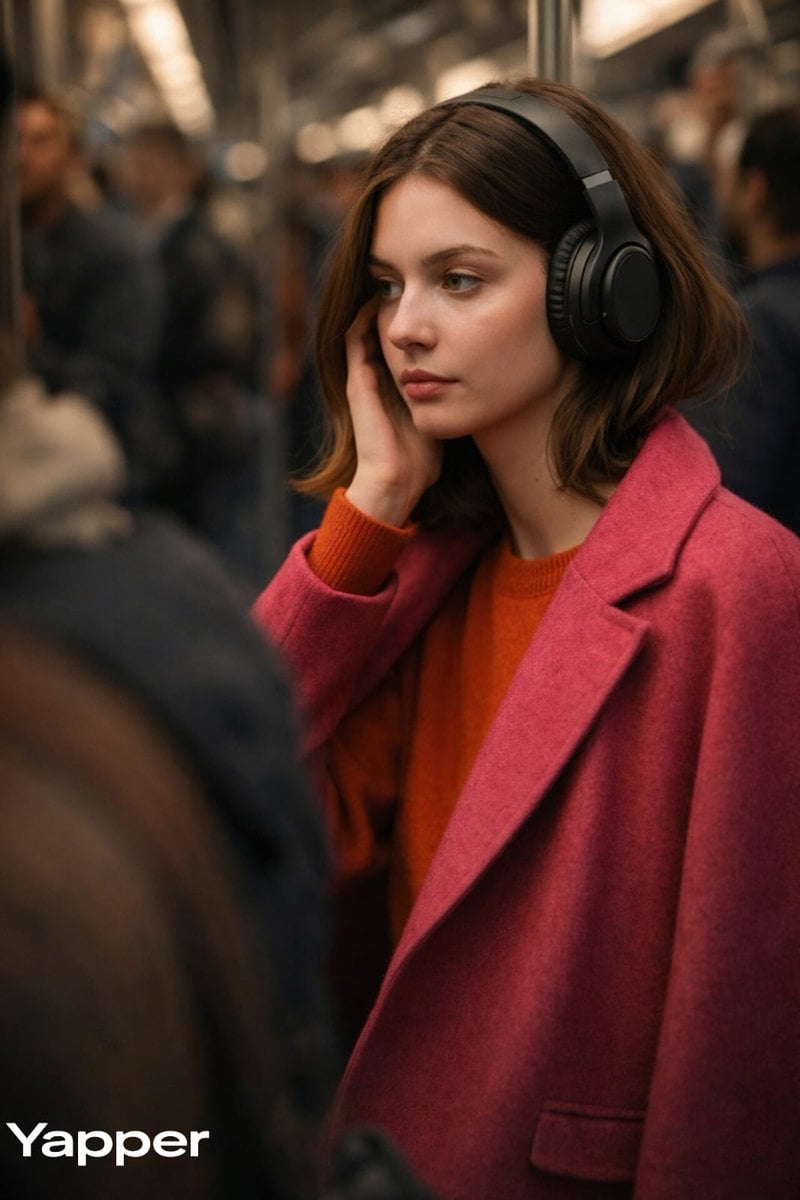
Luxury Campaign Photo in Metro Train with Headphones
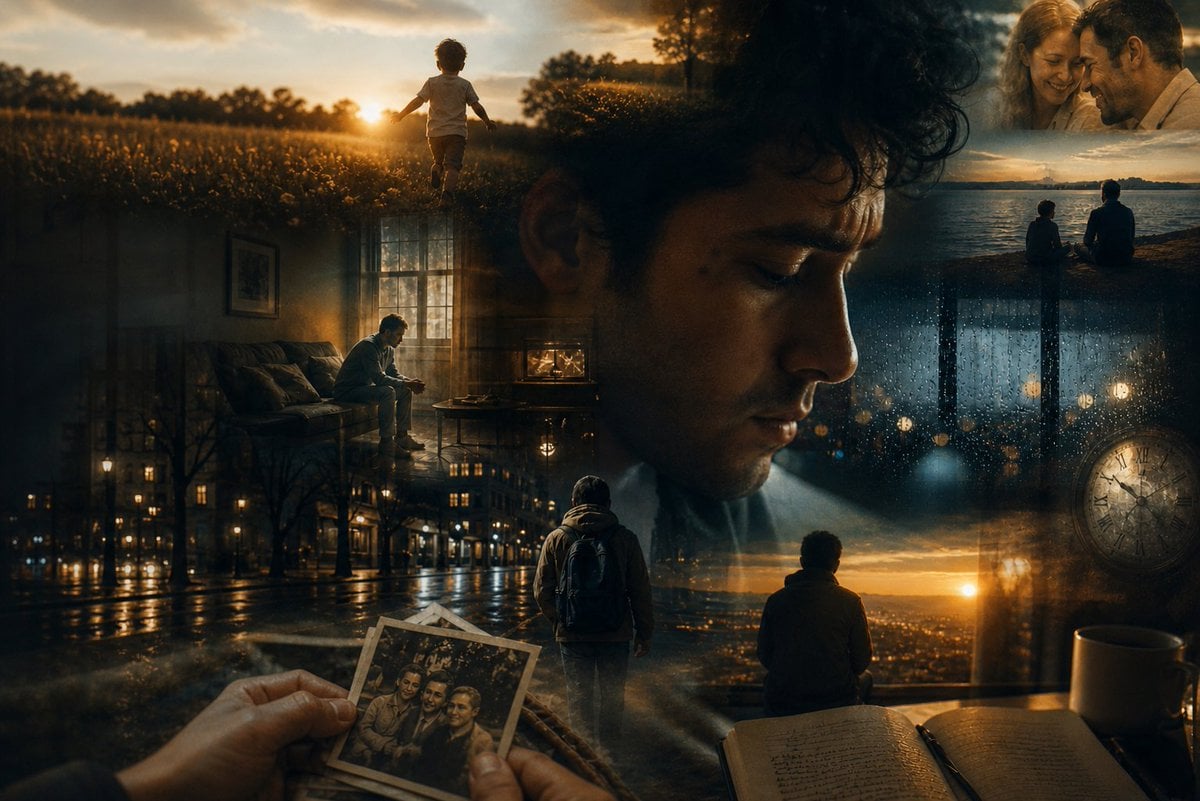
Dreamlike Double Exposure Montage
Browse template categories
Neon Noir Dual Tone Portrait questions
How do I use the Neon Noir Dual Tone Portrait template?
Add your photo if the template asks for one, edit the prompt if you like — the template's model and format are already selected — and press Generate. Your version opens in PicX Studio.
Can I customize the Neon Noir Dual Tone Portrait template?
Yes. You can change the subject, setting, lighting, mood, format, and available model controls before creating your image.
Is the Neon Noir Dual Tone Portrait template free?
Opening and editing this template is free. Generating uses credits, shown on the Generate button when you are signed in.
Which AI model should I use?
Choose a compatible model in PicX Studio based on the style, speed, and output controls your project needs.
Looking for something else? Browse all templates.

Your photo, any look
Thousands of ready templates for every top image and video model, from one credit balance.